












UPERFECT UColor O2 review: Amazing OLED screen in a slim design
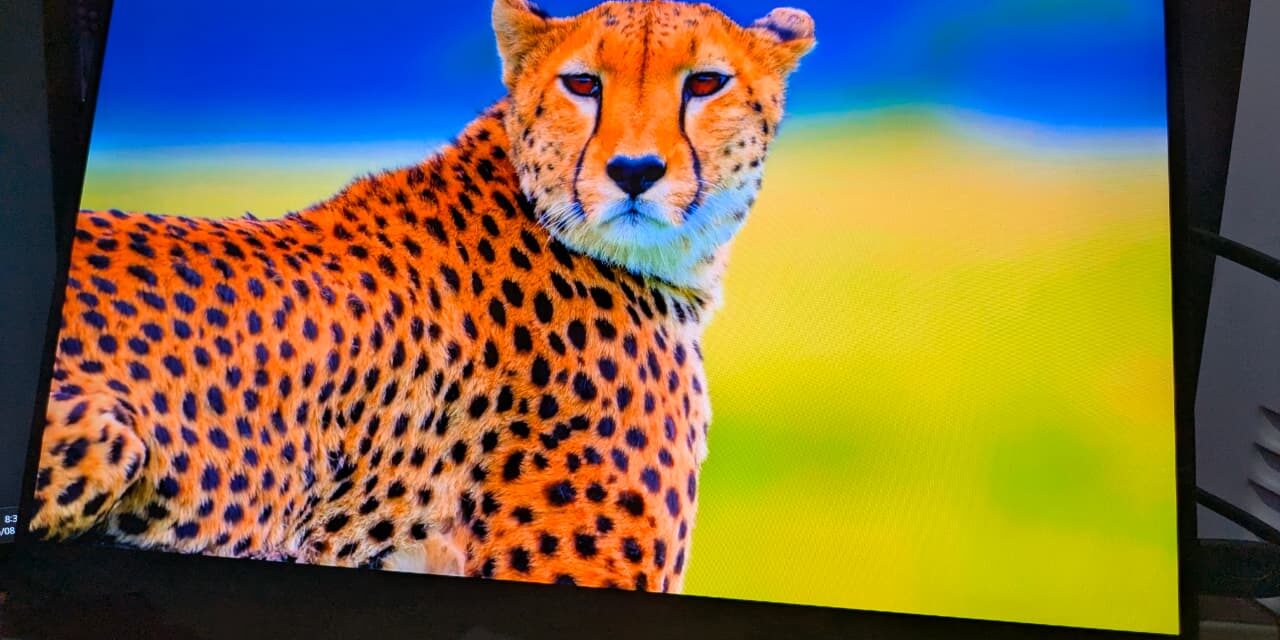
UPERFECT has become one of the top names when we talk about portable monitors. And it’s not a new name for us at EnosTech. We’ve already reviewed the one-of-a-kind 24.5-inch UMax portable monitor, which still sits on my desk as my daily screen, along with the smaller UMax 22. Now, as OLED gaming monitors are becoming the new trend, UPERFECT has taken the next step by making OLED portable with the UColor O2. The UPERFECT UColor O2 is a great example of this change. It brings a beautiful OLED display into a slim and light 16-inch body, with touch support, a fast 120Hz refresh rate, and rich colours – all under $400.
Unboxing
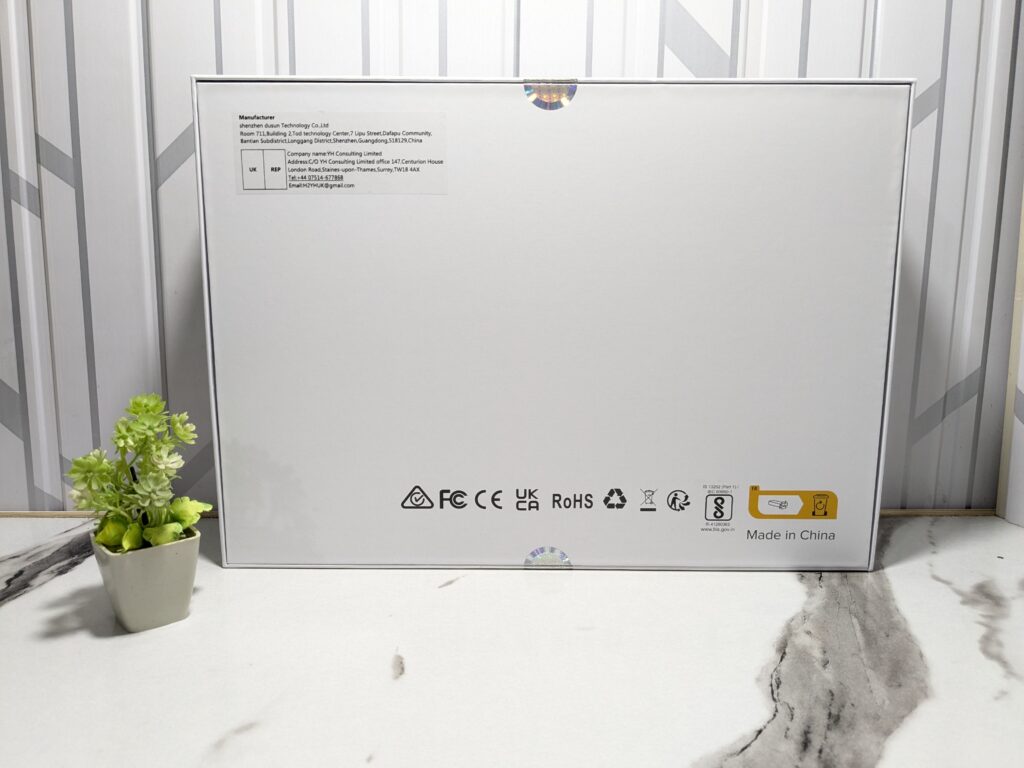
The UPERFECT UColor O2 comes in a simple, no-logo cardboard box—just like the previous UPERFECT monitors I’ve reviewed. The packaging is plain but secure, with everything nicely packed inside.
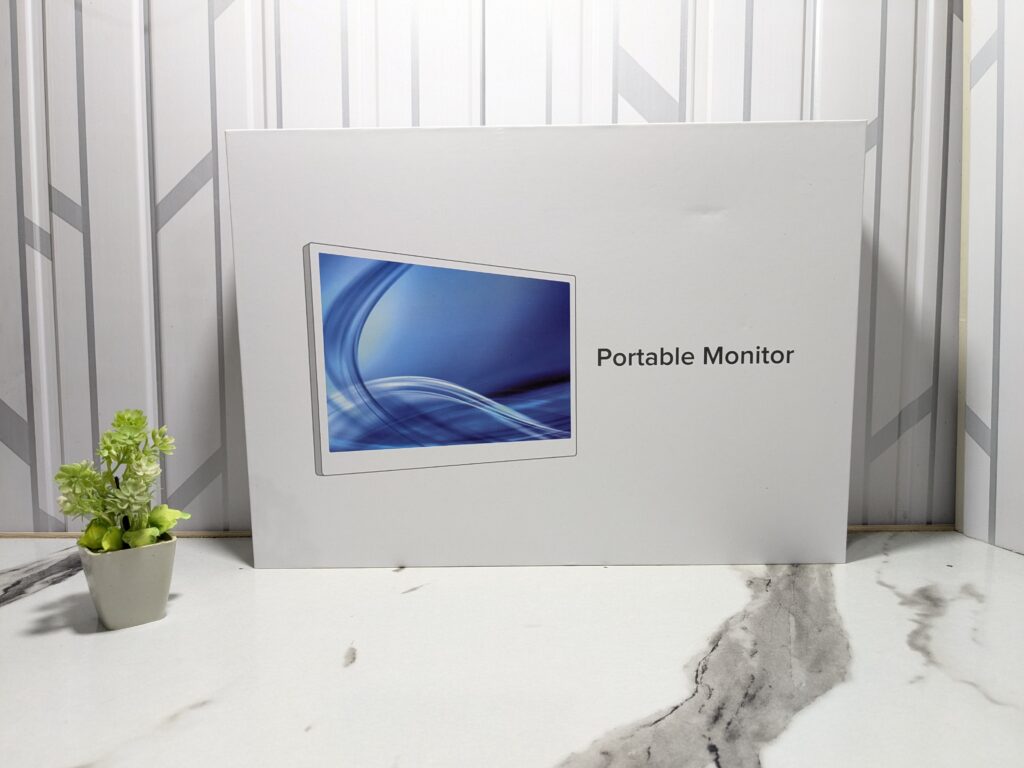
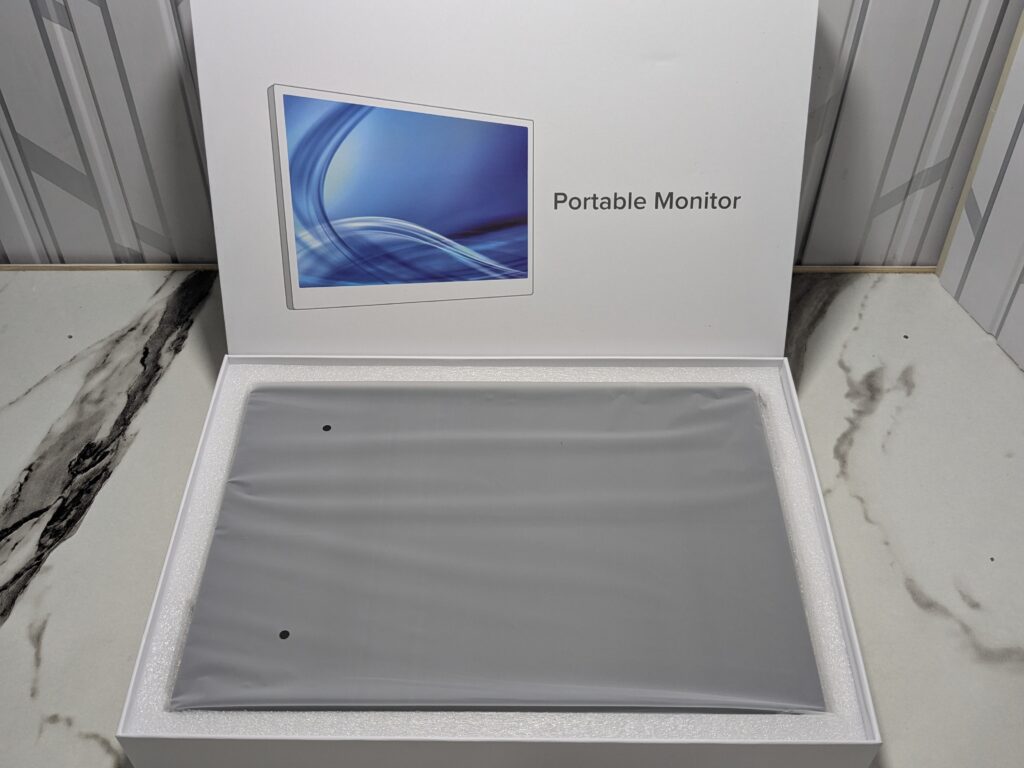
As expected, the first thing you see is the monitor, wrapped safely in protective material.
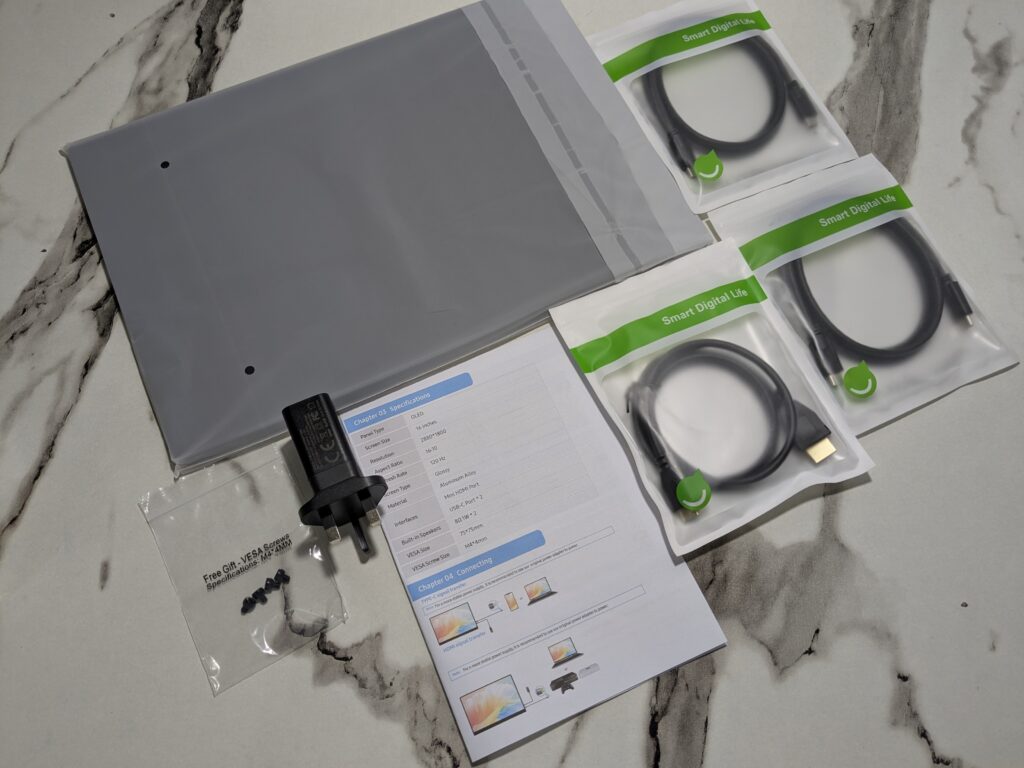
Along with it, UPERFECT includes a folio cover, two USB-C to USB-C cables, one USB-A to USB-C cable, a mini-HDMI to HDMI cable, and a 30W USB-C power adapter. There’s also a small set of screws in case you want to use a VESA mount.
Pricing
| UPERFECT official website | $349.99 (Click here to buy) |
UPERFECT UColor O2 Specifications
| Feature | Details |
|---|---|
| Screen Size | 16 inches |
| Resolution | 2880 × 1800 (2.8K) |
| Panel Type | OLED |
| Aspect Ratio | 16:10 |
| Refresh Rate | Up to 120Hz |
| Response Time | 1ms |
| Contrast Ratio | 100,000:1 |
| Brightness | 500 cd/m² |
| Colour Gamut | 100% DCI-P3 |
| HDR Support | Yes (8-bit + FRC) |
| Weight | 0.72 kg (1.59 lbs) |
| Thickness | 3.5 mm (at thinnest point) |
| Inputs | 2 × USB-C, 1 × mini-HDMI |
| Audio | Dual 1W speakers |
| Mounting Support | 75 × 75 mm VESA |
| Touchscreen | Yes (on touch model) |
| Material | Aluminium body with glass front |
A closer look
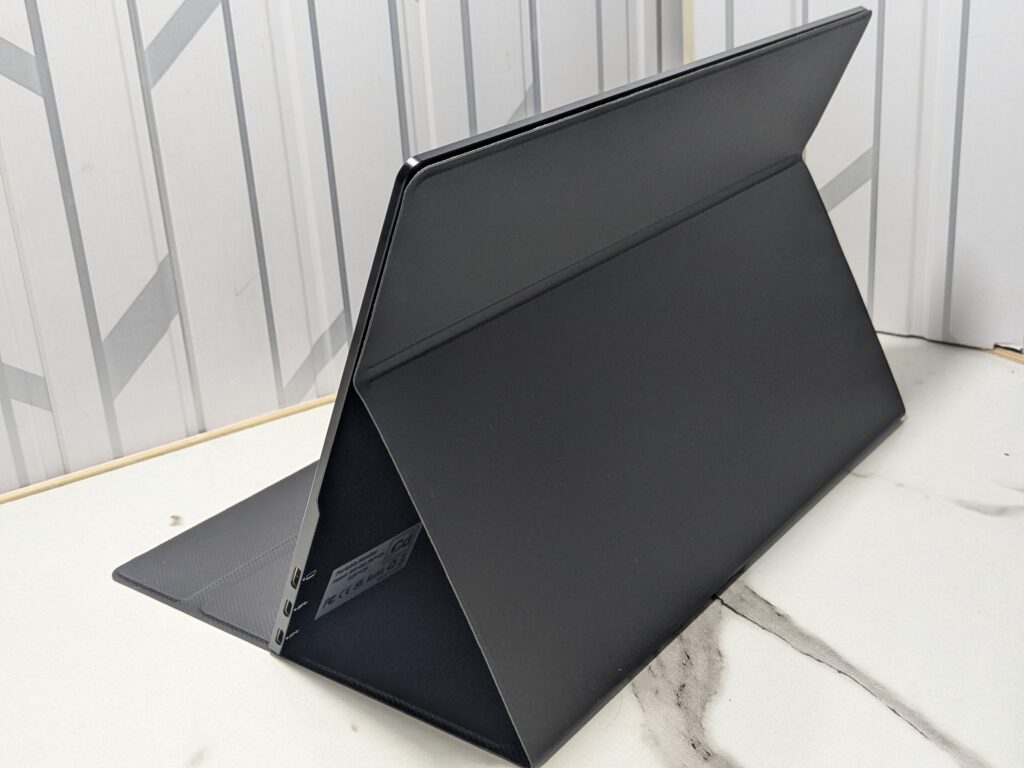
The UPERFECT UColor O2 looks sleek and modern. It has an edge-to-edge glass front with minimal bezels, except for a slightly larger bottom chin. The back and sides are made of aluminium, giving it a premium and durable feel. The monitor is only 6.5mm thick at its thinnest point, with a small bump at the bottom that holds the ports, speakers, and buttons.
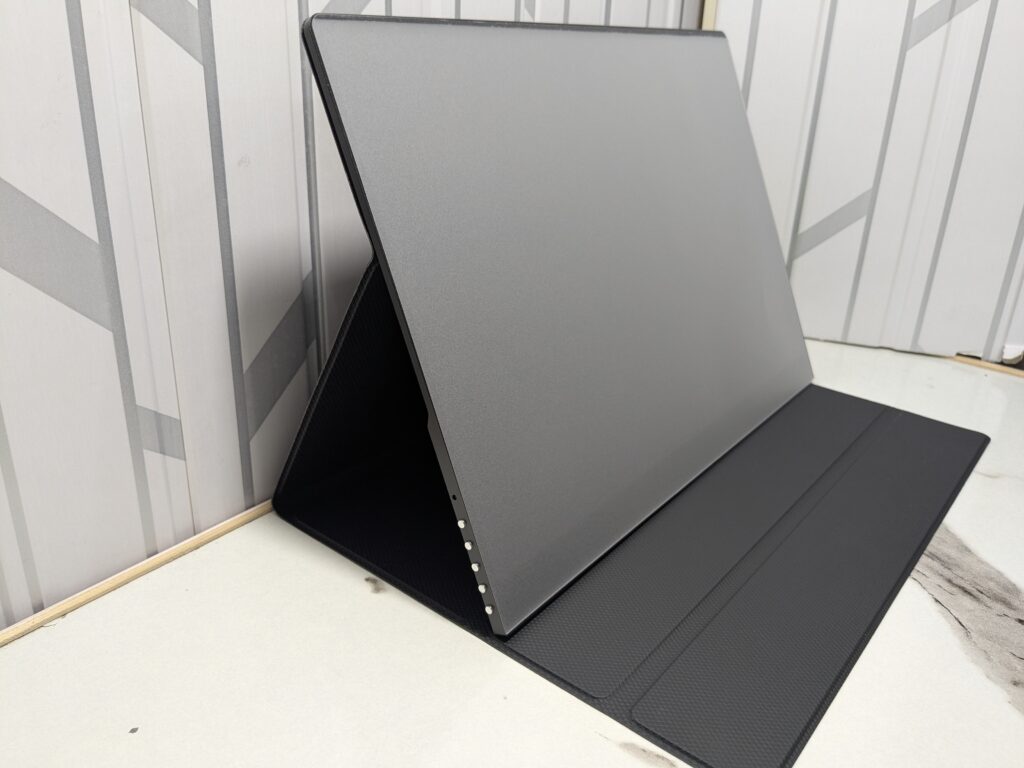
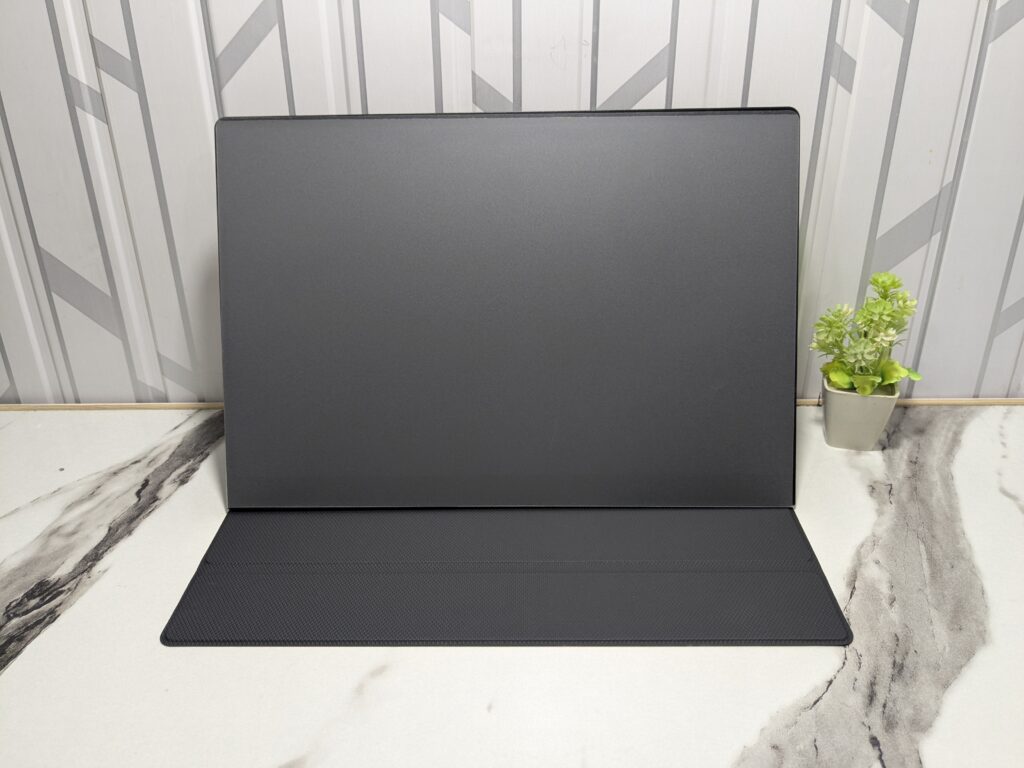
One thing I really liked is that there are no logos anywhere – not on the front or back. This clean, logo-free design helps the monitor look professional and minimal, and it blends in with any setup.
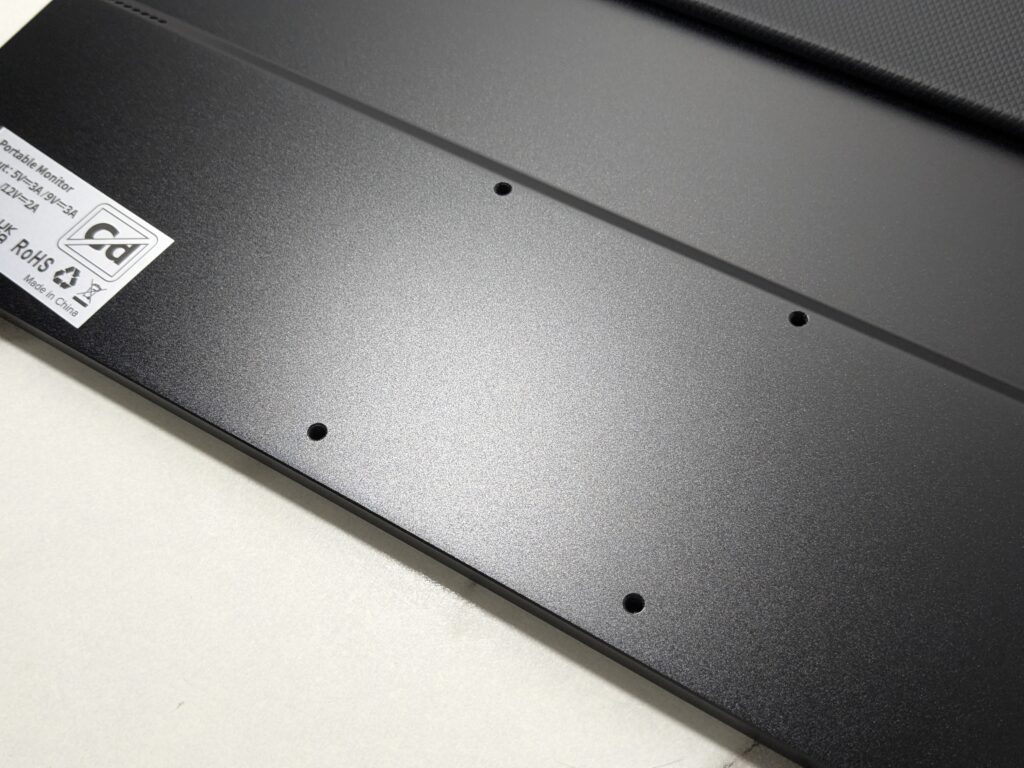
It has four VESA mount holes on the back, so you can attach it to any 75mm-compatible arm or stand. The overall size is 354 x 242mm, and it fits easily in any 15.6- or 16-inch laptop bag. At 720g, it’s very light and easy to carry around.
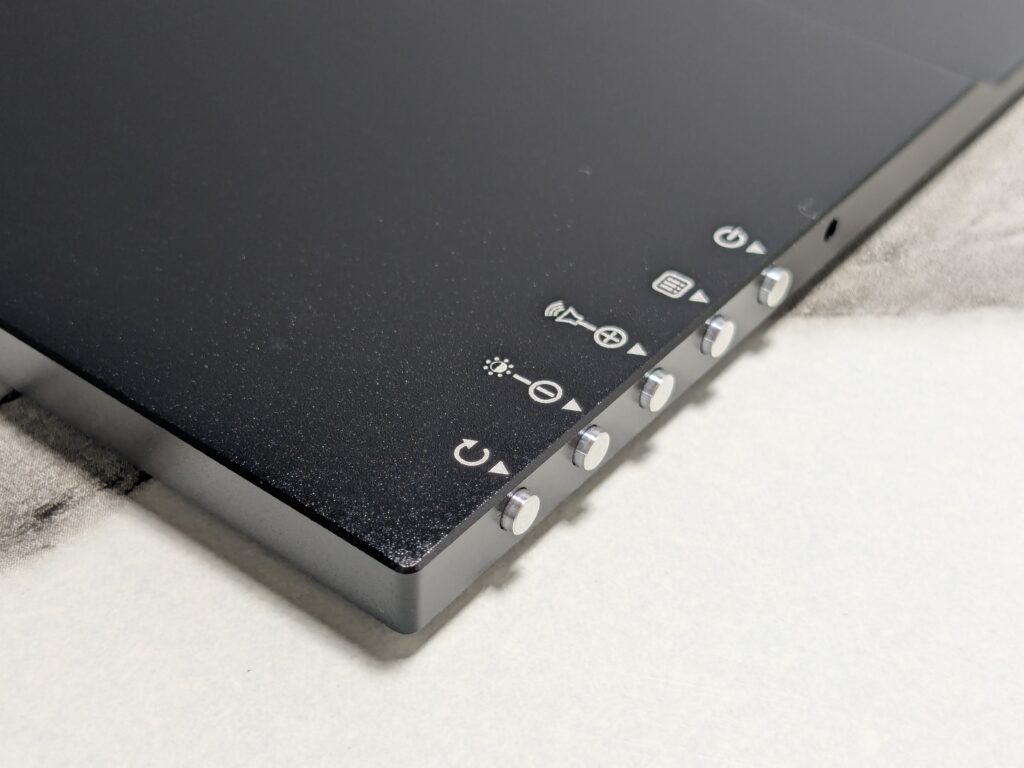
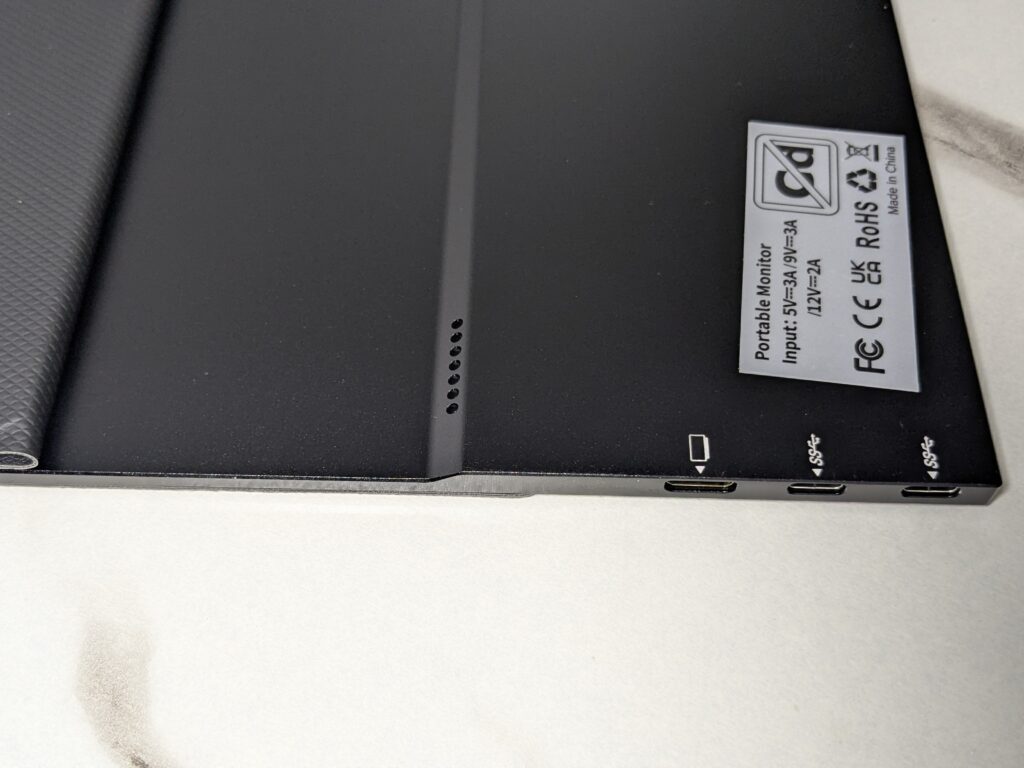
The control buttons are placed on the left, while the ports (two USB-C and one mini-HDMI) are on the right.
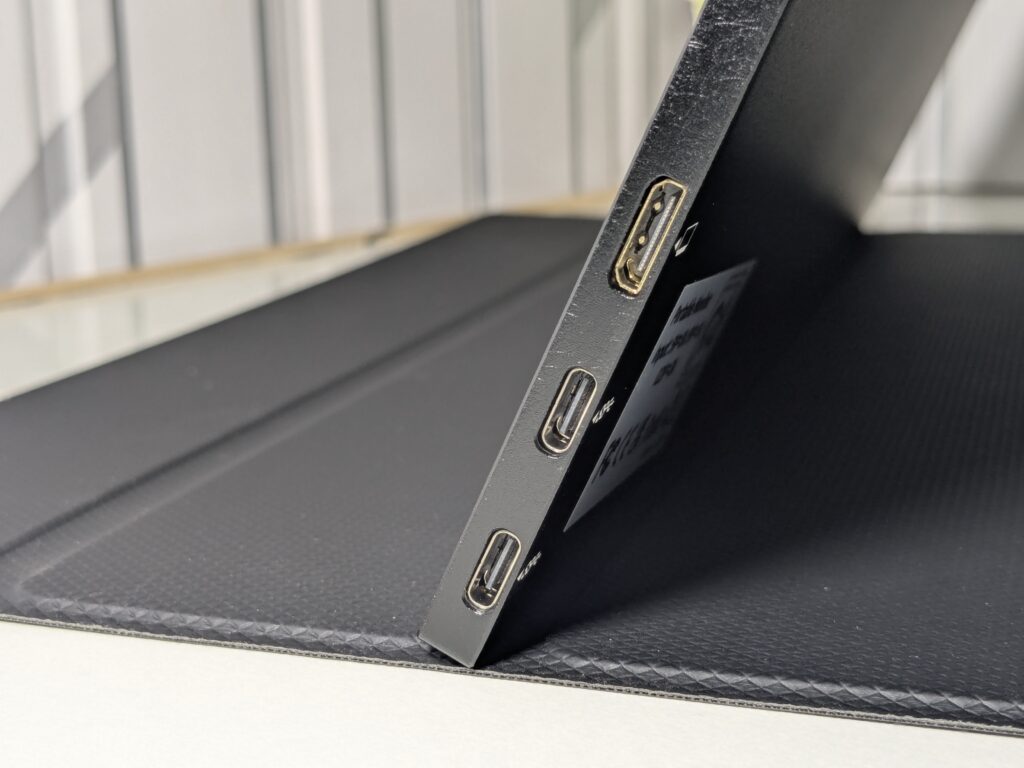
The included folio case is decent and attaches with magnets. It folds into a stand to prop up the monitor at a fixed angle. The magnet isn’t super strong, so the screen can sometimes slip, but it works fine for light use. UPERFECT also sells other stand options if you want more flexibility.
Display
The heart of the UColor O2 is its 16-inch OLED panel. It runs at a 2880 x 1800 resolution with a 16:10 aspect ratio. The refresh rate goes up to 120Hz, and the response time is rated at 1ms. Colour coverage is claimed to be 100% DCI-P3, and contrast ratio is a massive 100,000:1 – typical for OLED panels.
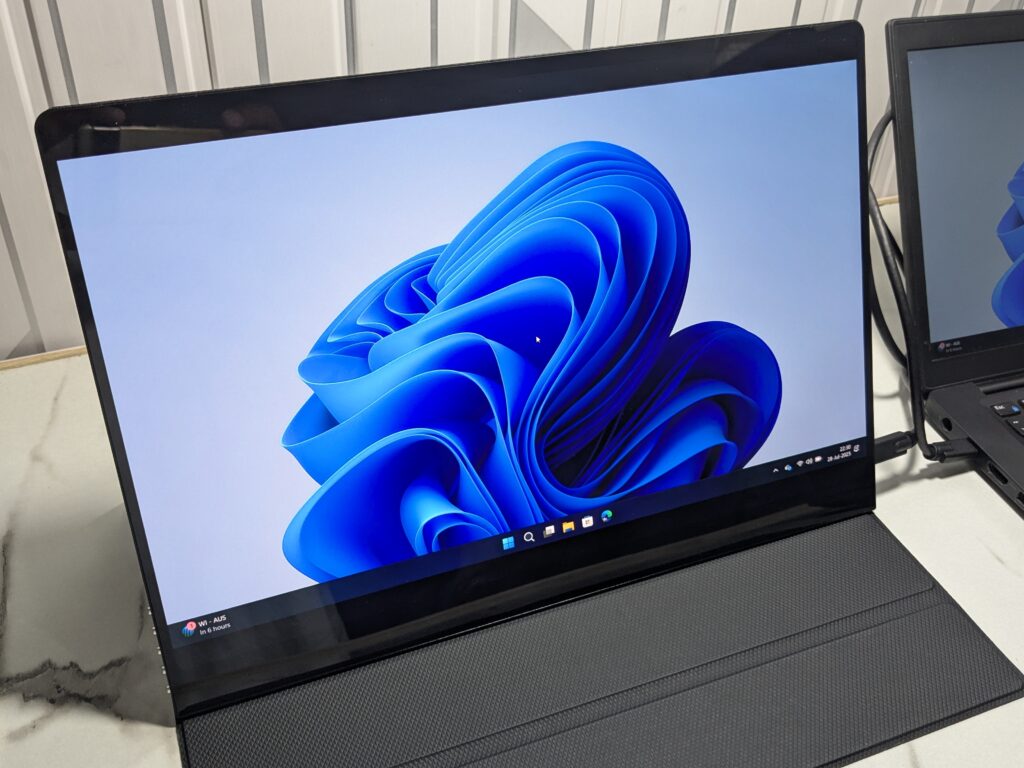
Brightness can go up to 500 nits, which is good enough for most indoor and moderate lighting situations.
HDR is supported, but it’s not full 10-bit HDR. Instead, it uses 8-bit colour with FRC (Frame Rate Control), a method that mimics 10-bit colour. In daily use, most people won’t notice the difference – the colours look great regardless.
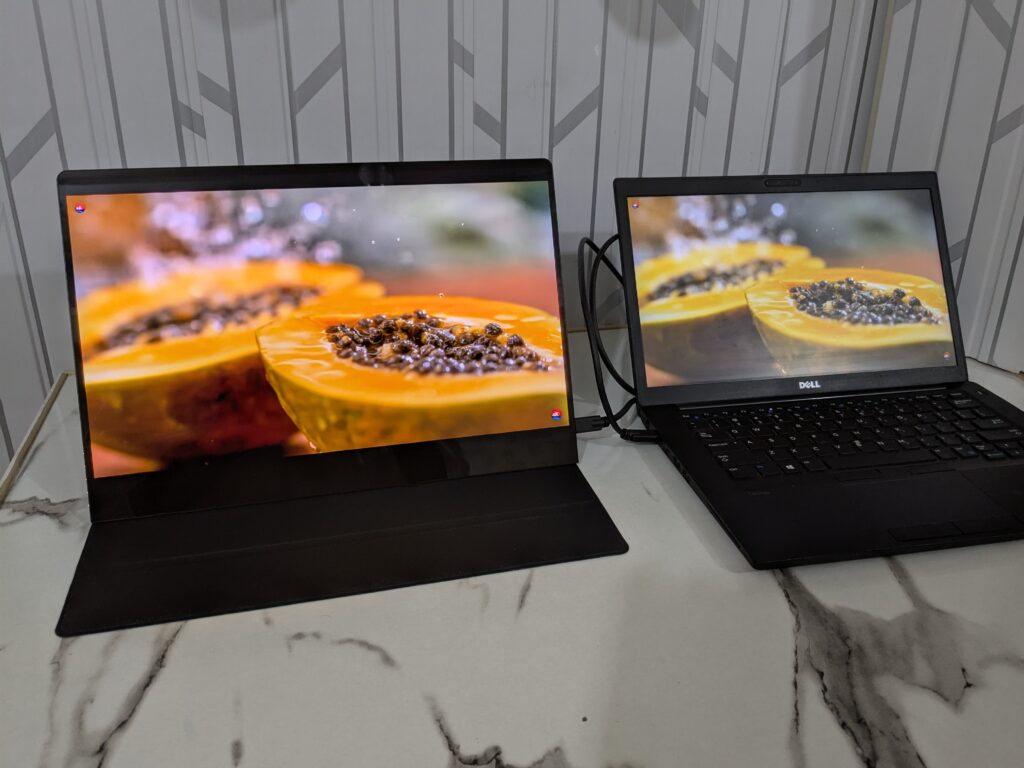
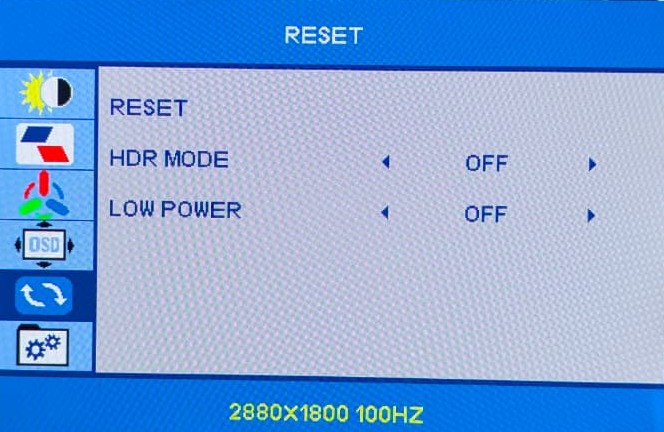
One small issue is that HDR has to be turned on manually in the menu, and once it’s on, you can’t adjust brightness. Also, the image sometimes looks too bright or washed out with HDR enabled. It’s better to use SDR for most use cases.
Sadly, there’s no support for variable refresh rate technologies like FreeSync or G-Sync.
Also Read: UPERFECT UMax22 Review: Beautiful, Bright, and Built to Travel
OSD Menu
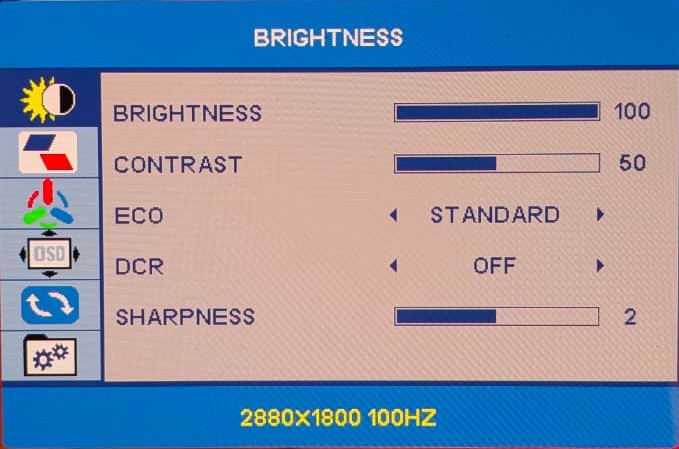
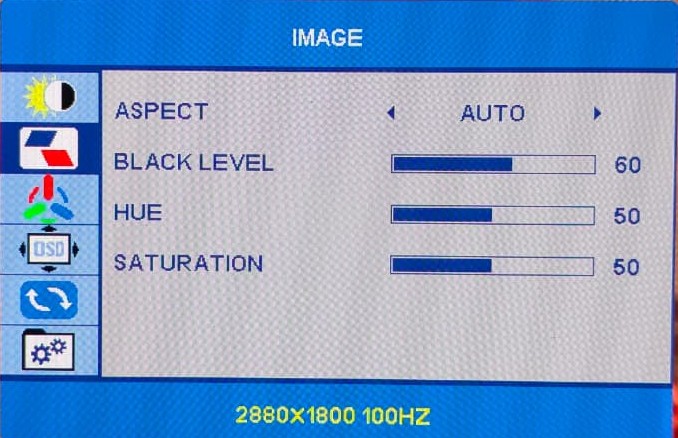
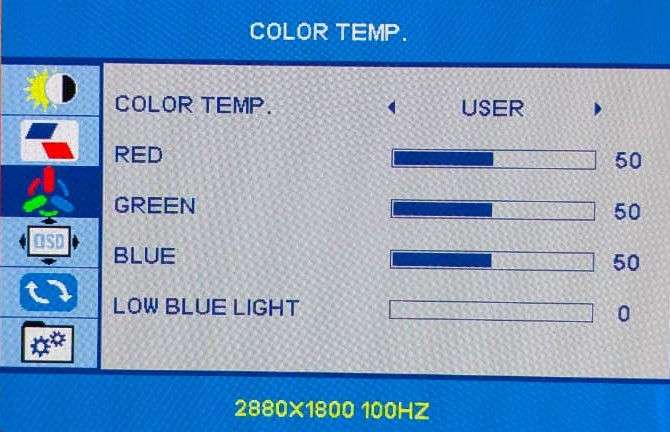
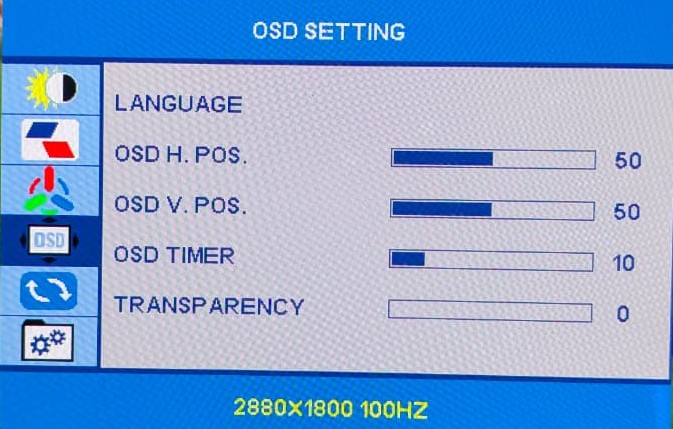
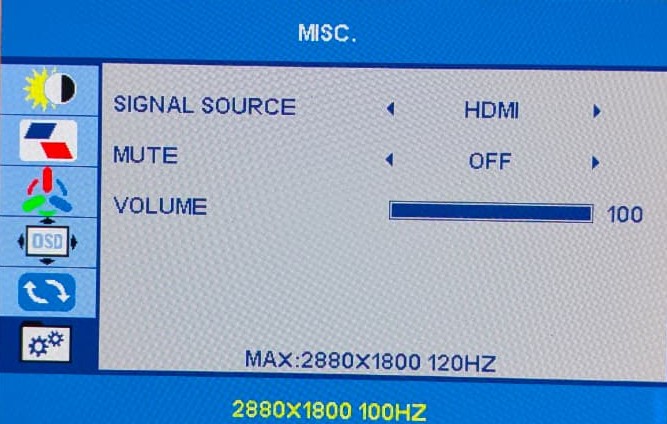
The UColor O2 has a simple and easy-to-use OSD (on-screen display) menu. You can open it with the side buttons and adjust things like brightness, contrast, colours, and black levels. There are also options for HDR, DCR (dynamic contrast), and a blue light filter. One small issue is that when HDR is turned on, some settings like brightness can’t be changed. Also, brightness only changes in 5% steps, which makes it hard to set the perfect level. Still, for a portable monitor, the menu gives enough options to set up the screen the way you like.
User Experience
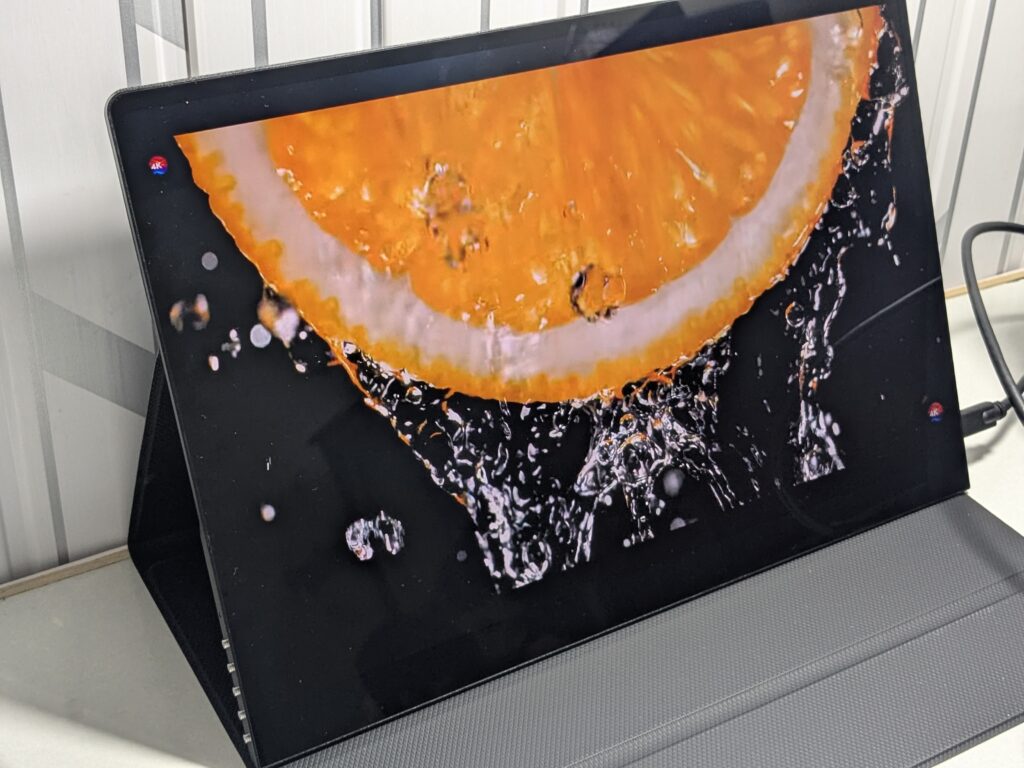
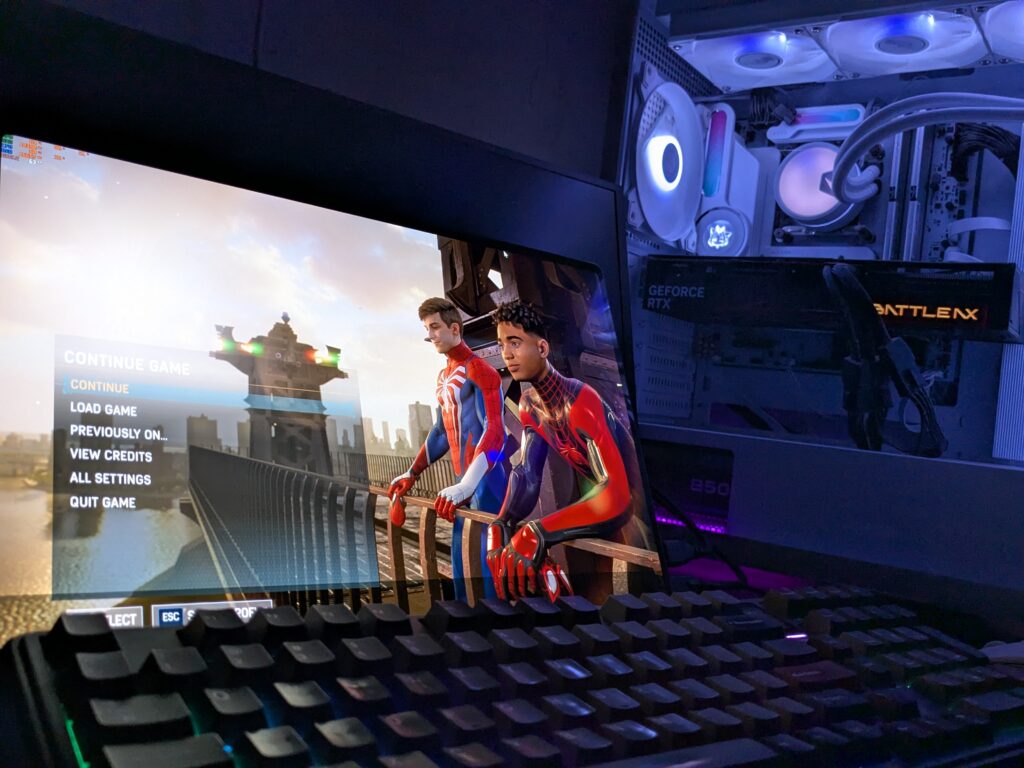
This is where the UColor O2 really impressed me. The OLED panel delivers rich, punchy colours and perfect blacks. Whether you’re watching movies or playing games, the viewing experience feels premium. I tested it with Marvel Spider-Man 2 looked absolutely stunning. The black areas were so deep that they almost blended into the screen bezels—typical OLED magic.
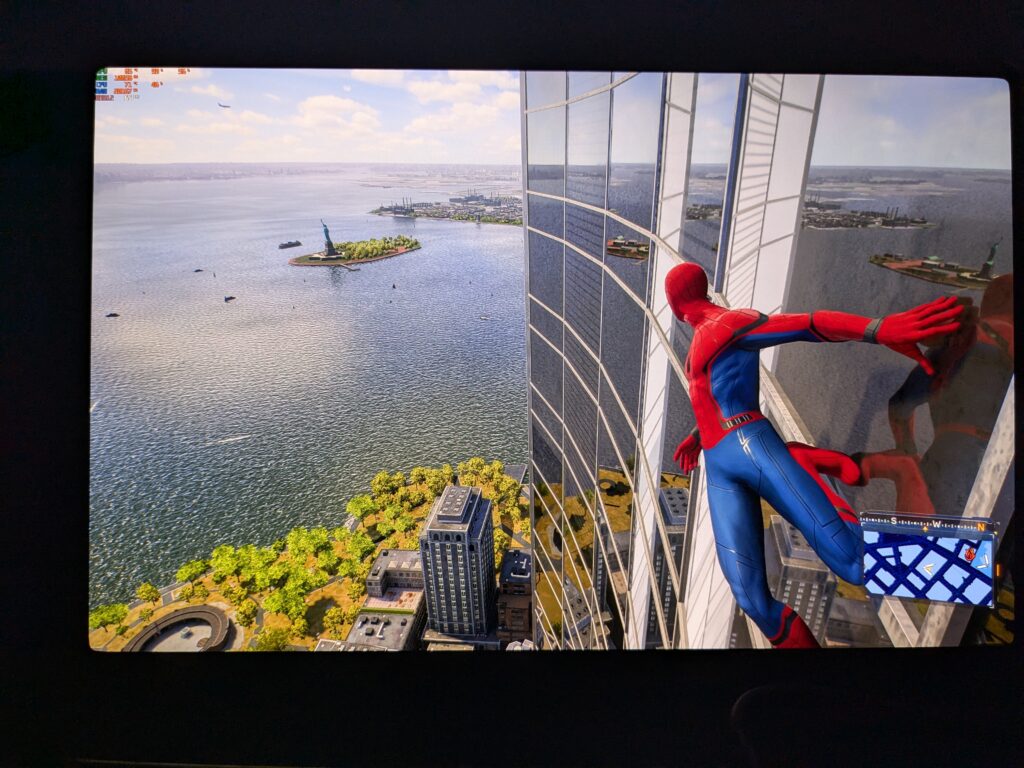
Text is sharp and easy to read, thanks to the high 212 PPI pixel density. Web browsing, editing photos, or working on documents all looked very clean. But I did notice that the default picture settings were too vibrant. I personally dropped the saturation to 35, adjusted the black level, and bumped the contrast a bit. After that, the colours looked much more natural.
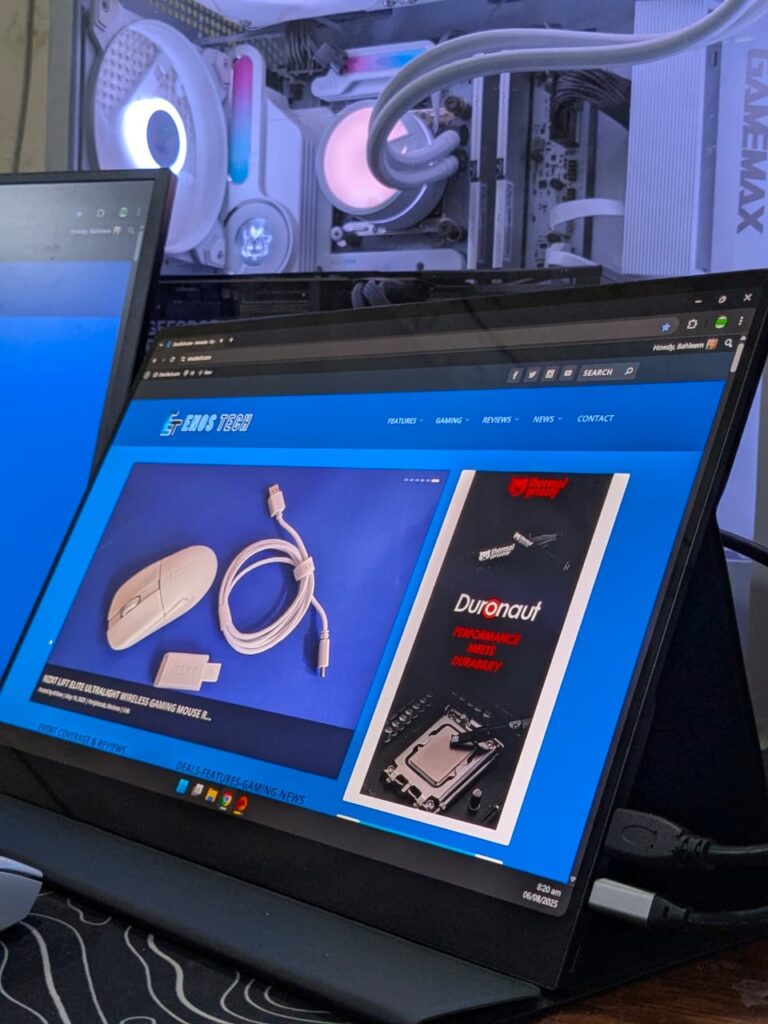
One small downside is how the brightness adjusts. It changes only in 5% steps, which sometimes makes it hard to get the exact brightness you want, especially in low-light conditions.
Audio
When it comes to sound, the UColor O2 includes two 1W built-in speakers. As expected, they won’t blow you away, but for such a slim 16-inch portable monitor, the audio quality is better than I thought. Based on my past experience with the older UMax series, I wasn’t expecting much. But this time, UPERFECT has done a better job. The sound is loud enough for a medium-sized room, and voices come through clearly for watching YouTube or movies. Of course, for music or more serious gaming, I’d still go for headphones or external speakers. But for built-in audio, this is a solid improvement over previous UPERFECT monitors.
Final Verdict
The UPERFECT UColor O2 is a clear sign of how far OLED displays have come. This 16-inch portable monitor offers a gorgeous 3K OLED panel, a smooth 120Hz refresh rate, and incredibly sharp, vibrant visuals. Movies and games like Spider-Man 2 looked absolutely stunning, with deep blacks and bright, lively colours. I did tweak the display settings a bit to reduce saturation and boost contrast for a more natural image, and after that, the screen looked almost perfect. With a pixel density of 212 PPI, everything from text to photos appeared crystal clear and easy on the eyes. Just a couple of small things to keep in mind: brightness changes only in 5% steps, and the glass screen can reflect light in bright rooms.
As for the design, it’s lightweight and premium. The aluminium body is just 3.5mm thin and weighs only 0.72 kg, making it easy to carry in any laptop bag. Audio has improved compared to previous models. It’s not fantastic, but it’s loud and clear enough for video content. The UColor O2 also supports touch input, HDR (8-bit + FRC), and runs smoothly with USB-C. At under $400, it delivers excellent OLED quality in a portable form.
It’s a great option as a secondary screen—especially for travellers or people who need a portable setup. But truth be told, once you try OLED, you’ll probably want your main monitor to be OLED too. I sincerely thank UPERFECT for sending this unit for review. No one asked me to give a positive or negative opinion—everything I’ve shared is based purely on my own experience. And based on that, I can confidently recommend the UColor O2.
Thank you UPERFECT for sending UColor O2 for review

UPERFECT UColor O2 Pros and Cons
Pros
- 3K OLED display
- 120Hz refresh rate
- Sharp and clear text
- Slim and lightweight design
- Premium aluminium body
- Easy USB-C connectivity
- Improved built-in speakers
- Great value for money
Cons
- Reflective glass panel