














The Only Five Things You Need to Keep Your Phone Safe
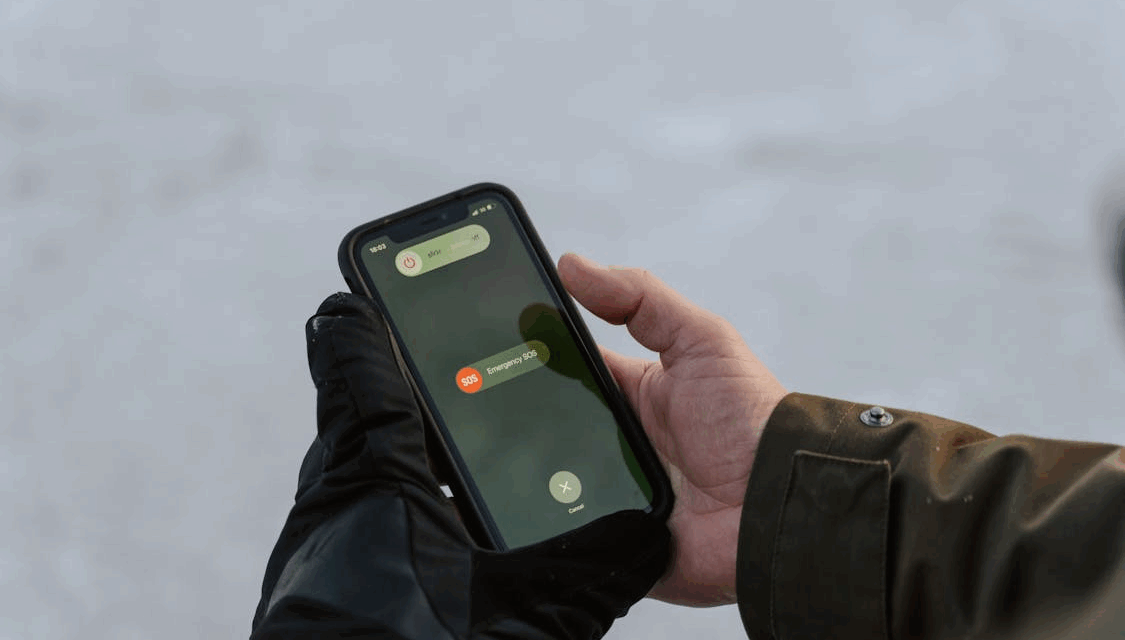
A phone is a personal vault of memories, messages, and private details. Every call, photo, and password lives inside it, which makes protecting it a serious responsibility. Keeping a phone safe depends on five key defenses that work together with quiet precision. Each one shields a different doorway through which data might slip. Understanding them gives peace of mind and strong digital confidence.
Virtual Private Network Protection
A virtual private network hides a phone’s online movements behind a layer of encrypted traffic. It creates a secure tunnel between the device and the internet, preventing anyone from peeking inside the data flow. When this tunnel is active, public Wi‑Fi at airports, cafés, or hotels feels far safer because no one can trace the activity back to the device.
A VPN is especially valuable when handling tasks involving money, such as banking or gambling apps. It has also fuelled the growth of vpn casinos, which let players explore real money games regardless of their location. These sites bypass regional blocks and shield user details from prying systems.
By using a VPN, the connection stays private while identification remains protected. The concept has become a favorite among users who want full control over where and how they connect.
Passcode and Biometric Lock
Every device needs a gatekeeper that never fails. That gatekeeper is a passcode. A complex alphanumeric passcode serves as a digital key that has thousands of possible combinations. When it is designed correctly, it takes years of computation to crack. Relying on predictable numbers or patterns encourages easy entry, while a random string blocks all direct routes.
Biometric authentication is convenient, but not a compromise. Fingerprint and facial recognition systems rely on unique physical characteristics that are impossible to replicate accurately. They allow you to unlock fast while keeping your data sealed from anyone else. The combination of both methods is fast and secure at the same time.
Screen locking is a perfect defense. One-minute timeout means that an abandoned phone can never be left open. Once locked, everything inside is hidden, encrypted, and impossible to access without passing the first gate.
Device Location and Remote Control
The true security of the phone starts the moment the phone is lost. A set-up location system, such as Apple’s Find My or Android’s Find My Device, maintains ownership. These tools connect the phone to its rightful account and allow anyone to track, ring, lock or completely wipe it remotely.
When turned on, the device transmits encrypted location information at regular intervals. The owner is able to view movement in real time and identify where the device lost communication. If recovery fails, all stored data is wiped using the remote wipe function before anyone else has access to it. The same system revokes access to the lost device, instantly removing email, cloud, and payment authorizations.
Multi-Factor Authentication for Accessing Accounts
Every password ends up in some sort of database breach somewhere. Multi-factor authentication can eliminate that threat. It requires a second approval in addition to the password, making the process of authentication layered and impossible to bypass with just credentials.
Authenticator apps such as Authy or Google Authenticator generate codes that expire after thirty seconds. Each code is created locally, without the connection to a centralized server, which avoids interception. When the phone is used as the verifier, the phone is the verifier. Even if someone copies the password, no access is possible at the second step.
This approach should encompass all things related to identity or finance: email, banking, digital wallets, and cloud storage. Backup codes need to be stored in an encrypted password manager for recovery. Once set up, multi-factor authentication changes the security standard from password protection to actual verification.
System Maintenance and Application Integrity
Security researchers are continually analyzing the operating systems and apps of phones. Every release addresses newly discovered vulnerabilities that may provide external access. Installing updates regularly keeps the protective wall intact. Leaving them outstanding provides attackers with a blueprint to use.
Automatic updates eliminate delay completely. Each new release adds a level of encryption, network control, and permission management. It’s invisible maintenance that bolsters the device each week.
App sources require the same discipline. Official stores check signatures and eliminate compromised software in a short time. Downloading from unofficially licensed sites takes away that security. Each sideloaded file has the potential to contain hidden access points, silent trackers, or altered code. Giving out unnecessary permissions increases the risk. Every app must be granted its permission: camera, contacts, location or storage. The fewer privileges that are granted, the tighter the control.
A phone that runs clean software and verified updates remains resilient to constant evolution. Security is not based on luck, but on maintenance.
One System, Five Locks
Each of these measures protects a distinct level of ownership. VPN secures information while it is being transmitted. Physical access is protected by a passcode and biometrics. The locator system guarantees recovery. Multi-factor authentication is a method of identity protection. The framework is held together with verified software and updated regularly.
When they function at the same time, they become a self-protecting system. The user remains in control because every route into and out of the phone goes through a layer that requires permission. That is what modern security really means: control that never switches off, protection that never disrupts daily life, and confidence that every byte of data is where it should be, yours.