












A Guide to Improving Tech Team Collaboration Through Visual Tools
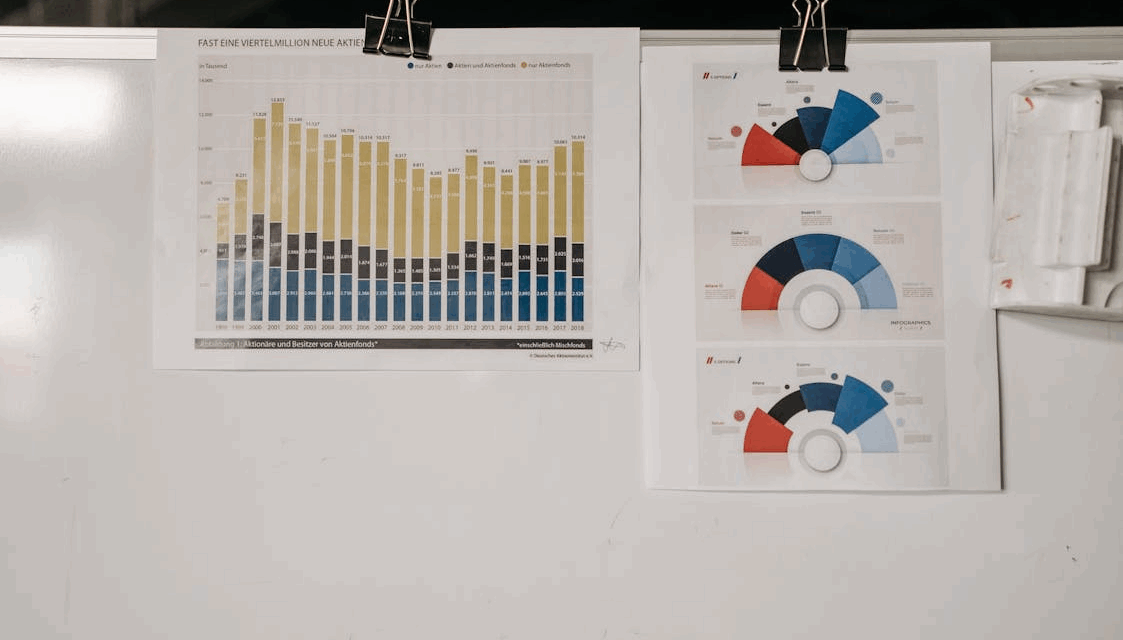
Tech teams often face a massive wall of text every day. Between endless chat logs and long email chains, the core message frequently gets lost. Visual tools bridge this gap by turning complex ideas into simple images.
When a team can see a problem, they solve it much faster. Using shapes and lines makes technical concepts easier to grasp for everyone involved. It simplifies the way people share knowledge across different departments.
Benefits Of Moving Past Text
Many engineering groups rely on written documentation to explain their systems. Since using software for visual collaboration helps teams see the big picture, it clears up confusion instantly. Visualizing a workflow prevents the team from building features that do not fit the main goal.
It provides a single source of truth that people can look at simultaneously. Using these tools means less time spent on long explanations and more time spent on building.
Pictures stay in the mind longer than a list of bullet points. A team that uses diagrams often finds that its meetings are much shorter. They can point to a specific part of a drawing to ask a question.
Mapping Out Complex Systems
Modern software architecture is hard to explain with just words. A single application might have dozens of moving parts that talk to each other. Flowcharts help developers track how data moves from one point to another.
Building a system map helps new hires understand the project in minutes rather than days. They can follow the lines on a diagram to see how the back end connects to the front end.
When a system breaks, a visual map helps the team find the error quickly. They can look at the connections and see where the data flow might have stopped. It takes the guesswork out of troubleshooting high-level problems. Maps make the invisible parts of code visible.
Real Time Brainstorming For Remote Teams
Remote work is the standard for 1000s of tech professionals today. A recent office tech blog suggested that since hybrid work is now normal, visual tools are fundamental for letting teams innovate together in real time. These digital spaces let people from 3 different time zones work on the same board.
Teams can use virtual sticky notes to sort through new ideas during a meeting. It mimics the feeling of standing in a room with a physical whiteboard.
Collaborating in real time stops the back-and-forth of sending files via email. Everyone sees changes as they happen, which prevents work from being duplicated.
It builds a sense of unity among staff members who may never meet in person. Digital boards keep the creative energy high during long calls.
Digital Workspaces And Shared Knowledge
Central hubs for information keep a project organized over many months. An educational article noted that a digital workspace serves as a spot where every team member can do their best work together.
Storing knowledge visually prevents “information silos” where only 1 person knows how a feature works. If a lead developer leaves, the rest of the team still has the visual documentation.
Using a shared canvas allows for better cross-departmental talk. A marketing person can look at a product roadmap and understand the timeline without needing a deep tech background.
It creates a common language that everyone in the company speaks. Shared workspaces turn individual knowledge into a group asset.
Strategic Planning And Roadmaps
Long-term goals need a clear path that everyone can follow. A government report on technology roadmaps mentioned that tech teams will use partner knowledge to evaluate new technology. Visualizing these goals helps the group stay focused on the most important tasks.
Roadmaps show the sequence of events needed to finish a big project. They help managers allocate resources like time and money more effectively. If a task takes longer than planned, the visual map shows how that delay affects the rest of the schedule.
Visual plans are great for showing progress to stakeholders. Instead of a 20-page report, a simple timeline shows exactly what has been done and what is next.
It builds trust by providing transparency into the daily grind. Planning becomes a shared journey rather than a list of chores.
Reducing Feedback Loops
Visuals help teams get answers much faster than text-based messages. When a designer shares a mock-up, the developers can leave comments directly on the image.
Speeding up the review process means the team can ship updates more often. They spend less time waiting for approvals and more time refining the product.
- Interactive prototypes show how a user moves through an app.
- System sequence diagrams help verify if a process is secure.
- User journey maps highlight where customers get frustrated.
- Logic trees help developers plan for every possible edge case.
Using these visuals creates a culture of constant improvement. Every member feels empowered to suggest a change since the plan is easy to see. It removes the fear of making a mistake by showing the impact of every choice. Clear feedback is the secret to high-performing teams.
Scaling Tech Team Success
As a company grows, keeping 100s of people aligned becomes a challenge. Visual tools help scale the culture and the technical standards of the organization. They provide a blueprint for how the company solves problems and builds products.
Standardized templates make it easy for different squads to work in the same way. When one team finishes a successful project, they can share their visual workflow with others.
- Onboarding guides help new devs learn the stack.
- Architecture diagrams prevent messy code as the app grows.
- Sprint boards show the status of every task in a single view.
- Dependency maps show which teams need to talk to each other.
Scaling is not just about hiring more people, but about making those people more efficient. Visual tools act as a force multiplier for every engineer on the staff. Clear visuals are the foundation of a growing tech empire.
Collaboration is the engine that drives every successful software project. When teams stop hiding behind text and start using visual tools, they unlock a new level of speed. Complex systems become manageable, and remote work feels more personal.