













TerraMaster D1 SSD Enclosure Review: A Rugged DIY Portable SSD Enclosure
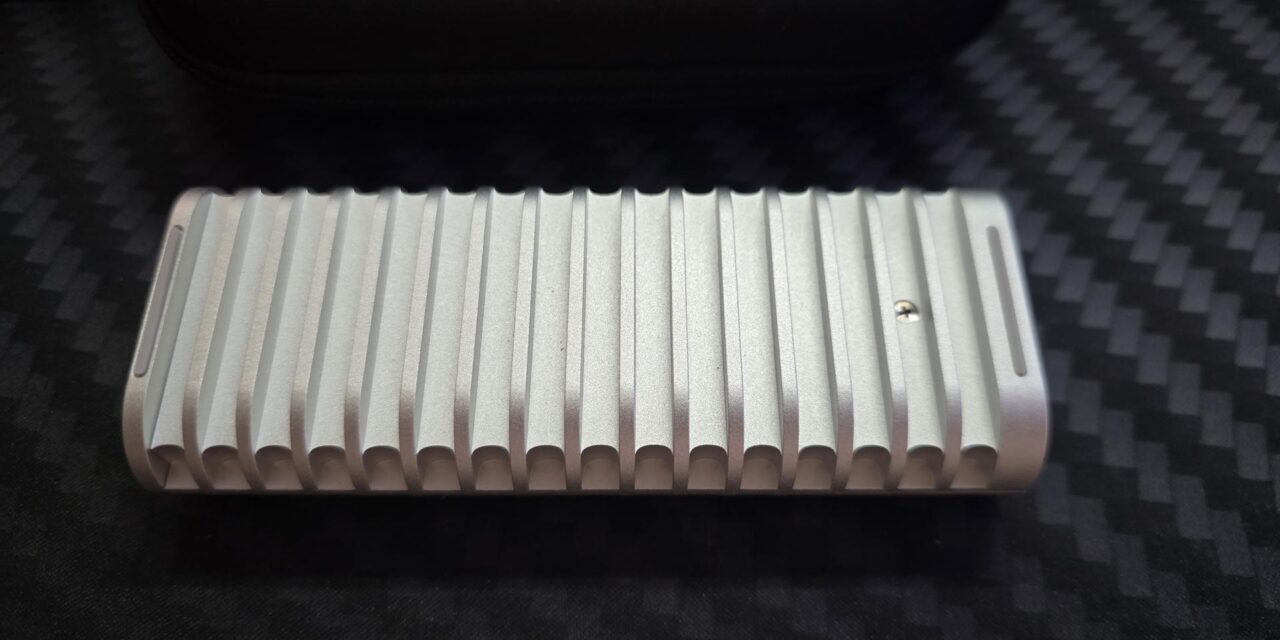
External SSDs are everywhere these days, and rightly so. They offer portable storage and, in some cases, blistering fast speeds. The TerraMaster D1 SSD Enclosure offers a rugged aerospace-grade aluminium alloy armor with an IP67 rating. It is also water and dust-proof and can be run over by some cars and be just fine thanks to being able to handle 1.2 tons of pressure. The D1 SSD also doubles as a passive heatsink, keeping your drive cool in most any condition.
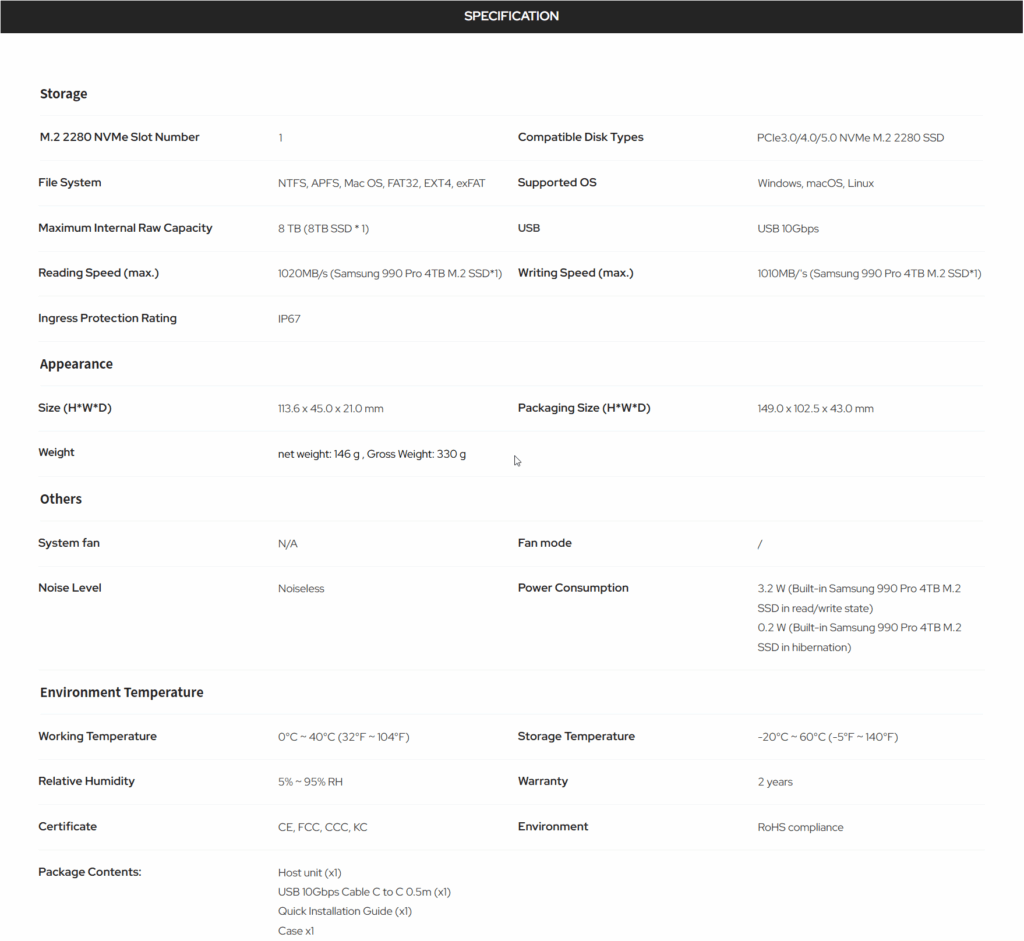
Specifications
Also Read: Quntis Monitor Light Bar Glow Review – EnosTech.com
Closer Look
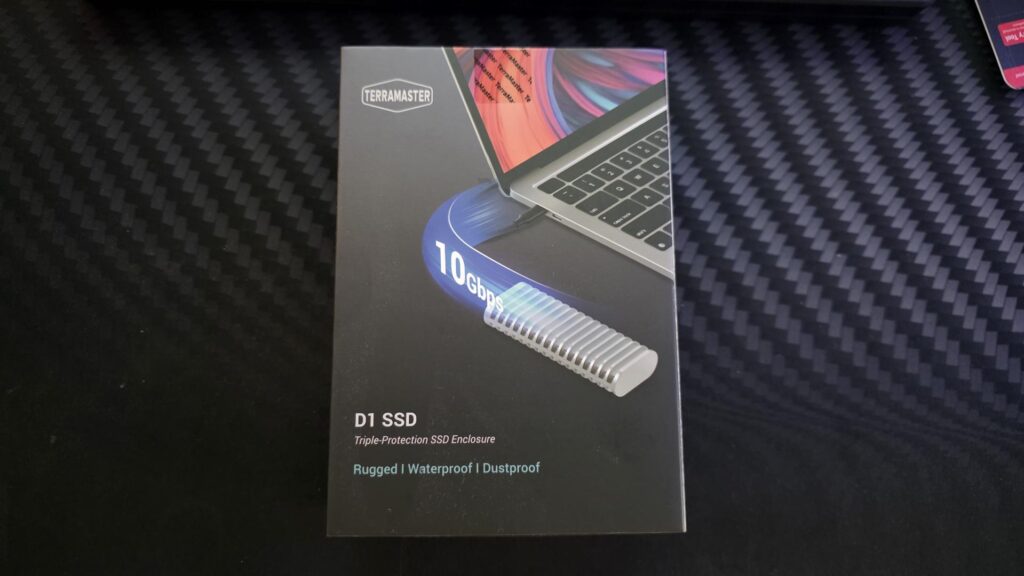
The box for the enclosure has a nice image of the enclosure itself when plugged into a laptop and boasting about its 10Gbps speeds. It also mentions that it is rugged, waterproof, and dustproof, which are going to be some of the biggest selling points it has to offer.
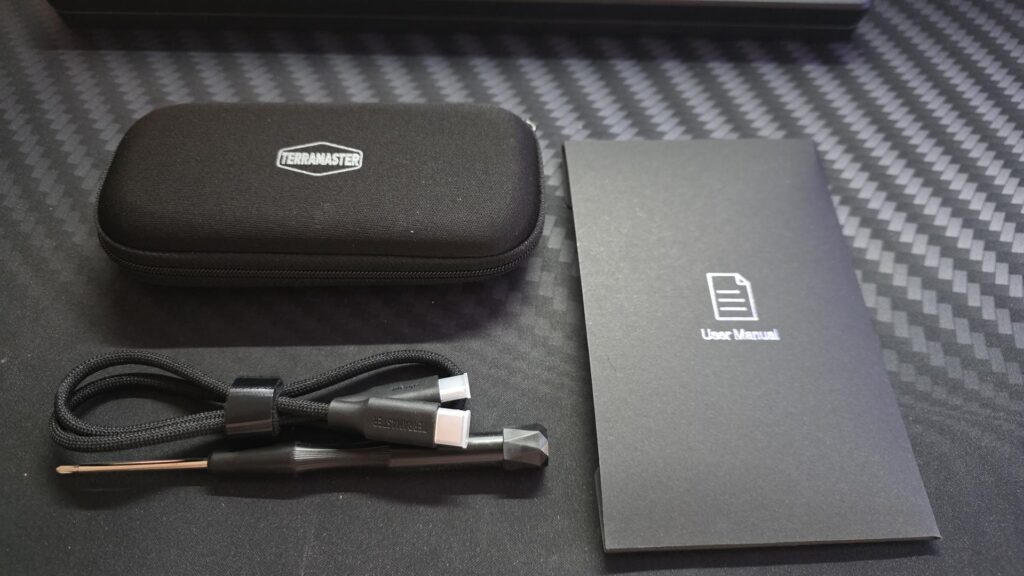
Inside the box, it comes with a carry case, USB-A to USB-C cables, a screwdriver so you can install your NVMe drive with ease, and a user manual.
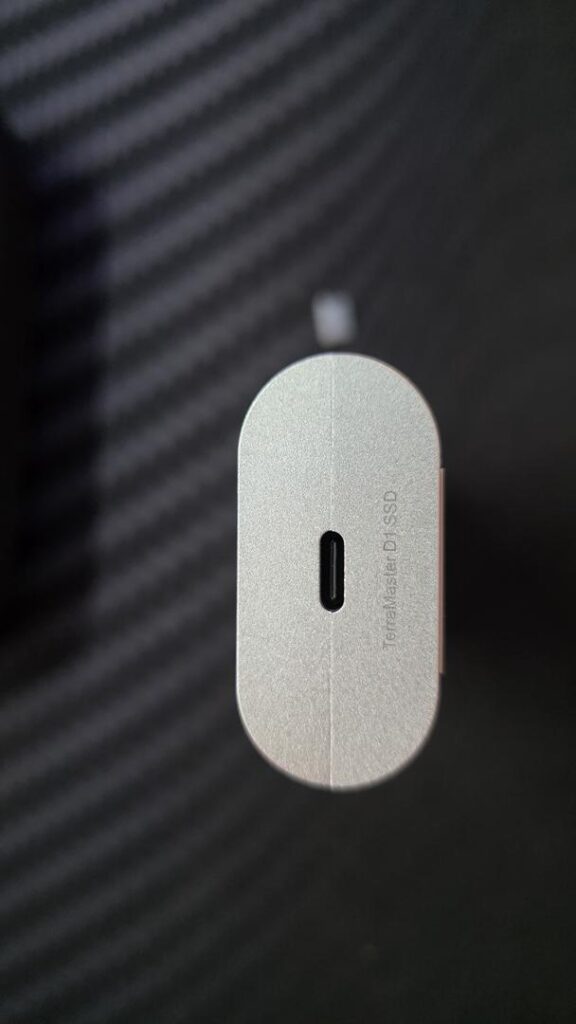
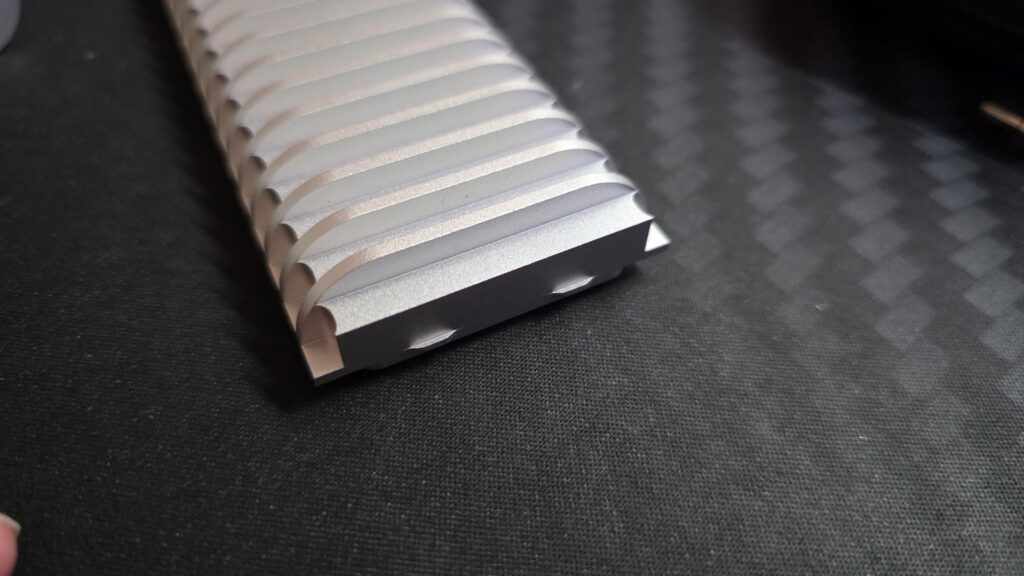
The D1 SSD feels more like a rugged storage tool than a basic USB enclosure. The aluminium body gives it a premium feel, while the finned design is not just for looks. It is there to help move heat away from the installed NVMe SSD during sustained transfers.
The aluminium alloy body is also very stylish and looks nice, even when just sitting on a desk. It is also not much bigger than the NVMe drive that it houses, so will easily fit in your bag or even a pocket if needed.
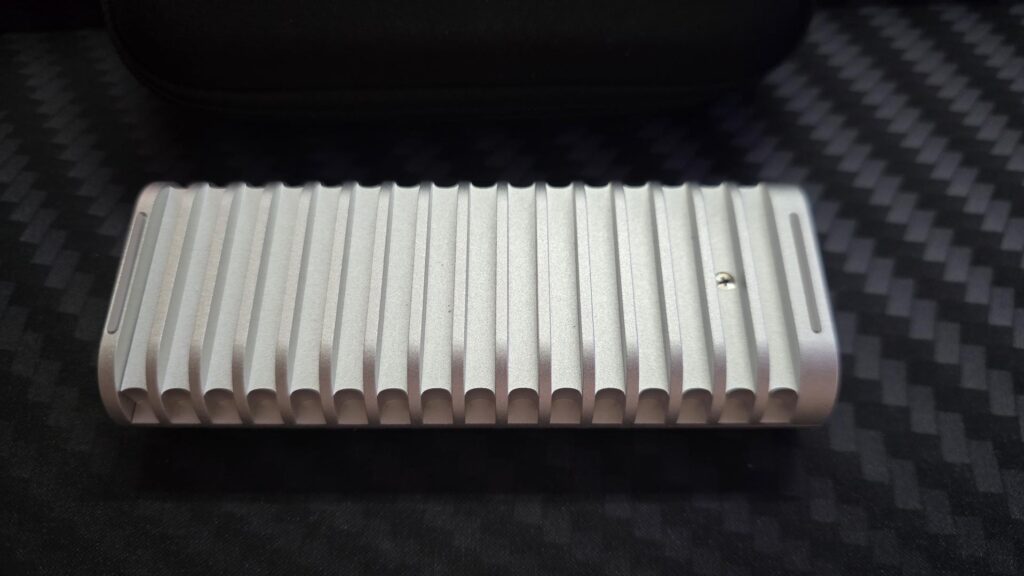
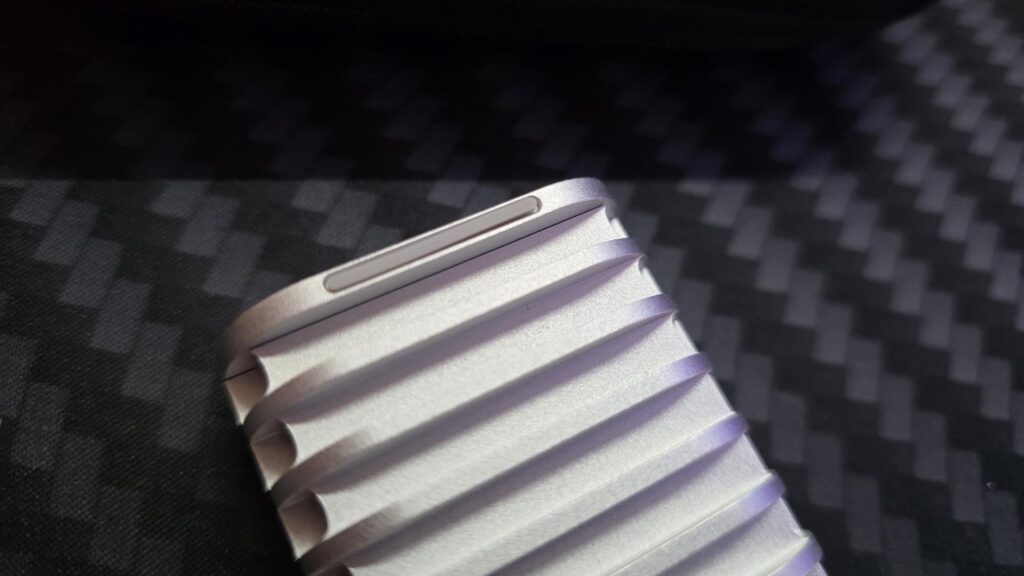
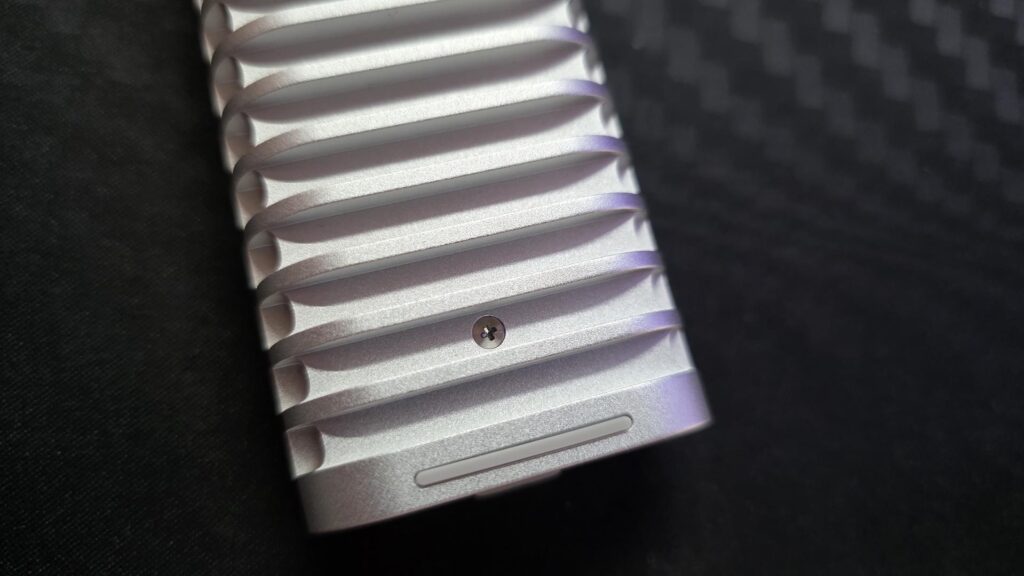
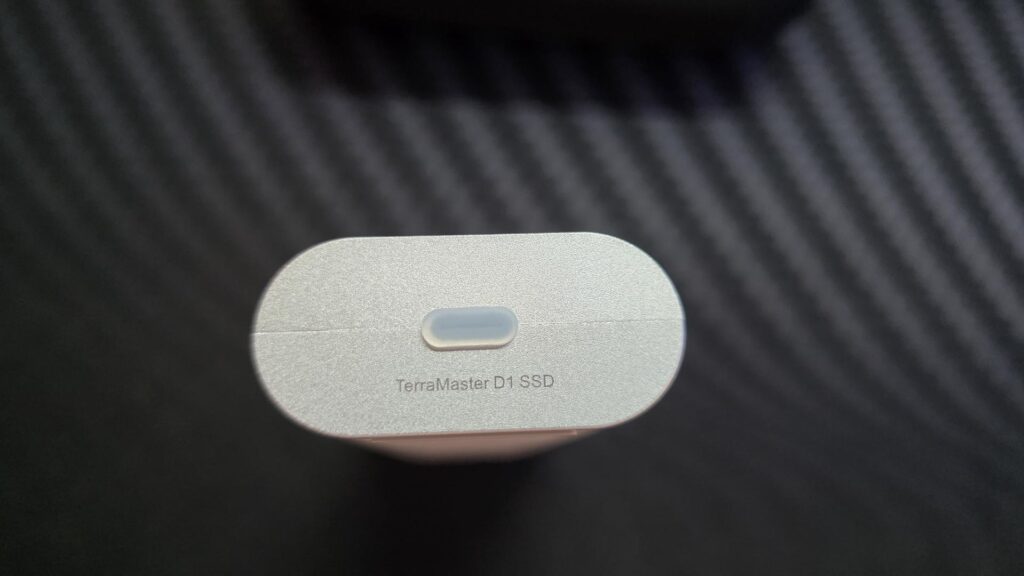
Installing your storage drive inside the enclosure is easy, and you could have it up and running in under a minute. There is one screw to open the enclosure and then one screen to secure the drive in place.
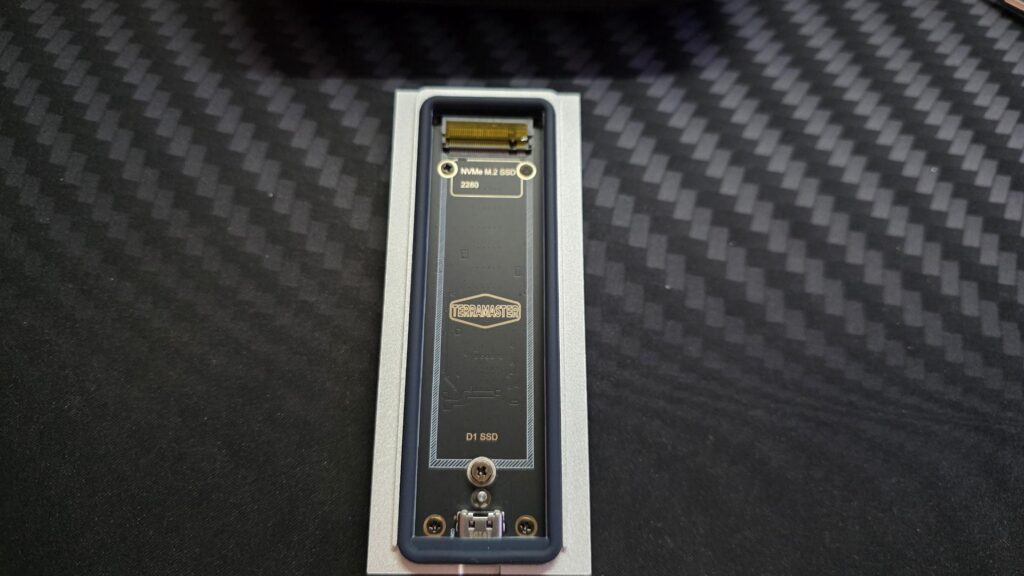
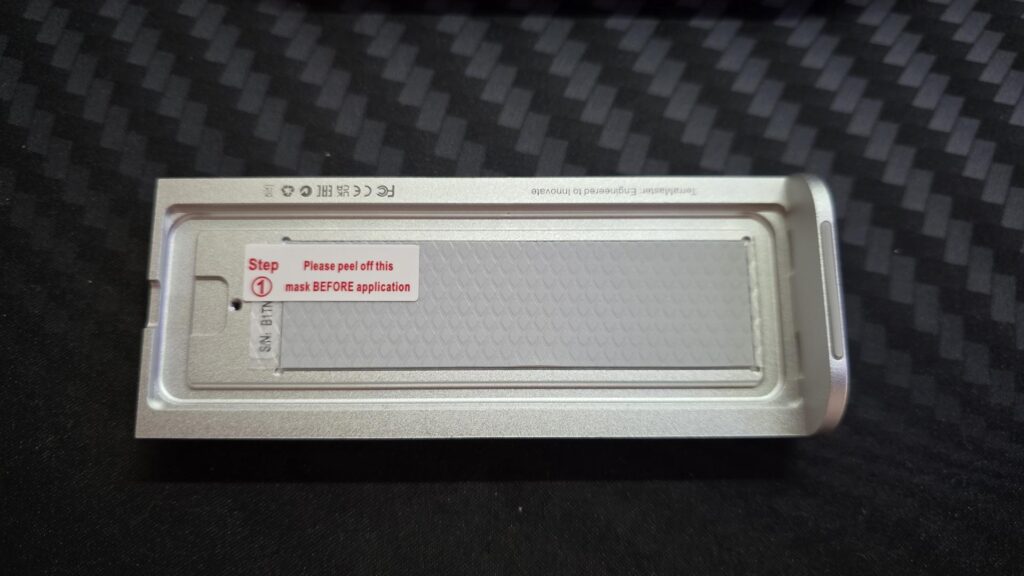
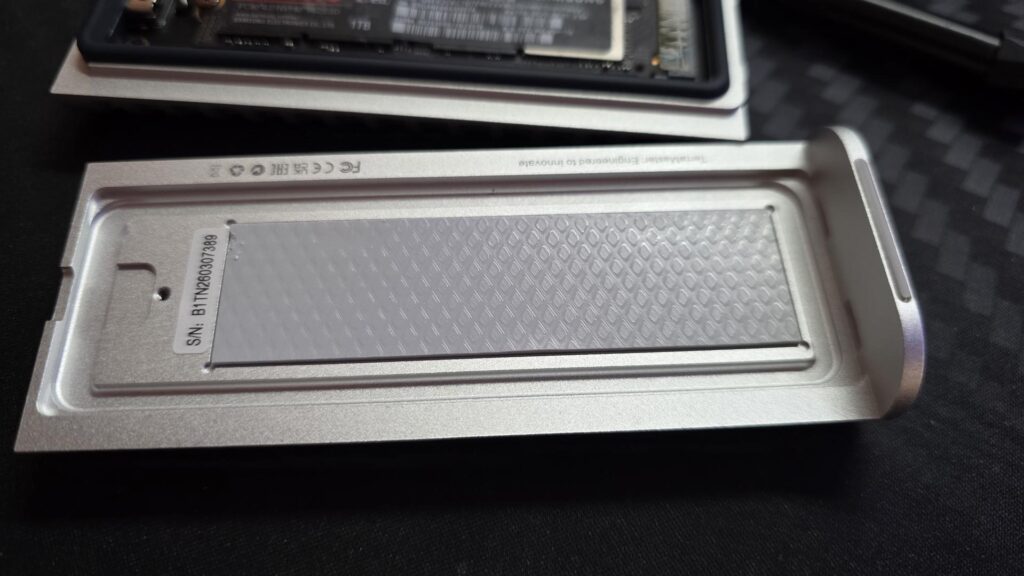
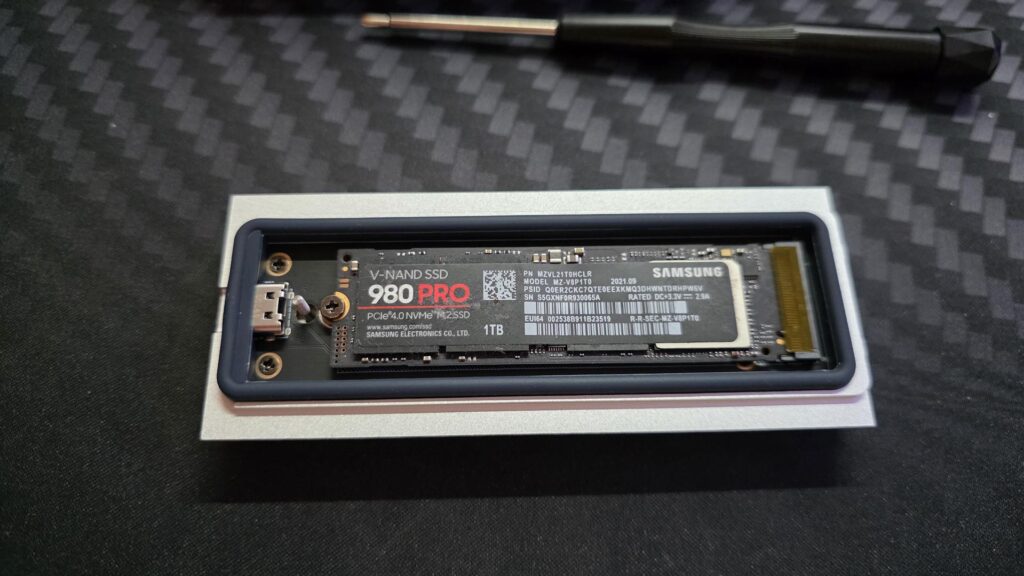
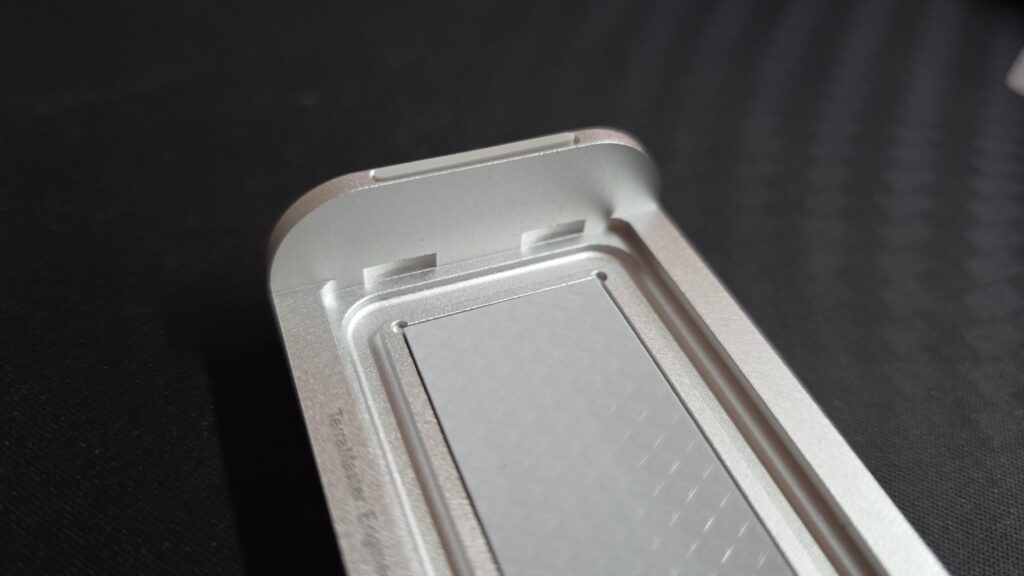
Once the drive is installed in the enclosure, you can put it back together. There are two small notches on one half that the other half of the enclosure will fit into and secure itself into place.
Testing
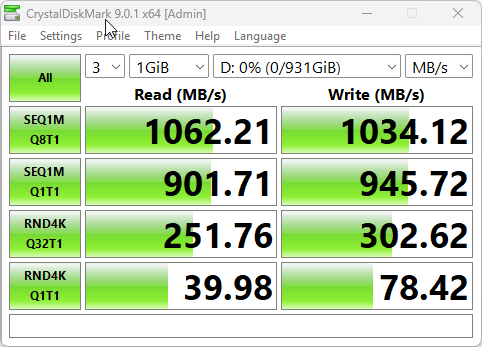
For testing, I used a 1TB Samsung 980 PRO NVMe drive. As you will see in the CrystalDiskMark image below, you will see that the enclosure allowed the drive to reach speeds just over the enclosure’s rated speeds.
The D1 officially offers speeds of 1020 MB/s read and 101 MB/s write, but as you will see below, I managed to hit 1060 MB/s read and 1034 MB/s write, giving me a little extra speed, which is always nice.
Pricing and Availability
The D1 SSD Enclosure can be purchased directly from TerraMaster for $29.99. It can also be purchased on Amazon UK for £39.99 at the time of writing this review.
Final Words
Overall, the TerraMaster D1 SSD is a well-built and practical NVMe enclosure that gives users the freedom to choose their own SSD. It’s not the fastest enclosure on the block, and it will not unlock the full potential of the fastest PCIe drives, but for everyday external storage, backups, large file transfers, and portable work, it offers a strong balance of speed, durability, and flexibility. The rugged aluminium body, passive cooling design, and IP67 protection help it stand out from cheaper generic enclosures, making it a solid choice for users who want external SSD performance without being locked into a pre-built drive.
The price point is quite attractive, and in the current climate this is great to see. Affordability is going to be a great selling point for the D1 SSD Enclosure, and should you happen to catch it on sale, it’s a no-brainer.
Pros
- Strong aluminium construction
- Supports user-installed M.2 NVMe SSDs
- Up to 8TB capacity support
- Passive cooling design
- Silent operation
- IP67-rated rugged protection
- Good way to reuse an existing NVMe SSD
Cons
- A high-end PCIe 4.0/5.0 SSD will be bottlenecked
- SSD is not included
- May be larger/heavier than basic slim enclosures
- Users need to install and format their own drive
- Not as fast as the D1 SSD Plus or D1 SSD Pro