












Wave Browser: Built for the Way PC Gamers Browse
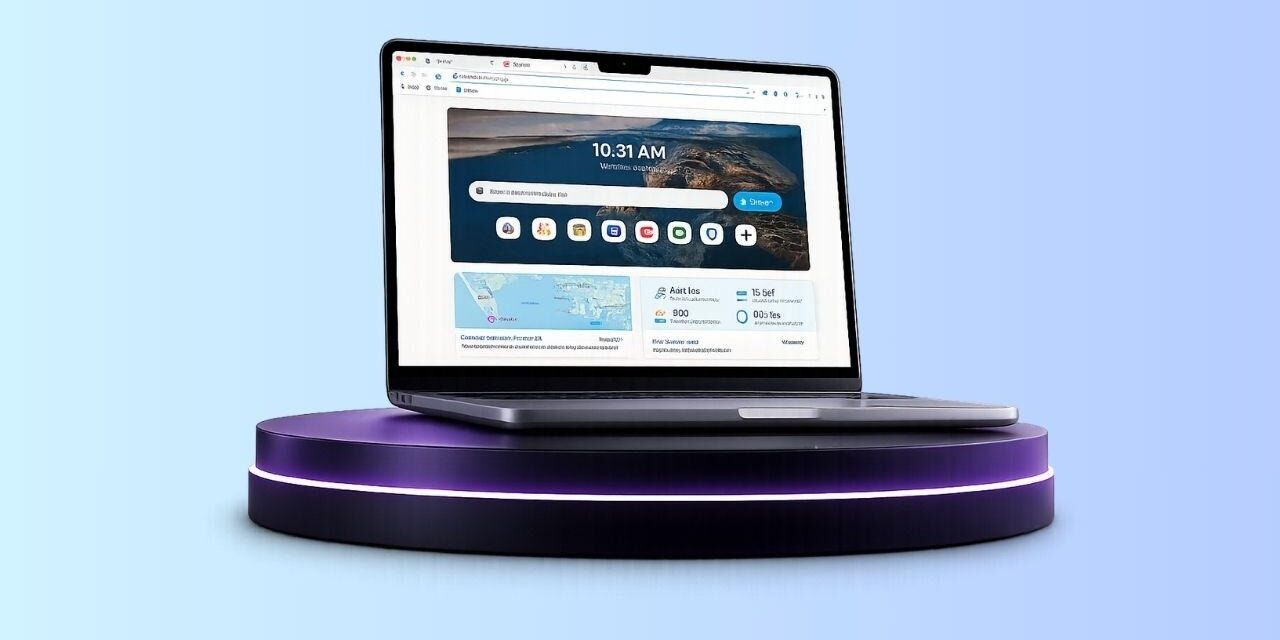
PC gaming doesn’t stop when a match ends. Much of the gaming experience happens inside a browser. Wave Browser is designed to support those moments. From downloading mods and comparing hardware to watching guides, tracking updates, chatting on Discord, and researching character builds before launching a game.
According to Newzoo, there are more than 900 million PC gamers worldwide, while Steam recently reported more than 200 million monthly active users, highlighting the platform’s significant reach within the PC gaming community.
At the same time, PC players increasingly rely on web-based platforms like Twitch, YouTube, Reddit, Steam Community, Fandom, and game-specific wikis throughout every gaming session.
That makes the browser an important part of the overall PC gaming setup.
Wave Browser approaches a user’s experience from a productivity perspective, providing tools that support how many PC gamers already use the web.
What is Wave Browser?
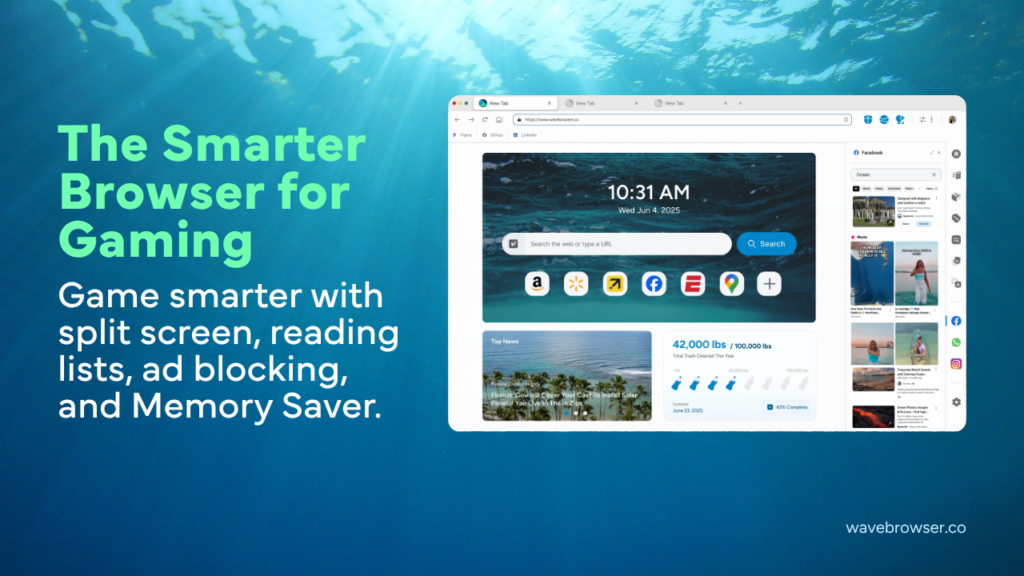
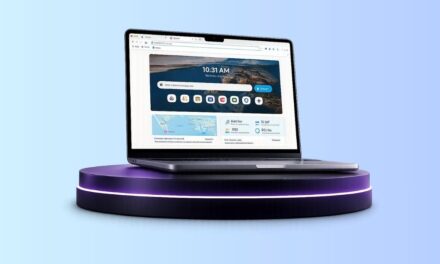
Wave Browser is an eco-friendly web browser that helps turn everyday browsing into verified environmental impact.
Through its partnership with 4ocean, Wave Browser helps fund the removal of plastic and trash from our ocean, rivers, and coastlines while offering features designed to support productivity, organization, and a more efficient browsing experience. Wave Browser is available on Windows, Mac, Android, and iOS.
Wave Browser addresses the growing number of browser-based tasks users perform throughout the day by combining productivity features with a verified environmental initiative.
Its approach combines familiar browsing functionality with tools that support organization, multitasking, and resource management while helping fund ongoing verified ocean cleanup.
Everyday Browsing Powers Verified Ocean Cleanup
To date, Wave Browser has helped fund the removal of more than 100,000 pounds of plastic and trash and is committed to increasing that total to 300,000 pounds by 2028.
To provide transparency, the browser includes a live impact tracker, allowing users to follow the Wave community’s ongoing environmental contribution over time. Wave also publishes monthly impact reports on its website that summarize cleanup progress and partnership updates.
Trust and Software Standards
Wave Browser is certified by AppEsteem, an independent organization that evaluates software against standards for transparency, user choice, and responsible behavior. For anyone evaluating browser options, this certification provides additional context alongside traditional browser comparisons.
Gaming Happens Inside the Browser, Too
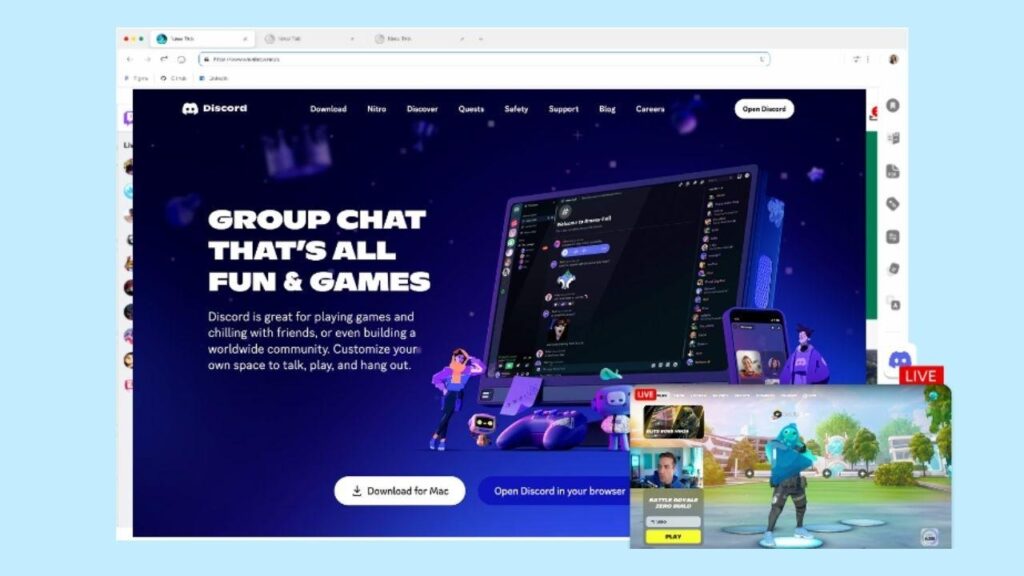
Launching a game is often just one step in a much larger workflow.
Before playing, many users browse patch notes, compare graphics settings, research hardware upgrades, or organize multiplayer sessions. During gameplay they may keep Discord, Twitch, or YouTube open, while afterward they often review statistics, share clips, or participate in community discussions.
These activities often mean having dozens of browser tabs open at once, making it more important than ever to stay organized.
Productivity Features That Support Gaming Workflows
Wave Browser has several built-in features that naturally support how many PC players use the web.
Split Screen
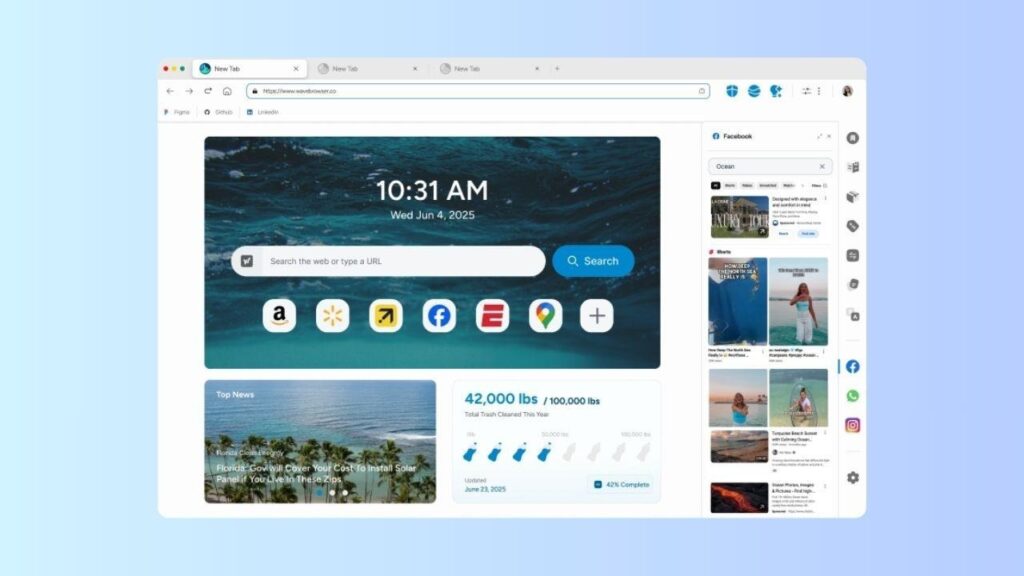
Split Screen allows two websites to remain visible within the same browser window.
Gamers can keep a walkthrough, build guide, or interactive map open alongside patch notes, hardware reviews, or community discussions without constantly switching tabs.
Tab Groups and Bookmarks
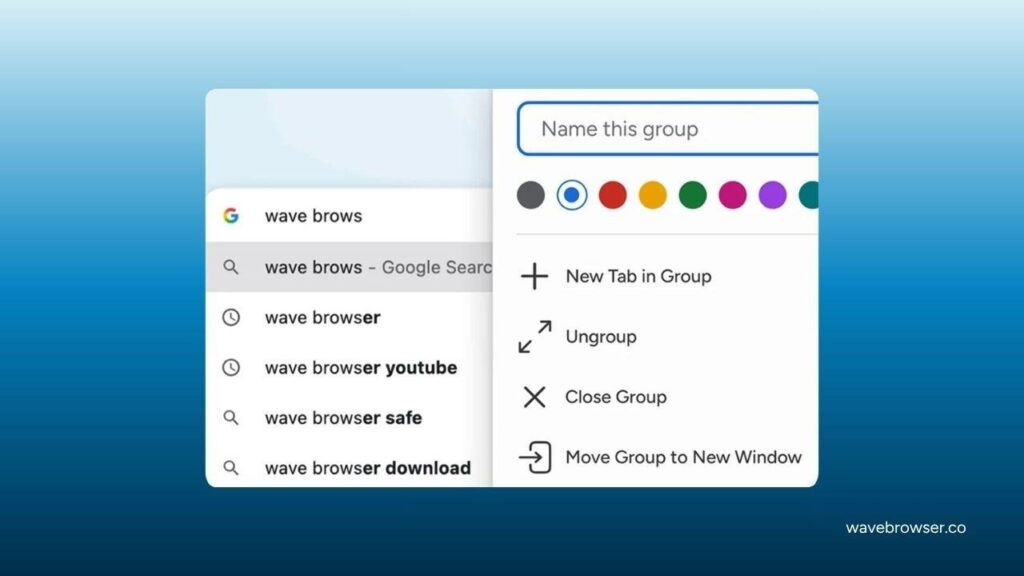
Large game releases often generate dozens of useful resources.
Tab Groups and Bookmarks help organize guides, news articles, benchmark results, mod repositories, and community pages into separate collections for easier access.
Memory Saver and Energy Saver
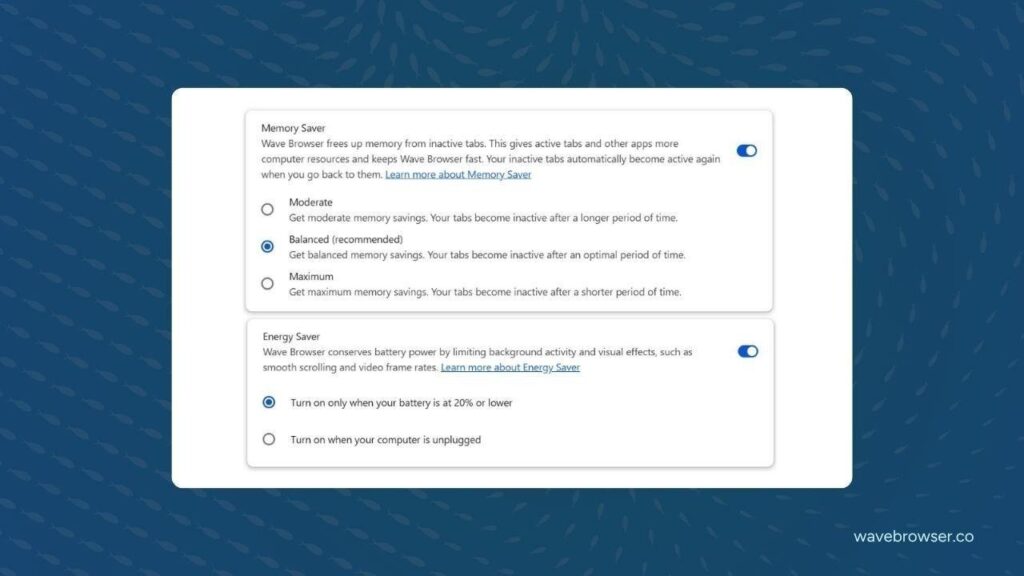
Many gamers leave their browser open while playing, with guides or other websites running in the background.
Wave Browser includes Memory Saver and Energy Saver modes to help reduce background resource usage during longer gaming sessions.
Built-in Utilities
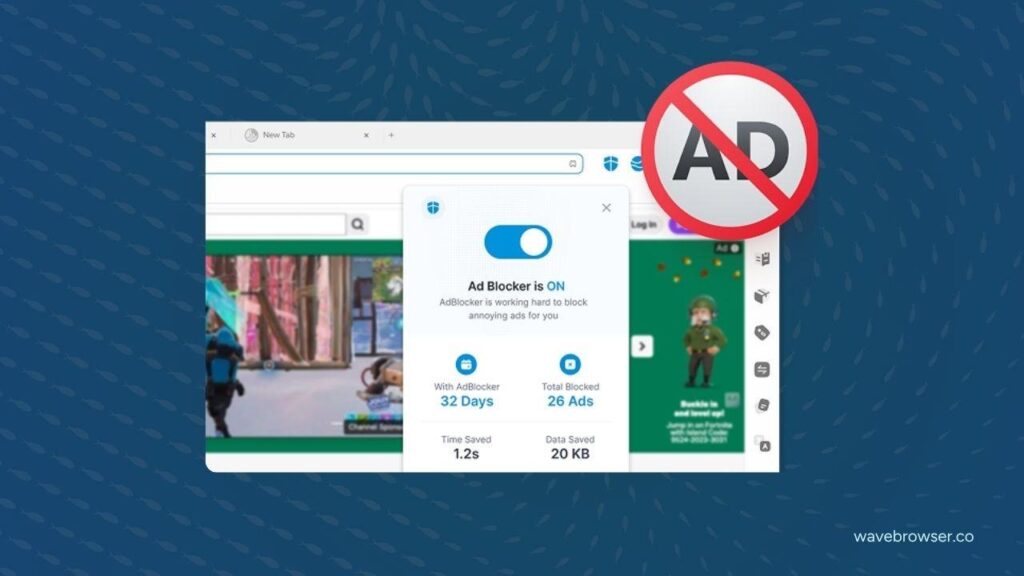
Wave Browser also includes several integrated tools that reduce reliance on additional extensions, including:
- AI Assistant
- Ad blocker
- Translation
- Notes & Reminders
- Reading List
More Than a Browser Between Matches
For many PC gamers, web browsers are relied upon before, during, and after gameplay. It’s where communities gather, guides are written, hardware is researched, and updates are followed.
Wave Browser reflects those habits by providing tools that help streamline everyday browsing while supporting verified ocean cleanup through its partnership with 4ocean.
Thanks to its productivity-focused feature set, Wave offers an example of how a browser can support both gaming workflows and measurable environmental impact without changing how players already use the web.