










Yunzii RT80 Rappid Trigger Keyboard Review – Smooth, Fast and Reliable

Yunzii RT80 is a premium 75% keyboard that comes with magnetic Hall effect switches and rapid trigger support. It belongs to Yunzii’s new RT series, which stands for Rapid Trigger series, made specially for fast gaming response. The keyboard offers wired, Bluetooth, and 2.4G wireless modes, along with a beautiful design and RGB lighting. When we talk about premium and high-quality keyboards, Yunzii is a name that always comes up. They have been making some excellent keyboards recently. We realised this when we reviewed the Yunzii IF99, which impressed us with its solid build and features. Now, after using the RT80 for more than two weeks, here’s what we think about it.
Related: YUNZII IF99 Review: A premium keyboard with a dynamic screen and smooth typing
Yunzii RT80 Unboxing
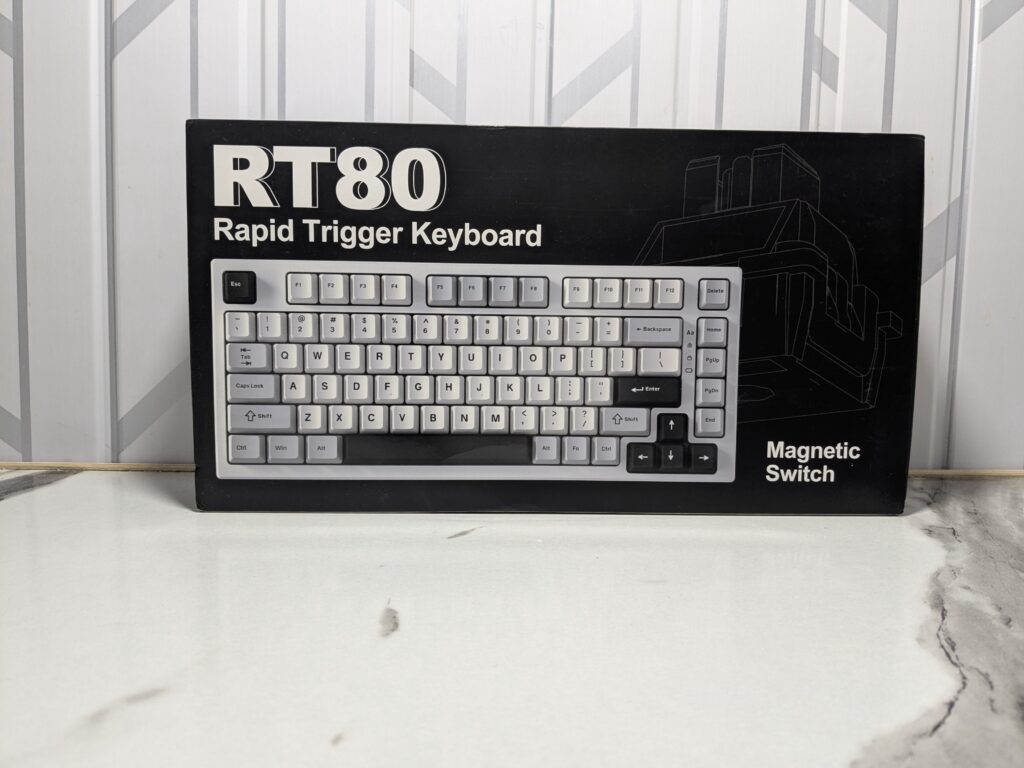
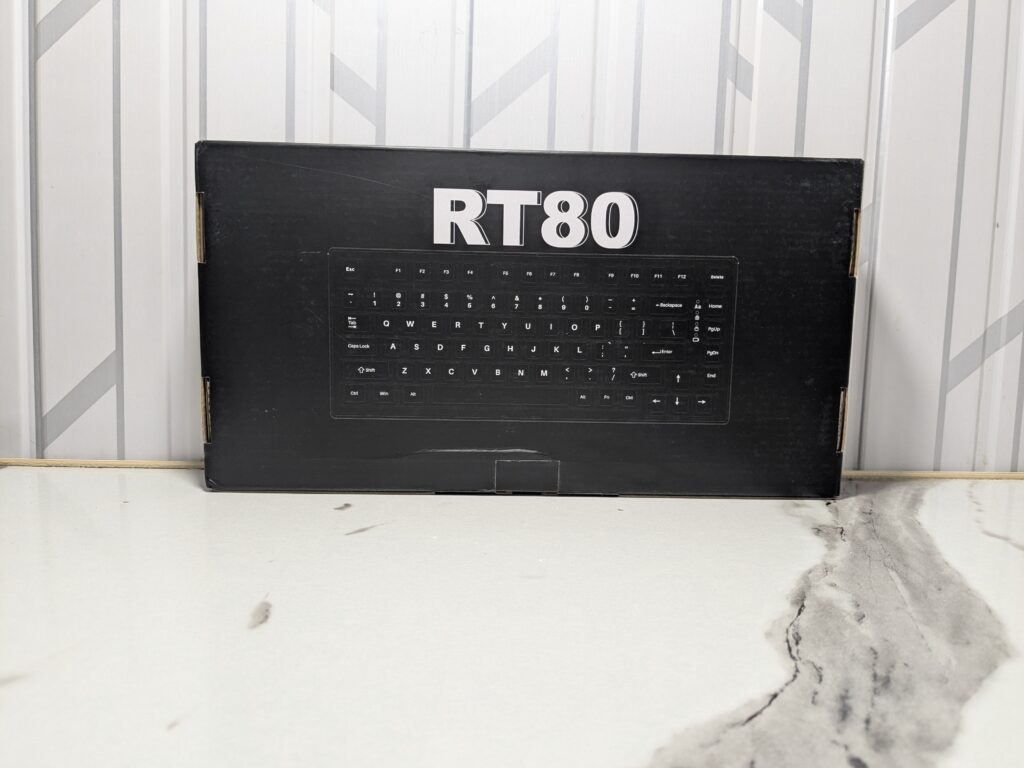
The Yunzii RT80 keyboard comes in a black-coloured box. On the front, there is a clear image of the keyboard with “RT80” written in bold letters. In one corner, “Magnetic Switch” is written, and a small drawing of the magnetic switch is also shown. On the back side, Yunzii branding is written in big bold white letters, and again the magnetic switch is clearly drawn.
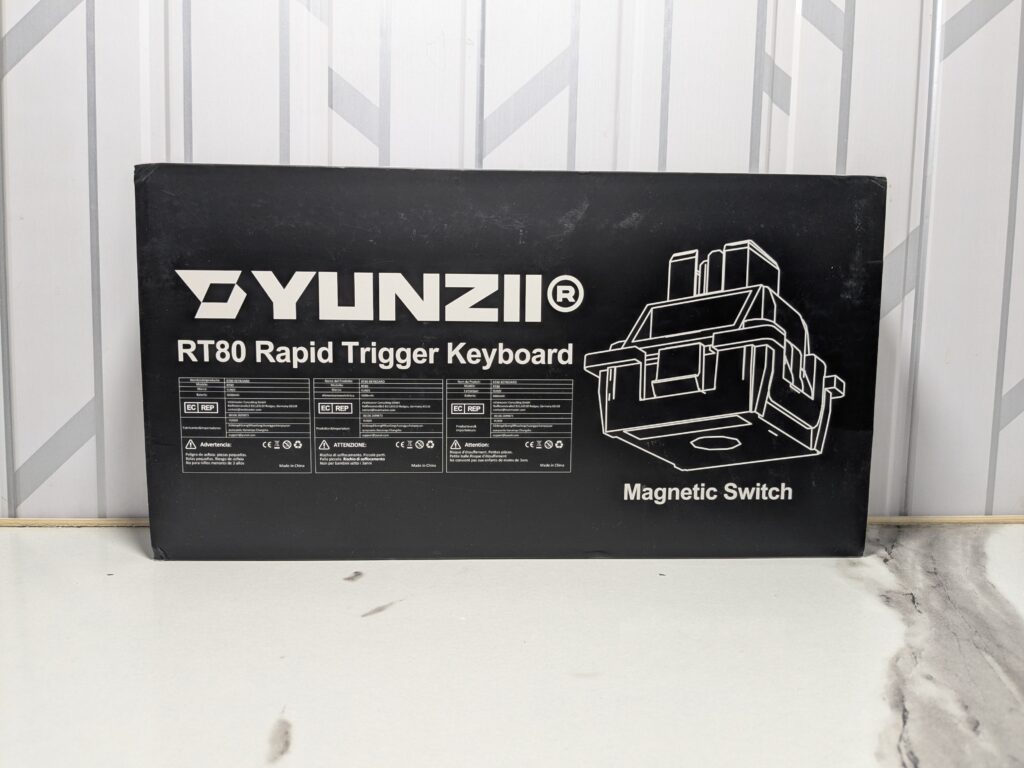
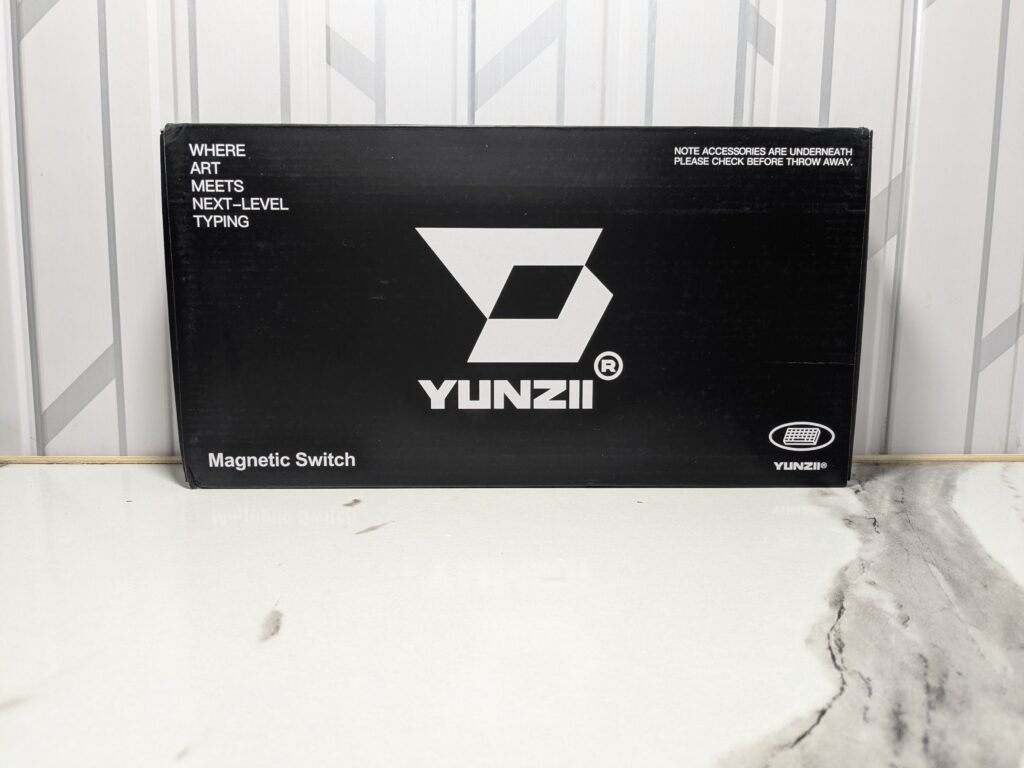
After removing the top layer, we get a strong black box. The box is black with white fonts. On the top, the Yunzii logo and name are written in bold, and on the back side, the keyboard picture is printed in black and white. “RT80” is written in large bold letters.
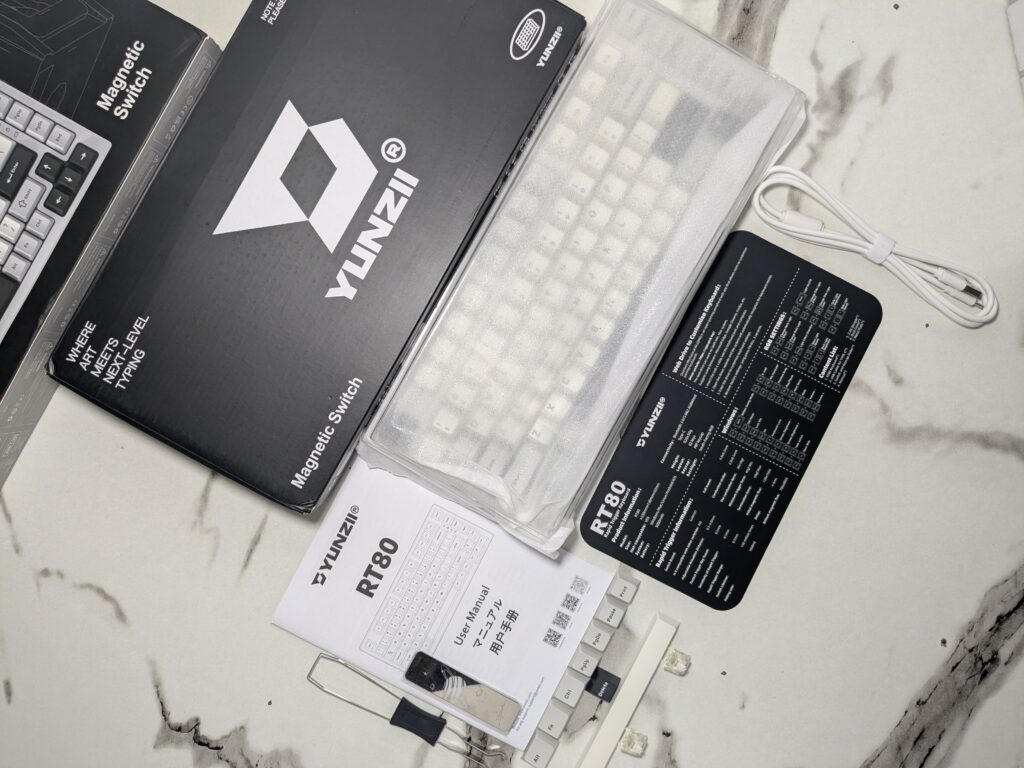
When you open the box, the keyboard comes in a plastic dust cover and a soft protective sleeve. A special space is given for keeping the accessories safely.

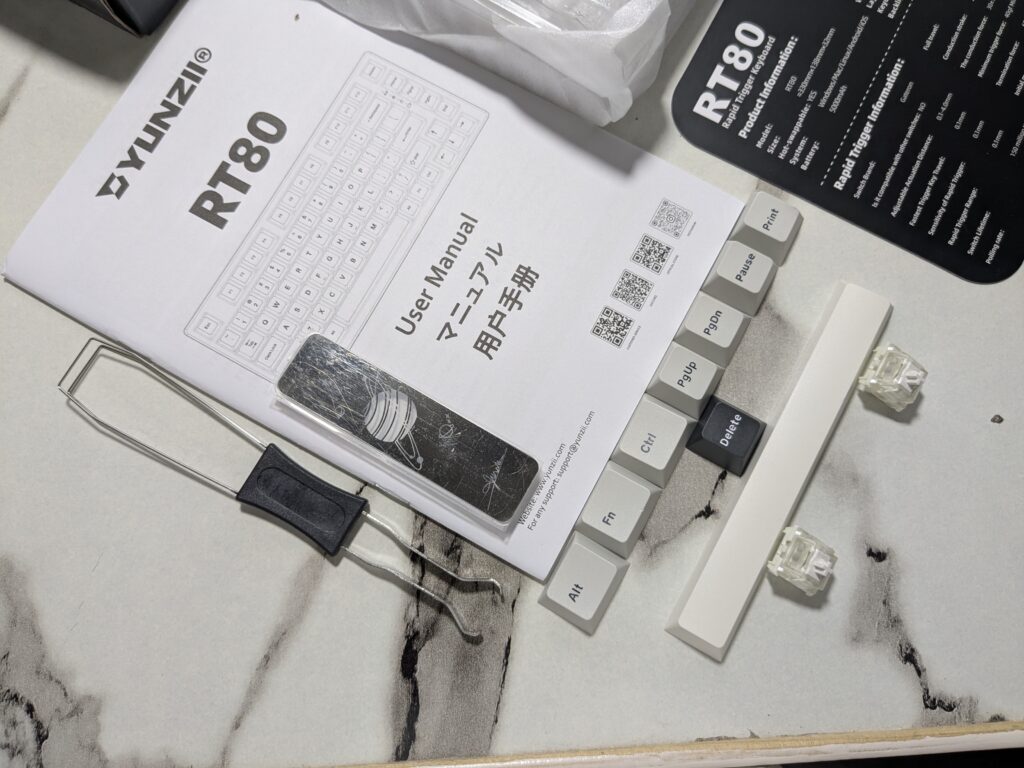
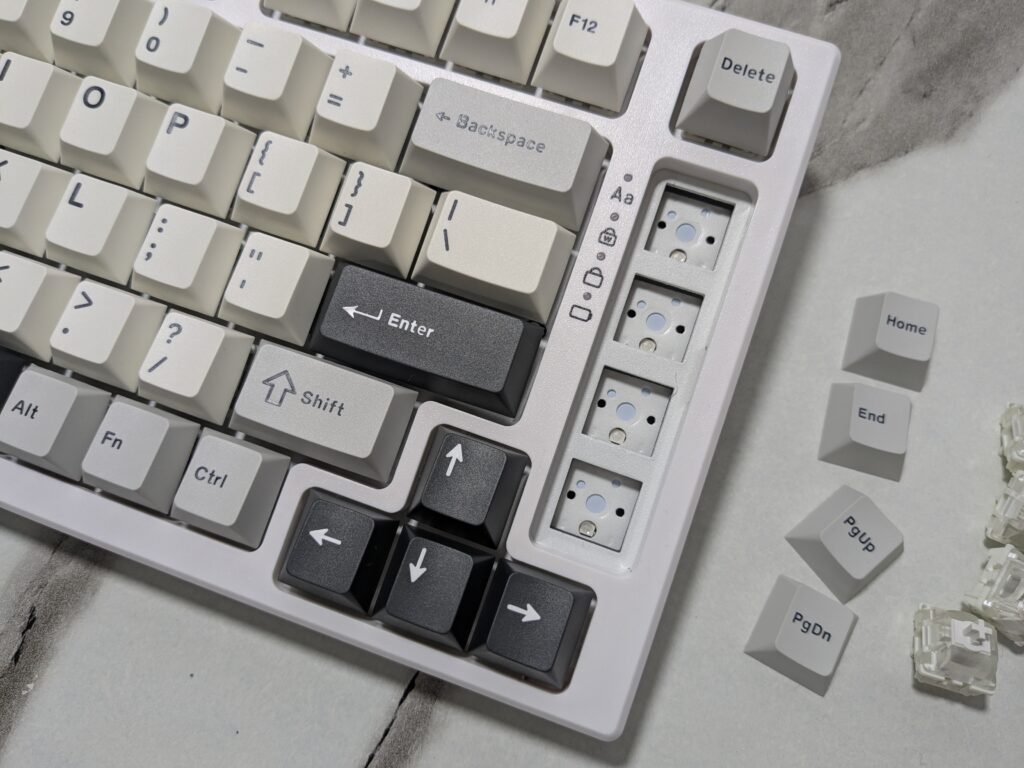
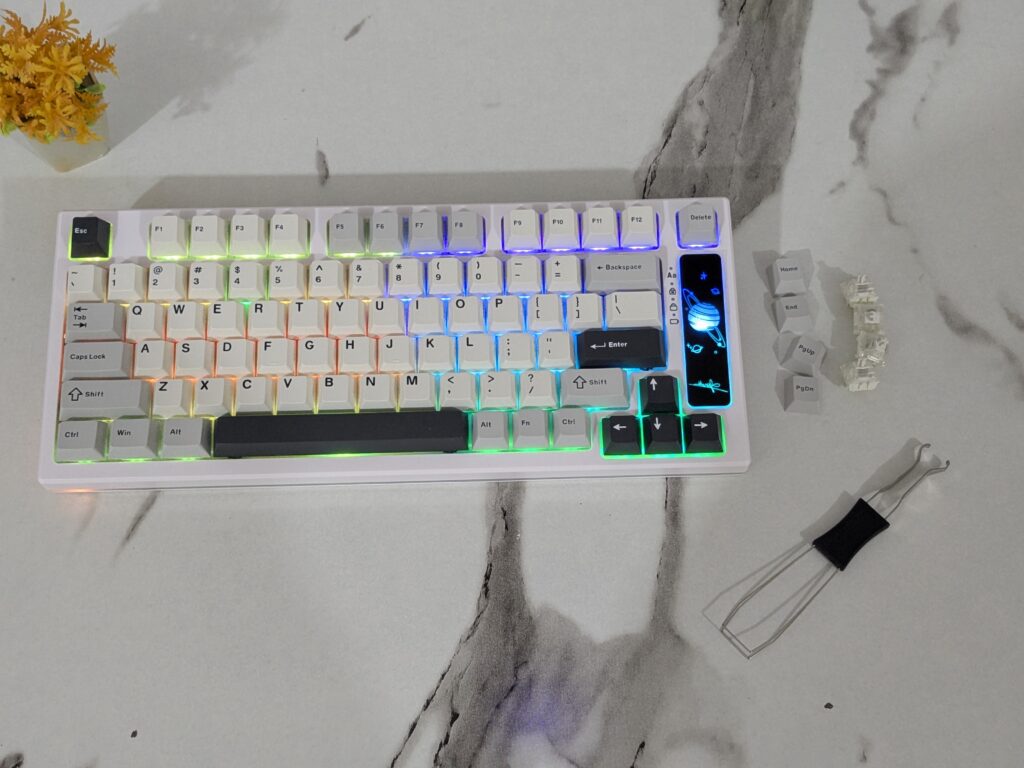
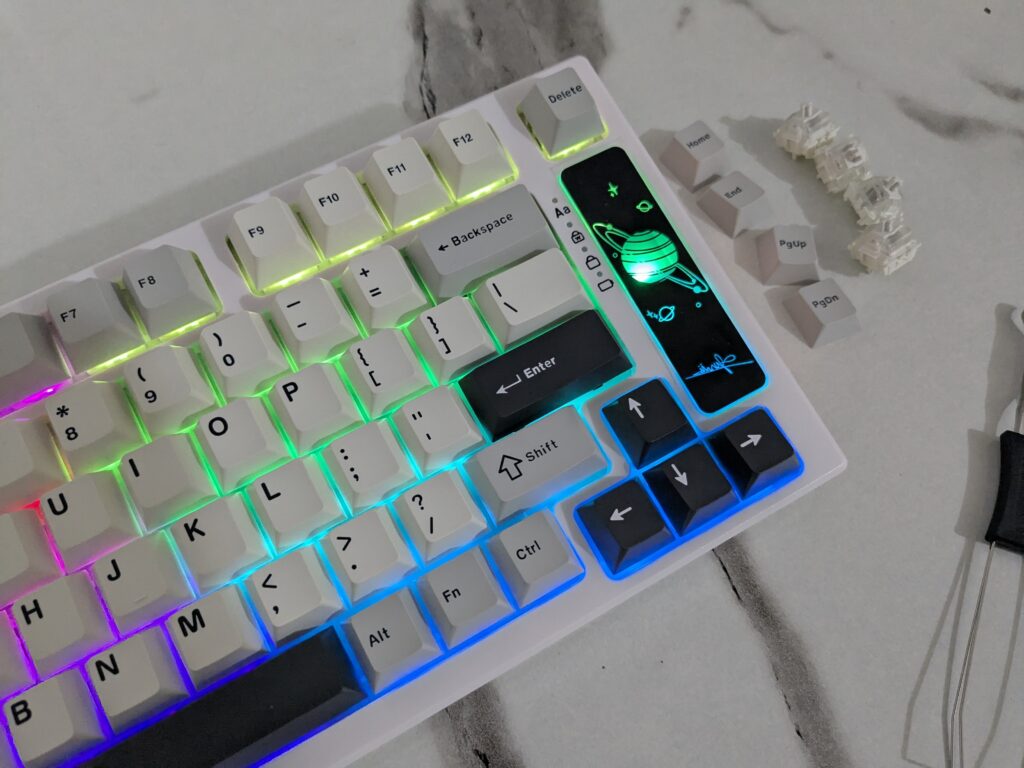
Inside the box, we get a user manual, a function card, extra keycaps including the spacebar, 2 extra switches, a USB Type-A to Type-C cable, a keycap puller, and a switch puller. One special thing included is a plastic slab with a space theme design. It replaces four top-right keys and has no extra function—it’s just for looks. When the keyboard lights turn on, the design glows and gives a cool effect.
Also Read: AJAZZ AK680 MAX Review: A flagship edition magnetic switch wired keyboard
Pricing
| Yunzii Official Website | $71.99 (Click here to buy) |
Yunzii RT80 specifications
| Feature | Details |
|---|---|
| Layout | 75% layout with 82 keys |
| Connectivity | USB-C wired, Bluetooth, and 2.4G wireless |
| Polling Rate | 8000Hz (wired), 1000Hz (Bluetooth & 2.4G) |
| Switches | Gateron magnetic white (Hall Effect), adjustable actuation and reset points |
| Rapid Trigger | Yes, for faster key input and response |
| Keycaps | Double-shot PBT in Cherry profile |
| Structure | Gasket-mounted design |
| Battery | 5000mAh rechargeable battery |
| Customization | RGB lighting (south-facing), side lights, web app support (Windows/Mac) |
| Features | NKRO, anti-ghosting, dynamic keystrokes, snap tap, dual-action keys |
| Extra Functions | Hot-swappable PCB, 4 sound-absorbing layers, quality stabilizers |
| Dimensions | 330 × 135 × 32 mm (12.99 × 5.31 × 1.26 inches) |
| Weight | 940 grams (2.07 pounds) |
A closer look
This keyboard uses a 75% layout, which means it has 82 keys. It doesn’t have a number pad, but it still includes all the main keys like arrow keys and the F1 to F12 row. It saves space on your desk but still gives you enough keys for both gaming and office work. The full size of the keyboard is 330 × 135 × 32 mm (12.99 × 5.31 × 1.26 inches), and it weighs about 940 grams (2.07 pounds).

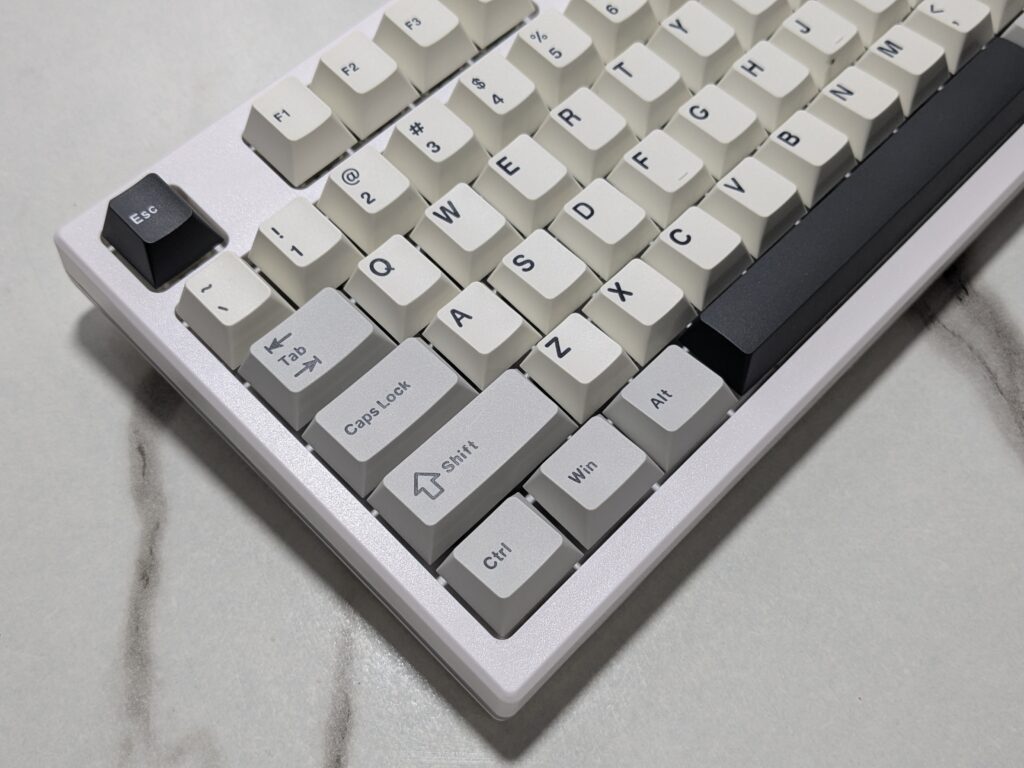
The Yunzii RT80 looks very clean and simple. The white model comes with a mix of white, grey, and black keys. It looks nice on almost any desk. There’s also a black version, but it has yellow-coloured keys. We didn’t like that mix very much — it looks a bit old. Later on, Yunzii released another version called the “White Line”.
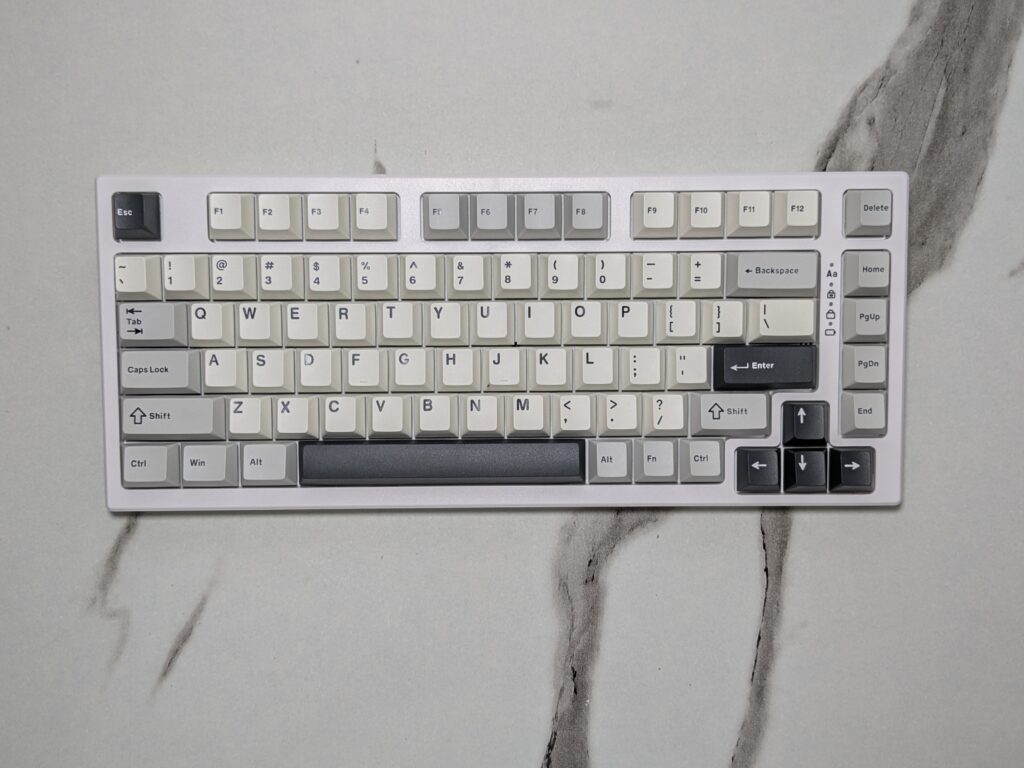
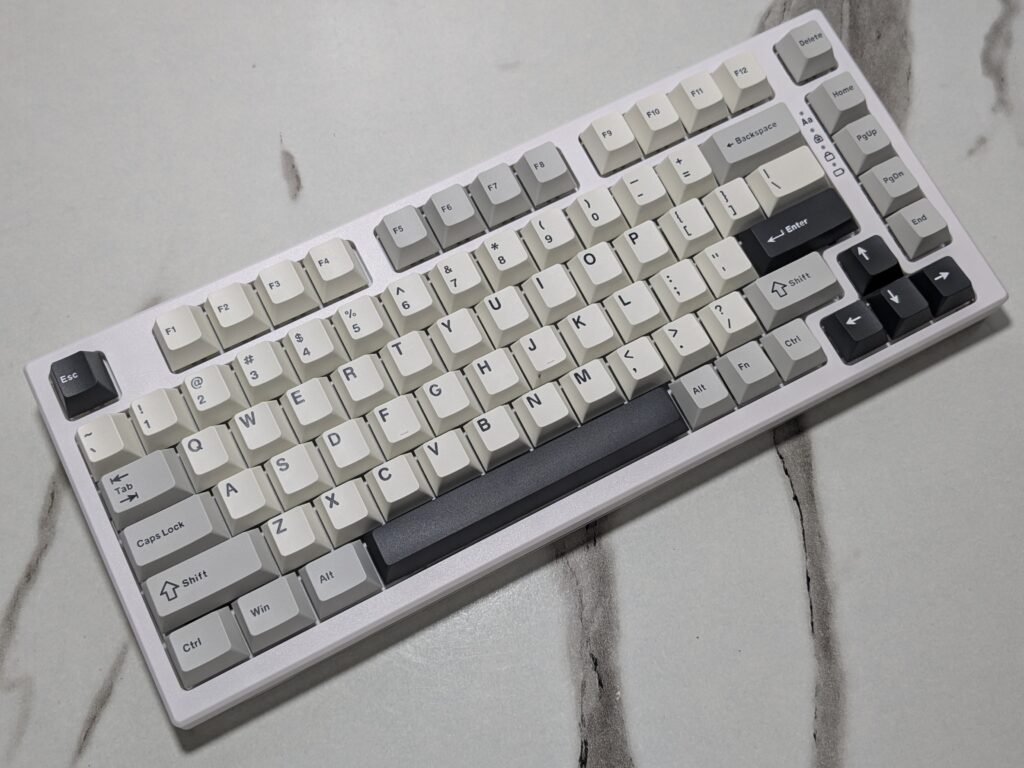
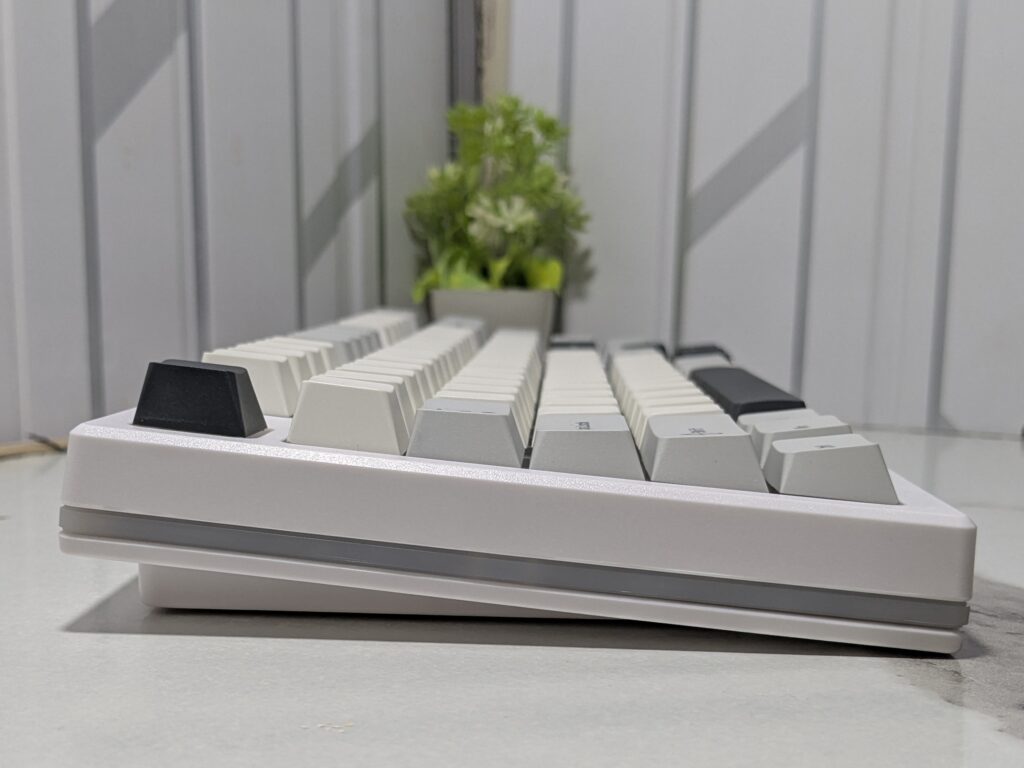
The case is made from strong plastic, not metal. Still, it feels very well-built. It doesn’t bend and doesn’t feel cheap at all. The design is solid, and the angle of the keyboard is comfortable for long hours of typing or gaming.
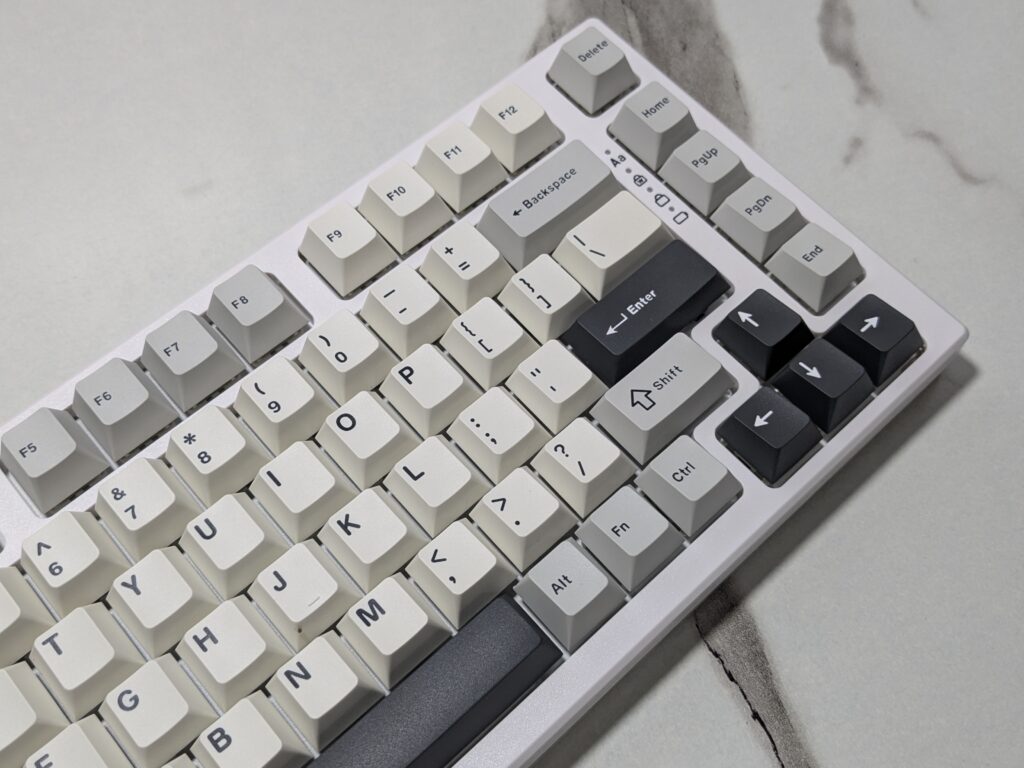
One small issue is that there is no switch to change between modes. To switch between wired and wireless, you have to use shortcut keys:
- Fn + 1 / 2 / 3 for Bluetooth
- Fn + 4 for 2.4GHz wireless
- Wired mode: Turn off and plug in
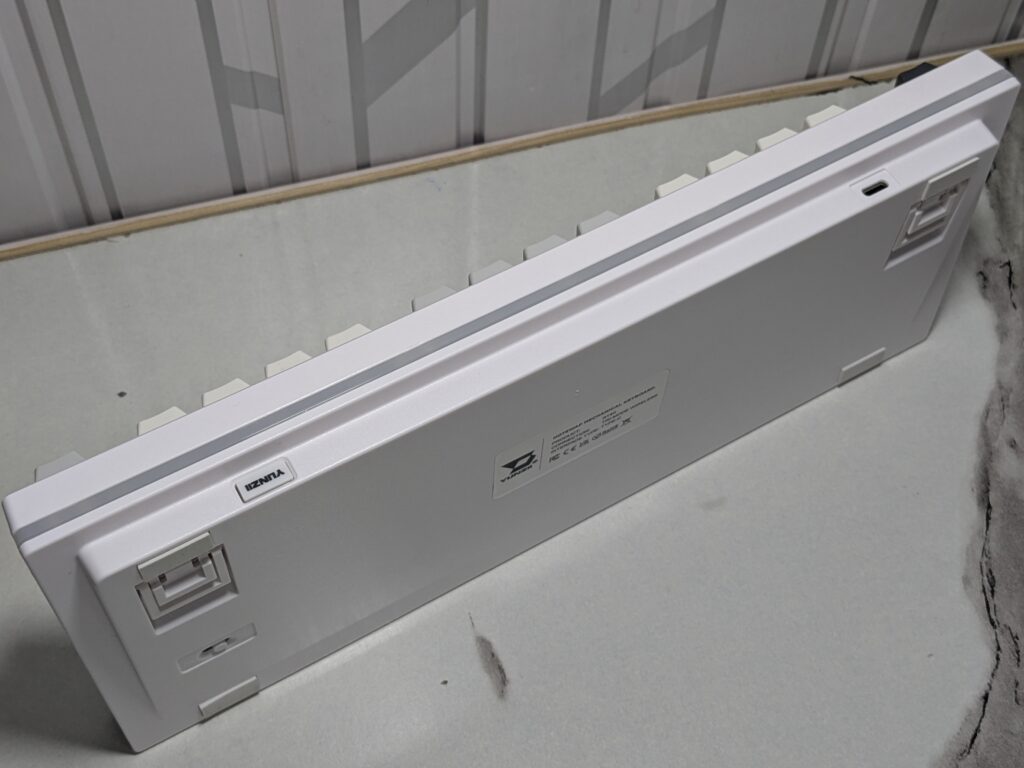
This system works fine, but a small switch would have been easier. On the plus side, there is a small storage slot under the keyboard where you can keep the wireless USB dongle. That’s very helpful and keeps you from losing it.
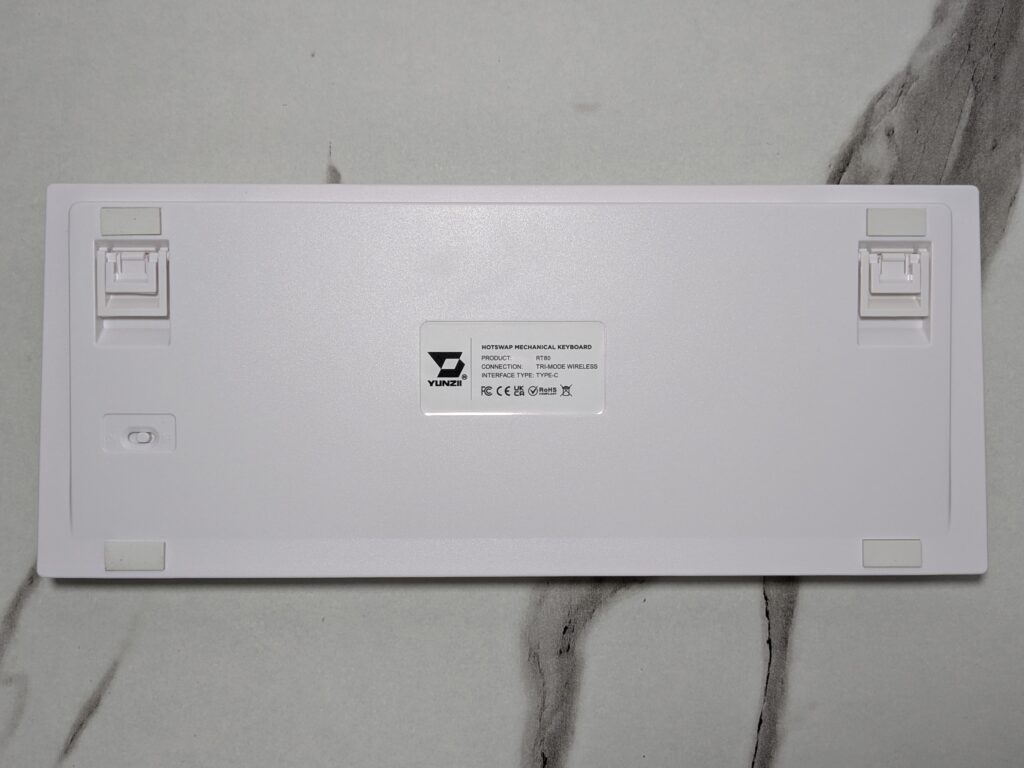
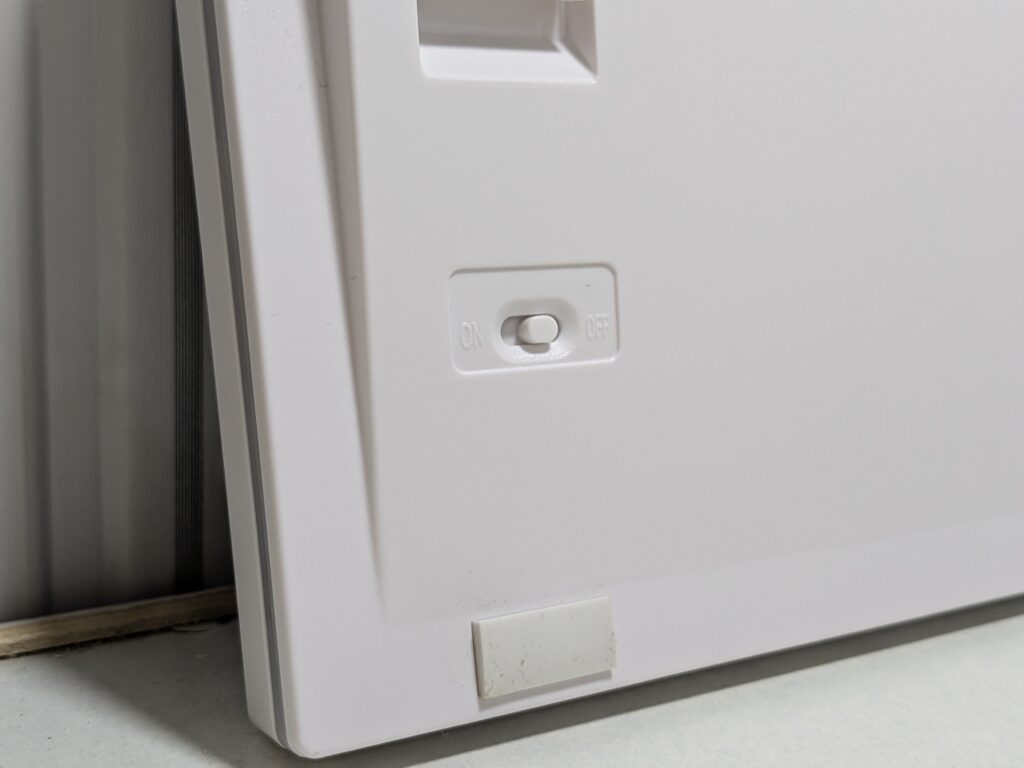
On the back of the keyboard, everything is kept clean and simple. There is a branding sticker in the centre, rubber pads at the corners, and a two-level kickstand for better typing angles. You also get a power on/off switch here. However, there is no dedicated Win/Mac switch, but this can be changed easily through a keyboard shortcut.
Keycaps
The keycaps on the Yunzii RT80 are made from double-shot PBT plastic, which means they’re strong and won’t fade easily over time. They feel nice to type on and have a Cherry profile, which is slightly curved and comfortable for long use. The white and black versions have printed legends on top, but these don’t let the RGB light shine through. That’s a bit disappointing if you like to use your keyboard in the dark. However, the “White Line” version has clear legends on the front, along with a fun wavy pattern, and these let the RGB shine through. If you want better lighting effects, you can change the keycaps, but make sure to pick ones that match the layout and design.
Switches
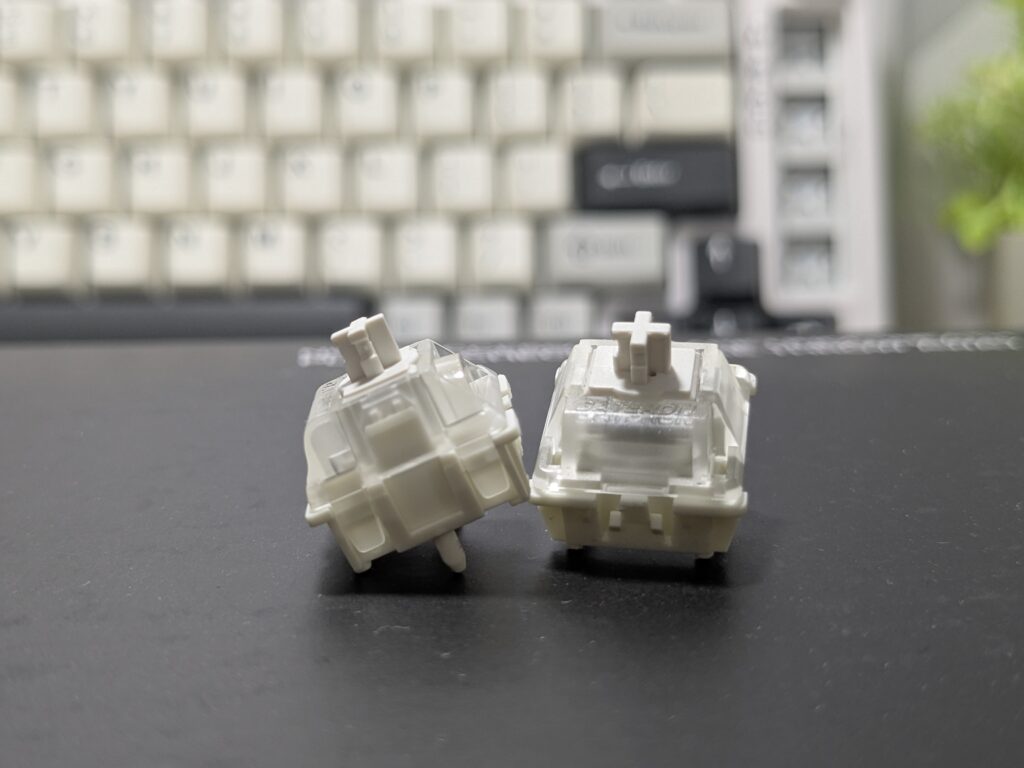
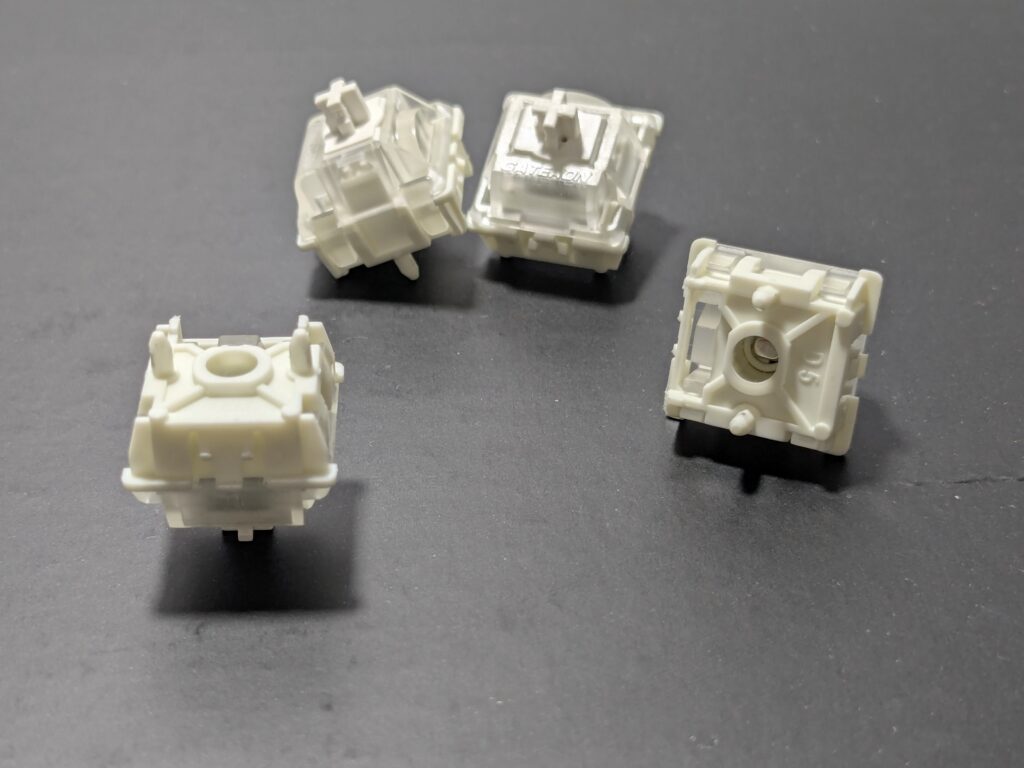
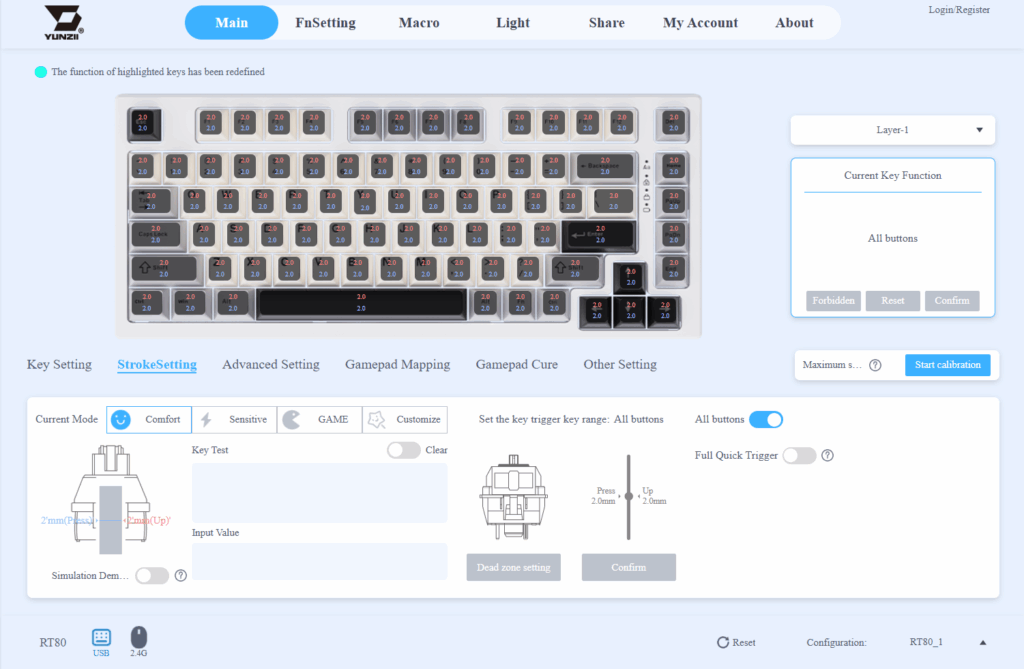
This keyboard uses Gateron Magnetic White switches, also known as Hall effect switches. These are linear switches, so they feel smooth and quiet, with no bump or click when pressed. They’re very fast, which makes them perfect for gaming. What makes these switches special is that you can change how far you need to press the key before it activates. You can choose anywhere between 0.1mm and 4.0mm. You can even set two actions on one key — one when you press lightly, and another when you press fully. This feature gives you more control and can make both typing and gaming better. But remember, these are magnetic switches, so normal mechanical switches won’t work here.
Also Read: MechLands M75 review – A bold entry into magnetic keyboards
RGB lighting
The Yunzii RT80 has RGB lighting that looks clean and bright. The light comes out from the sides of the keys and also from a strip around the keyboard.
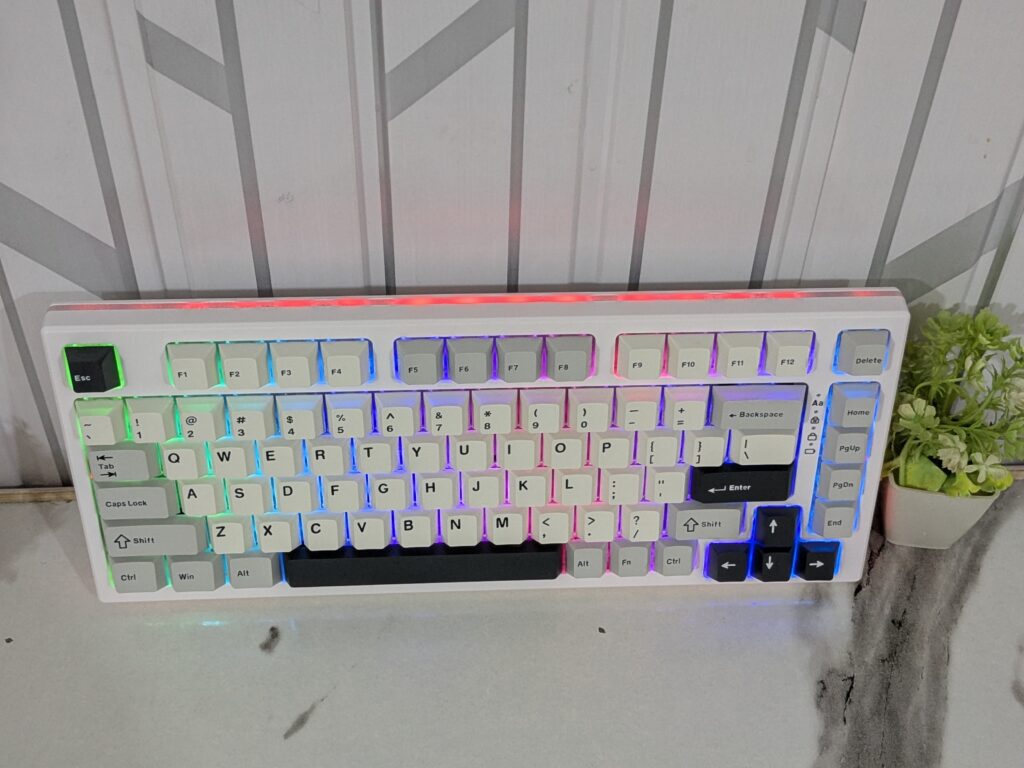

However, on the white and black versions, the key legends don’t let the light shine through, so it’s harder to see the letters in the dark. . You can also change lighting modes using the software or keyboard shortcuts. The RGB effects are smooth and add a cool look, but if you want to save battery, it’s better to turn them off when using wireless mode.
There is also a clear acrylic block inside the box. You can remove four keys on the right side and place this block there.
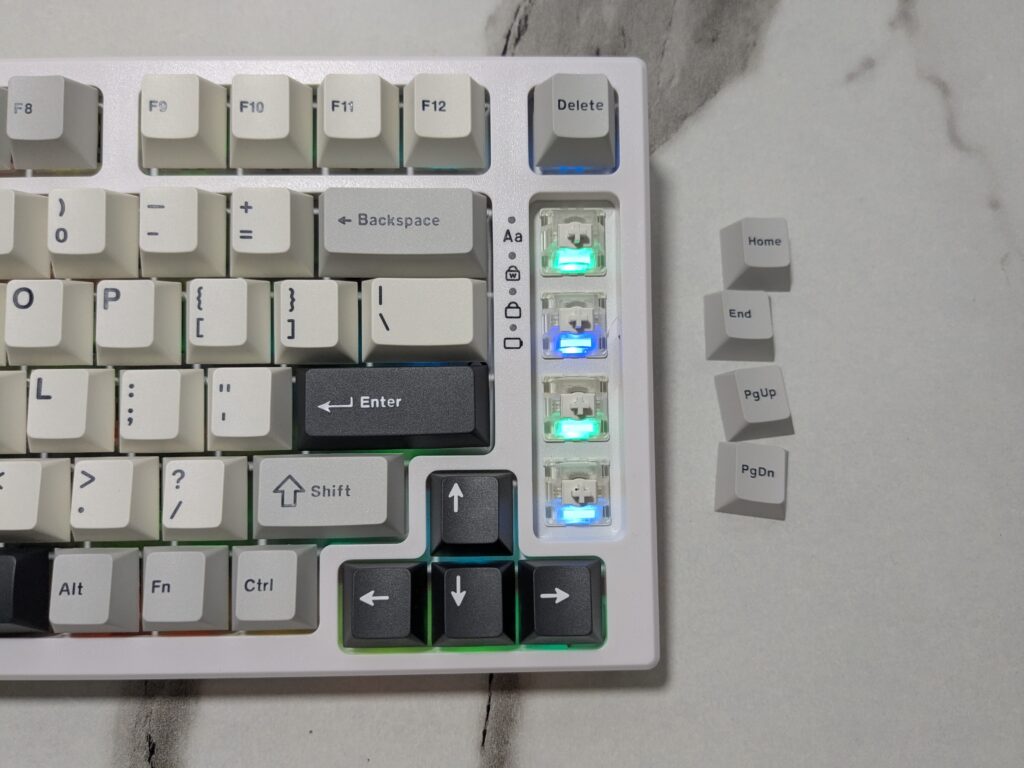
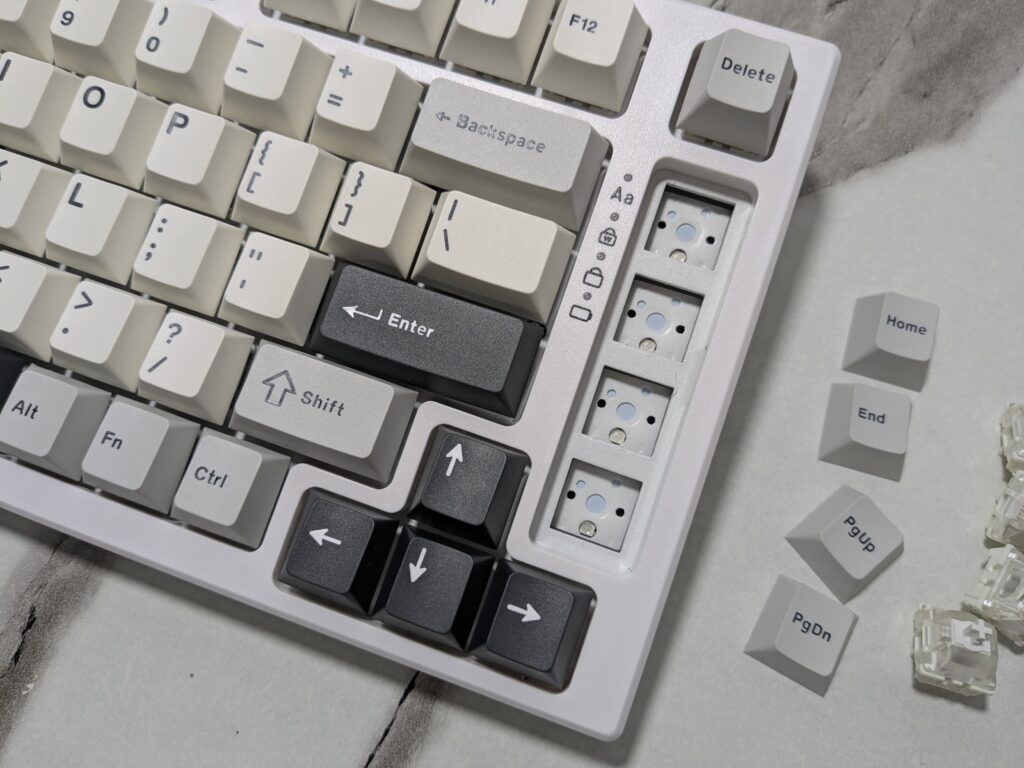
It shines with RGB lighting and looks cool from a distance. But if you look closely, you can see the holes for the switches, which doesn’t look very clean. Also, the block sits loosely and might fall out when you move the keyboard.
Software
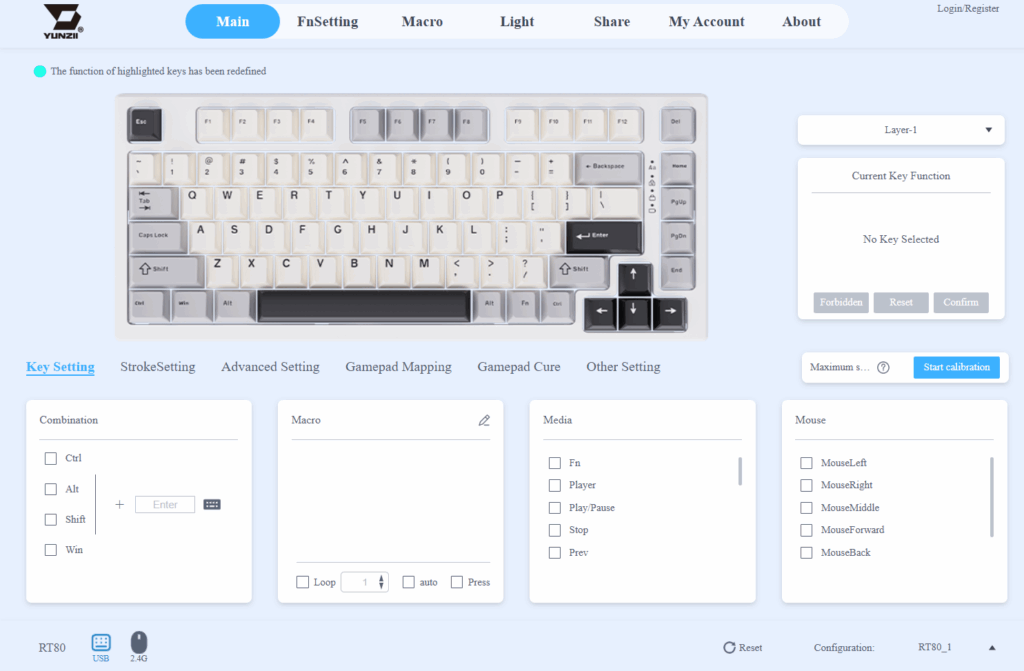
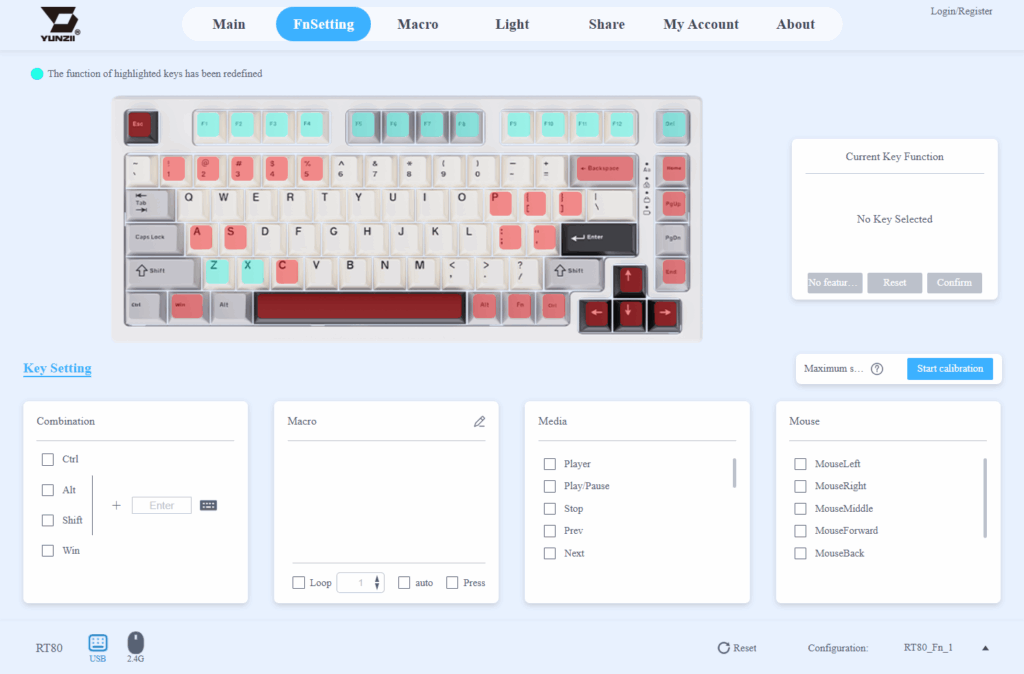
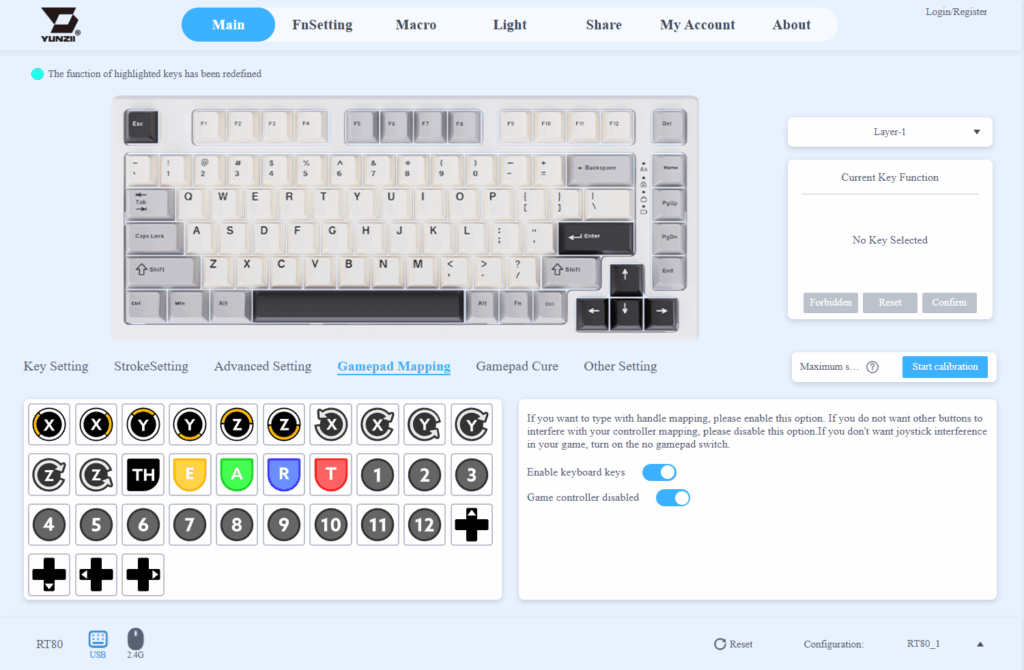
I used the web app for the Yunzii RT80, and it was very easy to use. Since I have tested many keyboards before, I was already familiar with such apps. This one, however, gives some extra options. It has a special game mode that makes the rapid trigger fully active, and you can even set a controller layout. The app also allows you to adjust key actuation settings, create macros, and save custom profiles. On top of that, you can change both the RGB backlighting and the side strip RGB effects from here. Overall, the web app is smooth, simple, and covers all the functions of the keyboard in one place.
Battery and connectivity
The Yunzii RT80 gives you three ways to connect: USB-C wired, Bluetooth, and 2.4G wireless. You can switch between them using shortcut keys. Fn + 1/2/3 lets you connect to three Bluetooth devices, while Fn + 4 turns on the 2.4G dongle. If you plug in the USB-C cable and keep the keyboard off, it works in wired mode. The wired mode is very fast with an 8000Hz polling rate, while Bluetooth and 2.4G wireless both run at 1000Hz, which is still smooth for gaming and daily work. There is no physical switch for quick mode change, but Yunzii has added a small slot to keep the dongle safe so it does not get lost.
Yunzii RT80 User experience
The user experience with the Yunzii RT80 is very smooth and enjoyable. The rapid trigger feature makes every key feel fast and responsive, which is great for both gaming and typing. The keys register with very light pressure, so you don’t need to press them fully down, saving both time and effort. This makes a big difference in games where speed matters, but it also feels comfortable during long typing sessions. The keyboard layout is simple, and the build feels strong, which gives confidence while using it daily. The stabilisers are well-tuned, so big keys like the spacebar and enter key feel stable and don’t make extra noise. Overall, the Yunzii RT80 gives a premium experience that balances speed, comfort, and quality.
Final Verdict
The Yunzii RT80 shows how far gaming keyboards have come. It mixes modern features like Rapid Trigger and 8000Hz polling with the classic charm of a retro design. The build is strong, the typing feel is smooth, and the switches are soft-sounding, not too loud, which makes it nice for both gaming and daily typing. The side RGB lighting is a great addition that makes any gaming setup look better.
The web app adds extra value, with stroke modification being a handy feature. You can even set two different actions on the same key based on travel distance, which is impressive. With all these features, the RT80 proves Yunzii’s strong place in the premium keyboard space, even if it is a little costly and hard to find sometimes.
Overall, this keyboard shows why Yunzii is known for making high-quality products. If you want a keyboard that offers smooth, fast, and reliable experience, the Yunzii RT80 is an excellent choice.
Thank you Yunzii for sending this amazing keyboard.

Yunzii RT80 Pros and Cons
Pros
- Strong build
- Rapid Trigger tech
- USB-C, BT, 2.4G
- 8000Hz polling
- Smooth switches
- Easy web app
- RGB + side lights
Cons
- Battery drains with RGB