












MechLands M75 review – A bold entry into magnetic keyboards

The MechLands M75 is the first magnetic keyboard from MechLands, and it brings some exciting features at a budget-friendly price. With its compact 75% layout, smooth metal knob, and advanced magnetic switches, the MechLands M75 is made for both gamers and casual users who want fast performance and a premium feel. After spending some time with it, here’s my full review of the MechLands M75.
Unboxing
Let’s first talk about the box, because MechLands always puts effort into making their packaging stand out. The MechLands M75 comes in a beautifully designed box with black, green, and white abstract and graffiti-style artwork on the front. There’s also a cool drawing of the keyboard itself, along with the MechLands M75 branding.

On the back, you’ll find another keyboard sketch with the main features and branding clearly shown.

When I opened the box, I found the MechLands M75 keyboard safely packed inside a soft sleeve and protected with a dust cover.
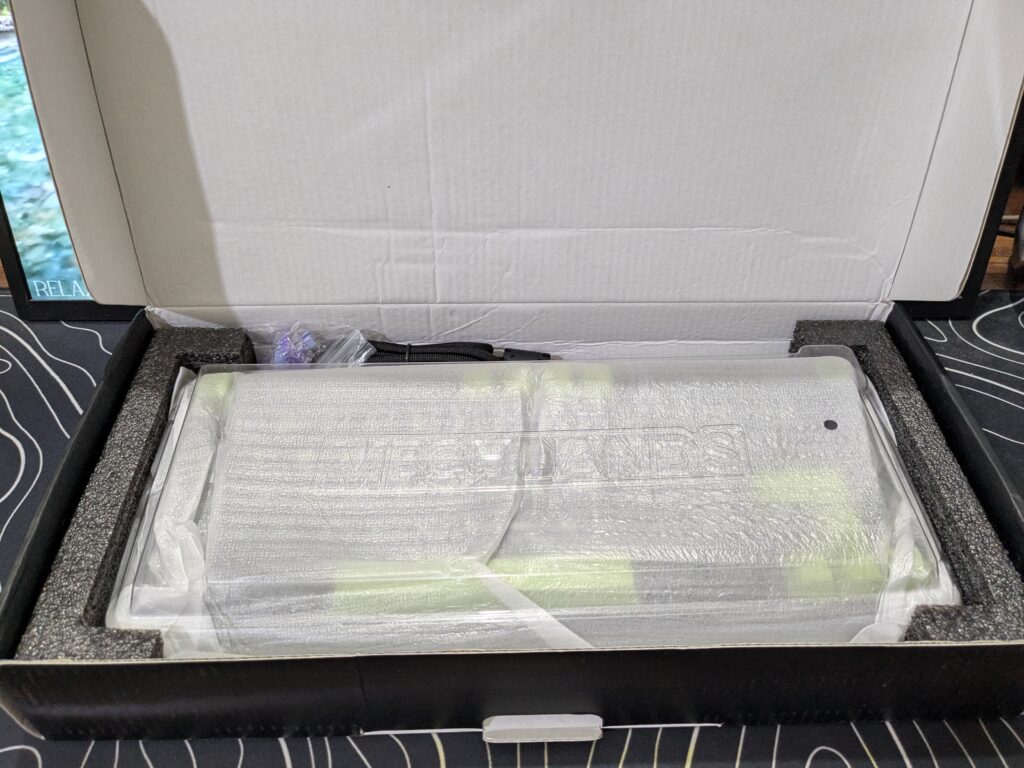
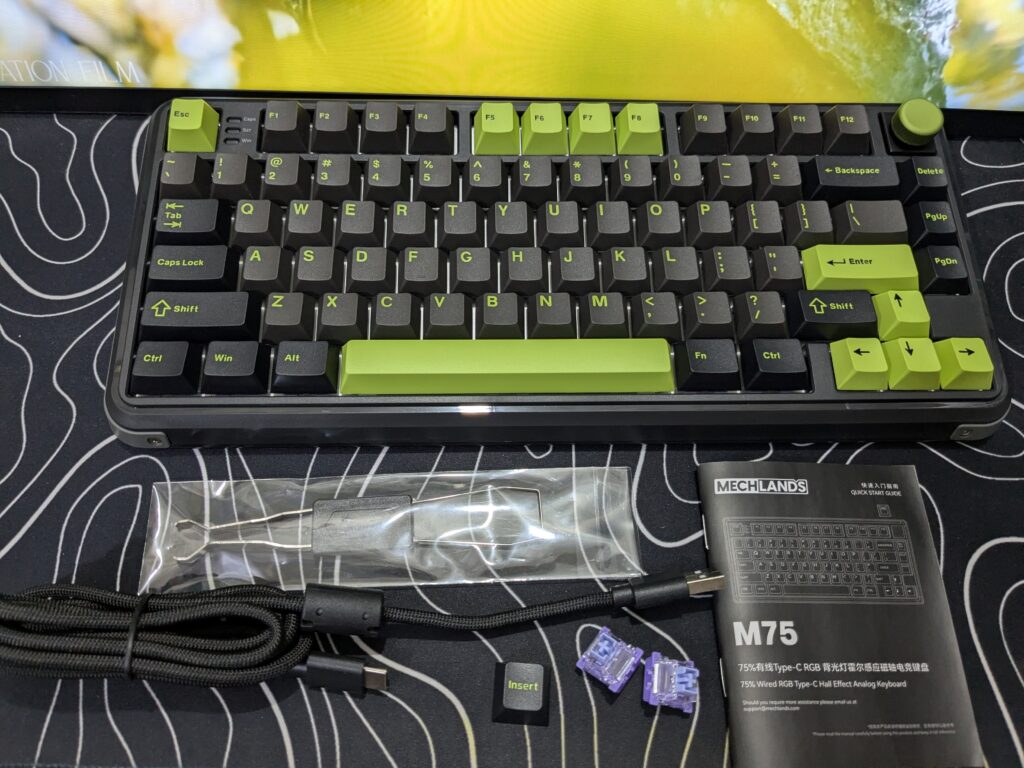
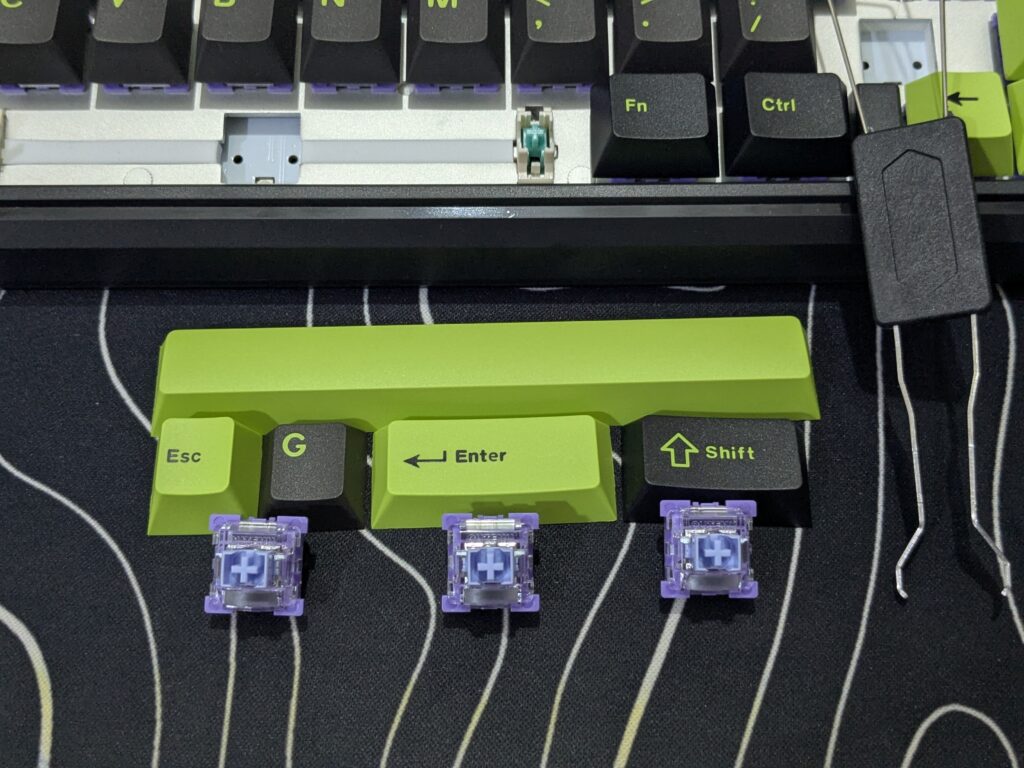
Along with the keyboard, the box also includes a keycap & switch puller, a braided USB-A to USB-C cable, two extra switches, and an INSERT keycap. Overall, the unboxing experience feels premium, and the keyboard is shipped securely with proper protection inside the box.
Pricing
| MechLands Official Store | $69.99 Click here to buy |
Also read: MechLands Vibe99 Review: A Great Budget Mechanical Keyboard
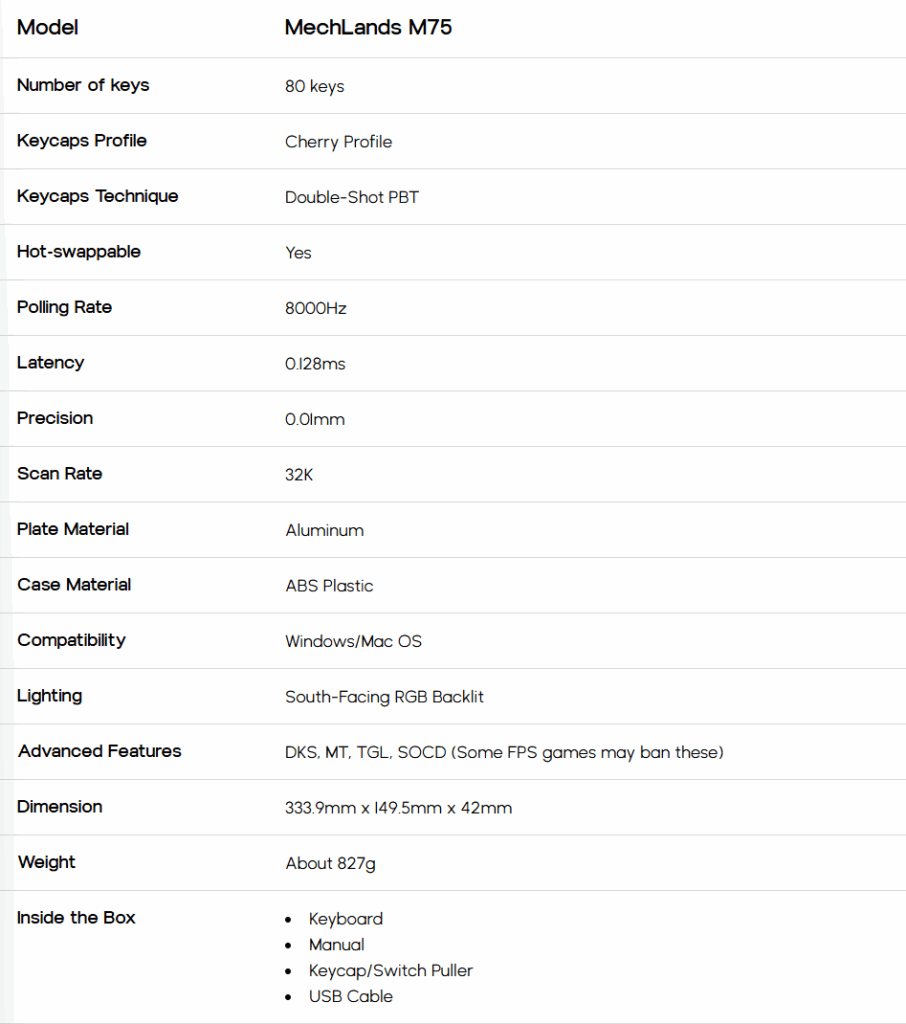
MechLands M75 specifications
A closer look
The MechLands M75 is a compact 75% layout keyboard that measures about 33.5 cm in length, 12.5 cm in width, and 4 cm in height. It weighs around 800 grams, making it sturdy yet easy to carry.
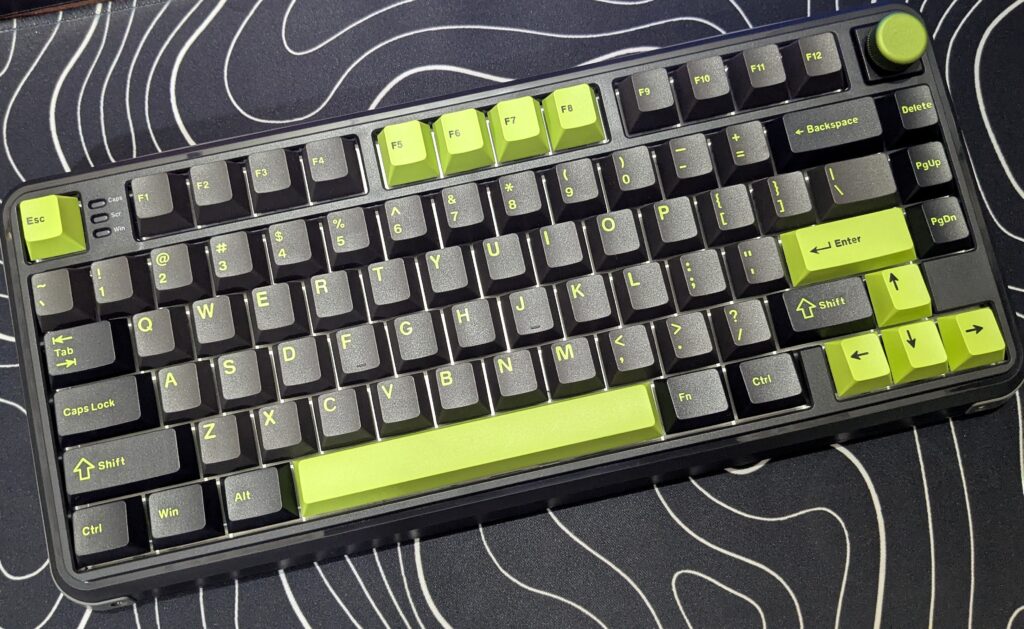
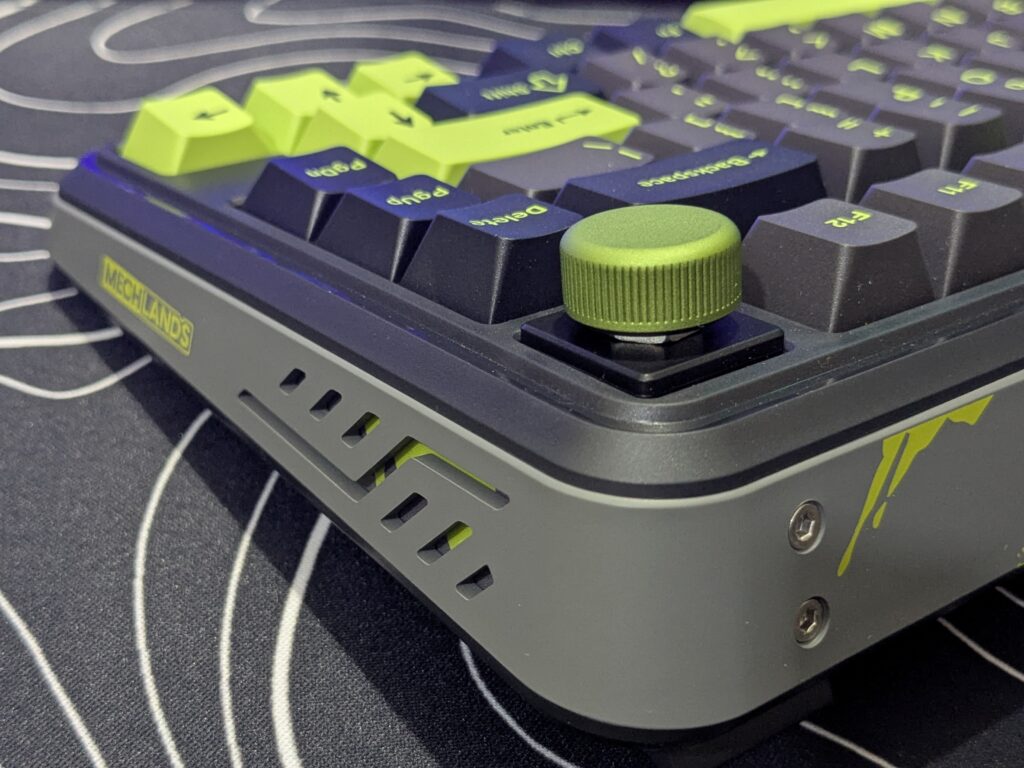
Unlike many metal-framed keyboards, the MechLands M75 has a plastic build but does not feel cheap at all. It comes only in black colour but with a stylish green touch that adds character.
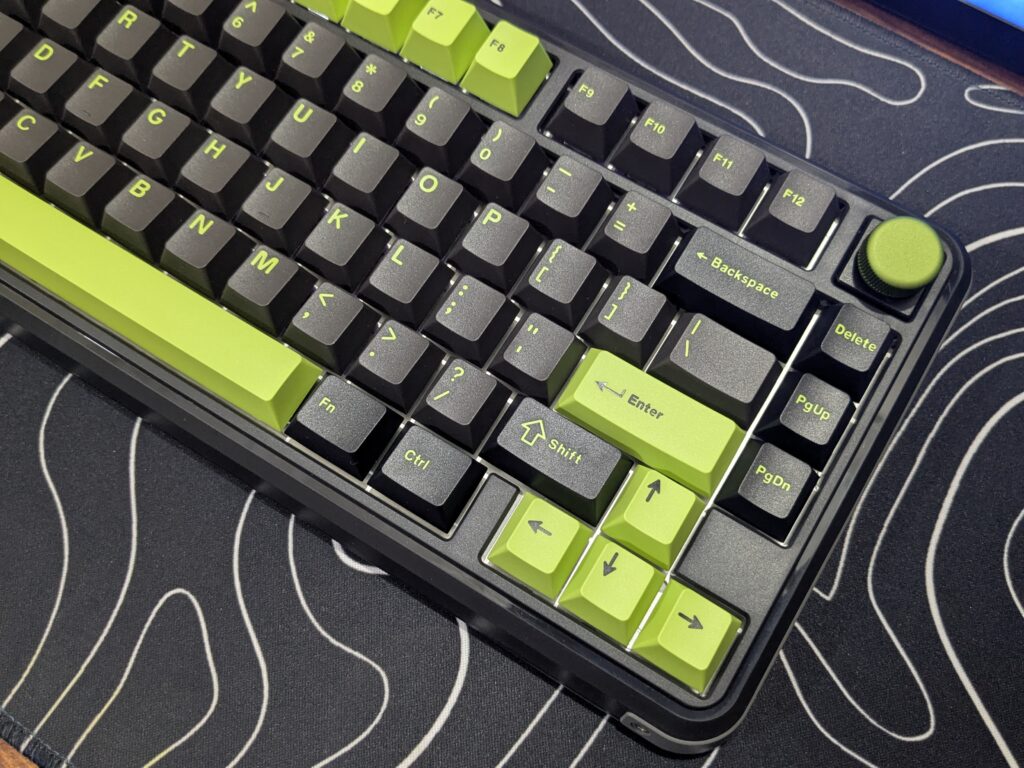
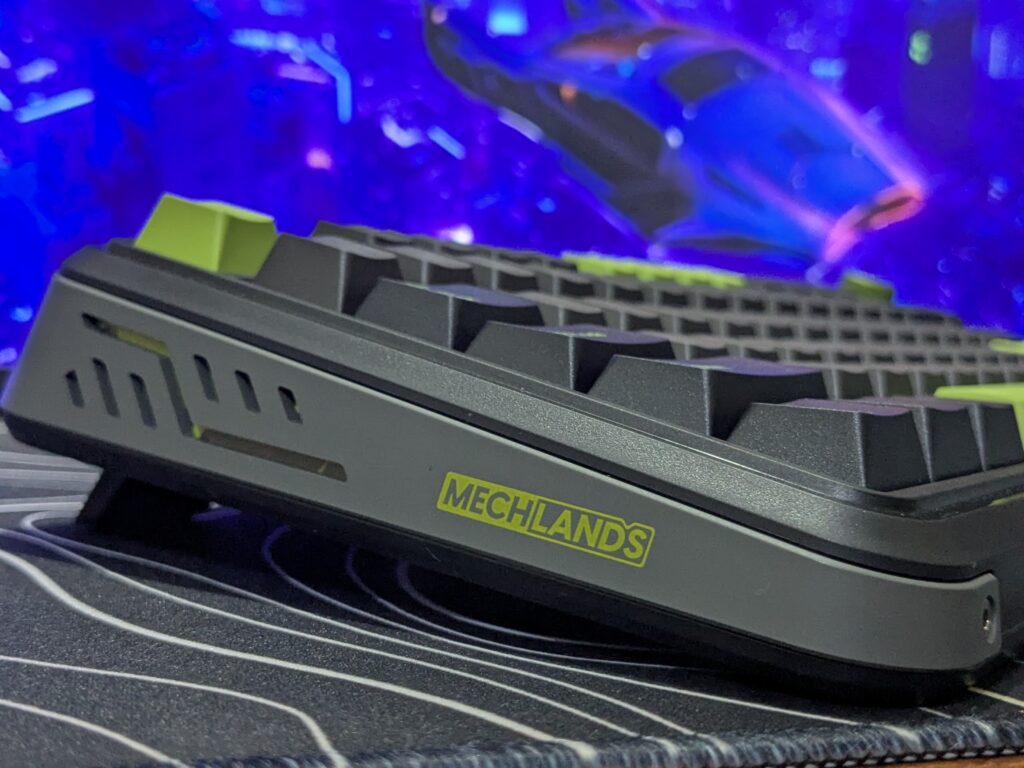
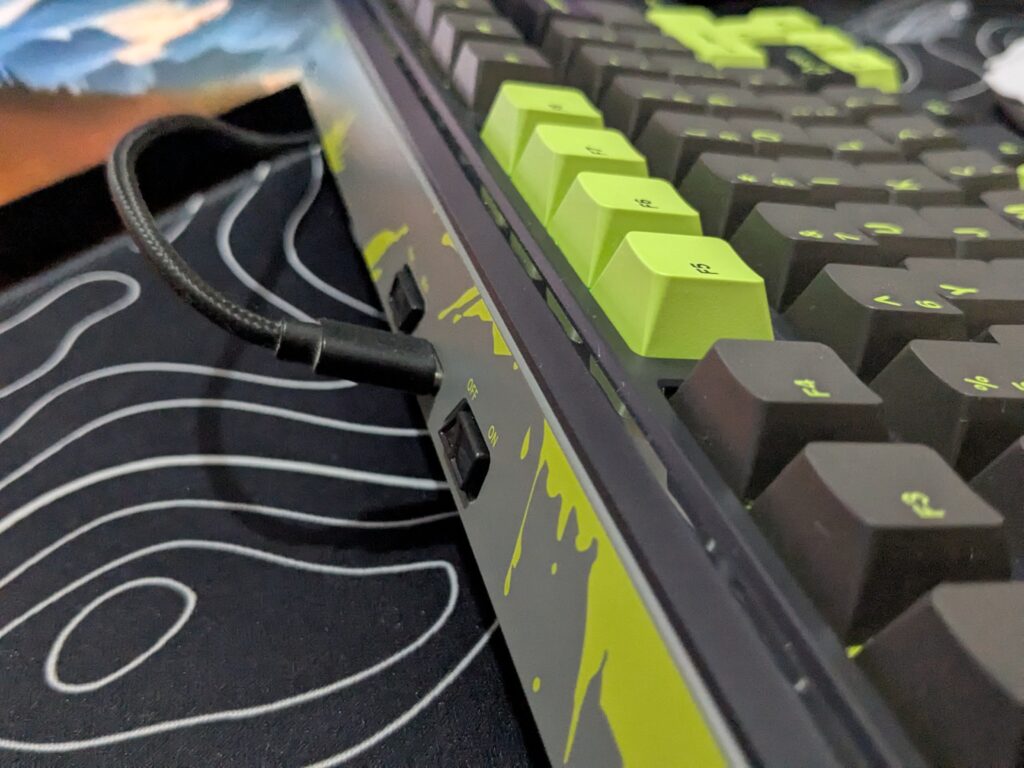
The base of the keyboard is fully black, while the sides and rear bumper feature a grey strip running from left to right, decorated with green splash designs. This design and branding on the sides are similar to what MechLands used on their Vibe 75, making the keyboard visually striking. On the back side of the Mechlands M75, you’ll find a power switch, a Windows/Mac toggle, and a USB Type-C port.
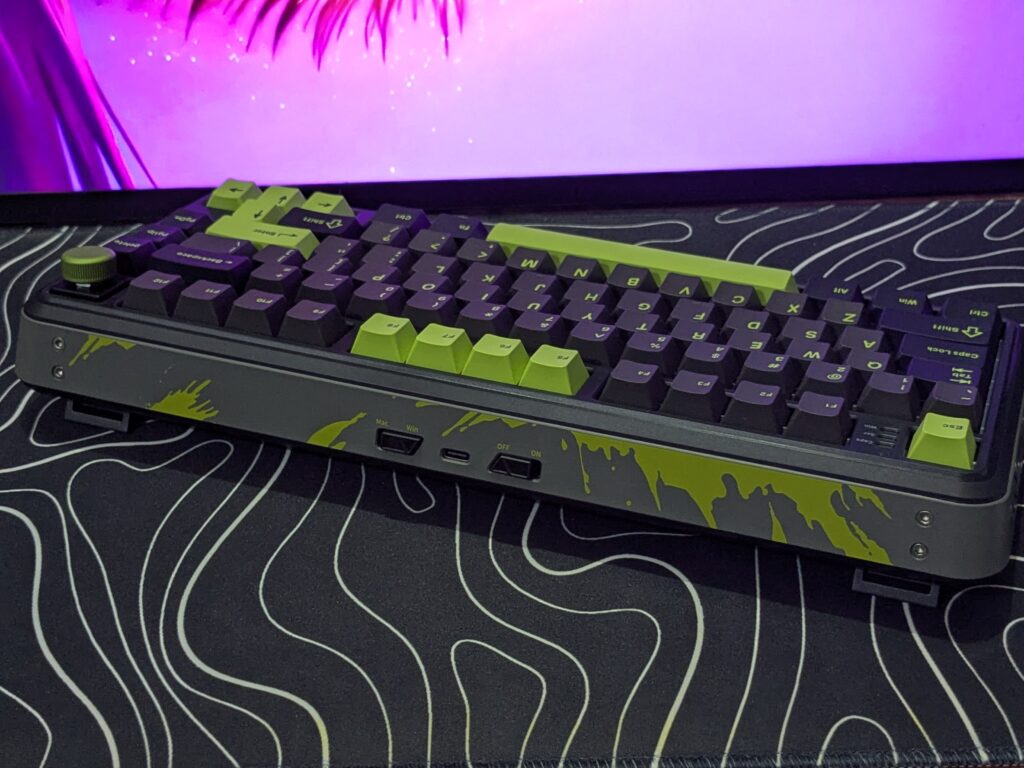
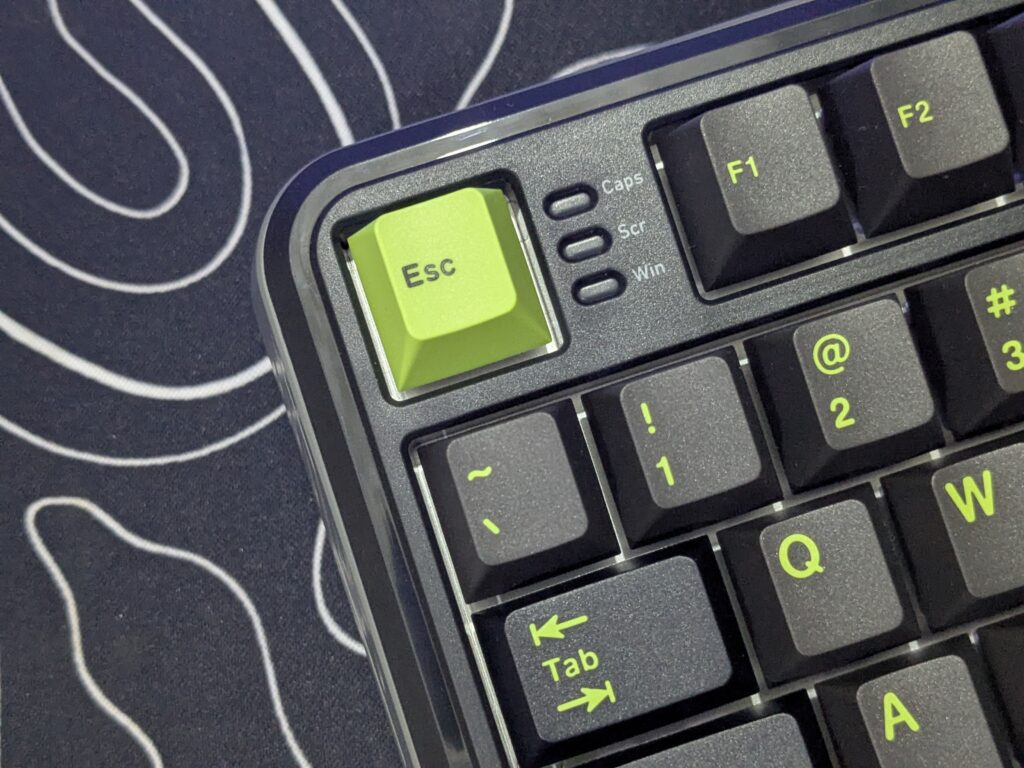
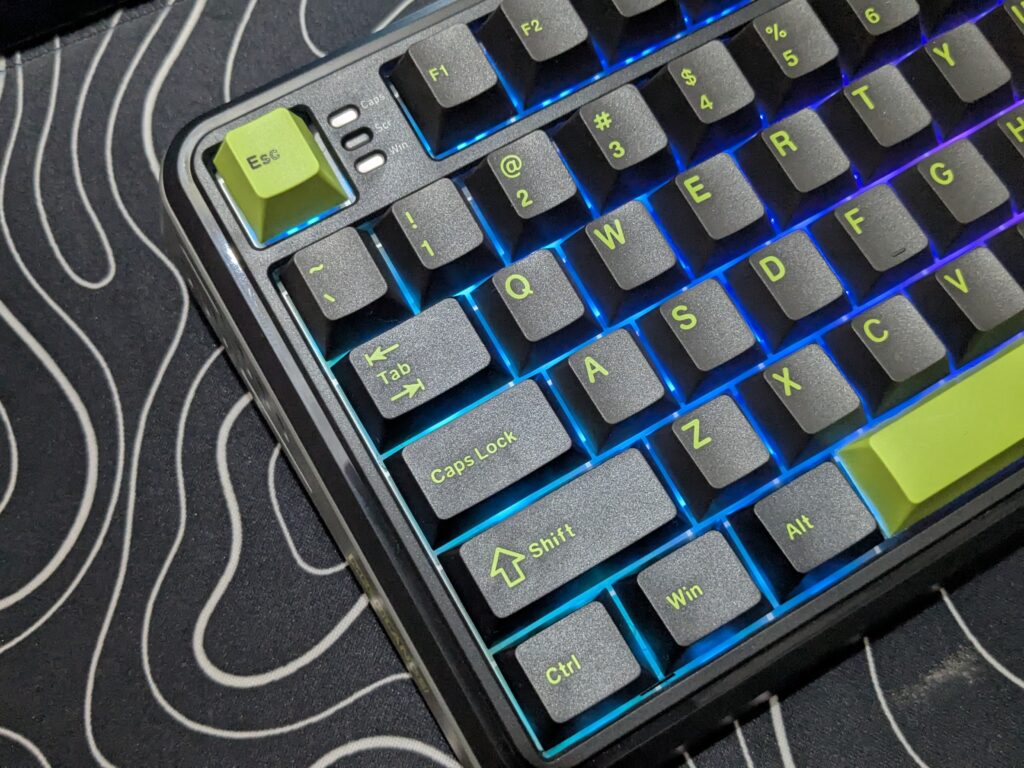
The keyboard also has three LED indicator caps for Caps Lock, Windows Lock, and Scroll Lock placed between the Escape and F1 keys.
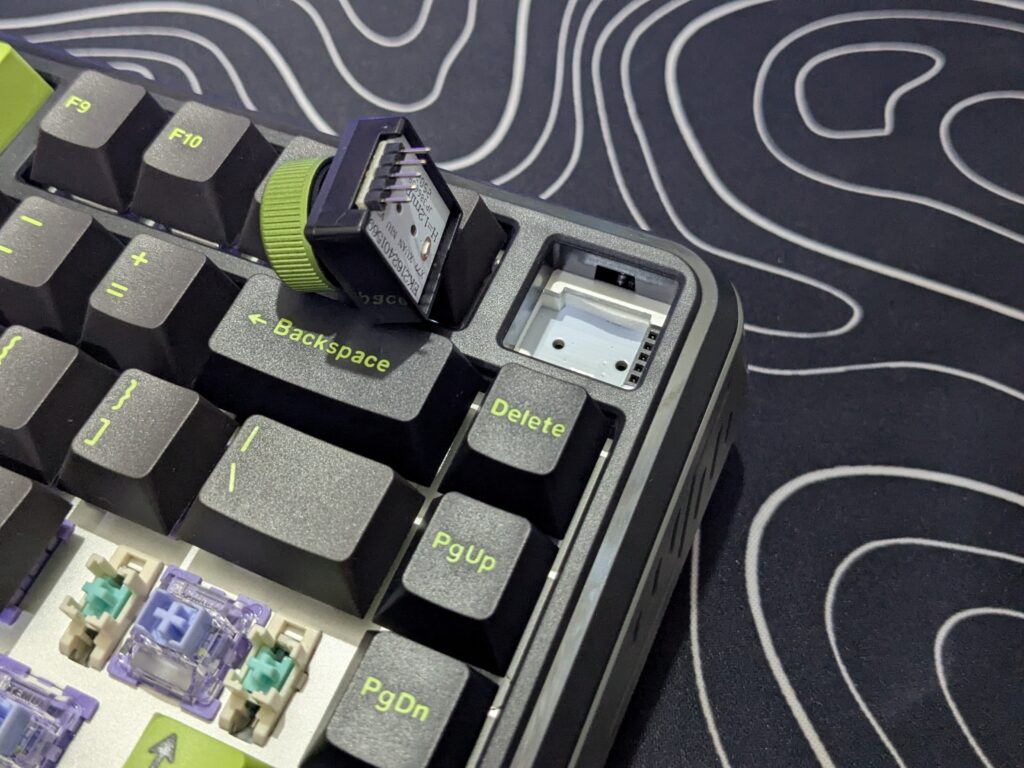
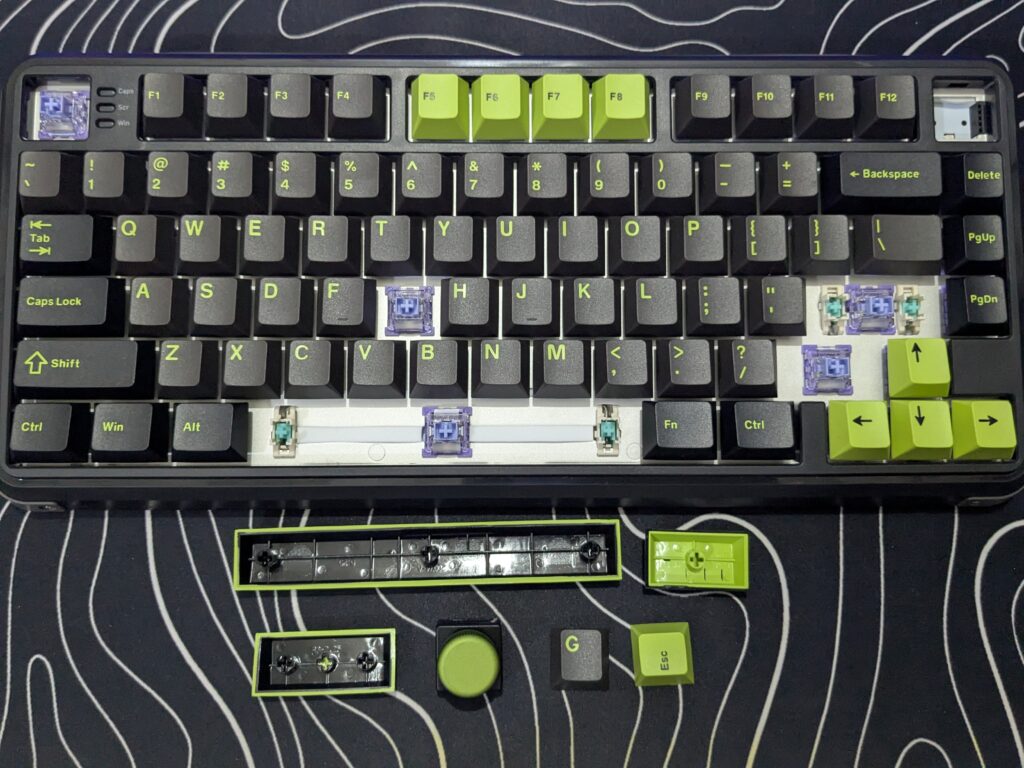
The keyboard includes a large metal knob at the top right corner. It rotates smoothly and clicks nicely, great for volume control or custom shortcuts. The knob is removable and can be swapped with the extra switch and insert keycap provided. This lets users personalise their setup easily.
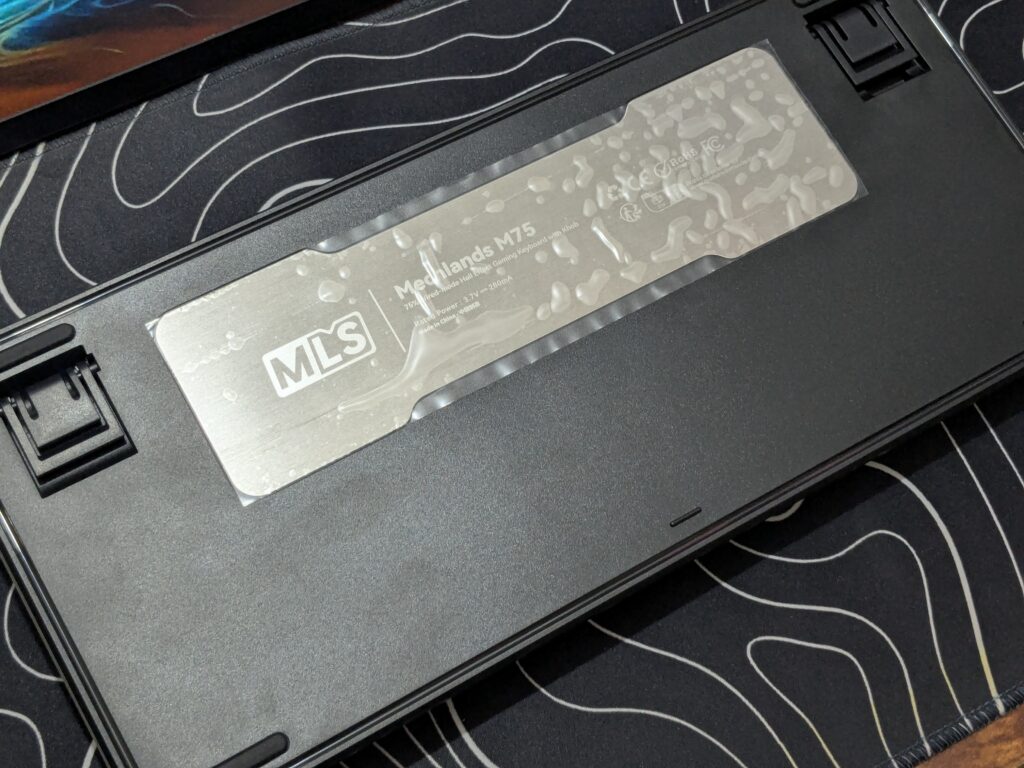
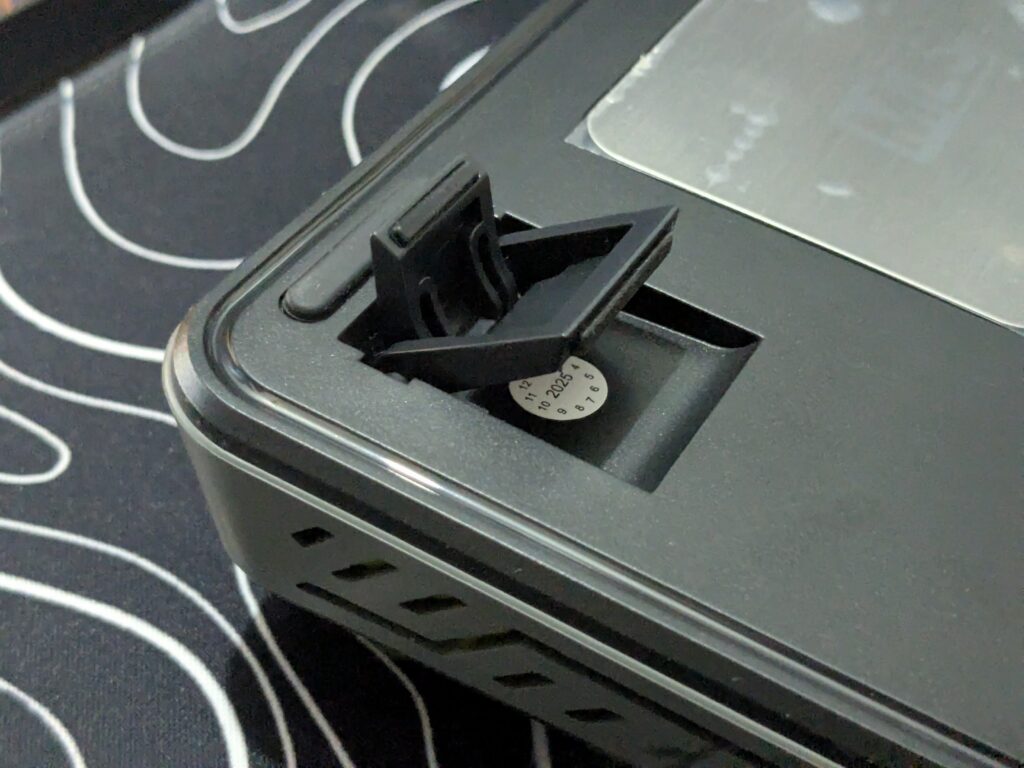
Looking from the bottom, the entire base is black with the MechLands M75 name printed in silver colour. It includes two-stage adjustable kickstands and rubber feet on all four corners to prevent slipping. Overall, the build quality is strong and reliable, and the design is beautiful, giving the MechLands M75 a premium look despite its plastic construction.
Switches and Stabilizers
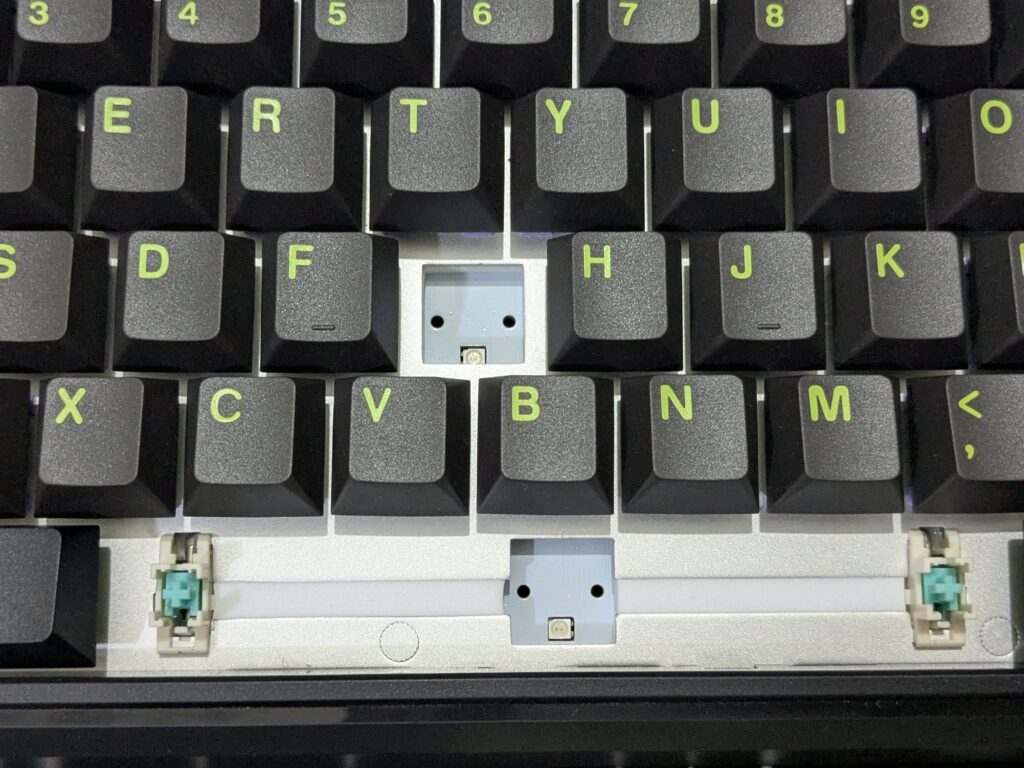
The Mechlands M75 uses Outemu Magnetic Switches, which are linear and work with Hall Effect technology. These switches are designed to last long—up to 100 million presses. They have a 2.0mm actuation point with a 45±5gf force, and the total travel is about 3.5mm. This means the switches are fast, smooth, and light to press.
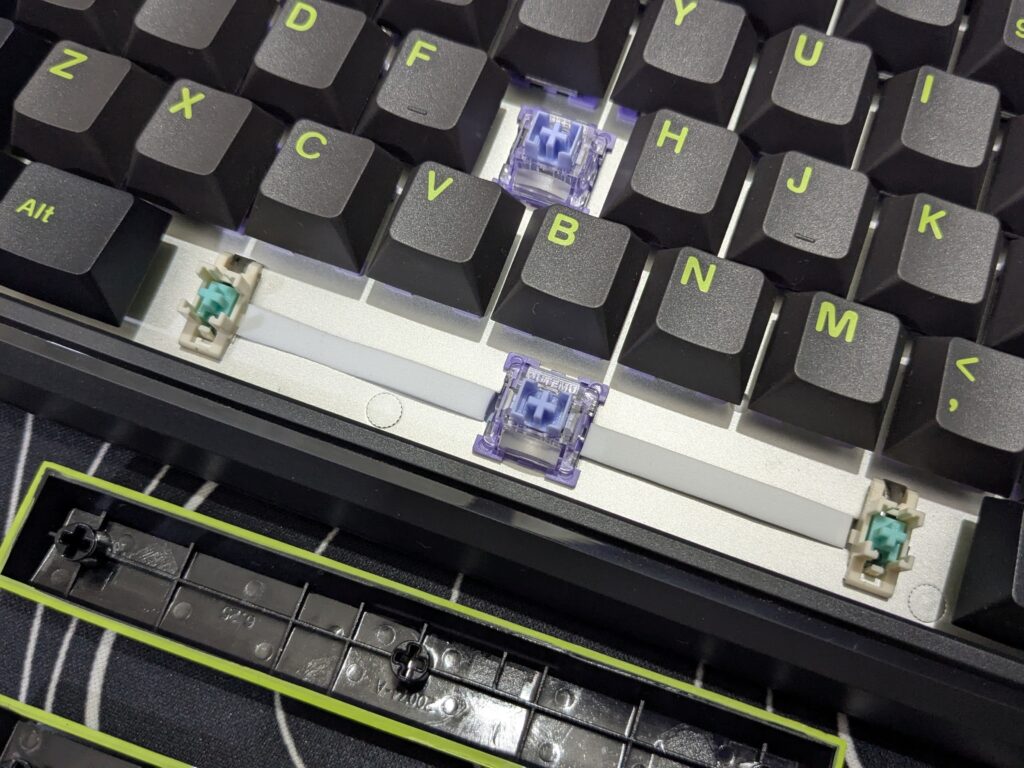
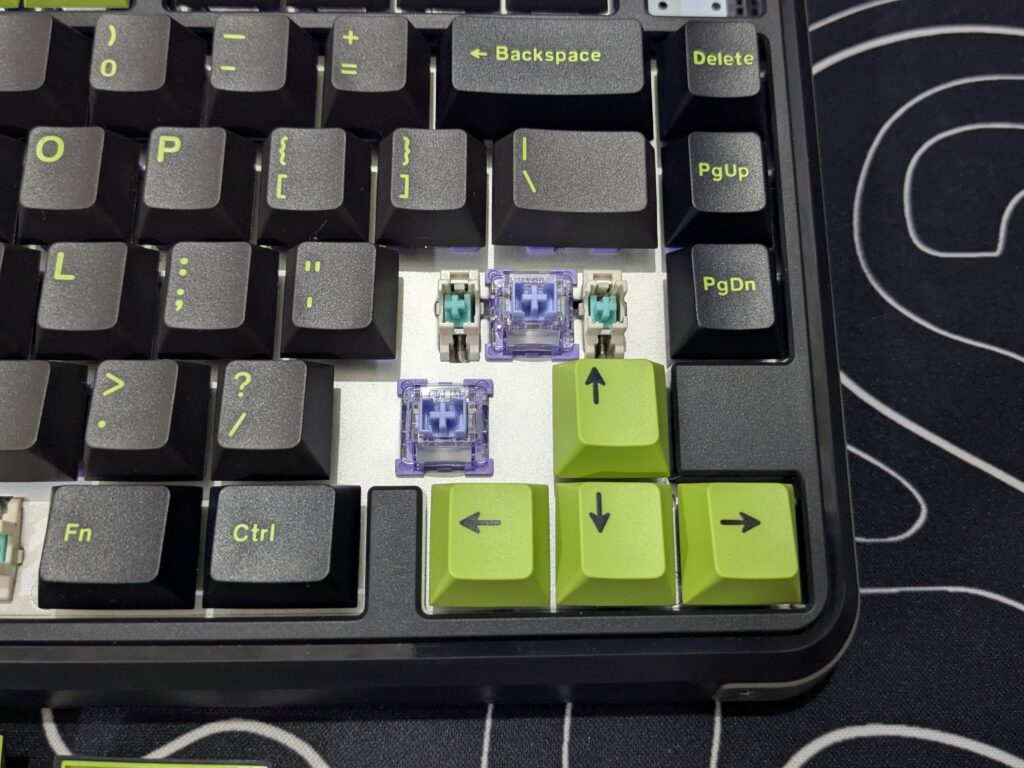
The keyboard also comes with pre-lubed plate-mounted stabilisers, which help make the larger keys like Spacebar, Enter, and Shift feel stable and less wobbly when typing. The stabilisers work well out of the box and don’t make much noise, which improves the typing experience.
Keycaps & RGB lighting
The Mechlands M75 comes with Cherry profile keycaps, which are comfortable for both typing and gaming. Most of the keycaps are black with green legends, while some are green with black legends, creating a cool contrast that matches the overall theme. These keycaps are made from durable material and feel smooth to the touch.
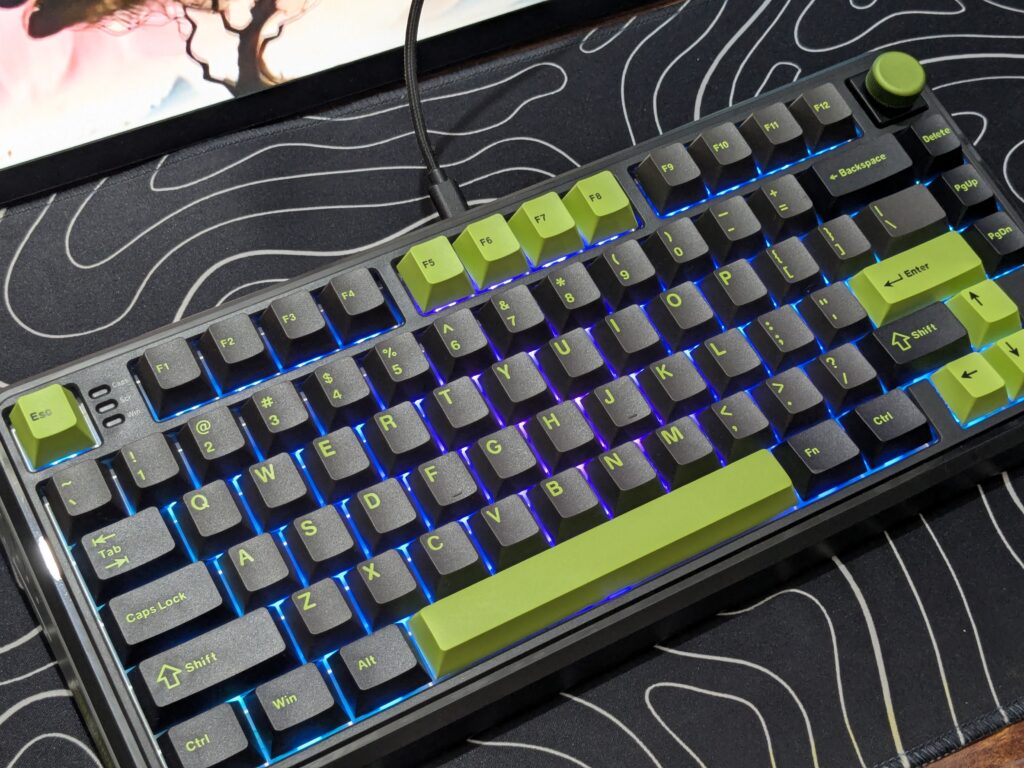
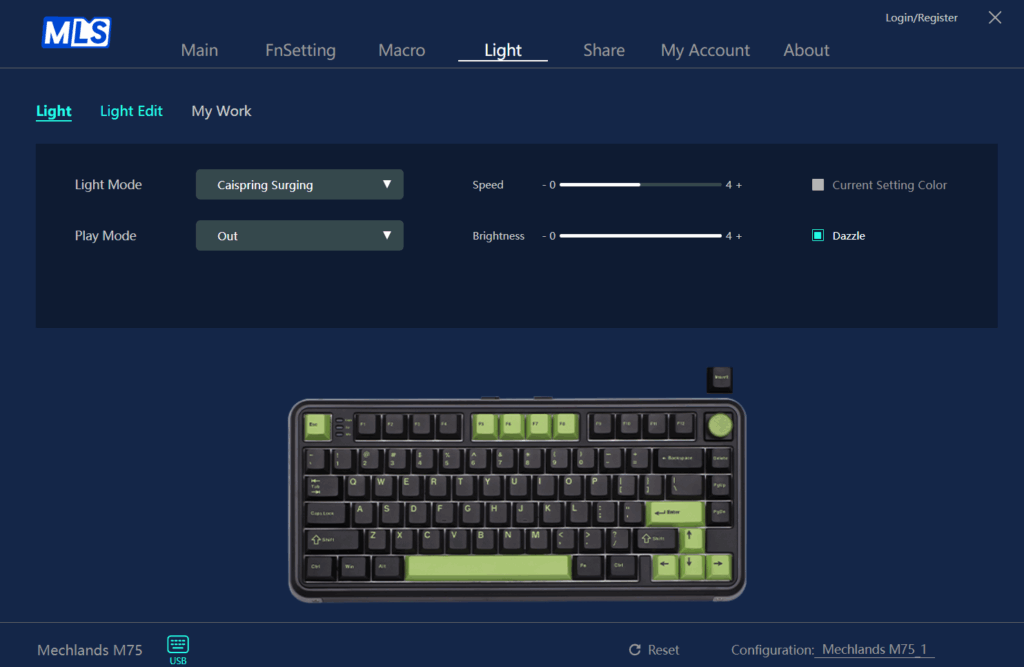
Under the keycaps, the keyboard features bright RGB lighting that shines through nicely. It supports different lighting modes and colours, which you can change using the software or shortcuts. The light looks especially nice with the black and green keycaps, giving the keyboard a stylish and modern look.
You can switch between different RGB effects using simple shortcuts: press Fn + Backspace to change effects, Fn + DEL to change colours, Fn + ↓ or ↑ to adjust brightness, and Fn + ← or → to control the speed of the lighting. These easy controls make it simple to set up the lights the way you like.
Connectivity
The Mechlands M75 is a wired-only keyboard, which means it connects to your PC using a cable. It comes with a Type-A to Type-C cable that feels strong and good quality. The wired connection gives you a stable and fast response, which is great for gaming and everyday use. Since it doesn’t rely on batteries or Bluetooth, you don’t have to worry about charging or connection drops. Just plug it in, and you’re ready to go.
Software and customisation
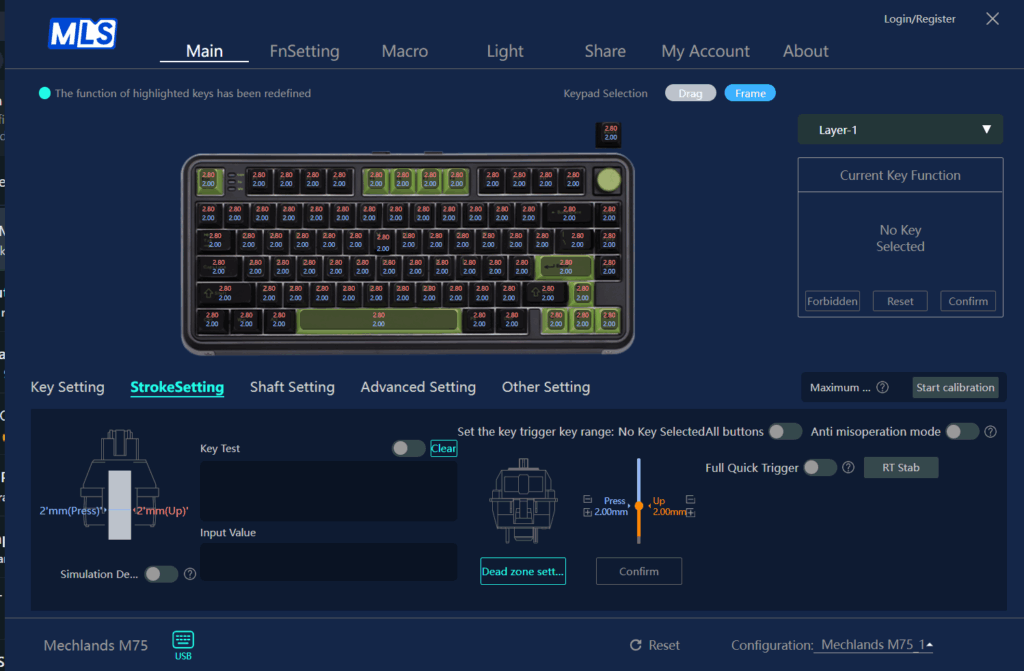
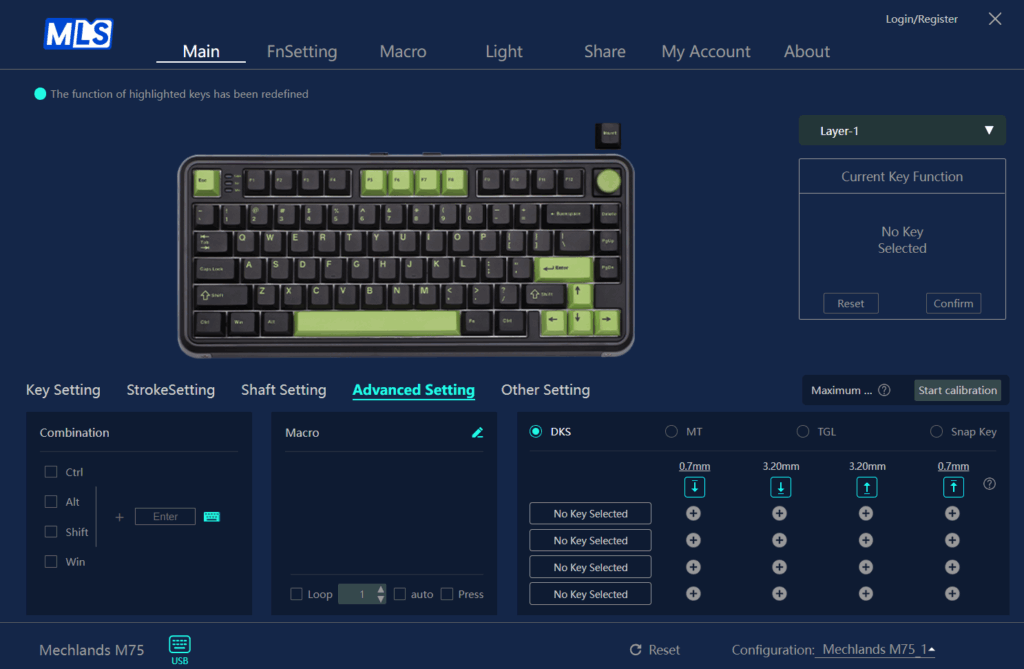
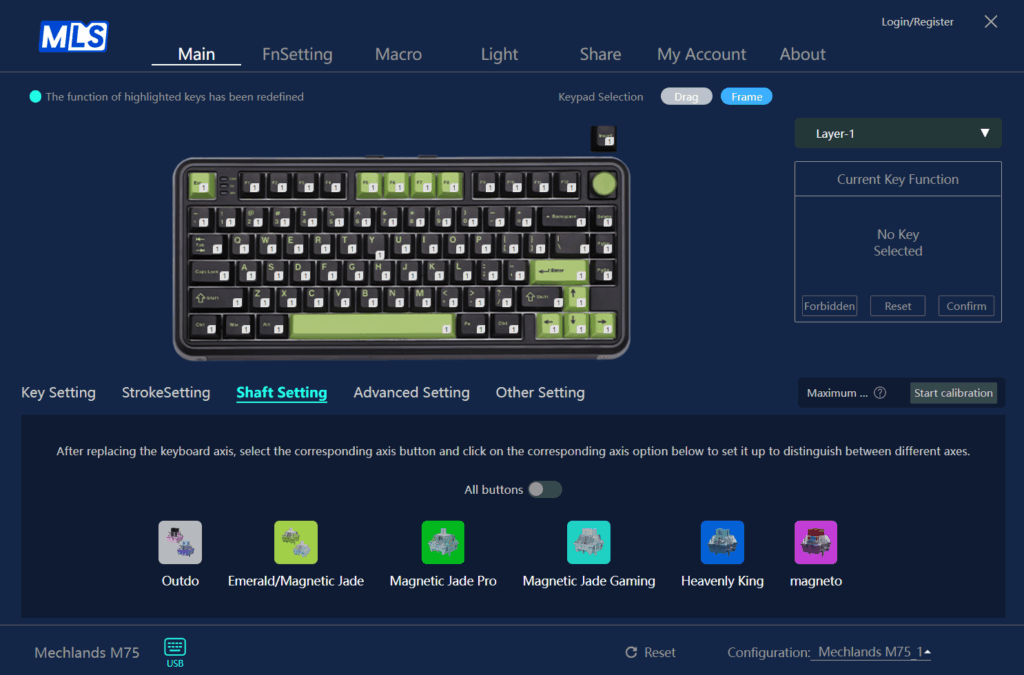
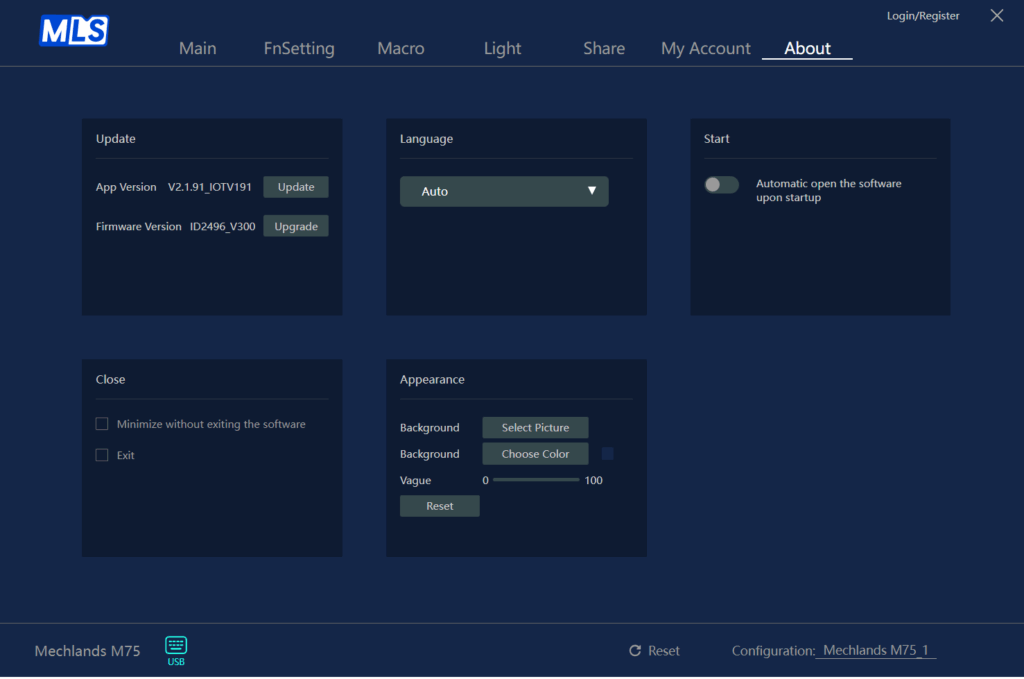
The Mechlands M75 can be fully customised using the official driver software. It allows you to remap keys, set macros, and adjust lighting effects easily. The interface is user-friendly, so even new users can navigate it without any trouble. You can also change actuation points and response curves, thanks to the magnetic switches. These settings help you make the keyboard respond just the way you like. With all these customisation options, the Mechlands M75 offers a flexible setup for both casual users and gamers who want complete control.

User experience
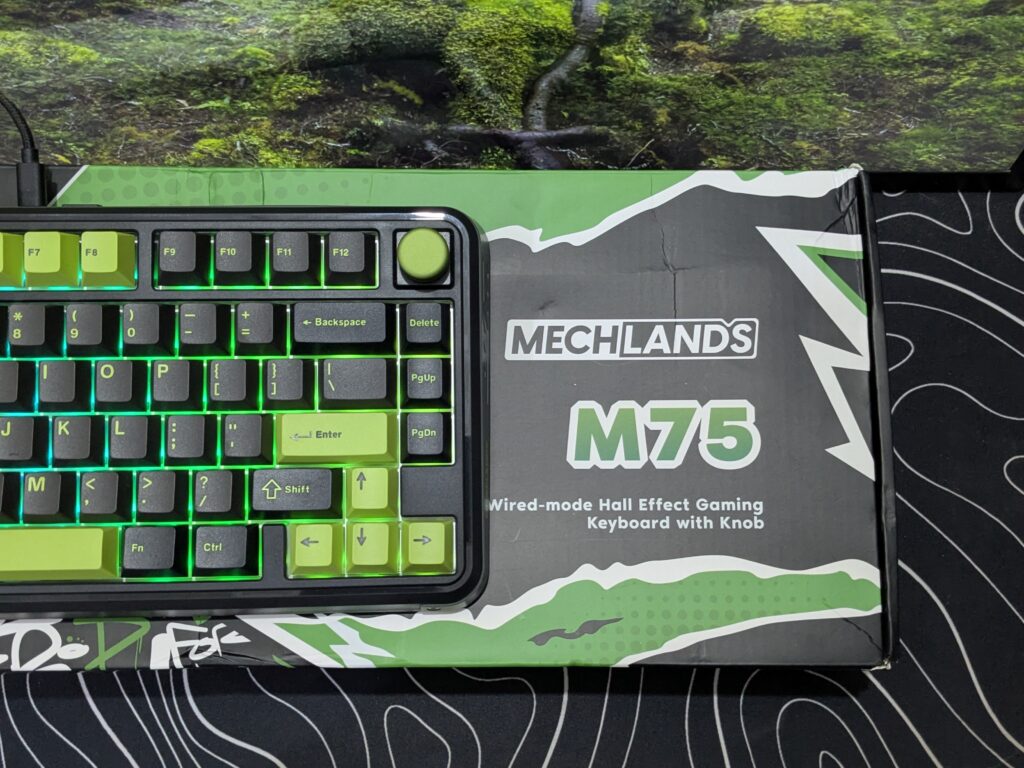
Using the Mechlands M75 feels great for both everyday typing and gaming. The keystrokes are fast and smooth, thanks to the Hall Effect magnetic switches. With an impressive polling rate of 8000Hz and a latency as low as 0.128ms, the keyboard offers extremely quick response times. Its precision is also excellent at 0.01mm, supported by a scan rate of 32K, making movements and actions feel natural and accurate. For advanced users, the keyboard includes powerful features like Dynamic Keystroke (DKS), Mod Tap (MT), Toggle (TGL), and SOCD cleaning, giving lots of control especially for fast-paced gaming and productivity.
Enos Tech verdict
The Mechlands M75 is an impressive first step into the world of magnetic keyboards for Mechlands. It offers strong build quality, smooth Outemu Hall Effect switches, and a beautiful design that stands out. Features like the removable knob, custom software support, and fast response time make it a great option for both gamers and everyday users. While it only comes in wired mode and a single colour scheme, these are small trade-offs for the performance and customisation you get. Because of its smooth and fast response, I want to award this keyboard with the Performance Award. Overall, the Mechlands M75 is easy to recommend for anyone seeking a feature-packed 75% keyboard with magnetic switches at a fair price.
Thanks to Mechlands for sending their amazing keyboards for review.

Also read: AJAZZ AK680 MAX Review: A flagship edition magnetic switch wired keyboard