












Quntis Monitor Light Bar Glow Review

Monitor light bars are gaining popularity as they offer a way to light up your desk without costing you any desk space. They sit on top of your monitor, aiming the light down at your desk. This can be a great way to add a bit of subtle lighting to help with eye strain. It can also make seeing your keyboard easier if you don’t have backlit keys. Best of all, a lot of monitor light bars can allow you to adjust the brightness and change the temperature. This is generally done with an easy-to-use remote.
Specifications
| Feature | Details |
|---|---|
| Product | Quntis ScreenLinear HY214 / ScreenLinear Glow |
| Size | 41 cm / 16.1 inches |
| Colour temperature | 3000K–6500K |
| CRI | Ra ≥95 |
| Front LEDs | 84 pcs |
| Controls | One-year warranty, 30-day exchange/refund listed by Quntis |
| Lighting | Front light + rear backlight |
| Claimed design | 45° asymmetric lighting |
| Mount | Weighted clip |
| Power | USB |
| Warranty | One year warranty, 30-day exchange/refund listed by Quntis |
Closer Look
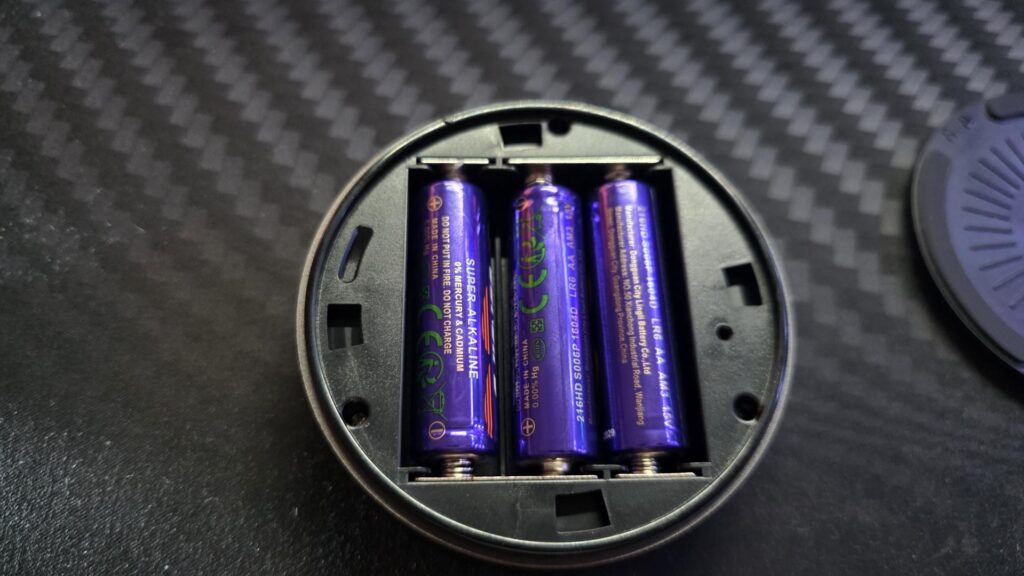
Inside the box, there is the light bar and stand, along with the USB cable to power the light bar, a wireless remote, and included AA batteries for the remote. It is nice to see that in 2026, some manufacturers make sure you get everything you need in the box to make the most of their products and get them up and running in no time.
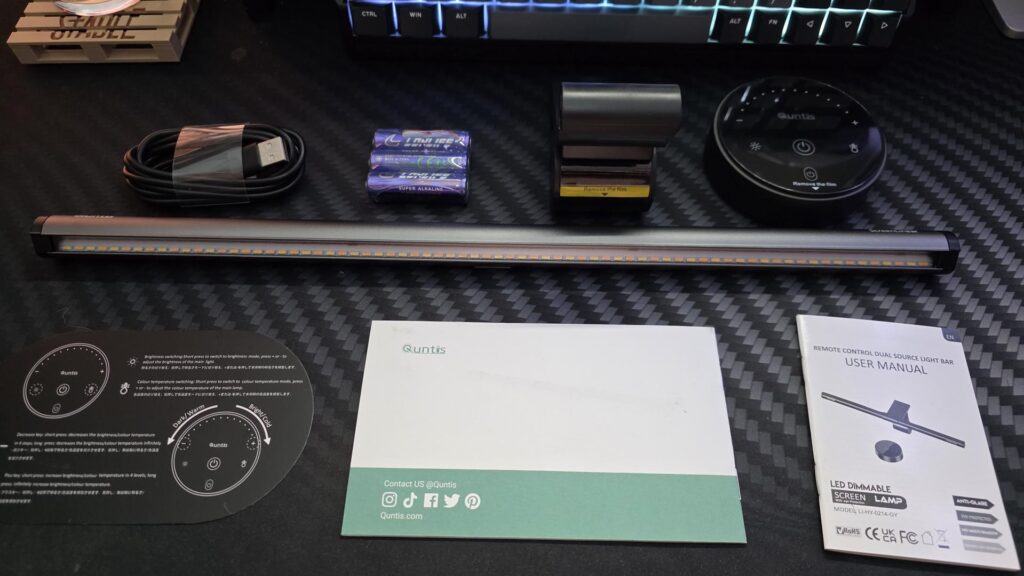
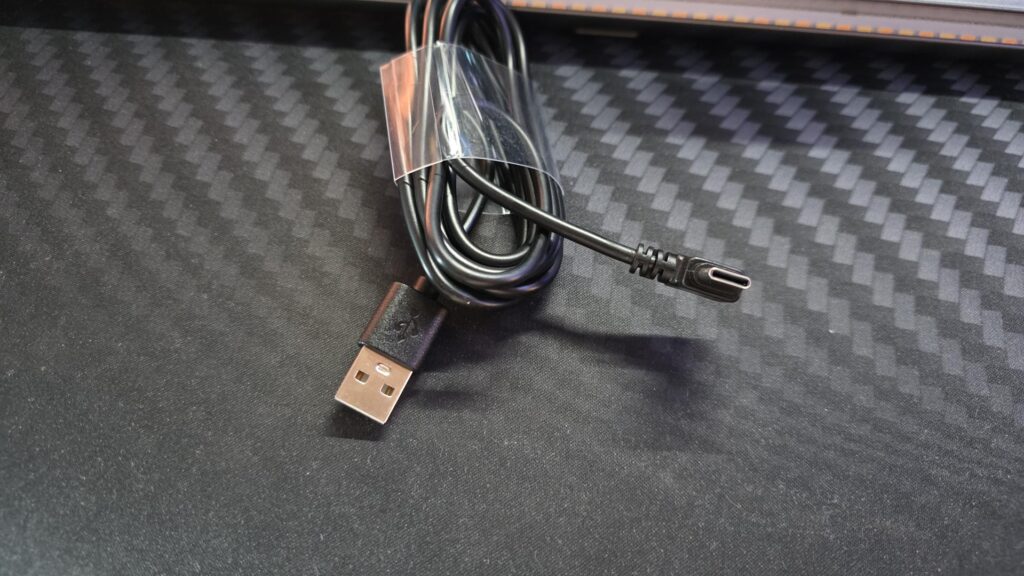
The included USB cable is a USB-A to USB-C cable. The USB-C end will plug into the light bar, while the USB-A end will plug into your PC in most cases to power the light bar.
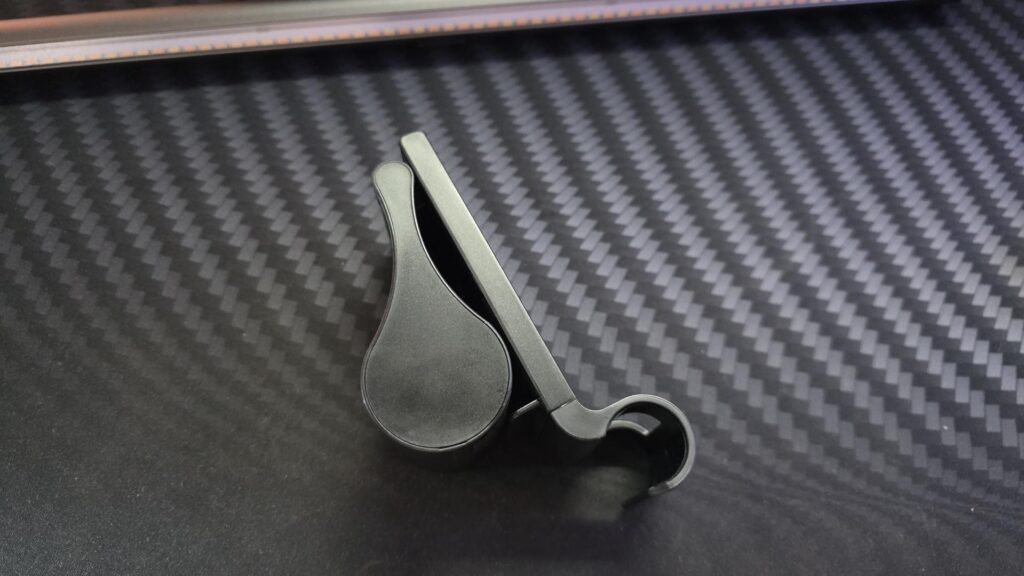
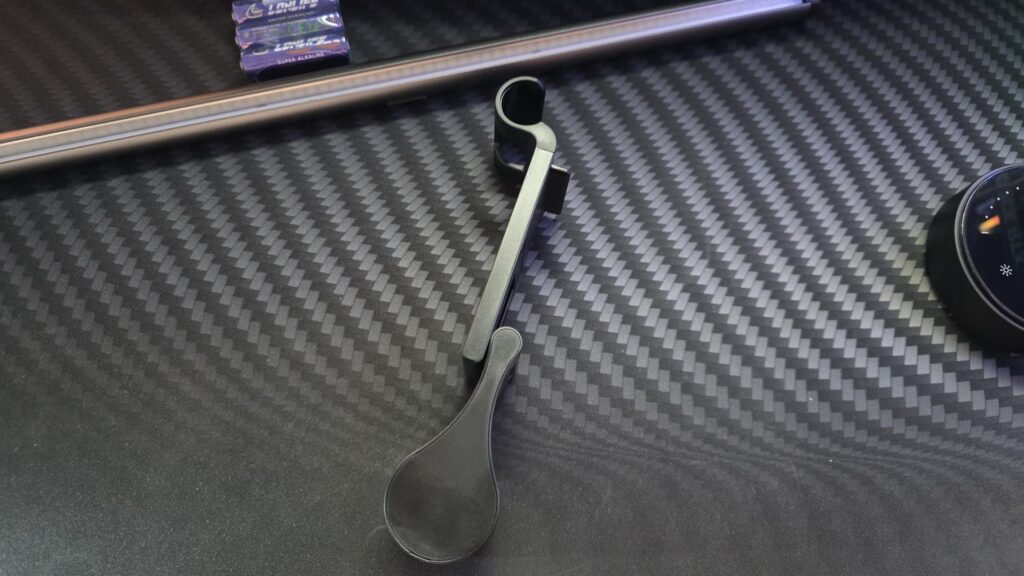
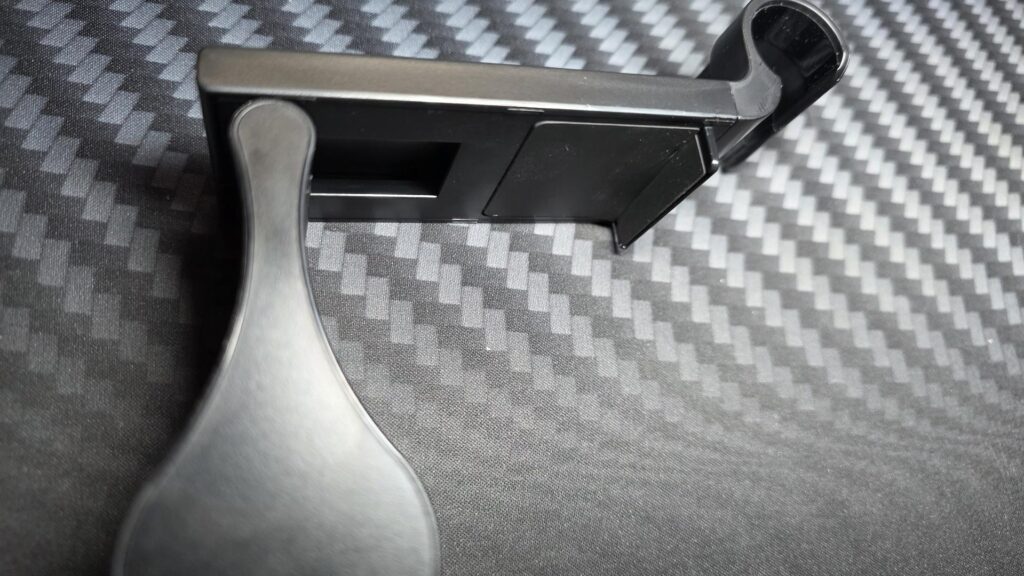
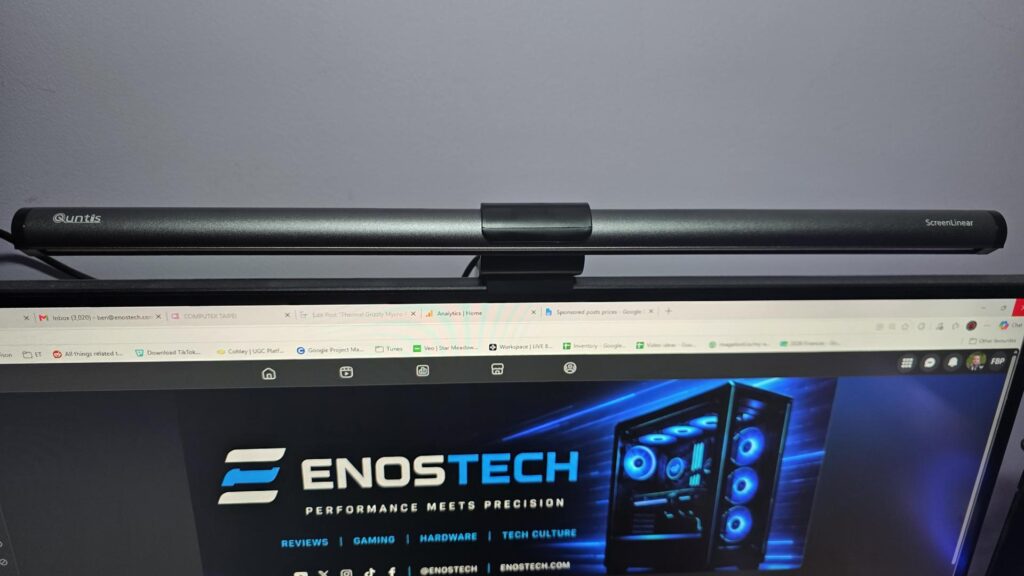
The stand is quite easy to use; I mean, it literally just sits on top of your monitor. There is a small notch that will grab your monitor, then the big weighted area goes behind it, and the light bar simply just clips in. It really is that easy to set up that you can get using it within seconds.
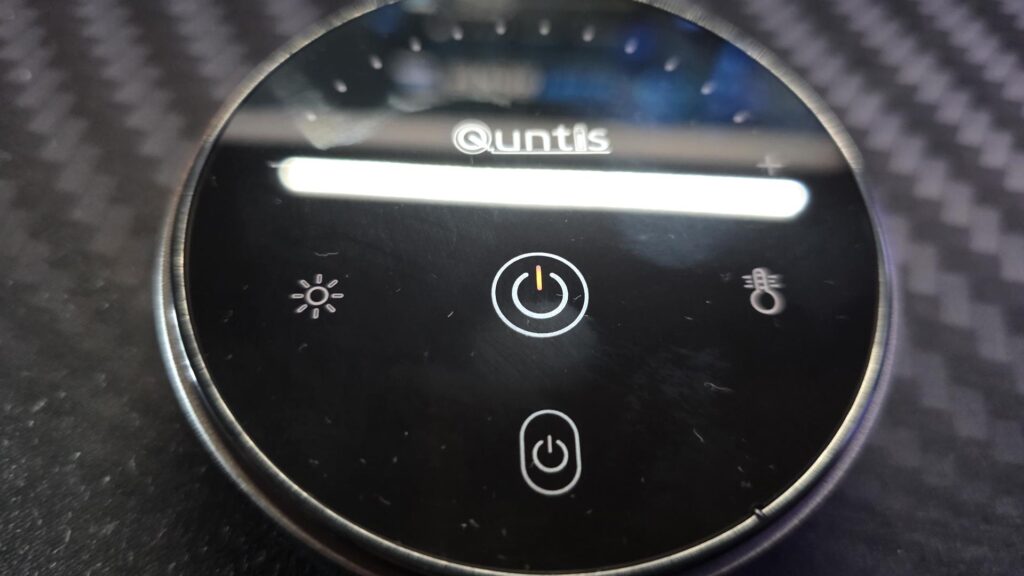
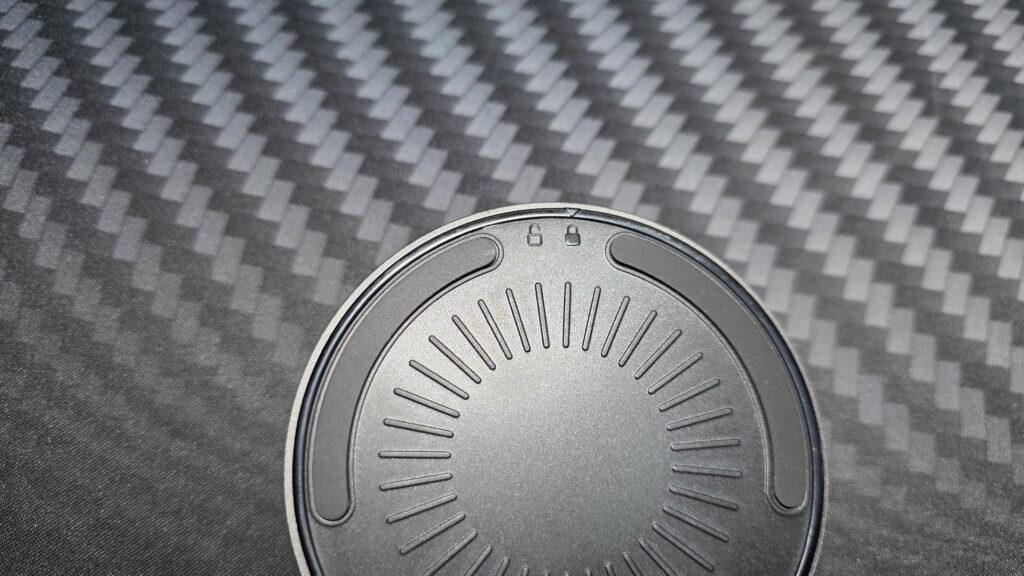
The remote is circular and works very well while remaining nice and simple. One thing you will notice is the fact it has two power buttons. The bigger, more central power button is for the main light, while the one below it is for the backlighting. To the left of the main power button is the button to change the brightness. Simply hit this, then click the plus or minus symbols above to change the brightness to your liking. You can also do the same with the temperature button, which is on the right of the main power button, to switch between warm and cold lighting.
Lighting in Action
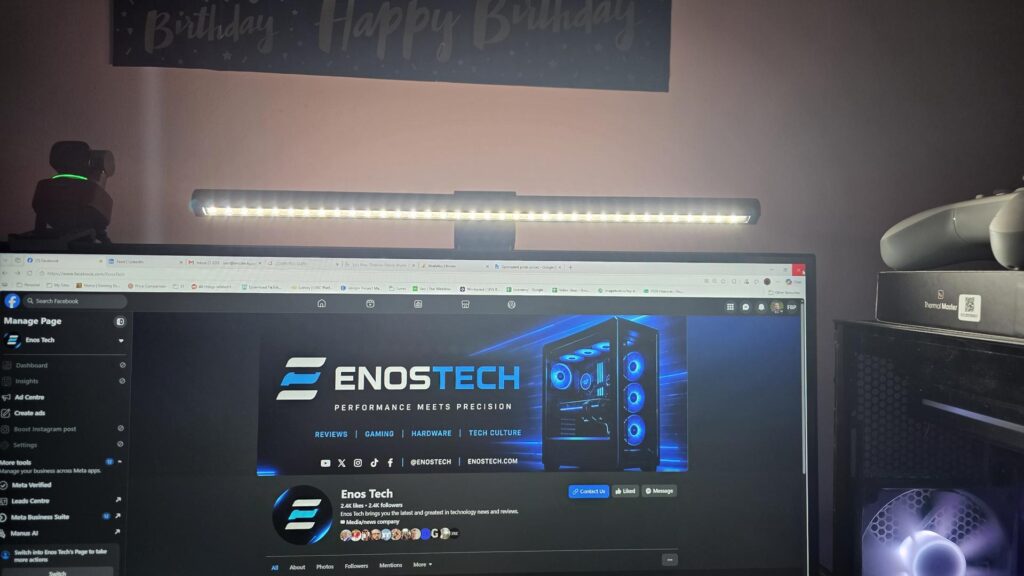
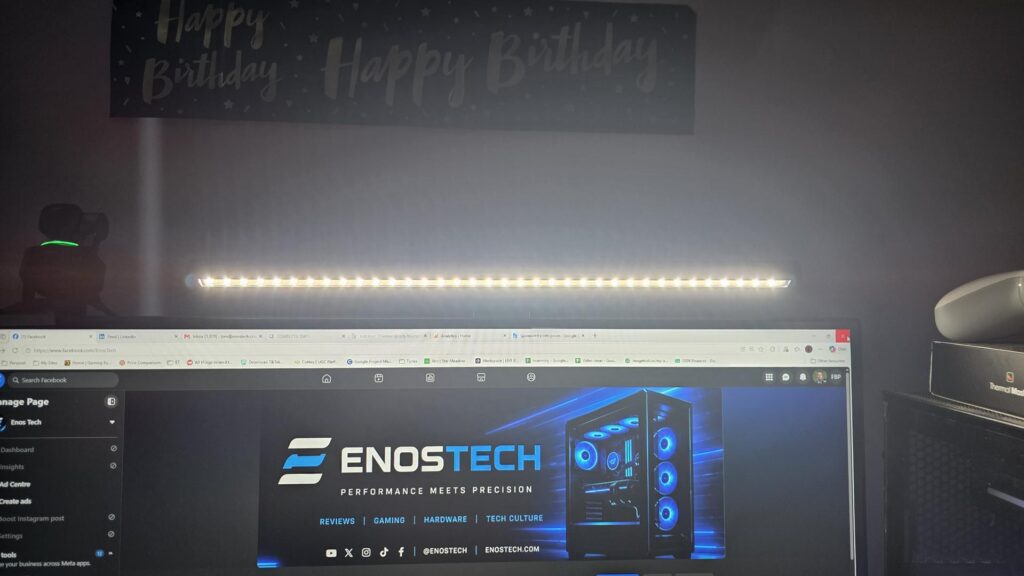
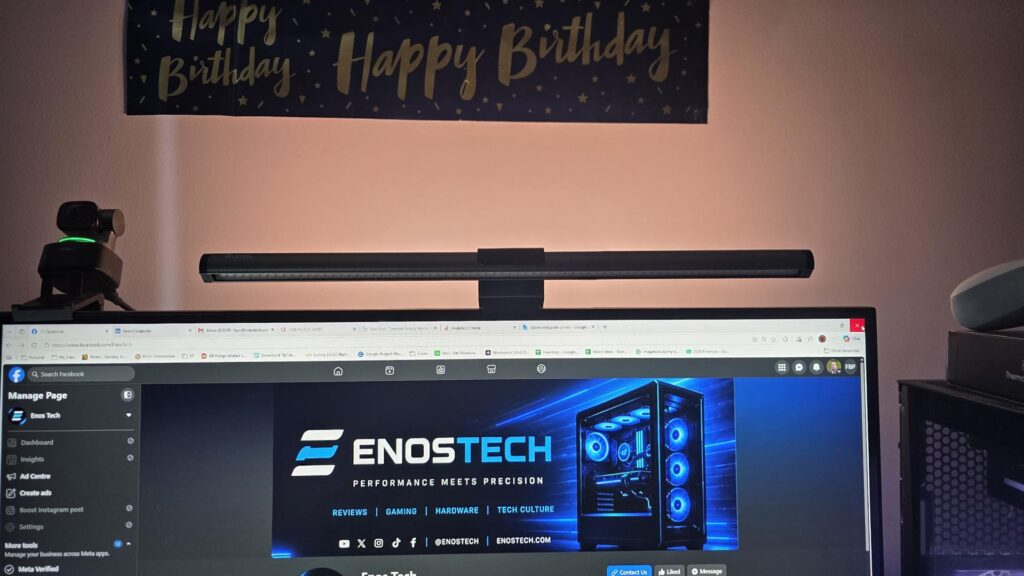
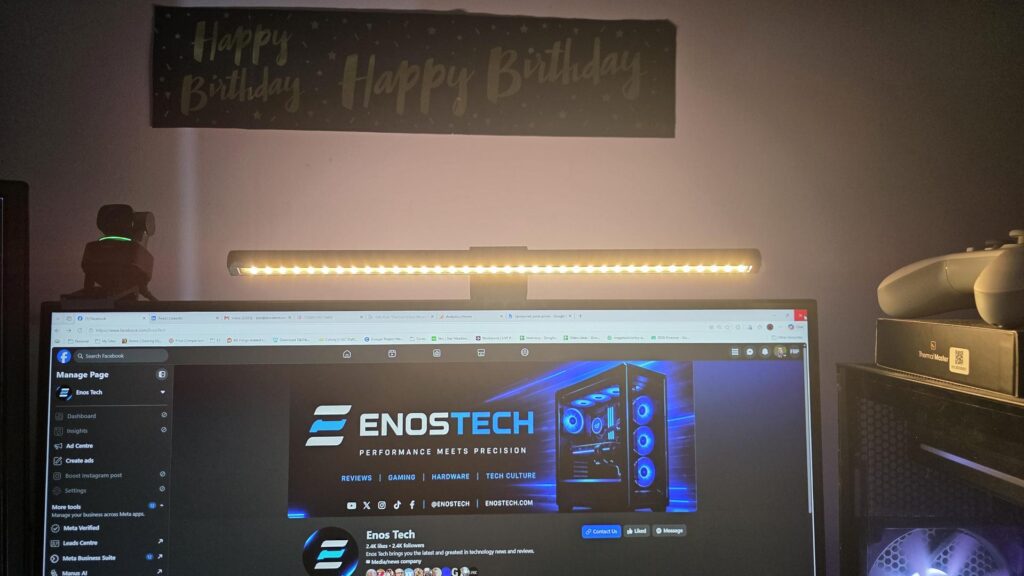
Below are different images based on the lighting settings. You will see both cold and warm lighting with and without the backlight turned on. Whether you want to light up your desk or add some subtle ambient lighting to the back of your monitor, the Quntis Monitor Light Bar Glow has you covered.
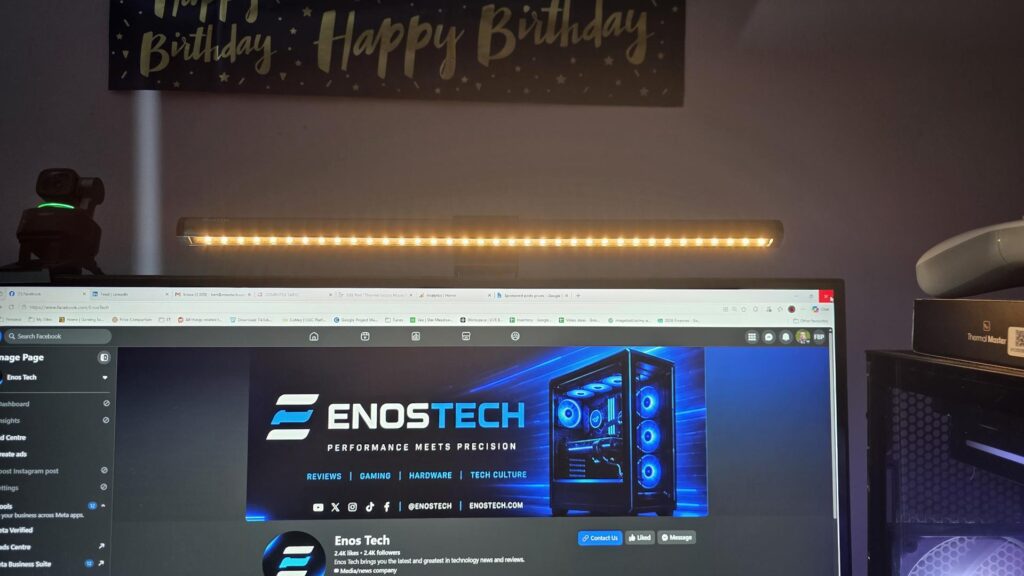
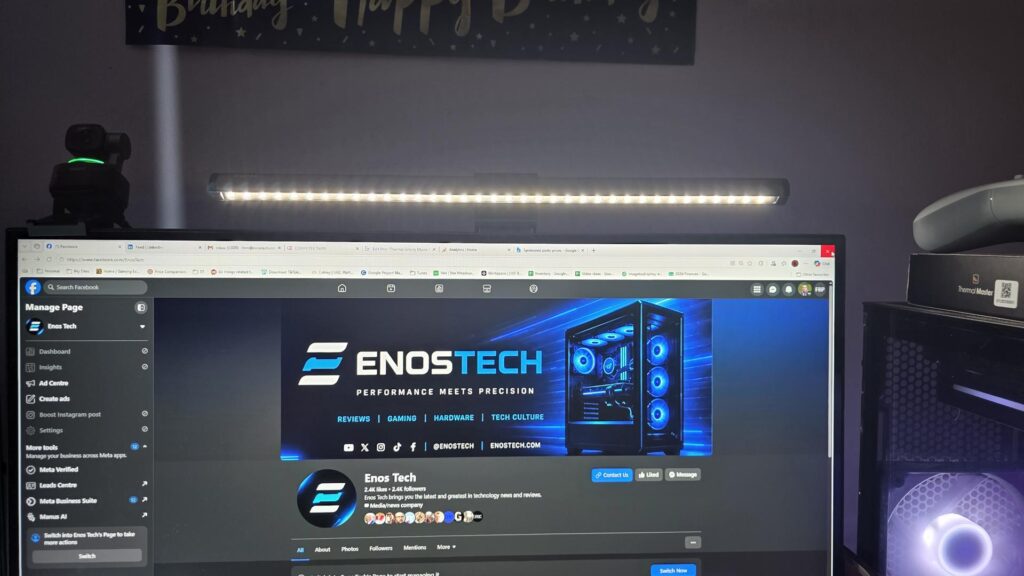
Final Words
I have been using a monitor light bar for almost 2-years now. So when Quntis asked me if I was interested in reviewing their Monitor Light Bar Glow, I was more than ready. The added backlighting is something my original light bar doesn’t have, so this was a more than welcome upgrade and something I will put to use once summer is over and it starts to get dark earlier.
Setting it up is as simple as putting the mount on your monitor, clipping the light bar in, and plugging in the USB cable; that’s it. There is no software or other installation required; it is plug-and-play thanks to the easy-to-use remote. From opening the package to making use of it, it should take most people only a minute or two.
Coming in at $55.99 directly from Quntis or £43.99 on Amazon UK, the light bar glow offers good value for the money. While it may seem silly, the included batteries so you can use it right out of the box are a nice touch and speak to the fact that Quntis is trying to provide the best user experience it can.
Monitor light bars can be used to help reduce eye strain, add subtle ambient lighting, and even light up your desk so you can see your keyboard, notepad or even make sure you don’t spill your drink. All in all, they are very useful, and when they can be found at an affordable price such as this one, it really is a no-brainer!
Pros
- Saves desk space compared with a traditional lamp
- Adjustable 3000K–6500K colour temperature
- Front light and rear backlight
- Desktop dial/controller is convenient
- Clean look for modern PC setups
- Useful for work, gaming, and evening use
Cons
- May not suit all monitor shapes
- Official listing says flat monitors only
- USB cable management may matter depending on your setup
- Backlight may be more ambience than functional lighting