










Gamemax Glacier 360 LCD AIO White Review: A Performance Beast
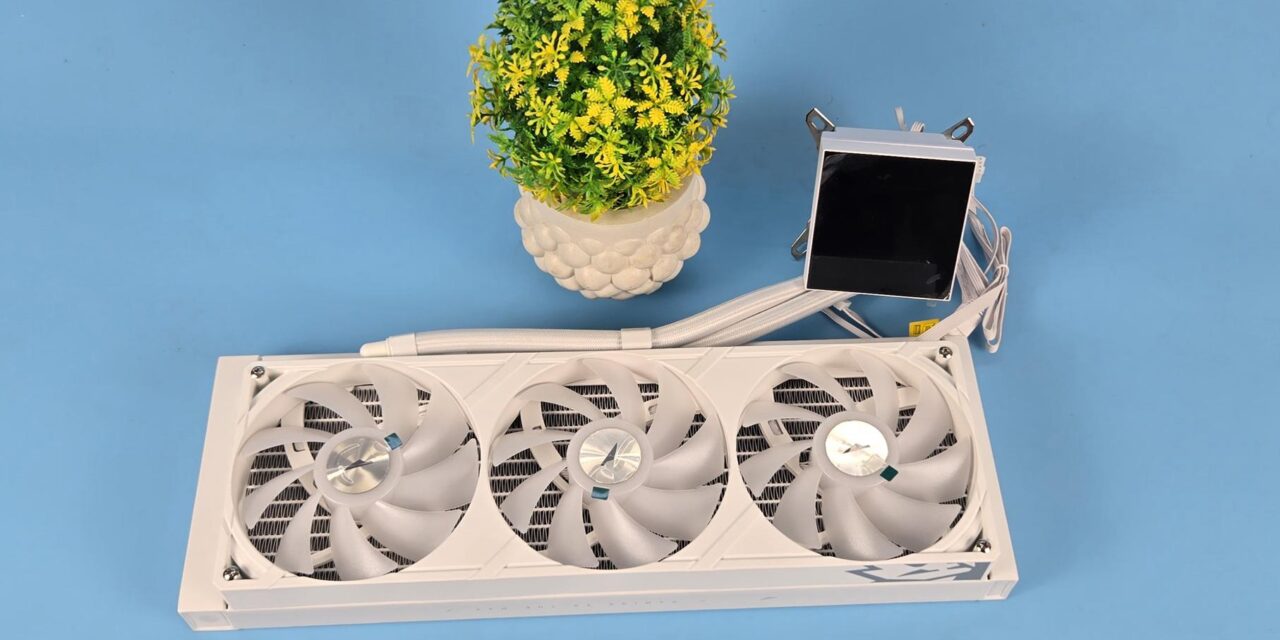
Gamemax has released new liquid coolers named Glacier LCD. These coolers are available in 240mm and 360mm sizes in black and white colors. The salient feature is a 3.95” IPS LCD screen using 720×720 px resolution and 60 Hz refresh rate. Another striking feature is the magnetic mounting of this screen on the pump top. Gamemax has even used a dual cable connection (only one needs to be used at a time). The pump top has a 9-pin USB 2.0 connector cable.
Additionally, the screen features a USB Type-C port, for which Gamemax has provided two cables. One cable uses a
9-pin USB 2.0 header for the on-board USB header, whereas the other cable has a standard USB Type-A connector, which can be connected to the rear IO panel of the motherboard. This way, you can relocate the display screen anywhere in the PC Case and still get a display. This is similar to what I saw on the CPS DE360 ARGB cooler.
Another key feature is an integrated fan assembly providing a seamless design with simplified cable management. Then comes the tube part of the cooler. Gamemax has used a sliding tube design using a clamp. This allows precise adjustment of cooling tube angles for a more organized and professional internal layout. Since a major portion of the tube is side-mounted on the radiator assembly, only a short length will be visible, giving a clean outlook. This design comes in handy for the backplug motherboards in particular.
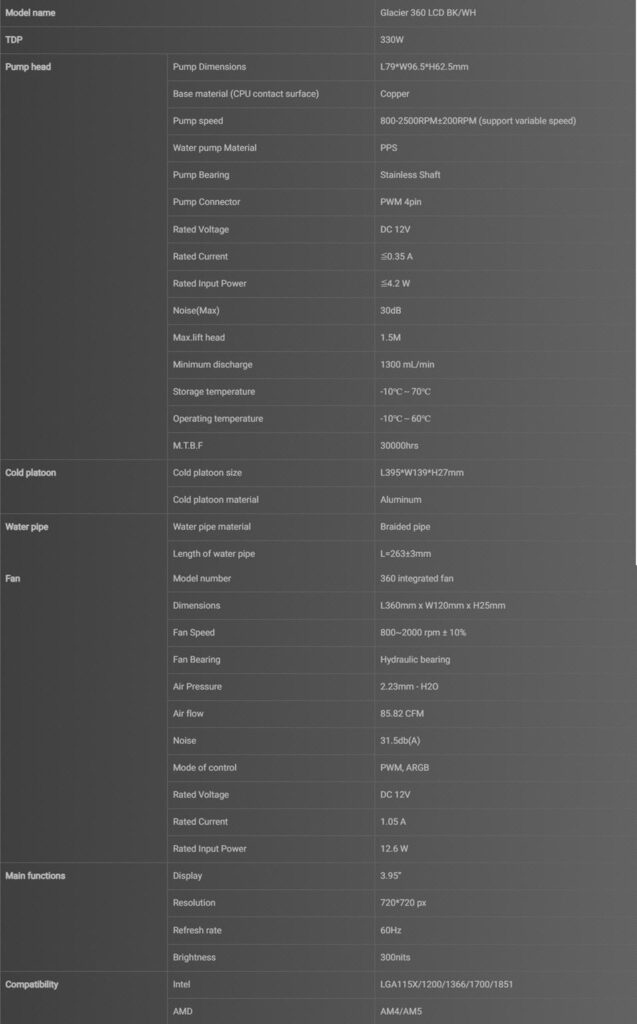
This cooler is compatible with Intel LGA 1851/1700/1200/115x/1366 and AMD AM5/AM4 sockets. The cooler is rated for 330W TDP, and it has an MSRP of USD 169.99. Gamemax is offering a 5-year warranty on this cooler.
Specifications
Packaging and Unboxing
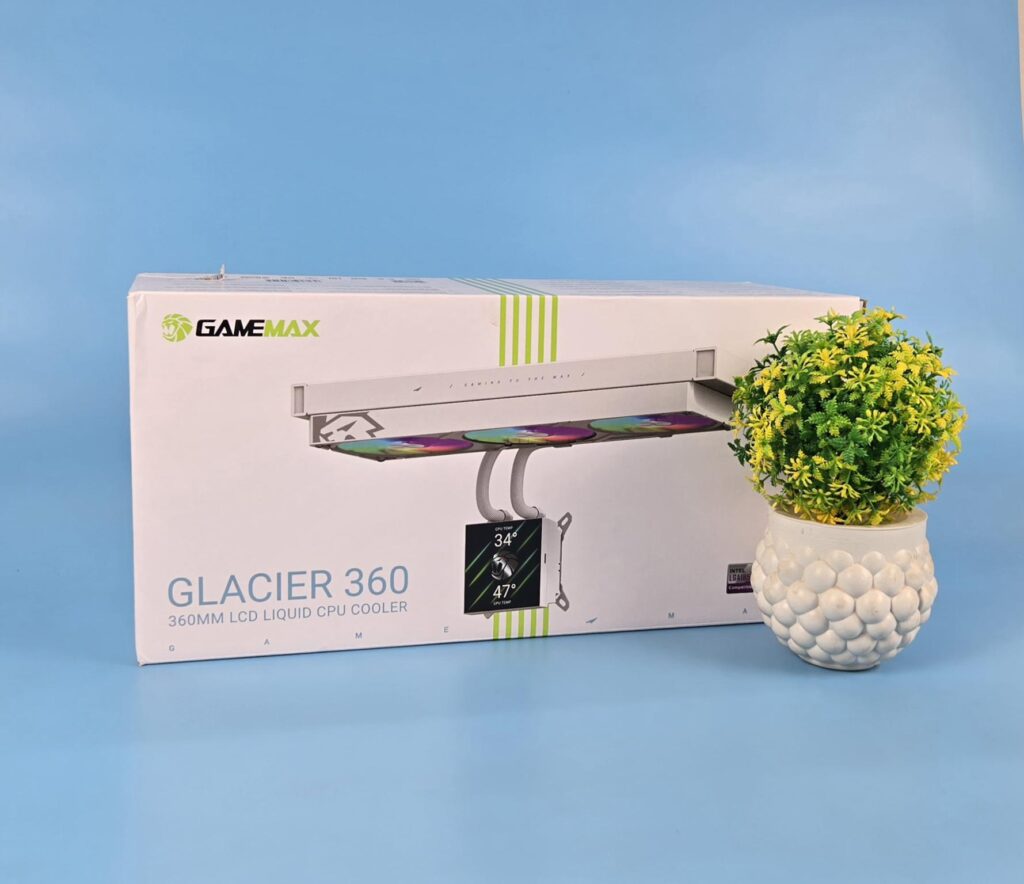
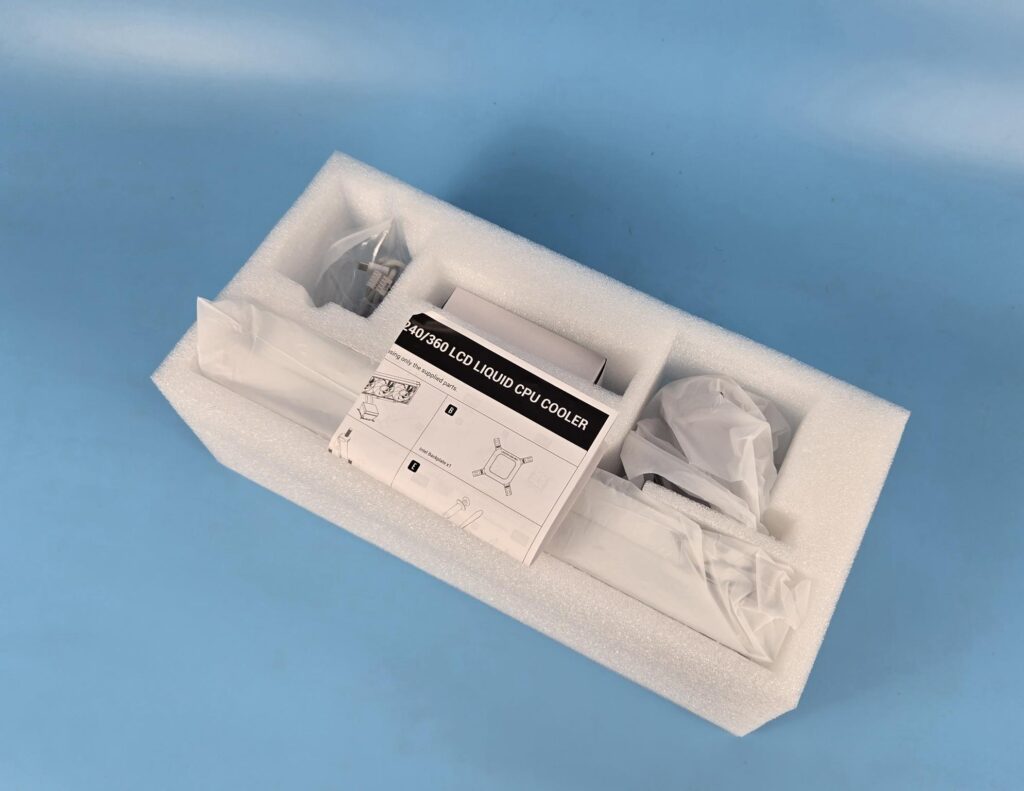
The main packing box has a white color theme. You can see a picture of the cooler. Salient features and specifications are printed on the main packing box. The cooler and accessories are tucked inside a Styrofoam container.
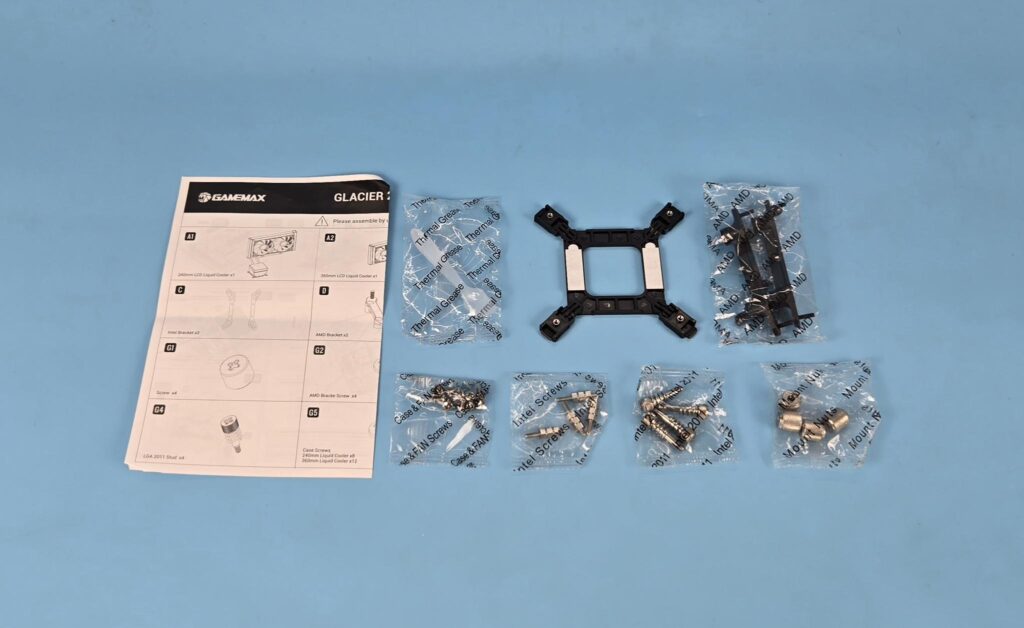
The following are provided:
- 1x Cooler with preinstalled fan bracket
- 1x Intel Backplate
- 2x AMD Brackets
- 1x Universal Mounting Bracket [Pre-Installed]
- 4x Intel Standoffs Screws
- 4x Intel LGA2011 Spring Loaded Screws
- 4x Mounting Nuts
- 1x Thermal Paste Spatula
- 12x Radiator Screws
- 1x User Manual
Our sample did not have a thermal paste.
Closer Look – Radiator
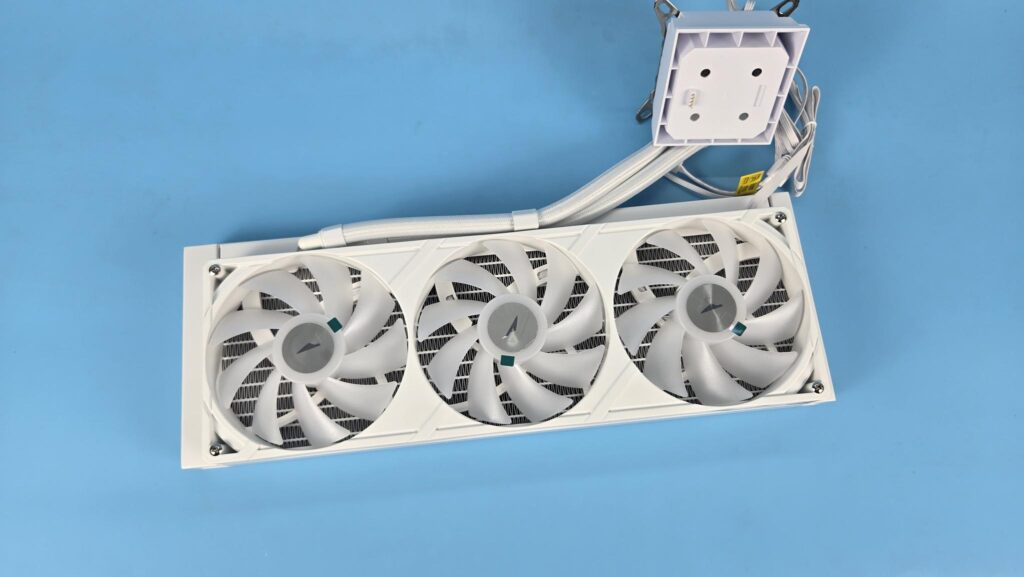
Gamemax has deployed an integrated fan assembly, or simply put a single fan bracket that has three 120mm fans on it. This bracket comes pre-installed on the radiator. It is secured with 4x Philips head screws.
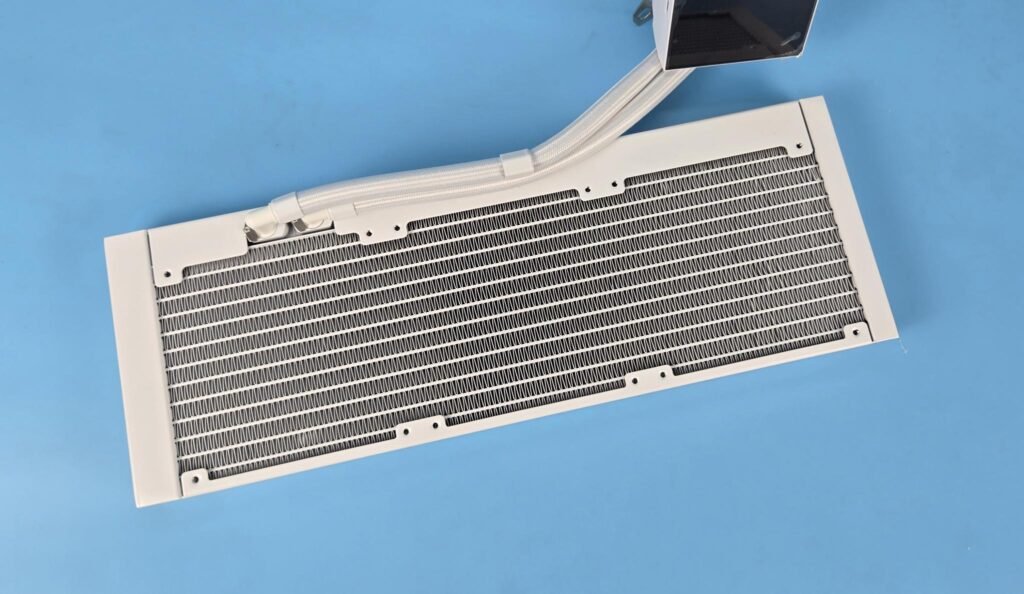
The aluminum radiator has a dimension of 395x139x27mm (LxWxH). Here, 27mm refers to the height of the unit. The overall height with 120x25mm fans is approximately 52 mm. However, the width of this radiator assembly is 139mm. This means you would need a 140mm size fan mount on the PC Case for the installation of this radiator. Keep this in mind, as this unit will not fit in a standard 120mm fan mount. This is because the widened body has side-mounted tubes.
The radiator has 20 FPI count and has 13 channels for the coolant flow inside the radiator. There is a gap of 105mm between the two mounting holes on opposite ends.
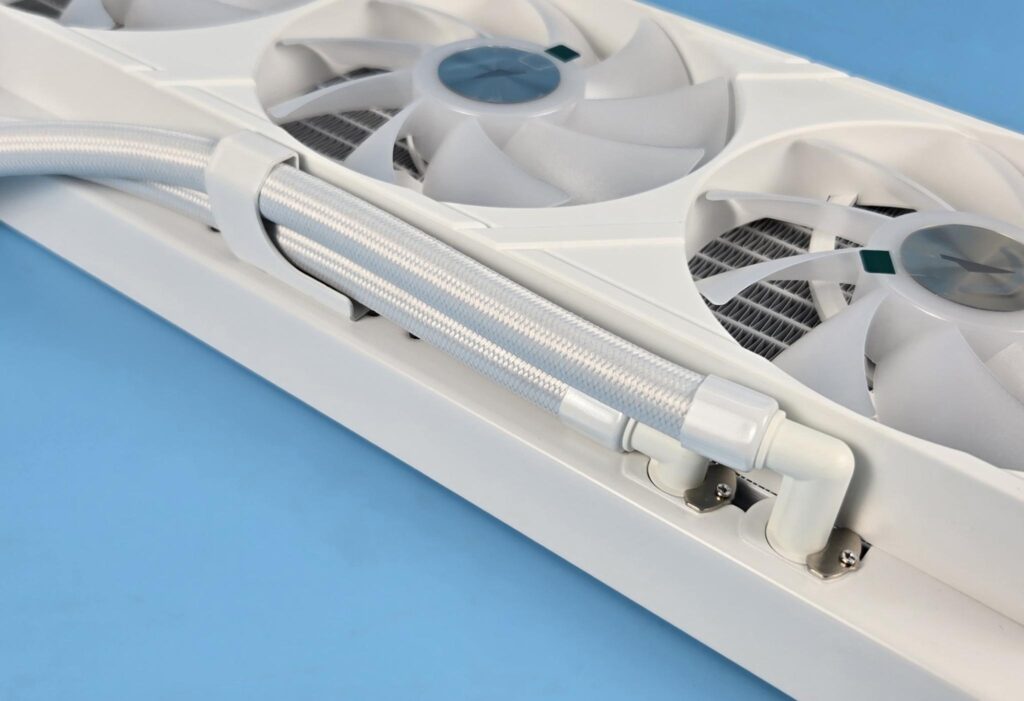
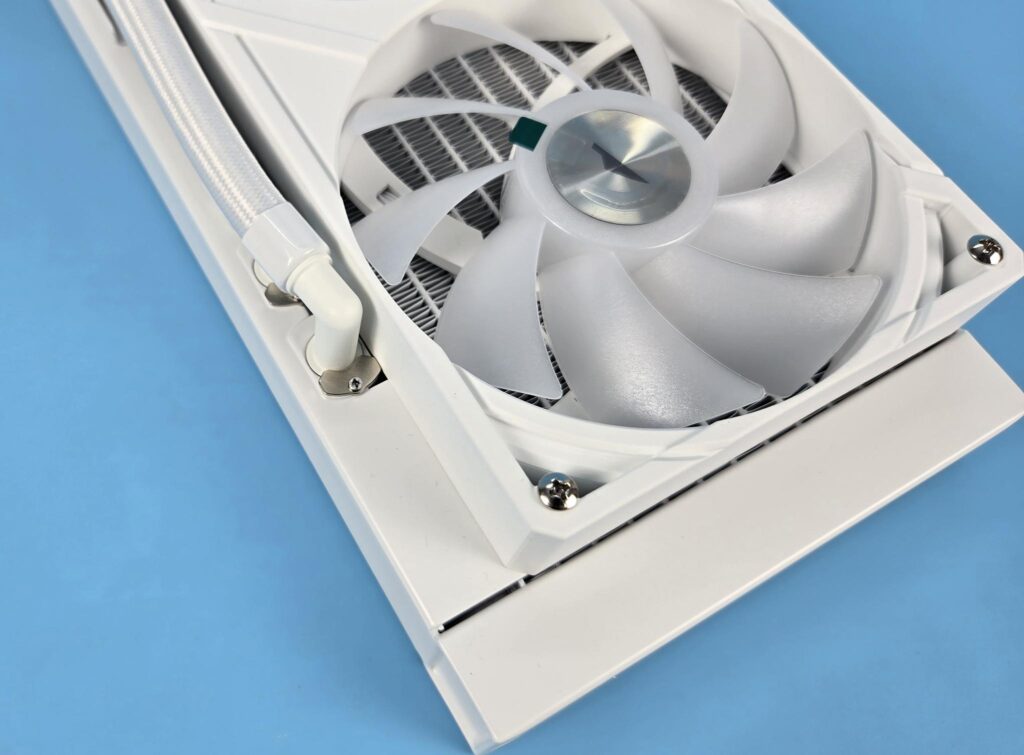
You can see the side-mounted tubes on the radiator. The clips holding the tubes are adjustable since Gamemax has provided mounting holes for that purpose. The clamp is also relocatable, but for tha,t you would need to remove the fan assembly. Gamemax has used 90-degree barb fittings.
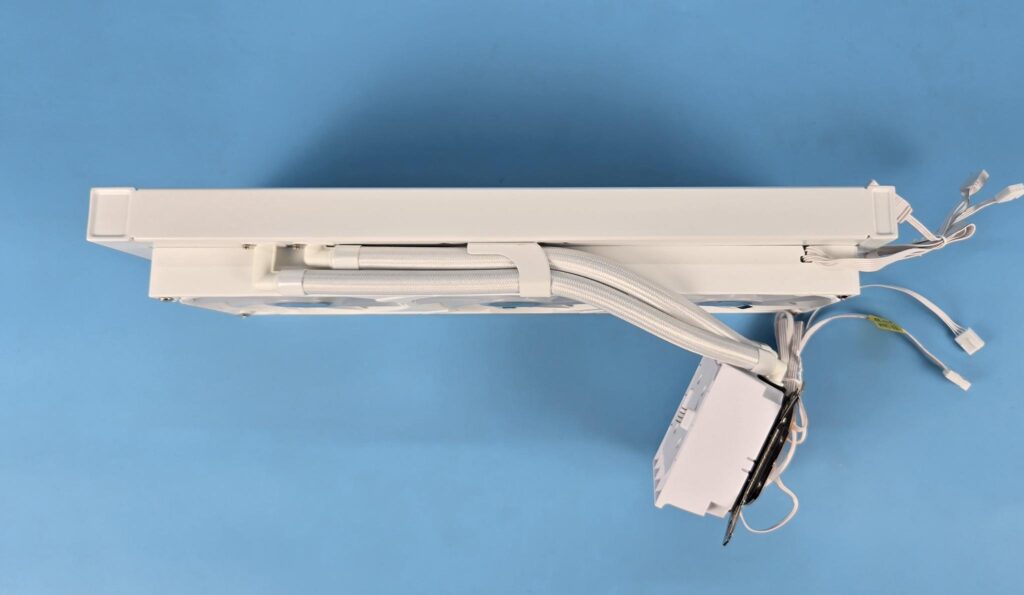
This is the tube side view of the housing. You can see that only a short length of the tube will be visible above the motherboard, providing a clean look with a premium feel.
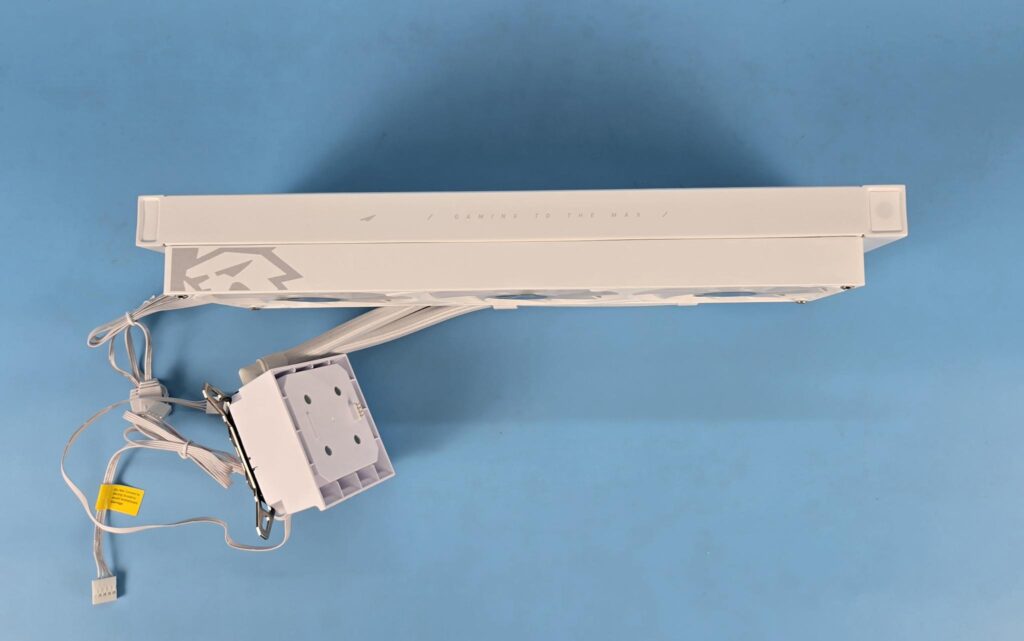
I am showing the side view of the unit. The manufacturer has used Gamexmax elements on the fan assembly and the radiator side frame for appealing visuals. Gamemax uses rubber tubes with a nylon braided sleeve. The tube length is 263±3mm. This design and length of the tube make this cooler fit for top mount in the PC Case.
Screen Module
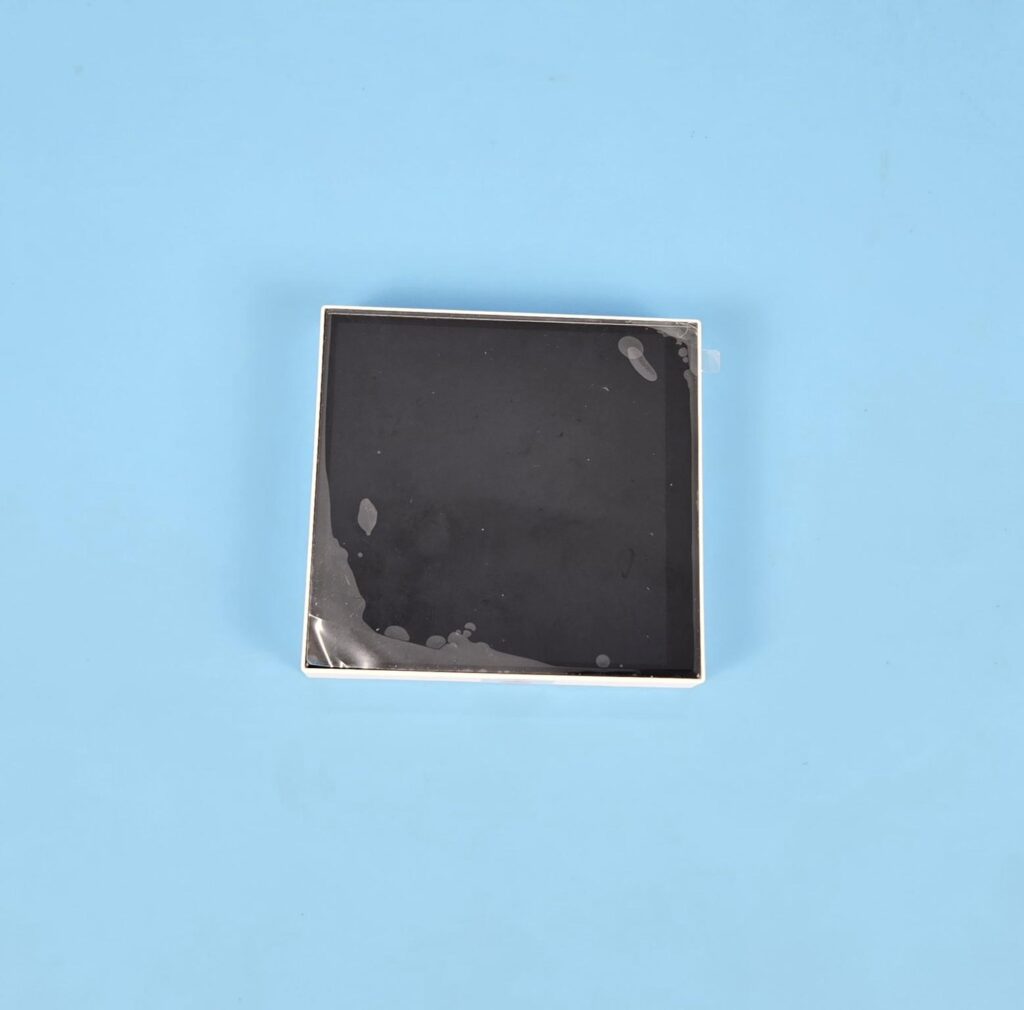
Gamemax has equipped this cooler with a 3.95” display screen. It has a resolution of 720x720px with a refresh rate of 60Hz. The module has a protective cover over it. The screen is fully customizable, for which Gamemax has provided dedicated software.
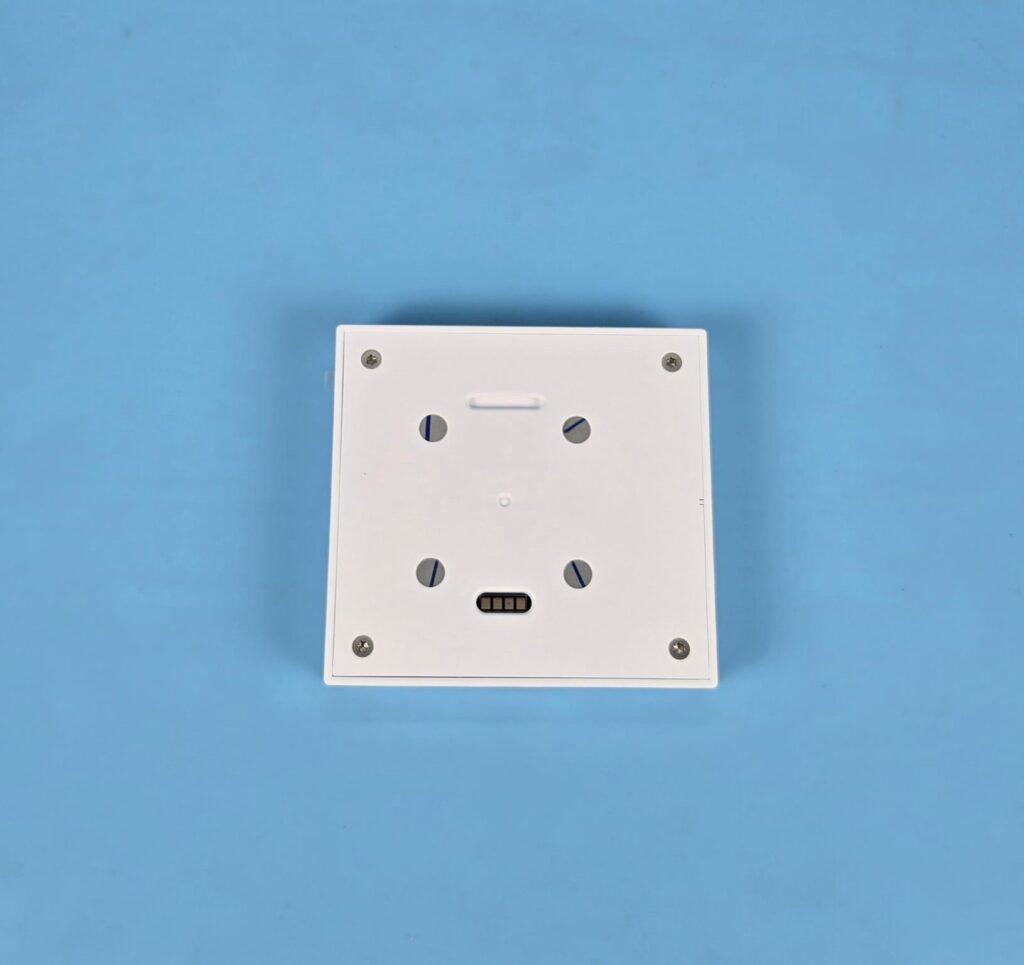
The magnetic mounting is done via 4x magnets on the backside of the module. You can also see a 4-pin contact pads which make contact with the pins on the pump top.
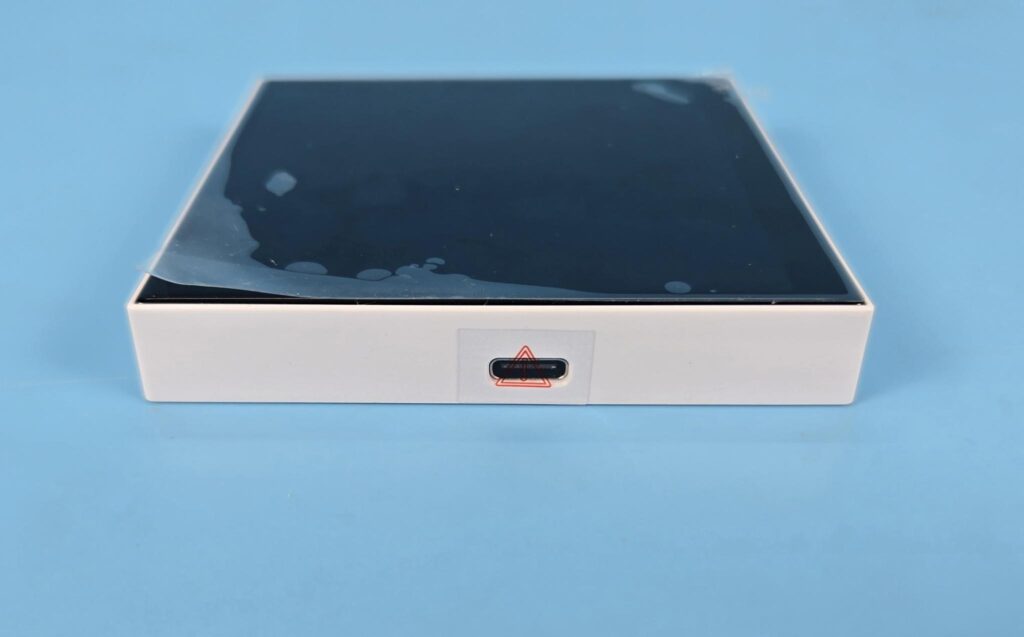
The module has a USB Type-C port. This is optional and would come in handy if you want to use this screen as a standalone or somewhere else in the PC Chassis.
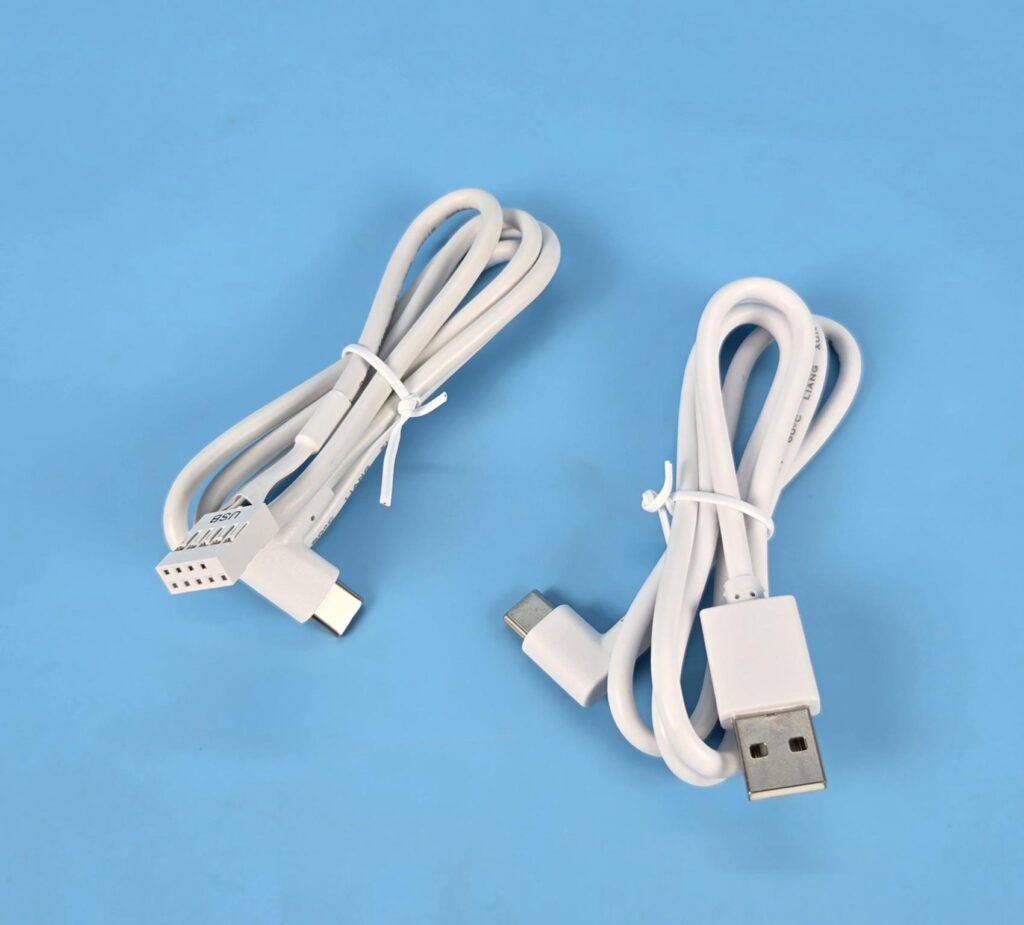
Gamemax has supplied two USB cables. One has a 9-pin USB 2.0 connector, for which you would need a spare USB 2.0 header on the motherboard. Alternatively, you can use another cable that has a USB Type-A connector, but then your case needs to have some sort of opening through which the cable can be routed towards the rear IO panel of the motherboard.
Please note that these cables are not mandatory because the pump top already has one such cable. You are required to use only one cable connection.
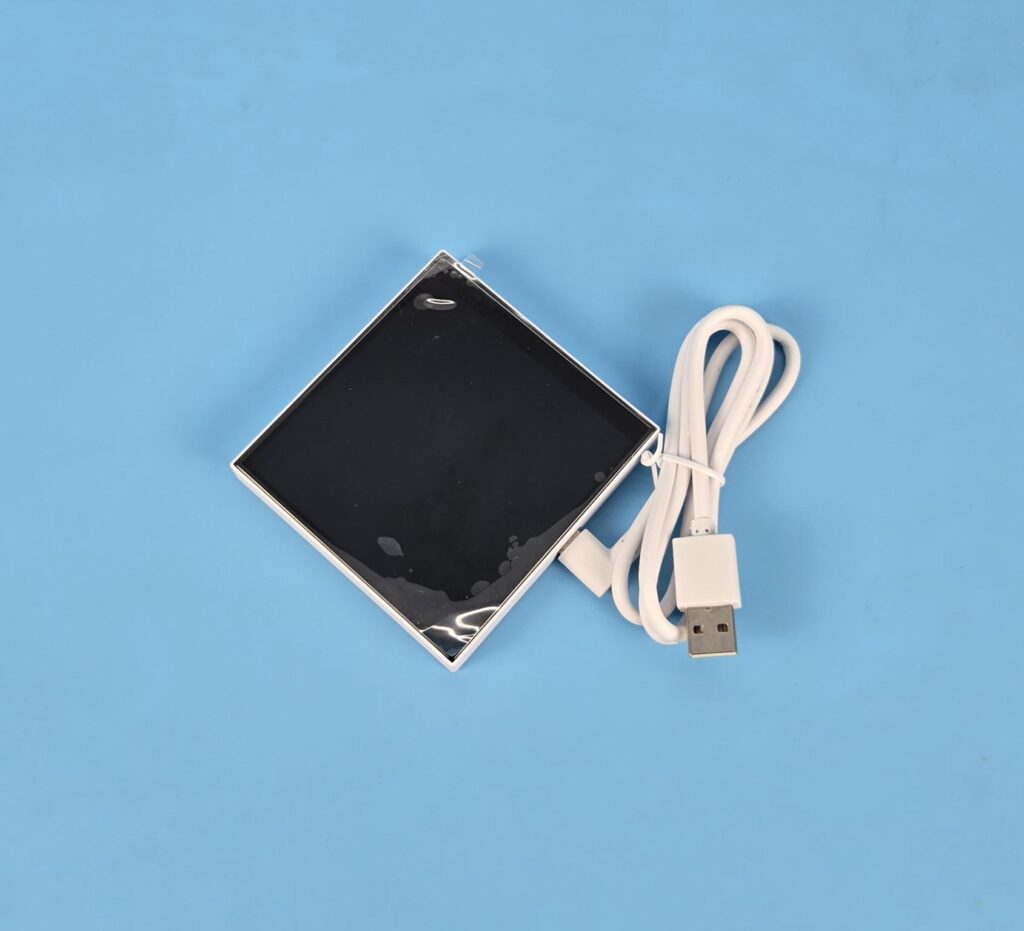
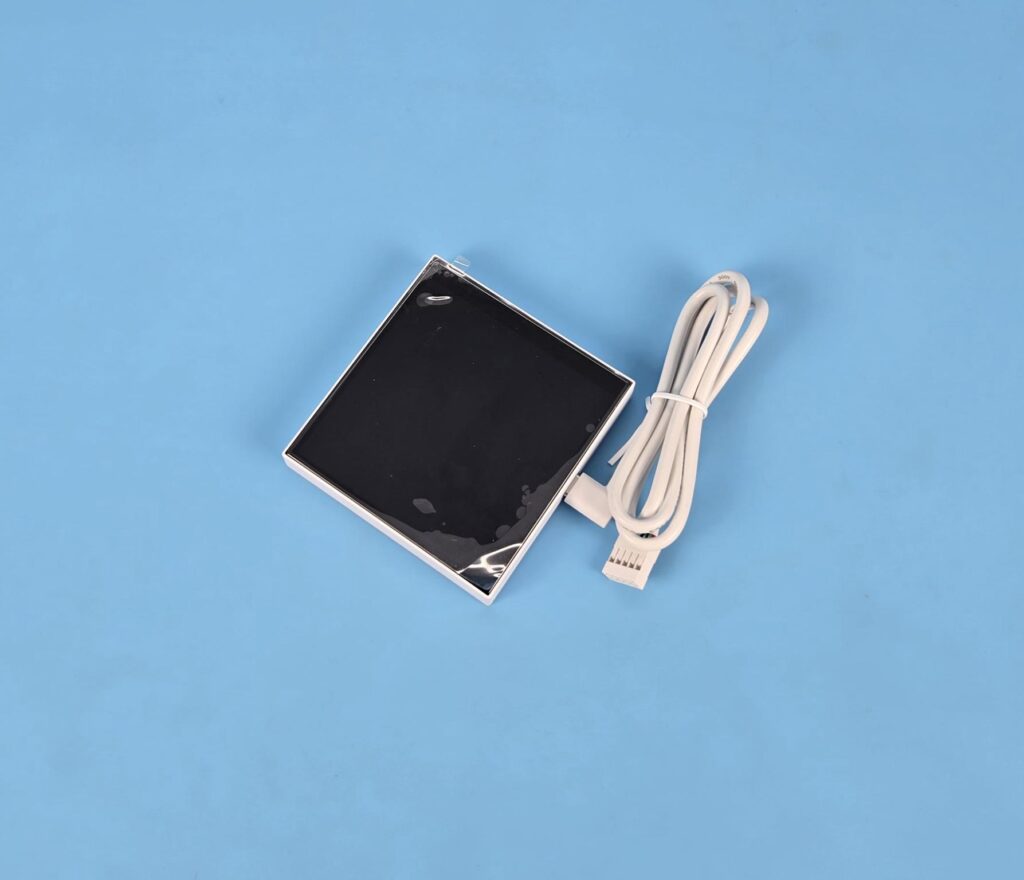
The above pictures show both cables connected to the module.
Pump Top
Let’s take a look at the design of the pump block.
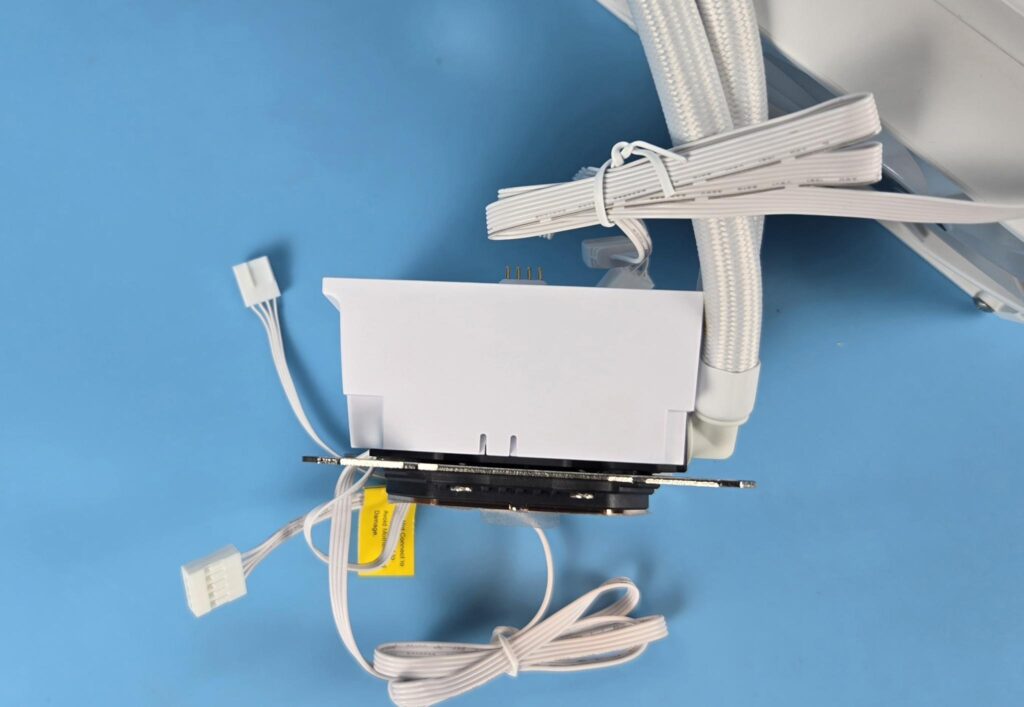
The pump housing itself is a slim design with overall dimensions is 79×96.5×62.5mm, including screen module. The pump top is not a circular design. The housing is made of PPS material. It has no branding or display element on the side.
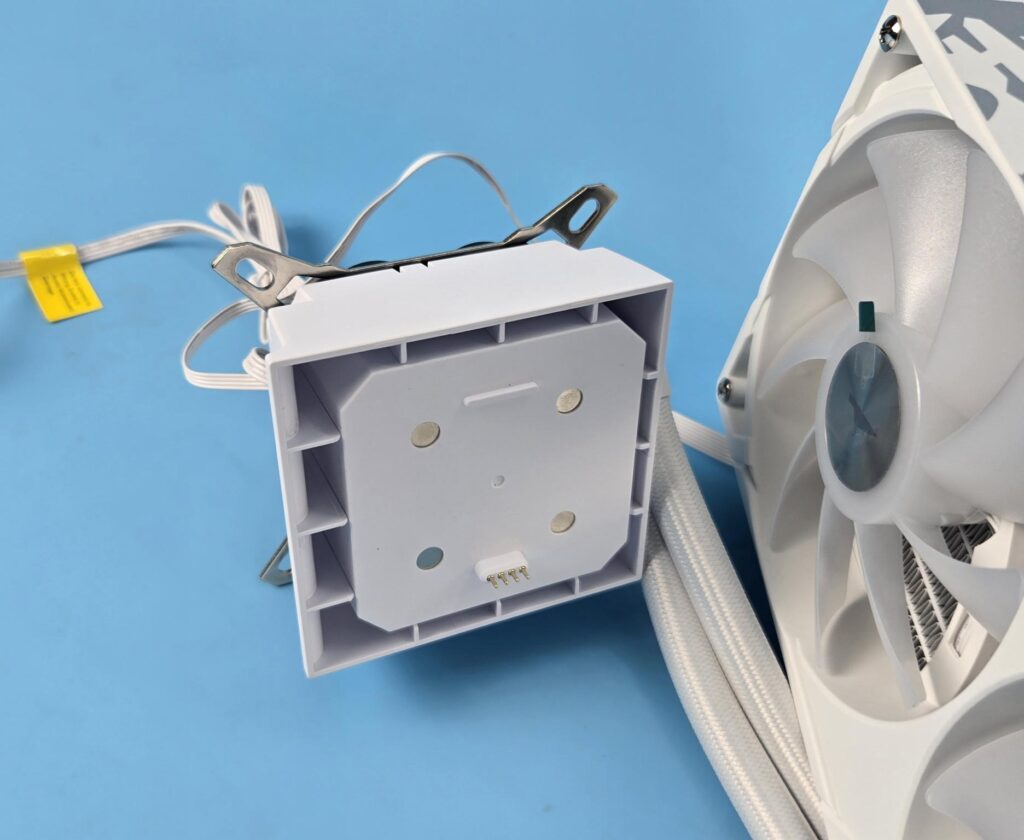
Looking at the top of the pump head, you can see four magnets that catch the screen module, which makes the handling of the screen module convenient. 4-pin contact pins are also visible.
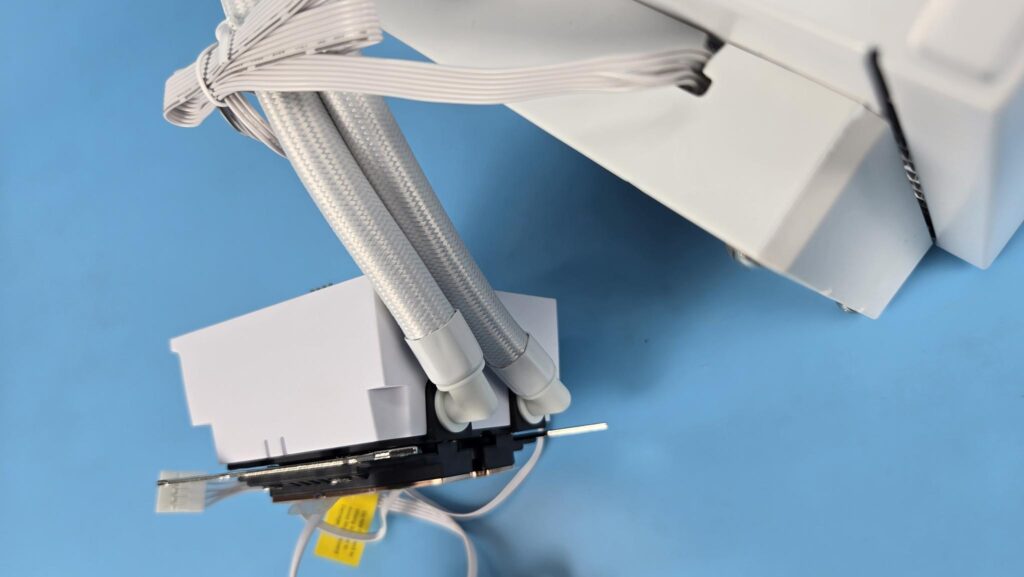
Looking at the backside of the housing, you can see the 90ᵒ fittings with tube connection. The tube connections can be rotated to adjust for any user requirement.
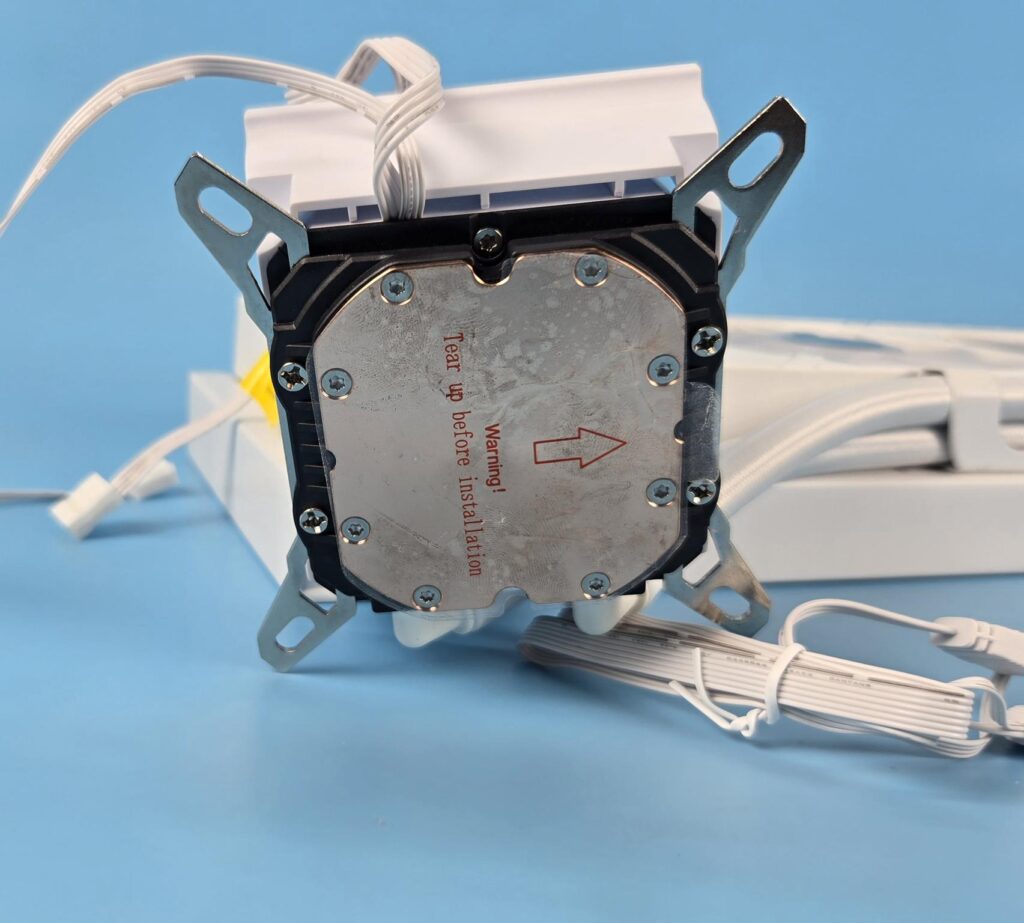
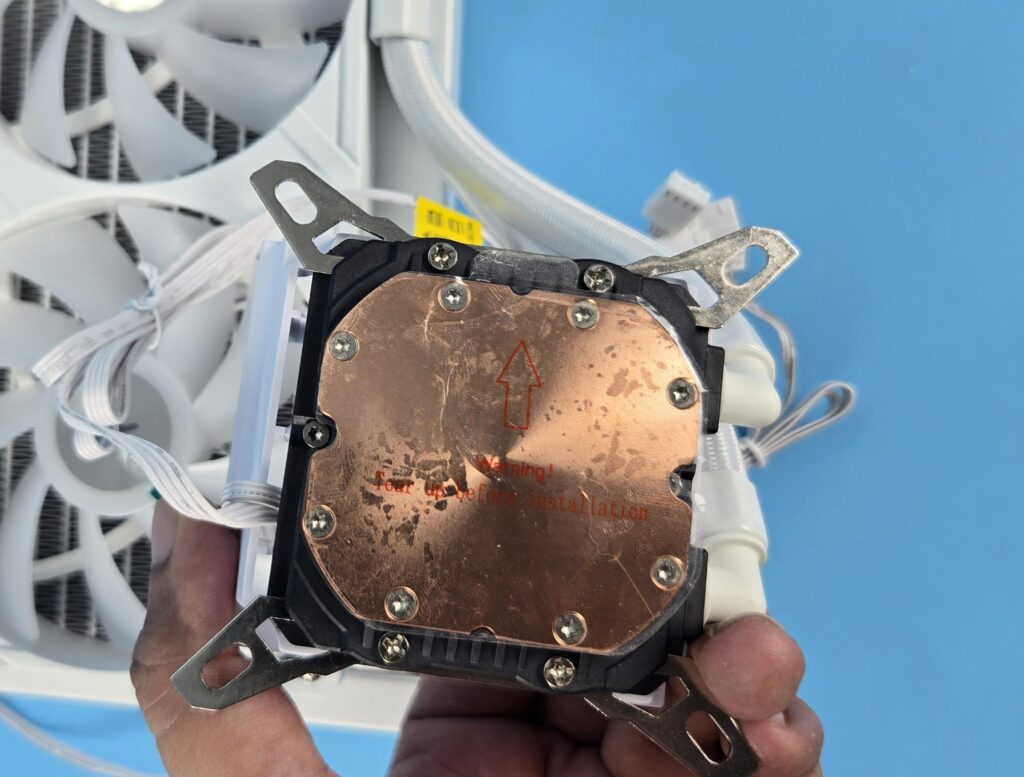
Gamemax has used a copper base. It seems like our sample has been used prior to shipping. The universal mounting bracket or frame is also visible in the picture that comes pre-installed on the main housing.
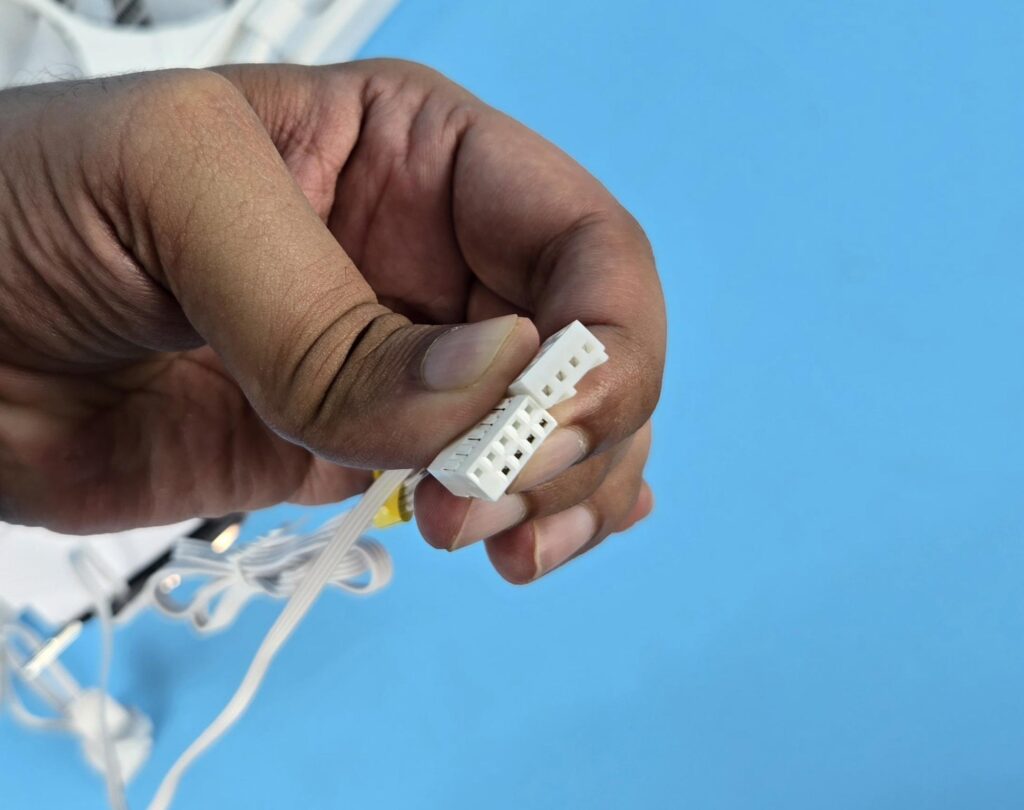
The pump is PWM regulated, which is a wise design. Its bearing is made of a stainless steel shaft. The maximum rated current is 0.25A at 12VDC with a maximum power of 4.2W. The noise level rating is 30 dB. The pressure head rating is 1.5M with a flow rate of 1300mL/min. The MTBF is 30000 hours.
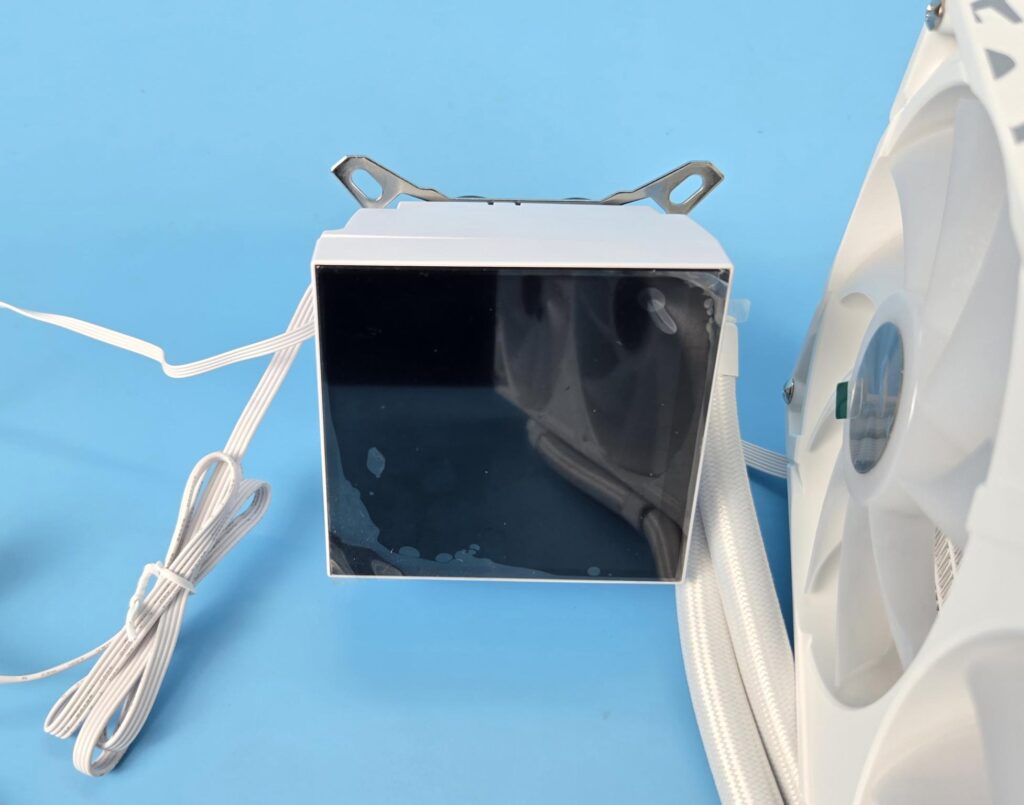
The above picture shows the screen module attached to the pump head/top.
Fans
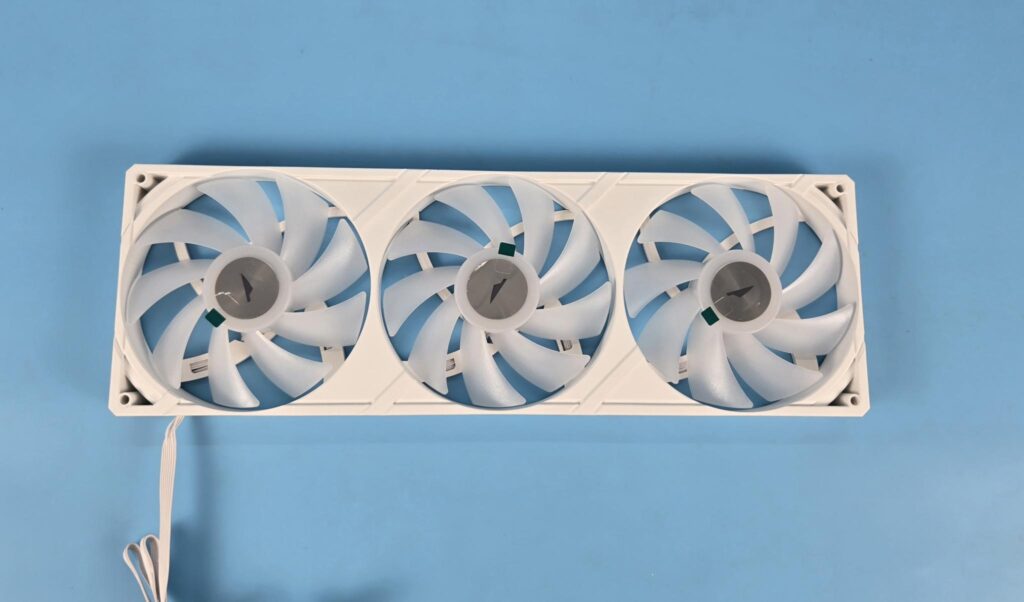
Gamemax has used an integrated fan assembly on this cooler. This bracket has three 120mm fans integrated into it. Each has 9x frosted blades. The bracket has a dimension of 360x120x25mm (LxWxH). The center of each fan has Gamemax branding. These are ARGB fans. The bracket itself has a stylish design.
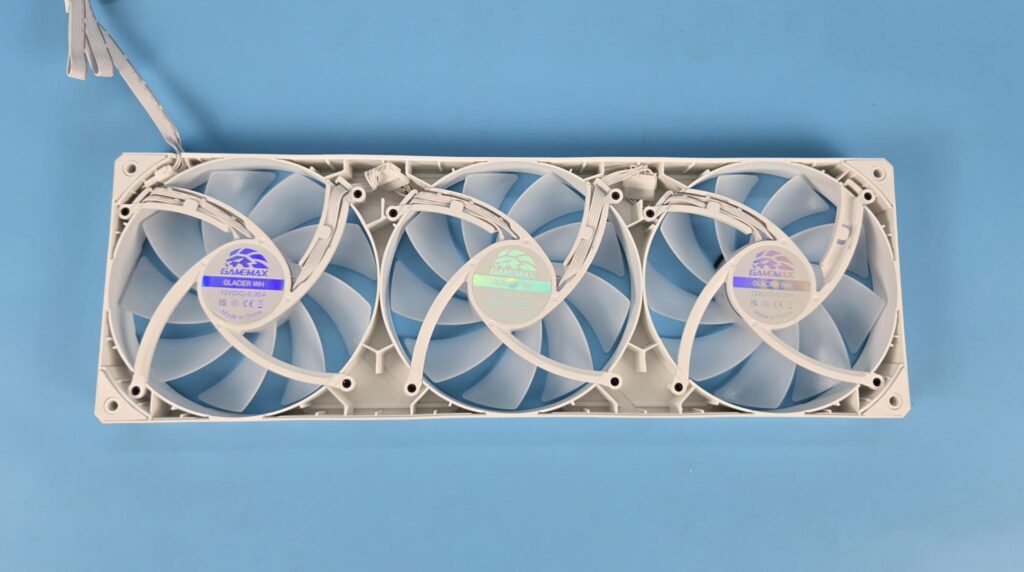
Looking at the backside of the frame, you can see that all three fans are daisy-chained via proprietary connectors, and a single cable is routed out of the frame from one corner. All four mounting corners of the frame have anti-vibration rubber pads.
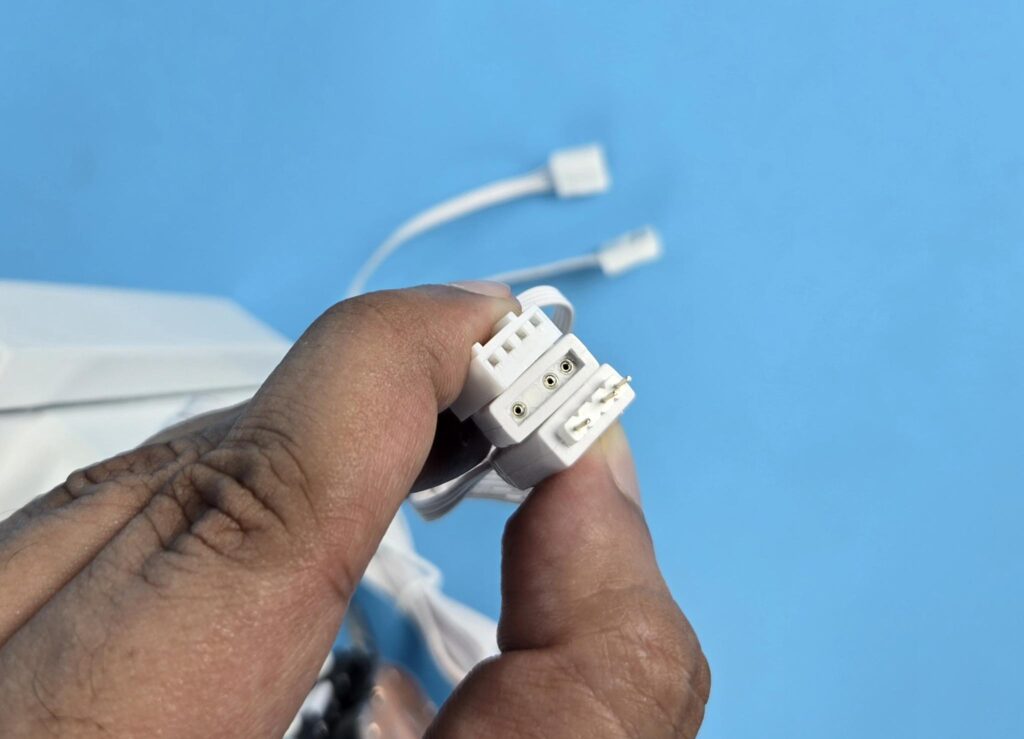
Gamemax has used standard connectors on the end of the fan cable. These are PWM-regulated fans.
Software
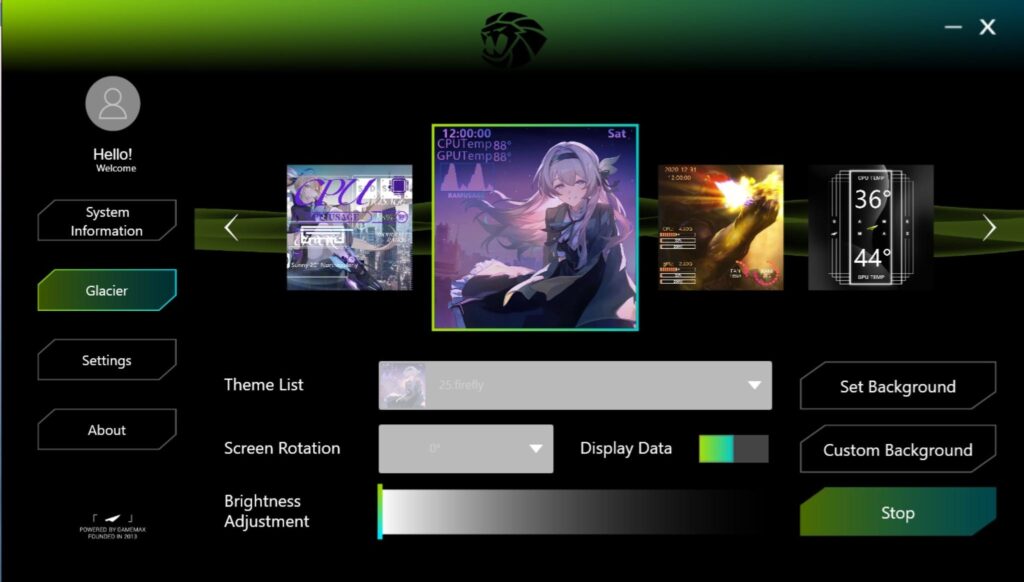
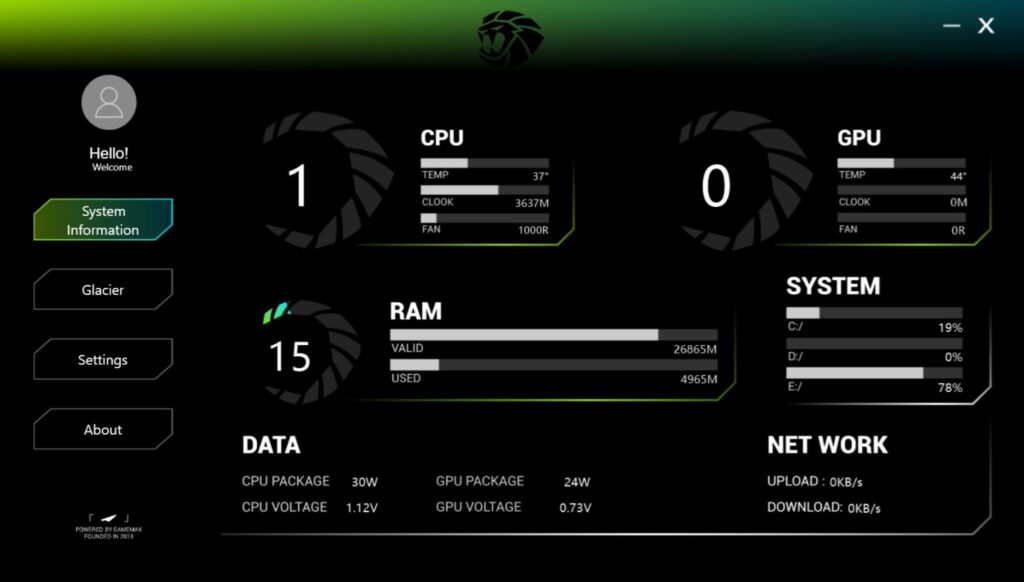
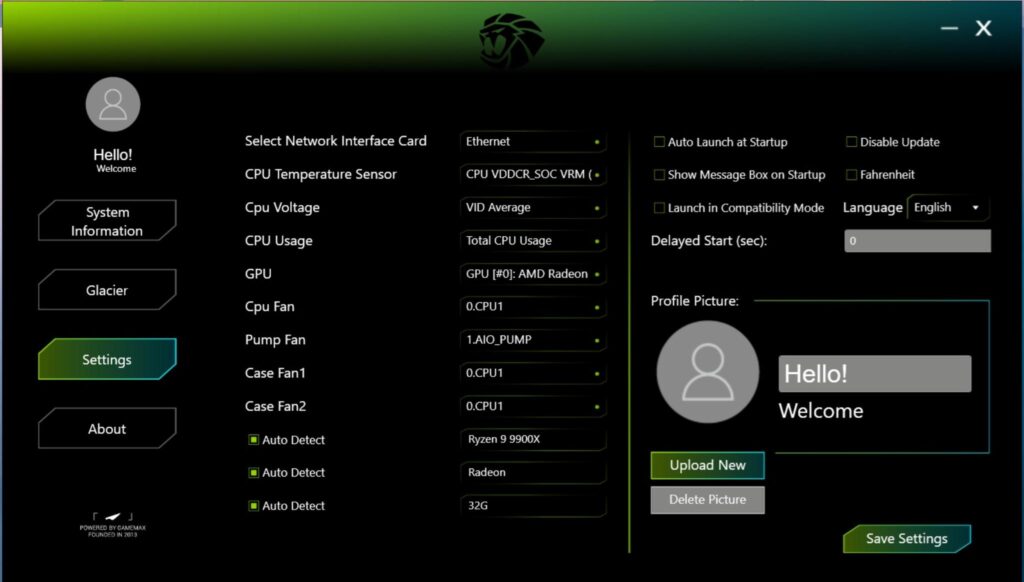
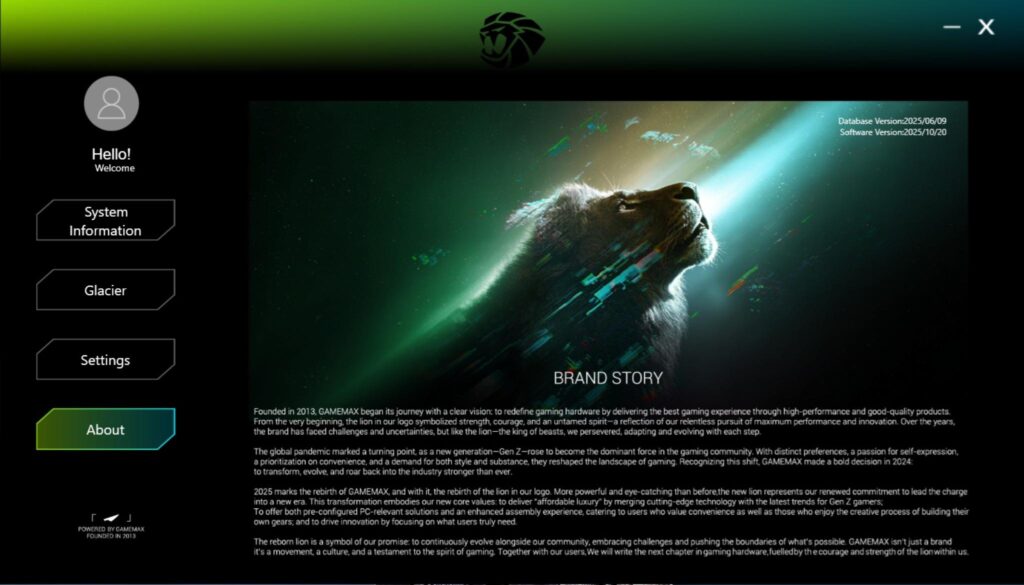
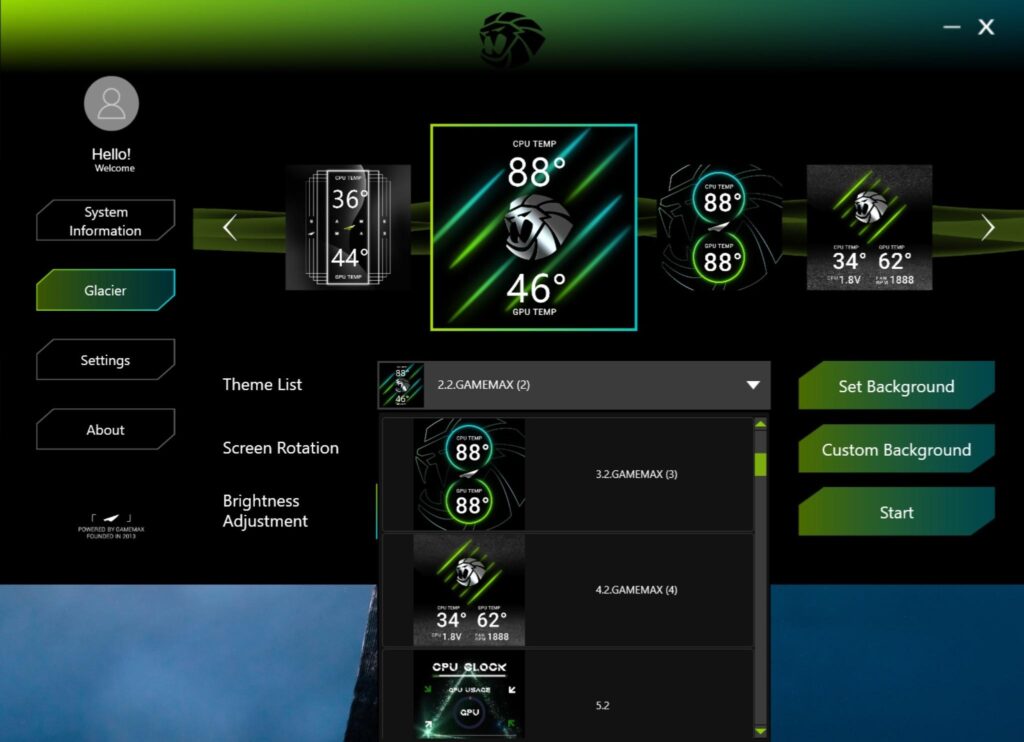
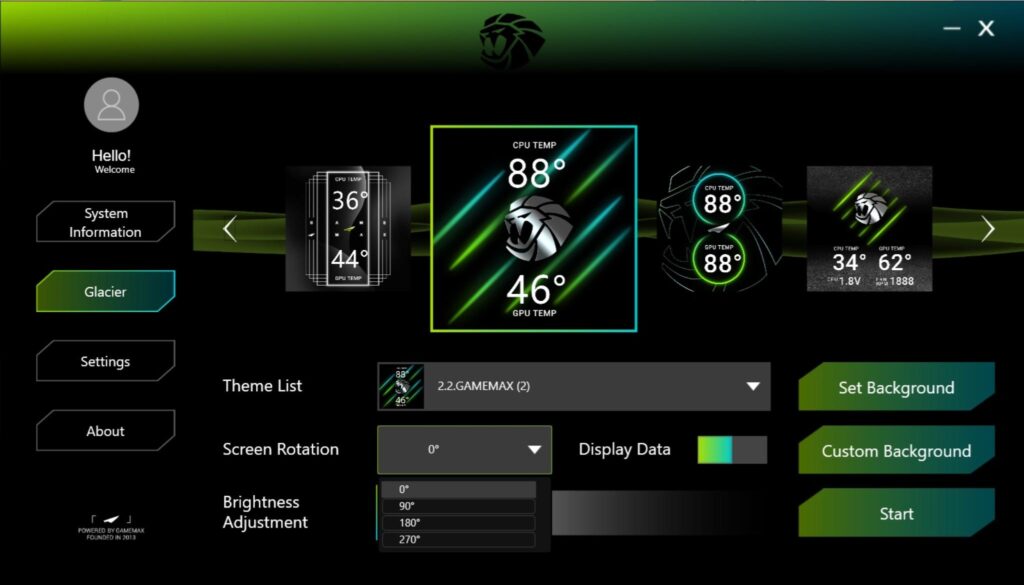
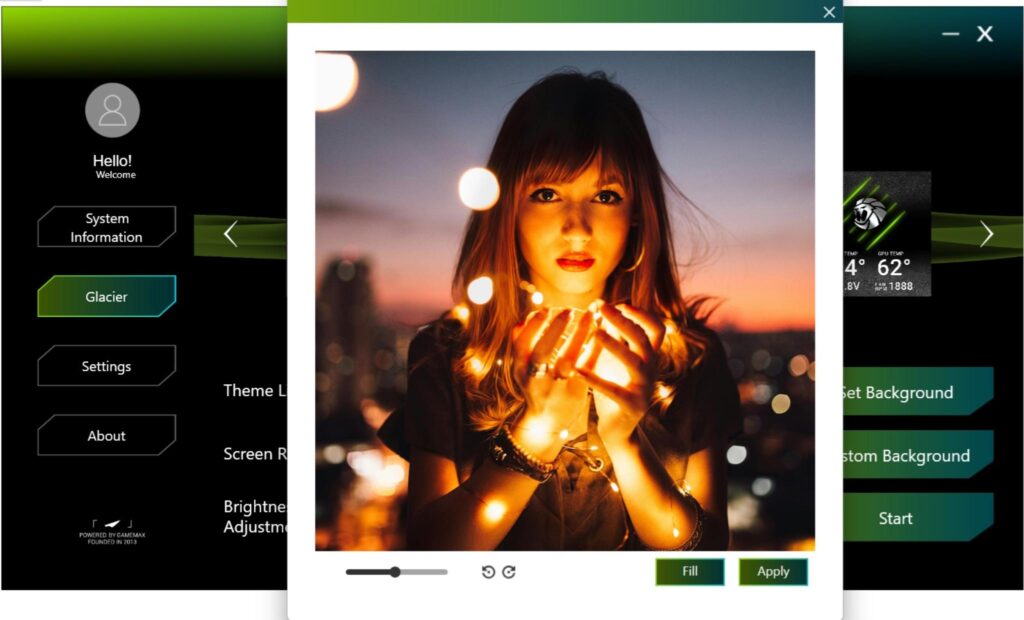
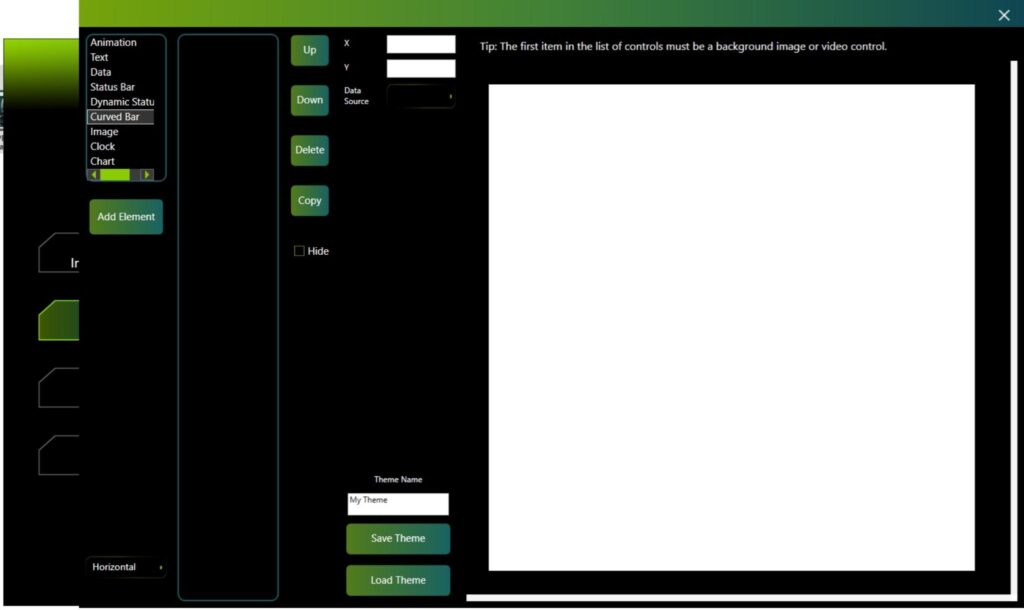
Gamemax has provided its software to customize the display on this cooler. The software comes with plenty of pre-defined themes that you can use and customize as well. You can create your own theme as per the requirement. The theme definition page could have been a bit more user-friendly. A manual for software would be handy. You can play MP4, MPG etc videos on the screen and the animations.
In addition, you can customize the sensor metrics to display critical sensors like CPU temperature on the screen for live monitoring. You can also rotate the screen display in any of four angles or orientations. The brightness of the screen can also be controlled. However, in order to make any change, you first need to click on the Stop button, and then, for any change implementation, you need to click the Start button.
The software also shows the basic hardware information of your PC build. I like how Gamemax has kept this part to the minimum.
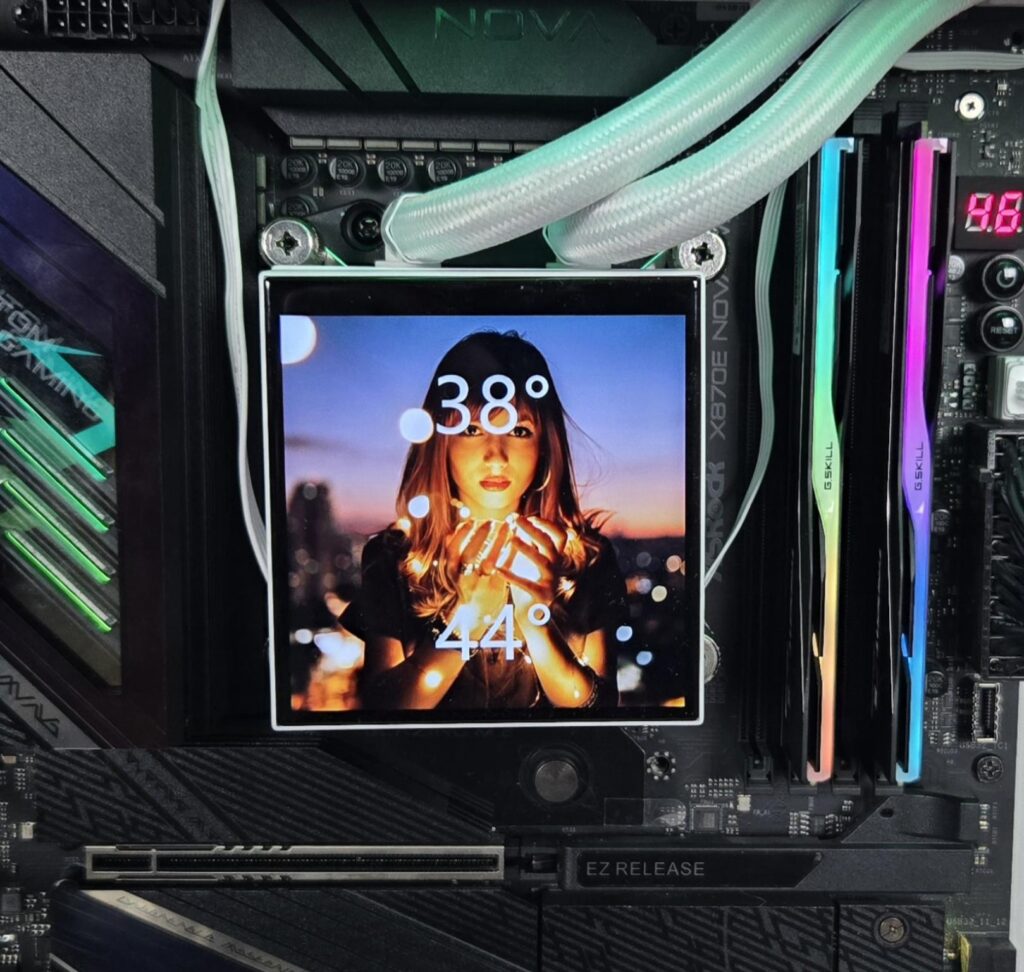
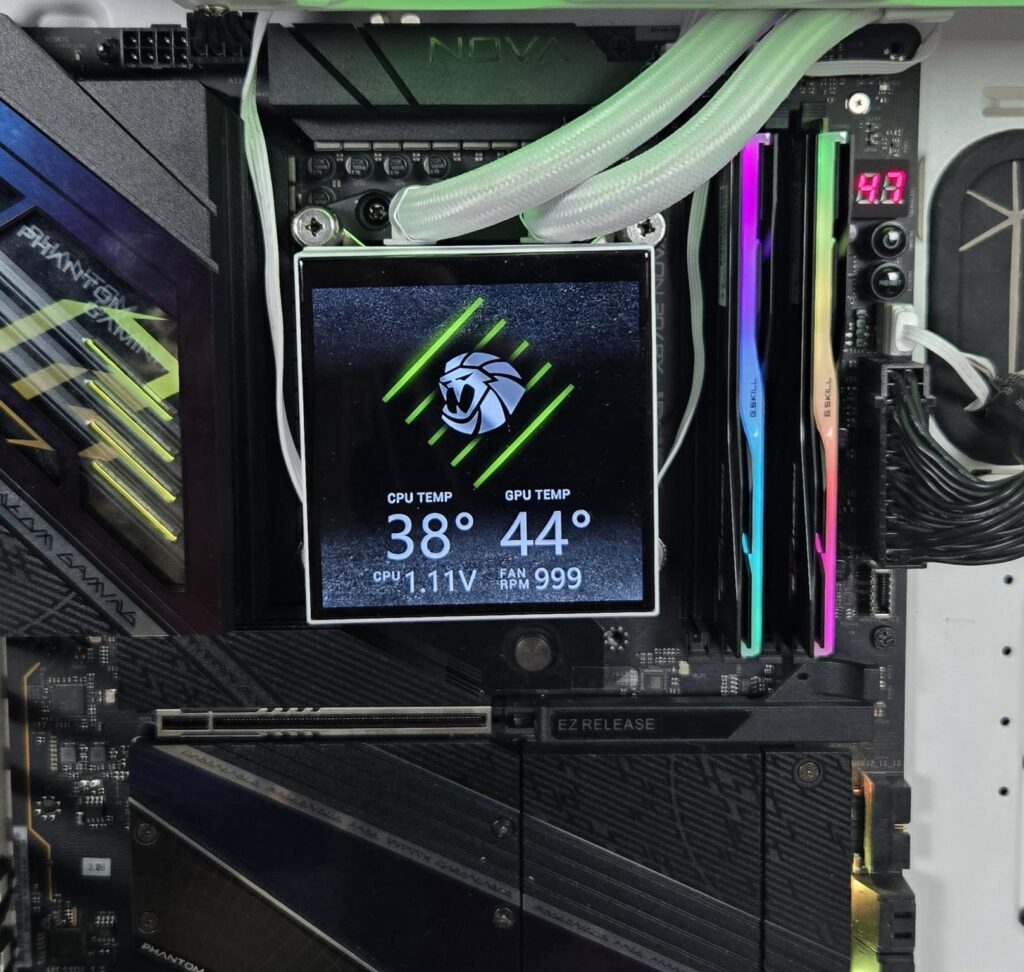
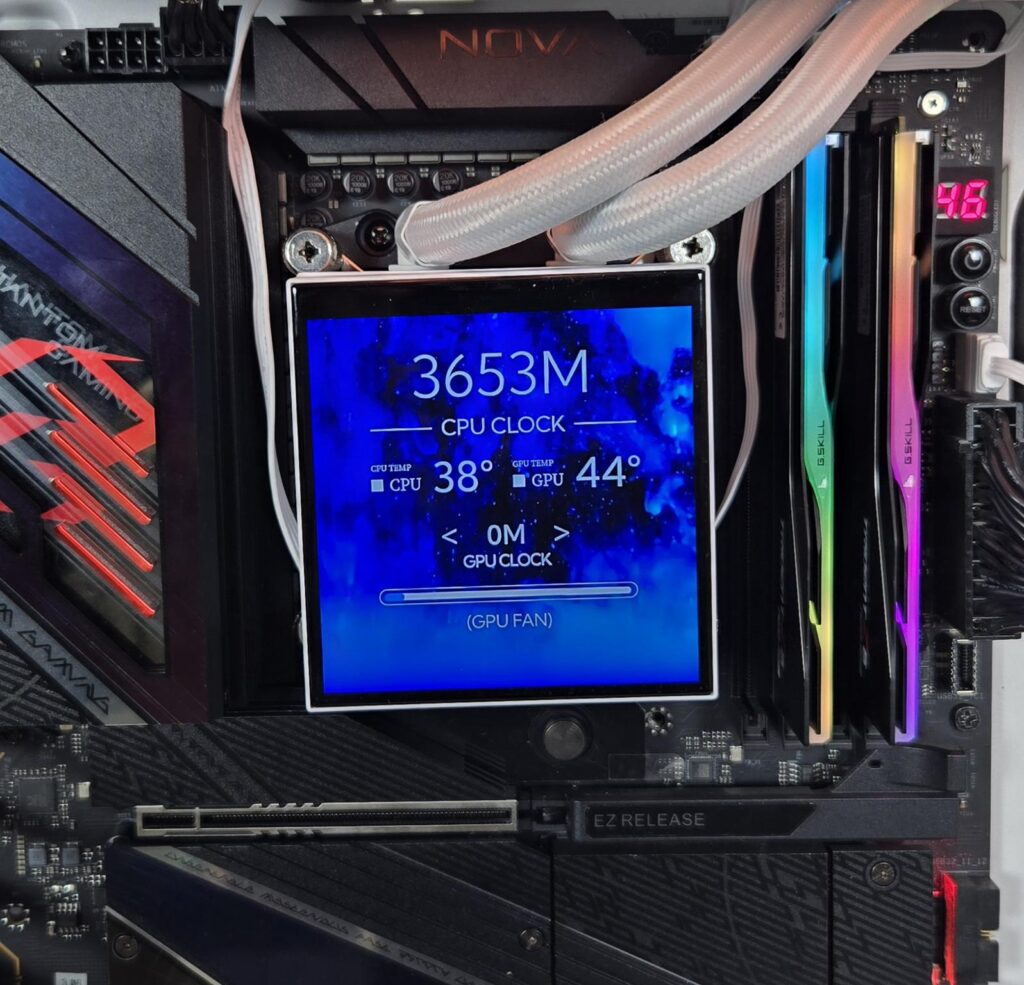
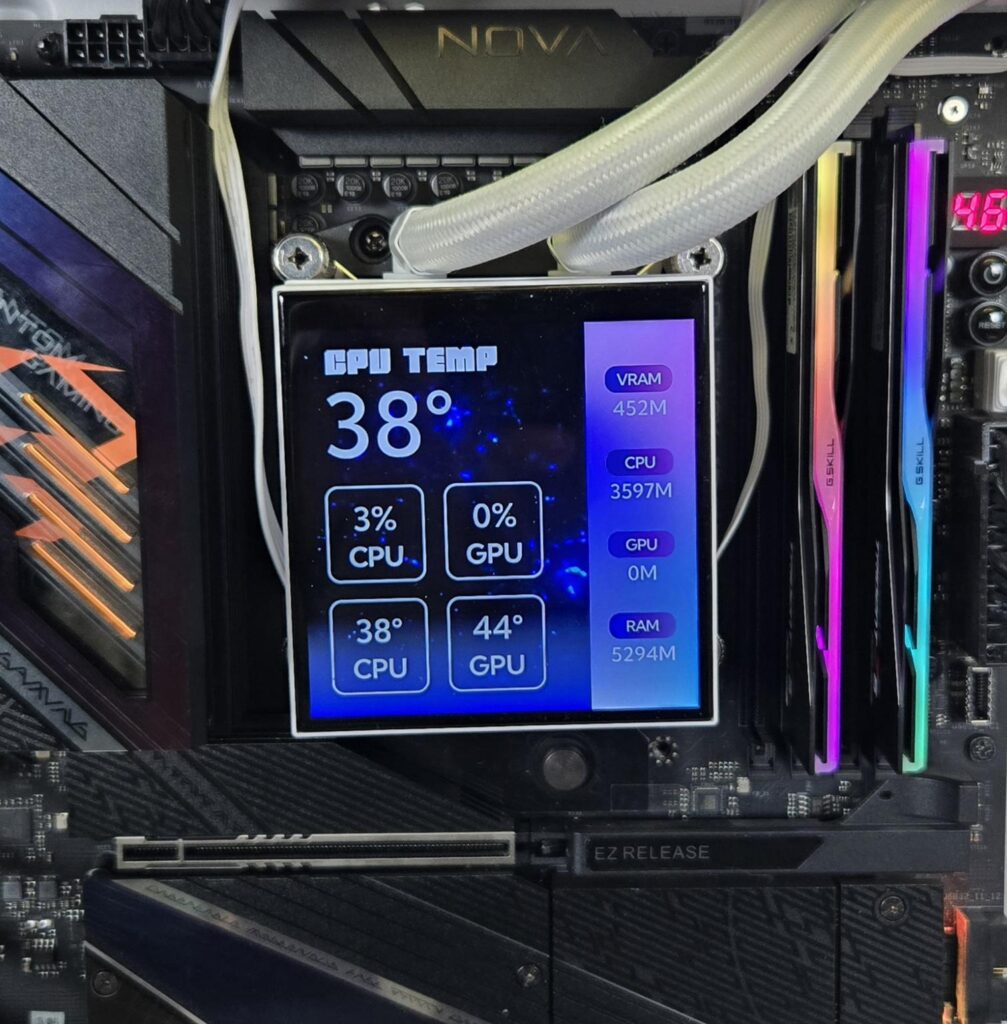
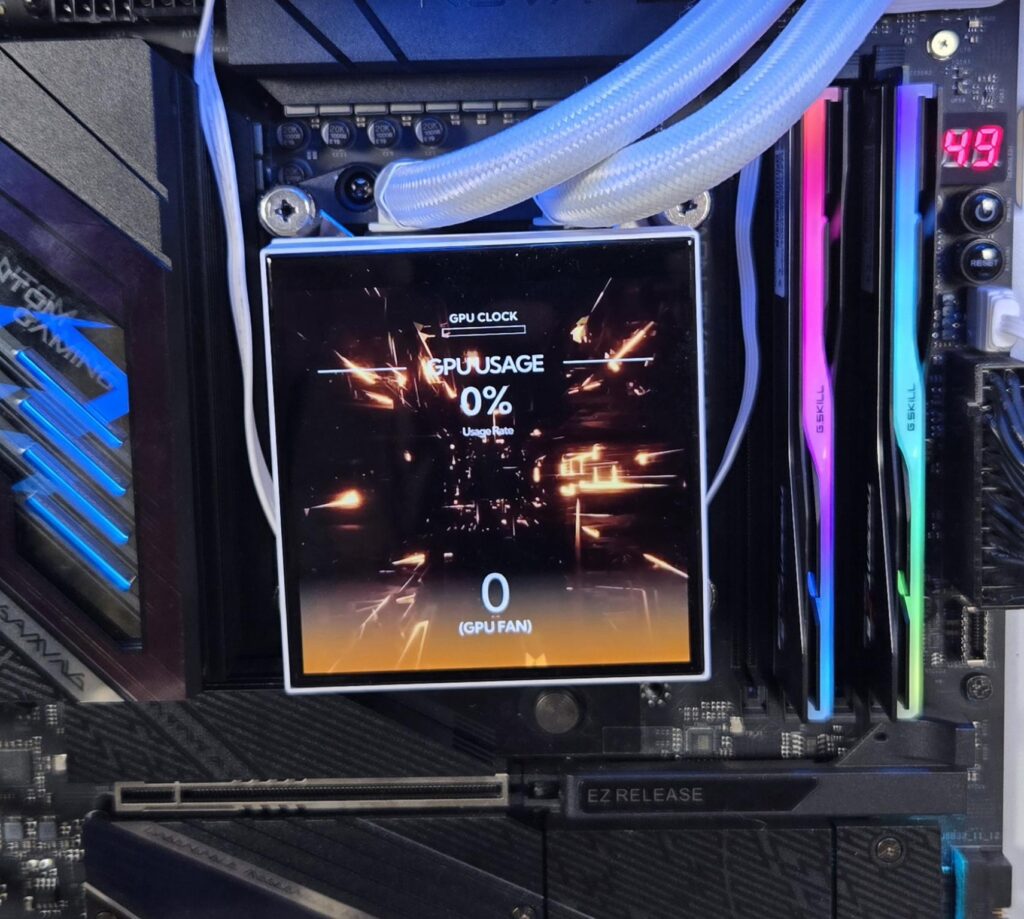
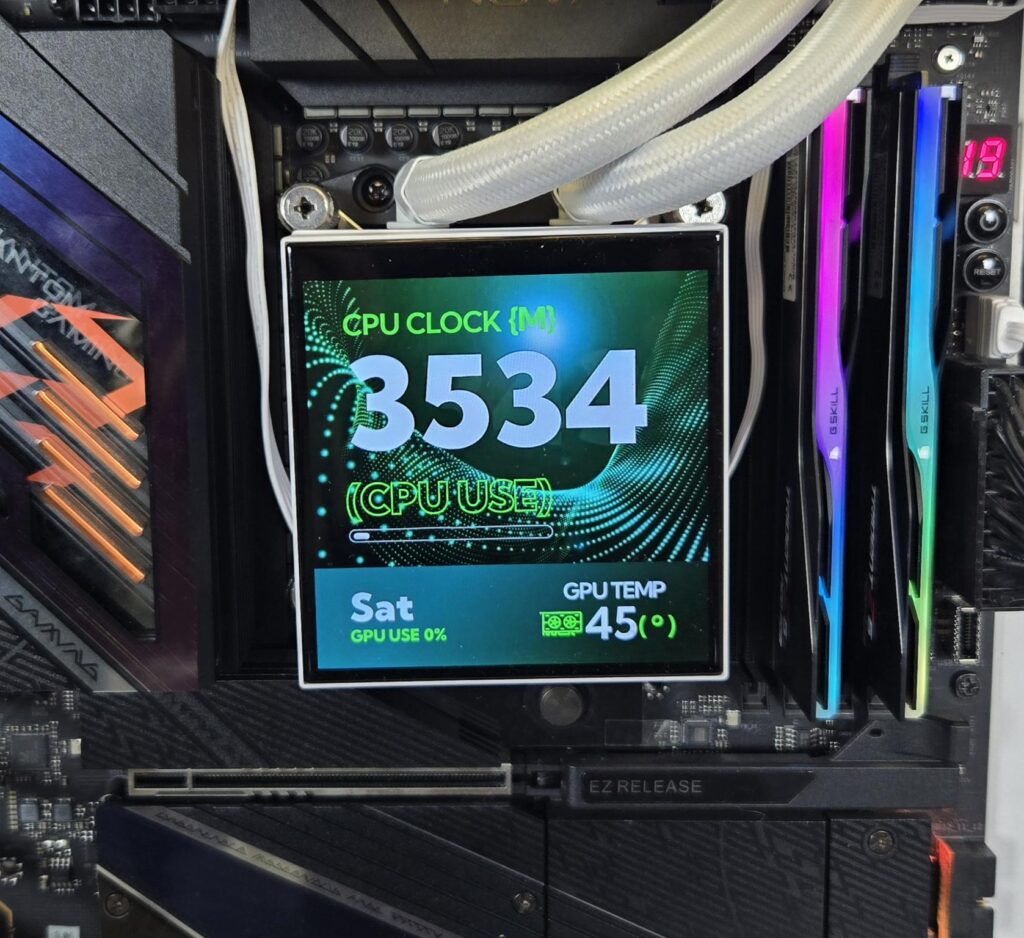
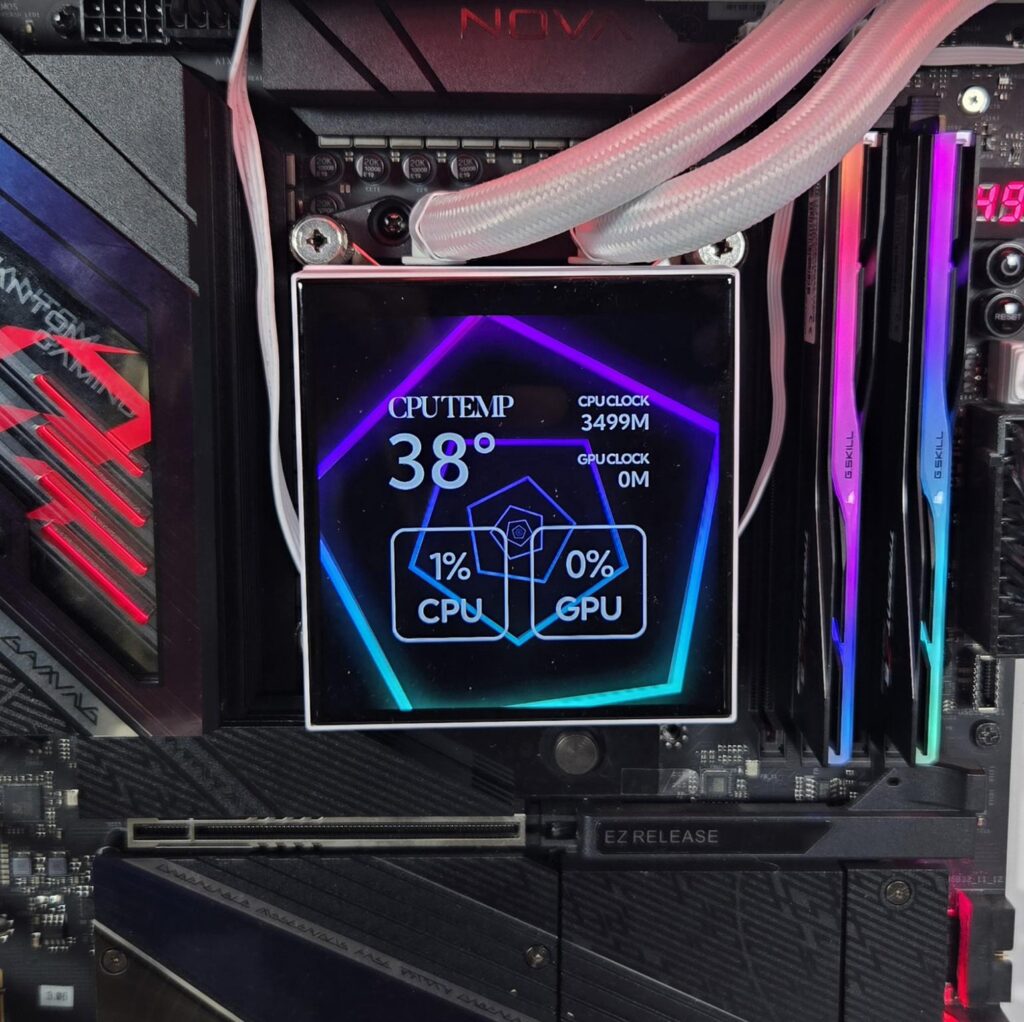
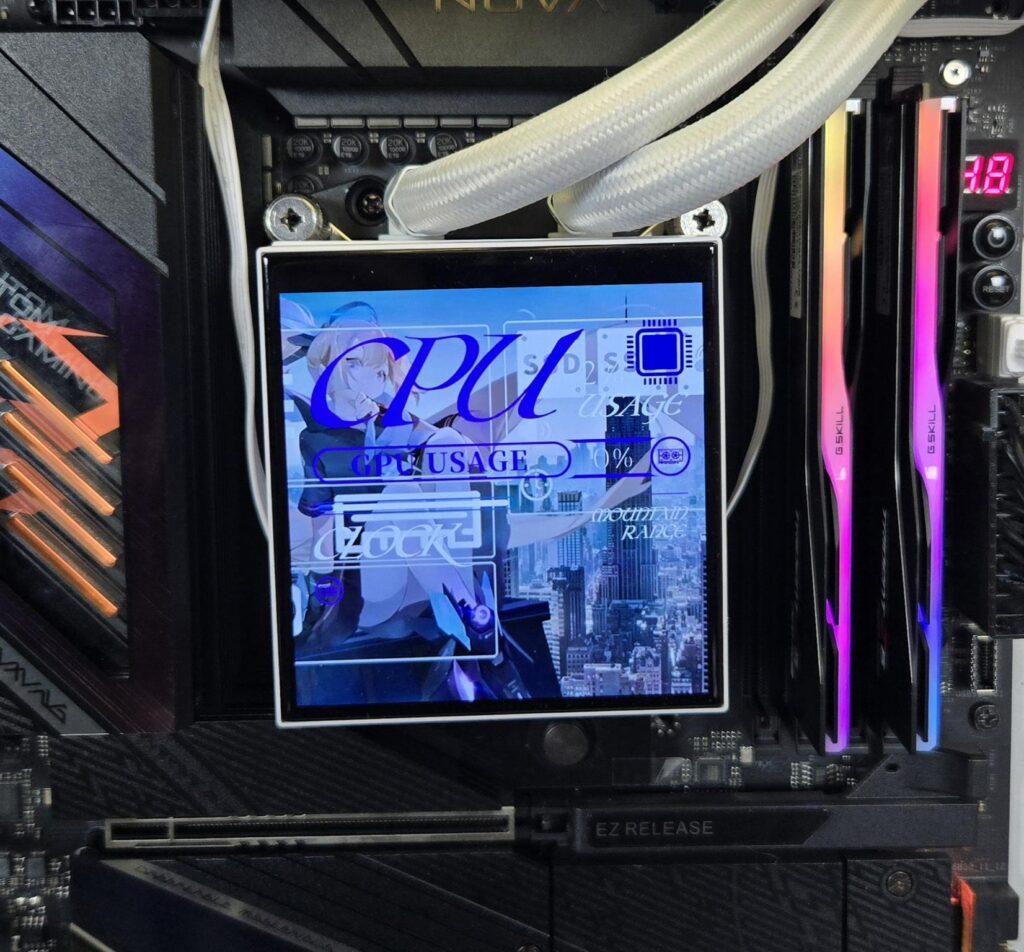
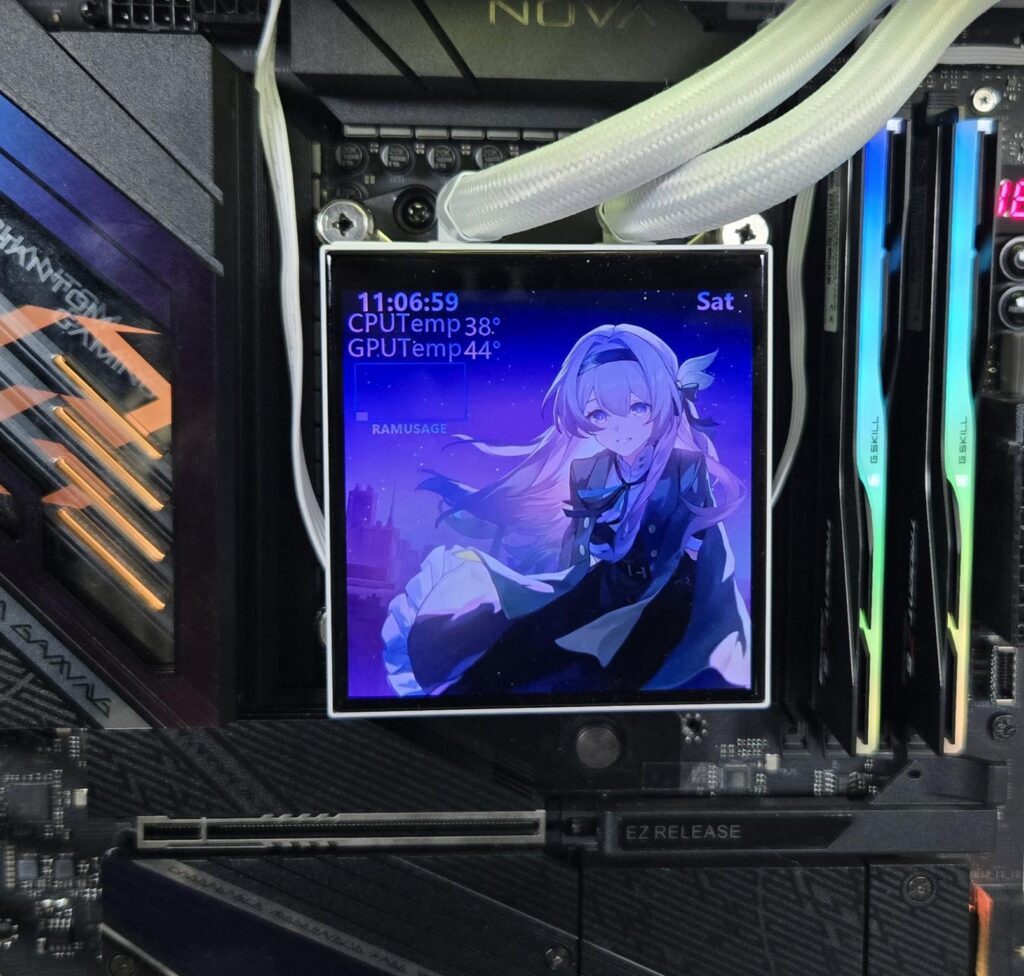
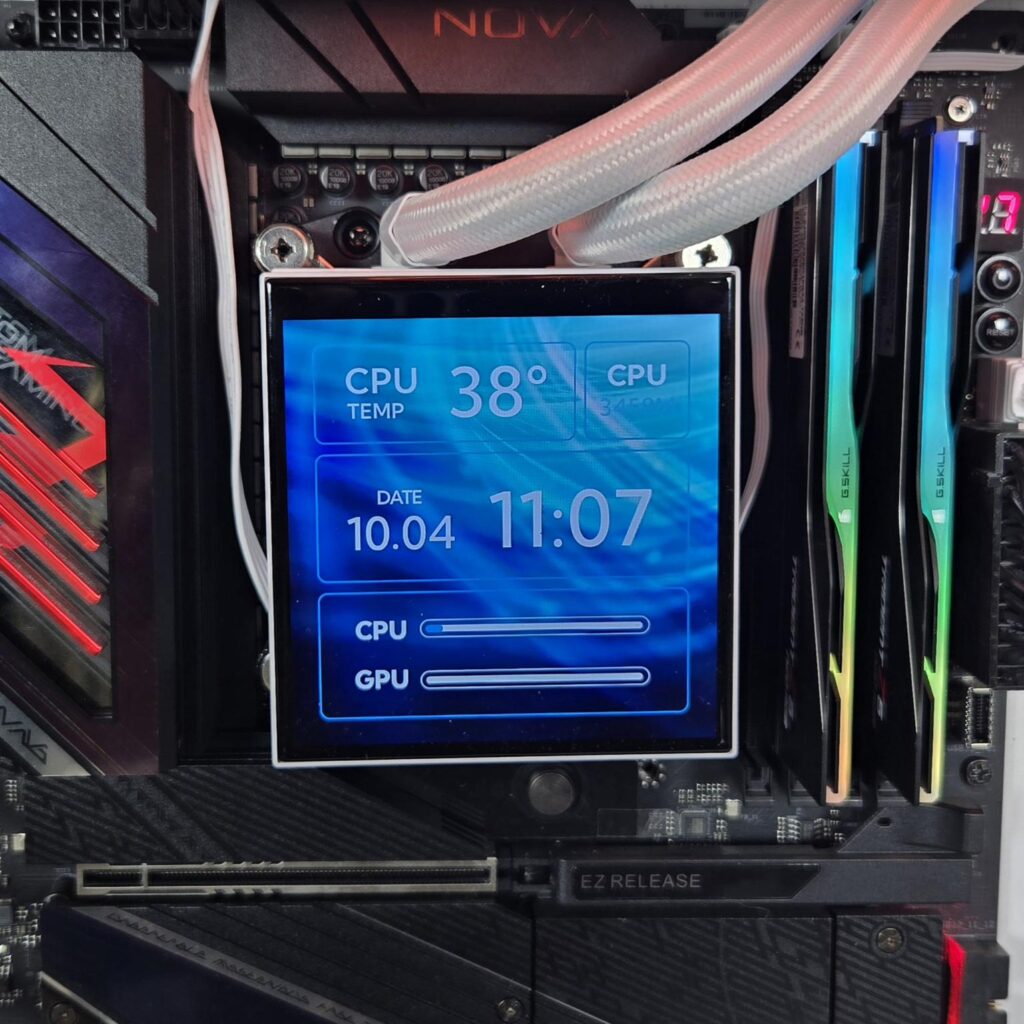
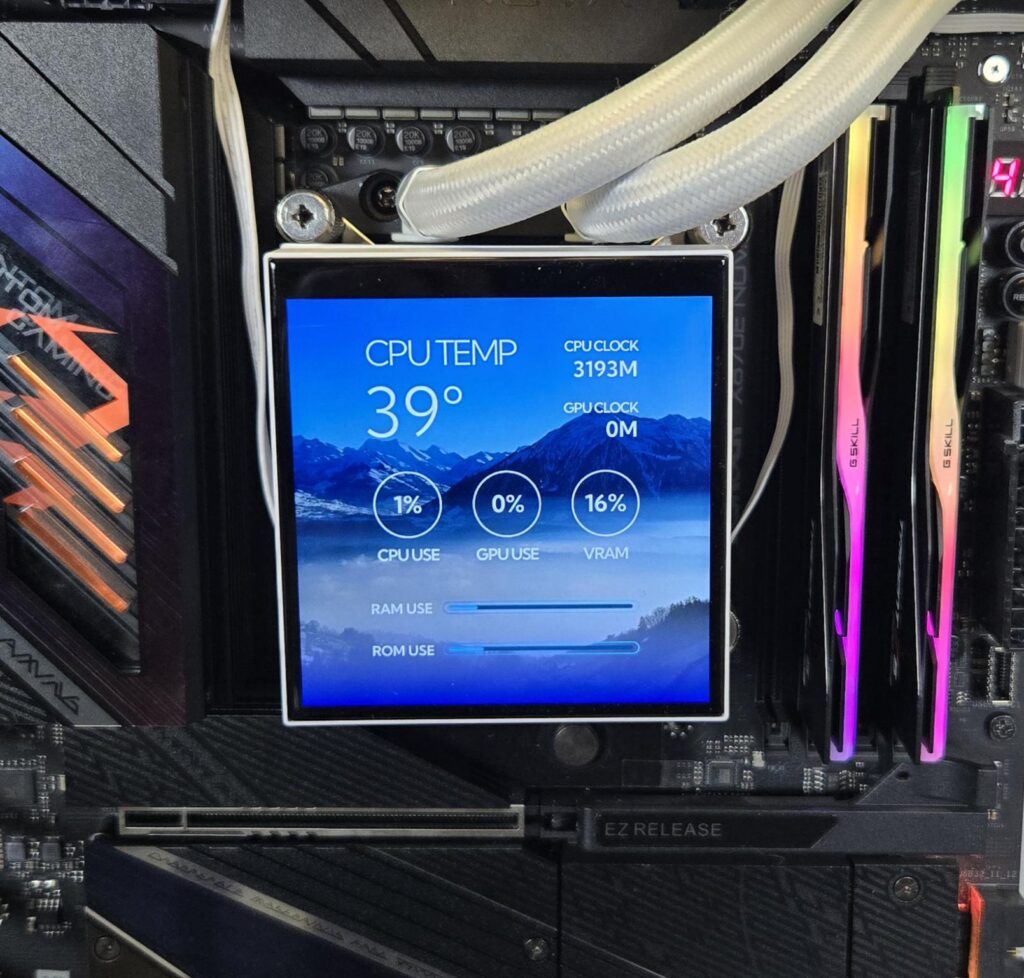
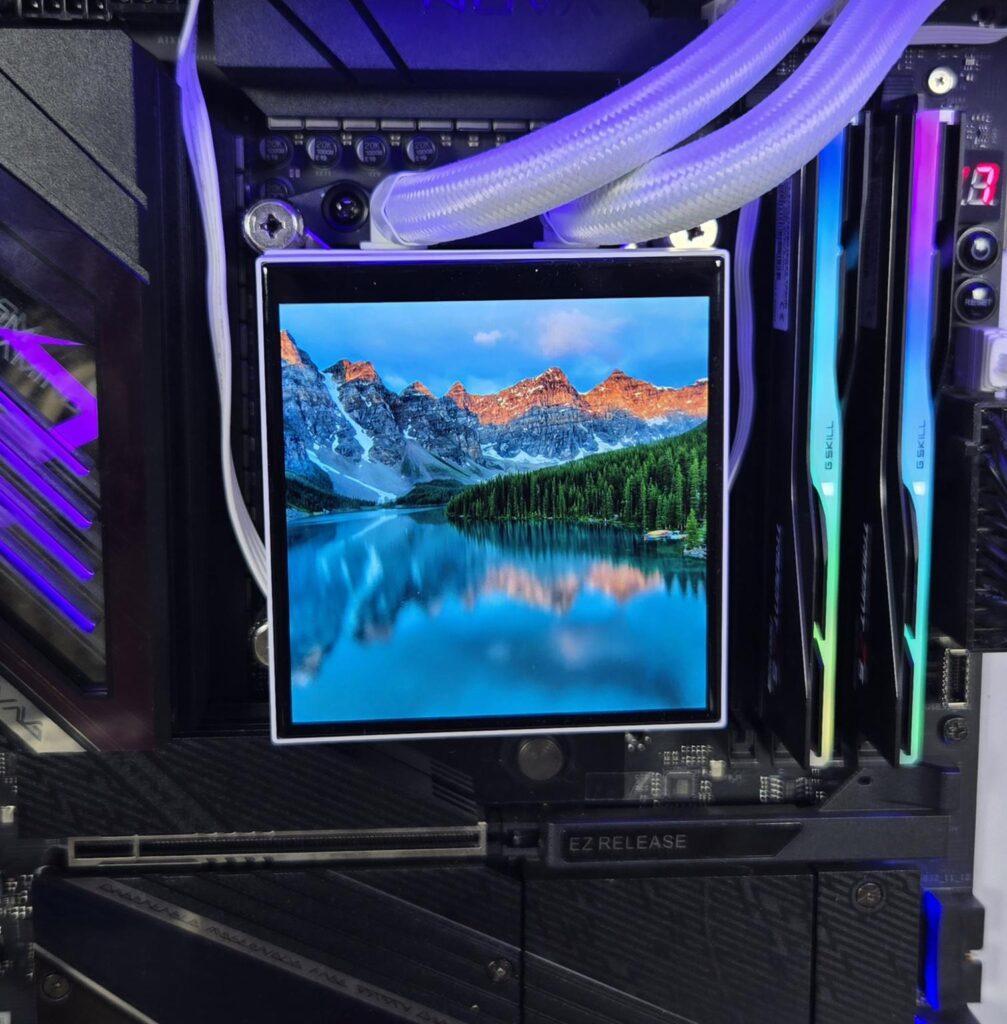
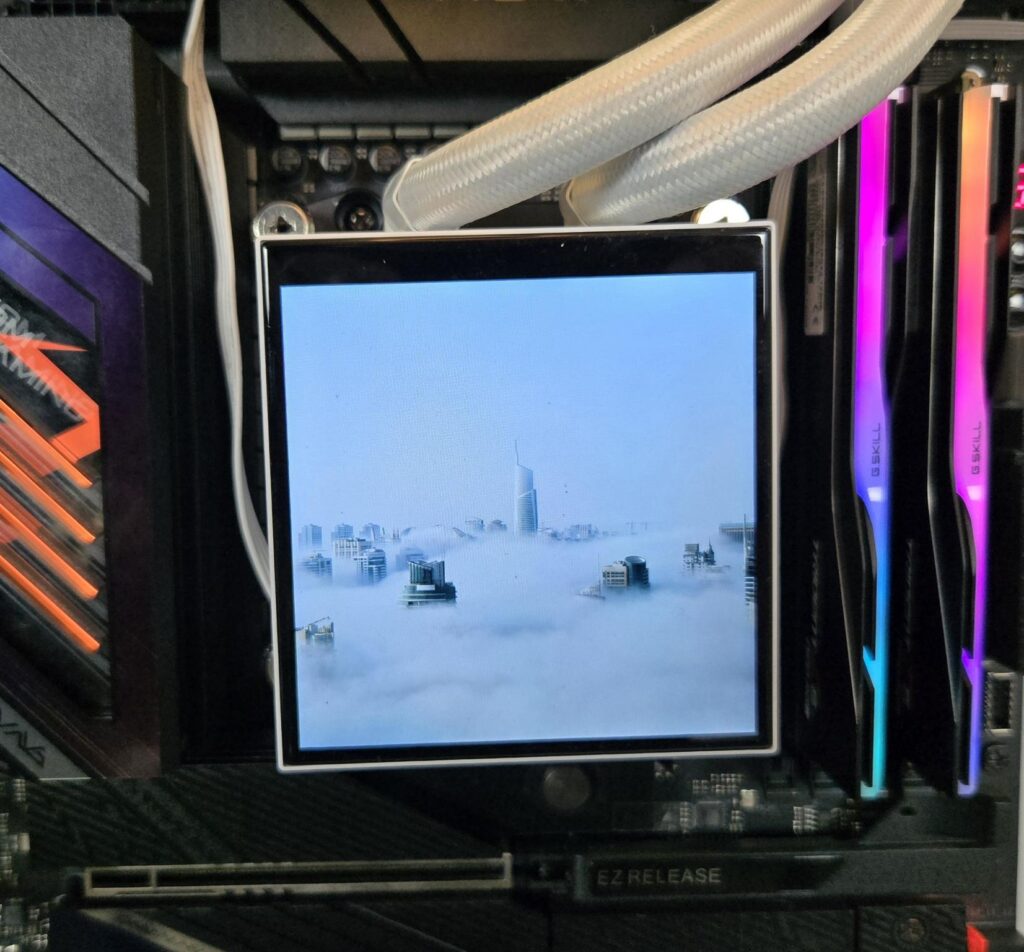
The above are some pictures of the screen in action.
The above video shows the screen action.
Installation
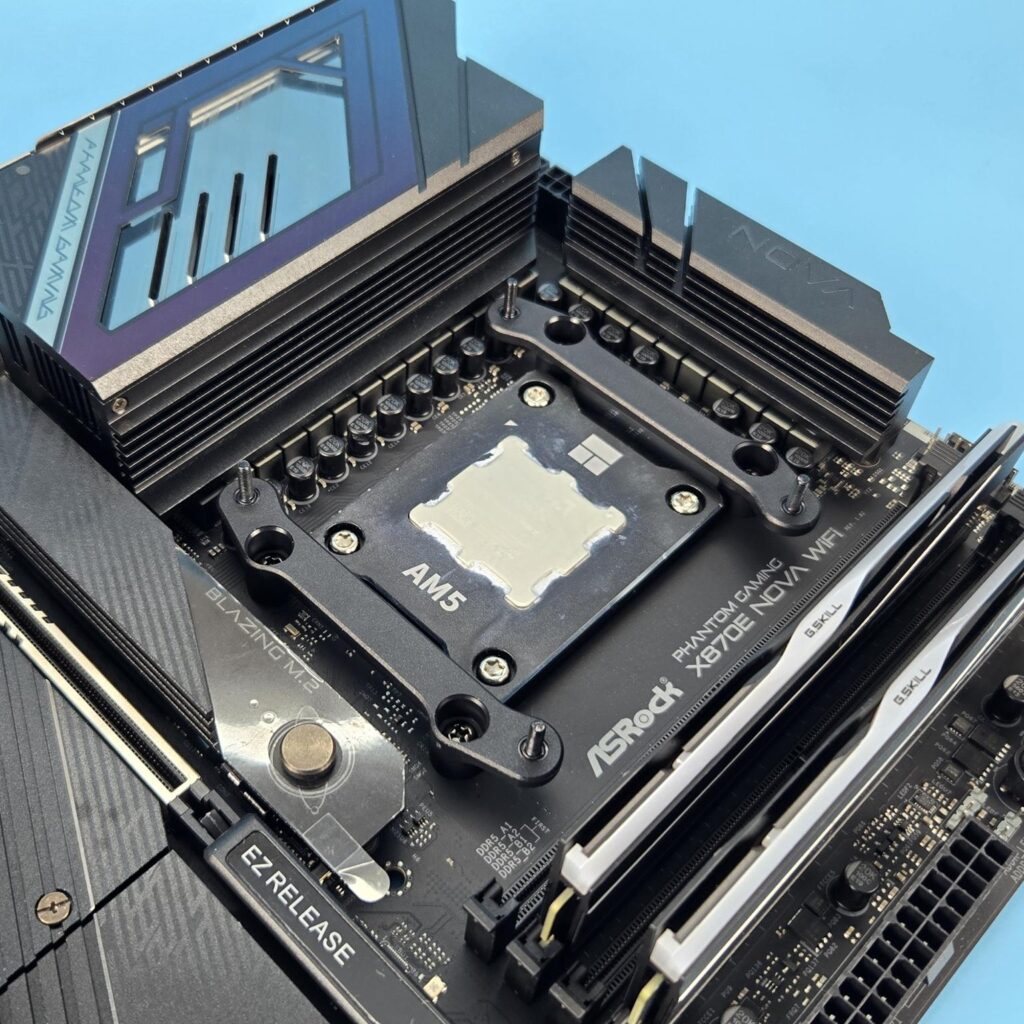
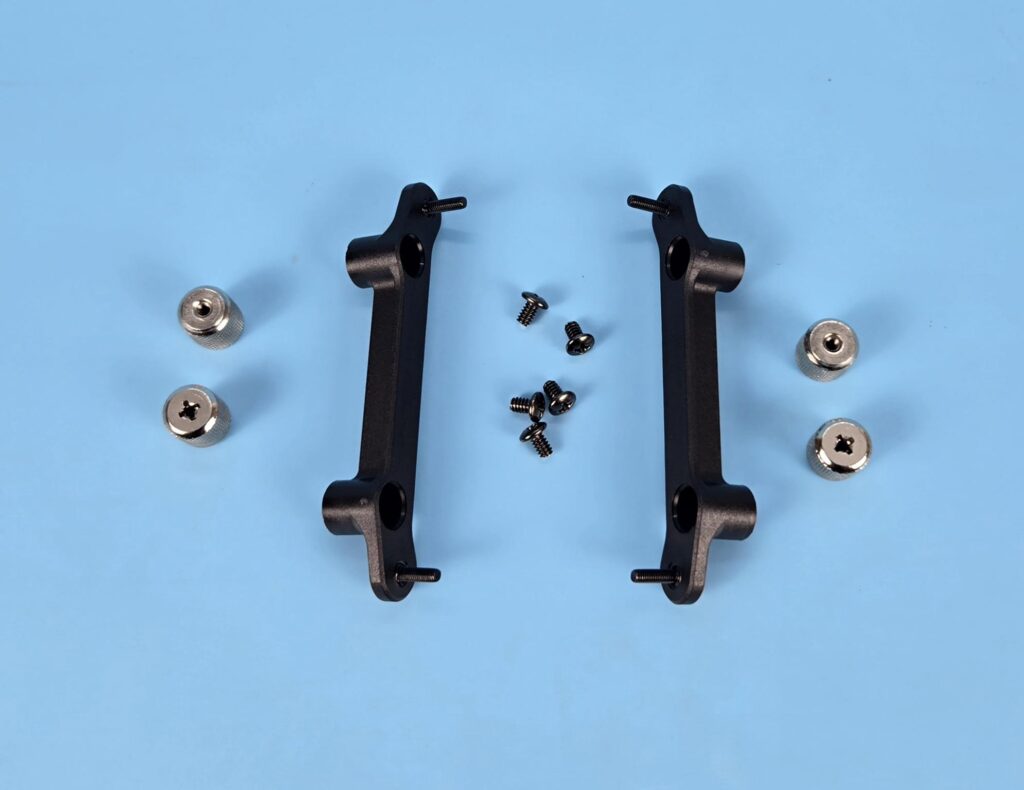
We are not covering the details of installation. We only report any issues or observations recorded during installation. The installation onthe AMD AM5 socket is a simple and convenient task. I have no observation to mention here.
Clearance
Normally, you would need a clearance for a 120mm fan mount for a 360mm size liquid cooler, but in this case, you would need a clearance for a 140mm fan mount. This means, if your case does not support a 140mm fan mount on top, then this cooler will not fit.
A-RGB Lighting
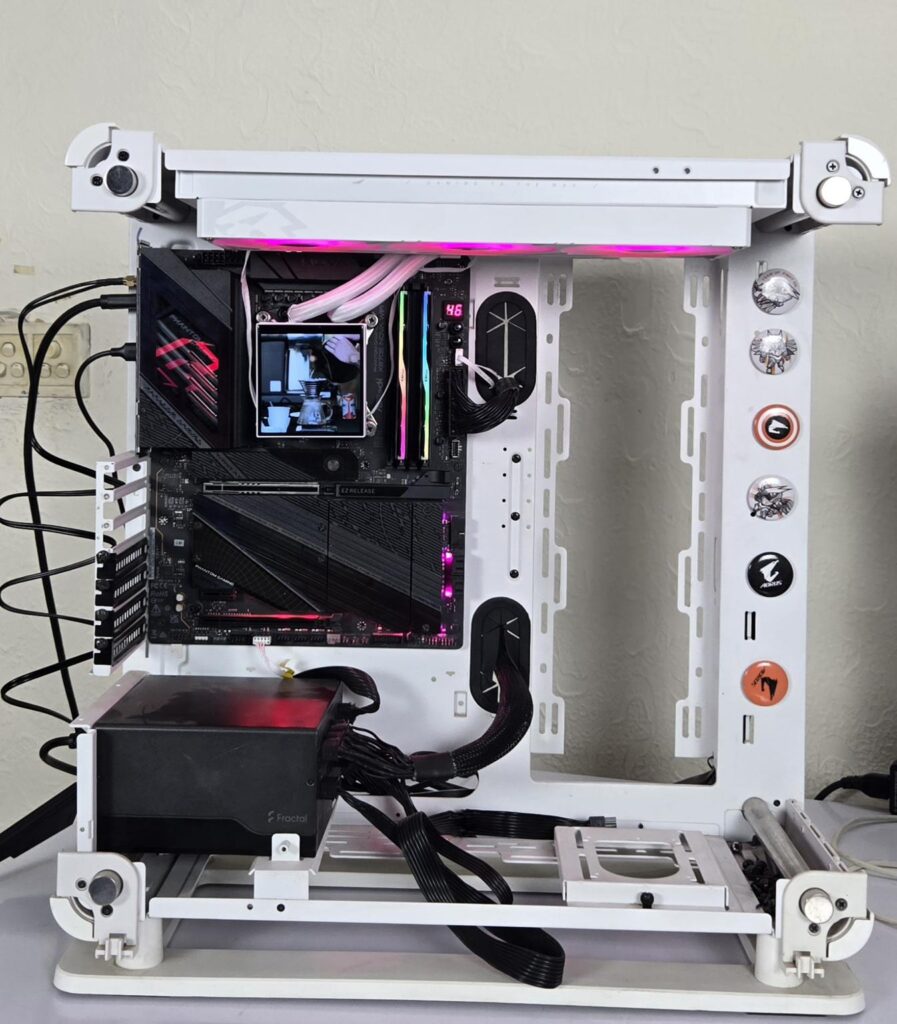
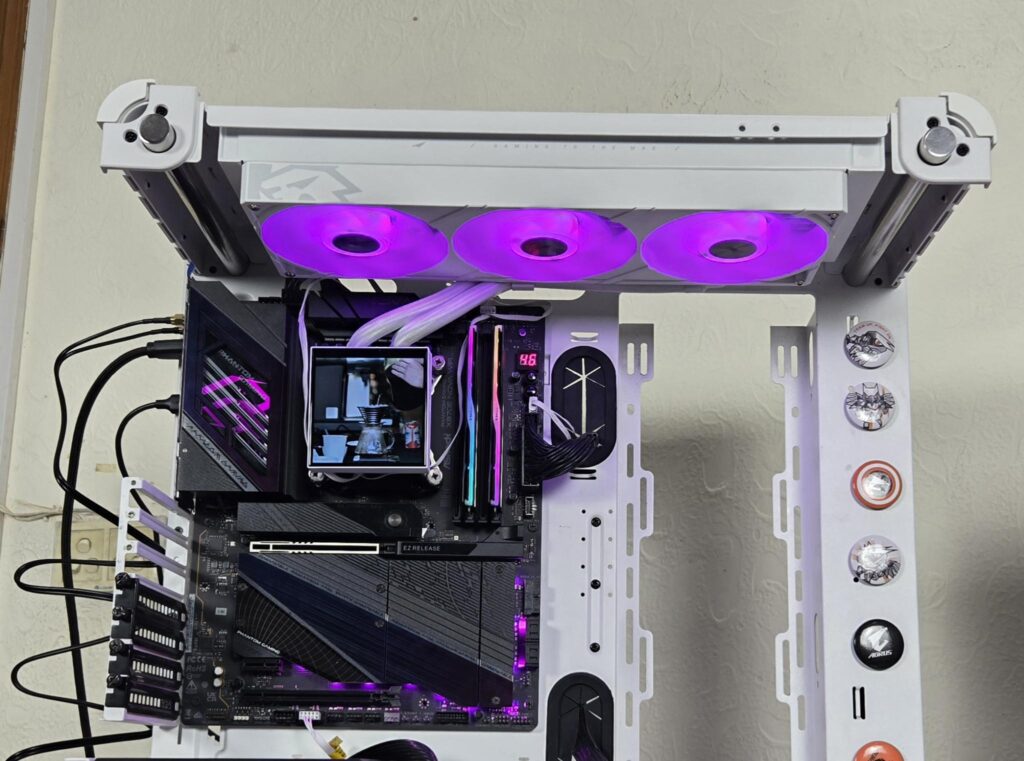
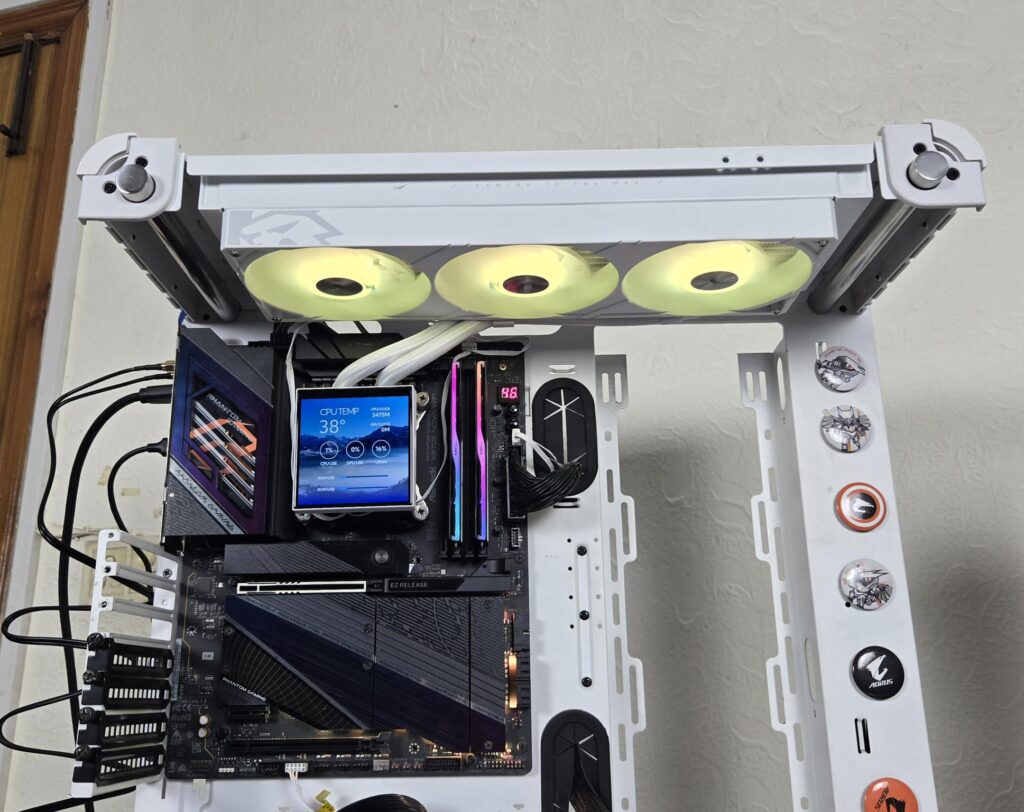
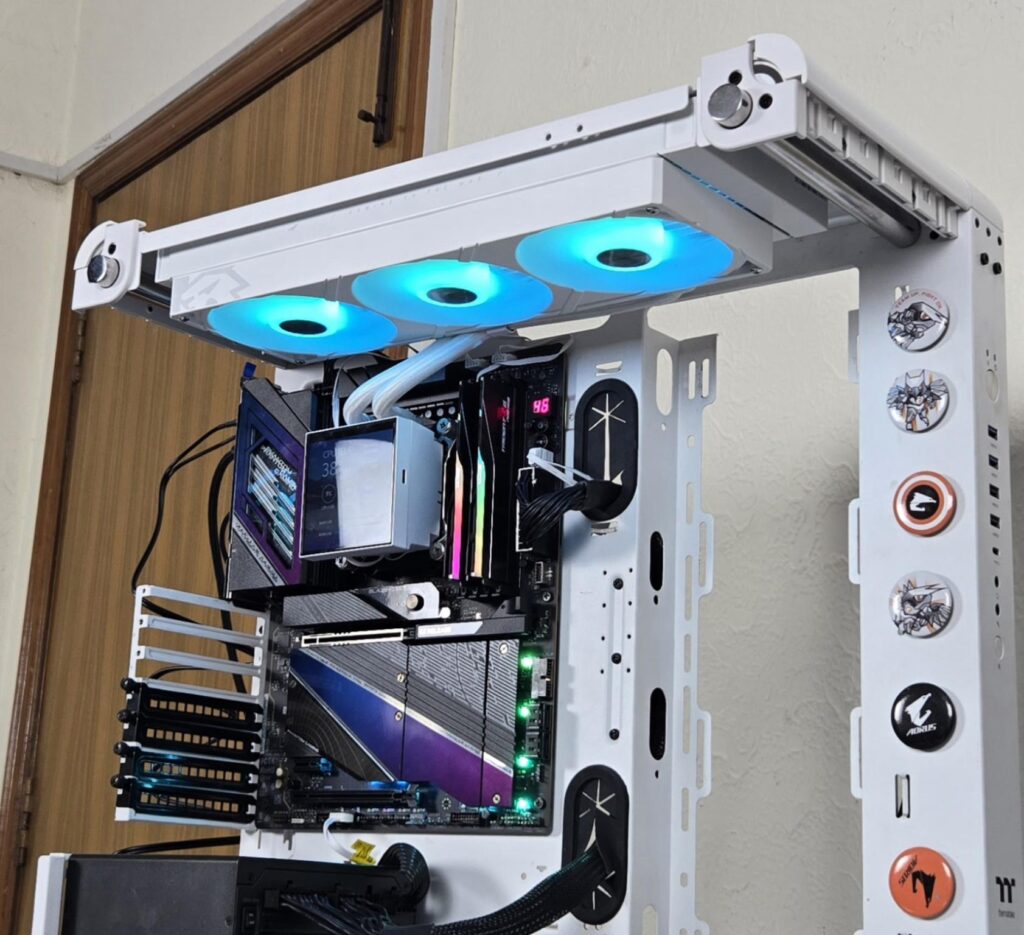
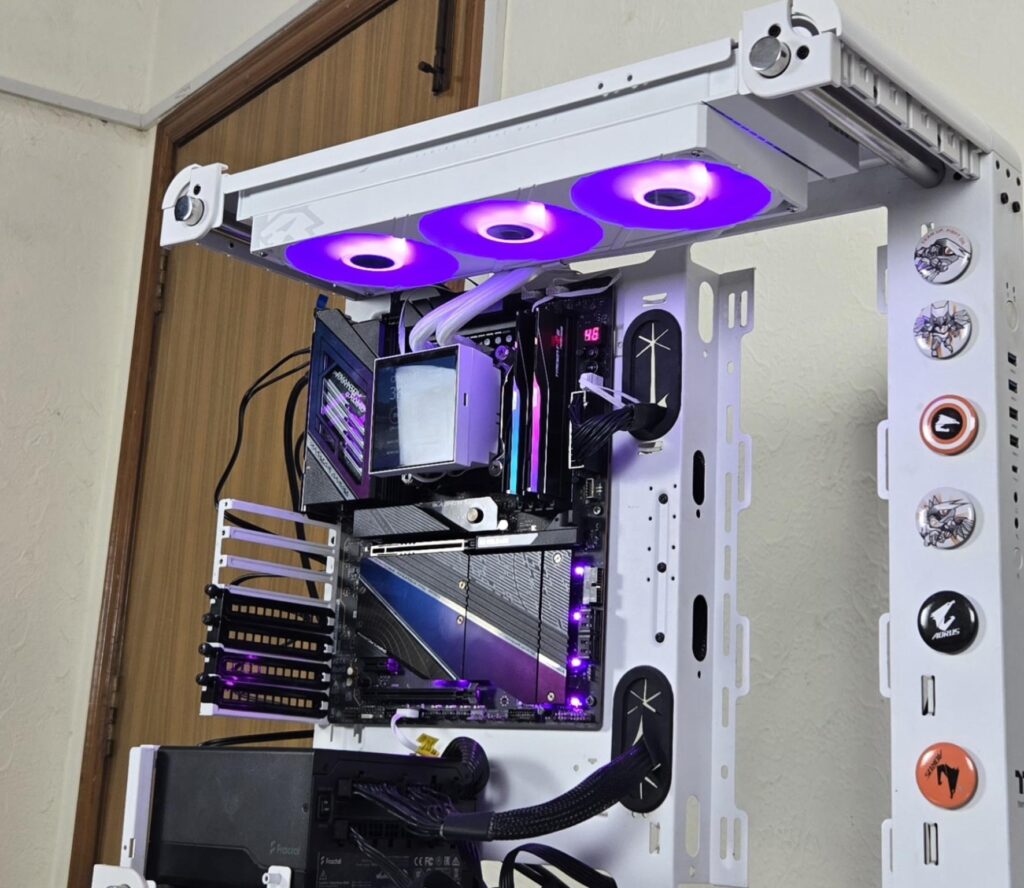
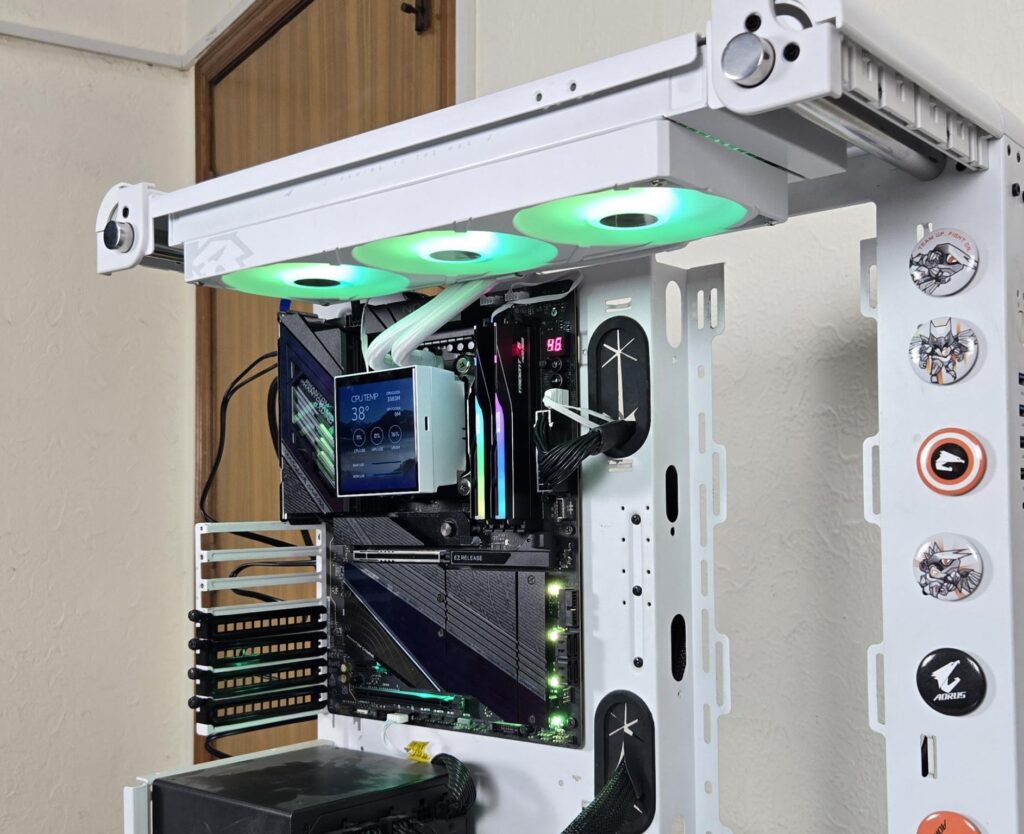
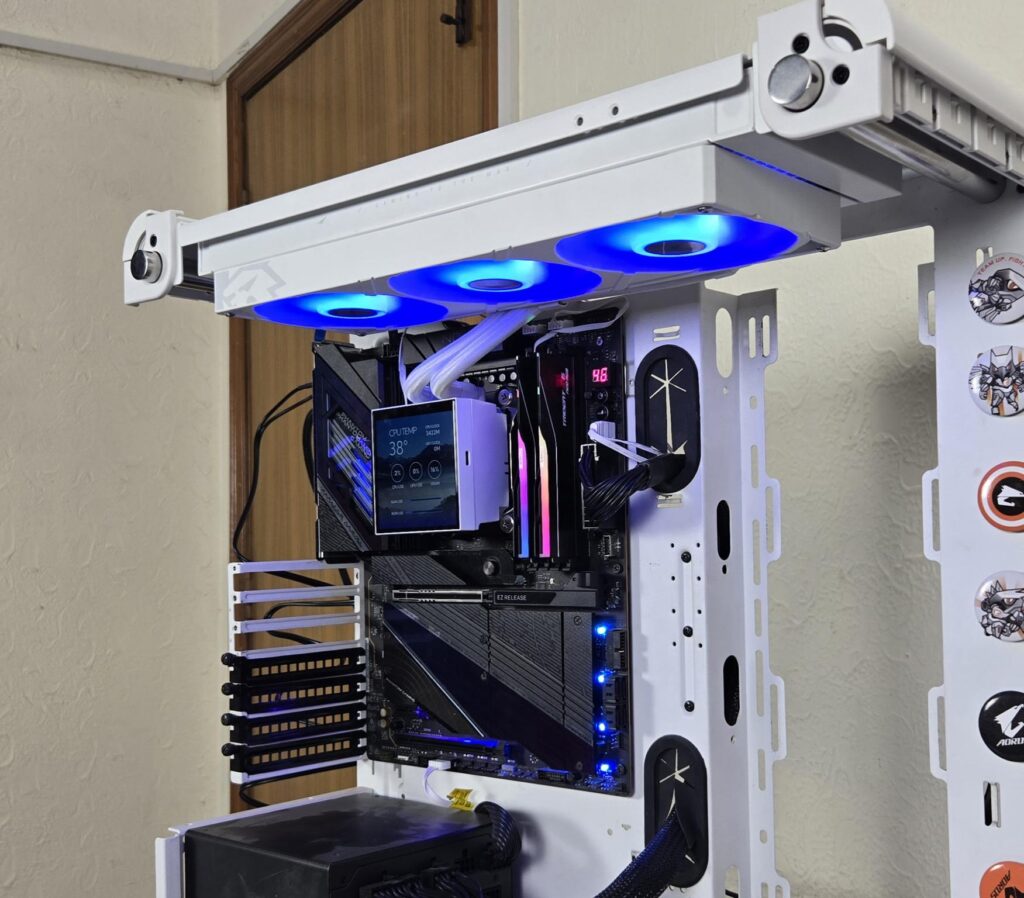
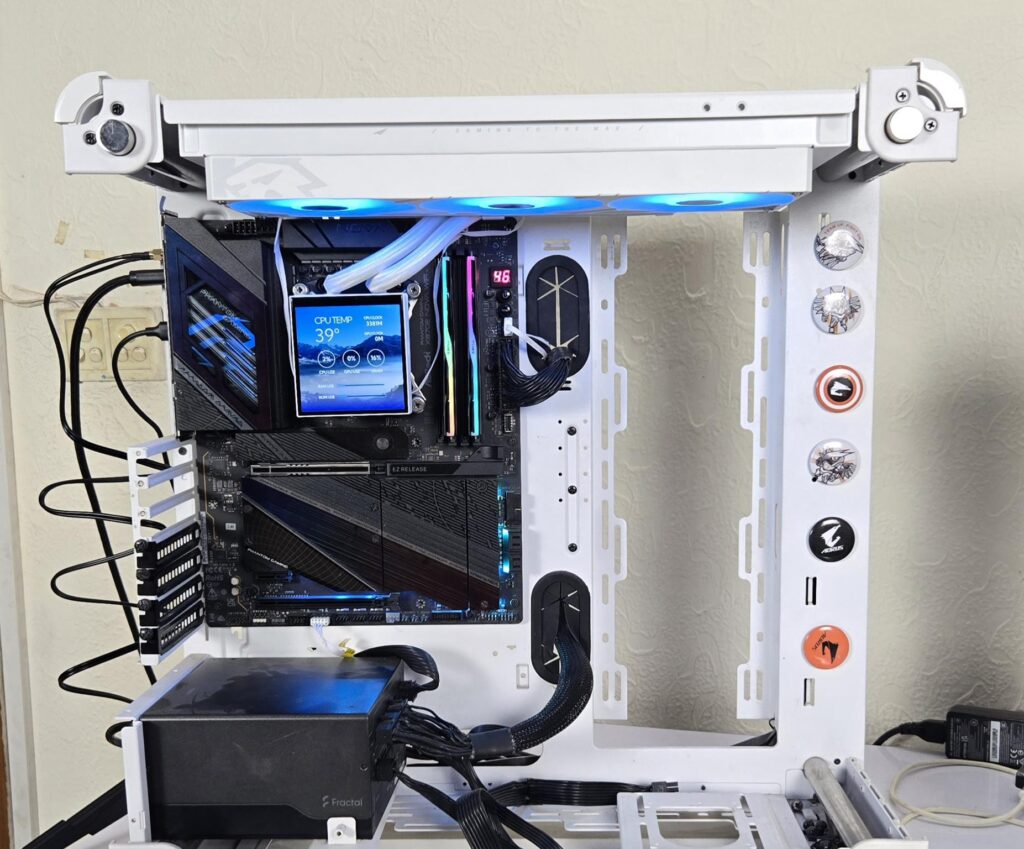
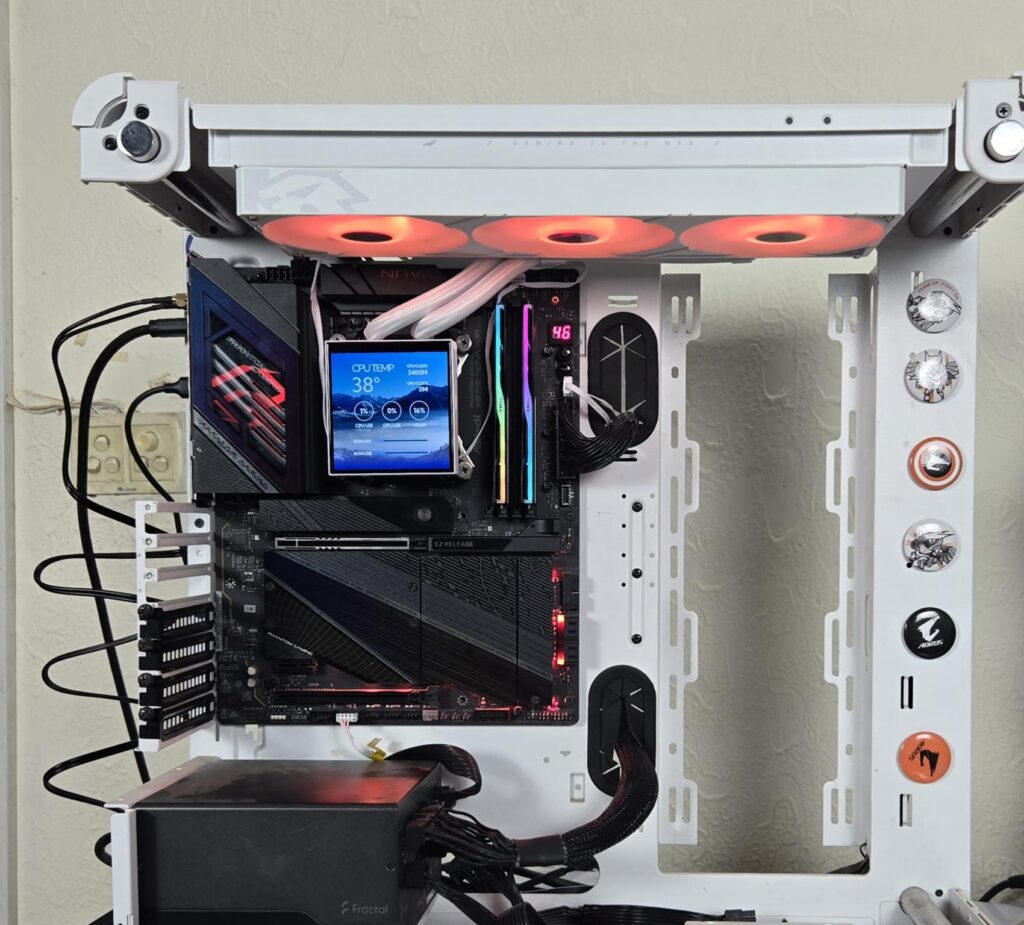
This cooler uses standard connectors, which makes the A-RGB lighting compatible with the RGB sync technology of the motherboard manufacturers. I have tested the cooler on the ASRock X870E NOVA WiFi motherboard and controlled the lighting using the PolyChrome Sync app. It was working flawlessly.
Testing
The following configuration is used for thermal testing:
- AMD Ryzen 9 9900X
- ASRock X870E NOVA WiFi
- GSkill TridentZ NEO RGB 32GB 6400MHz CL30 DDR5 kit
- Maxsun B580 Graphics Card for Display
- Biwin X570 Pro 4TB Gen5 NVMe SSD
- Fractal Design ION+ 2P 860W Platinum PSU
- Thermaltake Core P6 TG Snow Edition in an open frame layout
Here is the settings table for testing:
| Settings | PBO Enabled for 243W |
| Clock (MHz) | Auto |
| Voltage (V) | Auto |
| Thermal Paste | Noctua NT-H2 |
| Thermal Paste Application | Dots Method |
| Test Run Time | 30 minutes |
| Idling Time | 10 minutes |
| All Fans Speed | 100% PWM Duty Cycle |
| Pump Speed | |
| Stress Software | CINEBENCH R23.2 |
| Monitoring Software | HWINFO64 |
I am reporting absolute temperature in the graph because the room temperature was at 22°C throughout the day. The testing is done on an open-air bench system. Once inside the chassis, the temperatures are expected to rise and would largely depend upon the optimal airflow inside the chassis.
Result
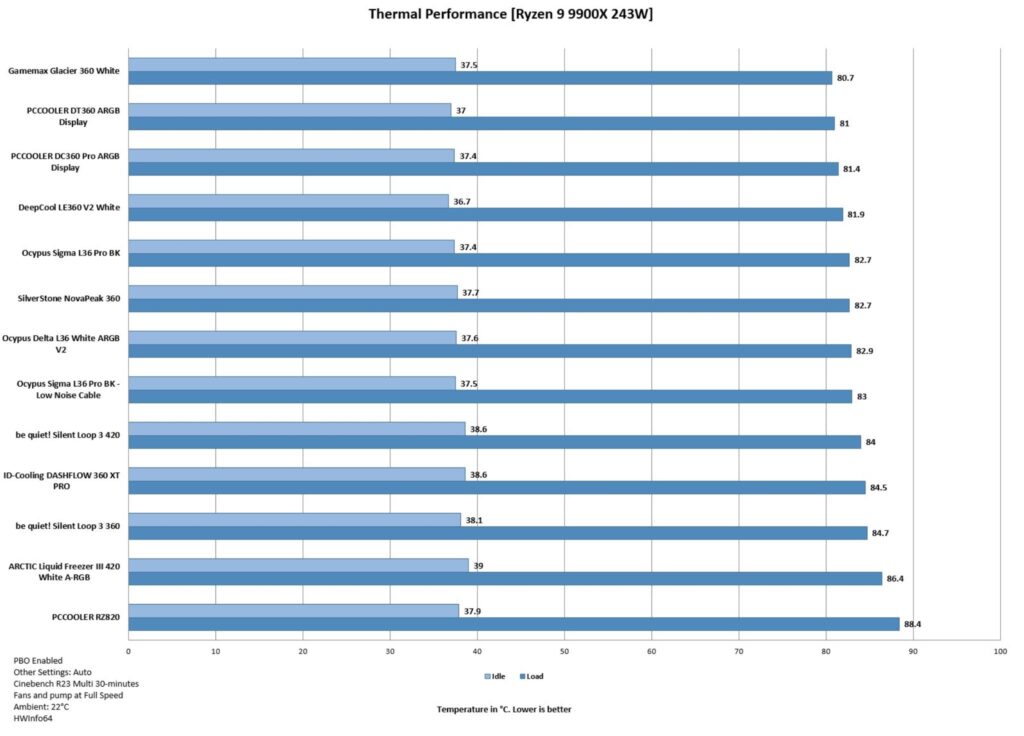
This is a spectacular performance from the Glacier 360 LCD White cooler. It has taken a sweet top spot in our graph. Gamemax has delivered a solid performance punch with this cooler.
Conclusion
Gamemax has released a new AIO named Glacier LCD. It is available in 240mm and 360mm sizes in black and white editions. The cooler is powered by a new generation high-performance pump delivering a top-notch performance. The key feature is a 3.95” display screen with full customization. These coolers are compatible with Intel LGA 1851/1700/1200/115x/1366 and AMD AM4/AM5 sockets. They are rated for 330W TDP.
The aluminum radiator has a dimension of 395x139x27mm. The important consideration here is 139mm width, implying that you need to have a 140mm fan mount on the top or side of the PC Case (Not the front) to install the radiator. This is so because the tubes on this radiator are side-mounted on the main frame. This is done to provide a clean outlook with limited exposure to the tubes (reminding me of the Lian Li Hydroshift CLCs). Such designs come in handy for backplug motherboards.
The total height of this cooler with 120x25mm fans is approximately 52 mm. The radiator has 20 FPI count, and it has 13 channels for coolant flow. Gamemax uses rubber tubes with nylon braided sleeves having a length of 263mm. Gamemax has equipped this cooler with a powerful pump capable of 1.5M pressure head with a flow rate of 1300mL/hour. It is PWM regulated and has a speed of 3100 RPM.
This cooler has a large size 3.95” display screen capable of 720×720 resolution with a 60Hz refresh rate. It offers full customization using software for which a USB connection is needed. Gamemax has provided two connections. The pump top comes equipped with a USB 2.0 connector. Optionally, you can use USB Type-C cable(s) directly on the screen module. However, only one cable is required to be connected at any time. Using both cables at a time may result in damage that is not covered by warranty.
Another key feature is an integrated fan assembly or bracket that has 3x 120mm fans under one roof. This simplifies the cable management and provides appealing visuals. These fans are rated for a maximum of 2000 RPM ± 10% speed, generating 85.82 CFM airflow while maintaining 2.23mmH₂O static pressure. Their noise rating is 31.5dB. These fans are rated for 1.05A, taking 12.6W. Keep this in mind when connecting to the motherboard fan header. These fans use Hydraulic bearings.
The installation of this cooler on the AMD AM5 socket requires 10 items in 3 steps. The installation is simple and convenient. Since this cooler uses standard connectors on the A-RGB cable, it is compatible with the RGB Sync technology of the motherboard manufacturers. In case the Gamemax software is not working, exit it. Ensure that you are online with an active internet connection and start the software with administrative rights.
This cooler has an MSRP of USD 169.99 and comes with a 5-year warranty from the manufacturer. The thermal performance of this cooler is excellent, as it has taken the top slot in our graph. This level of performance with a good display screen makes this cooler a must-have for your build.
Pros:
- Excellent Thermal Performance
- 3.95” IPS Display Screen
- USB Type-C Connection [Optional]
- A-RGB lighting
- Integrated Fan Assembly
- Magnetic Attachment
- High-Performance Fans
- High-Performance PWM pump
- Easy Cable Management
- Intel LGA1700/1851 Compatible
- AMD AM4/AM5 Compatible
- Easy Installation
- Price
- Warranty
Cons:
- Software could have been a bit more user-friendly