














XASTRA Astra LZ360 ARGB Black Review: Nostalgic Pixel Display!
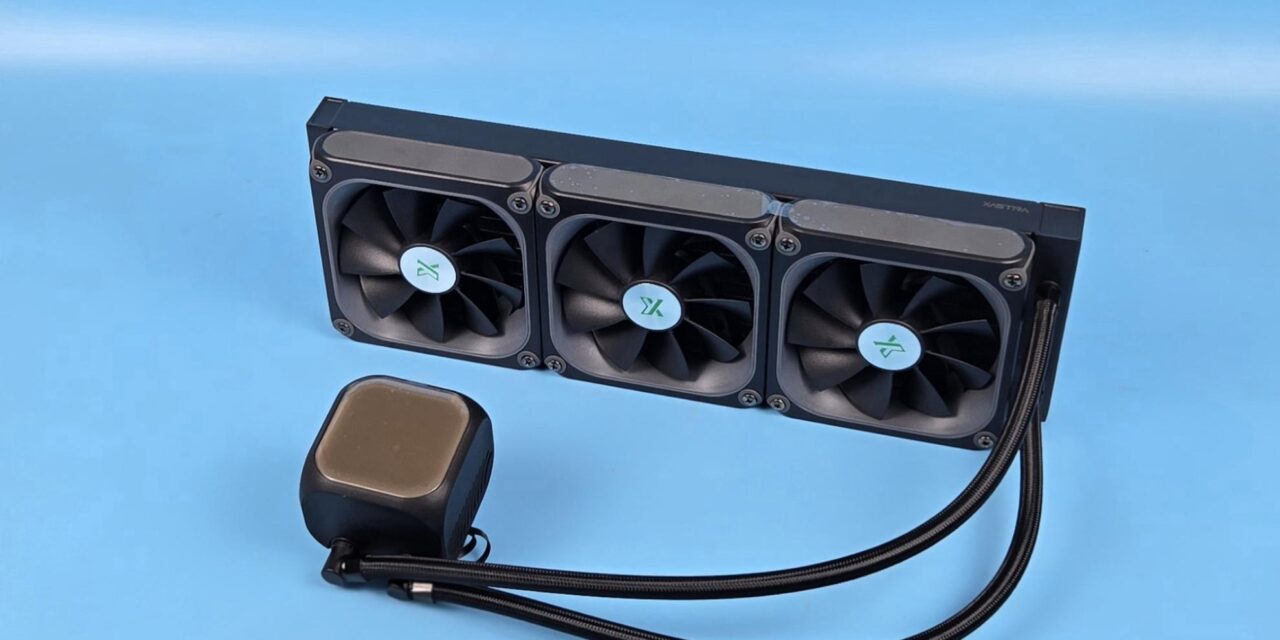
XASTRA is a new name in the industry. While it is new, the team is not new. DIY enthusiasts with solid experience and knowledge united to form a brand and started their journey with new identity. XASTRA named is adopted using X from Math, where it is an unknown variable, and in modern language, it represents the Extreme ideology. ASTRA is taken from the Latin’s Astrum meaning star. Together, it symbolizes the idea of future exploration and infinite possibilities.
I am taking a look at one of the liquid coolers named Astra LZ360. This cooler is available in white and black colors. It is also available in 240mm and 360mm sizes. The salient feature of this product is the matrix display with pixels and the possibility to customize each pixel using software. It reminds me of my childhood games where pixels were everything. XASTRA has actually done a fantastic job in the presentation and handling of this concept. What surprises me more is the comprehensive software that focuses on the core function instead of showing unnecessary system details.
The LZ360 features a 360mm radiator, and it comes with three pre-installed fans. Even these fans have an LED display for the matrix show. This is brilliant! The cooler features a PWM pump, ceramic bearings, and a three-phase, 6-pole motor. The fans feature an ARGB lighting halo on the front while the side frame shows the matrix display. The opposite side shows an aluminum frame.
This cooler requires Xastra Matrix software (latest version), providing a user-friendly interface and control options, including the ARGB lighting. This cooler is compatible with Intel LGA115x/1200/1700/1851 and AMD AM4/AM5 sockets. MSRP of this cooler is USD 227.99.
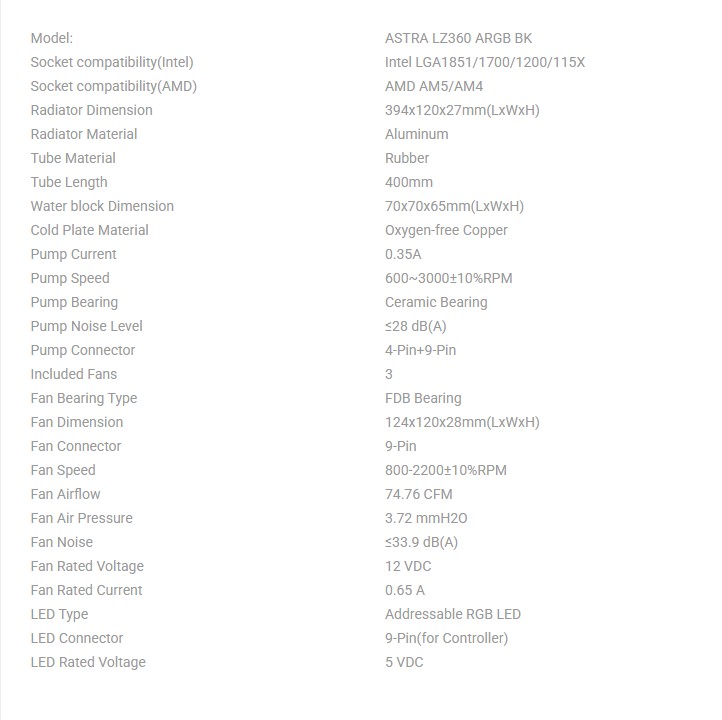
Specifications
Packaging and Unboxing
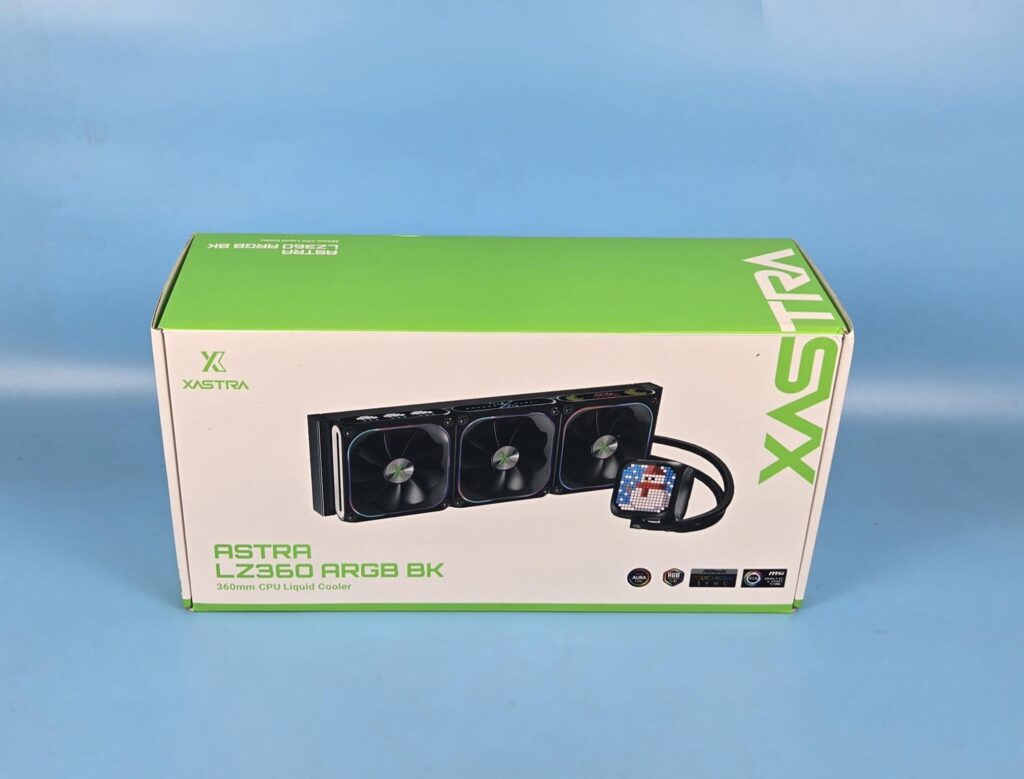
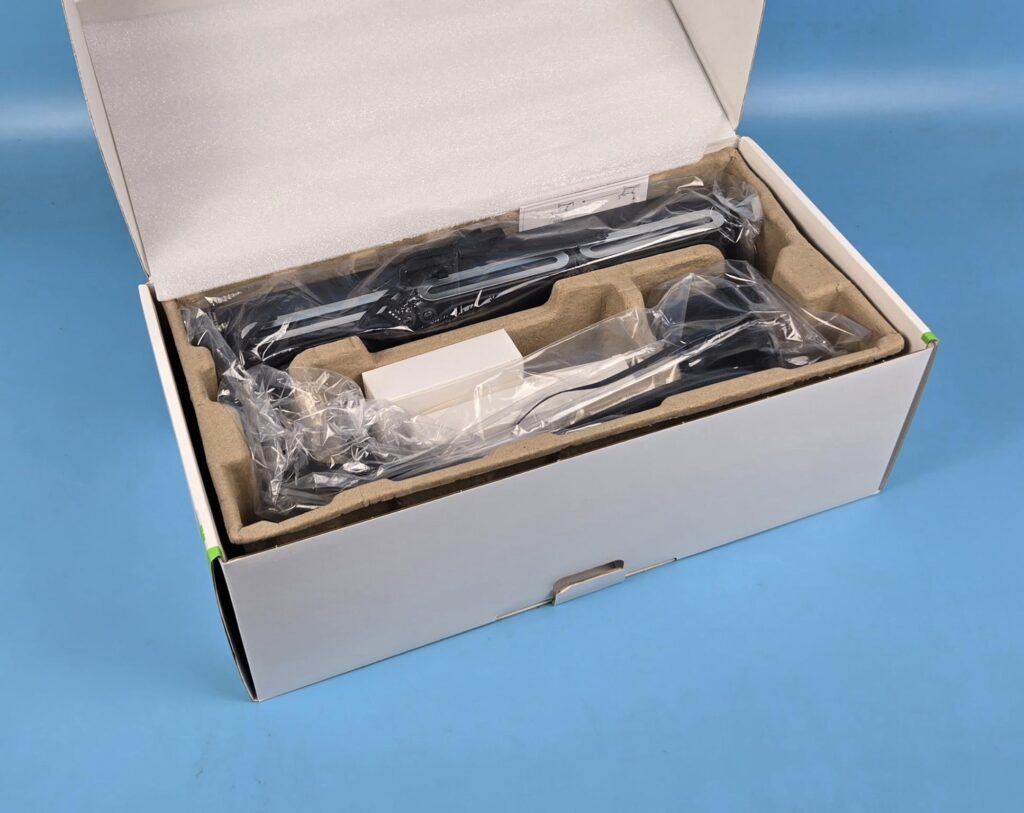
The LZ360 is shipped inside a cardboard box using a green and white theme. Egged carton holds the cooler and accessories for safe shipping.
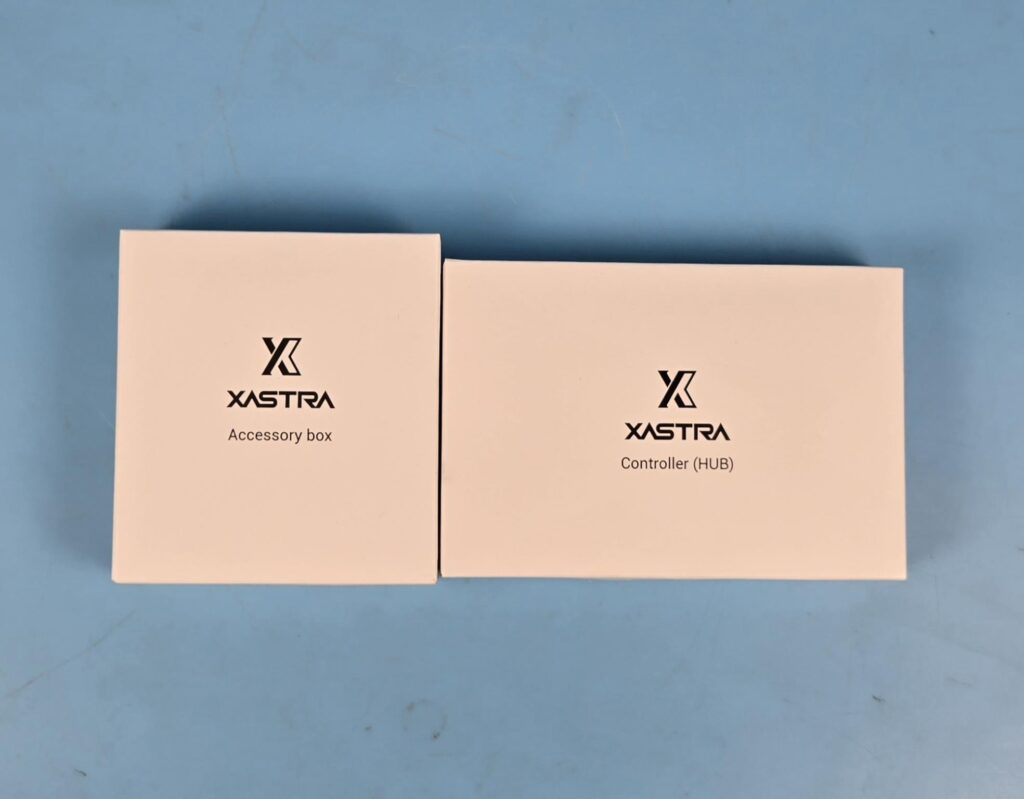
The mounting kit and controller are provided in dedicated boxes.
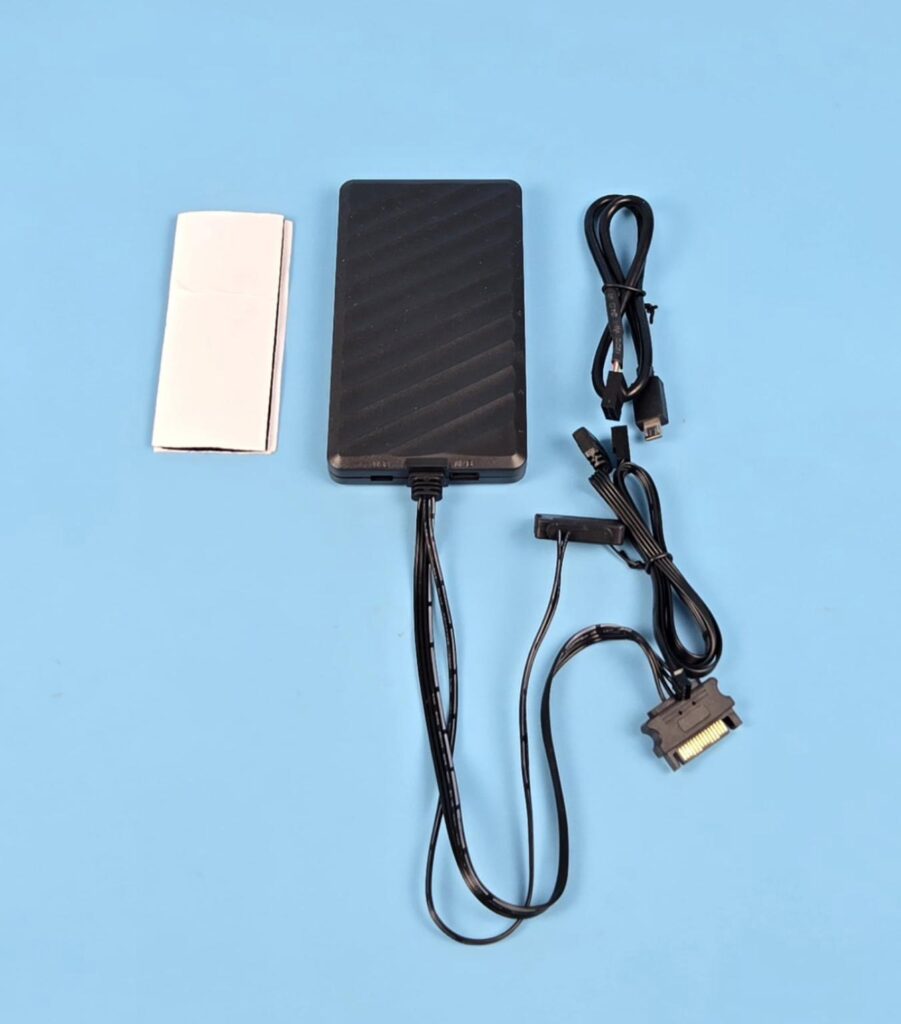
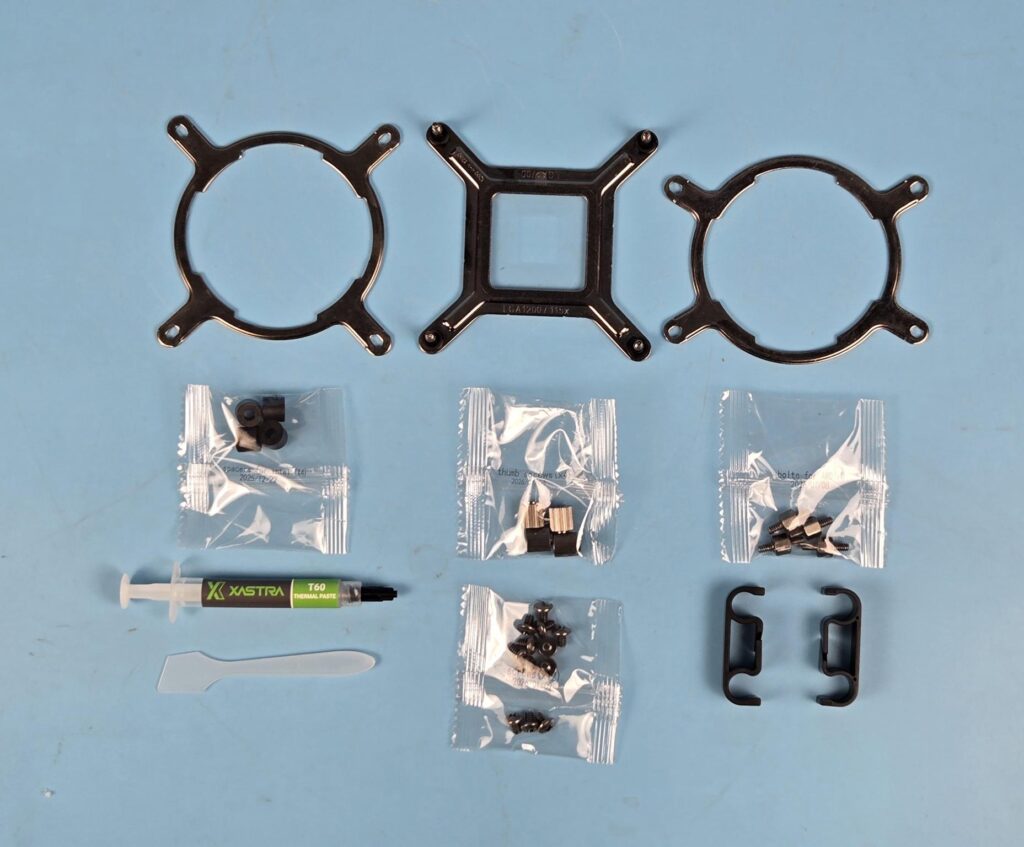
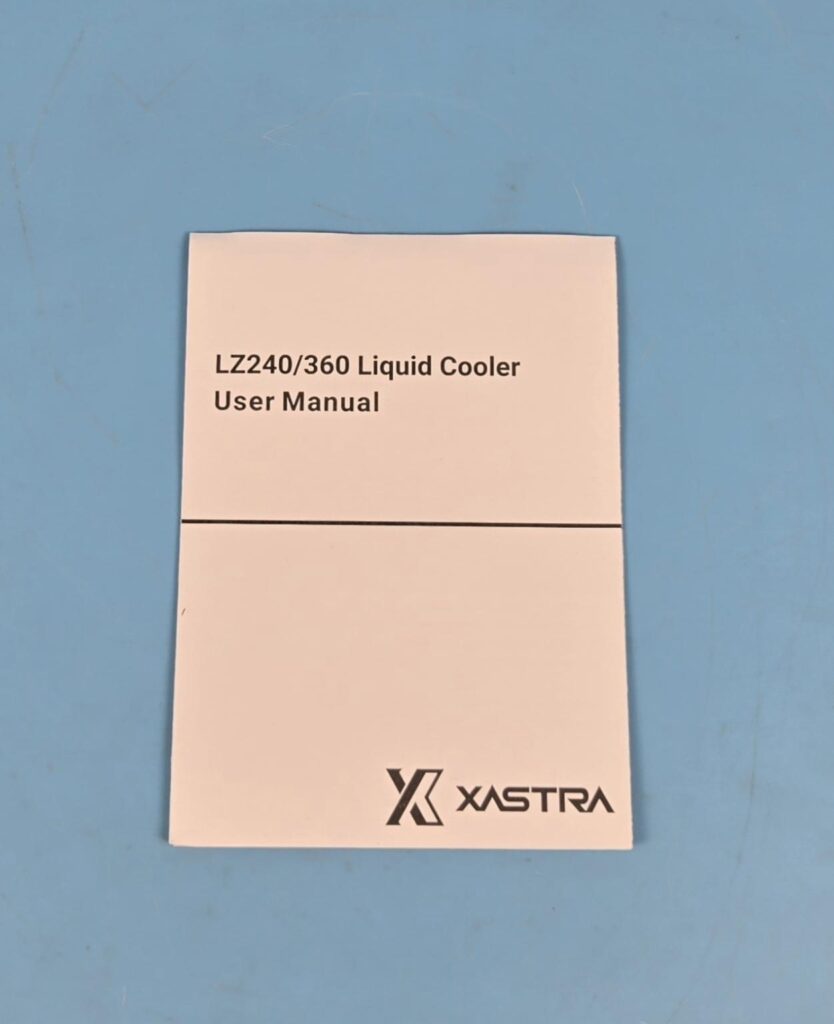
The following accessories are provided:
- 1x Intel Backplate
- 1x Intel Ring Bracket
- 1x AMD Ring Bracket
- 4x Intel Spacers
- 4x Thumb Screws
- 4x AMD Bolts
- 1x XASTRA T60 thermal Paste
- 1x Spatula
- 12x Radiator Screws
- 2x Tube Clips
- 1x User Guide
- 1x Controller Hub
- 1x USB Cable
- 1x ARGB and PWM Cable
- 1x Dual Sided Self-Adhesive Tape
Closer Look
It is time to take a closer look at each component of the main unit, starting with the radiator.
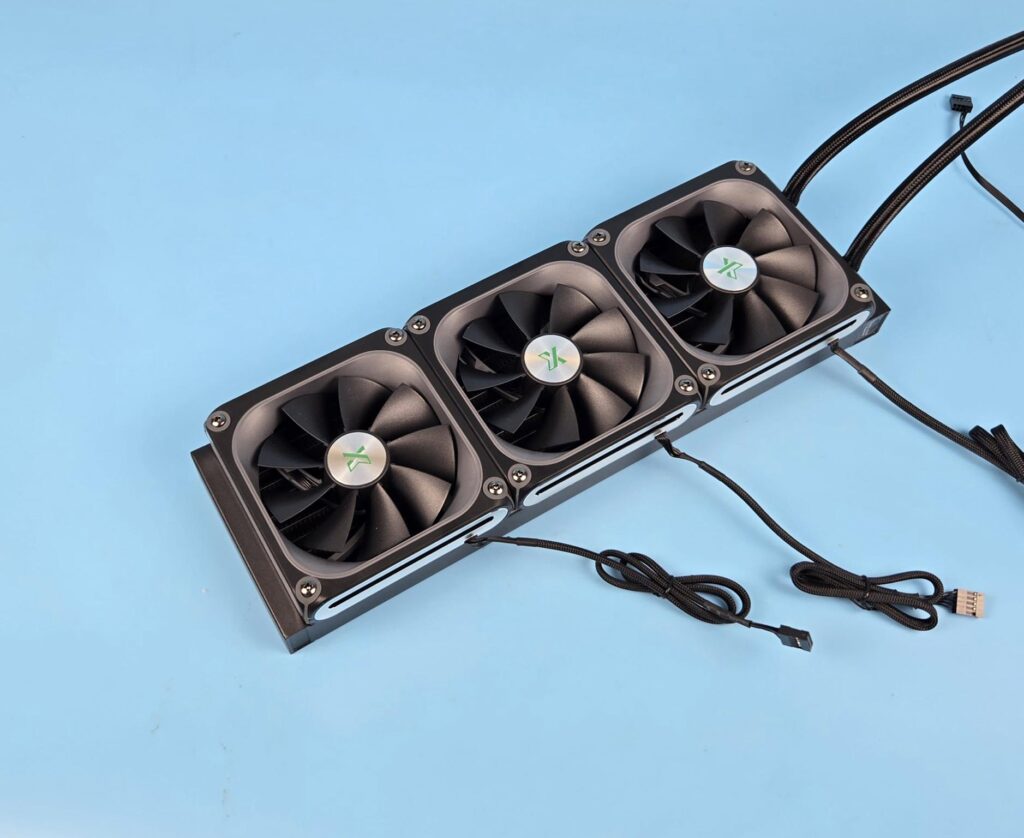
3x 120mm fans come pre-installed over the radiator. These fans feature a distinctive design, which we will cover later in the section.
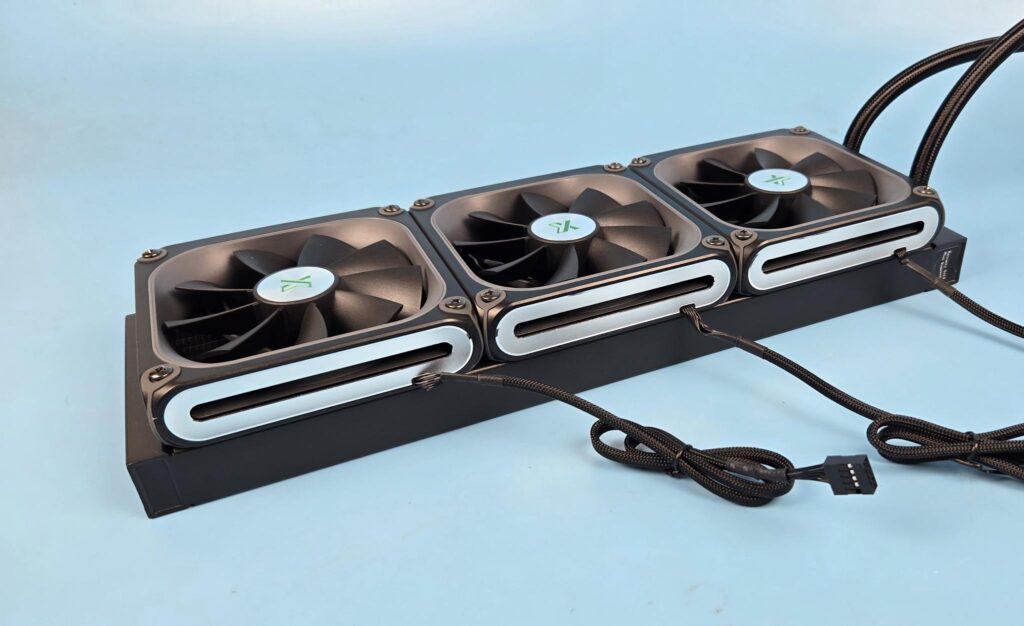
Fans feature an aluminum cutout on the side frame for bold yet stylish looks. A braided cable comes out from each fan. These are not daisy-chained rather, they will be connected directly to the control hub. These cables don’t have standard PWM connectors.
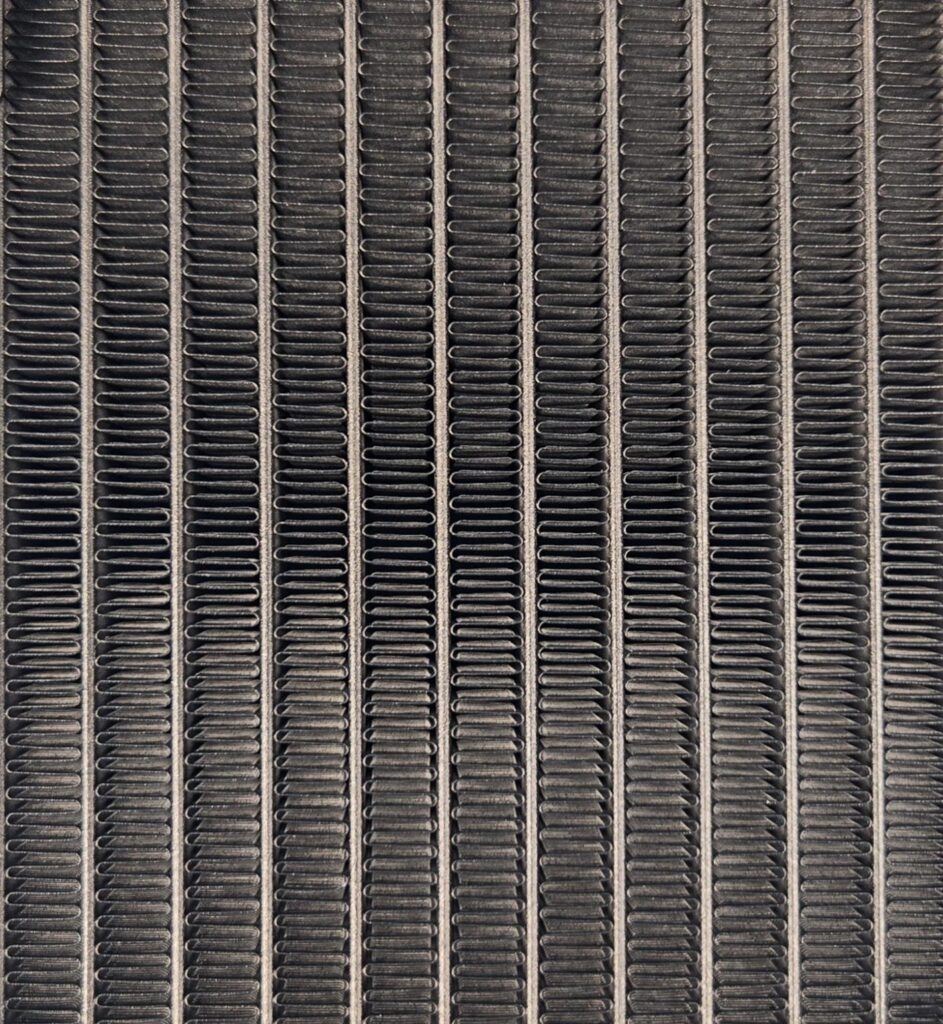
The cooler has an aluminum radiator measuring 394x120x27mm (LxWxH). The cooler has a total height of 56mm with the 28mm thick fans. The fin stack has a 20 FPI count and comprises 12 channels for the coolant flow. There is 105mm standard gap between any two opposite end mounting holes. I did not see any bend or broken fin.
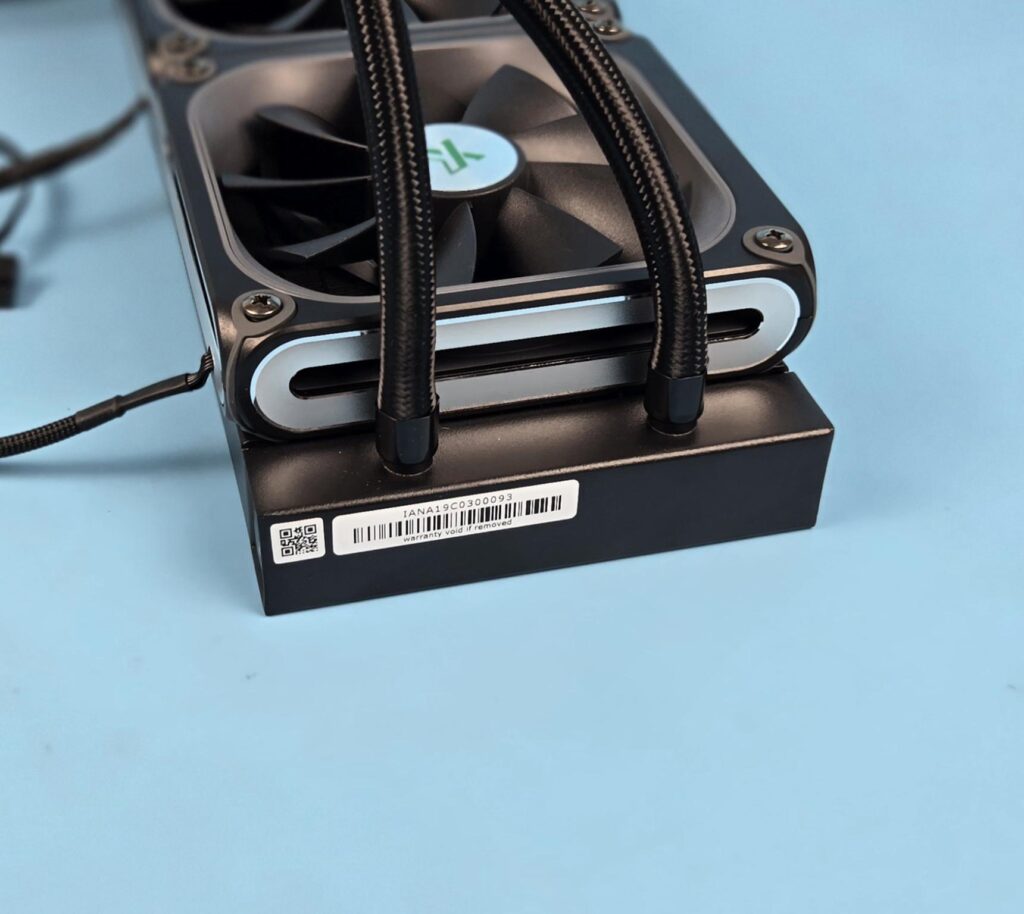
The tube connection on the radiator housing is well concealed using black rounded clamps. The gap between these connections is considerable. You can see a serial number sticker with the warranty void text as well.
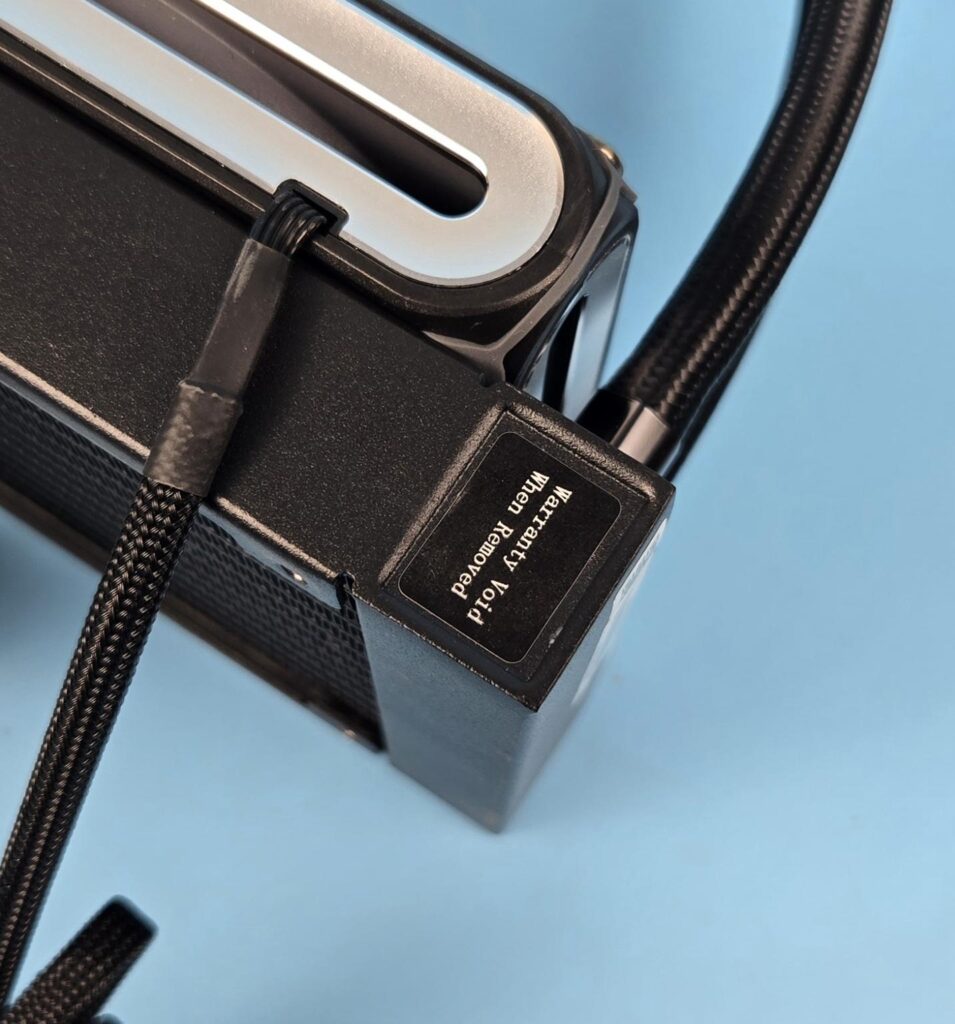
You can see another Warranty Void sticker on the side of the radiator. It seems like this side has a port or something which is typically reserved for factory use only. I wonder why these brands simply don’t put the text “For Factory Use Only” instead of threatening with warranty-void text!
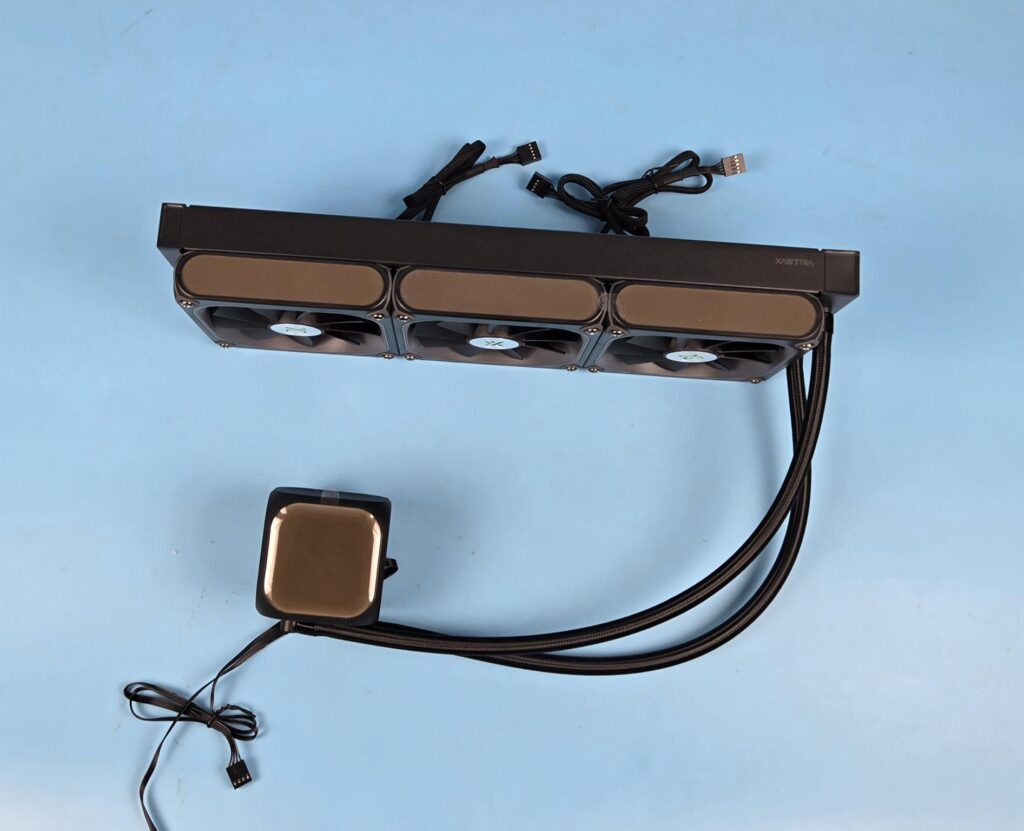
The radiator housing on the LZ360 has XASTRA branding on the right side. This is the side that will remain visible to the user after installing the cooler. You can see LEDs on the side frame of the fans and on the pump top. The rubber tubes are covered under the nylon braided sleeves. These tubes run to approximate to 400mm in length. The length could have been a bit more in my opinion.
Block/Pump Head
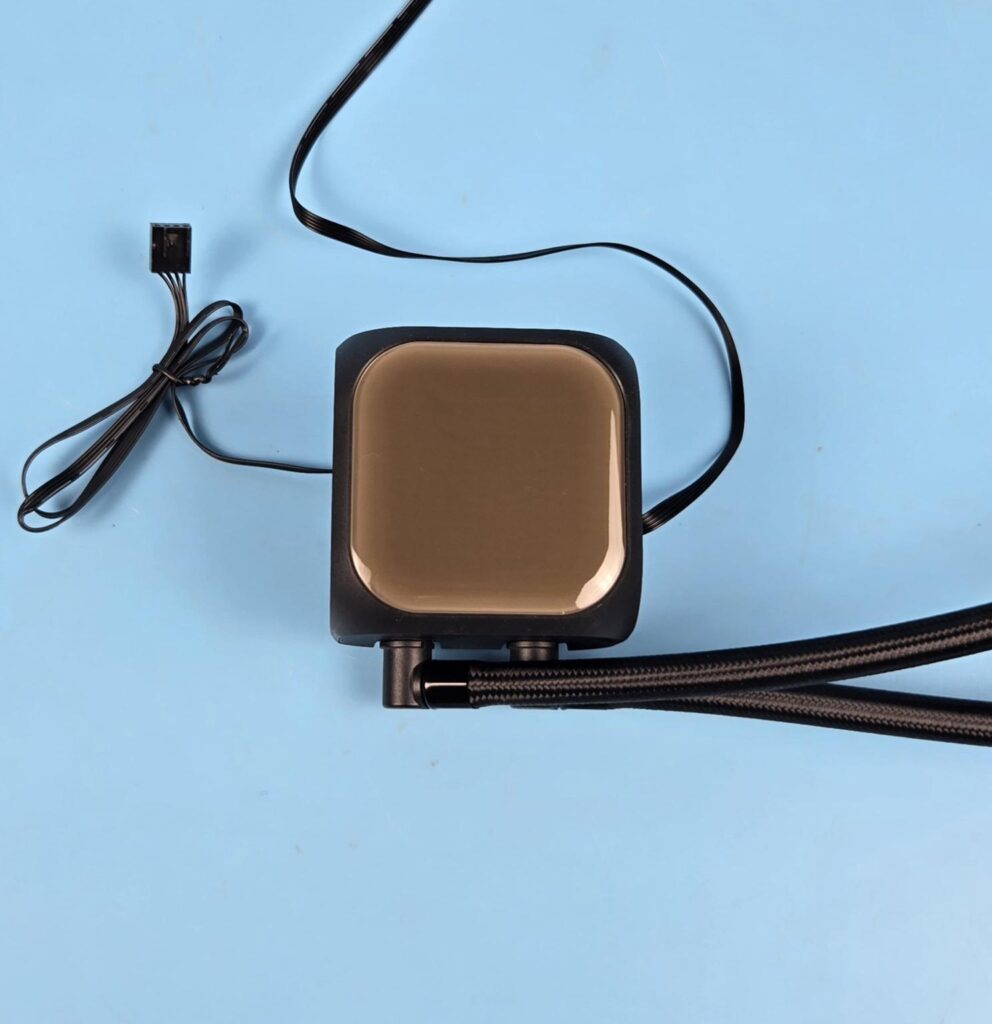
XASTRA has provided a 16×16 LED screen over the pump top. The overall dimension of the pump top is 70x70x65mm (LxWxH). It is lightweight and is well-rounded to provide better looks. The housing is made of ABS material.
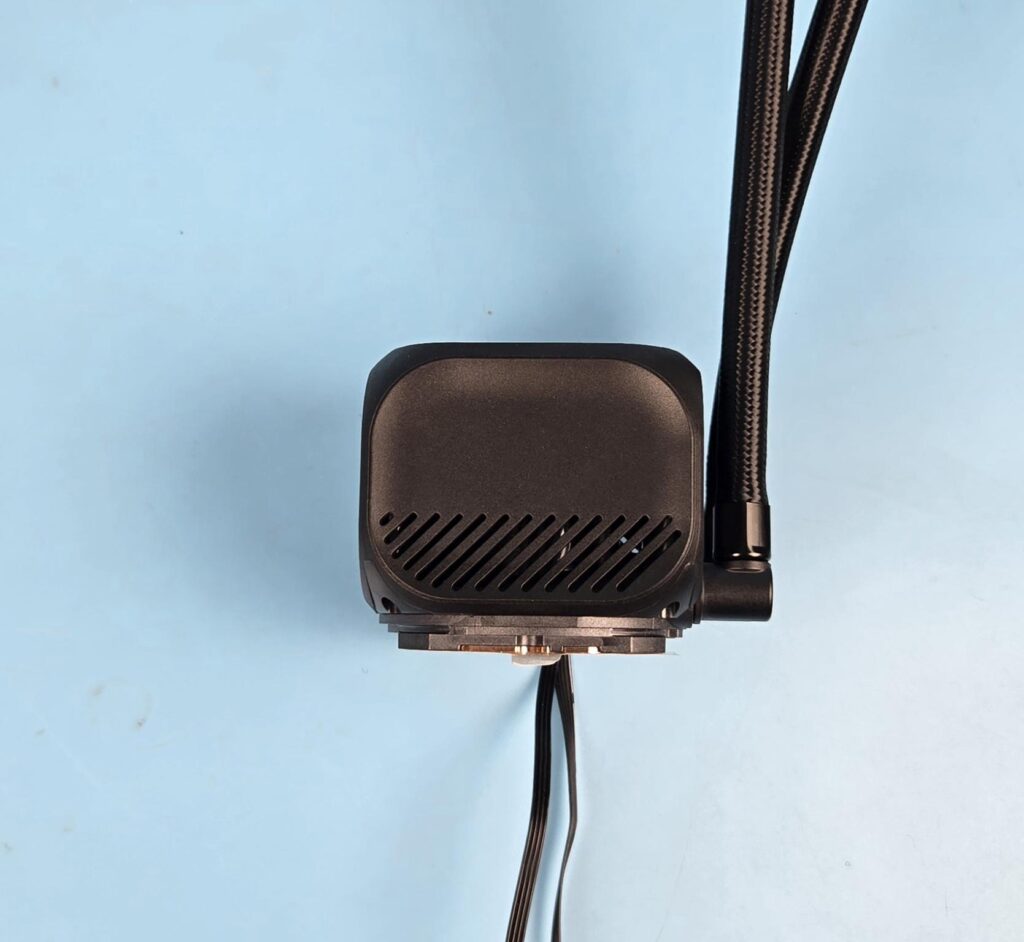
The sides of the housing have cutouts which are probably to vent the heat from the pump. The curvature on the side bodes well with the rounded edges on the main housing.
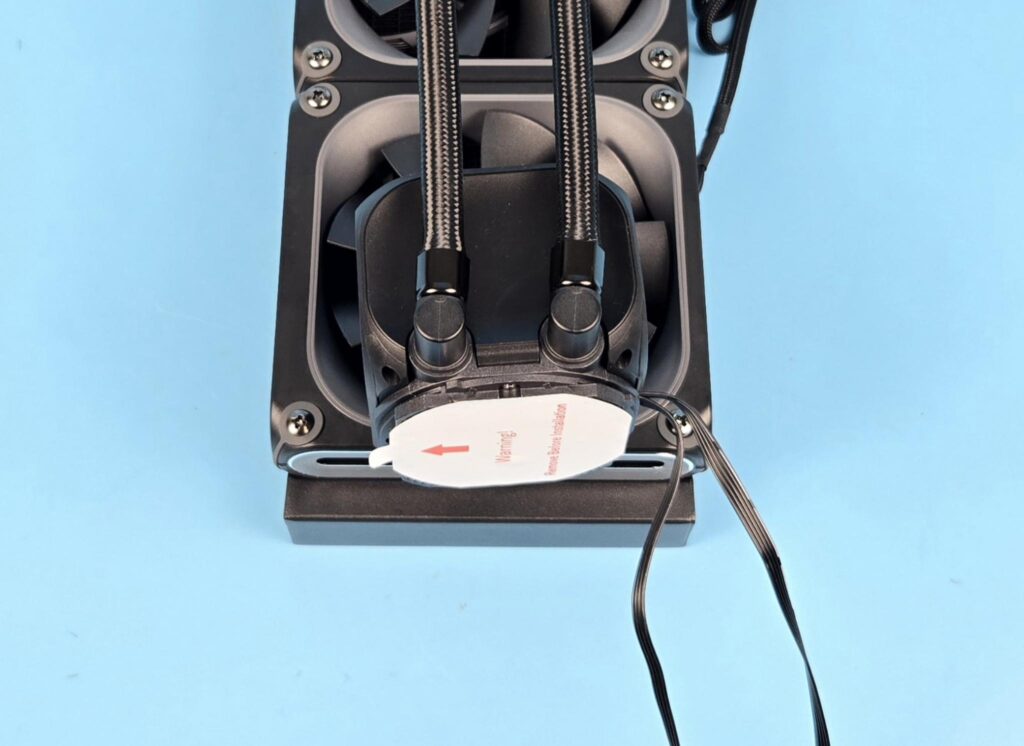
The backside of the pump top has tube connections at 90° and can be rotated sidewise. The cables come out from the side of the frame. I found these tube connections difficult to rotate. They are rigid and provide maximum resistance to sliding, which is strange.
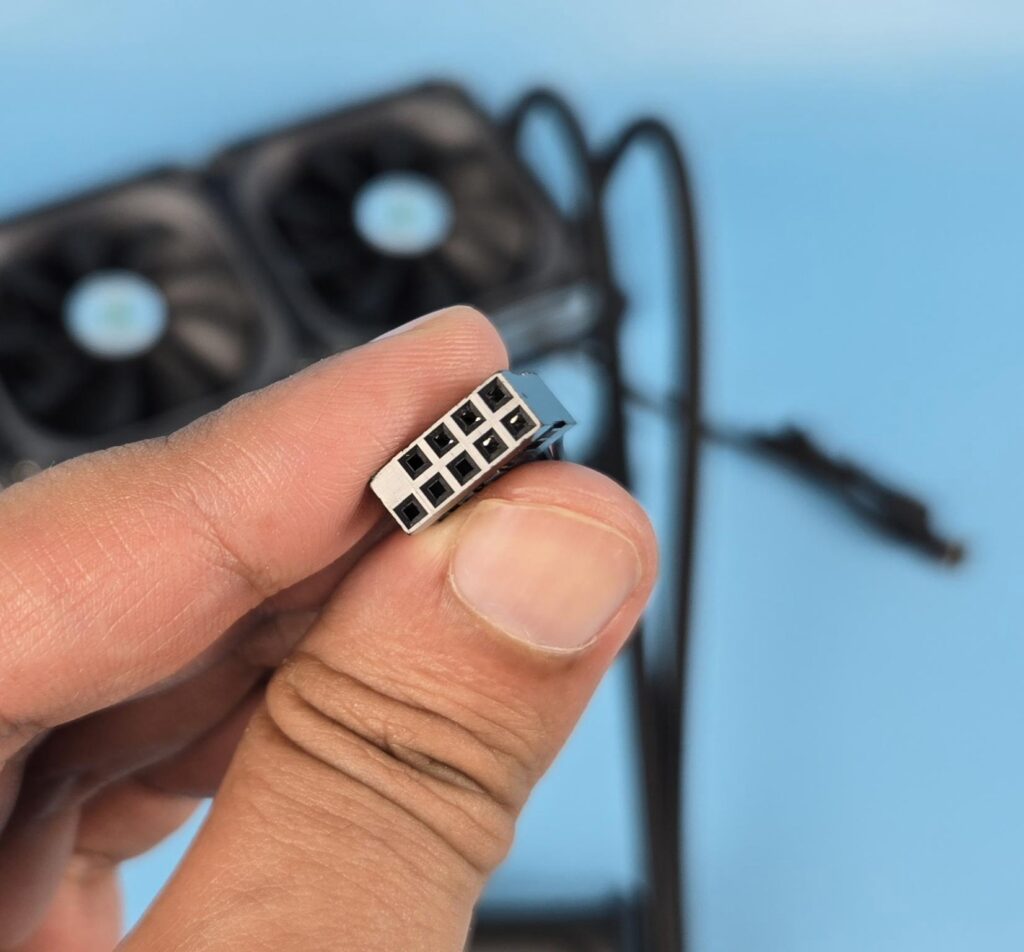
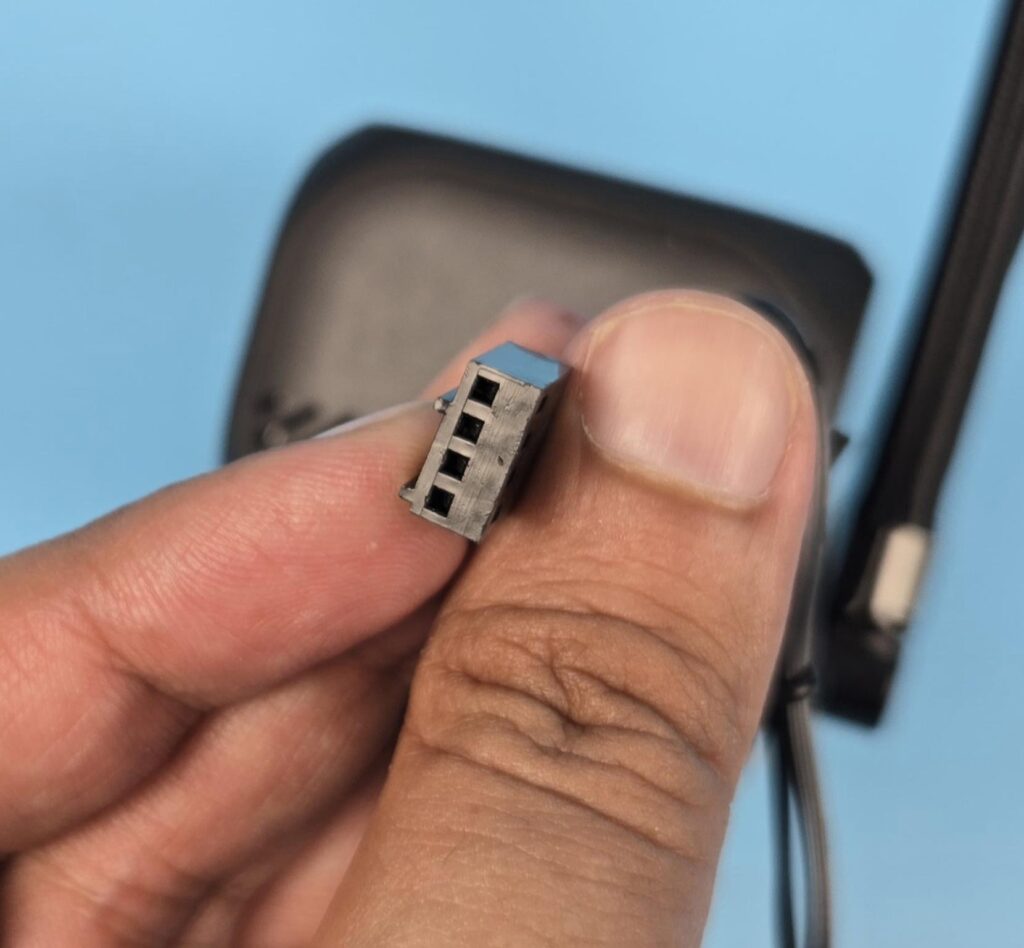
The pump is PWM regulated, which is a wise move. Speaking of the pump, it uses ceramic bearings and is powered by a 3-phase, 6-pole motor that rotates up to 3000 RPM ±10%. The matrix display is controlled via a 9-pin USB 2.0 connector.
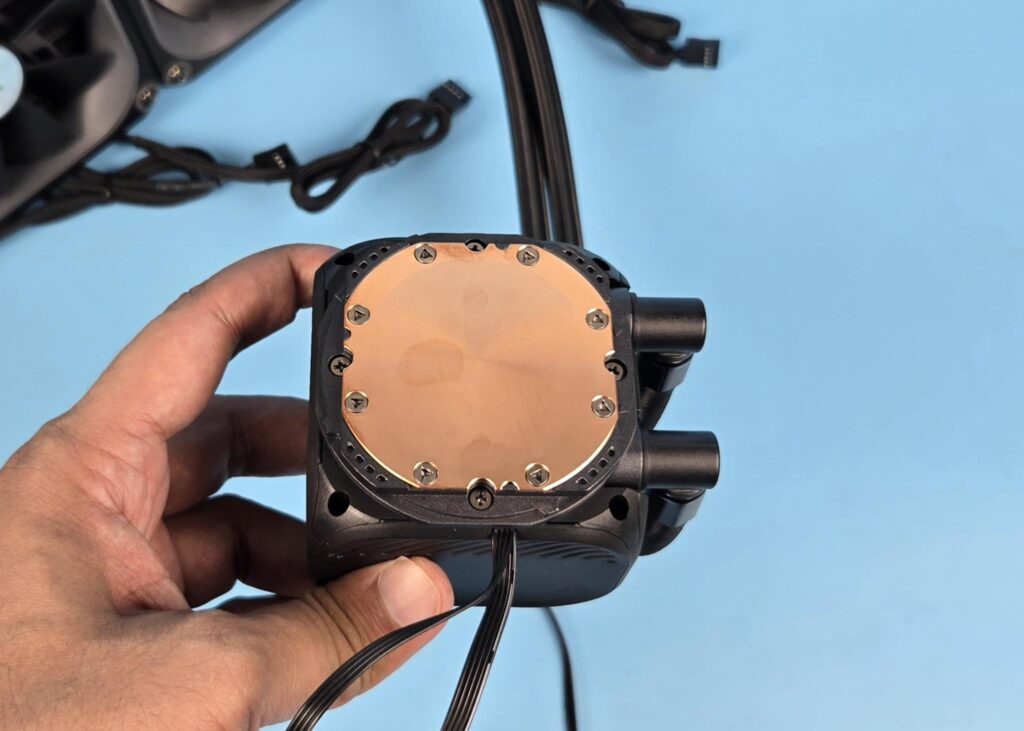
The cooler has a copper base measuring 60 x 60 mm. You can see hints of oxidation near the upper border. This is a new cooler and not even been used!
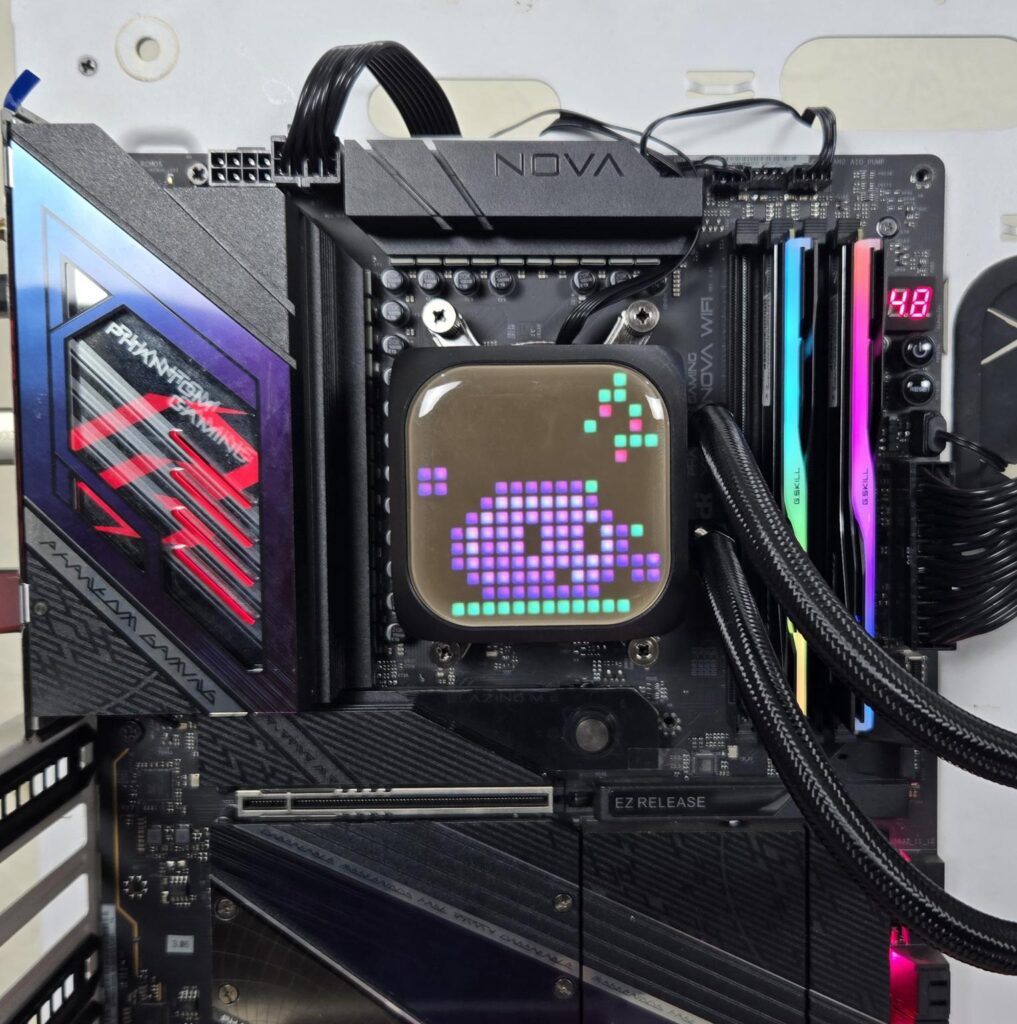
Block in action.
FANS
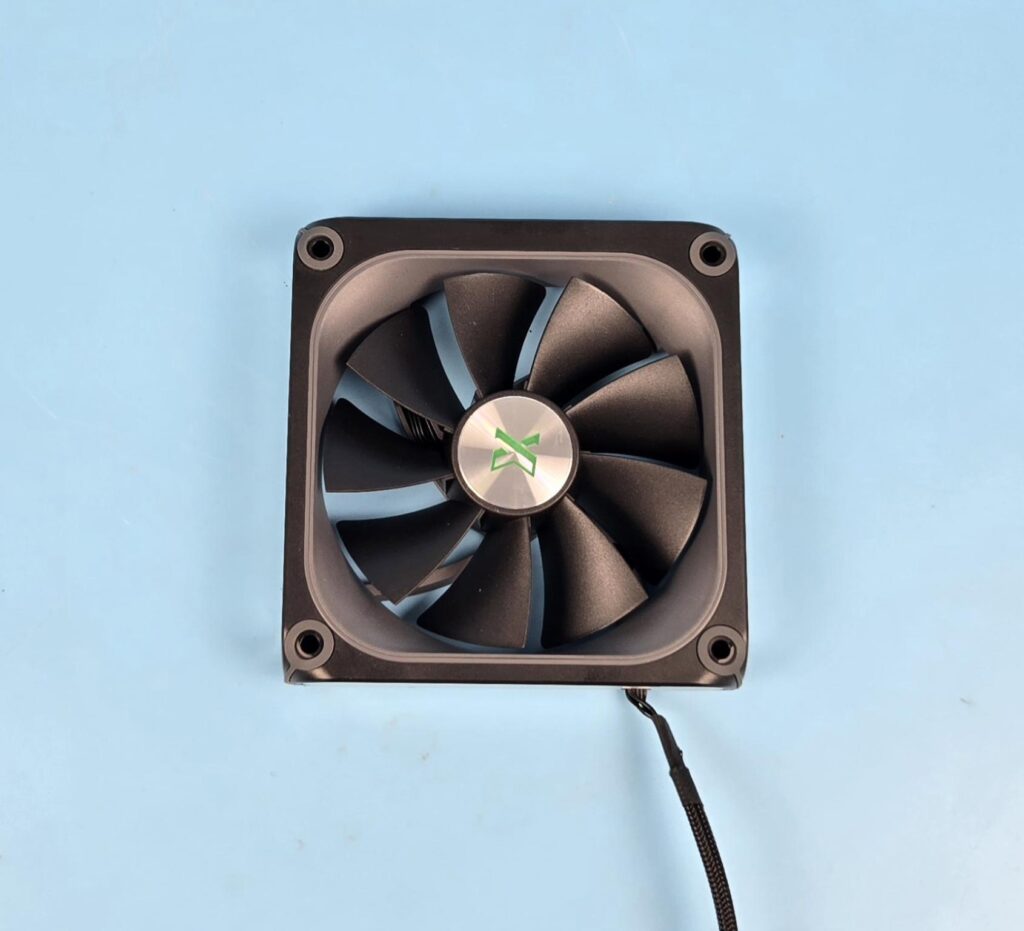
XASTRA has provided 3x high-performance A-RGB Halo fans with this cooler. Each fan has 9x blades which sit inside a curved frame. The ring diffuser is located on the border of this curvature frame. This is the only area that lights up. XASTRA branding is visible on the center. Seems like Green is the official brand color for this manufacturer. Each mounting corner has a ring anti-vibration pad.
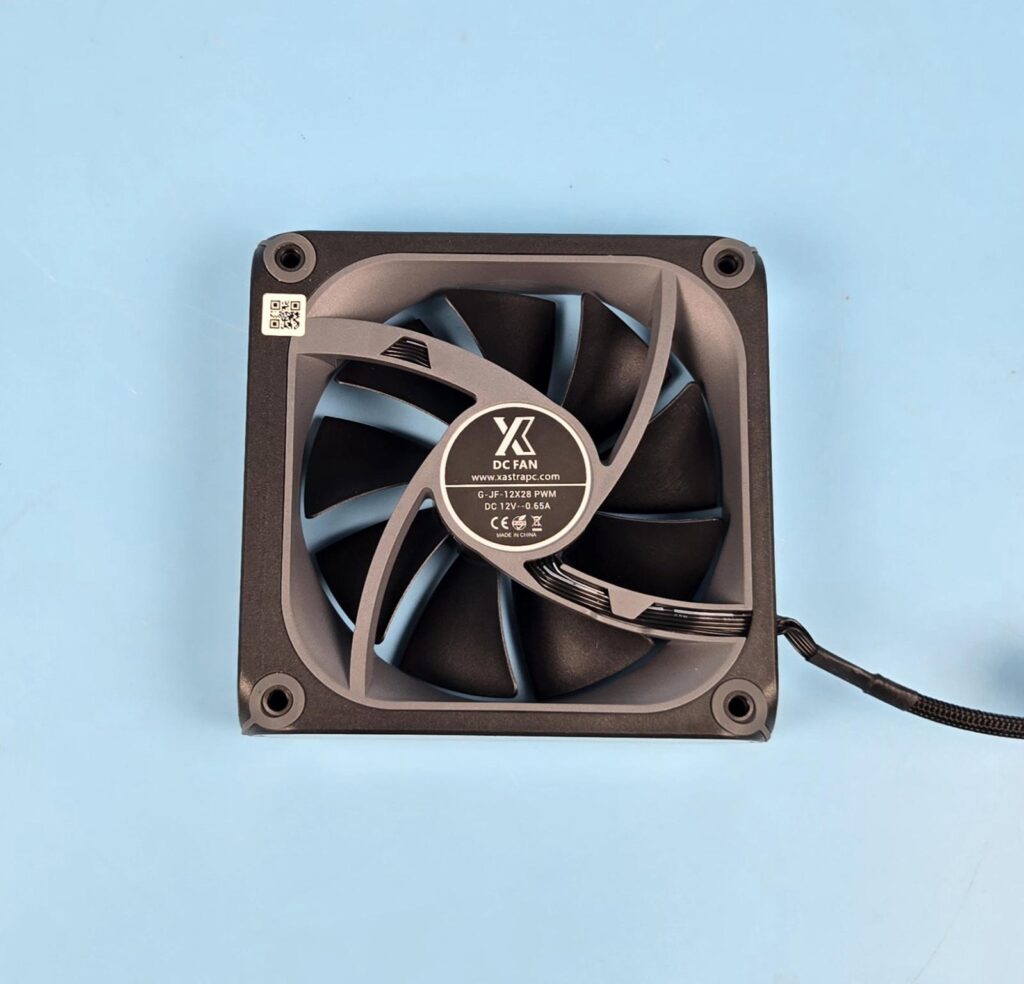
Looking at the backside of the fan, you can see a slope design on the inner frame. A 4-arm assembly is visible in an angular manner, providing focused flow. These fans are made in China. They use FDB Bearings. The fan is rated for 0.65A, taking 7.8W of power. This seems to be the total power draw of the fan, including the fan motor, A-RGB LED, and LED display. This is why a proprietary connector is used per fan. If this is only the fan’s motor power rating, then this is quite high power draw for a 12x28mm fan.
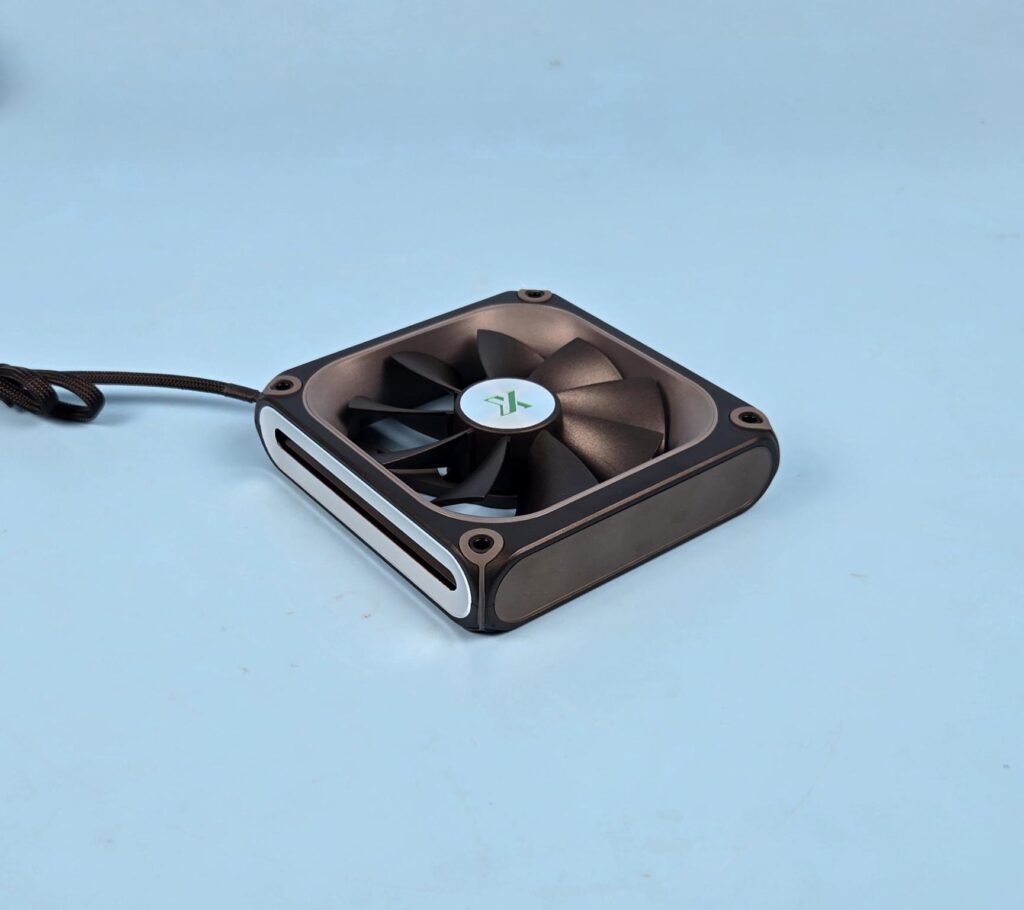
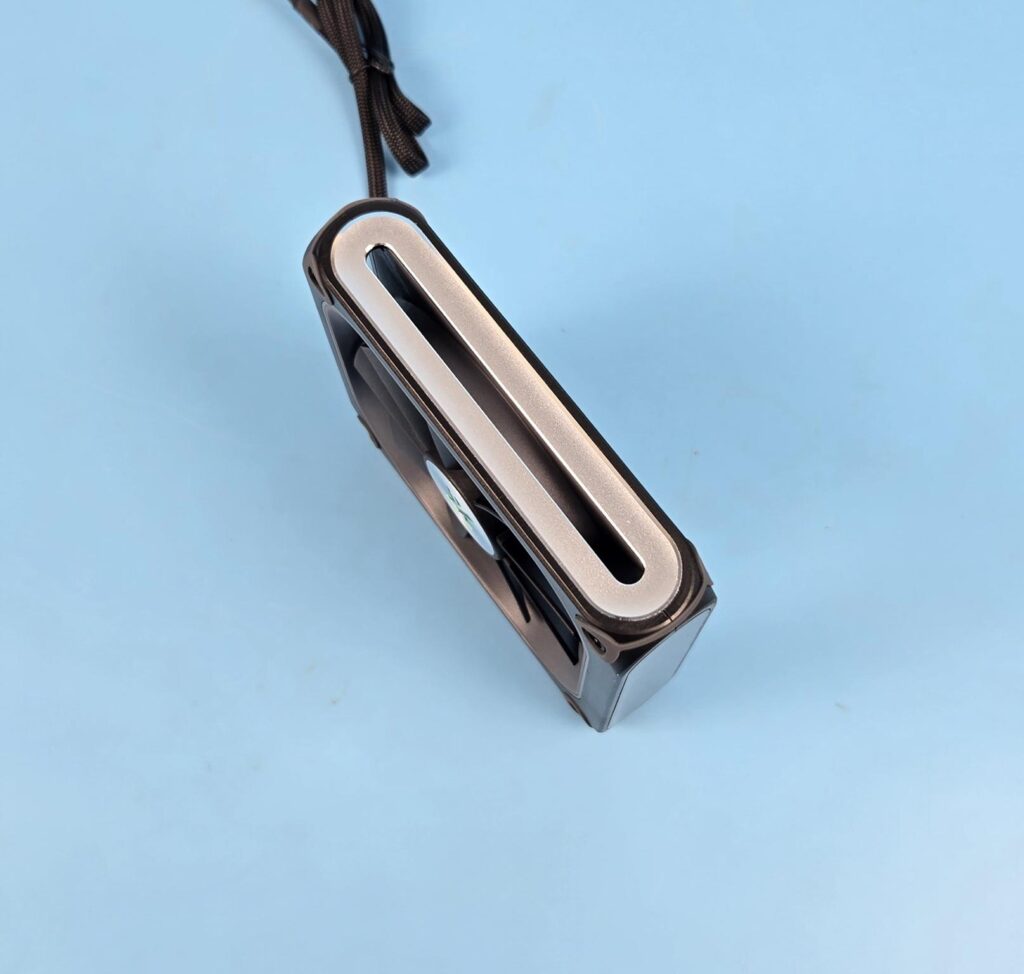
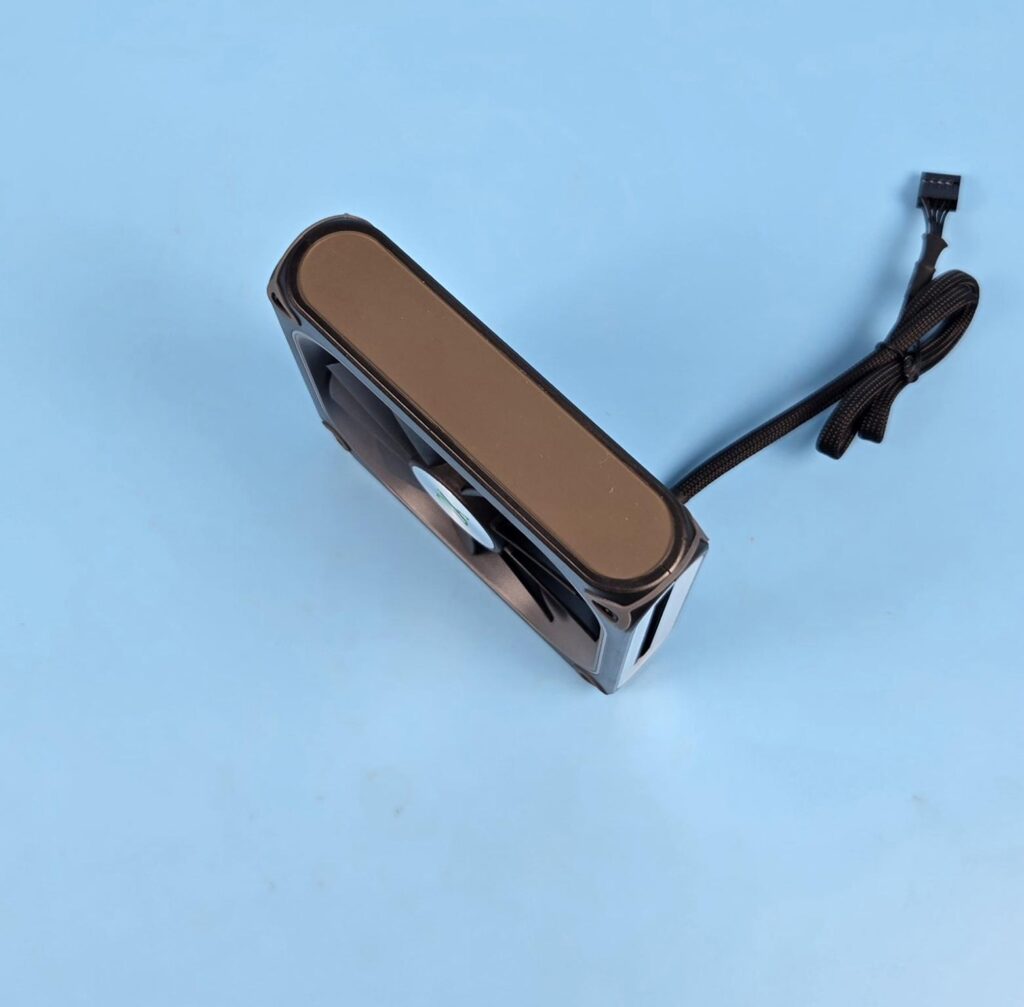
I am showing the two sides of the fan. You can see an aluminum cutout frame on one side, giving a heck of good looks to the fan, and the other side shows a 28×8 LED screen. Yes, even the fans come equipped with the LED display.
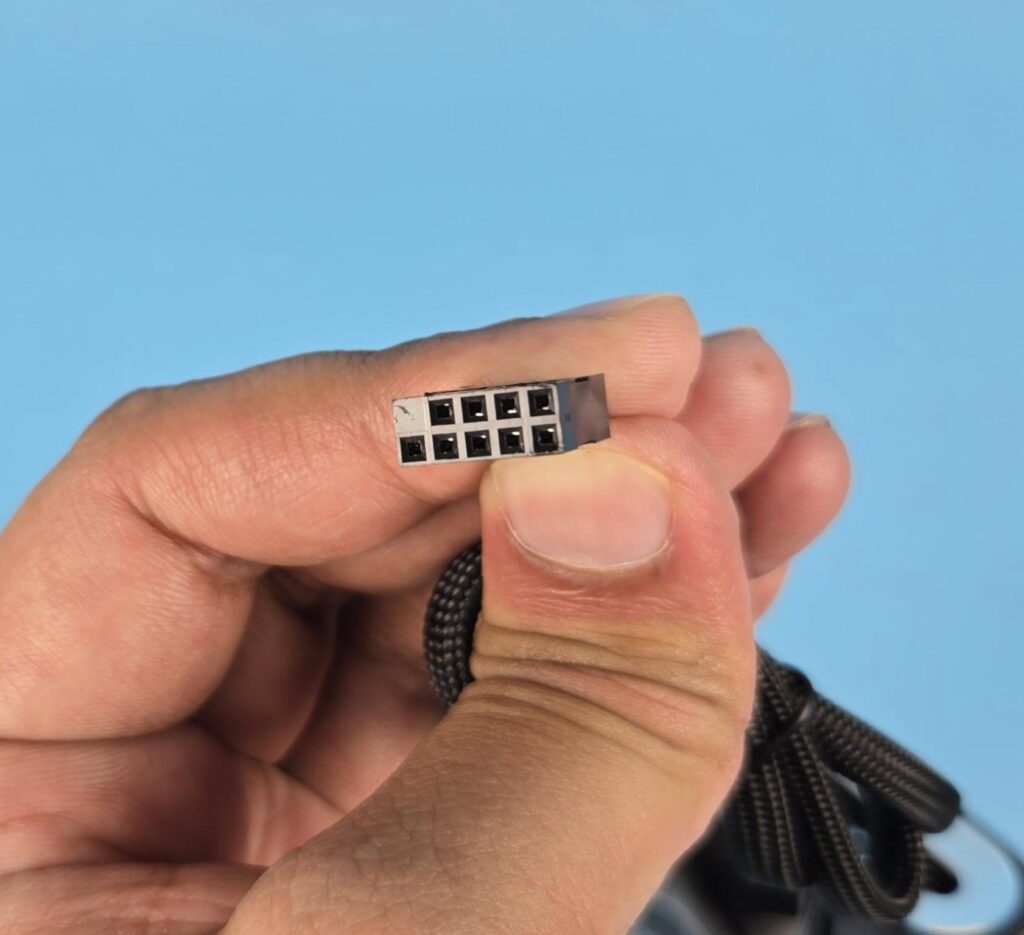
Each fan has a proprietary 9-pin USB 2.0 connector.
Control Hub
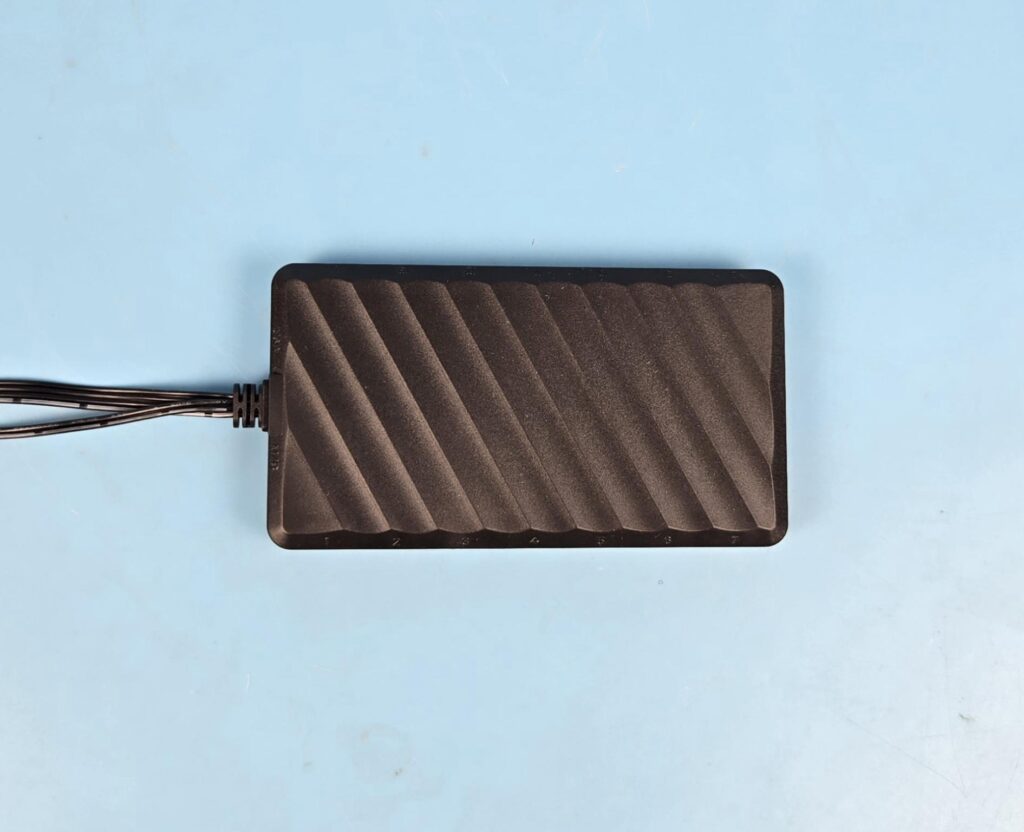
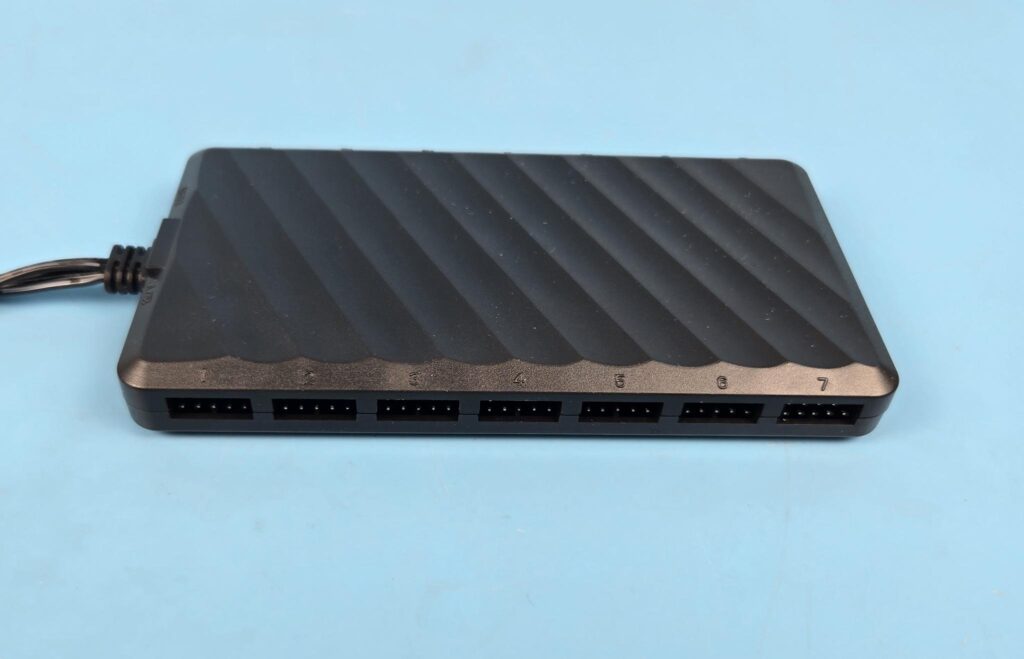
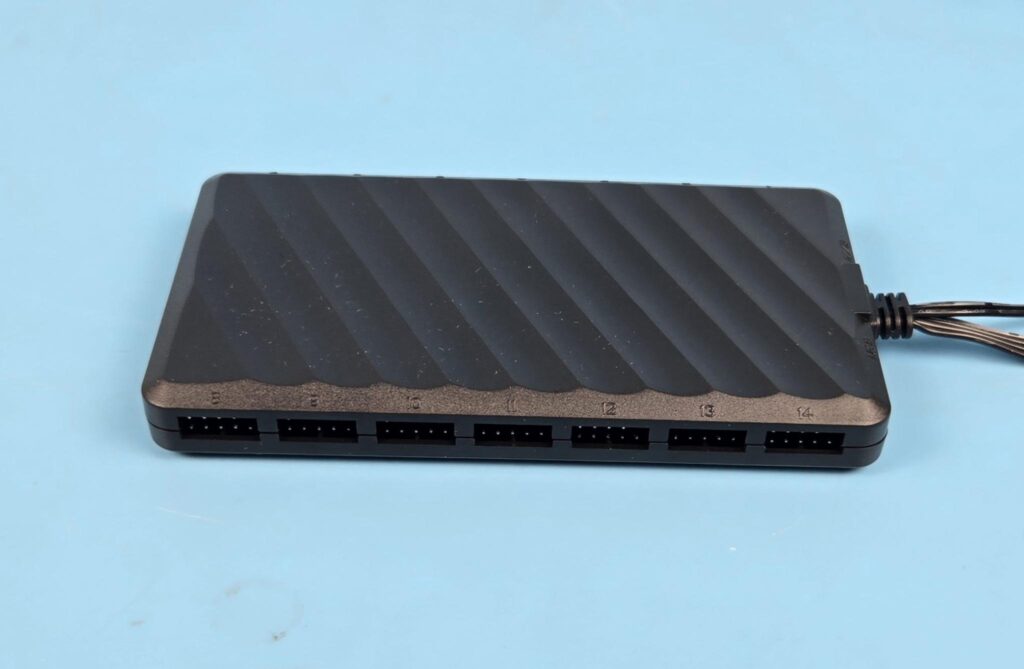
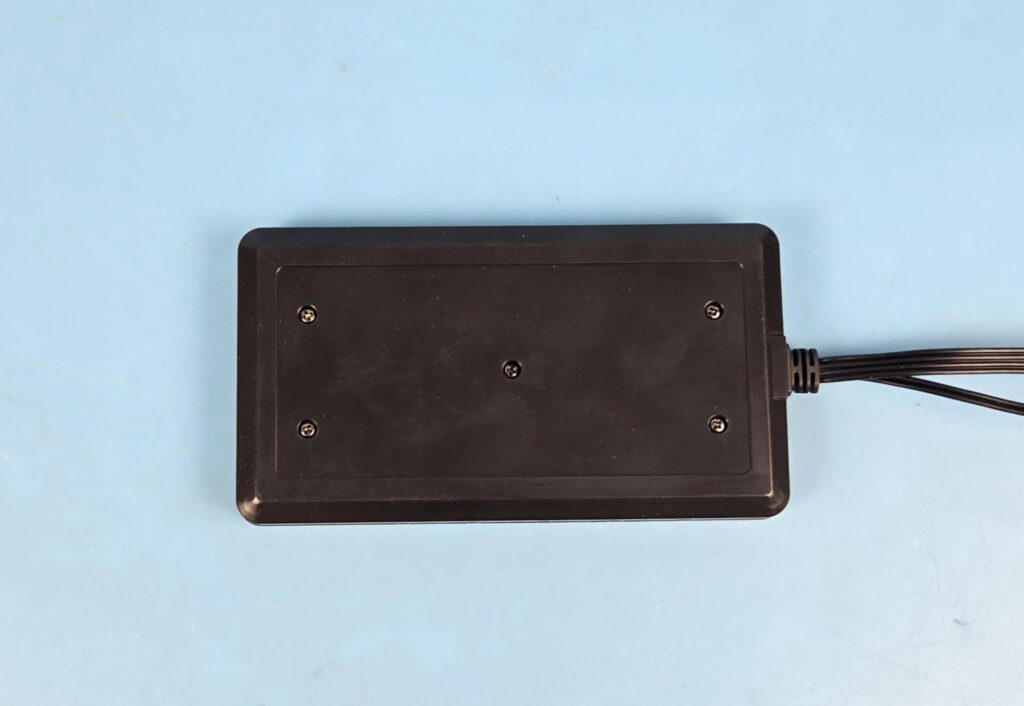
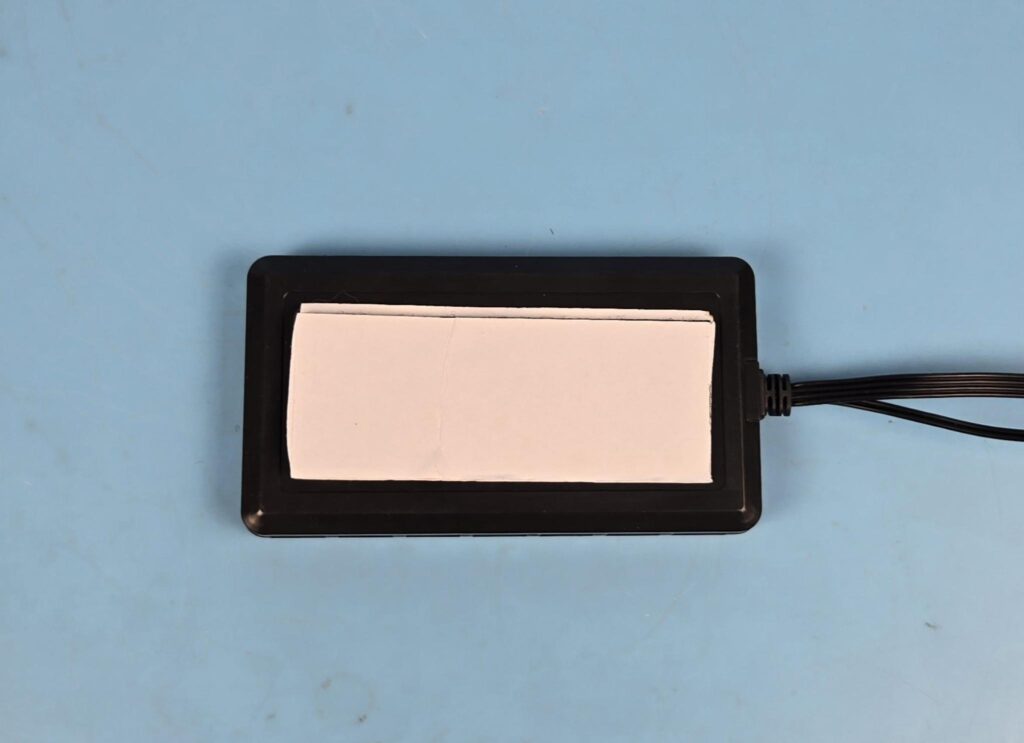
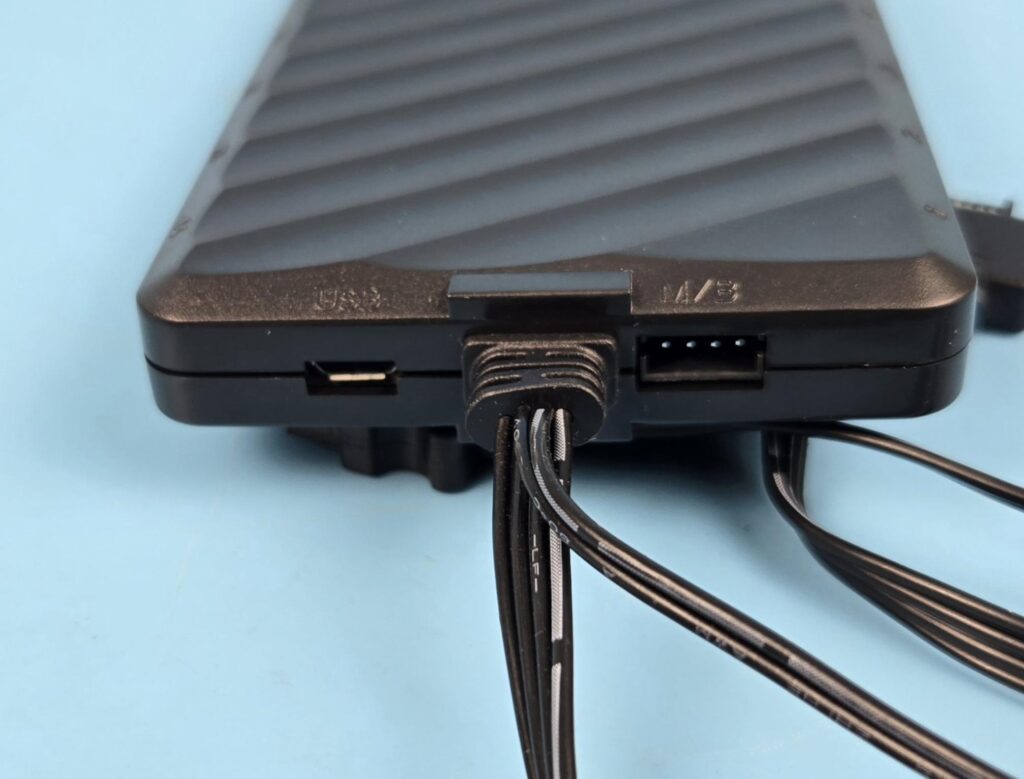
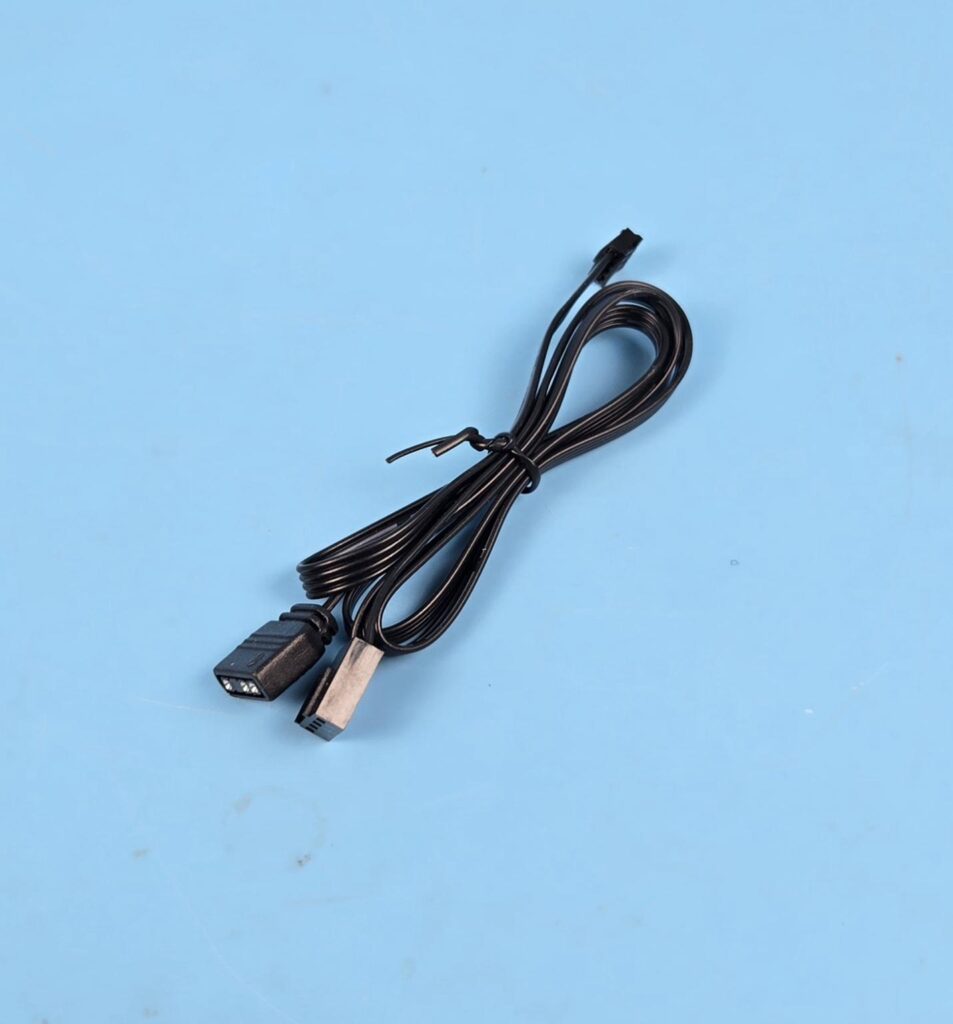
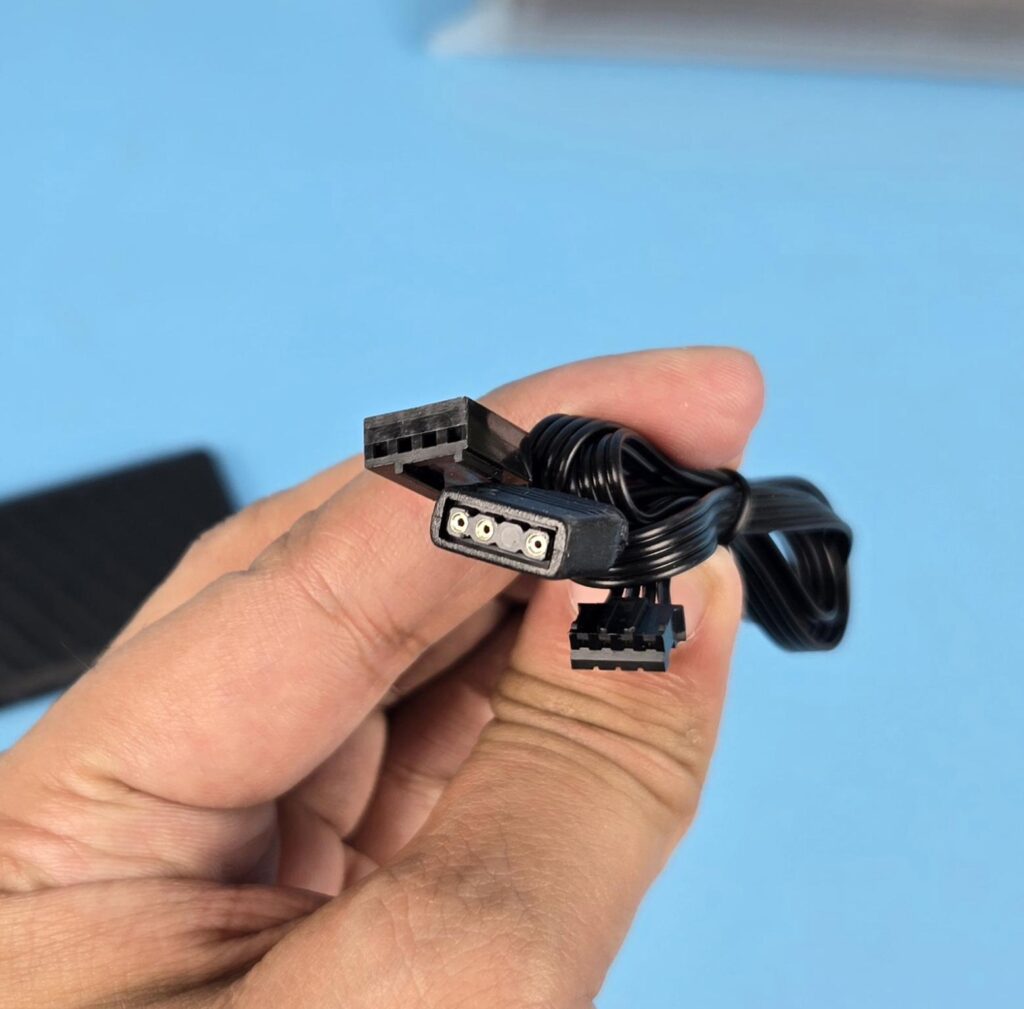
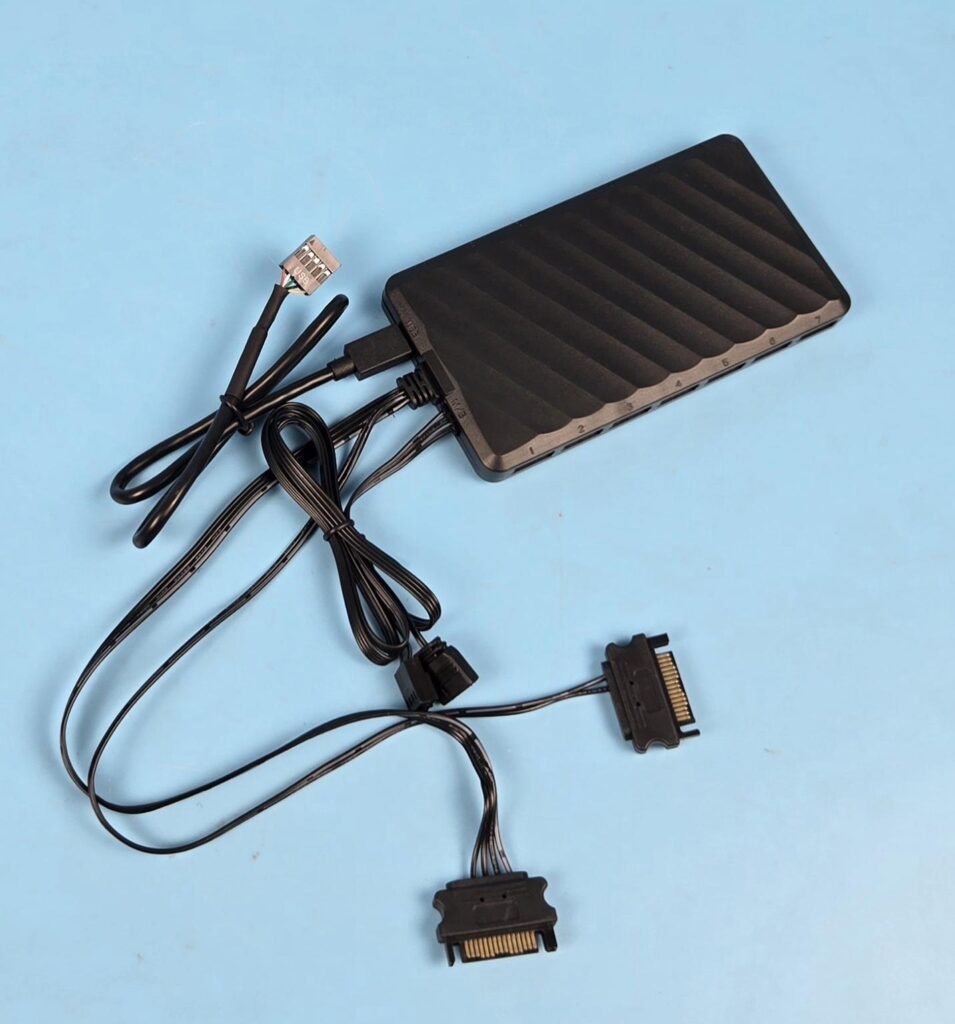
XASTRA has provided a control hub to use with the LZ360. This hub has 14 ports using USB 2.0 9-pin ports. You have to connect all fans to this hub and the pump’s USB 2.0 cable to this hub. 7 ports are on one side, and 7 ports are on the opposite side. They are labeled from 1 to 14. Order does not seem to be of any importance since the software does not show any way to recognize the number base connection. This controller has no magnetic attachment. XASTRA has provided a dual-sided self-adhesive tape. They should have considered a magnetic mount as well.
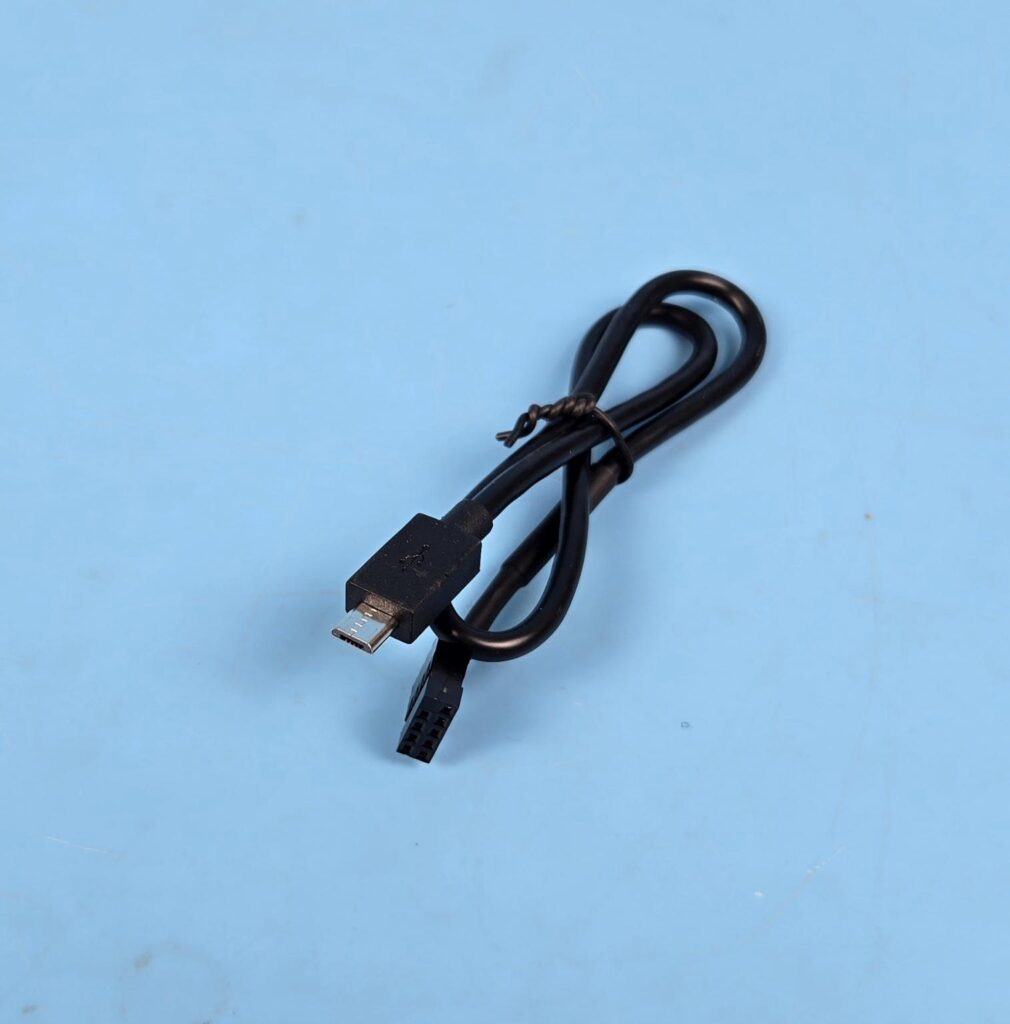
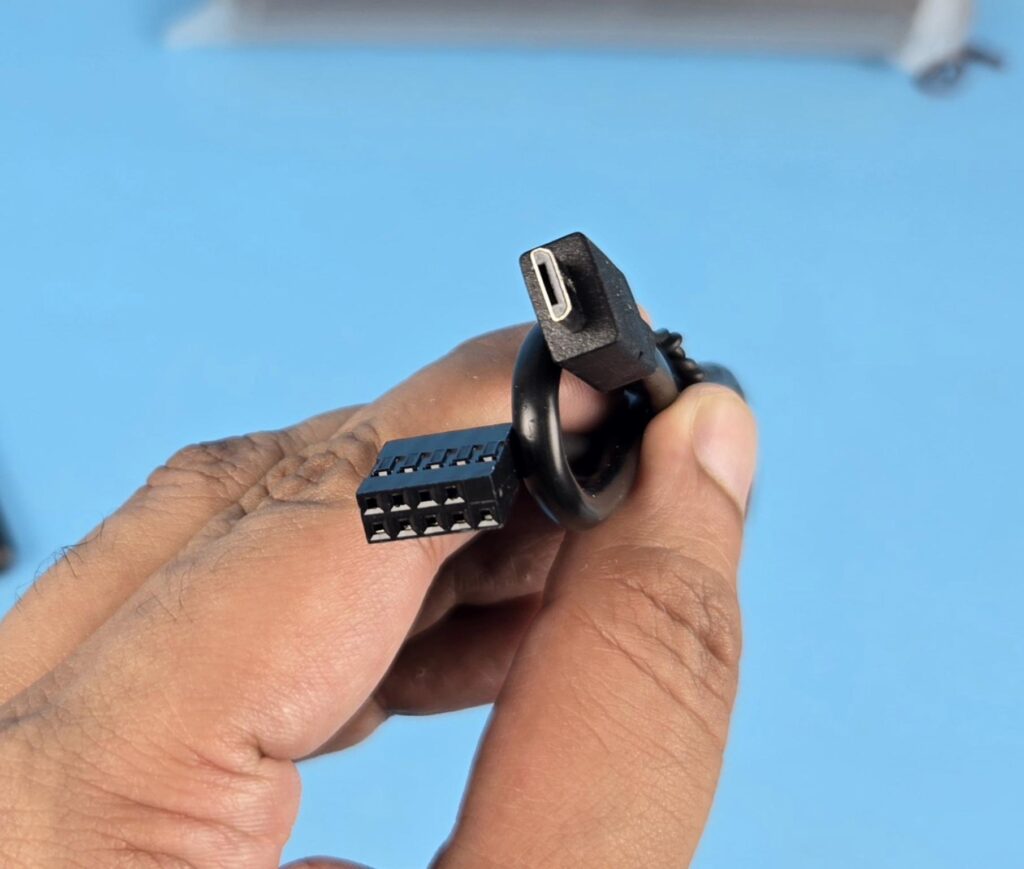
Two other ports are USB and M/B. The micro-USB cable is connected to this port, and its 9-pin connector is connected to the motherboard’s USB 2.0 header. The M/B stands for motherboard, and the cable provided for this port comes with a standard A-RGB and 4-pin PWM connector.
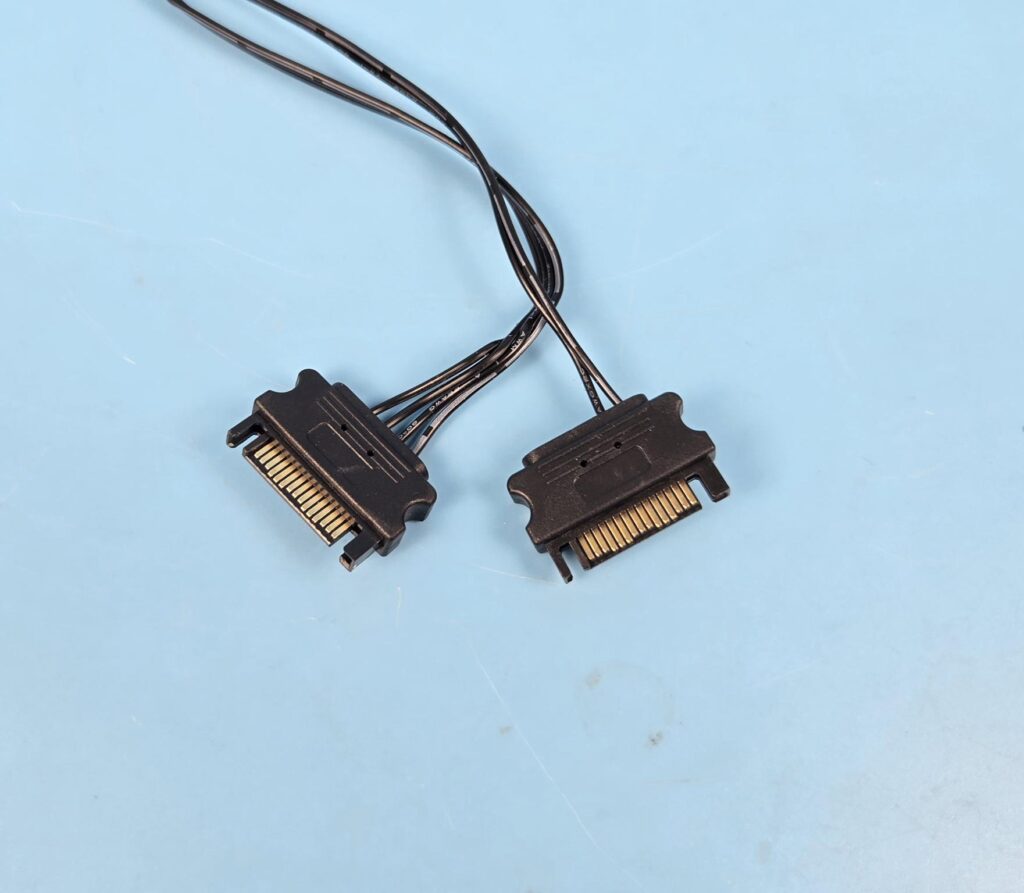
This controller uses two SATA connectors, which indicates a high power draw requirement due to the LED display on the fans as well.
Installation
We don’t cover the installation steps. Please use the installation guide for that. We only mention observations recorded during installation.
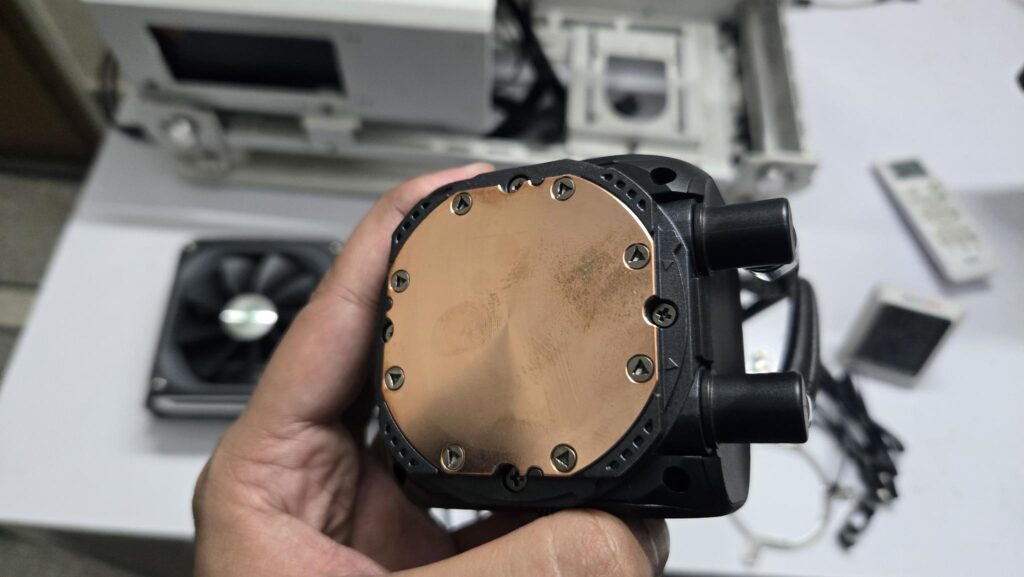
XASTRA has mentioned, “Made from High-purity oxygen free copper for top-notch heat transfer and minimal thermal resistance, with superior oxidation resistance, ensuring stable and efficient cooling for the core.”
Editor’s Note: I took the pictures of the cooler on one day and packed it again. The cooler was opened in the next week and dang. Oxidization has already started. The cooler was not installed or taken out of the box till this point. This invalidates the XASTRA claim of superior oxidation resistance. Something they should look into.
I did not observe any issue in the installation of this cooler on the AM5 platform.
Clearance
Make sure your PC Case has clearance for a 360mm AIO measuring 394x120x58mm.
Software
Xastra Matrix is the name of the software you need to control every aspect of the cooler except the pump’s speed. You can download this software from the XASTRA website. One good thing about this software is that you don’t need to restart the PC in order of the software to pick the connected components correctly.
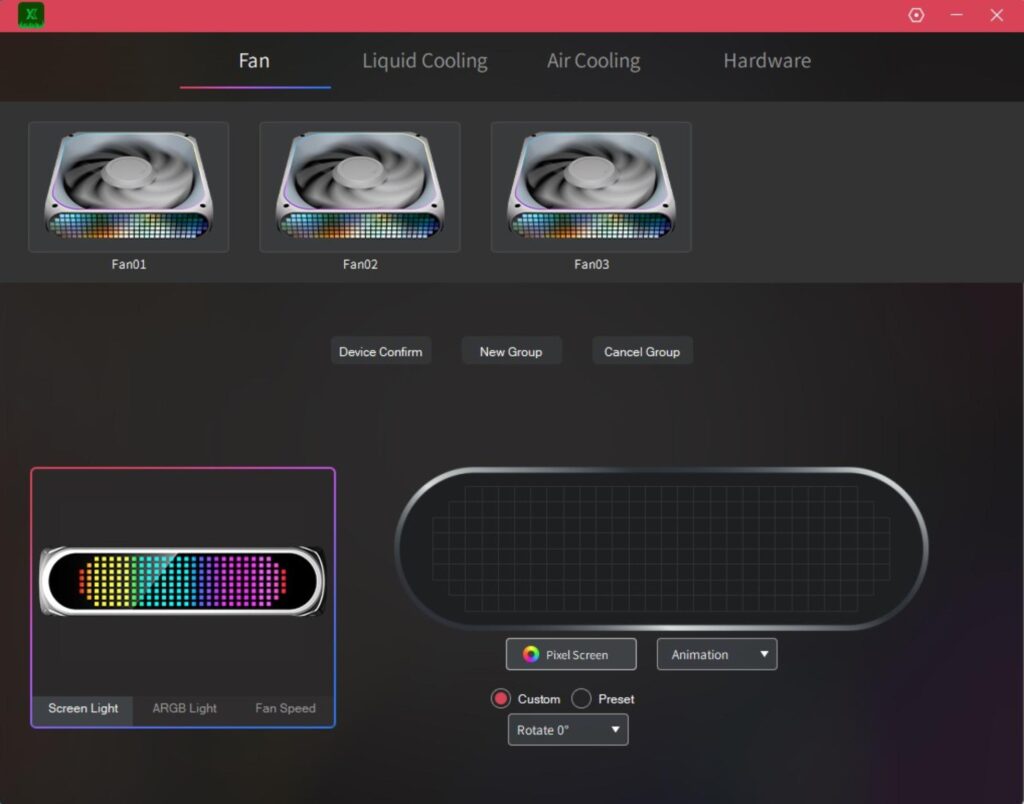
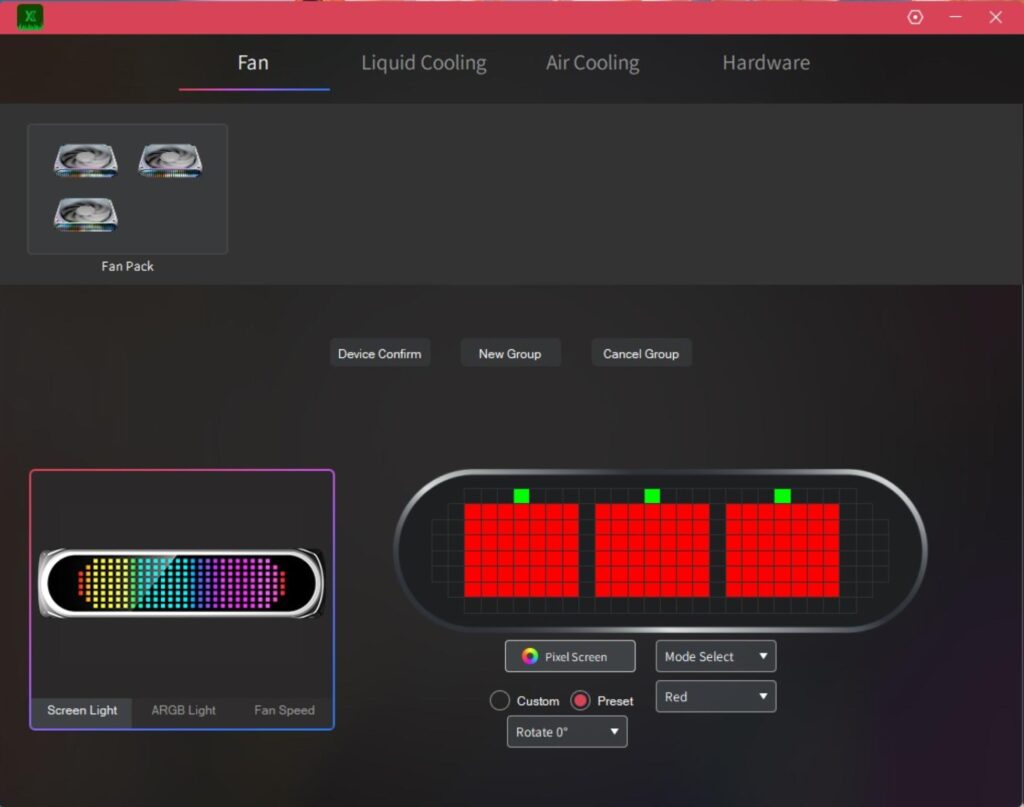
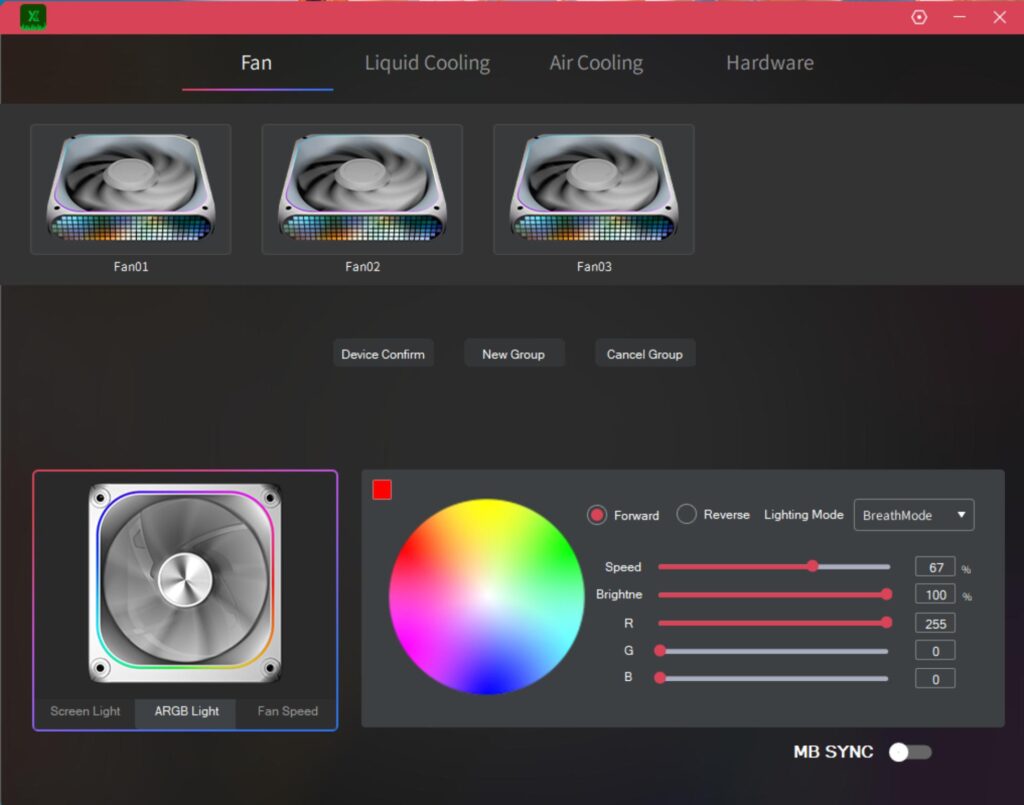
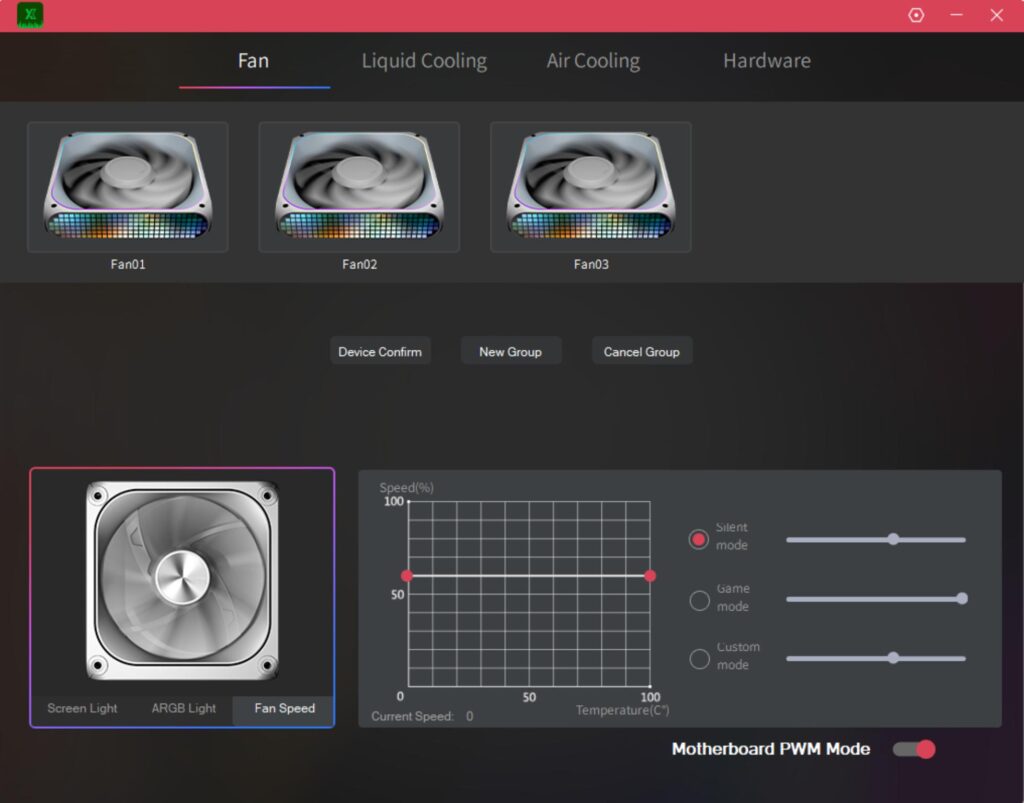
The first page shows the fans’ LED display control and customization. You can control the A-RGB LED lighting and fan speed. XASTRA has even provided fan profiles (Silent, Game, Custom), and you can sync them to the motherboard as well.
You can create a group of fans depending on the configuration and define display and other settings based on the grouping. This is an excellent feature. You can even rotate the display orientation, and using Pixel, you can use 30 pre-defined modes.
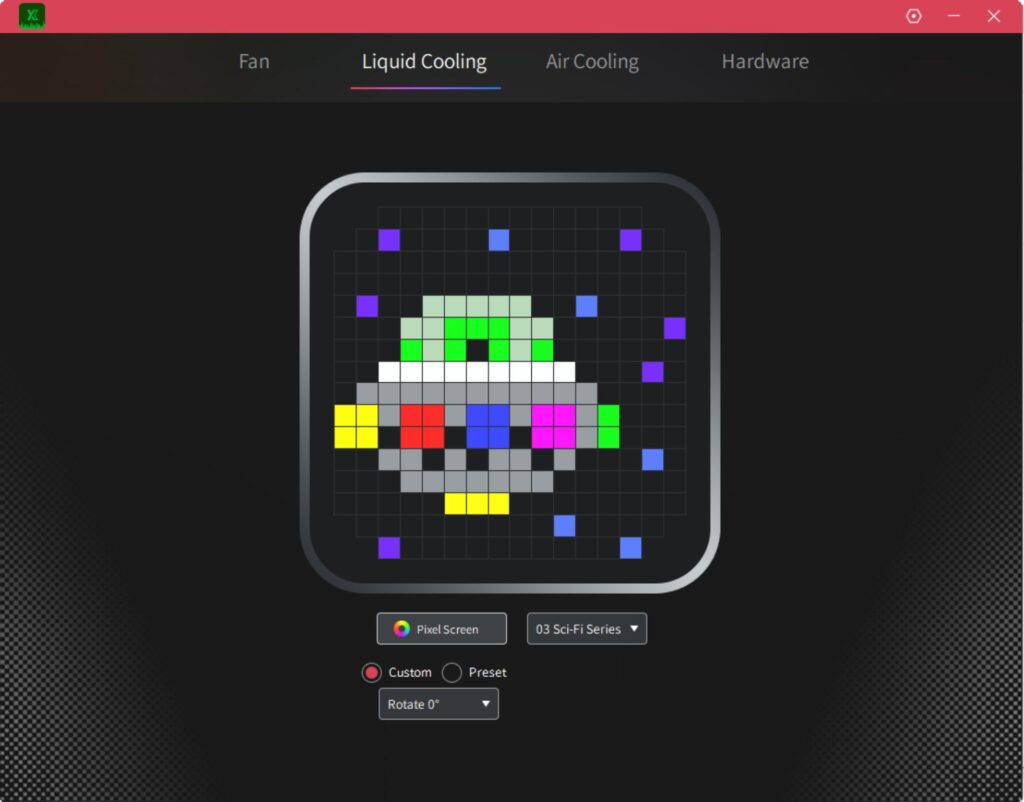
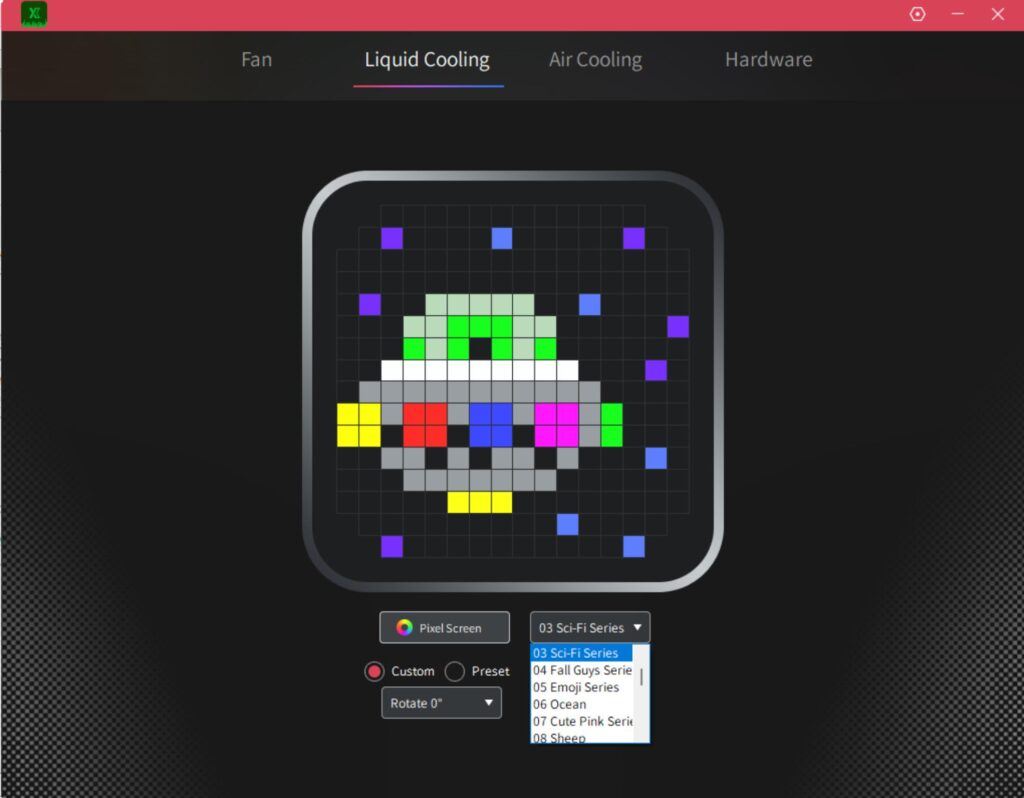
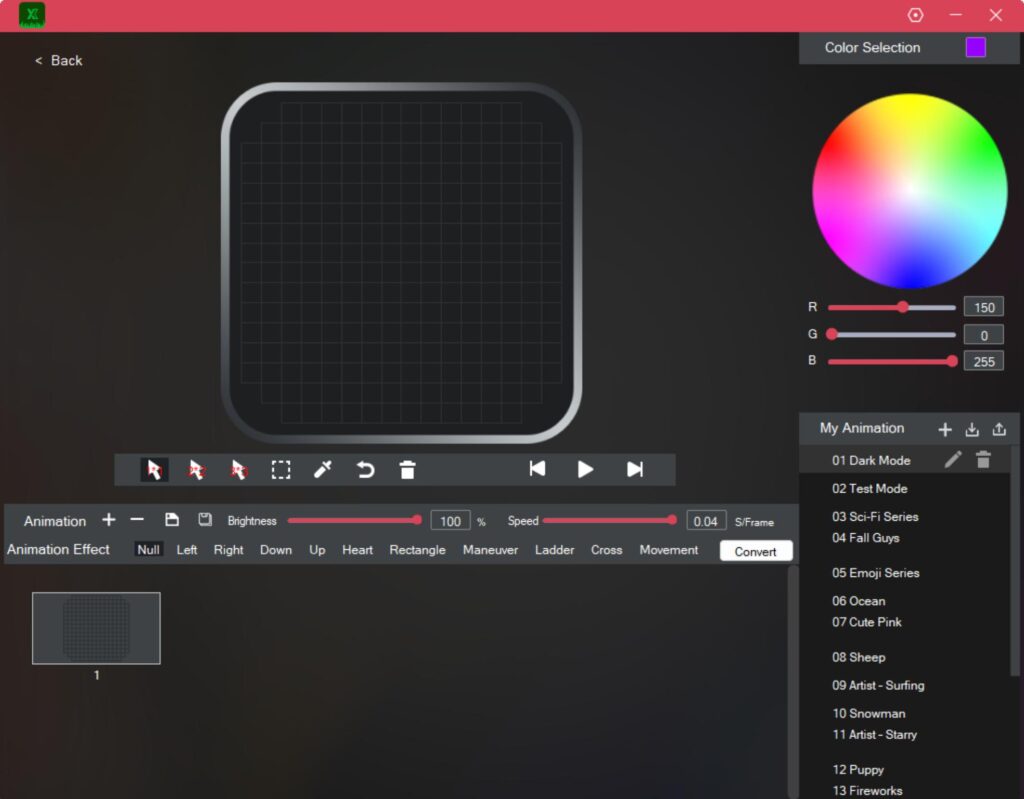
You can then access the block by clicking on Liquid Cooling. There you will see the same options listed as for the Fans. You can rotate the display on the pump top and can use any of the 30 pre-defined modes. Next, you can even define your own mode and can customize any pixel using the bundled tool.
Note for XASTRA: Please provide documentation for this creating/customization on this page.
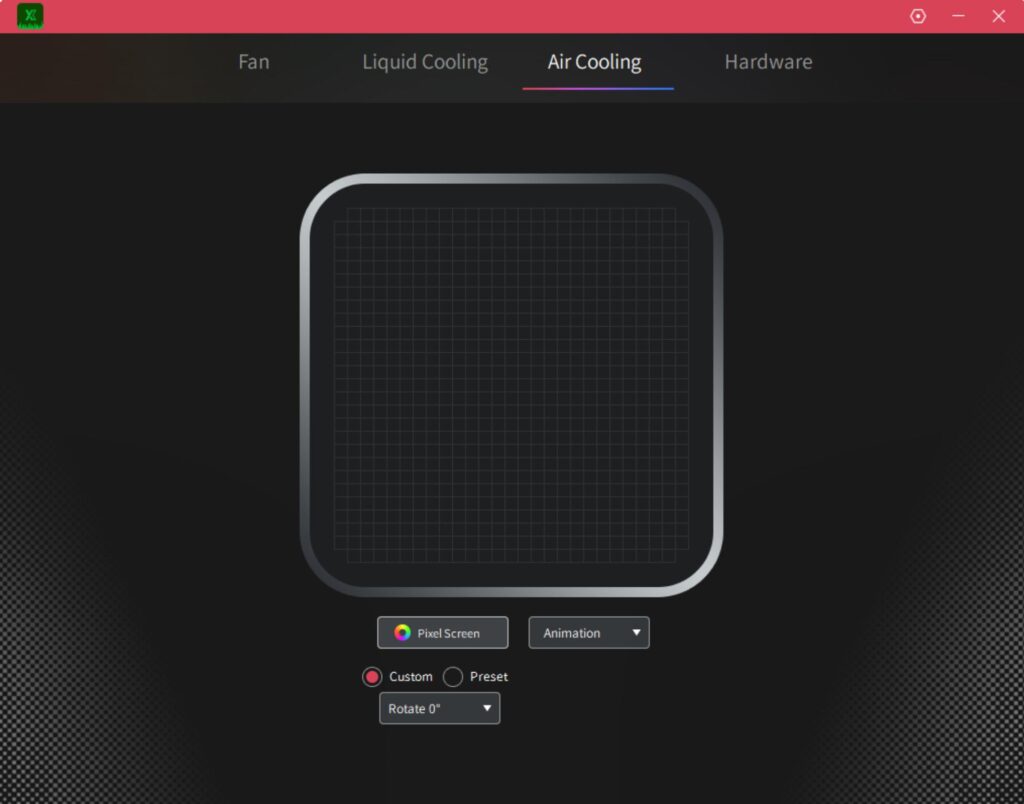
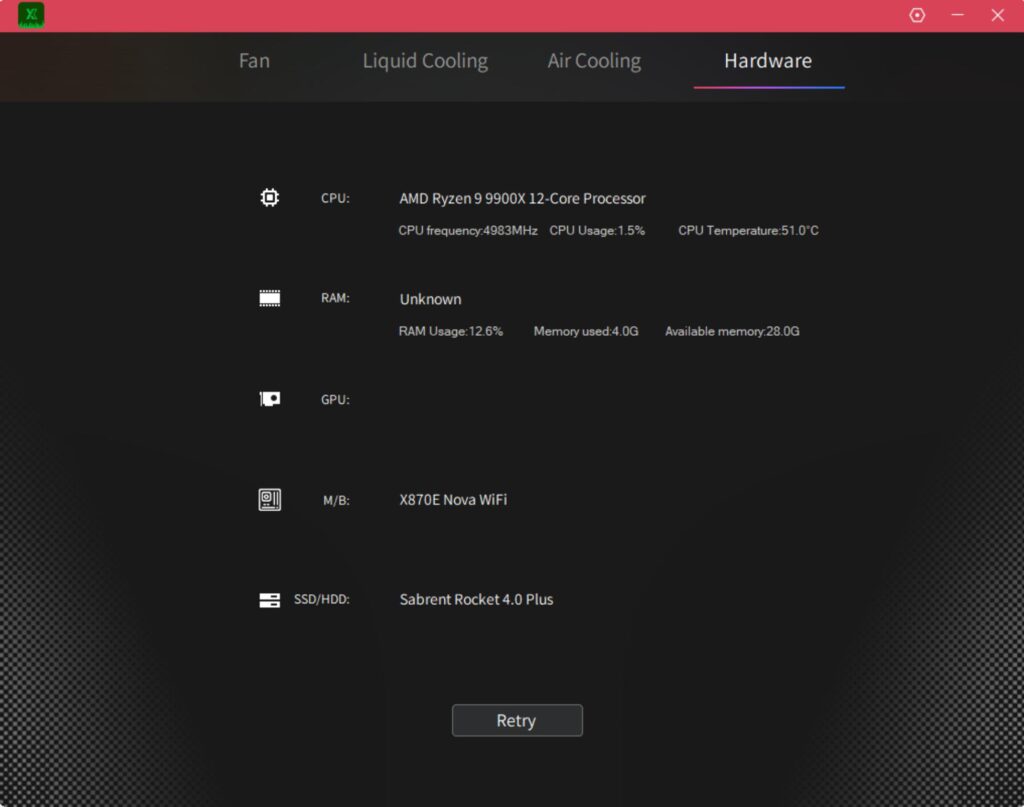
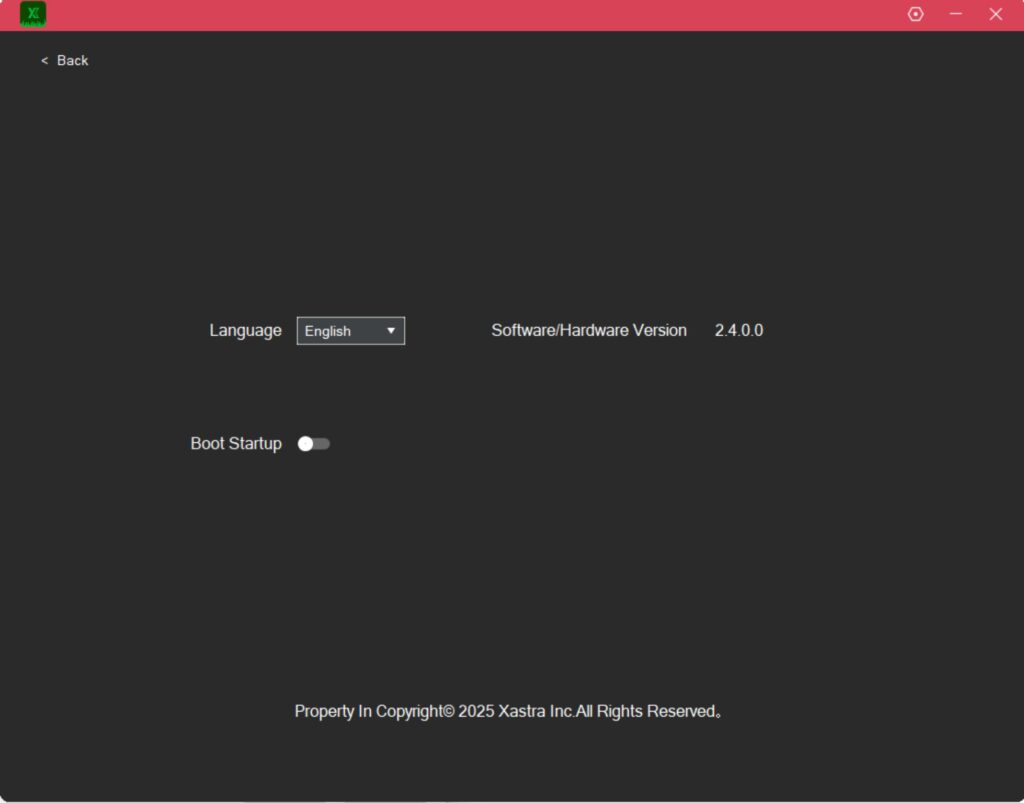
I think XASTRA used a single interface for liquid coolers and air coolers. If you use XASTRA air cooler with an LED display, then the Air Cooling page will be used for customization and control. The hardware page lists the system specs.
You can also display the system sensor values on the LED display using the software.
I recorded two sample videos showing the animation on the screens.
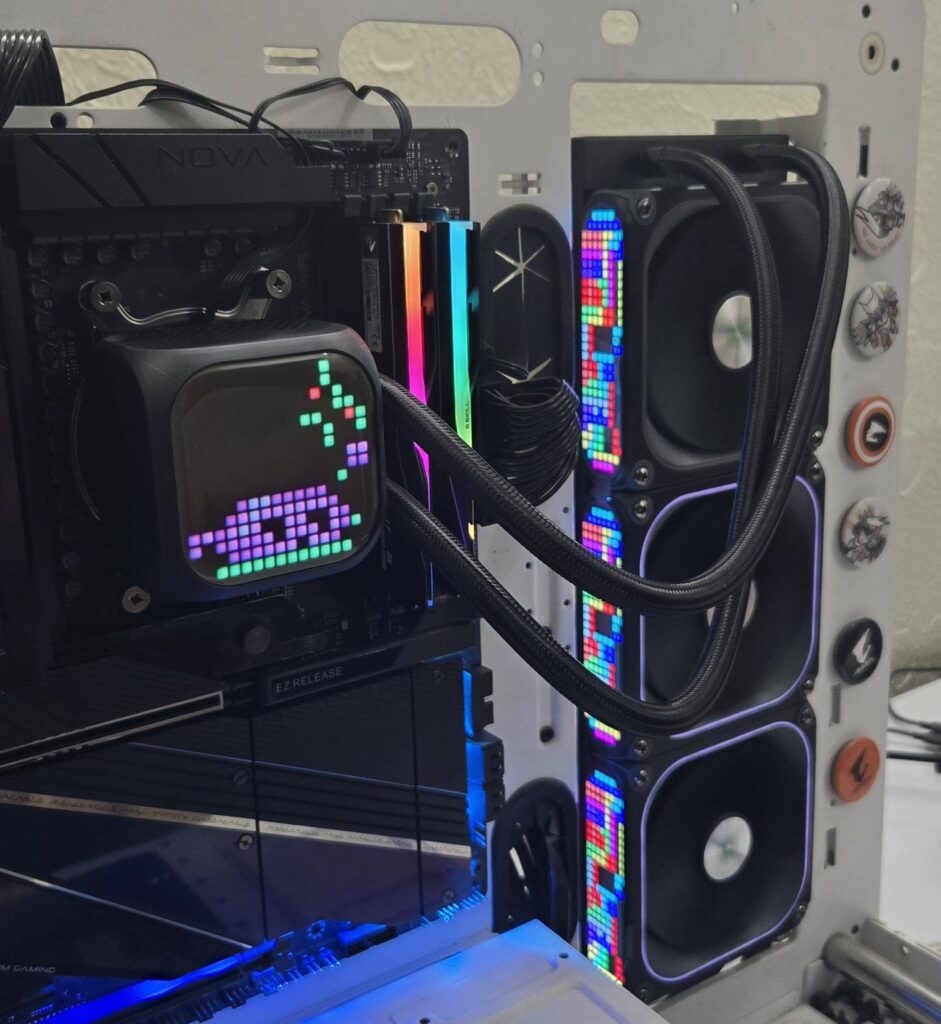
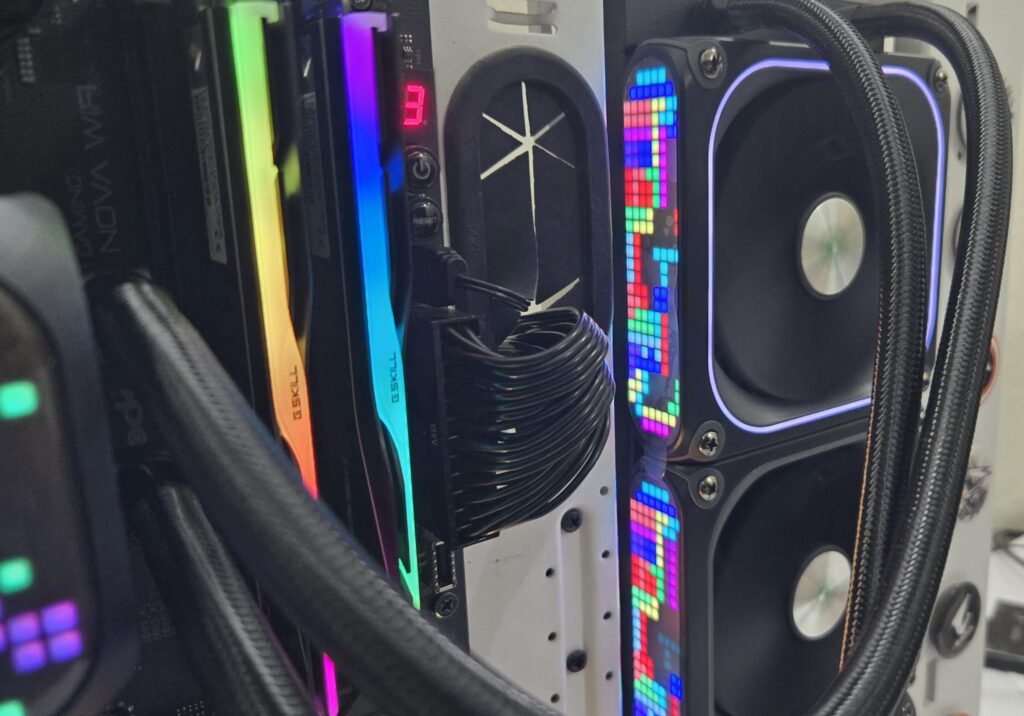
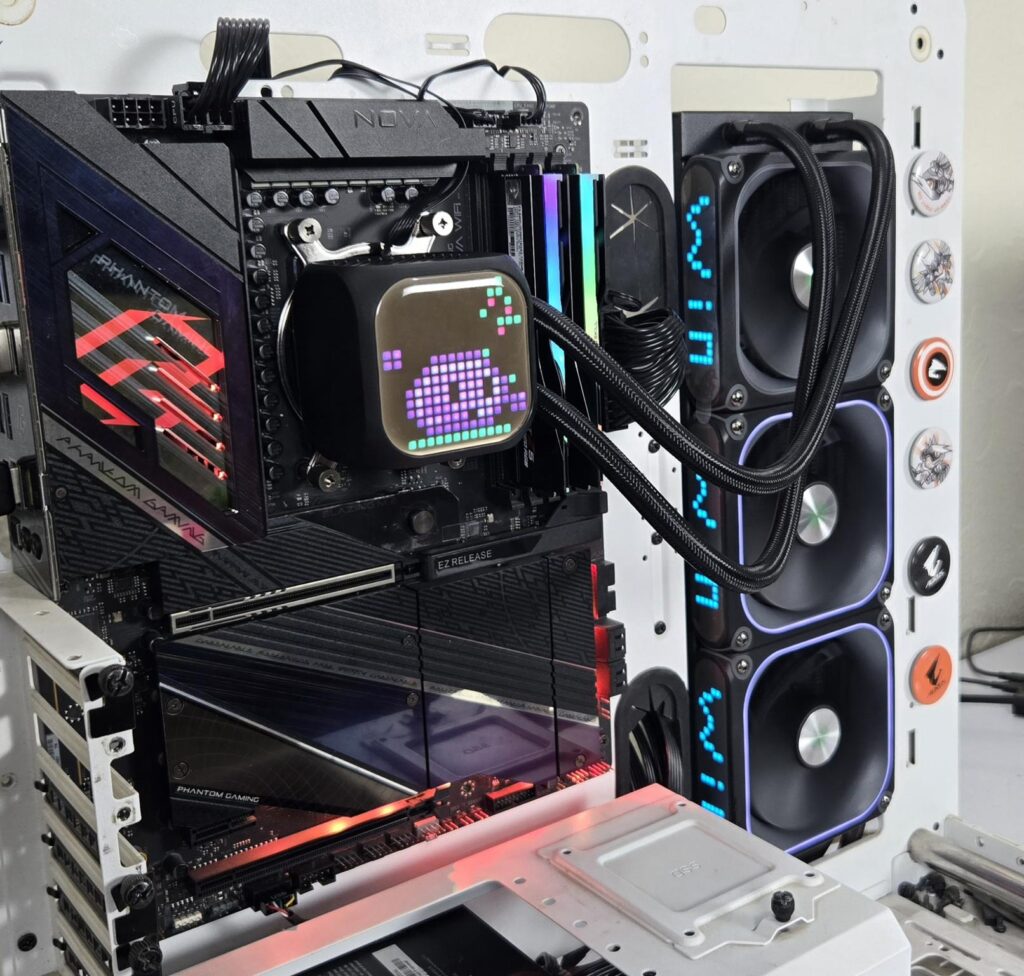
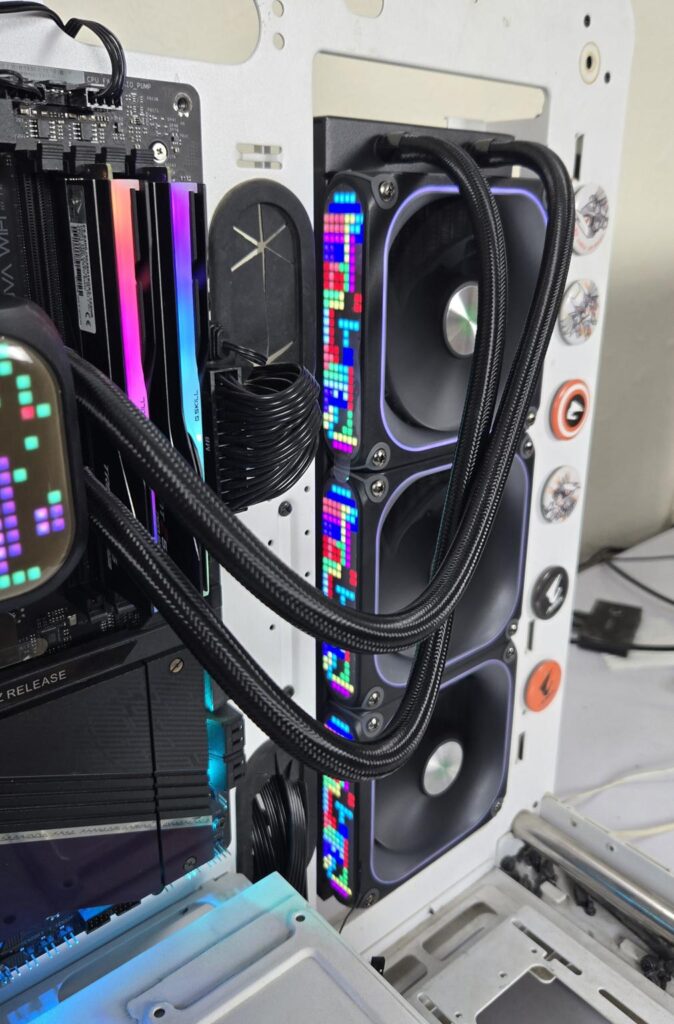
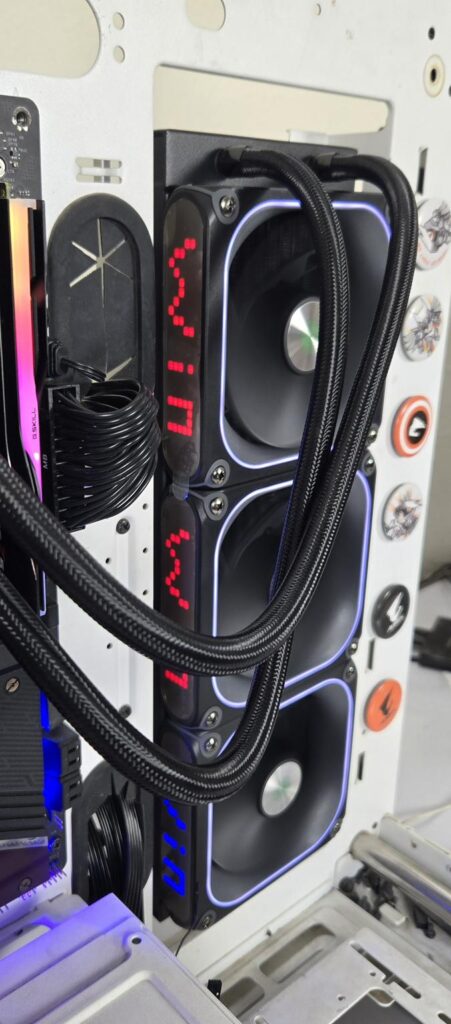
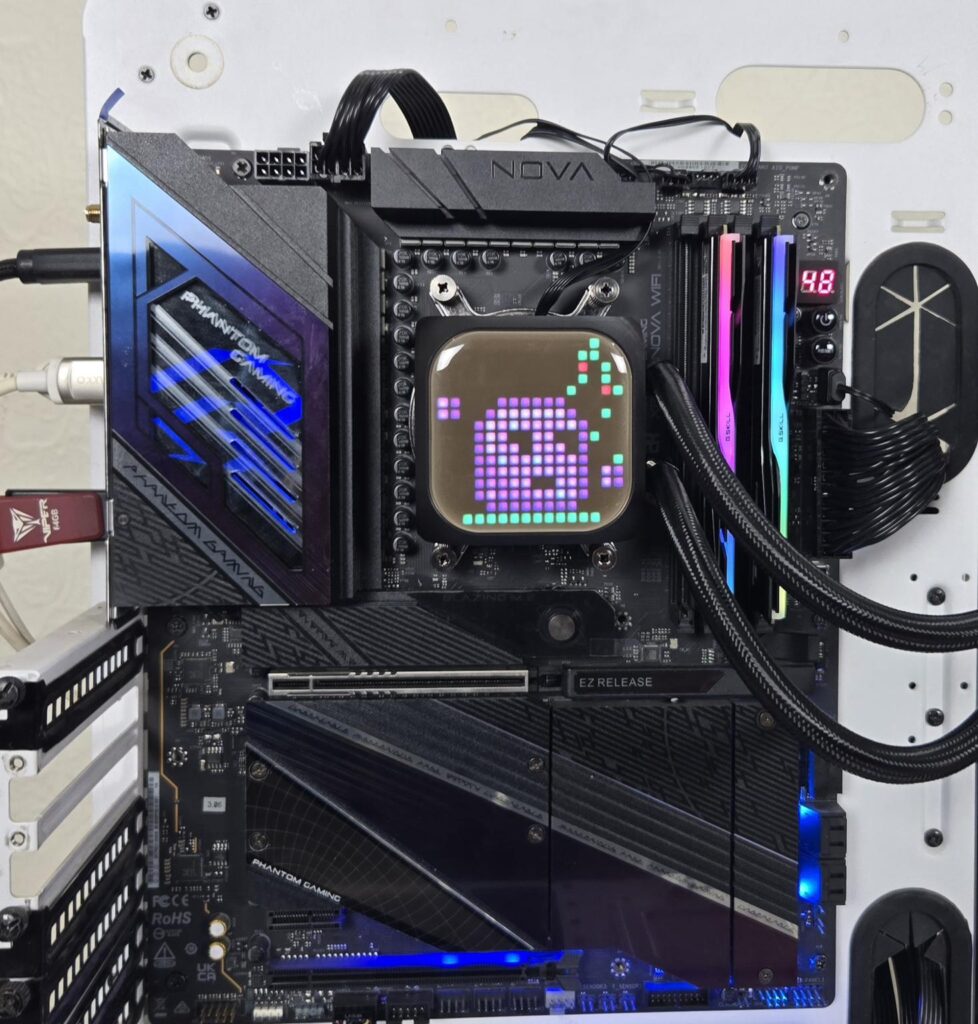
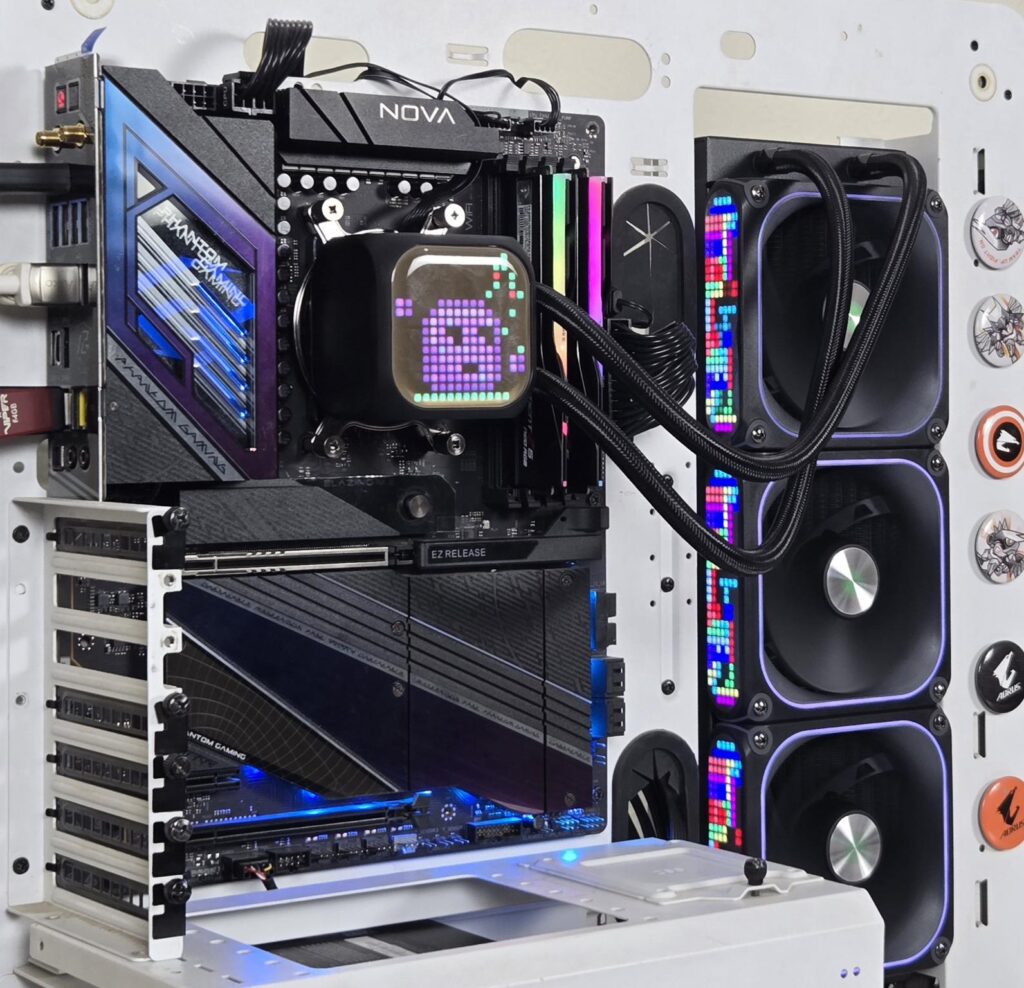
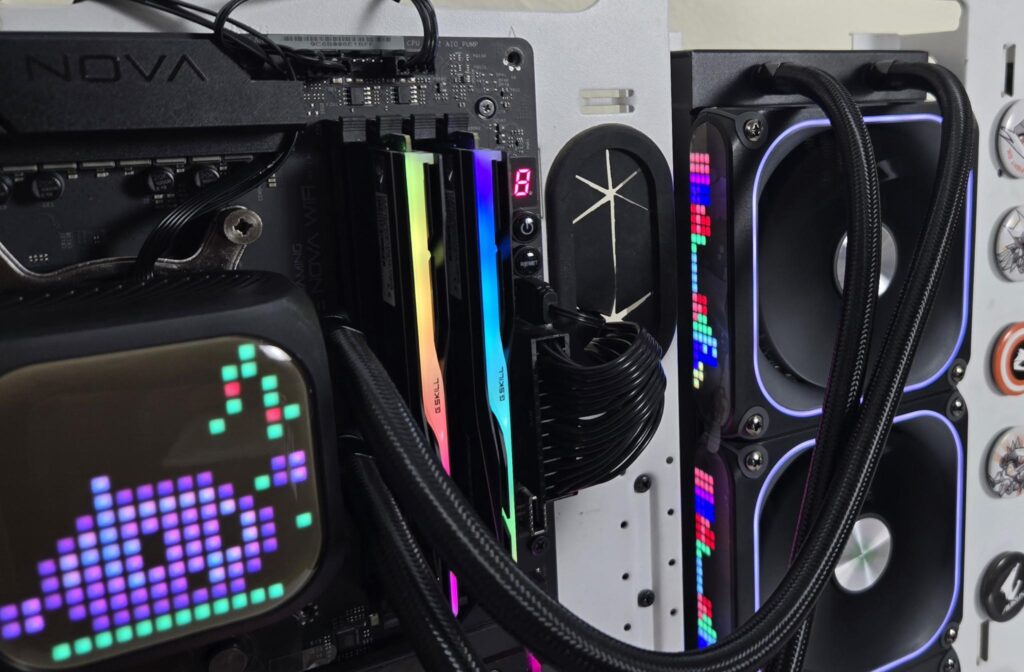
The above pictures show the LED display on the cooler.
Testing
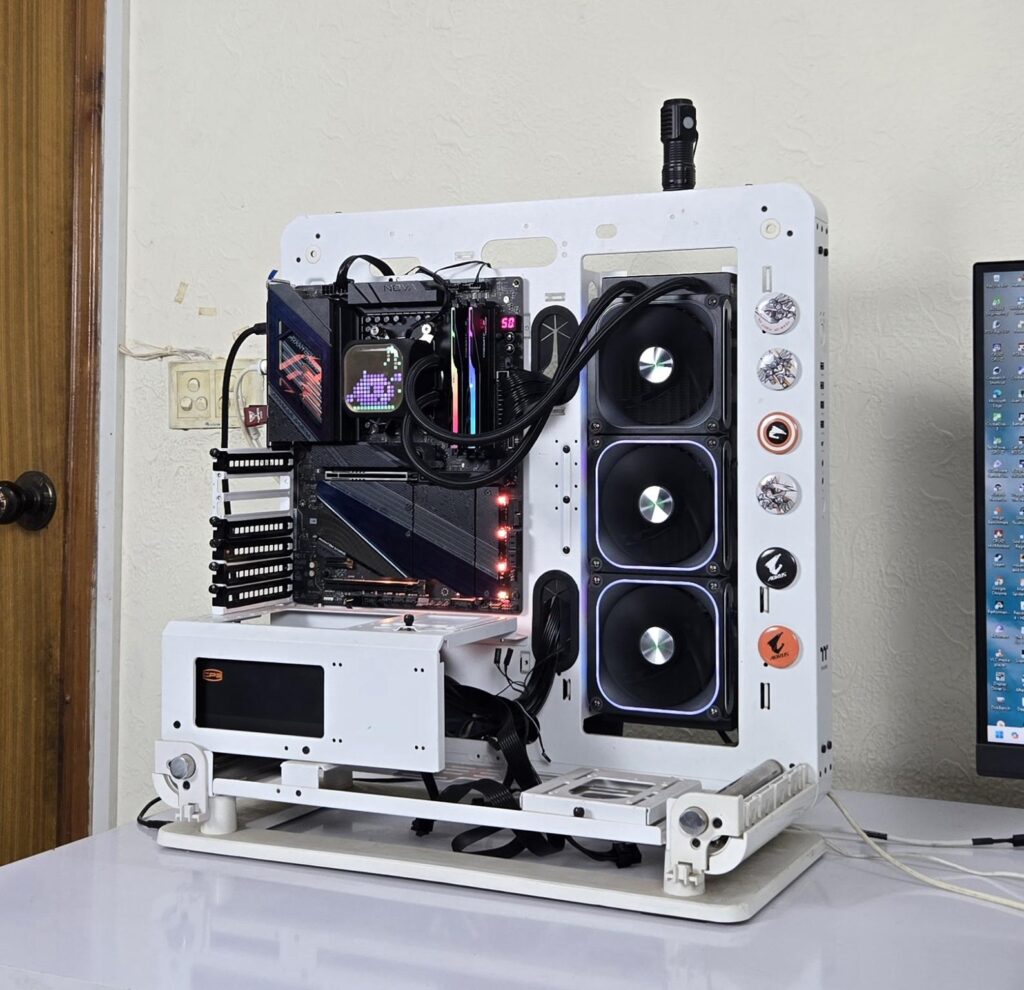
The following configuration is used for thermal testing:
- AMD Ryzen 9 9900X
- ASRock X870E NOVA WiFi
- GSkill TridentZ NEO RGB 32GB 6400MHz CL30 DDR5 kit
- ASRock Phantom Gaming RX 7600 Graphics Card for Display
- Biwin Black Opal X570 Pro 4TB NVMe SSD
- CPS YN1000 PSU
- Thermaltake Core P6 TG Snow Edition in an open frame layout
Here is the settings table for testing:
| Settings | PBO Enabled [243W] |
| Clock (MHz) | Auto |
| Voltage (V) | Auto |
| Thermal Paste | Noctua NT-H2 |
| Thermal Paste Application | Dots Method |
| Test Run Time | 30 minutes |
| Idling Time | 10 minutes |
| All Fans Speed | 100% PWM Duty Cycle |
| Pump Speed | |
| Stress Software | CINEBENCH R23.2 |
| Monitoring Software | HWINFO64 |
I am reporting absolute temperature in the graph because the room temperature was at 22°C throughout the day. The testing is done on an open-air bench system. Once inside the chassis, the temperatures are expected to rise and would largely depend upon the optimal airflow inside the chassis.
Also Read: Quntis Monitor Light Bar Glow Review – EnosTech.com
Result
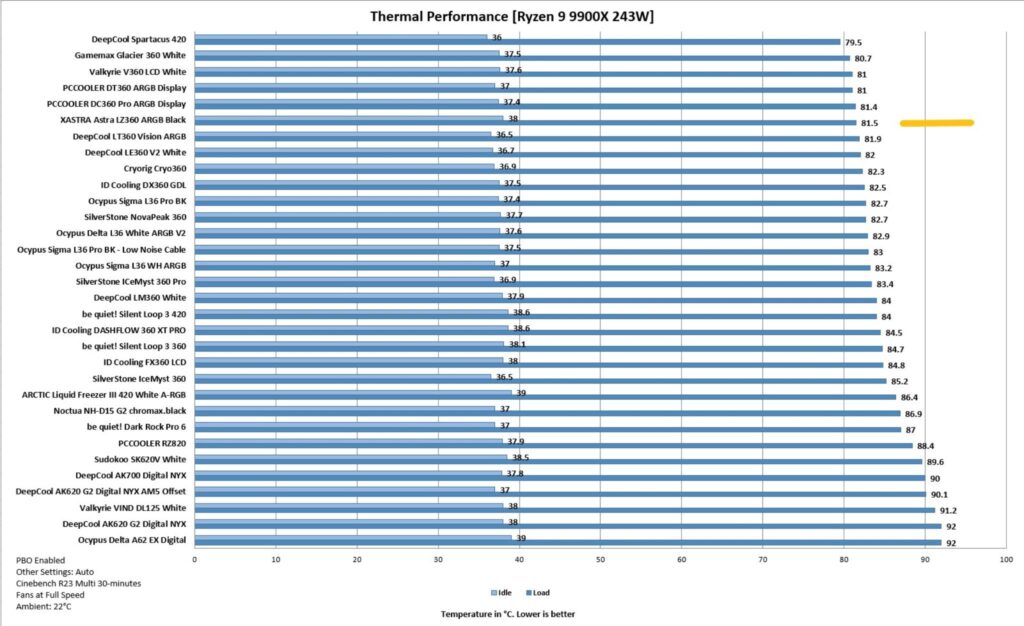
The XASTRA Astra LZ360 A-RGB Black cooler offers a highly competitive performance, albeit its sound output is high, for which you can use the Auto PWM function or a custom fan curve.
Conclusion
I have taken a look at the Astra LZ360 A-RGB Black liquid cooler from XASTRA. This cooler provides a distinctive design as it has an LED on the pump top and the fans with a matrix display, and every pixel can be customized/controller via software. This is definitely a deviation from the market trend, hence a fresh take is highly appreciated. This pixel display reminds me of childhood memories.
This cooler is available in 240mm and 360mm size and white edition is also available. It is compatible with Intel LGA115x/1200/1700/1851 and AMD AM4/AM5 sockets. Three 120mm A-RGB Halo fans come pre-installed over the radiator. The radiator has overall dimensions of 394x120x58mm with fans. 58mm thickness from the 28mm thick fans. It has 12 channels for coolant flow with a fin density of 20 FPI. The manufacturer uses rubber-tubing which runs to 400mm in length and has a black nylon braided sleeve mesh.
The pump housing is made of ABS material and has a dimension of 70x70x65mm. It is quite lightweight. XASTRA has equipped a 16×16 LED screen on the pump top for pixel/matrix display. This area has no A-RGB backlighting. The pump uses a ceramic bearing and a 3-phase, 6-pole motor. It is rated for up to 3000 RPM ±10%. It is PWM-regulated. A USB 2.0 connector is also provided for the screen display.
Each fan has a 28×8 LED display on the side frame, whereas the other side has an aluminum frame for quite some looks. Each fan has a dimension of 124x120x28mm. The fan is 28mm thick, which provides more static pressure. Each fan is rated for 800 to 2200 RPM ± 10%. Airflow rating is 74.76 CFM, and air pressure rating is 3.72 mmAq. The noise level is rated at ≤ 33.9 dB(A). These fans use HFDB Bearings. The fan’s power draw is 7.8W.
XASTRA has provided a controller hub with 14 ports. Each port uses a USB 2.0 9-pin interface. This controller uses a USB 2.0 cable for connectivity with the motherboard, without which the Xastra Matrix software will not work. The controller also provides cables with standard 3-pin ARGB and 4-pin PWM connectors for motherboard connectivity so that fan speed and lighting can be synced to the motherboard’s BIOS settings. The controller uses two SATA connectors to handle a power load of up to 14 devices.
Software has no control over the pump speed since its 4-pin PWM connector is to be connected directly to the motherboard. Installation of this cooler is simple, excluding the pain of dealing with 9 cables for total connectivity. On the AMD platform, you need 9 items to install the block on the CPU.
This cooler packs competitive performance as it sits at 6th place in our graph, handling the 243W all-cores load on Ryzen 9 9900X. The sound output is high, and I would recommend using a custom fan curve or the Auto PWM function.
Combining this good performance with the spectacular matrix display with comprehensive and good software (I seldom praise software as most of the time I don’t find these software user-friendly) gives one heck of a solution for your cooling and bling requirements. Now, if XASTRA could release a PC Case with an integrated matrix display, this cooler would be a handy choice for this case, in my opinion. This cooler has a price tag of USD 227.99. This is a steep price and bulk of it would be coming from the LED display on the fans and pump top.
Pros:
- Thermal Performance
- 16×16 LED Matrix/Pixel Display on Pump Top
- 28×8 LED Matrix/Pixel Display on Fan
- A-RGB Halo lighting
- Customize sized 120mm A-RGB Fans
- Compatible with Intel LGA1700/1851 sockets
- Compatible with AMD AM4/AM5 sockets
- SATA-powered Controller Hub
- Xastra Matrix Software
Cons:
- Noise
- Price
- Total Dependency on Controller Hub