










Why Your Tech Setup Needs Better Connection Privacy (And What Actually Works)

So I’ve been messing with PC builds for about 7 years now. Connection security wasn’t even on my radar until October last year when my ISP throttled me right in the middle of benchmark tests on a fresh AMD system (it was like 2:30pm on a Tuesday and I was just sitting there watching my speeds tank).
Third throttle that month.
And here’s the thing that drives me absolutely nuts: people will drop $1,847 on a gorgeous build with perfect thermals and those whisper-quiet Noctua fans, then completely ignore the fact that their connection is a total disaster.
The Problem Nobody Talks About
You’re downloading driver updates constantly. Testing hardware. Jumping between different retailer sites trying to save that $23 because yeah, those price differences actually matter when you’re buying multiple components. Your ISP watches all of it, logs every single site you hit, and sometimes just decides to slow everything down or straight-up block access.
I noticed this myself when comparing motherboard prices across maybe 12 international retailers in one afternoon. Half the sites wouldn’t load properly while others crawled at dial-up speeds, plus my connection kept getting flagged as suspicious activity.
What Changed My Setup
A friend mentioned mobile proxies at a hardware meetup last year and I started actually researching them. Not the garbage free ones that are basically unusable. Real ones that route through actual mobile networks.
Pretty surprising difference honestly. Component databases that previously blocked me opened right up. Price comparisons became smooth instead of frustrating. My ISP stopped randomly deciding that my firmware downloads looked suspicious enough to throttle.
Why Mobile Connections Matter for Tech Work
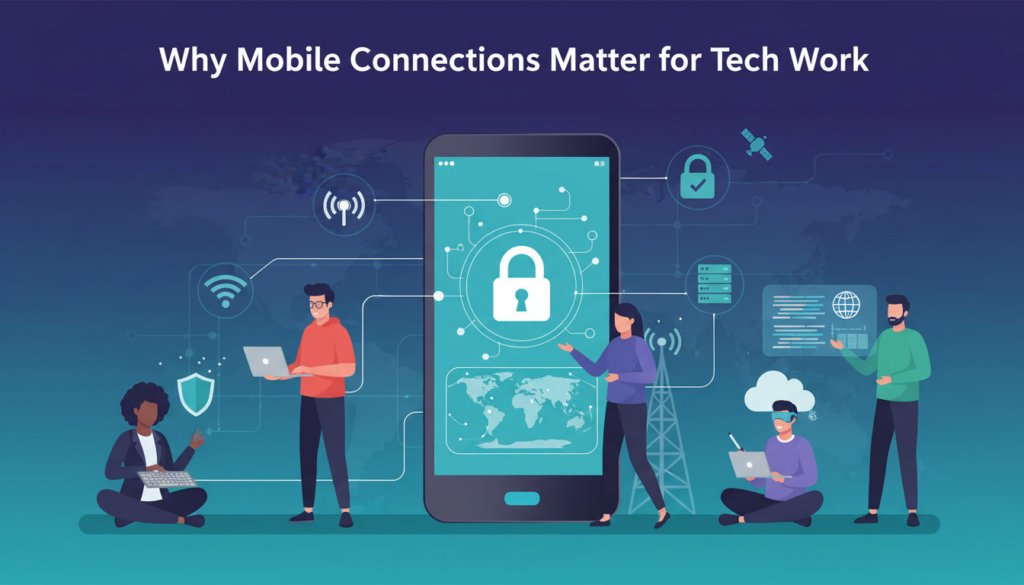
Mobile IPs don’t get treated like datacenter addresses, which makes a massive difference when you’re researching parts or accessing manufacturer sites from different regions since they don’t trigger the same automated security flags.
Back in March I tracked my own stats. Success rate jumped to roughly 97% compared to the 73% I was dealing with before (kinda massive when you’re trying to grab spec sheets from regional sites or compare global market prices).
You can hold the same IP for hours if you need consistency. Or rotate constantly during bulk research sessions. That flexibility matters when you’re neck-deep in component research and getting kicked every 15 minutes would destroy your workflow.
What Actually Works in Practice
My workflow changed completely. Researching something like be quiet! Dark Rock Pro 6 I tested recently means I need US pricing, European specifications, Asian availability data. Everything just loads now instead of hitting blocks or rate limits.
No CAPTCHA spam either.
Response times average around 340ms now versus my old setup, which is about 58% faster, and when you’re pulling from multiple sources at once those milliseconds compound fast.
Costs me roughly $47 monthly. But I’ve honestly stopped caring because the hours I wasted troubleshooting connection problems or missing limited component drops when my IP got flagged were worth way more.
Your hardware deserves a connection that actually matches its performance.