










DREVO Blademaster TE 87-Key Mechanical RGB Keyboard with Genius-Knob
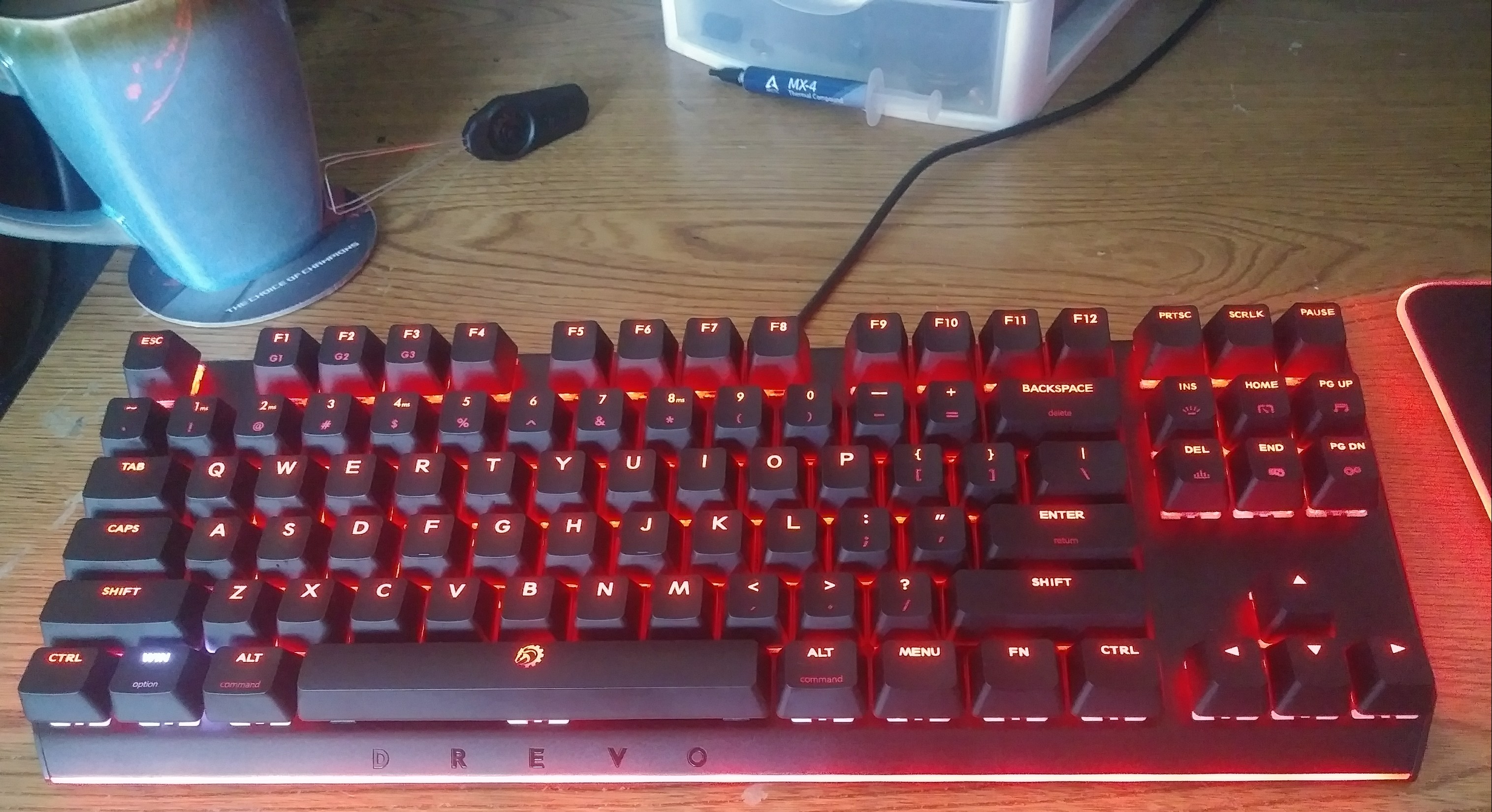
Product: DREVO Blademaster TE Mechanical RGB Keyboard with Genius-Knob
Manufacturer: DREVO
Price: $89.99 on Amazon
DREVO has recently run one of the most successful fundraiser campaigns for a keyboard anyone has ever seen. The features talked about at the price point DREVO was promising was a tasty treat to buy into early and it seems that it was well worth backing! I get a really big flashback feeling to the Tyrfing v2 with the Blademaster TE there are some carryover design aspects here that have come along for the ride like the well thought out compact 10key-less design, metal plating, and solid construction. The Blademaster also features some pretty impressive RGB features that introduce DREVOs new RGB name and software called “Radi RGB” and “Power Console”.
Specifications and Features 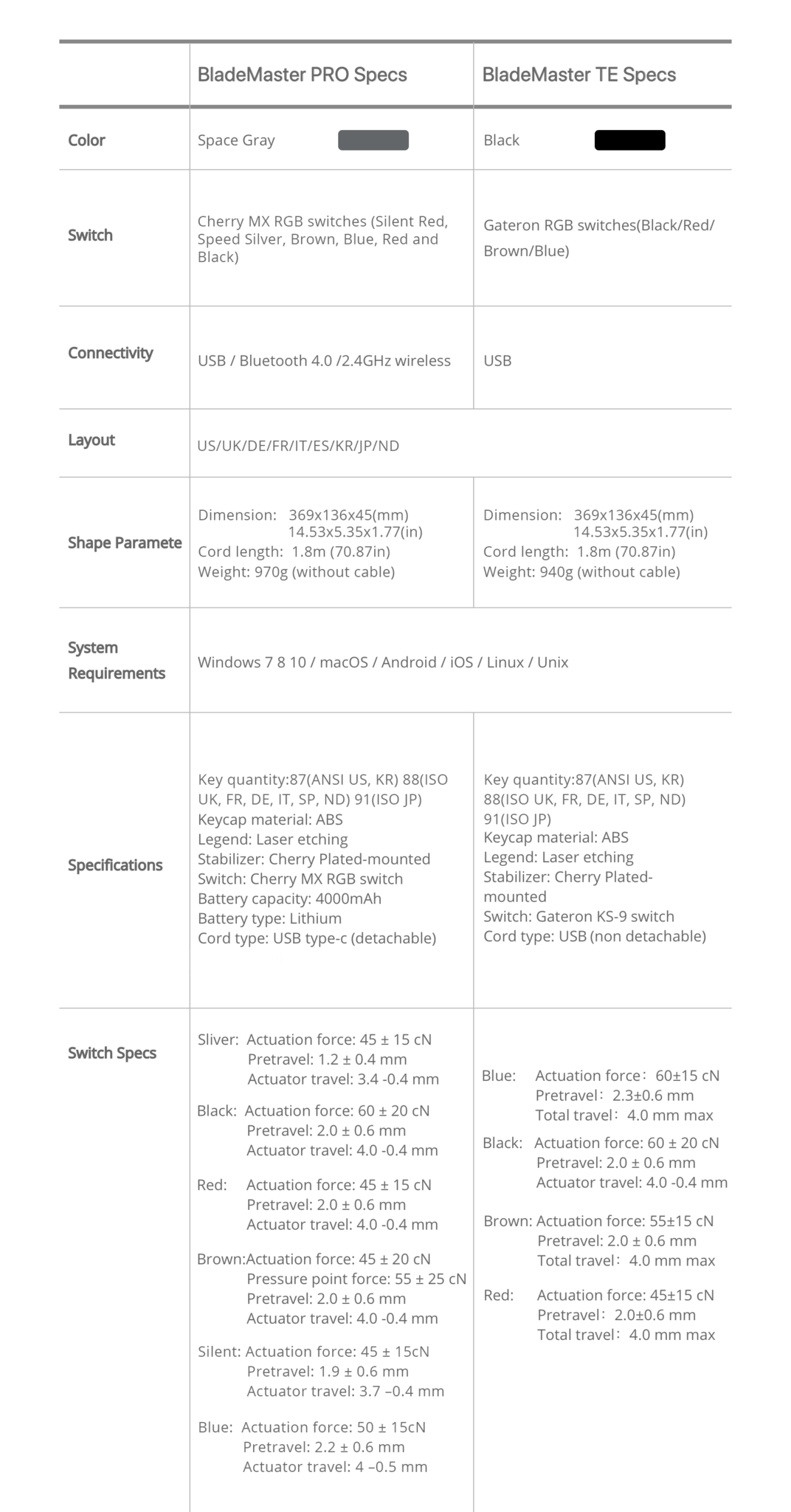
Above are the specs on both the Blademaster Pro and TE, the column on the right is for the unit being reviewed.
Packaging and Unboxing
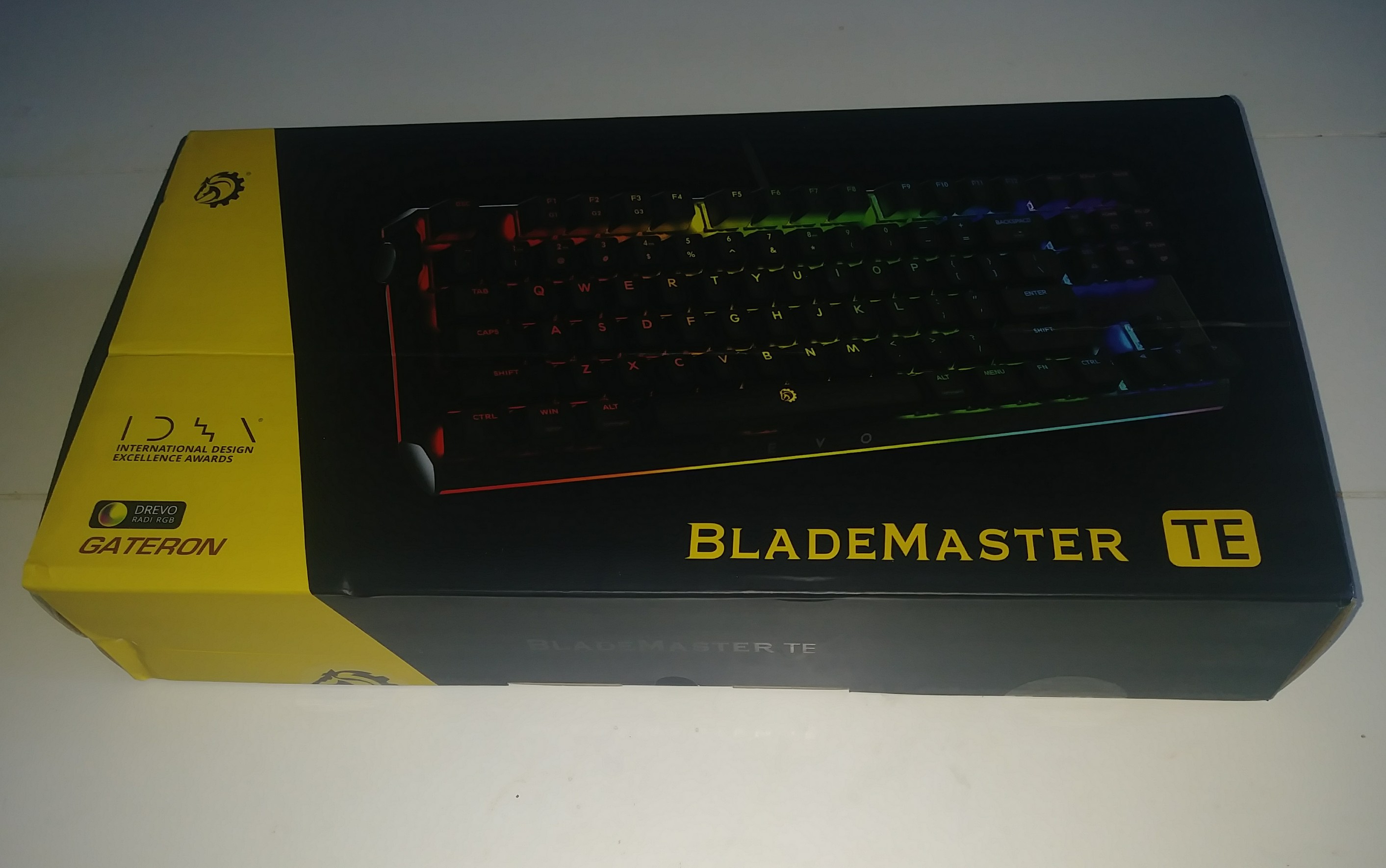 This time around my sample came as a completed product ready for sale. So the box has a bit more flair to it than previous products we have reviewed. The same signature black and yellow design with a small horse head in the corner and a massive photo of the Blademaster on the front signify what we have in the box. With some new additions being a logo for both DREVO RADI RGB and GATERON which are the brand of switches used in the Blademaster TE.
 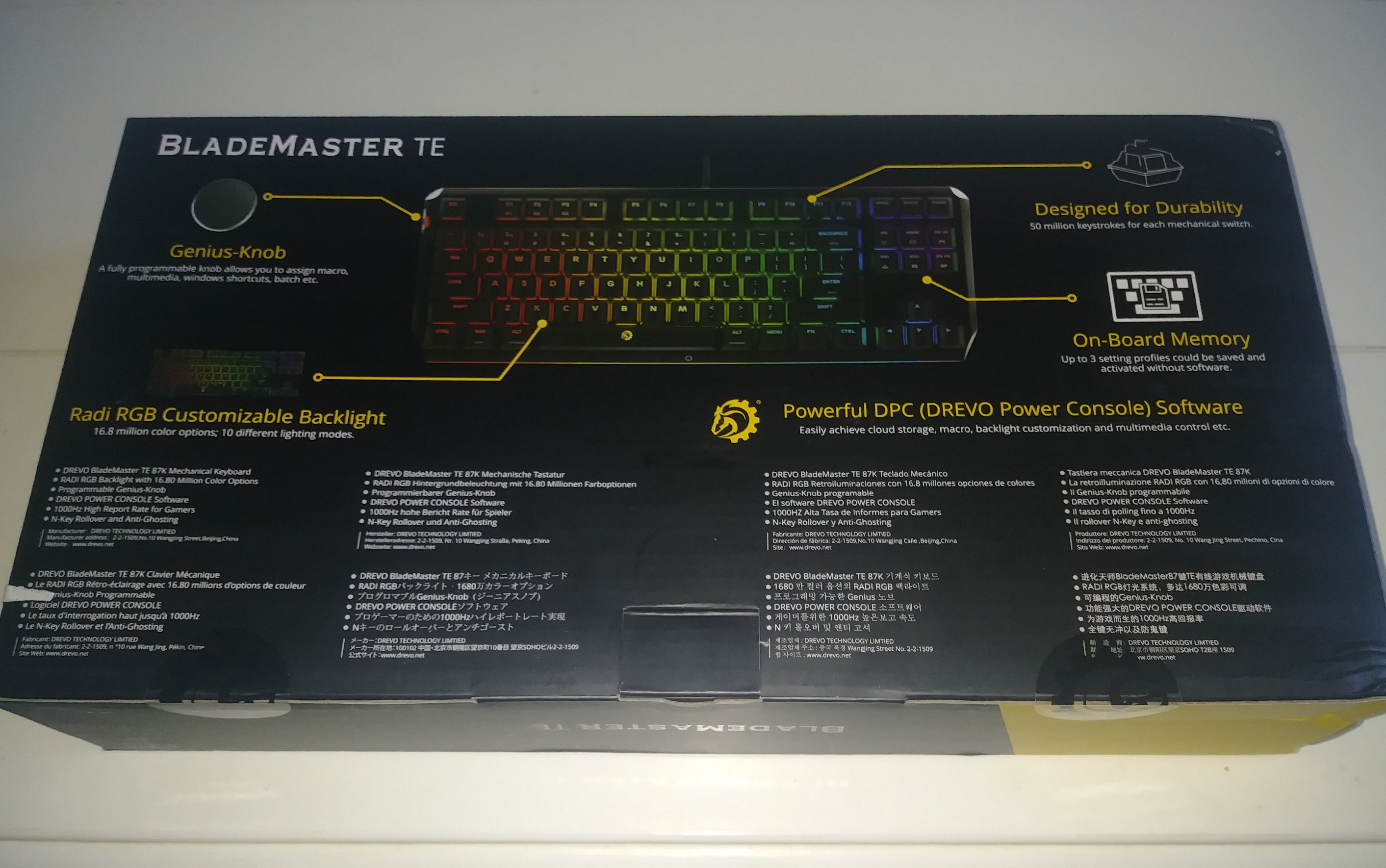 The back of the box has a list of specs in 8 different languages, some of the keyboards specs as well as the first mention of the DREVO Power Console software you can use to “Easily achieve cloud storage, macro, backlight customization, and multimedia control etc.”
 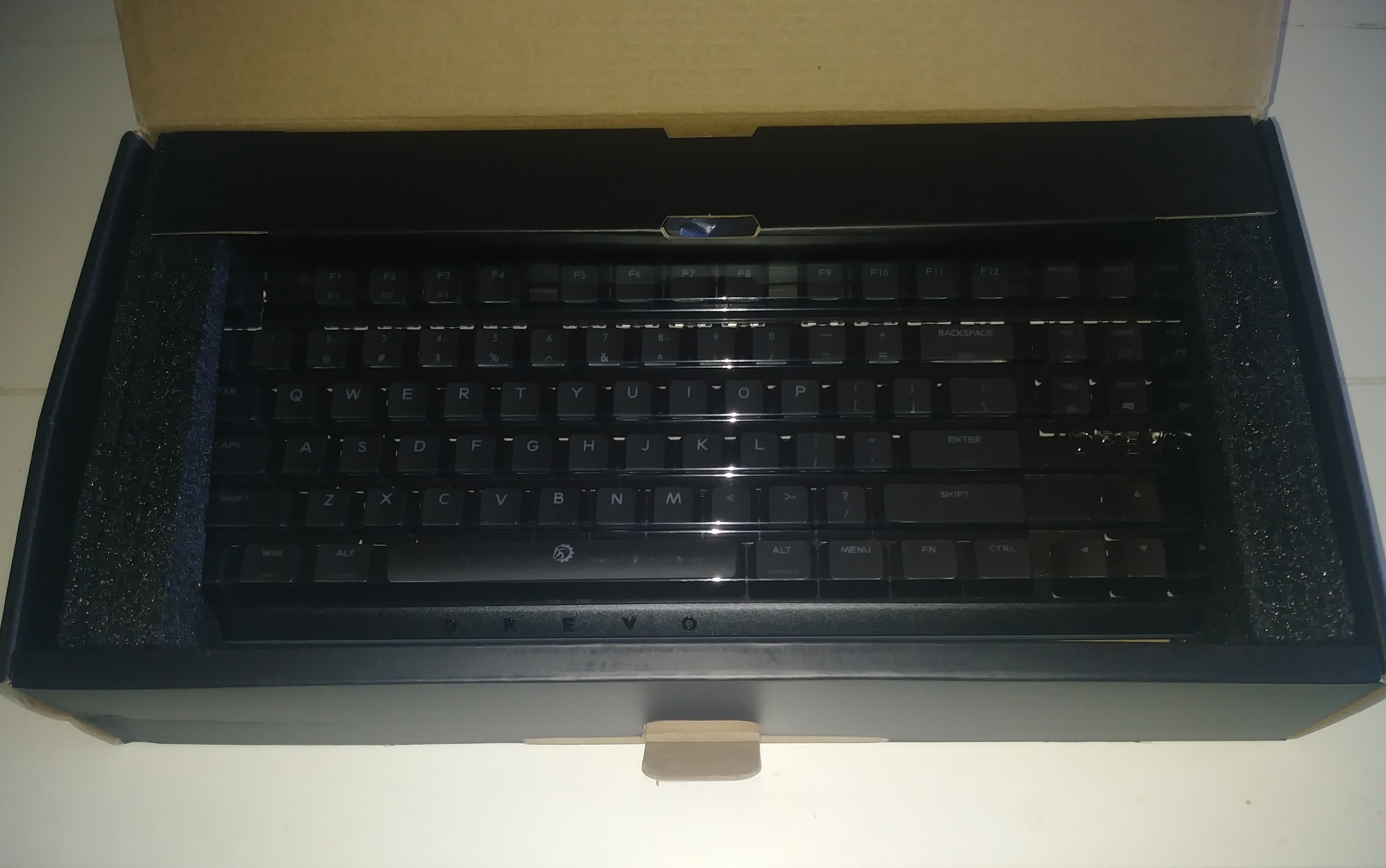 The unboxing itself was straightforward and thought out with the keyboard being nicely tucked away in the middle with a little compartment in the back containing the attached USB cable and what is seeming to be a DREVO staple at this point a keycap puller with a new addition it seems. . . A keyboard brush! The little things this is what sets companies apart, thinking about little details. Underneath the keyboard, we get a manual and a new foil design DREVO logo sticker that looks quite nice. Everything in the box is neatly laid out below.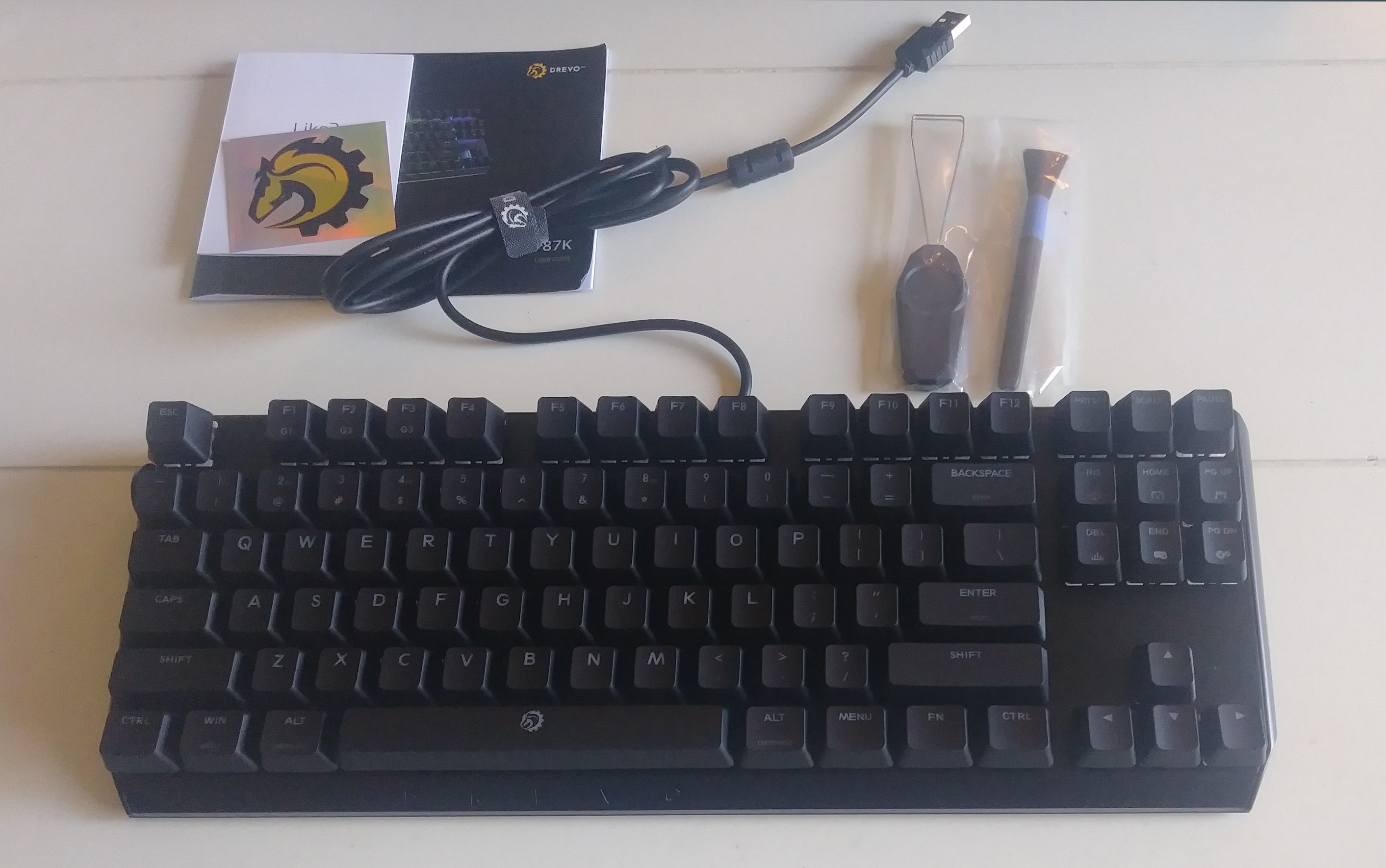
Switches and Caps
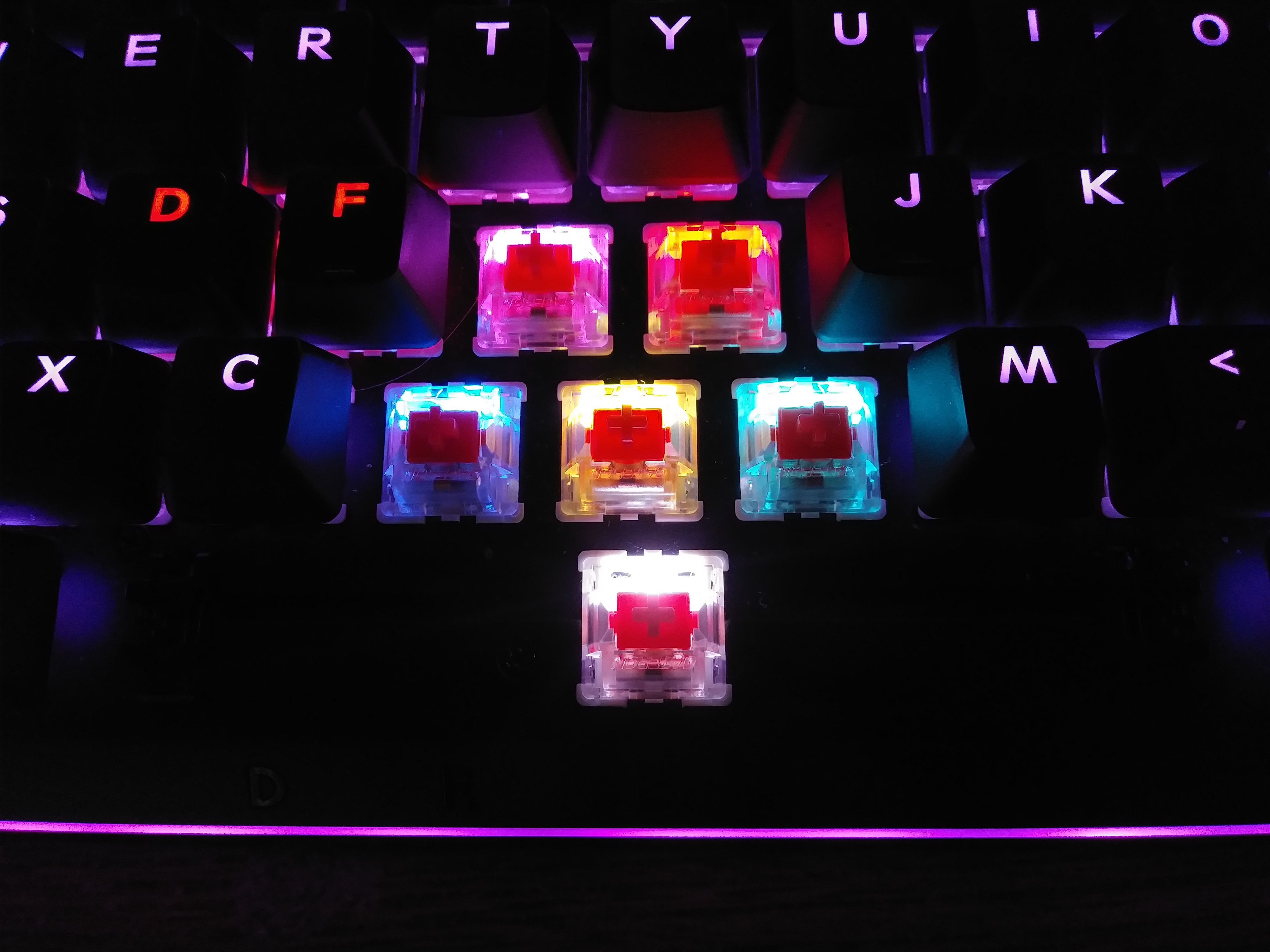 In the Blademaster TE they used GATERON Ks-9 RGB Switches that come in (Black/Red/Brown/Blue) variants and in the PRO version, they used Cherry MX RGB Switches. I do not understand why this was done and think that rather it be PRO or TE you would want the same key experience across the products “namesake” lineup. With that said I do not feel or see anything wrong with the GATERON switches I just do not understand this separation of switch type between a wireless and wired variant of a product. I have nothing to compare the GATERON Reds I have in my review sample to, but they do feel very nice and responsive. I also spent a little time online doing research and reading up on peoples personal take on GATERON switches and the general consensus is that they are much smoother or less gritty than Cherry MX switches. Having actually never used a Cherry MX switch I do not know and cannot confirm this, but everywhere I turned in many of the reviews I was finding the same story over and over again about the GATERON Reds.
 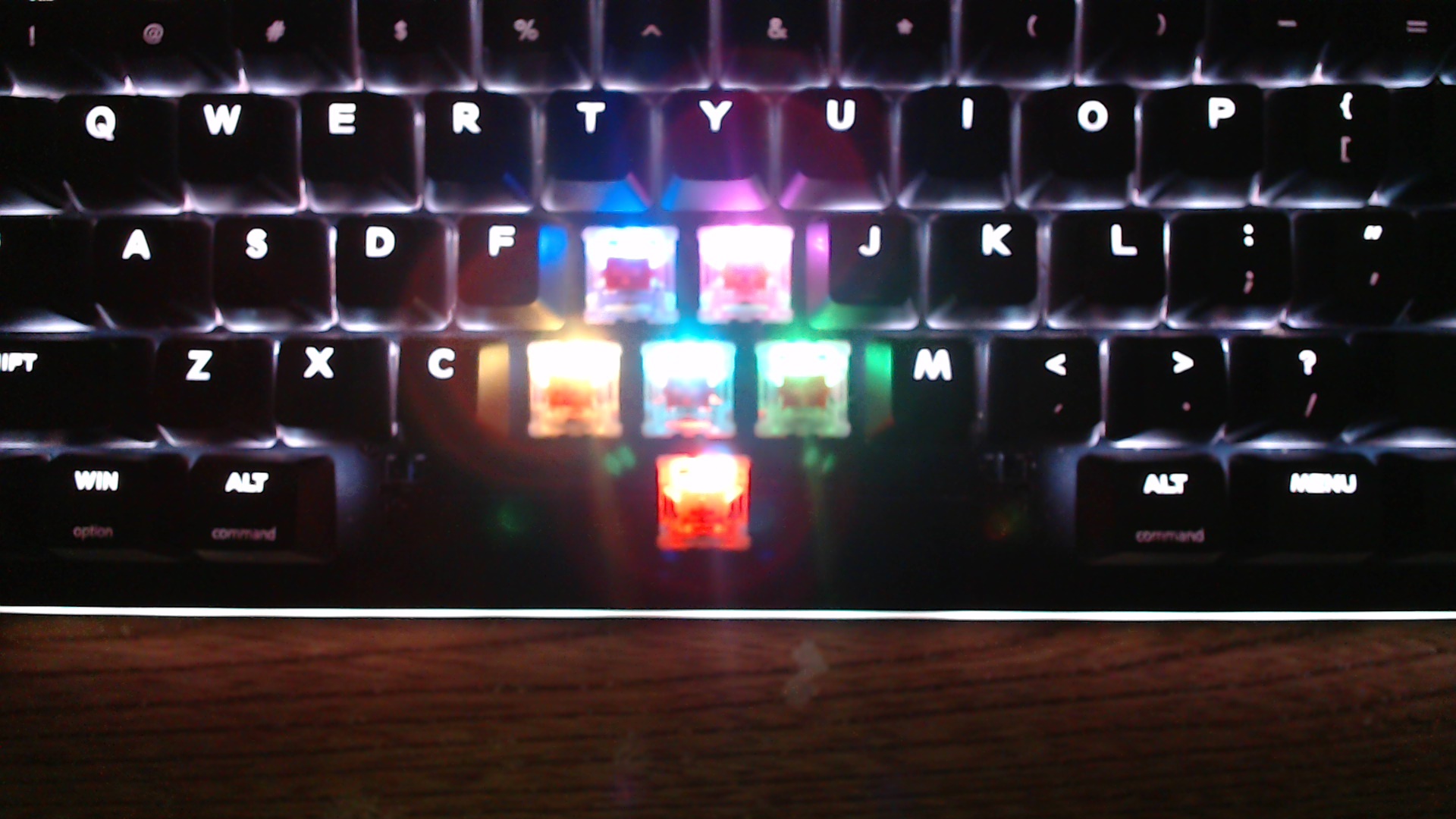 Personally, they are very smooth and consistent in their use and the GATERON switches in my Blademaster TE sample have been very pleasing to use, to say the least. Not only that but as you can very well see they are capable of some bright output making them a very pleasing to the eye RGB plate mounted switch. In fact, they were so bright turned up all the way they caused halos in my photo that I just had to share. It is too bad you cannot take the switches out and change them to a different flavor (blue, black etc) if so desired. Swappable/replaceable switches would be something I would like to see in DREVO’s top tier of keyboards in the future.
 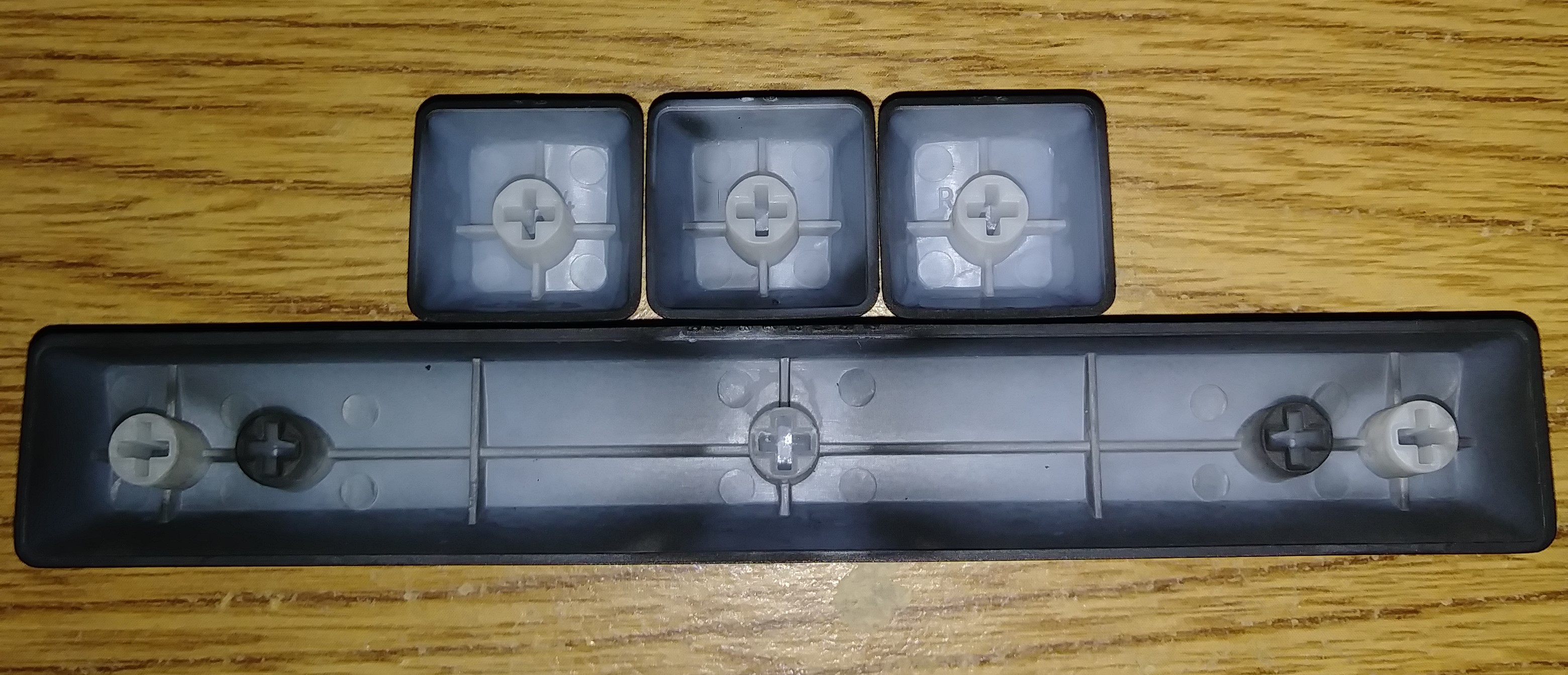 As for the Caps they are an ABS Cap with laser etching to open up the lettering for the RGB lighting. The keys look quite nice lit up and fit the fingers nicely in shape and spacing. This is all tied up nicely in a Cherry Plated-mounted Stabilizer. Overall I have no complaints about the typing or visual experience of the DREVO Blademaster TE.
Closer Look
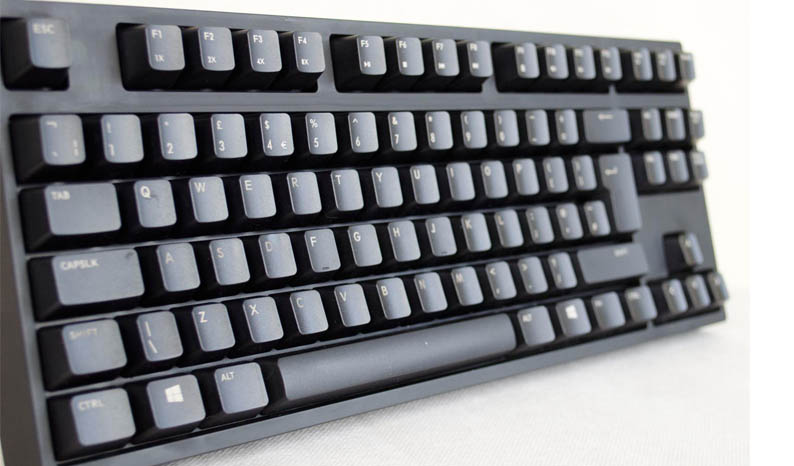
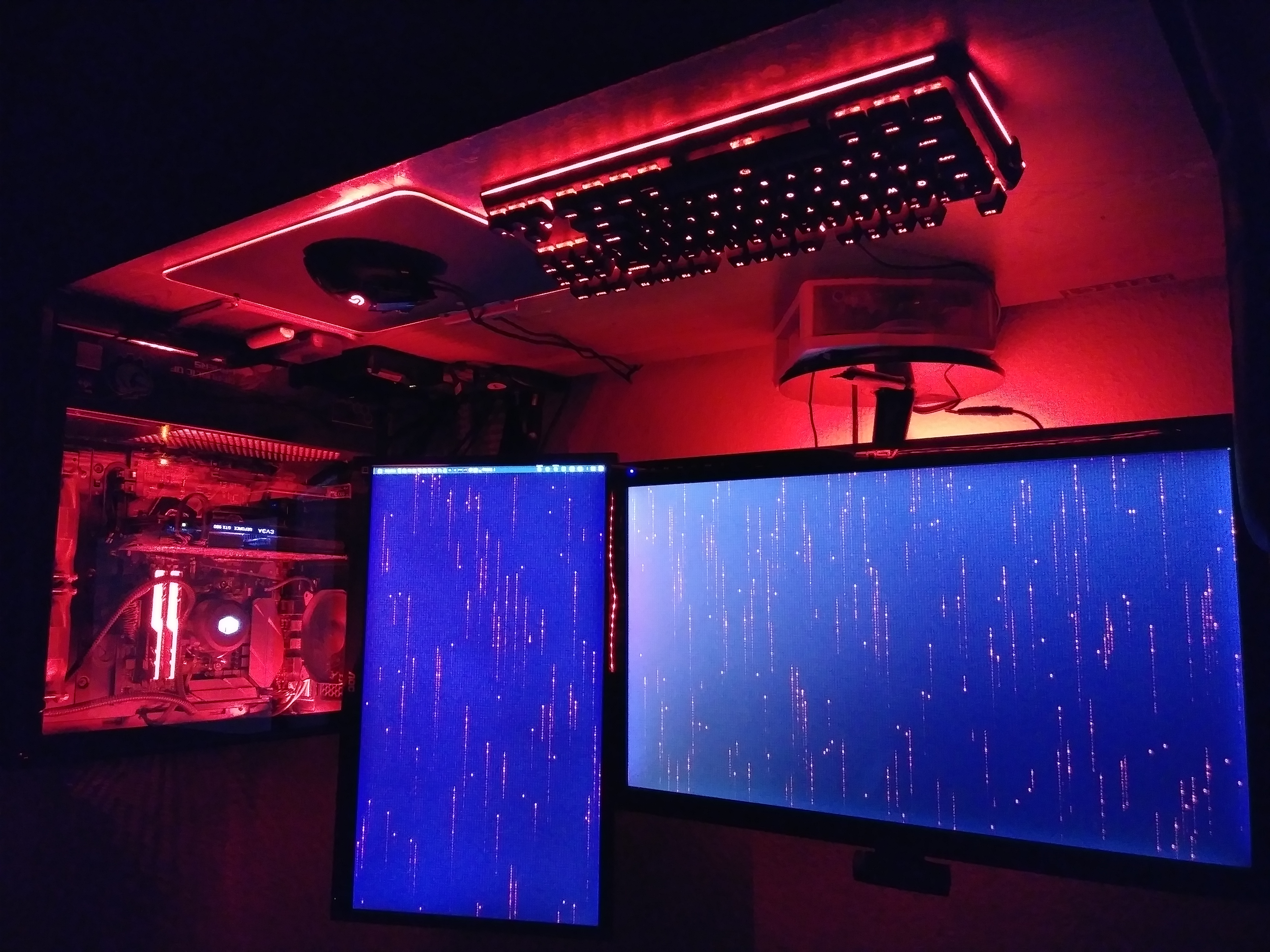 Pulling the Blademaster TE from the box I got the same feeling I always have with DREVO keyboards, and that is one of feeling a quality product from the second you lay your hands on it. This is an 87-key TKL or “Ten Key Less” layout, meaning it has no num-pad on the right side. Again the frame and structure are very well made with a black plastic plate under the floating keys which the caps of are interchangeable for those keycap collectors and lovers out there. All of this bundles up nicely making this an attractive keyboard for RGB setups adding a very nice customizable RGB experience to any RGB setup. The floating key design also makes cleaning a breeze with just the included brush and a small amount of air the keyboard is cleaned in no time, though the textured plastic used here on the Blademaster TE seems to hold on to dust more than the metal plate on the Tyrfing v2. One nagging thing here is DREVO dropped the braided cable for a basic rubber cable, now where this is not a game changer it does feel and look cheaper than the nice braided cable included on the Tyrfing v2. The Blademaster TE has a very nice overall feel and weight as well as passes my flex standards with very little to none being present just like with previous DREVO keyboards I have reviewed.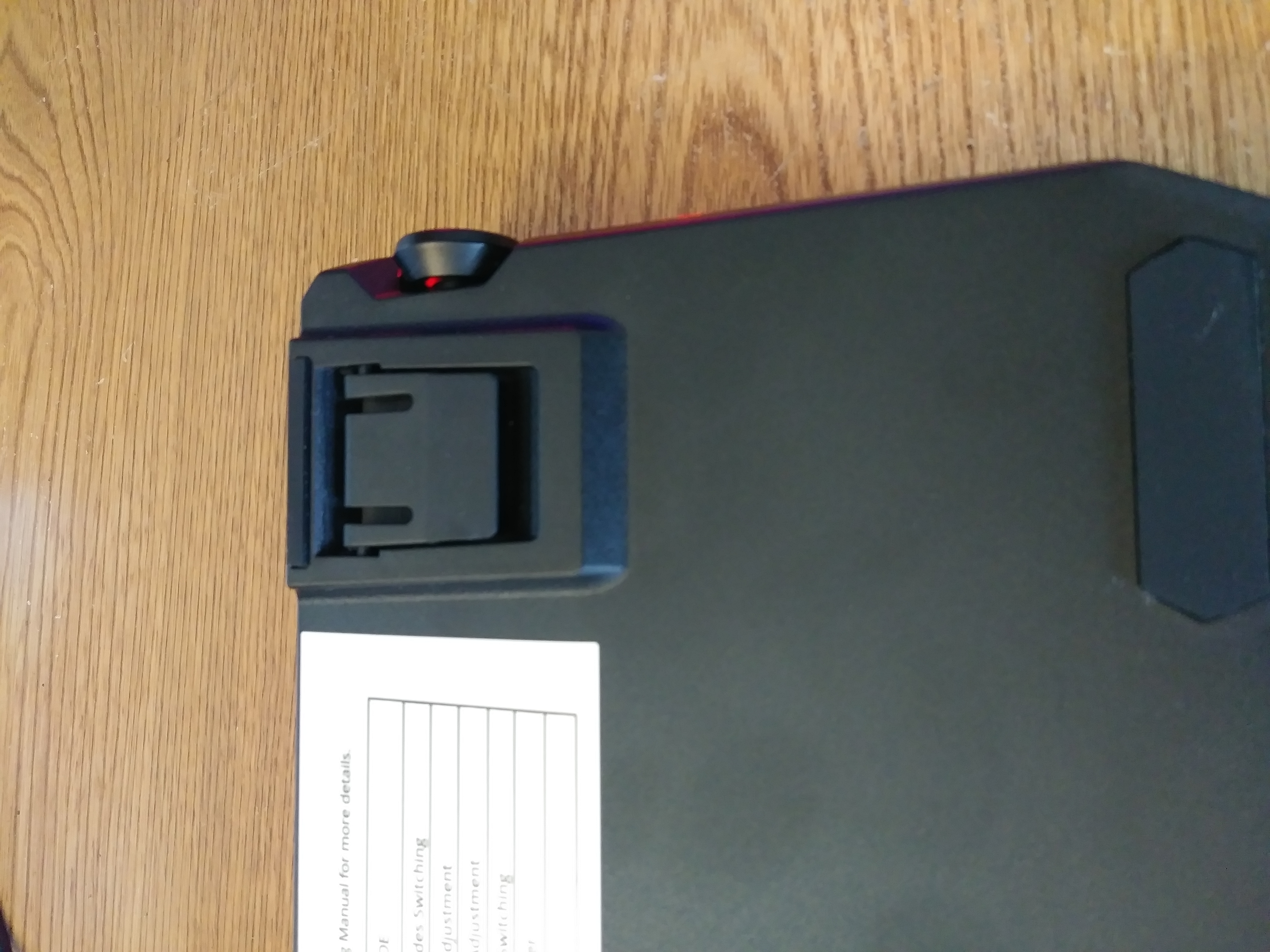
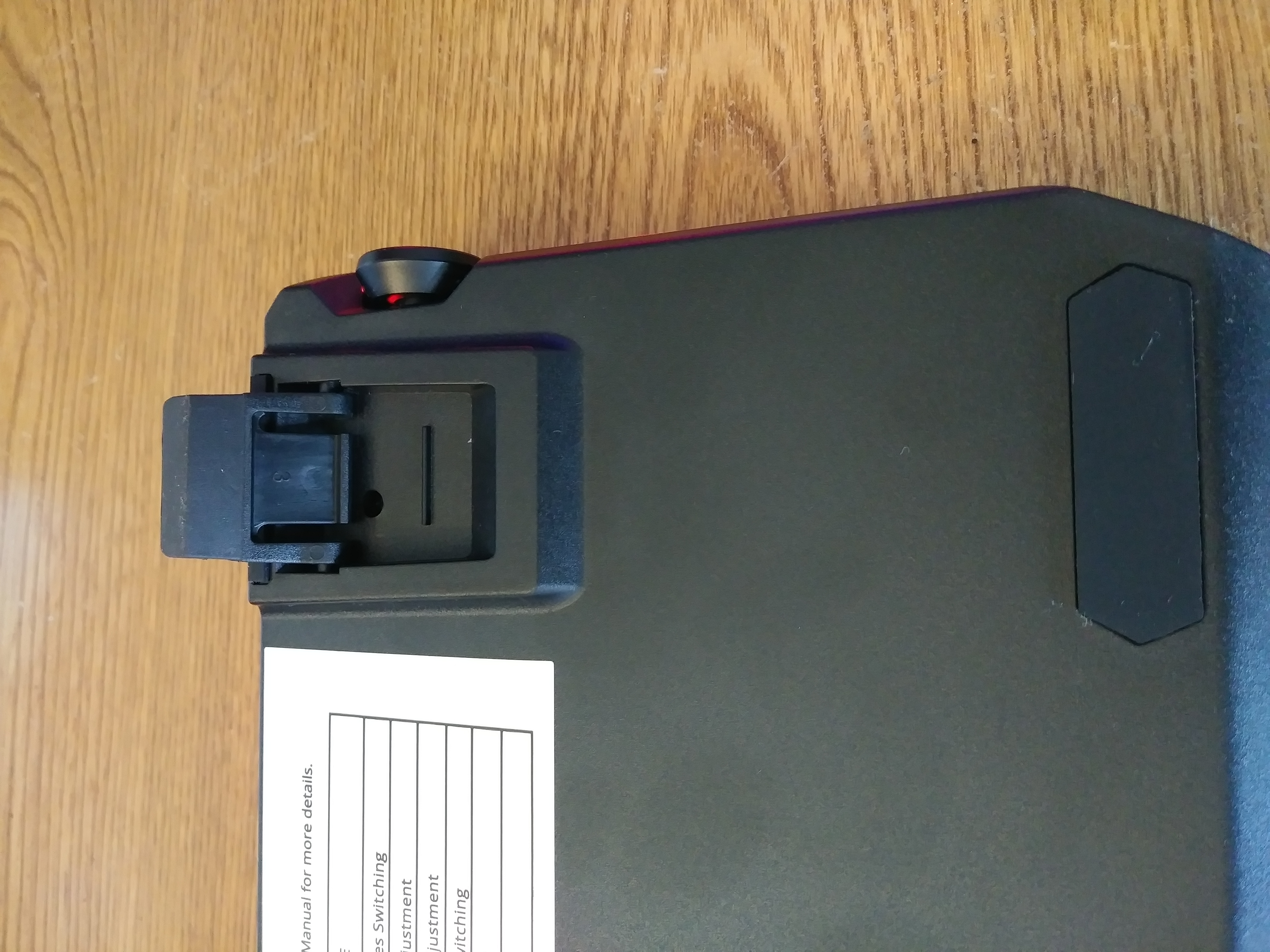 Flipping the Blademaster TE over we are greeted with some really sturdy riser feet with nice thick rubber pads on them as well as upfront to help hold the keyboard still in those intense gaming situations.
 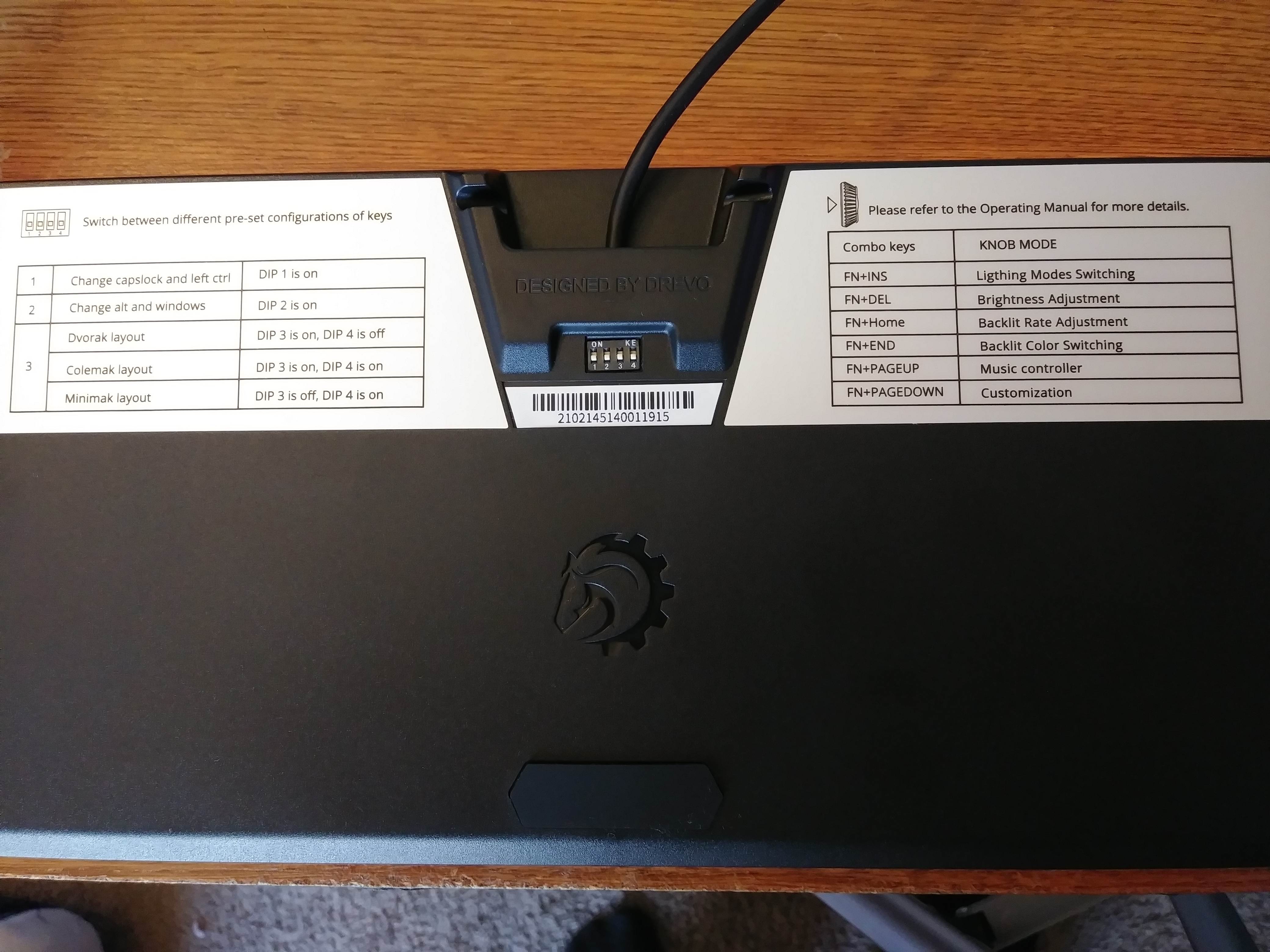 Also in the middle of the backside of the Blademaster TE we find some good old DIP Switches with function stickers on either side, that when set to the proper on and off positions depicted on the left side of the diagram selects various layouts including (Dvorak, Colemak and Minimak). The sticker on the right has the Legend of the combo keys used with the Genuis-Knob and (FN-INS/HOME ECT ECT) functions which I advise you write down or take a photo of for reference so you are not always flipping the keyboard over. At least until you are comfortable with the various combinations, I have been using it for a few weeks and I have the major ones I use mostly memorized at this point. There are also two cable runs in the back middle of the unit by the dip-switches that will help train your cable in the direction you would like.
DREVO Power Console
This is a new software being introduced by DREVO, before all of their effects were handled via hotkeys saved in the memory in the keyboard itself. Now they have a software package to change the lights and so much more. Before we dive too deep into the Power Console I will say now that it needs some work, with a bit of a learning curve you can get through the software just fine but there are some things that are still stumping me with the lighting control and there is little to no explanation anywhere online, this is something DREVO needs to detail much better in the future. The Power Console help and instructions are way too vague.
Power Console Sign In
Power Console Product Selection
Power Console Customization
Power Console 4 Game Stats
Power Console Radi-RGB
Power Console Settings
Power Console Knob
Power Console 1 Prof Manager
Power Console 2 Macro Manager
Power Console 3 Batch Manager
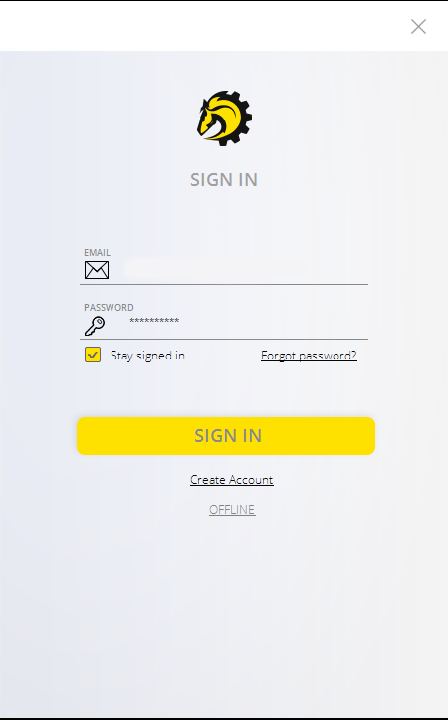
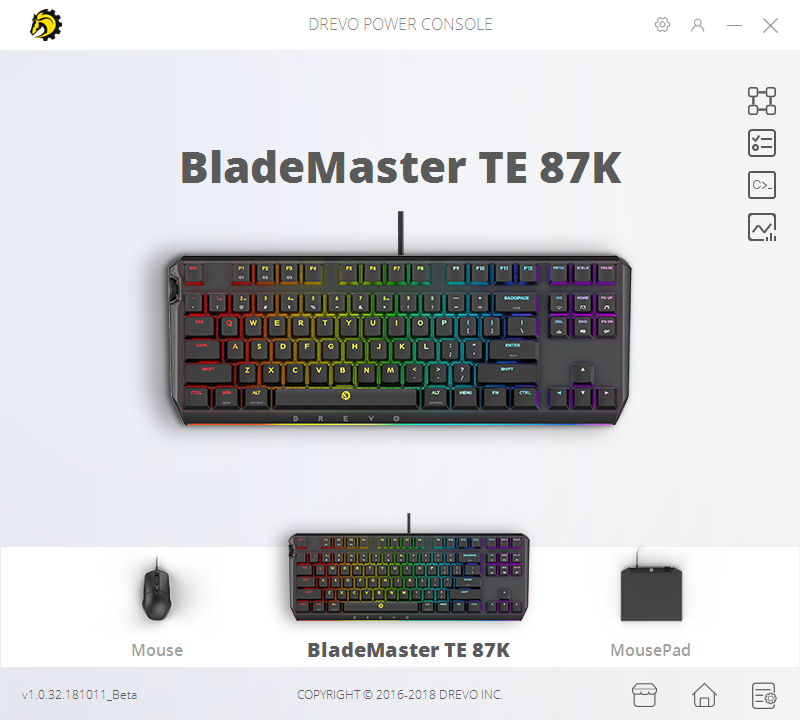
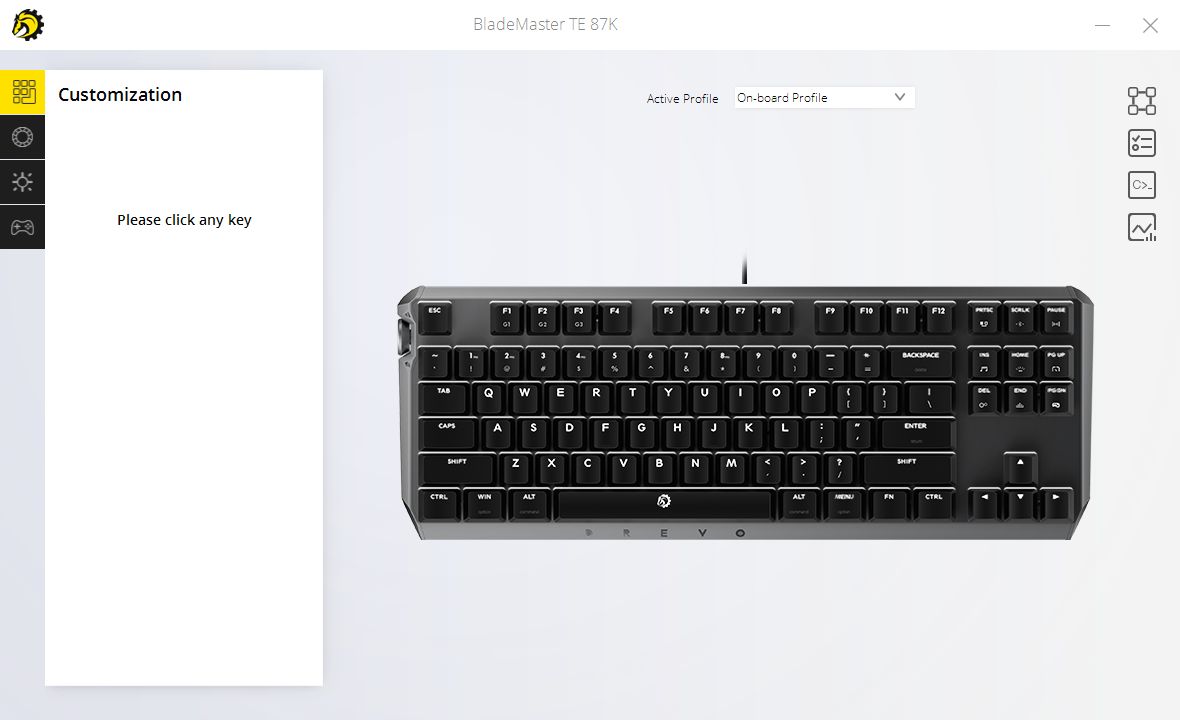
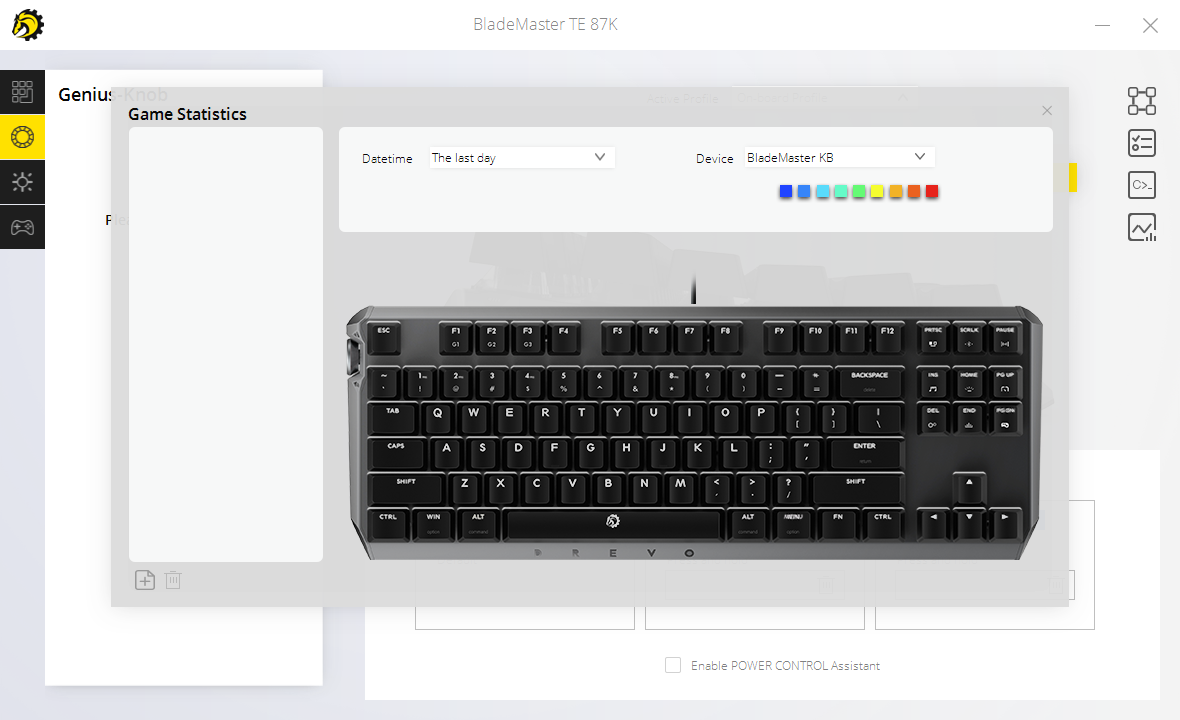
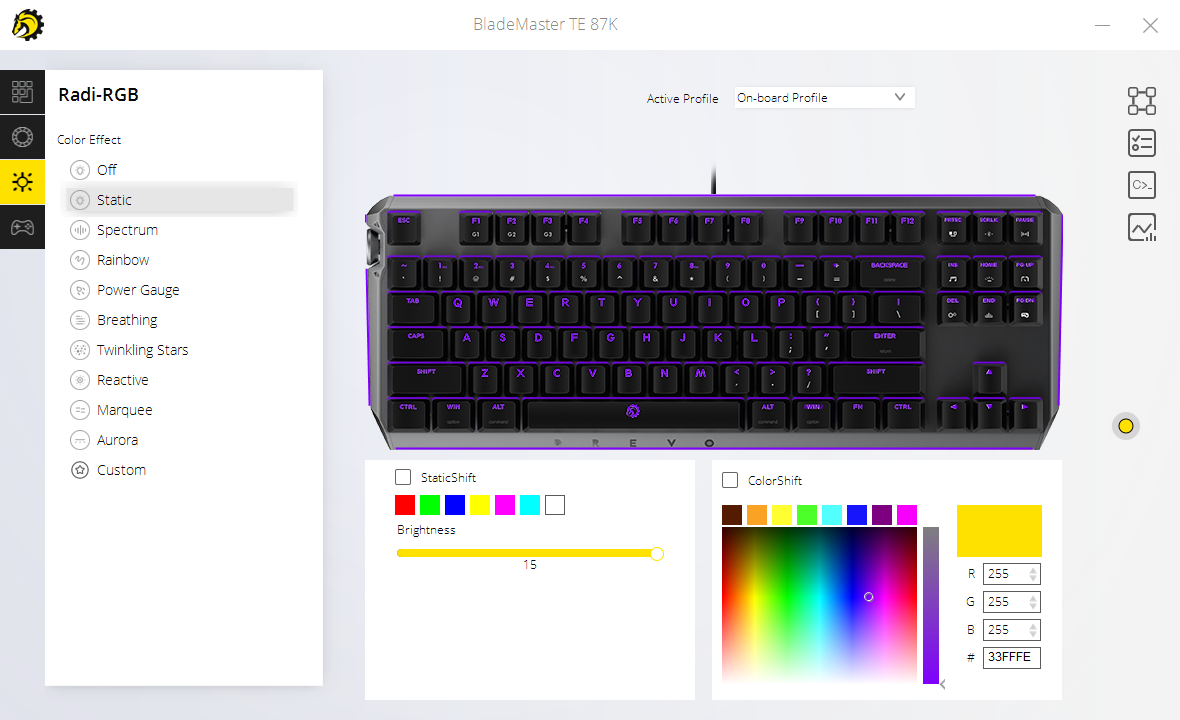
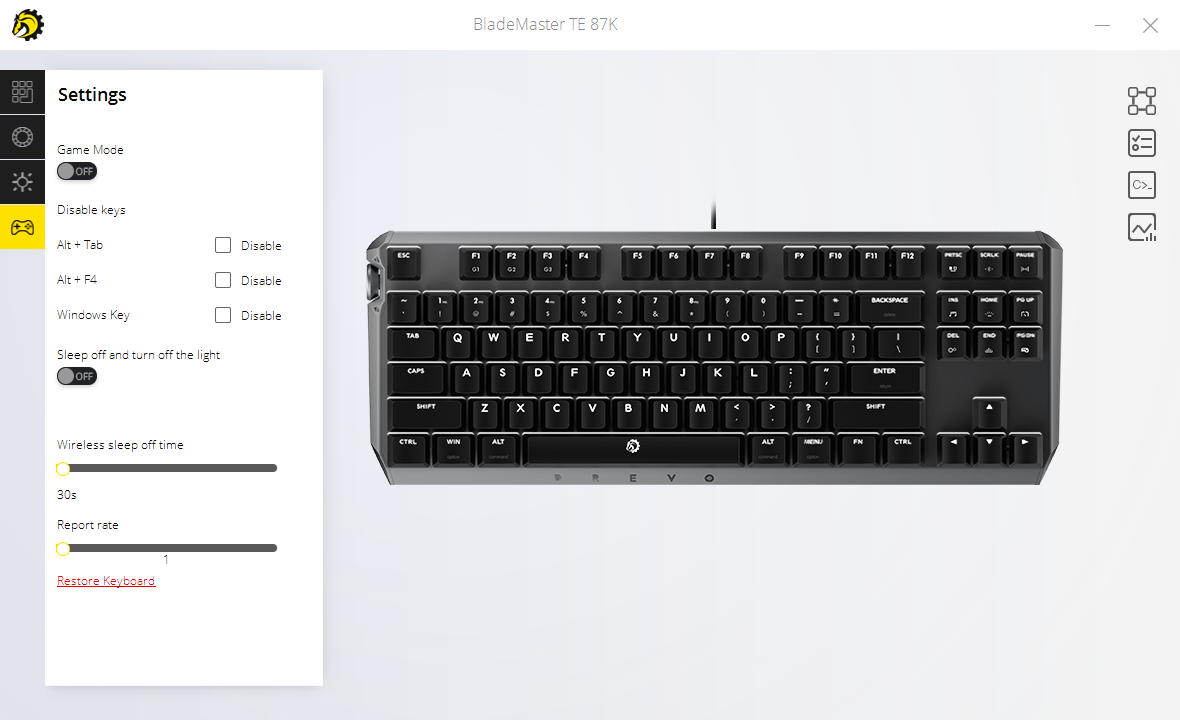
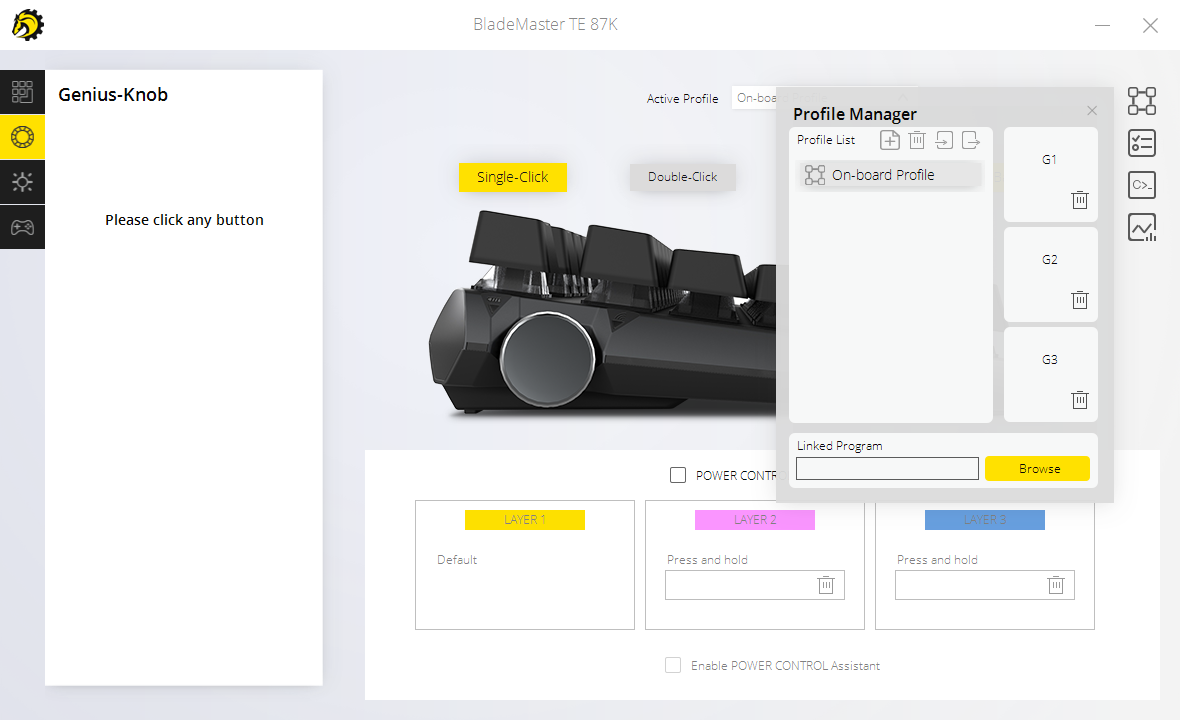
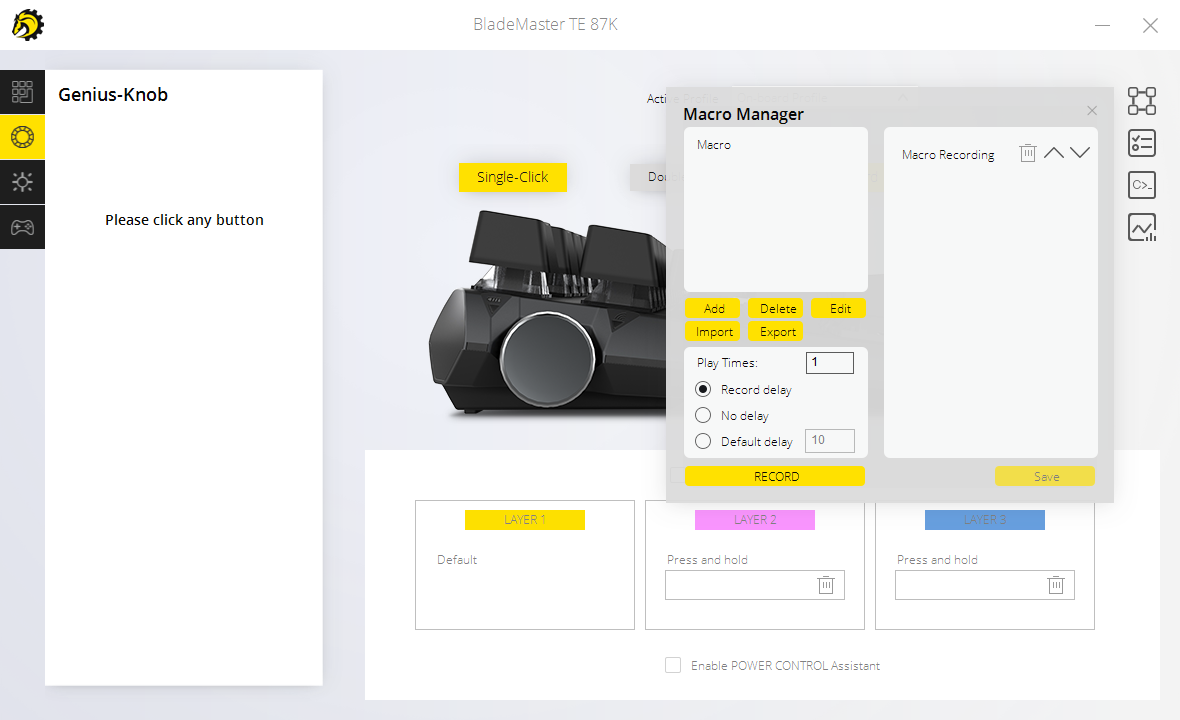
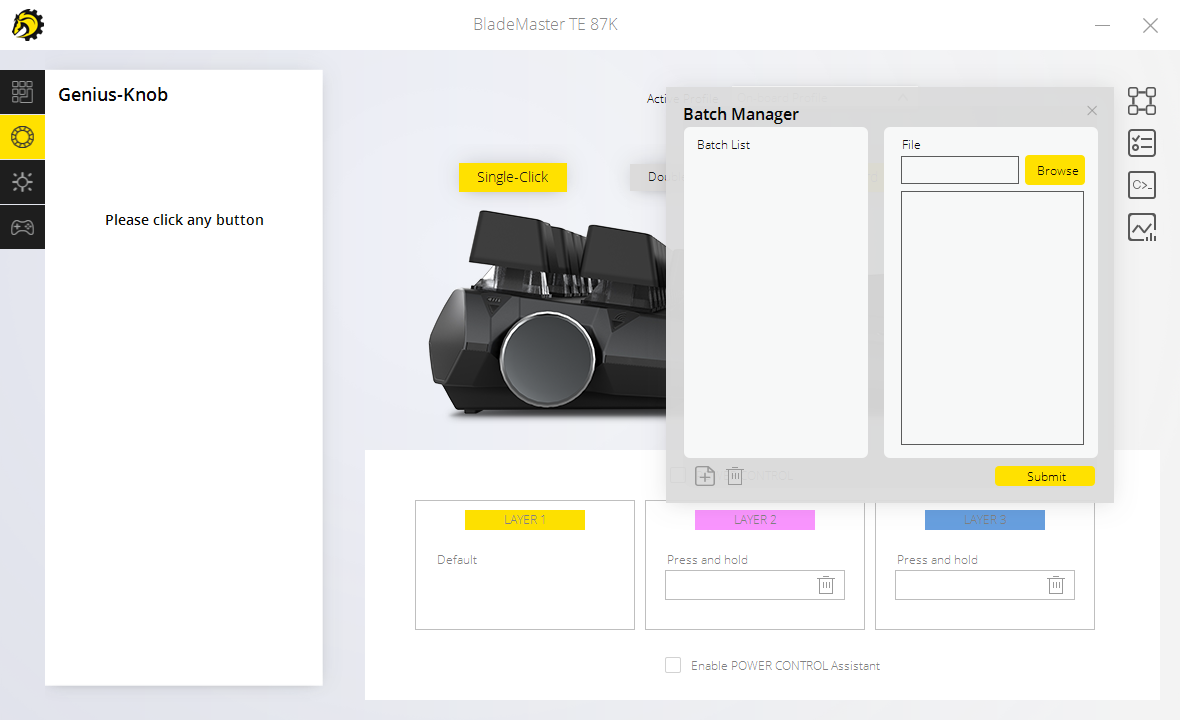
Starting the Power Console up after installing it you are greeted with a signup page where you can choose to make a profile or just use the software OFFLINE with the Onboard Storage. I went ahead and made a profile to optimize any settings I might want to save to a profile that is online just in case I ever want to reset the keyboard to what I chose as my defaults if I ever have the need to fully reset the keyboards functions. Once you are signed in you are greeted with a page that shows the Blademaster TE a Mouse and Mouse Pad. Selecting the Blademaster takes you to the Customization, Game Stats, Radi-RGB, Software Settings and much more. With the DREVO Power Console, you can do everything from macros to batch management and use the new Radi-RGB to customize the lighting and effects of your keyboard. Inside the Radi-RGB tab we can select from the following effect choices: Off, Static, Spectrum, Rainbow, Power Guage, Breathing, Twinkling Stars, Reactive, Marquee, Aurora and Custom. From there you can use the StaticShift and or ColorShift choices to change up the colors to your desired choice.
The Genius-Knob
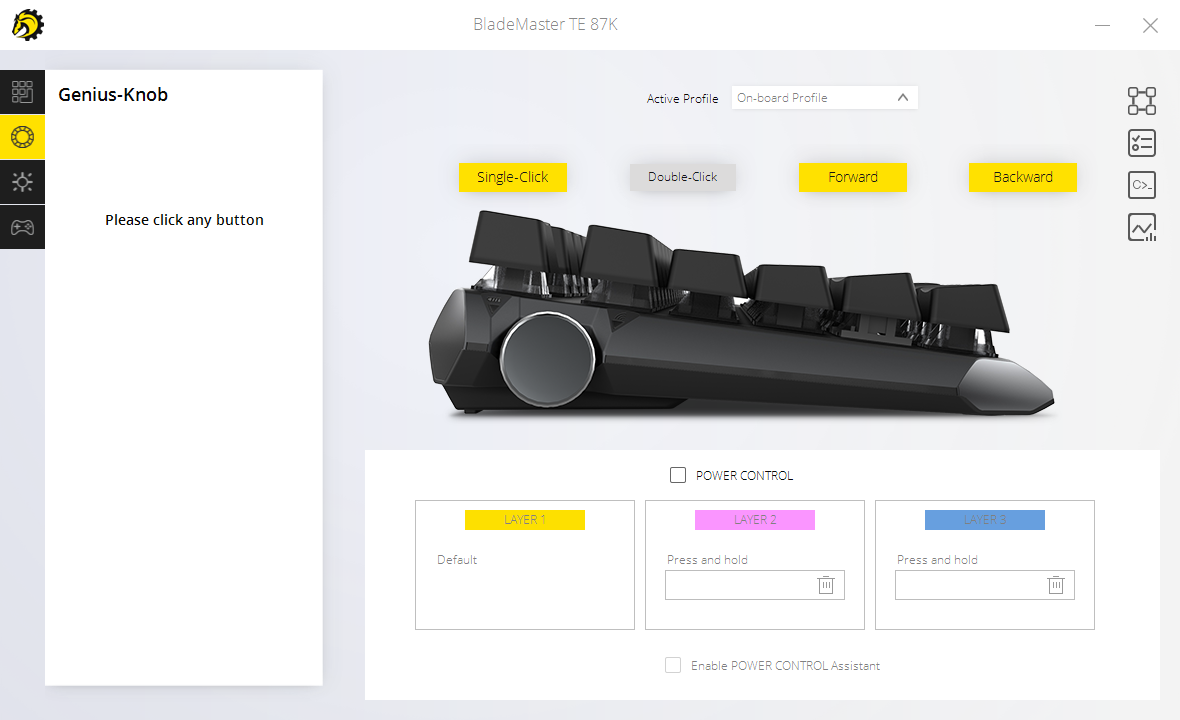
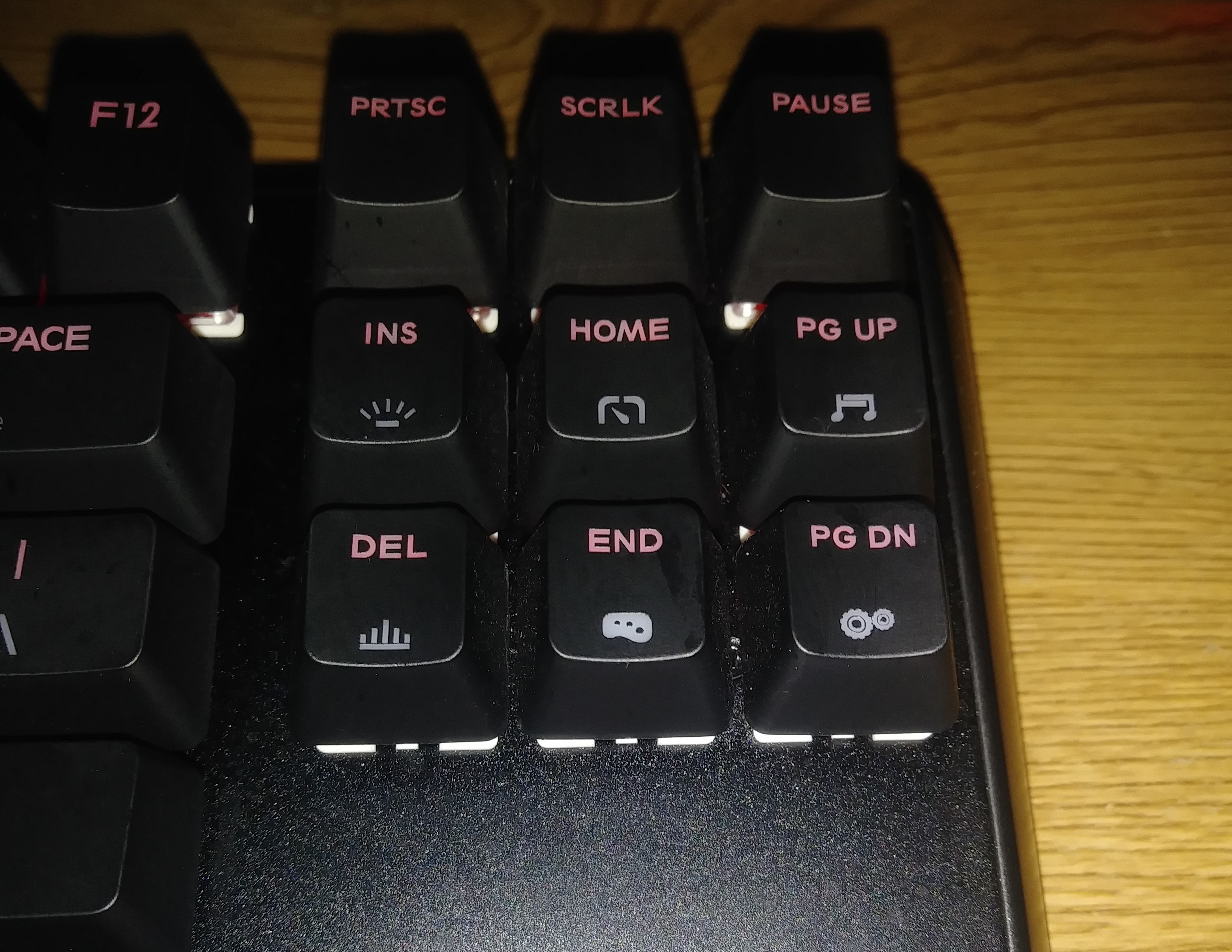
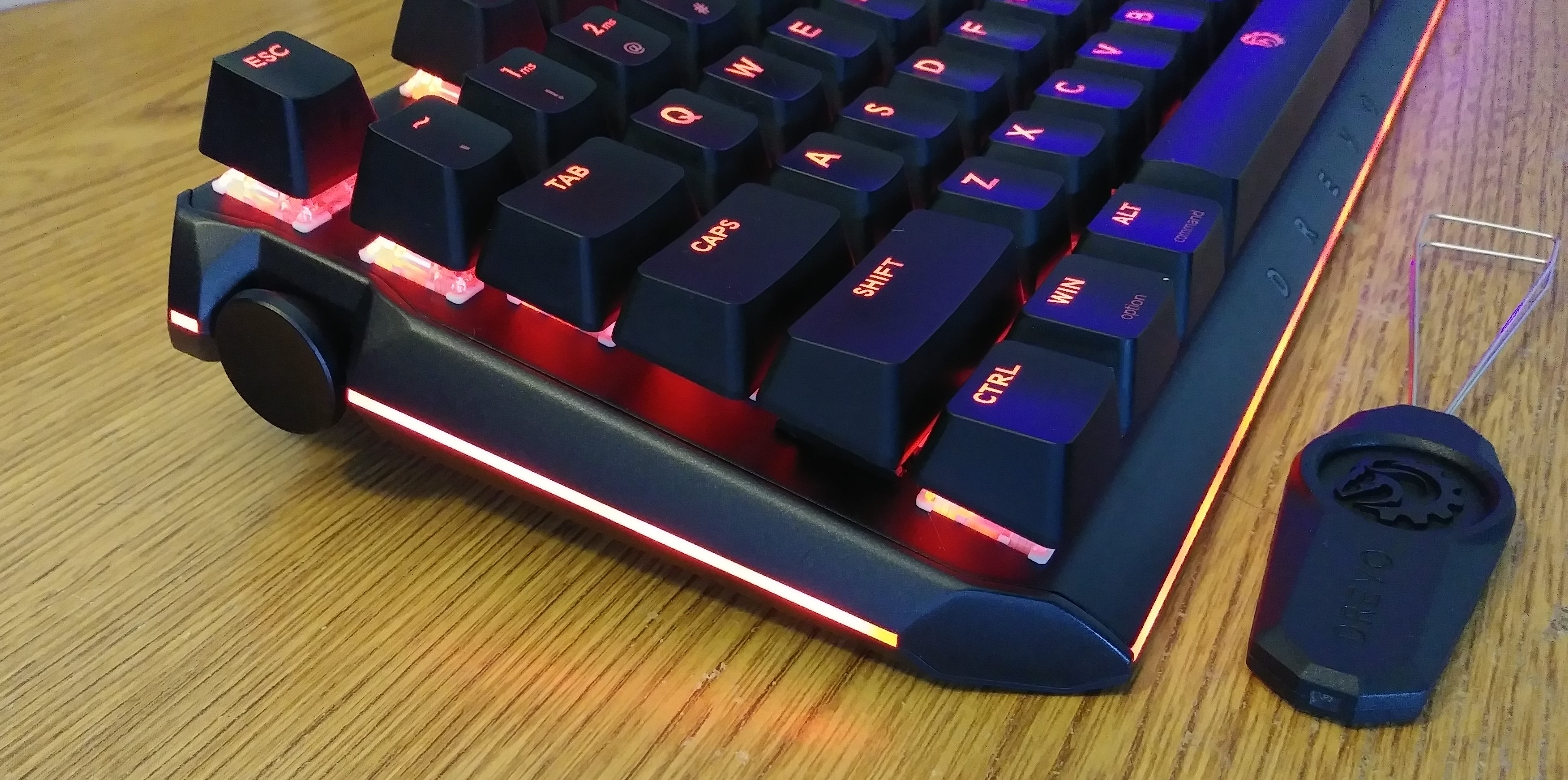 Alright, we really need to talk about the star of this keyboard and that is the Genius-Knob. This little wheel of intrigue is a neat addition on the Blademaster series in the way it has been implemented it can be used as a macro key with a single or double press and or forwards and backwards rolls in combination with the 3 profiles G1,G2 and G3 which you can customize yourself for various games or other uses. As well as a list of FN combos unlock various different settings for the Genius-Knob as you will see below.
 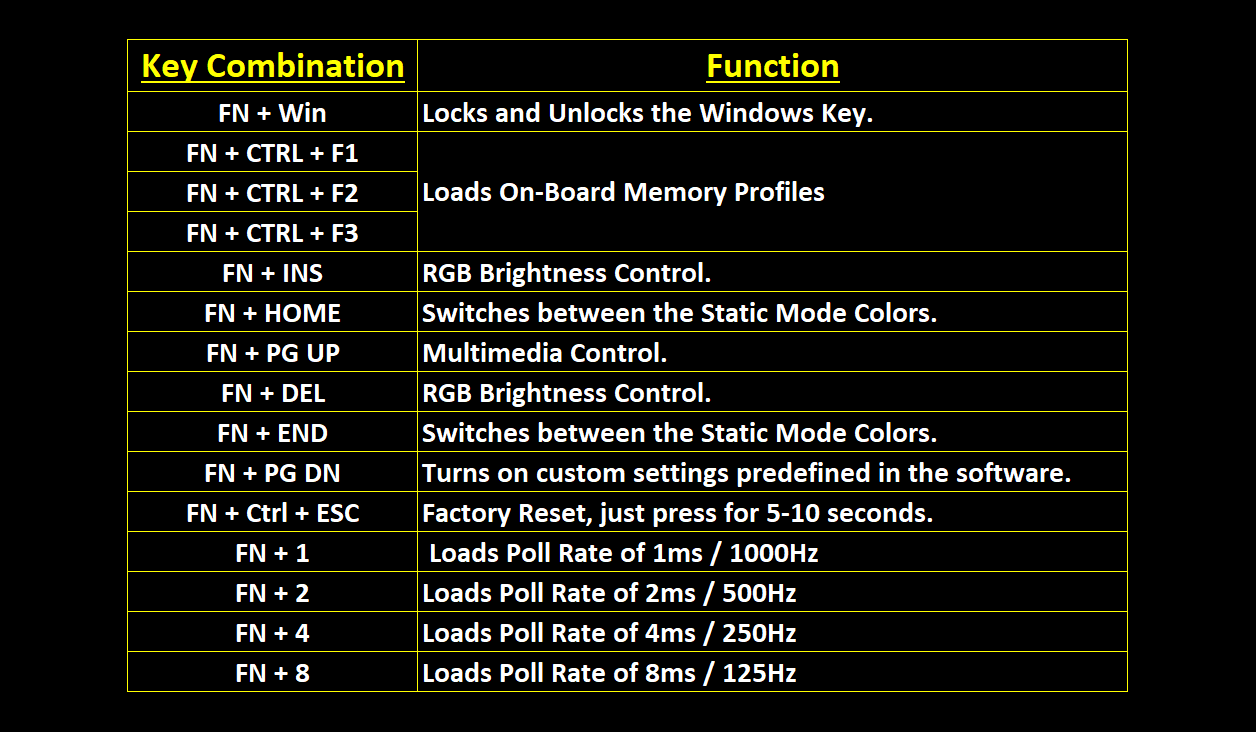 These FN key combinations activate the core function for each of the Genuis_Knob’s features, so let us take a look at what each one actually does below. Also, note that this is 100% customizable and you can make any combination to fit your style and needs.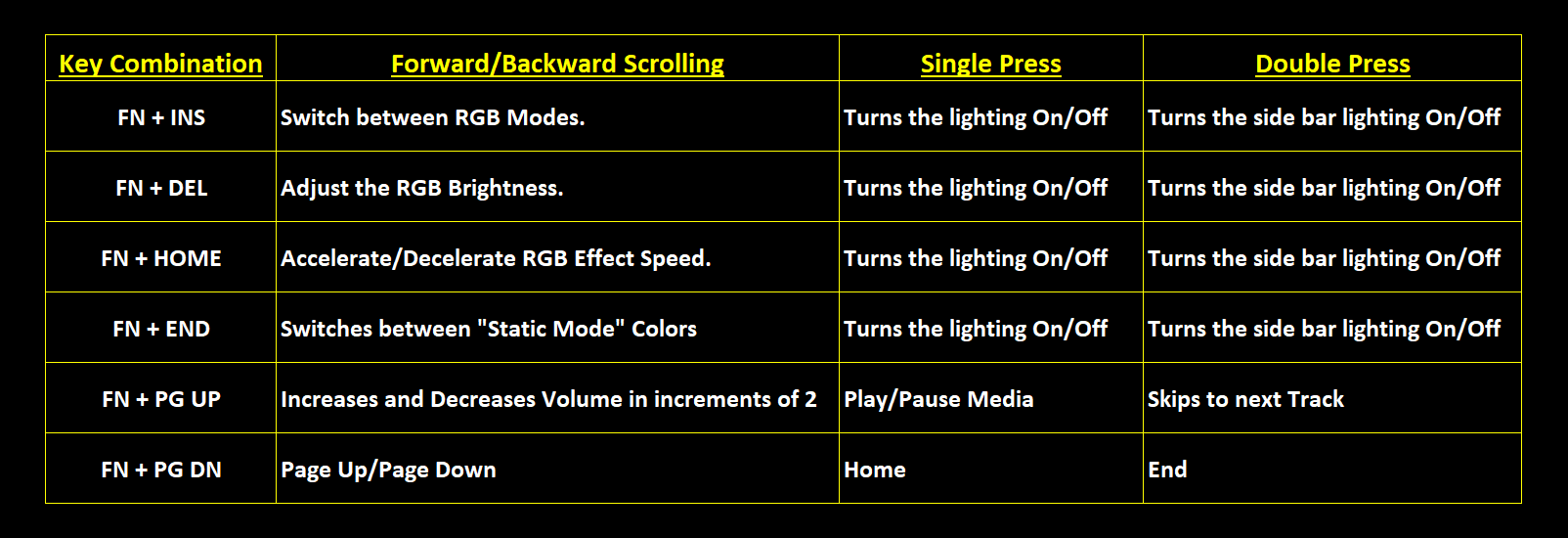
Cloud and Onboard Storage
The storage of your settings can be handled in one of two ways, the “Cloud” and “Onboard” Storage. The Blademaster TE comes with 16MB of Onboard Memory to store your G1-G3 profile settings and or you can use the Cloud by signing up a profile when you first launch the software. With the Onboard Storage solution, you are able to take your keyboard anywhere software free and have your profiles saved at hand and ready to use, the Cloud storage will keep things on a profile saved for you online, which I can see as very useful with new systems ect. When playing games the software can even recognize them and set up special settings for the Genius-Knob.
Conclusion
I have made sure to take my time with this unit, with how popular it has become I wanted to put a few weeks use into it and really get a feeling for the keyboard as a whole. The DREVO Blademaster TE will be replacing my Logitech G910 Orion Spark as my everyday keyboard. The quality and feel of the unit along with the really smooth switches and very well done RGB lighting that diffuses under the keys beautifully have left me very happy and enjoying every second of playing around in the DREVO Power Console and with the FN Key combos. Top all that off with the well thought out compact design and this makes one very nice desk topper to poke your fingers into while gaming or typing.
Performance Design and Value
The performance, design, and layout of the DREVO Blademaster deliver an extremely pleasing and rewarding experience while gaming and typing. Top that off with DREVOS all-new Power Console and Radi-RGB implementation have helped to deliver a whole new level of performance and quality from the company and we cannot wait to see what else they bring to the table in the future. The overall design of the Blademaster TE is very nice, I would have liked to of seen a braided cable and swappable switches. With those things said this is a very nice RGB compact Ten Key Less unit, and I think they hit a home run with their entry into this level of keyboards nestling itself in nicely among some other very well known gaming RGB keyboards and even coming in a tad cheaper. DREVO is really looking committed to bringing bling to every gamers battle station and I dare say even the office and conference room. Like I said above I think that DREVO slammed it home here with a price point of $89.99 for the Blademaster TE this is a great deal. Touching on tons of points that are important in my mind like the spacing of the keys and implementation of the RGB effects and lighting, top that off with the cherry on top DREVO Power Console that gives you the power to customize your keyboard to your taste and then you can save your settings to both the 16MB On-Board and Cloud Storage solutions DREVO has provided this is one tasty RGB treat to plop on your desk. With everything from the new software, quality of the unit and RGB implementation this is a unit I could easily recommend as a Must Have! 
I want to thank DREVO for providing us with the review sample.