










KingBank SoarBlade DDR5 Review: Hidden Affordable Memory!
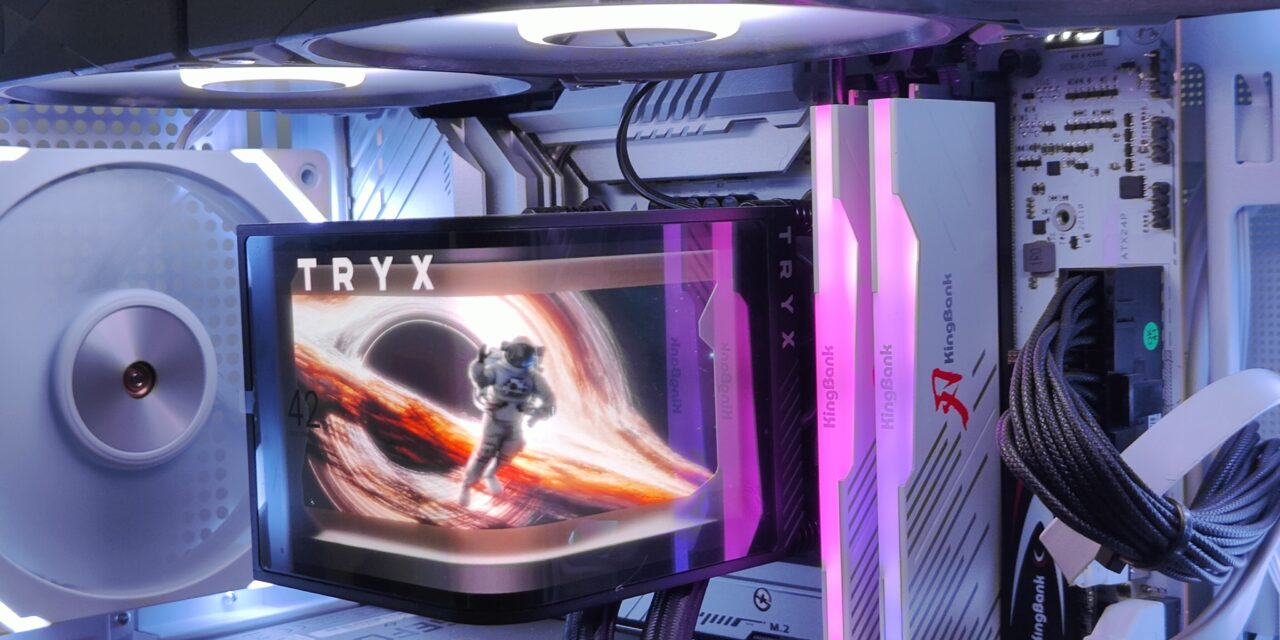
Processors and RAM are gaining high popularity among all products sold on AliExpress. There are so many brands in the memory field that it does feel crowded, and yet it seems like KingBank is the one getting the attention. KingBank memory has a high overclocking rate with Hynix A that contributes to EXPO support, and the cost-to-performance ratio is also low, so KingBank SoarBlade DDR5 is suited for stable high-power environments with both high performance and reliability in these countries, so it is gaining attention in the US and European countries as well.
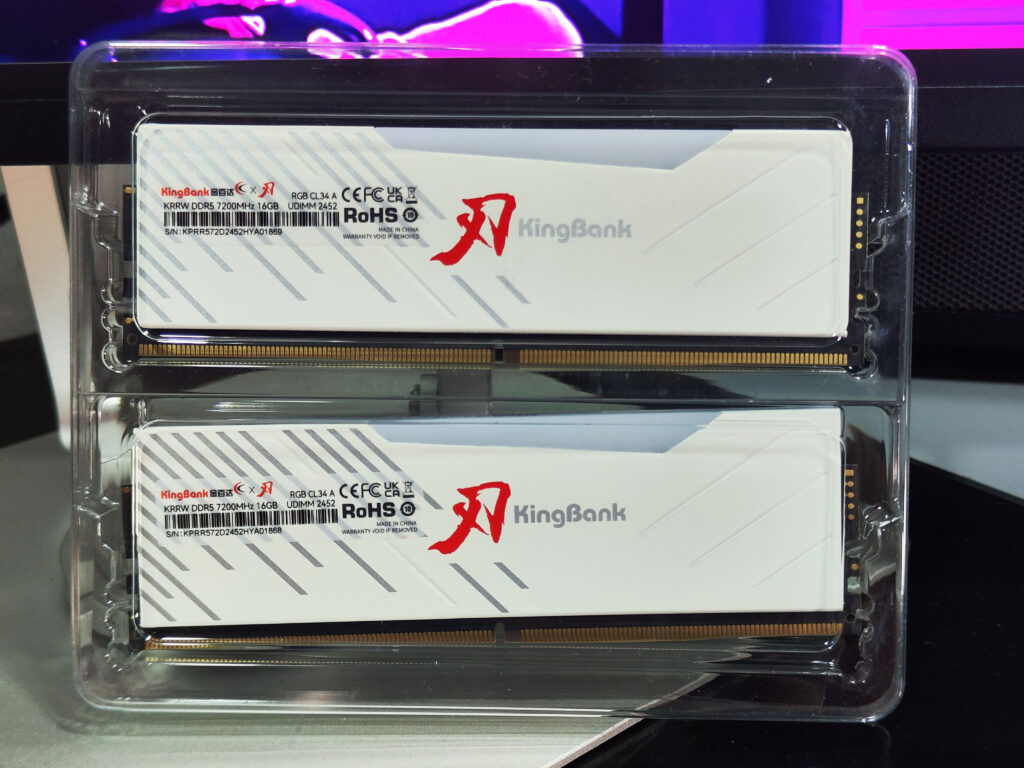
KingBank is developed and manufactured in the ways of innovative technology and excellent quality in the memory market to grow rapidly, and its ultimate goal is customer satisfaction. The memory product to be introduced today is the KingBank DDR5 SoarBlade RGB UDIMM 7200 CL 32GB white product, which is a memory with fast performance and white RGB design elements. From now on, we begin the in-depth analysis.
Also Read: Acer Predator PALLAS II DDR5 6000MHz Memory Review – EnosTech.com
Unboxing
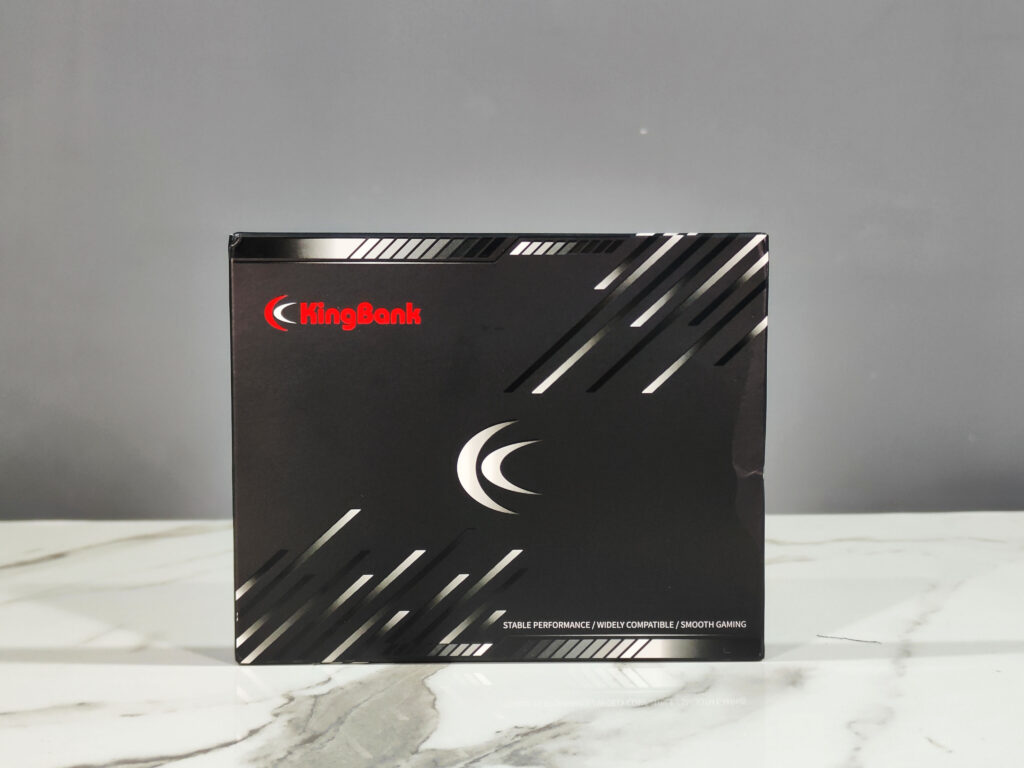
The packaging of the KingBank SoarBlade DDR5 is barebones as per usual with RAM. It’ll be safely shipped overseas in a plastic box packed tightly.
Design
KingBank has 6 series of 6000/6400/6800/7200 to support, and most of them use Hynix A-die, but please check the DRAM chip and buy the chip you prefer before buying.
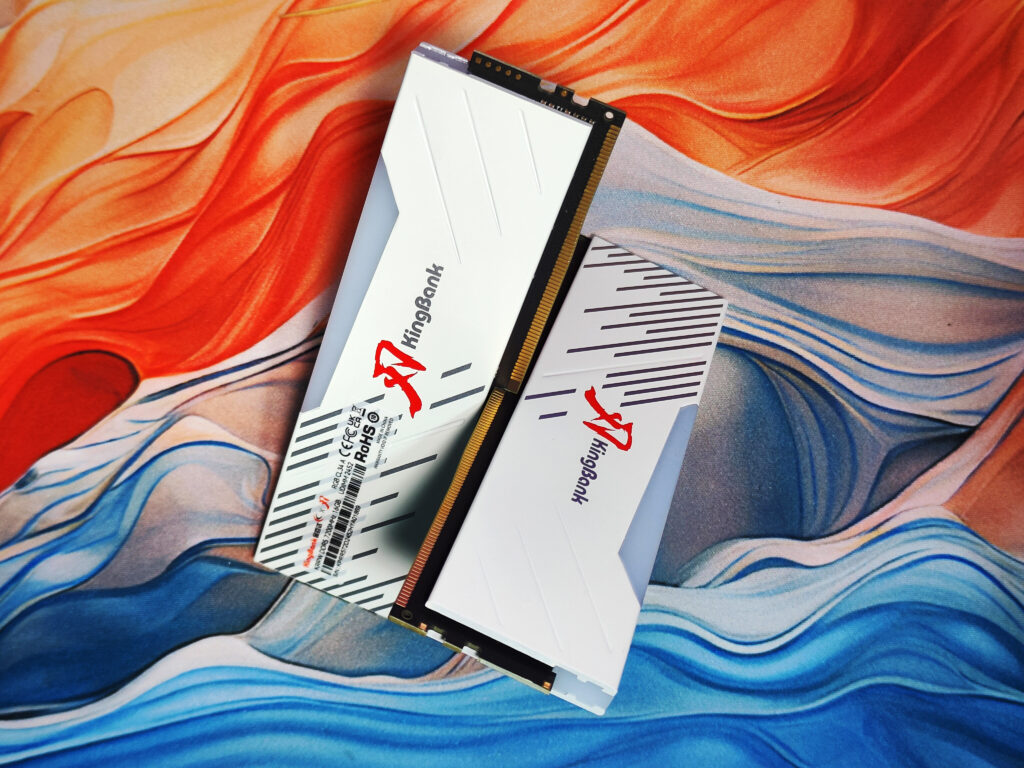
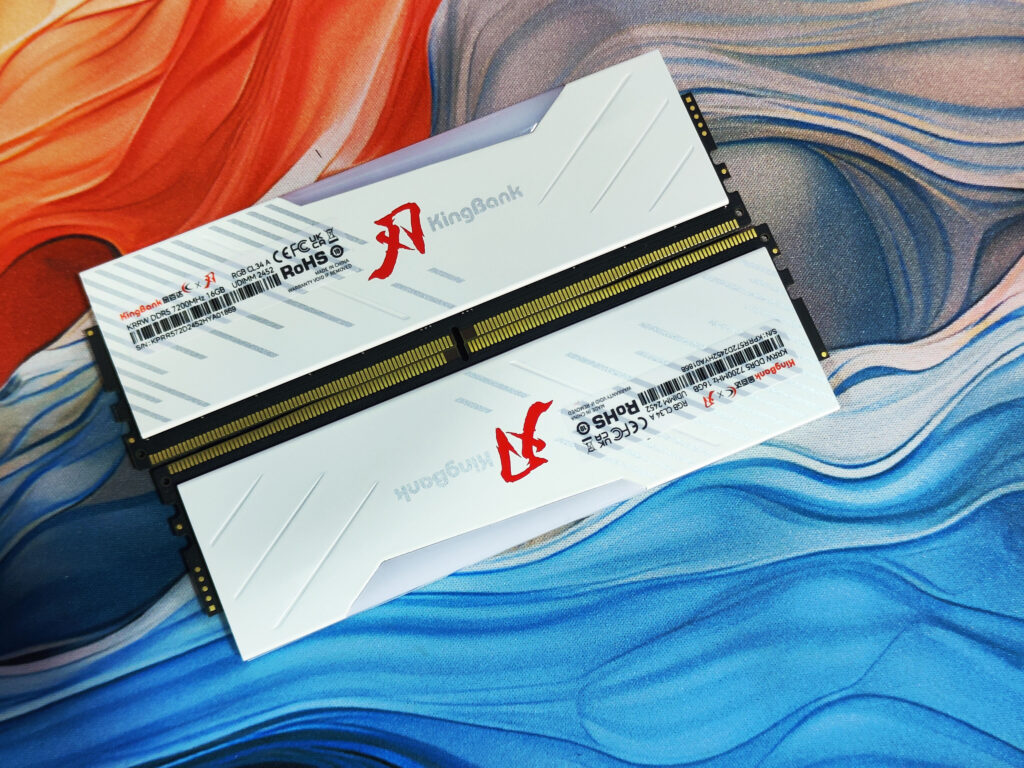
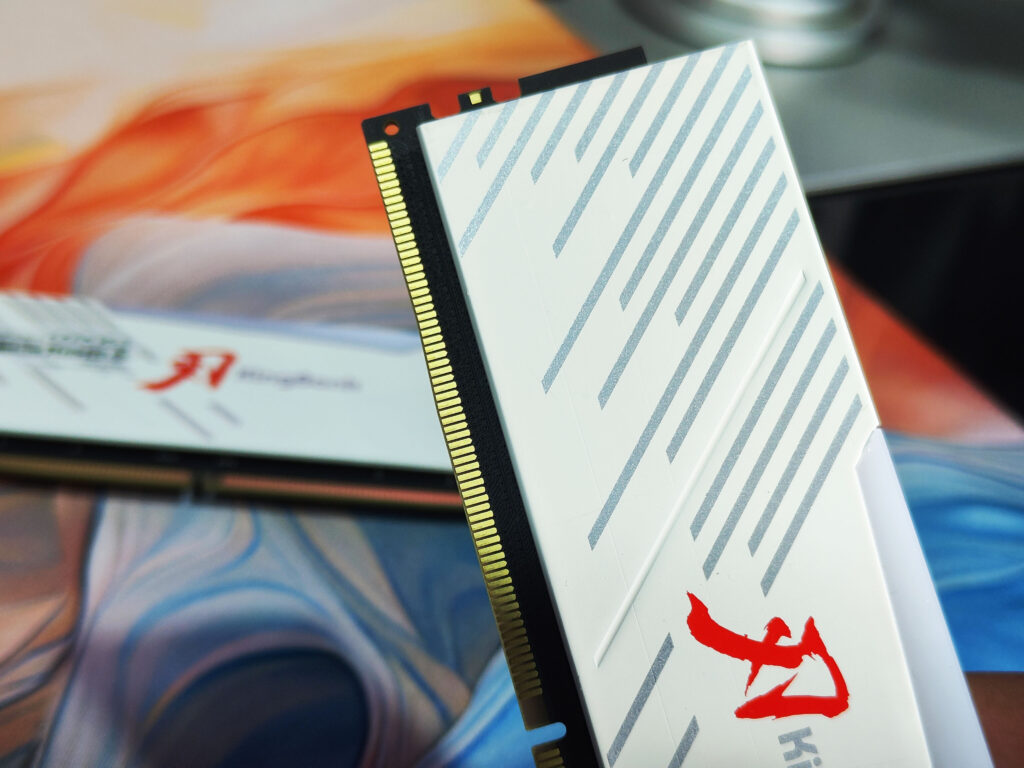
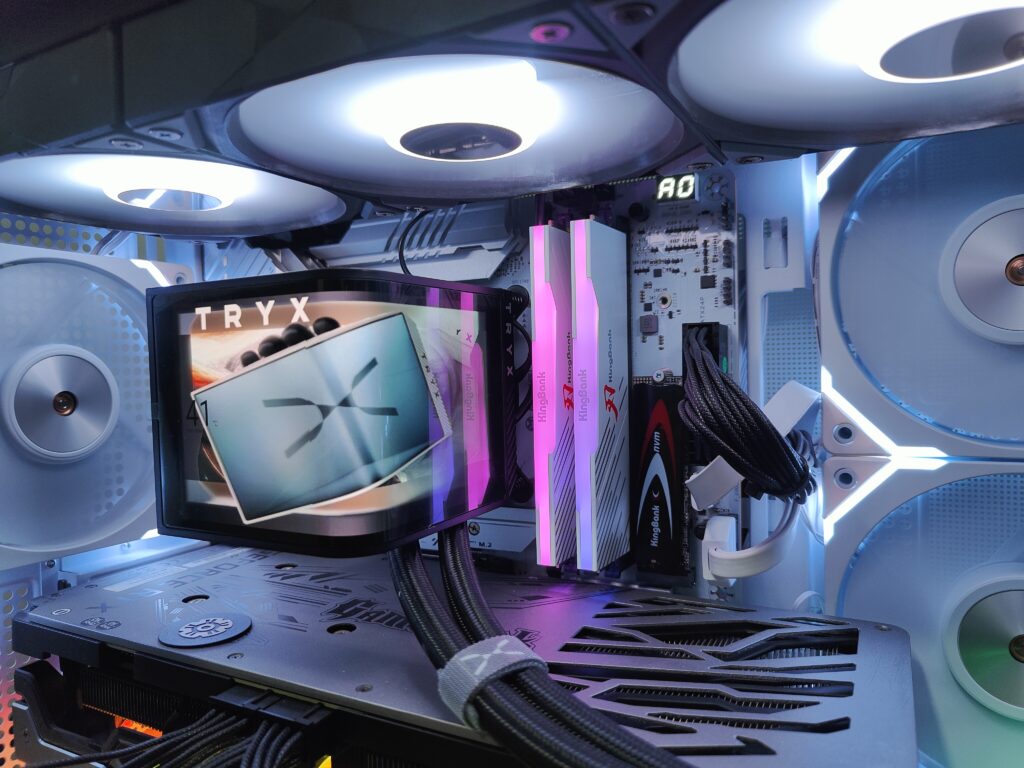
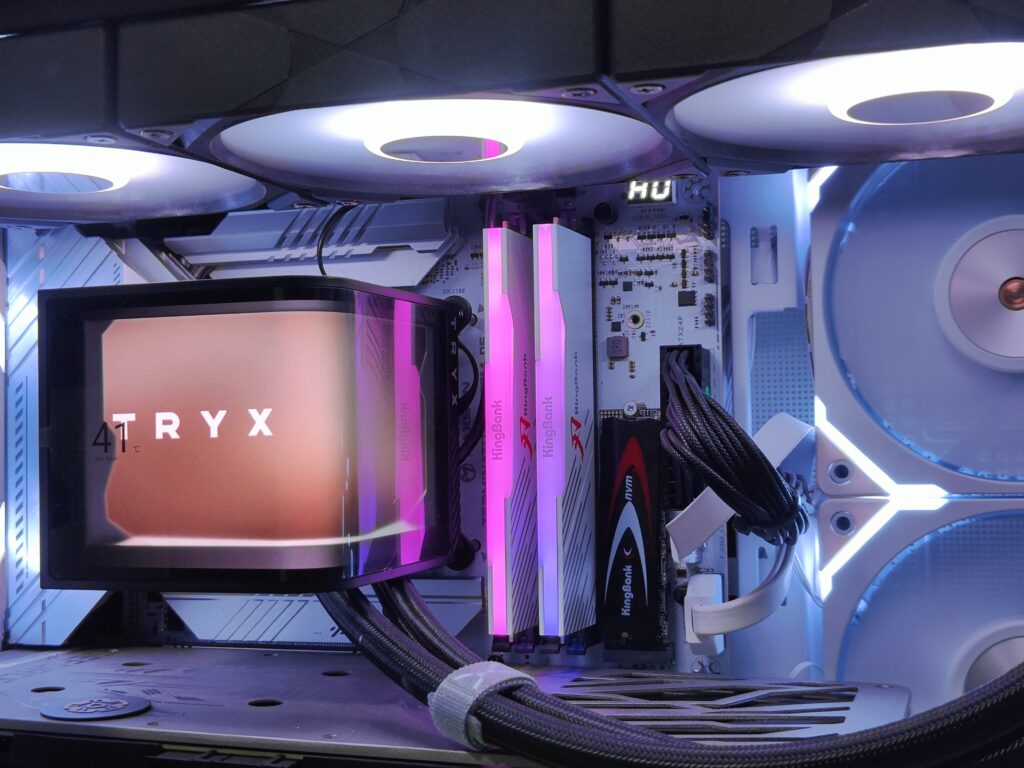
The KingBank SoarBlade DDR5 has a simple design with the red engraving of the image on the screen and the KingBank logo. And the bright red image and KingBank logo look cool, so overall, the design is sophisticated enough, and the panel is clean.
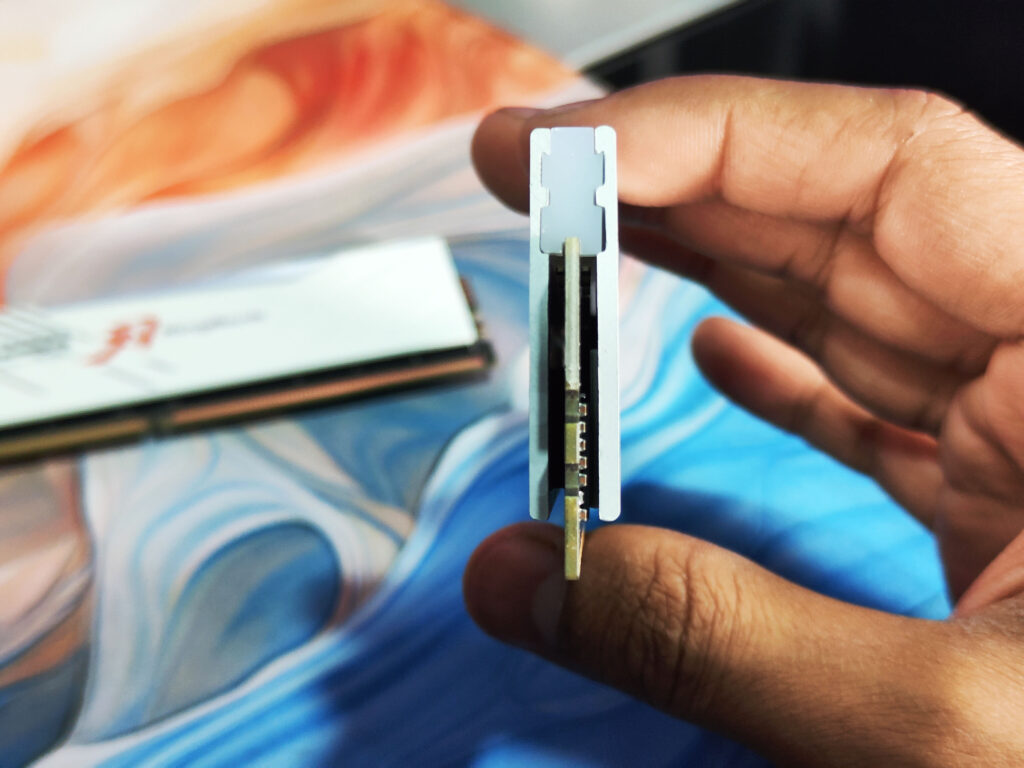
The KingBank SoarBlade DDR5 RGB modules are equipped with a 2 mm-thick heat spreader designed to provide the best possible thermal transfer. They’ve even slapped a thermal pad right onto the PMIC to help it manage its heat. Speaking of the internals, the SoarBlade DDR5 stick gets a durable 10-layer PCB configuration to deliver better signal integrity and power efficiency. You’ll also find that the plastic diffusers around the RGBs feel much better than on most competing products; it looks heartier and spreads the light a bit more evenly, too.
Setup
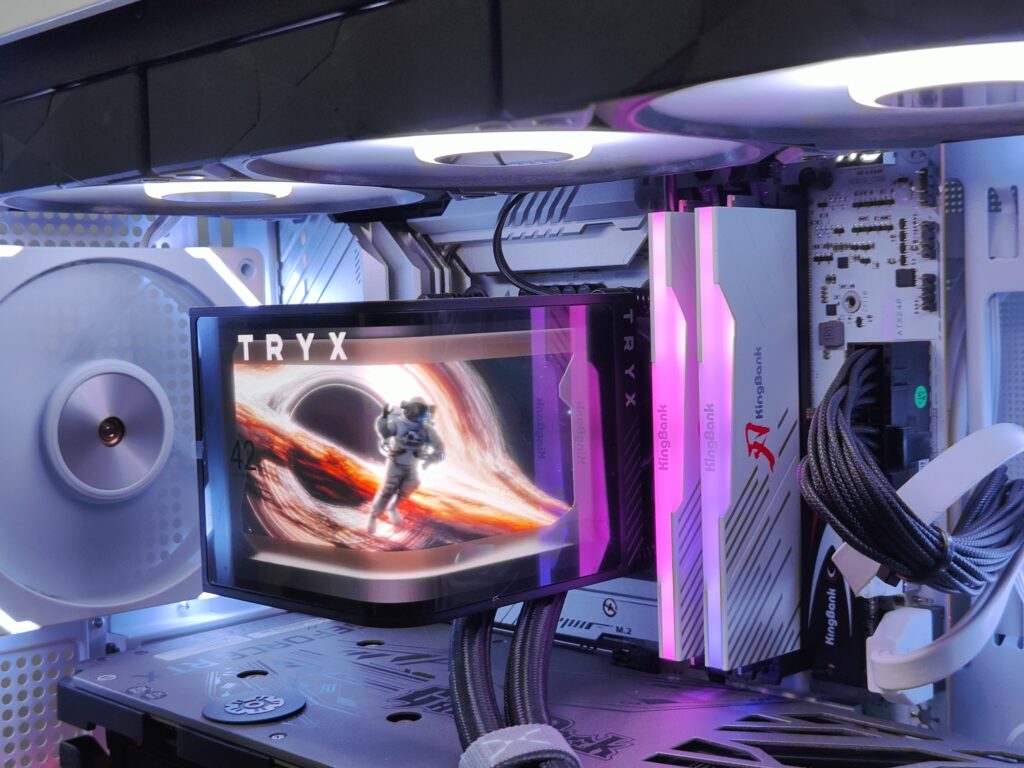
This clock is initially detected as 4800 MHz, but it can quickly and easily be overclocked to 7200 MHz via Intel XMP. Simply enter your motherboard BIOS to enable XMP to make full use of the speeds it has to offer.
This doubled the number of bank groups and banks from 4 bank groups and 16 banks in the old DDR4 memory to 8 bank groups and 32 banks in a DDR5 memory. These structural changes provided faster memory, lower latency, and higher compatibility with new high-end processors. DDR5 memory, in particular, does well even on AMD Ryzen systems.
Test Platform & Configuration
- CPU: Intel Core i5-13400F (6P + 4E cores, Raptor Lake-S)
- Motherboard: MaxSun MS-Terminator Z790M D5 (Intel Z790 chipset)
- Memory Kit: KingBank SoarBlade DDR5-7200 (2×16 GB, 34-45-45-115 CR2, XMP enabled)
- BIOS: H5.6G
- Benchmark Tool: AIDA64 v7.00.6700 Cache & Memory Benchmark
AIDA64 Synthetic Results
| Tesing | Read | Write | Copy | Latency |
|---|---|---|---|---|
| Memory | 101.19 GB/s | 89.26 GB/s | 92.28 GB/s | 72.0 ns |
| L1 Cache | 2434.2 GB/s | 1200.1 GB/s | 2874.8 GB/s | 1.3 ns |
| L2 Cache | 797.3 GB/s | 329.48 GB/s | 649.56 GB/s | 4.4 ns |
| L3 Cache | 345.39 GB/s | 240.09 GB/s | 310.57 GB/s | 67.3 ns |
- Peak Bandwidth: Breaking 100 GB/s read in dual-channel DDR5 is a solid milestone, showcasing excellent data throughput for large workloads.
- Write & Copy: Nearly 90 GB/s write and 92 GB/s copy performance keep up well with other top-end DDR5-7200 kits.
- Latency: At 72 ns, typical for high-speed DDR5; trades a bit more delay for blistering bandwidth.
Usage
- Gaming & Productivity
- Load-Times: Levels in open-world titles (e.g., Cyberpunk 2077, Horizon Zero Dawn) felt snappier on cold loads—map streaming stutter was reduced.
- Video Editing: Exporting 4K timelines in Premiere Pro saw a slight but noticeable acceleration compared to DDR5-5600, particularly when applying multiple effects.
- System Responsiveness
- Multitasking: With five Chrome tabs, Steam, Discord, and a VM running, the system remained fluid, with no memory-related hitches.
- Application Switching: Instant alt-tab responsiveness, thanks to the high L1/L2 cache speeds and ample bandwidth.
- Overclocking & Stability
- XMP Profile: One-click activation in BIOS ran at 7200 MT/s with advertised timings without any tweaks.
- Headroom: Tried a modest +200 MT/s manual bump (to 7400 MT/s); required a small voltage bump (+0.05 V) but remained stable in 1 hour of stress testing.
- Thermals: No heatspreader interference; modules stayed cool to the touch under load (< 45 °C).
Pros & Cons
| Pros | Cons |
|---|---|
| • Exceptional read/write/copy bandwidth | • DDR5 still carries higher latency than DDR4 |
| • Stable at rated 7200 MT/s via XMP | • Premium price bracket for flagship speeds |
| • Clean-looking aluminum heatspreaders | • Requires top-tier motherboard & BIOS support |
| • Good overclocking headroom beyond XMP values |
Verdict

I’m quite satisfied with the KingBank SoarBlade DDR5 ram, but the breakdown is, if you are going for a budget PC or making a mid-range gaming PC, you can get this memory for around $130. But, if you are going for a high-end gaming PC and don’t want to compromise on any kind of fluctuation like motherboard compatibility, XMP profiles, and also for overclocking. You should go for tier A brands. KingBank has some issues with motherboard compatibility and XRP fluctuations, but still, these RAMs are value for money in performance and pricing.
KingBank’s solid specs at affordable prices (widely available on integration platforms like Amazon and AliExpress).