











AULA SC800 mouse review: ultra-light gaming mouse
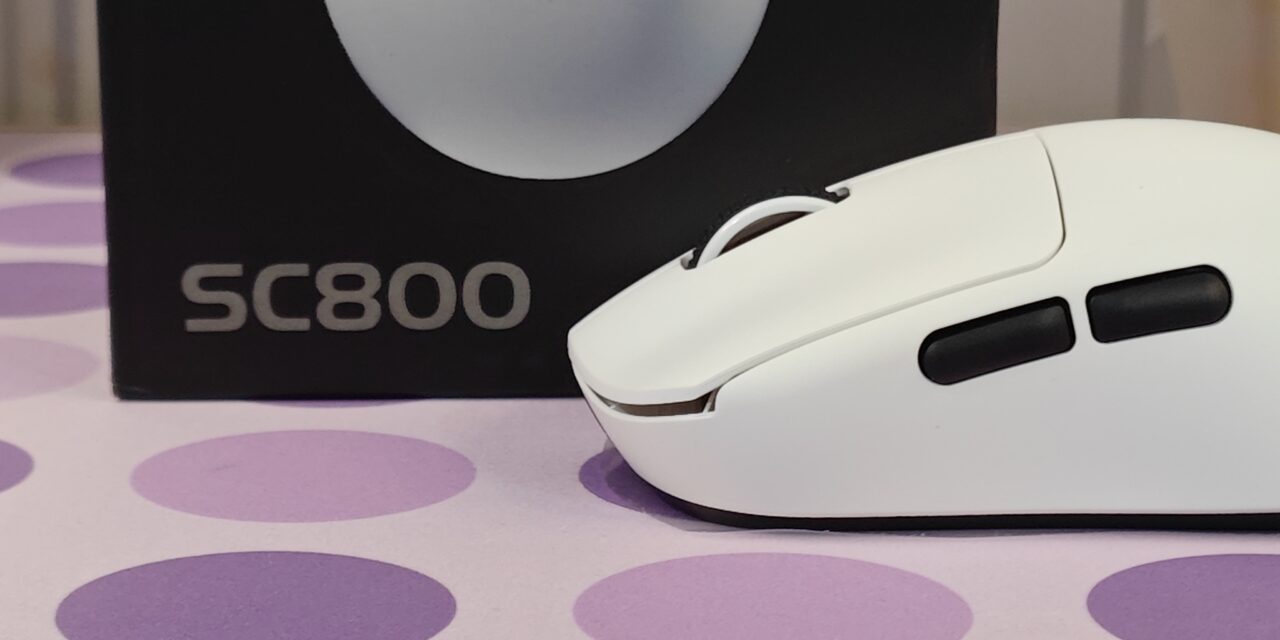
For the past two weeks, the AULA SC800 has been my daily mouse for both gaming and normal work. From the first day, it felt very light and easy to move. Fast flicks feel natural, and long gaming sessions feel less tiring. Even during simple tasks like browsing or editing, the mouse stays smooth and comfortable. It quickly became something I did not have to think about while using it.
This gaming mouse was kindly sent to us by Mechlands, and everything shared in this review is based on my real usage. The AULA SC800 is clearly made for players who want speed and control without extra weight. Its simple design and focus on performance make it stand out, especially for those who enjoy fast-paced games. In this review, I will share how it performs in daily use and whether it truly lives up to its ultra-light promise.
Unboxing
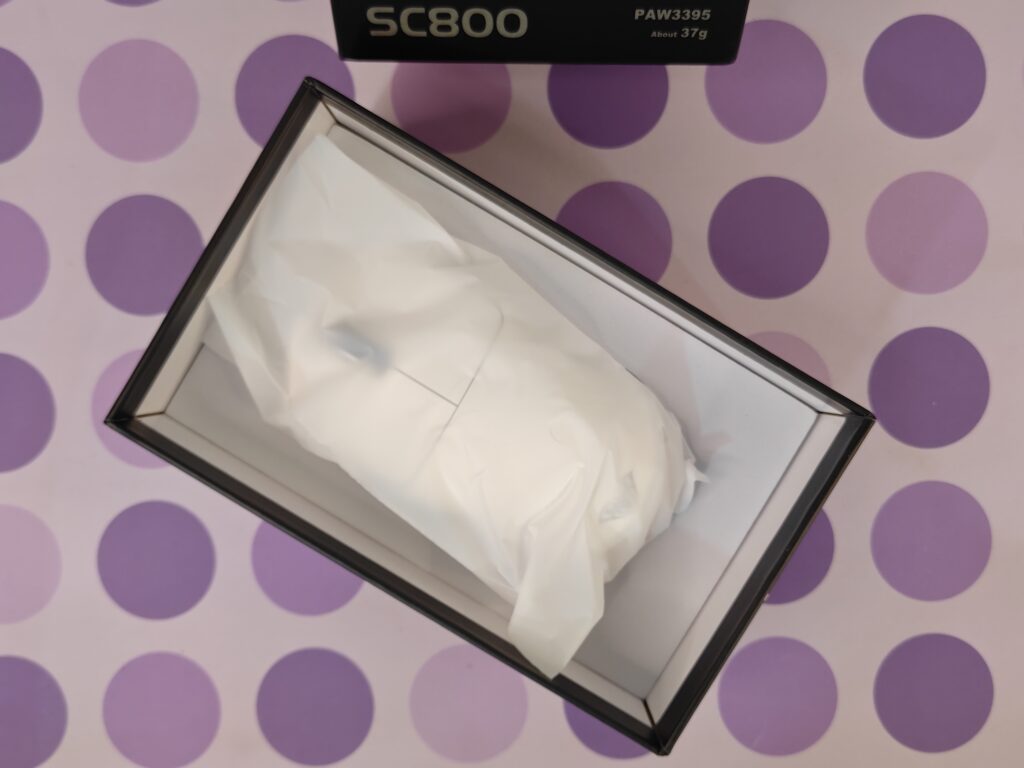
Unboxing the AULA SC800 is simple and clean. The mouse comes in a black box with clear images showing both colour options, black and white. Important details like the very low 37-gram weight and dual-mode support are printed on the front, so you know what to expect right away. The back of the box has a full spec list written in multiple languages, which gives a quick overview of the mouse before opening it.

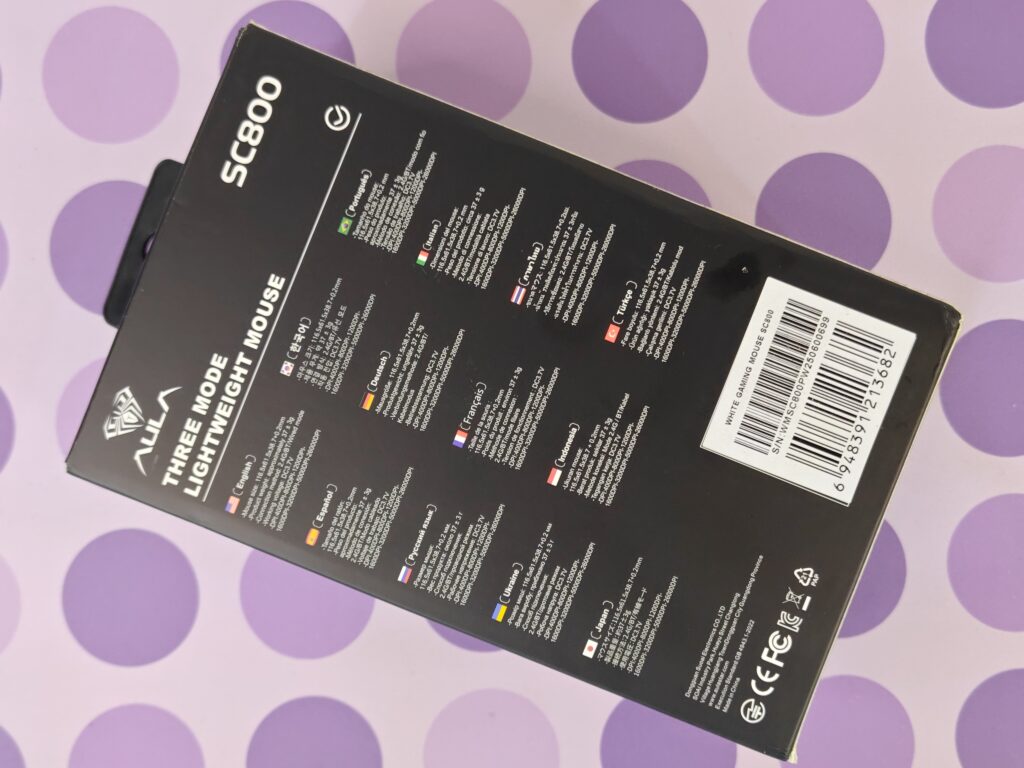
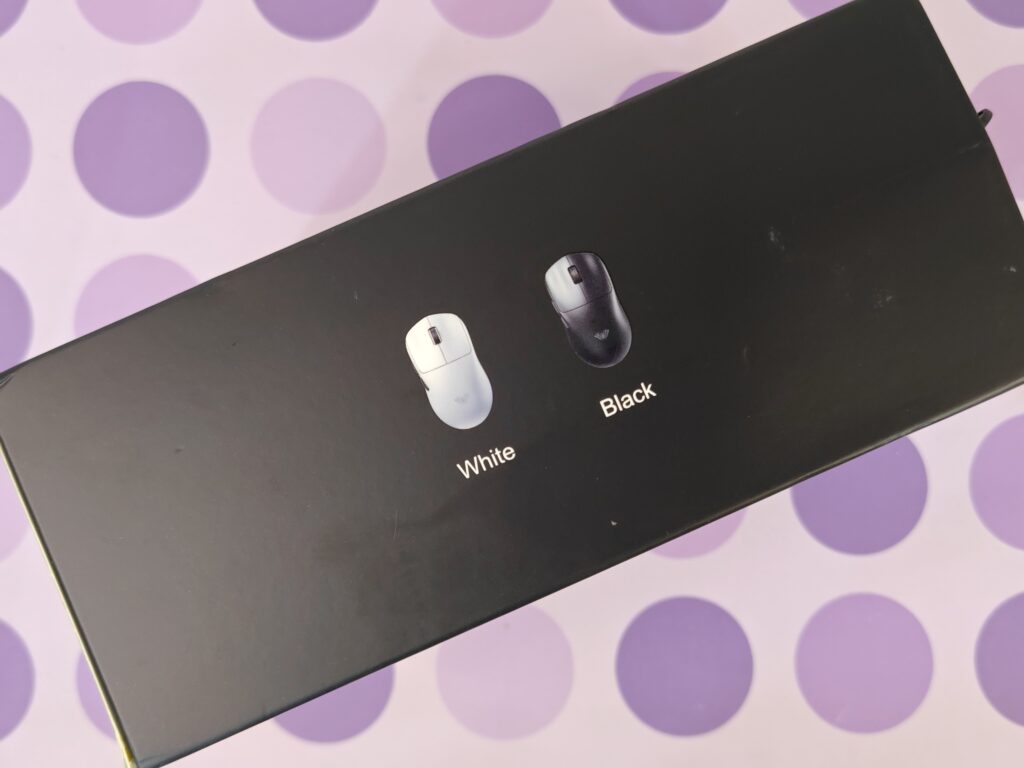
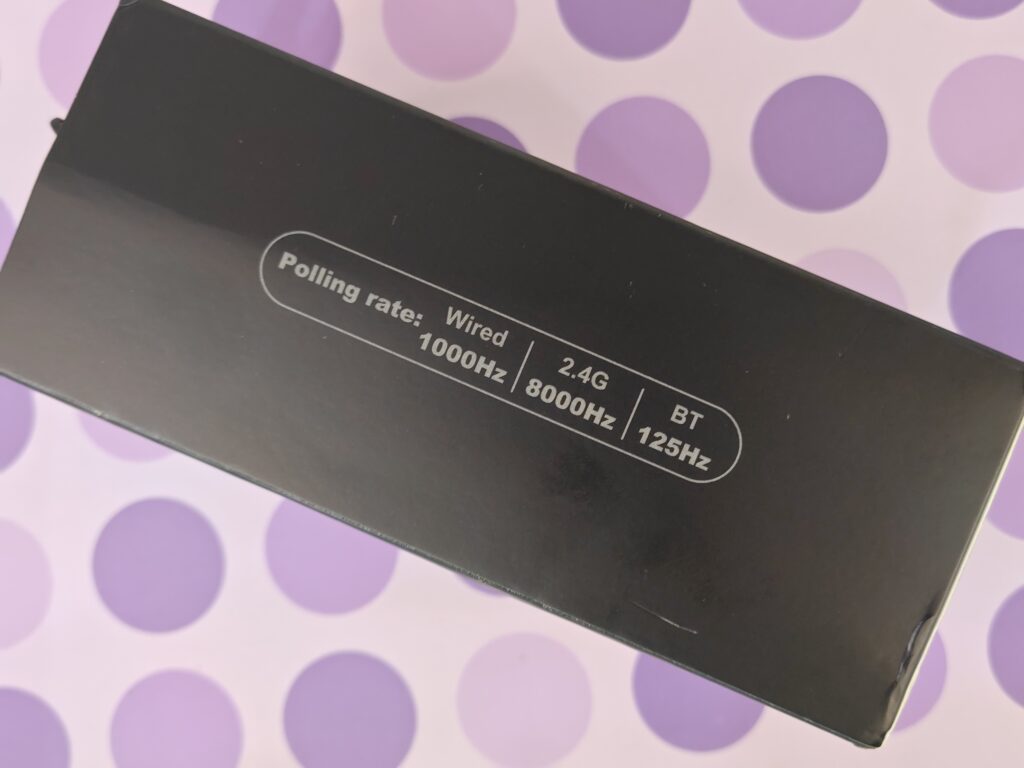
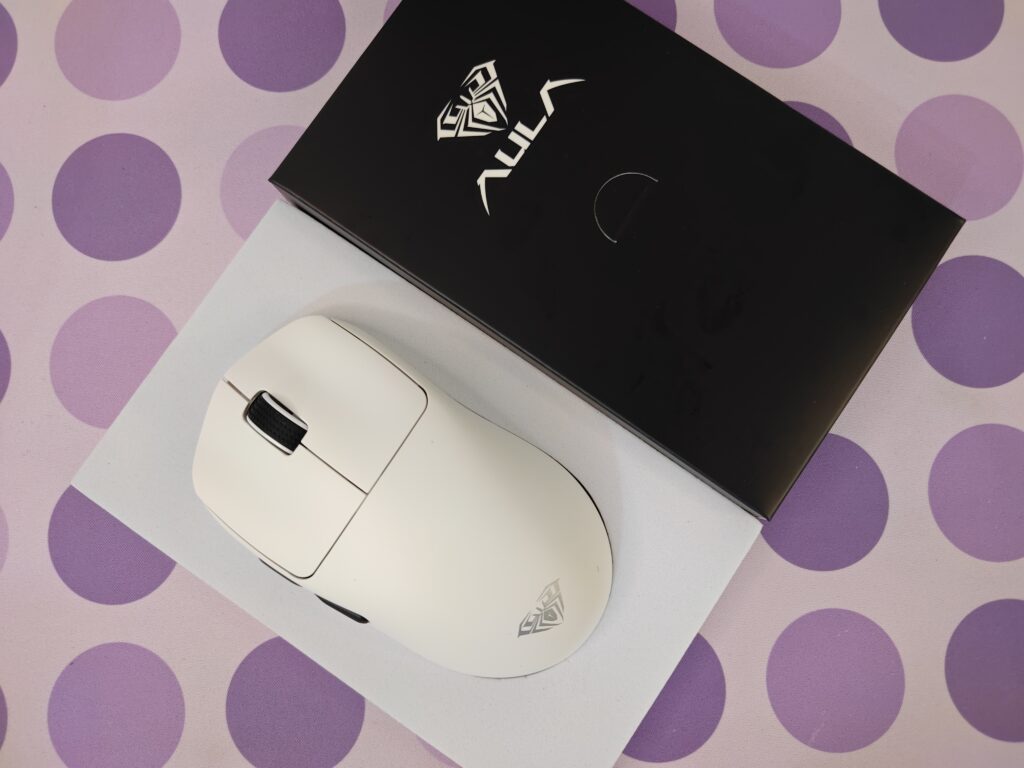
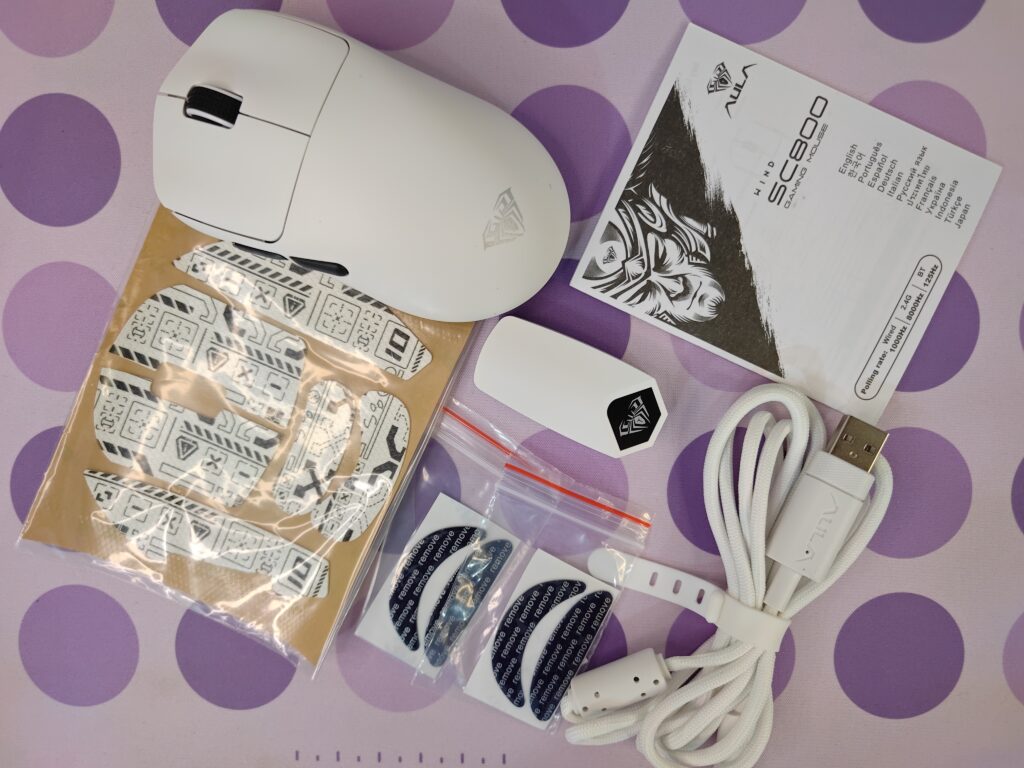
Inside the box, the mouse sits neatly in an inner package with the AULA logo on the lid. It adds a small premium touch, even though the overall presentation stays minimal. The accessories included are useful and well thought out. You get a braided USB-C to USB-A cable, extra skates, and grip tape for better control if you prefer more grip on the sides. An 8K polling rate 2.4GHz dongle is also included for faster wireless performance in competitive games. There is also a small QR card that helps you get started quickly. Overall, the unboxing experience feels practical and focused, just like the mouse itself.
AULA SC800 pricing
AULA SC800 specifications
A closer look
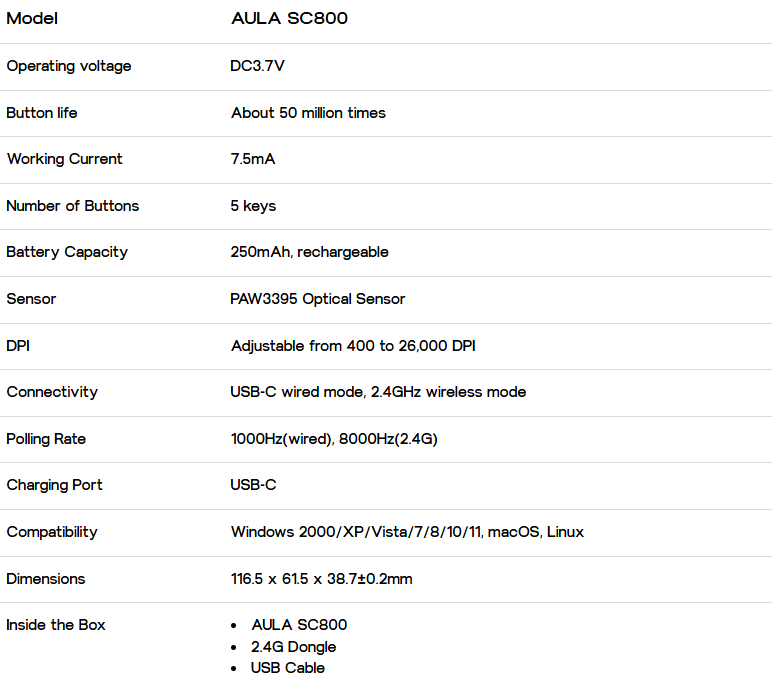
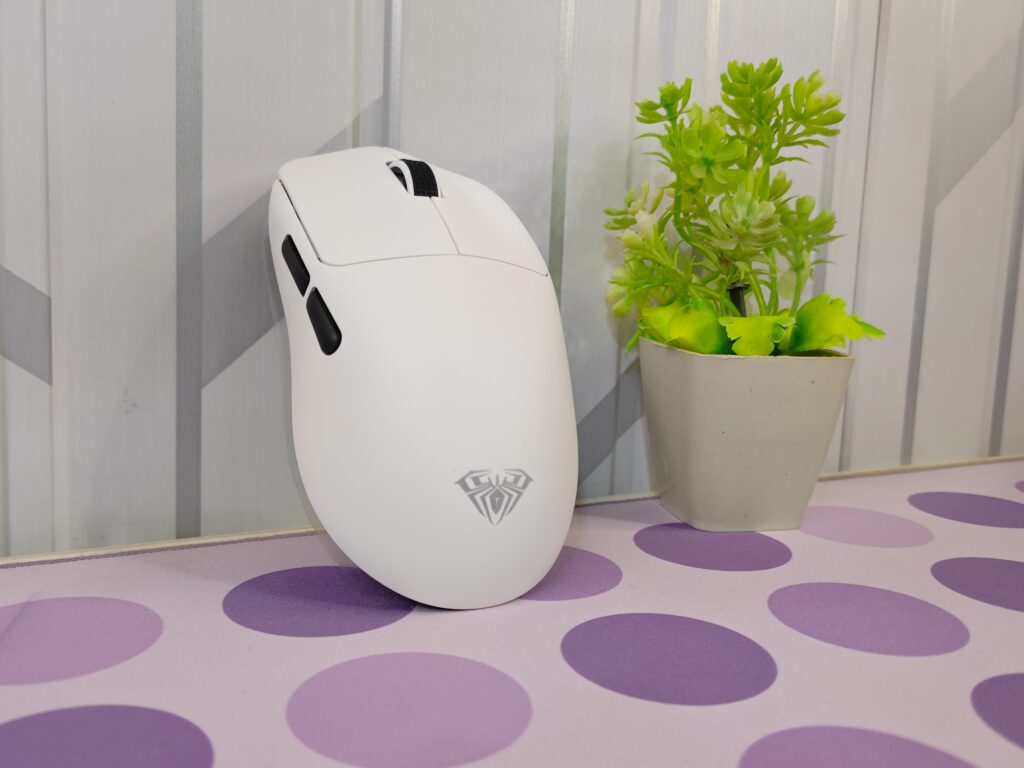
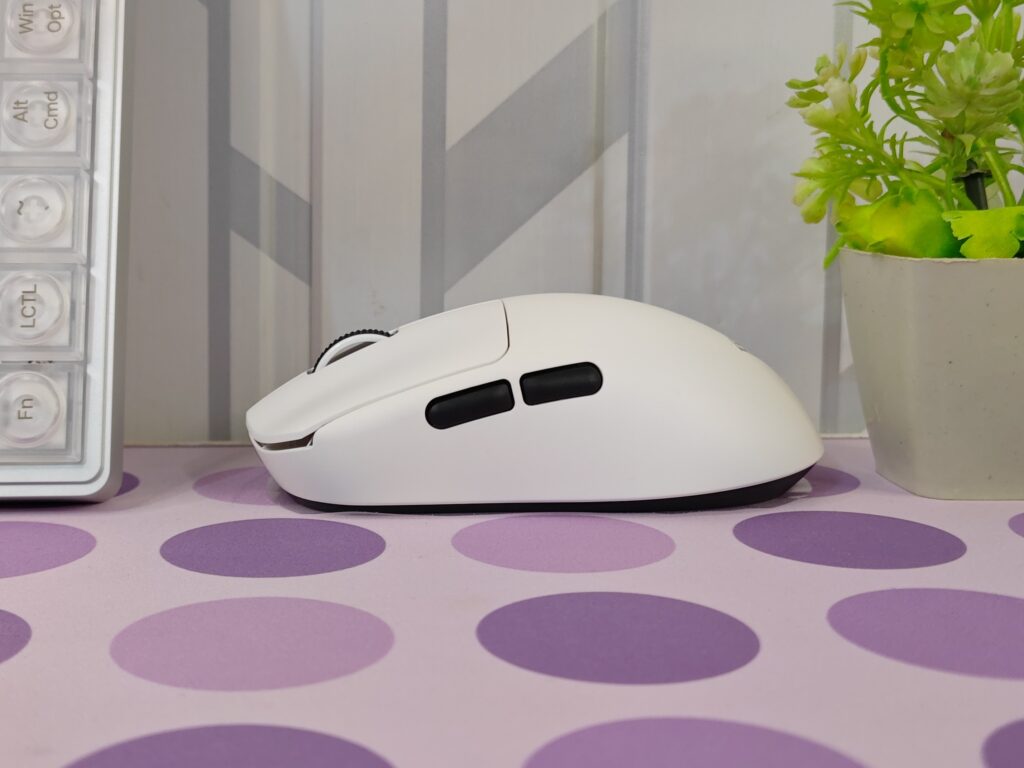
The AULA SC800 is part of the AULA series of gaming mice and is available in two colour options, black and white. For this review, I am using the white variant. Right from the start, the mouse feels extremely light, with a weight of just 37 grams, which is one of its biggest highlights. Its dimensions are 116.5 × 61.5 × 38.7 ±0.2 mm, making it a comfortable choice for small to medium hands, while still working well with different grip styles.
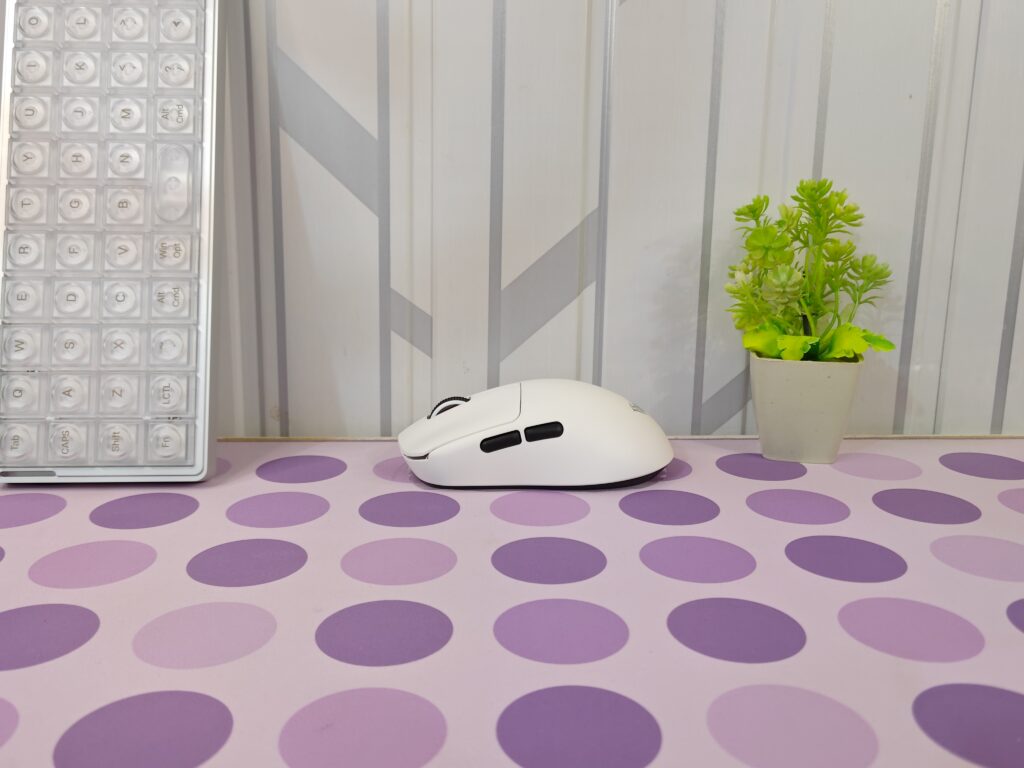
The design is clean and simple, with a symmetrical shape and the AULA logo placed at the front. The white body paired with black side buttons and a black scroll wheel gives it a neat panda-style look. In daily use, the mouse feels easy to control and comfortable, whether I was playing fast-paced games like CS2 or doing regular tasks such as browsing and document work.
The bottom of the AULA SC800 mouse is kept very minimal, with only a power switch. When the switch is off, the mouse works in wired mode, and when it is on, it switches to wireless mode. One thing to note is that the foot skates are not pre-installed, so the screw holes are visible out of the box. You need to apply the skates before using the mouse. AULA includes two full sets of foot skates, which is useful since skates wear out over time. Installing them is simple, just make sure to remove the protective film before sticking them on.
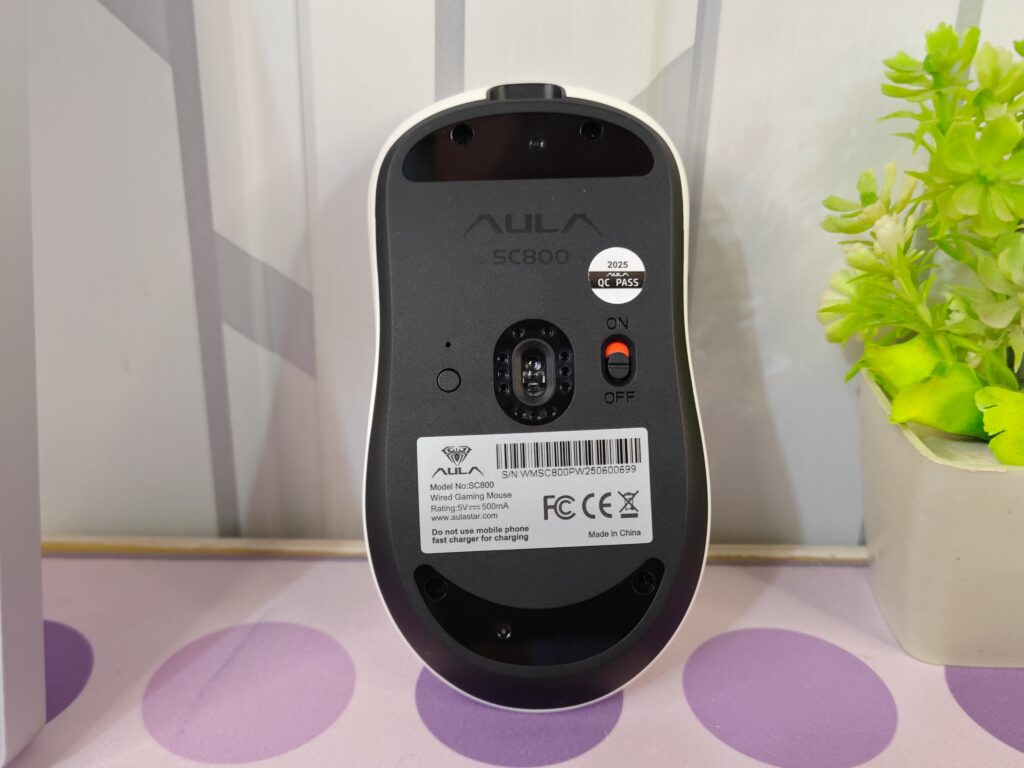
Even after adding the foot skates, the AULA SC800 stays under the 40-gram mark. It feels incredibly light in the hand but does not feel hollow or weak. There are no holes in the shell, and pressing on the sides or top does not cause any flex or creaking. The surface also resists dirt well, which should help it hold up during long-term use.
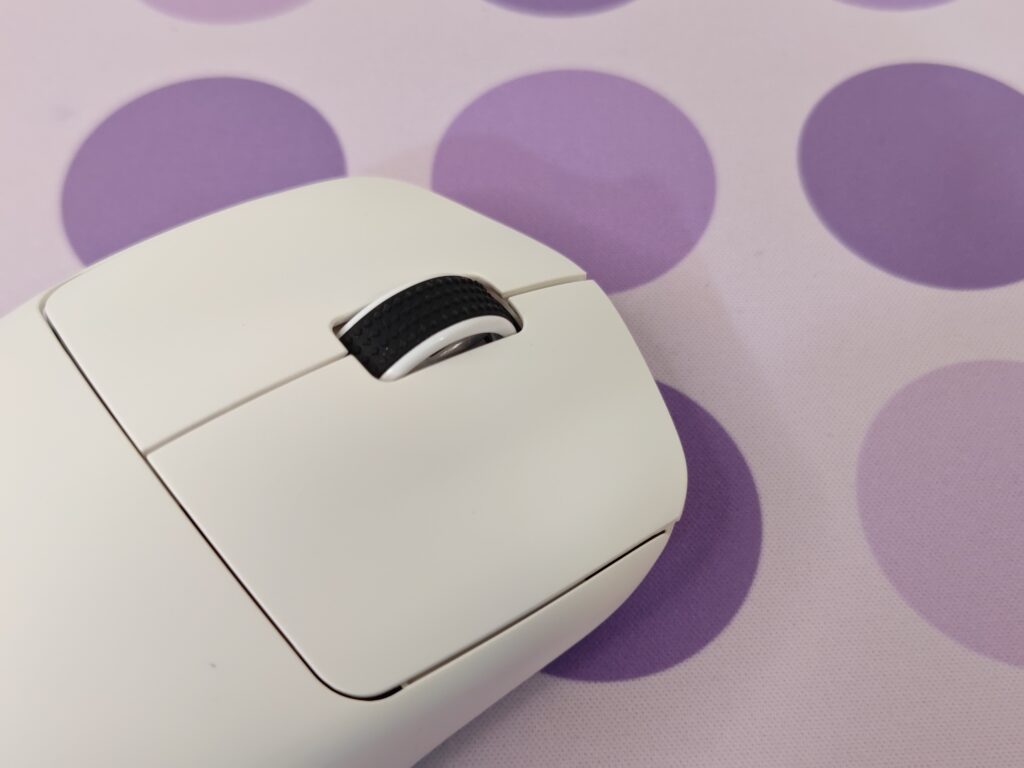
The left and right buttons are shaped with comfort in mind. They have a slight curve that fits the fingers naturally, helping during long gaming sessions. These buttons use Omron 50M switches, and clicks feel sharp, fast, and consistent. Whether clicking quickly or slowly, the response feels reliable and satisfying.
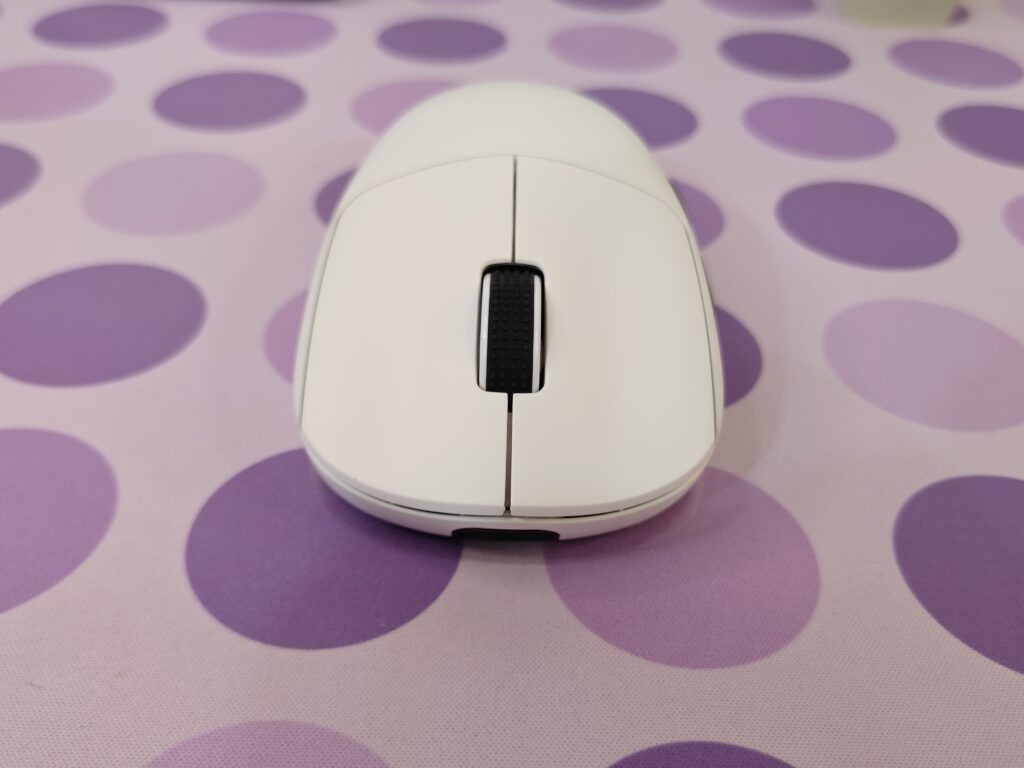
The scroll wheel has a rubber surface with raised texture, which improves grip. Scrolling feels smooth and controlled, with no strange noise or looseness. It uses a TTC gold encoder, and both scrolling and middle-click actions feel quiet and precise.
On the left side, there are two side buttons, making the mouse better suited for right-handed users. Their placement feels natural, and they are easy to press without changing grip. Clicks feel crisp and stable, with no wobble or missed inputs during use.
At the front, the USB Type-C port allows both charging and wired use. The included cable fits securely and feels flexible enough that it does not affect movement. Even in wired mode, the mouse stays smooth and easy to control.
Overall, the shape of the AULA SC800 feels well balanced. The mid-height design with a slightly lower rear hump works well with palm, claw, and fingertip grips. The fine frosted surface adds light grip without feeling rough. Despite its ultra-light weight, the mouse feels solid and well built, with no flex or creaking, even when pressure is applied.
8K receiver
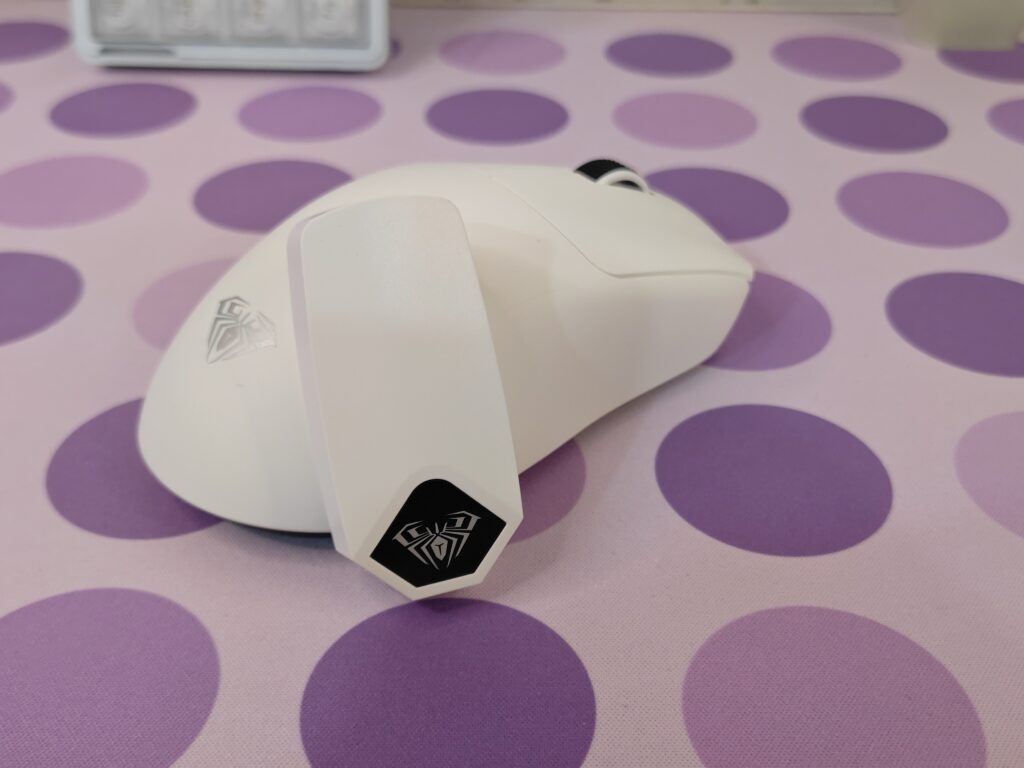
The AULA 8K 2.4G receiver has a very simple and clean design. It is small and compact, so it fits easily in the hand and does not take much space on the desk. The white finish matches the mouse nicely and gives it a clean, modern look. There is a small black AULA logo on the body, which adds a bit of style without standing out too much.
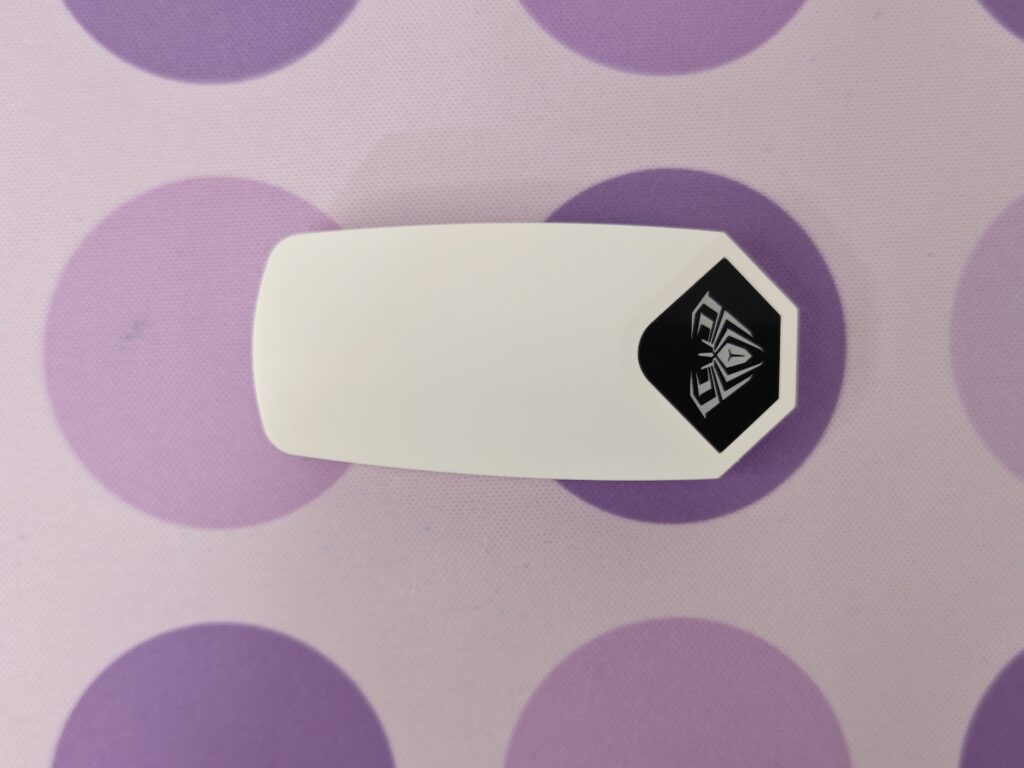
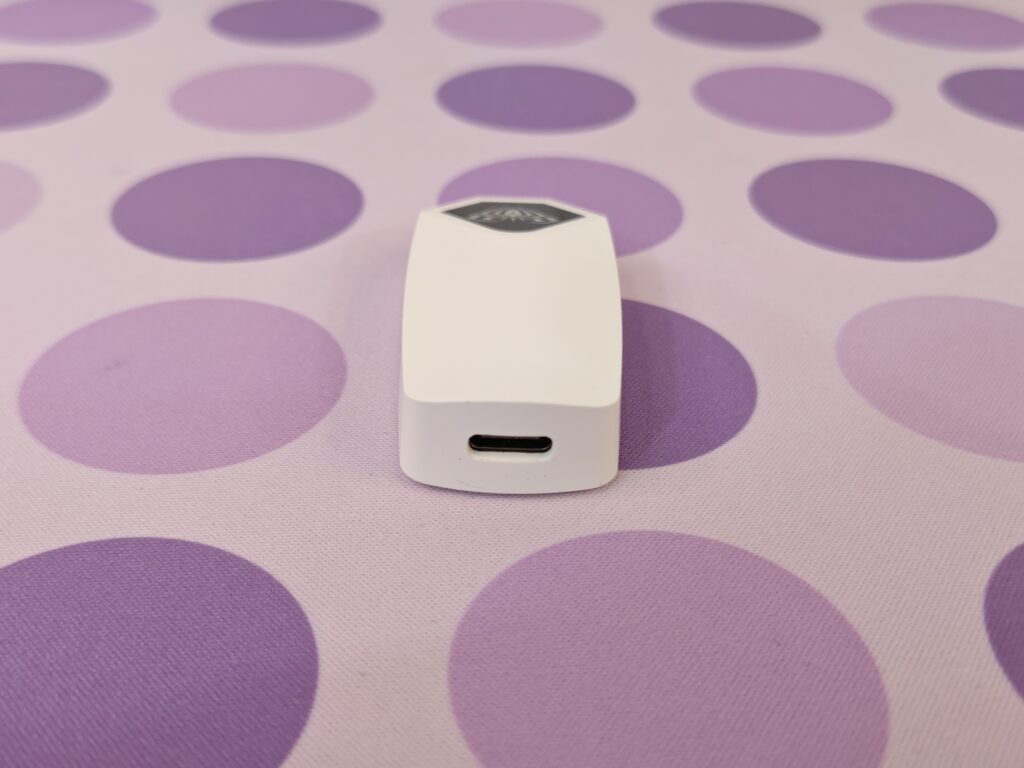
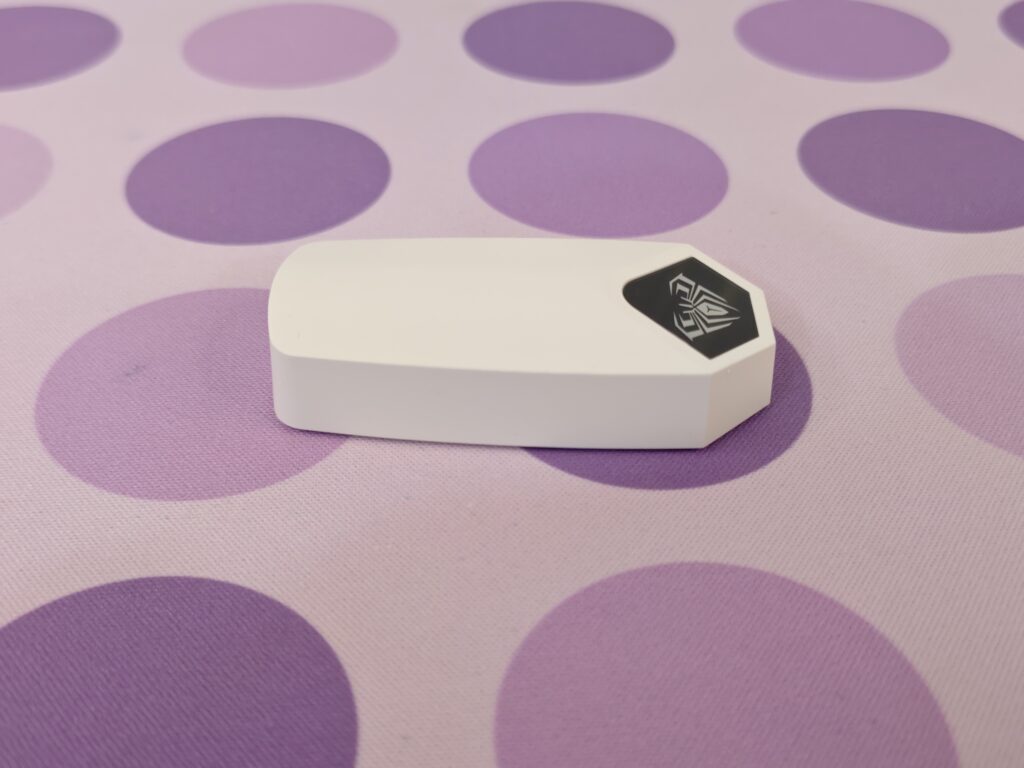
On the top, there is a USB Type-C port, which makes connecting the receiver quick and easy. Even though it is small, the receiver feels solid and well made. The smooth surface feels nice to touch and does not feel cheap. At the bottom, the logo lights up to show the connection status. It is a useful detail that looks good and stays simple, without any unnecessary flash.
Battery
The battery life on the AULA SC800 is fair for such a lightweight mouse. It comes with a 250mAh lithium battery, which is enough for short and regular gaming sessions. When used at a 1000Hz polling rate, the mouse lasts around two days with continuous use. This is what you would normally expect from an ultra-light gaming mouse.
Charging is done through the USB Type-C port on the front. The charging speed is not very fast, but it is steady and reliable. It reaches a full charge in a reasonable time. This mouse is clearly focused more on gaming performance than long battery life, so frequent users may need to charge it often. Still, for daily gaming and normal use, the battery performance feels acceptable and predictable.
Software
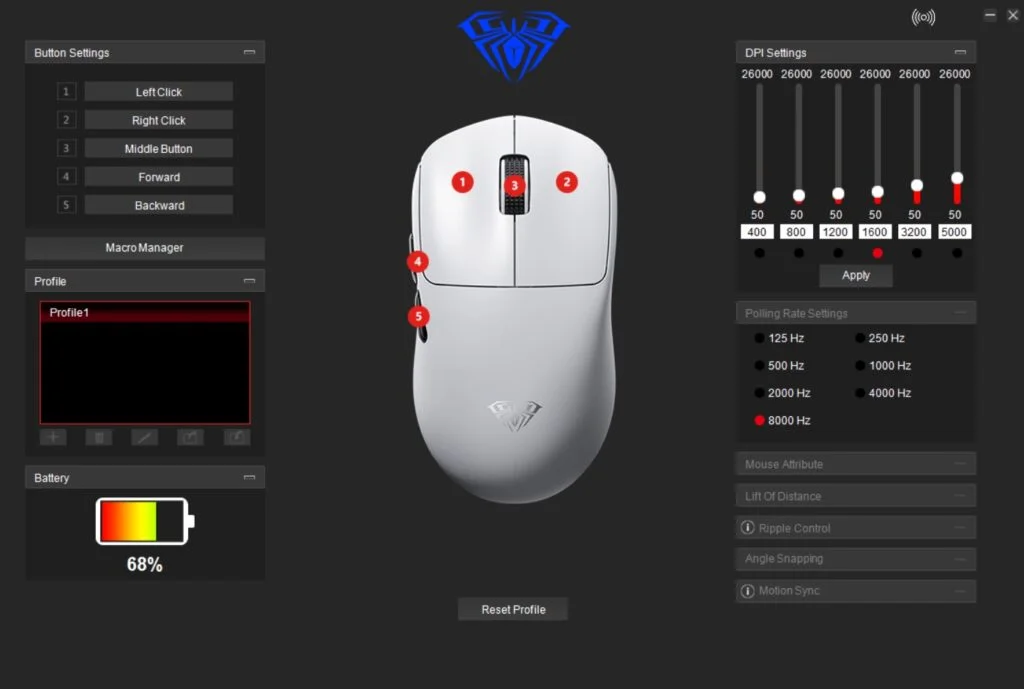
The AULA software for the AULA SC800 is clean and easy to understand. It does not feel confusing or overloaded. Everything is placed clearly, which makes it good even for first-time users. The main screen shows the mouse layout with five programmable buttons, so it is easy to see what you are changing.
DPI settings are simple to adjust. You can set DPI from as low as 50 up to 26,000, with six levels available. This gives enough range for both casual players and competitive gamers. Polling rate options are easy to find, and switching between them takes only a few clicks.
The macro editor is basic but works well. Creating and saving macros feels quick and smooth. It is also nice to see extra options like lift-off distance, ripple control, and angle snapping included. These settings help fine-tune the mouse behaviour and are a welcome addition at this price level. Overall, the software stays simple while offering enough control for serious gaming.
User experience
In everyday use, the AULA SC800 feels light, quick, and easy to handle. Its low weight makes it comfortable for long hours of work, whether I was browsing the web, replying to emails, or doing light editing. Cursor movement feels smooth and accurate, which helps when selecting text or making small adjustments. The shape sits well in the hand, especially with fingertip or claw grip, and I did not feel any hand strain even after several hours. The scroll wheel has good control and does not scroll by mistake, while the main buttons feel clean and responsive for normal desktop use.
For gaming, the AULA SC800 performs exactly how a lightweight competitive mouse should. In fast games like Valorant and Apex Legends, the mouse feels quick and responsive. Flick shots feel easier, and fast direction changes feel more controlled because of the very low weight. The sensor keeps up well during tracking and quick target switches, with no noticeable delay or inconsistency. During long gaming sessions, the light build helps reduce fatigue, which makes a big difference over time. While there are no extra features like adjustable weights or swappable parts, the core performance is strong and reliable.
Switching between work and gaming feels natural with this mouse. I could use it all day for productivity and jump straight into games without changing settings or cables. The wireless connection stays stable, and battery life is fine for daily use, as long as you charge it every couple of days at higher polling rates. Overall, the AULA SC800 feels consistent and dependable. It focuses on speed, accuracy, and comfort without unnecessary extras, making it a solid choice for users who want one mouse that works well for both work and gaming.
Final verdict
The AULA SC800 shows that a lightweight gaming mouse can deliver strong performance without a high price or unnecessary features. With its 37g weight, reliable PAW3395 sensor, and fast, responsive switches, it focuses on what really matters. Tracking feels quick and accurate, and the shape works well for both gaming and everyday use. The dual-mode connection is a nice bonus, and the included 8K polling dongle makes it even more appealing for competitive players.
In daily use, the AULA SC800 feels stable and dependable. It handles normal work and fast shooters with the same level of consistency. Battery life is good enough to last a few days, even when using higher polling rates, and the build quality feels solid despite the ultra-light design. It may not have flashy RGB or advanced onboard profiles, but it does not need them. At $44.99, the AULA SC800 offers excellent value for anyone who wants speed, comfort, and clean performance. For these reasons, I award the AULA SC800 as recommended.

AULA SC800 Pros and cons
Pros
- Very light 37g weight
- Fast and accurate PAW3395 sensor
- Sharp and responsive clicks
- Comfortable shape
- Dual-mode connectivity
- 8K polling rate
- Solid build despite low weight
- Good value for the price
Cons
- Battery life is average