









How to Choose the Perfect HP Laptop
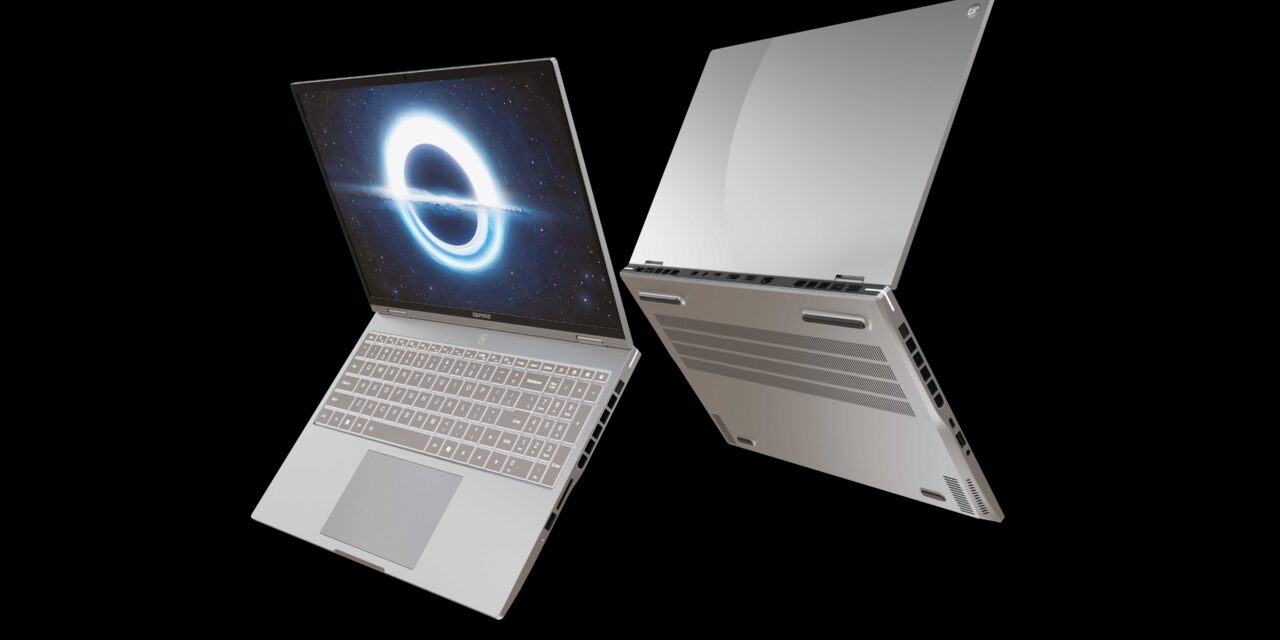
Are you looking to purchase an HP laptop but aren’t sure which features to consider or the best way to find the perfect one for you? You aren’t alone! Choosing the perfect HP laptop can be challenging, especially if you have not purchased one before, and you can easily find yourself overwhelmed and confused looking at the different options. That’s where we come in to help, with our brief guide that will easily narrow your choice and help you find the perfect HP laptop today.
Consider Your Needs
When choosing an HP laptop, consider what you will use it for. This will make it easier for you to narrow your choice and ensure that your new HP laptop is fit for purpose. Most laptop users will fall into one or more of these use categories:
- Business use (video conferencing, data analysis, and presentations)
- Creative work (graphic design, photo and video editing)
- Everyday tasks (office applications, email, web browsing, and streaming)
- Gaming
- Power users (large database management, video editing, and software compilation)
- Student needs (research, light multimedia use, notetaking)
- Travel and portability
Once you have established your main use for the laptop, you can make more informed decisions about features, size, and performance.
Consider the Operating System
HP laptops typically come with either Windows or Chrome OS. You must understand the difference between the two and which would be more suitable for you and your needs:
- Chrome OS – is a lightweight and web-focused OS that is better suited to online work and basic tasks
- Windows – is the most widely used and offers a range of software compatibility, allowing you to use virtually any program you need. When looking at Windows laptops, ensure the performance specifications and features align with your needs
Consider the Form Factor
The form factor refers to the laptop’s design and is an important feature to consider when choosing your HP laptop to ensure it is suitable for your needs. Typically, HP offers three form factors you can choose from:
- Traditional – the classic clamshell laptop design you will have seen before
- 2-in-1 laptops – that can transform into tablet mode, usually with a touchscreen display
- Convertible laptops – are a type of 2-in-1 laptop where you can switch between tablet and clamshell mode, usually with 360-degree hinges, helping to fold the keyboard away
Choose the Right Size
HP laptops are available from 13 to 17 inches, with screen sizes increasing to make viewing easier, especially when working with multiple tabs and windows. When choosing the size of your laptop, consider how often you will need to travel with it and the size of files you are viewing:
- 13 – 14 inches – offers usability and portability
- 15 – 16 inches – is considered the standard size with more screen space and powerful components
- 17 inches – acts as a desktop replacement and is best for those who don’t move their laptop often
Consider the Specifications
The specifications of your HP laptop determine its performance, and you need to ensure it is powerful enough to meet your demands. Look at the following components:
- CPU (processor) – most HP laptops feature an Intel Core or AMD Ryzen processor, with power and price increasing as the number of cores increases. For basic tasks, an i3 or Ryzen 3 will provide the power you need, but for more demanding tasks or gaming, i7, 9, or Ryzen 7 or 9 are best
- RAM – 8 GB is considered the minimum to ensure smooth performance, but 16 or 32 GB is best if you are running large programs or multitasking
- Storage – ideally, a Solid State Drive (SSD) should be used, with at least 256 GB, increasing the storage if you use large files
- Graphics – unless you are carrying out graphic work or gaming, an integrated graphics card should be suitable and a more budget-friendly option
- Resolution – 1080p (HD) is suitable for most users, but for those carrying out editing work or gaming, higher resolutions will provide better clarity
Consider the Battery Life
Typically, HP laptops are known for their impressive battery life, though this can vary by model. The more powerful a laptop is, the more demand it places on the battery, so you will need to charge it more often. When considering the specs and performance you need, check the average battery life to see how long your laptop can last, and the size and weight of the charger you will need.
Find Your HP Laptop Today
By considering these main features, you can easily narrow your choice and find the perfect HP laptop for your needs. While some HP models can be expensive, you can find good deals on refurbished models, like those offered by ACT Traders. They come with free shipping, an impressive warranty, and all the features you could need, so why not check out their second-hand HP laptops today?