









Yunzii AL98 review: a premium aluminium keyboard
Introduction
The Yunzii AL98 is the newest addition to Yunzii’s aluminium keyboard series, and it immediately caught my attention. I was especially excited to review it after my amazing experience with the Yunzii IF99 and Yunzii RT80, both of which impressed me with their strong build quality and smooth typing feel.
Because of those positive experiences, my expectations for the AL98 were already high. From the first moment of use, the premium aluminium body, clean design, and smooth switches made it feel like a worthy new entry in the lineup and a keyboard I was eager to spend more time with.
Unboxing
The unboxing experience of the YUNZII AL98 feels premium and well organised, matching the keyboard’s solid aluminium build.
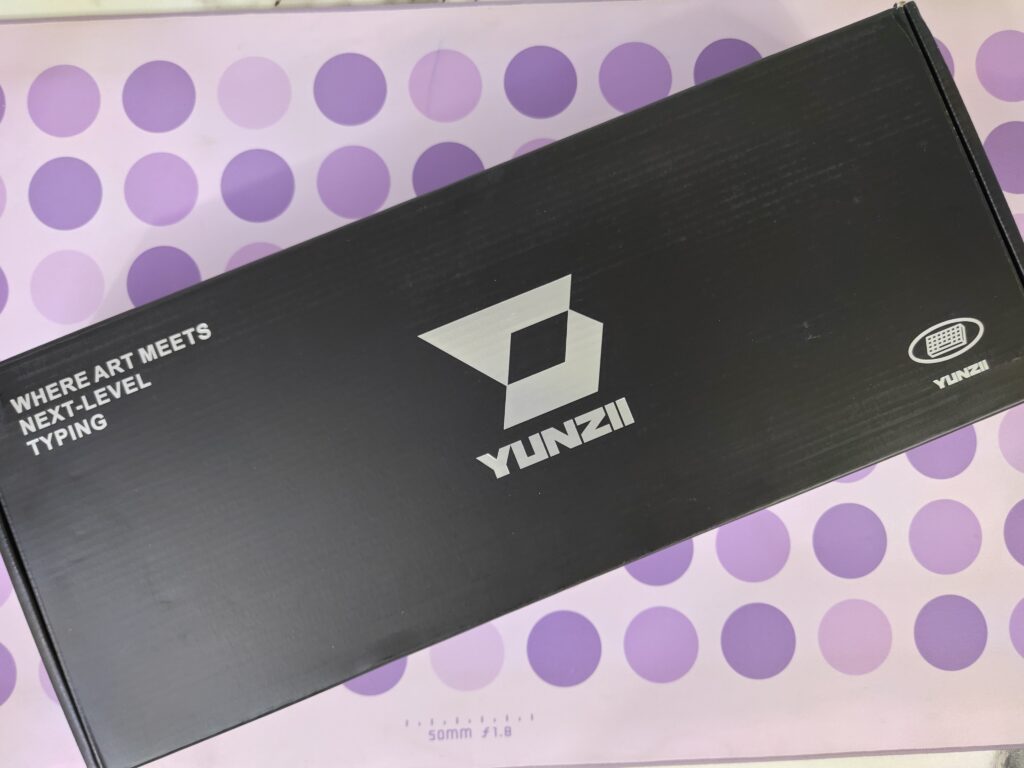
The box design is clean and modern. The front shows a clear top-down image of the keyboard, highlighting the 1800 layout and colour. The back focuses more on details, with key specifications like the large 8,000mAh battery and QMK/VIA support, along with a simple look at the gasket-mounted structure.
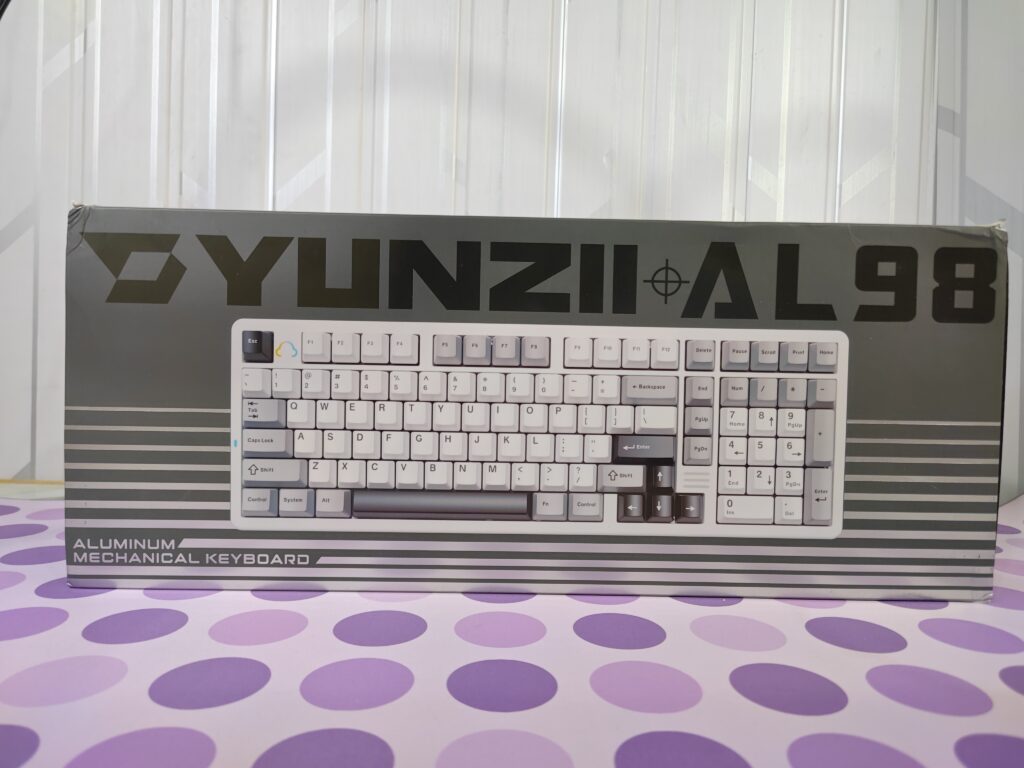
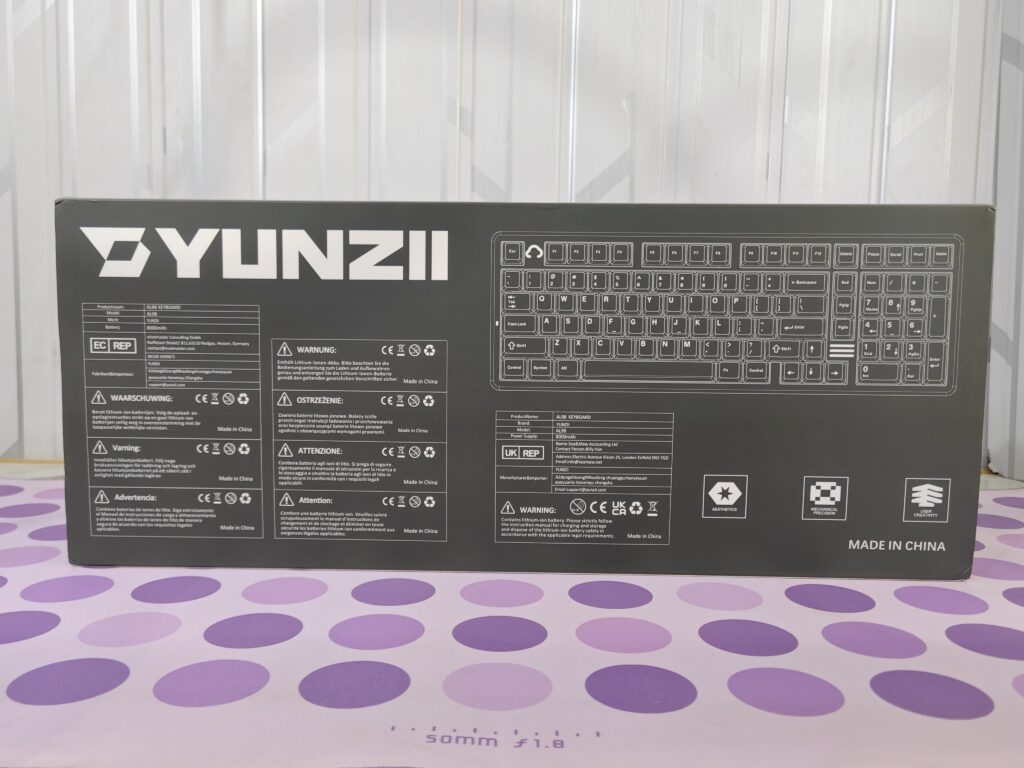
Inside, the packaging feels very secure. The printed outer sleeve slides off to reveal a strong inner black box made to handle the keyboard’s heavy weight. When you open it, a quick start guide sits on top, welcoming you right away. The keyboard itself is wrapped in a soft plastic cover to protect the aluminium finish.
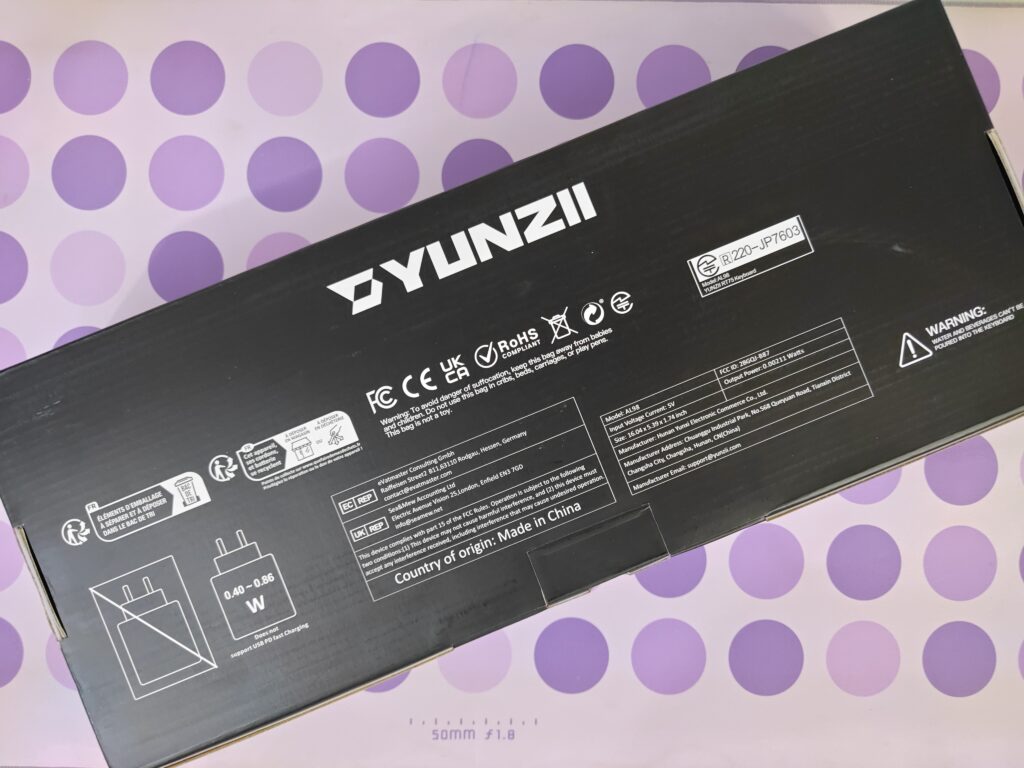
Under the keyboard, the accessories are neatly packed in their own section. You get a USB-A to USB-C cable, a keycap and switch puller, extra keycaps for Mac users, and the 2.4G wireless receiver.

Overall, the unboxing feels high quality and carefully done, making sure the heavy keyboard arrives safely and in perfect condition.
Yunzii AL98 keyboard pricing
| Yunzii Official Store | 109.99 USD (BUY NOW) |
Yunzii AL98 keyboard specifications
| Feature | Details |
|---|---|
| Keyboard type | Aluminium mechanical keyboard |
| Layout | 96 percent layout, 101 keys |
| Mounting style | Gasket mounted |
| Connectivity | Wired USB-C, Bluetooth 5.0, 2.4GHz wireless |
| Programmability | QMK and VIA support |
| Switch options | Yunzii Milk V2 linear, Yunzii Cocoa Cream V2 linear |
| Hot swappable | Yes |
| Keycaps | Double-shot PBT, Cherry profile |
| RGB lighting | South-facing RGB |
| Battery capacity | 8,000mAh |
| Battery life | Up to 5 days with RGB, up to 40 days without RGB |
| Charging time | Around 13 hours |
| Dimensions | 407.44 × 136.94 × 44.07 mm |
| Weight | 2,175 g |
| Colour options | White, Black, Pink |
| System support | Windows, macOS, Android, iOS |
| NKRO | Yes |
A closer look
The Yunzii AL98 belongs to Yunzii’s AL series, which is the brand’s aluminium keyboard lineup. This series focuses on strong build quality and a premium feel, and the AL98 clearly follows that idea.
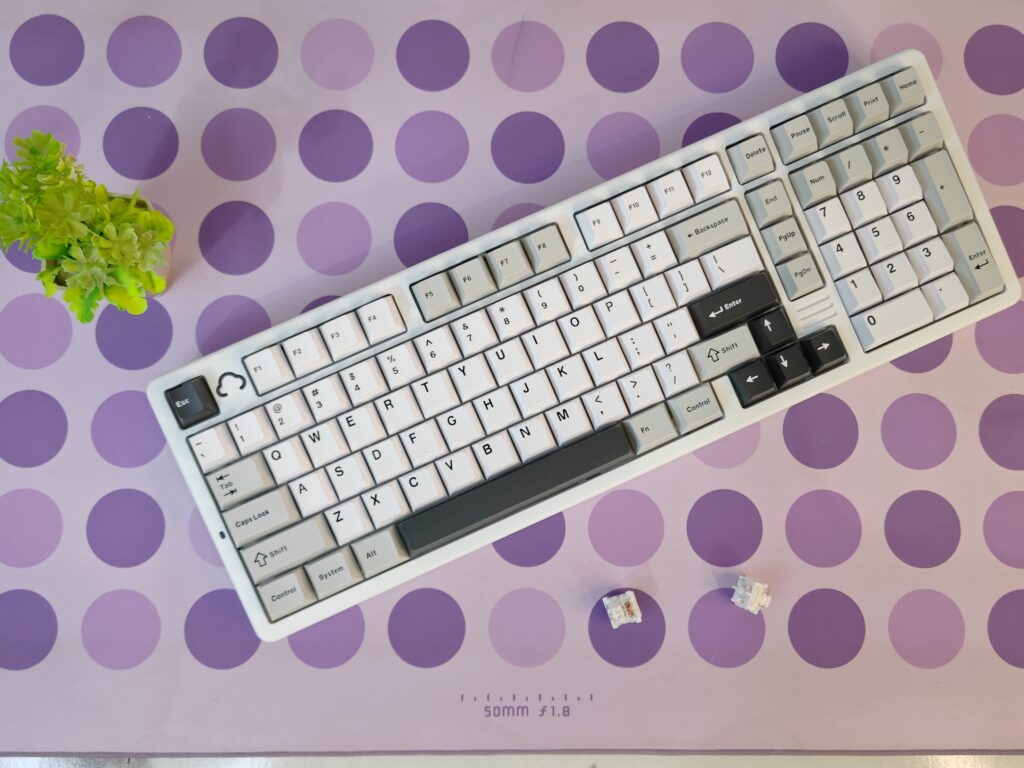
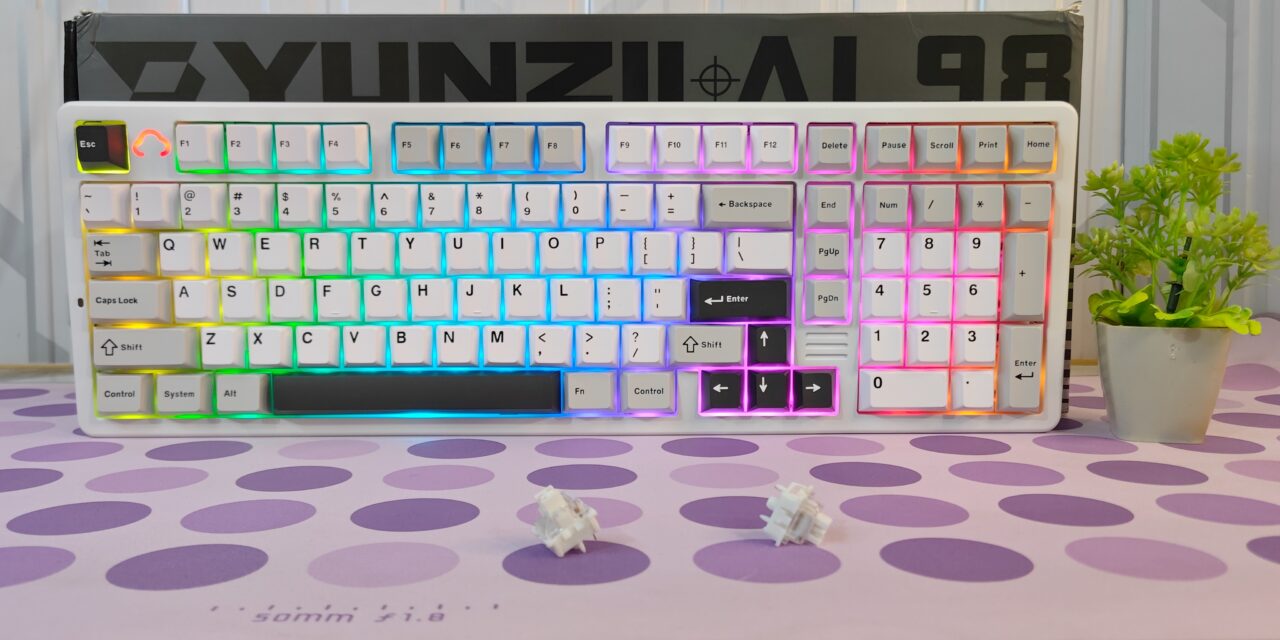
Yunzii AL98 keyboard comes in three colours: black, pink, and white. The unit I am reviewing is the white version. It uses a 96 percent layout with 101 keys, giving you almost a full-size keyboard while saving some desk space. The size of the keyboard is 407.44 × 136.94 × 44.07 mm, and it weighs 2,175 grams. Because of this weight, it feels very solid and stable on the desk.
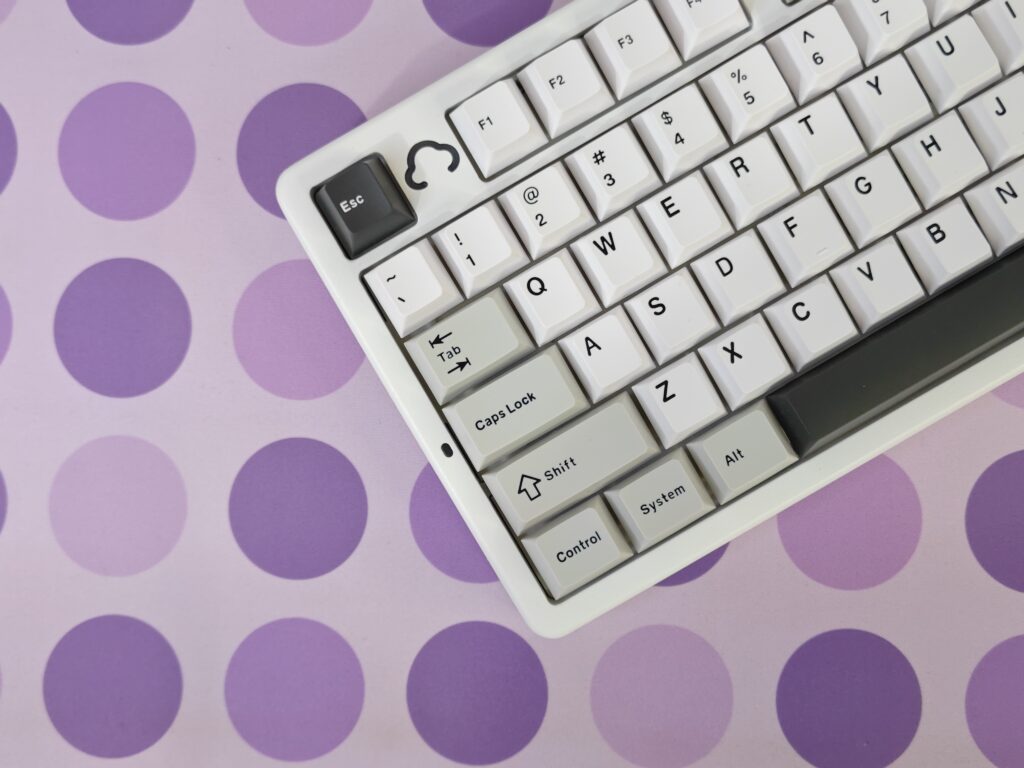
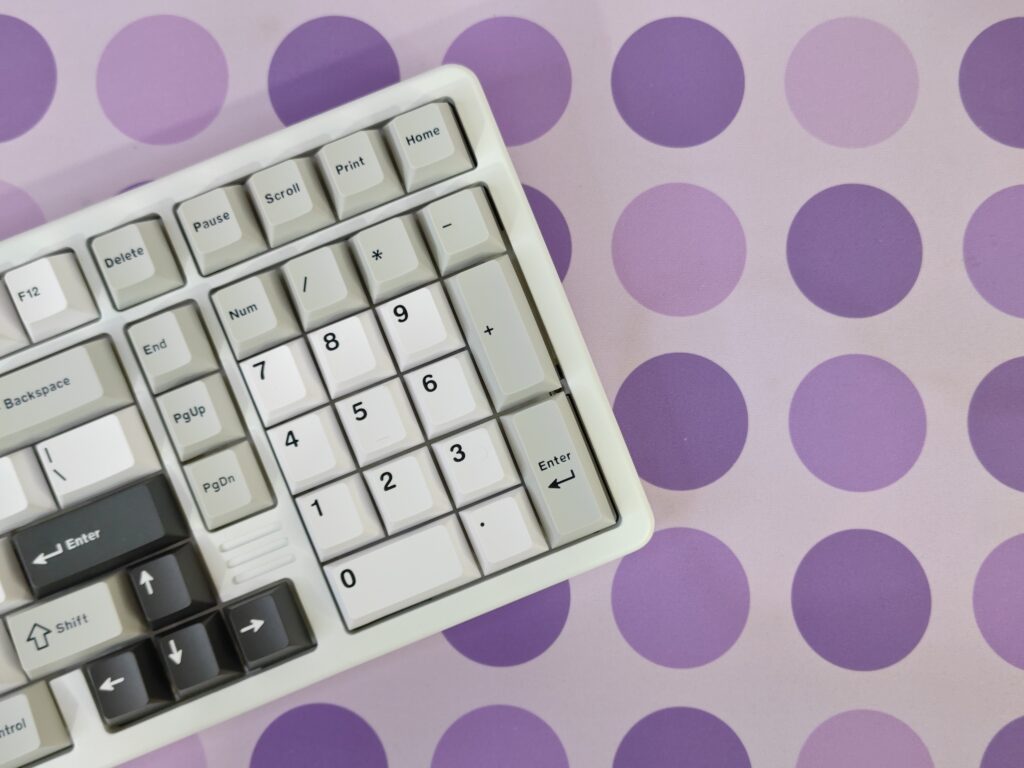
Build quality is one of the strongest points of the AL98. The aluminium body feels premium and well-finished. As soon as you lift it, you can tell this is a serious, high-quality keyboard. Nothing flexes, and everything feels tightly put together.
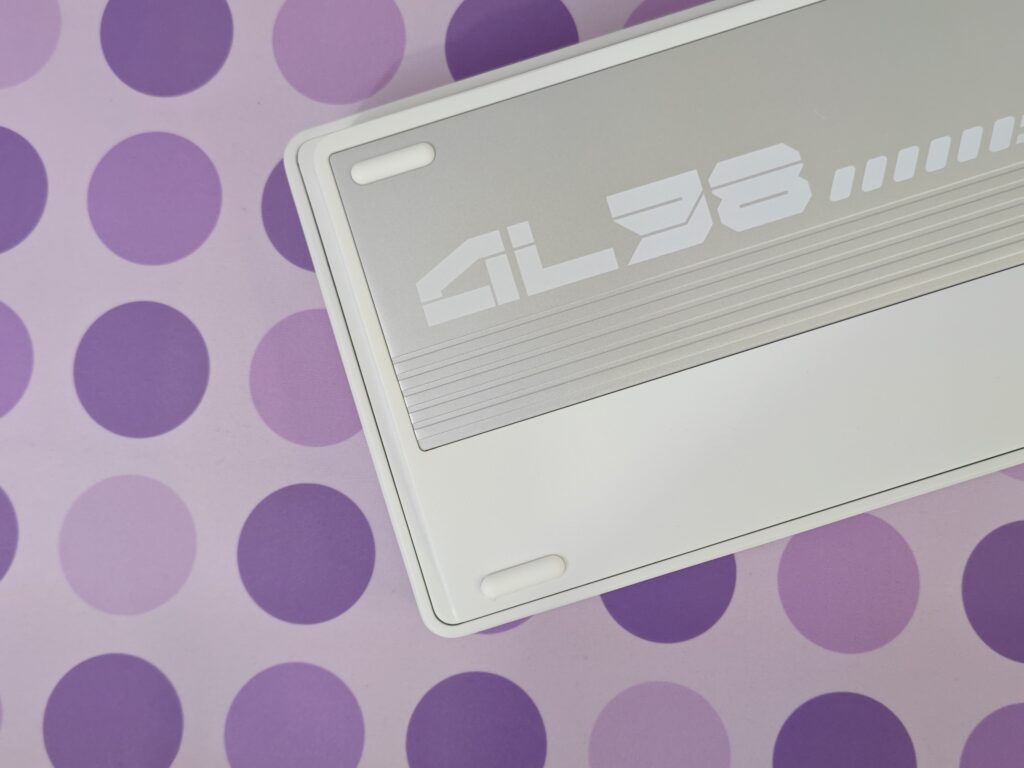
The back of the Yunzii AL98 really stands out. It blends premium materials with a clean and modern look. Most of the underside is covered by a large brushed aluminium plate in a silver-grey colour, which contrasts nicely with the white CNC-machined body. The plate is not just there for weight; it features a mix of smooth areas and horizontal textured lines, along with a bold AL98 logo on the left side.
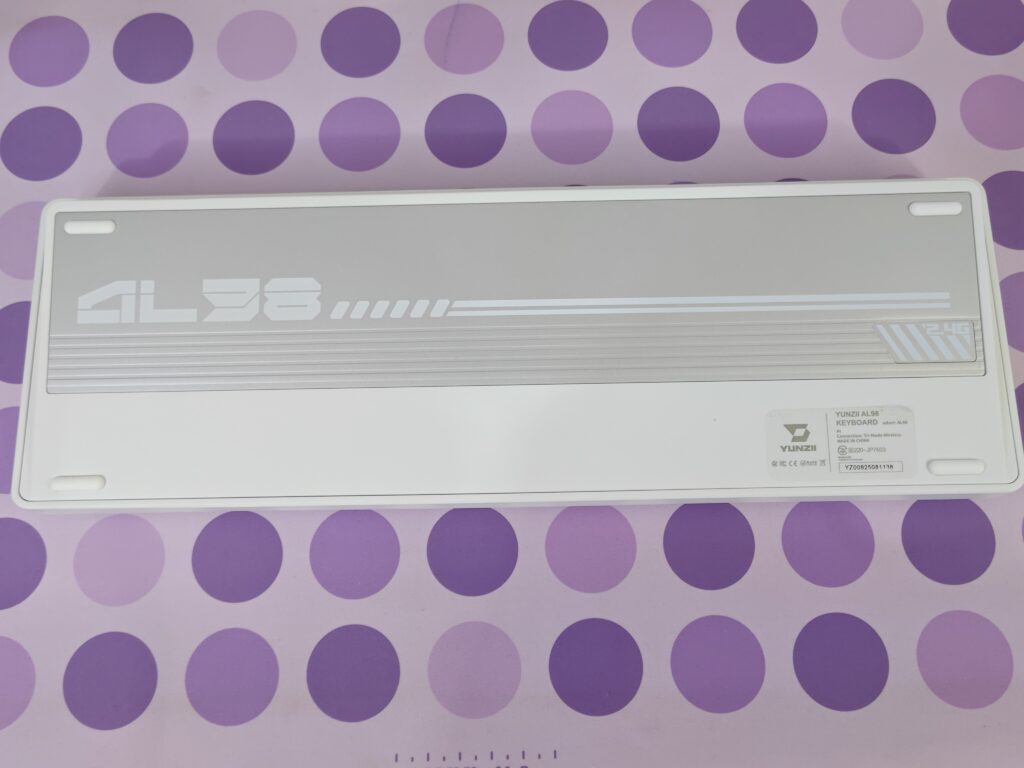
On the right side, there is a diagonal striped section marked 2.4G. This area hides a magnetic slot for the wireless USB receiver, making it easy to store and carry without losing it. The keyboard rests on four low-profile rubber feet that keep it firmly in place. Instead of adjustable feet, the Yunzii AL98 uses a fixed typing angle, which suits its aluminium build and helps maintain stability and consistent typing feel.
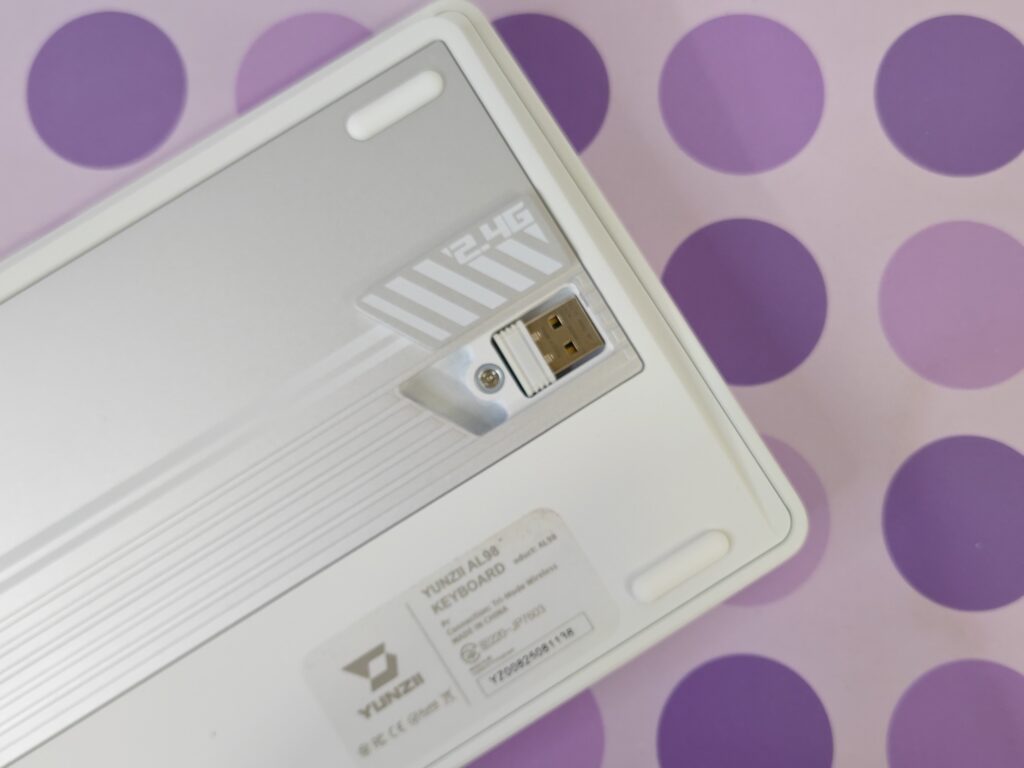
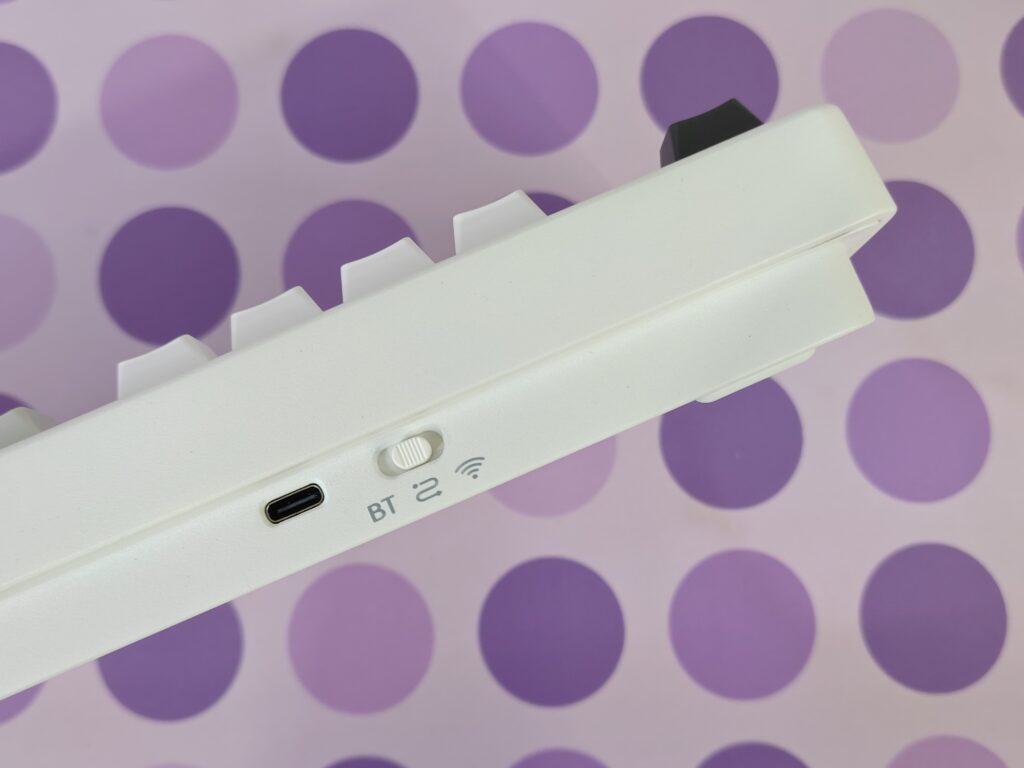
At the back edge, you also get a switch to change between Bluetooth, 2.4GHz wireless, and wired modes, along with the USB-C charging port. The keyboard supports pairing with up to three Bluetooth devices, and switching between them using shortcuts is simple and smooth.
Keycaps
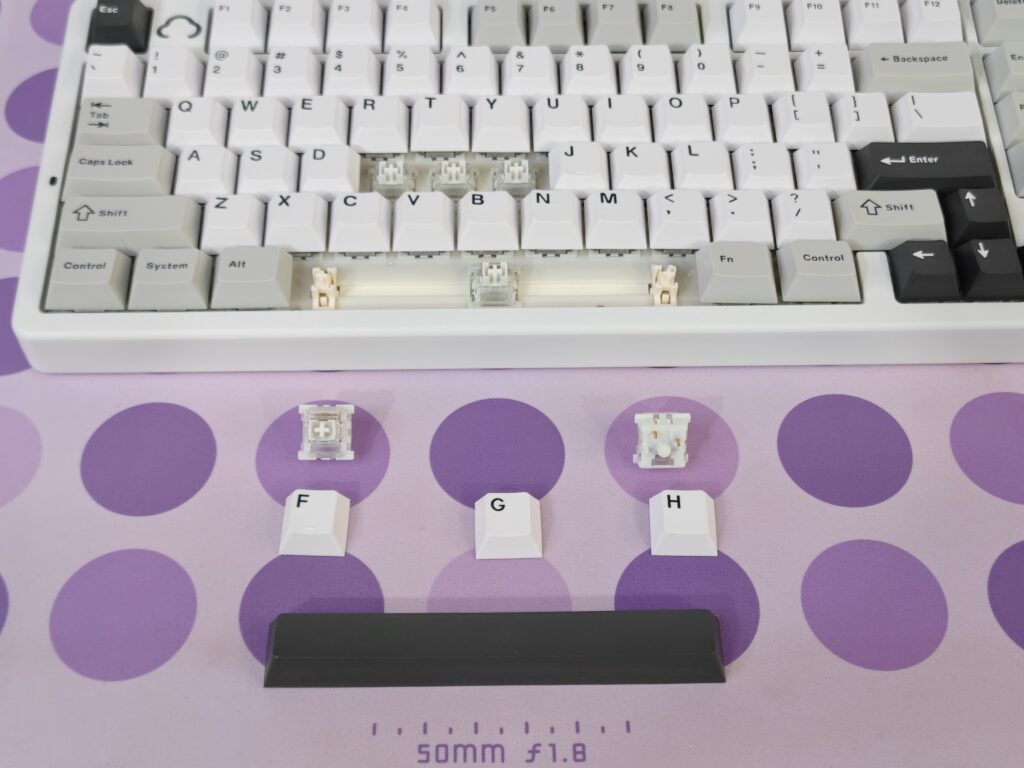
The Yunzii AL98 comes with high-quality double-shot PBT keycaps. The legends are made from two layers of plastic, so they will not fade. The PBT material feels dry and textured, which helps avoid shine and keeps the keys feeling fresh.
These keycaps use the Cherry profile, making typing comfortable and natural. They offer an excellent feel while typing and also help produce a deep and satisfying sound. The three-tone colour design looks clean and balanced, especially on the white model, adding a premium touch to the overall look.
Switches
My Yunzii AL98 came with Yunzii Milk V2 linear switches, and they deliver a very smooth and pleasant typing experience. These switches feel soft from top to bottom, with no scratchy feeling at all. Each key press feels creamy and consistent, which makes long typing sessions very comfortable.
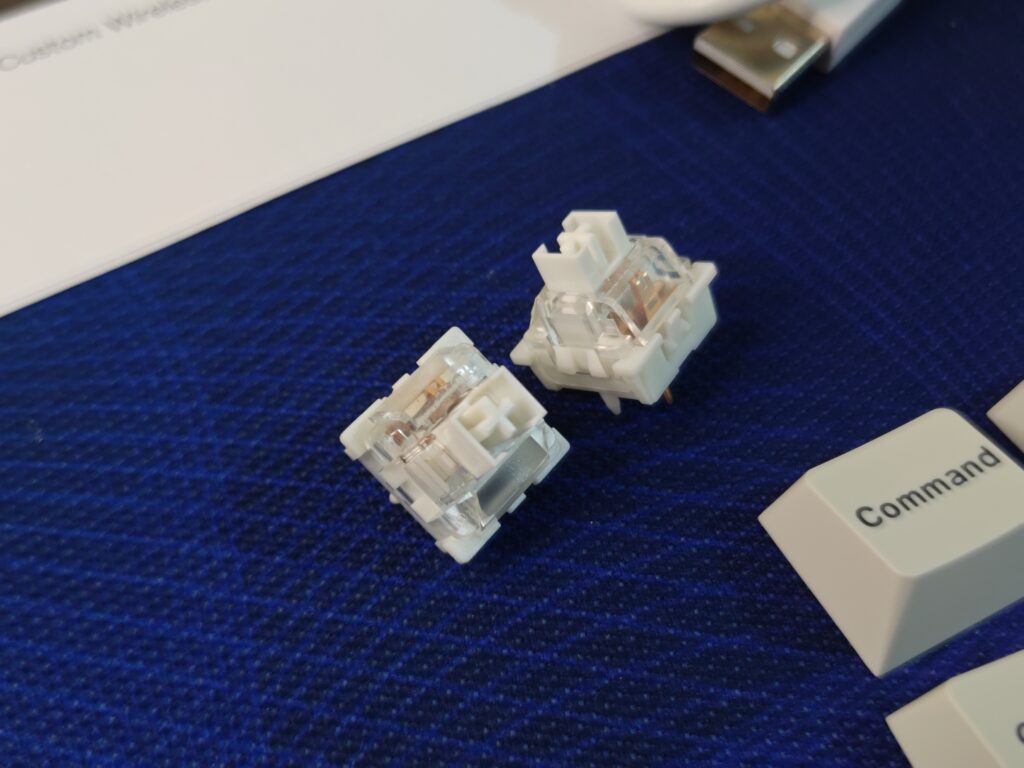
The sound profile is also very enjoyable. Keystrokes produce a deep and clean thock that is not too loud, making the keyboard suitable for both work and casual use. Yunzii also offers the Cocoa Cream V2 linear switches as another option, but the Milk V2 switches already feel excellent out of the box.
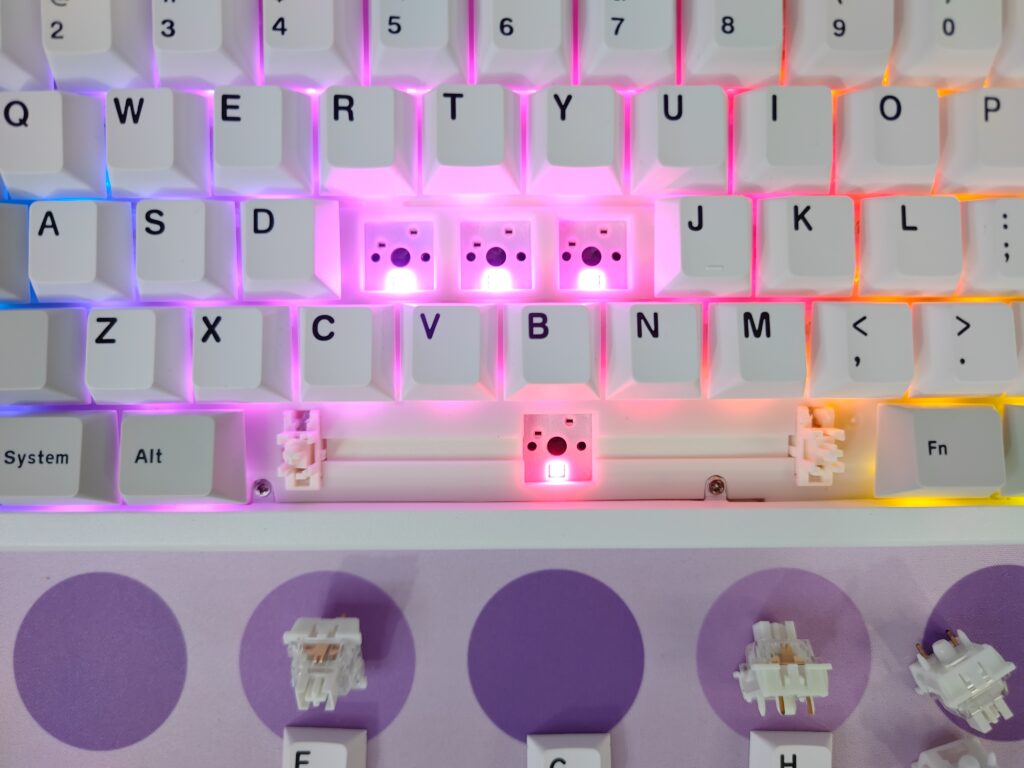
Overall, the switches pair perfectly with the aluminium body and gasket-mounted design, making typing on the Yunzii AL98 smooth, quiet, and very satisfying.
RGB lighting
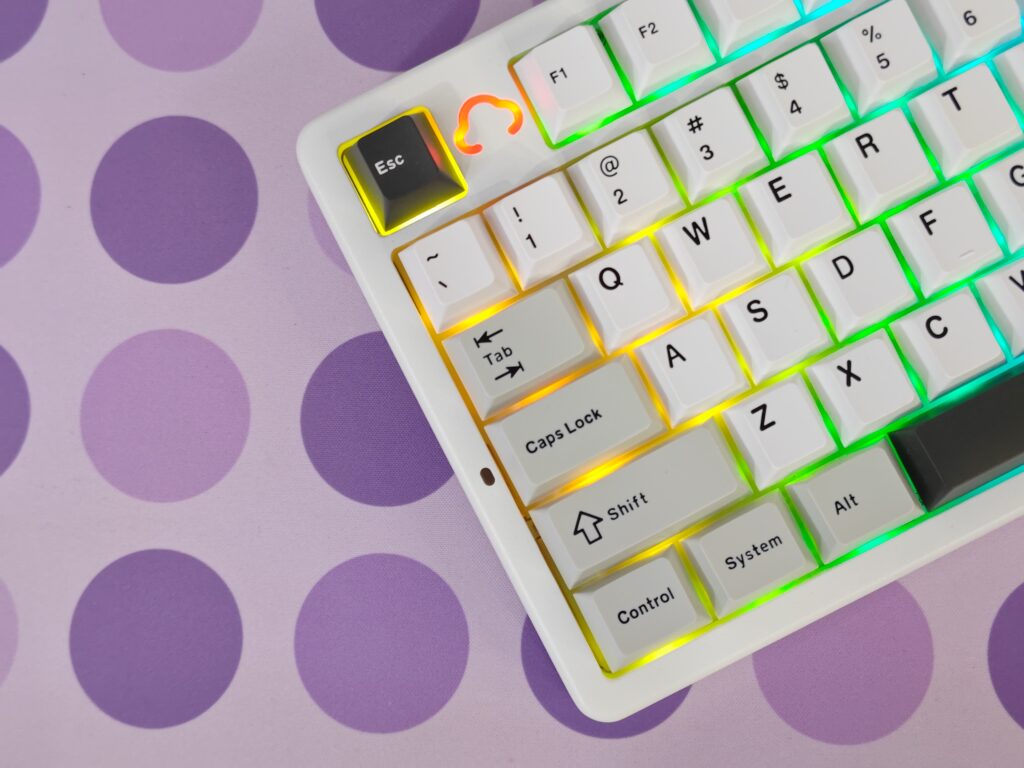
The Yunzii AL98 features south-facing RGB lighting with support for 16.8 million colours. The lighting looks clean and smooth, especially in low-light use. Since the legends do not shine through, the RGB creates a soft underglow around the keycaps, which feels more premium and easy on the eyes.
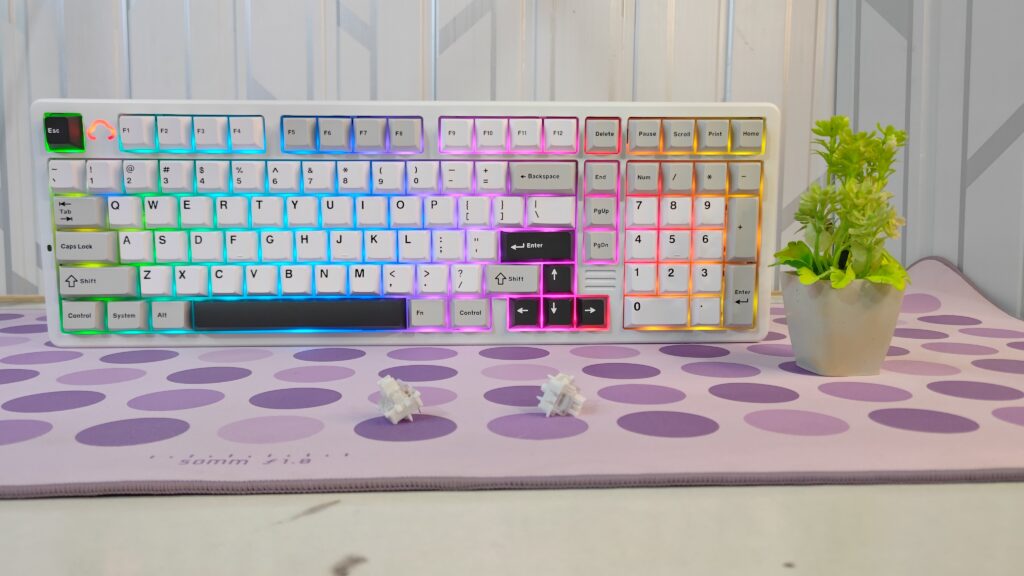
All RGB controls can be adjusted directly from the keyboard using Fn shortcuts. You can change colours, switch between lighting effects, and control brightness and animation speed without using any software.
A nice design touch is the small cloud symbol placed next to the Escape key. This cloud also lights up with the RGB and looks very attractive, especially at night. It adds a bit of personality to the keyboard and makes the lighting feel more unique and fun.
Battery and connectivity
The Yunzii AL98 is equipped with a large 8,000mAh battery, which provides long-lasting performance for daily use. With normal usage, the battery easily lasts for extended periods, and turning RGB lighting off helps save even more power. Charging is done through the USB-C port, and the battery level can be checked using keyboard shortcuts.
For connectivity, the AL98 supports tri-mode use. You can connect it through Bluetooth, 2.4GHz wireless, or a wired USB-C connection. Bluetooth allows pairing with up to three devices and switching between them using shortcuts. The 2.4GHz wireless mode offers a stable and responsive connection, with the receiver stored securely under a magnetic cover at the back. Wired mode is available for charging and uninterrupted use.
Software
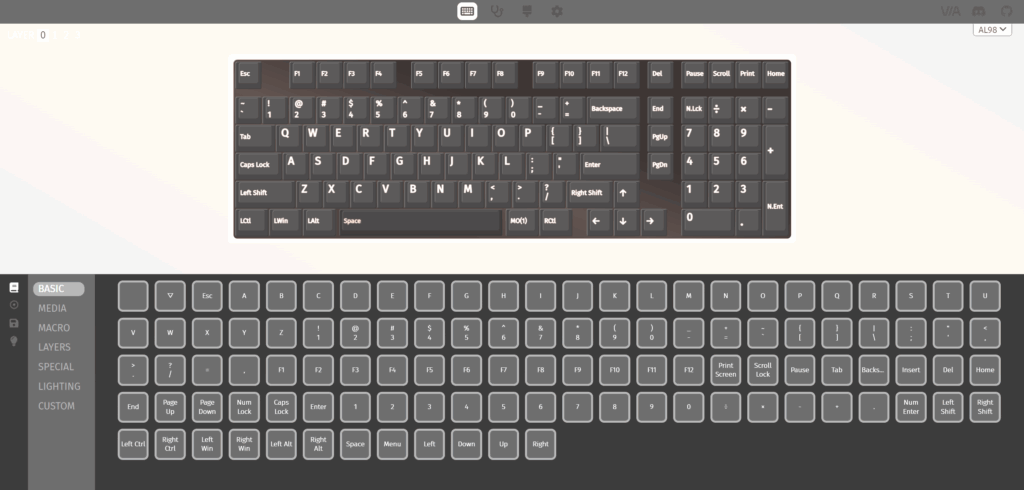
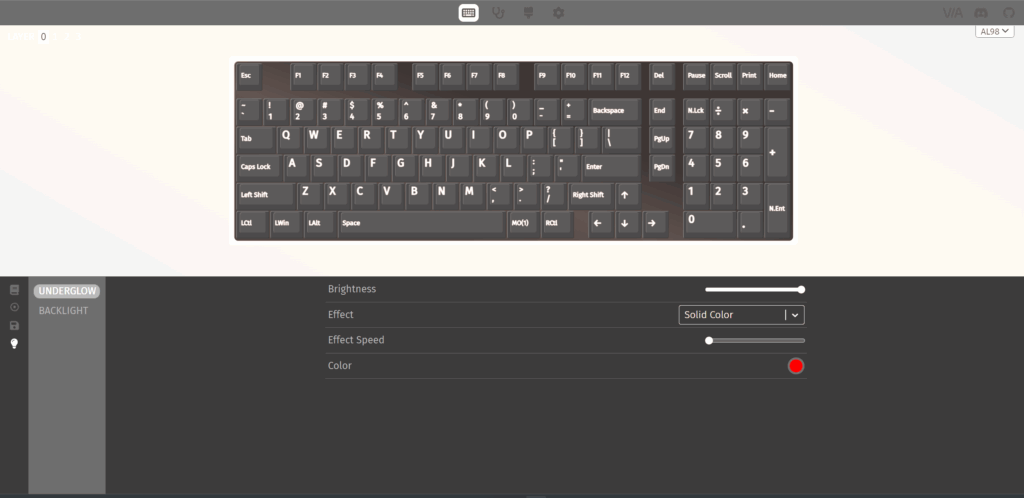
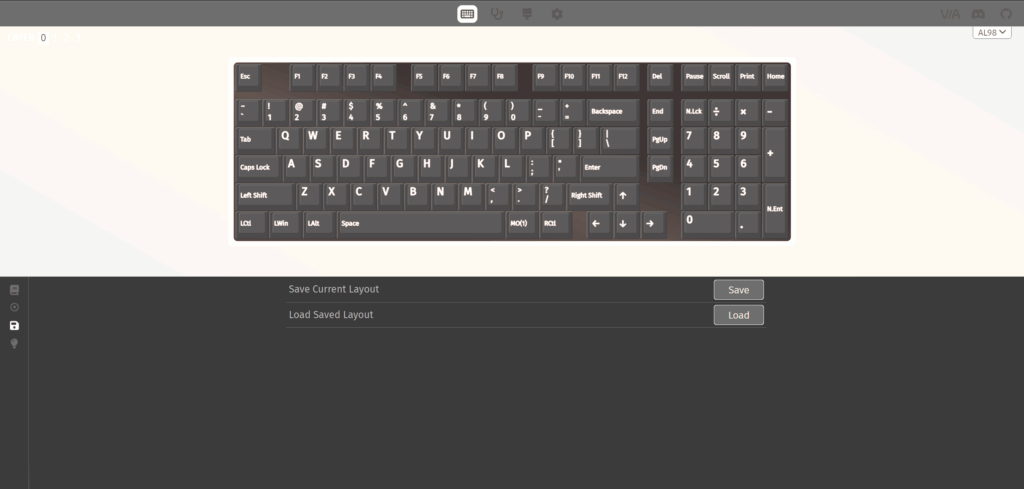
The Yunzii AL98 supports QMK and VIA, giving users a lot of freedom to customise the keyboard. Using VIA, you can remap keys, change functions, and adjust the layout to match your needs. This is especially useful if you want to customise shortcuts or change key behaviour.
The software experience is simple and powerful. Changes are applied quickly, and no complicated setup is needed. Even if you do not use software often, it is good to know that the AL98 offers this level of control for advanced users.
User experience
Using the Yunzii AL98 feels very satisfying from the first key press. Typing feels soft and smooth, thanks to the linear switches and gasket-mounted design. Each key press is gentle on the fingers, making long typing sessions comfortable and fatigue-free.
The build quality feels strong and high-end. The aluminium body keeps the keyboard firmly in place, and there is no flex at all. This solid build also helps improve the typing sound. The keyboard produces a deep and pleasant sound that feels clean and well-balanced, which makes both typing and gaming more enjoyable.
In daily use, the AL98 performs very well for both work and gaming. Key presses feel consistent and responsive, and the overall experience feels premium. Whether you are typing for hours or gaming for long sessions, this keyboard delivers a smooth, stable, and very enjoyable experience.
Final verdict
The Yunzii AL98 delivers exactly what you would expect from a premium aluminium keyboard. It is heavy, much heavier than it looks, but that weight adds to its strong and high-quality feel. The keyboard feels extremely sturdy on the desk and never shifts during use.
Typing feels smooth and soft, with a deep, creamy, and very satisfying sound. Even without any modifications, it already sounds excellent, and with small tweaks, it can sound even better. The keys are easy to swap, connectivity is simple, and the wide range of RGB effects adds a lot of personality. Despite having no adjustable feet, the fixed typing angle feels comfortable and natural.
The keyboard also looks fantastic. The colour combination is pleasing, the build feels premium, and using it genuinely makes work and typing more enjoyable. It feels solid, sounds amazing, and performs equally well for typing and gaming.
To sum it up, if you are looking for a high-quality aluminium keyboard with a great feel, strong build, and rich features, the Yunzii AL98 is absolutely worth the money. This is a keyboard I confidently give my Recommended award.
Thanks to Yunzii for sending this keyboard for testing. This review is based purely on my own use and experience.

Pros and cons
Pros
- Strong aluminium build
- Smooth and soft typing
- Great 8000mAh battery
- Nice RGB effects
- QMK/VIA customisation
- Hot-swappable keys
- High-quality PBT keycaps
- Supports multiple devices
Cons
- Very heavy