









The Day Trader’s PC in 2026: What Hardware Actually Matters for Order Flow and Heatmap Visualization
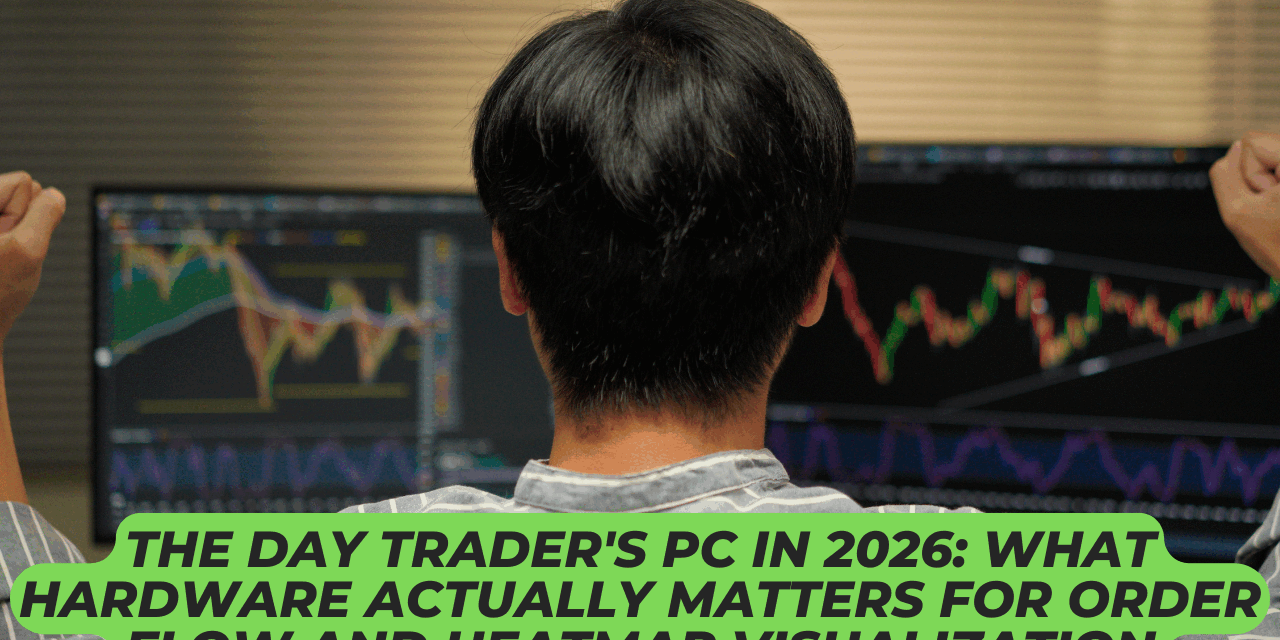
A gaming PC and a day trading workstation may look identical from the outside. Nevertheless, they earn their keep in very different ways. Gamers usually rate a system by peak frame rates in a handful of titles. Traders need something less glamorous and arguably harder to deliver. They want a machine that stays smooth and predictable for hours, with many windows open at once.
Why Trading Software Creates a Different PC Workload
A modern-day trading session is a multitasking exercise on a serious scale. On a single workstation, a trader may run several live charts, a depth-of-market window, a heatmap, a news feed, a chat client, and a broker portal in the browser. Some traders also add screen recording software for journaling, and the workload grows again. None of these tools is graphically heavy on its own, but together they must stay responsive for the full session.
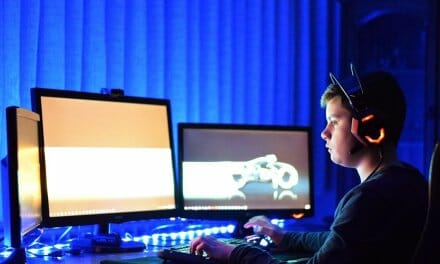
The real challenge is doing all of it at once, across two or more high-resolution monitors, with no dropped frames in the order book or stuttering chart redraws. In short, stable multitasking matters more than peak gaming frame rates. That is a different design goal, and it shapes every component choice that follows.
Within the heavier end of that daily workload sits specialist Liquidity Analysis Software for traders, built to render the live order book through dedicated visual tools. ATAS, for example, includes Smart DOM, liquidity heatmaps, DOM Power, and market-by-order modules. These features organize changing limit order volumes, completed trades, and detailed order information in real time. The workstation must therefore keep several data-heavy windows clear and responsive throughout each active session.
What the Software Itself Actually Asks For
Many traders worry about hardware long before they install the platform. In practice, the published minimum requirements for most professional charting and order flow tools are reasonable, even by 2026 standards. The table below summarizes a typical baseline drawn, alongside more comfortable targets for active multi-window use.
| Component | Common Minimum | Comfortable Target |
| CPU | Intel Core i5-6600, i5-7500, i3-8100, or AMD Ryzen 5 1600 | Modern Core i5 or Ryzen 5, 12th gen or newer |
| RAM | 8 GB | 16 GB to 32 GB |
| GPU | DirectX 11 and OpenGL 4.0 capable, 4 GB VRAM | Any current discrete GPU with adequate display outputs |
| Storage | 80 GB free | 500 GB NVMe SSD |
| Internet | 30 Mbps | 100 Mbps or more |
These figures are starting points, not aspirational targets. A day trader who plans to keep many windows, browsers, and feeds open at once will quickly appreciate hardware that sits comfortably above the floor. The difference is rarely visible on paper, yet it shows up clearly during busy market hours.
The Components That Make the Real Difference
With the minimums covered, the next question is where to spend a little more for genuine improvement. The answers may surprise anyone familiar only with the gaming hardware market.
CPU: Prioritize Responsiveness Over Raw Core Count
Most order flow software runs comfortably on any modern Core i5 or Ryzen 5 from the past five years. However, the more important factor is single-thread performance, since the user interface and chart redraws depend heavily on it. A trader running a busy session benefits more from a fast modern six-core CPU than from an older sixteen-core workstation chip with lower per-core speed.
RAM: Minimum Versus Comfortable
The 8 GB minimum is workable, but only just. Charts, browsers, chat tools, and order book windows all claim their own slice of memory, and any drop below 8 GB can cause noticeable slowdowns. Most modern traders settle on 16 GB, with 32 GB a sensible step up for those who keep many tabs open or record sessions for review.
GPU: Display Capacity Over Gaming Prestige
The main reason to fit a discrete GPU is not gaming-class ray tracing. Instead, it is the ability to drive multiple high-resolution monitors with stable image quality, clean text, and reliable drivers. Compact professional cards, such as the recent graphics cards designed for multi-monitor productivity, draw only around 70 watts each, support four high-resolution displays, and avoid the heat and noise of a flagship gaming card. For most traders, a mid-range gaming GPU also works perfectly well.
Storage: Quiet, Fast, and Reliable
An SSD is no longer optional for a serious trading PC. Order flow software writes constant cache and log data, and a mechanical drive can introduce small but irritating pauses. A 500 GB NVMe drive is a sensible starting point. Useful storage tiers for most setups include:
- A 500 GB NVMe drive for the operating system and the trading platform
- A 1 TB SATA SSD for charts, journals, and session recordings
- Optional cloud or external backup for trade logs and screenshots
Monitors, Networking, and the Wider Setup

The hardware inside the case is only half the story. The screens, the network, and the room around the desk all shape the daily experience just as much. As a result, smart spending here often outperforms an extra GPU tier.
Monitor Count, Resolution, and Readability
Two monitors are the practical minimum for any focused trading session. Three or four are common, and an ultrawide can replace a pair of standard panels for users who prefer a single uninterrupted desktop. Whatever the layout, text clarity at normal reading distance matters more than refresh rate. A 27-inch 1440p panel often reads more comfortably than a 32-inch 4K monitor at default scaling.
Is a Faster Internet Connection Always Better?
Not necessarily. Above roughly 100 Mbps, additional headline speed rarely improves the trading experience. What actually matters is stability and low packet loss. A wired Ethernet connection to a quality router will almost always outperform a Wi-Fi link of double the speed. Useful habits include:
- Use Ethernet on the trading workstation whenever possible
- Keep the router on a separate circuit from heavy appliances
- Configure a secondary connection, such as mobile data, for unexpected outages
- Test the line during quiet hours to spot recurring microdrops
Cooling and Power for Long Sessions
A trading PC runs all day, so noise and sustained temperatures matter as much as raw performance. Quality air cooling is usually enough for the components described above, and a quiet 80 Plus Gold or Platinum power supply will run cool and dependably. Aggressive overclocking offers very little in this context and may introduce instability over very long sessions. A small uninterruptible power supply, often overlooked, can also protect against unplanned reboots during important news events.
Should You Build It or Buy It?
Once the component shortlist is clear, the next decision is whether to assemble the system or buy a finished one. Either path can succeed, and the right answer depends on time, confidence, and budget. For many people, choosing between a prebuilt and custom-built PC comes down to how much weight to place on assembly quality, warranty coverage, and setup time. A prebuilt usually costs a little more but ships ready to use, while a DIY build allows precise control over every part.
Three Sensible Hardware Tiers
There is no single correct trading PC. The right configuration depends on monitor count, software load, and personal preference. The table below outlines three common tiers, each balanced rather than chasing peak performance.
| Tier | CPU | RAM | GPU | Monitors | Best For |
| Baseline | Modern Core i5 or Ryzen 5 | 16 GB | Integrated or entry discrete | Two 1080p | Beginners and part-time traders |
| Balanced | Core i7 or Ryzen 7 | 32 GB | Mid-range discrete with four outputs | Three 1440p | Comfortable headroom for busy sessions |
| Multi Monitor | Core i7 or Ryzen 7 or higher | 32 GB to 64 GB | Compact professional GPU or two mid-range cards | Four 1440p or two 4K | Full-time order flow work |
Each tier assumes the same supporting elements: an NVMe SSD, wired internet, and a quiet 80 Plus Gold power supply. Spending more on these basics is a better investment than chasing higher-tier components.
What Is Not Worth Overspending On

A surprising number of expensive upgrades make almost no difference to a working trading PC. Spending the saved money on a second monitor, a better chair, or a quality keyboard usually has a larger effect on daily work. Common areas of unnecessary spending include:
- Flagship gaming GPUs, such as a top-tier RTX 5090, which deliver features the platform never uses
- Power supplies far above the actual system draw, often double or triple what is needed
- RGB-heavy cases, fans, and memory, which can look attractive but offer no functional benefit
- Extreme cooling solutions designed for sustained overclocking, which a trading workload rarely requires
- Boutique premium memory kits, when standard DDR5 with sensible timings performs almost identically
The strongest trading rigs are typically modest, well chosen, and quietly competent. They prioritize reliability, monitor capacity, and good ergonomics over headline specs.
For 2026, the trader who chases benchmarks alone will likely overpay and still feel the same delays at the open. The trader who chooses balance, generous memory, solid monitor support, and a stable internet line will work in comfort all day. The right setup will quietly serve a working trader well for many years to come.