









GuliKit TT PRO and TT MAX review: precise control with real customization
Introduction
The GuliKit TT Pro and TT Max series shifts to a symmetrical stick layout, moving away from the older Xbox-style design and targeting players who prefer a PlayStation-style controller. It includes tension-adjustable TMR joysticks and the Hyperlink 2 low-latency wireless system, along with support for Switch 2 wake-up and compatibility across Switch 1, Switch 2, PC, iOS, and Android. The focus is clear: better control, lower latency, and wider compatibility. Symmetrical controllers are not new, but most brands still struggle to get them right, often compromising on ergonomics or input consistency, while the GuliKit TT PRO and TT MAX aim to address this by focusing on hardware rather than gimmicks.
Features
Both models TT Pro and TT Max use a tension-adjustable TMR magnetic joystick system. You can fine-tune stick resistance with a hidden mechanism, going up to 720° of adjustment. The idea is simple: control how loose or tight the sticks feel depending on your playstyle. GuliKit claims 4000 levels of precision and long-term resistance to stick drift. That sounds good on paper, but what matters is how it holds up in real use.
Wireless performance is handled by Hyperlink 2 technology. On PC, latency is rated as low as 2.62ms. That puts it in serious territory for competitive gaming. It is not just about numbers either. Consistency matters more than peak performance.
Triggers use a dual-mode system. You can switch between Hall effect analogue input and microswitch digital input. This is not just a feature for marketing. It actually changes how games feel. Racing games benefit from analogue control, while shooters feel tighter with instant trigger response.
Vibration is handled by magnetic levitation motors. You get different modes and adjustable strength. There is also gyro support, anti-snapback tuning, RGB lighting, programmable back paddles, and swappable parts. On paper, both controllers are packed.
TT Pro vs TT Max
The TT PRO keeps things simple. It focuses on core functionality without deep customization. It works well for general gaming but offers limited control over advanced settings.
The TT MAX goes further. It adds stick sensitivity adjustment, D-pad switching, and macro recording through the APG system. It also includes stick bounce prevention, which reduces unwanted reverse inputs.
These additions make a difference in competitive games, but they also add complexity. Not everyone will need them.
Unboxing
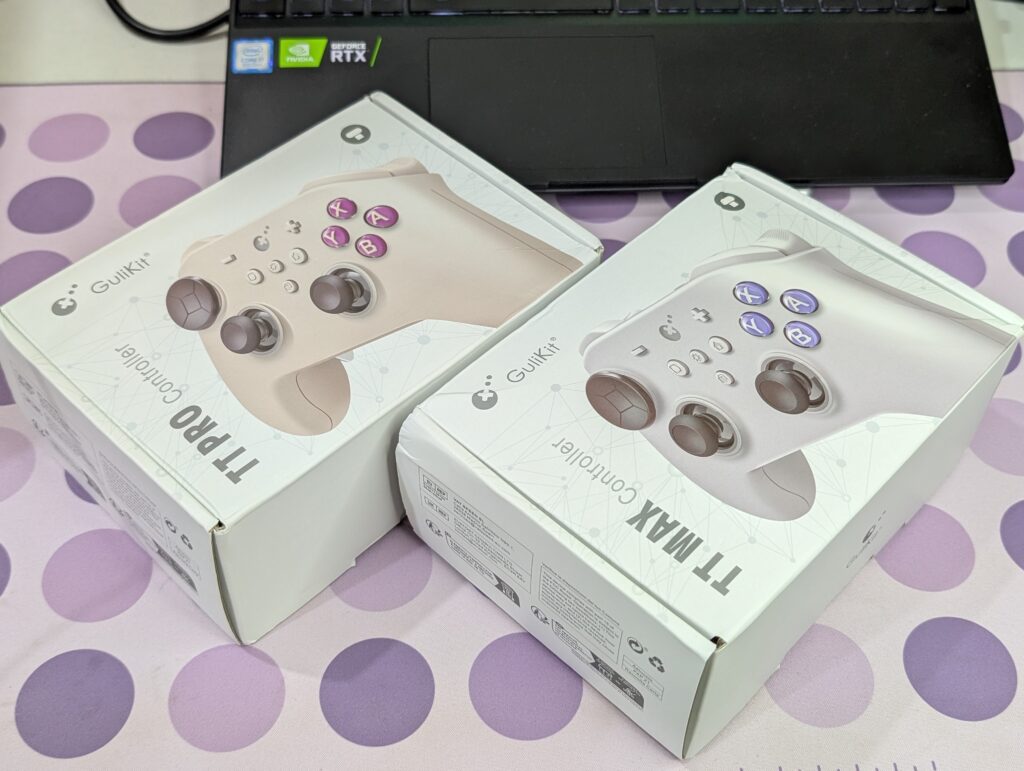
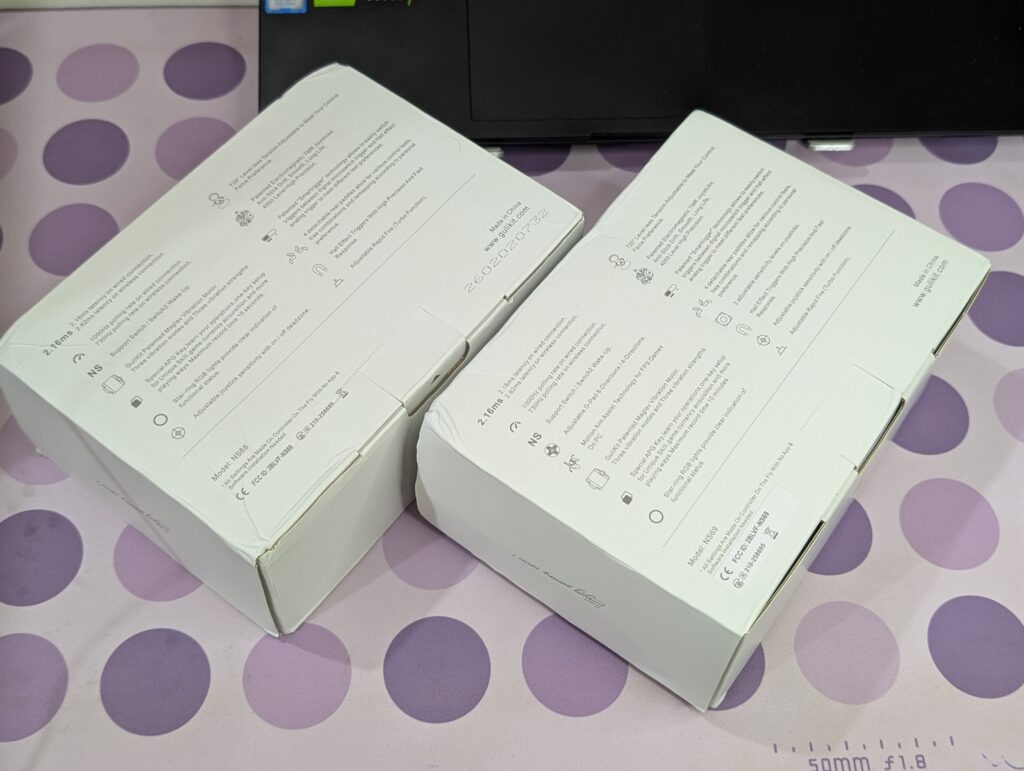
Unboxing is straightforward. Both controllers come in a solid white box with clear product images and detailed information on the back. Nothing fancy, but it does the job.
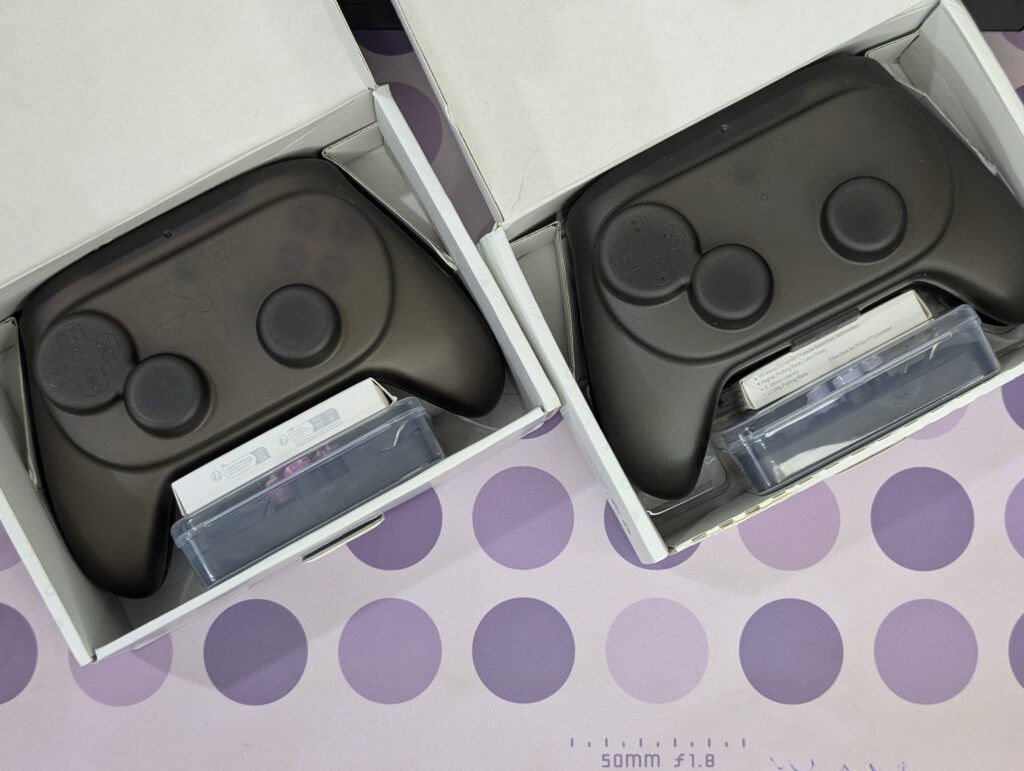
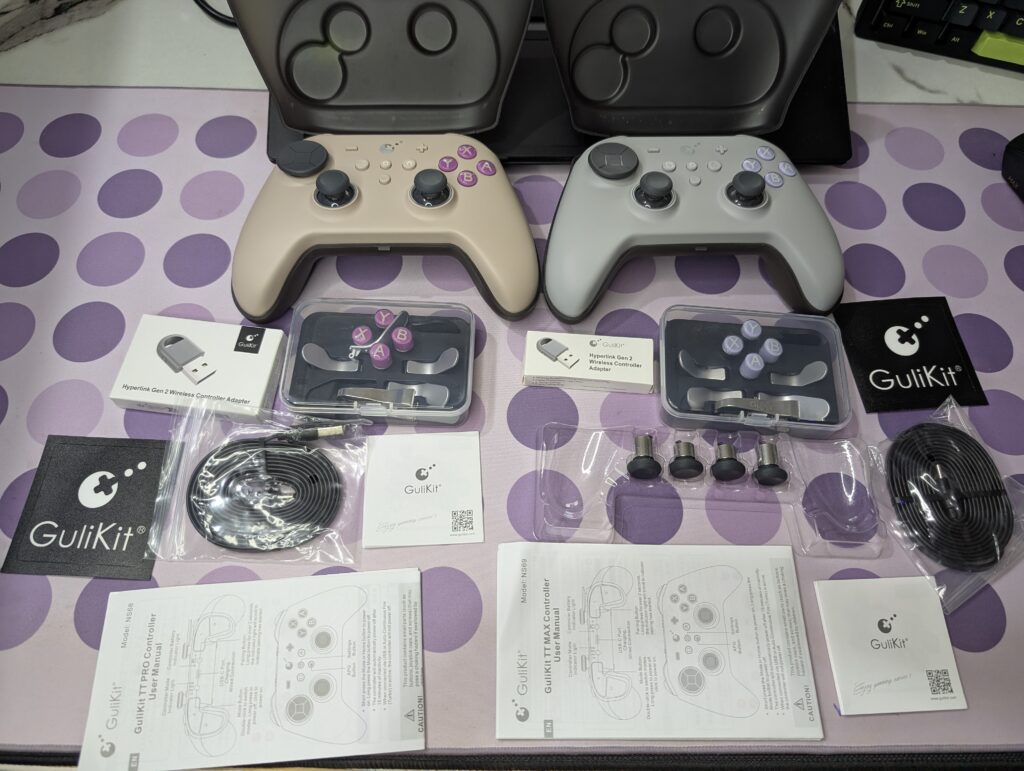
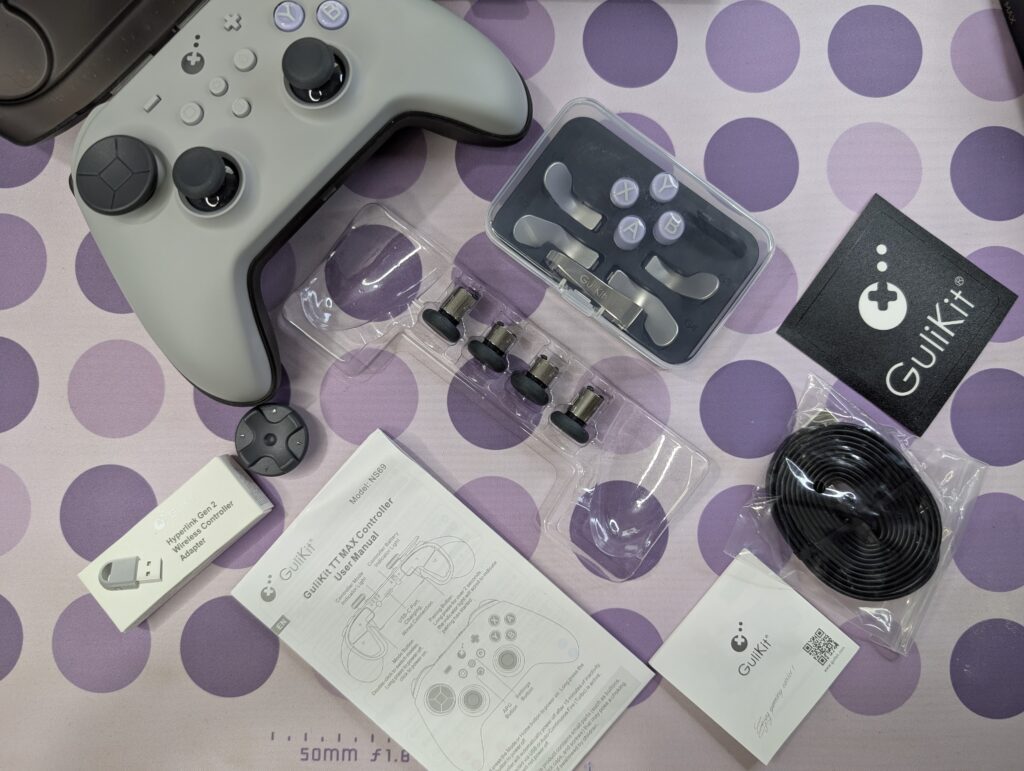
Inside, the package is more interesting. You get a carrying case, a Hyperlink 2 dongle, a USB-A to USB-C cable, and several accessories. These include button caps, rear paddles, a screwdriver for stick adjustment, and a spare D-pad. The TT MAX adds extra thumbstick caps with different heights. This is not just cosmetic. Stick height can affect accuracy and comfort.
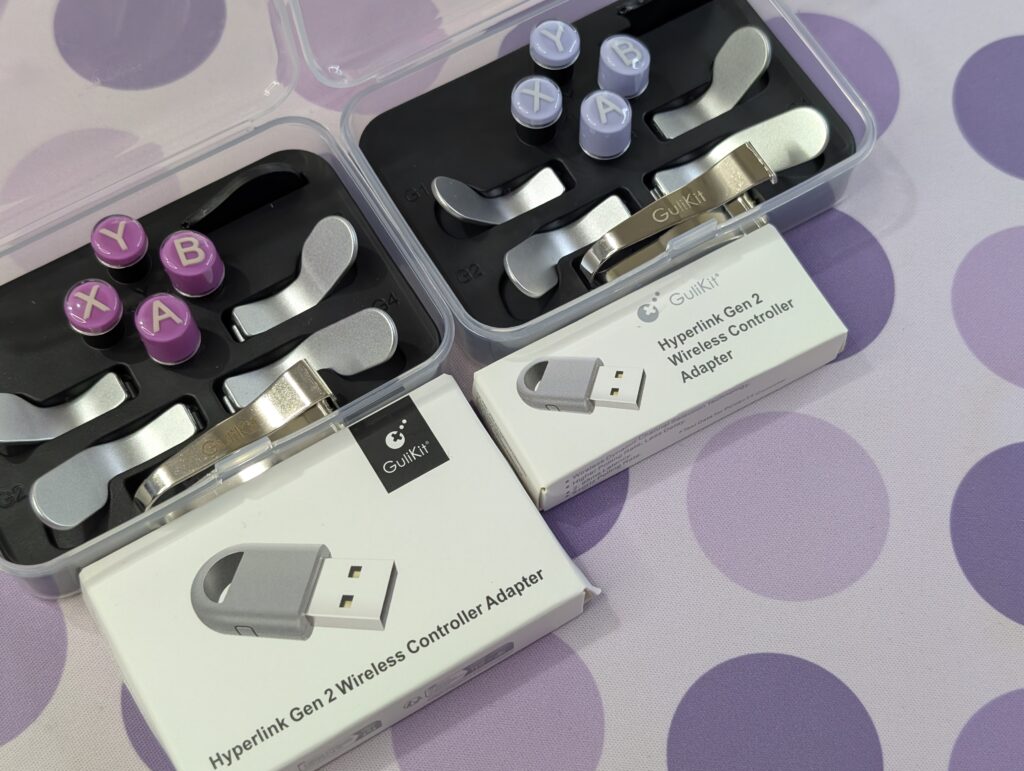
GuliKit TT Pro and TT Max specifications
| feature | GuliKit TT MAX | GuliKit TT PRO |
|---|---|---|
| Joysticks | 720° stepless tension-adjustable magnetic TMR joysticks | 720° stepless tension-adjustable magnetic TMR joysticks |
| Precision level | 4000-level precision, anti-drift design | 4000-level precision, anti-drift design |
| Wireless technology | Hyperlink 2 Bluetooth (up to 2.62ms latency on PC) | Hyperlink 2 Bluetooth (up to 2.62ms latency on PC) |
| Triggers | 2-in-1 Hall effect + microswitch switchable triggers | 2-in-1 Hall effect + microswitch switchable triggers |
| Vibration | magnetic levitation motors (multiple modes, adjustable) | magnetic levitation motors (multiple modes, adjustable) |
| Back paddles | 4 removable metal paddles | 4 removable metal paddles |
| Interchangeable stick caps | 3 sets (different heights included) | not included |
| Interchangeable D-pads | 2 styles (4-way / 8-way switching) | 2 styles (fixed 8-way) |
| Layout keycaps | Switch and PC layout sets included | Switch and PC layout sets included |
| Wireless adapter | Hyperlink 2 multi-functional adapter included | Hyperlink 2 multi-functional adapter included |
| Gyro support | Switch + PC motion aiming | Switch only |
| APG (macro system) | up to 10 minutes recording and playback | up to 10 seconds recording |
| Anti-snapback | yes | yes |
| RGB lighting | yes | yes |
| Joystick sensitivity adjustment | yes | not available |
| Deadzone adjustment | yes (on/off) | yes (on/off) |
| Battery | 950mAh | 950mAh |
| Connectivity | wired + Bluetooth | wired + Bluetooth |
| Platform support | Switch 1/2, Windows, SteamOS, Android, iOS | Switch 1/2, Windows, SteamOS, Android, iOS |
| Switch wake support | yes | yes |
GuliKit TT Pro and TT Max pricing and availability
GuliKit is not targeting the budget segment. But it is also not overpriced. The TT Pro and TT Max controllers sit in a competitive range.
Both controllers launched globally on January 15, 2026. Availability started through official Amazon stores in major regions.
In the United States, the TT Max has an MSRP of $82.34. The TT Pro is $70.58.
With official discounts, prices drop to $69.99 for TT Max and $59.99 for TT Pro. This is the real value point.
In the United Kingdom, pricing follows the same structure in GBP. No major regional price jump.
In Europe, the TT Max is €94.11 and the TT Pro is €82.34.
Discounted prices bring them down to €79.99 and €69.99.
At full price, competition is stronger. At discounted price, they make more sense.
Purchases are available through local Amazon platforms. Official support is included. More retailers may come later.
A closer look
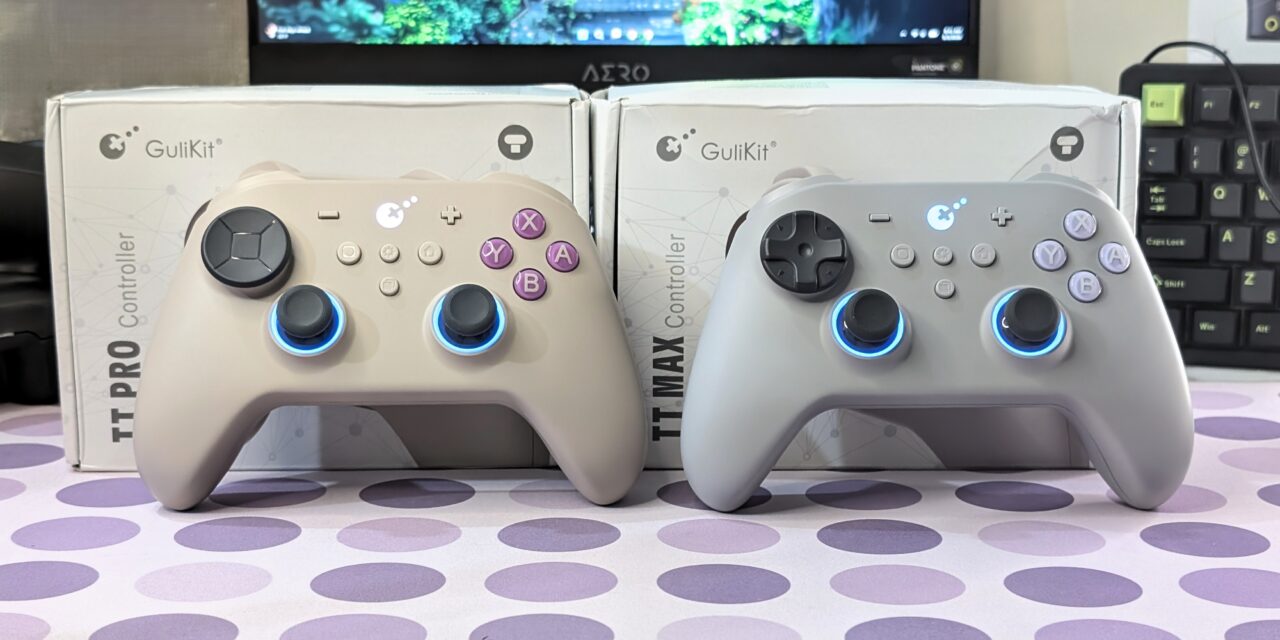
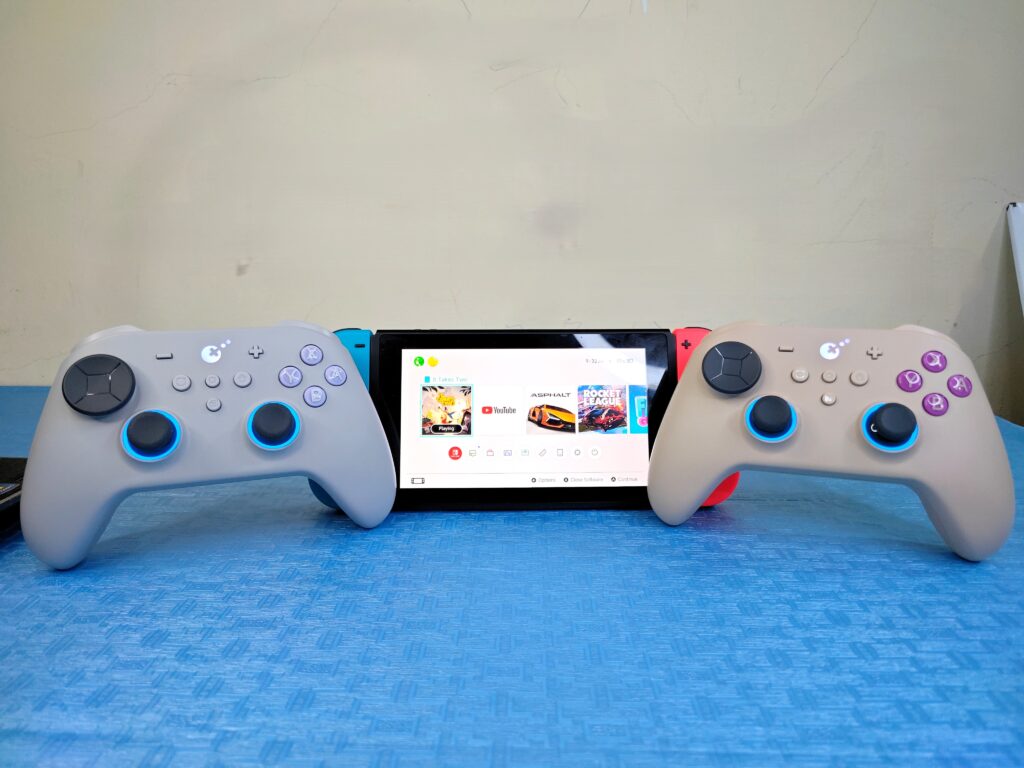
The GuliKit TT Pro and TT Max follow a clean and practical design, but there is a clear difference in colour options. The TT Pro is available in Grey and Black, while the TT Max comes in Retro and Black finishes. For this review, the units tested are the Grey variant of the TT Pro and the Retro version of the TT Max.
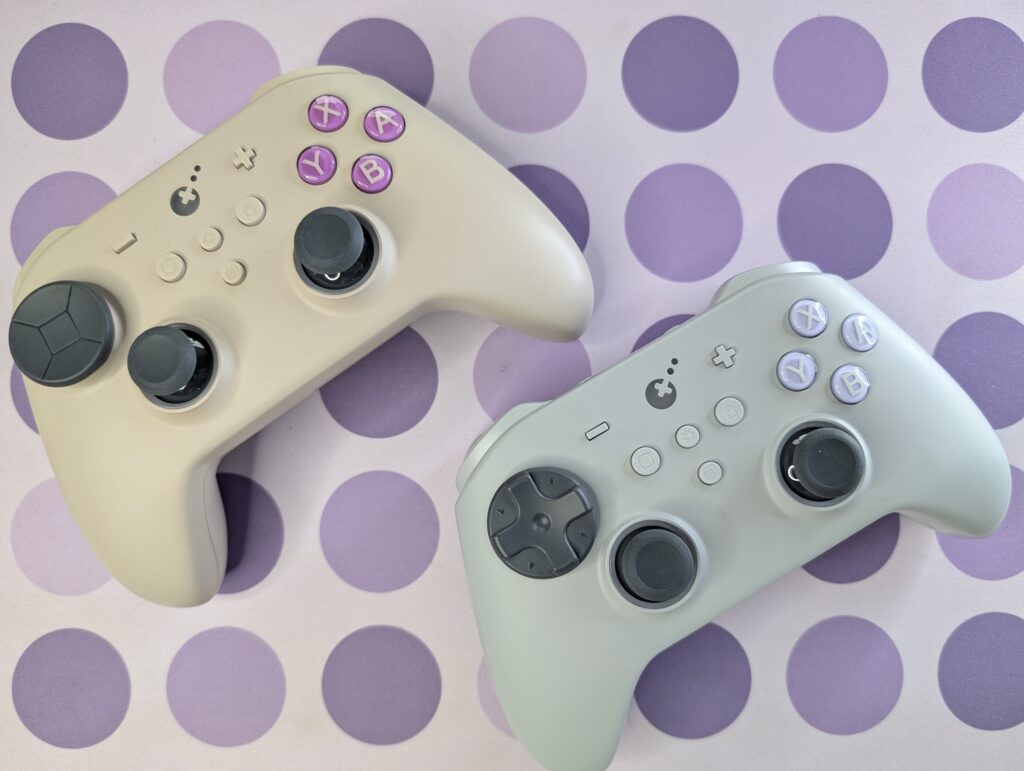
Design and build quality
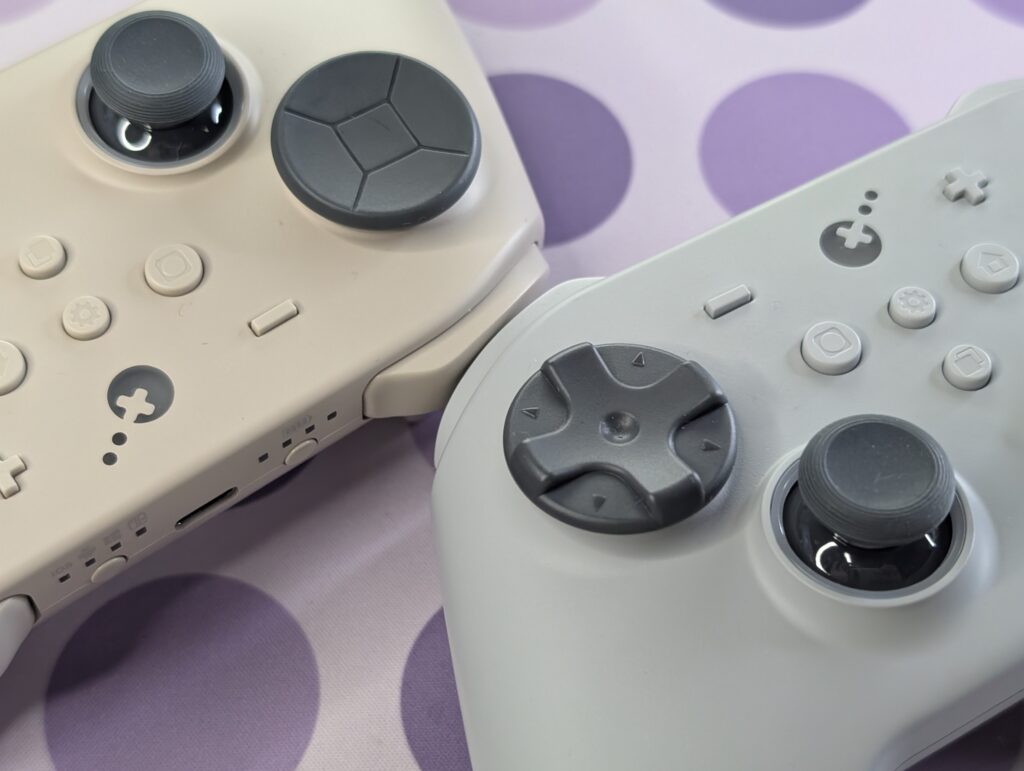
The TT Pro and TT Max controllers are slightly smaller than a DualSense. The grip shape feels closer to an Xbox controller but not as bulky. The handles taper upwards, which helps during long sessions. Weight distribution is balanced, and the vibration motors do not make the controller feel uneven.
The surface finish is practical. Matte on the front, textured underneath. Grip remains stable even after hours of use. Build quality is solid. No loose parts, no creaking. Buttons feel consistent.
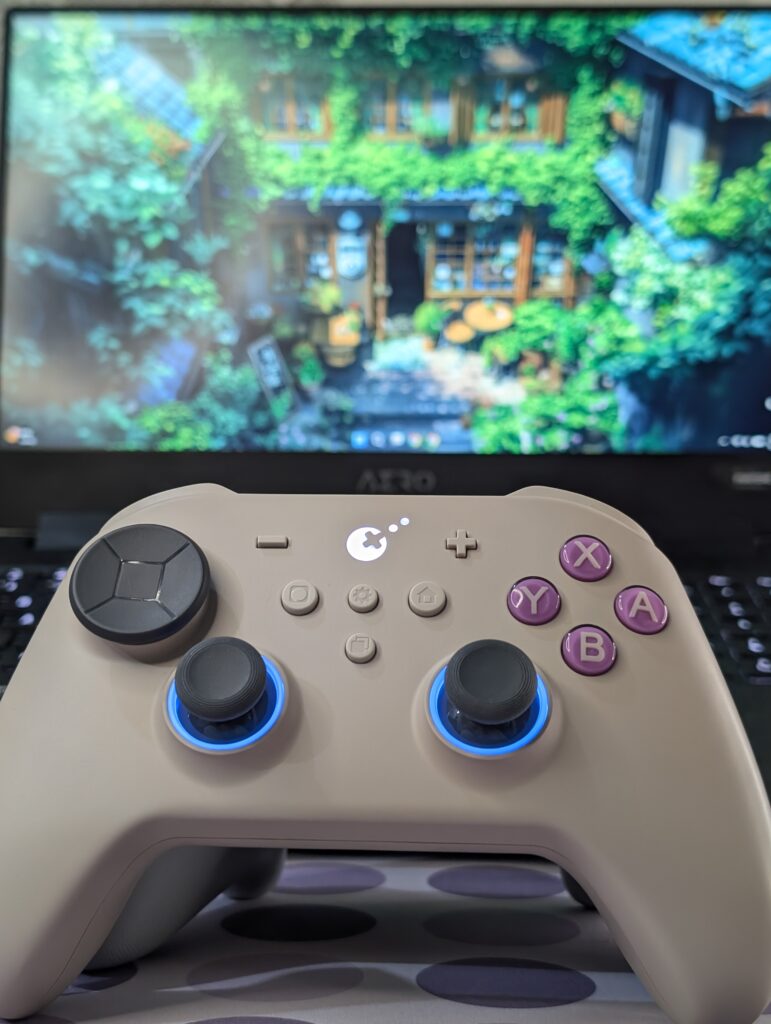
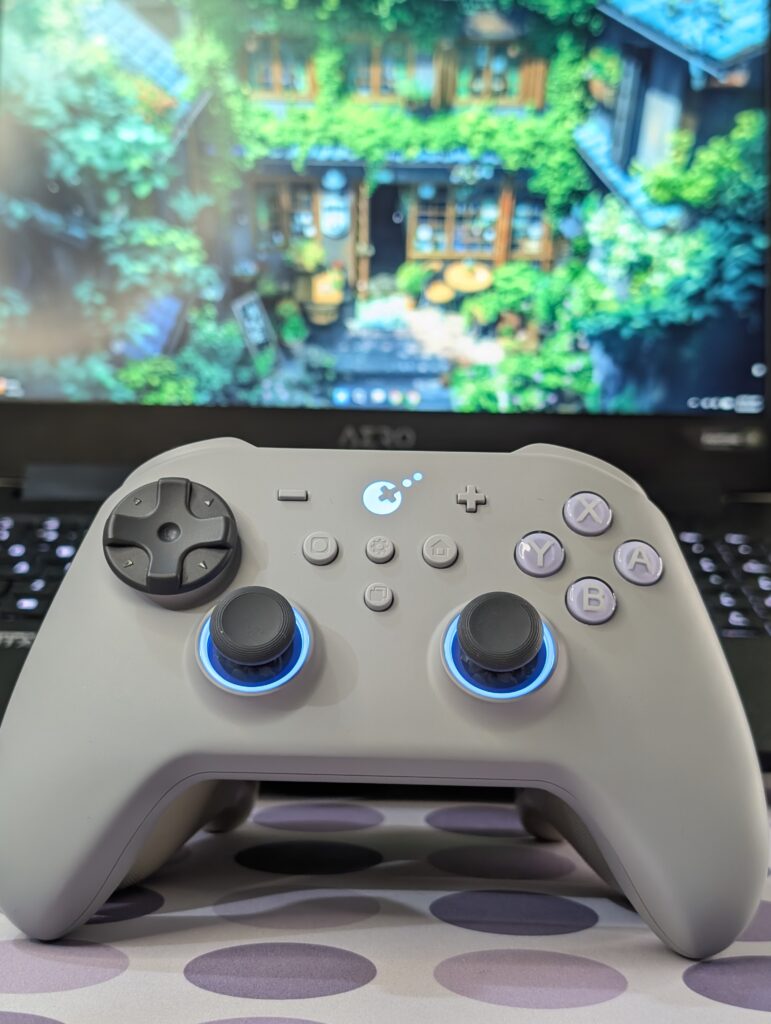
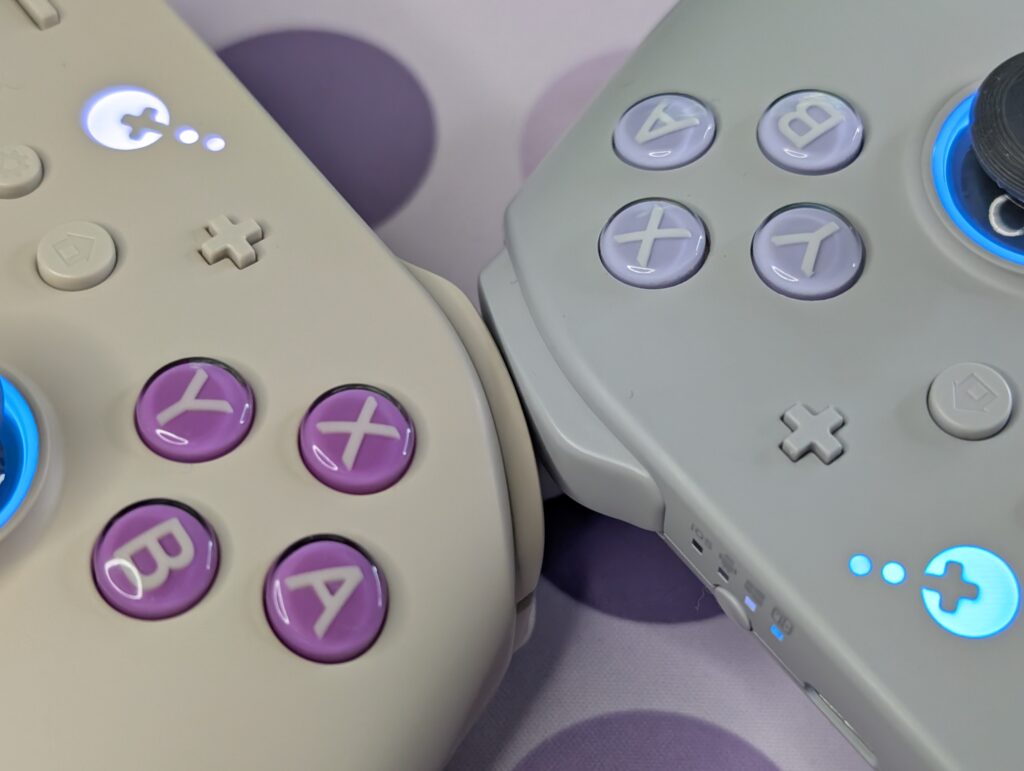
Face buttons use membrane switches. They are quiet and soft but still responsive. The D-pad also uses a membrane design, which gives it a slightly floating feel. This can be a problem. Diagonal inputs are easier to trigger than expected. In slower games, it is fine. In fast-paced games, it can lead to mistakes.
Controls and customization
Button layout follows the Nintendo Switch style, but on PC it behaves like an Xbox controller. Minus becomes view, plus becomes menu, and the home button acts as the Xbox button. The capture button does nothing on PC for now.
Two extra buttons sit in the centre. One for settings, one for learning functions. These allow quick adjustments without software. You can tweak dead zones, remap buttons, and adjust vibration directly.
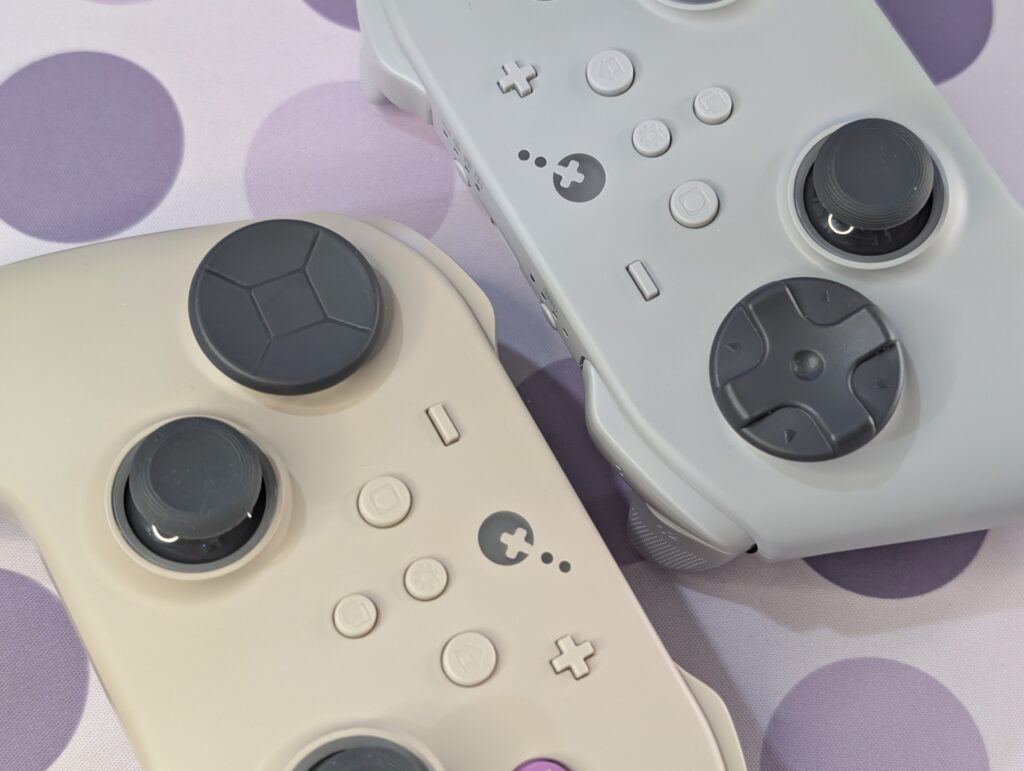
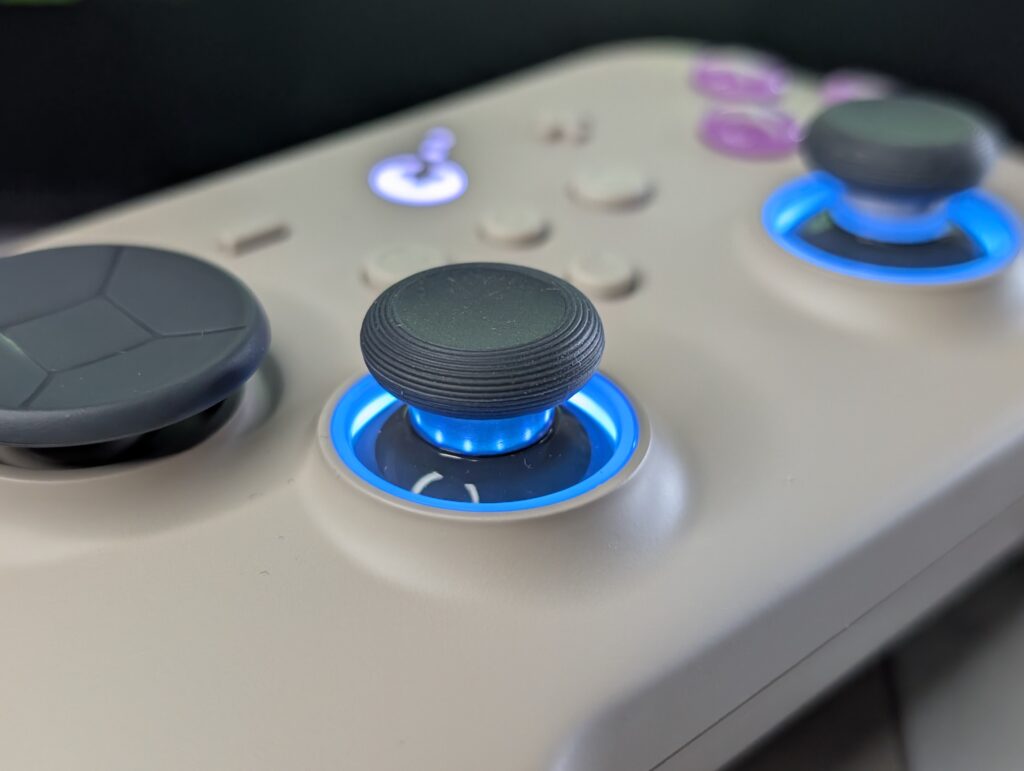
The joysticks are the highlight. Movement feels smooth and controlled. Adjustable tension makes a real difference in aiming and camera control. Modules are removable and even compatible with other platforms.
RGB lighting surrounds the sticks. It can be customised or turned off. It adds visual appeal but no gameplay advantage.
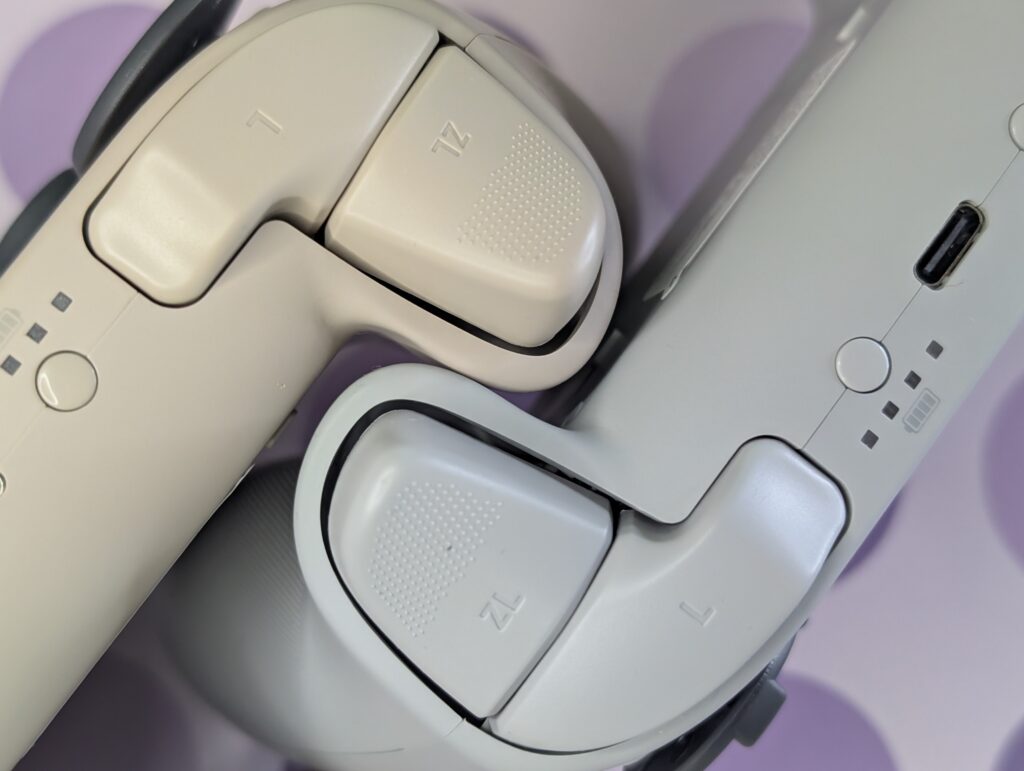
Triggers and bumpers perform as expected. Switching between Hall effect and microswitch mode changes response instantly. This physical toggle is practical.
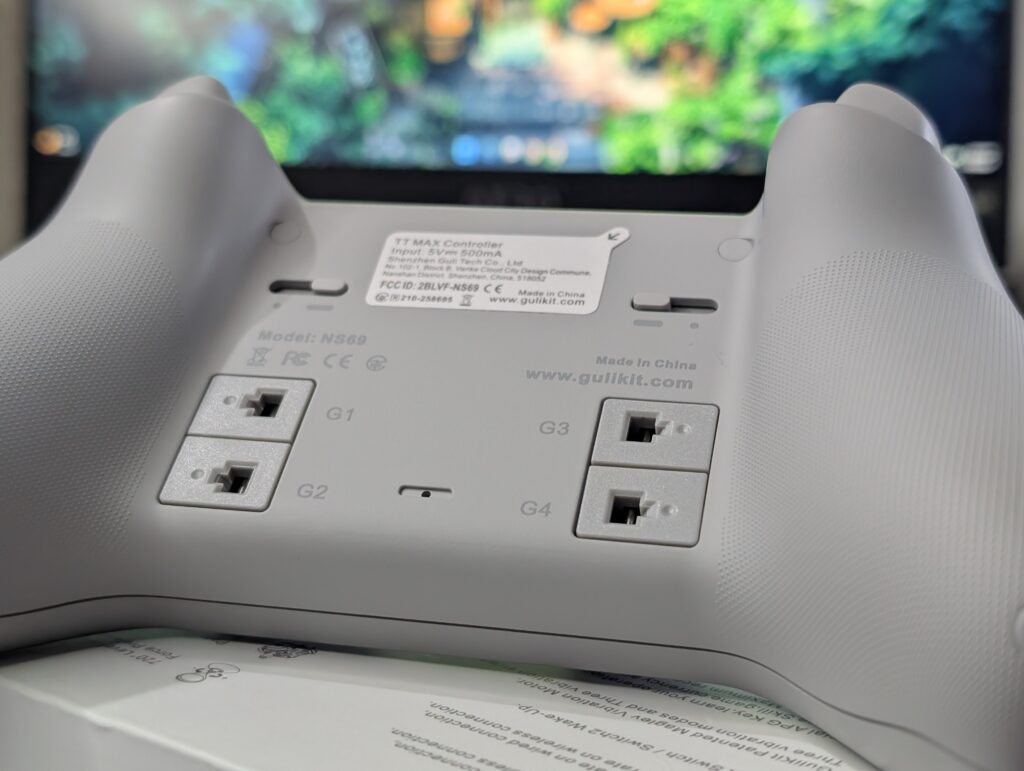
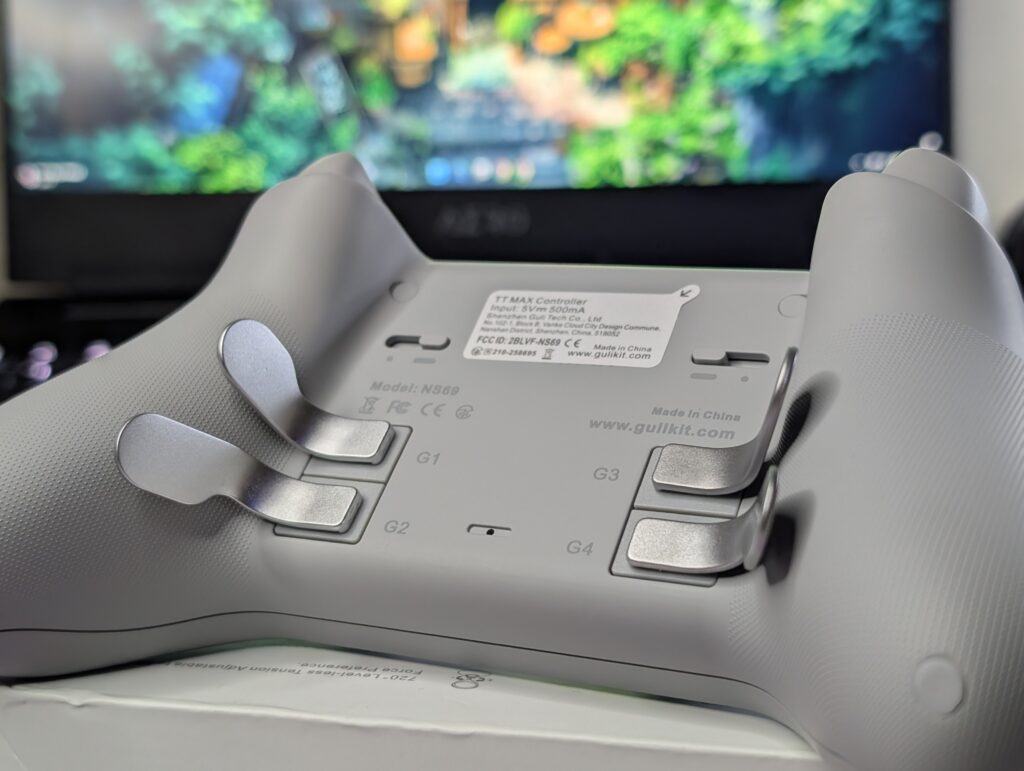
The back includes four rear buttons with optional metal paddles. They feel solid and are placed well. Accidental presses are rare.
Dongle
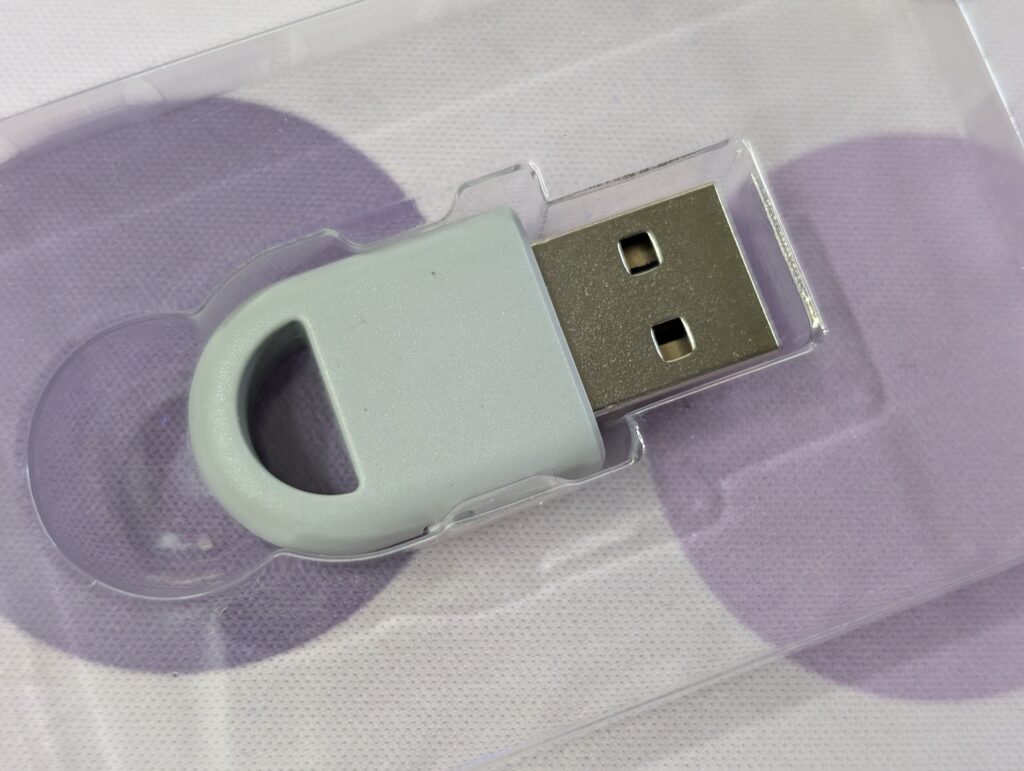
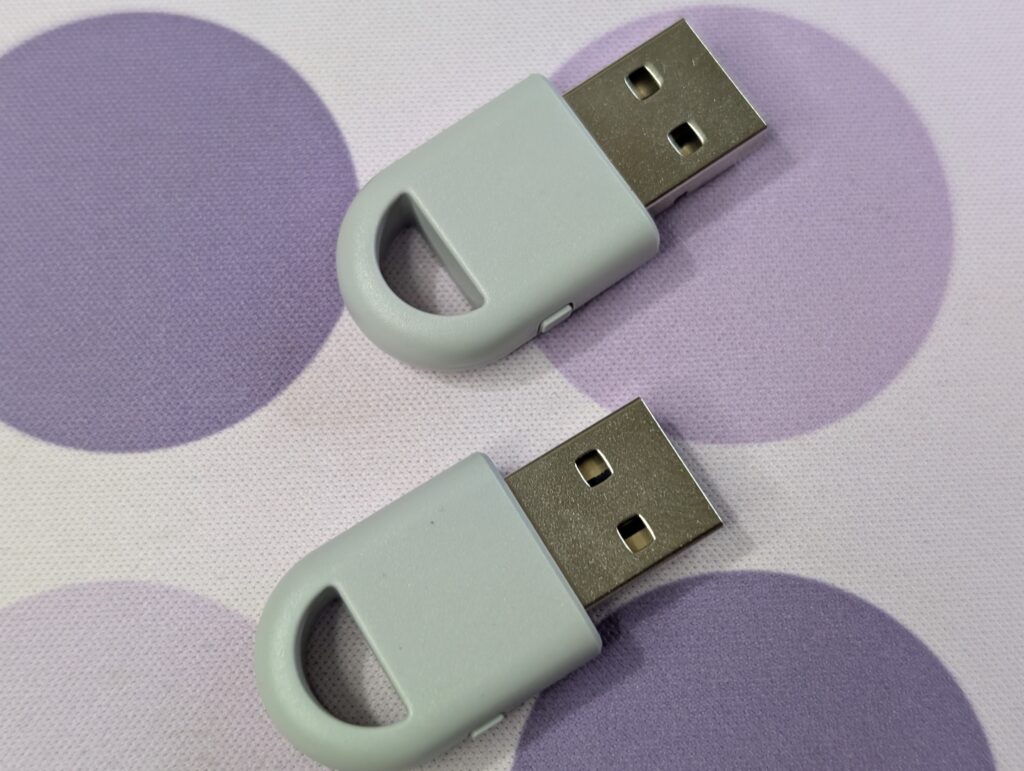
The Hyperlink 2 dongle is small and easy to use. It does not block nearby ports and includes a pairing button with a simple LED indicator.
Performance is stable. Input feels immediate with no noticeable delay spikes. Compared to standard Bluetooth, response is clearly better in fast-paced games.
Setup is plug and play on Windows. No drivers needed in most cases. It also works across multiple controllers and platforms, making it useful beyond these models.
Connectivity
The GuliKit TT Pro and TT Max work on many devices. You can use them on Switch, Switch 2, PC, Android, and iPhone. You do not need extra tools. Changing between devices is quick and simple.
Wireless connection is handled by Hyperlink 2. Pairing is fast. The controller connects in seconds and stays connected. There are no random disconnections during play. On PC, delay can be as low as 2.62 ms. This means your actions feel quick and smooth.
There is also a special USB adapter in the box. It helps improve connection stability on supported devices like PC, Switch, and mobile. It gives a stronger and more stable link than normal Bluetooth. It does not work with Xbox or PlayStation consoles.
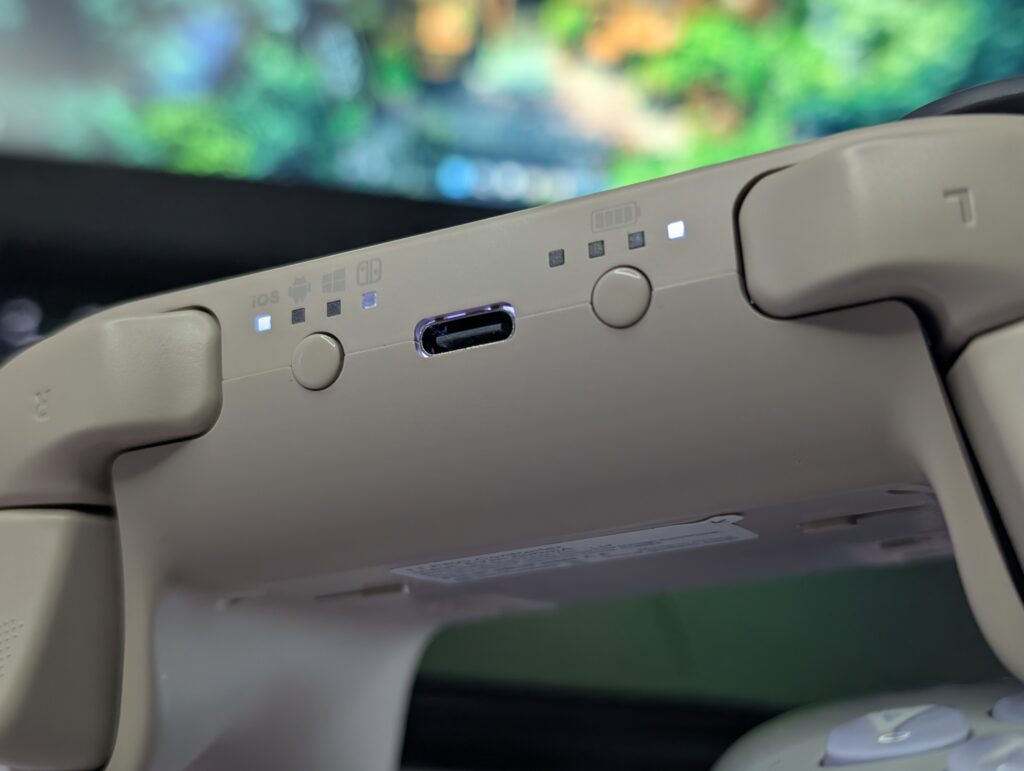
If you want a wired setup, you can use a USB-C cable. This gives up to 1000 Hz polling rate on PC. It is better for competitive games. Setup is easy. Just switch to PC mode and plug in the cable.
Bluetooth pairing is very simple. Press and hold the pairing button. The controller shows up as “GuliKit XW Controller” on your device. Once connected, it will auto-connect next time.
On Switch, the controller can even turn on the console from sleep. This makes it more convenient to use.
TT Pro and TT Max controller’s connection is easy, fast, and works across many devices without problems.
Battery
Both TT Pro and TT Max controllers use a 950mAh battery. It is built inside and made for wireless use.
GuliKit says battery life can reach up to 14 to 26 hours. But that depends on how you use it. If you turn off lights and lower vibration, it lasts longer.
In real use, the result is lower. With LED lights on and vibration set high, it lasts around 10 to 12 hours. That is enough for long gaming sessions, but not for multiple days without charging.
Charging is done with a USB-C cable. Most cables will work, so you do not need anything special. Charging is simple and quick.
There is also a battery indicator on the controller. It shows how much charge is left. This helps you avoid sudden shutdowns during gameplay.
TT Pro and TT Max controller’s battery life is decent. Not the best, but not a problem either.
GuliKit TT Pro and TT Max User Experience
I used both TT Pro and TT Max controllers for about two weeks on PC and Nintendo Switch. Performance stayed stable across different types of games. The symmetrical stick layout feels balanced, especially if you are used to PlayStation-style controllers. The grip shape is closer to an Xbox controller, so it sits well in the hands. The handles support your palms, and the textured back helps during longer sessions. I played around two to four hours at a time without discomfort.
On PC, I tested Spider-Man 2 and Forza Horizon 5. In Spider-Man 2, movement and camera control felt smooth. Swinging through the city stayed responsive, and small adjustments were easy to manage. The adjustable joysticks helped with fine control, especially during fast movement.
In Forza Horizon 5, the triggers made a clear difference. Using Hall effect mode gave better control over acceleration and braking. It felt more natural when driving at high speed. Switching to microswitch mode made inputs faster, but less precise. The toggle is physical, so you can change it quickly without opening any settings.
On Nintendo Switch, I tested It Takes Two and Super Mario Bros. Wonder. In It Takes Two, movement felt smooth and consistent, especially during co-op sections that need timing. The controller stayed reliable with no input delay.
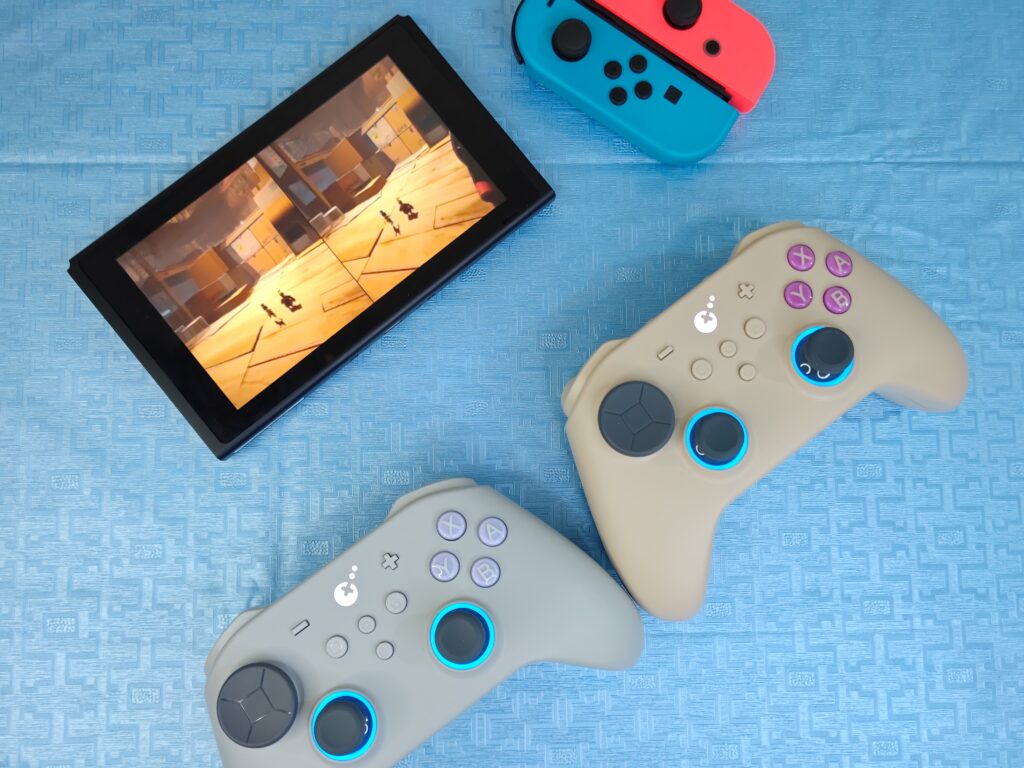
In Super Mario Bros. Wonder, the controls felt quick and responsive. However, the D-pad can sometimes register diagonal inputs more easily than expected. It is not a major issue, but you may notice it in fast platforming sections.
Motion controls worked well on supported games. Small adjustments felt natural and accurate. The TT Max also handled fast stick movements better due to its extra tuning options.
Vibration feels clean and not too strong. You can feel changes in surfaces and actions, but it does not become distracting. You can also adjust vibration strength easily.
Battery life stayed around 10 to 12 hours with lights and vibration on. Turning off lighting helps it last longer. Wireless connection remained stable with no sudden drops. Wired mode is also available for lower latency if needed.
TT Pro and TT Max both controllers perform well in real use. The TT Pro handles basic gameplay without issues. The TT Max gives more control if you want to fine-tune your inputs.
Final thoughts
The GuliKit TT Pro and TT Max do not try to reinvent controllers. They focus on improving control, consistency, and flexibility. Most of the time, that approach works.
Build quality is strong. Nothing feels cheap or loose. The shape is comfortable for long sessions, but it is a bit unusual. The grip and layout together gave me a crab-like look at first. Wide in the middle with handles spreading out. It sounds odd, but in hand it actually feels stable and well balanced.
The joysticks are the main highlight of TT Pro and TT Max. Adjustable tension is not just a feature on paper. It changes how the controller feels in real use. You can make movements tighter or smoother depending on the game. That level of control stands out.
Triggers also add real value. Switching between analogue and microswitch mode makes a clear difference. It lets you adapt quickly between racing and shooting games without digging into settings.
Wireless performance is reliable. Input stays consistent, and there are no random drops. Latency feels low enough for most games. Wired mode is there if you want the lowest delay.
The difference between the TT Pro and TT Max models is clear. The TT Pro keeps things simple. It does what it needs without extra layers. The TT Max goes deeper. More settings, more tuning, more control. But it also adds complexity that not everyone will use.
There are still some issues. The D-pad is not perfect and can misread inputs in fast situations. Battery life is decent but not class-leading. Some features, like the capture button on PC, are not fully active yet.
The final choice depends on your needs. If you want a simple controller that just works, the TT Pro is enough. If you want deeper control and customization, the TT Max is the better pick.
Because of their strong performance and well-thought-out design, both controllers earn a performance award and a design award.