











TRENDnet TK-240DP Review: A Practical Dual-Monitor KVM for Two-PC Setups
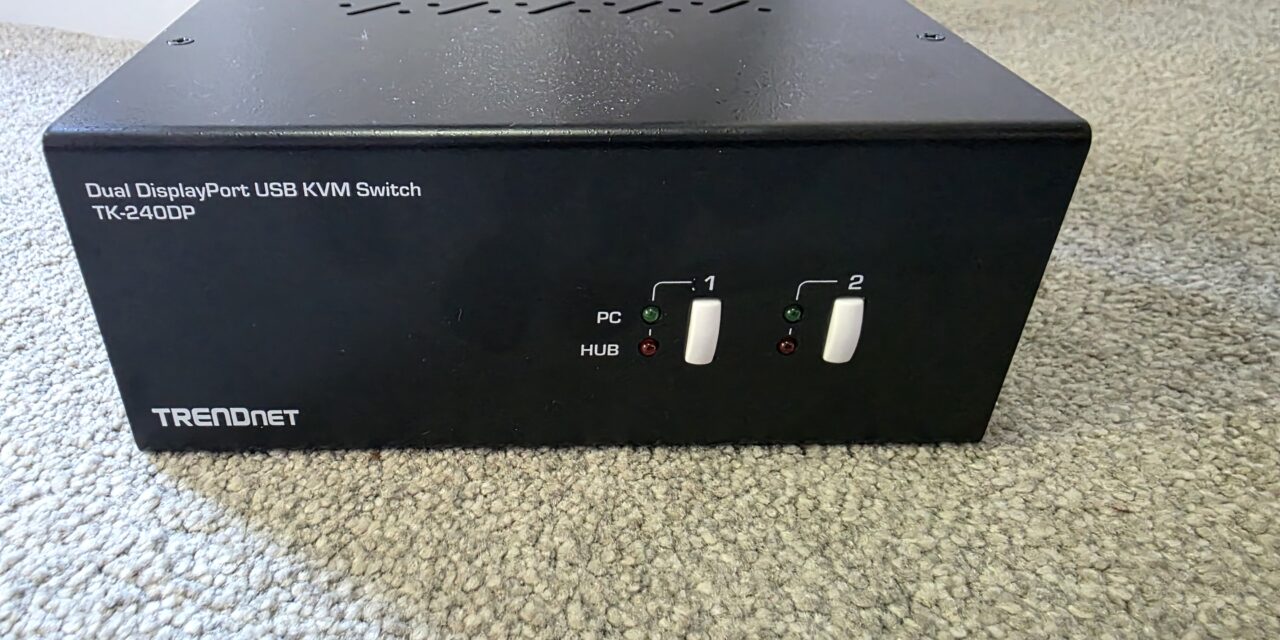
With many people using more than one PC or laptop at their desk, clutter can become a real issue. Whether it is from all the cables or trying to have multiple peripherals for each system, the need to keep things tidy is a major concern. That is where a KVM switch comes in. The TRENDnet TK-240DP will allow you to connect two PCs or laptops to be used with the same monitors and peripherals with ease. This will allow you to keep your desk much cleaner and reduce the amount of cable clutter.
Specifications
| Feature | TRENDnet TK-240DP |
|---|---|
| PC support | Up to 2 computers |
| Monitor support | Dual DisplayPort monitors |
| DisplayPort version | DisplayPort 1.2 |
| Max resolution | Up to 3840 x 2160 at 60Hz |
| High refresh support | Up to 2560 x 1440 at 144Hz |
| USB hub | 2-port USB 2.0 hub |
| Audio | 3.5mm speaker and microphone |
| Switching | Front buttons and keyboard hotkeys |
| Build | Metal enclosure |
| Power | 9V DC, 2A adapter |
| Warranty | 2 years |
Closer Look
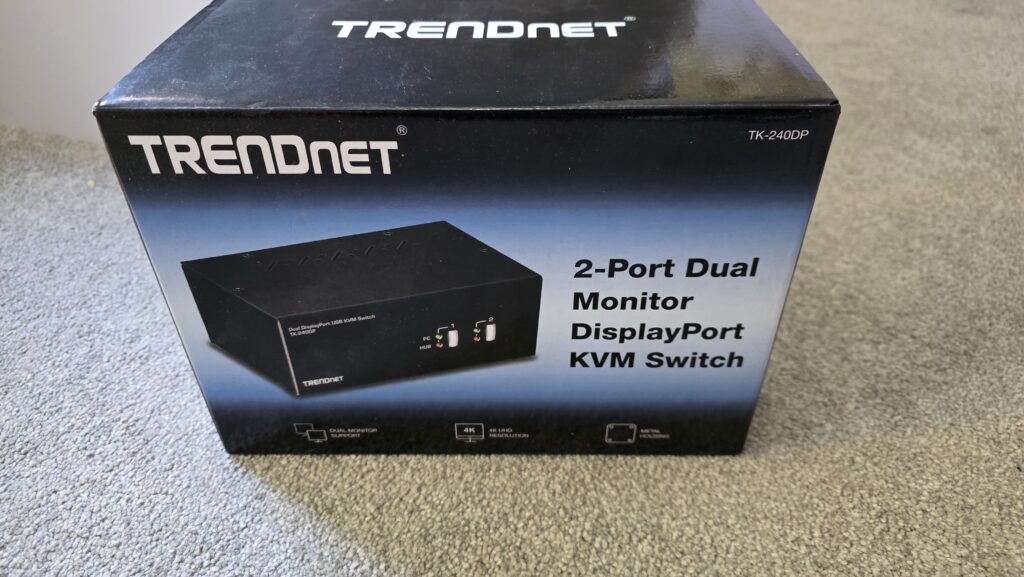
TRENDnet has gone with form and function over aesthetics for both the packaging and the TK-240DP. While the outside of the box is plain in looks, it has an image of the unit itself and some of the more sought-after specifications listed.
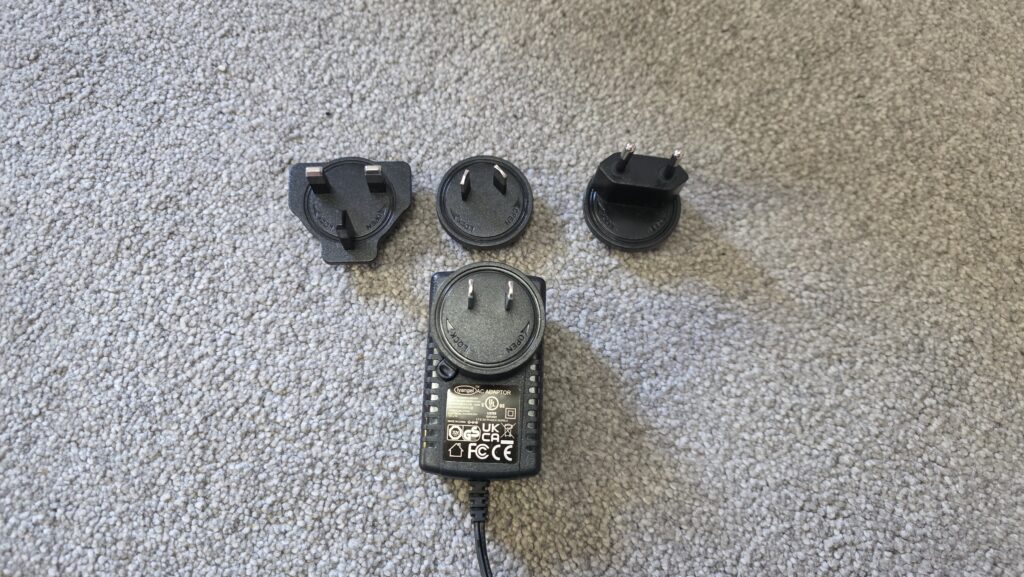
One thing we are seeing more of these days is multi-region power cables coming with electronic products. TRENDnet has used an American-style plug but has added adaptors for other regions such as EU and UK.
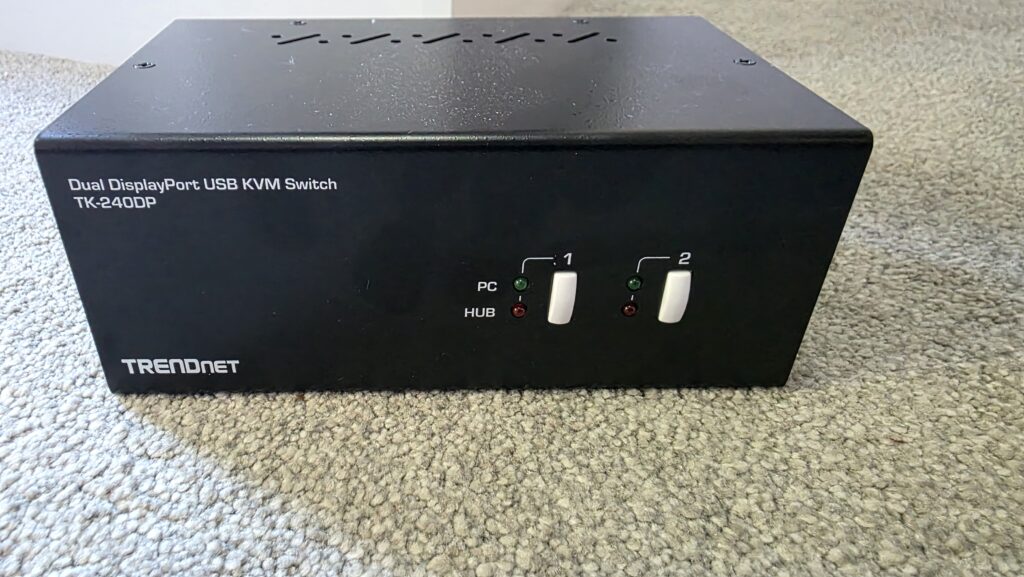
The TK-240DP KVM Switch is a rather basic-looking unit. It is all black, and on the front there are buttons to switch between PCs 1 and 2 with ease.
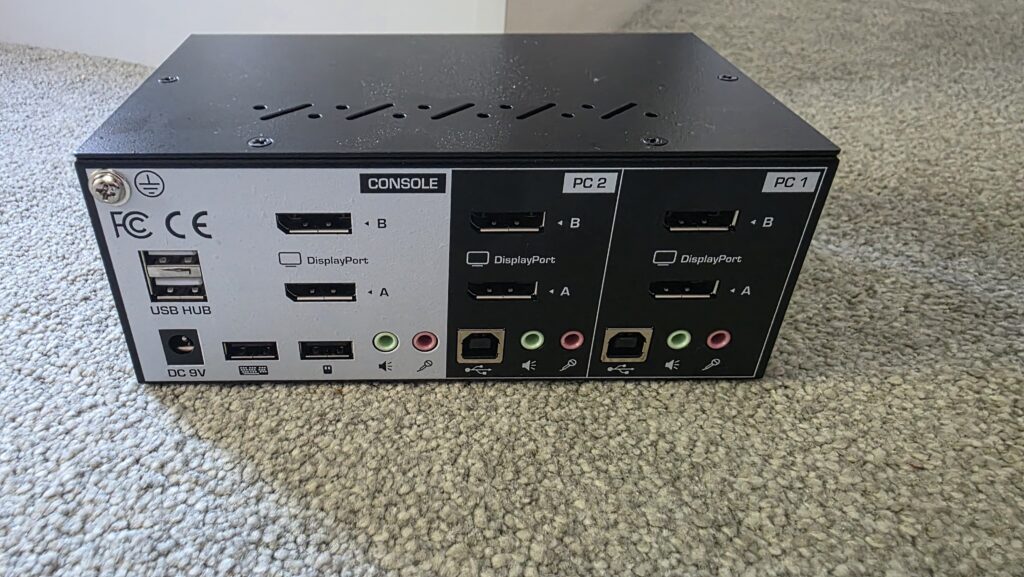
On the back of the unit is where things get fun, but TRENDnet has your back and has made it as easy as possible. You will see each area clearly labelled. For the PC connections, PC 1 and PC 2 each have connections for 2x DisplayPort, USB, and audio jacks. You will connect these to said PCs as labelled.
The console section is going to be where you plug in the monitors, peripherals, and USB hub, should you choose to use one. You will also see the DC 9V power input on the console side.
One thing that users will find annoying is the lack of included cables. Other than the power cable, there are no other cables included with the TK-240DP KWM. This means users will need to buy extra DisplayPort, USB, and audio cables to make use of the KVM Switch. I am assuming they believe most users will have spare cables already and are trying to save them money, but I still find it a bit of an odd decision as the unit cannot be used without these extra cables.
Setup Experience
Setting up the TK-240DP is rather easy, even if it seems like it may be complicated at first. I always choose to plug in the power last and make sure everything else is connected before I do so. While there is no CD or installation needed, you will need a fair share of cables to get everything connected. If using this with a dual-monitor setup on two PCs, you will need:
- 3x DisplayPort Cables (single monitor)
- 6x DisplayPort Cables(dual monitor)
- 3x USB Cables
- 3x Pairs of Audio Cables (speakers and microphone)
- Keyboard
- Mouse
- Speakers
- Microphone
- Include DC 9V Power adapter (Included)
This is quite the list of cables if you want to make full use of everything the TRENDnet TK-240DP has to offer.
Performance and User Experience
While setup can take some time, the biggest thing to take into account is that you have all the cables you will need before getting started. From there, you will also want to make sure your cables are of decent quality. One of the issues with some KVM switches is that they don’t like cheaper cables and can cause flickering and other issues, especially over video. The TK-240DP is said to support monitors with 4K and 60Hz and 1140p and 144Hz, so it can essentially be used by creators and gamers and not just for standard office users.
During my time using it, most everything went smoothly. I did notice sometimes Windows 11 would lag a tiny bit if I started switching PCs too many times, but I do think this is to be expected. Other than that, I had no issue playing games, watching Netflix, or switching to and from my test PC while writing reviews.
While this isn’t made for high-end gaming, casual gaming will be more than fine. It is also worth mentioning that the USB 2.0 interface, while fine for peripherals and the like, really isn’t designed for high-speed external storage, so you may want to figure out another option if need be.
Final Words
The TRENDnet TK-240DP is a practical and focused KVM switch for users who need to control two DisplayPort-based systems from a single dual-monitor workstation. Its support for 4K at 60Hz and 1440p at 144Hz makes it more capable than many basic office KVMs, while the inclusion of audio switching, hotkeys, and a USB 2.0 hub adds useful everyday flexibility.
It is not perfect, mainly because the required cable kit is sold separately and the USB hub is limited to USB 2.0, but for the right setup, this could be a very useful desk-cleaning upgrade. For users running a work PC and gaming PC, or reviewers and professionals who regularly move between systems, the TK-240DP offers a tidy and convenient way to reduce clutter without giving up a proper dual-monitor layout.
Pros
- Supports two PCs and dual DisplayPort monitors
- Up to 4K 60Hz support
- Up to 1440p 144Hz support
- Keyboard hotkeys and front-panel switching
- 3.5mm speaker and microphone switching
- Built-in 2-port USB 2.0 hub
- Metal enclosure
- No driver/CD installation required
Cons
- Required cable kit is sold separately
- USB hub is only USB 2.0
- Not ideal for 4K high-refresh gaming setups

The TRENDnet TK-240DP is available on Amazon UK for £171.61 at the time of writing this review.