












abxylute S9 review: premium mobile controller that feels like a real console

Playing games on a phone often feels limited. Touch controls can block the screen, your fingers can slip, and long gaming sessions can make your hands tired. This is where a proper controller can make a big difference. The abxylute S9 Type-C Mobile Gaming Controller Retro Grey Edition is made to turn your phone or tablet into something that feels much closer to a real gaming console.
Think of it like turning your mobile phone into a handheld console, just like using a gamepad with a PlayStation or Xbox. Instead of tapping on glass, you get real buttons, joysticks, and triggers that respond better and feel more natural. Whether you are playing racing games, action titles, or using cloud gaming services, a controller like this helps you play with more control and less effort.
The abxylute S9 is designed for players who want comfort, better control, and longer gaming sessions without hand pain. It works with many devices and supports different gaming modes, making it useful for casual players as well as serious mobile gamers. In this review, I will take a closer look at how it feels, how it performs in real use, and whether it is worth using for everyday mobile gaming.
Unboxing
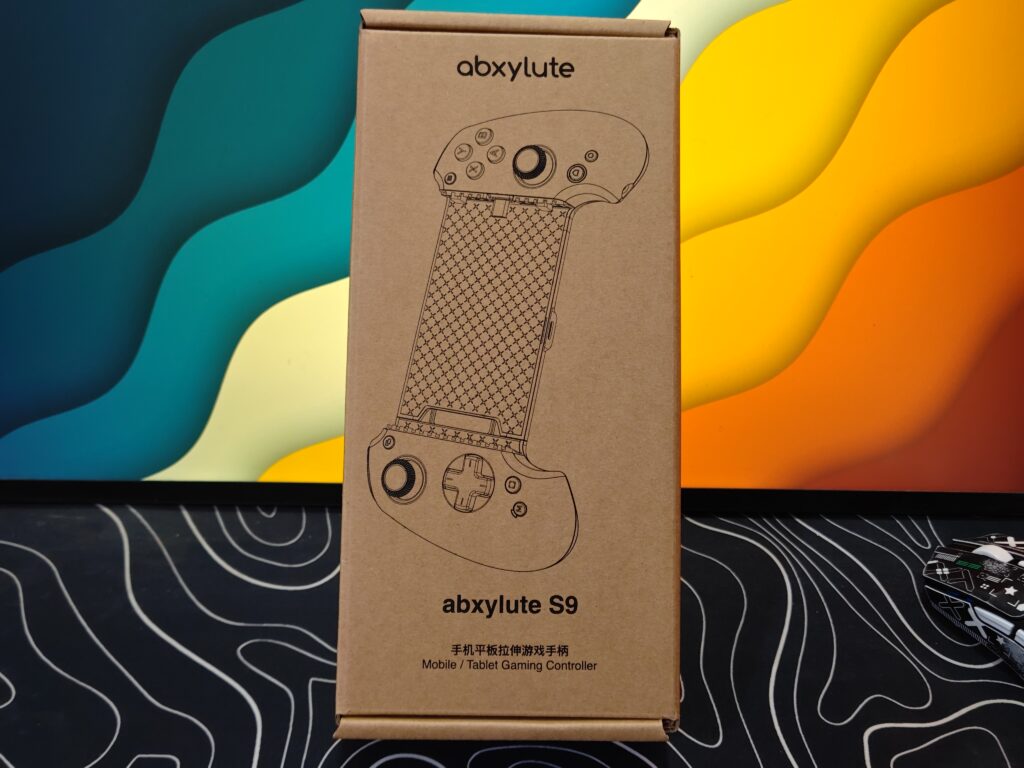
The unboxing experience of the abxylute S9 feels simple and thoughtful. The controller comes in a plain cardboard box with a clean and minimal look. There are no loud colours or heavy designs on the box, which gives it an eco-friendly and modern feel. The box itself feels strong and thick, so the controller stays safe during shipping.
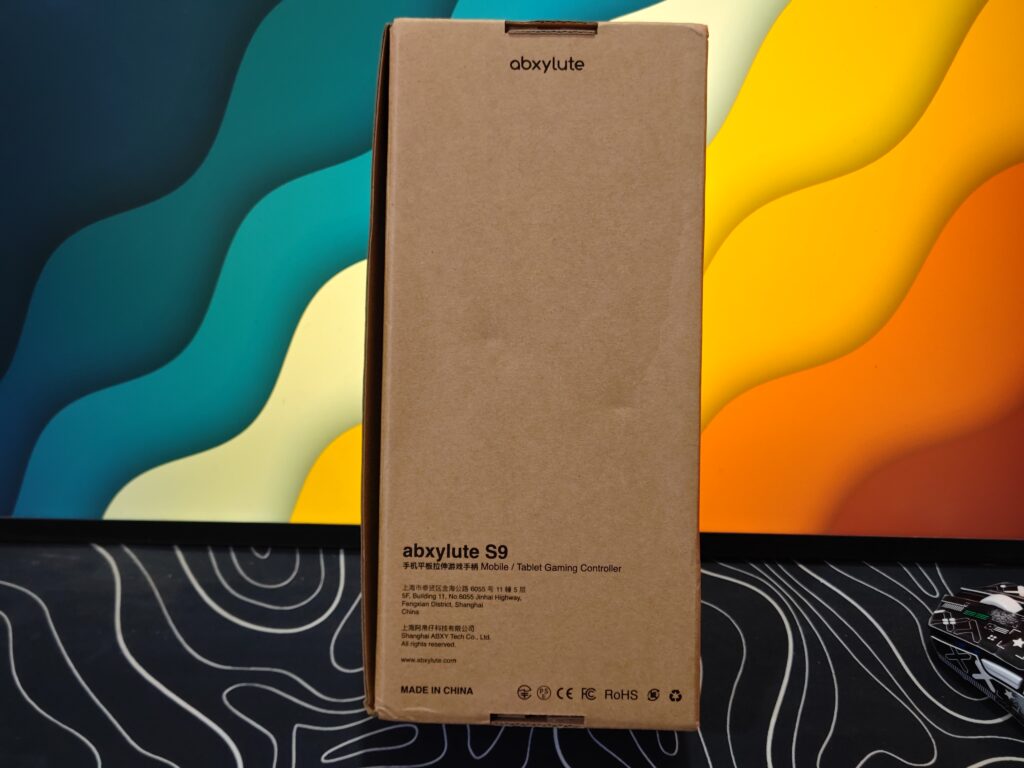
On the front of the abxylute S9 box, there is a simple line drawing of the controller that clearly shows its stretchable design. The product name and short description are printed neatly in both English and Chinese. The back side of the box keeps the same clean style and includes basic details like certifications and manufacturing information.
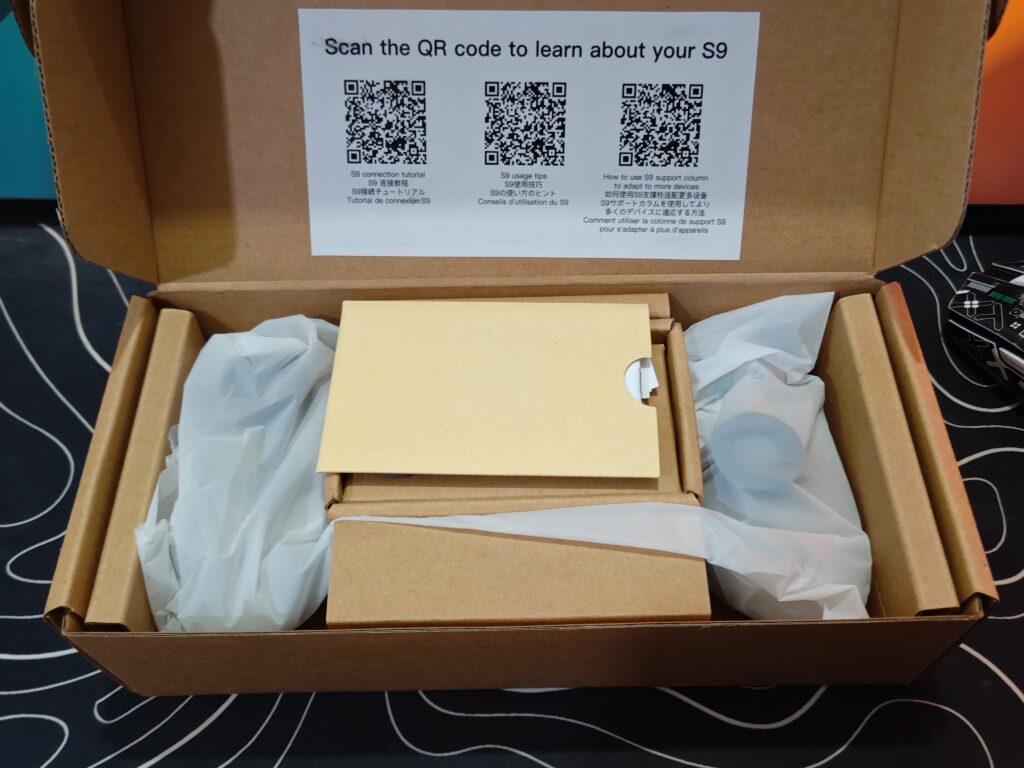
When you open the box, you immediately see three QR codes printed on the inside of the lid. These codes are very helpful, as they guide you to setup instructions, connection tips, and help for fitting different devices. This makes the first-time setup easier, especially for new users.
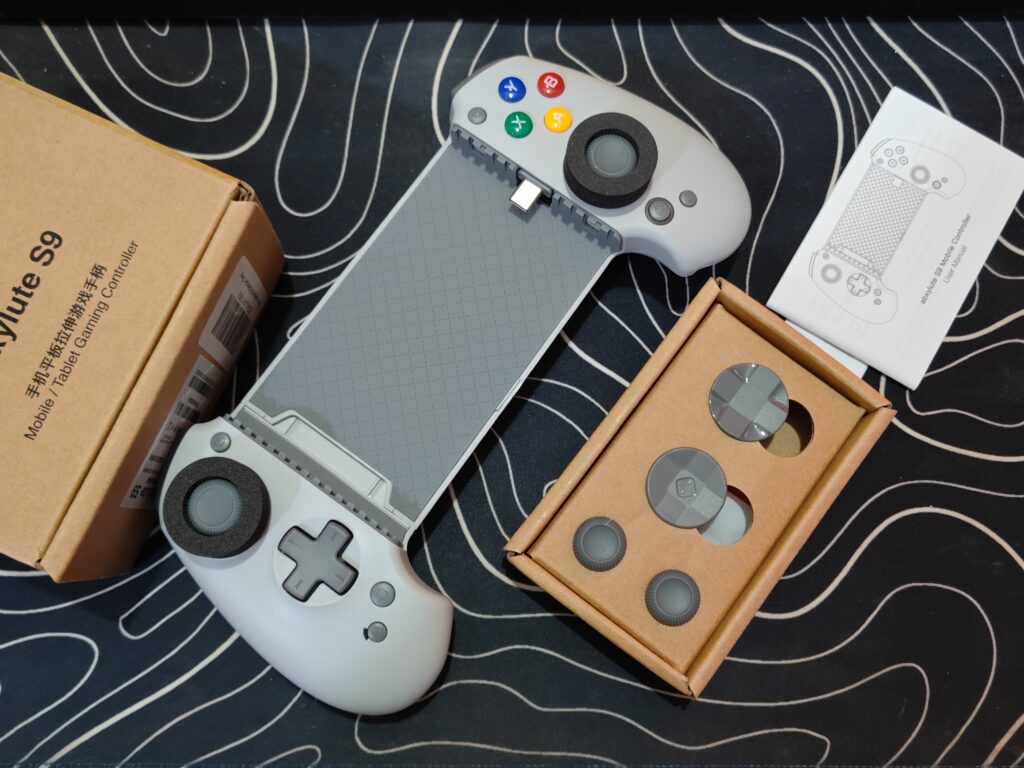
Inside the box, the items are neatly placed and well protected. You get the abxylute S9 controller in a retro grey colour with colourful buttons, which gives it a nice gaming look. The box also includes extra D-pads and joysticks, letting you change the feel based on your gaming style. There are several small spacers as well, which help the controller fit phones and tablets of different sizes properly. A short user manual is also included for quick reference.
Overall, the unboxing feels clean, organised, and user-friendly. It focuses more on usefulness than show, which fits well with the controller’s practical design.
abxylute S9 price
| abxylute Official Store | $69.00 USD (Buy Now) |
abxylute S9 specifications
| Specification | Details |
|---|---|
| Compatible phones | iPhone 15 / 16 series and Android phones with Type-C port |
| Weight | 250g (0.55 lb) |
| Maximum phone length | Up to 216 mm |
| Supported modes | XInput, NS, PS, HID, Mapping |
| Connectivity | Type-C and Bluetooth 5.3 |
| Joysticks | Full-size Hall effect joysticks |
| Triggers | Hall effect linear triggers |
| Audio support | 3.5 mm audio jack |
| ABXY layout | Standard layout |
| Programmable buttons | 2 back buttons |
| Fast charging | Supported |
| Turbo function | Supported |
| Gyroscope | Supported |
| Software updates | OTA updates supported |
| Companion app | ABXY Game app for key mapping and custom settings |
A closer look
The abxylute S9 is a lightweight controller that weighs around 250g, making it comfortable to hold for long gaming sessions. It uses a stretchable design that supports phones and tablets up to 216mm in length. The controller is available in two colour options: classic black and retro grey. The retro grey version gives a more old-school gaming look, while the black version feels clean and modern.
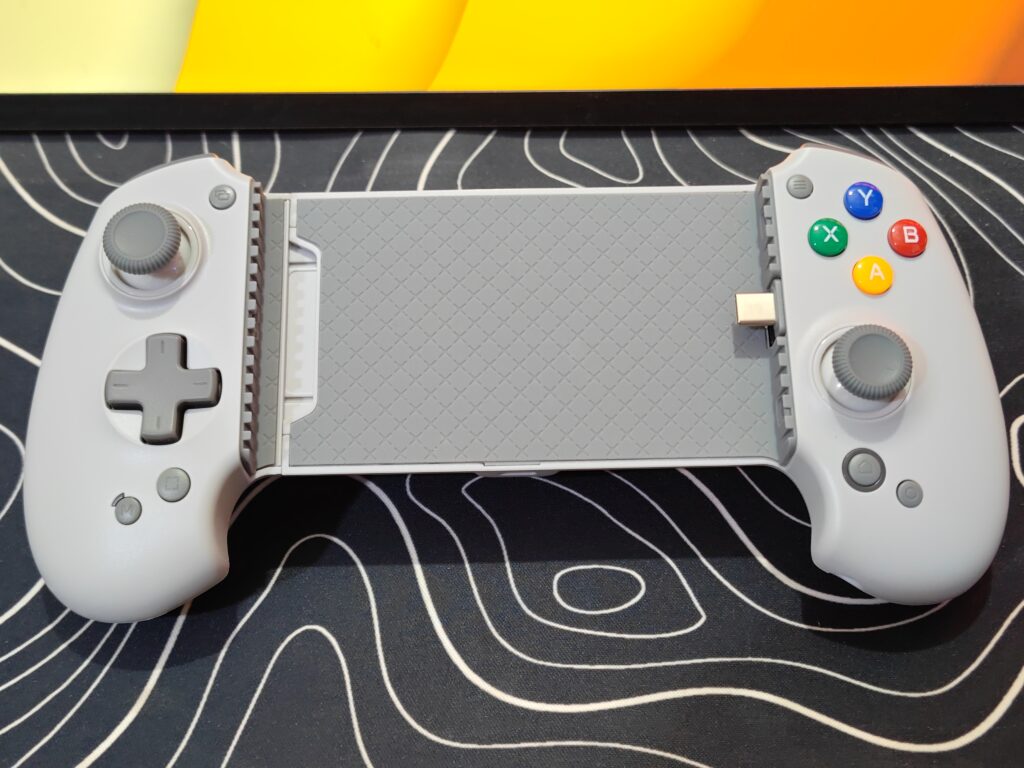
The design mixes a console-style shape with a mobile-friendly form. The colourful face buttons in blue, green, red, and yellow add a classic gaming feel and stand out nicely against the grey body.
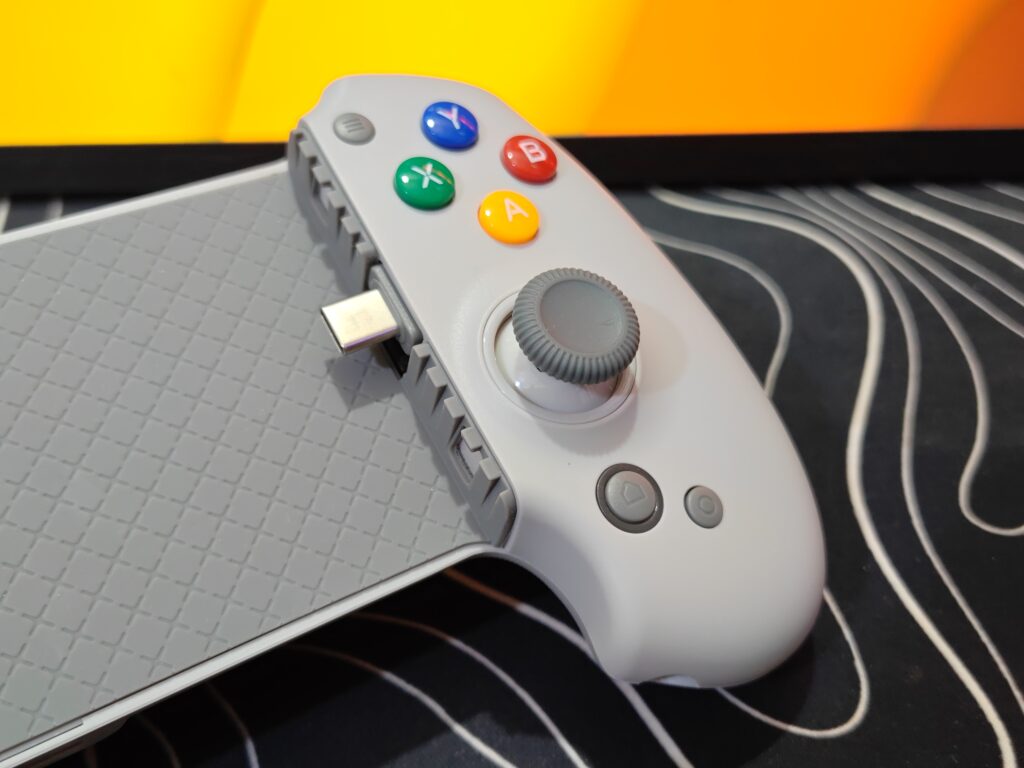
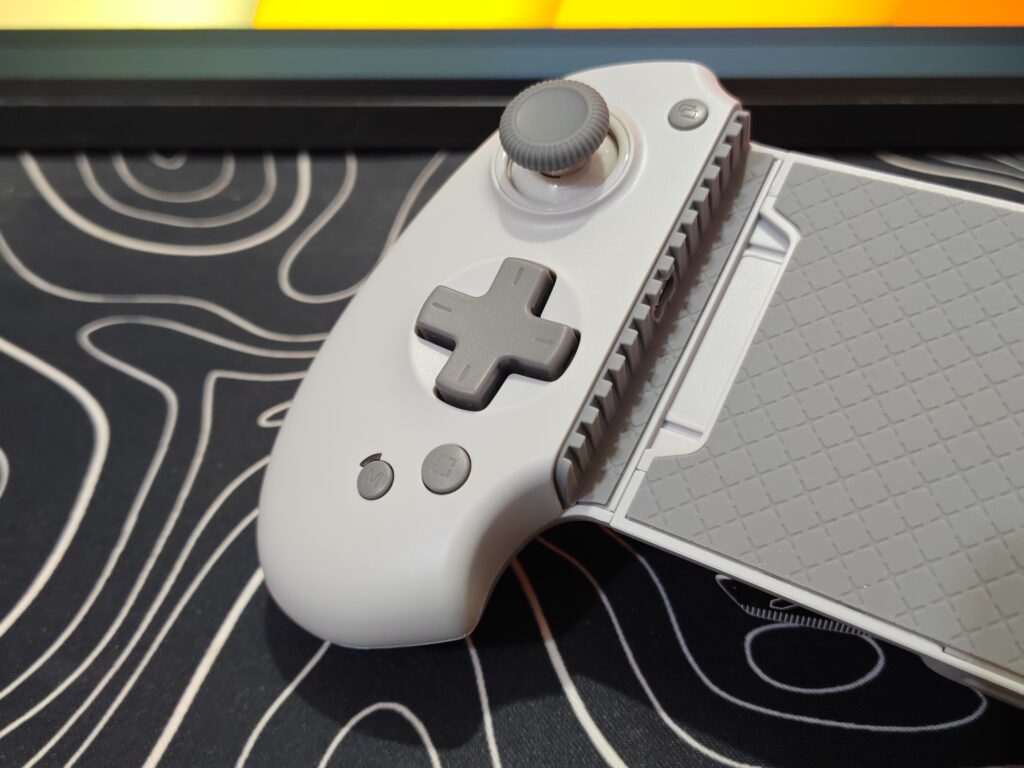
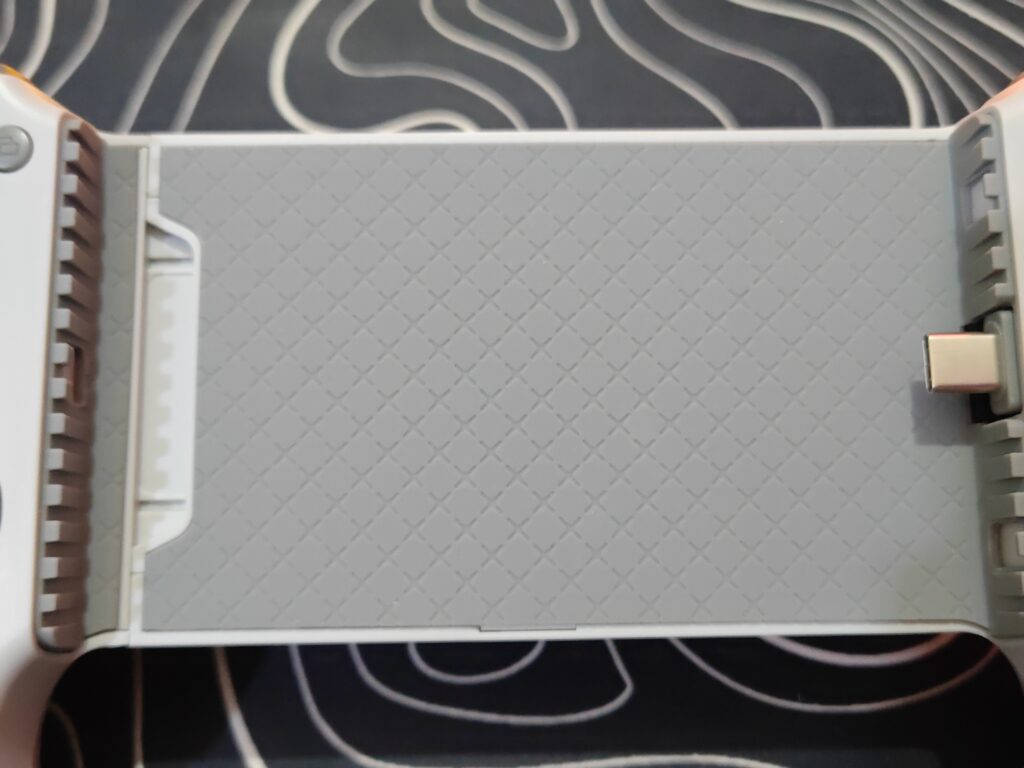
To keep your phone or tablet safe, the inside of the controller is lined with soft rubber padding. This rubber surface holds the device firmly in place and helps prevent scratches on the back and sides. The grips on the back have a light textured finish, which improves grip and makes the controller easier to hold during long gaming sessions.
A major highlight of the abxylute S9 is its Hall Effect joysticks and triggers. These use magnetic sensors, so there is no stick drift and no dead zones over time. This means your movements stay smooth, accurate, and reliable. The triggers also feel smooth and responsive, which is useful in racing and shooting games.
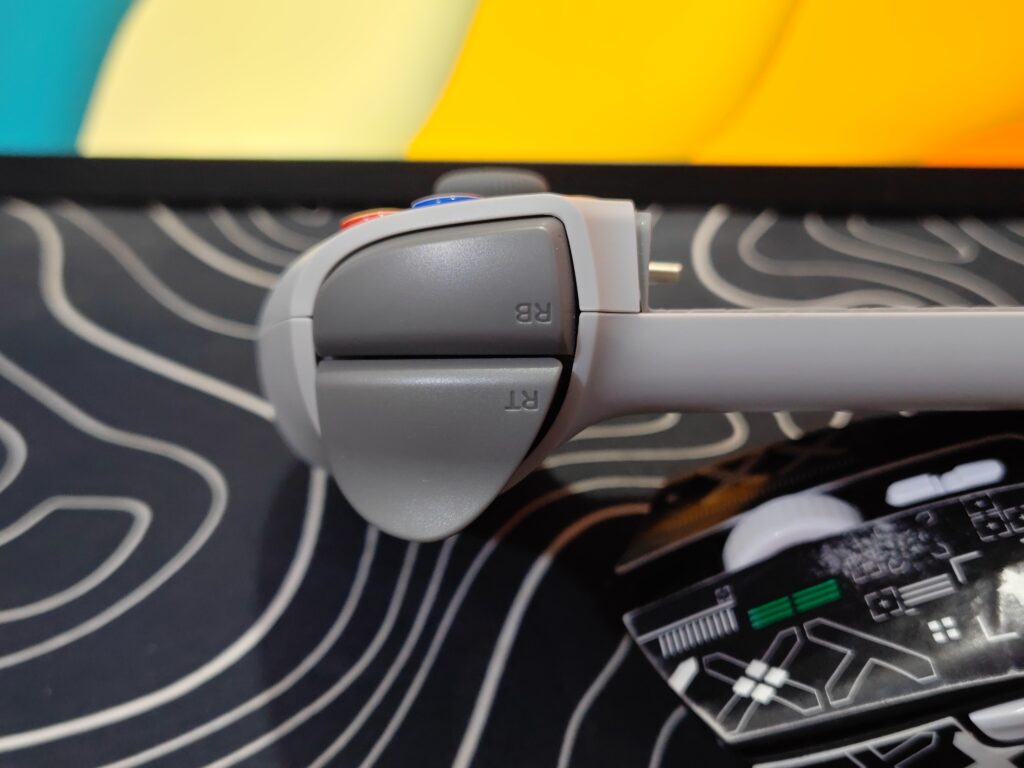
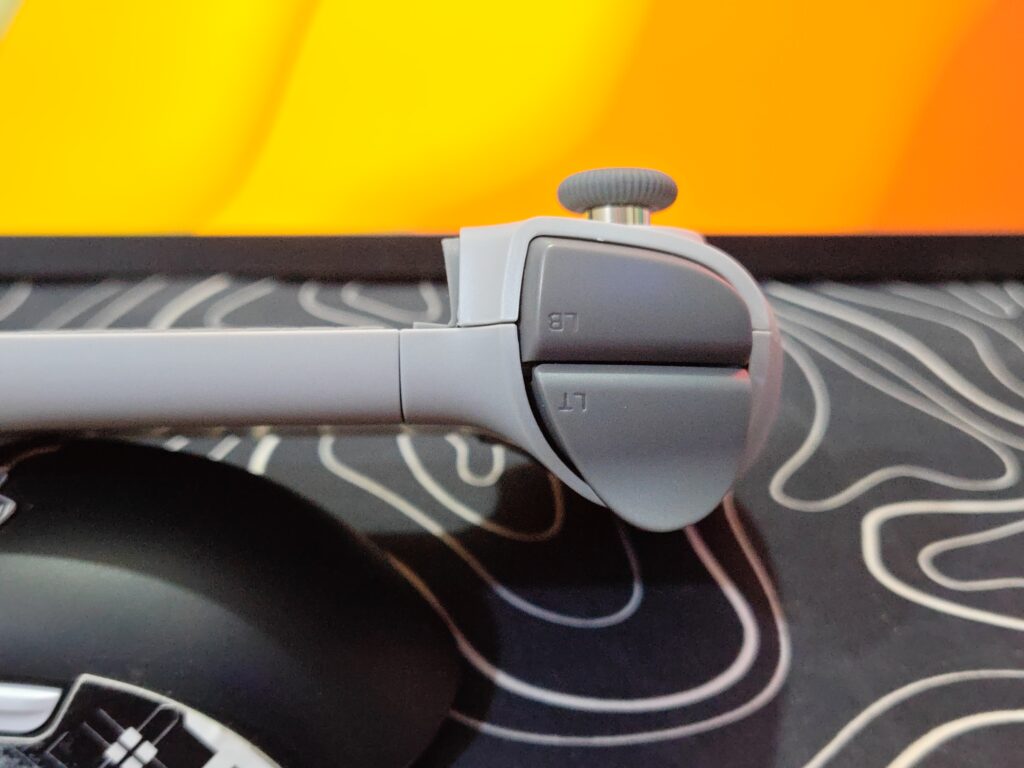
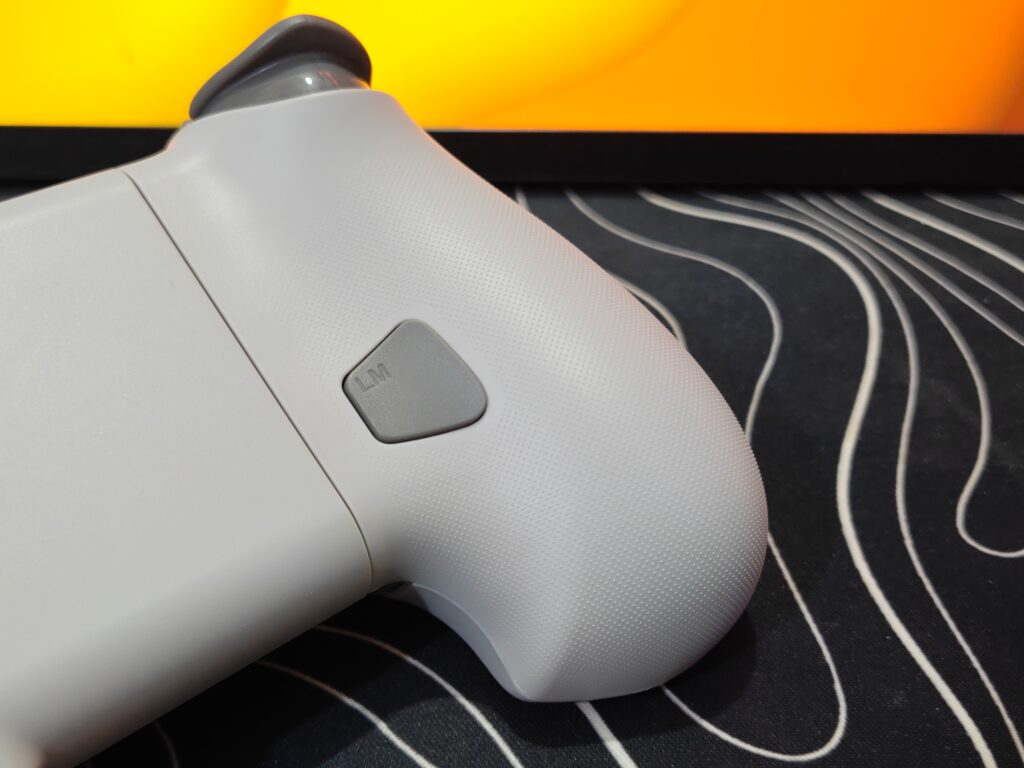
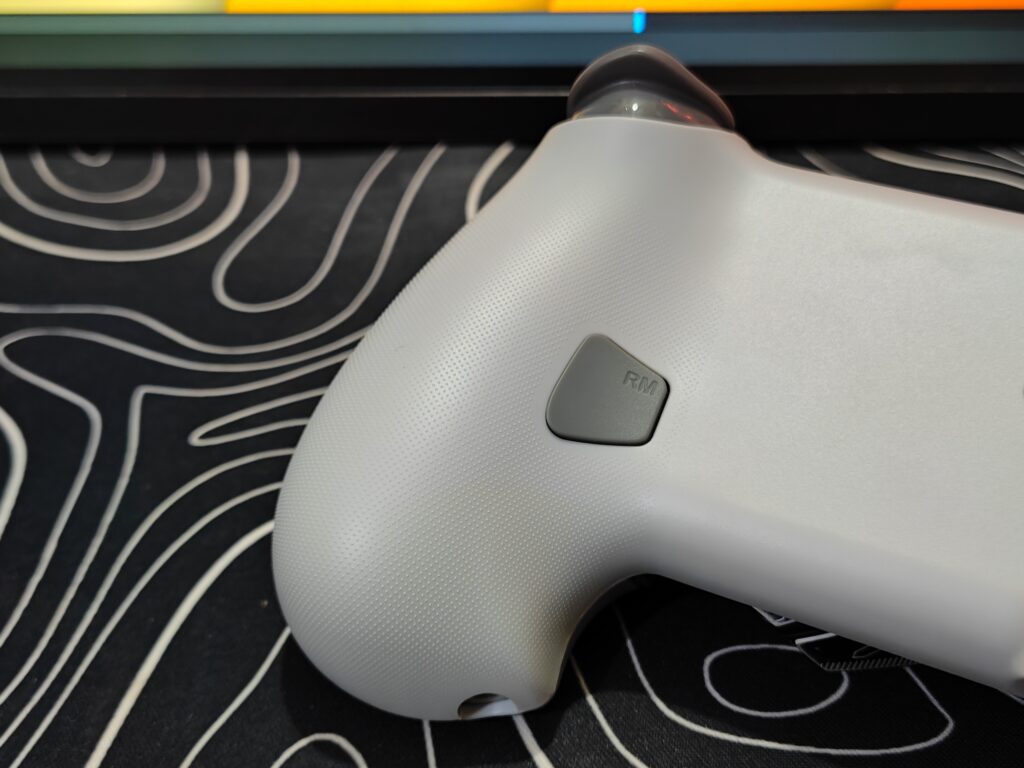
For added control, the controller includes two programmable buttons on the back. These buttons sit where your fingers naturally rest and can be set for different actions. Overall, the abxylute S9 feels solid, comfortable, and well designed for serious mobile gaming.
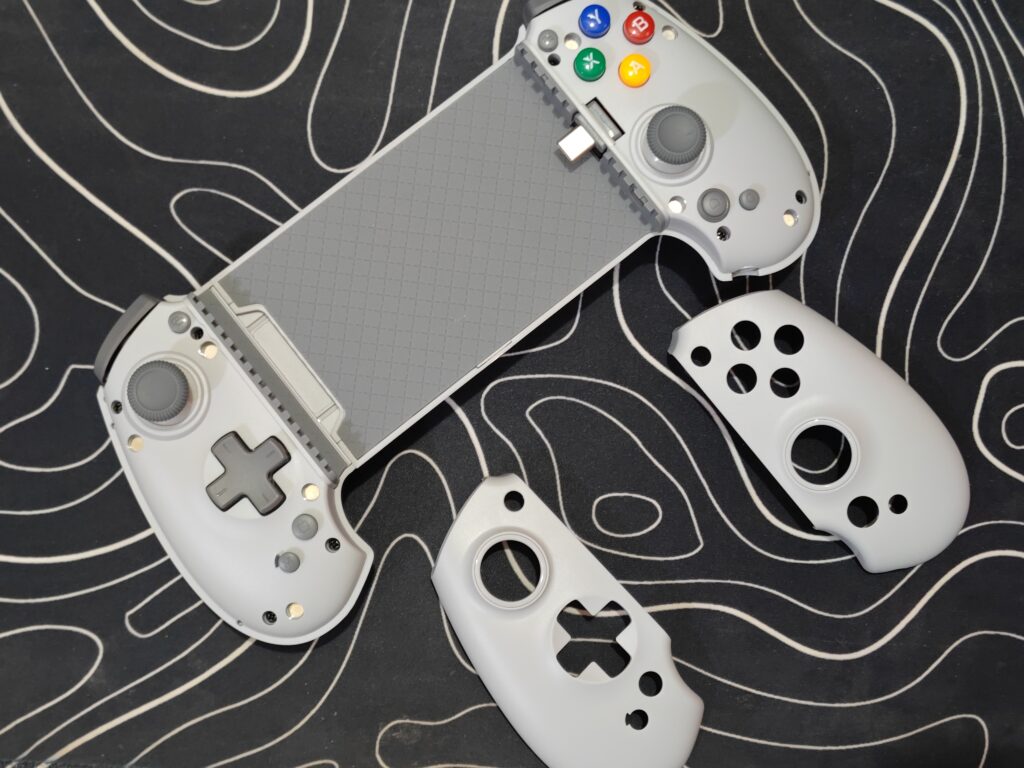
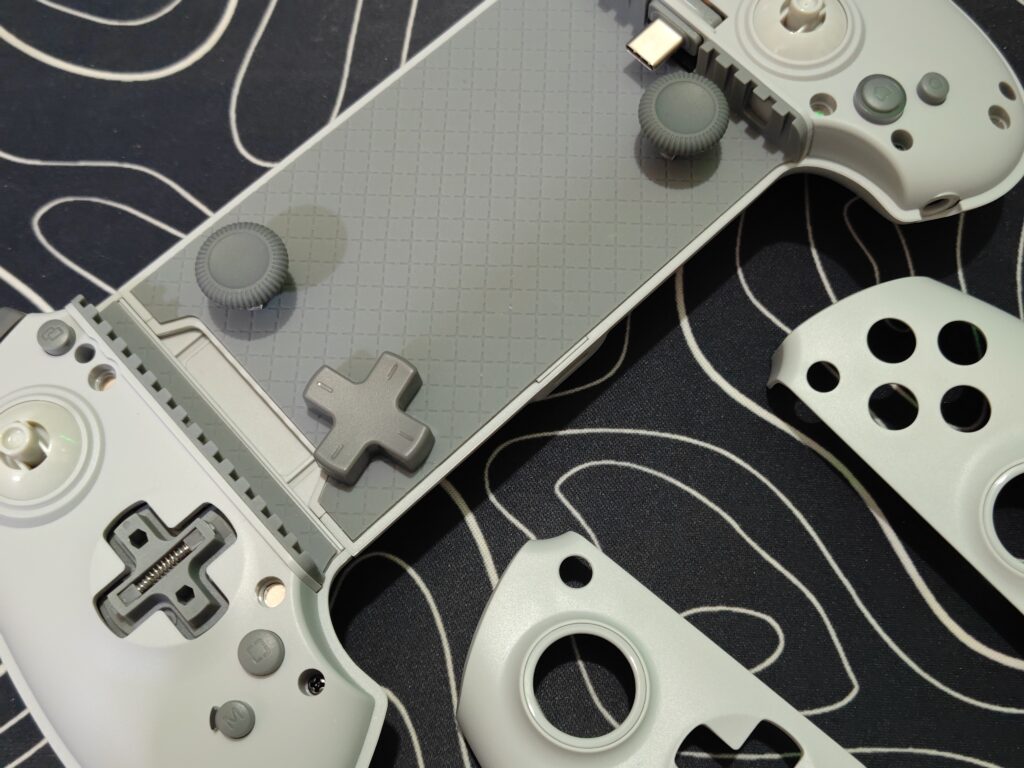
The abxylute S9 lets you make it truly yours. You can swap faceplates, D-pads, and joystick caps to fit your style. The 70mm joysticks are great for precise movements, while the 40mm ones are better for fast, twitchy actions. You can also mix and match for smooth, multidirectional control. With these options, the S9 feels built for you, letting you play exactly the way you like.
Connectivity and modes
The abxylute S9 is super easy to connect and works with lots of devices. It supports most Android phones with a Type-C port running Android 8.0 or newer, and also works with newer iPhones that have a Type-C port. You can use it wired with Type-C or wirelessly over Bluetooth 5.3.
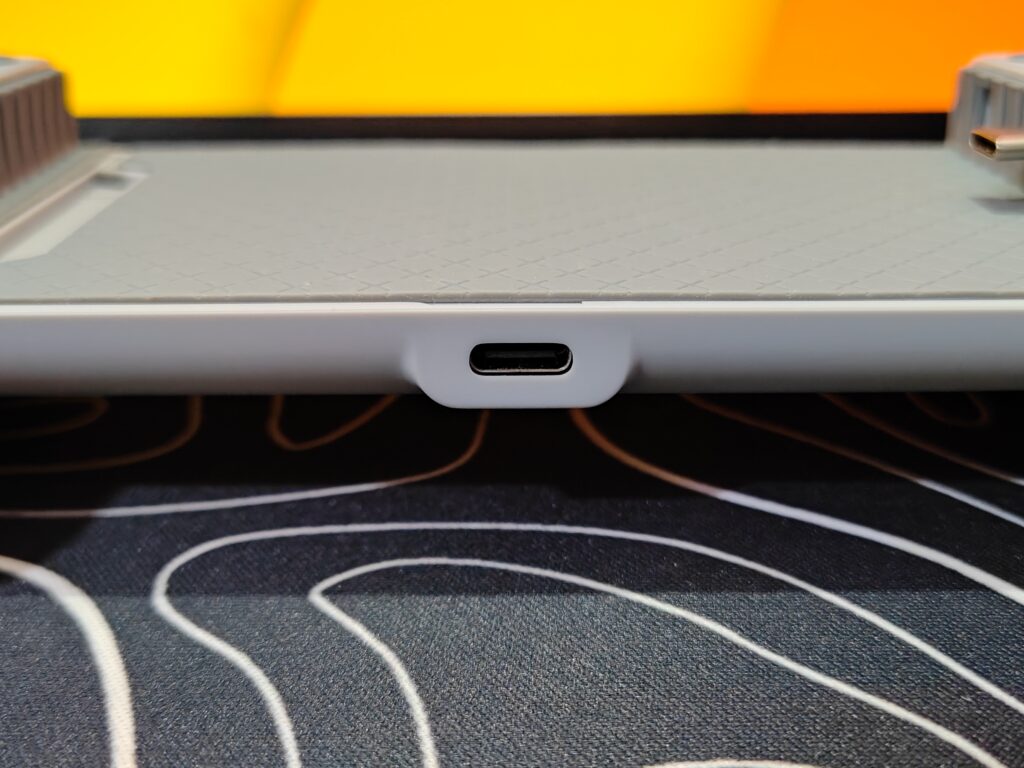
Wired connection (Type-C):
- Plug your phone into the controller’s Type-C port.
- Stretch the controller gently from both sides until it grips your device securely. It can stretch up to 216mm, so it fits most phones and some smaller tablets.
- When it’s connected, the LED light stays on.
A heads-up: Some Android phones need OTG mode turned on. And a few devices only support charging over USB-C, so in those cases you’ll need to use Bluetooth.
Wireless connection (Bluetooth 5.3):
Bluetooth is great if you want freedom to play without wires. It’s stable, easy to pair, and works well with most devices.
Controller modes:
The abxylute S9 works with different systems and games, and you can switch modes using the M button. The light on the M button shows which mode you’re in, so it’s easy to see at a glance.
- PS Mode (USB / Bluetooth) – Purple – PlayStation-style layout and remote play
- HID Mode (USB / Bluetooth) – Yellow-Green – Basic controller support
- XInput Mode (USB / Bluetooth) – Blue – Perfect for PC games and cloud gaming
- NS Mode (USB / Bluetooth) – Rose Red – Nintendo-style layout and emulators
- Android Mapping Mode – Orange – Map touch controls to buttons using the ABXY Game app
Switching instructions:
- USB: Double-click the M button
- Bluetooth: Hold M + Home
Overall, the abxylute S9 makes connecting your device super easy, and switching between modes is fast and clear. Whether you like wired play for zero lag or wireless for freedom, it works smoothly every time.
ABXY app
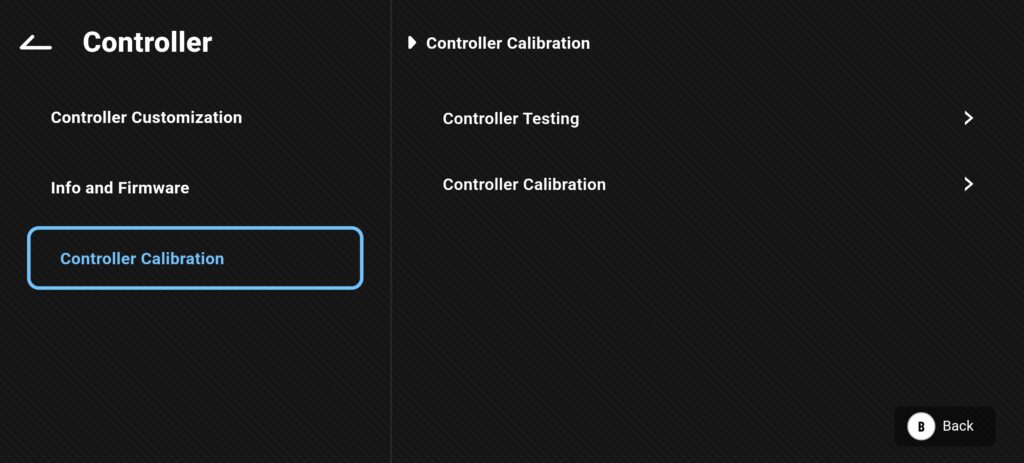
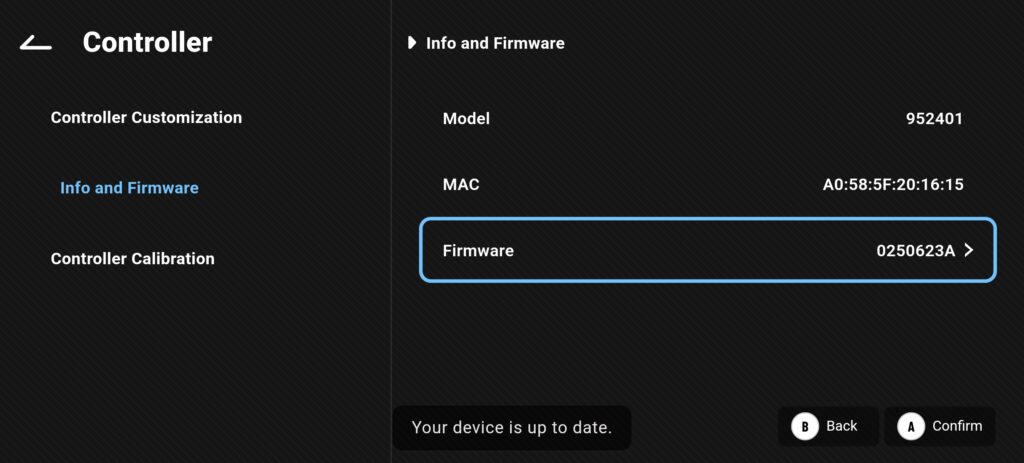
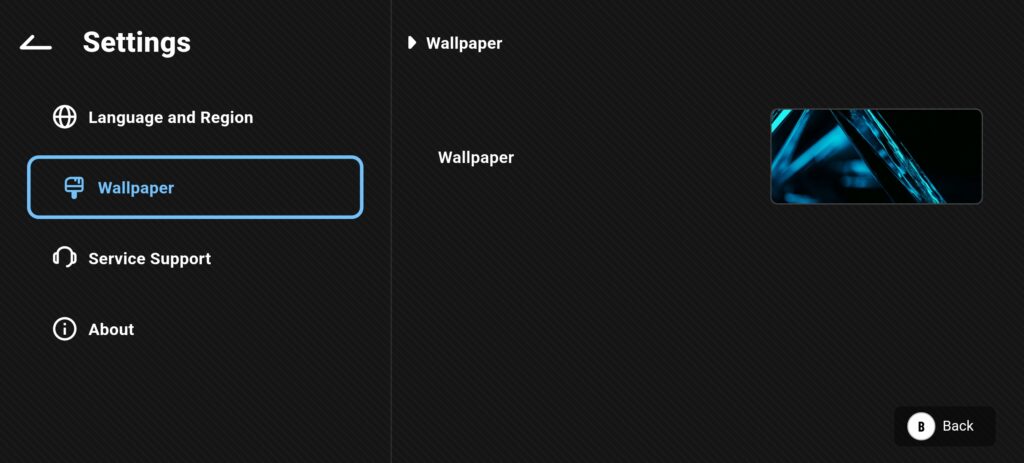
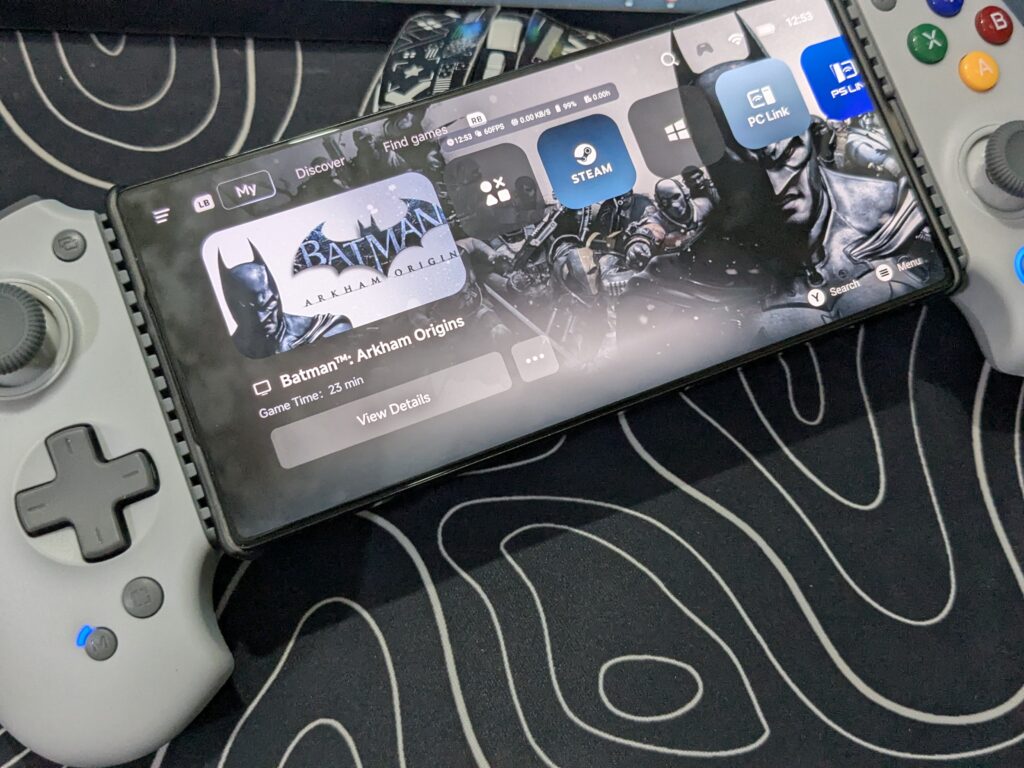
The ABXY App, also known as the abxylute app, works like a control centre for the abxylute S9. It brings all your games and controller settings into one clean place, making mobile gaming feel more like using a real console. Inside the app, you get a game hub where your installed games are shown with large cover images. This layout is easy to navigate using the controller and even shows useful details like battery level and Wi-Fi strength, so you can check everything at a glance.
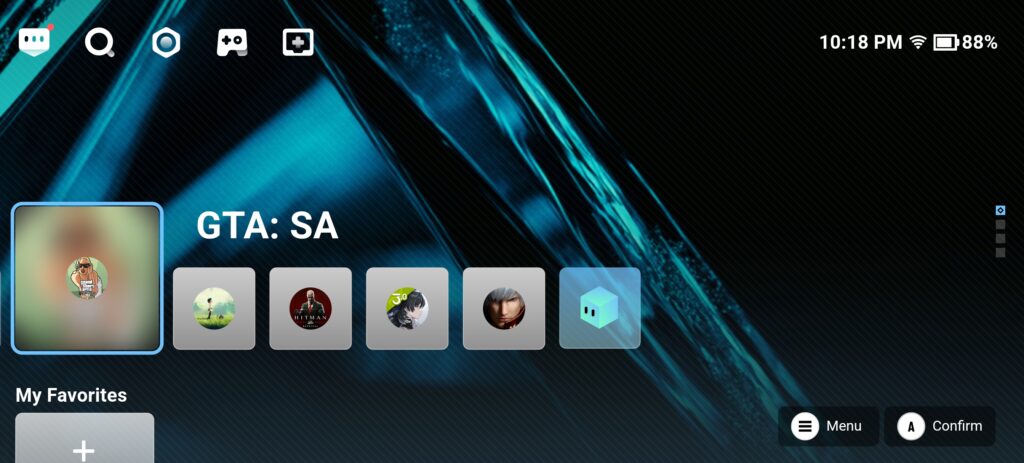
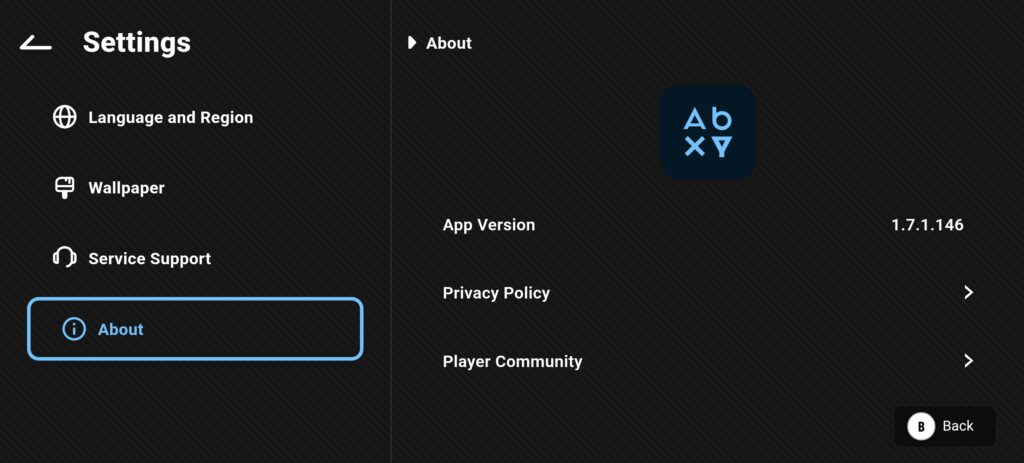
The app also lets you personalise your gaming setup. You can set custom wallpapers for each game, which makes the game library look more stylish and personal. It’s a small touch, but it helps make your phone feel like a dedicated gaming device instead of just a normal mobile.
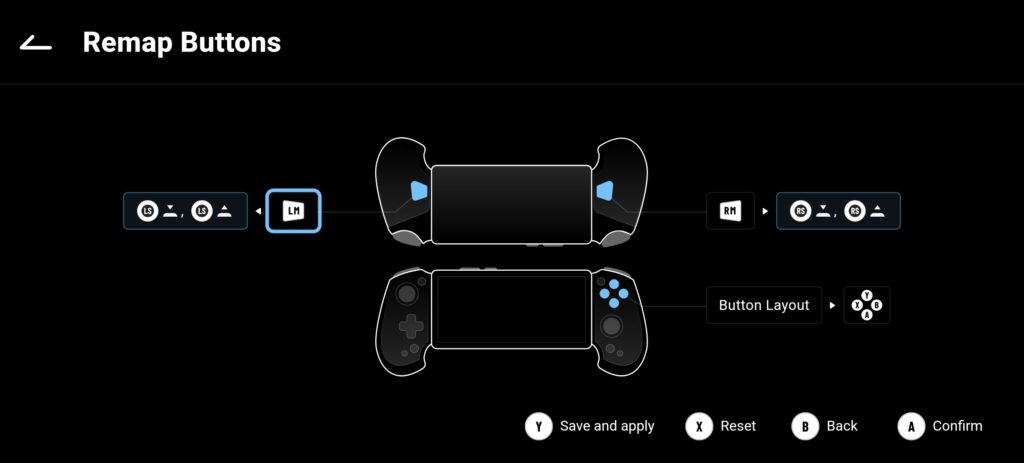
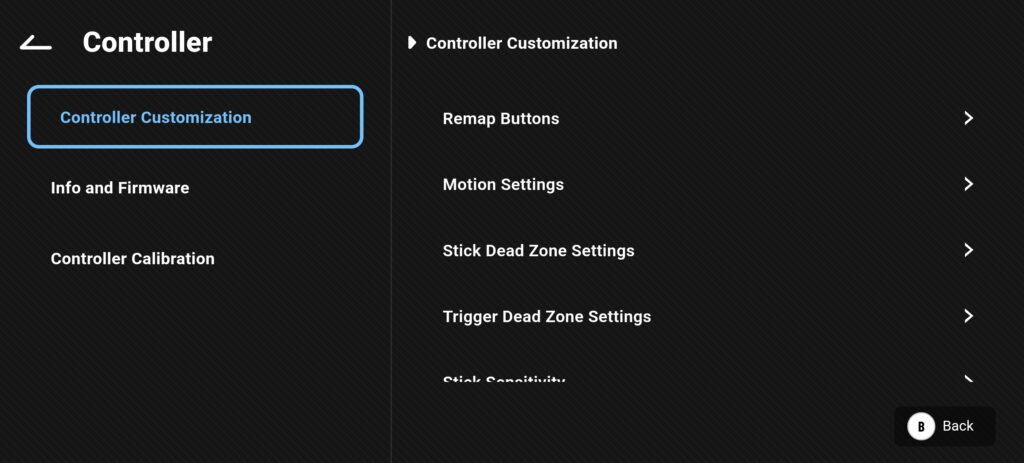
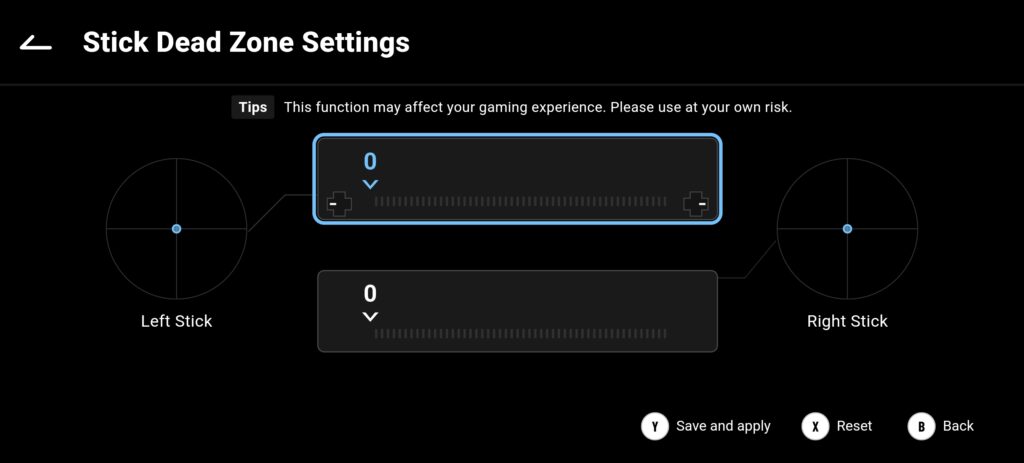
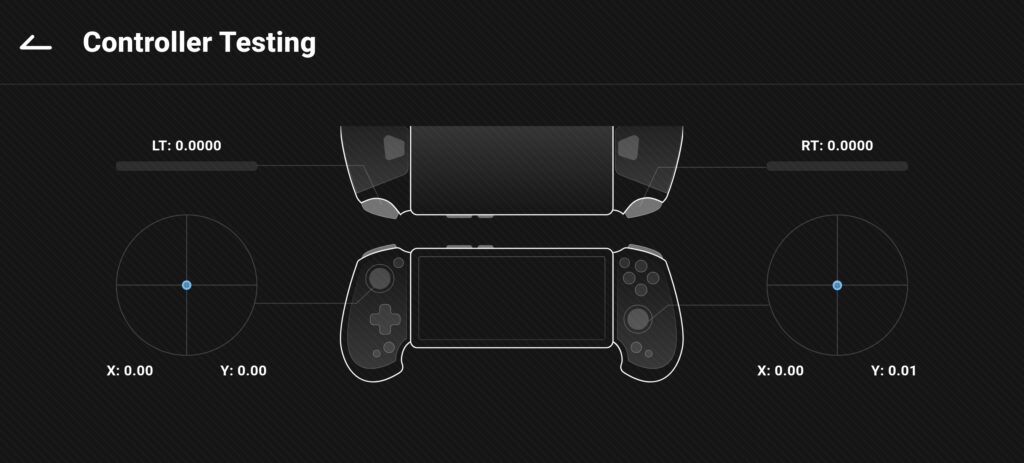
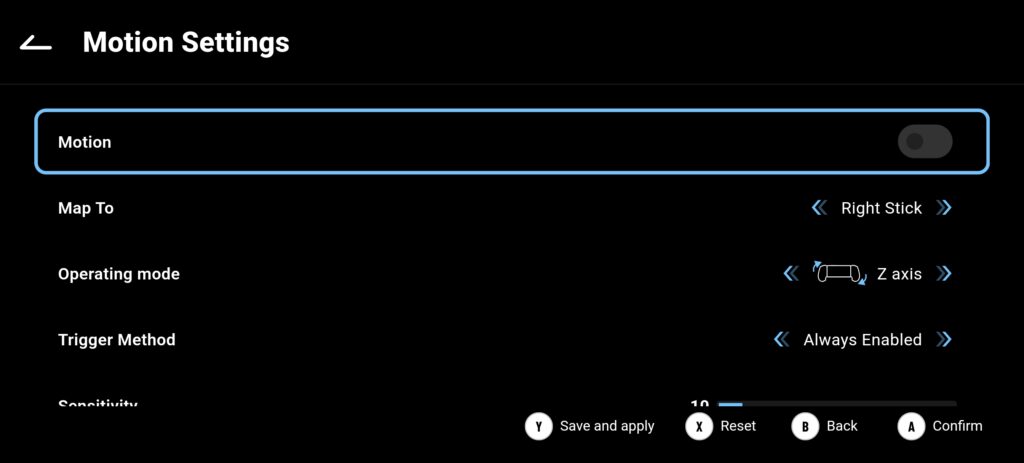
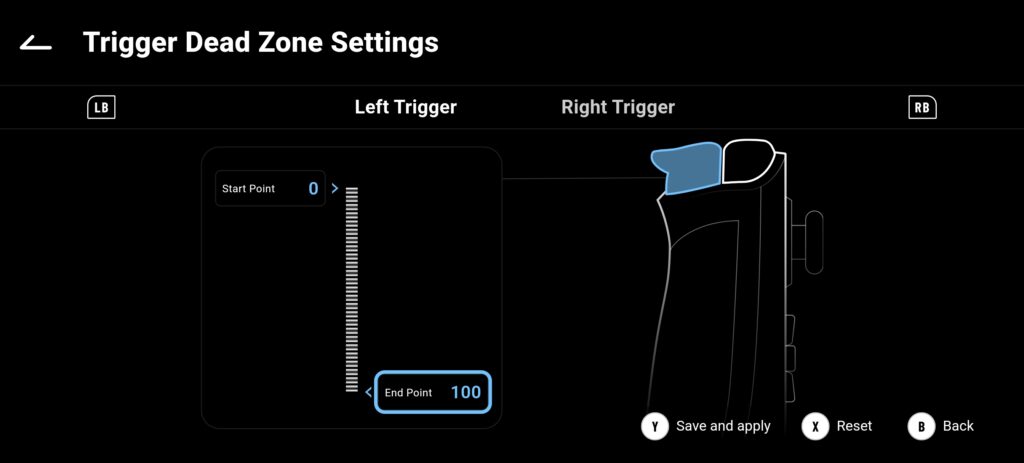
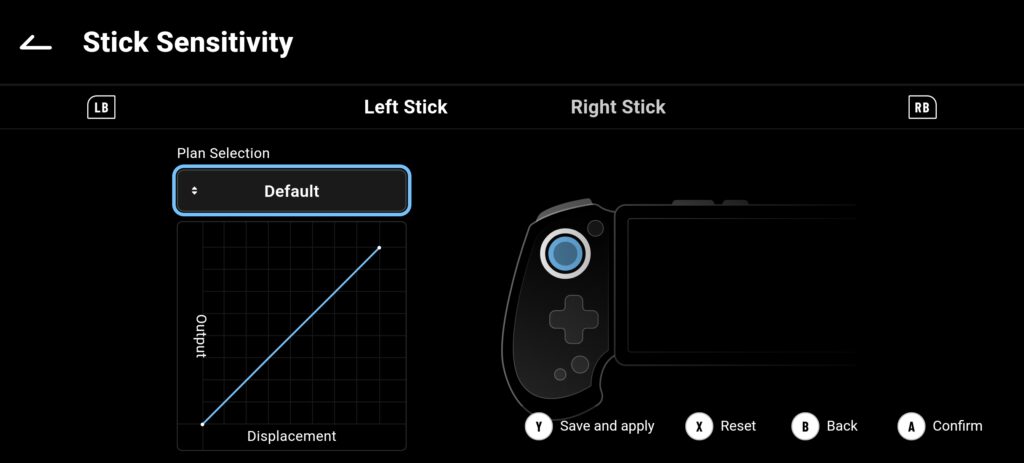
On the control side, the ABXY app gives you strong customization options. You can adjust joystick and trigger dead zones to improve accuracy and reduce unwanted movement. There is also support for gyro aiming, which lets you control aiming by moving the device. Button remapping is included as well, allowing you to assign custom actions to the back buttons for quicker control. The app also helps with firmware updates and vibration settings, keeping the controller updated and running smoothly.
abxylute S9 gaming experience
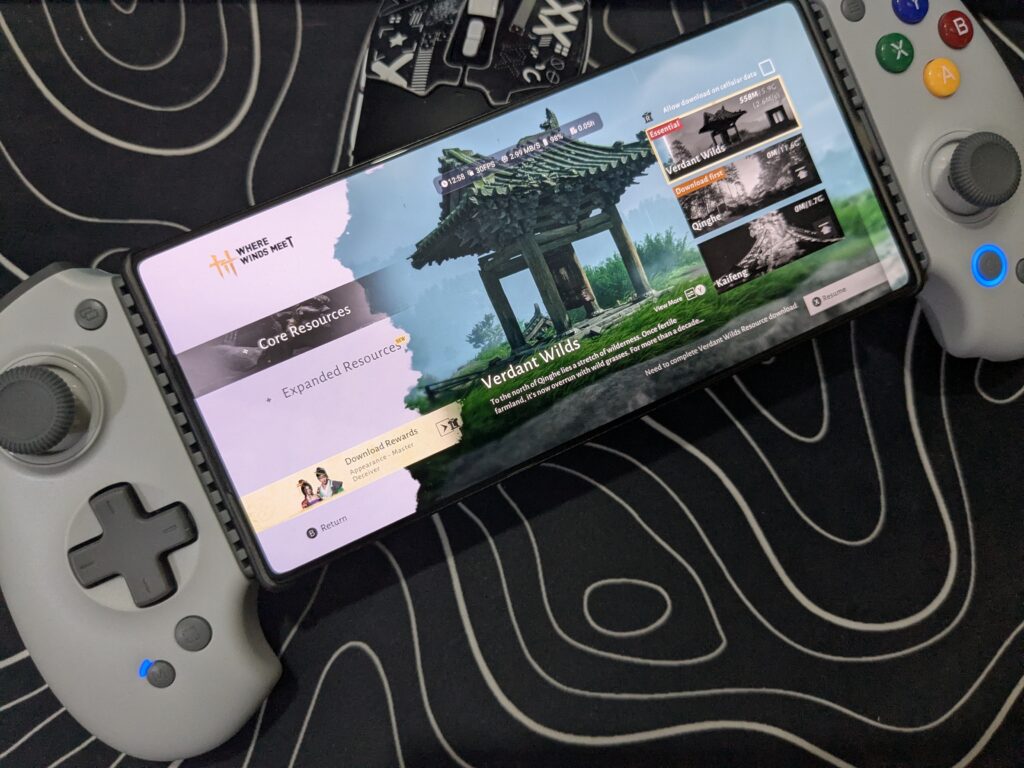
For gaming, I used the abxylute S9 with my Redmagic 10S Pro, and the experience was smooth right from the start. It is a true plug-and-play controller, and it worked without any hassle on many Android games and apps. At the time of this review, there is already a good number of games available to enjoy, so finding titles to test was not an issue at all.
The Hall Effect joysticks work flawlessly. Movements feel accurate and smooth, with no drift or strange behaviour during gameplay. The Hall Effect linear triggers also perform very well, and I had no complaints while gaming. With 256 levels of sensitivity and customisable dead zones, the controller lets you fine-tune the controls to match your play style, which makes a real difference in fast-paced games.
The vibration feedback is another strong point. The asymmetric rotor motors deliver deep and powerful rumble that lets you feel in-game impacts, blasts, and every major action. While playing Need for Speed Most Wanted, driving and drifting felt very close to a console experience. You can feel the road, the turns, and the speed, which makes racing much more enjoyable.
Right now, as the winter season is going on, I am enjoying long gaming sessions comfortably on my bed. When I go outside, I simply carry the controller with me, connect my phone, and start gaming anywhere. The charging pass-through works smoothly, so I can keep playing while charging the device. I also use IEMs through the 3.5mm audio jack, which adds more immersion and makes the gaming experience even better.
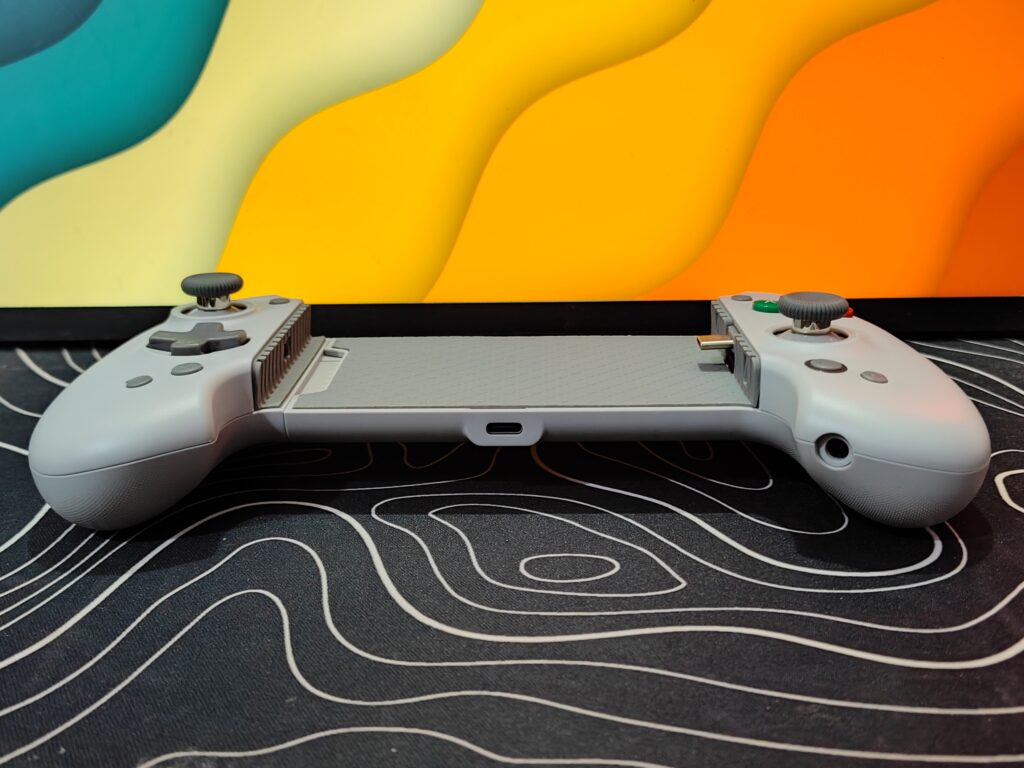
The axe-shaped grip feels comfortable in hand and offers a secure hold. Combined with realistic vibration and 6-axis motion control, the controller allows tilt and movement with precision and smoothness. This works especially well in racing, flying, and action games.
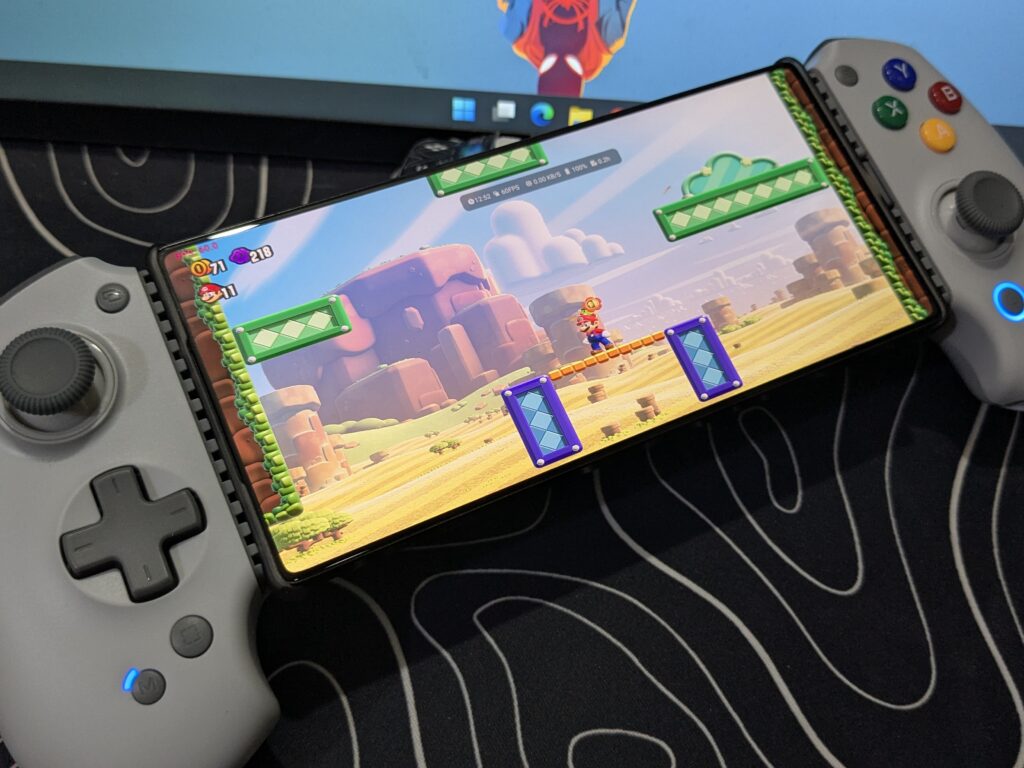
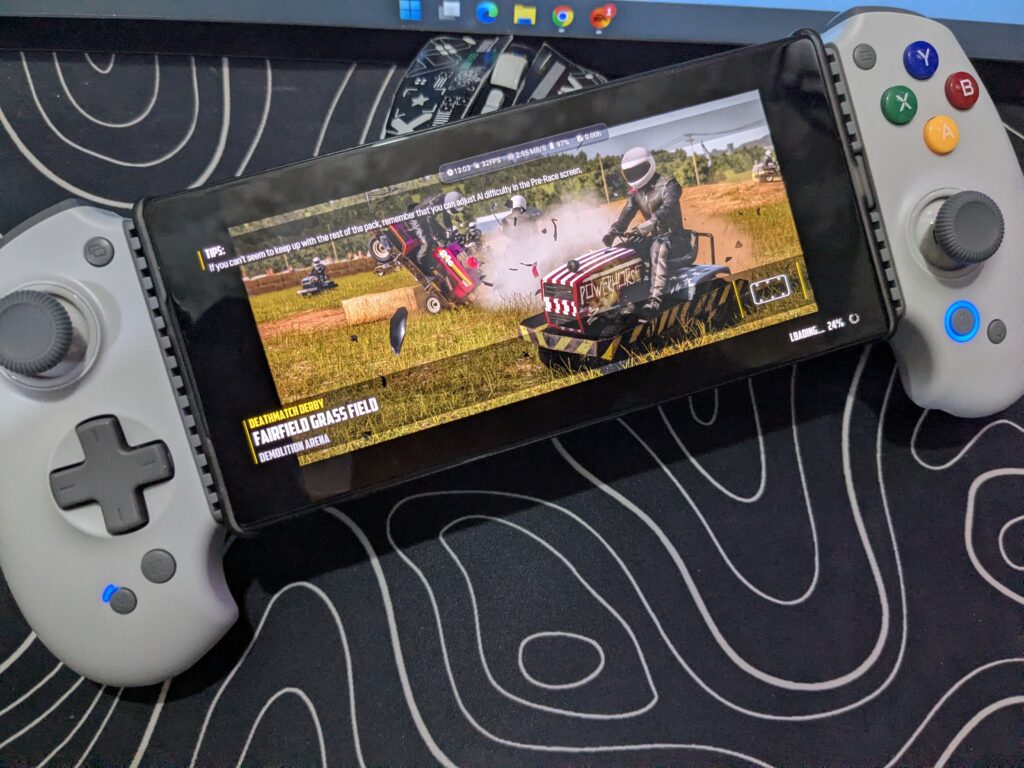
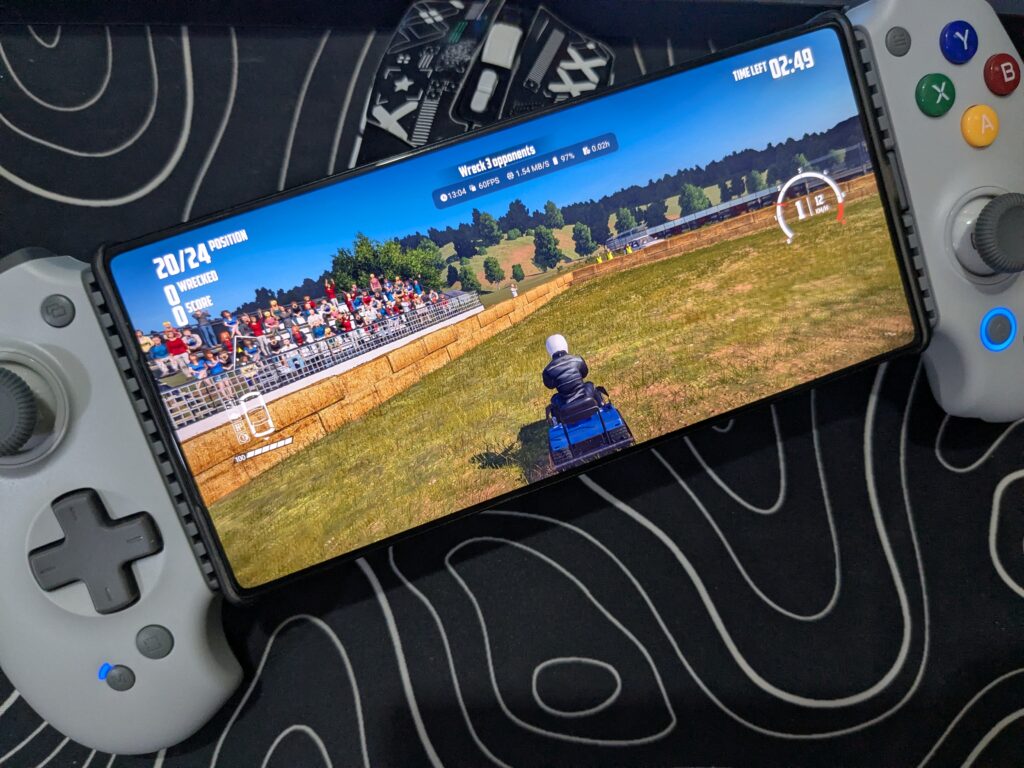
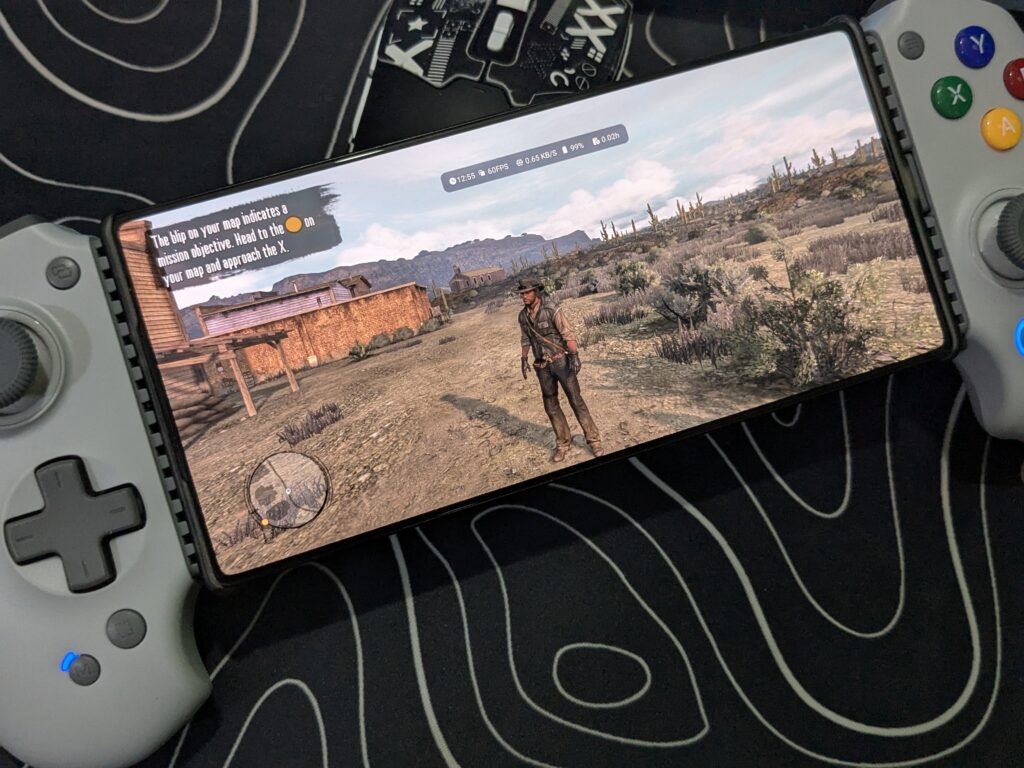
The games I played on the abxylute S9 include Where Winds Meet, Red Dead Redemption, Batman Arkham Origins through GameHub, and Mario Wonder using the Eden emulator. Across all these titles, the controller delivered a stable, enjoyable, and console-like gaming experience on mobile.
Final verdict
The abxylute S9 leaves a very strong impression as a premium mobile gaming controller. The retro grey colour gives it a unique and stylish look, and the overall design feels comfortable even during long gaming sessions. The grip feels natural in hand, making it easy to play for hours without discomfort.
The Hall Effect joysticks with protective rings work smoothly and accurately, with no drift issues. The linear Hall Effect triggers also perform very well and feel responsive in every game. The tactile D-pad gives clear feedback, which is great for action and classic-style games. The two programmable back buttons are a nice addition and help with faster controls in competitive gameplay.
Customization is another big highlight. The ability to replace faceplates feels like a thoughtful touch. You also get different joystick lengths and D-pads in multiple shapes, allowing you to fine-tune the controller exactly the way you like. This level of personalisation is rare in mobile controllers and adds real value.
Overall, the abxylute S9 delivers a true handheld console-like gaming experience on mobile. It feels well-built, performs reliably, and offers deep customization. For mobile gamers who want comfort, control, and a premium feel, this controller truly stands out. It easily deserves a must have award for serious mobile gaming.