













DeepCool AK700 Digital NYX: High-Performance in Small Form

DeepCool has recently launched the AK series of new coolers. Last time, I tested AK620 G2 Digital NYX. This time, I am testing the AK700 Digital NYX cooler from DeepCool. Unlike the AK620 G2, this cooler uses a single beefier heatsink with 7x heat pipes, whereas the AK620 G2 uses two slim heatsinks and 6x heat pipes.
The heatpipes feature an offset design providing maximum RAM clearance, and this cooler also features the same high-end-quad-segmented digital display.
DeepCool has emphasized on AI based cooling performance regulation, where powerful monitoring software automatically adjusts the speed of the fans and primarily focuses on providing silent performance and ramps the fans up when CPU temperature exceeds 80°C.
The cooler is compatible with the Intel LGA1700/1200/115x/20xx and AMD AM4/AM5 sockets. The digital edition is black in color and coated all around. This cooler has an MSRP of USD 69.99 and comes with a 3-year warranty.
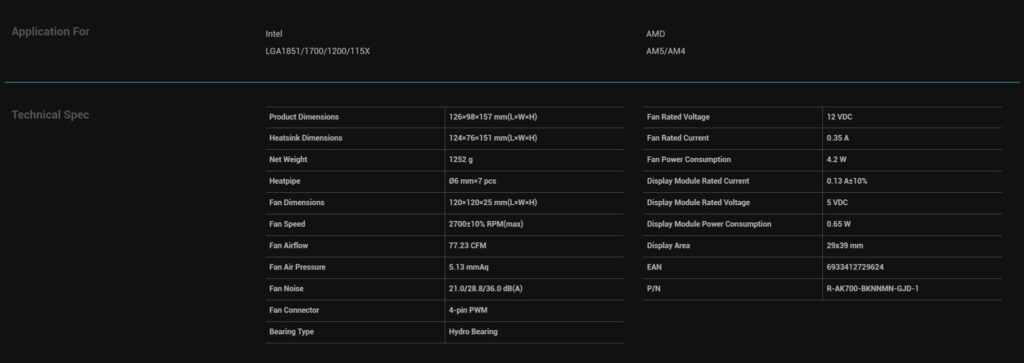
Specifications
Packaging
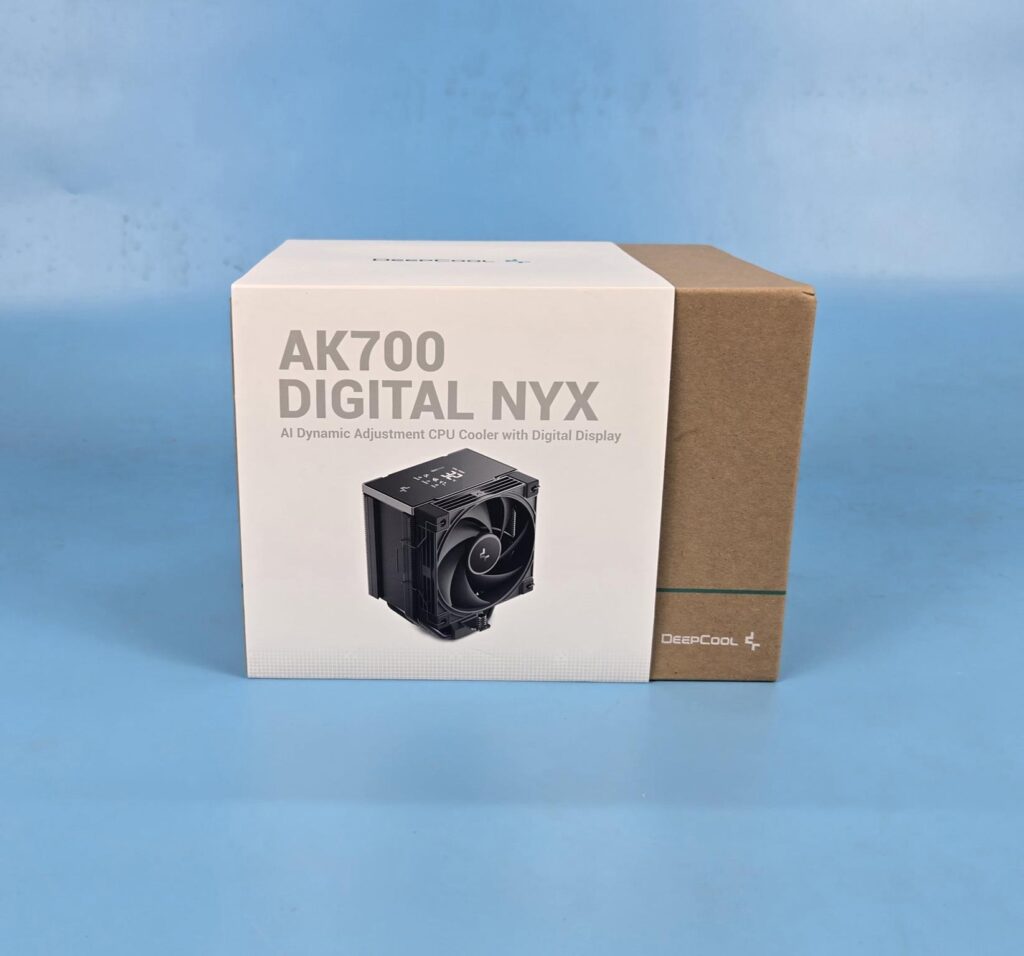
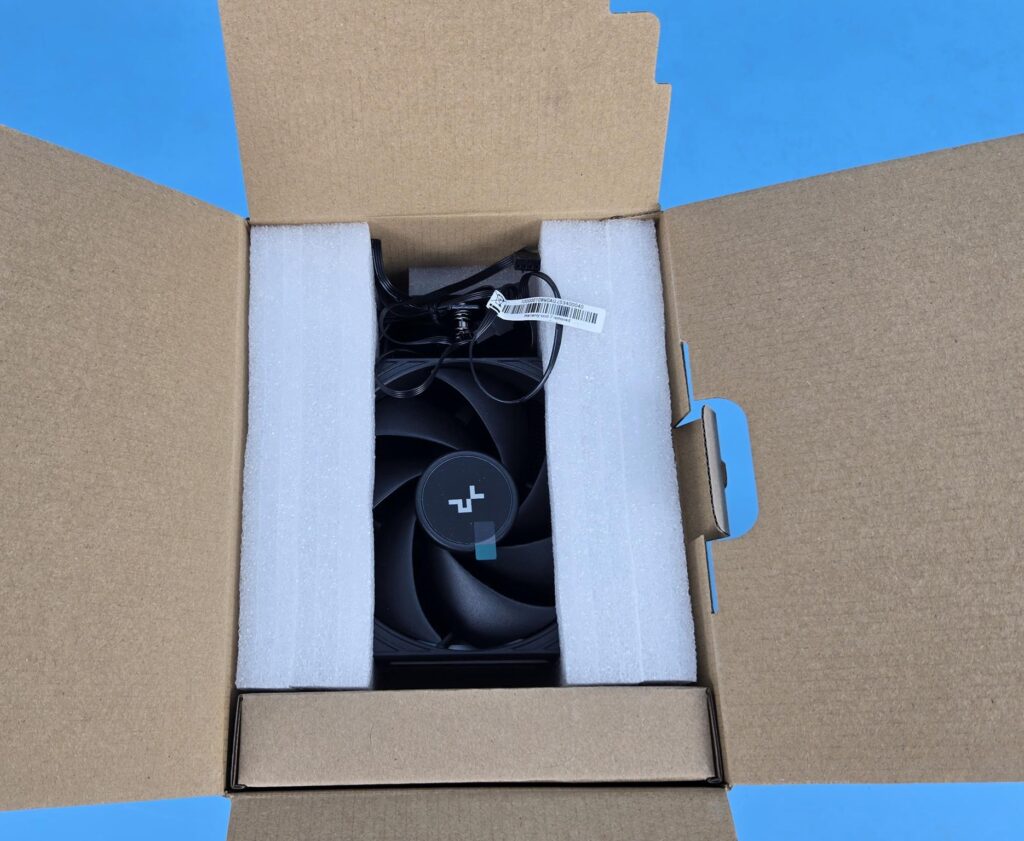
DeepCool uses standard packaging for all products. This cooler is no exception. It comes inside a cardboard brown box which has a paper overleaf showing the picture of the cooler, its specifications, and features. The cooler itself is nicely tucked between Styrofoam pads.\
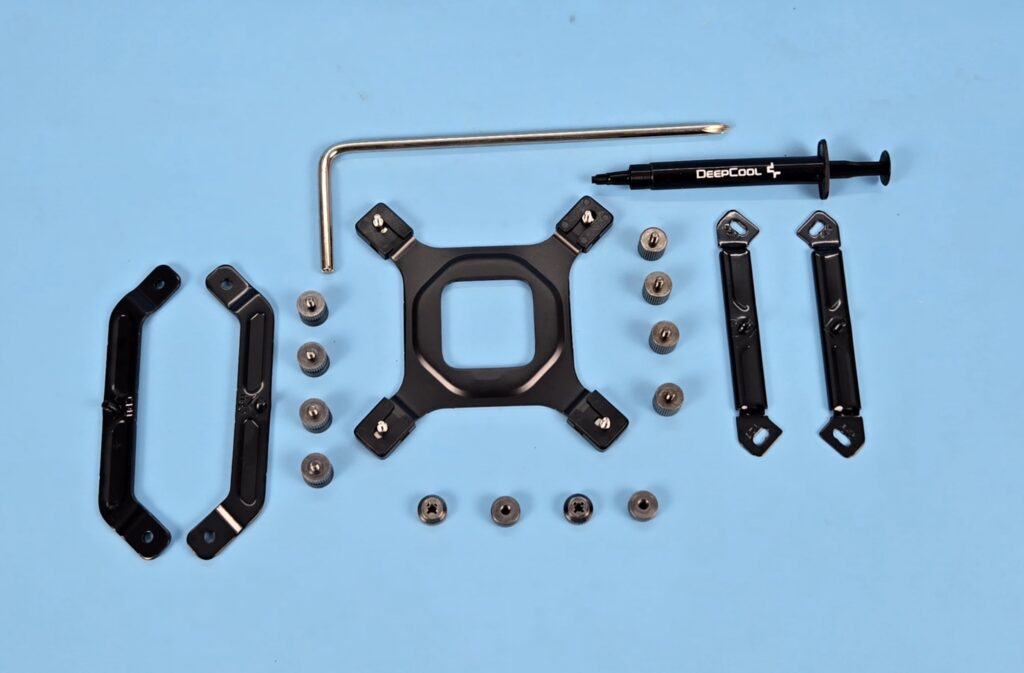

The following come inside the accessory box:
- 1x Intel Metallic Backplate
- 2x AMD Mounting Brackets [Different than the ones on AK620-G2]
- 2x Intel Mounting Brackets
- 4x AMD Standoff Screws
- 4x Intel Standoff Screws
- 4x Nuts
- 1x Thermal Paste Tube
- 1x Screw Driver
Design
Let’s take a look at the cooler.
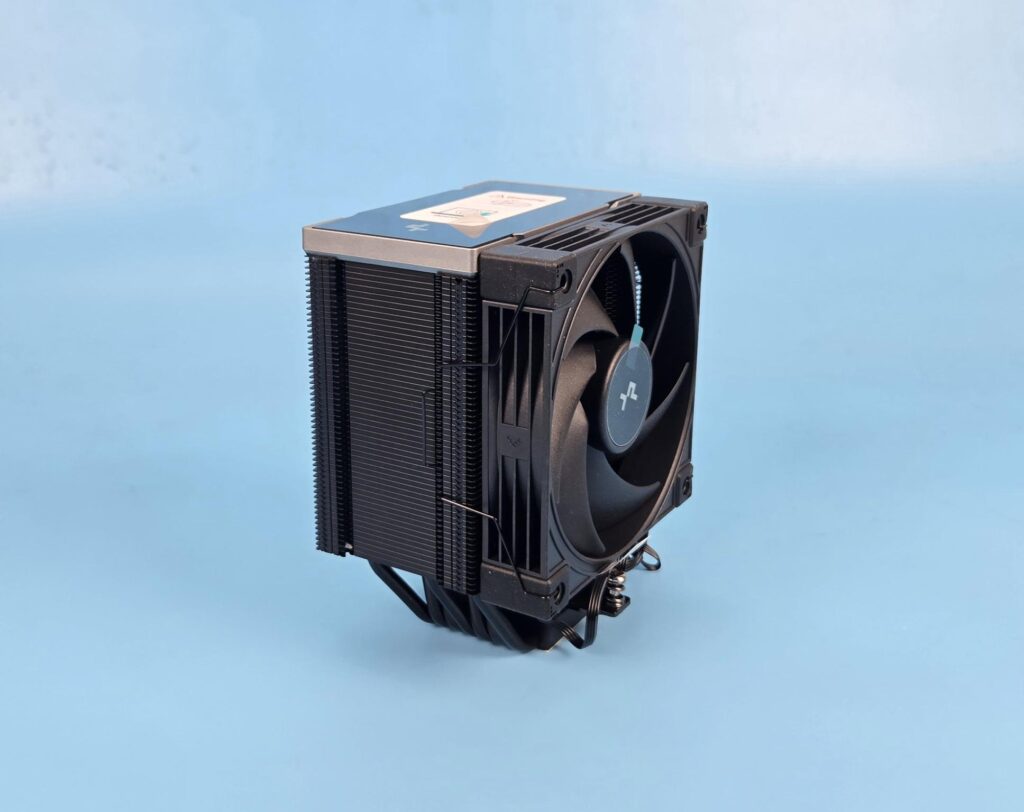
The overall dimension of the assembled cooler is 126x98x157mm (LxWxH). The dimension of the heat sink is 124x76x151mm (LxWxH). This cooler even has a smaller footprint than the AK620-G2. It makes sense since AK620-G2 uses slim heatsinks, so they needed to provide more surface area. The net weight of the cooler is 1252gm which is 134gm less weight compared AK620-G2.
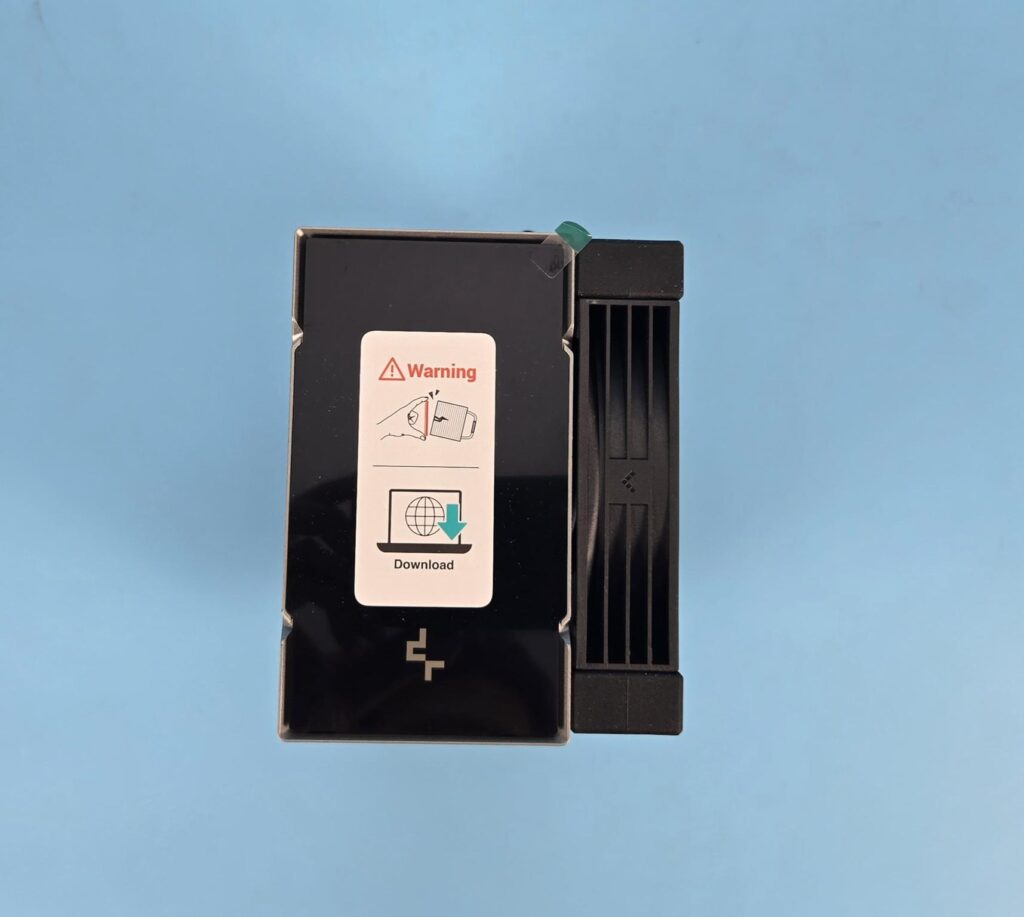
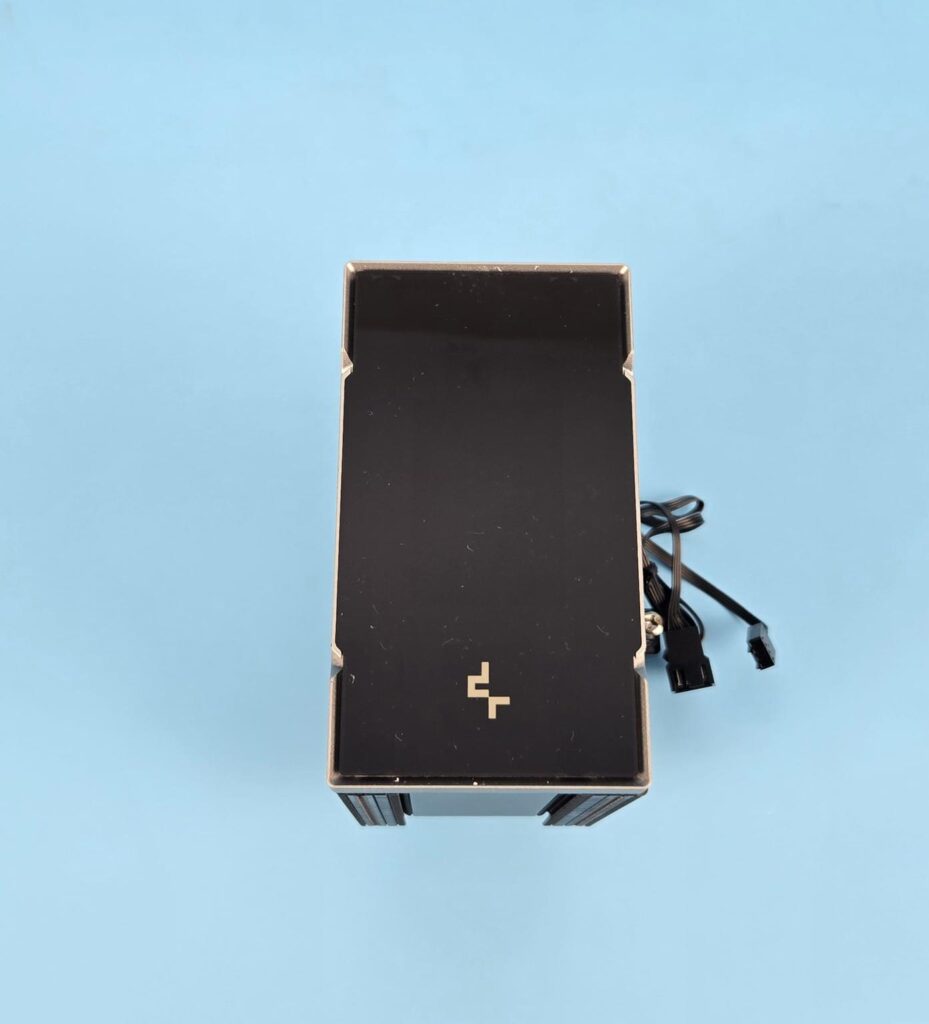
Looking at the top of the cooler, you can see a white label indicating to download the control software from DeepCool on one tower. The top cover is similar in design and layout to that of AK620-G2. The difference is that it is thicker and has a single tower. Plus, the top cover on the AK700 Digital NYX is magnetically attached. This tower has a high-end, quad-segmented digital display. DeepCool’s branding is located below the display screen.
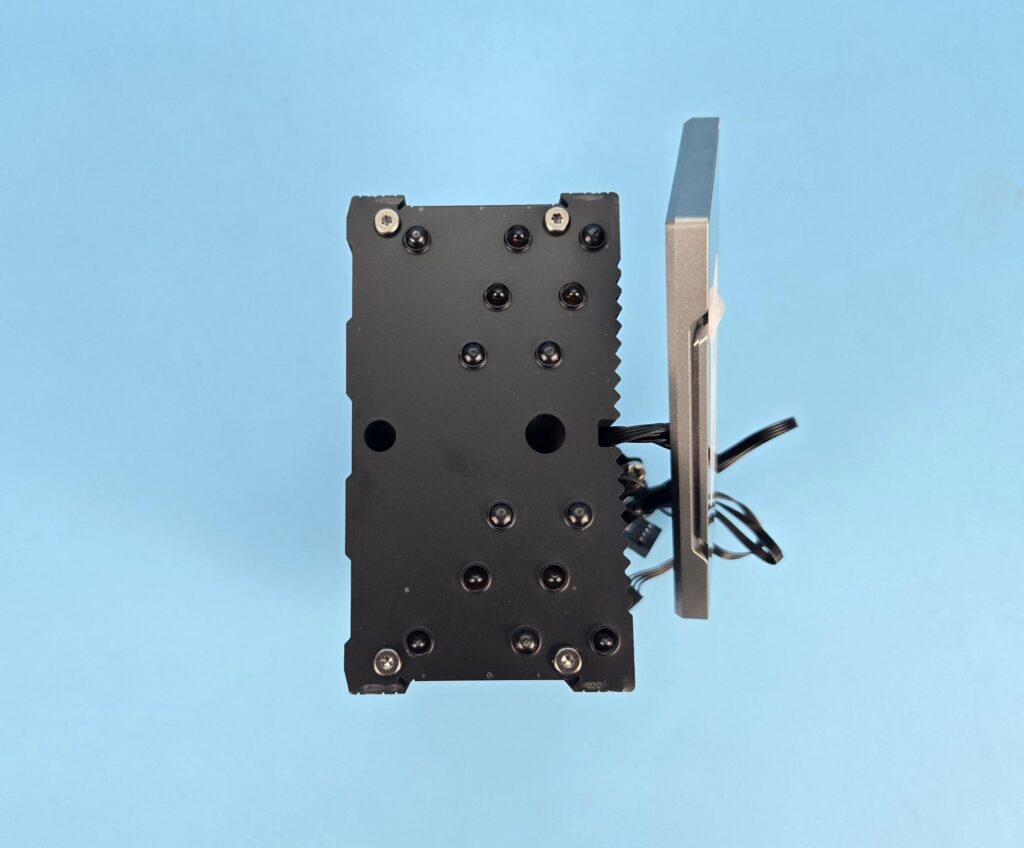
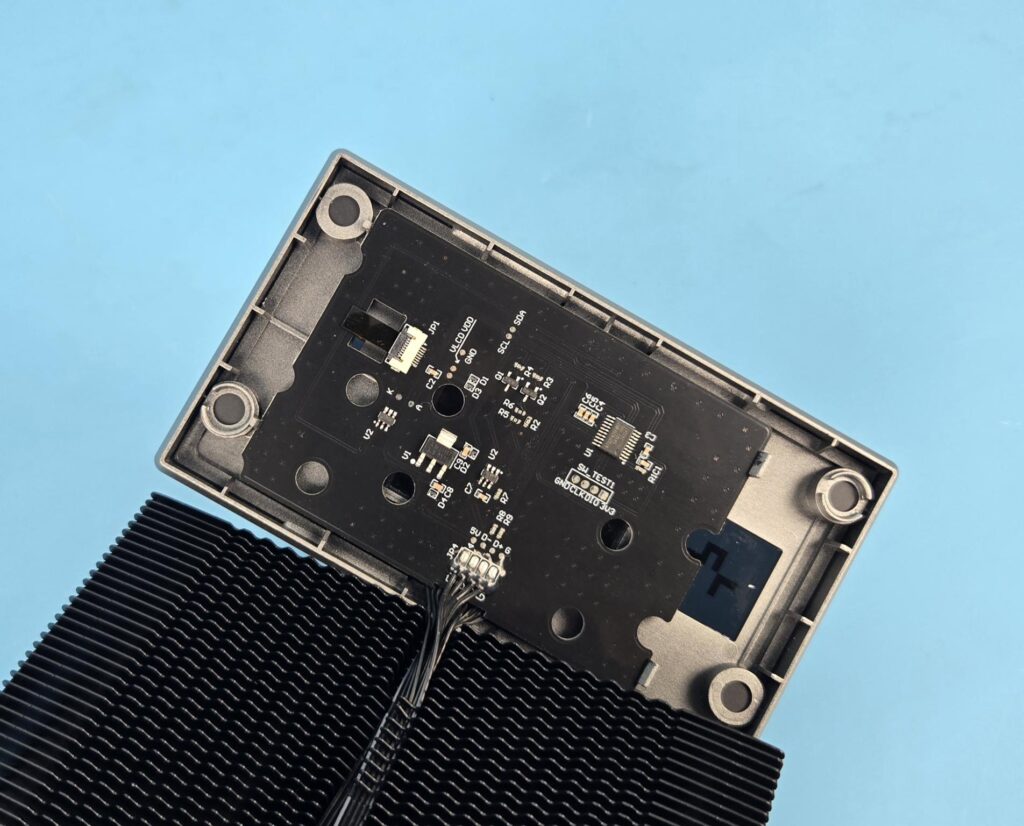
You need to take off the top cover anyway during the installation. This is to access the rear spring-loaded screw on the mounting-plate. The PCB is installed under the top cover. You can see the cables being routed in the center of the front. Also, you can notice the waveform pattern on the front and the Matrix Fin Array design on the rear.
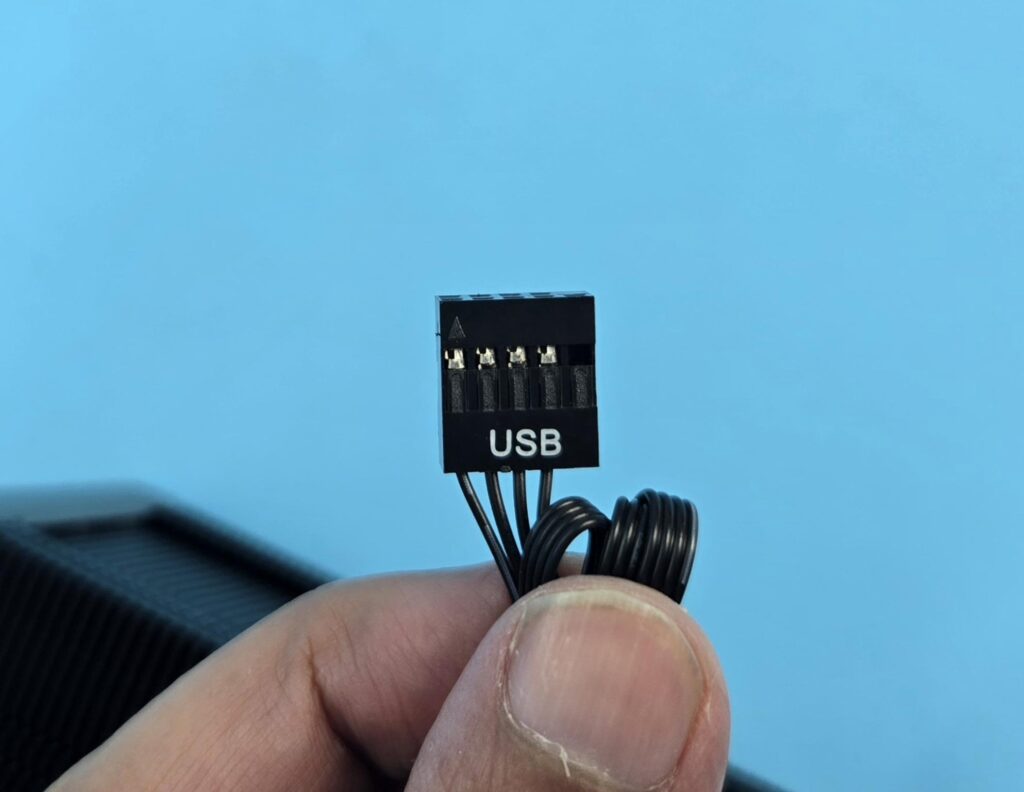
You need a spare USB 2.0 header on your motherboard to connect the cooler’s USB 2.0 connector so that software control can be activated.
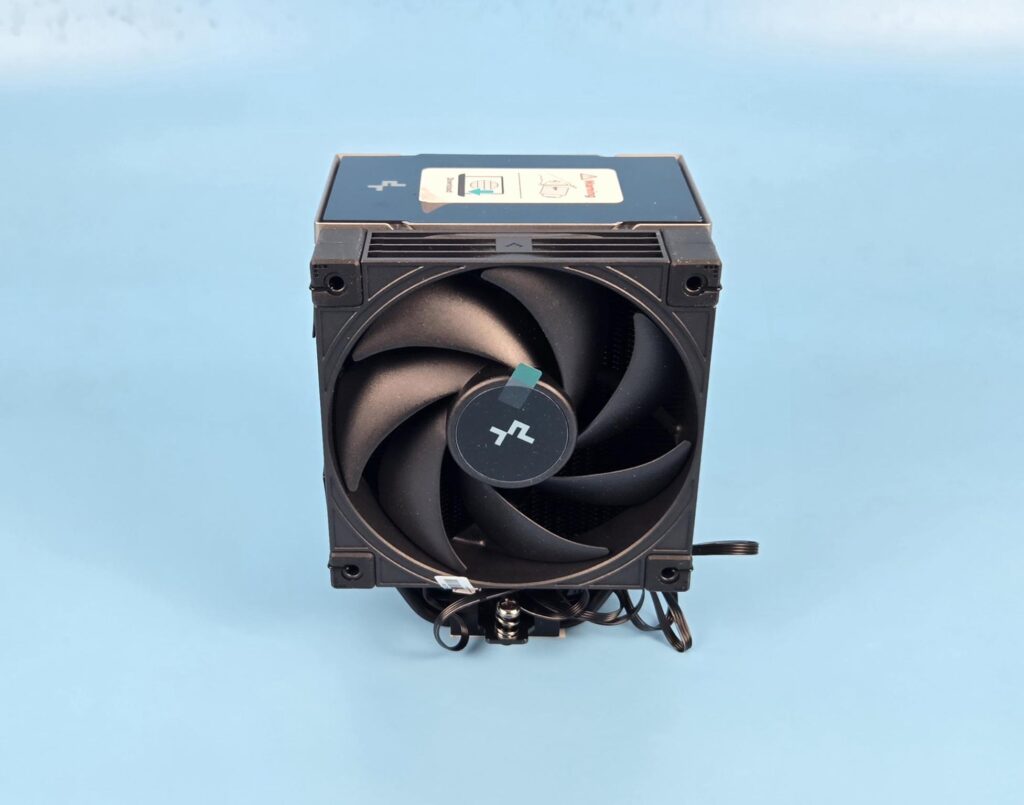
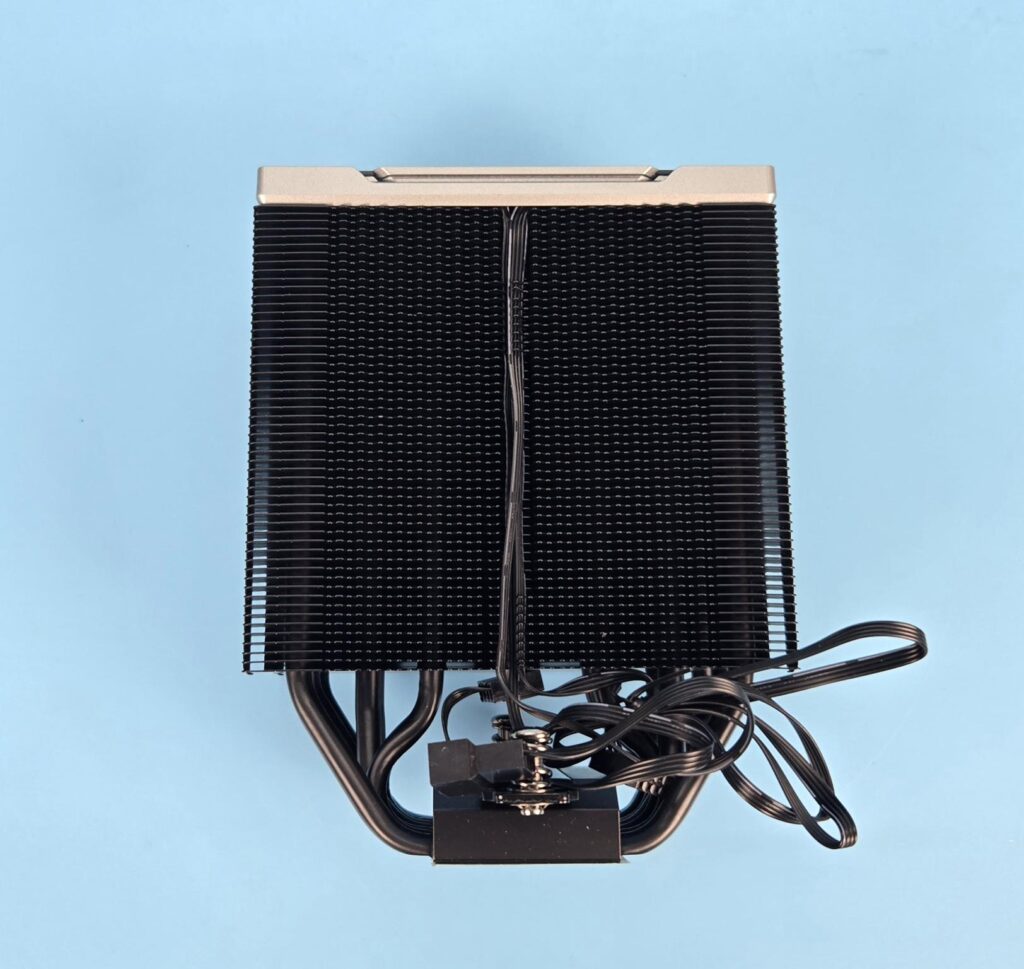
A 120mm non-RGB fan is installed on the front. Removing this fan shows the view of the heatsink from the front. As per my count, this heatsink has 54 fins. The main area has wave form fin design. The fins toward the exterior on both sides have a straight line pattern. The cables from the top cover are routed along the center of the heatsink. The fins there are designed to catch these cables for clean management and routing.
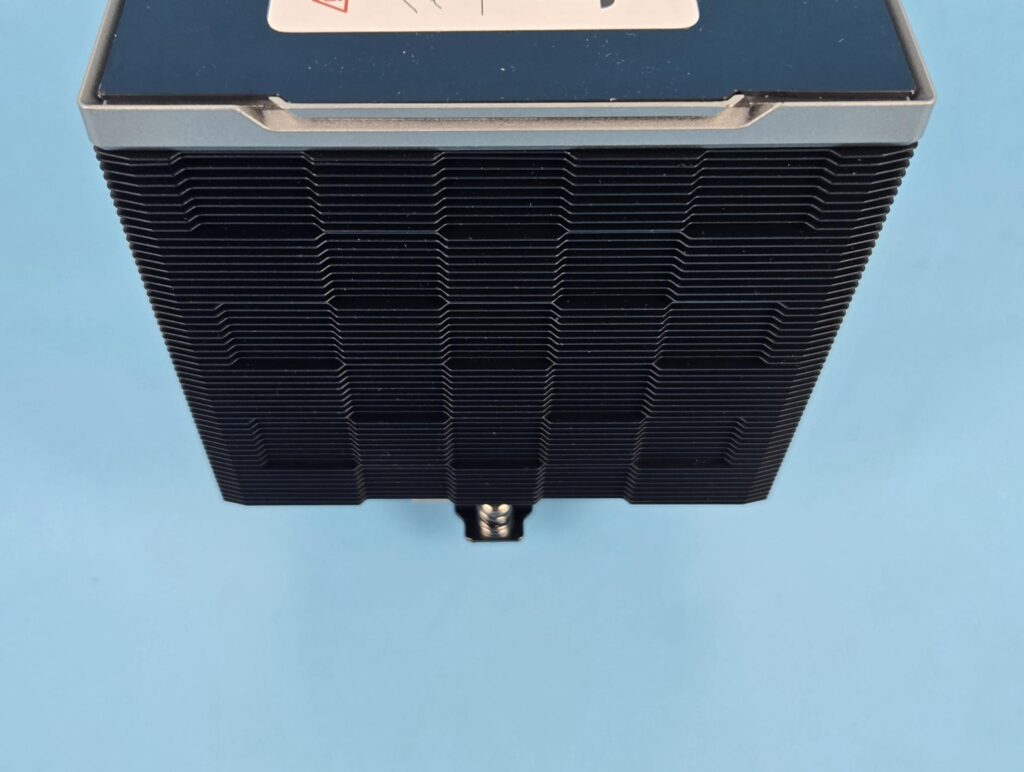
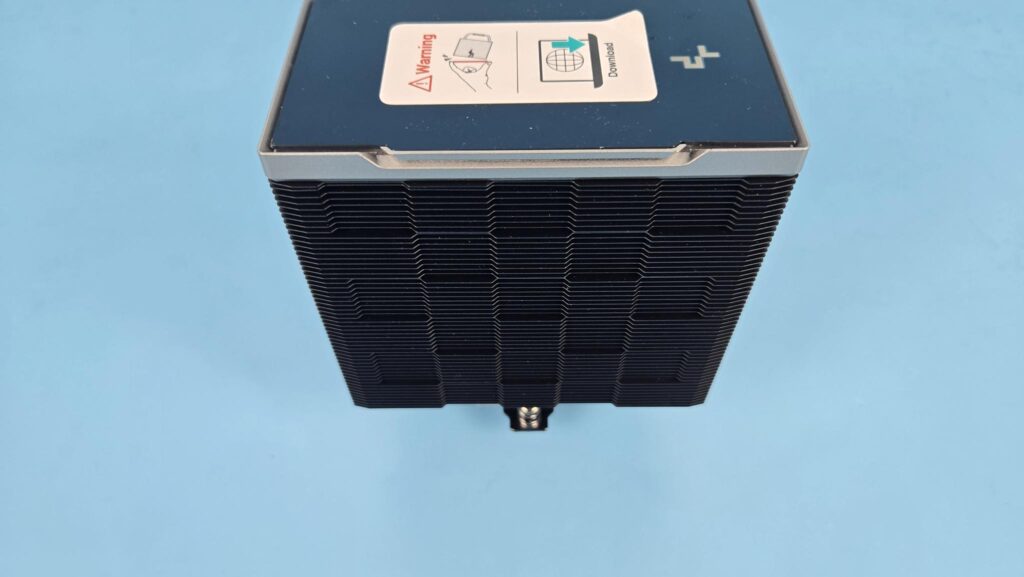
The rear side of the cooler has the same signature matrix fin array design that I have been seeing on DeepCool’s other coolers and AK620-G2. This design reduces the air drag and improves the airflow.
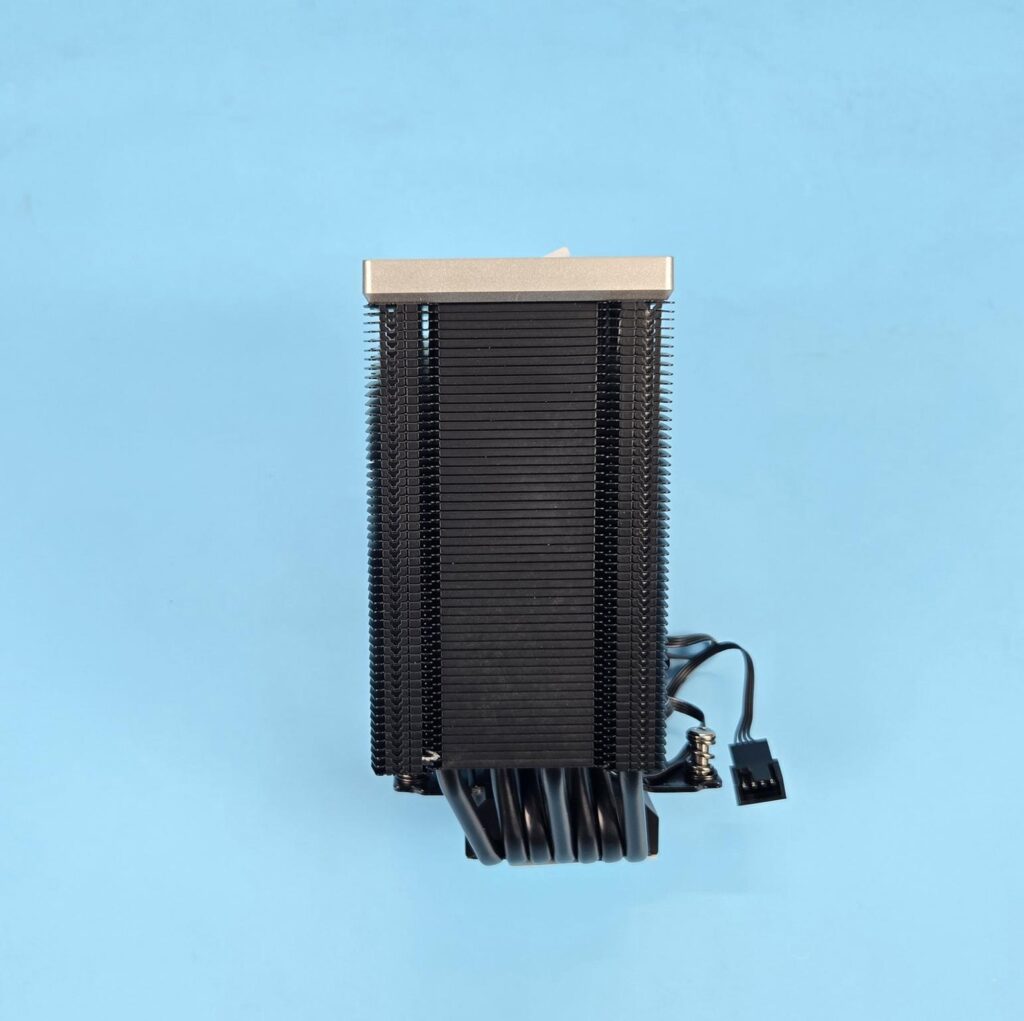
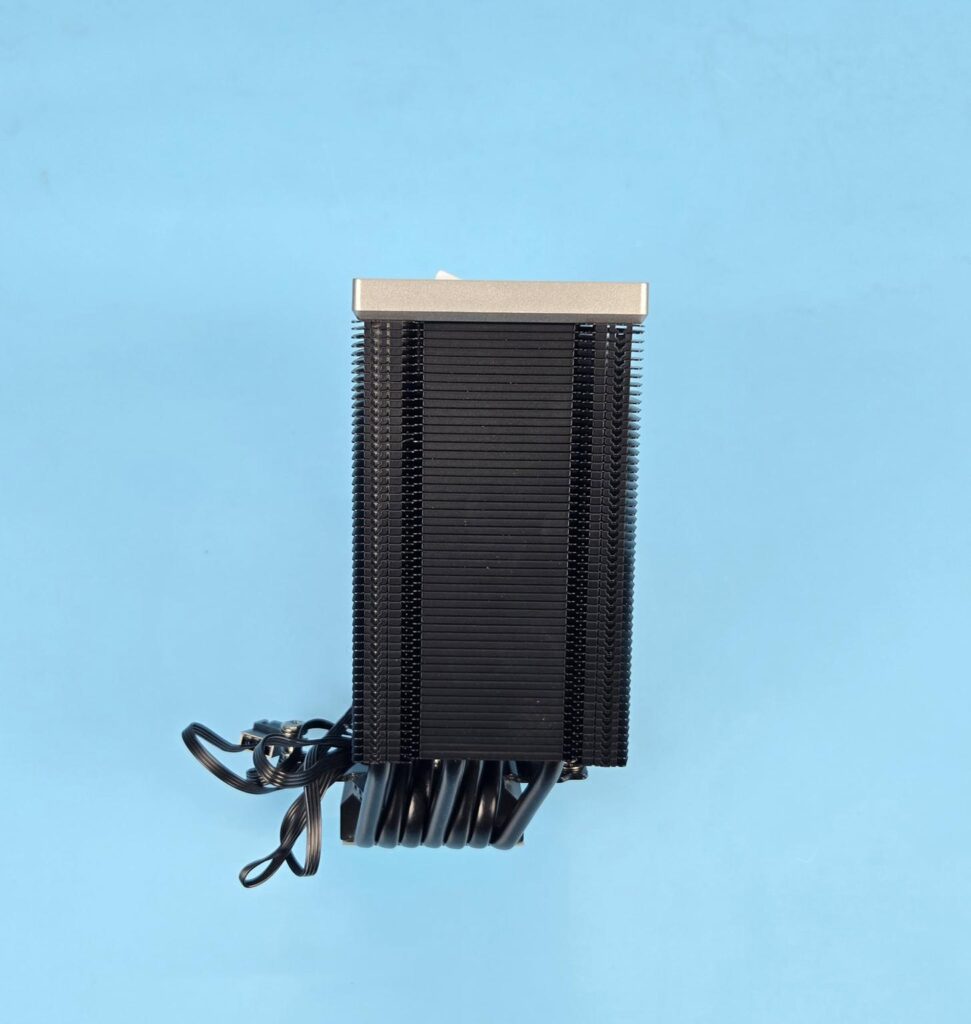
The left and right sides of the towers are identical in layout. The fins have an interlocking mechanism on the sides. The middle section has an inset, and the sides havea raised surface. This is where the heads of the fan clips are rested on.
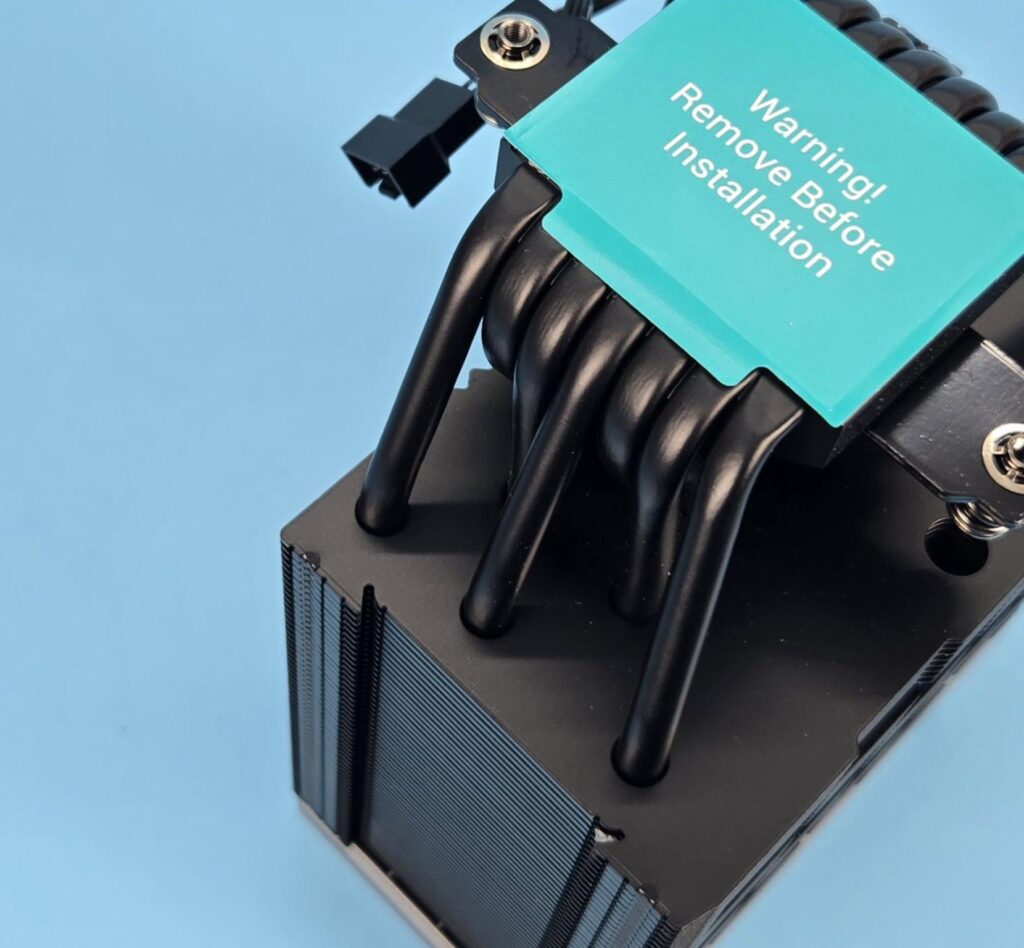
The DeepCool AK700 Digital NYX has 7x copper heat pipes. Each pipe has a 6mm thickness. These are nickel-plated black, color-coated. The assembly seems soldered. They are installed in an offset manner inside the heatsink.
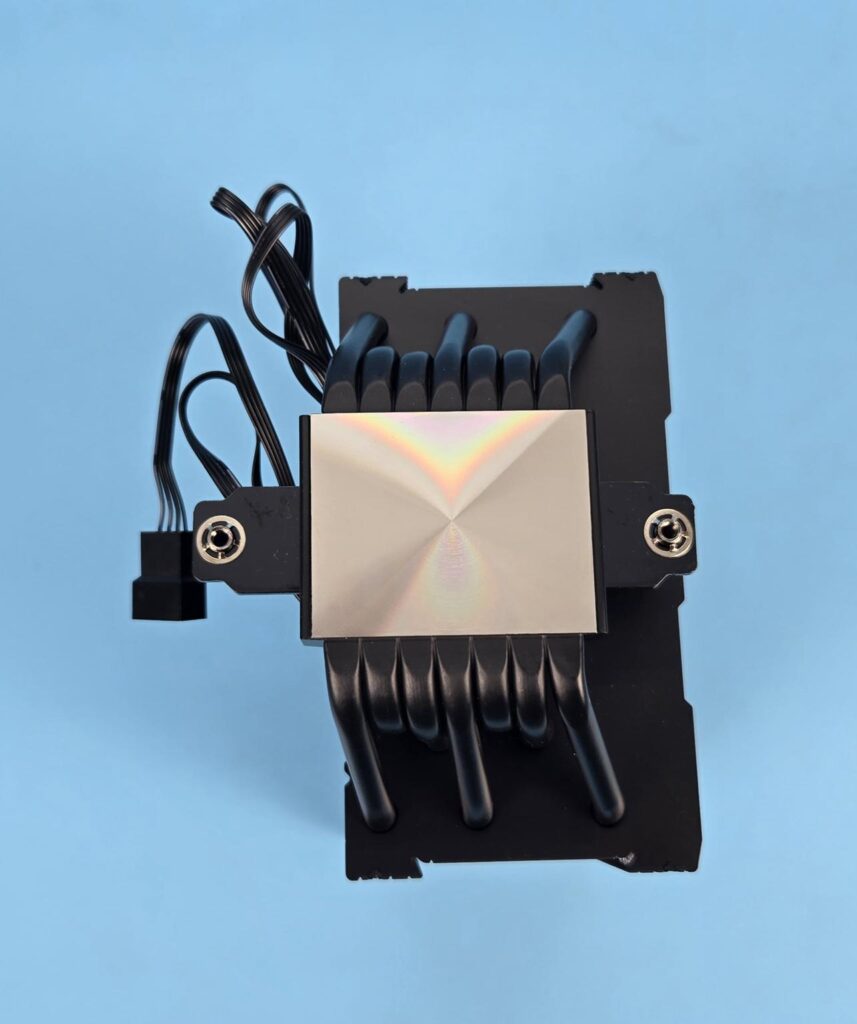
The base has a protective cover over it. The precision-machined copper base is nickel-coated. It is almost a mirror finish. The base is in a convex layout. The placement of copper pipes inside the base assembly is also a key point. It seems like the exposed copper portion of the heat pipes makes a direct contact with the base top surfac,e and it is a continuous contact method wherein there is no gap between any two pipes. You can see an offset design here. This is done to provide maximum RAM clearance for this cooler.
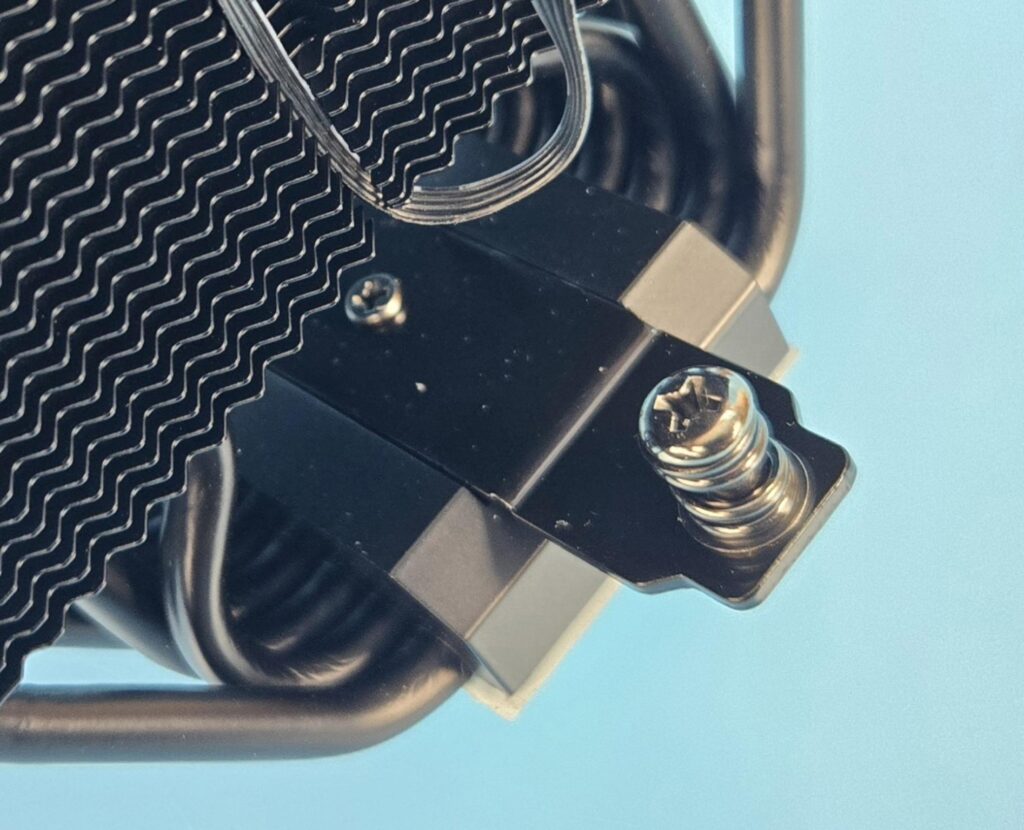
The cross-bar or mounting plate has two spring-loaded screws (one on each end).
FANS
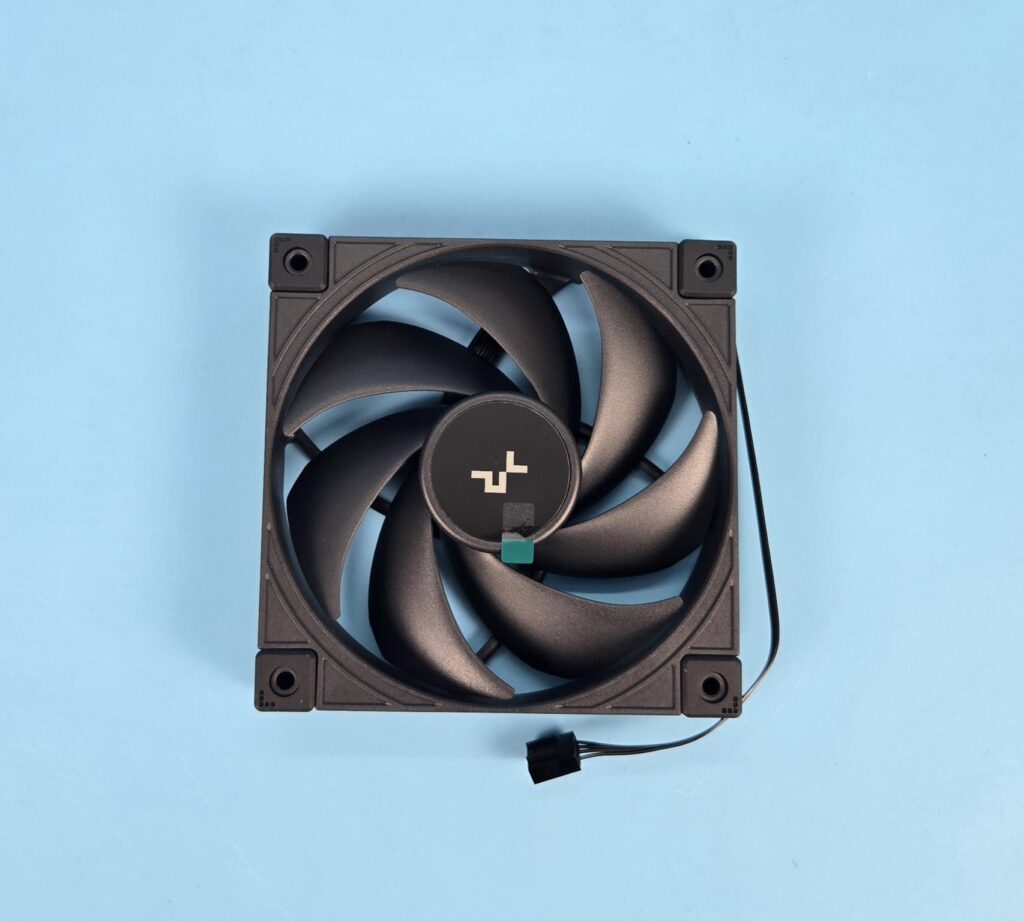
DeepCool has provided a customized fan for this beefy heatsink. Although the design is the same as on the AK620-G2 fans, the specs are even better. The fan has 7x blades. The center has a DeepCool branding. Each mounting corner has a slim anti-vibration pad that runs the entire height of the fan.
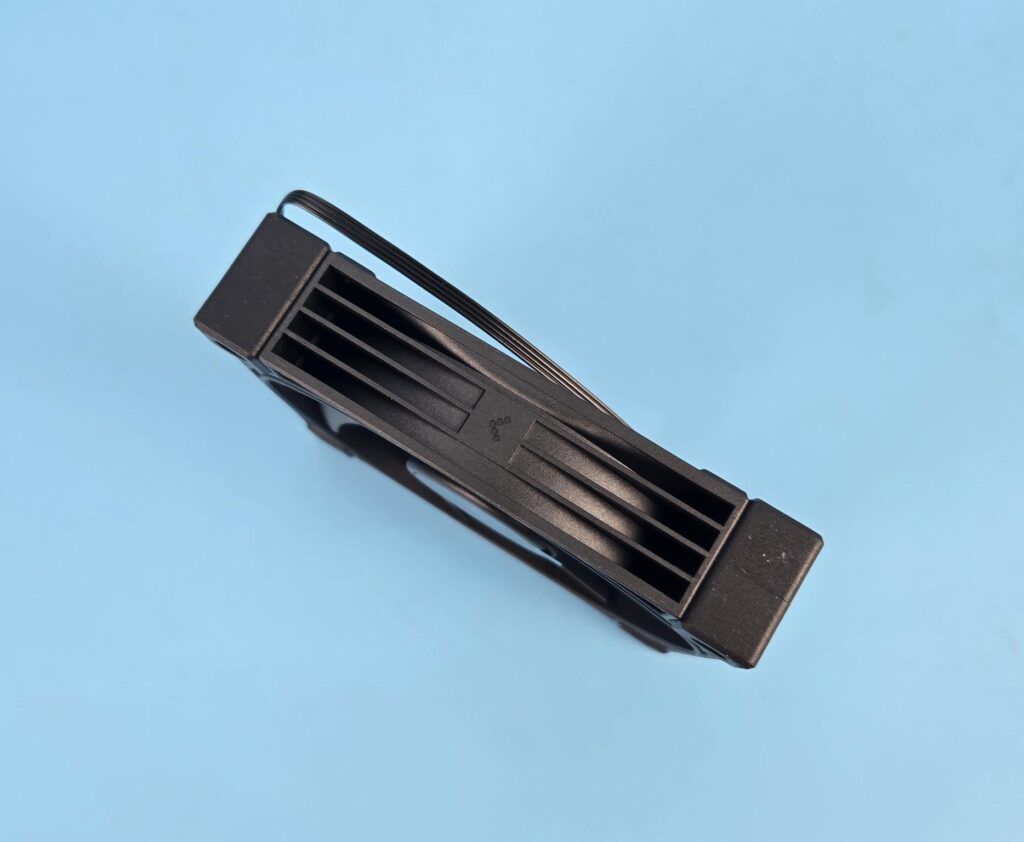
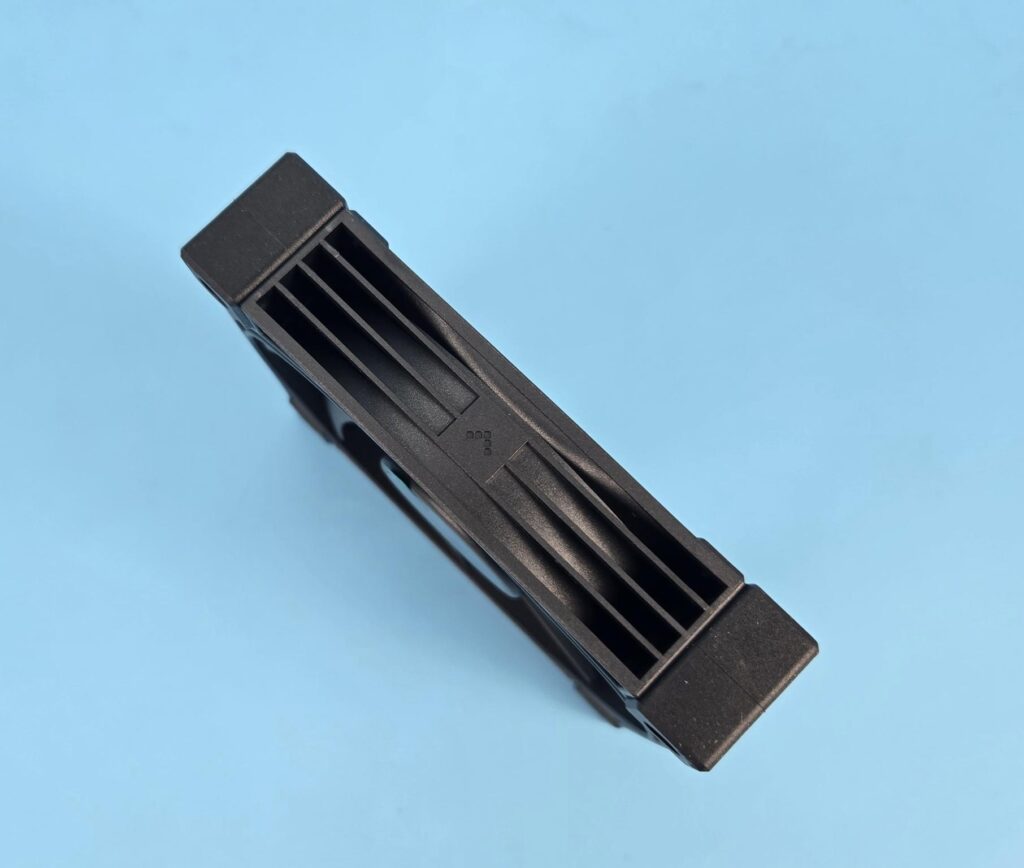
Dotted design arrow markers show the direction in which blades spin and the direction of airflow through the fan.
A look at the backside of the fan shows a sloped design on the border. They are made in China and use Hydro bearings. The power rating on the specifications shows 0.35A for the fan.
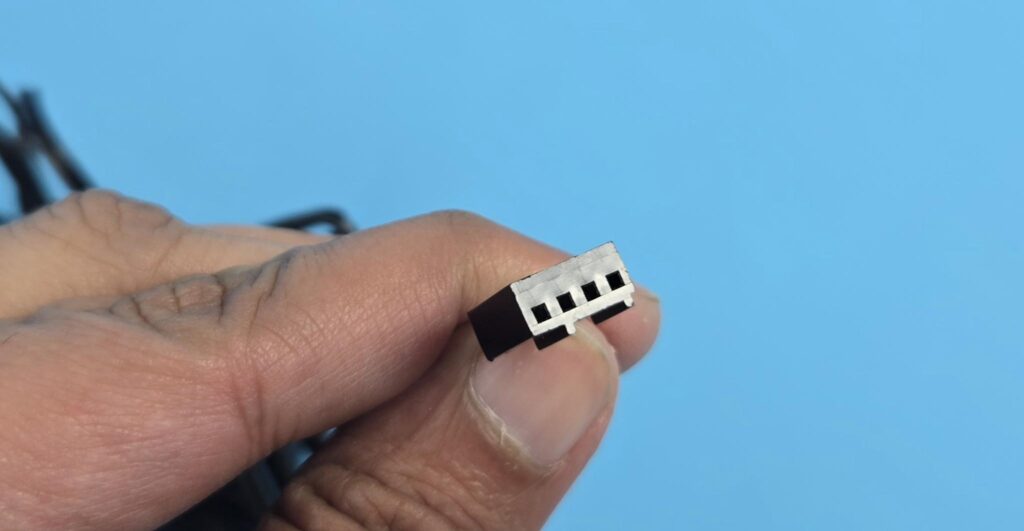
The fan has a flat cable with a 4-pin PWM connector.
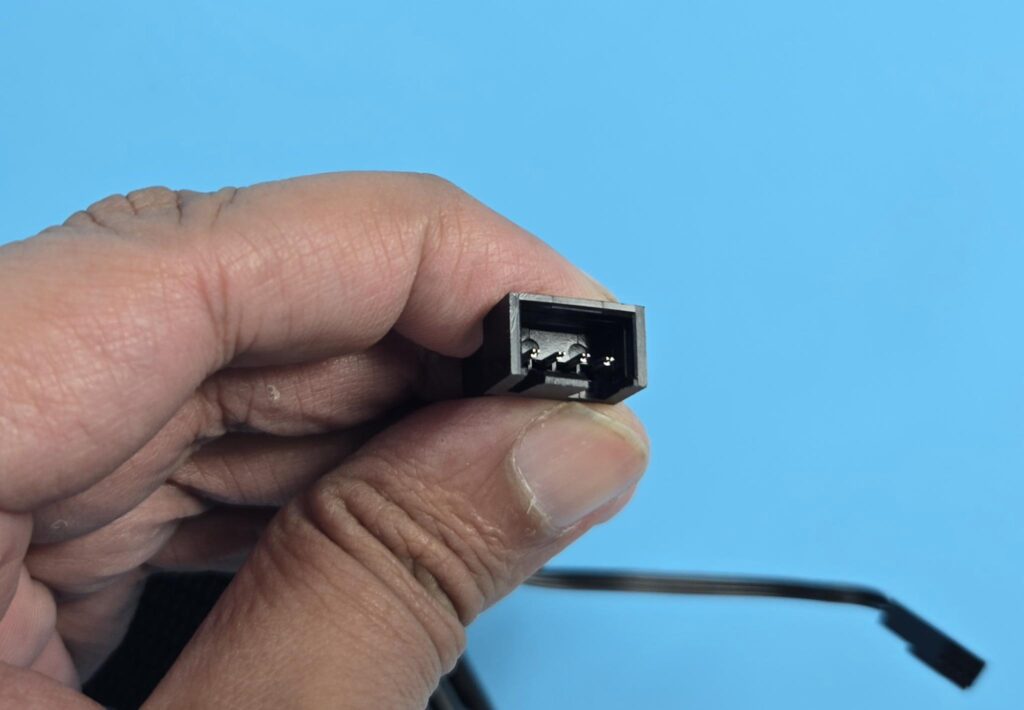
DeepCool has provided a socket connector and a 4-pin PWM connector from the heatsink. You are supposed to connect the fan to this connector and then connect the PWM connector from the heatsink to the motherboard’s fan header.
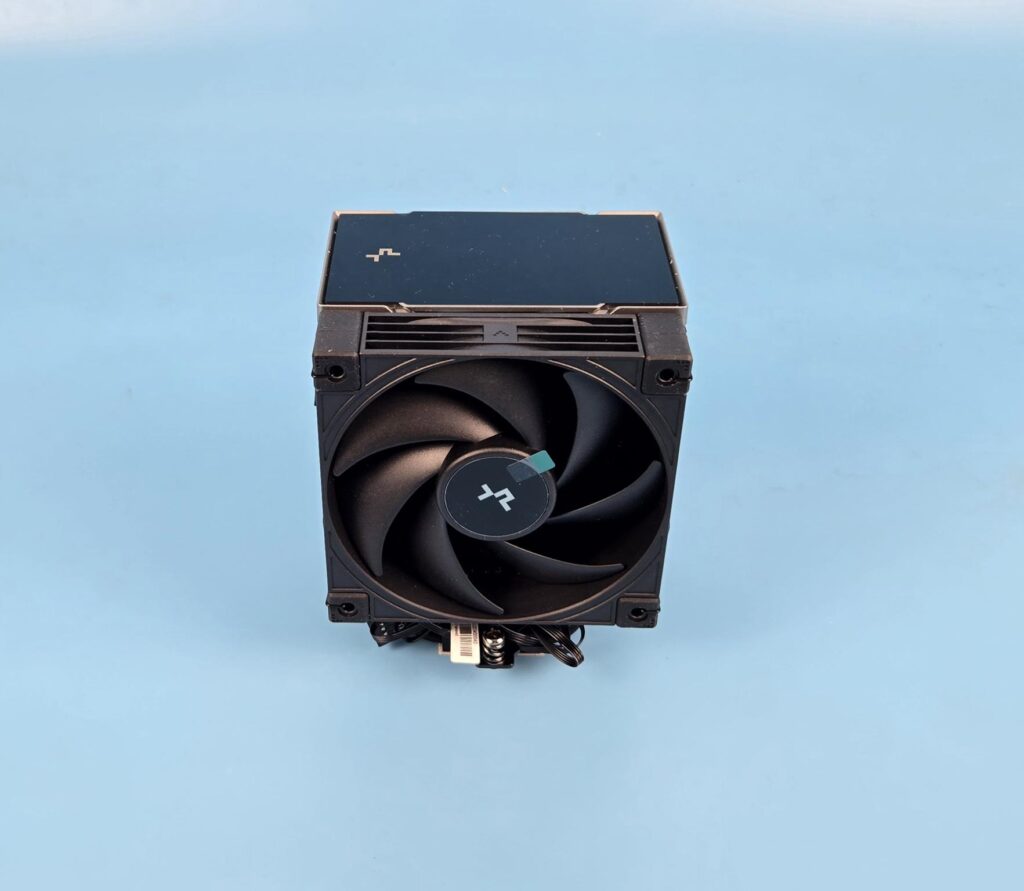

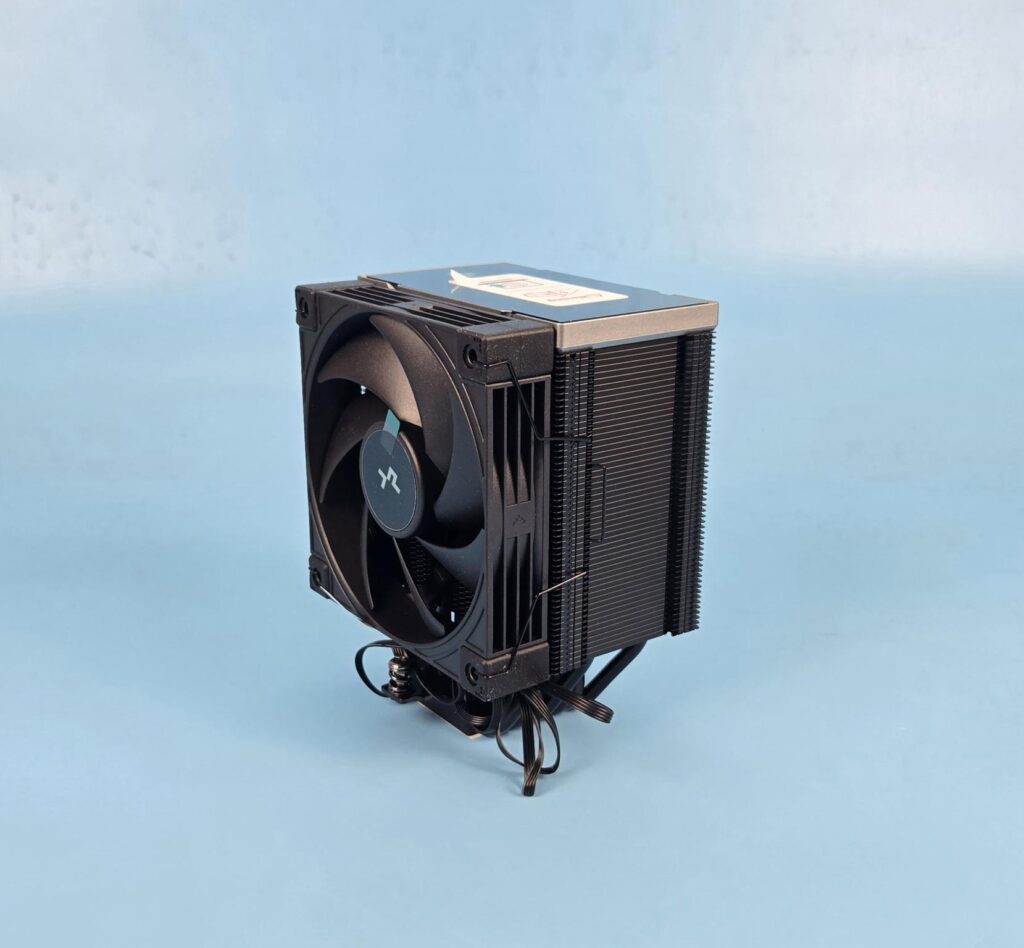
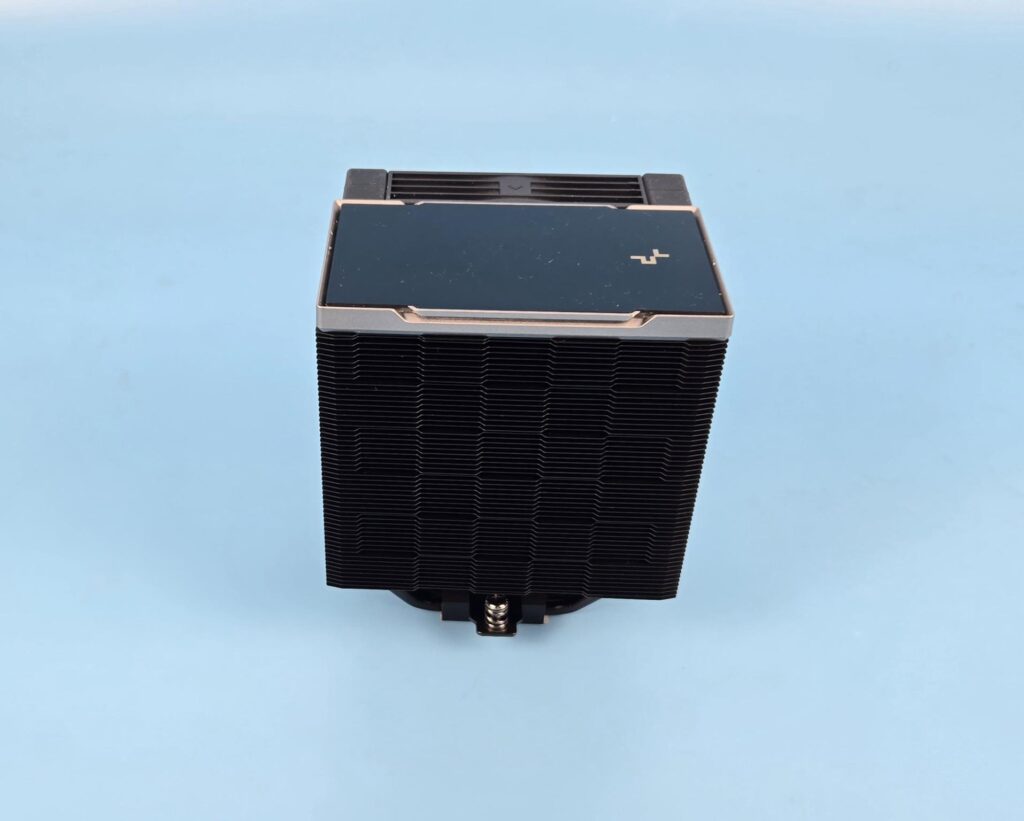
A few pictures of the assembled cooler.
Installation
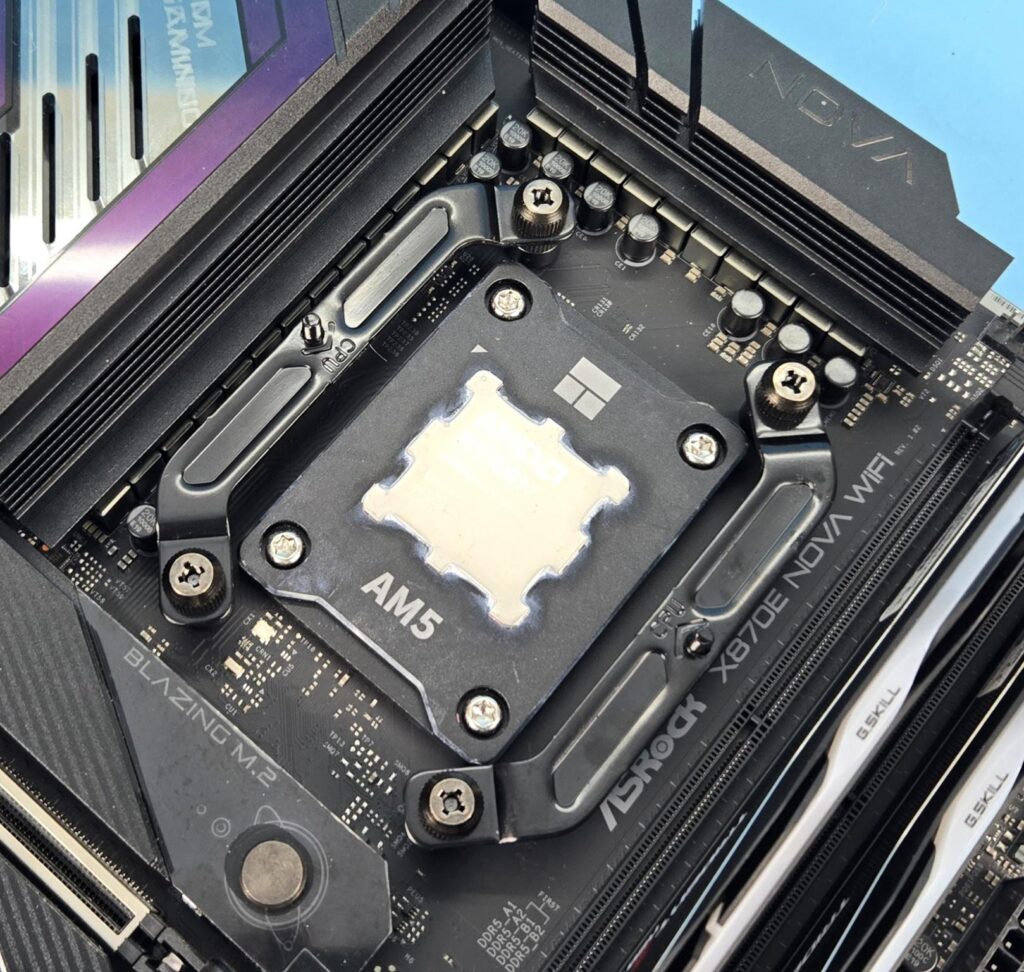
We are not covering the installation steps. You can use the user guide for that purpose. I only report my observations during the installation and removal of the cooler. Installation of this cooler on AM5 is a straightforward process, and I have no observations.
Clearance
We need to look at the clearance from multiple angles. Let’s start with the RAM.
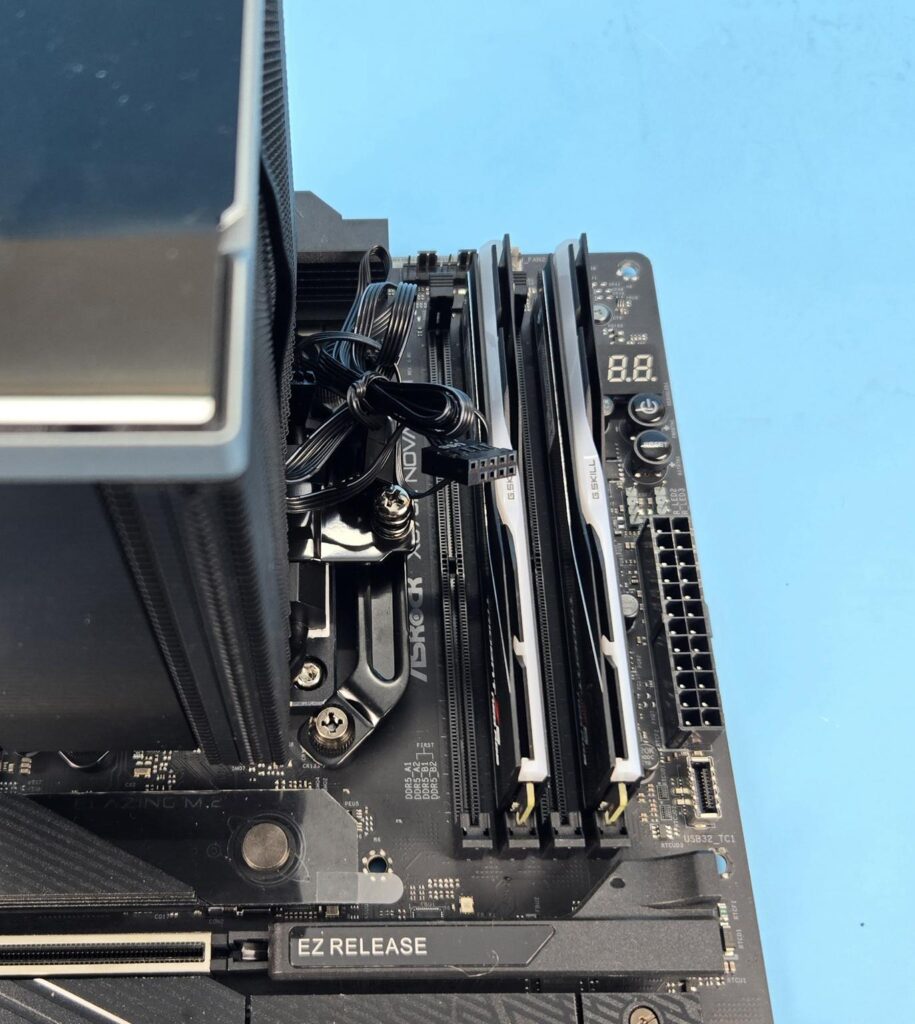
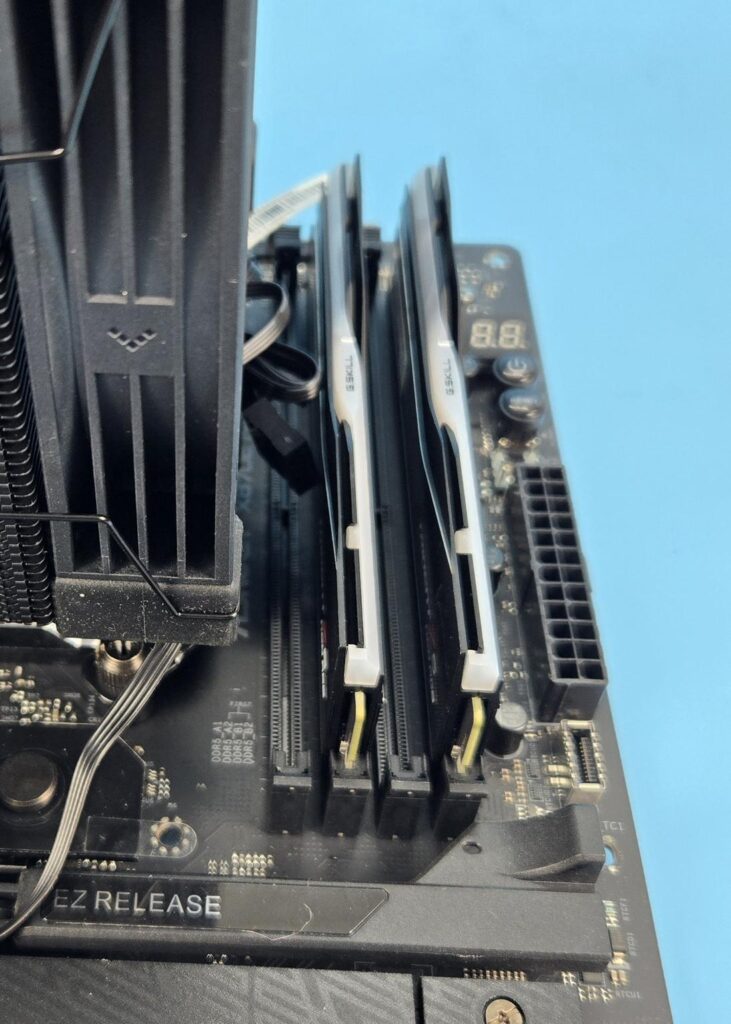
The heatsink and fan provide a universal clearance for the RAM.
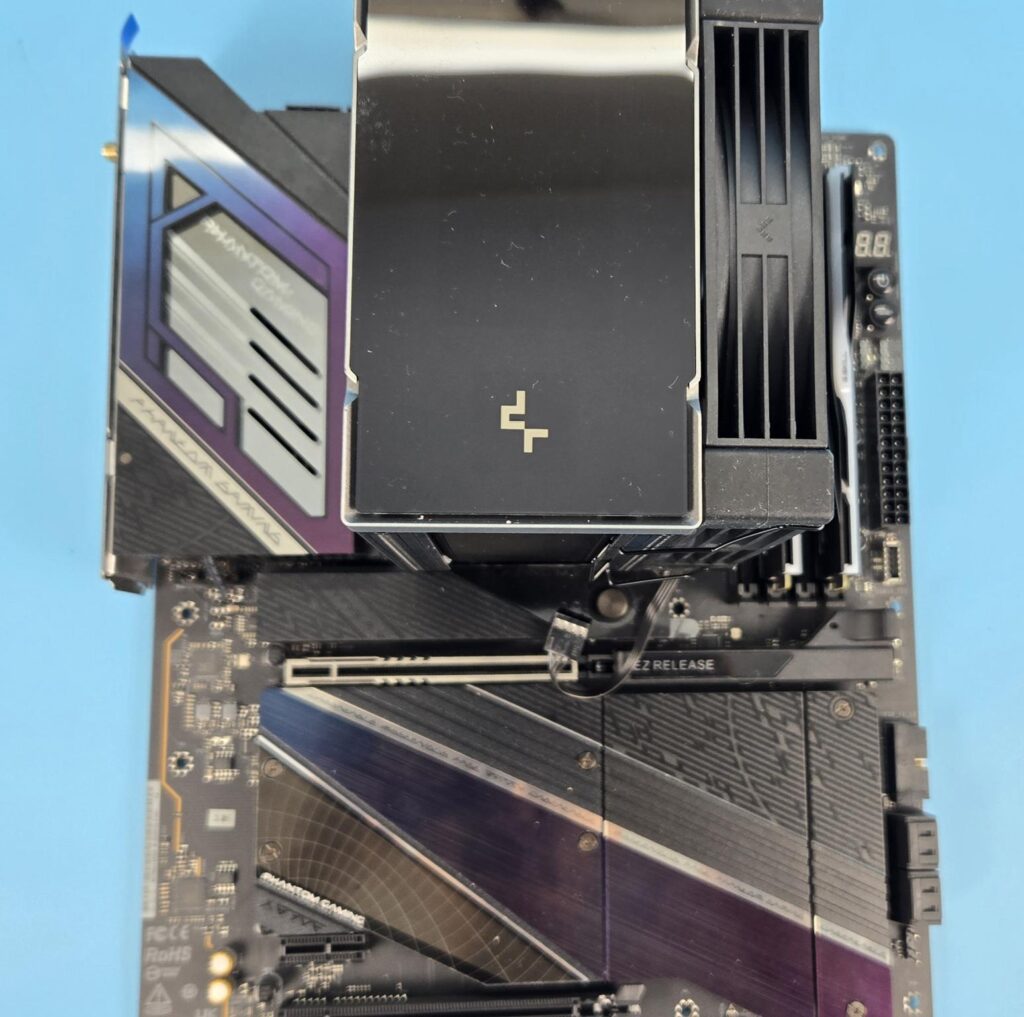
There is no issue with respect to the first PCIe x16 slot on the ASRock X870E NOVA WiFi motherboard.
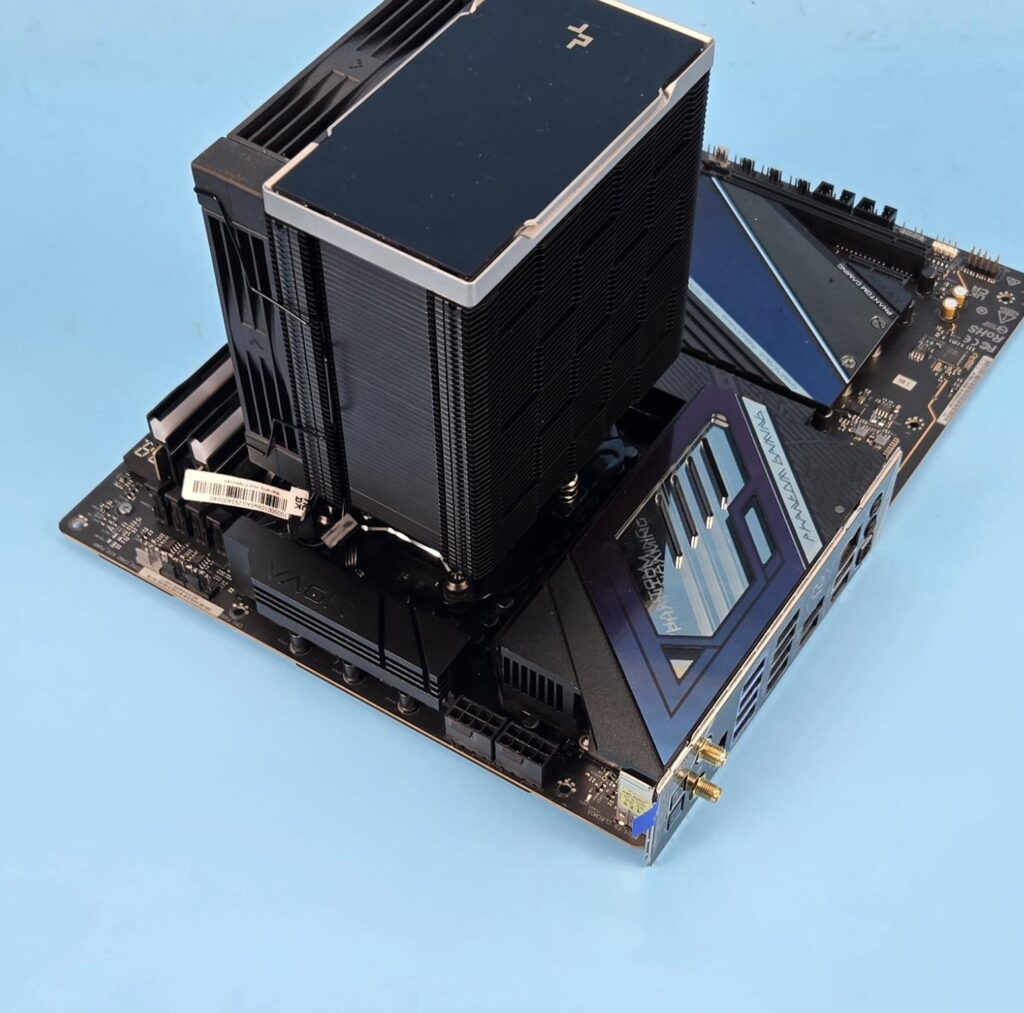
The cooler has no clearance issue with respect to the rear and top of the motherboard.
The height of the cooler is 157mm. Keep this in mind while planning your build with respect to the PC Chassis.
Software and Display
This cooler features a high-end quad-segmented display on the top. You need to download the DeepCool software from the website.
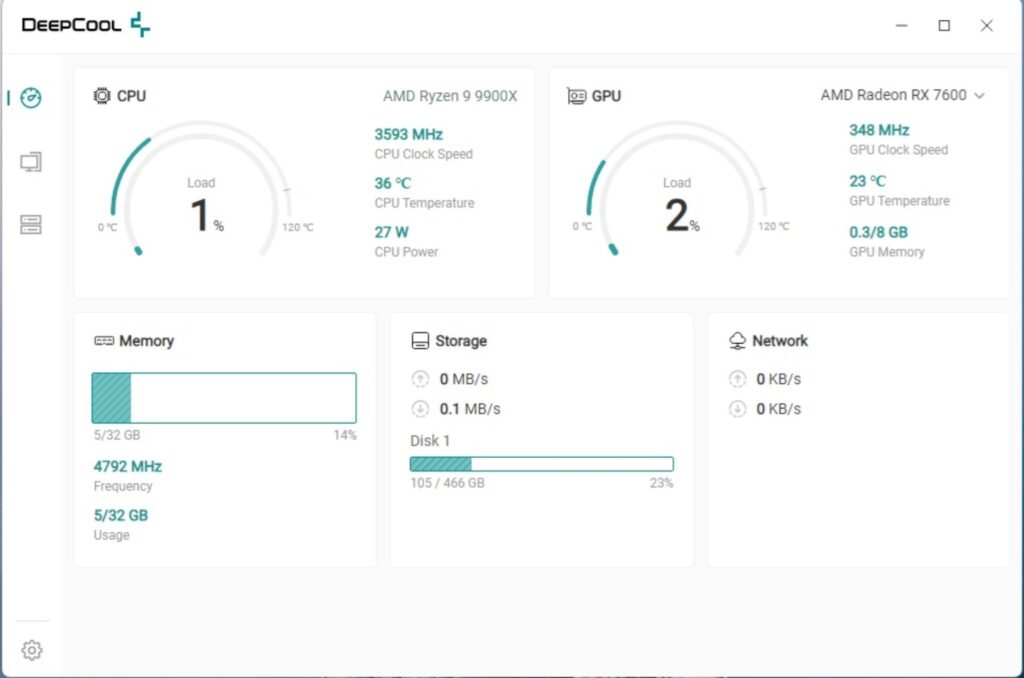
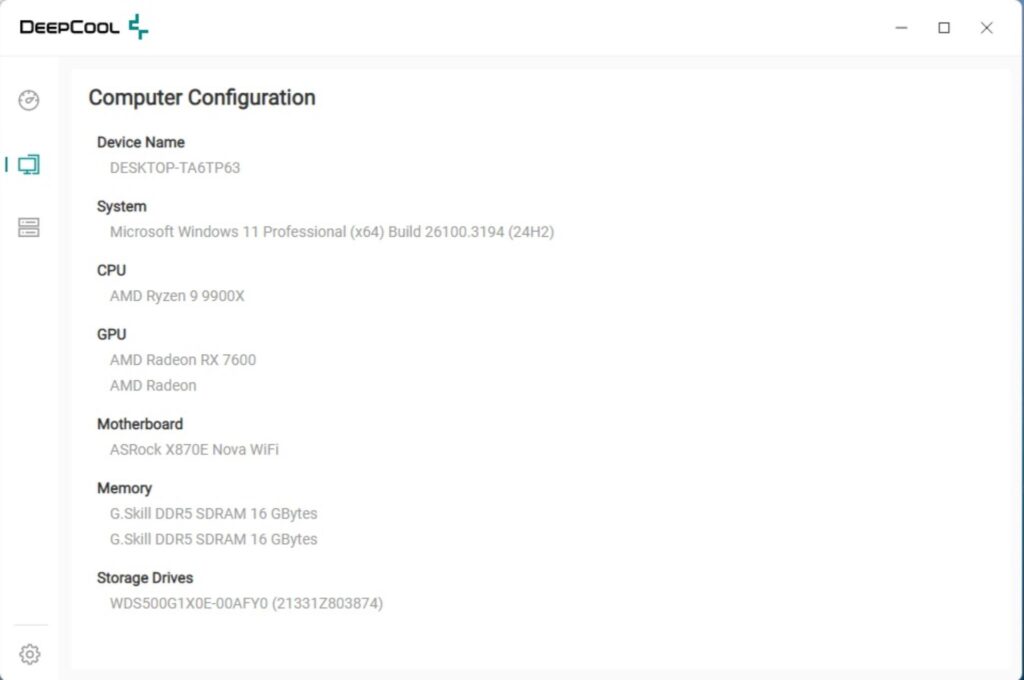
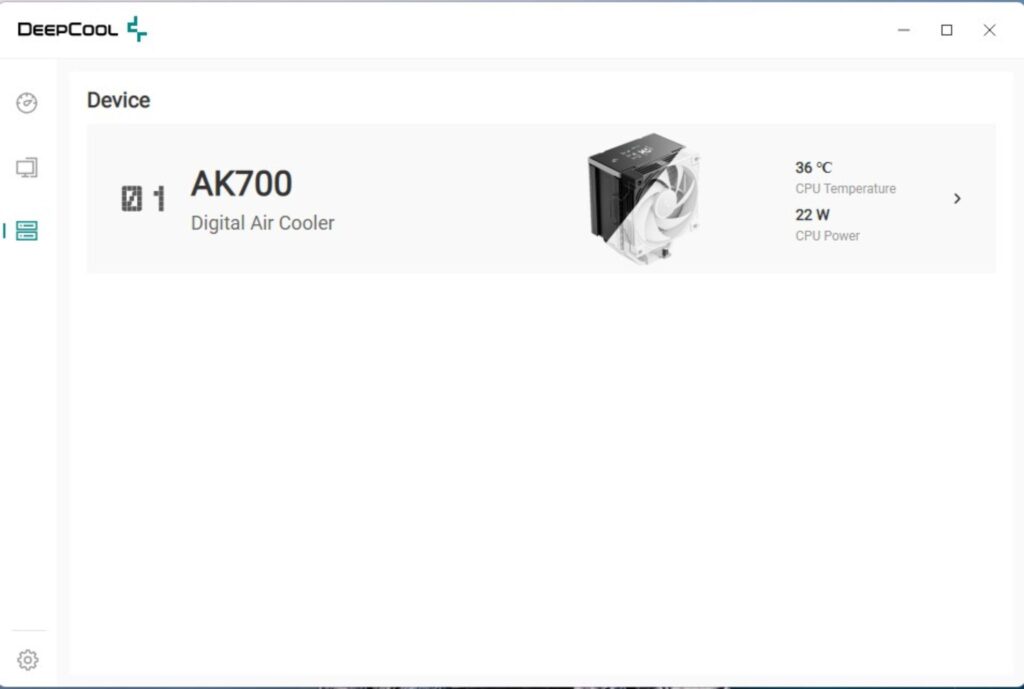
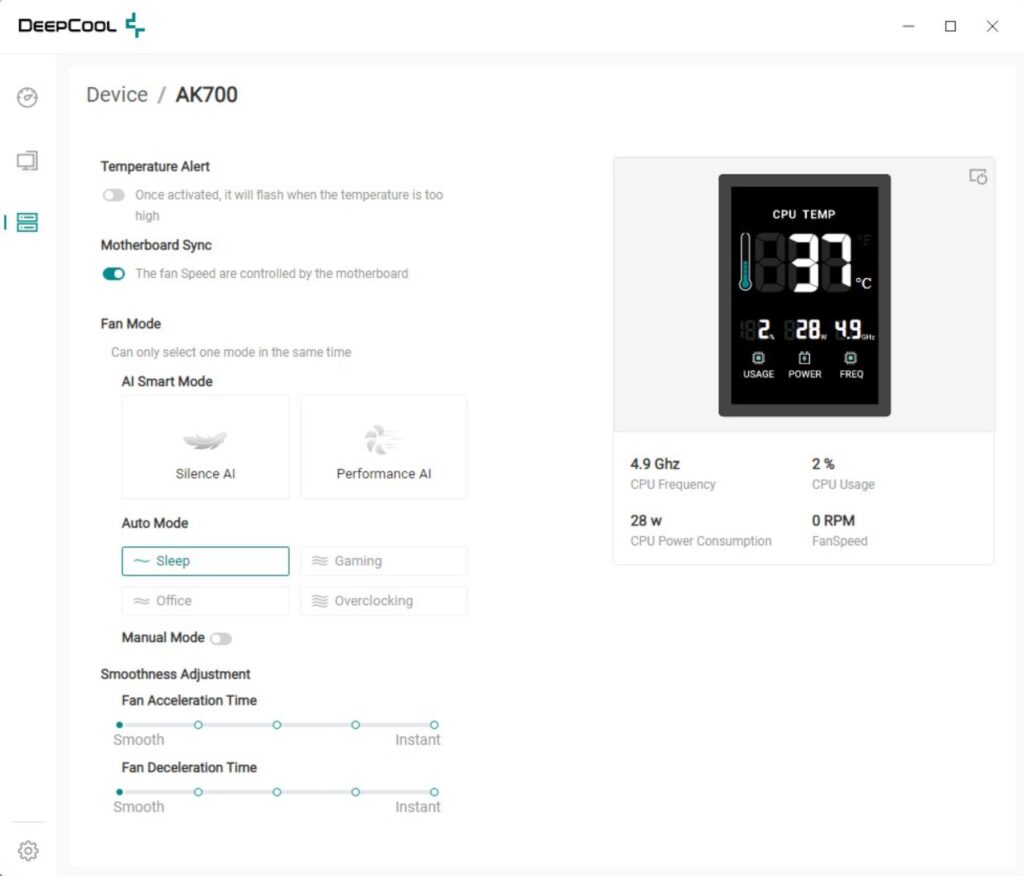
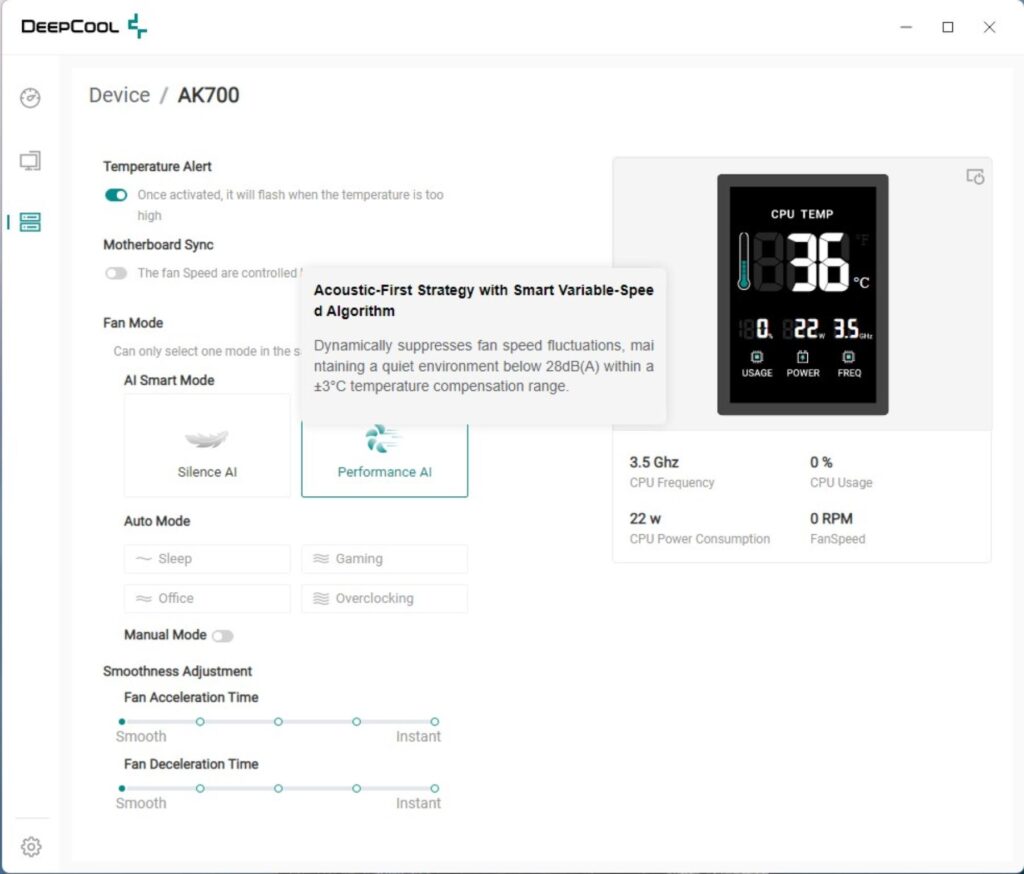
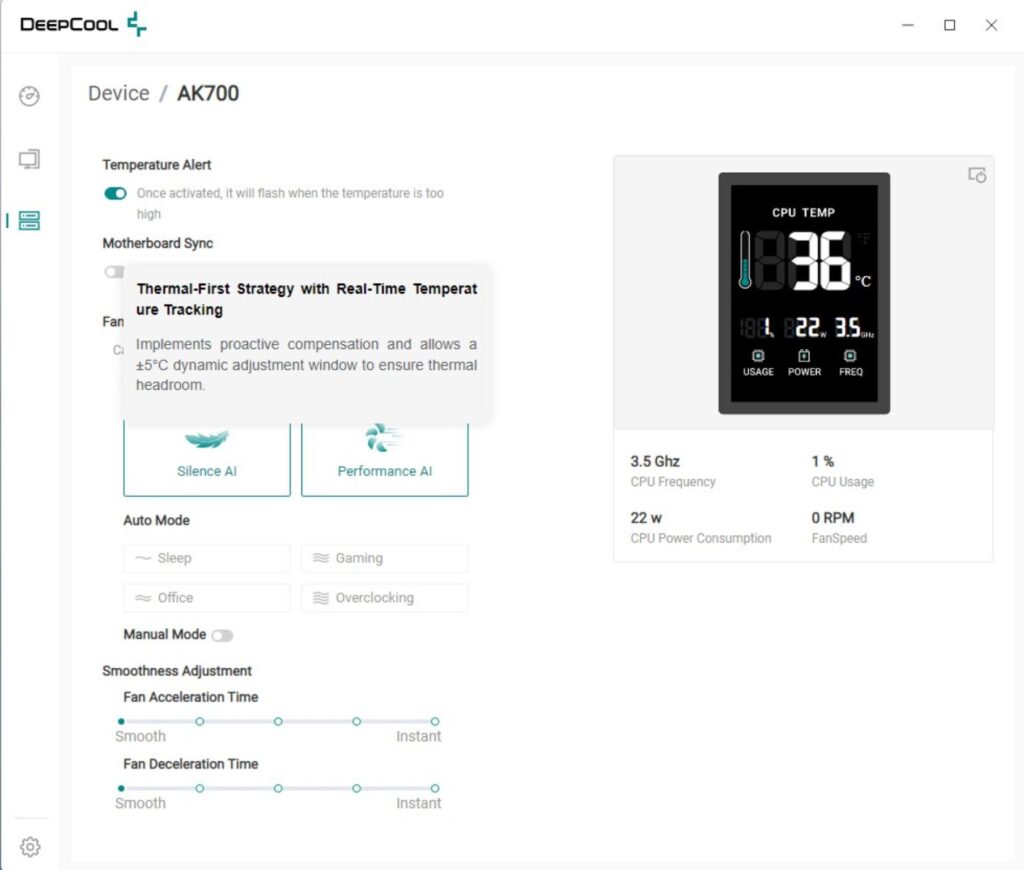
The software has a simple interface with easy navigation. It shows the stats of the main components of your build, along with the build summary or configuration. The software detects the cooler on the next system boot (yes restart after installation is needed).
DeepCool has used AI-based cooling with this software. You have the option to disable the motherboard sync, which would disable the BIOS fan settings. Then you can use the AI Smart mode to control the cooling aspects of the cooler. The fans will remain silent most of the time, depending on the load. They will be put to full speed only whenthe CPU temperature reaches 80°C.
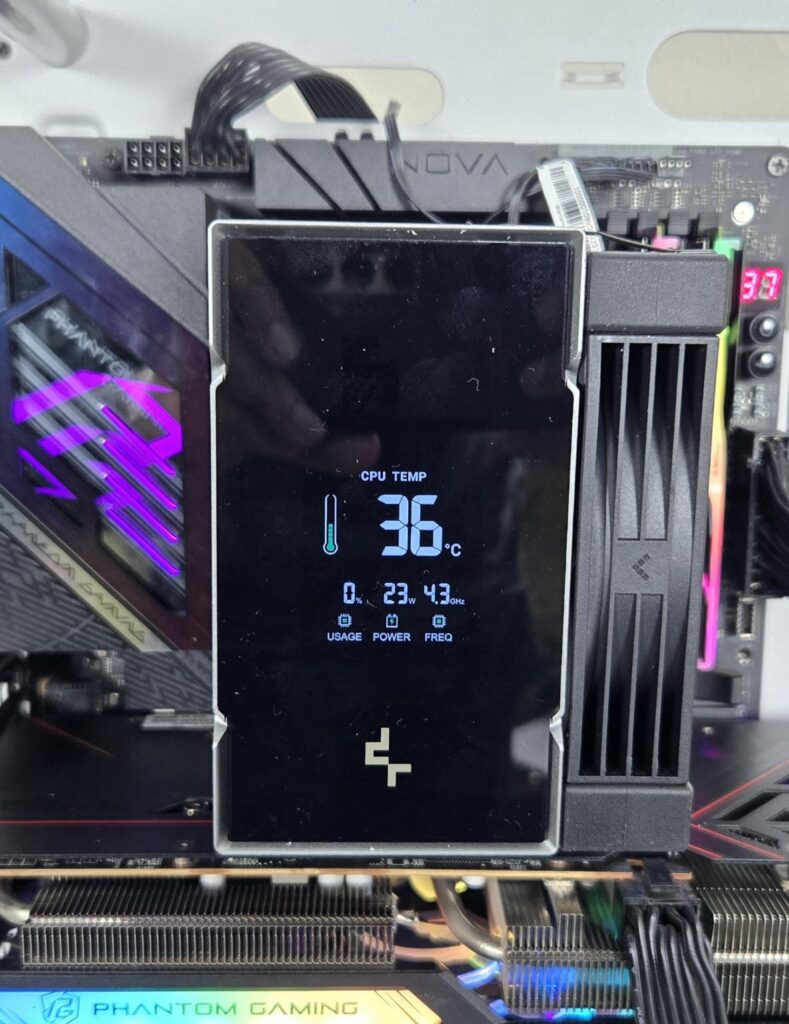
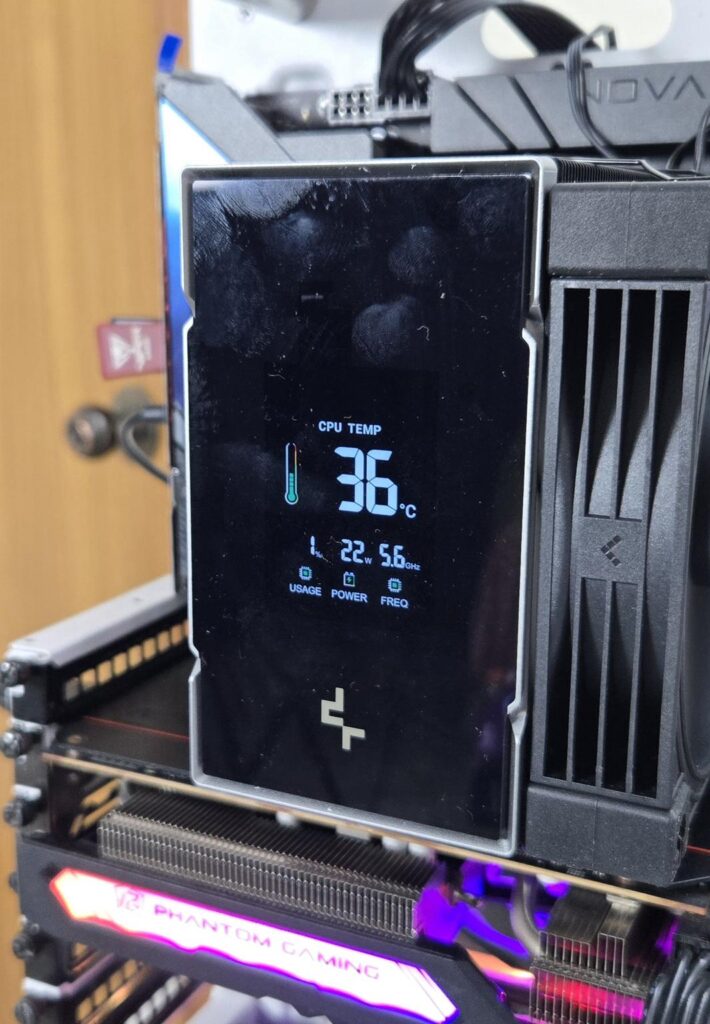
The quad segmented means, the display screen (29x39mm size) shows four stats of CPU:
- Temperature
- Load/Usage
- Power Consumption
- Speed of Frequency
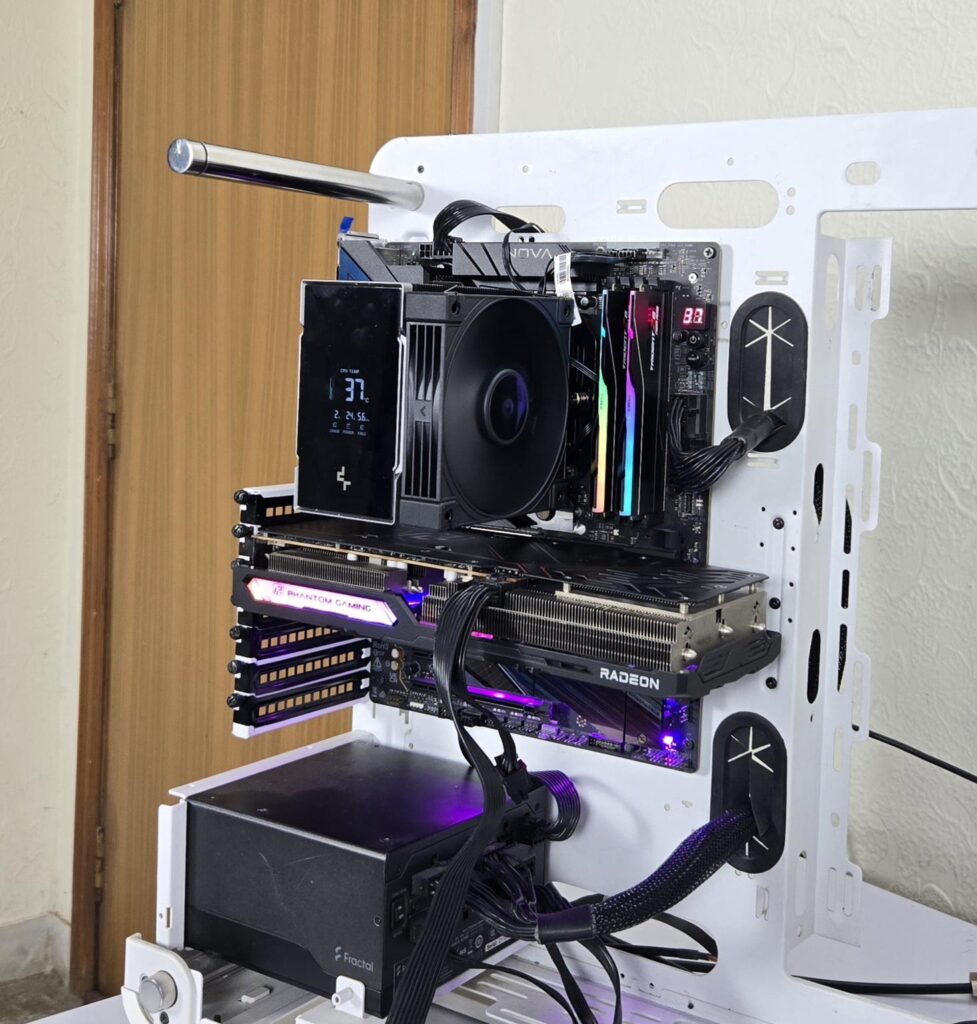
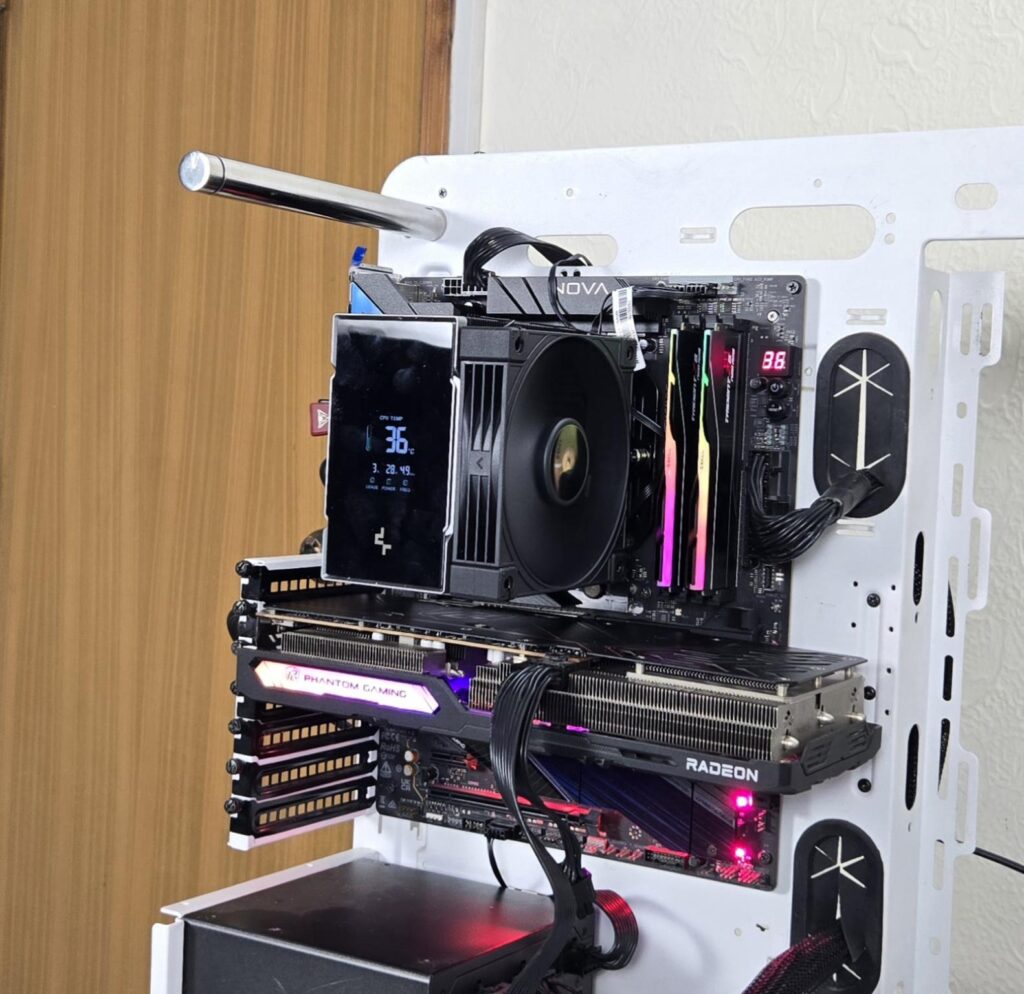
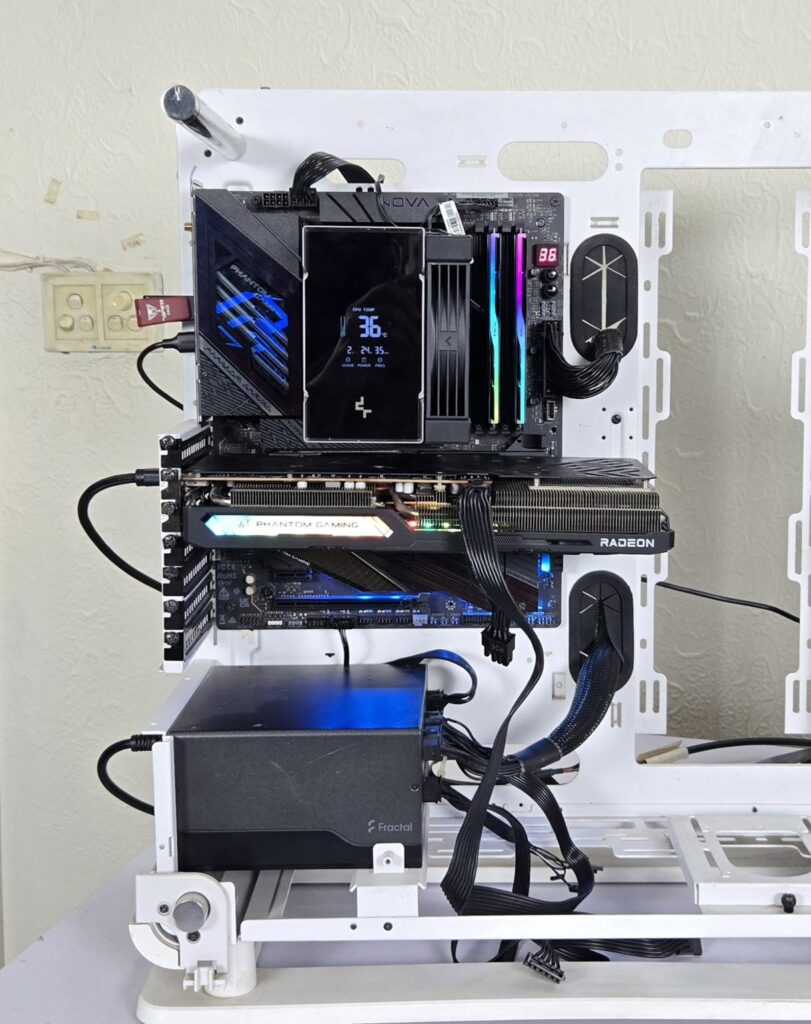
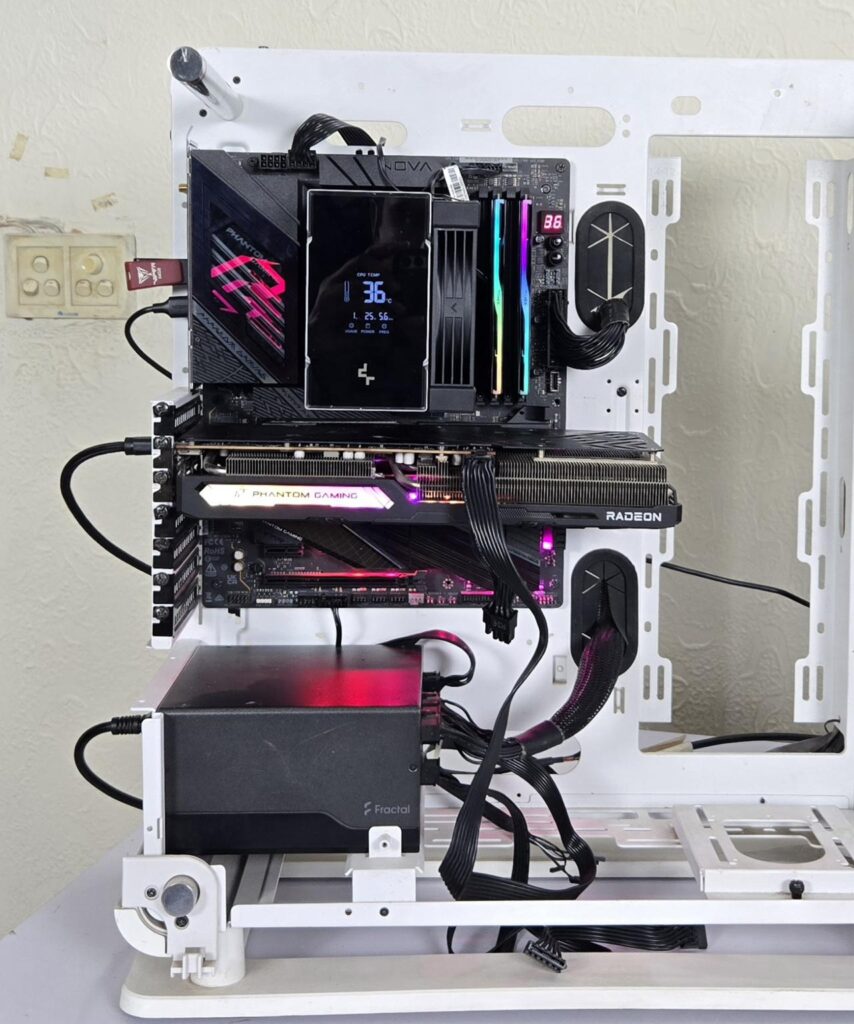
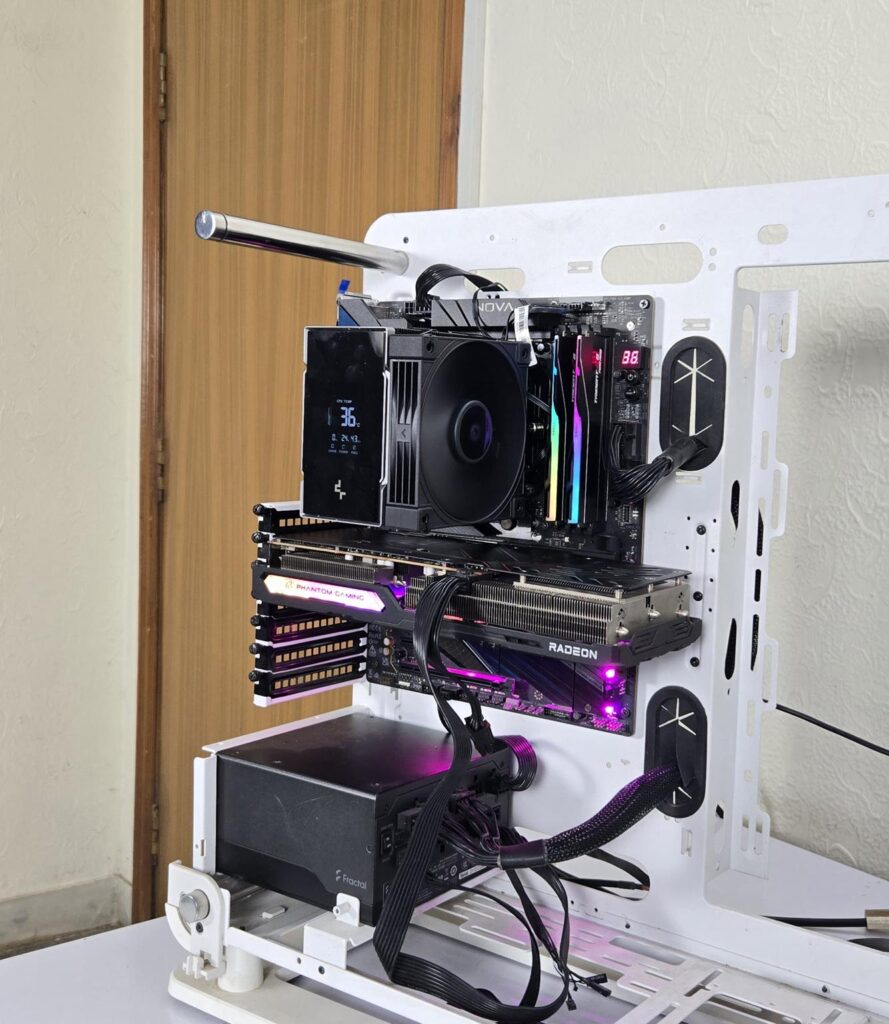
Above are a few pictures of the build.
Testing
The following configuration is used for thermal testing:
- AMD Ryzen 9 9900X [243W, 200W]
- ASRock X870E NOVA WiFi
- GSkill TridentZ NEO RGB 32GB 6400MHz CL30 DDR5 kit
- ASRock Phantom Gaming RX 7600 Graphics Card for Display
- Biwin X570 Pro 4TB PCIe Gen5 NVMe SSD
- Fractal Design ION+2 860W Platinum PSU
- Thermaltake Core P6 TG Snow Edition in an open frame layout
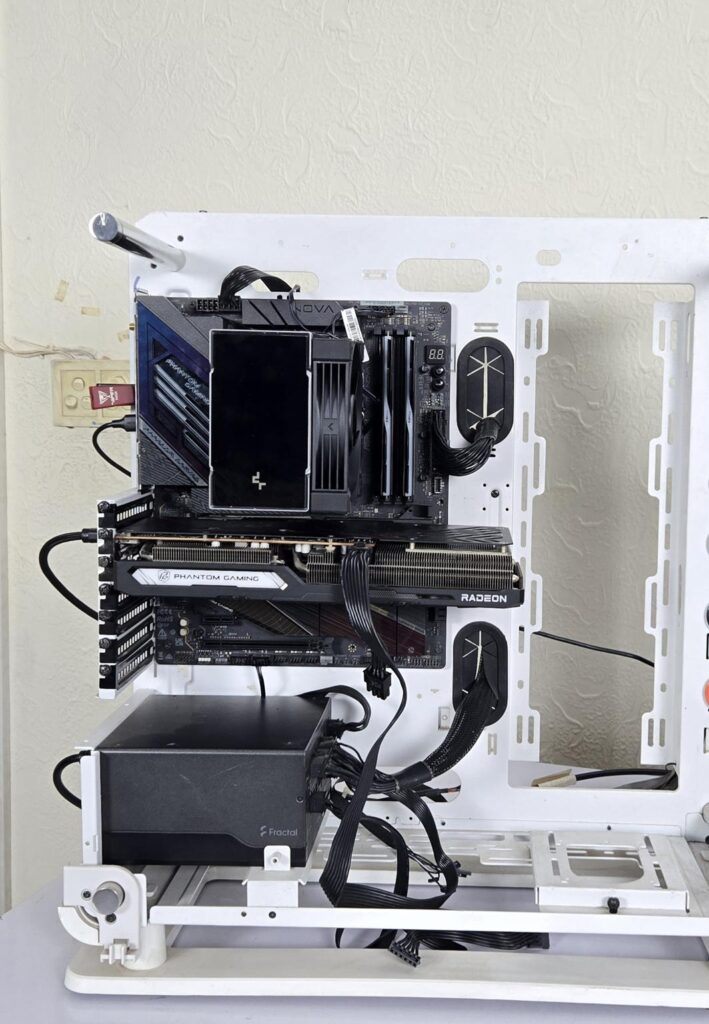
Here is the settings table for testing:
| Settings | PBO Enabled [243W] 200 for this cooler |
| Clock (MHz) | Auto |
| Voltage (V) | Auto |
| Thermal Paste | Noctua NT-H2 |
| Thermal Paste Application | Dots Method |
| Test Run Time | 30 minutes |
| Idling Time | 10 minutes |
| All Fans Speed | 100% PWM Duty Cycle |
| Pump Speed | |
| Stress Software | CINEBENCH R23.2 |
| Monitoring Software | HWINFO64 |
I am reporting absolute temperature in the graph because the room temperature was at 22°C throughout the day. The testing is done on an open-air bench system. Once inside the chassis, the temperatures are expected to rise and would largely depend upon the optimal airflow inside the chassis.
Result
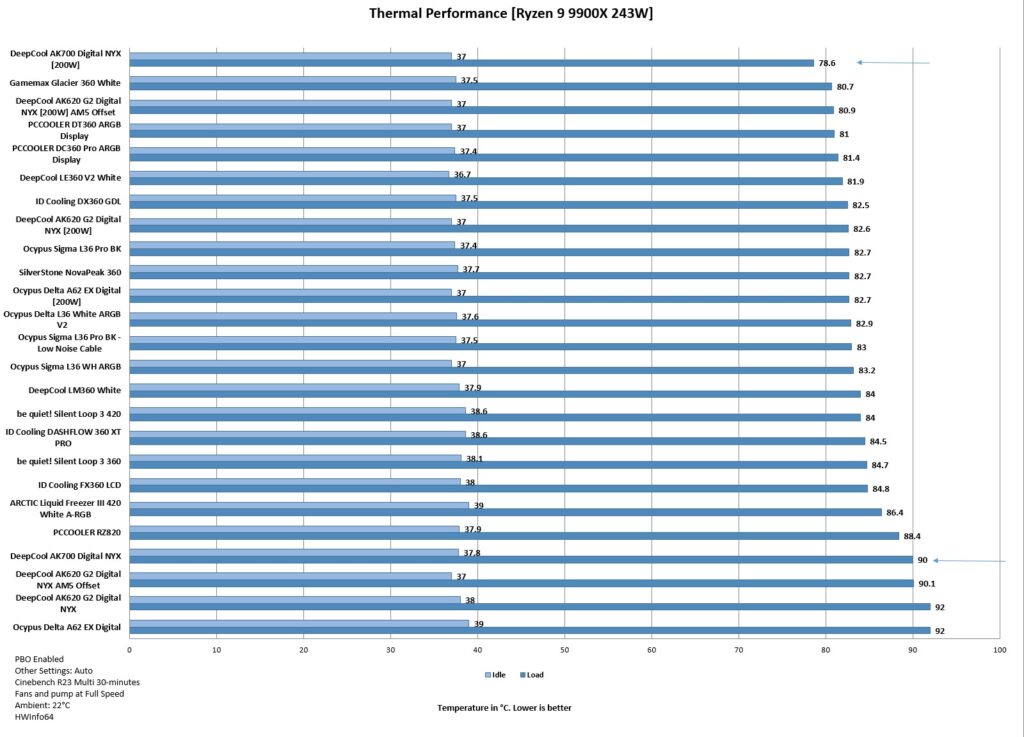
This is an impressive performance from AK700 Digital NYX. On 243W load, it did 90°C and on 200W load, it did 78.6°C. It runs with bit elevated sound at full speed.
Conclusion
After testing the AK620-G2 Digital NYX, it was time to delve into the AK700 Digital NYX from DeepCool. This is a single tower, single configuration, unlike the dual-tower and dual-fan config on AK620-G2 Digital NYX. The socket support is Intel LGA1851/1700/1200/115x and AMD AM4/AM5.
This cooler has a dimension of 126x98x157mm (LxWxH) with a fan and 124x76x151mm (LxWxH) without a fan. This cooler even has a lower height compared to the AK620-G2.
The heatsink comprises 54 fins. They seem soldered to the 7x 6mm thick heat pipes. The complete assembly is black-coated. The precision-machined copper base is nickel-coated. The heat pipes make a continuous contact with the base using exposed copper.
The top cover features a high-end-quad-segmented display that shows 4x stats of your CPU. The AI-focused software allows users to enjoy silent fans, which only ramp up when CPU temperature reaches 80°C. The software has the function of overriding the fan BIOS settings.
DeepCool has provided a customized fan for this cooler. It is rated for up to 2700 ±10% RPM speed with a stop function as well. The airflow rating is 77.23 CFM at an air pressure rating of 5.13 mmAq. They use a hydro bearing. The noise level is rated at a maximum of 36 dB(A). They have listed 21 and 28.8 dB(A) levels as well.
In case you are wondering about it, here is the detail. You are required to connect the fan’s PWM cable to the socket connector coming from the top of the heatsink and connect the heatsink’s PWM connector to the motherboard fan header. If you switch to AI Silent mode in software, then the sound level rating is 21 dB(A,), and AI Performance may have a 28.8 dB(A) rating. The 36 dB(A) rating is when the fan operates at full speed.
The display module has a power rating of 0.13A±10% at 5VDC taking a size of 29x39mm and having a power consumption of 0.65W.
The overall installation of this cooler on AMD AM5 is simple and requires 10 items for the mounting kit. There is no clearance issue either on this cooler. The height is 157mm, which is even better than the AK620-G2. DeepCool may look into reducing the number of items required for installation.
This cooler hasan MSRP of USD 69.99. It has a warranty period of 3 years. Honestly speaking, this cooler has blasted me away with its sheer performance. Although the noise level is a bit elevated at full speed, using AI mode or a custom fan curve will cover you for good.
Pros
- Excellent Thermal Performance in a Small Size
- Refined Design
- High-End-Quad-Segmented Digital Display
- AI Featured Thermal Regulation
- Wave Fins Layout
- Matrix Fins Array Layout
- RAM Clearance
- 157mm Height
- Offset Mounting
- AMD AM5 Support
- Intel LGA1851 Support
- Price
- Warranty
Cons:
- Noise
So, from the battle of dual-tower and dual-fan vs single-tower and single-fan, who emerges as the winner from DeepCool? Remember, whoever wins here, the winner is ultimately DeepCool. Here is a table comparing some key factors:
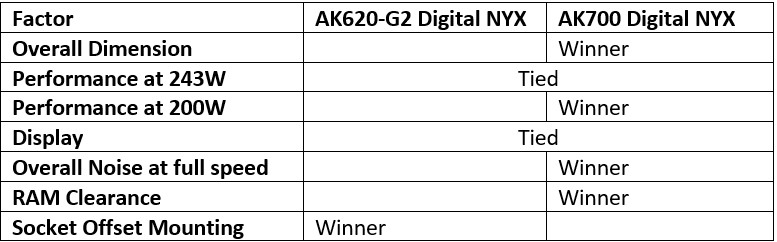
In my opinion, the overall winner is AK700 Digital NYX.