














DeepCool FL12R Reverse Blades Fan: A Must Have

Reverse blade design changed the tide of the turn. Usually, if we want to use the regular fans as intake on the bottom or side of the PC case, we have to install these fans with the backside on the front. This compromises the look of the build – but not the functionality. Reverse blades addressed exactly that. These fans are made to intake the air when installed on the bottom or side of the case.
DeepCool also carries such fans in its arsenal, and I have tested FL12R fans from DeepCool for this content. These fans are available in a single fan and a triple fan pack in white and black editions. I have got the kit of 3 fans in the white edition.
These fans feature a luminous halo effect on the main frame for stunning visuals using 36 ARGB LEDs. These are Gen-2 ARGB LEDs from DeepCool, and you should spend some time tinkering with the lighting effects as it would pay you off. In addition to the aura of lighting, these fans use PBT material for the frame and polycarbonate for the blades, ensuring the maximum strength and integrity of these fans.
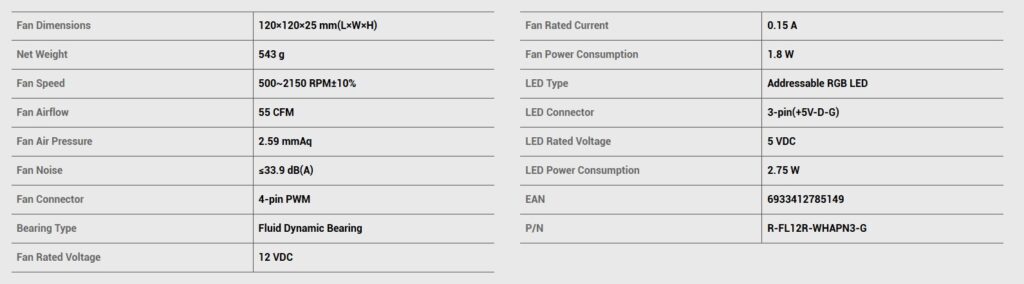
These fans utilize the ever-popular FDB bearings and are capable of generating 55CFM at 2.59 mmAq air pressure at 12VDC. These use 8-pin proprietary connectors for a simple daisy-chain function and single control.
The 3 fans pack of FL12R WH has an MSRP of USD 59.99 and comes with a 3-year warranty.
Specifications
Packaging and Contents
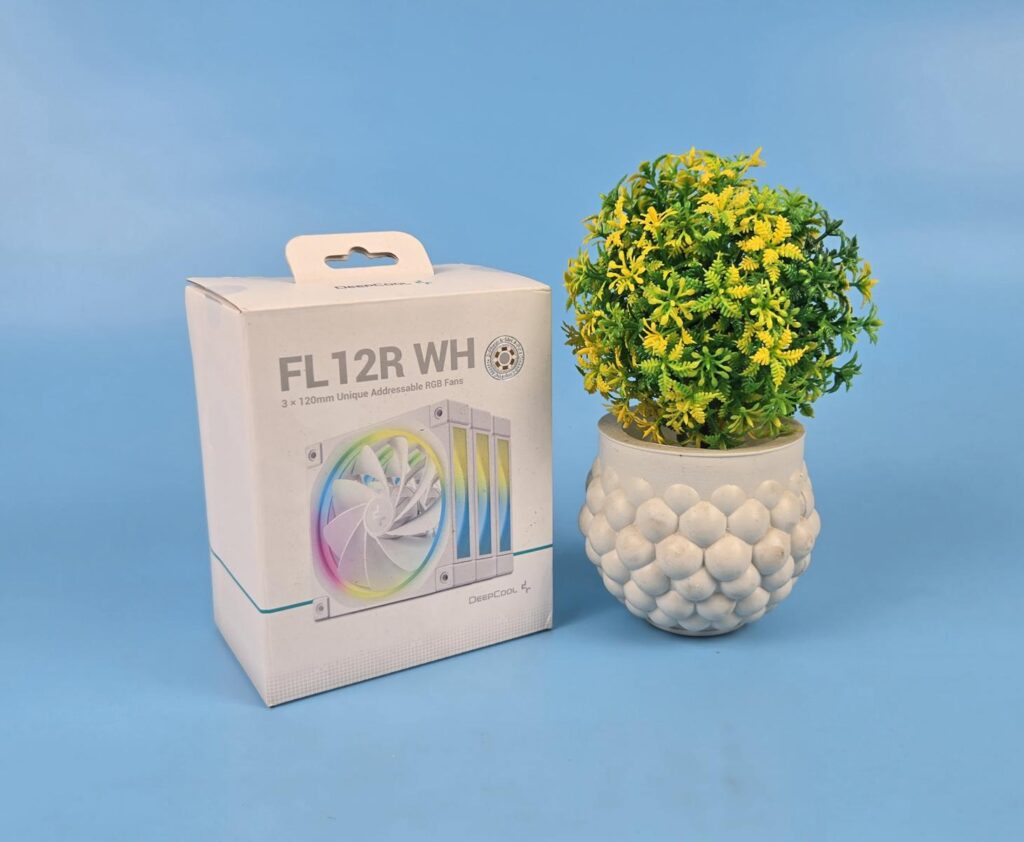
The fans are shipped inside a paperboard-based packing box. The box is white in color and shows the picture of the fans along with specifications.
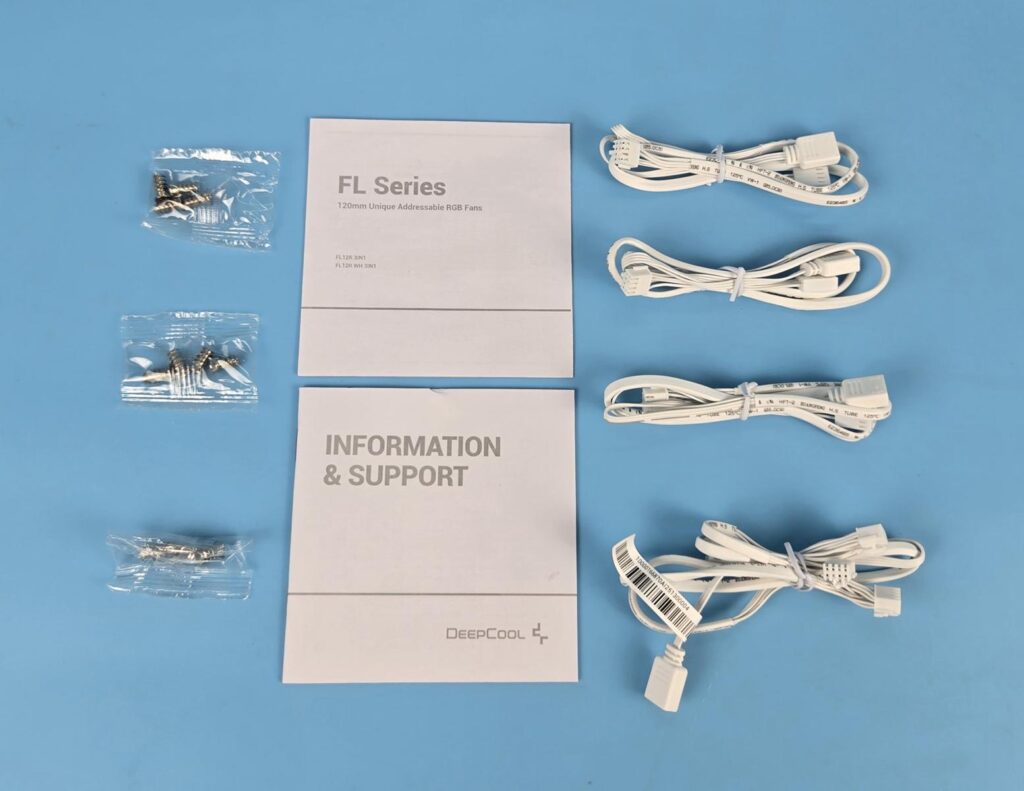
The following are provided:
- 3x FL12R White Fans
- 1x User Guide
- 1x Information and Support booklet
- 3x Cables
- 1x Daisy-Chain/Extension Cable
- 12x Self-Tapping Screws
Also Read: DeepCool LE360 V2 White: King of Budget Coolers – EnosTech.com
Closer Look
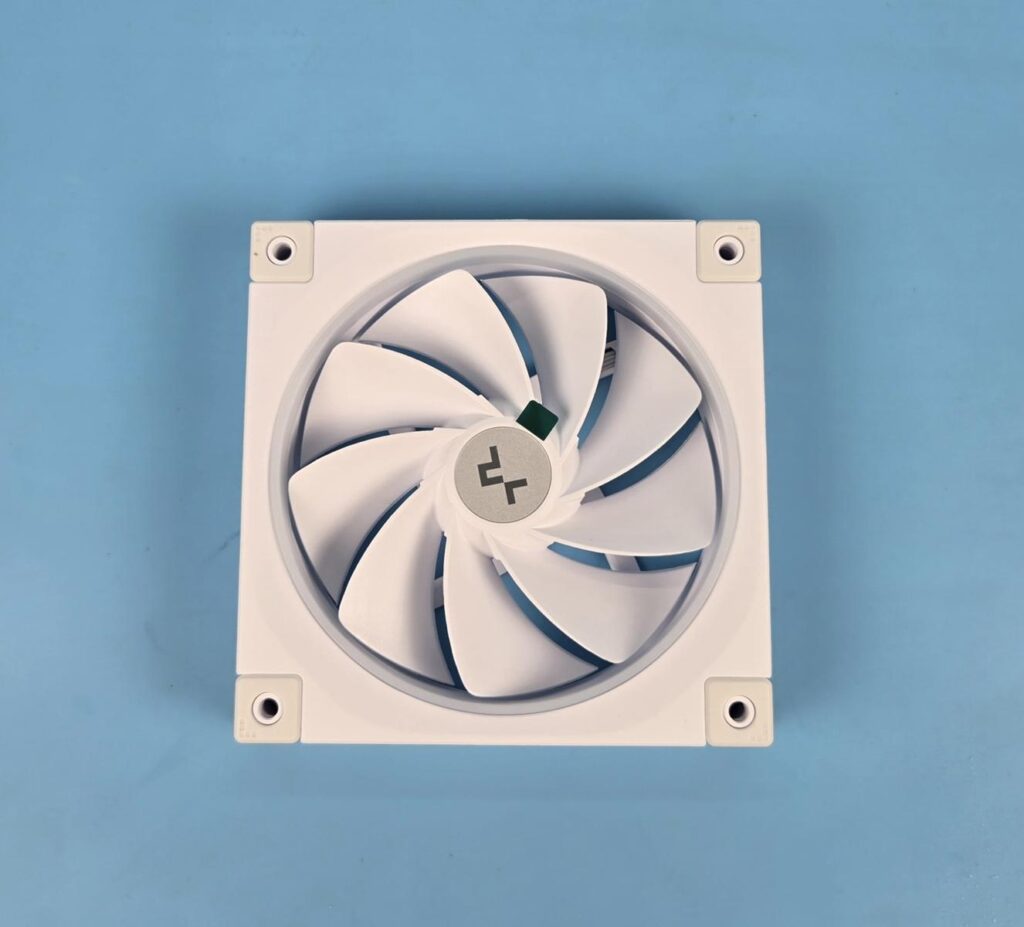
Each fan has 9x blades in a reverse flow design. The center has DeepCool branding. You can see a diffuser in a circular design over the top, around the edges of the blades. The main frame is a square design.
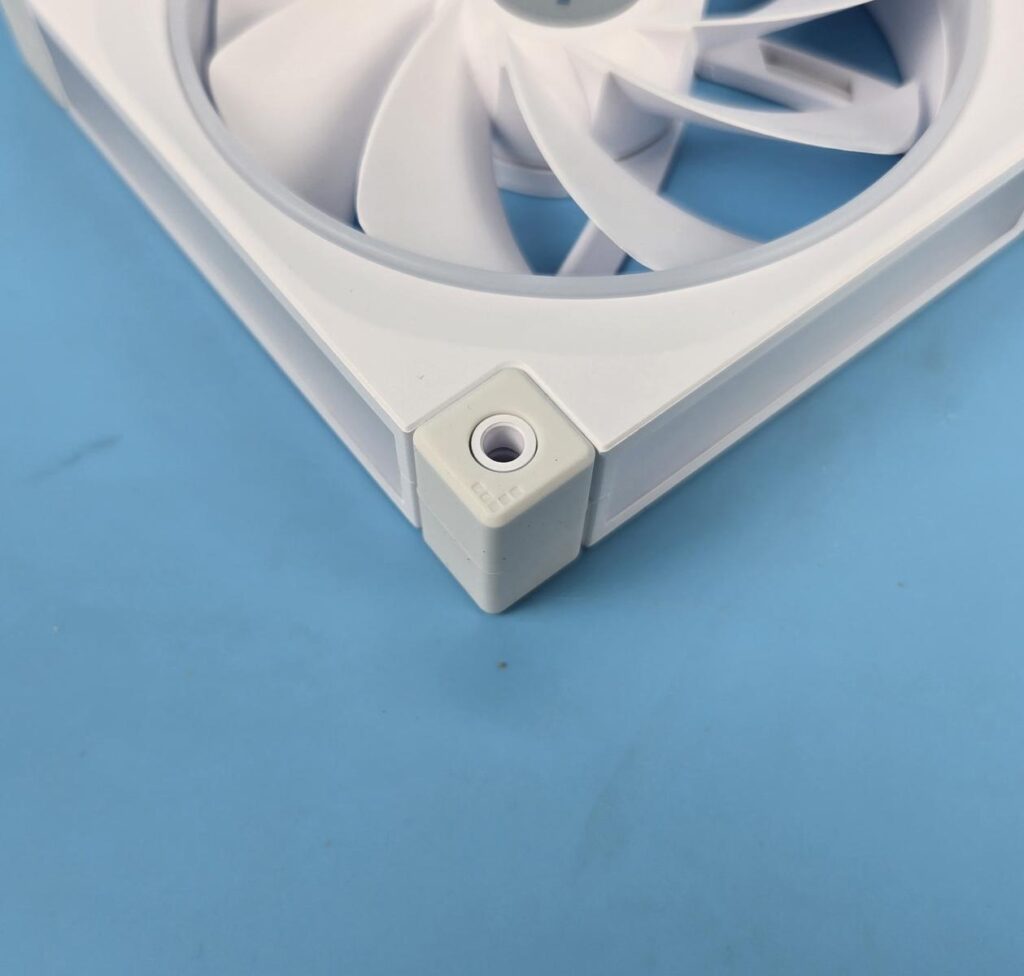
Each mounting corner has a dedicated full-height anti-vibration mount to reduce the noise from vibration. The center of these mounts has a hole through which the screw is passed.
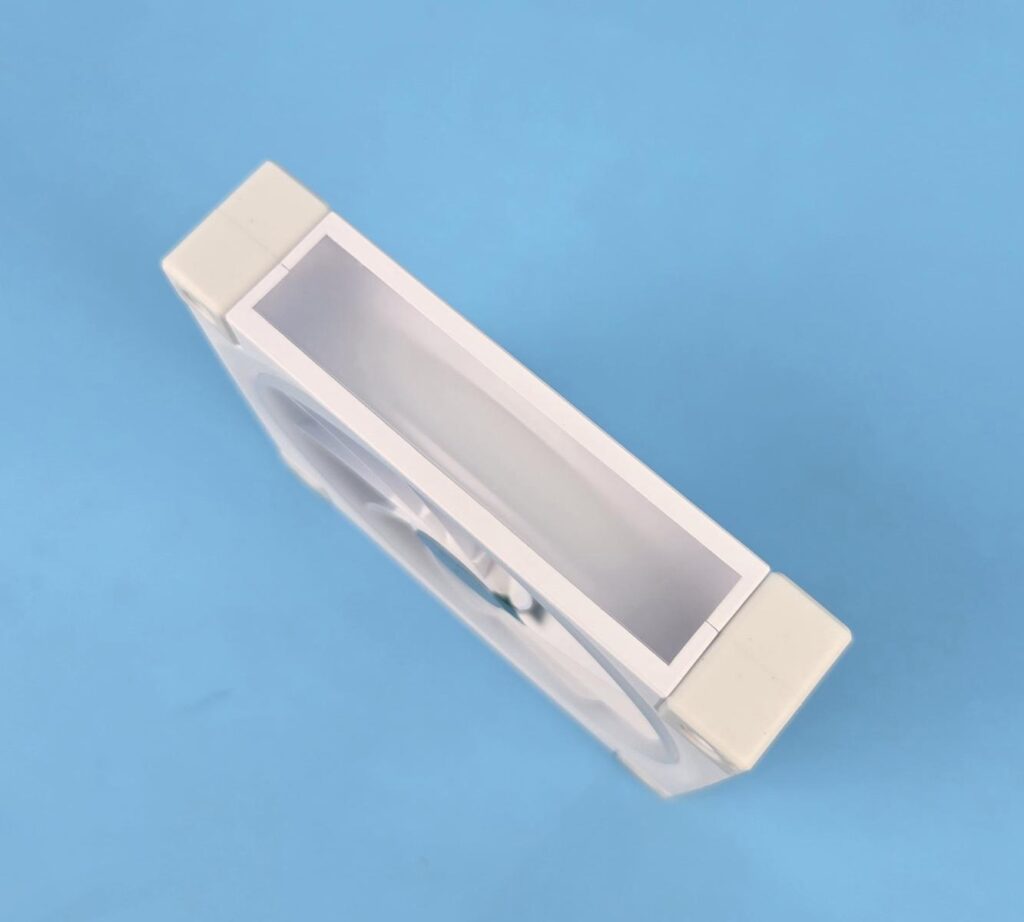
The luminous Halo effect is provided on all four sides of the main frame using ARGB LEDs and a diffuser. The cover over these diffusers adds a good touch to the look and feel of the fans. The ARGB backlighting on these fans is on another level.
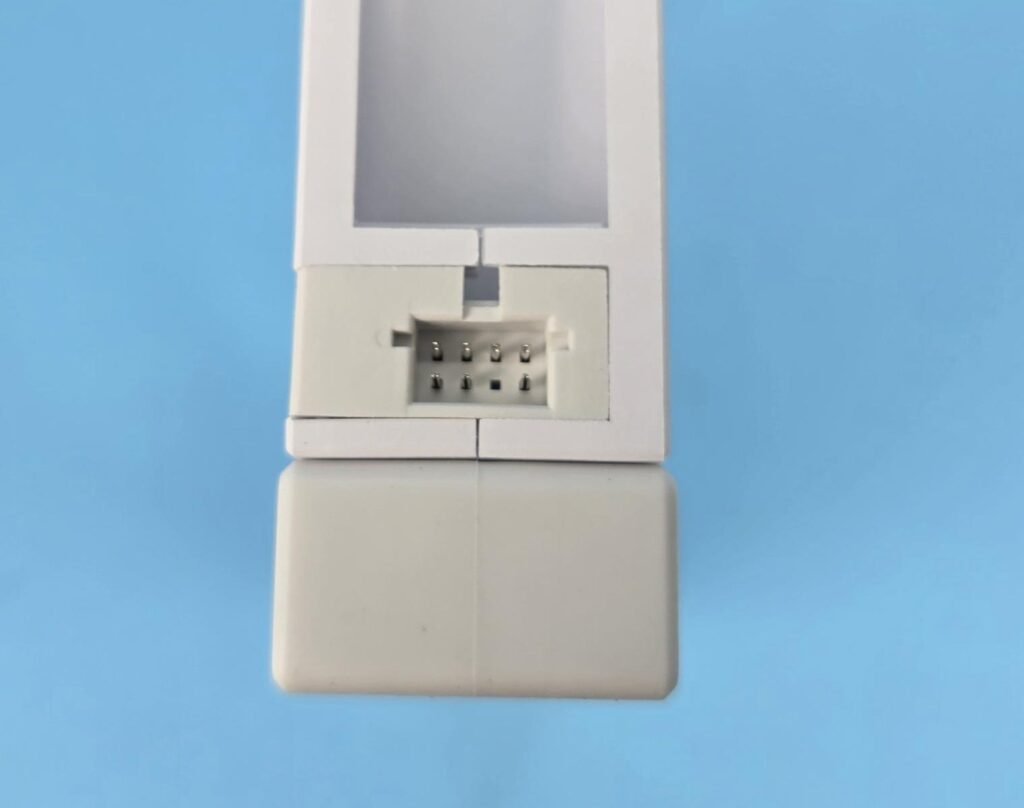
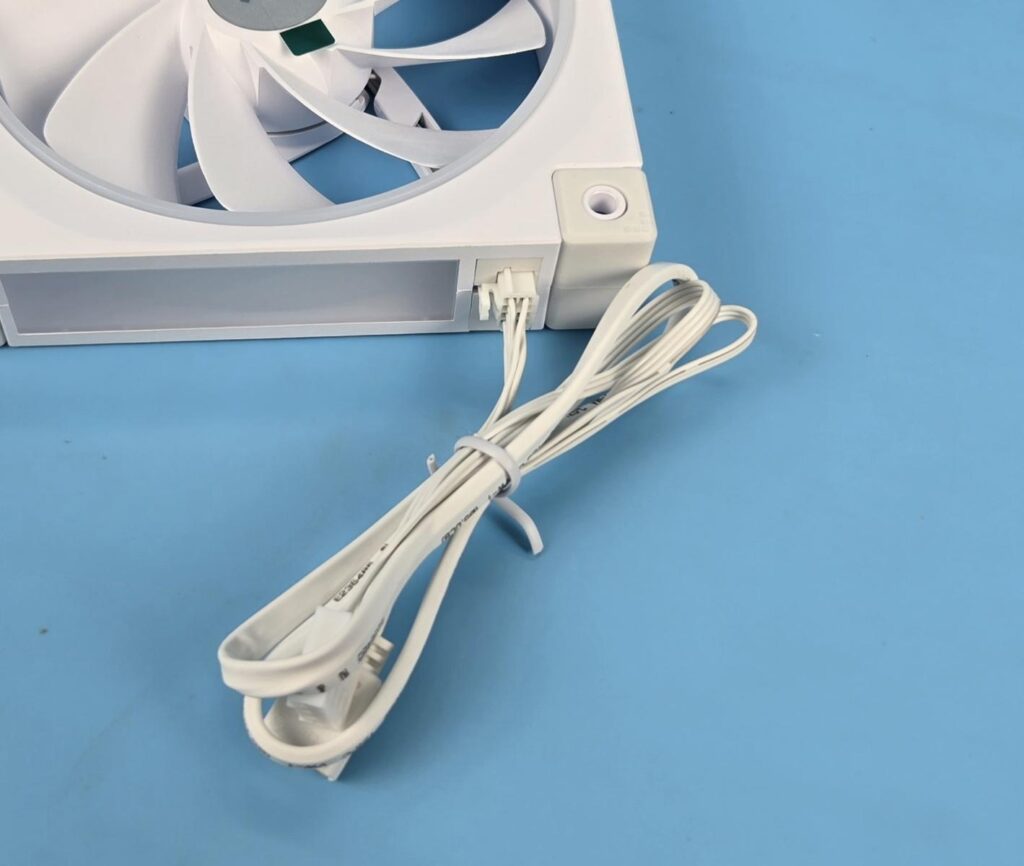
One side of the frame has an 8-pin header to which the bundled cable(s) are connected, as can be seen in the picture above.
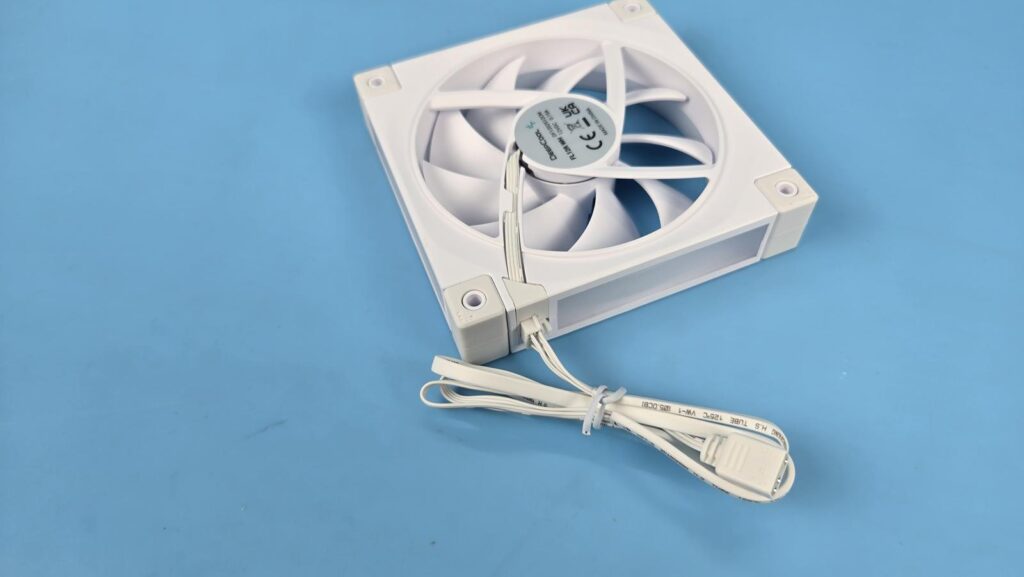
The backside of the fan has a 4-arm assembly in an angular layout. This is the side through which the air flows, or in words, it is the air intake side of the fan. One of the arms has an inset to catch the wires coming out of the center and going towards the 8-pin header.
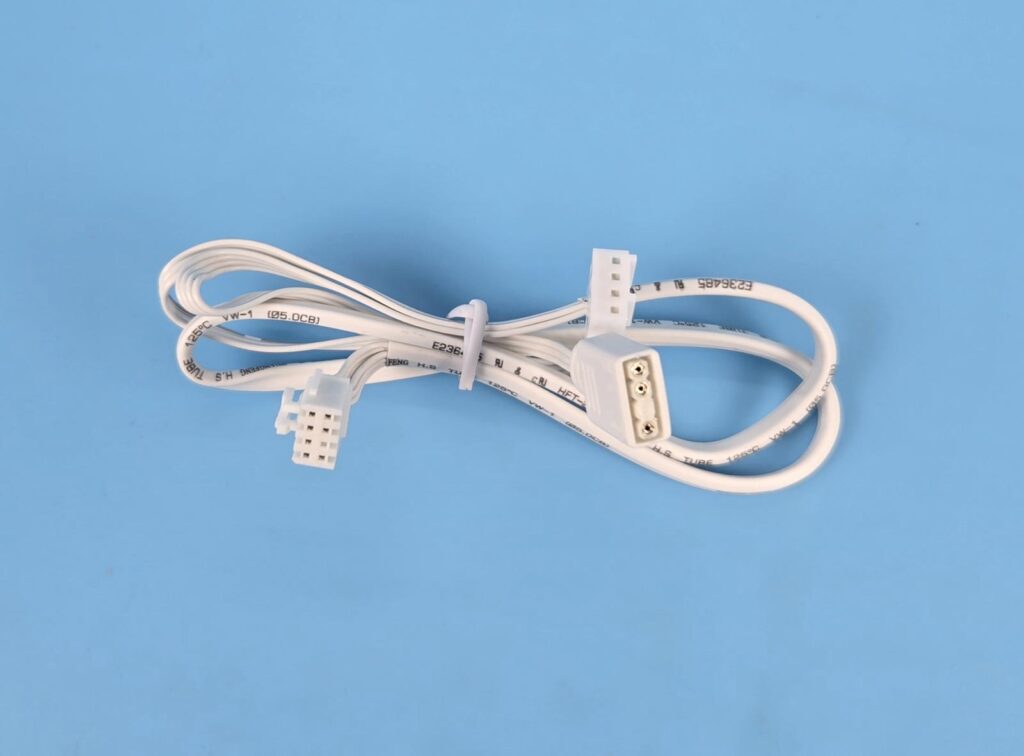
DeepCool has provided two types of cables in this pack. One cable has a proprietary 8-pin connector on one end and the standard 4-pin PWM and 3-pin ARGB connectors on the other end. Three of these cables are provided so that you can use each cable on each fan. However, this would make the overall cable management task challenging but it is a wise move as these fans might be required to be installed in groups of 2+1 or so, hence individual cables make perfect sense.
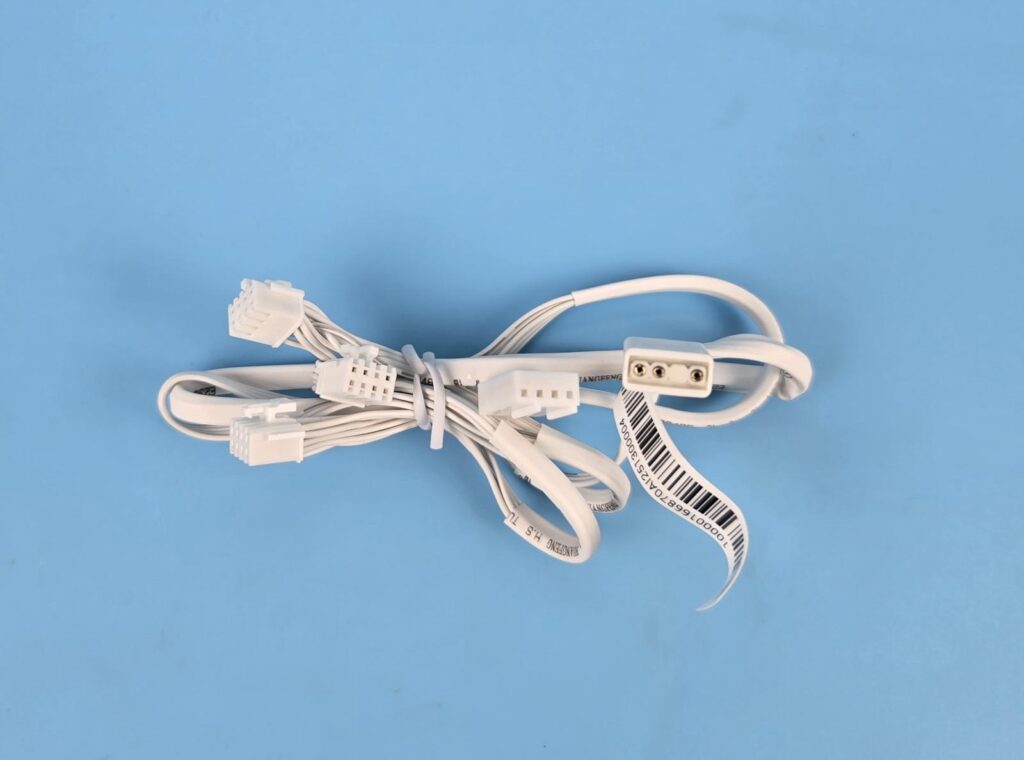
There is an extension cable as well that has 3x 8-pin proprietary connectors that allow daisy-chain function on these fans. The other end of the cable has standard 4-pin PWM and 3-pin ARGB connectors.
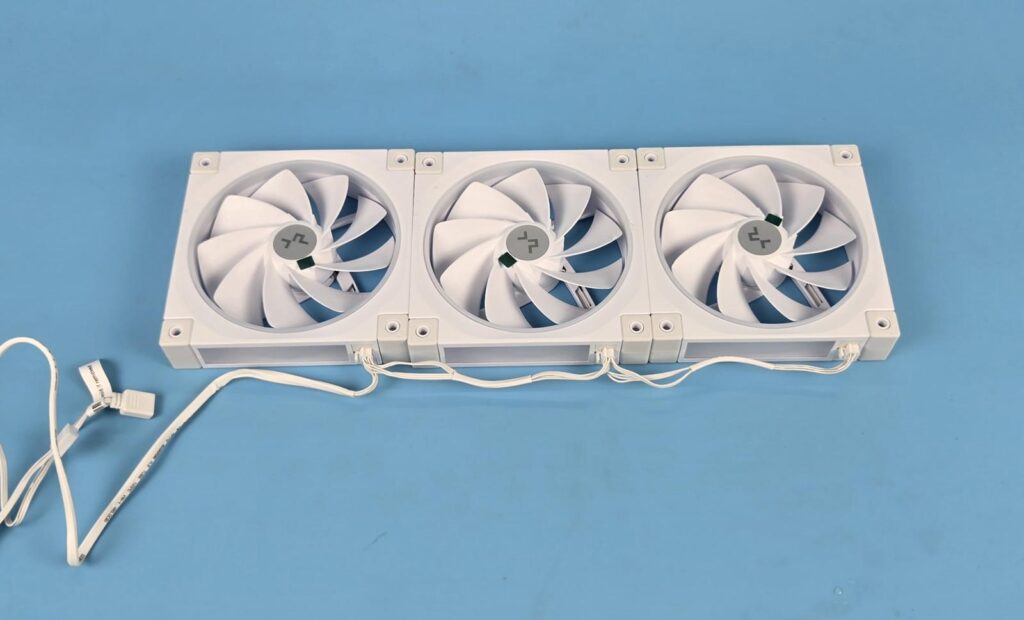
The above picture shows the extension cable being used to daisy-chain three fans. In this way, we can reduce the cable clutter from 3 to 1 and use a single control for all three fans.
Testing
The following configuration is used for thermal testing:
- Intel Core i7 13700K [Stock, Auto]
- MSI Z790 Project Zero
- V-Color Manta RGB 32GB DDR5 @ 5600MHz CL26
- DeepCool LE360 V2 WH
- DeepCool CG530 4F WH Case
- Maxsun Arc iCraft B580 White Graphics Card for Display
- Sabrent Rocket 4 Plus 1TB NVMe SSD
- DeepCool DQ 750-M-V2L-White PSU
Here is the settings table for testing:
| Settings | |
| Clock (MHz) | Auto |
| Voltage (V) | Auto |
| Thermal Paste | Noctua NT-H2 |
| Thermal Paste Application | Center Line |
| Test Run Time | 60 minutes |
| Idling Time | 10 minutes |
| All Fans Speed | 100% PWM Duty Cycle |
| Pump Speed | |
| Stress Software | AIDA64 Engineer FPU+GPU |
| Monitoring Software | HWINFO64 |
I am reporting absolute temperature in the graph because room temperature was at 27°C throughout the day.
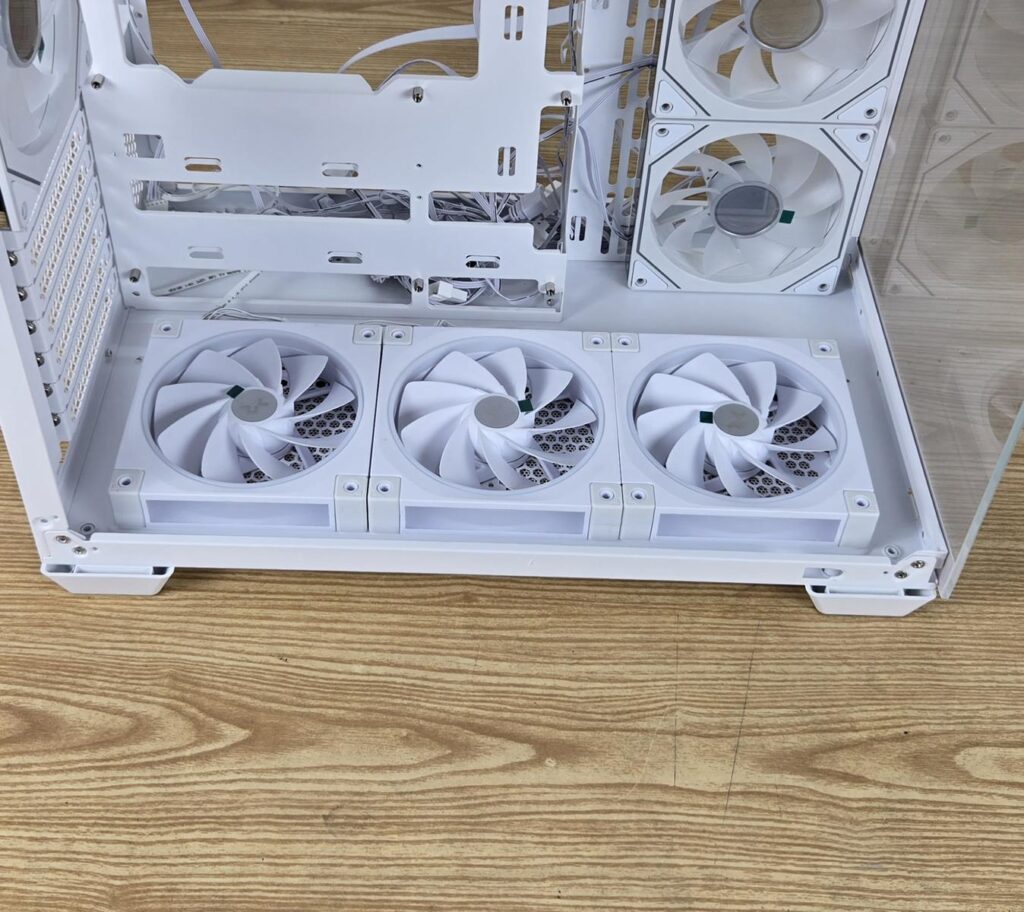
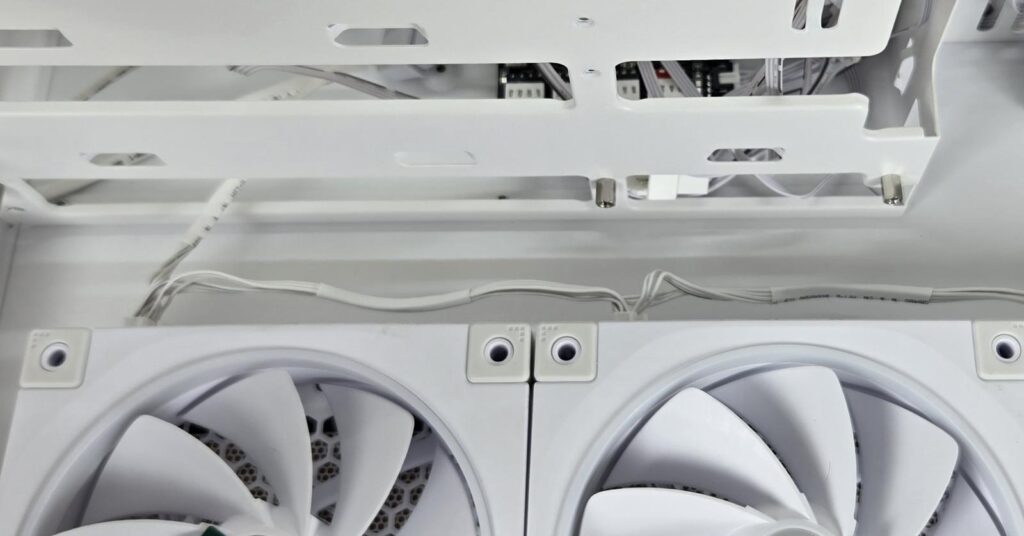
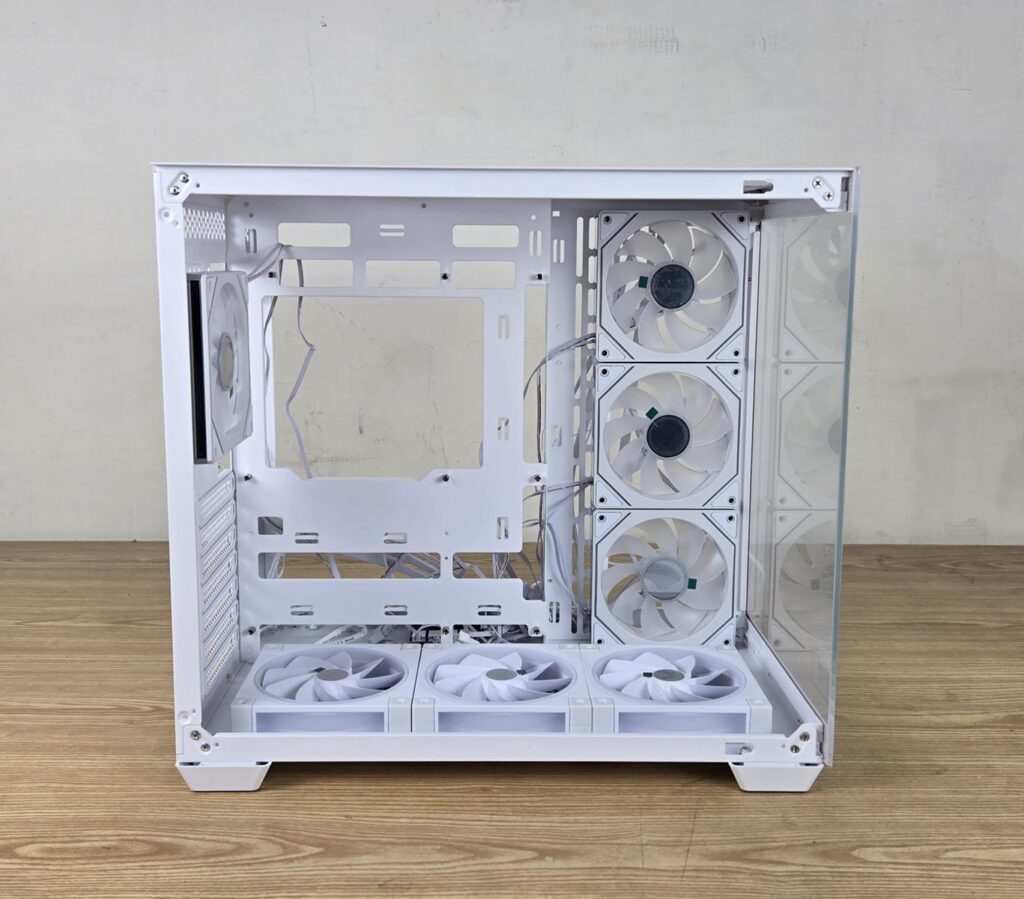
The FL12R fans were installed on the bottom/floor of the DeepCool CG530 4F WH case as intake fans. The side fans of the case were disconnected throughout this testing. One round of testing was done without inflow fans, and the second round of testing was done with the inflow fans (FL12R).
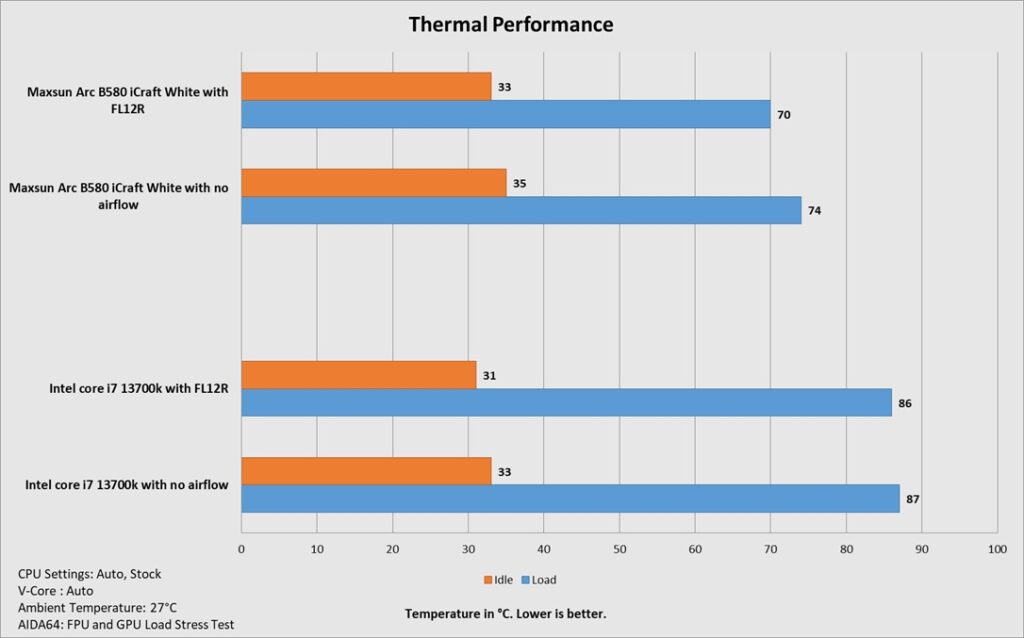
You can see that FL12R definitely helps in lowering the temperature, particularly of the graphics card, since this are flowing fresh air directly towards the graphics card. The situation for the CPU could have been different if we had employed an air cooler. A liquid cooler tends to make up for high ambient temperature anyway.
Also read: DeepCool CG530 4F WH: A perfect case for the budget users with no compromise – EnosTech.com
PWM Range and Speed
The fans were tested using the custom fan curve in the BIOS of the motherboard. A 5-minute time was spent on each range to determine the stable speed of rotation. The data is as follows:
| PWM Range | Speed in RPM |
| 10% | 481 |
| 20% | 649 |
| 30% | 832 |
| 40% | 1014 |
| 50% | 1216 |
| 60% | 1379 |
| 70% | 1591 |
| 80% | 1731 |
| 90% | 1938 |
| 100% | 2157 |
This validates the rated speed of 2150 RPM of these fans.
ARGB Lighting
Since these fans use standard 3-pin, 5V ARGB connectors, they are compatible with the RGB sync technology of the various motherboard manufacturers, including:
- ASUS AURA SYNC
- GIGABYTE Fusion 2.0
- MSI Mystic Sync
- ASRock Polychomre
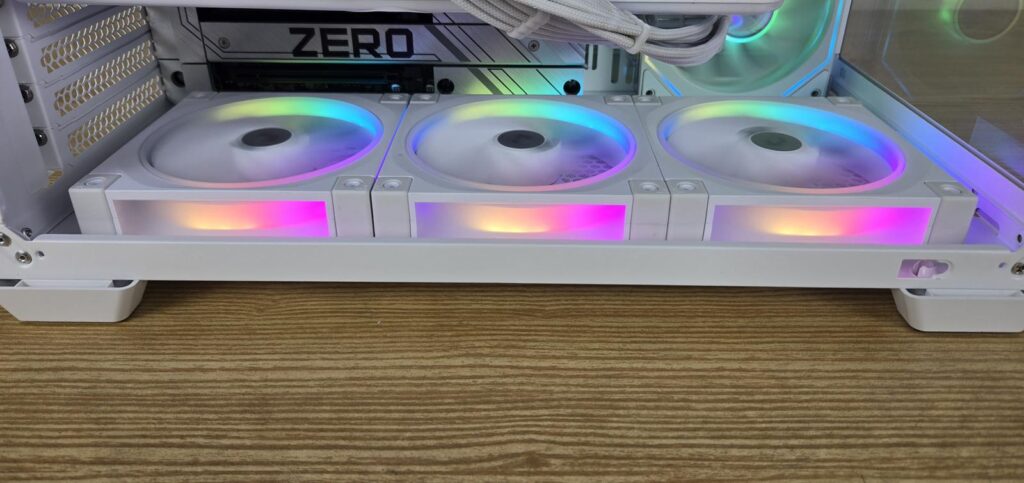
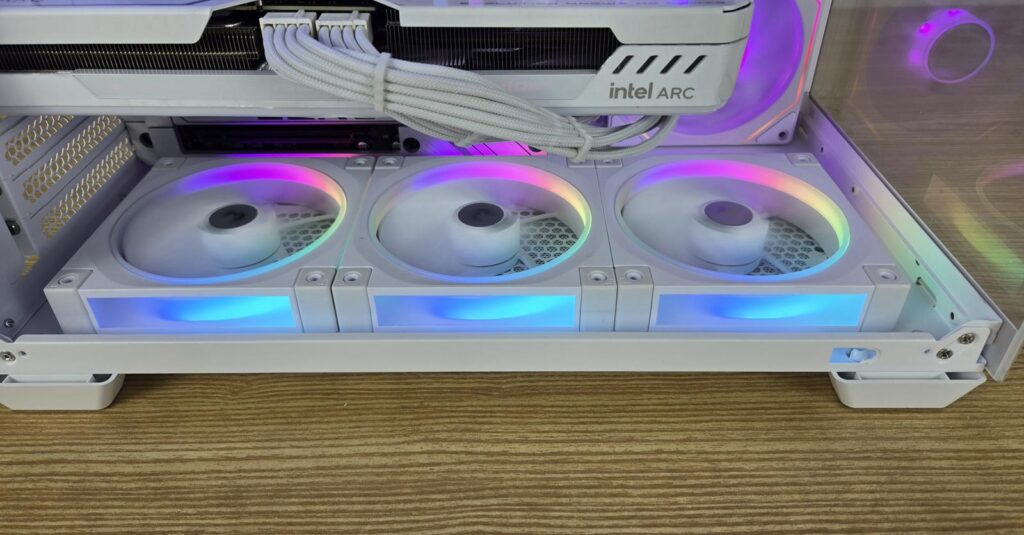

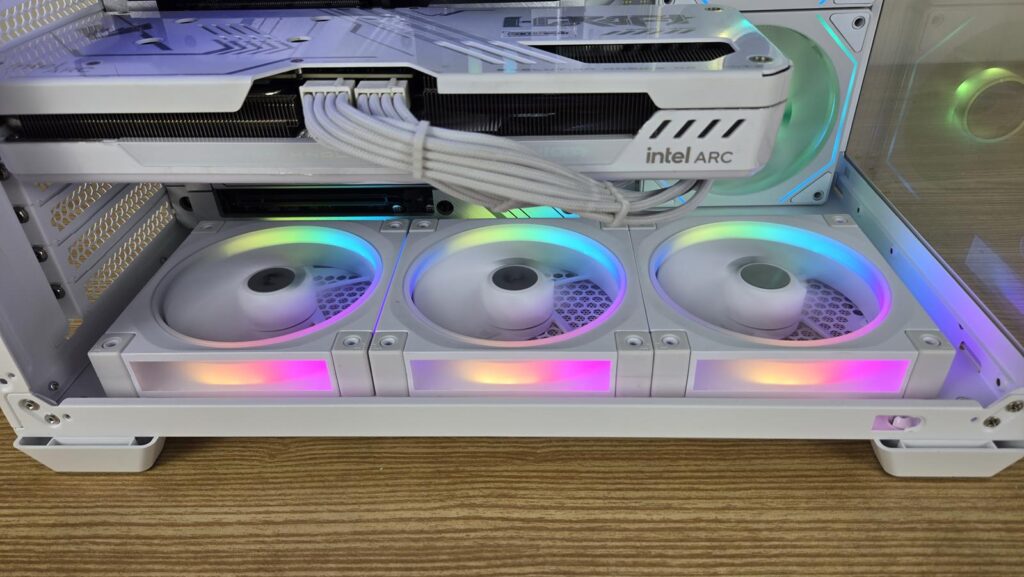
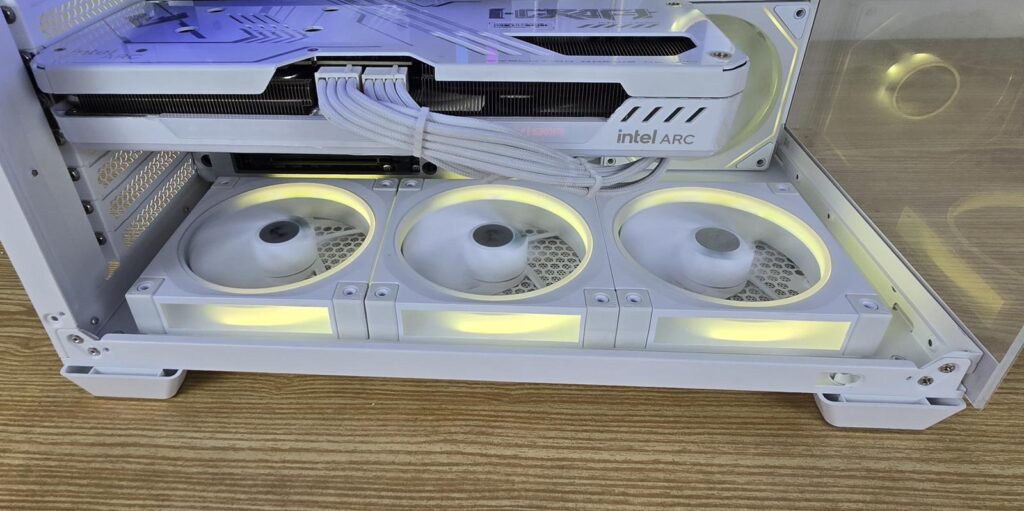
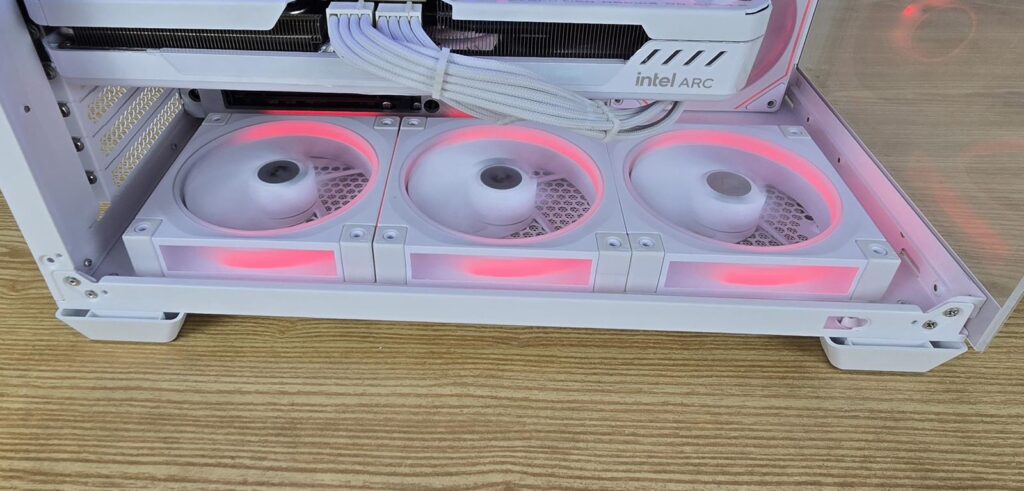
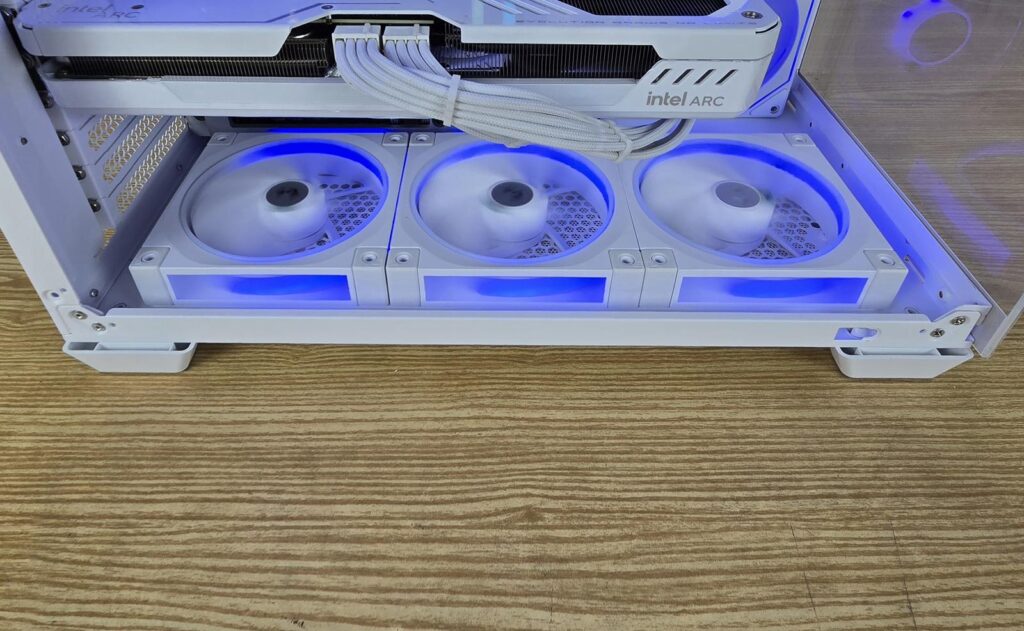
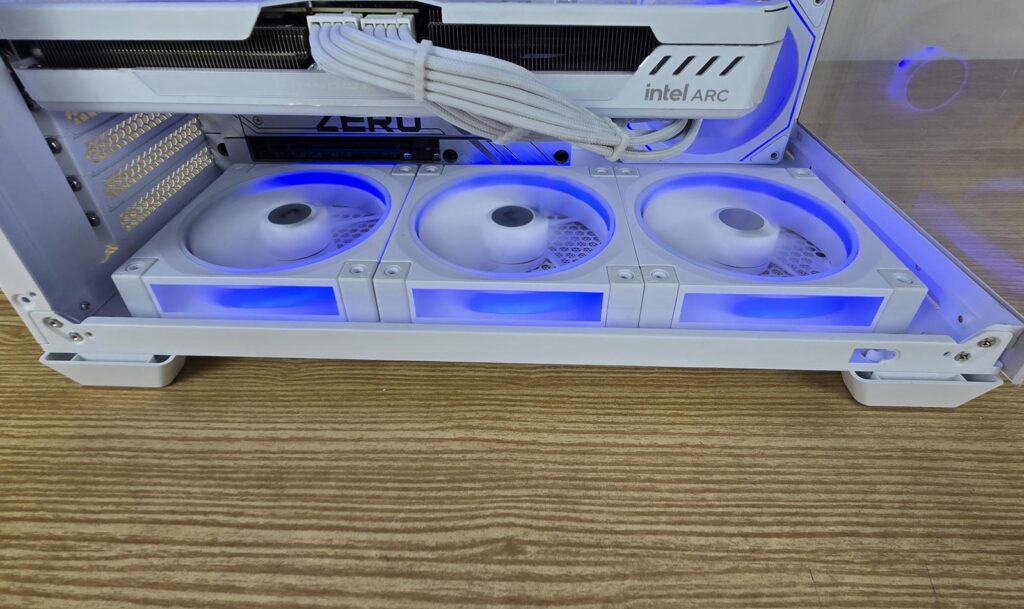
You can see the beautiful, yet subtle lighting effects on these fans.
Conclusion
Reverse blade fans are a game changer in the PC industry, addressing one peculiar shortfall in the overall build where regular fans had to be used as intake by showing their backside. DeepCool has put it in a good tag line, “Say goodbye to the cross on the other side”. This is obviously possible with the reverse blade design.
I have tested FL12R fans in this article. These are DeepCool’s take on reverse blade design. These fans are available in a single fan pack and a pack of three fans in white and black. These fans have dimensions of 120x120x25mm and feature 9x blades in reverse and feature a luminous halo effect coming from the side frame of the fans using 36 ARGB LEDs, which are Gen-2 ARGB LEDs.
The top or the front side of the fans features a circular diffuser for ARGB lighting as well. These fans feature a proprietary 8-pin header and connectors. DeepCool has provided a total of 4x cables in a triple-fan pack. Three cables have a proprietary connector on one end and standard fan and ARGB connectors on the opposite end. The fourth cable is an extension cable that allows a daisy-chain function. It has 3x proprietary connectors, and the terminating end has standard fan and ARGB connectors.
These fans feature fluid dynamic bearings, and they are rated for up to 2150 RPM ±10% generating 55 CFM airflow at 2.59mmAq air pressure with a maximum rated sound level of ≤ 33.9 dB(A). Fan power consumption is 1.8W and ARGB power consumption is 2.75W.
The triple fan kit has an MSRP of USD 59.99, and it comes with a 3-year warranty. These fans have a good acoustic performance, and they generate enough airflow to tame the temperature inside the PC case as evident in our testing. Hence, these have form and function and come recommended by us.
Pros
- Reversed Blades
- Adequate Airflow
- Fluid Dynamic Bearing
- PWM Regulation
- Luminous Halo Effect
- Stunning Visuals with ARGB Lighting
- Price
- Warranty
- Acoustic
Cons
- None