












EK-Quantum Velocity3 Plexi – CPU Water Block Review

It has been some time since I looked at any custom loop component. In this article, I am taking a look at the EK-Quantum Velocity³ CPU Water block. This block is available in three configurations:
- EK-Quantum Velocity³ – Plexi
- EK-Quantum Velocity³ – Acetal
- EK-Quantum Velocity³ – White
All variants have the same cooling engine. The only difference comes from the top material. Each variant has an MSRP of USD 111.99 at the time of this writing. Some of the salient features of this generation block include:
- Designed for the latest consumer sockets, i.e, AMD AM5 and Intel LGA 1700/1851.
- EKWB has mentioned that this generation delivers up to 2°C lower temperatures compared to the Velocity² series. I can’t confirm or deny since I don’t have the last generation block.
- Customization of the internal components by rotating the distributor and jet plate for optimized heat spreader alignment and port positioning.
- Nickel-plated copper cold plate with a crystal-clear Plexi top.
- Sleek design with a minimalistic approach makes it a perfect blend for your PC’s visual appeal.
The product is made in Slovenia and comes with a 5-year warranty from the manufacturer.
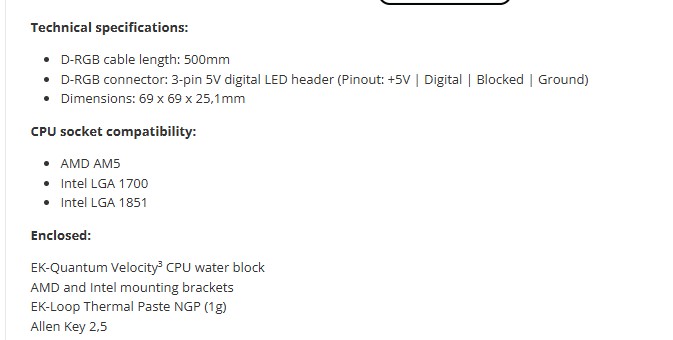
Specifications
Packaging and Unboxing
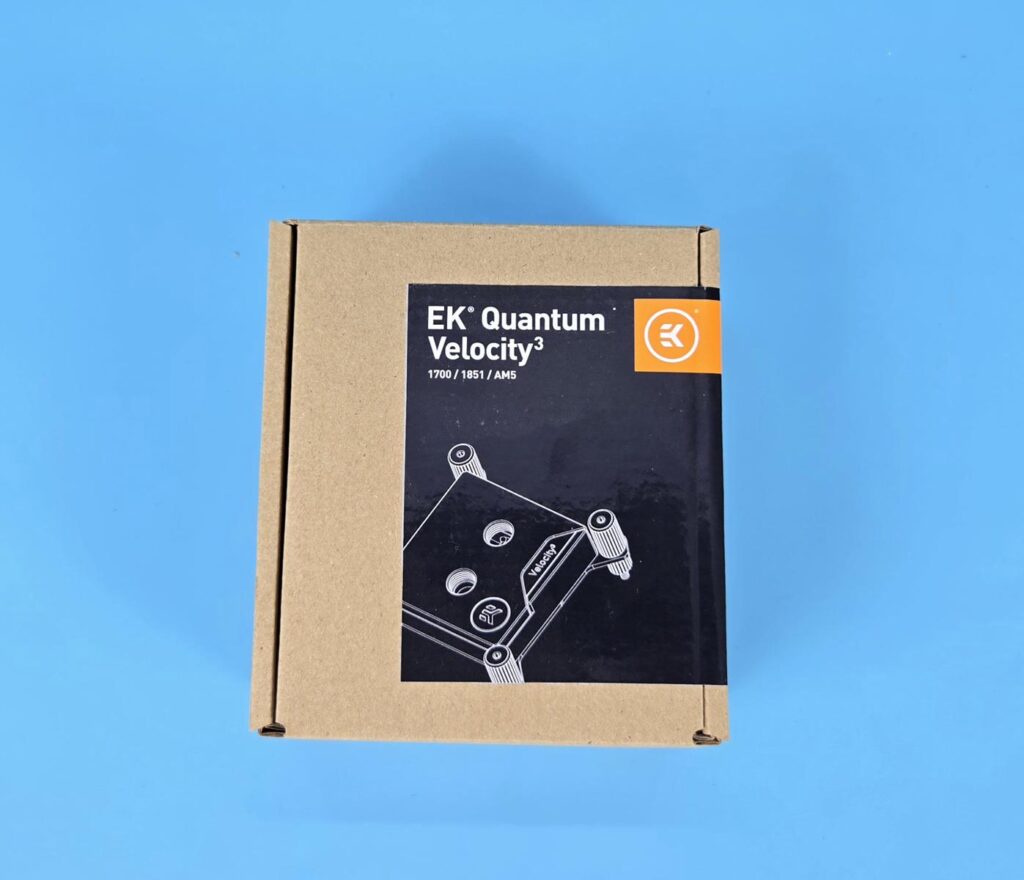
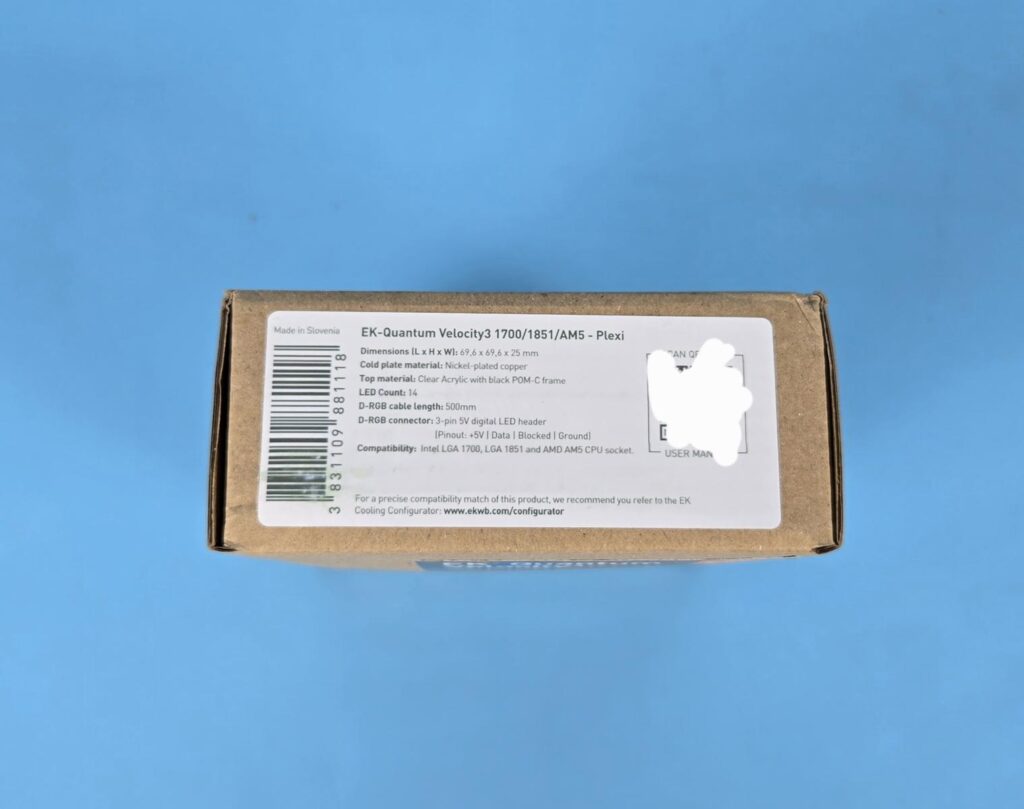
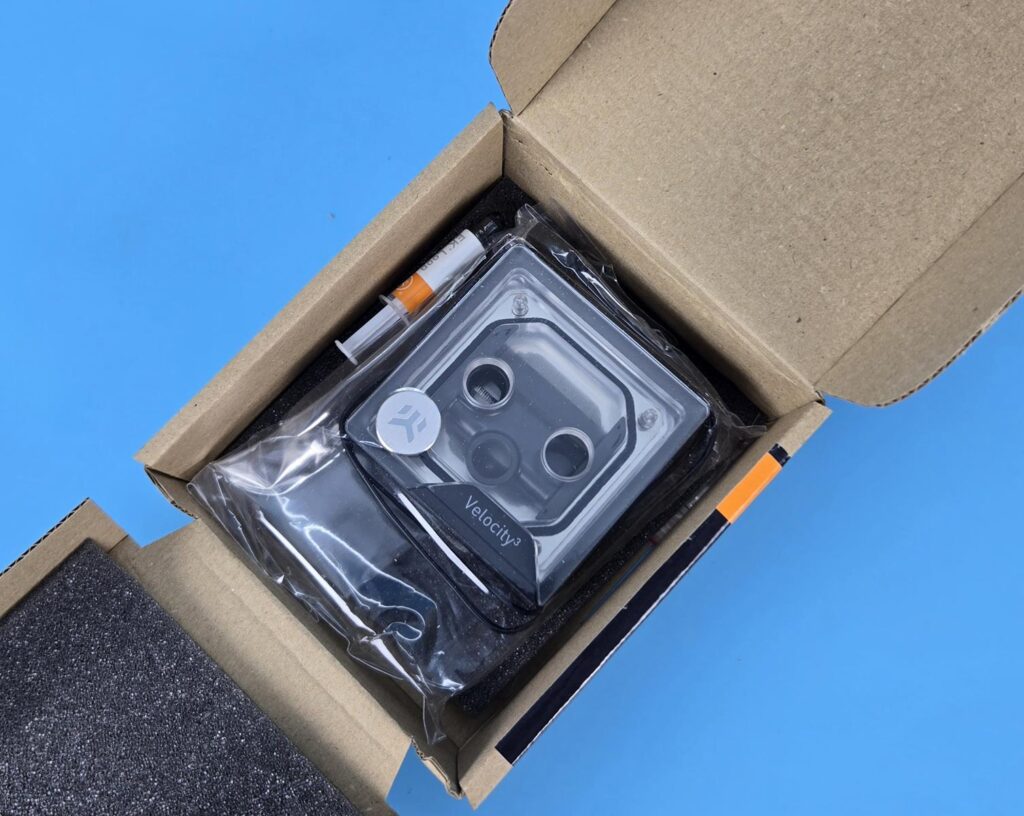
EKWB is doing a minimalistic packaging using a standard brown cardboard box. The side label shows the specifications with key parameters along with a scan label. You can see socket compatibility data as well.
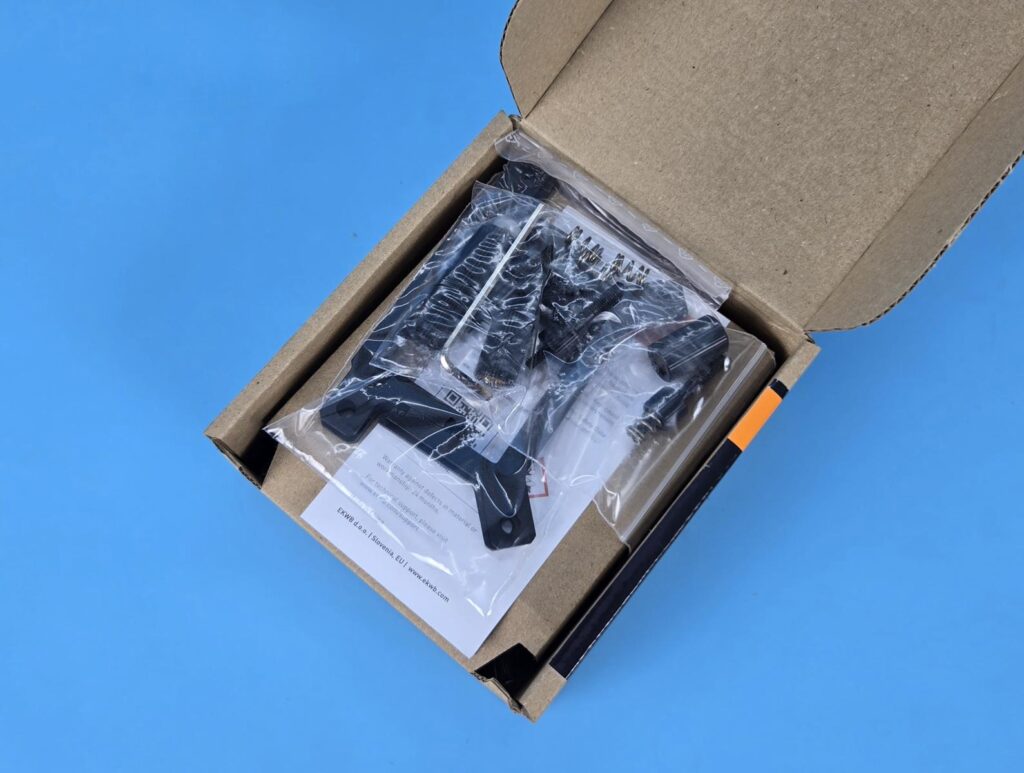
Mounting hardware is placed over the top without the Intel backplate. The block itself is placed under the top layer. The intel backplate is under the block.
Let’s see what is provided in the accessories:
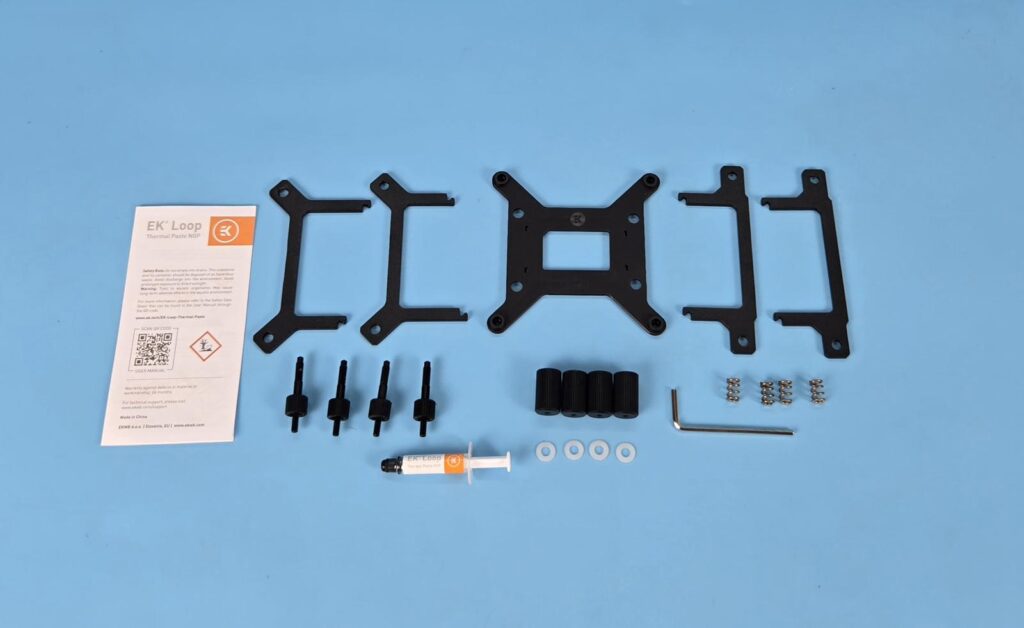
- 1x Intel Backplate
- 1x Set of interlocking Intel Mounting Brackets
- 1x Set of interlocking AMD Mounting Brackets
- 4x White Washers for Intel Socket
- 4x Springs
- 4x Standoff Screws
- 4x Thumb Screws with Allen key head
- 1x Allen Key
- 1x Thermal Paste Tube
- 1x Brochure
EKWB is going the ARCTIC way. No user guide is included. You can check the PDF of the user guide on its website for detailed instructions.
Editor’s Note: Please make sure that you check the user guide since you are required to open the block for rotation of internal components, subject to the socket type.
Closer Look
Let’s start with the statement from EKWB. “The EK-Quantum Velocity³ 1700/1851/AM5 – Plexi is a high-performance CPU water block designed for AMD AM5 and Intel LGA 1700/1851 platforms. Built on EK’s legacy of award-winning cooling solutions, the Velocity³ Plexi combines cutting-edge technology, superior materials, and exceptional aesthetics to deliver unmatched cooling performance for PC enthusiasts and modders.”
Let’s start taking a closer look at the block.
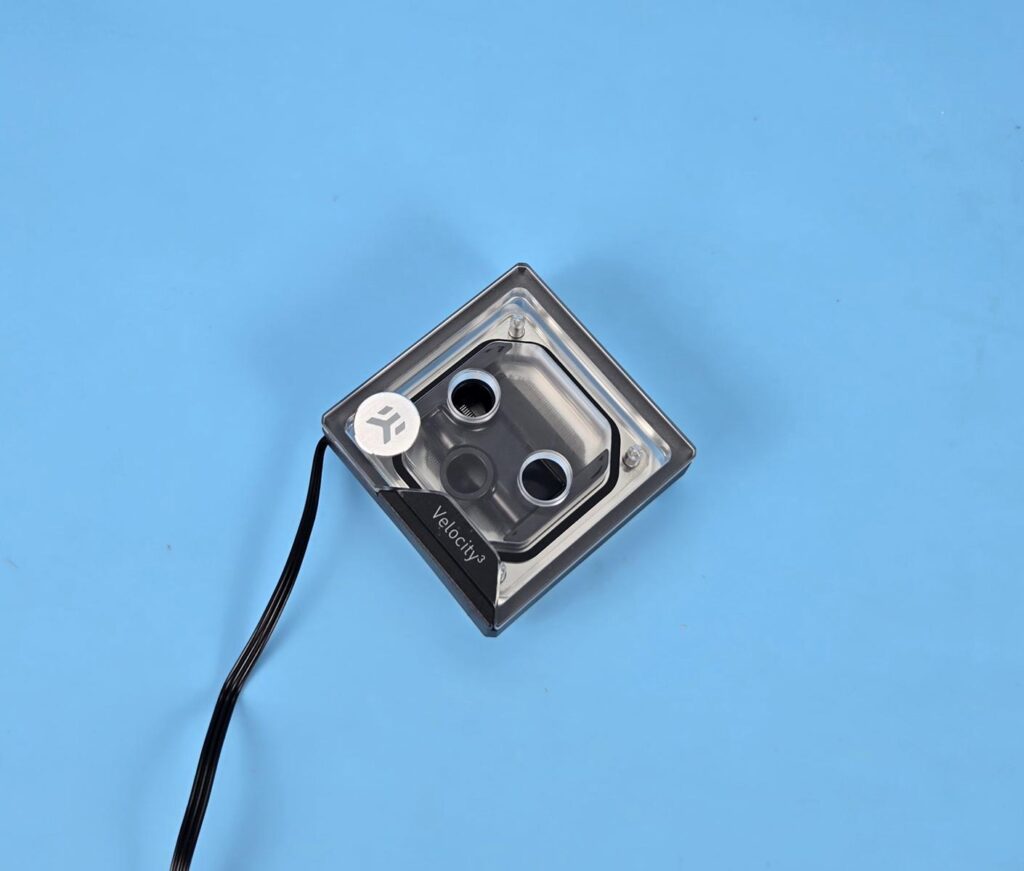
The basic footprint of the block resembles the previous generations. Since it is a plexi variant, you can see through the top and glimpse at the cooling engine. The block itself measures 69x69x25.1mm. A general hint is that the EKWB logo needs to be upright for proper orientation.
The black color frame encapsulates the ARGB LED strip, which uses standard 3-pin 5V ARGB connectors. The Mylar Sticker has Velocity³text over it.
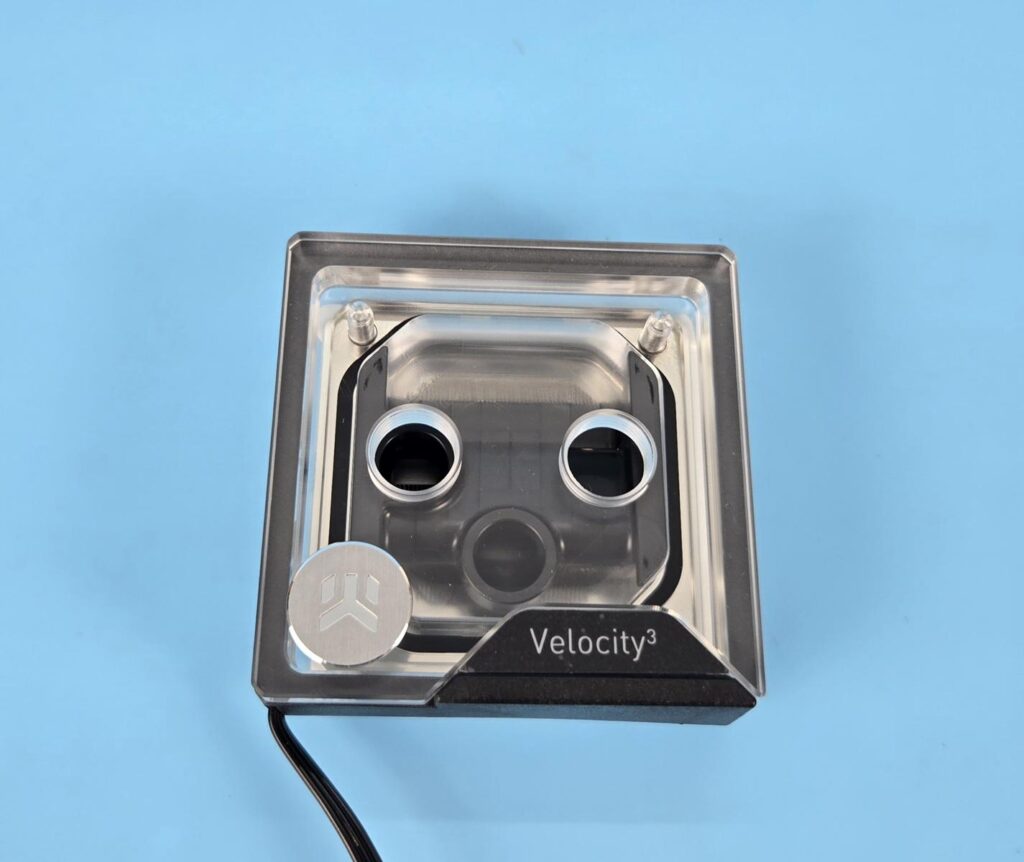
Now I am showing the top view of the block. It has two G1/4” ports. The bottom port is a dedicated inlet port, whereas the top port isa dedicated outlet port. Since the picture shows both ports side by side, the left port is the inlet and the right port is the outlet. The top plate is made of plexiglass material. This is for the Plexi variant. The Acetal variant has this plate made of Acetal, and the white variant comes with a white Acetal plate.
The black color component visible inside the block is a rotatable insert, which, in other words, is commonly known as a coolant distributor. Its position in this block is of key importance since it needs to be aligned as per the socket type. By default, this block comes ready forthe Intel LGA 1700/1851 socket.
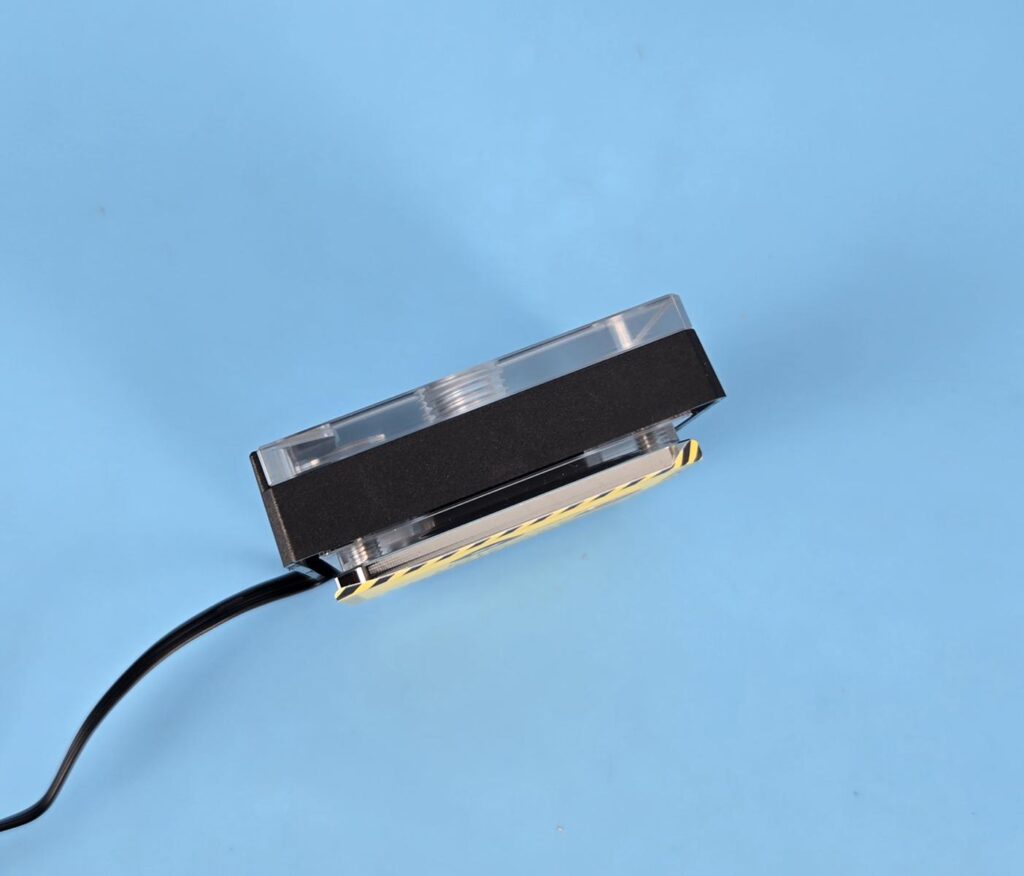
Looking at the side of the unit, you can see a black frame that is on all sides of this block. This is what EKWB refers to as a light guide. It covers the ARGB LED strip wrapped around the main housing. The inset right below this light guide above the base is where you will slide the mounting brackets.
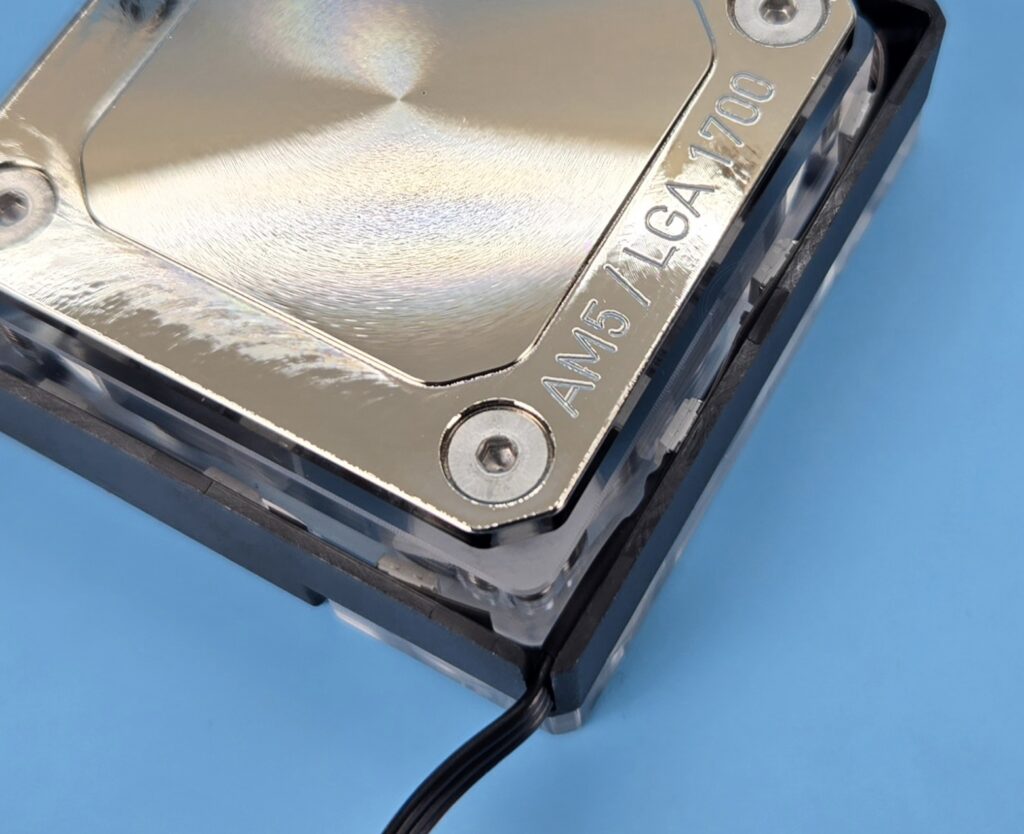
Sorry for the potato picture. I am trying to show the ARGB LED strip around the block’s housing. This unit has 14 ARGB LEDs. The black frame is holding these around the main housing.
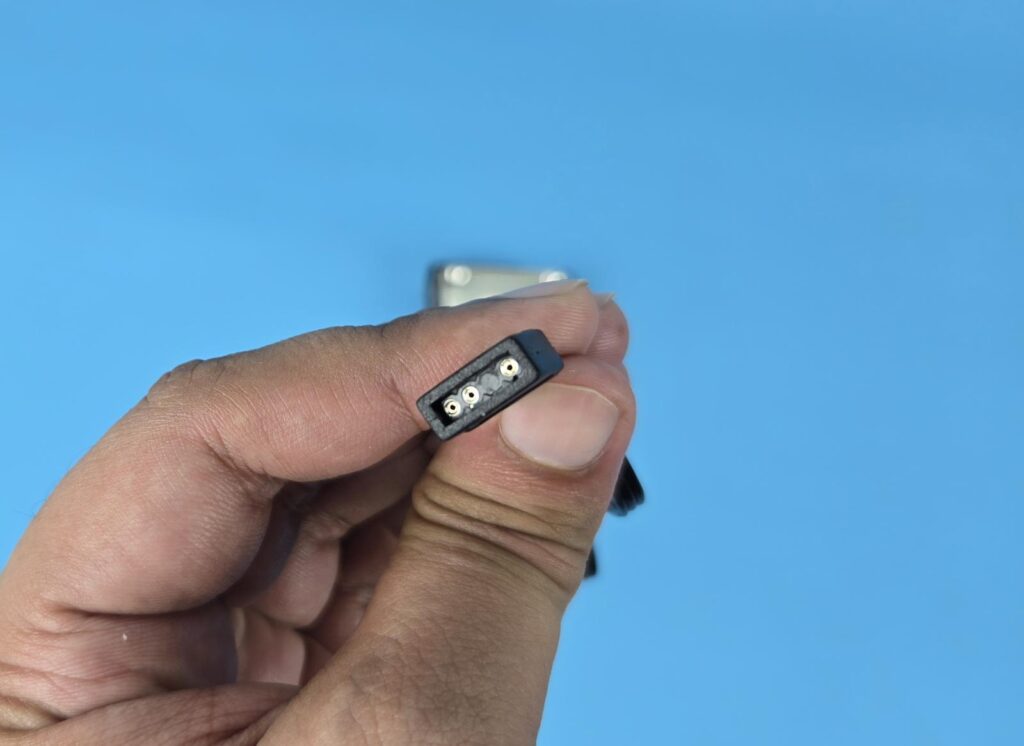
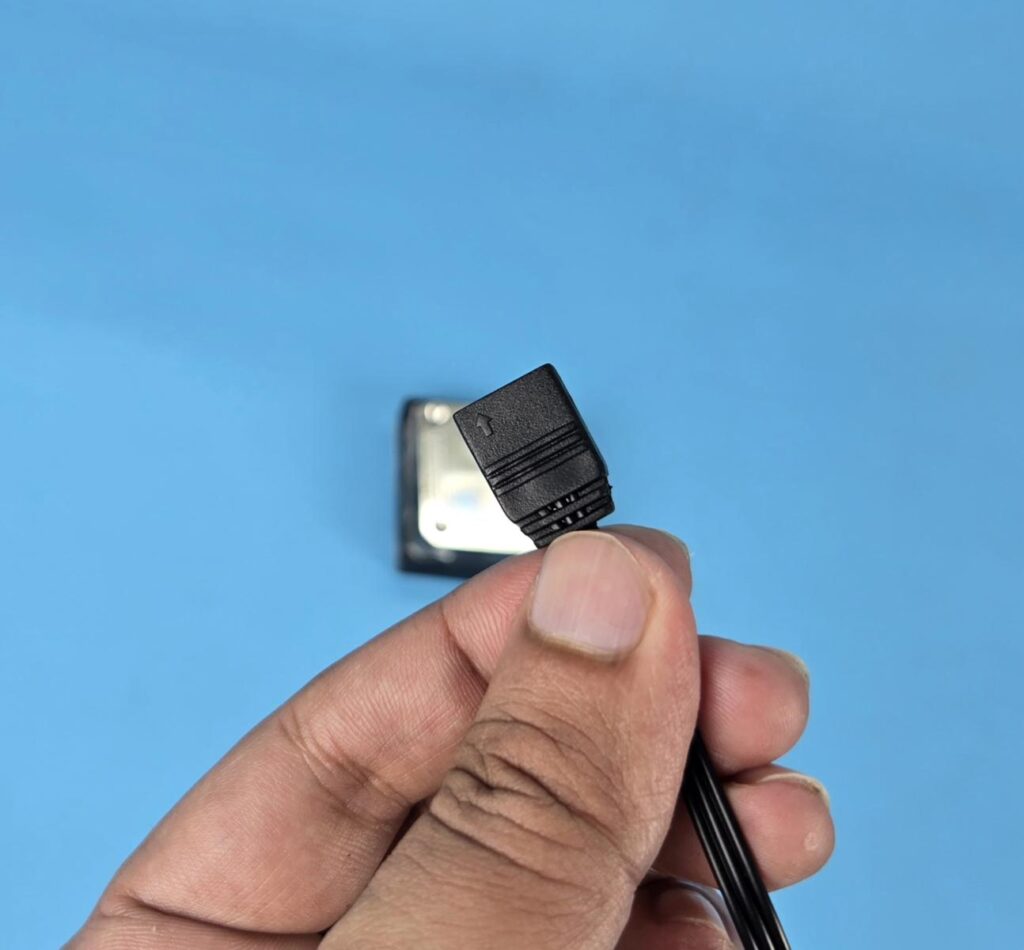
This unit uses a standard 3-pin, 5V ARGB connector, making it compatible with the RGB sync technology of various motherboard manufacturers.
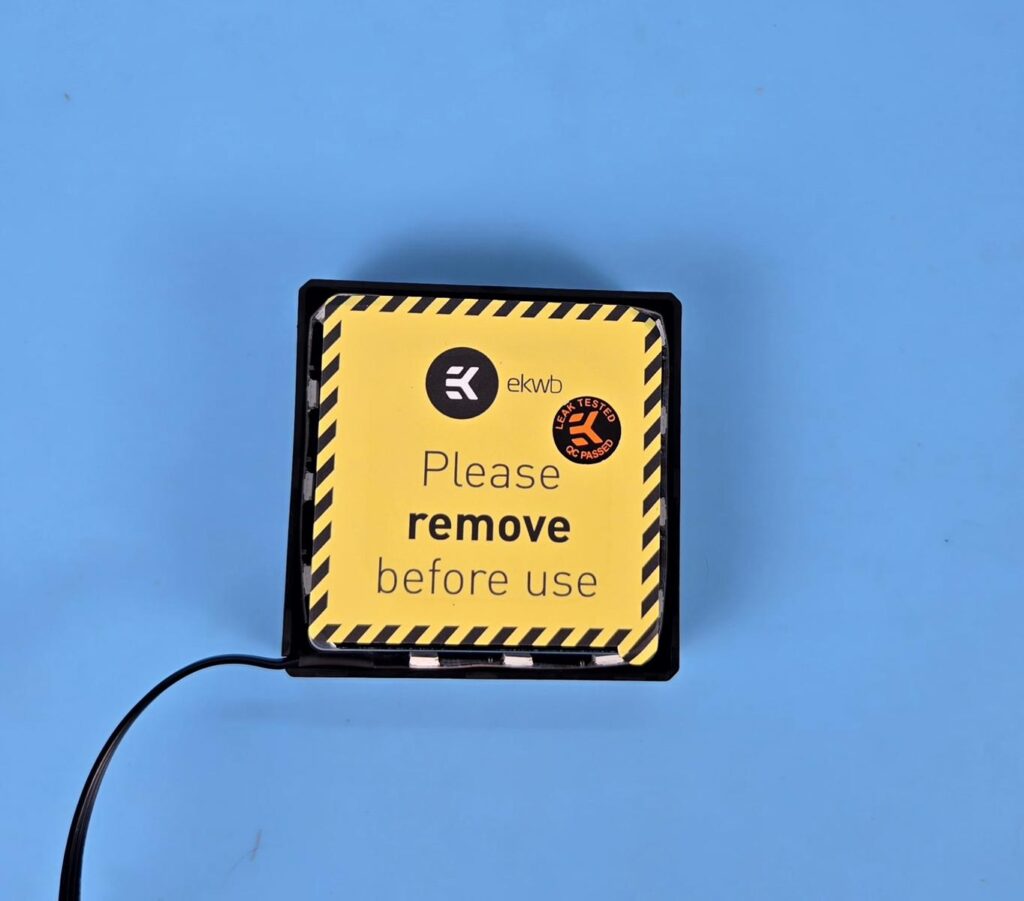
Looking at the base, you can see a yellow protective sticker that needs to be removed before the installation.
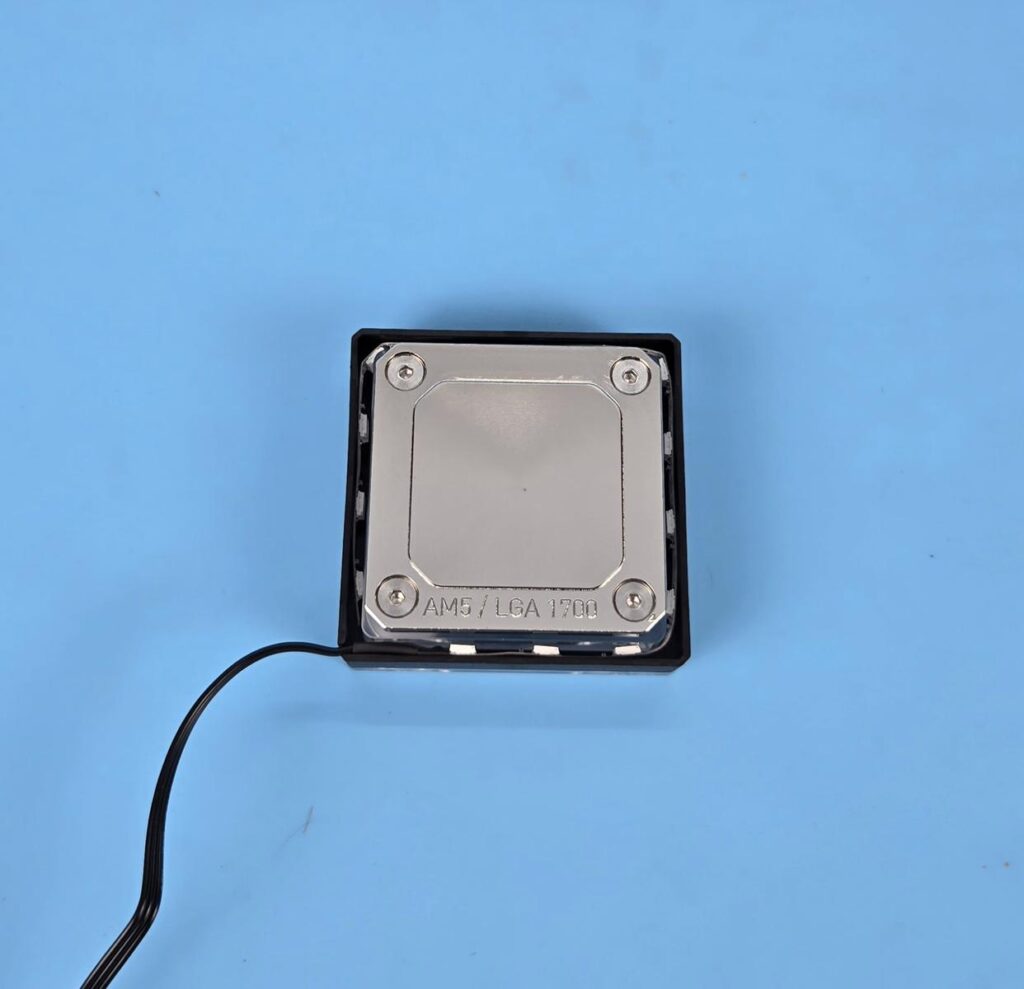
This unit comes with a nickel-plated copper base. It has AM5 / LGA 1700 text on one side. This text, on one side plays a key role during assembling or preparing this block for the required socket, as we shall see later. The base is secured using 4x M4-19 screws for which an Allen key is provided with the block. The cold plate has a height of approximately 4mm, which isthe same as on the Alphacool Core 1 block.
Dis-Assembling
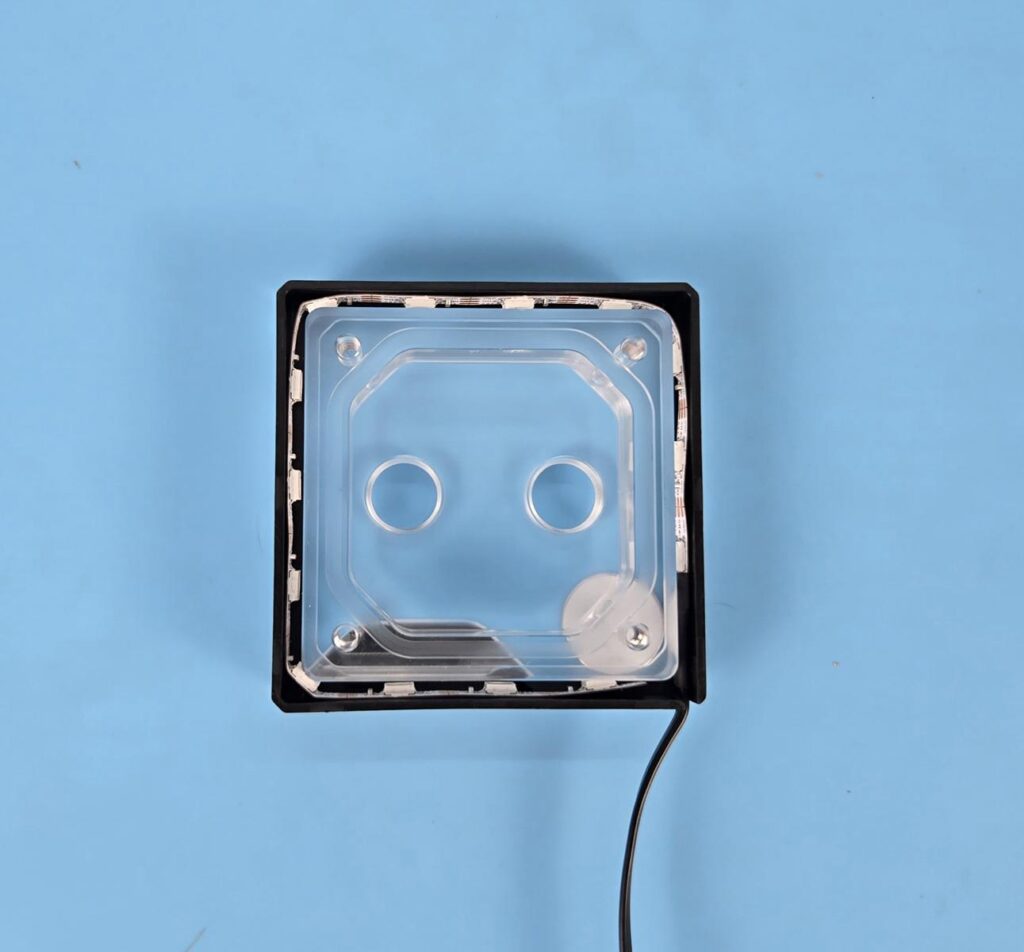
The block was opened before the testing to set it up for the AMD AM5 socket, as my testing is on the AM5 platform. The block is easy to open. Remove the 4x M4-19 screws on the base and carefully pull the cold plate. I had a tough time since the cold plate was not coming off easily. After wiggling it a bit and with force, it came apart, but in doing so, the jet plate and the distributor also came out, and I could not see the default orientation of these two components.
I am showing the plexi portion after disassembling. Nothing fancy about this portion other than CNC-milled, precise, crystal-clear plexi.
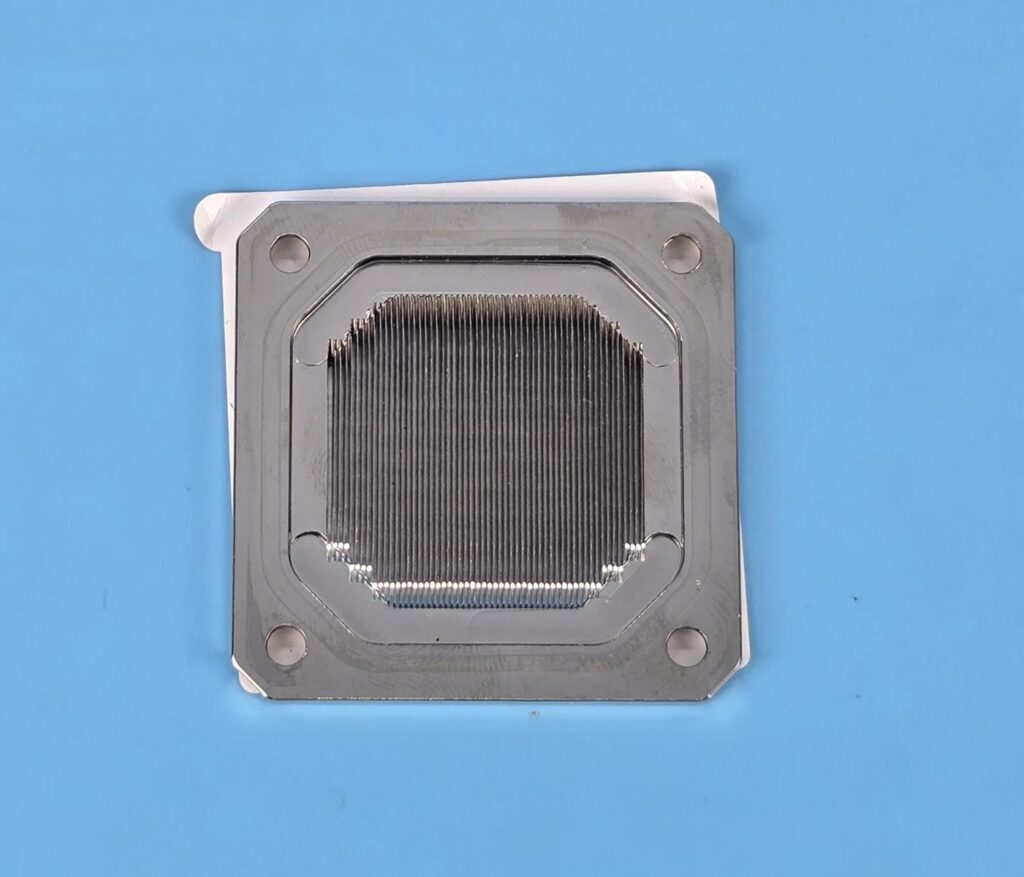
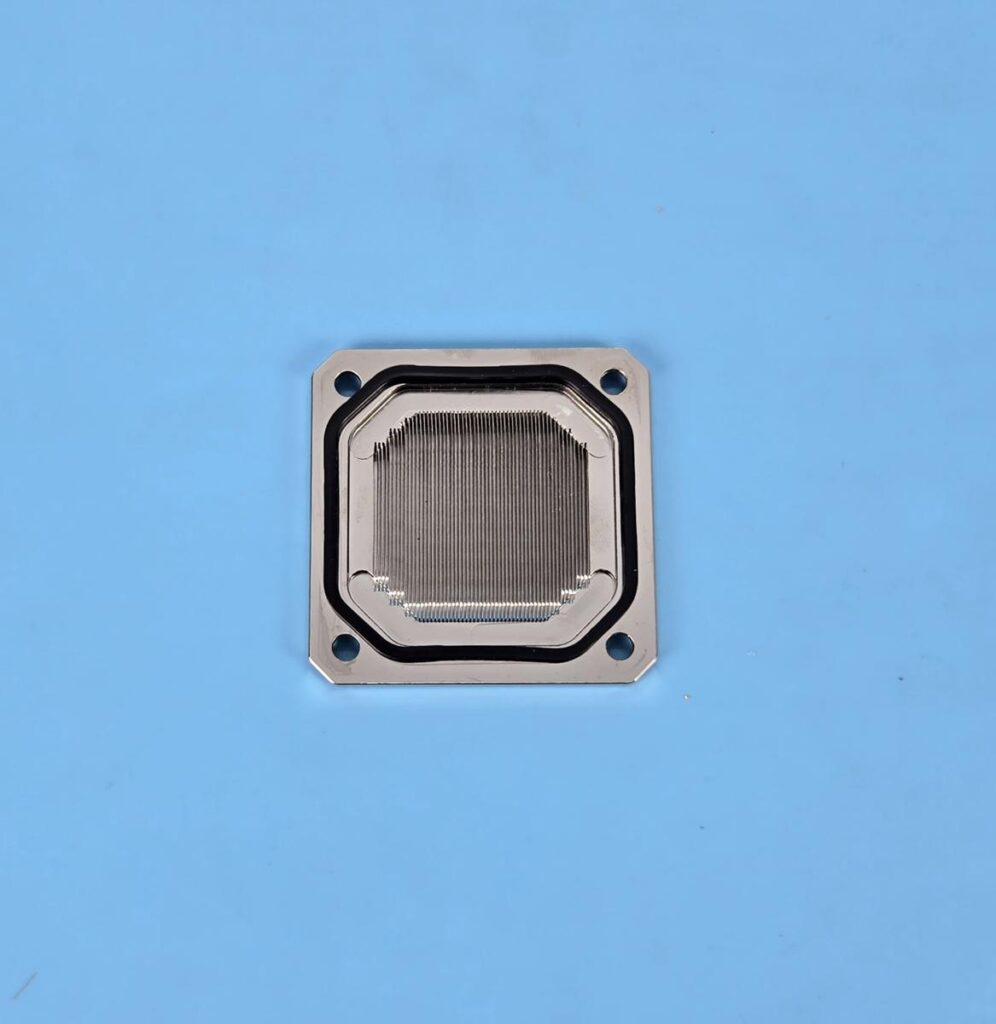
The O-ring came unattached to the cold plate during the disassembly. You need to carefully put it back on the dedicated border around the main container. As per my counting, the fin stack has 56 fins with 16 fins arranged in a group of 4 each, and the main area comprises 40 fins. This block has a dense fin stack. However, it is less dense compared to the 65 fins count on the Alphacool’s Core 1 block.
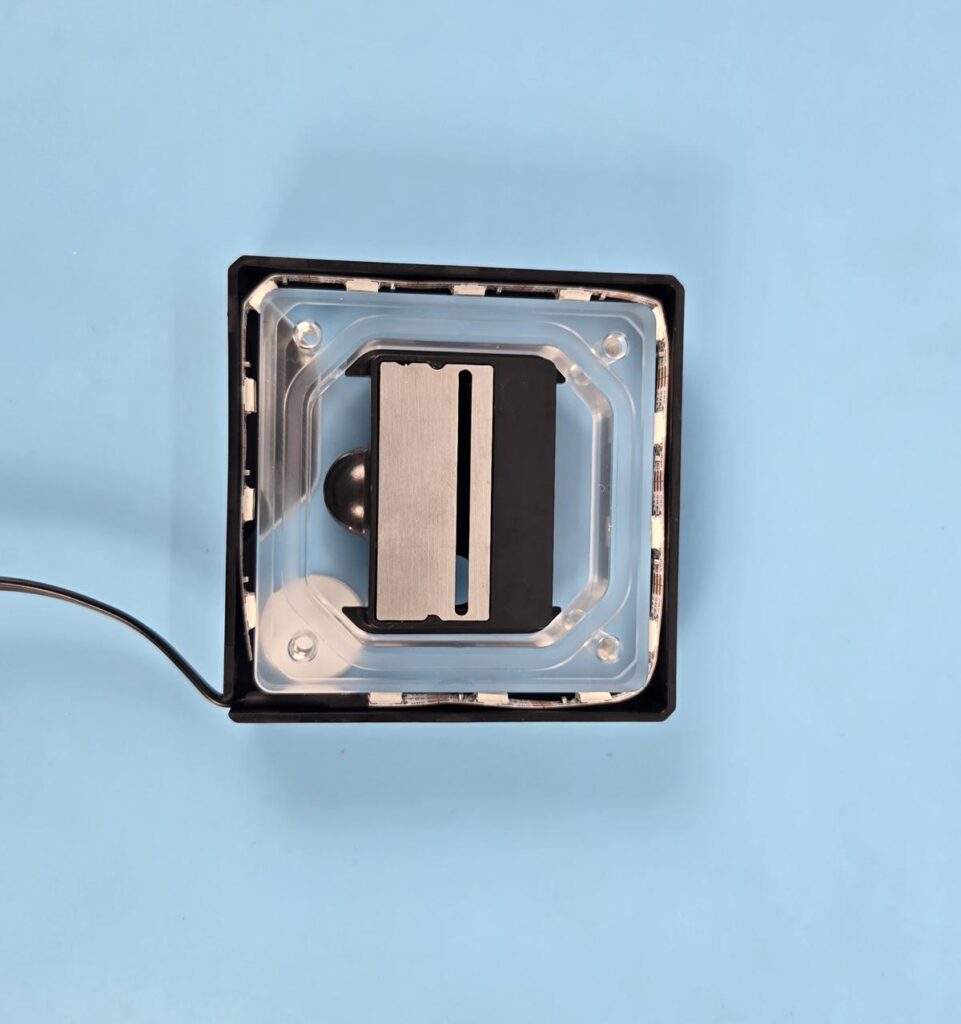
When preparing the block, place it so that the EK logo is on the bottom left of the block. Now place the rotatable insert and jet plates in the block as shown in the picture. This would set the block for the Intel LGA 1700/1851 socket.
When installing the cold plate, you need to ensure that the fins are perpendicular to the jet plate or simply put the text AM5 / LGA 1700 on one side of the cold plate should be on the right side of the block.
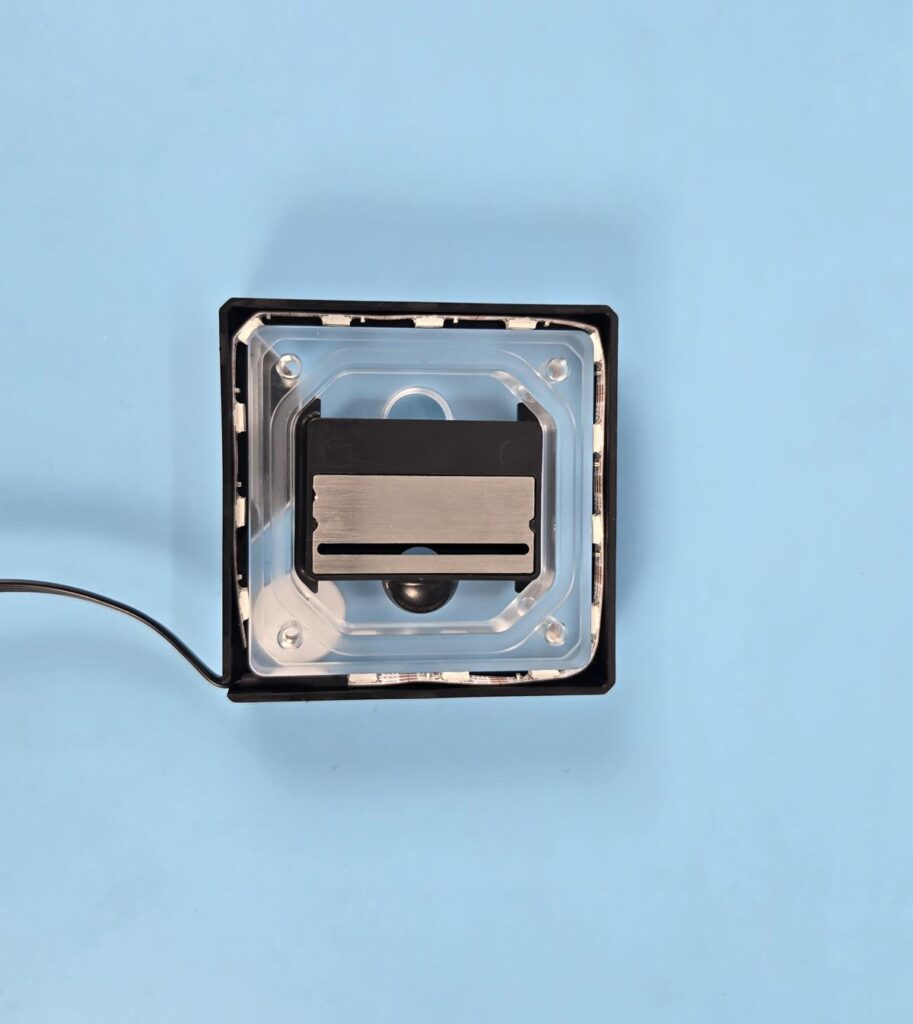
Now, I am showing how to prepare this block for AMD AM5. The main steps are the same; however, the rotatable insert is now placed horizontally, unlike the vertical placement for the Intel sockets. Notice the jet plate position as well. As long as you follow the instructions correctly, you should not face any performance issues.
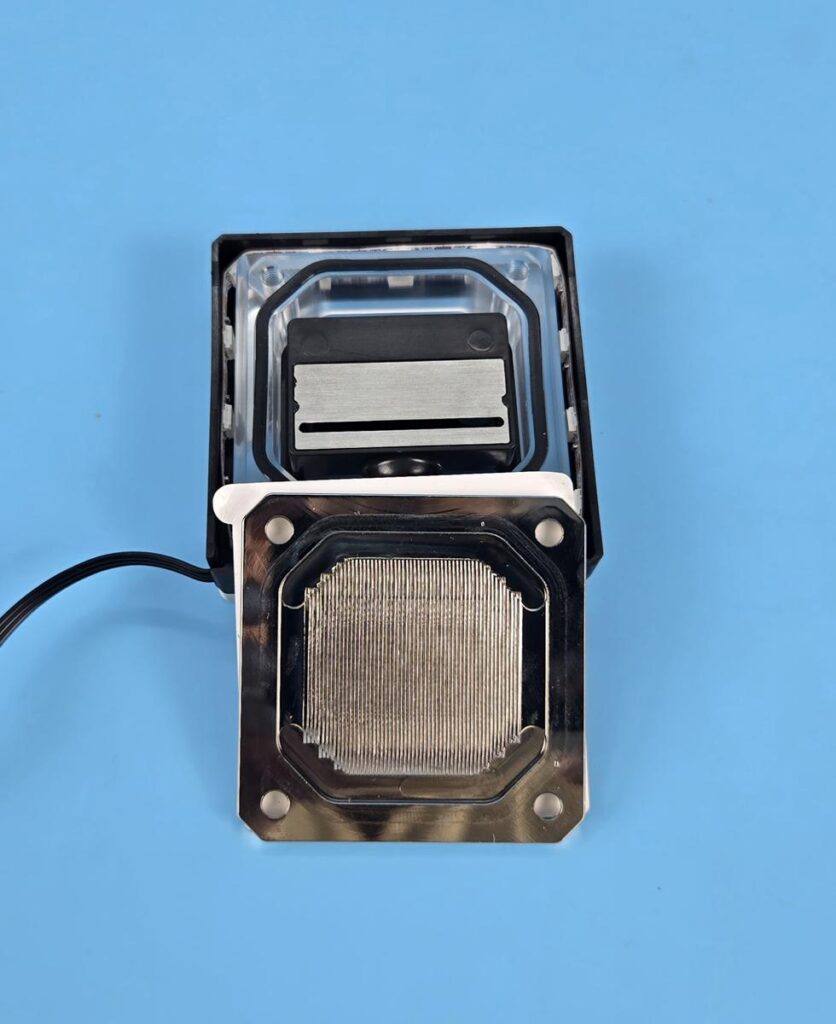
The cold plate installation is similar. You need to ensure that the fins are perpendicular to the jet plate, as shown in the picture.
Editor’s Note: EKWB has listed two short YouTube videos on the website. Watch those videos for a better understanding:
Installation
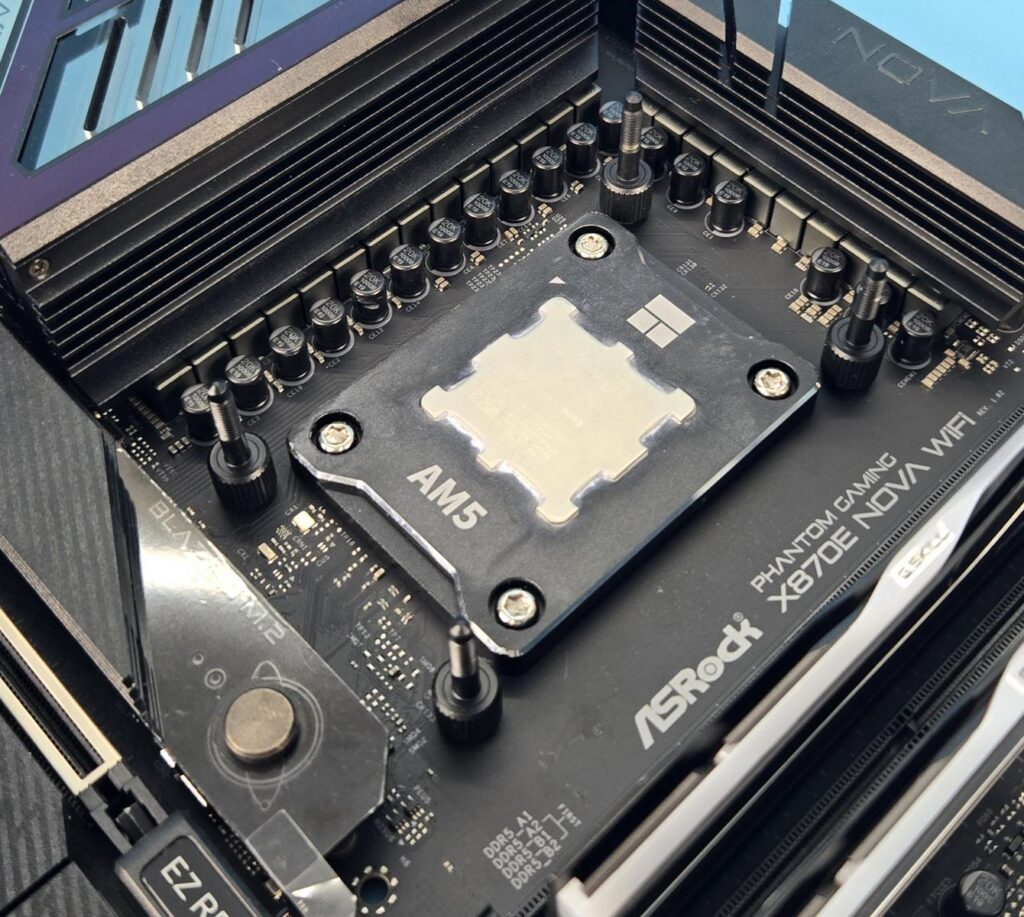
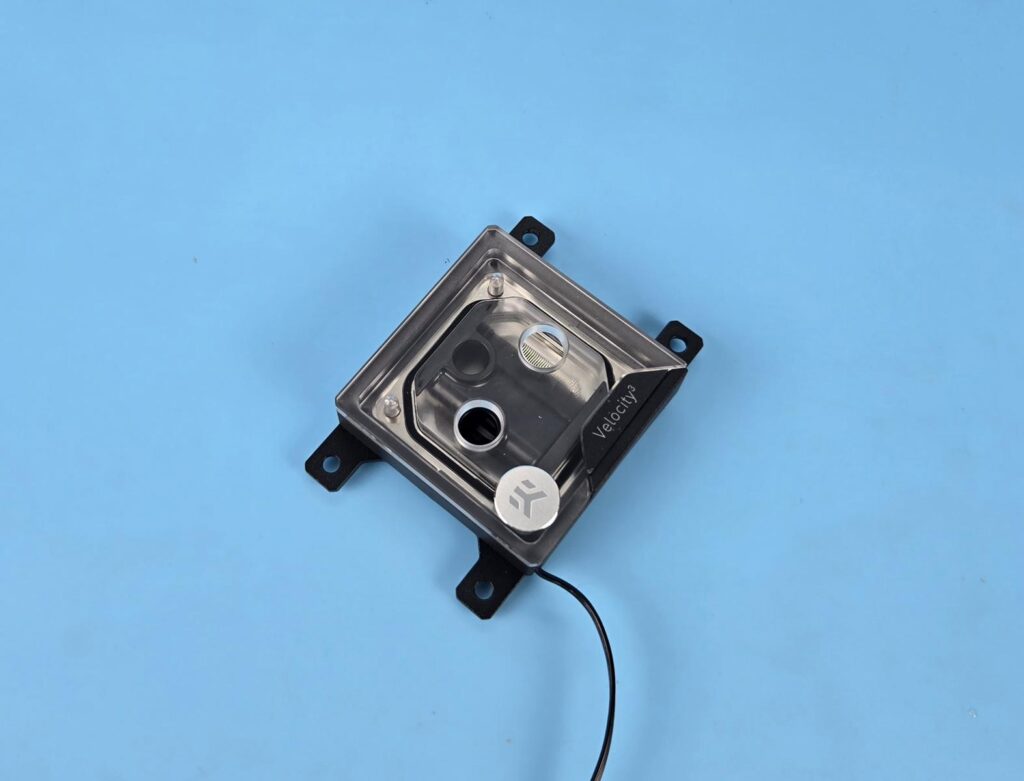
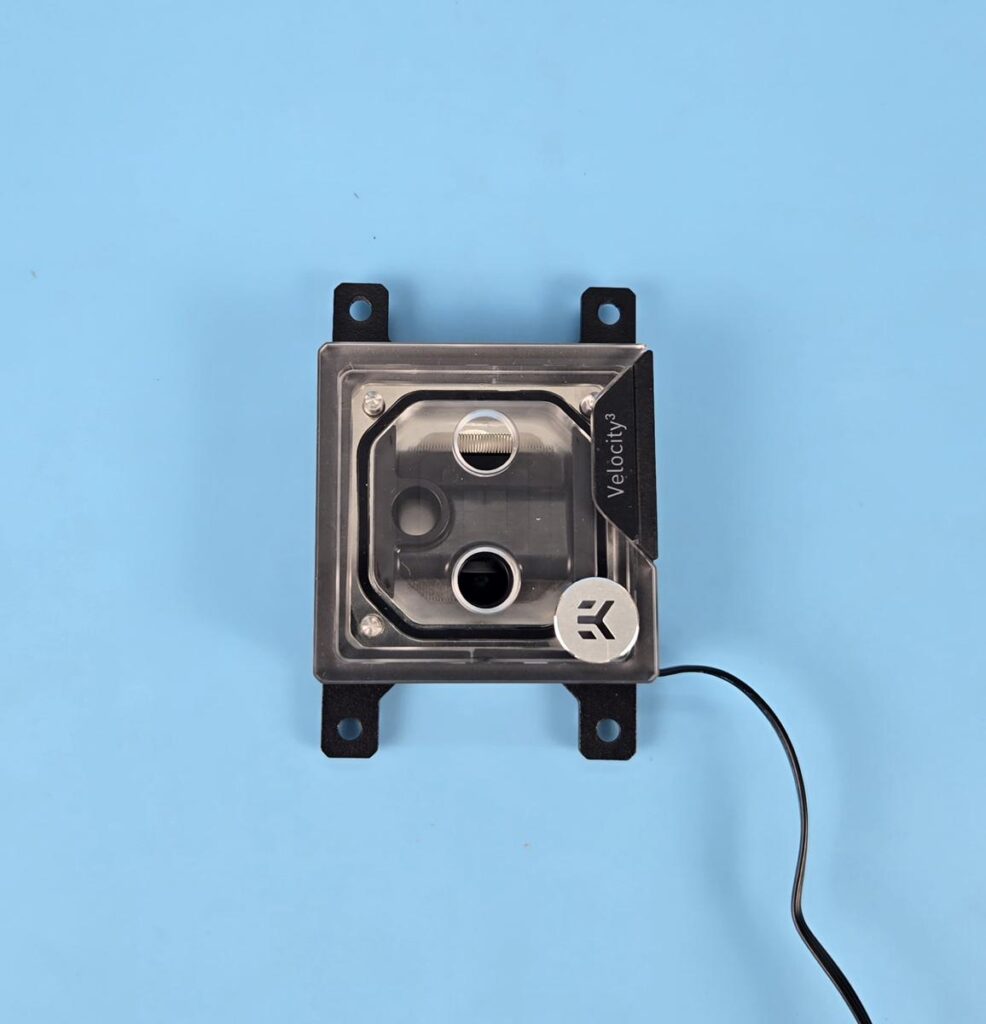
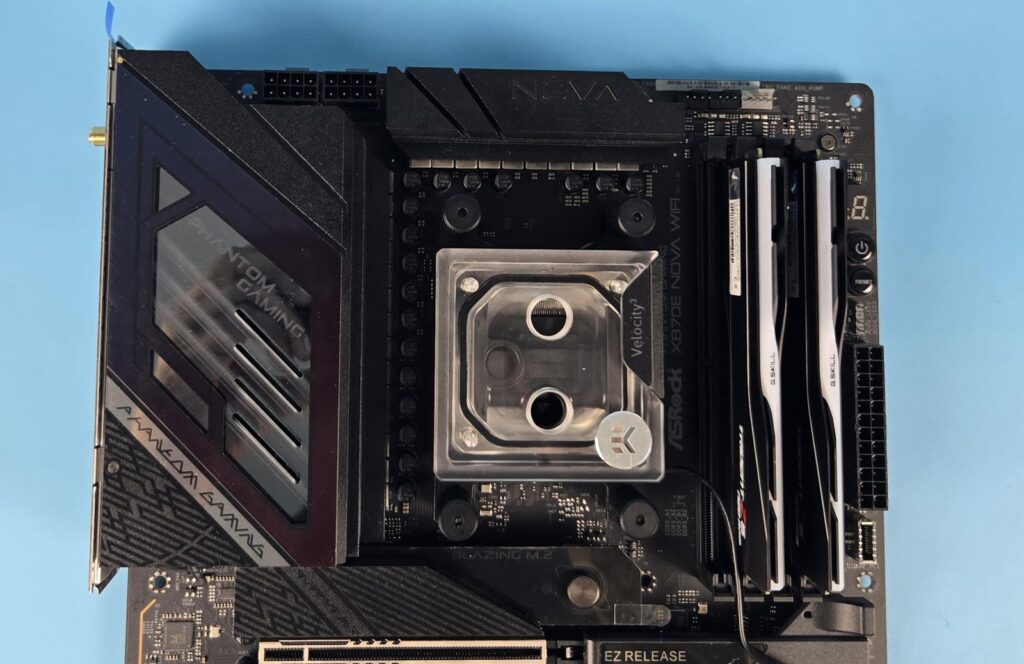
The installation of this unit is simple and in a somewhat surprising way, EKWB seems to have adopted Alphacool’s way of doing the mounting brackets, where they interlock or snuggle on each other. While there is nothing wrong with this approach, the Alphacool’s brackets were HARD to remove. However, EKWB has done it wisely. The brackets remain somewhat loose until the block is seated and installed on the CPU. Once removed, brackets are easy to take apart, hence I have no complaint here. The installation on AMD AM5 is as follows:
- Setup block for AM5 socket.
- Install brackets on the unit.
- Install the standoff thumb screws.
- Apply thermal paste over the CPU.
- Remove the protective cover from the base of the block.
- Place the block over the CPU so that tips of screws passes through mounting holes on the brackets.
- Place the springs on the threaded portion of the standoff thumb screws.
- Place the thumb nuts over the spring loaded screws and start tightening.
- Connect the ARGB connector to the motherboard’s 3-pin, 5V header and you are good to go.
Test Loop Setup
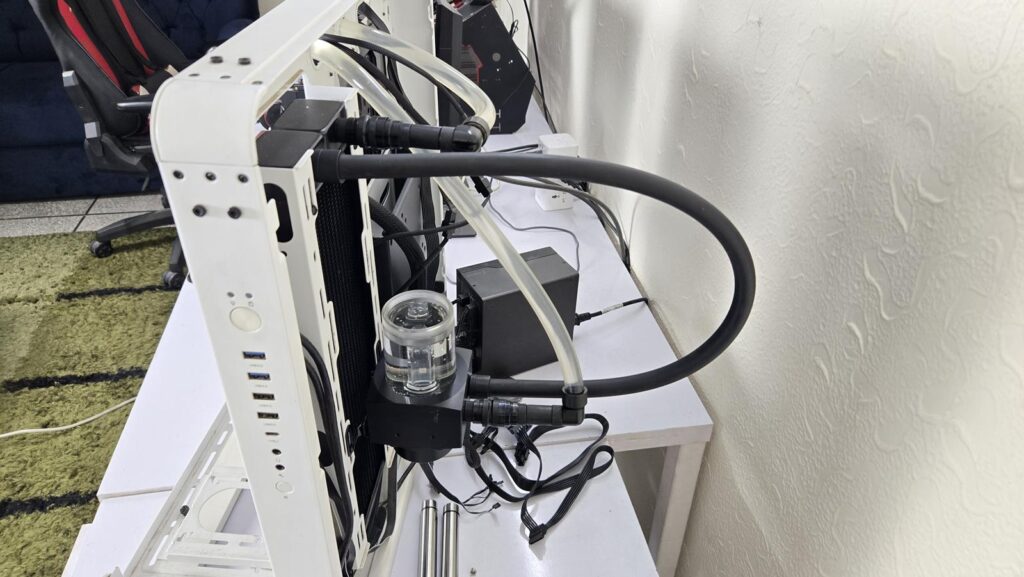
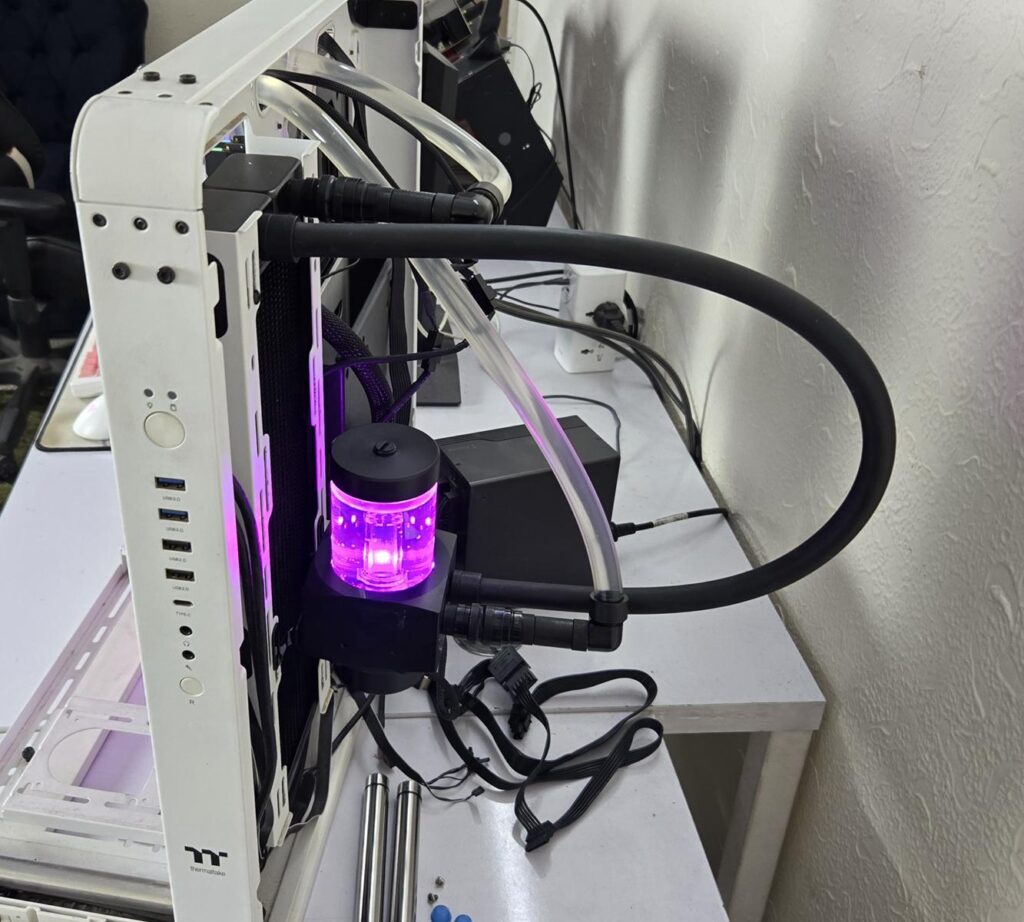
I wanted to use an EKWB-based complete loop, but I did it with what I have with me. The following components are used to set up a custom loop for thermal performance measurement:
- ALPHACOOL NexXxos HPE-45 Full Copper 360 Radiator
- ALPHACOOL CORE 100 AURORA RESERVOIR ACETAL/ACRYL WITH APEX VPP PUMP
- ALPHACOOL tubing AlphaTube HF 16/10 (3/8″ID) – clear 3m (9,8ft) Retailbox
- ALPHACOOL Eiszapfen 16/10mm compression fitting 90° rotatable G1/4 – 4pcs Set Chrome
- ALPHACOOL Eiszapfen 16/10mm compression fitting G1/4 – chrome six pack
- ALPHACOOL 16/10 compression fitting 45° revolvable G1/4 – chrome
- ALPHACOOL Eiszapfen quick release connector kit G1/4 outer thread – Deep Black
- Noctua NT-H2 Thermal Paste
- Noctua NF-A12x25 G2 PWM 120mm Fans
I have used a total of four water blocks for the complete testing which are:
- EK-Quantum Velocity³ Plexi CPU Water Block
- ALPHACOOL Core 1 AURORA Silver
- Corsair iCUE Link XC7 RGB Elite
- Raijintek Forkis Scylla Elite
RGB Lighting

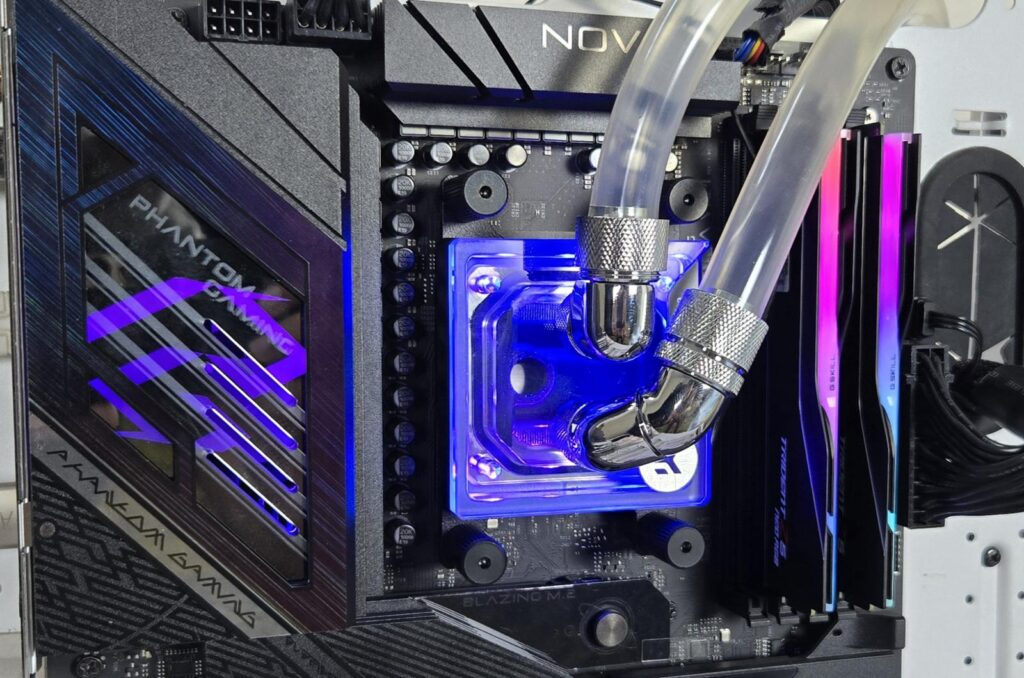
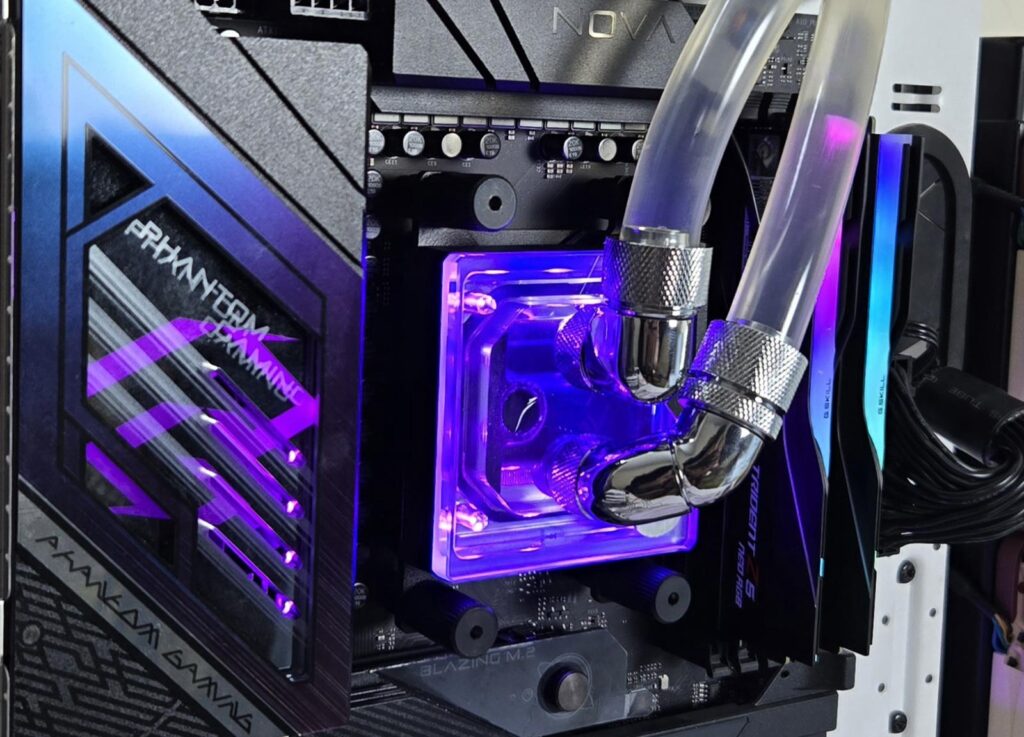
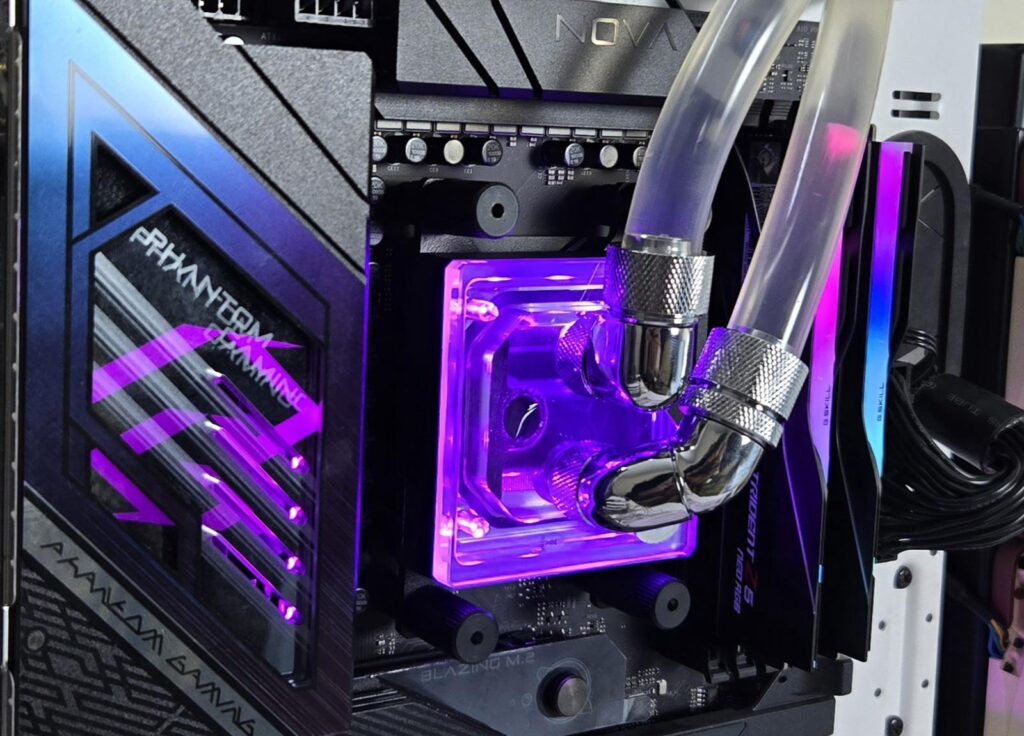
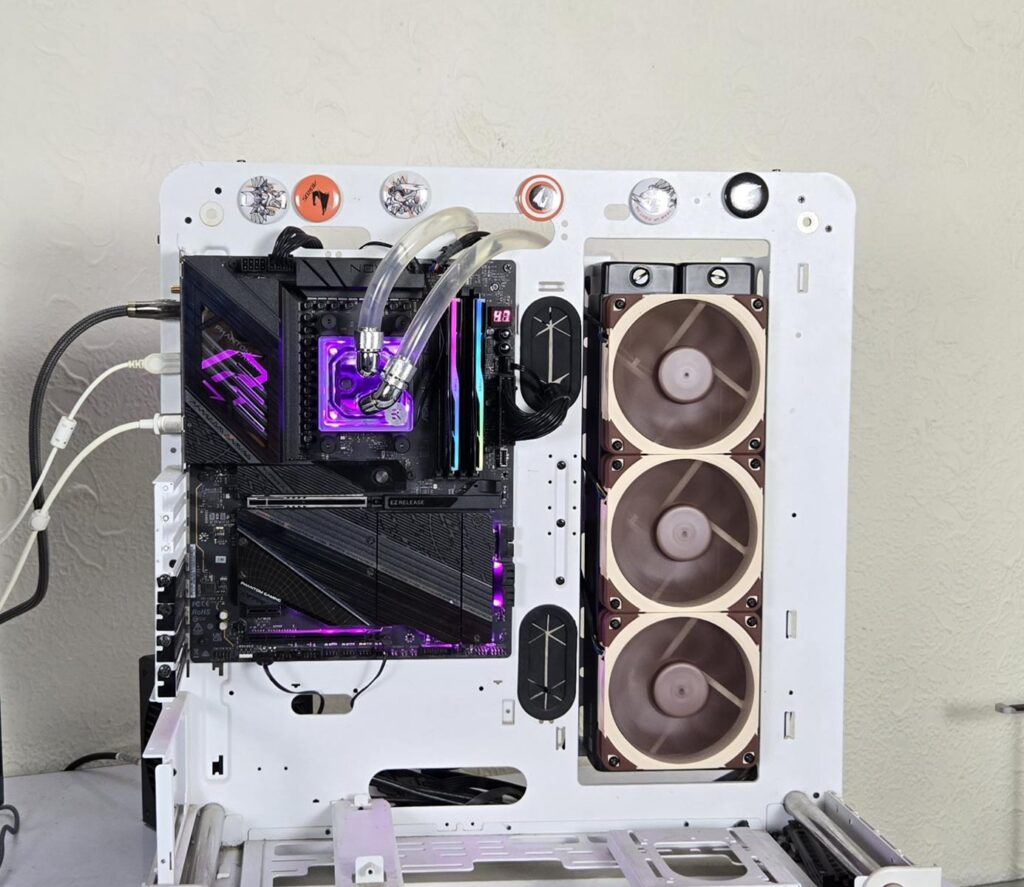
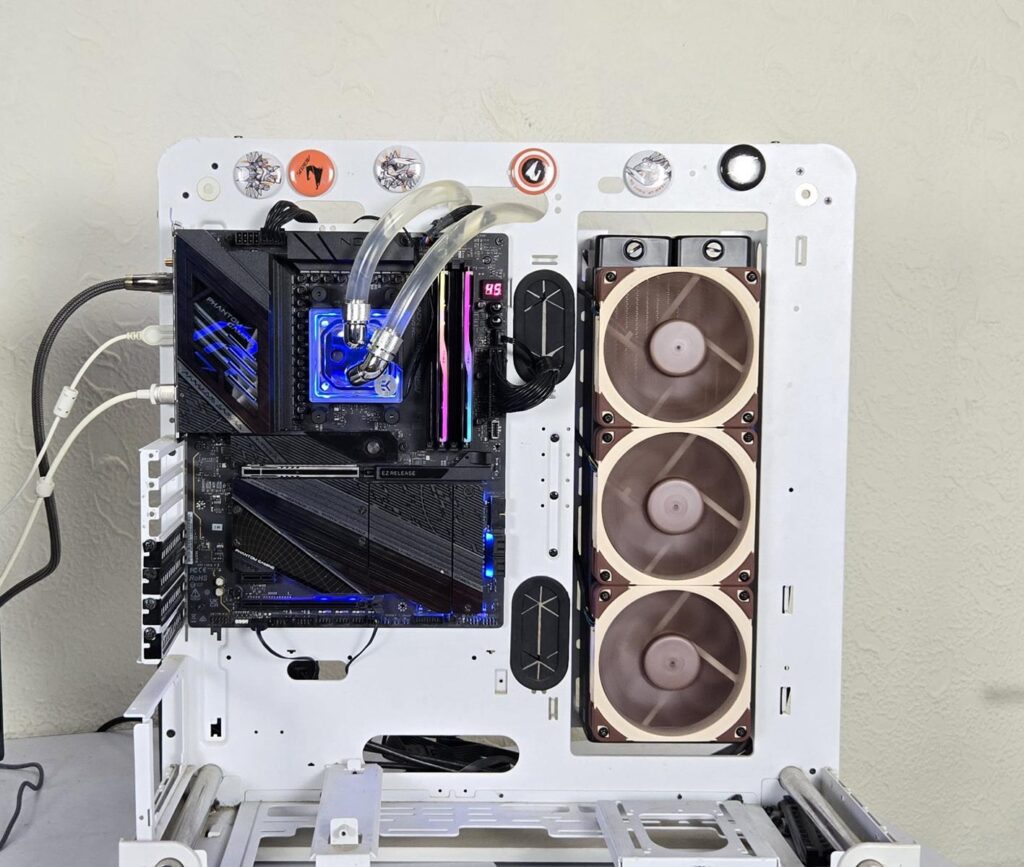
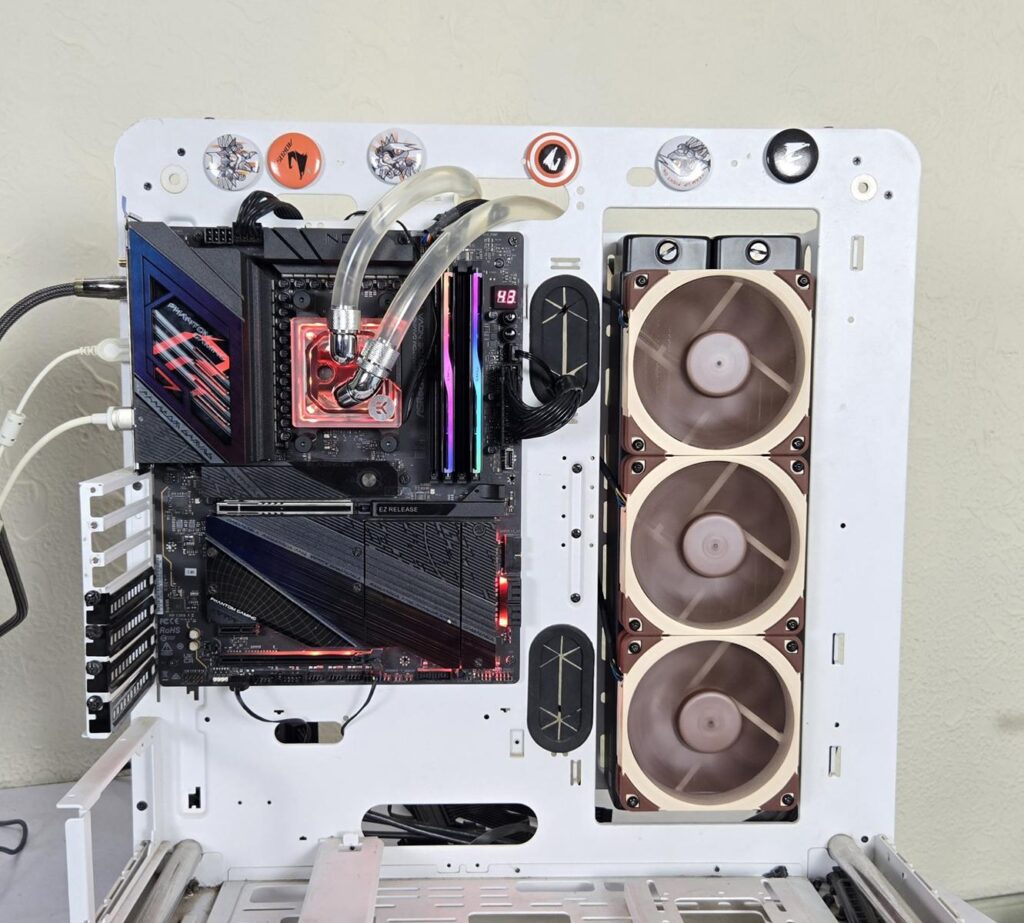
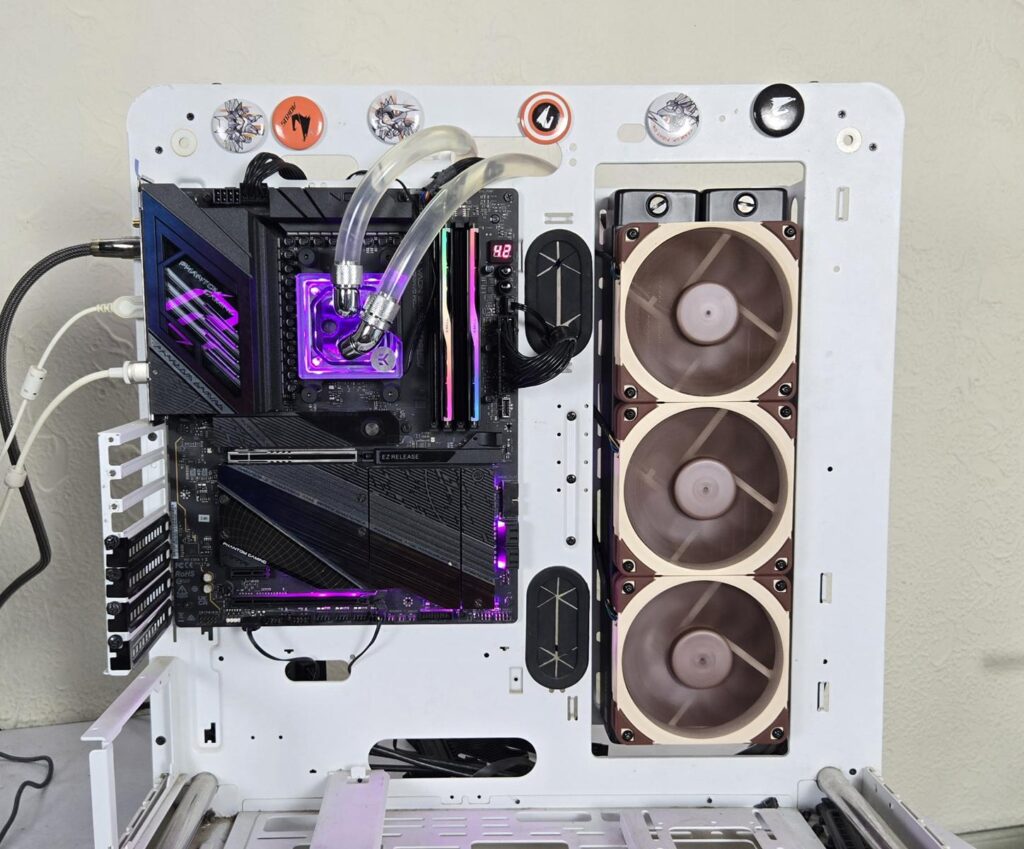
I have tested the block on ASRock X870E NOVA WiFi. The lighting was responding well to the changes in the PolyChrome Sync app.
Thermal Testing
The following configuration is used for thermal testing:
- AMD Ryzen 9 9900X
- ASRock X870E NOVA WiFi
- GSkill TridentZ NEO RGB 32GB 6400MHz CL30 DDR5 kit
- Maxsun B580 Graphics Card for Display
- Biwin X570 Pro 4TB Gen5 NVMe SSD
- Fractal Design ION+ 2P 860W Platinum PSU
- Thermaltake Core P6 TG Snow Edition in an open frame layout
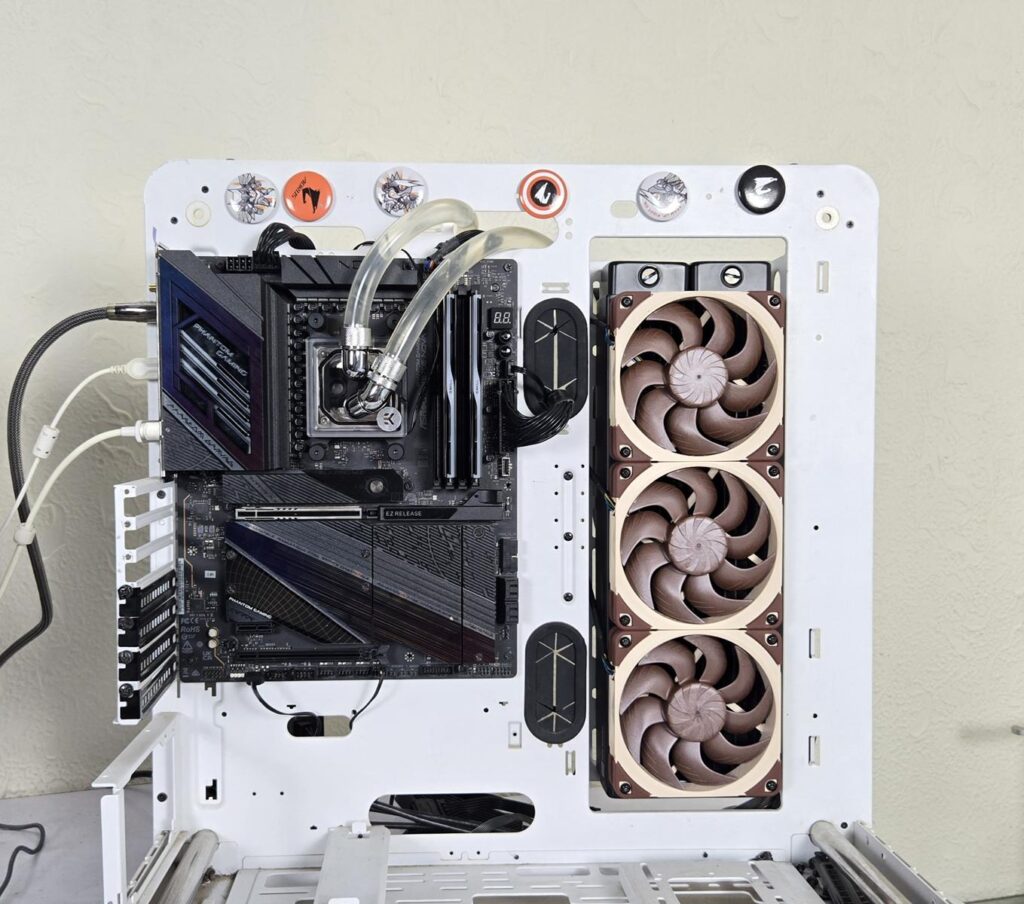
Here is the settings table for testing:
| Settings | PBO Enabled for 243W |
| Clock (MHz) | Auto |
| Voltage (V) | Auto |
| Thermal Paste | Noctua NT-H2 |
| Thermal Paste Application | Dots Method |
| Test Run Time | 30 minutes |
| Idling Time | 10 minutes |
| Fan Speed | 100% PWM |
| Pump Speed | 60% PWM |
| Stress Software | CINEBENCH R23.2 |
| Monitoring Software | HWINFO64 |
I am reporting absolute temperature in the graph because the room temperature was at 24°C throughout the day. The testing is done on an open-air bench system. Once inside the chassis, the temperatures are expected to rise and would largely depend upon the optimal airflow inside the chassis.
Result
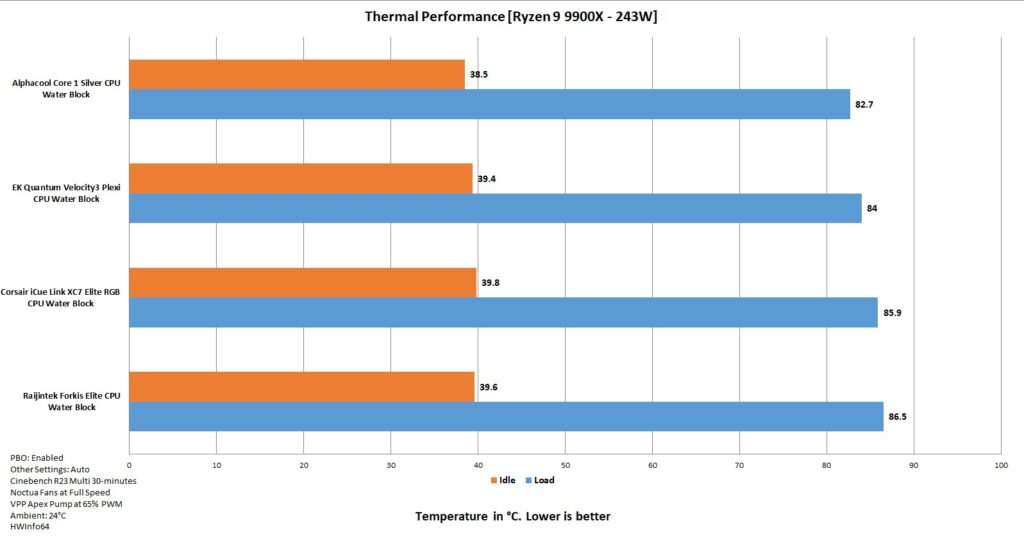
The EK-Quantum Velocity³ Plexi CPU Water Block reached 84°C under full load stress test, it came out in second position in our graph, following the Alphacool’s Core 1 Silver Aurora block with a difference of 1.3°C. This is a good performance from the EK CPU Water Block.
Conclusion
EK Water Blocks has released a new generation of CPU Water Blocks fitting in its EK-Matrix7 eco-system, wherein the distance and height between two ports is managed with an increment of 7mm. Since Matrix7 is not the point of discussion here, I will not go into its details. You can read more about it on the EKWB website. The block has a dimension of 69x69x25.1mm.
The new blocks are available in Plexi and Acetal base tops. The white edition is also based on Acetal. I have tested the Plexi version. These blocks are compatible with AMD AM5 and Intel LGA 1700/1851 sockets only. One particular design change is the internal rotation of the distributor and jet plate, which gives a better alignment for optimized CPU die coverage for effective heat transfer. This means you are required to open the block anyway, but here is a catch. The default orientation of these blocks is for Intel-supported sockets, so you don’t need to open the block if on Intel, but you have to open it for the AMD AM5 socket.
These blocks have two G1/4” ports. The EK silver logo needs to be upright when installing the block. Taking this reference, the top port is the dedicated inlet port, and the bottom is the dedicated outlet port. You have a fully see-through Plexi top. The Velocity³ branding is shown on the front as well.
These blocks feature 14 ARGB LEDs on a strip and use a standard 3-pin, 5V ARGB connector, making it compatible with the RGB sync technology of various motherboard manufacturers. The black color cover around the block hides the strip.
This block has a nickel-plated copper cold plate featuring 56 fins wherein 40 fins are full length followed by 8+8 fins in different lengths as per the clearance on the sides. This is a less dense design compared to the 65 fins on the Alphacool Core 1 Silver Aurora CPU water block. The main container with Plexi has an O-ring sitting between the cold plate and itself.
The internal rotator is actually a distributor of coolant, and a metallic jet plate is placed over the distributor top. This distributor and jet plate are rotated differently for AMD AM5 sockets and Intel LGA 1700/1851 sockets. This feature gives the block good compatibility for optimal heat transfer, coming from a better alignment of the jet plate with the CPU die. Make sure to check the user guide (not supplied with the block but available online) or the video tutorials on the EKWB website. The coolant flows from the bottom port, directly over the jet plate, and splits on the fin stack. The warm coolant flows around the fin stack and goes toward the outlet port. It creates a split stream. I am not sure about the inter-gap between the fins.
The installation of this block is simple and effective. On AMD AM5, it requires 14 items in total to install the block over the CPU. This is a tad more than what is required for the Alphacool Core 1 Silver Aurora CPU water block. However, I faced an issue when removing the block. While the block came off easily and the mounting brackets are easy to take apart, the same is not true for the thumb standoff screws. They were not easy to remove, and EKWB does not provide a tool that they do in their Nucleus AIOs. I had to use pliers to loosen the screws and then took them out by hand. Other than that, I have no observation/complaint.
This block has an MSRP of USD 111.99 at the time of this writing. This block comes with a 5-year warranty for your peace of mind. This block has a good thermal performance, coming in at second place in our graph following the Alphacool Core 1 Silver Aurora. The ARGB lighting is on point as well. However, I feel like the price of this unit could have been less to make it a better value for the buyer. I am recommending the EK-Quantum Velocity³ Plexi CPU Water block.
Pros:
- Thermal Performance
- Plexi Top
- A-RGB lighting
- Stylish block design
- Internal Rotation of Components
- Optimal Coverage of CPU Die
- Standard ARGB Connector
- Intel LGA1700/1851 Compatible
- AMD AM4/AM5 Compatible
- Easy Installation
- Warranty
Cons:
- Price could be lowered
- AMD Standoff Screws are not easy to remove