











GAMEMAX Vista 2 AB Review – Stylish Airflow Focused Gaming Case
GAMEMAX Vista 2 AB is the latest gaming case from GAMEMAX. The company has improved a lot over the years. One thing that makes this review special for me is that the GAMEMAX Vista COC was one of the first PC cases I ever reviewed. Since then, I have reviewed many GAMEMAX products, including cases, coolers, and power supplies. It has been nice to see the brand slowly improve its designs and overall quality with time.
The Vista 2 AB follows the modern fish-tank style design that many PC builders like today. It comes with large 270-degree tempered glass panels that give a clear view of the hardware inside. The case also includes three pre-installed ARGB PWM fans, which is good to see at this price range. GAMEMAX has also focused on airflow and cable management to make the Vista 2 case look cleaner and perform better.
On paper, the Vista 2 AB looks promising for gamers and PC builders who want both good looks and cooling support. In this review, I will take a closer look at its design, airflow, cooling support, and overall user experience.
Unboxing
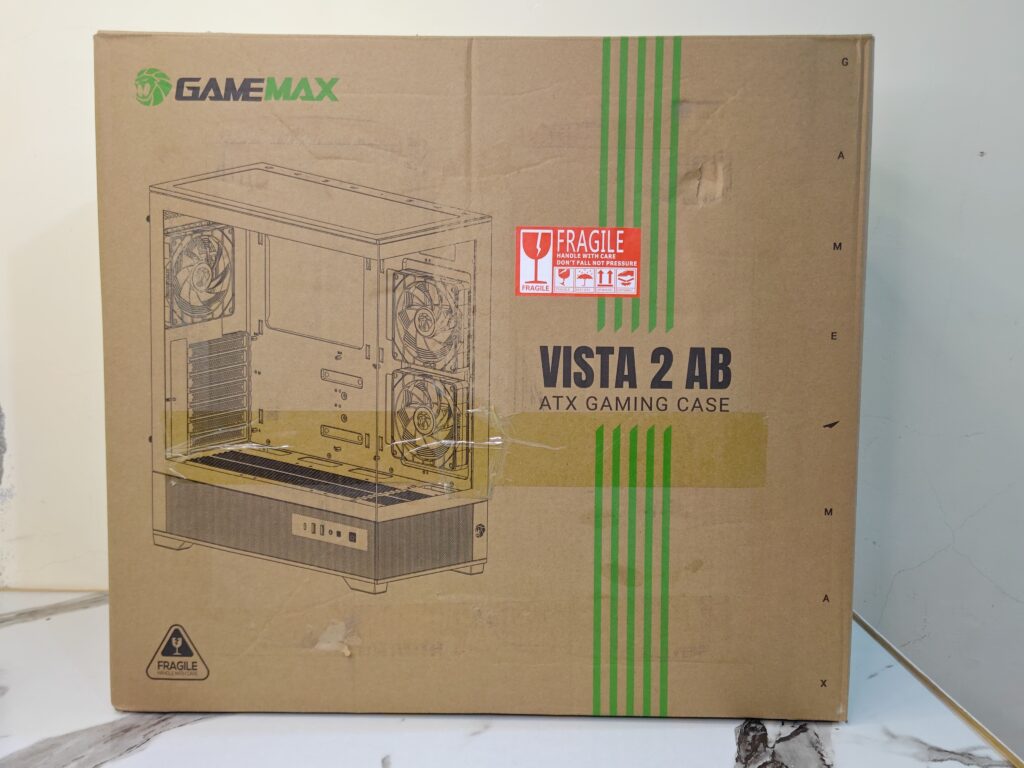
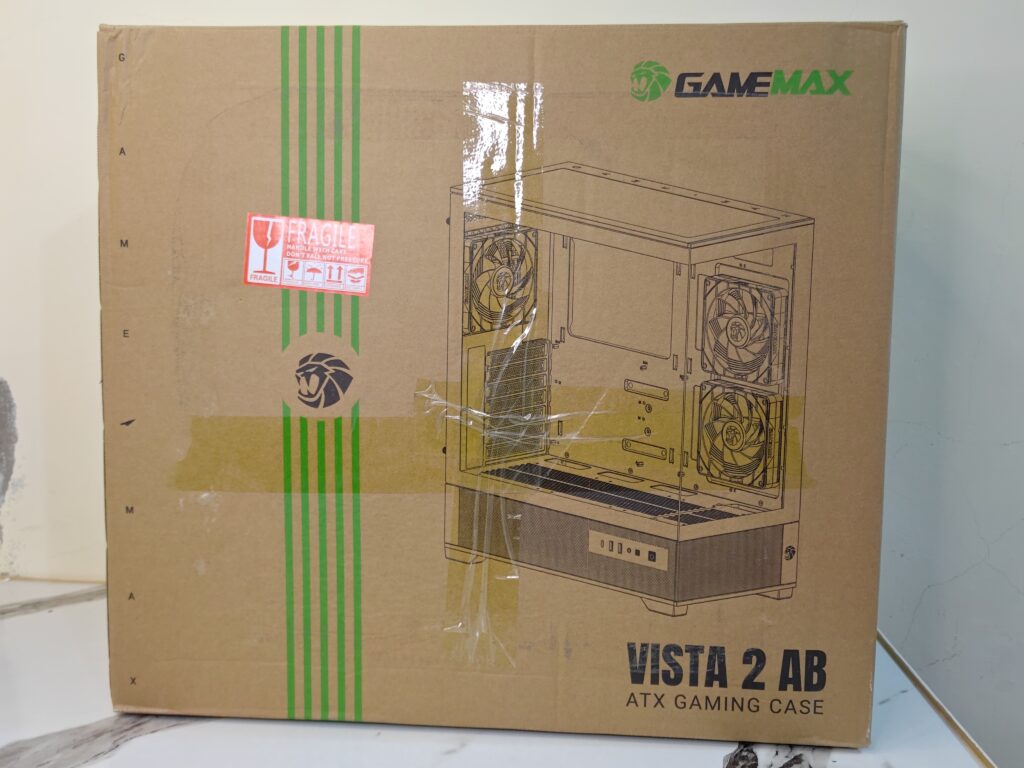
The GAMEMAX Vista 2 AB comes inside a large brown cardboard box. Both the front and back sides of the box have a simple printed design showing the case along with the GAMEMAX branding and model name. The packaging looks clean and simple.
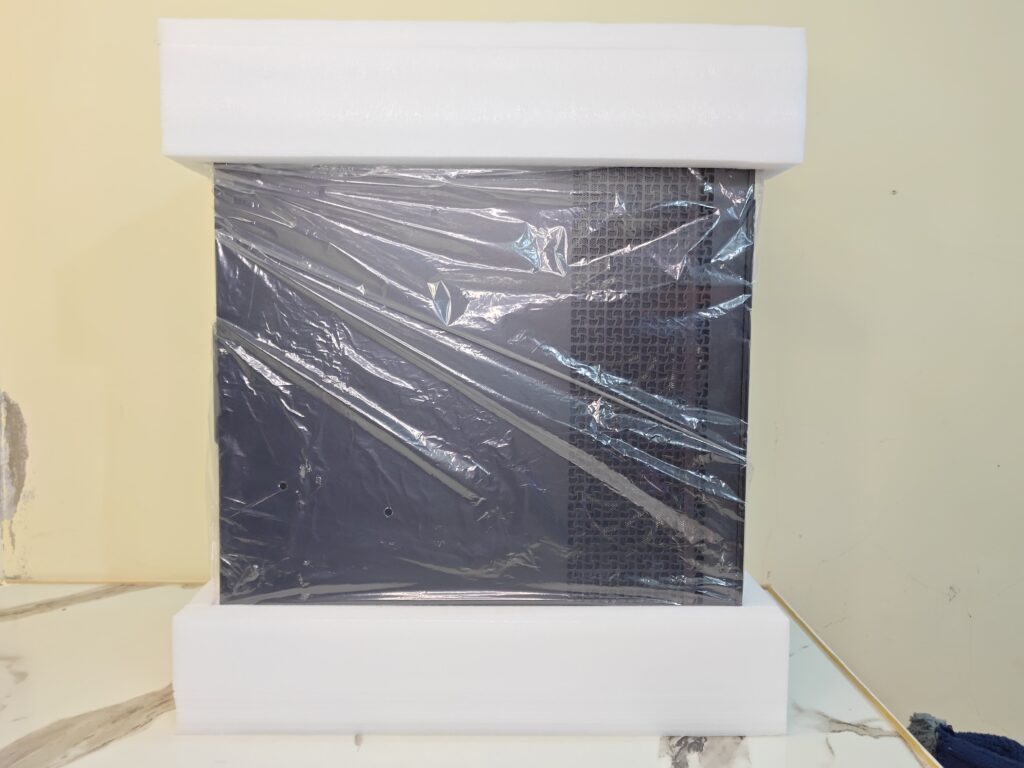
Inside the box, the Vista 2 case was packed safely between thick foam blocks from both sides. The case was also wrapped in a plastic cover to protect it during shipping. Even with the large tempered glass panels, the case arrived safely without any damage or cracks during delivery.
GAMEMAX also includes all the important accessories needed for installation. Inside the accessory pack, you get:
- 15x motherboard screws
- 6x PSU mounting screws
- 8x 3.5-inch HDD mounting screws
- 4x 2.5-inch SSD mounting screws
- 4x SSD rubber pads
- 2x motherboard standoffs
- 12x fan screws
- 5x cable ties
- 1x ARGB remote controller
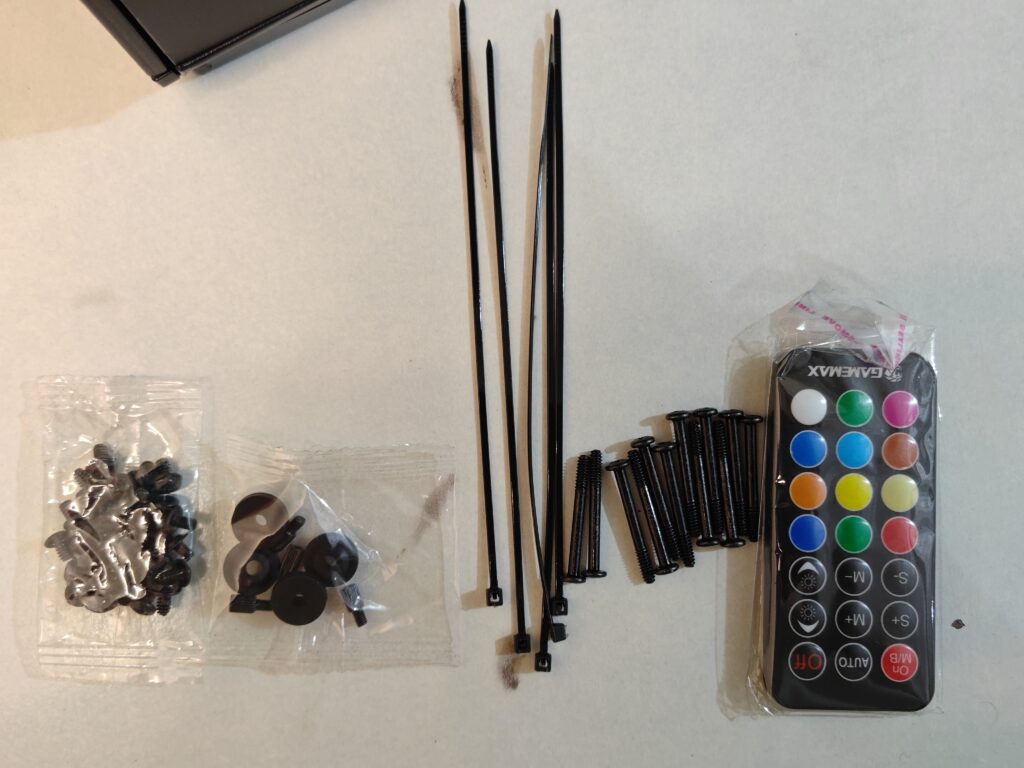
The included remote controller can be used to change RGB lighting effects, colours, and brightness easily. Overall, GAMEMAX provides enough accessories for a complete PC build experience right out of the box.
GAMEMAX Vista 2 specifications
| Specification | Details |
|---|---|
| Model | GAMEMAX Vista 2 AB |
| Form Factor | Midi Tower |
| Chassis Material | SPCC 0.6mm |
| PSU Support | Bottom Mounted / ATX |
| Motherboard Support | E-ATX, ATX, M-ATX, ITX |
| Front Panel | Tempered Glass + Mesh |
| Top Panel | Metal Cover |
| Left Side Panel | Tempered Glass |
| Right Side Panel | Metal Cover |
| External Drive Bays | 0x 5.25-inch, 0x 3.5-inch |
| Internal Drive Bays | 2x 3.5-inch HDD, 2x 2.5-inch SSD |
| Storage Configuration | 2x HDD + 1x SSD or 1x HDD + 2x SSD |
| Buttons | Power Button, LED Switch |
| USB 2.0 Ports | 0 |
| USB 3.2 Type-A Ports | 2x USB 3.2 Gen1 |
| USB Type-C Port | 1x USB 3.2 Gen2 |
| Audio Port | 1x Combo Audio Jack |
| RGB Controller | V5.0 PWM ARGB HUB |
| Maximum Fan Support on Controller | Up to 6 Fans |
| Maximum LED Strip Support | Up to 6 LED Strips |
| Remote Controller | 1x Included |
| Top Fan Support | 3x120mm or 2x140mm |
| Rear Fan Support | 1x120mm Tornado T12 ARGB |
| Motherboard Side Fan Support | 2x120mm Tornado T12 ARGB-R |
| PSU Shroud Fan Support | 3x120mm |
| Top Radiator Support | 120mm / 140mm / 240mm / 280mm / 360mm |
| Rear Radiator Support | 120mm |
| Dust Filters | Top and Bottom Dust Mesh |
| Expansion Slots | 7 |
| VGA Clearance | Up to 410mm |
| CPU Cooler Clearance | Up to 165mm |
| PSU Length Support | Up to 265mm |
| Cable Management Space | 25mm |
| Vertical GPU Support | No |
| Chassis Dimensions | 415 × 210 × 470mm |
| Full Case Dimensions | 433 × 210 × 485mm |
| Carton Dimensions | 552 × 282 × 496mm |
| Net Weight | 7.0kg |
| Gross Weight | 8.3kg |
A closer look – Exterior
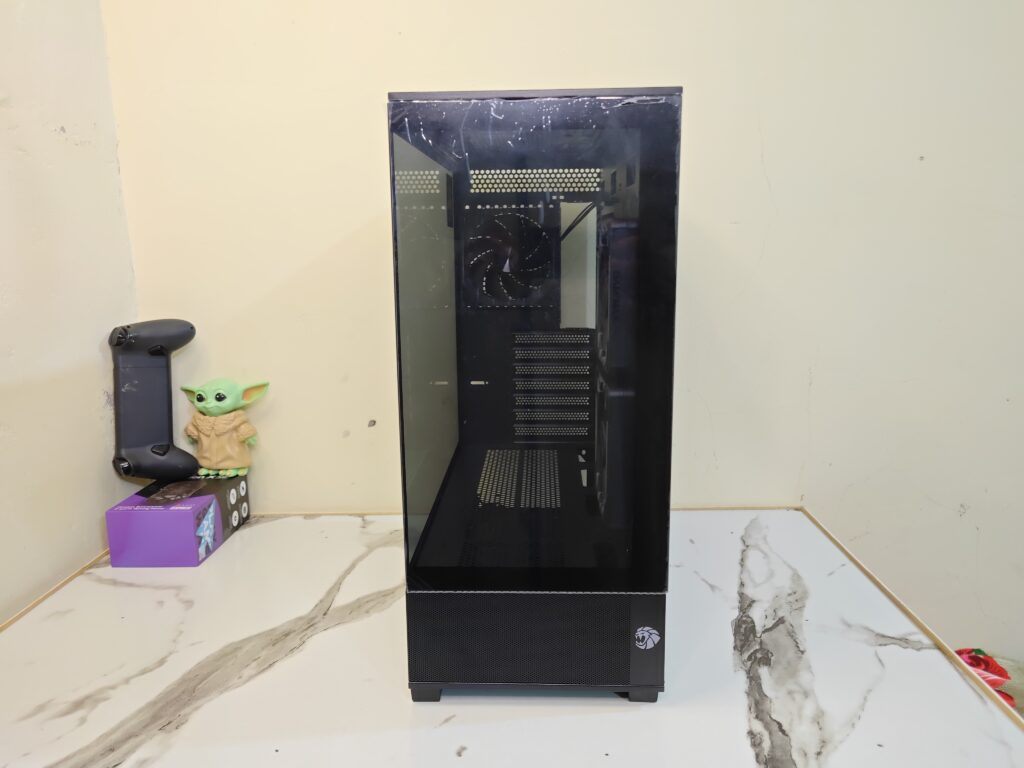
The GAMEMAX Vista 2 AB is available in two colour options, including black and white. The model I received is the black version. The case follows the modern fish-tank style design with dual tempered glass panels that give it a clean and premium look.
In terms of size, the case measures 433 × 210 × 485mm with the full chassis. It weighs around 7kg, which feels reasonable for a tempered glass ATX case. The overall size is large enough to support high-end hardware while still keeping a clean layout.
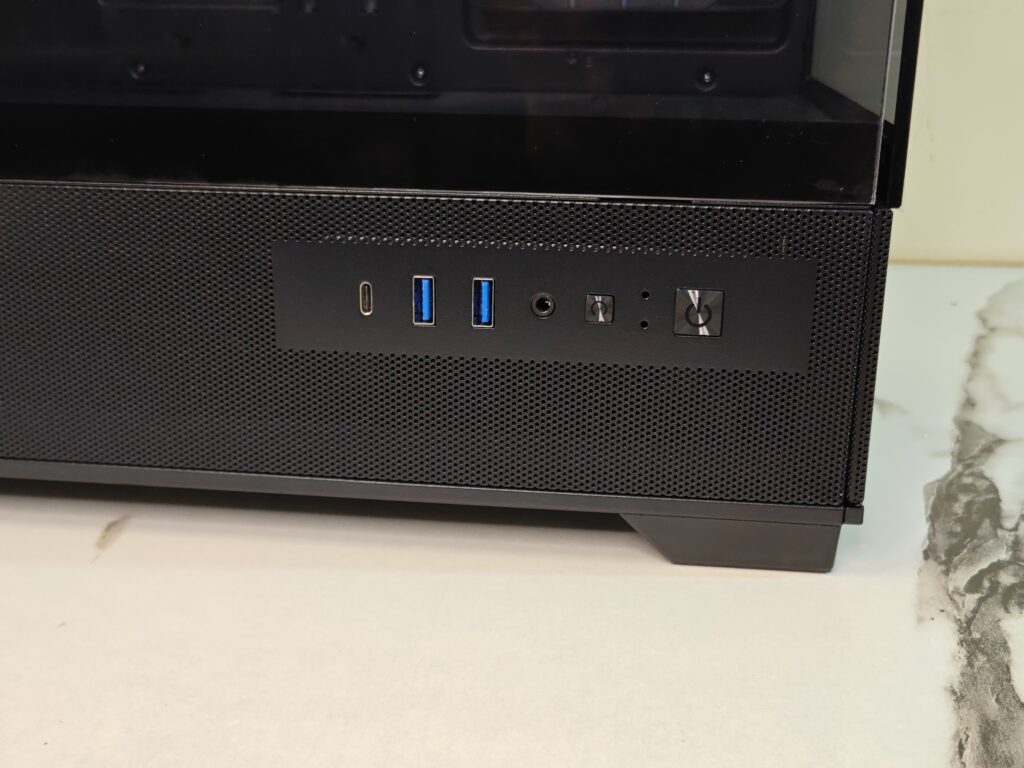
Starting from the left side, the Vista 2 case comes with a removable tempered glass side panel. This gives a clear view of the hardware inside and helps showcase RGB lighting nicely. At the bottom section, GAMEMAX has added a large mesh area for airflow. The front I/O panel is also placed here, which is a bit different compared to many traditional cases.
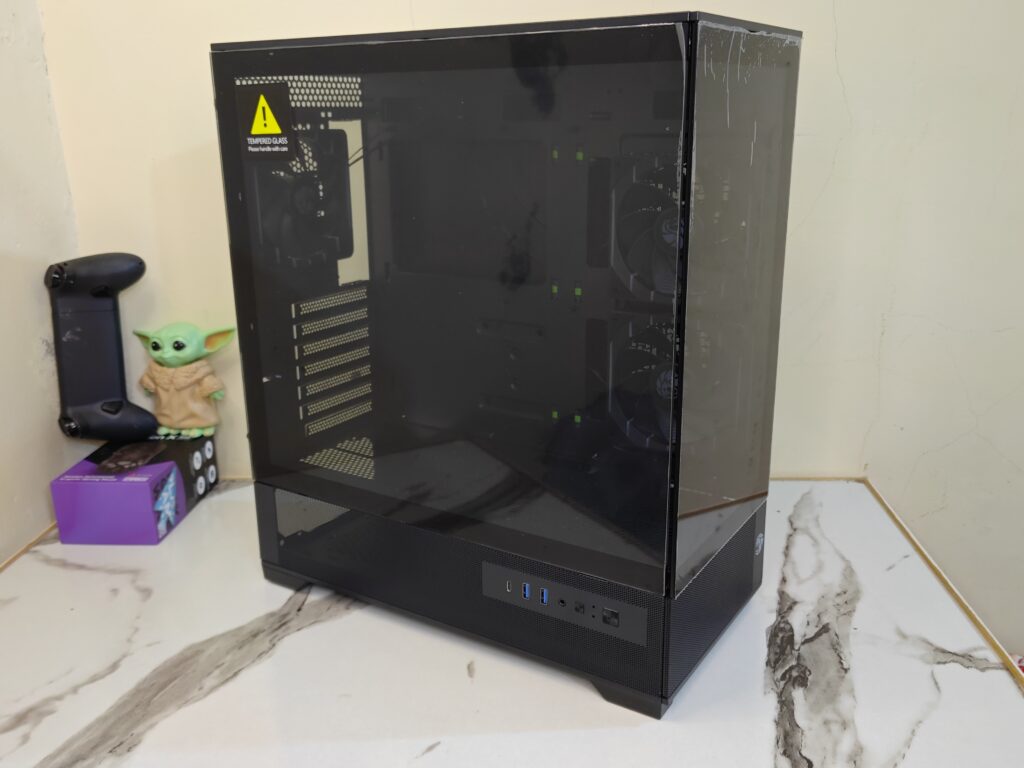
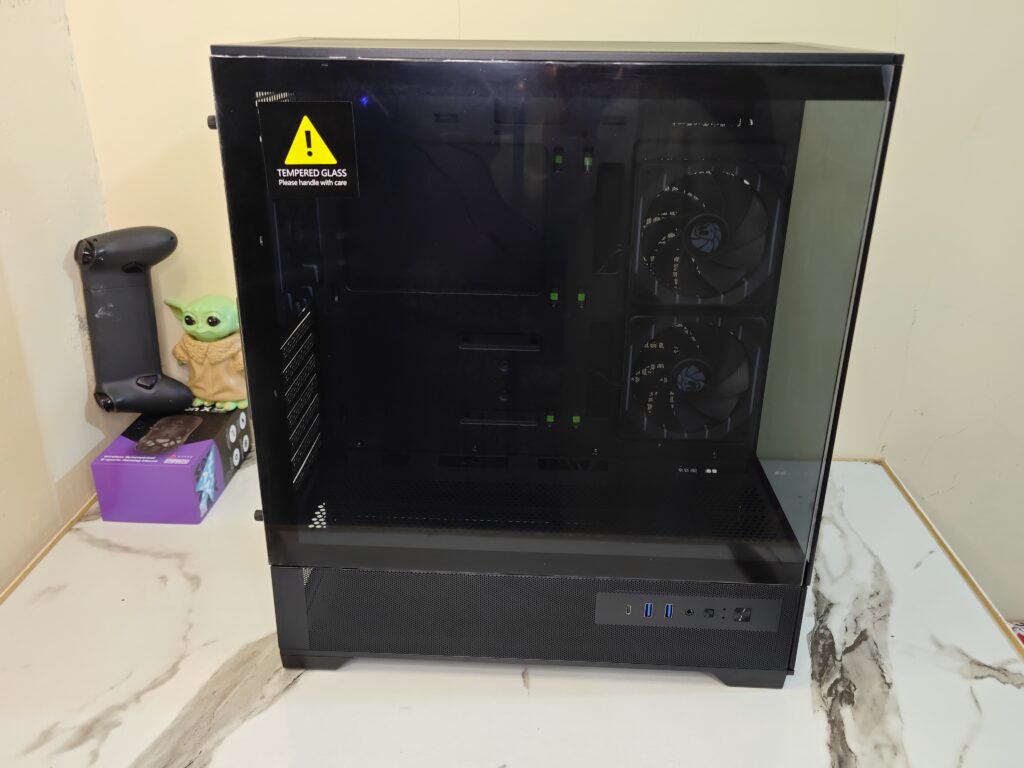
For connectivity, the front I/O includes:
- 1x USB 3.2 Gen 2 Type-C
- 2x USB 3.2 Gen 1 Type-A ports
- 1x Combo audio jack
- LED switch button
- Power button
The buttons feel decent during use, and having a Type-C port is a nice addition for modern devices.
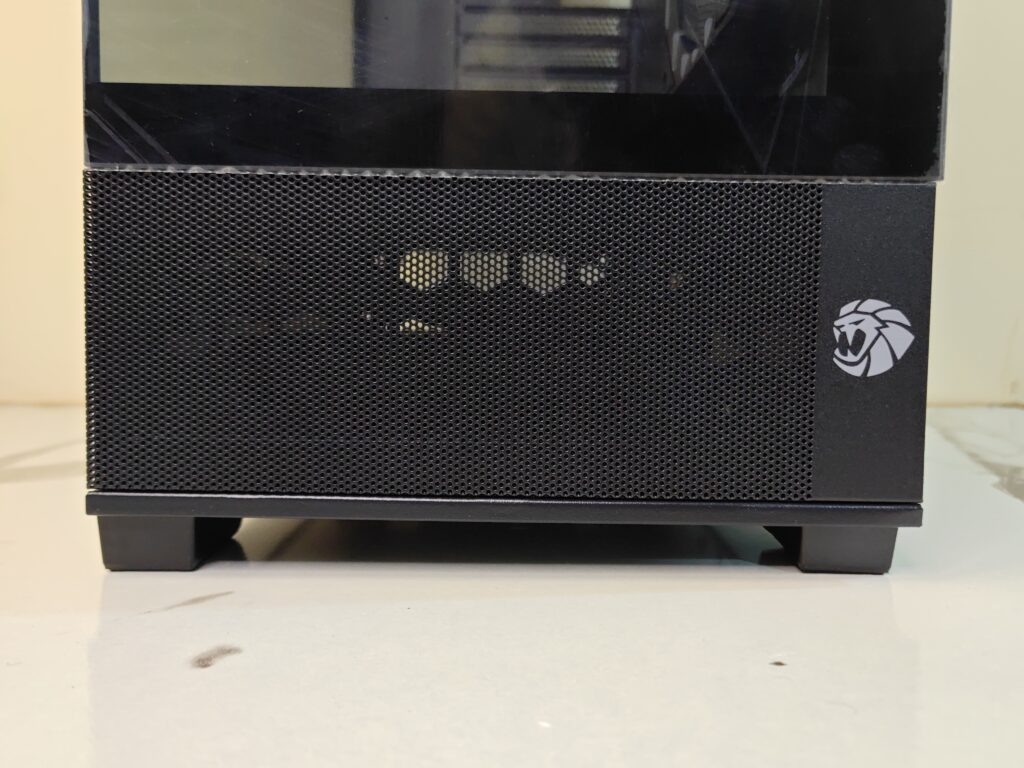
Moving towards the front side, the Vista 2 case keeps the same clean design language. The large tempered glass panel continues here as well, giving the case its panoramic look. Unlike the side panel, the front glass panel is not removable. The lower section again uses a mesh design for airflow, while the GAMEMAX logo is placed neatly at the bottom-right corner. Overall, the front design looks simple, modern, and clean without unnecessary styling.
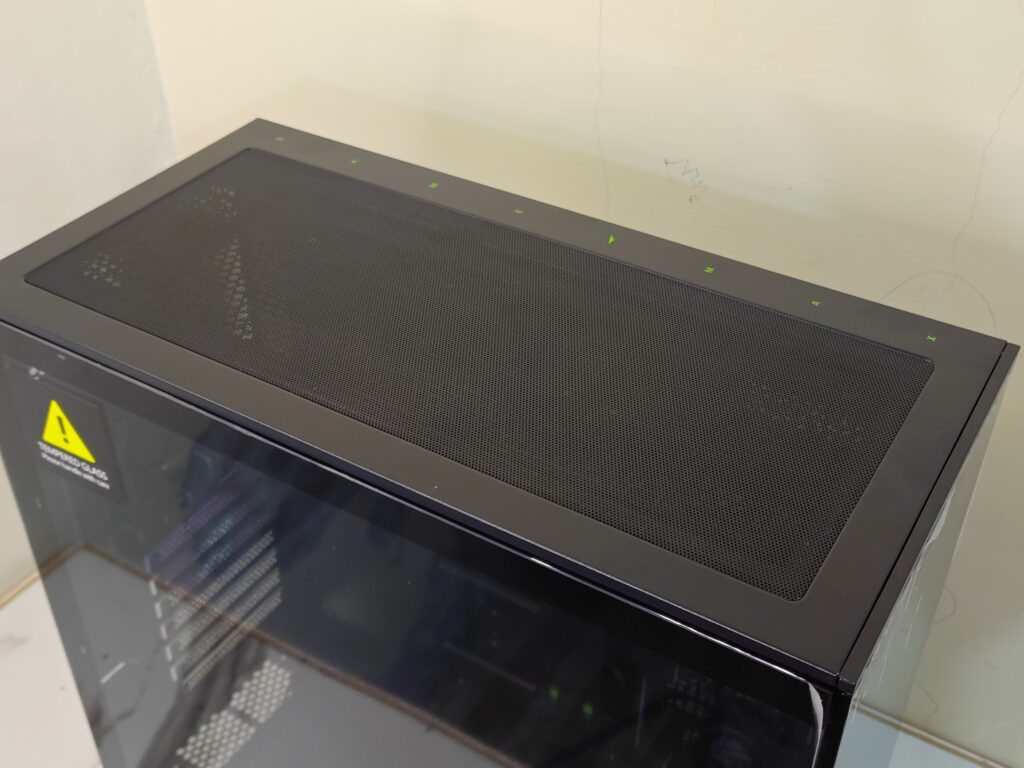
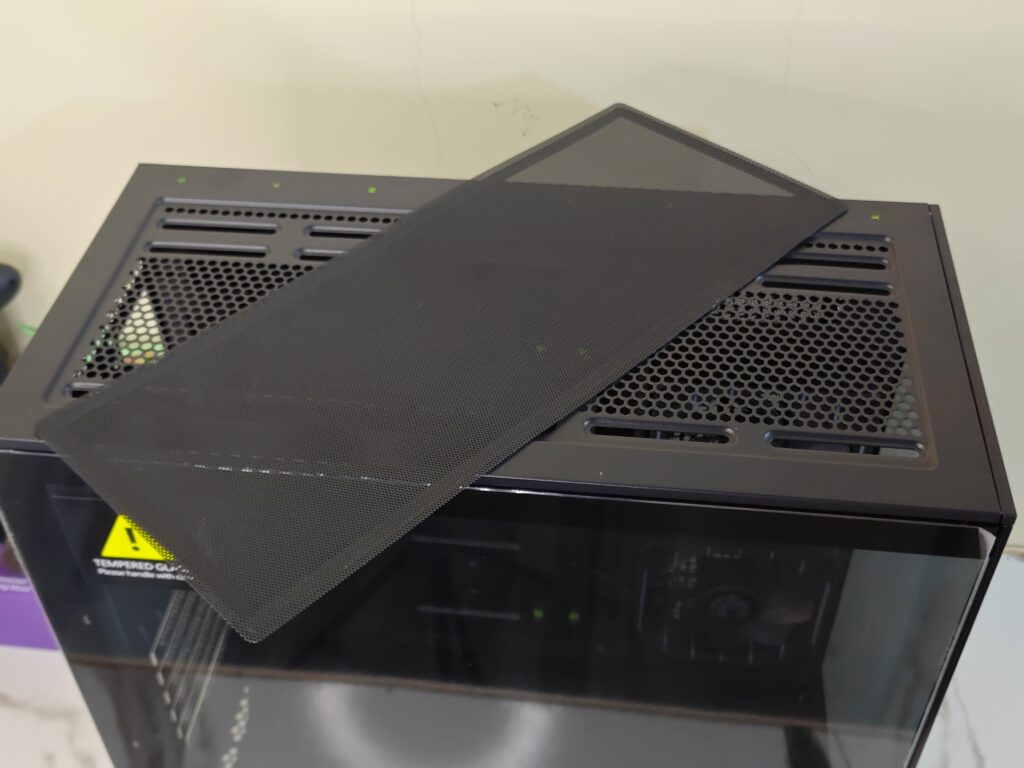
Moving to the top side, the GAMEMAX Vista 2 AB comes with a large mesh ventilation area. The design looks clean and simple. The mesh layout helps hot air escape easily from the case.
GAMEMAX has also added a magnetic dust filter on the top. The filter can be removed easily for cleaning. This is useful for reducing dust inside the system over time.
After removing the filter, you can see the large ventilation openings underneath. The top section supports up to 3x120mm fans or 2x140mm fans. Users can also install radiators up to 360mm here. This gives good cooling support for high-end air coolers and AIO liquid coolers.
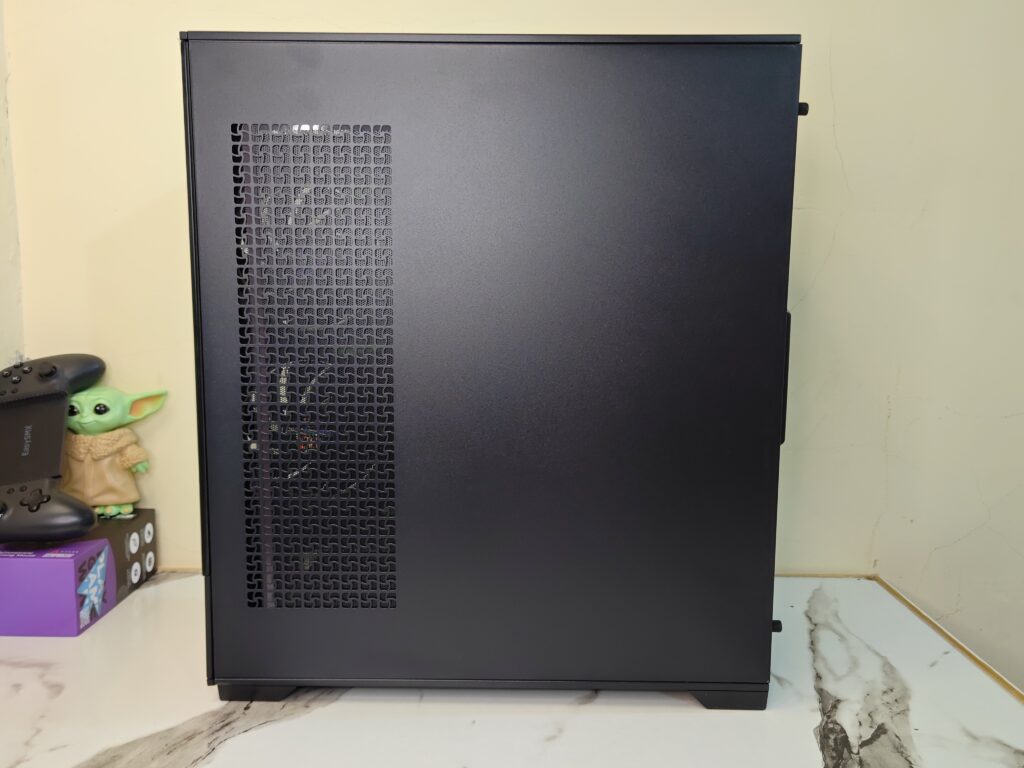
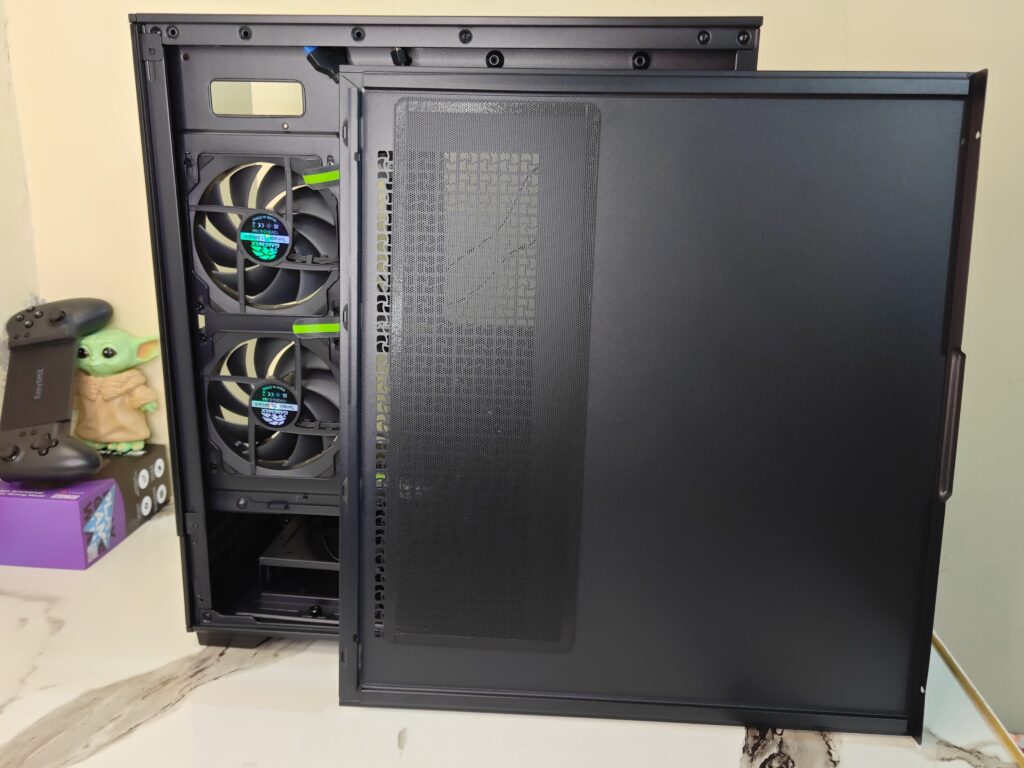
On the right side, the GAMEMAX Vista 2 AB comes with a removable metal side panel. The panel has a clean and simple look with a matte black finish.
GAMEMAX has also added a large ventilation mesh grille on this side. This mesh area is placed exactly where the motherboard-side fans are mounted inside the case. It helps fresh air enter directly towards the fans for better airflow and cooling performance.
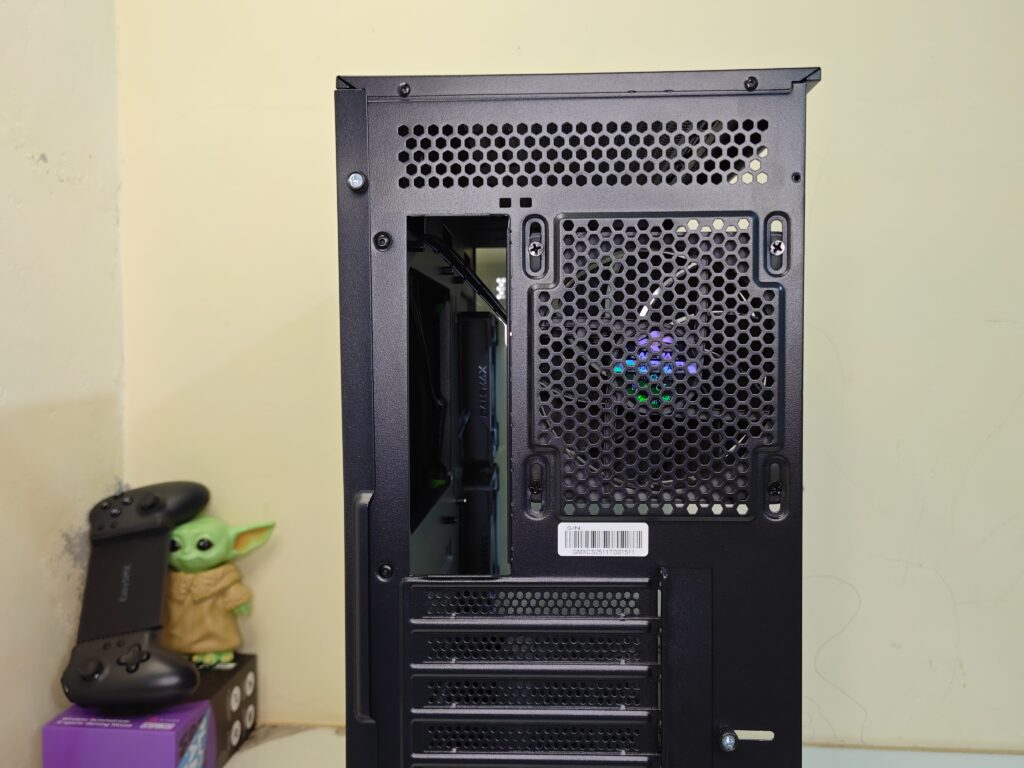
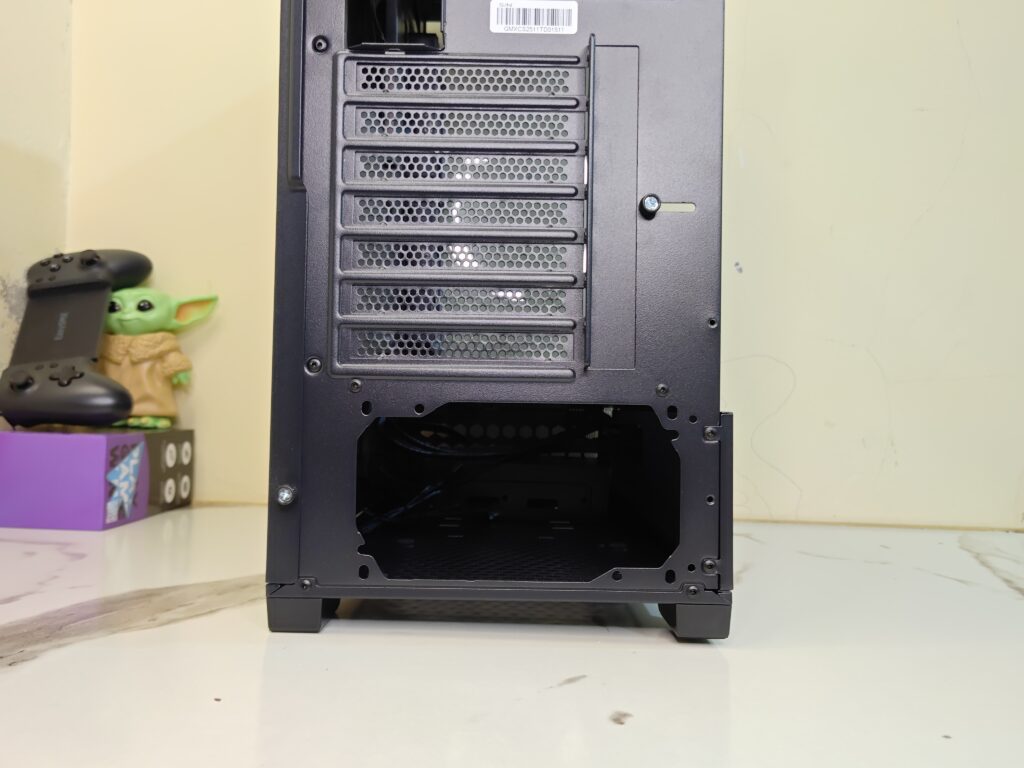
At the rear side, the GAMEMAX Vista 2 AB comes with a standard layout. A pre-installed 120mm ARGB fan is already mounted at the back for exhaust airflow. The case supports up to seven PCIe expansion slots for graphics cards and other expansion devices.
The power supply mounts at the bottom of the case. GAMEMAX has also added a ventilated PSU area with a mesh design to improve airflow for the power supply. The rear section overall looks clean and simple.
Moving to the bottom side, the Vista 2 case comes with four large plastic feet. These feet lift the case slightly above the surface to improve airflow from underneath. GAMEMAX has also included a removable dust filter at the bottom for the PSU intake area. The filter can be removed easily for cleaning.
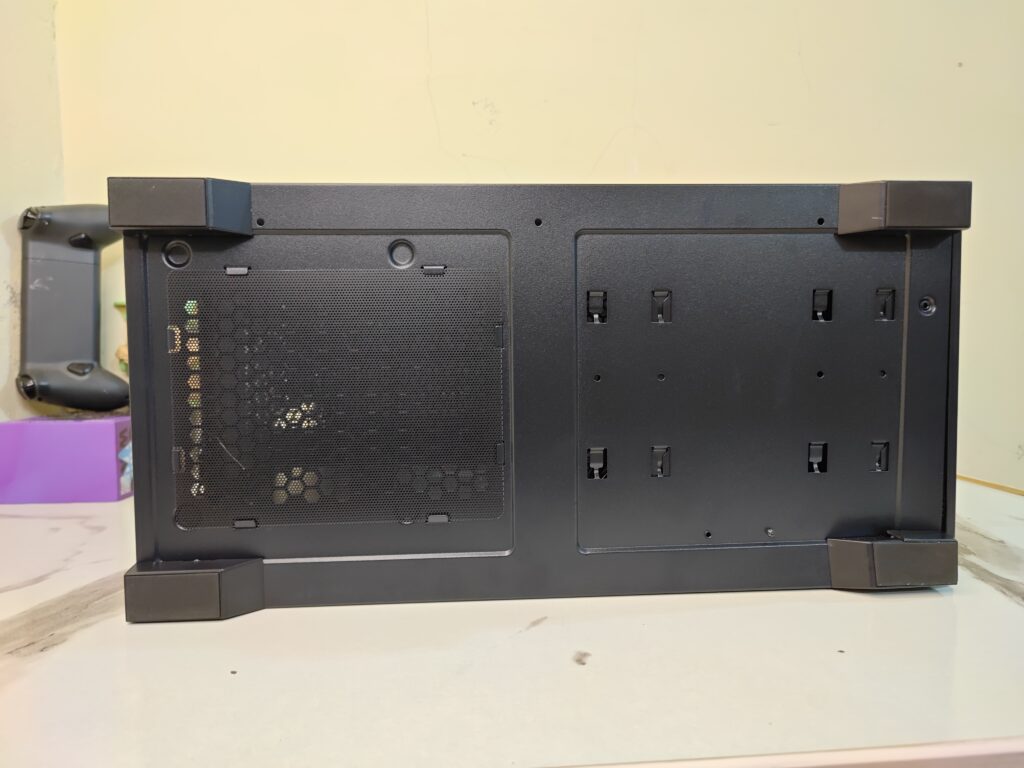
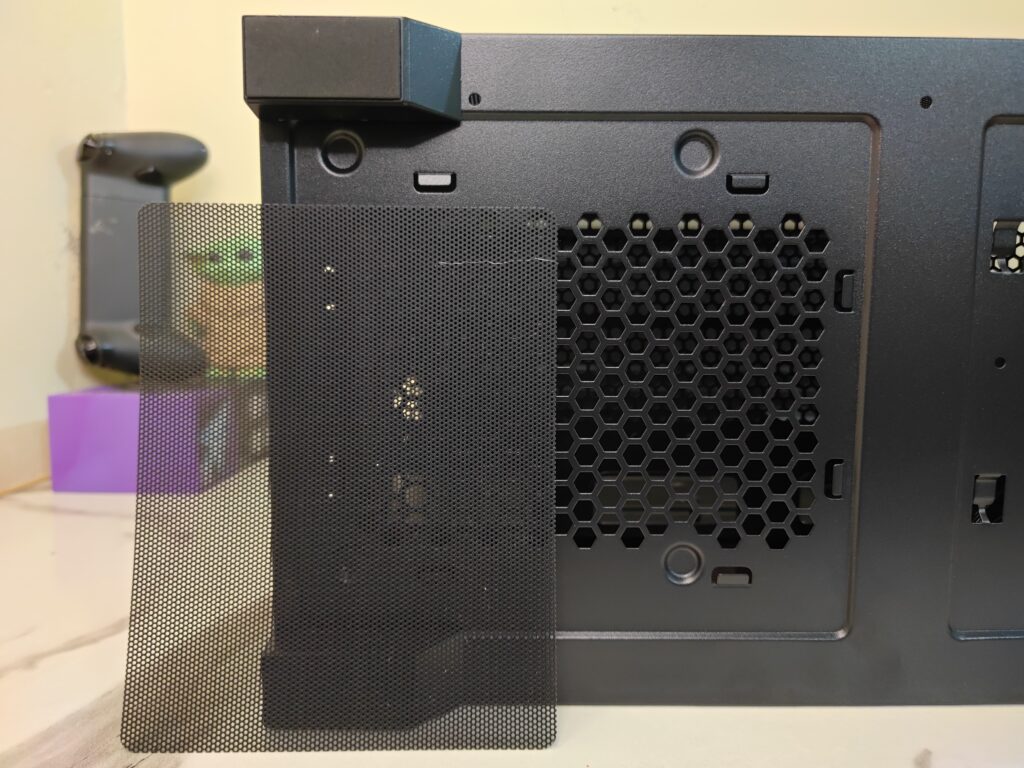
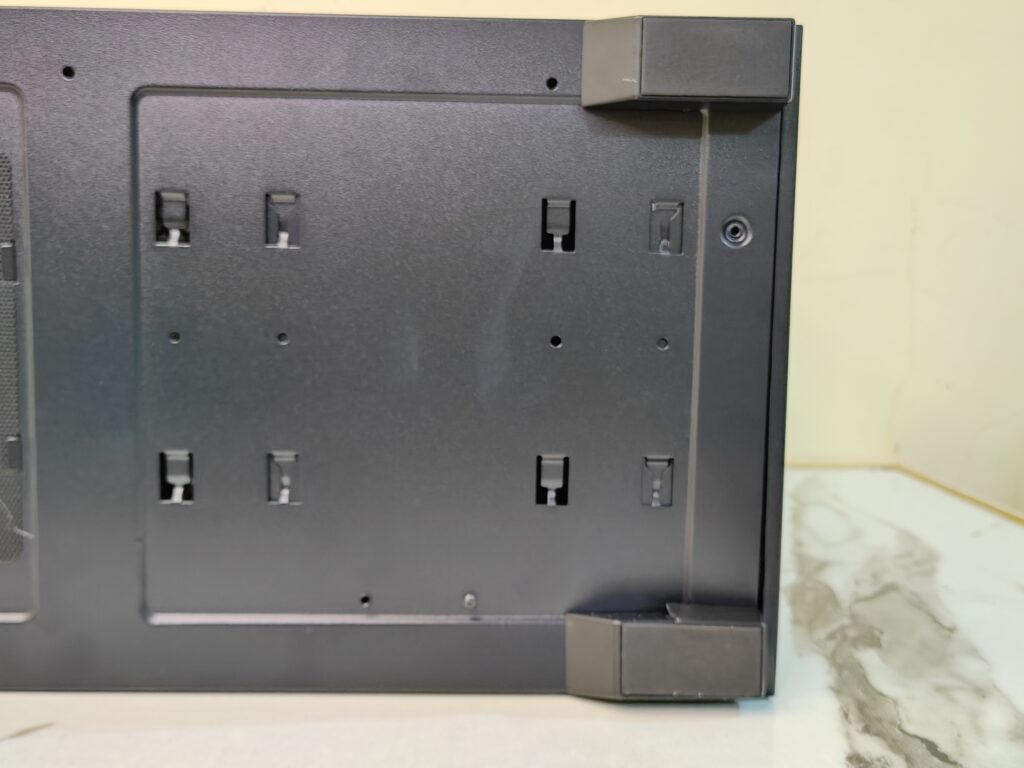
There are also dedicated mounting points for storage drives at the bottom section.
Interior
The left side tempered glass panel can be removed easily. GAMEMAX uses two thumb screws at the rear side. After removing them, the panel simply slides towards the back and comes off easily. This makes installation and cleaning much easier.
Looking inside, the GAMEMAX Vista 2 AB has a modern dual-chamber style layout. The interior space feels quite good for a mid-tower case. There is enough room for large hardware and clean cable management.
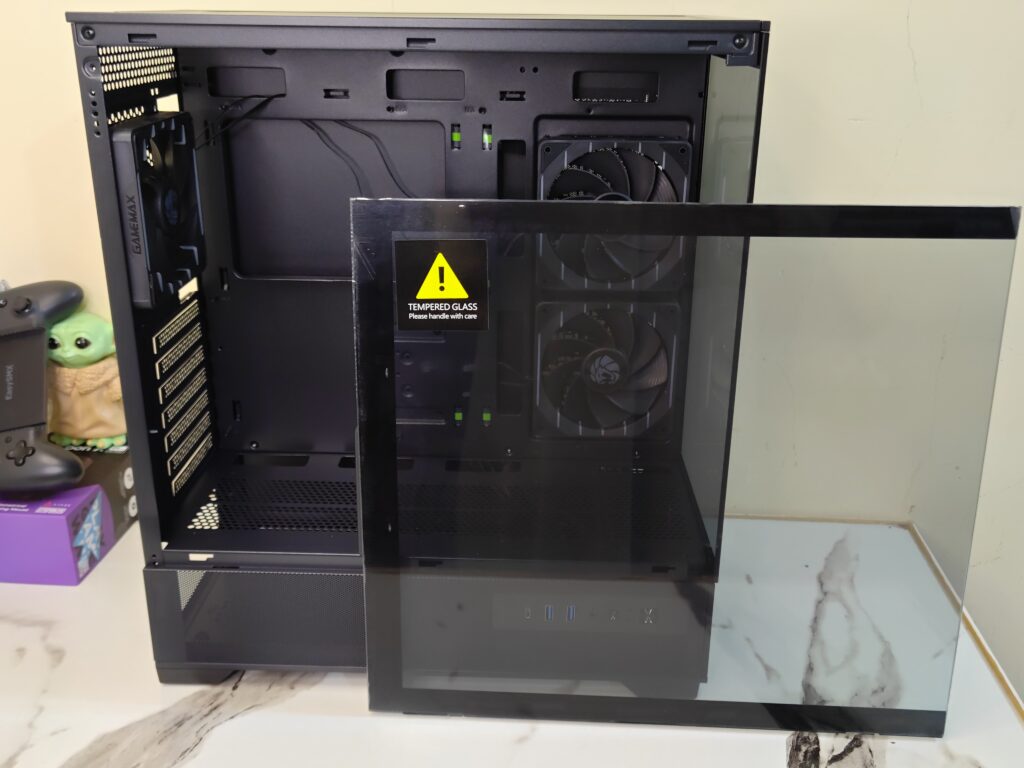
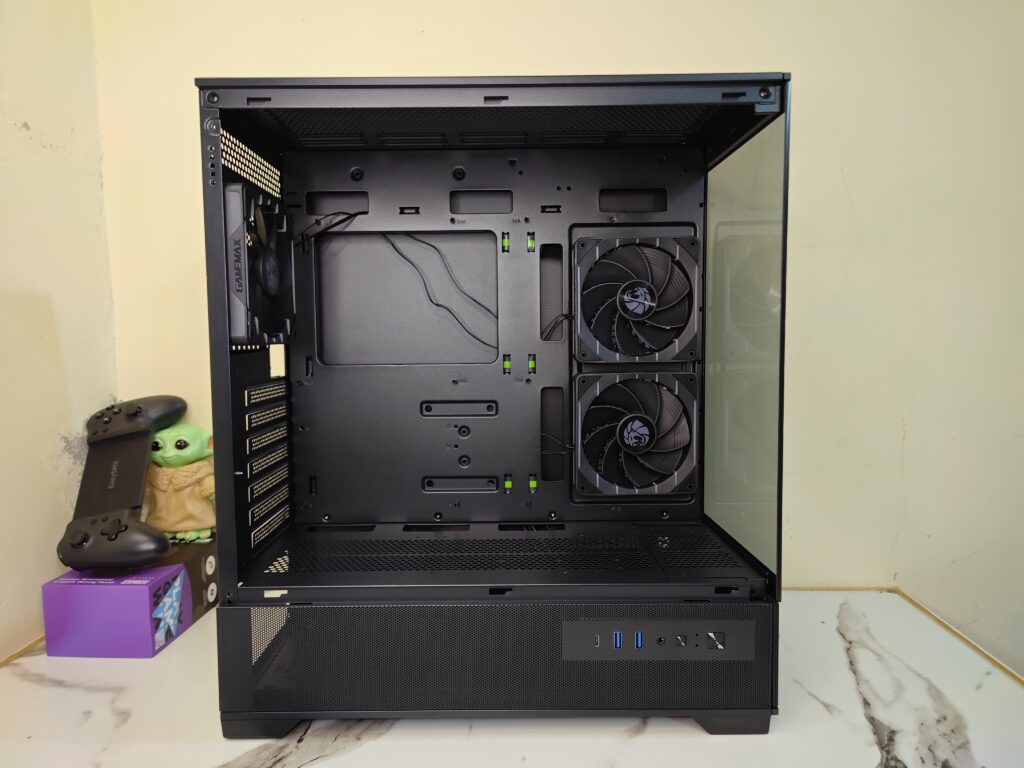
Starting with the motherboard tray, the case supports E-ATX, ATX, M-ATX, and ITX motherboards. The layout feels open and clean. GAMEMAX has also added multiple cable cutouts around the motherboard tray, making cable routing easier during installation.
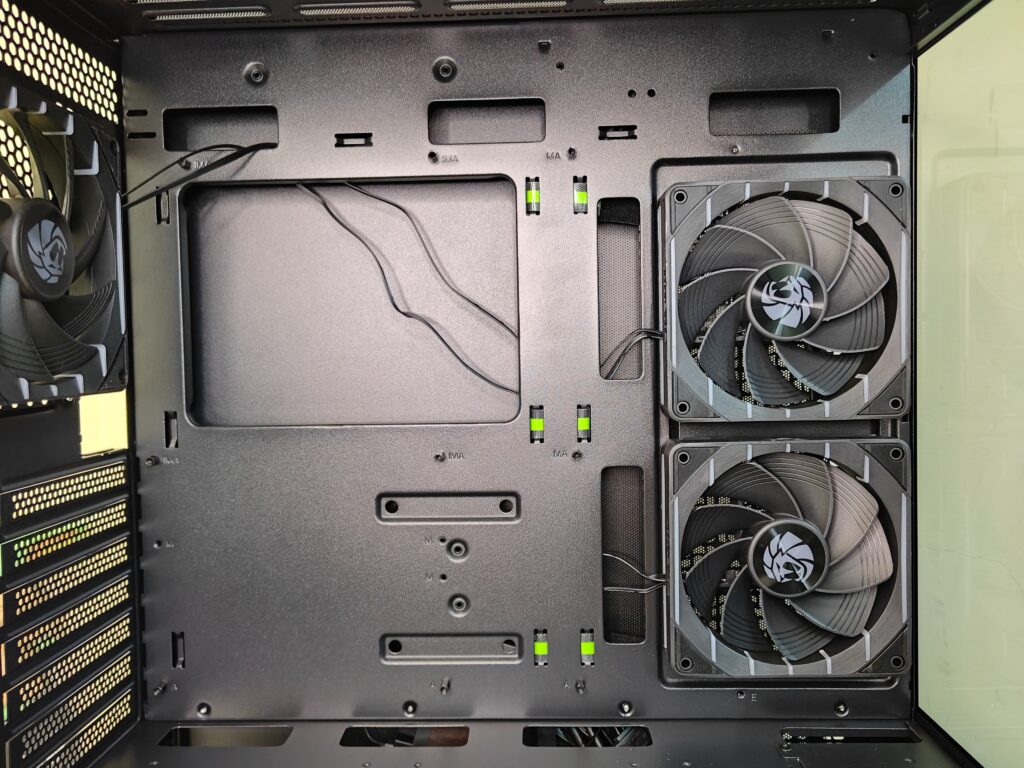
On the side of the motherboard tray, the case comes with two pre-installed reverse Tornado fans. These fans work as intake fans and pull fresh air directly inside the case. At the rear, there is one standard Tornado exhaust fan pre-installed for hot air exhaust. In total, GAMEMAX provides three fans out of the box.
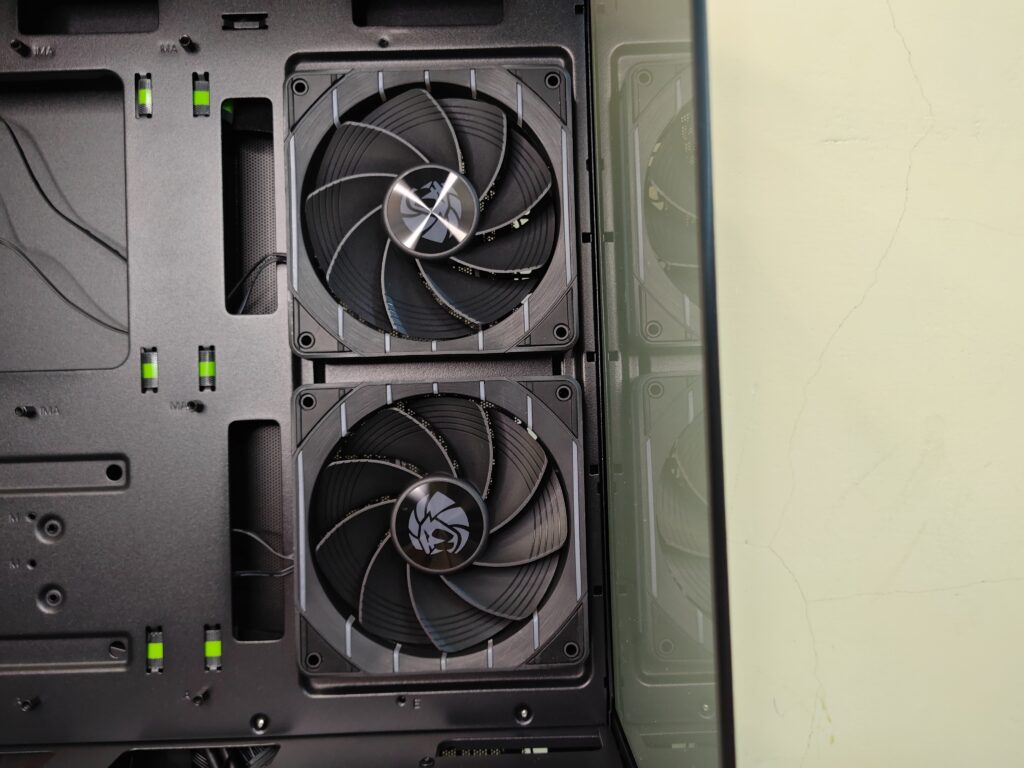
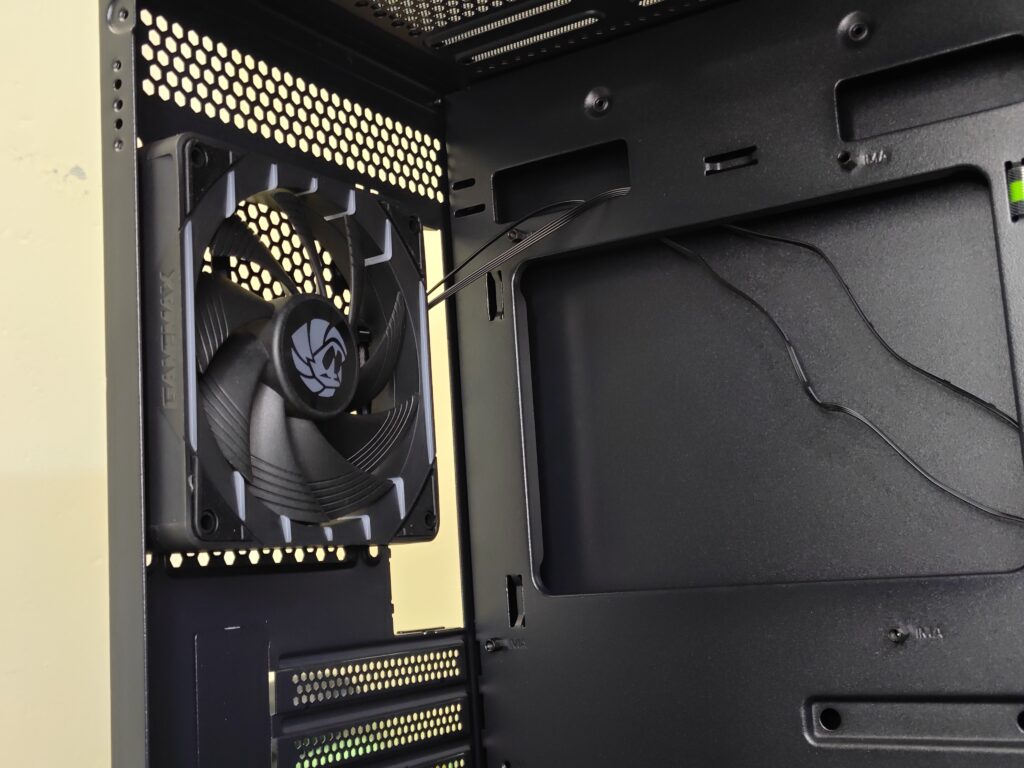
For cooling support, the case offers:
Radiator Support
- Top: 120mm / 140mm / 240mm / 280mm / 360mm
- Rear: 120mm
Fan Support
- Top: 3x120mm or 2x140mm
- Rear: 1x120mm (pre-installed)
- Motherboard Side: 2x120mm (pre-installed)
- PSU Shroud: 3x120mm
The top section has plenty of room for large liquid coolers. Users planning high-end gaming builds will appreciate the cooling flexibility here.
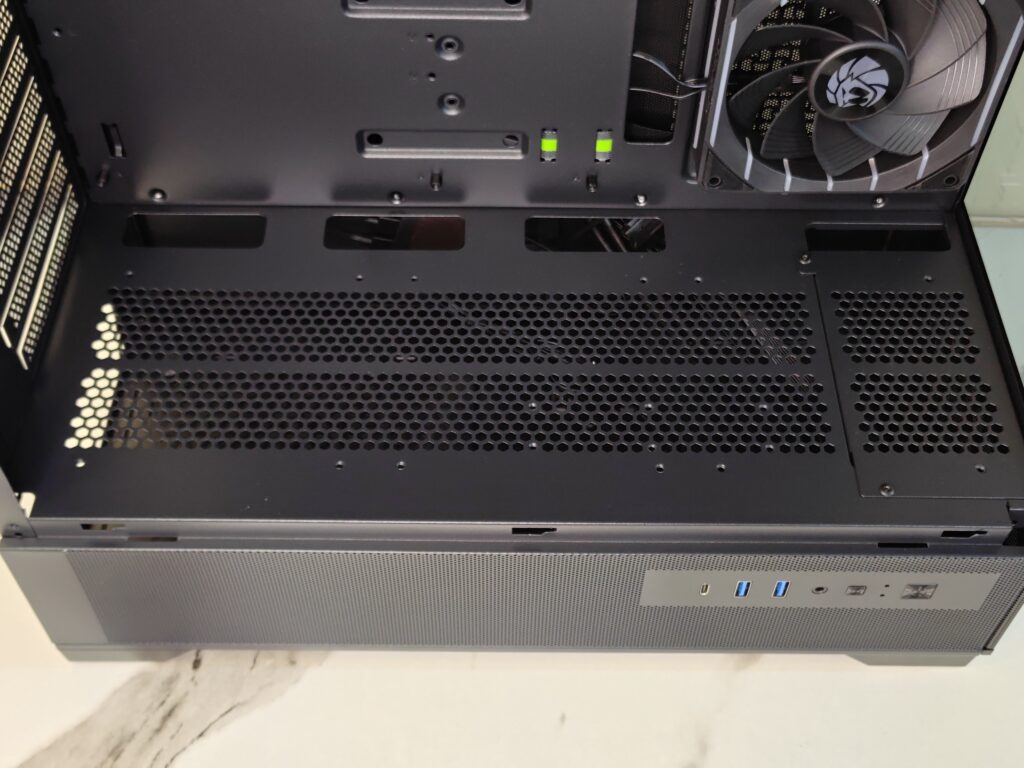
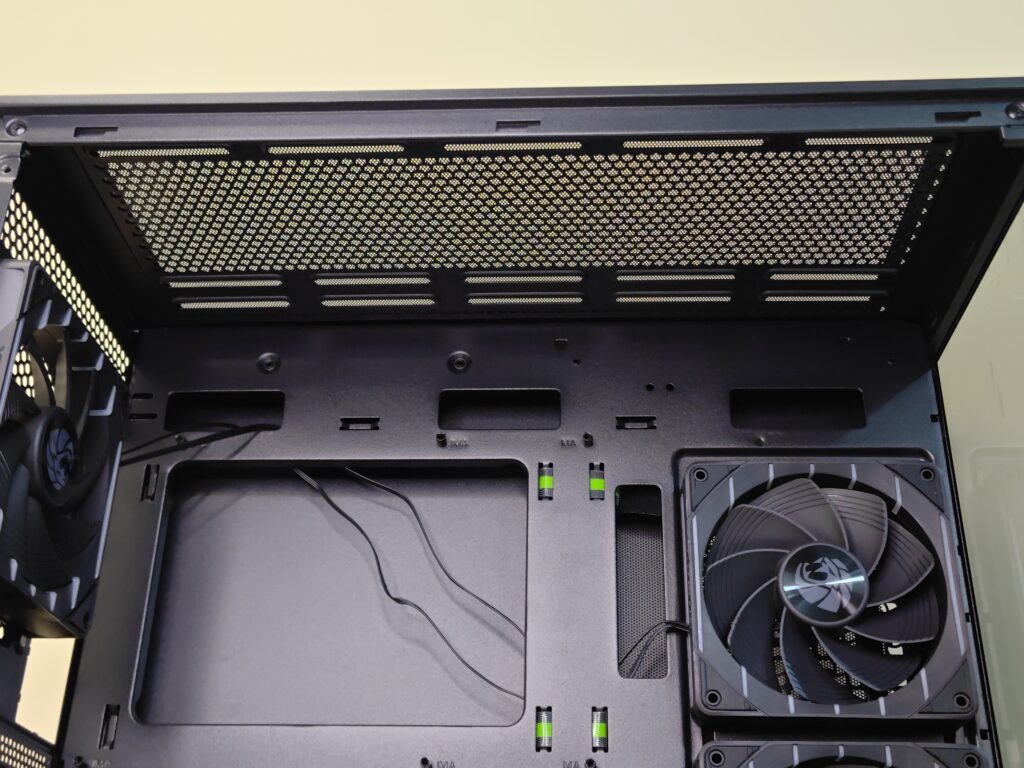
The case also comes with seven PCIe expansion slots and supports graphics cards up to 410mm in length. CPU air coolers up to 165mm in height are also supported.
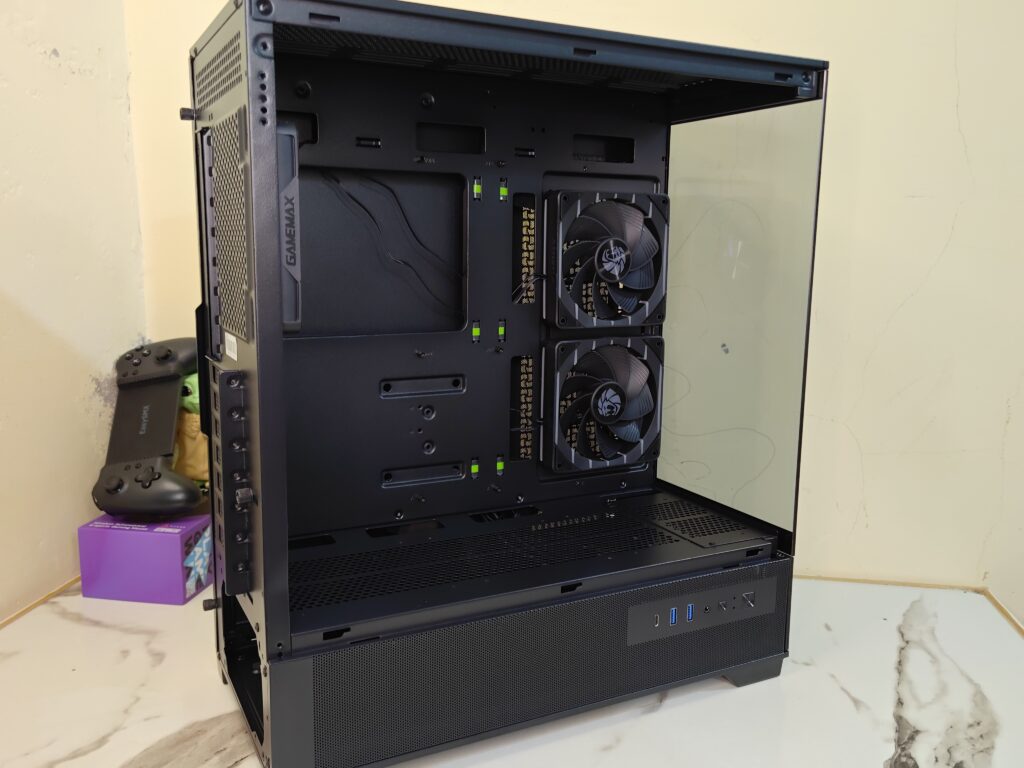
Moving to the right side, the metal panel opens the same way as the tempered glass panel. Two rear thumb screws hold the panel in place, and after removing them, the panel slides towards the back and comes off easily.
Behind the motherboard tray, GAMEMAX includes three cable straps with GAMEMAX branding and logo. These straps are very useful for cable management and help keep the build looking cleaner.
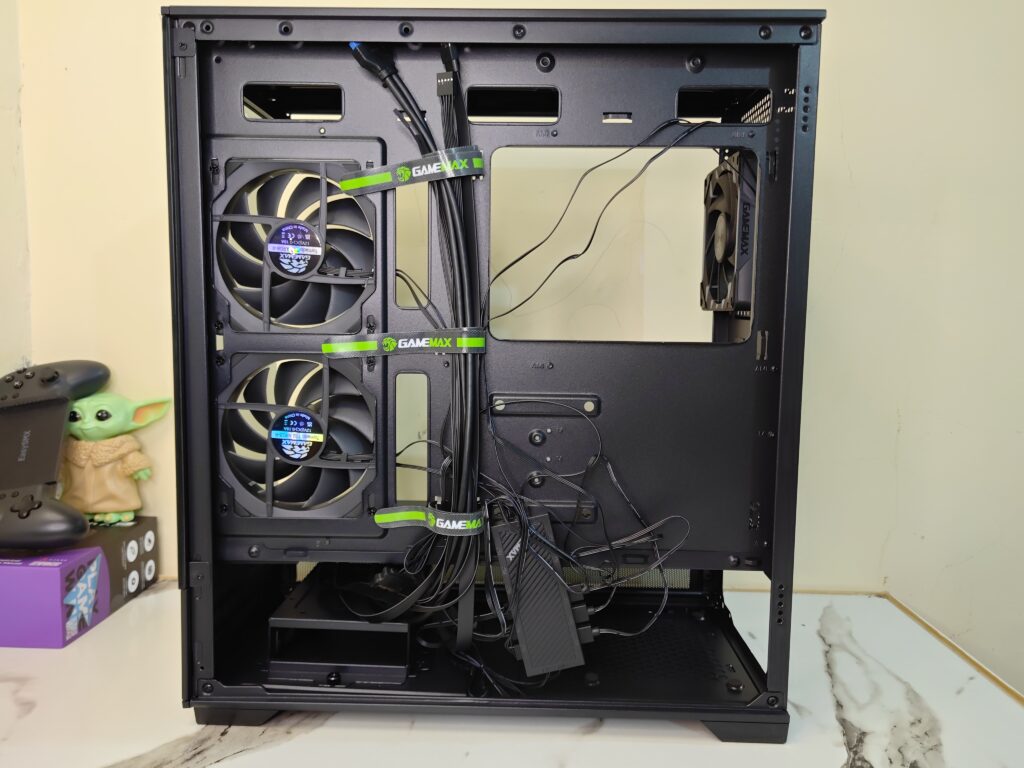
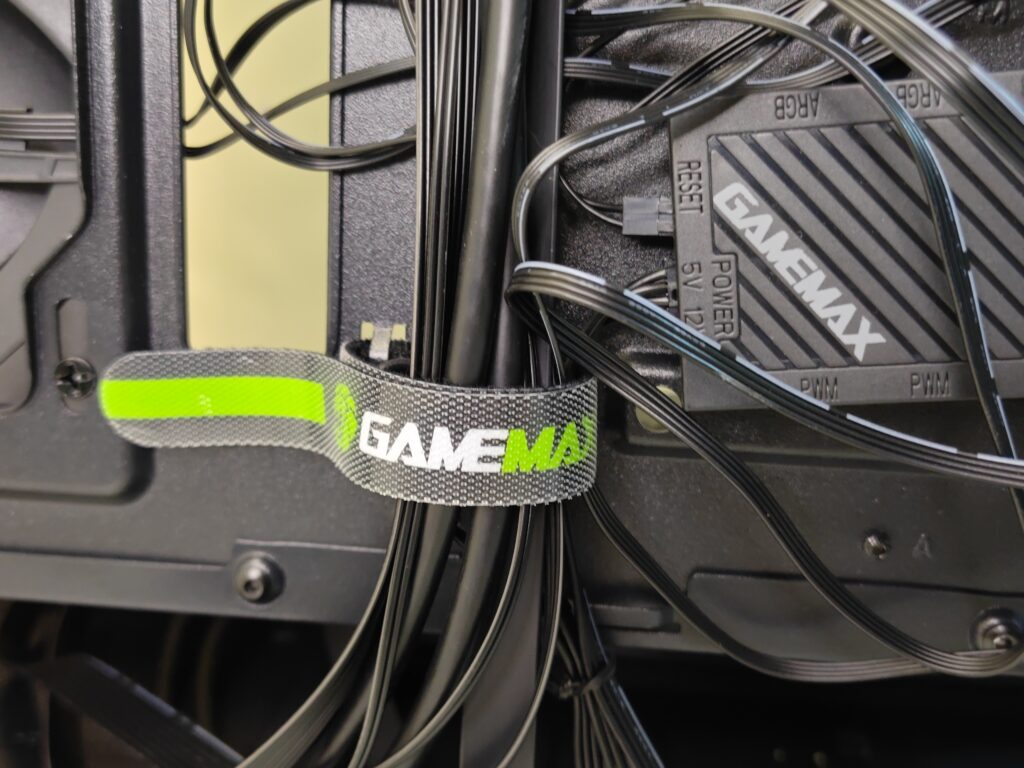
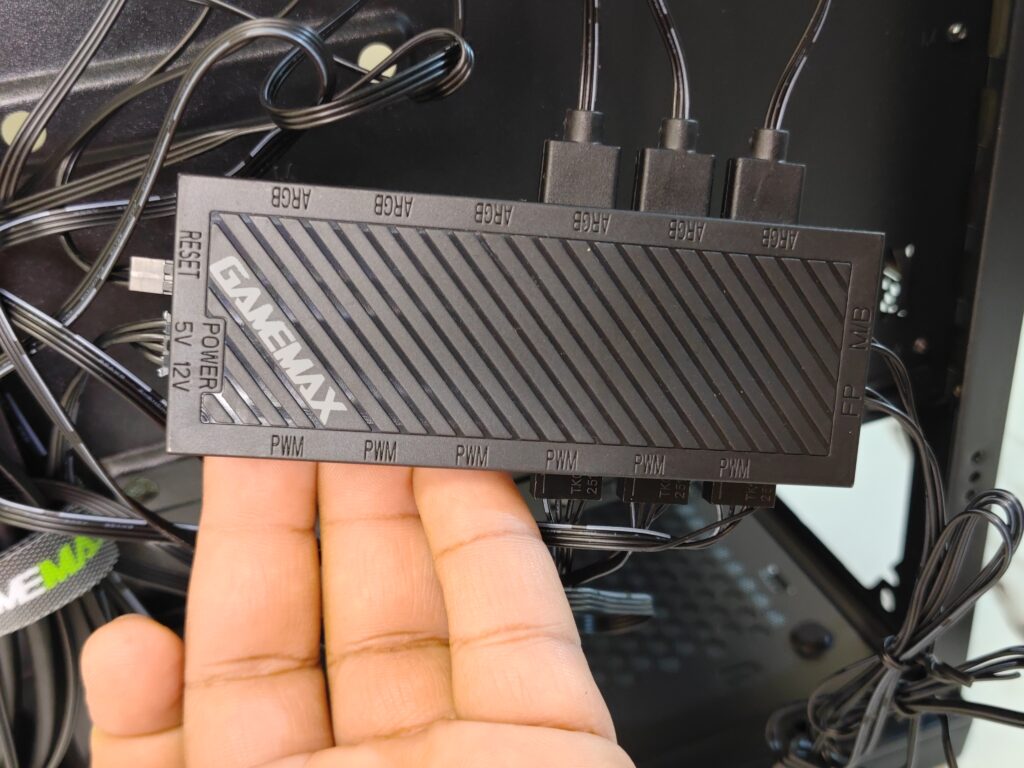
The Vista 2 case also includes the GAMEMAX ARGB and fan control hub. This is similar to the hub seen previously in the GAMEMAX Leader 2, although that model used a white version. The hub is useful for controlling fan speed and ARGB lighting without extra accessories.
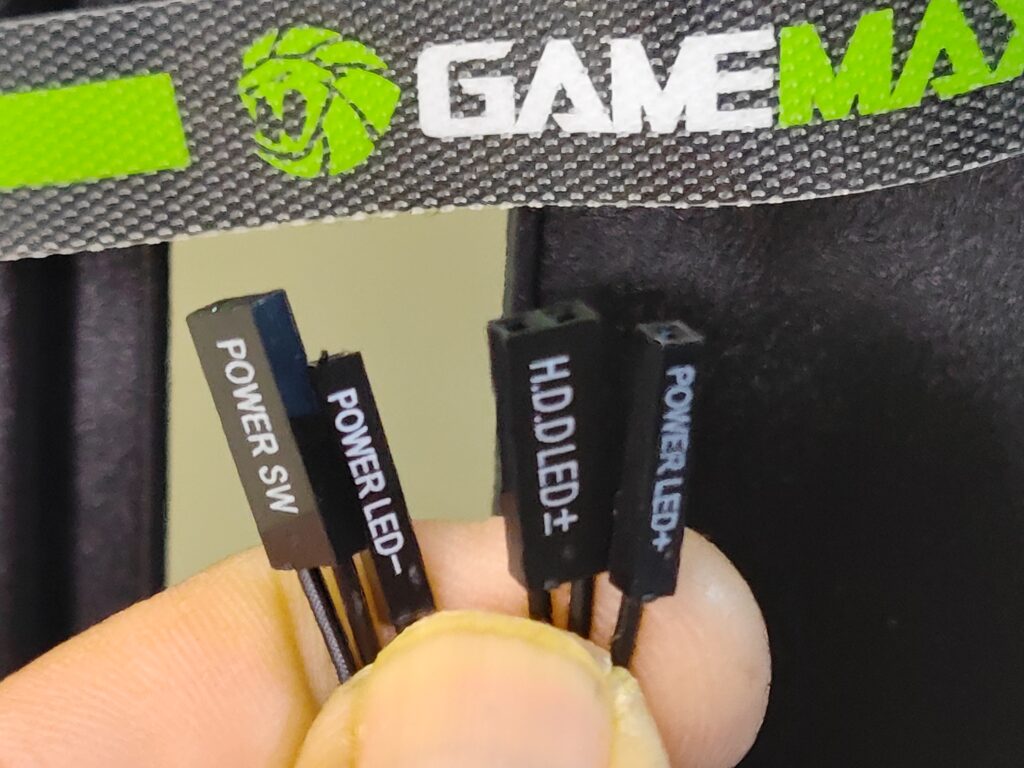
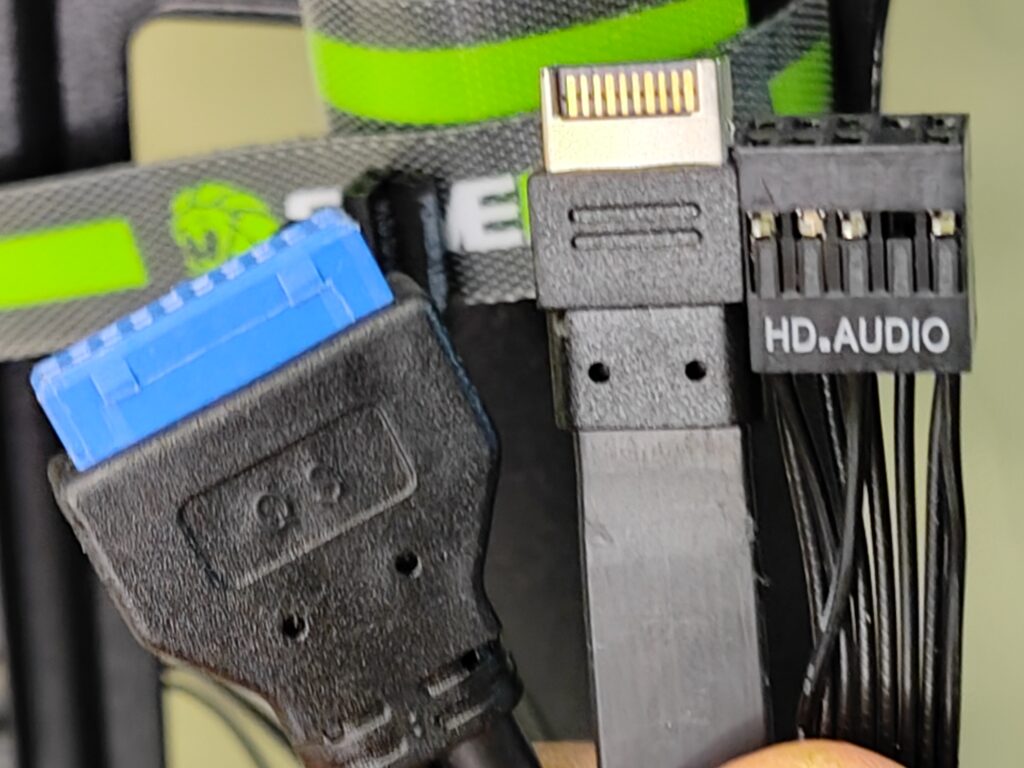
For front I/O connectivity, the cables include:
- USB 3.2 Gen 2 Type-C connector
- USB 3.2 Gen 1 Type-A connector
- HD Audio connector
- Front panel connectors
For storage support, the case supports:
- 2x 3.5-inch HDDs
- 2x 2.5-inch SSDs
Users can also mount 2.5-inch SSDs behind the motherboard tray. This helps keep the main chamber cleaner and improves cable management.
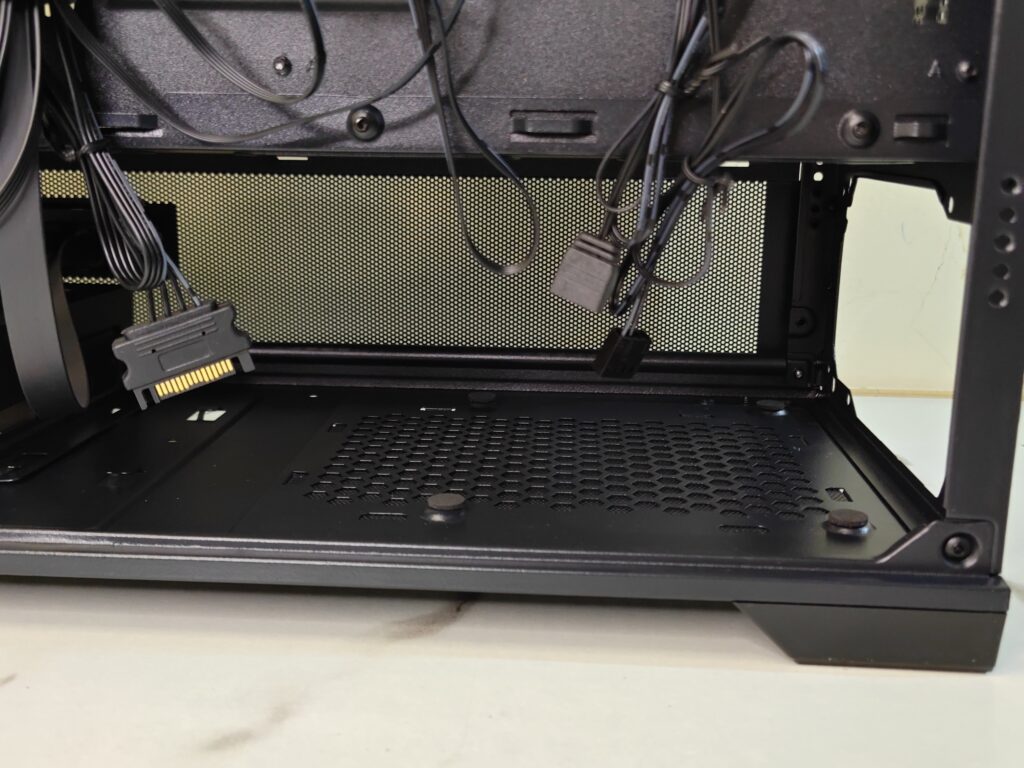
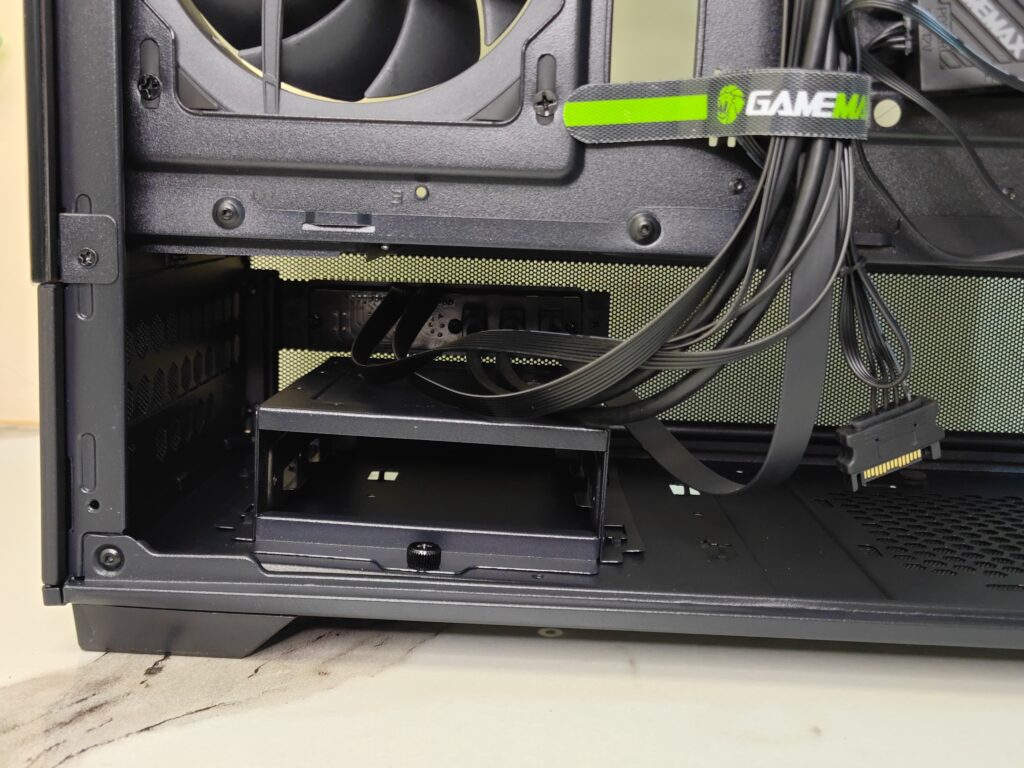
For the power supply, the case supports ATX PSUs up to 265mm in length. The PSU chamber has enough space for cable routing and larger power supplies without feeling too cramped.
Test build
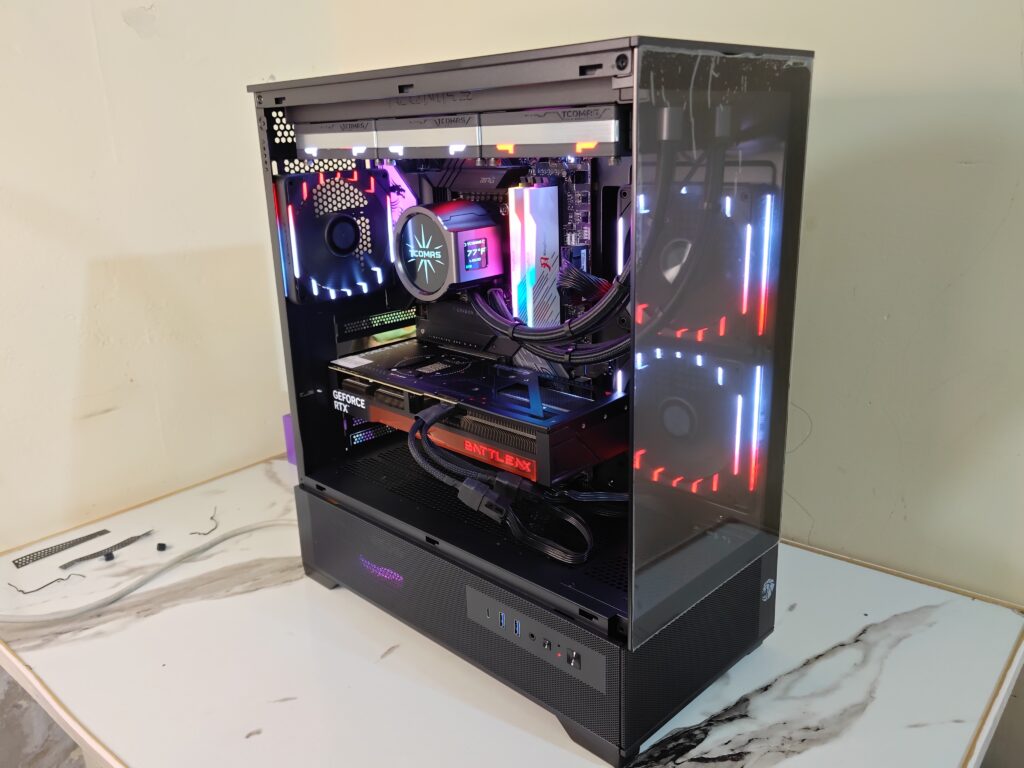
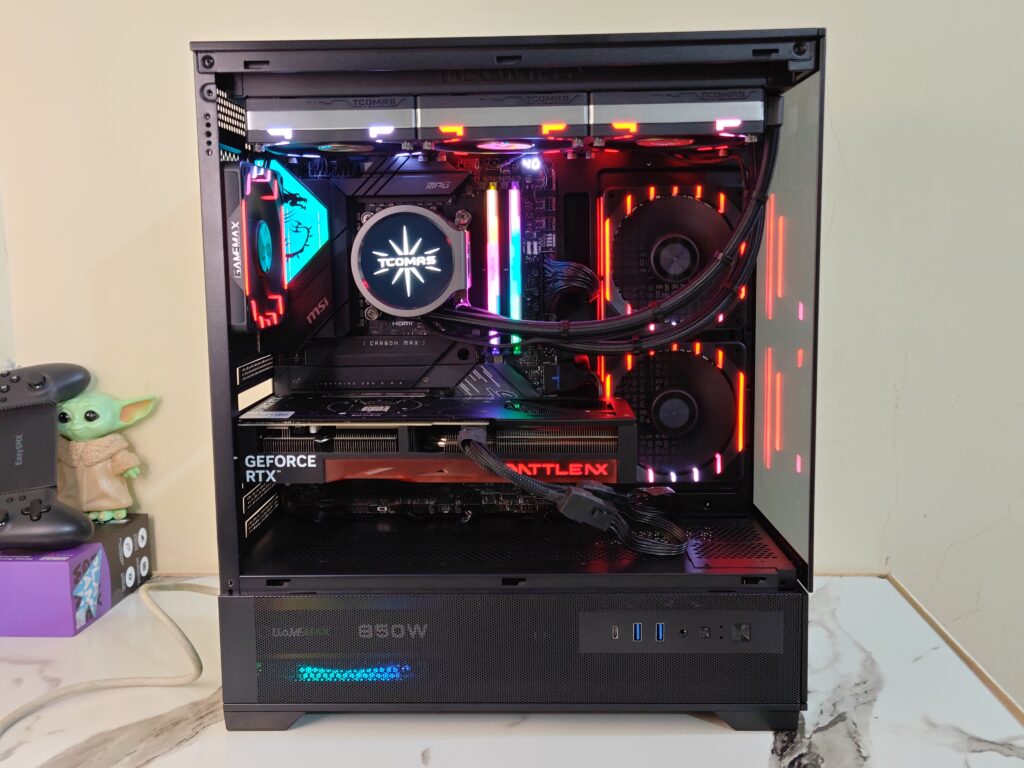
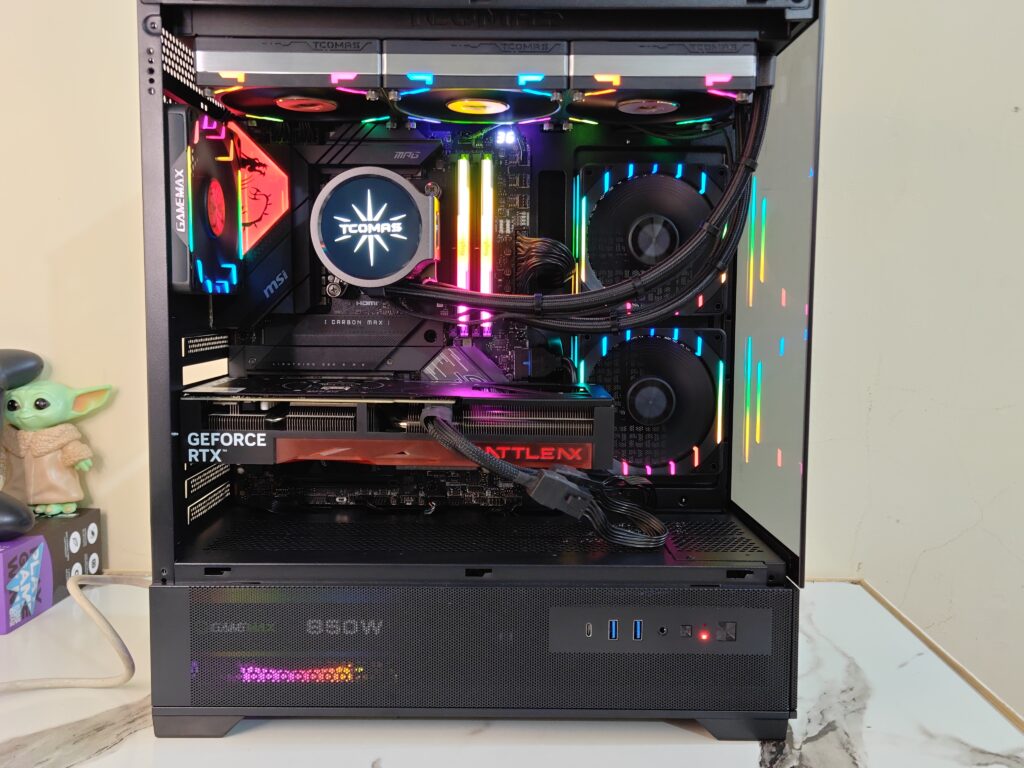
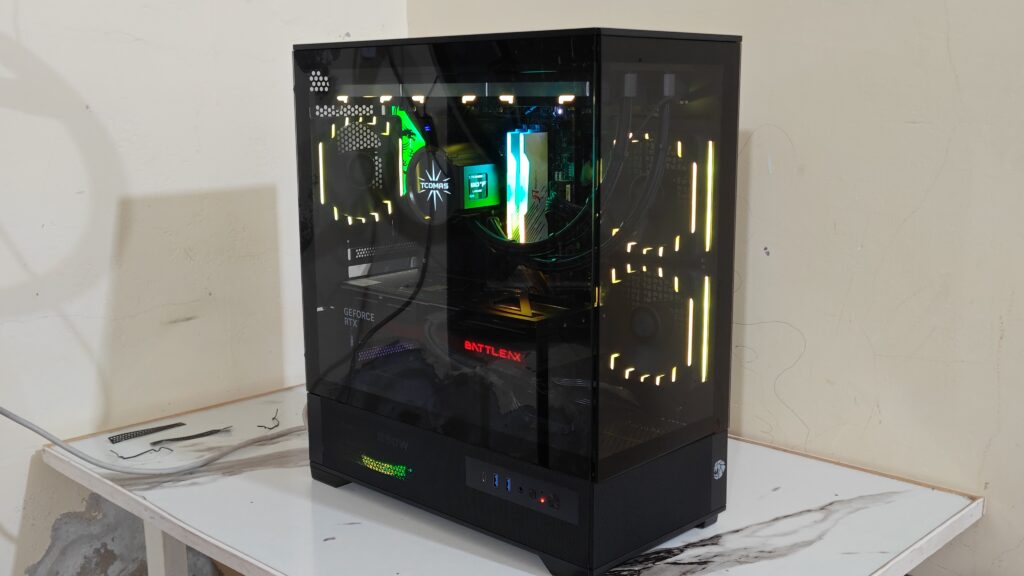
For the test build, I assembled my main PC inside the GAMEMAX Vista 2 AB. The overall building experience was smooth and mostly hassle free.
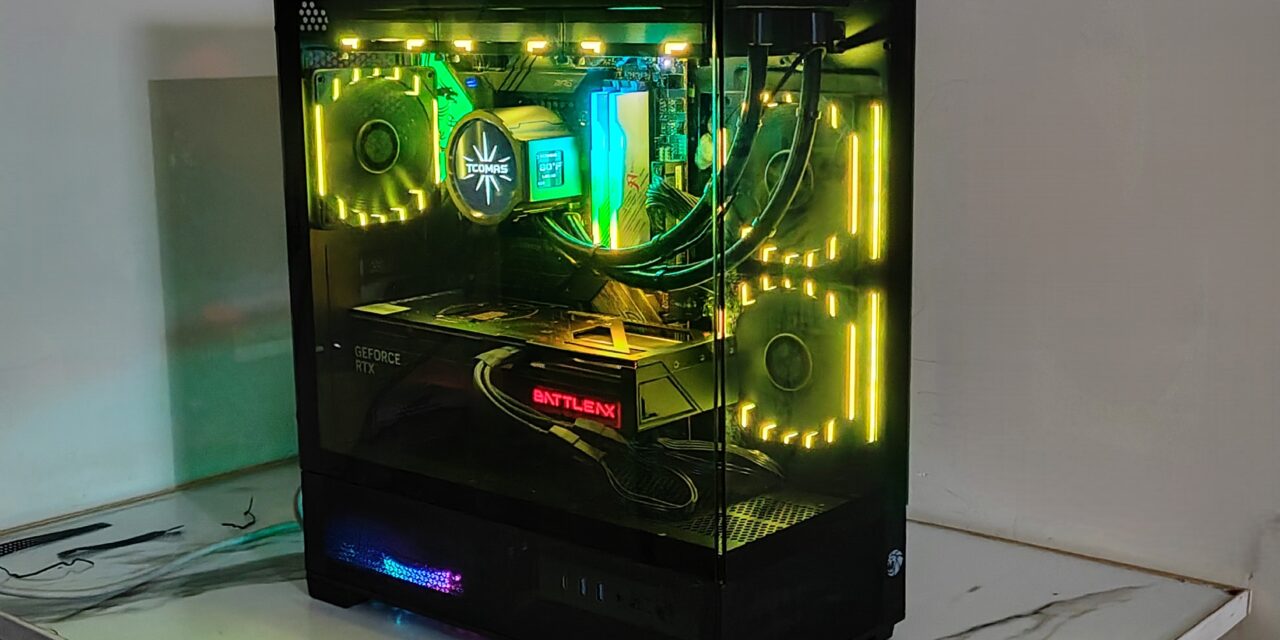
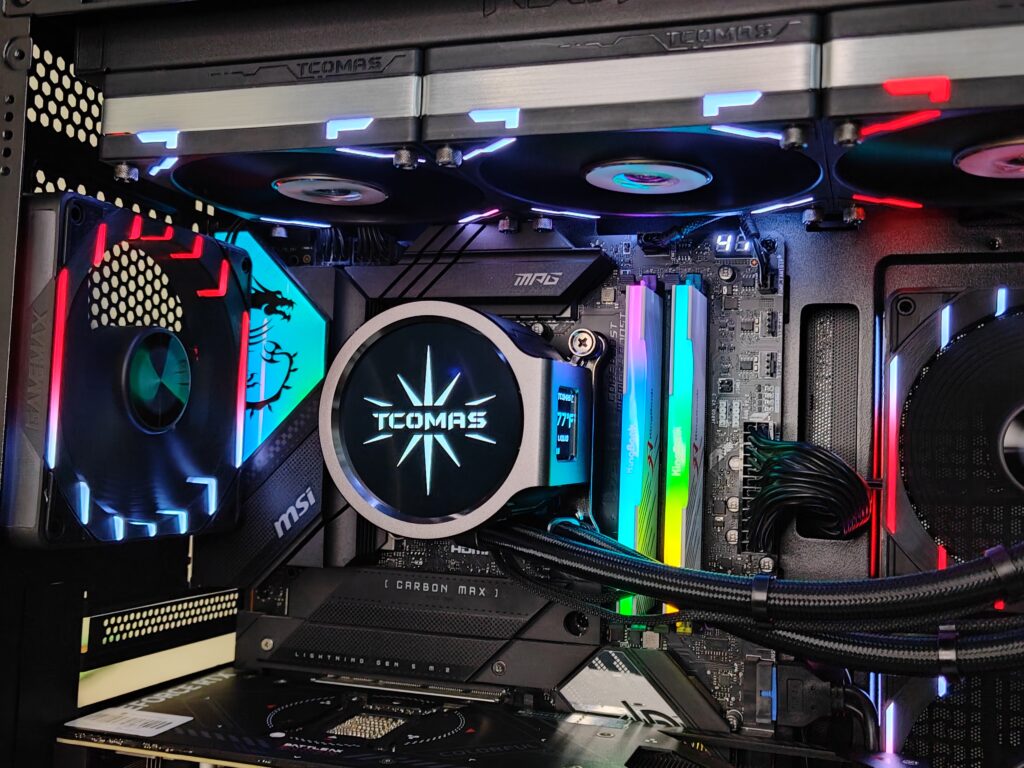
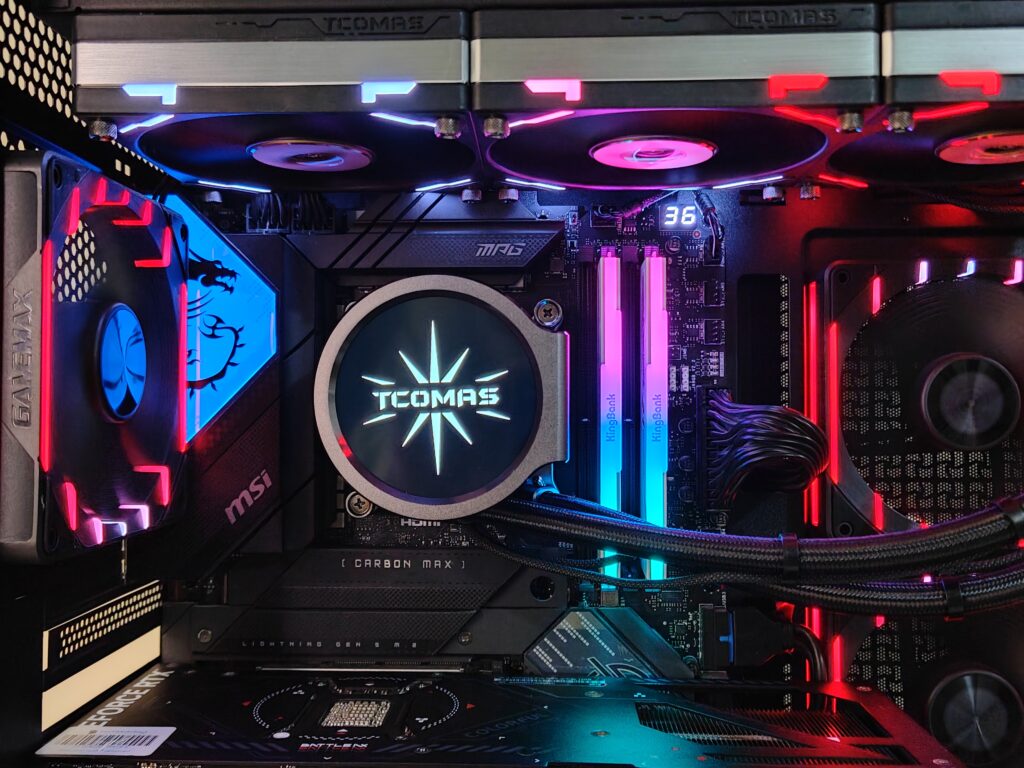
I used the MSI MPG Z790 Carbon Max WiFi motherboard, which is a full ATX board. For the processor, I installed the Intel Core i7-12700K. Even with a full ATX motherboard, the interior still felt spacious enough to work comfortably.
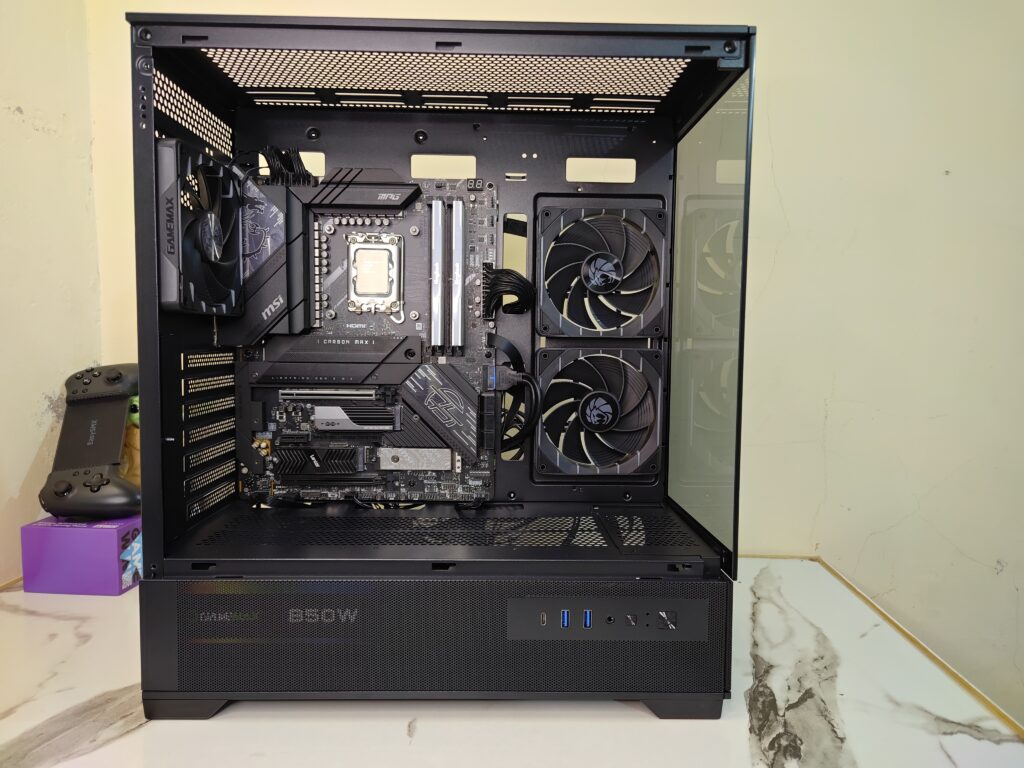
The bottom motherboard connections and cables remained easily accessible during the build process. I only faced a little difficulty while connecting the front USB 3.0 header because of its thick connector, but it was not a major issue.
For cooling, I installed a 360mm TCOMAS LX800 Pro liquid cooler at the top. Even after mounting the large radiator and fans, there was still enough clearance between the motherboard and the cooler. I was still able to route cables and access the top motherboard connectors without trouble. This is something many mid-tower cases struggle with, but the spacing here is handled quite well.
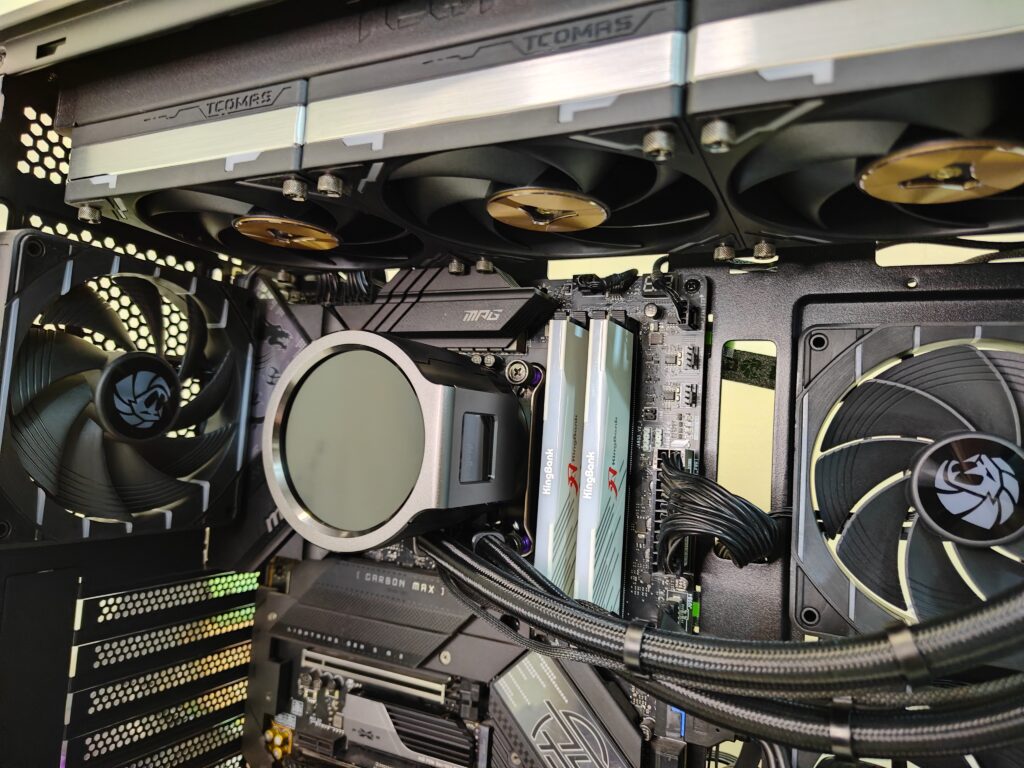
For graphics, I installed the Colorful RTX 5070 Battle AX variant. This is a triple-fan graphics card, and the case handled it easily without any clearance issues. There was still enough room left in front of the GPU, which is good for airflow as well.
The power supply used in this build was the GAMEMAX 850W Smart RGB Pro. Since the PSU shroud uses a large mesh design, the power supply remains partially visible from inside the Vista 2 case. This also gives a better idea of how open the bottom airflow section actually is.
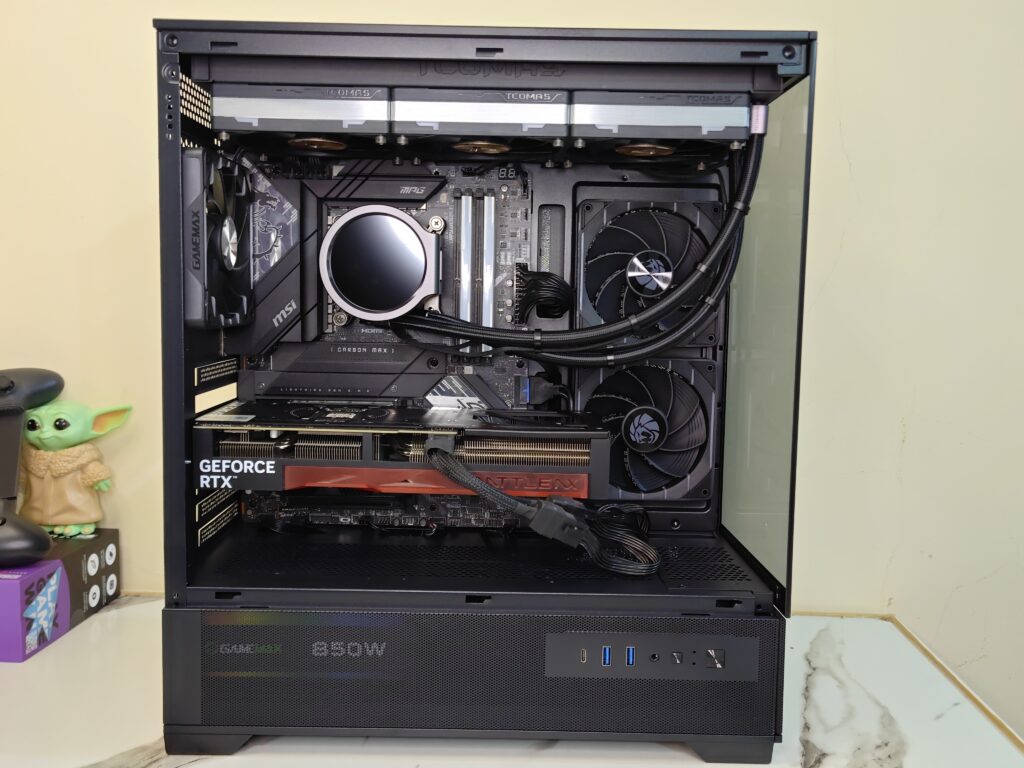
At the time of building, I did not have black RAM available. These days it is honestly difficult to get matching RAM kits quickly, so the build could not be colour matched completely. Still, the overall look inside the case remained clean and modern.
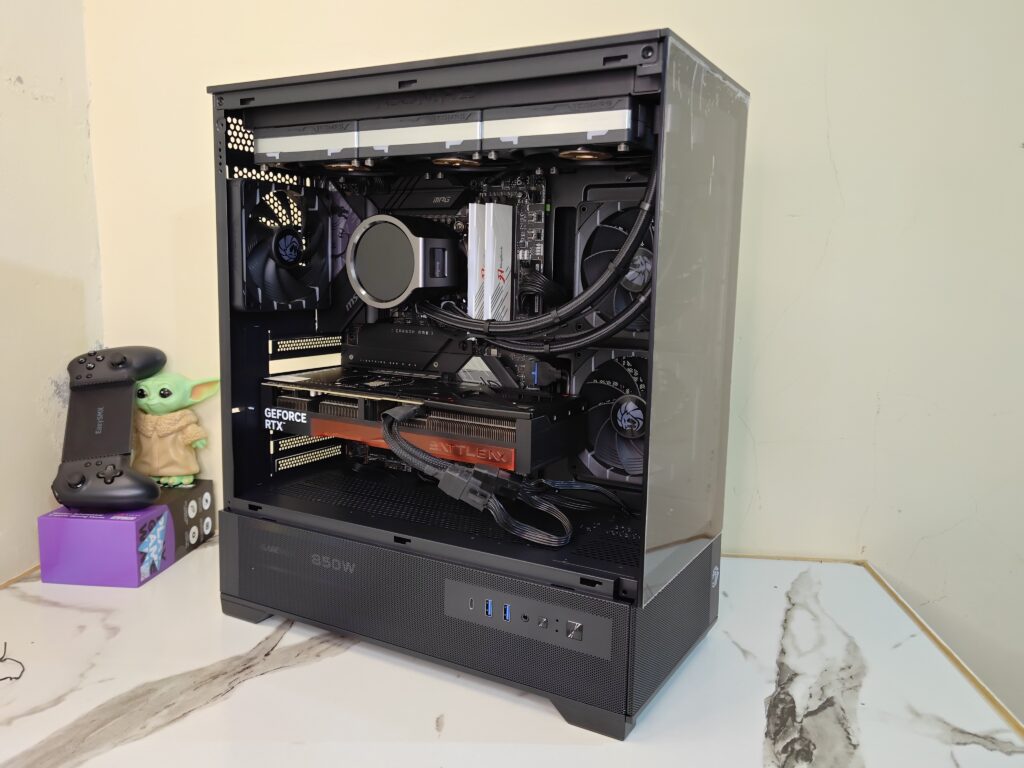
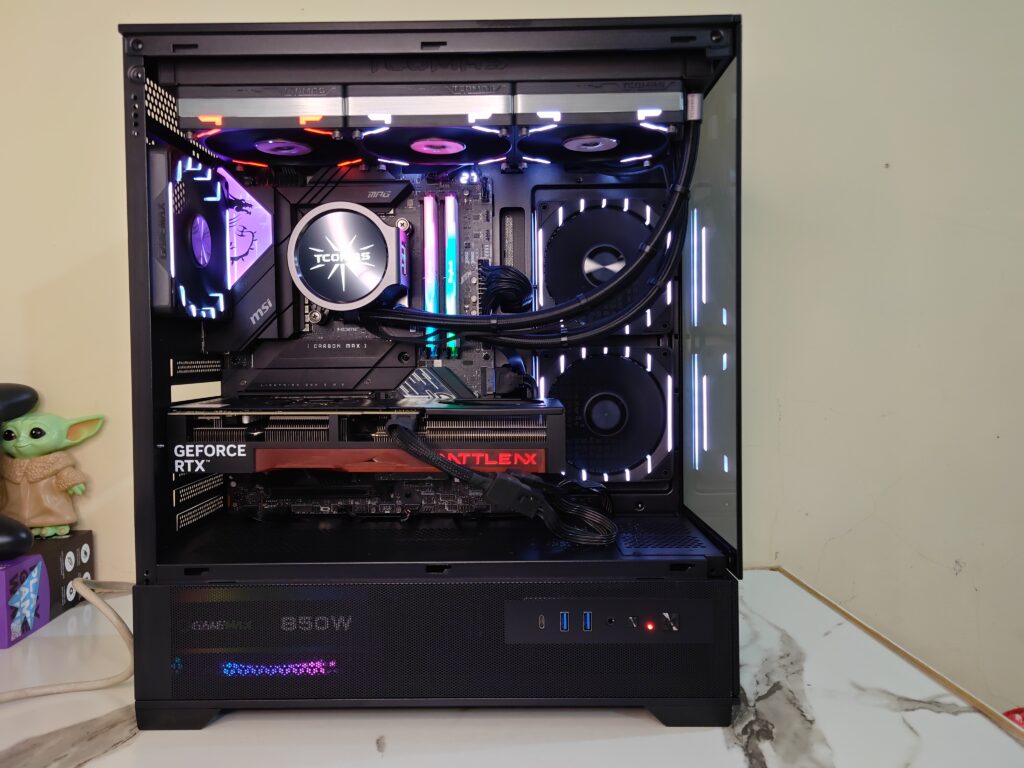
Overall, the building experience was smooth and straightforward. The Vista 2 case offers good cable routing space, solid component clearance, and enough room for high-end hardware without making the installation process difficult. Below are the complete build pictures of the final setup inside the case.
GAMEMAX Vista 2 Final thoughts
So, after spending time building and testing inside the GAMEMAX Vista 2 AB, I can easily say this case delivers a very solid overall experience for a modern airflow-focused mid-tower chassis. The case combines a clean dual-chamber style layout with strong airflow support and a spacious interior design that feels practical during the actual building process.
The first thing that stands out is the overall appearance. The large tempered glass side panel gives the case a clean showcase look, while the mesh-focused design across the top, bottom, rear, and motherboard side helps maintain proper airflow throughout the chassis. The top panel comes with a removable magnetic dust filter, making cleaning simple and quick. Both the tempered glass panel and the right-side metal panel use a rear thumb screw and sliding mechanism, so removing the panels is easy and does not feel frustrating during installation.
Inside the case, the layout feels modern and well planned. The motherboard tray supports Mini-ITX, Micro-ATX, ATX, and E-ATX motherboards, while still leaving enough working room around the components. During the test build, the Vista 2 case handled a full ATX motherboard, 360mm liquid cooler, triple-fan RTX 5070 graphics card, and an 850W power supply without major clearance problems.
Cooling support is one of the strongest parts of this case. GAMEMAX already includes two reverse Tornado intake fans mounted beside the motherboard tray and one standard rear exhaust fan. The airflow direction inside the case feels properly balanced right out of the box. On top of that, the case supports up to a 360mm radiator at the top, additional fan mounting positions around the PSU chamber, and extra cooling support across multiple sections of the chassis.
The cable management experience is also surprisingly good for this price category. Multiple cable routing cutouts are placed around the motherboard tray, making cable passing much easier during installation. On the rear side, GAMEMAX provides labelled cable straps with branding, helping keep the wiring cleaner and more organised. The included ARGB and fan controller hub is another useful addition and reduces the need for extra splitters or external hubs during the build process.
Storage support is practical as well. Users can mount SSDs behind the motherboard tray, while additional drive support is available in the rear compartment. The PSU chamber also offers decent working space for cable handling and power supply installation.
Speaking about the actual building experience, it remained smooth overall. Even after installing a 360mm cooler at the top, there was still enough clearance left around the motherboard to access top connectors and pass cables comfortably. The only slightly tight area during installation was the USB 3.0 front panel connector, but it was not a serious issue.
Overall, the GAMEMAX Vista 2 AB feels like a well-balanced mid-tower case that focuses heavily on airflow, modern hardware compatibility, and user-friendly installation. It offers strong cooling support, clean aesthetics, spacious internals, and practical cable management features without making the building process difficult. For users planning a modern gaming setup with powerful hardware, this Vista 2 case does a very good job.
Because of its strong airflow design, spacious interior, included ARGB fans, and overall clean aesthetics, I would also like to give the GAMEMAX Vista 2 AB both the Value Award and Design Award.