









MSI MEG X870E ACE MAX – A Power Horse Unleashed

I am taking a look at the new motherboard – basically a refresh – from MSI that is MEG X870E ACE MAX. If you are well-versed with the MSI lineup, the word MAX would immediately tell you that this is a refresh series. And if you are well versed with the Asus lineup then ACE is equivalent to the Formula series, Carbon is equivalent to Hero, and so on.
Despite being a beefy design, MSI has managed to provide all the functionality on an ATX form factor, providing good compatibility for your PC Case. One thing stands out on this board, which is extensive PCIe Gen5 connectivity. MSI has also installed a beefy power delivery circuit with excellent cooling.
Some of the features of this board are:
- Support for AMD Ryzen™ 9000 / 8000 / 7000 Series Desktop CPUs.
- Support for Dual Channel DDR5 Memory up to 8400+ MT/s (OC)
- Provides 18+2+1 Duet Rail Power System using 110A SPS VRM Design
- Comes equipped with OC Engine, dual 8-pin CPU power connectors, Core Boost, Memory Boost
- Packs 8-layer PCB made by 2oz thickened copper and server-grade level material
- Comes equipped with Wavy Fin Design cooling for VRM using Direct Touch Cross Heat-pipe, MOSFET Baseplate, and 9W/mK thermal pads
- Comes equipped with Double-Sided M.2 Shield Frozr and Frozr AI software.
- Comes equipped with EZ PCIe Release, EZ Magnetic M.2 Shield Frozr II, EZ M.2 Clip II, EZ Antenna, and EZ Conn-Design.
- Provides 10G LAN + 5G LAN, Full-speed Wi-Fi 7 Solution, USB,4 and 64MB BIOS ROM.
- Comes equipped with a premium ALC4082 audio processor combining an ESS audio DAC and amplifier.
This motherboard is listed at $699.99 on Amazon.com. It can be purchased on Amazon UK for £599.99
Specifications
The salient specifications include:
| CPU Support | AMD Ryzen 9000, 8000 and 7000 series desktop CPUs |
| Memory Support | 4xDIMM Slots for DDR5 up to 8400MHz+ (OC) |
| Display Interface | Support 8K@60Hz as specified in HDMI 2.1 FRL 2x USB-4 Type- Display Output supporting 4K@120Hz using HBR3 |
| M.2 Ports | 2x M.2 Gen5x4 slots 3x M.2 Gen4x4 Slot |
| SATA Ports | 4x |
| PCIe Slots | 1x PCIe Gen5 x16 slot 1x PCIe Gen5 x8 slot 1x PCIe Gen5 x4 slot |
| USB Ports | Total 22x USB Ports (Front and Rear), including 2x USB 4.0 Ports. |
| Audio | RealTek ALC4082 |
| Network | 10G and 5G LAN port and wireless connectivity using WiFi 7/BT 5.4 |
| Size | 243.84mmx304.8mm, ATX Form Factor |
Packaging and Unboxing

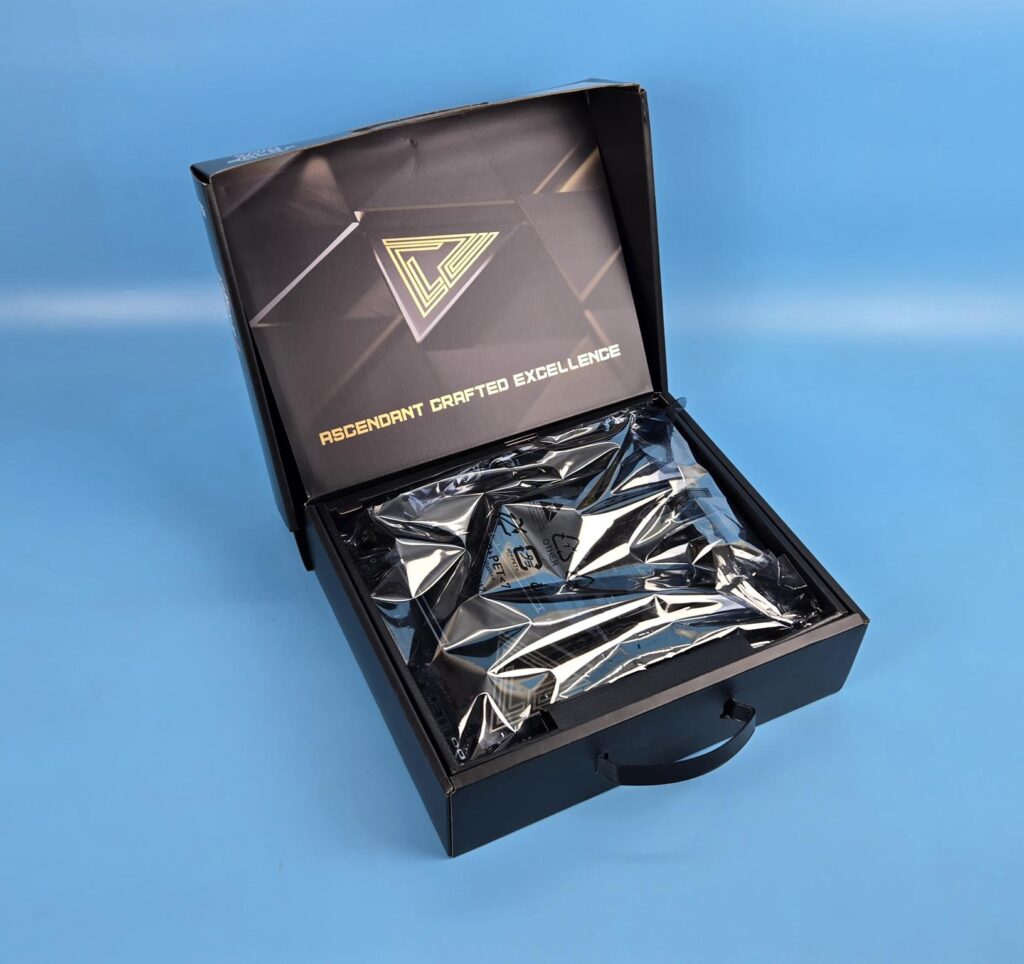
The motherboard comes inside a cardboard box with a standard MSI theme finish. It has a carry handle as well for convenient lifting and handling.
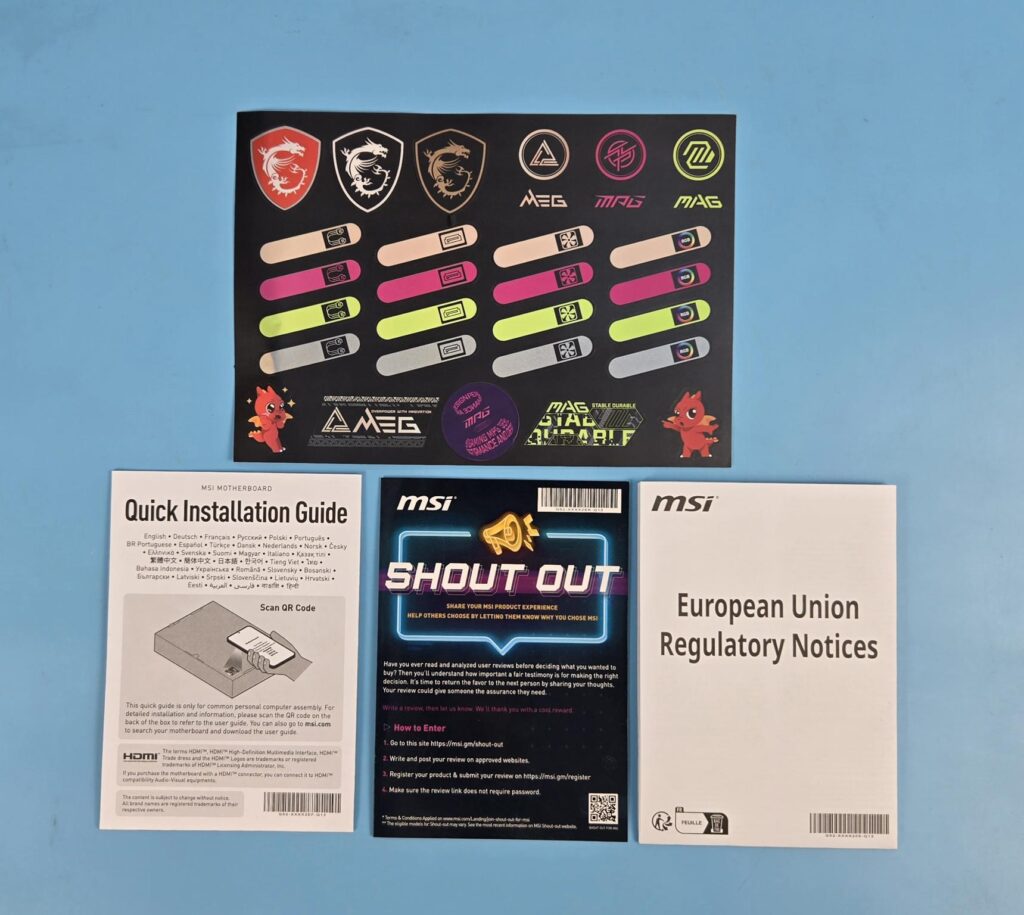
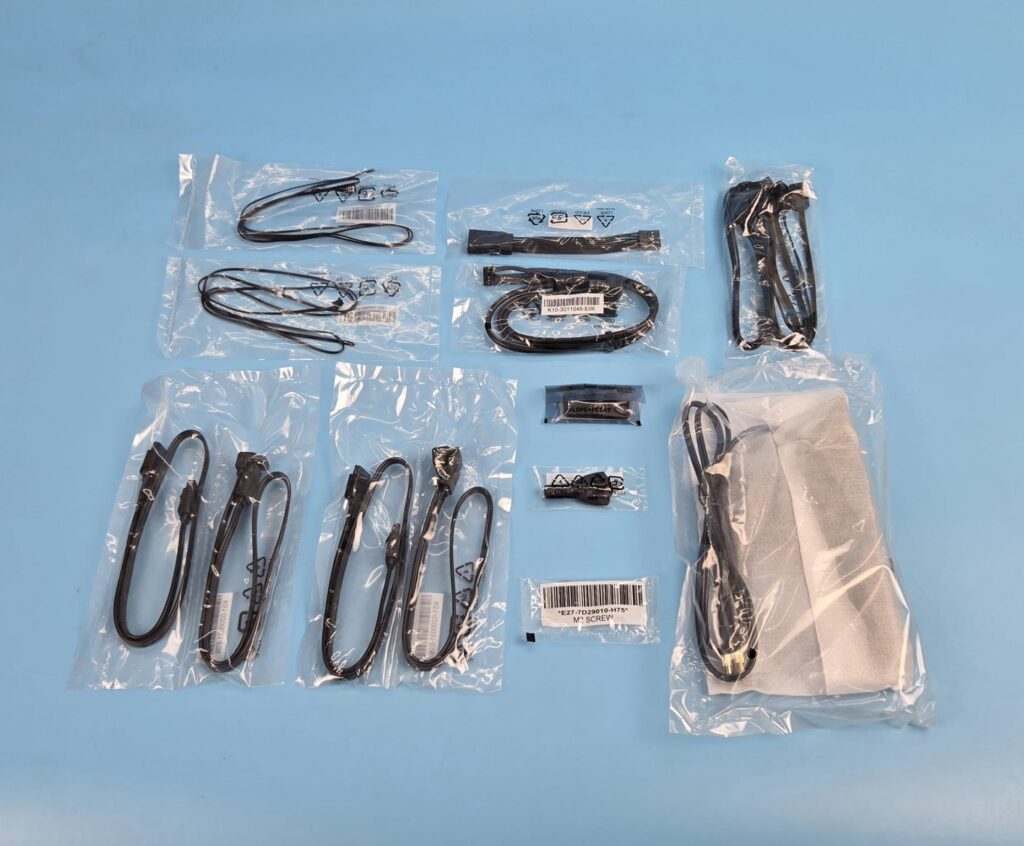
The following comes in the box:
- 1x Motherboard
- 1x EZ WiFi Antenna
- 1x Cable Sticker
- 4x SATA Cables
- 1x EZ Front Panel Cable
- 1 to 3 EZ Conn-Cable V2
- 1 to 3 ARGB Gen2 Extension Cable
- 2x Thermistor Cables
- 1x USB Drive
- 1x EZ M.2 Clip II Remover
- 3x M.2 Screws
- 1x Quick Installation Guide
- 1x European Union Regulatory Notice
Design Overview
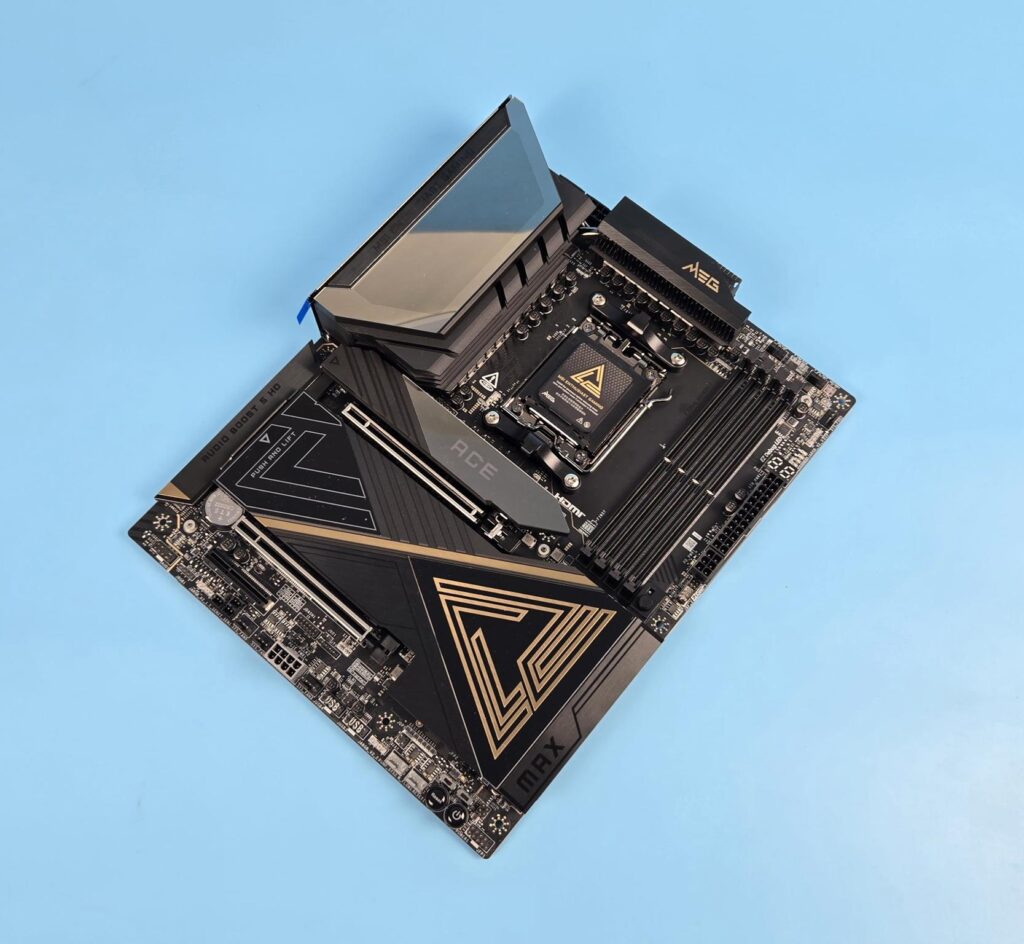
The motherboard packs two chipsets, which is whythe E suffix is used in the model. The X870 comes with a single chipset. I am not delving into the details since this topic, and its related PCIe Lanes structure, has already been given extensive coverage.
The MEG X870E ACE MAX utilizes an AMD AM5 socket i.e LGA 1718. One thing that is peculiar about this motherboard is that all three PCIe lanes are Gen5, and they are all wired to the CPU socket. Now, this would have implications since limited PCIe Lanes (24 in this case) have to be shared accordingly to manage the resources.
Other resources wired to the CPU socket include the 4x DIMM slots, 2x PCIe Gen5 M.2 slots, on-board display via HDMI 2.1 supporting 8K @ 60Hz, and 2x USB 4.0 Type-C via RTS5420 controller. The motherboard has an 8-layer Server Grade with 2oz Copper PCB using PCB Fabric Peak technology.
CPU Socket
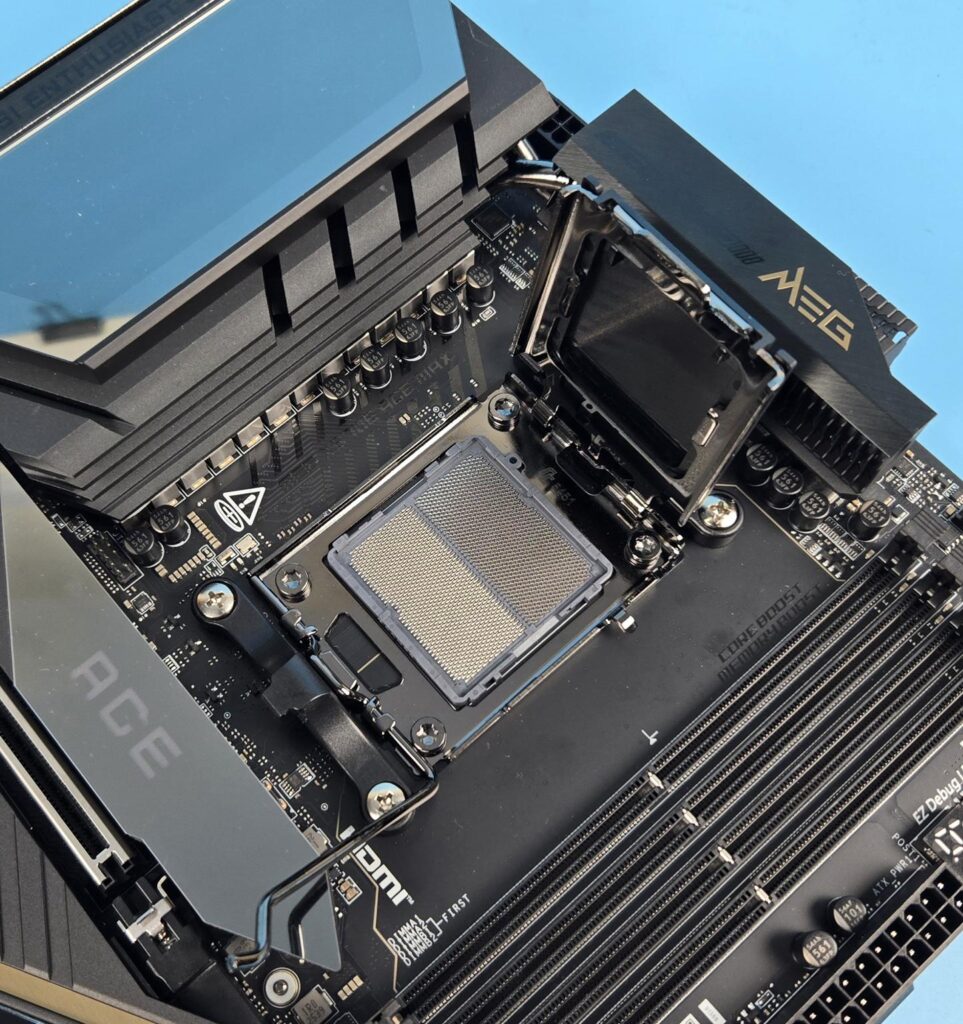
The MEG X870E ACE MAX uses an LGA1718-type socket named AM5 to power the AMD Ryzen 9000/8000/7000 series desktop CPUs. The socket has Intel style latching mechanism. Although no bending issues are reported per my knowledge on this socket, I personally prefer using the contact frame on AM5 as well. AMD still uses AM4 and old-style mounting brackets in the stock backplate.
RAM Area
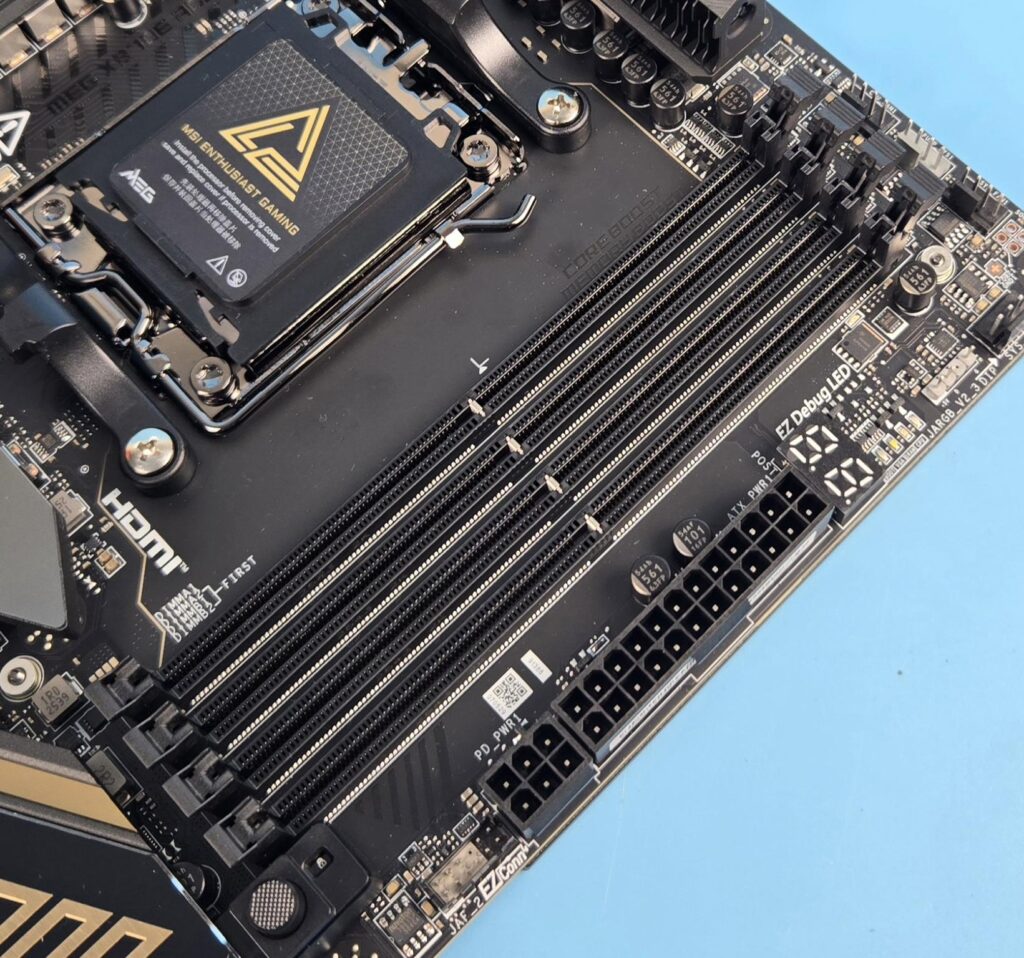
This motherboard comes equipped with 4x reinforced DIMM slots. MSI has used SMT welding for this purpose. You can install a total of 256GB of RAM on this motherboard. Binary and Non-Binary kits are supported. The maximum speed or frequency in the Ryzen 9000 series is 8400+ (OC) MHz, which is also dependent on the quality of the IMC.
The MEG X870E ACE MAX supports AMD EXPO and Intel XMP in dual-channel and dual-controller modes. It supports non-ECC and unbuffered type RAM. It is good to know that this motherboard supports CUDIMM in clock driver bypass mode only.
VRM Design
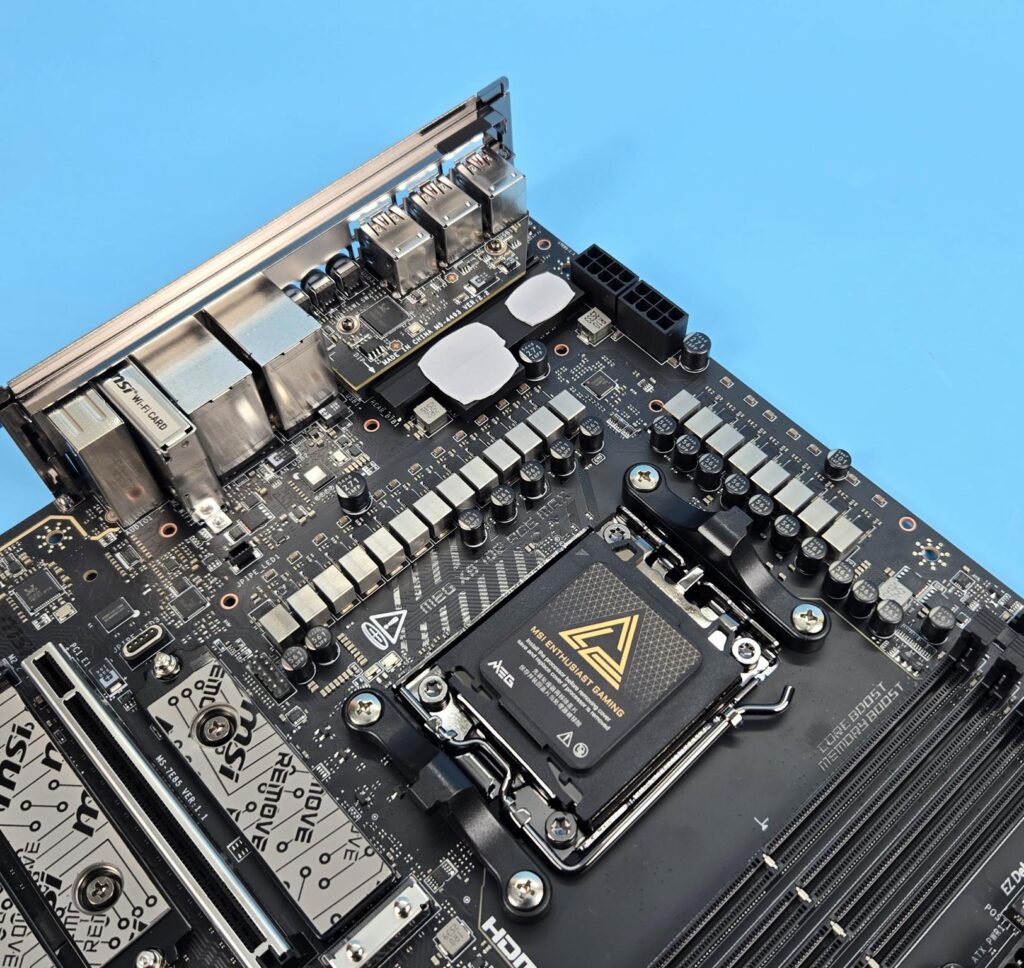
The MSI has provided a beefy power design on this motherboard comprising 18+2+1 Duet Rail Power System with the following composition:
- 18 Phases for VCore
- 2 Phases for SOC Power
- 1 Phase for Misc Power
They are using 110A SPS MOSFETS.
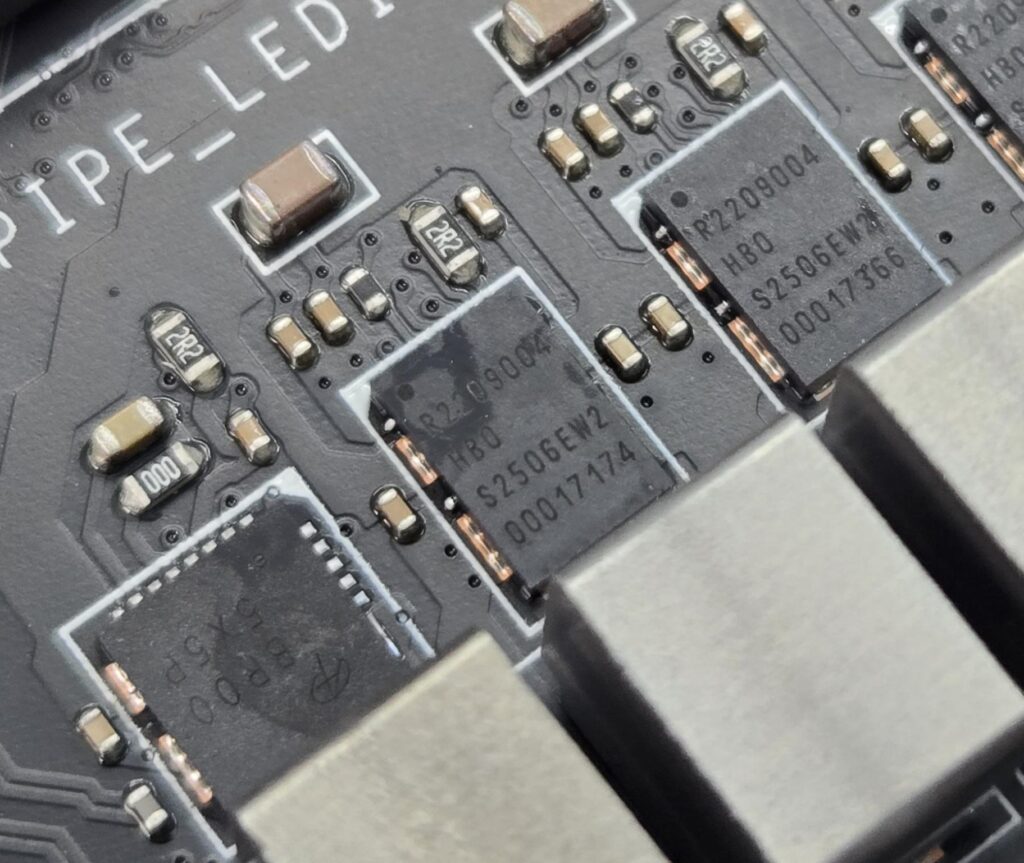
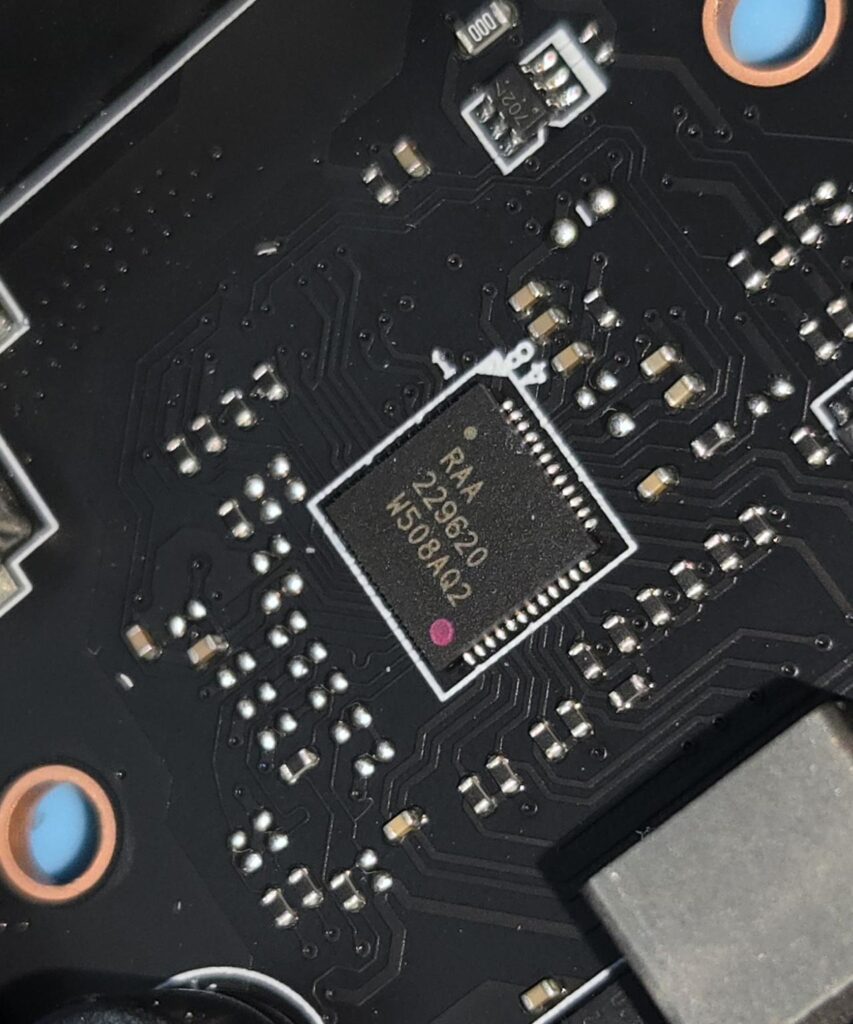
MSI is using DUET nomenclature. This indicates that every two stages will get the same PWM signal from the controller. The PWM controller employed here is Renasis RAA 229620, and the 19x phases are R220900,4, and the 1x phase is BR50 5XSP.
VRM Cooling
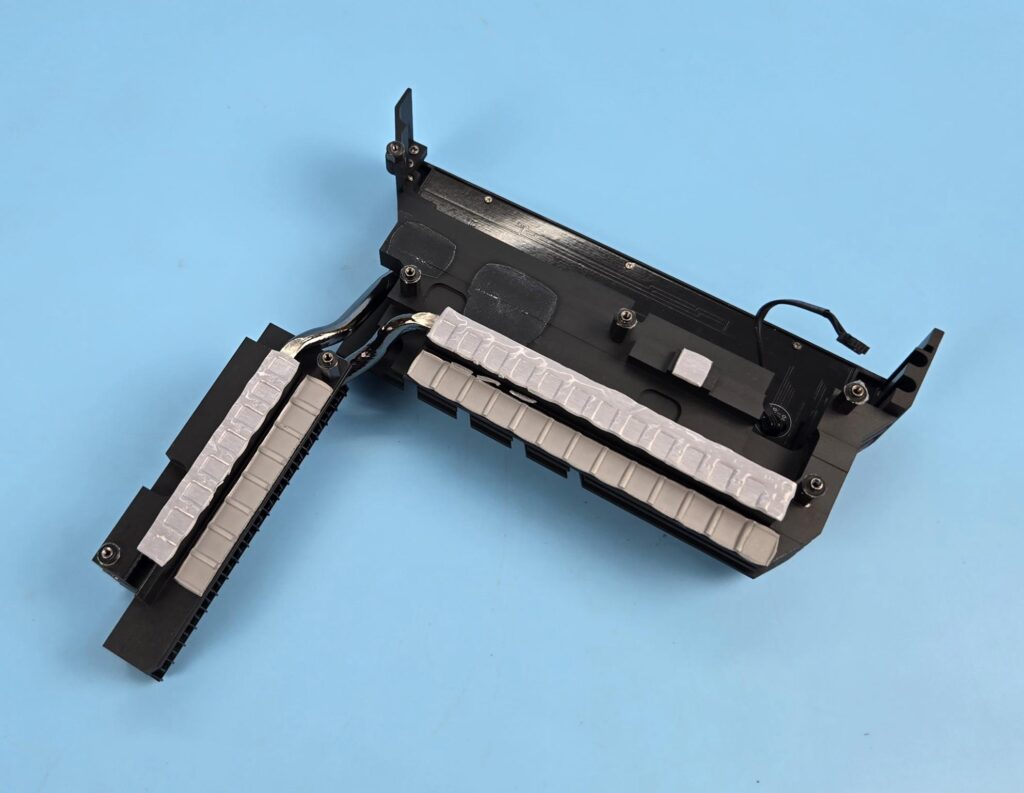
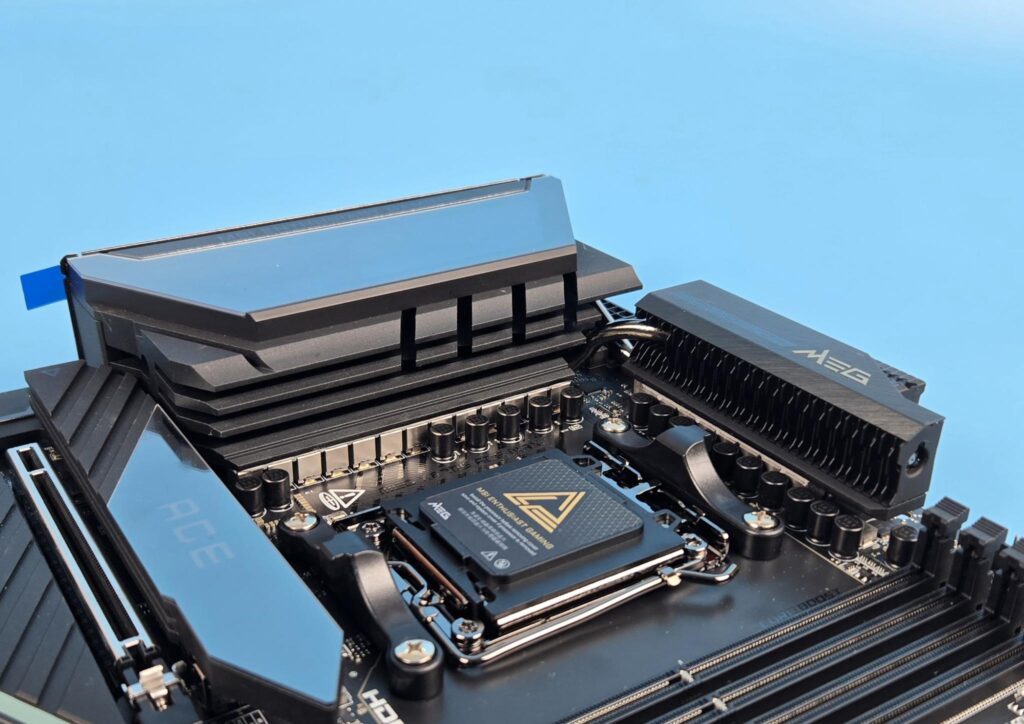
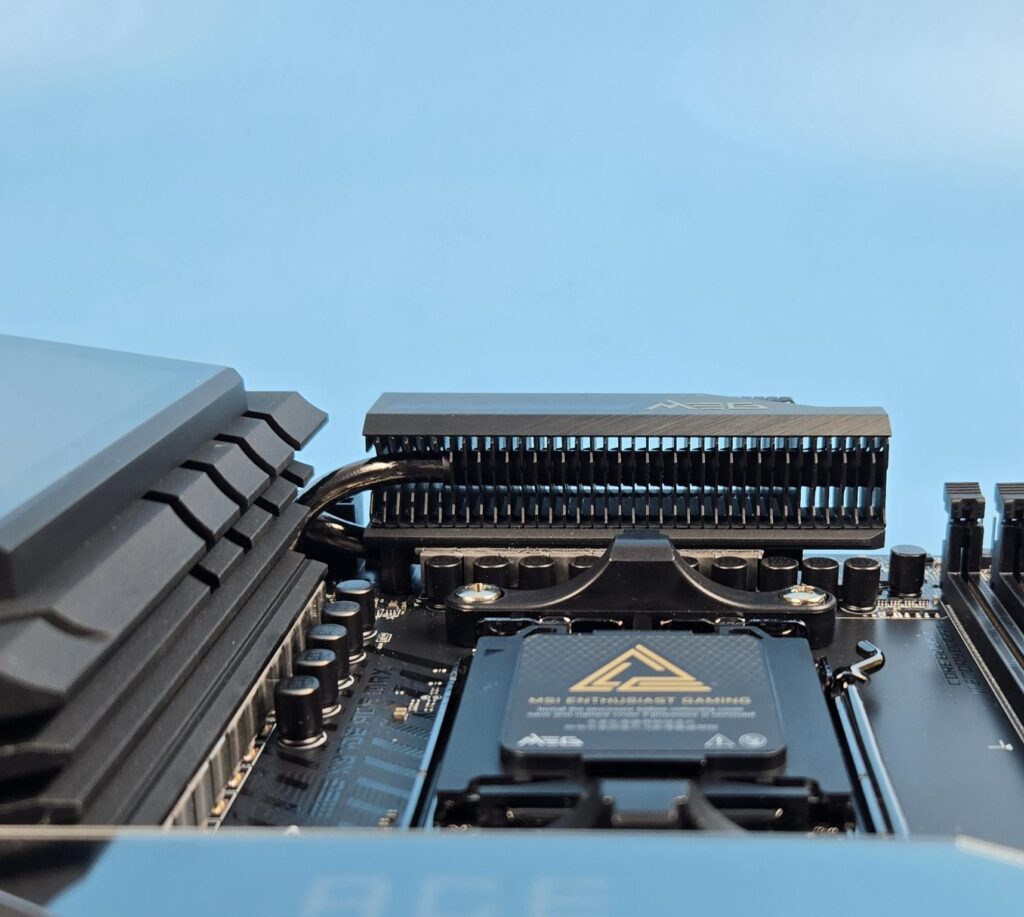
This motherboard uses two beefy extended heatsink covers for the VRM/MOSFET cooling. MSI has further enhanced the design using a wavy fin array on the top heatsink and a direct touch cross heat pipe design. The thermal pads have a conductivity rating of 9W/mK. All this is to ensure the optimal cooling for the most critical portion of the motherboard.
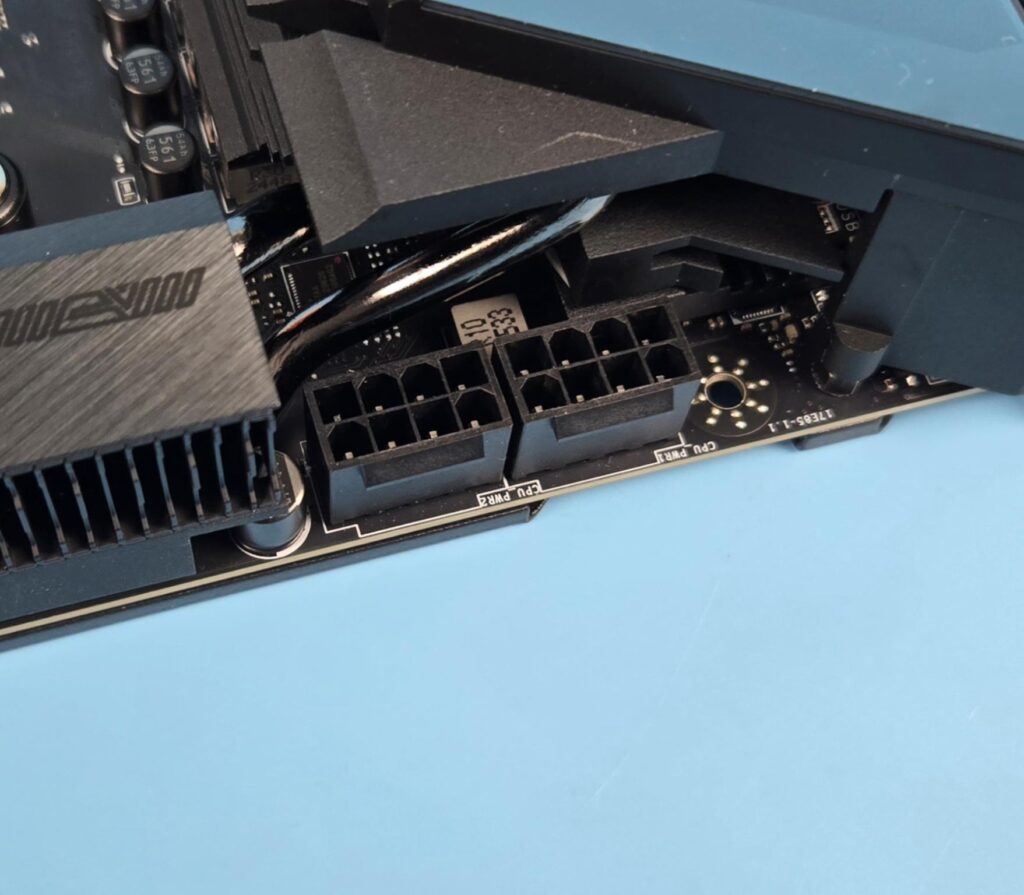
The main power to the socket comes from two 8-pin EPS connectors capable of providing up to 300W. This is in addition to the supplemental power from 2the 4-pin ATX connector.
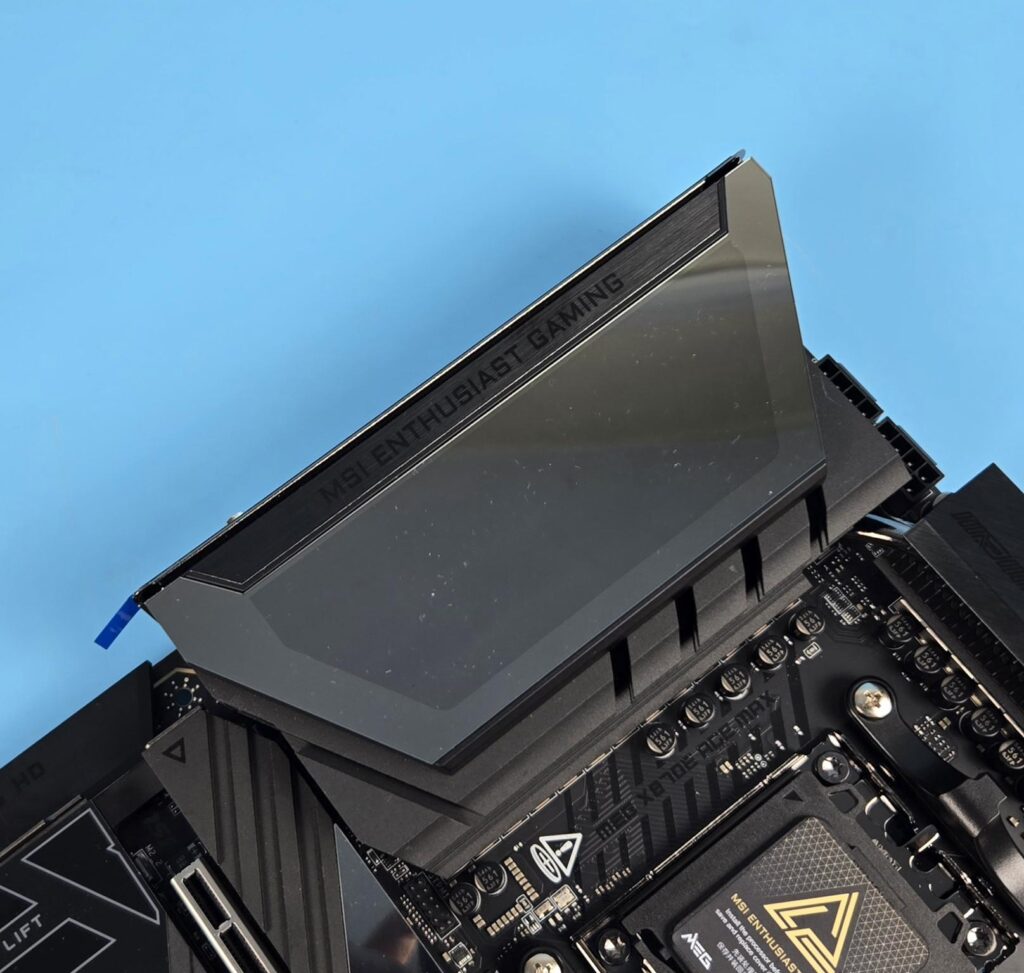
MSI has used a large-sized ARGB display over the IO cover. It would give you an impression of being an LCD, but it is not an LCD. I think MSI should have considered providing an LCD. This area shows the MSI dragon with backlighting and effects.
Storage Provision
The storage area of this motherboard is quite strong as it features M-key 5x M.2 ports/slots and 4x SATA ports. 2x M.2 ports are PCIe Gen5 based whereas 3x are PCIe Gen4 based. One PCIe Gen4x4 M.2 port is on the backside of the PCB.
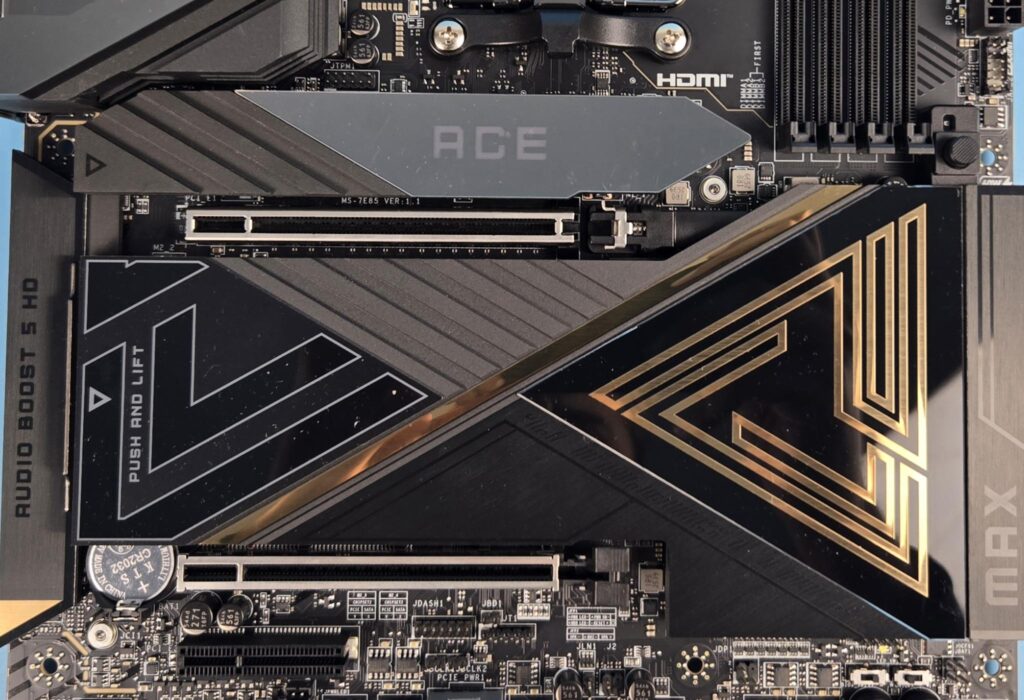
MSI has used a total of two covers/heatsinks for 4x M.2 ports on the front. They are quite stylish in design. They both are tool-less designs with a simple push slider mechanism to pop out the covers and a simple press to put them back on. The top cover has a magnetic attachment or ARGB lighting on the ACE text. MSI has named it EZ Magnetic M.2 Shield Frozr II.
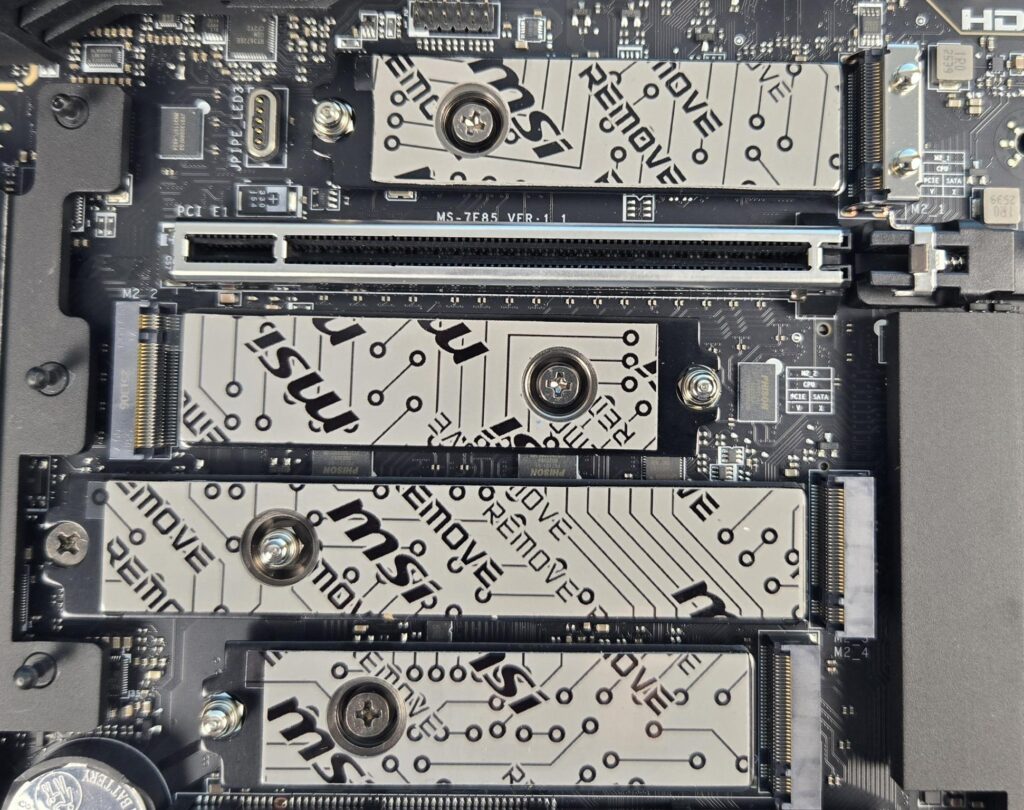
It is good to see that front-mounted M.2 ports have double-sided thermal pads. One set of pads is on the heatsink cover, and the other is on the ports. The top two ports are PCIe Gen5x4 and wired to the CPU socket, whereas the bottom two ports are PCIe Gen4x4 and wired to the chiplets. M2_3 port has a 22110 form factor.
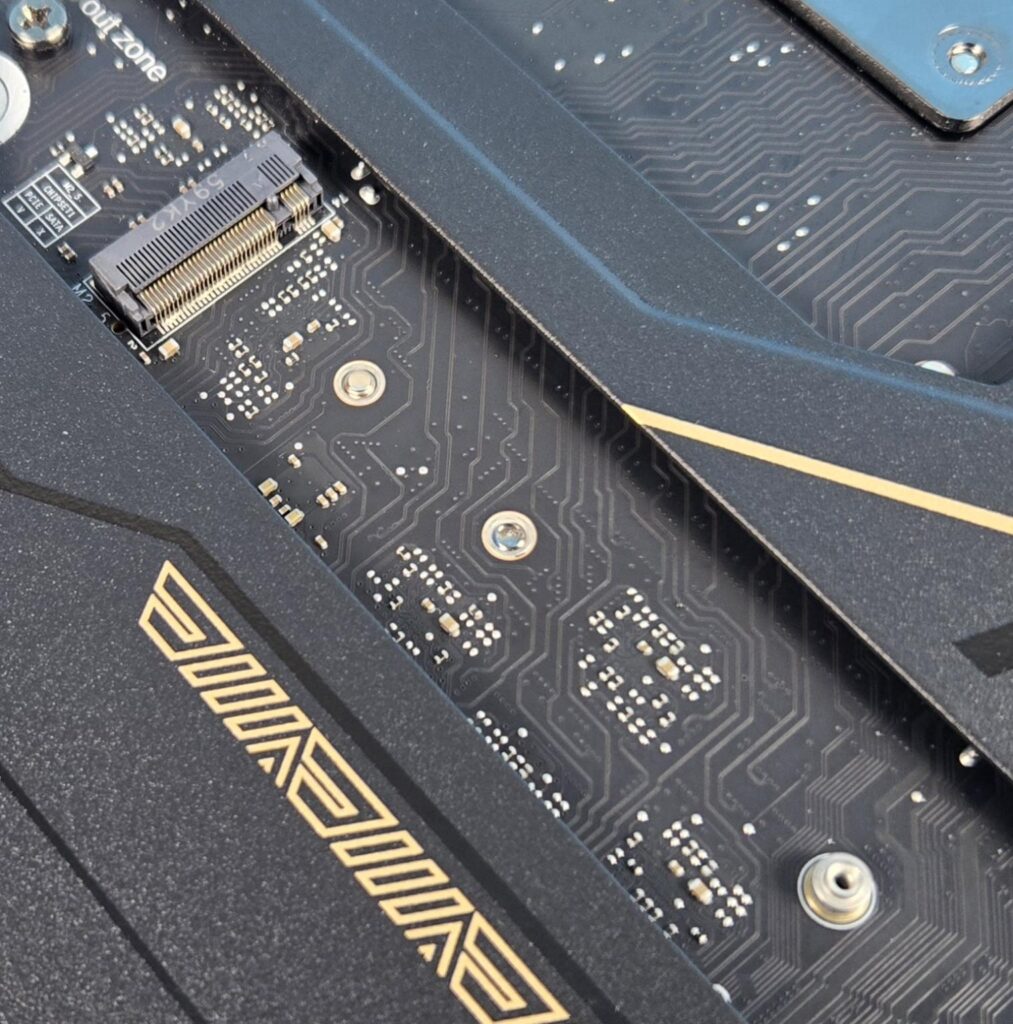
The M.2 port on the backside of the PCB is without any cover or thermal pad. MSI has also provided EZ Clip II Remover for easy placement of M.2 sockets. This makes it easier to adjust according to the length or form factor of the drives.
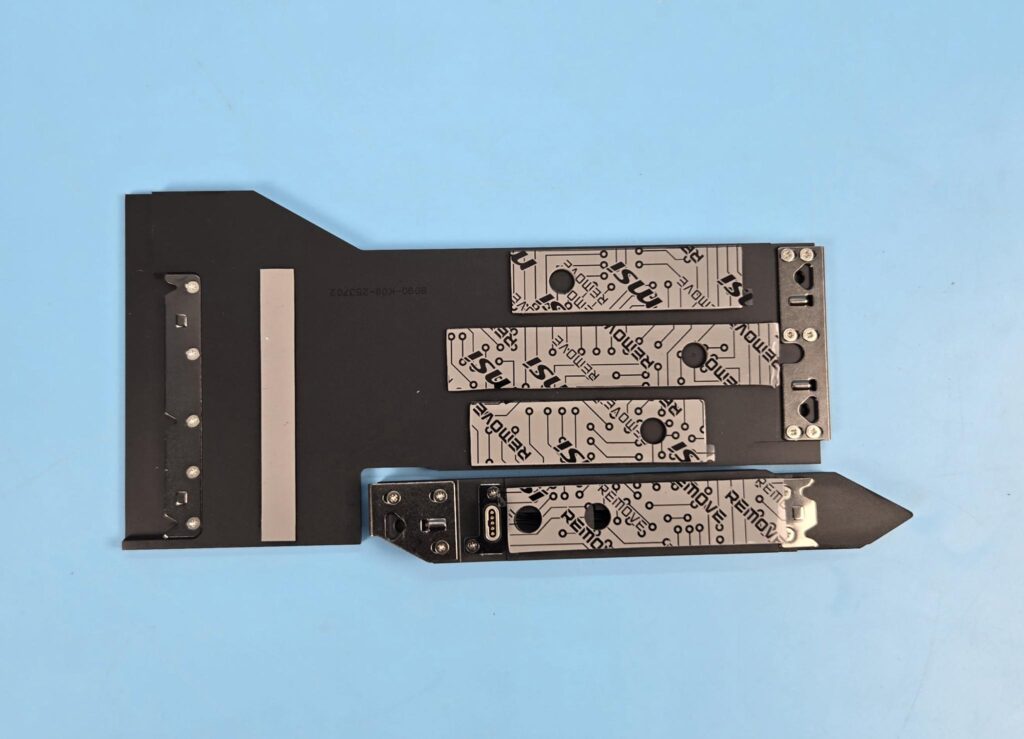
Both heatsink covers have thermal pads.
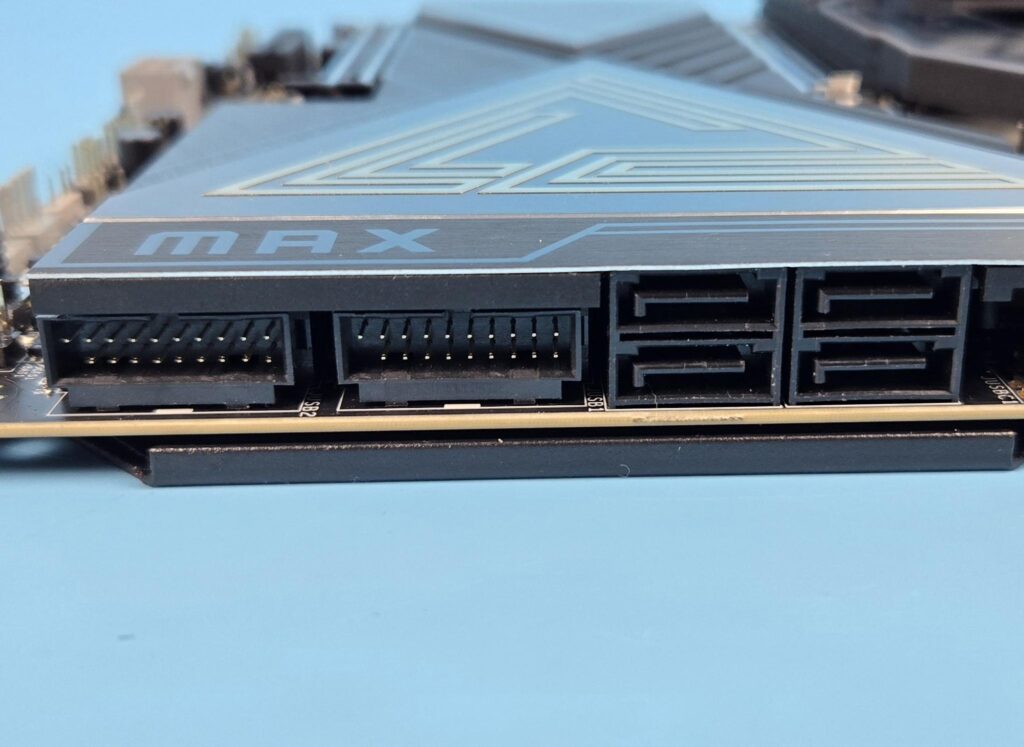
This motherboard packs 4x SATA ports as well.
M.2 Limitations
Due to limited PCIe Lanes, certain limitations are in the design.
- M2_2 shares bus with USB 4.0 ports. Using this port will result in reducing the link speed to x2 mode.
- Setting M2_2 to x4 mode will disable the USB 4.0 ports.
- M2_1 shares bandwidth with PCI_E3. M2_1 will run in x2 mode if both are populated at the same time.
- Setting M2_1 to operate at x4 will disable the PCI_E3.
- M2_1 and M2_2 (Gen5x4) will operate at Gen4x4 speed for Ryzen 8000 series CPUs.
PCIe Connectivity
This motherboard packs a total of 3x Gen5 PCIe slots. The top two slots are steel-reinforced. I have found the following data for PCI_E1 and PCI_E2 (top two slots):
- Supports up to PCIe 5.0 x16/ x0, x8/ x8 (For Ryzen™ 9000/ 7000 Series processors)
- Supports up to PCIe 4.0 x8/ x0 (For Ryzen™ 8700/ 8600/ 8400 Series processors)
- Supports up to PCIe 4.0 x4/ x0 (For Ryzen™ 8500/ 8300 Series processors)
The data for PCI_E3 shows:
- Supports up to PCIe 5.0 x4 (For Ryzen™ 9000/ 7000 Series processors)
- Supports up to PCIe 4.0 x4 (For Ryzen™ 8000 Series processors)
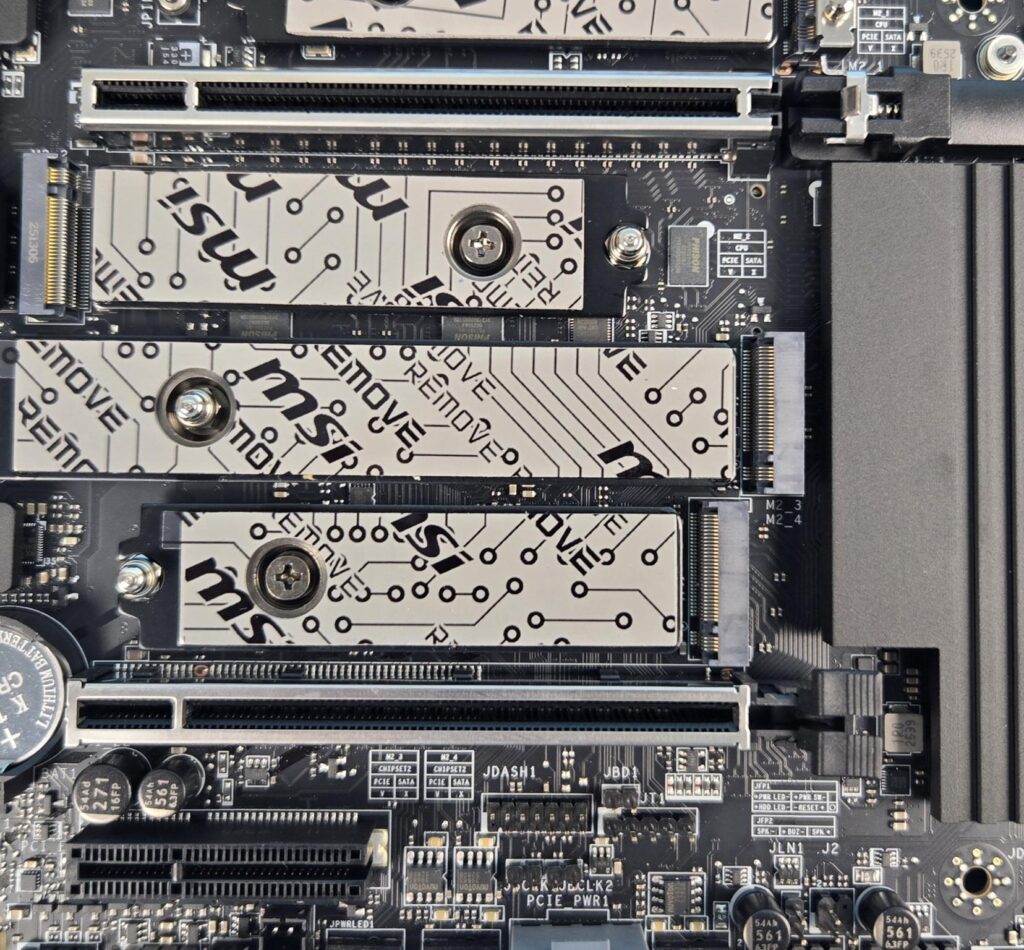
All three slots are wired to the CPU socket. The steel reinforcement involves heavy soldered connections (anchors) on the PCB to support the weight of a heavy graphics card. The motherboard features MSI’s advanced SMT technology to reduce interference and electrical noise.
The PCI_E3 shares bandwidth with M2_1. They will operate at x2 link speed if used simultaneously.
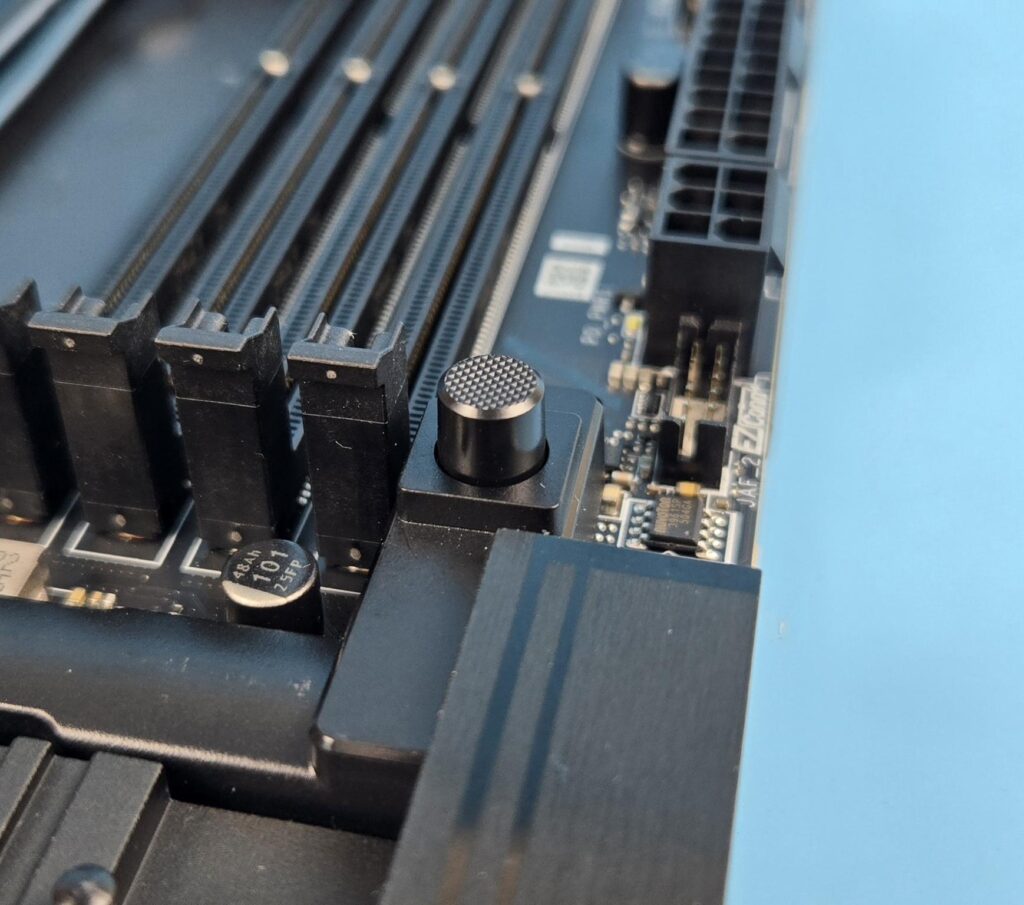
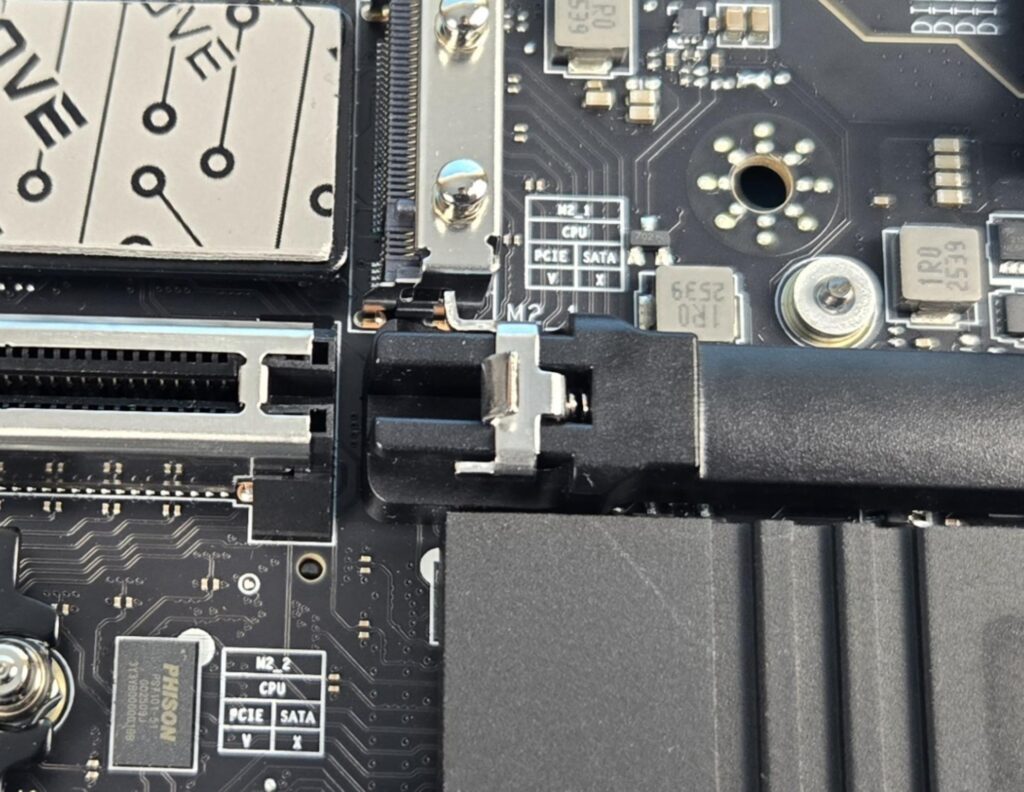
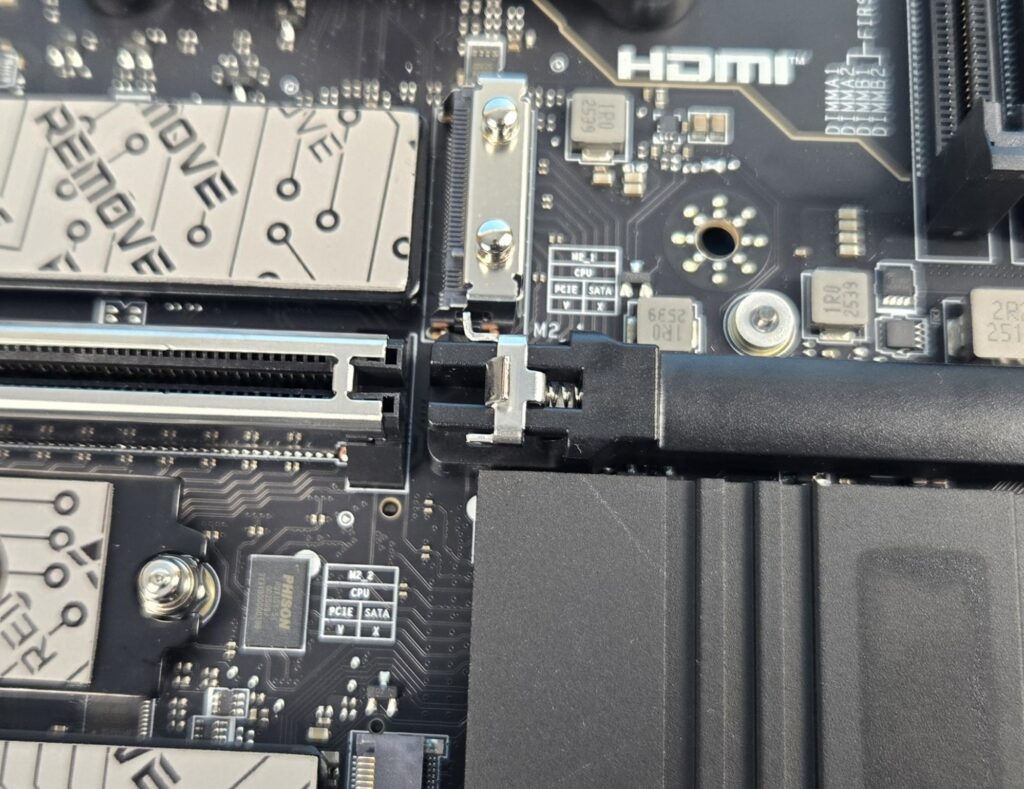
The top-most slot featuresthe MSI PCIE EZ Release Button. This button makes the locking and unlocking of the PCIe latch/locker convenient.
USB Connectivity
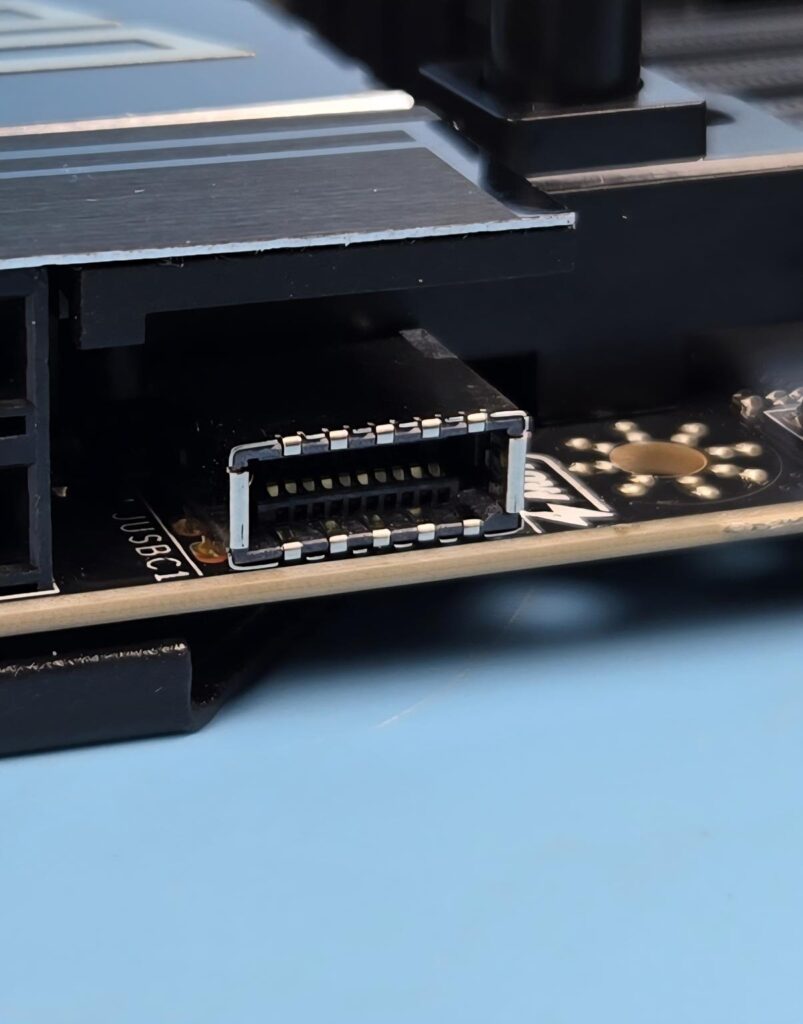
The motherboard packs 22 USB ports in all three locations. It has:
- 4x USB 2.0 (Front)
- 4x USB 5Gbps Type A (Front)
- 9x USB 10Gbps Type A (Rear)
- 2x USB 10Gbps Type C (Rear)
- 2x USB 40Gbps Type C (Rear)
- 1x USB 20Gbps Type C (Front)
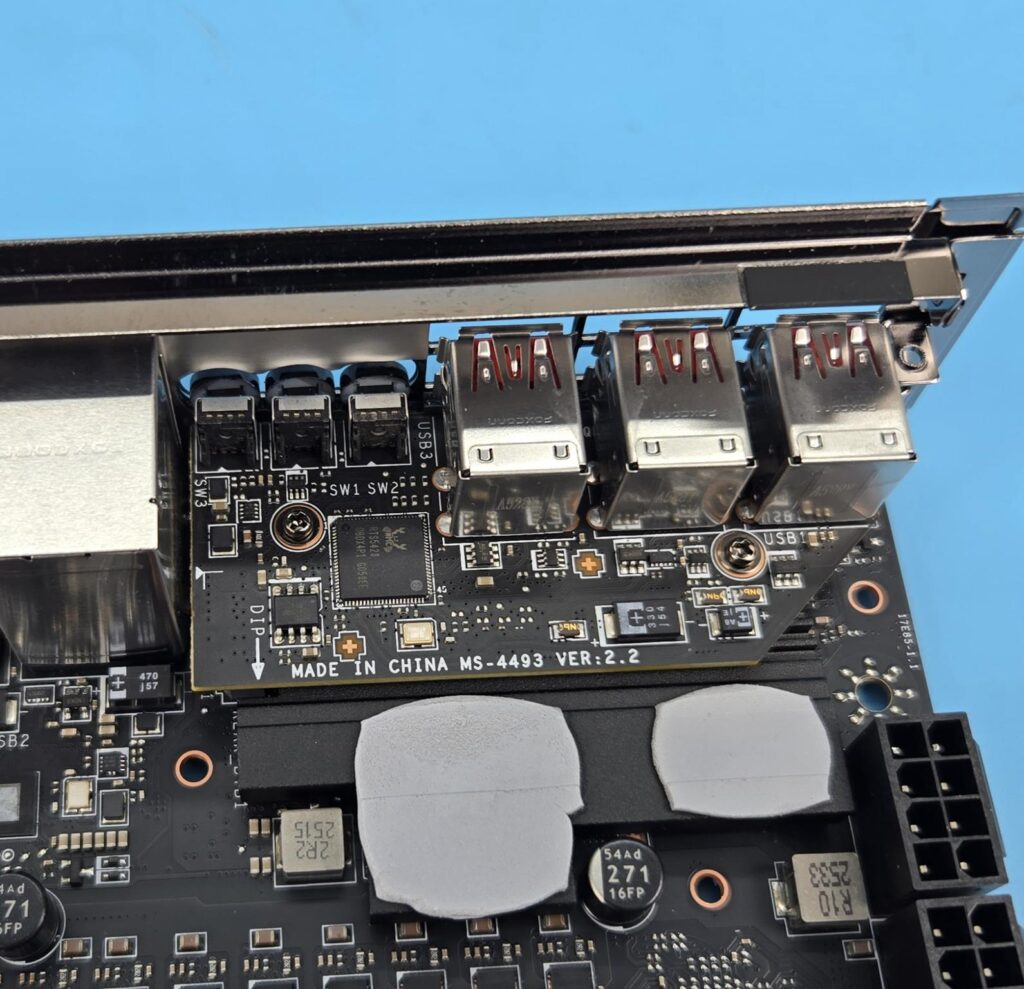
MSI has provided a separate PCB for USB 4.0 connectivity powered by the RTS5420 controller.
Networking Solution
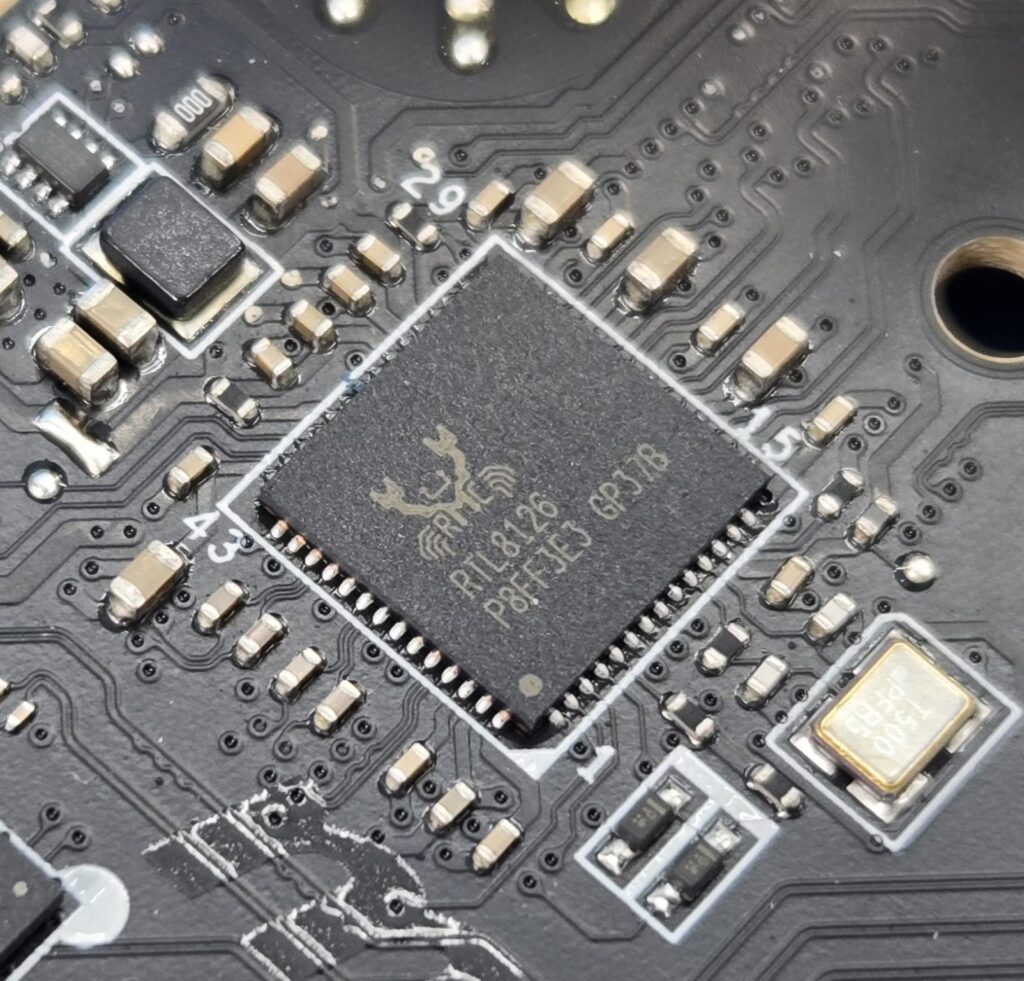
MSI has provided not one but two LAN ports on this motherboard in addition to the wireless connectivity. The 10GbE LAN port is controlled via the AQC113CS controller, whereas the 5GbE LAN port using RealTek RTL8126 controller.
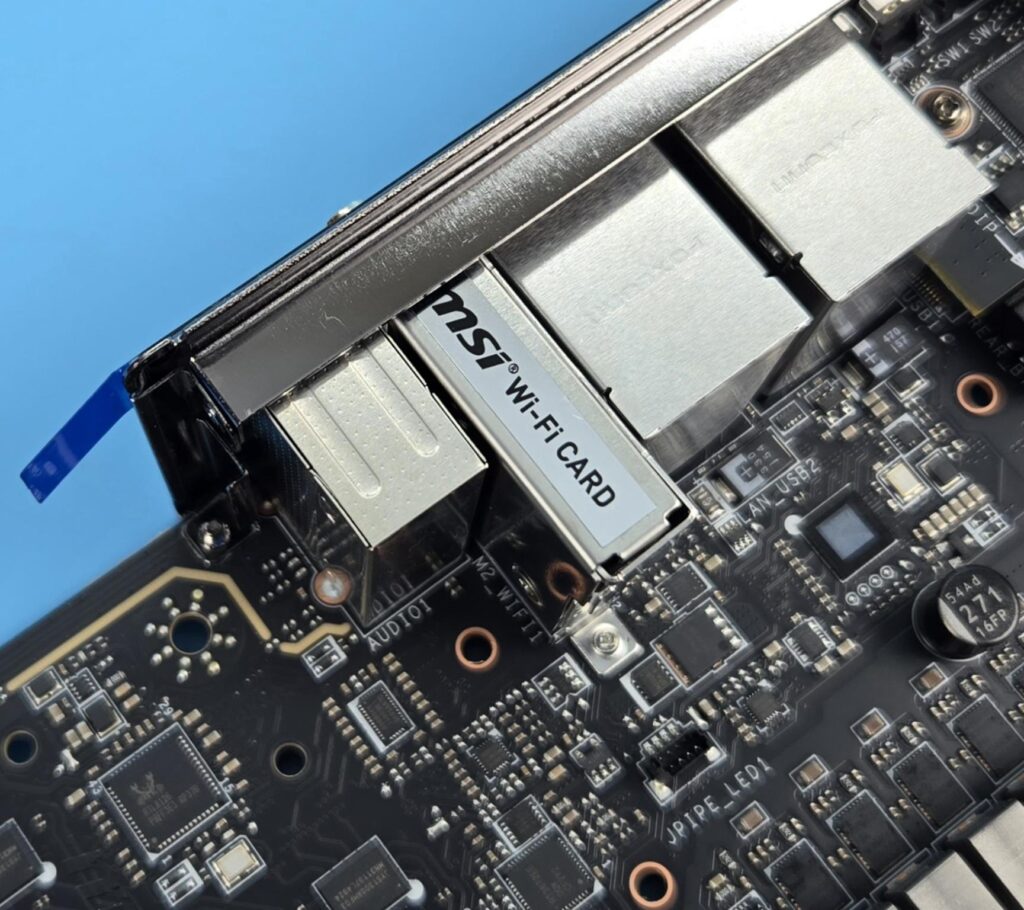
The wireless connectivity is provided in the form of full WiFi 7 and Bluetooth 5.4. The Wireless module is pre-installed in the M.2 (Key-E) slot and supports MU-MIMO TX/RX, 2.4GHz/ 5GHz/ 6GHz (320MHz) up to 5.8Gbps.
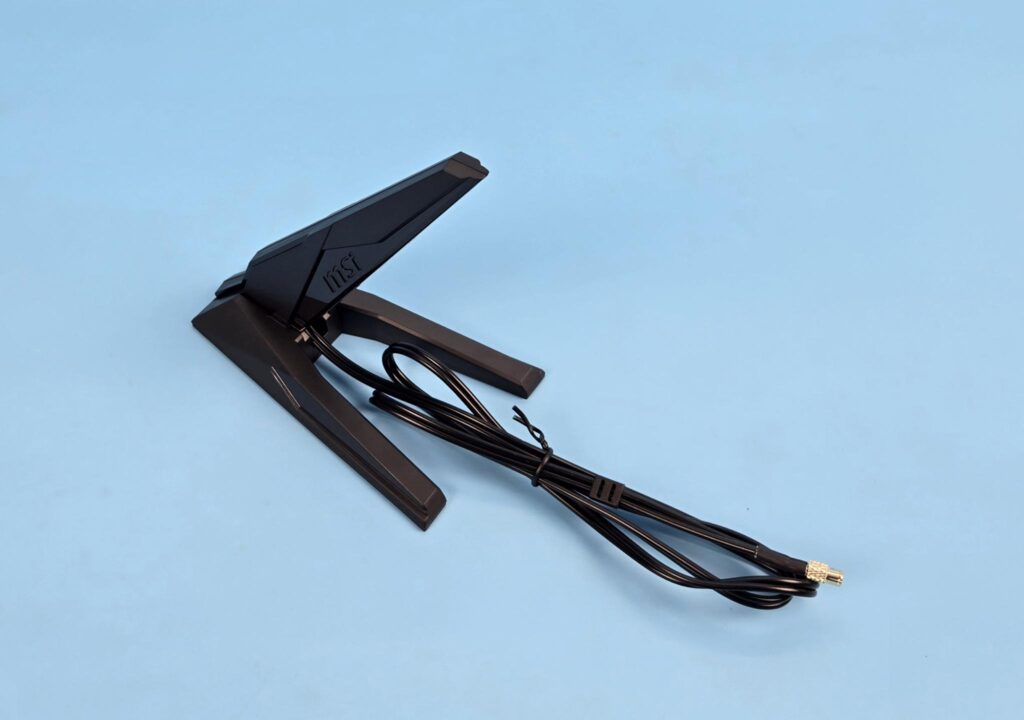
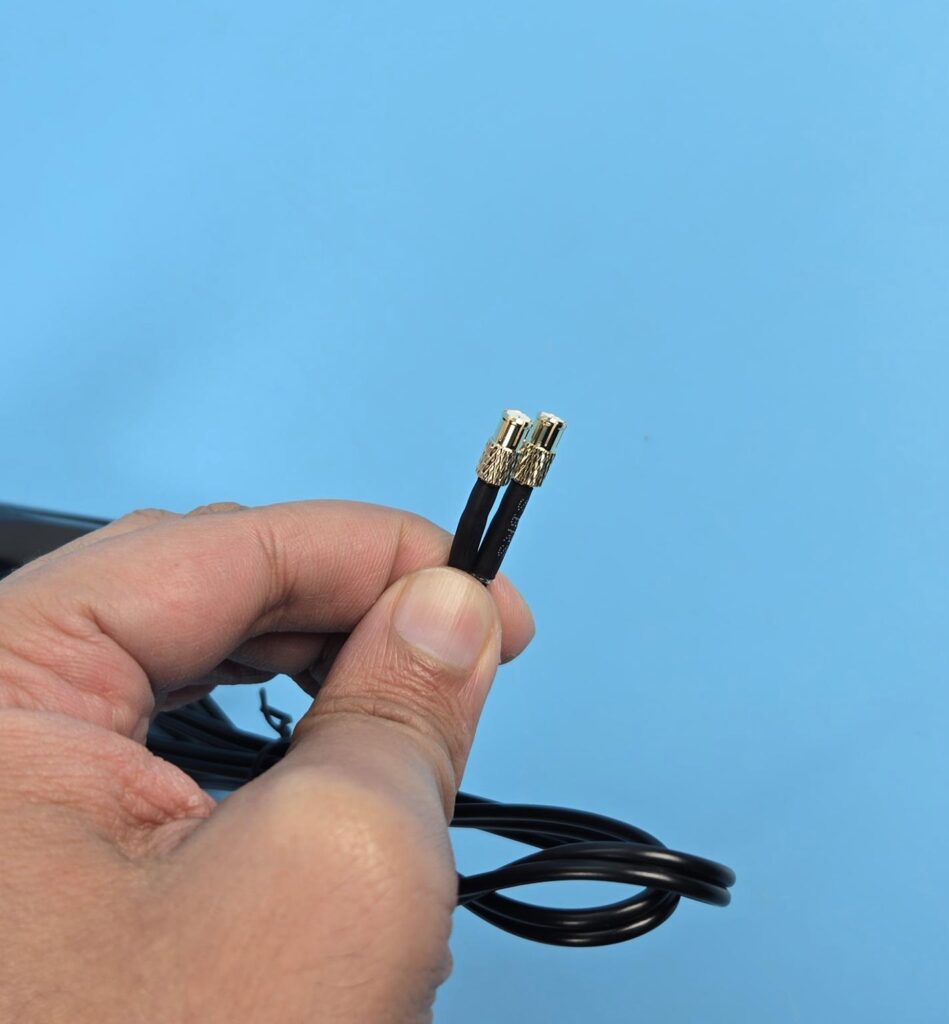
The antennae have a magnetic base for a convenient mount. The push/pull style plugs also provide utmost convenience to the user.
Audio Solution
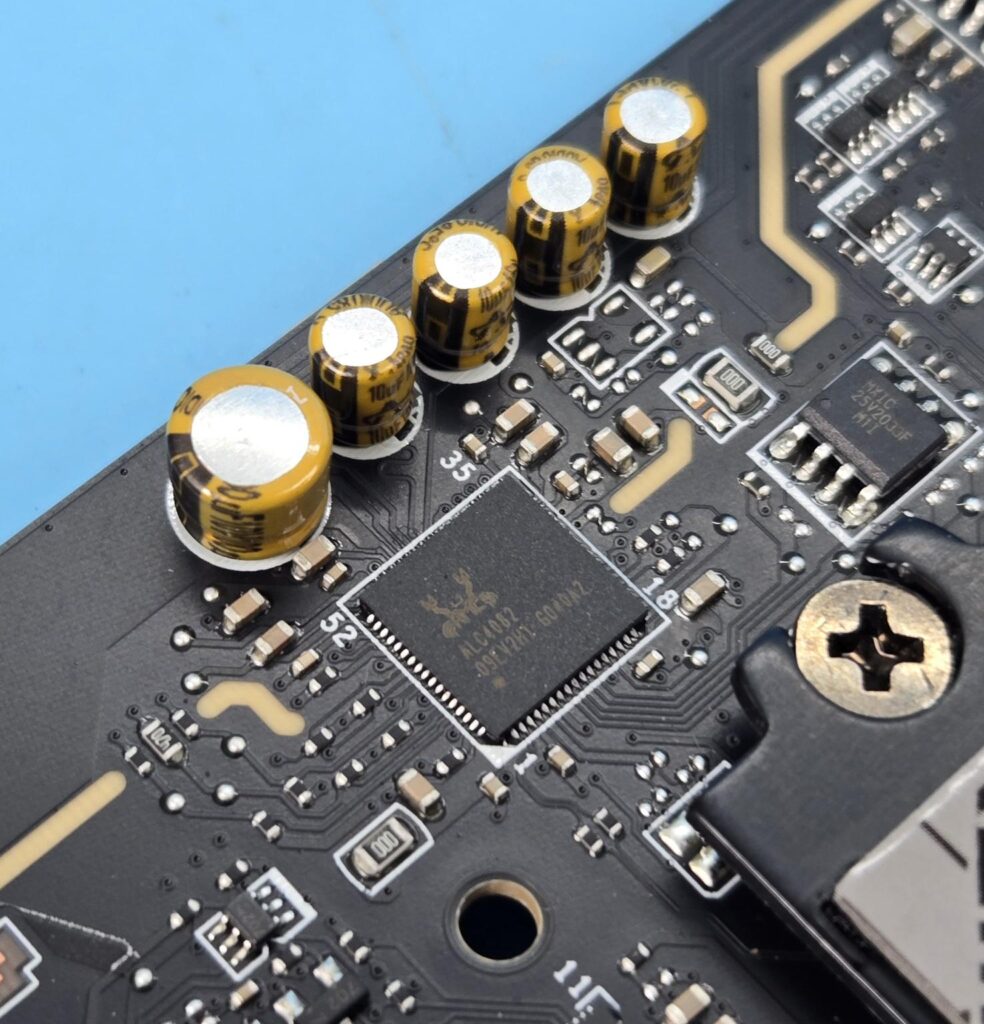
The audio solution is provided by using an audio driver with a dedicated DAC. The ALC4082 is employed on this motherboard by MSI, and audio hardware is on two separate layers of the PCB. MSI has used high-performance Chemi-Con capacitors.
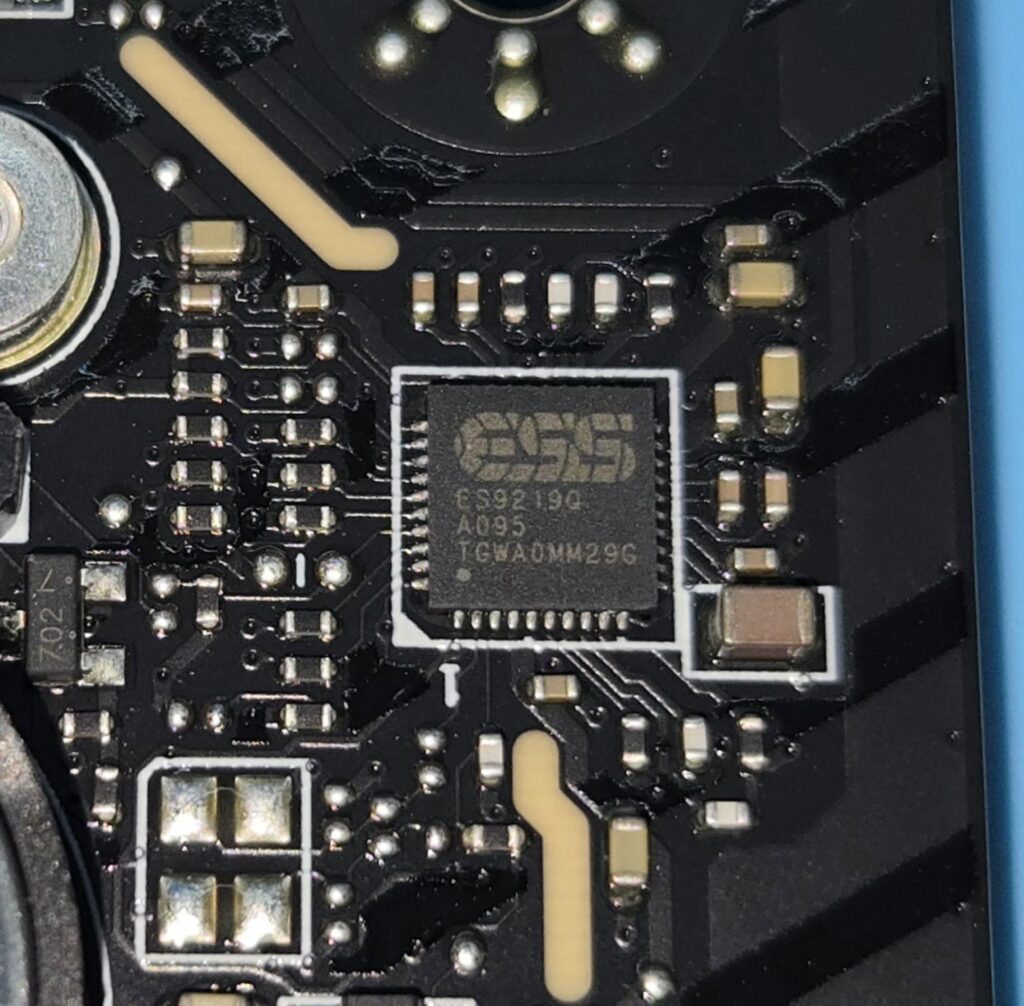
The DAC/HPA is ESS ES9219Q DAC/HPA, which is a 7.1 Channel solution with S/PDIF output. It supports up to 32-Bit/384 kHz playback on the front panel. The output side has an isolated analogy structure.
Internal Connectors
Let’s take a look at the connectors.
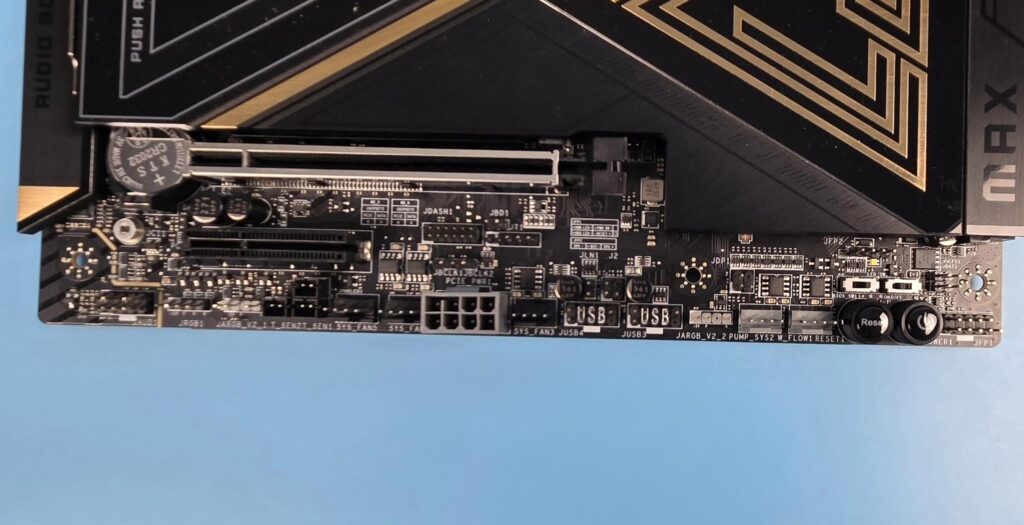
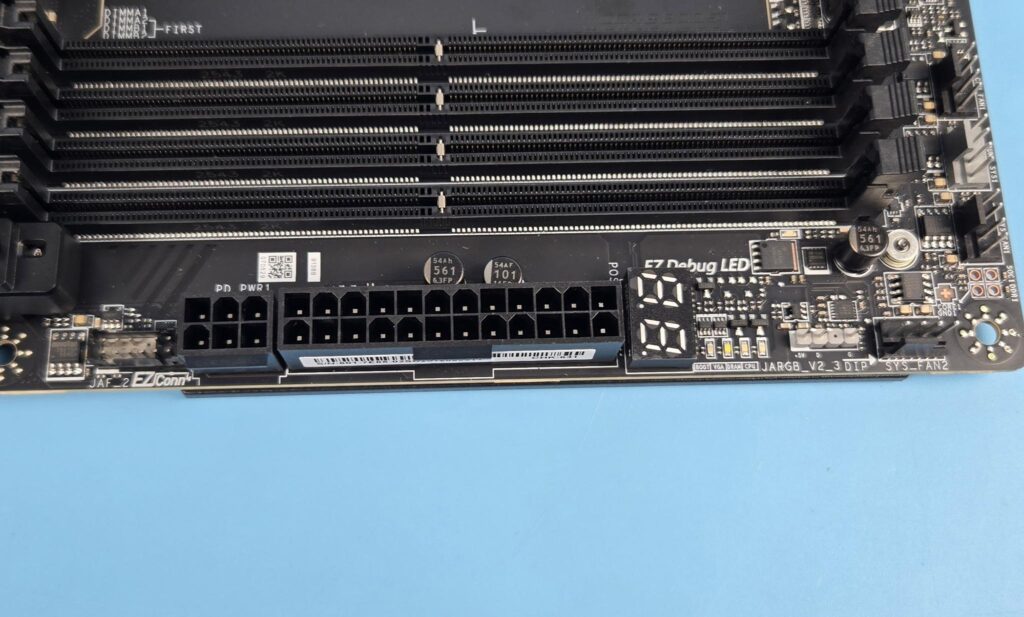
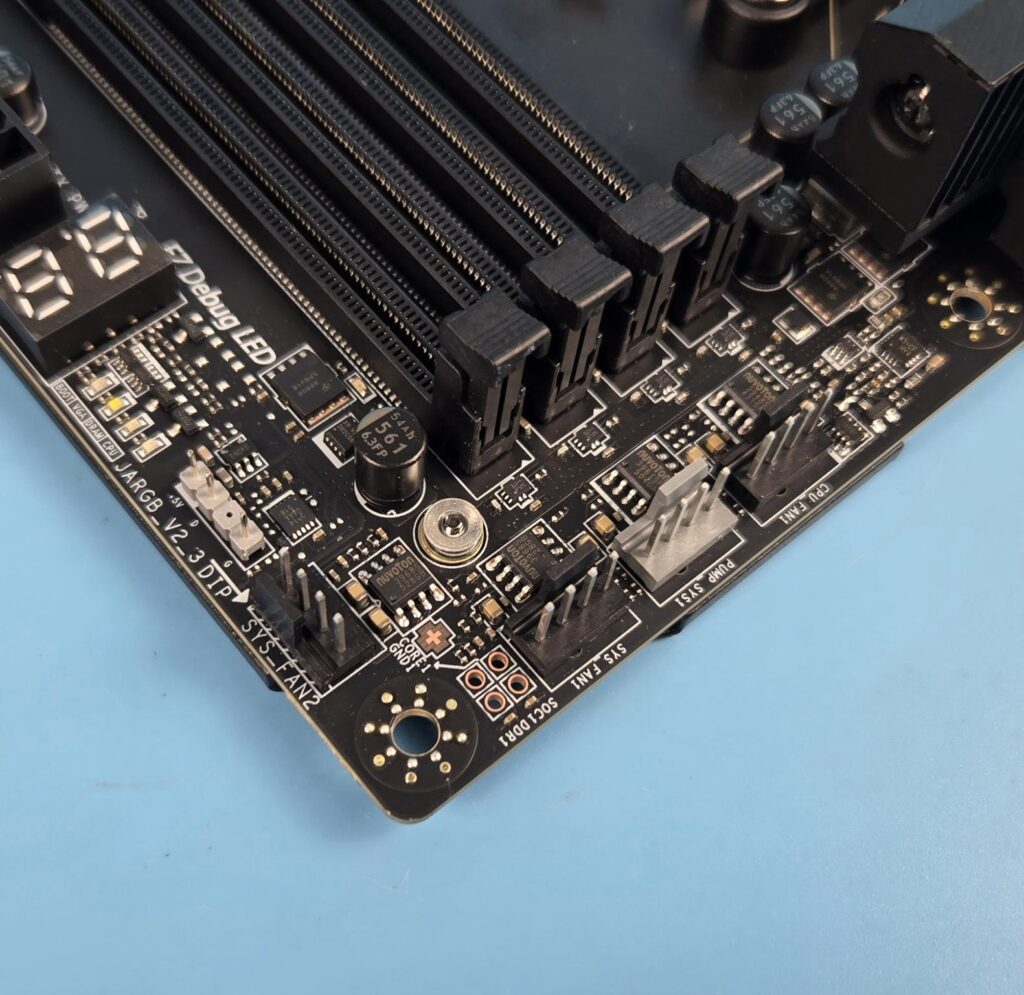
The board comes with:
- 1x 24-Pin Power Connector (ATX_PWR)
- 2x 8-Pin Power Connector (CPU_PWR)
- 1x Power Connector (PCIE_PWR 8pin)
- 1x Front Type-C Quick Charge Connector (PD_PWR1)
- 1x CPU Fan Header
- 2x Combo Fan Headers (Pump_Sys Fan)
- 5x System Fan Headers
- 1x EZ Conn-header (JAF_2)
- 2x Front Panel (JFP)
- 1x Chassis Intrusion (JCI)
- 1x Water Flow connector
- 1x Front Audio (JAUD)
- 2x Thermal Sensor connectors (T_SEN)
- 1x Tuning Controller connector (JDASH)
- 3x Addressable V2 RGB LED connector (JARGB_V2)
- 1x RGB LED connector (JRGB)
- 1x TPM pin header(Support TPM 2.0)
- V-check points
- 2x Direct OC Jumper (JBCLK)
- 4x USB 2.0 ports
- 4x USB 5Gbps Type A ports
- 1x USB 20Gbps Type C ports
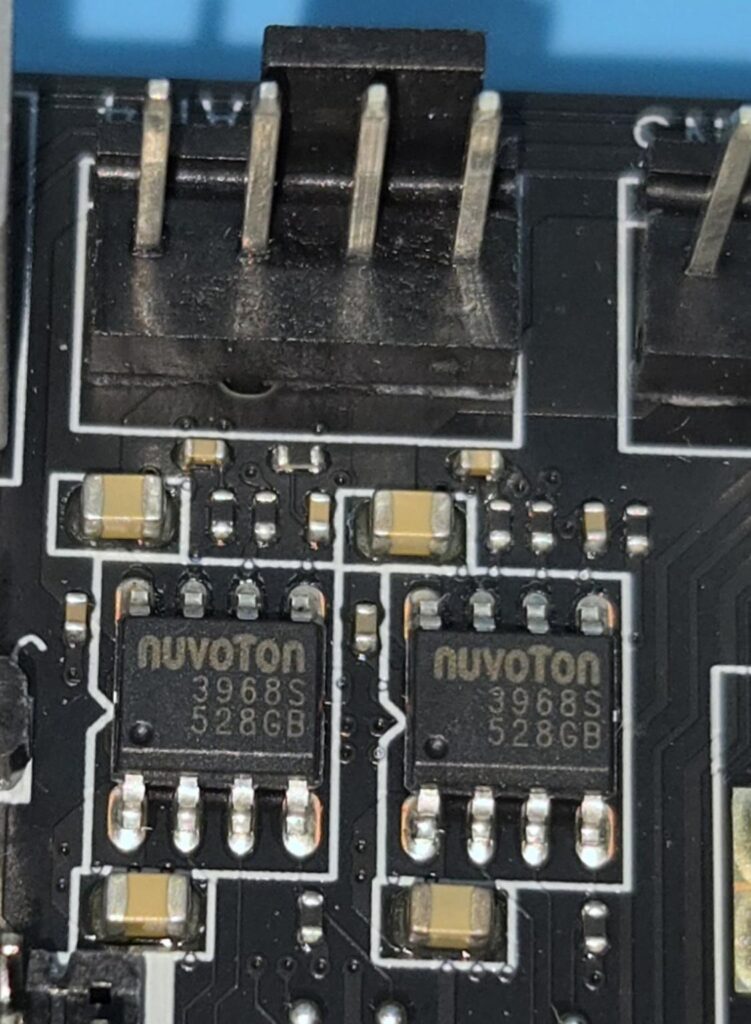
MSI has used Nuvoton 3968S to regulate the fan headers. The fan headers’ power data is as follows:
- CPU Fan header: 2A
- Pump header: 3A
- System fan headers: 1A each.
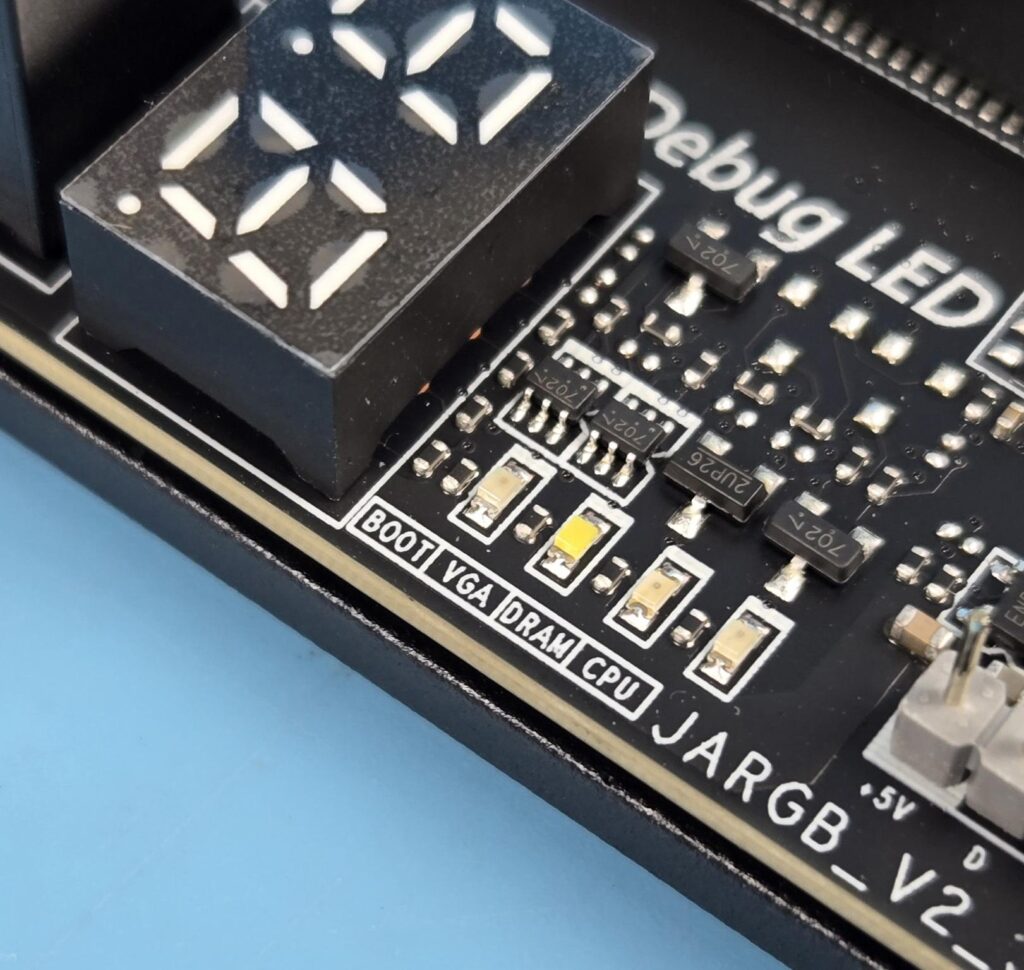
The motherboard packs a Digital Debug LED as well as the commonly used 4x troubleshooting LEDs. MSI has also provided a dedicated white color LED for the DIMM slots. It will light up in case any faulty stick is detected. 1x EZ LED Control switch is also provided.
Rear IO Panel
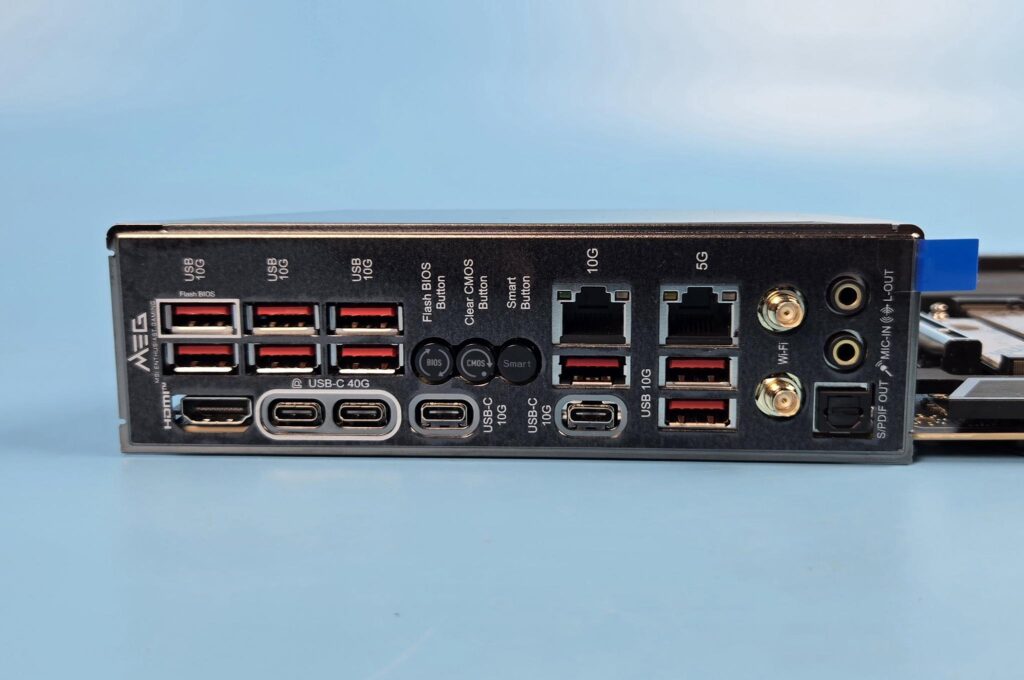
There are:
- USB 10Gbps (Type-A)
- Flash BIOS Button
- Clear CMOS Button
- Smart Button
- 10G LAN
- 5G LAN
- Wi-Fi / Bluetooth
- HD Audio Connectors
- HDMI™ 2.1 Port
- USB 40Gbps (Type-C)
- USB 10Gbps (Type-C)
- USB 10Gbps (Type-A)
- Optical S/PDIF-Out
Other Areas/Functions
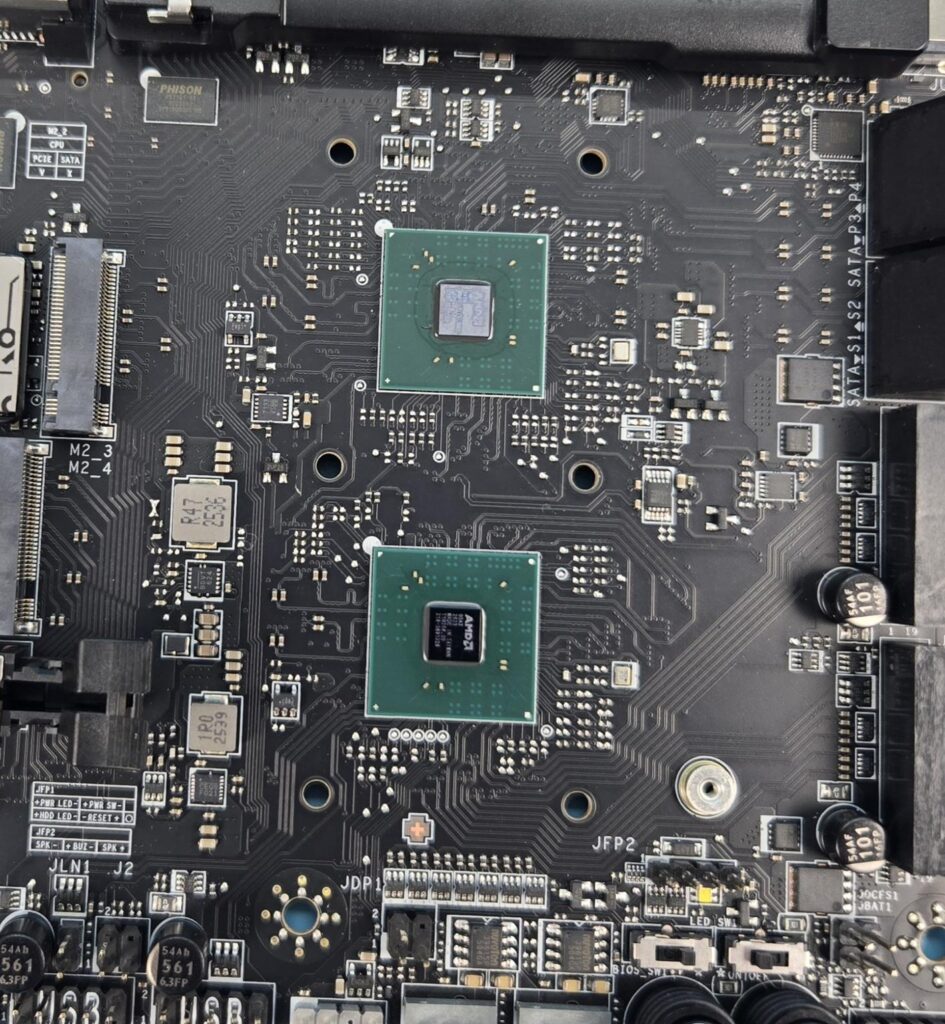
This motherboard comes equipped with two chipsets.
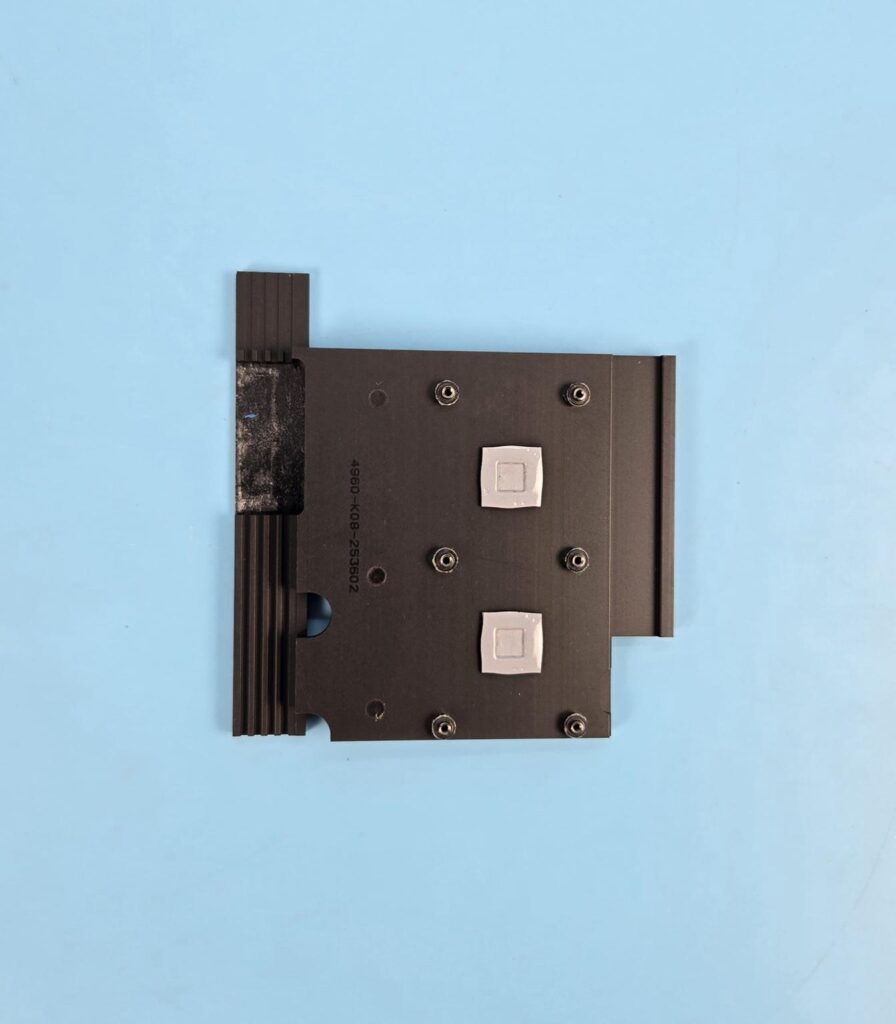
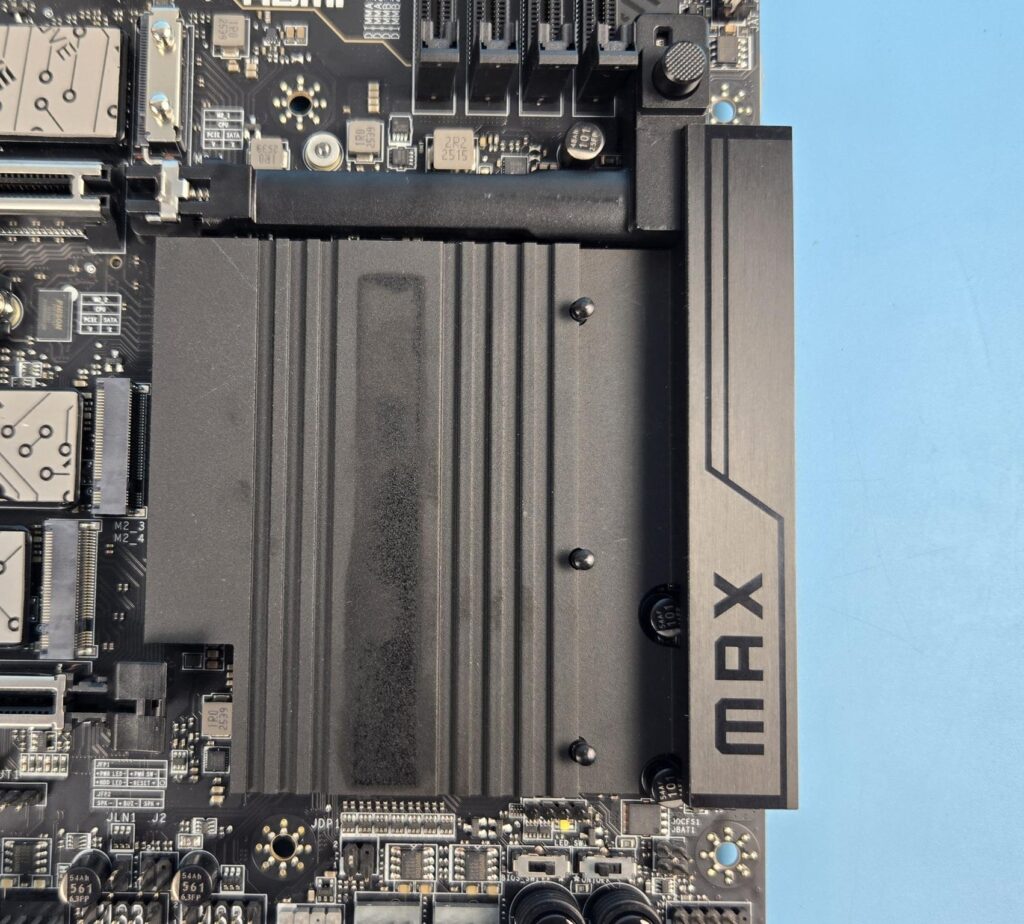
MSI has used a large-sized aluminum cover/heatsink for the chipsets with thermal pads.
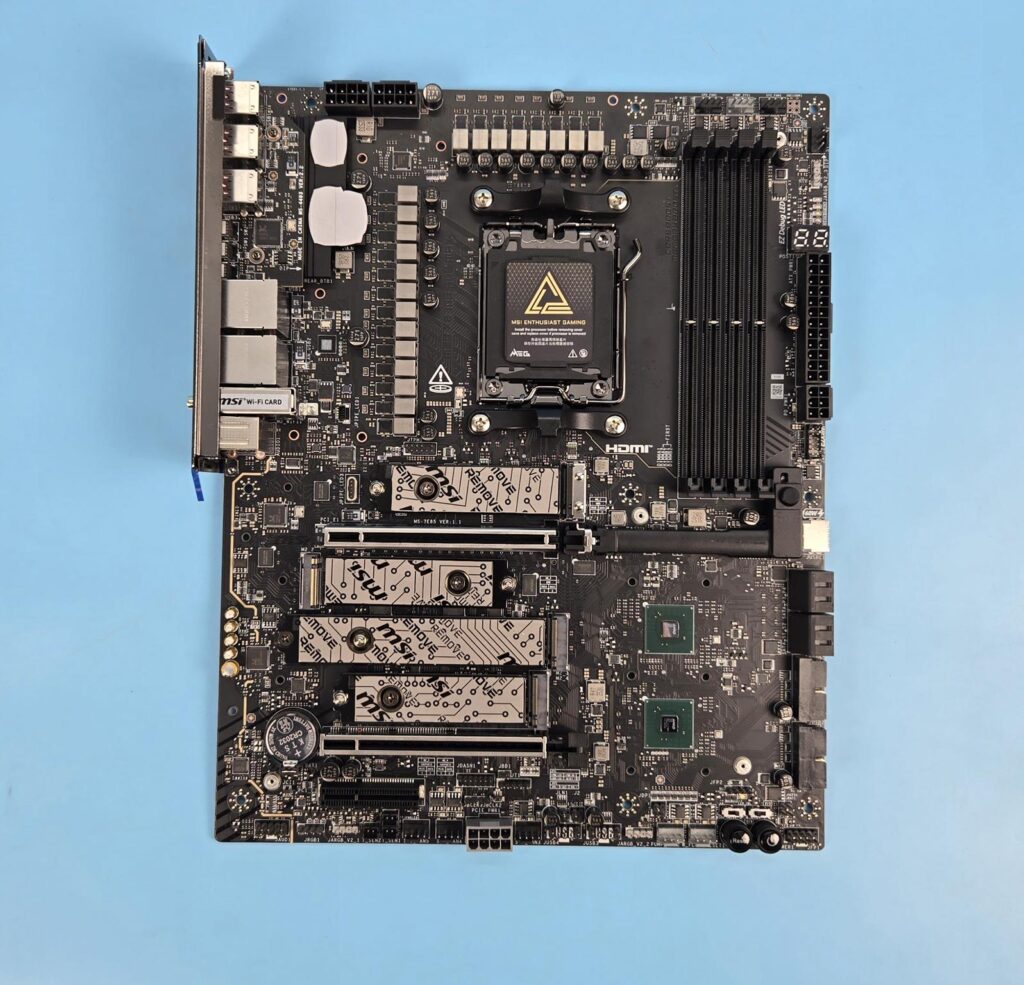
The above is a PCB front view after removing all heatsink covers.
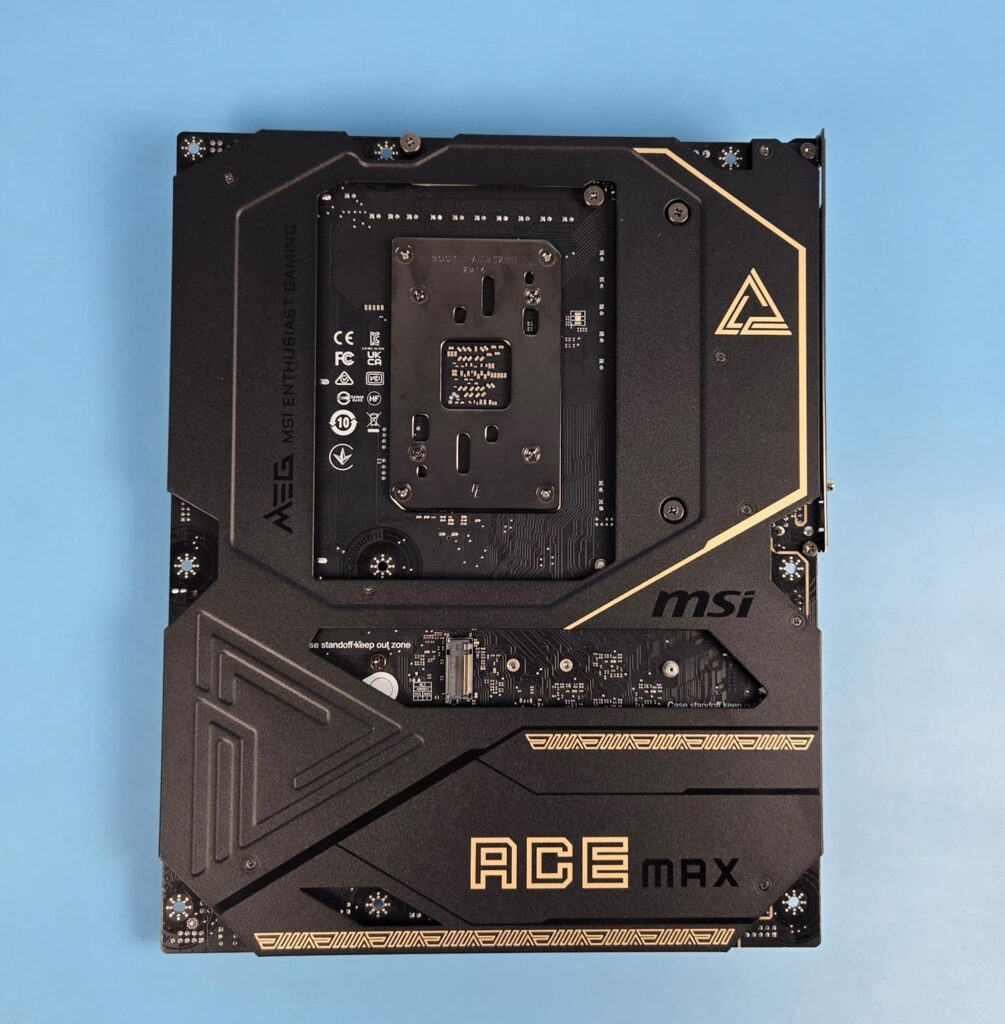
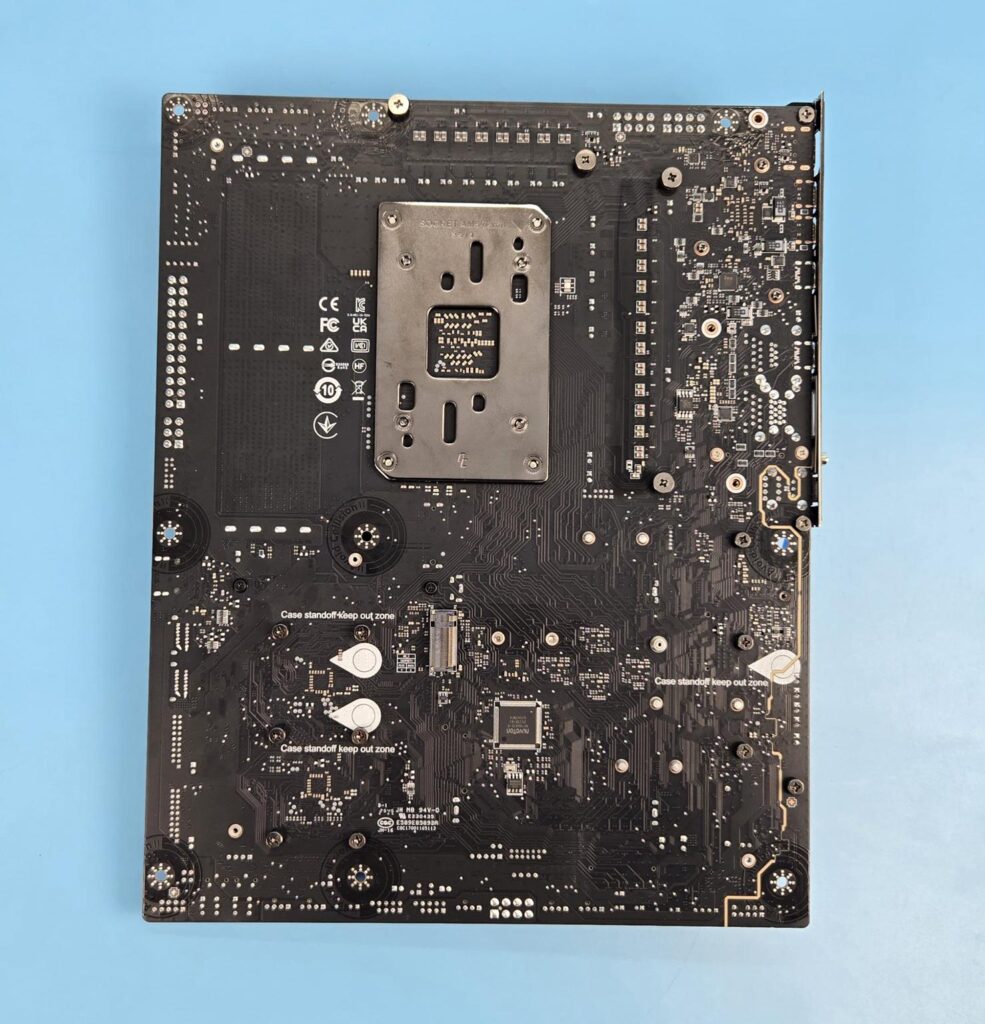
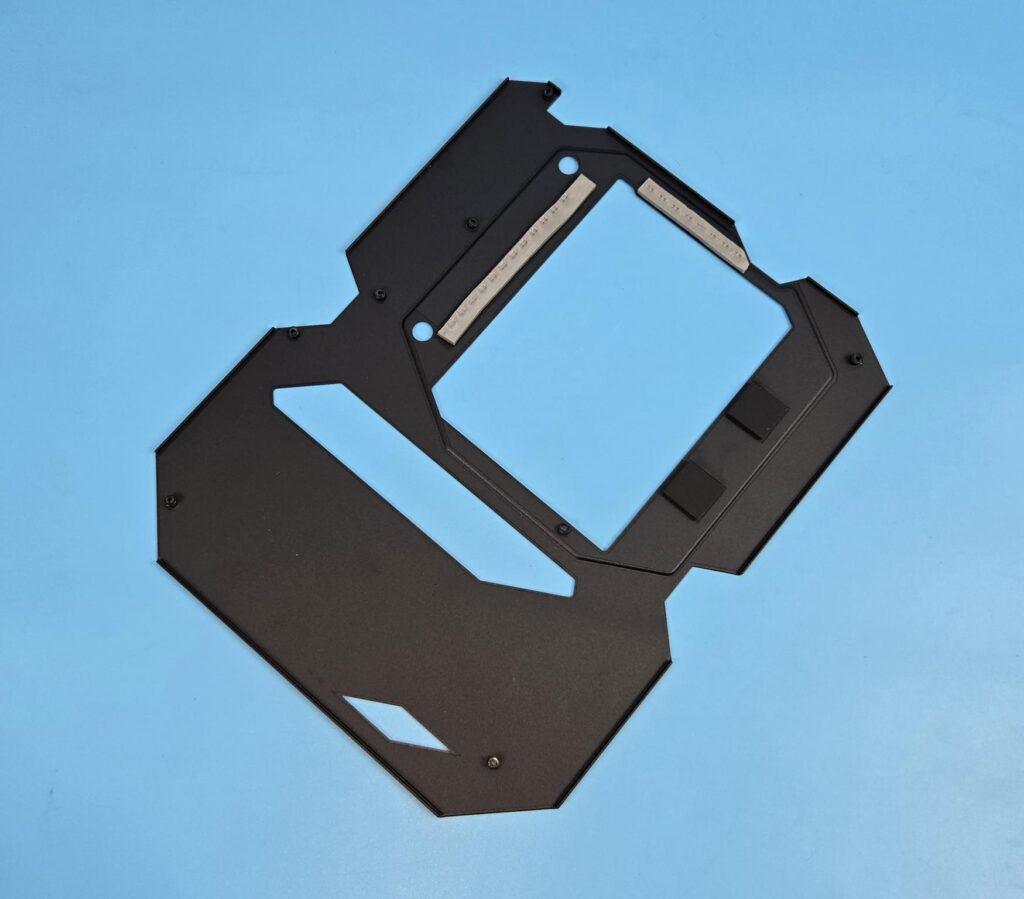
MSI has provided a metallic backplate on this motherboard. MSI has wisely used this plate as a secondary means to dissipate heat from motherboard’s critical components by providing thermal pads over the VRM area.
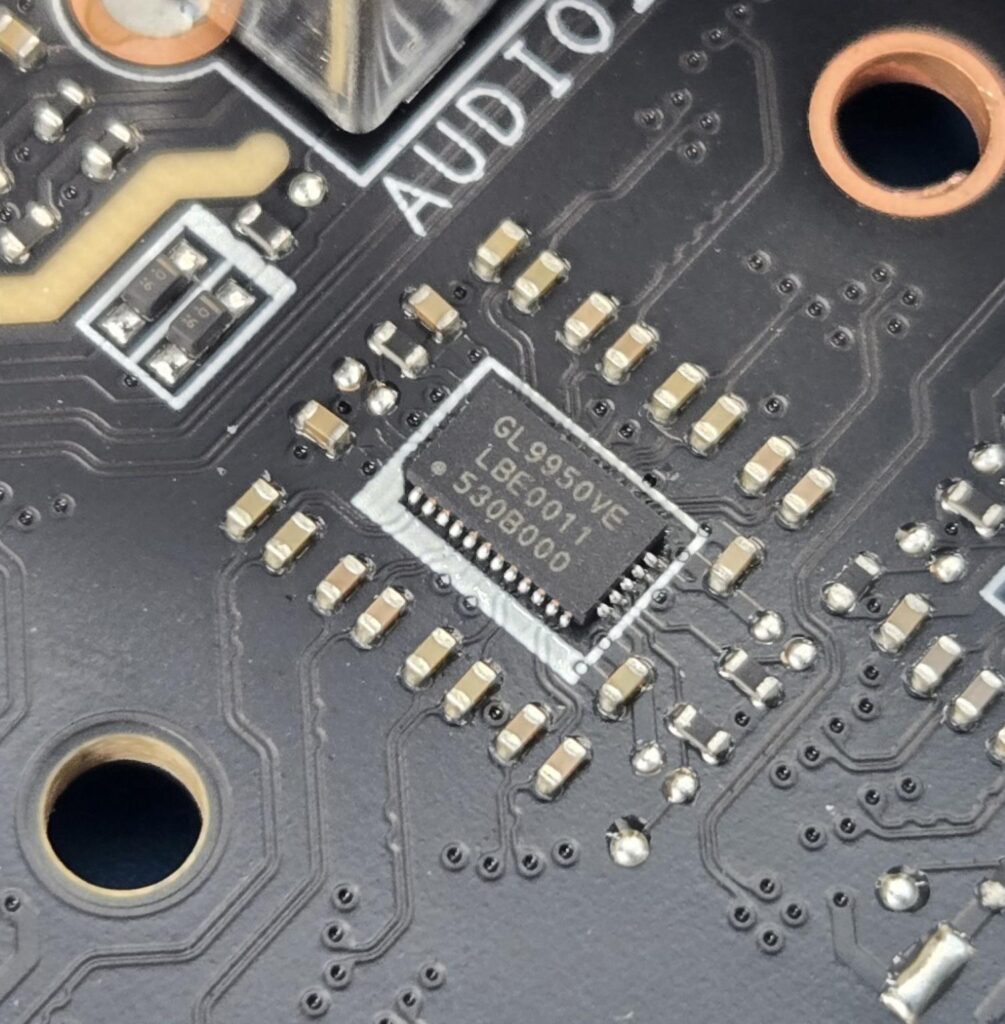
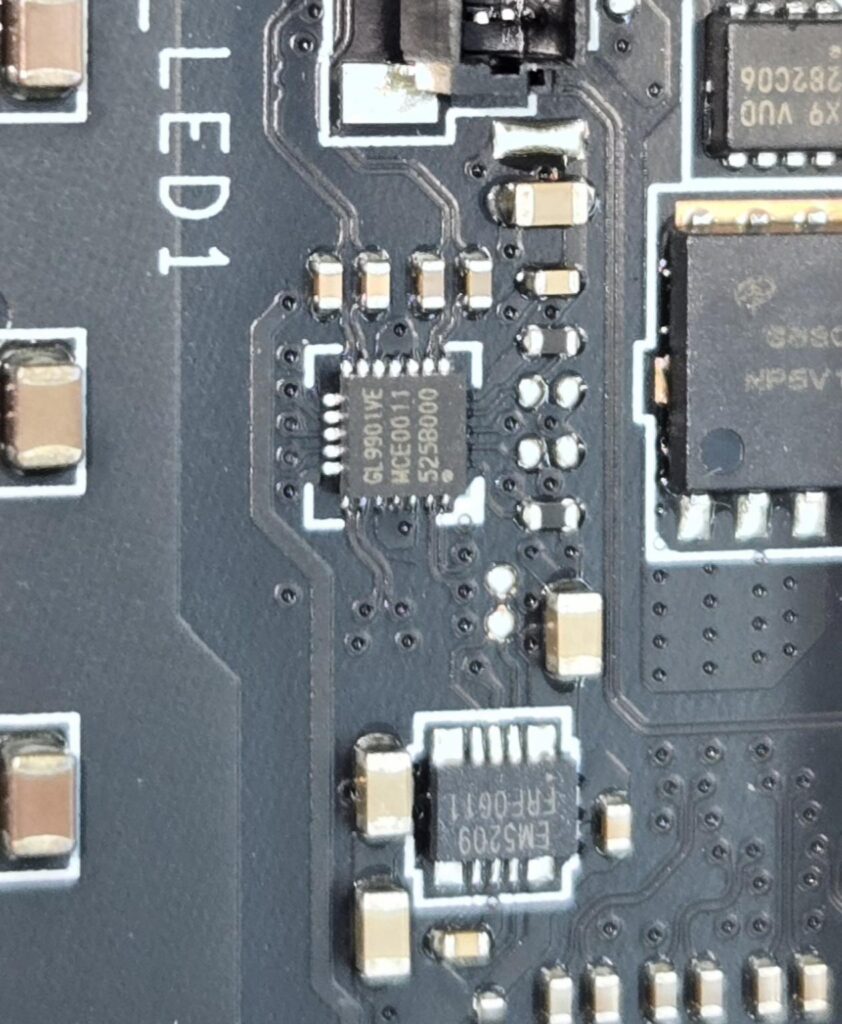
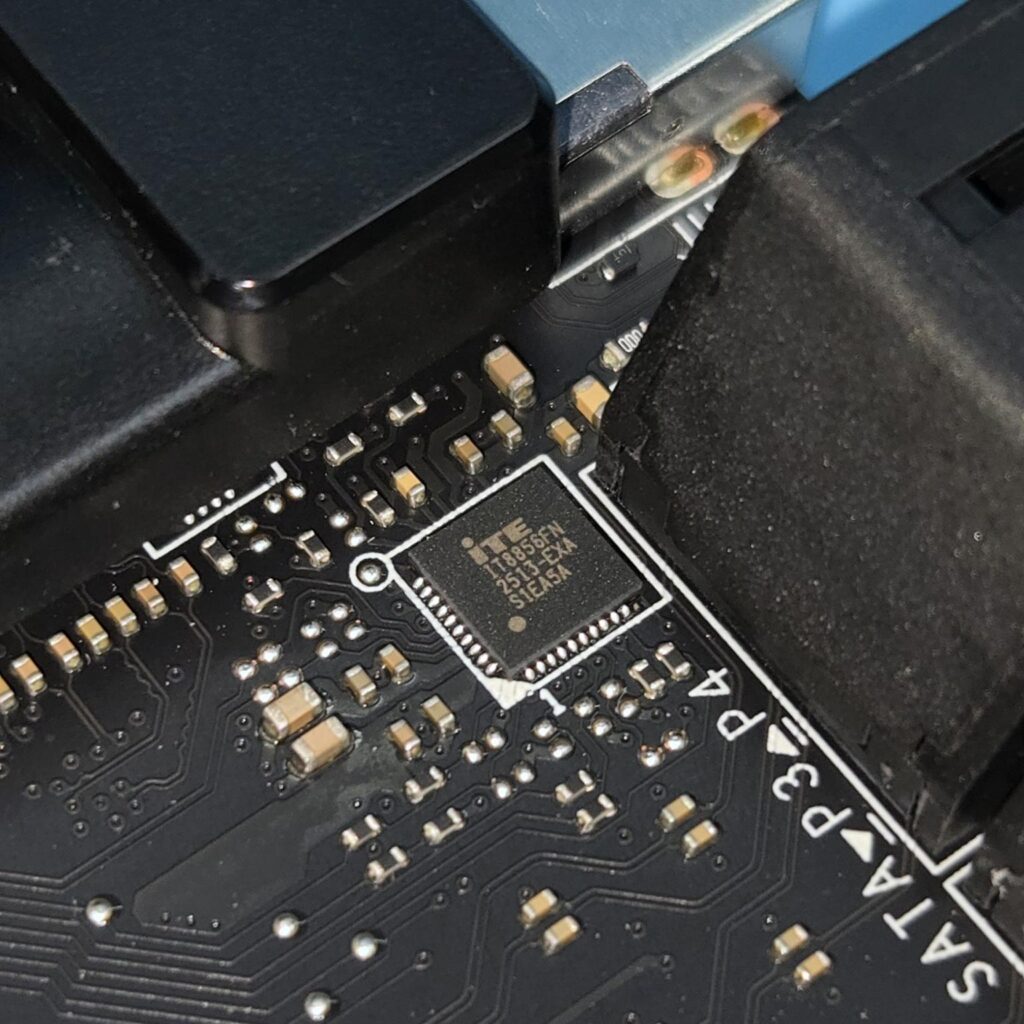
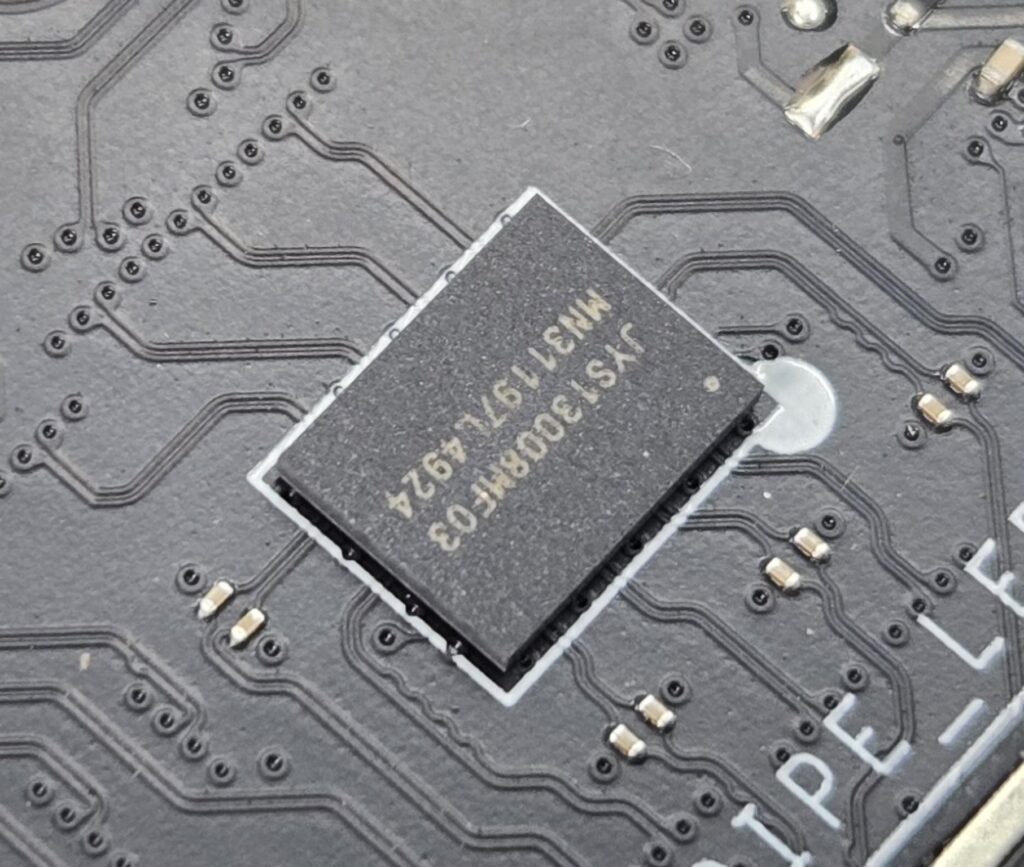
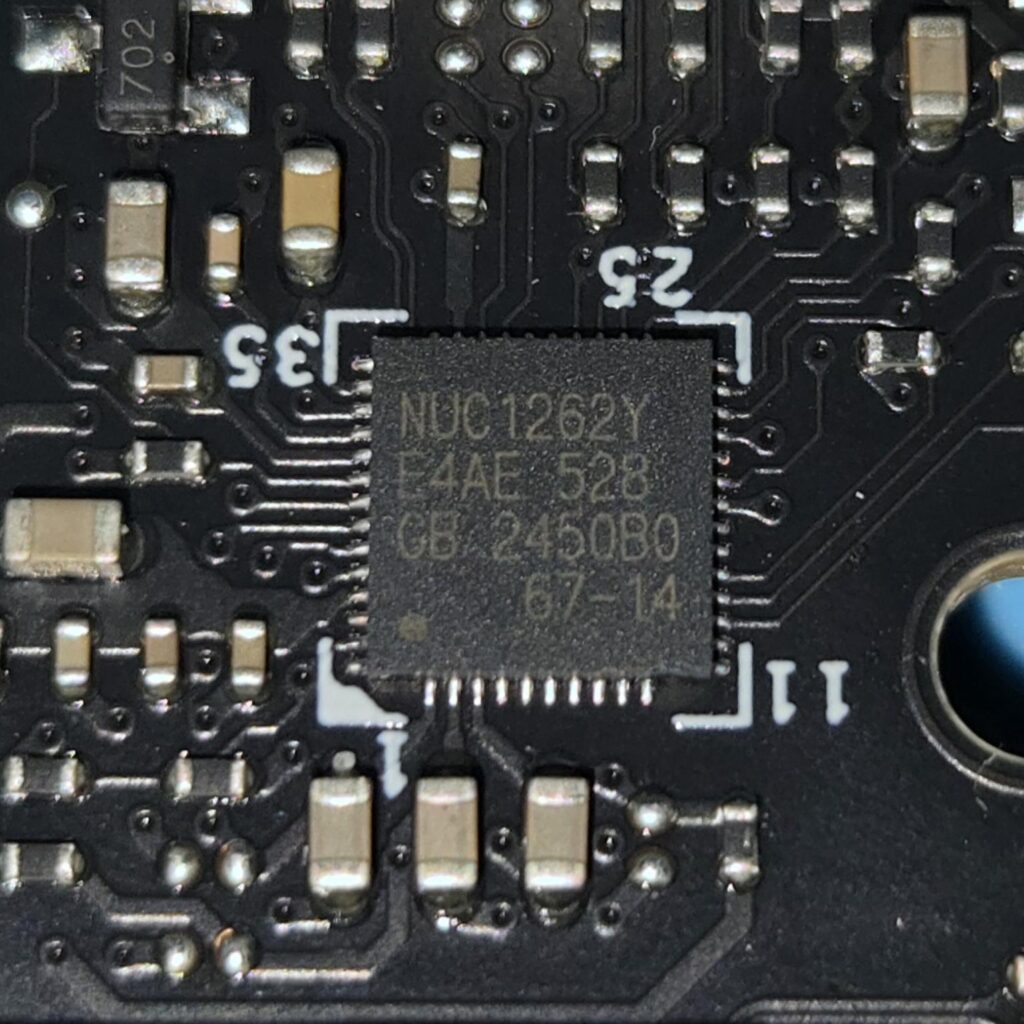
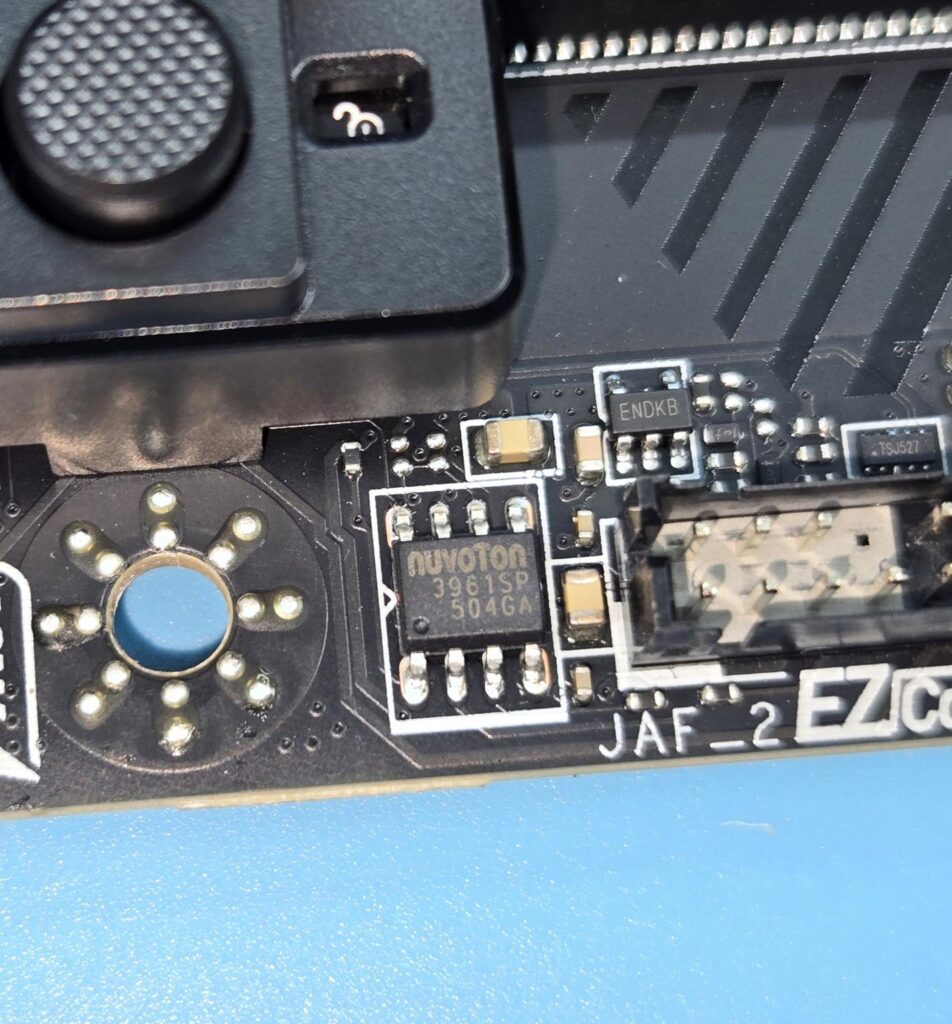
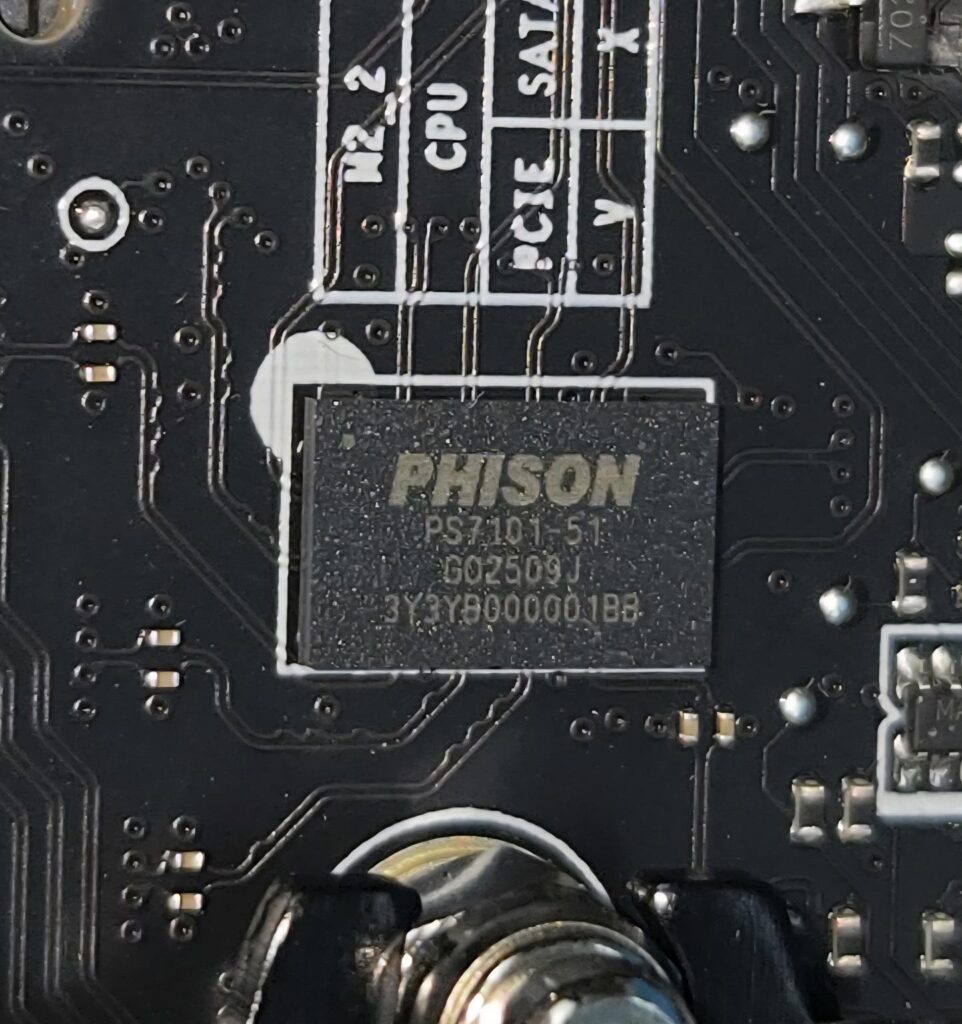
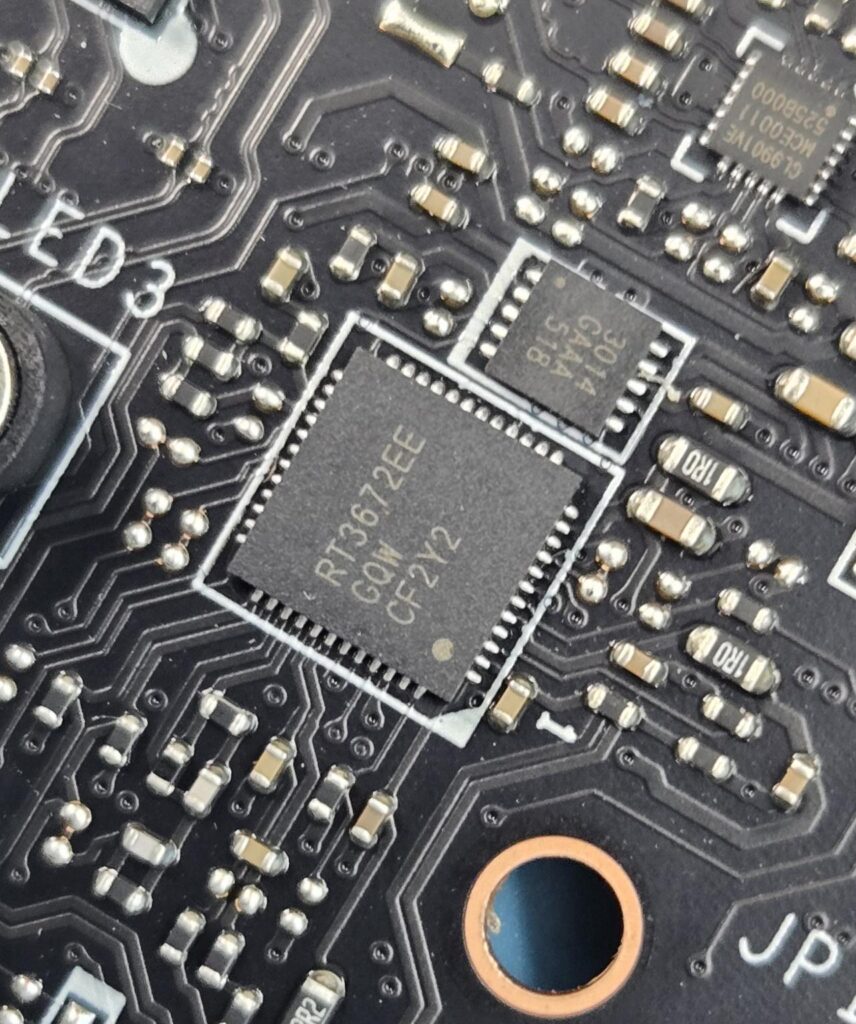
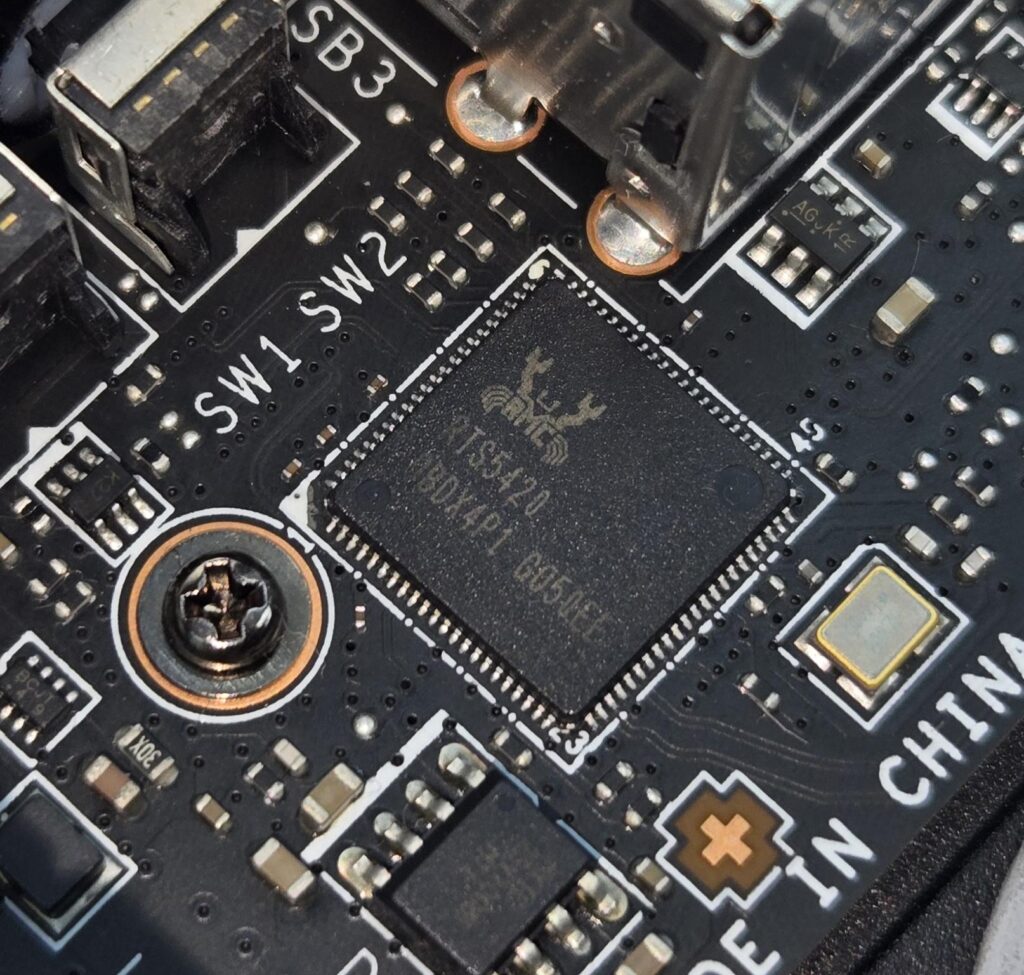
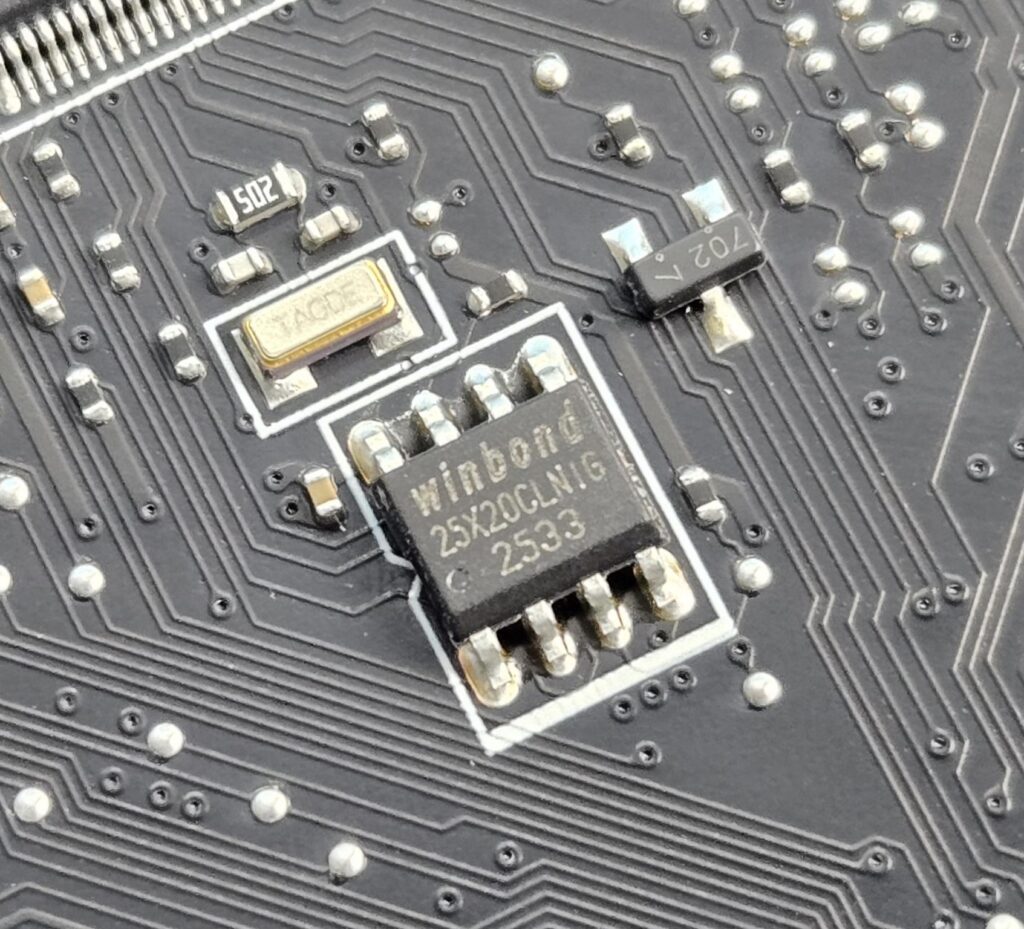
MSI has implemented NuvoTon NCT6687D-R as the main IO controller. In addition, there are multiple controllers on this motherboard including ASM1543, GL990, ITE IT8857, JYS13008MF03, MXIC MX 25L3233F, Phison PS7101-51, RTS5420, etc.
MSI has used PCIe Gen5 redrivers in the form of LeRain JYS13008MF03, with is liner equalizer with Mux/Demux support, and the Phison PS7101-5,1 which is a 2-lane high-performance linear Redriver with integrated mux/de-mux designed for PCIe 5.0 applications that supports up to 32 Gbps data rate.
BIOS
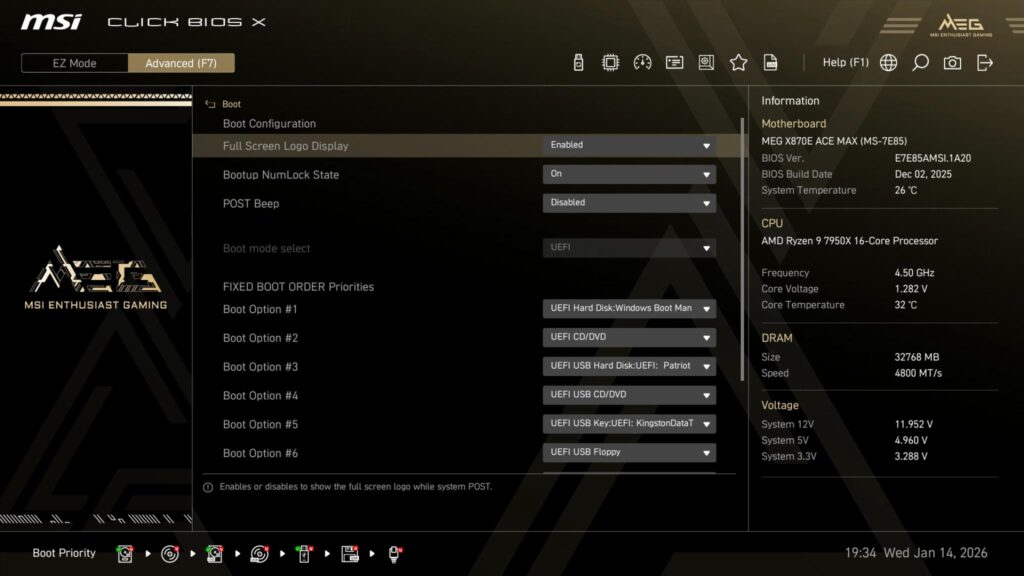
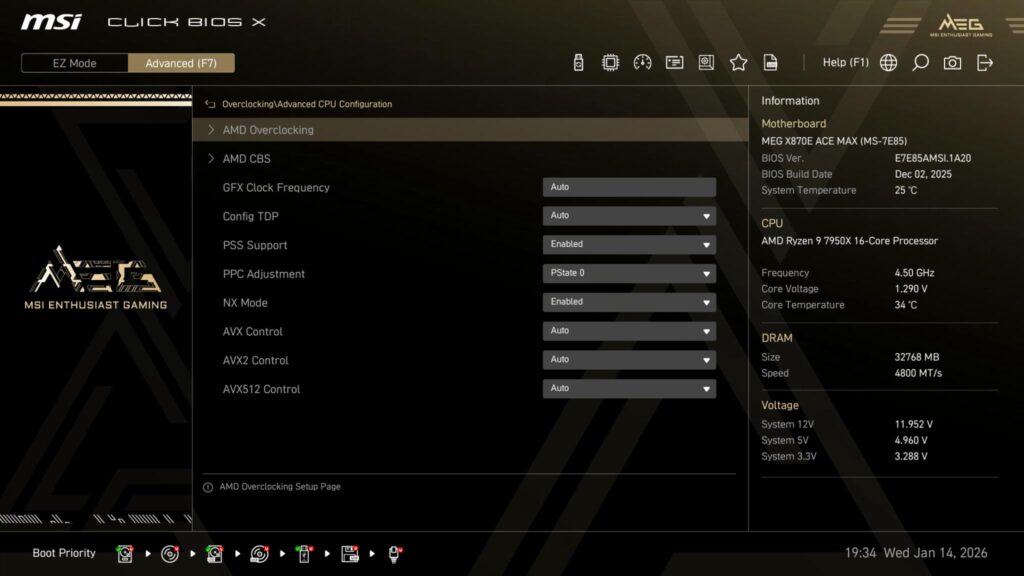
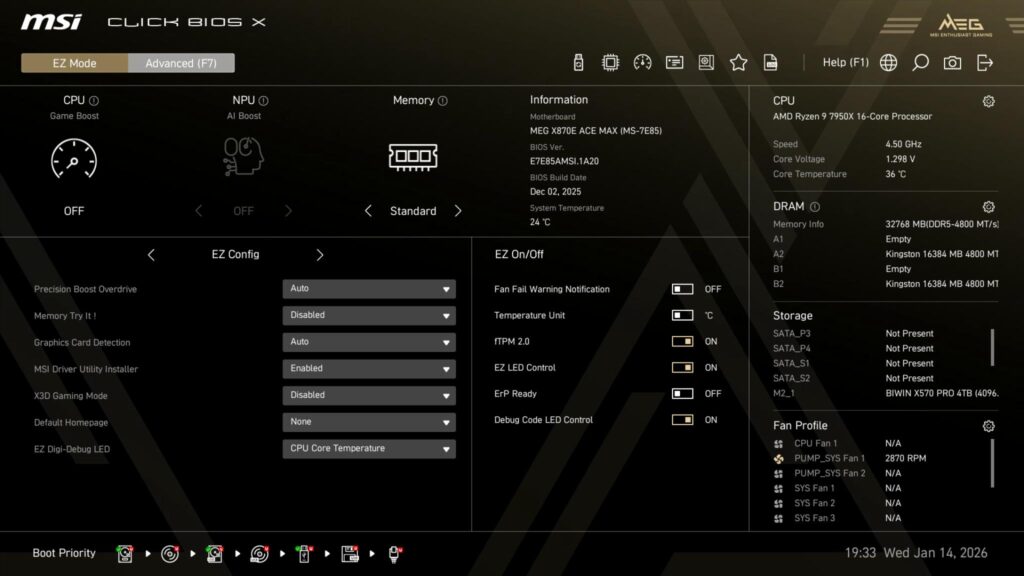
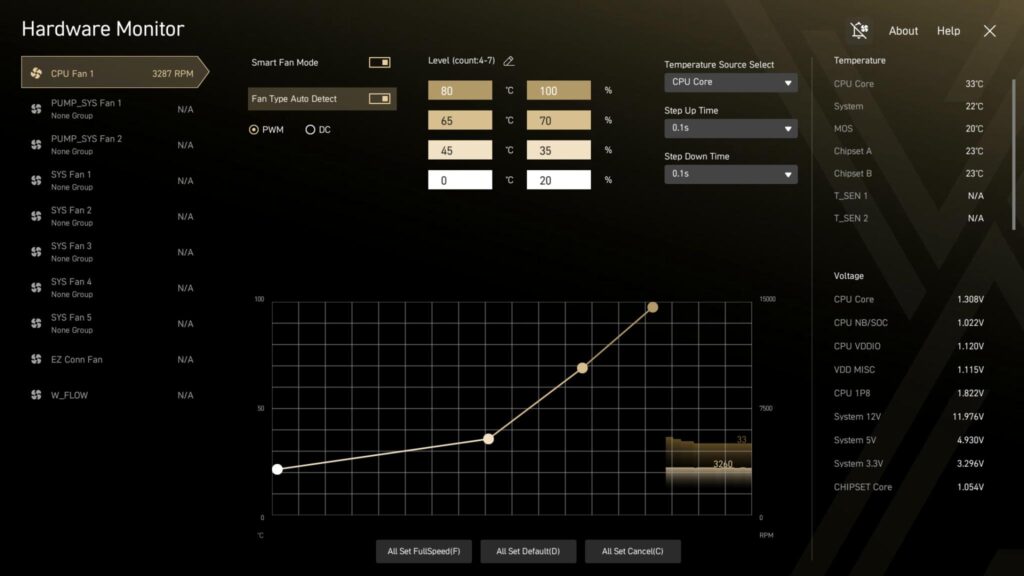
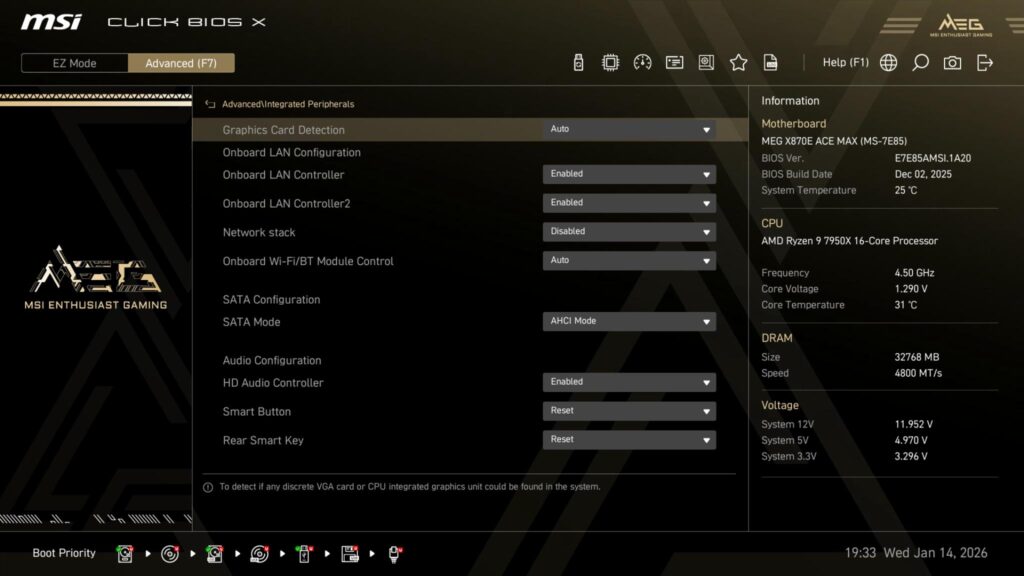
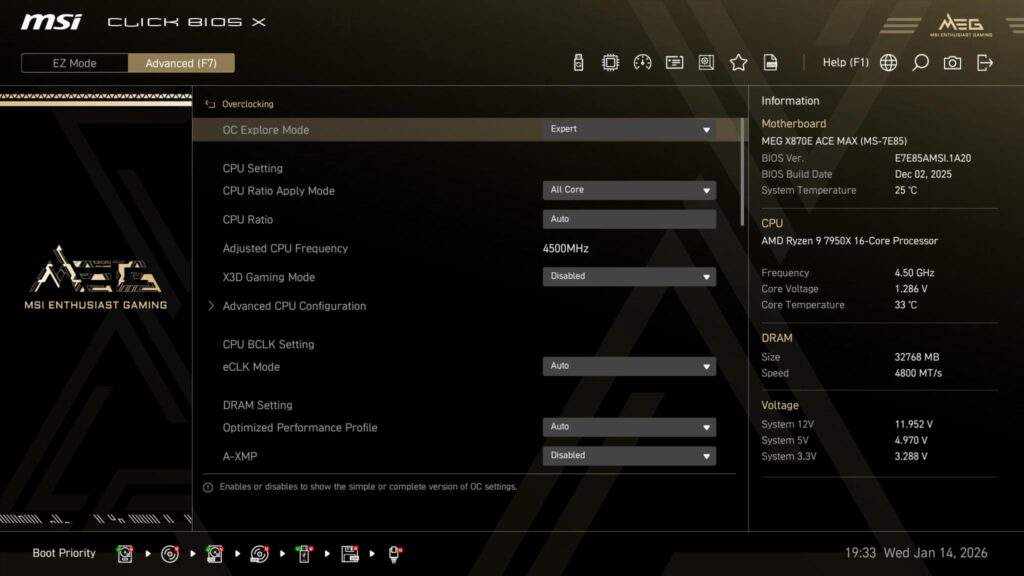
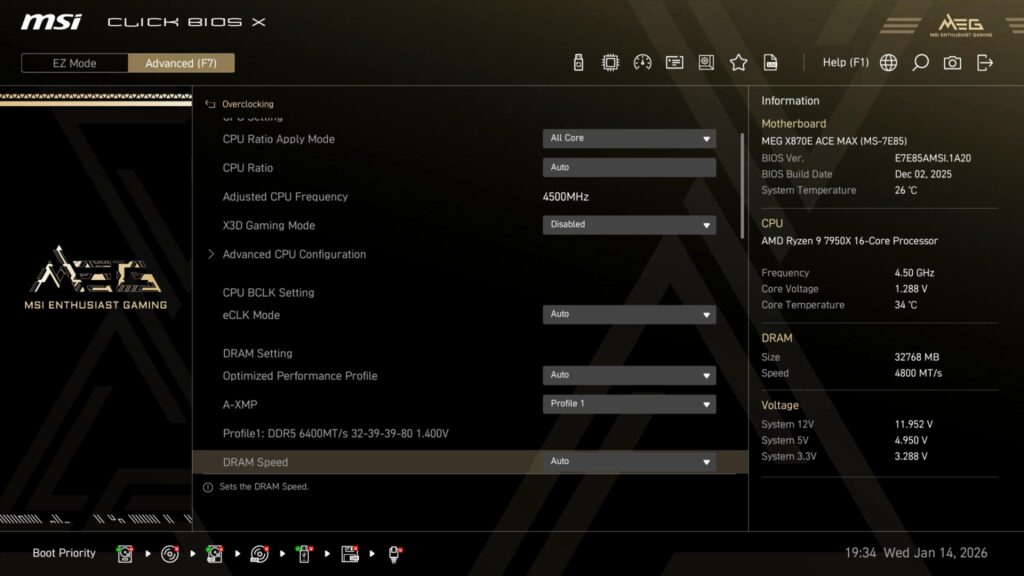
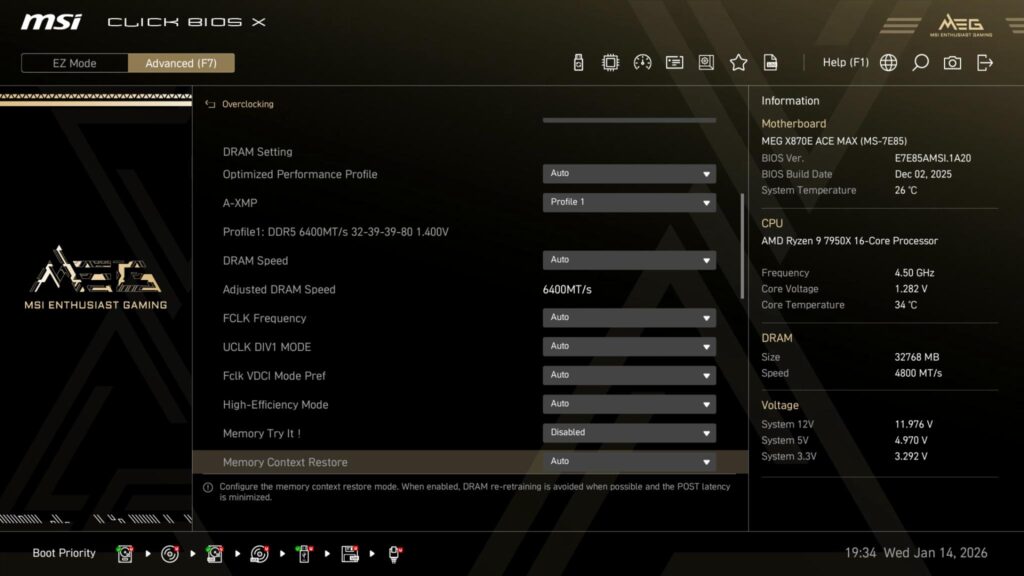
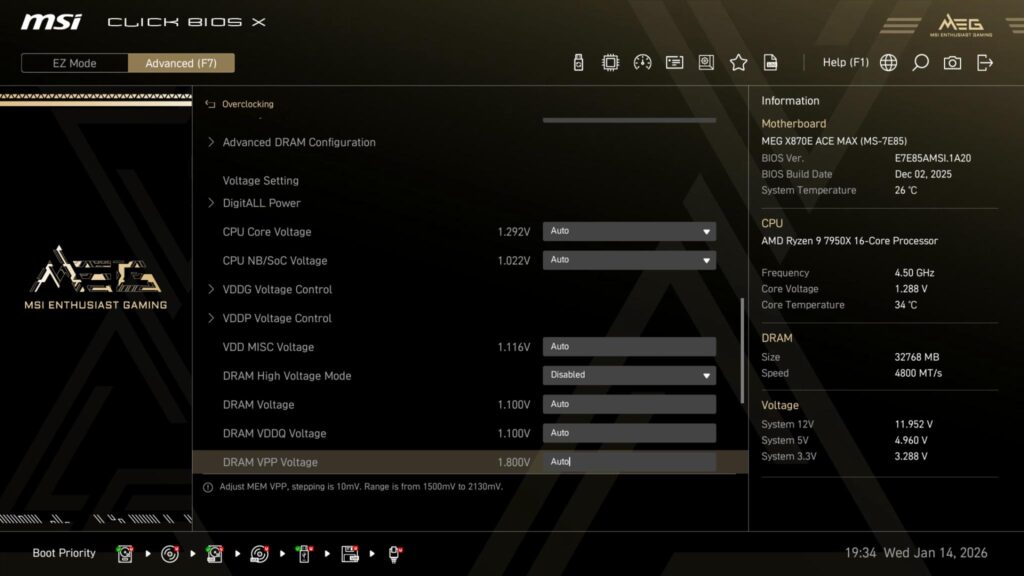
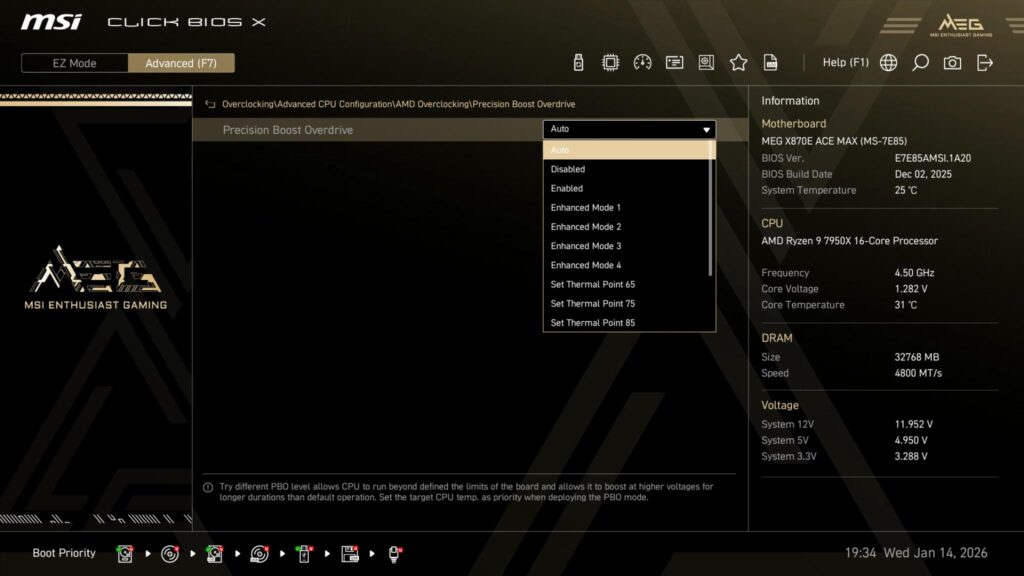
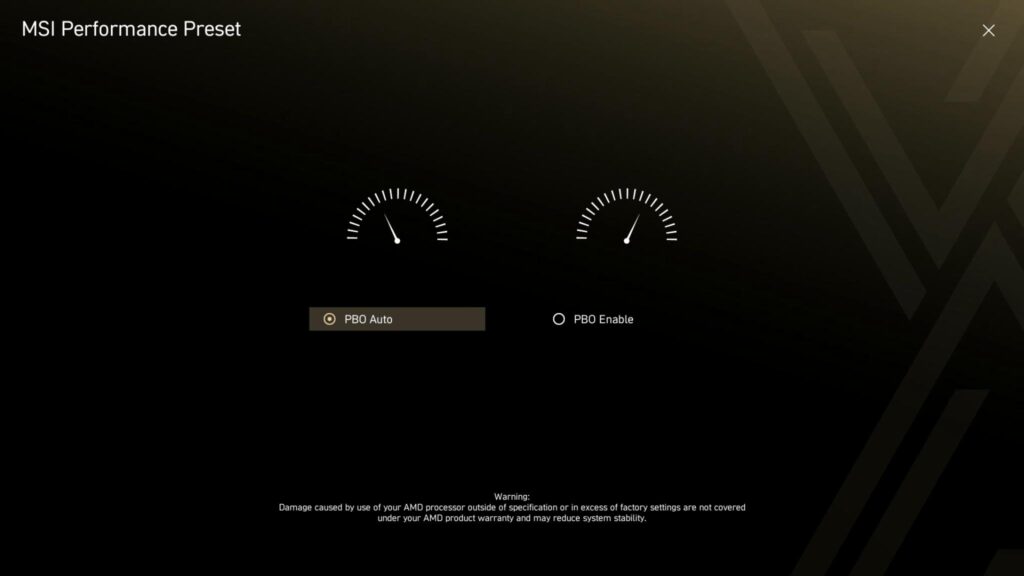
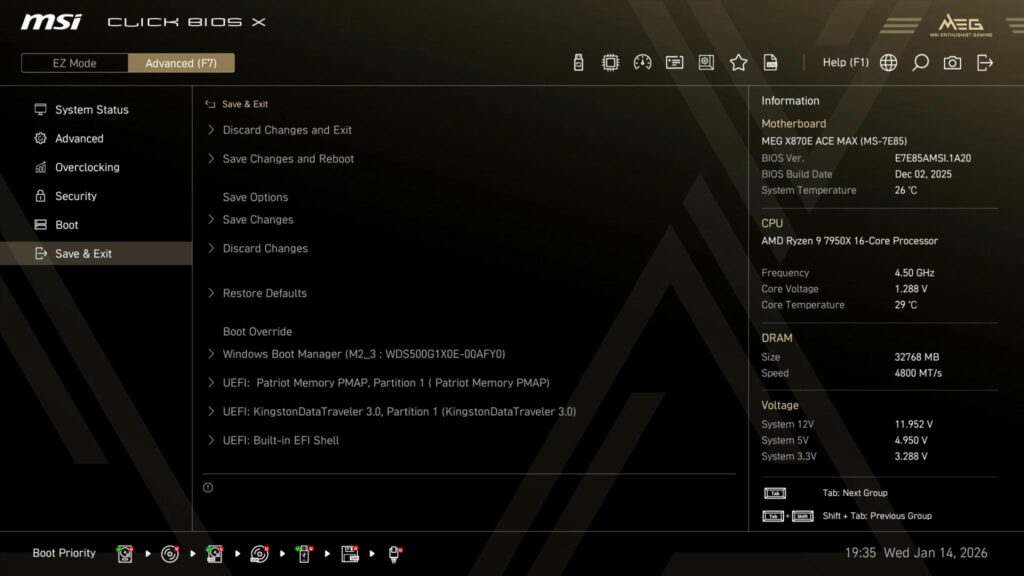
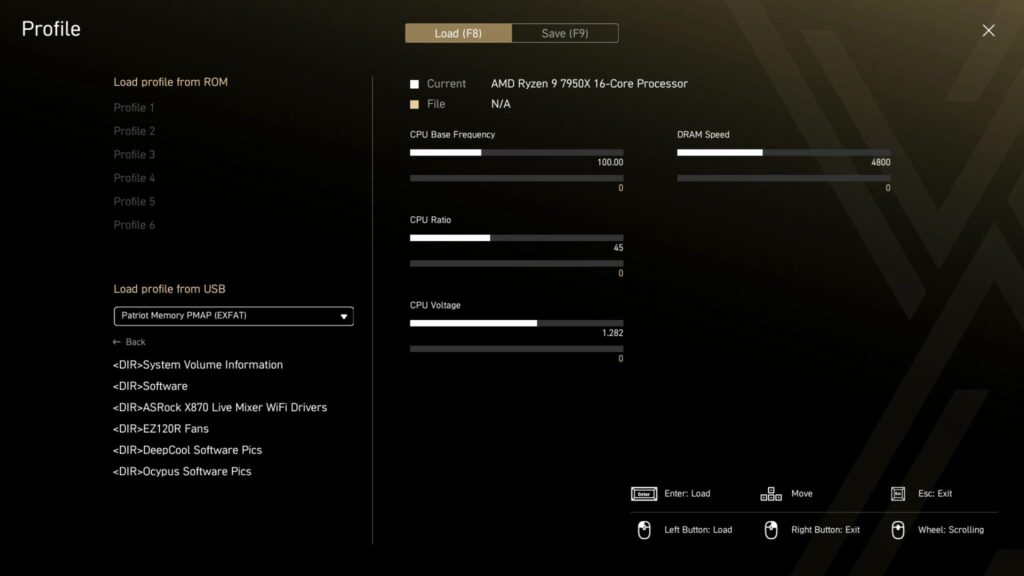
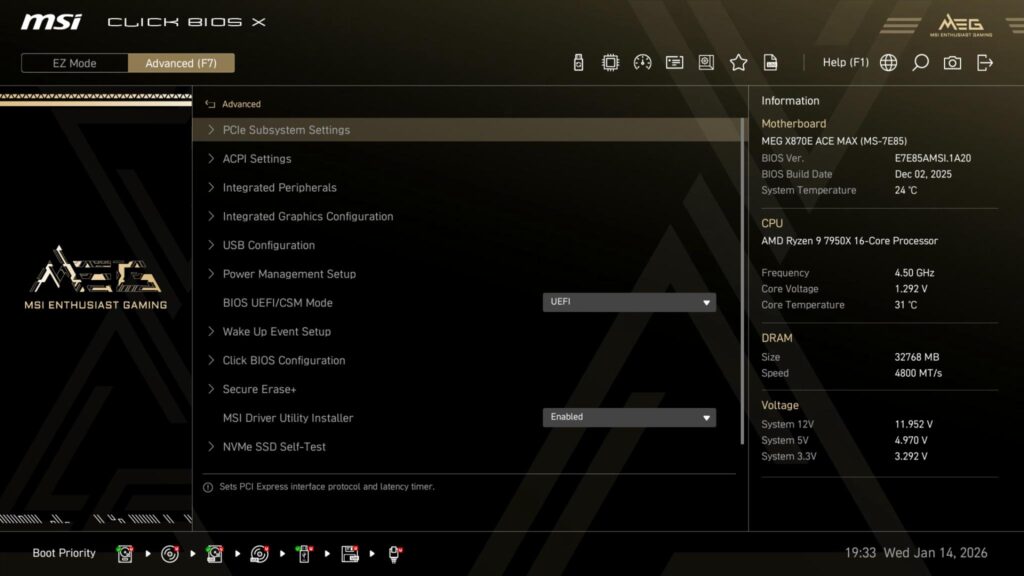
Click BIOS X is the name of the BIOS interface on the MSI motherboard. MSI has combined the related settings in each category and has improved the navigation for user convenience.
Software
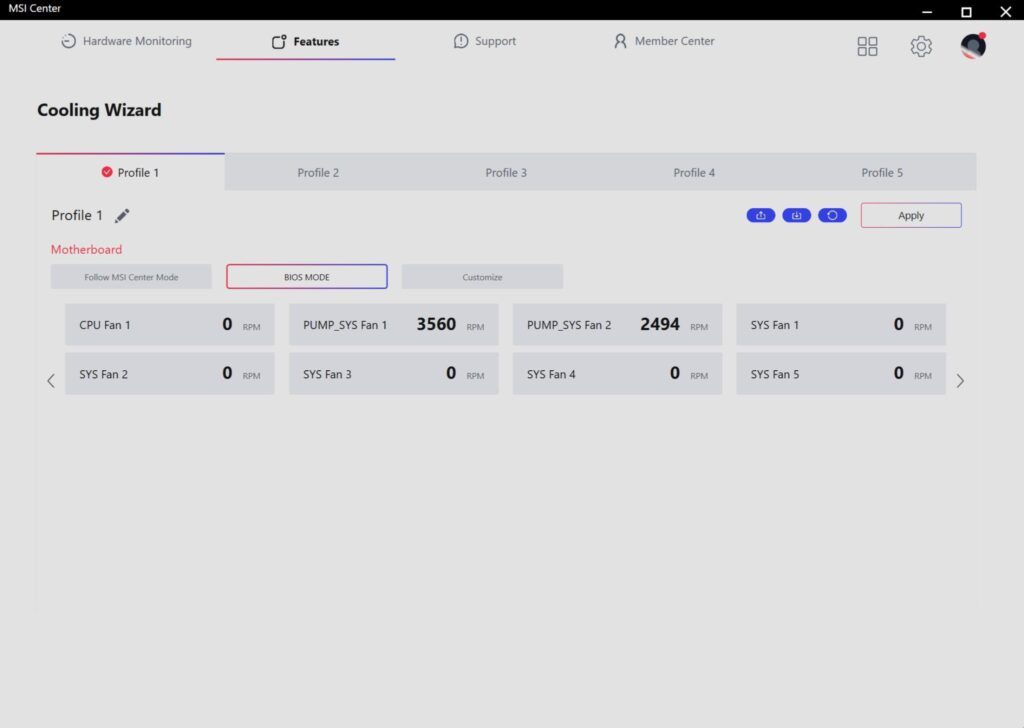
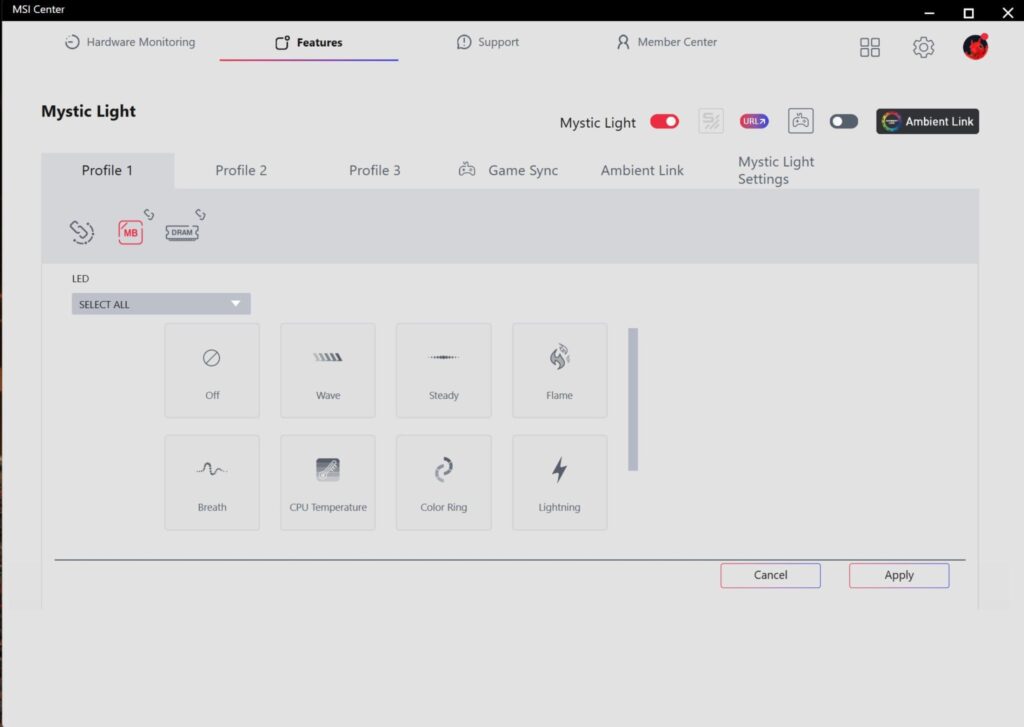
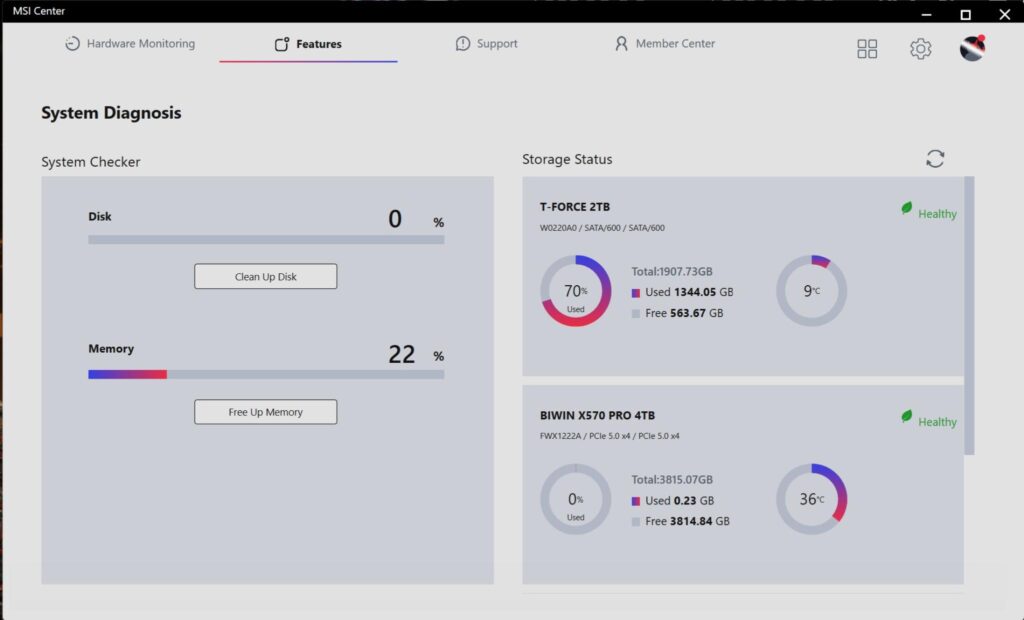
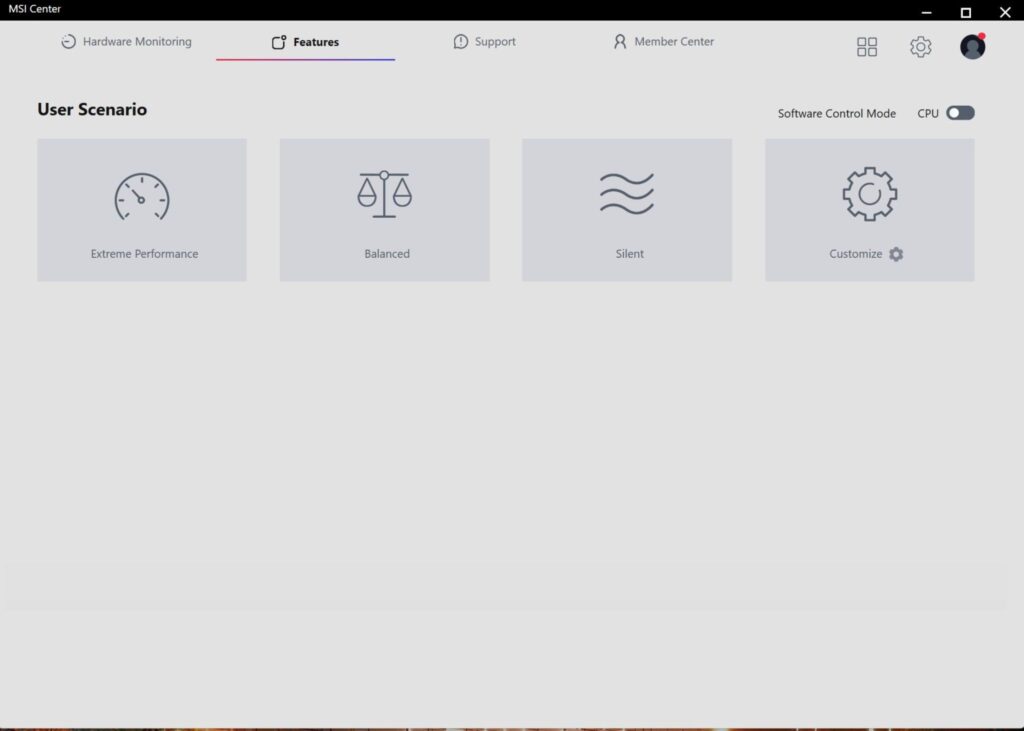
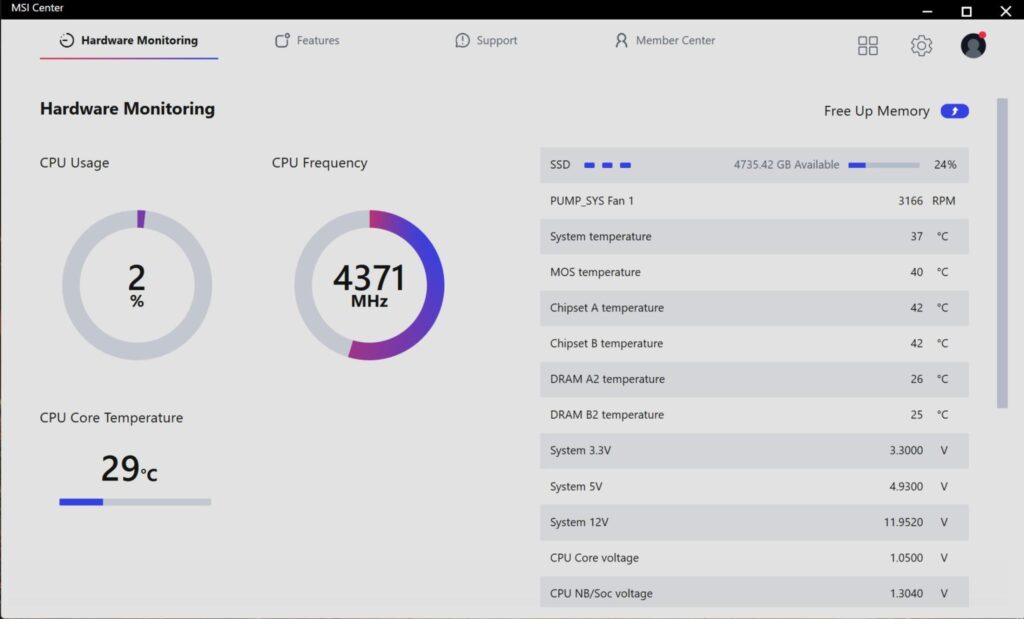
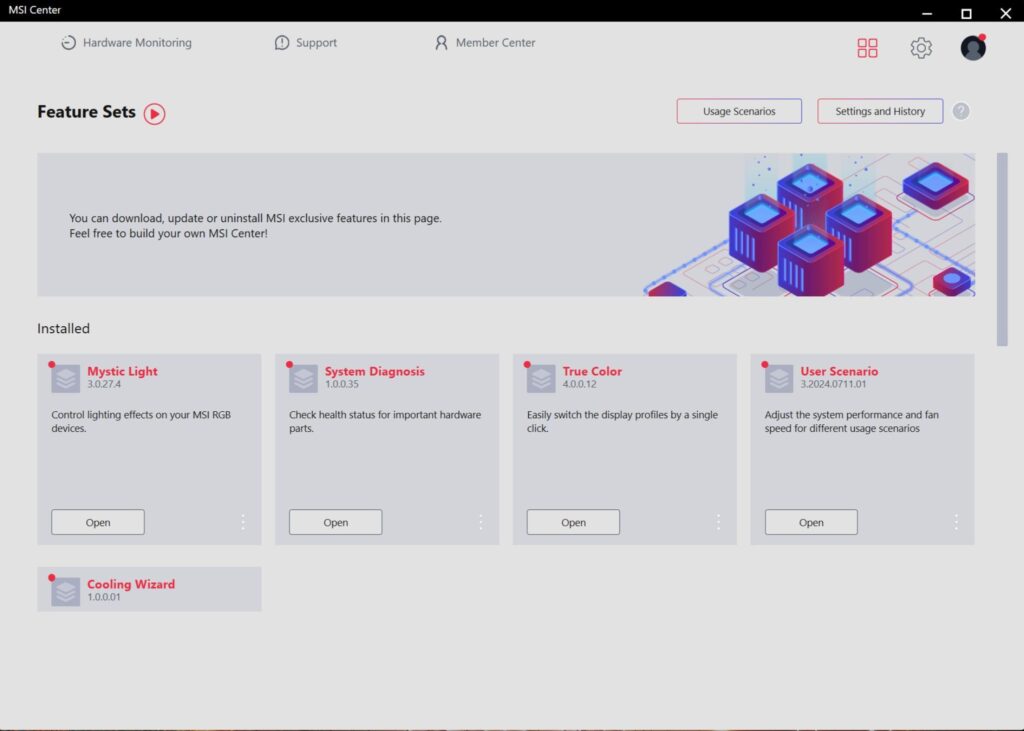
MSI Center is an umbrella software or host that combines all other utilities under one roof. You can control the lighting effects using the Mystic Sync utility. The fans can be controlled separately. System tuning provision is also provided. Hardware Monitoring is also provided. This is optional. If you have enabled the Software Download in BIOS, then Windows will prompt you to click on the notification from where it will automatically list the available downloads.
Test Build
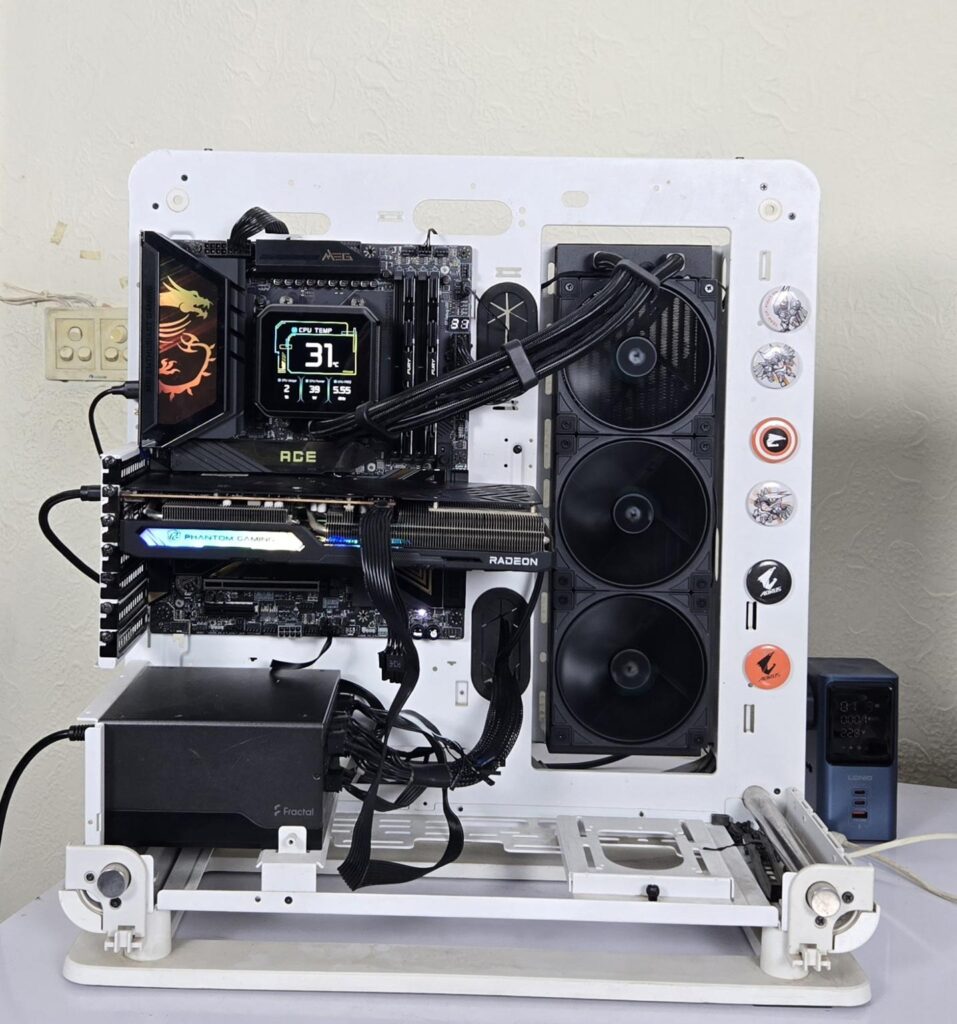
I have used the following configuration to test the motherboard:
- MSI MEG X870E ACE MAX
- AMD Ryzen 9 7950X [Stock, Auto]
- ASRock Radeon RX7600 Phantom Gaming OC 8G
- DeepCool Spartacus LCD 360
- Kingston Fury Renegade 32GB 6400MHz CL32 DDR5 kit
- Western Digital SN850 500GB PCIe Gen4x4 NVMe SSD [For OS]
- Biwin Black Opal X570 Pro 4TB PCIe Gen5x4 NVMe SSD [For Gen5 SSD Testing]
- Teamgroup 2TB SATA Drive [For Games]
- XPG Gaming Gammix S70 Blade PCIe Gen4x4 NVMe SSD installed on SilverStone MS12-40G USB 4.0 Enclosure
- Fractal Design ION+ 2P 860W Platinum
- Thermaltake Core P6 TG Snow Edition in an open frame layout
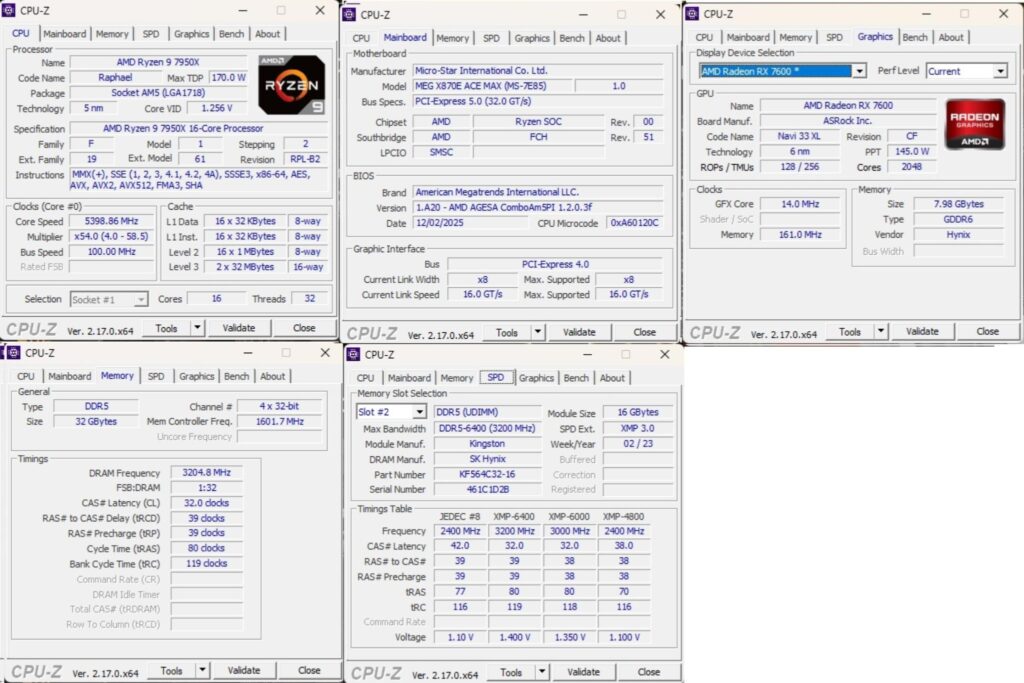
The above is a picture showing a run of CPU-Z. You can see that the graphics card is operating at x8 link. The RAM is operating at its tested speed of 6400MT/s after loading the Intel XMP.
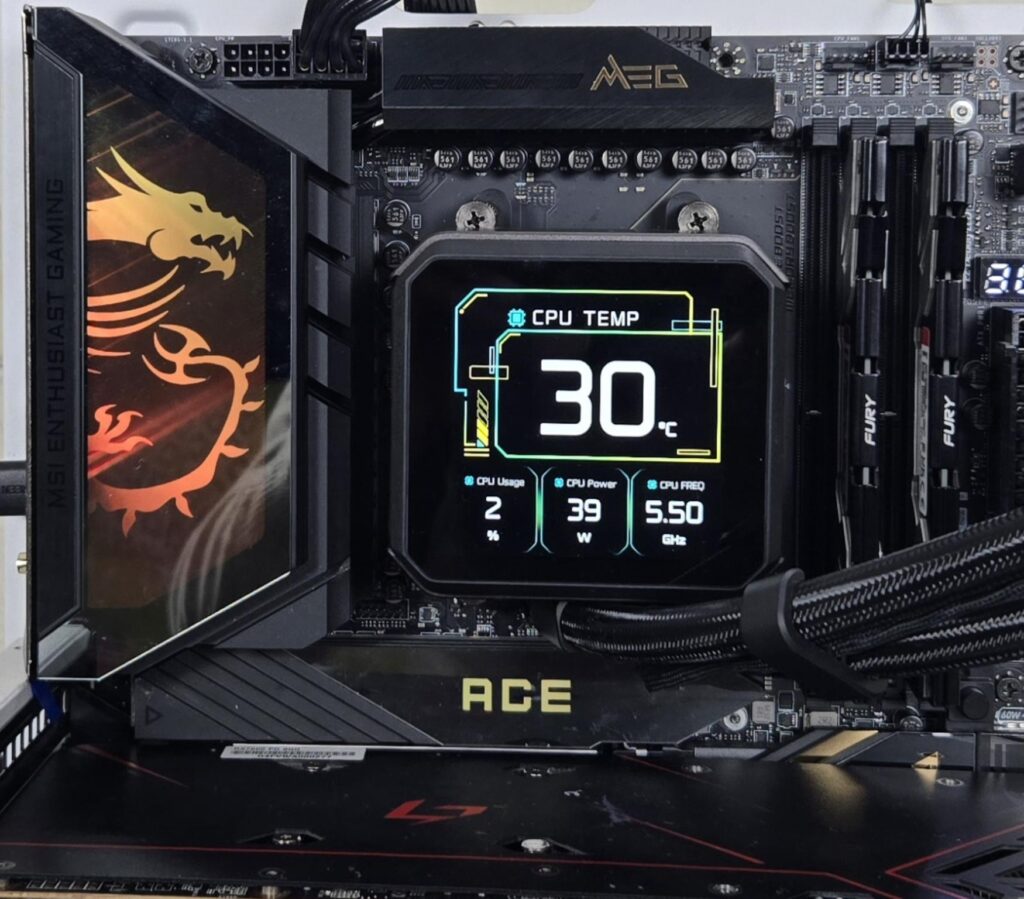
I am showing A-RGB lighting effects on the IO cover and top M.2 Frozr Shield II cover. This can be controlled via the MysticSync app under MSI Center.
Test Result
The testing was done on stock settings with XMP loaded. It is time to take a look at the test results, starting with CPU and memory benchmarks.
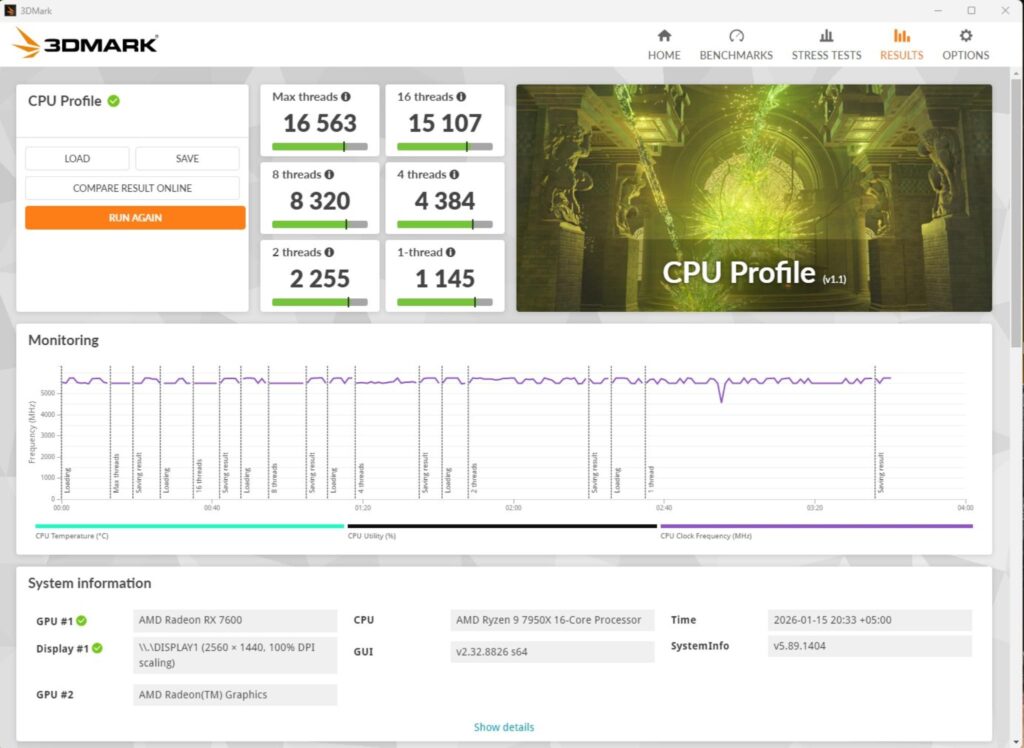
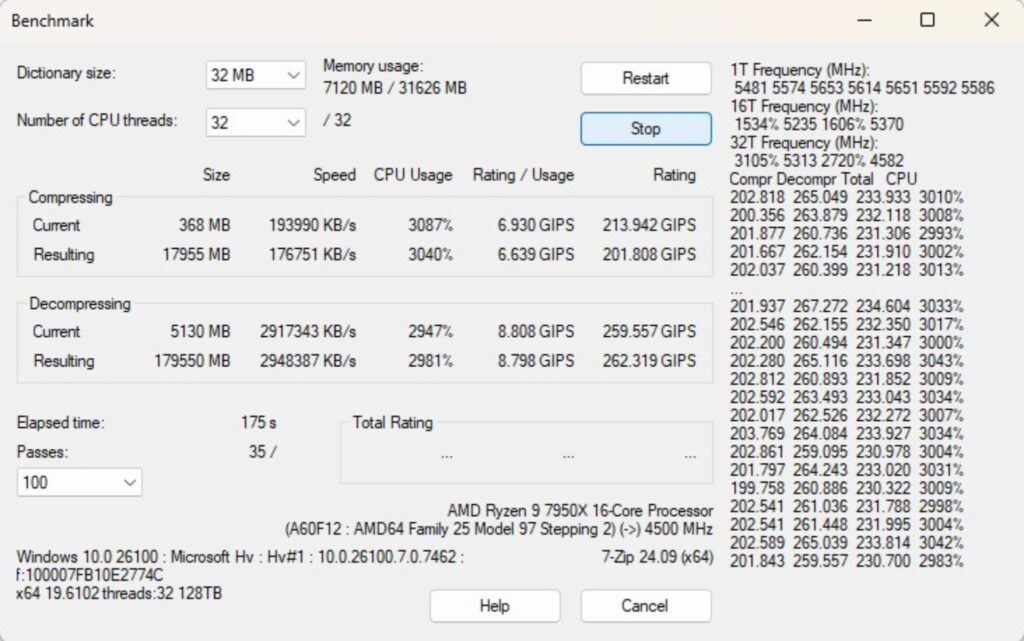
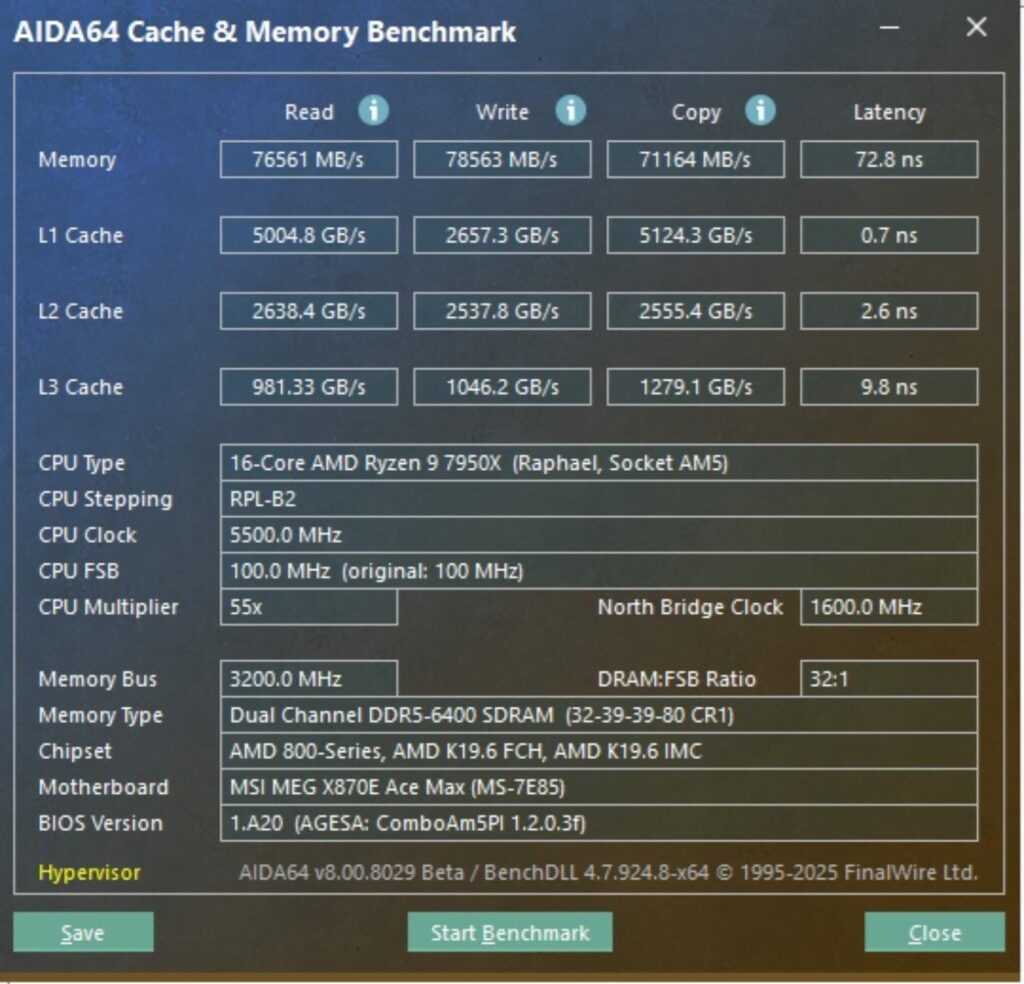
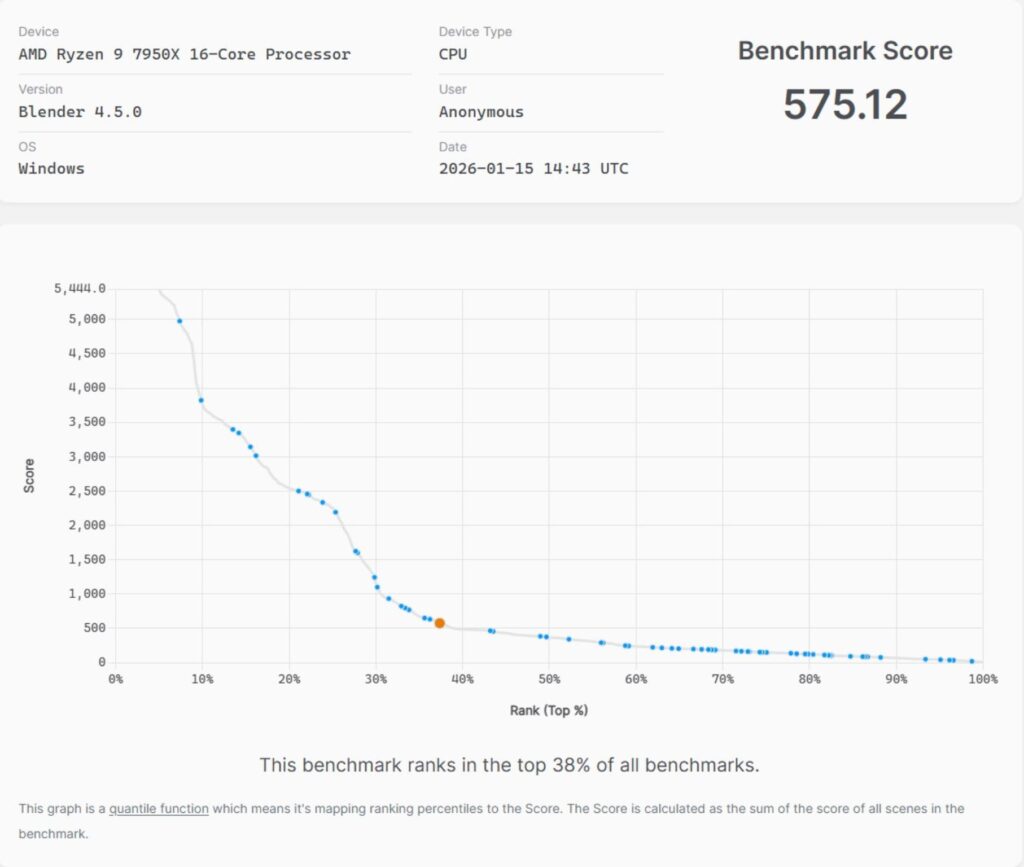
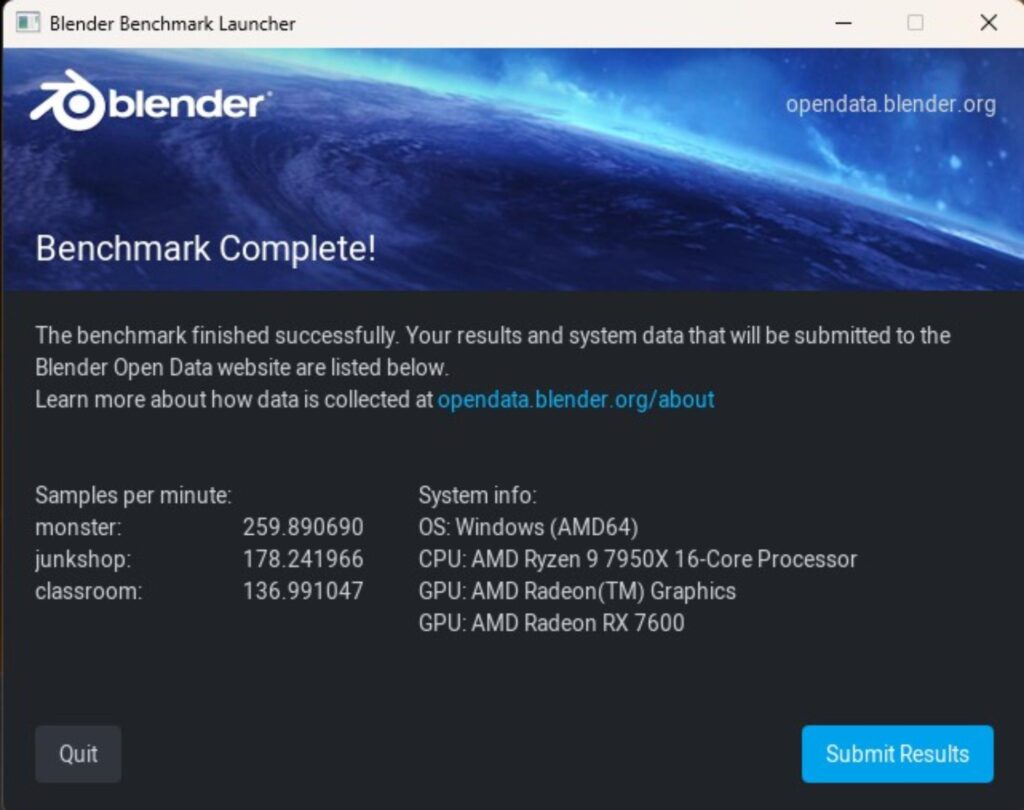
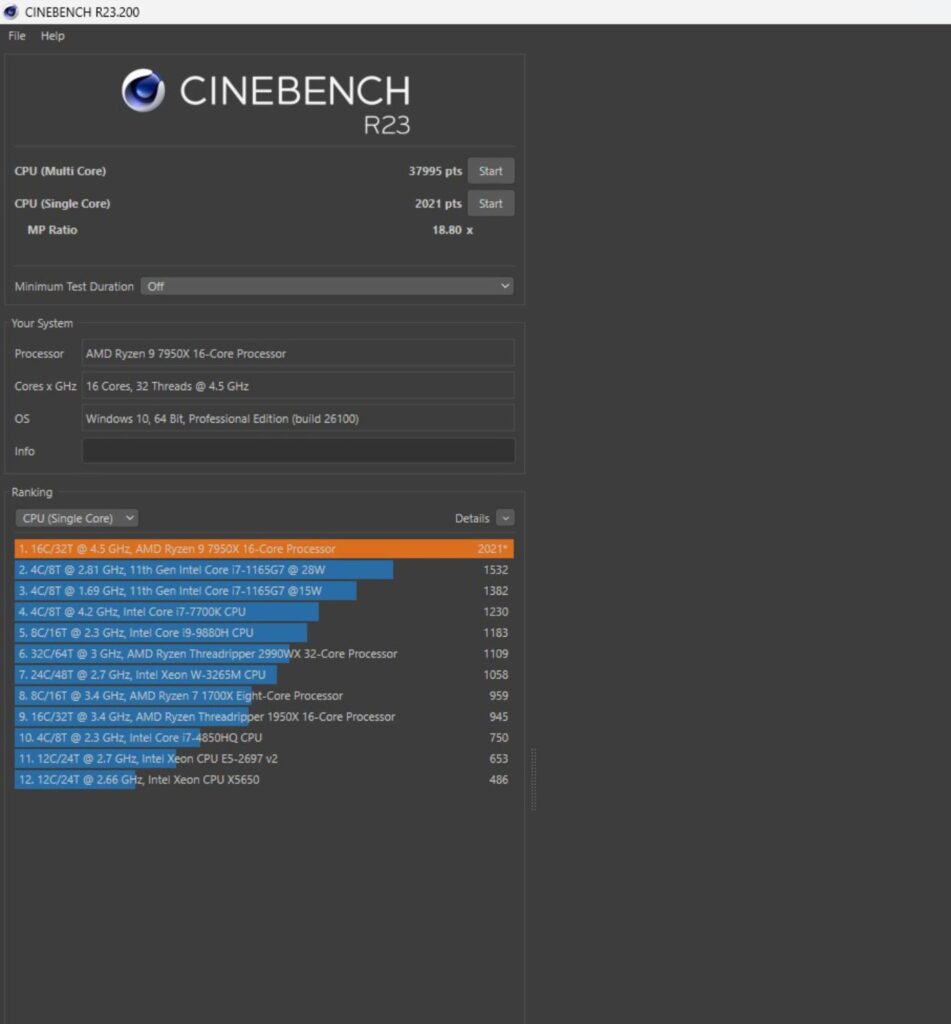
In Cinebench R23.2, the CPU scored 37995 points in CPU Multi Core load and 2021 points in a Single Core Load. The DDR5 kit has performed well at its tested speed of 6400MHz. The performance in the 7-Zip benchmark is excellent, with a compression result of 201.808GIPS and 262.319GIPS score in Decompression. The blender benchmark overall score was 575.12.
Storage Test
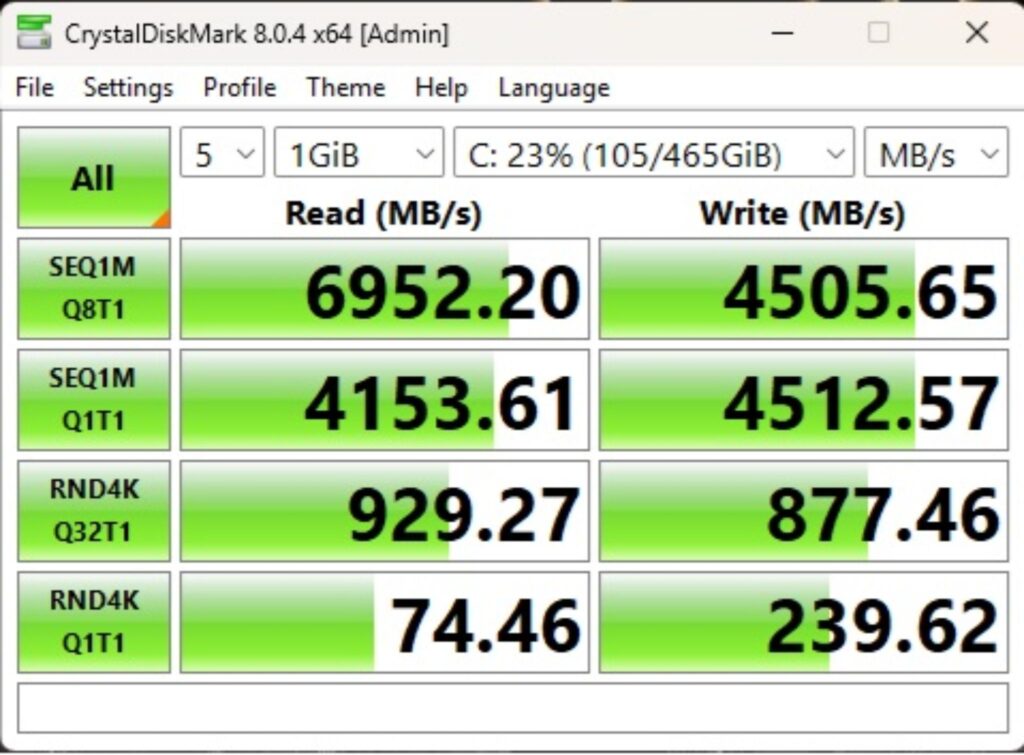
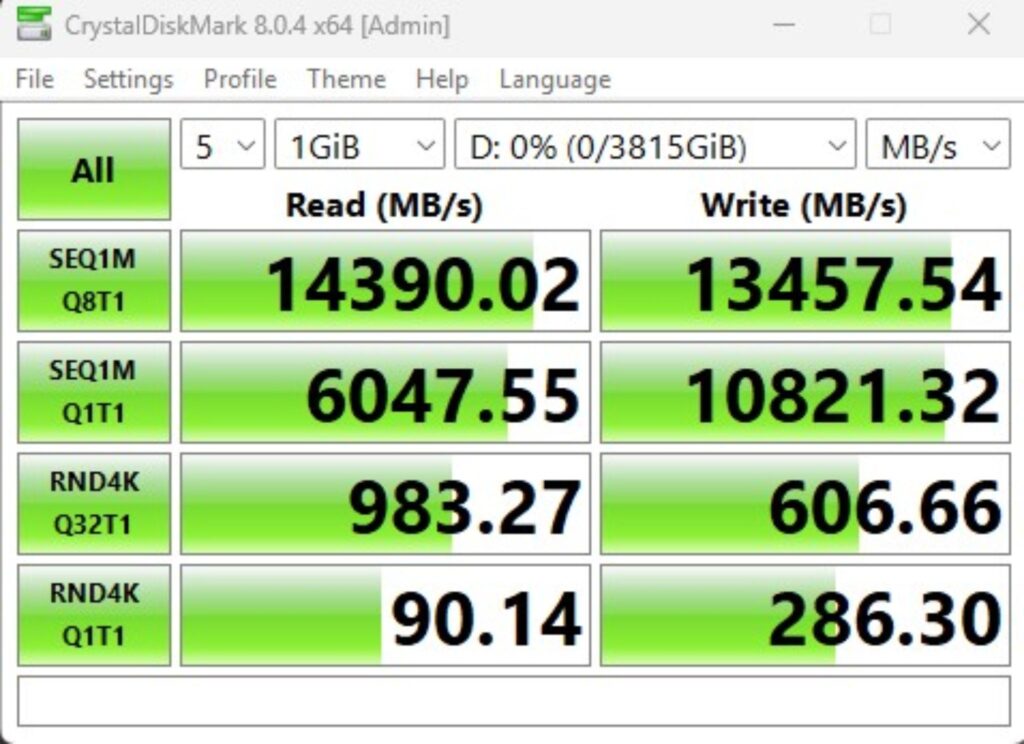
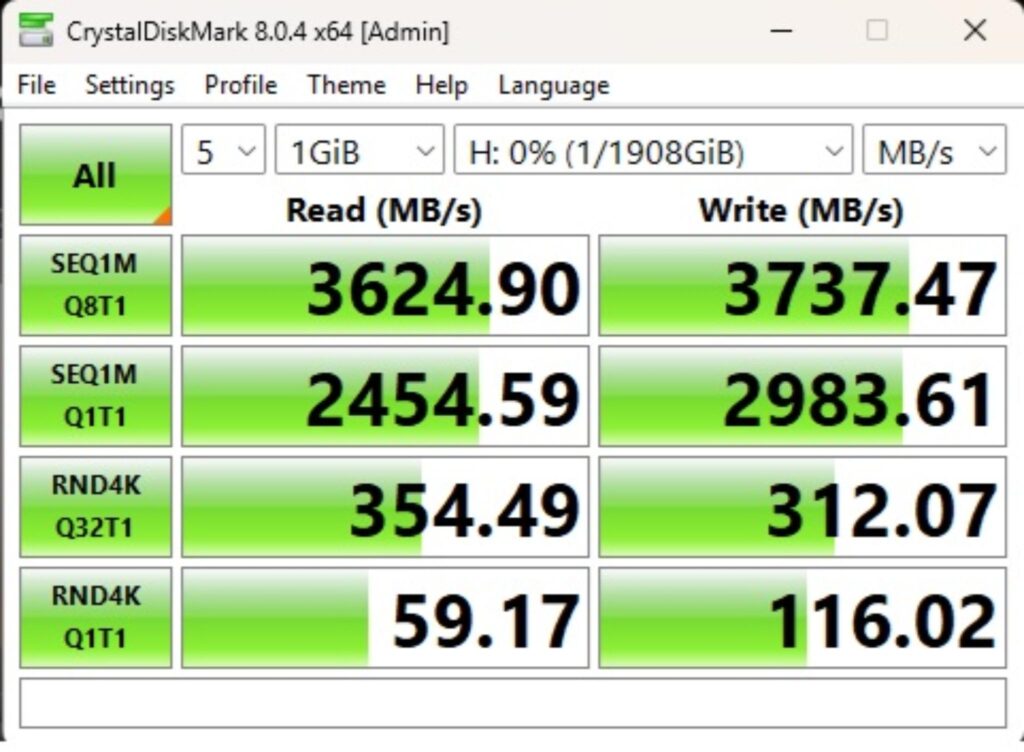
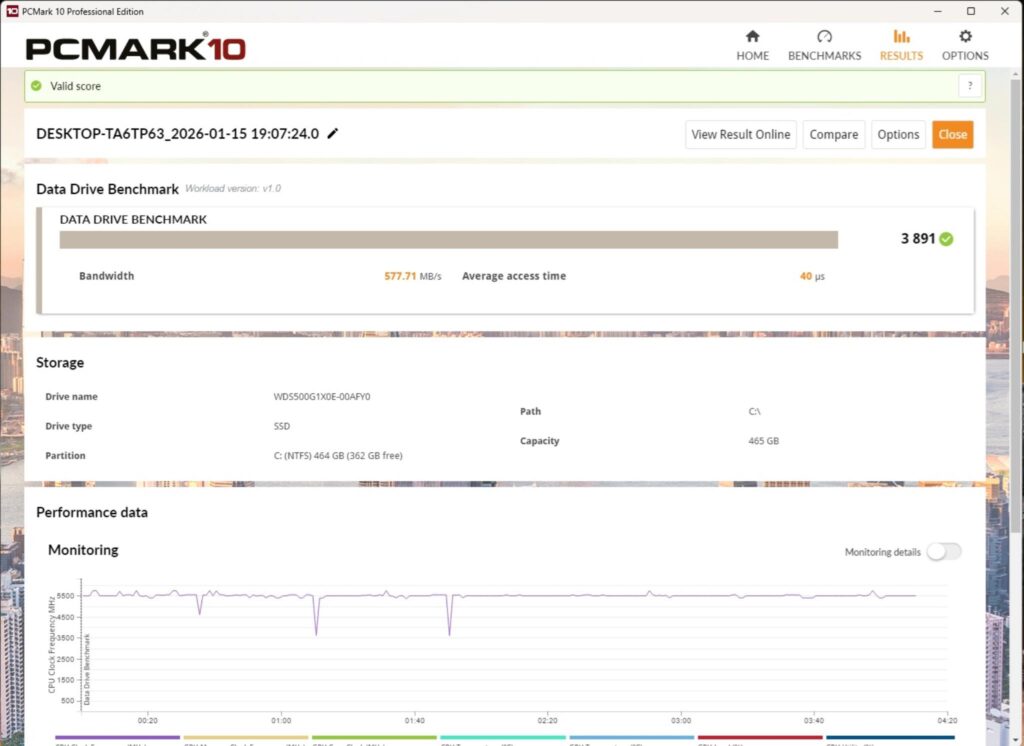
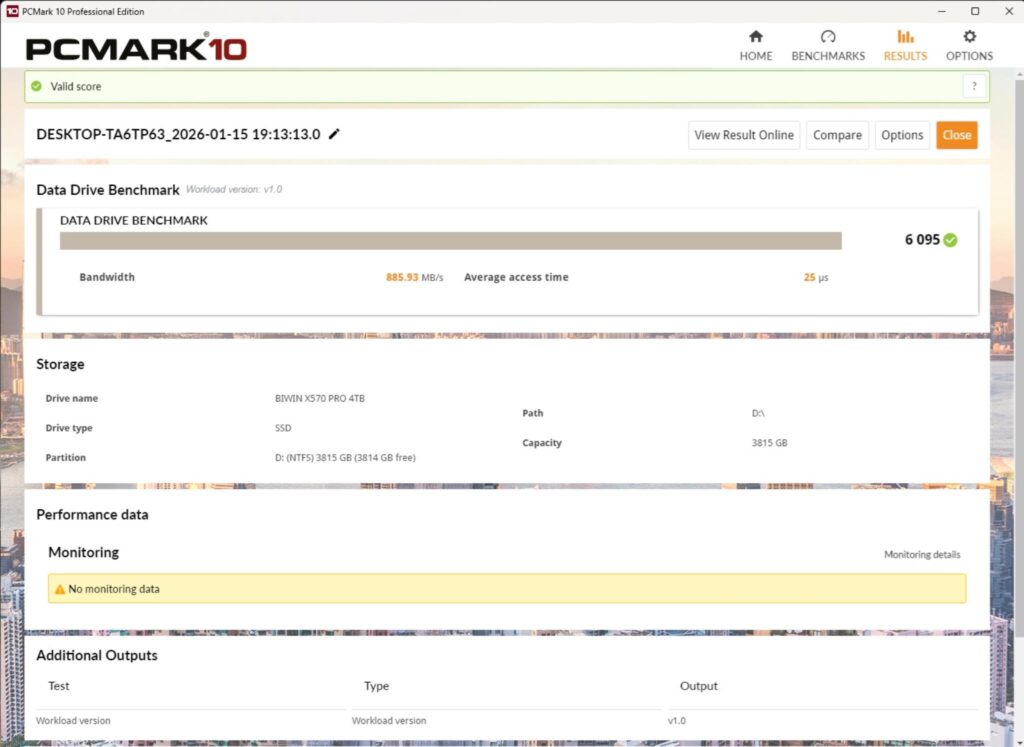
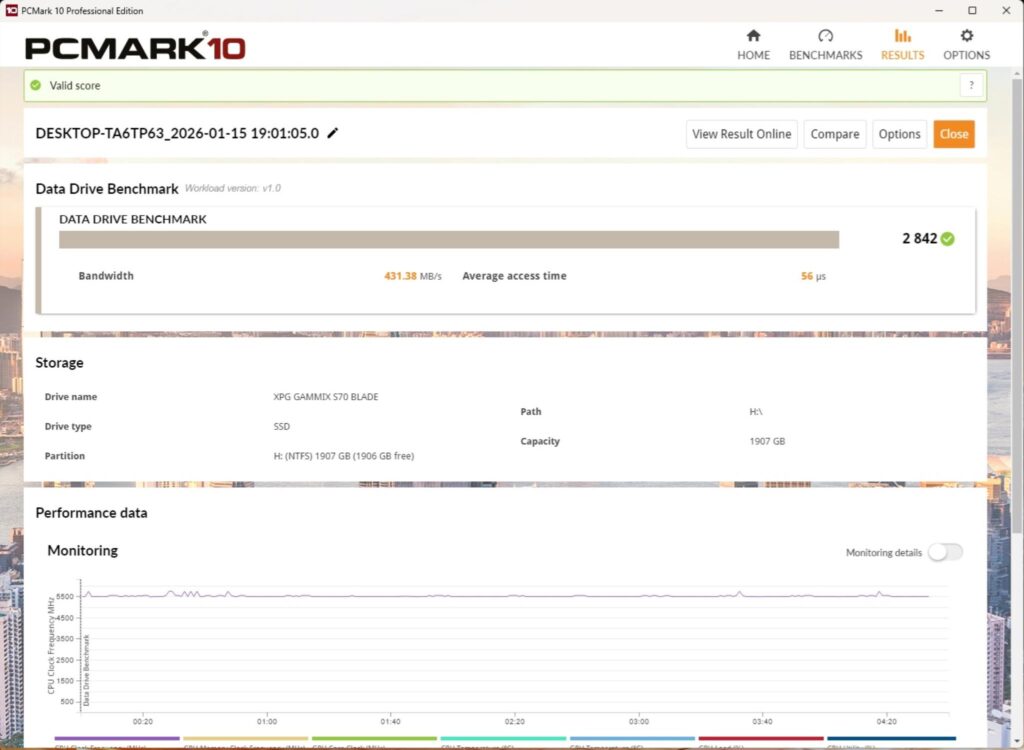
I have used:
- Gen5x4 NVMe Drive
- Gen4x4 NVMe Drive
- USB 4.0 Drive using Enclosure
All drives passed their sequential speeds in the CrystalDiskMark. The performance in PCMARK10 Data Drive Benchmark is satisfactory. USB 4.0-based performance is good as well.
Gaming Test
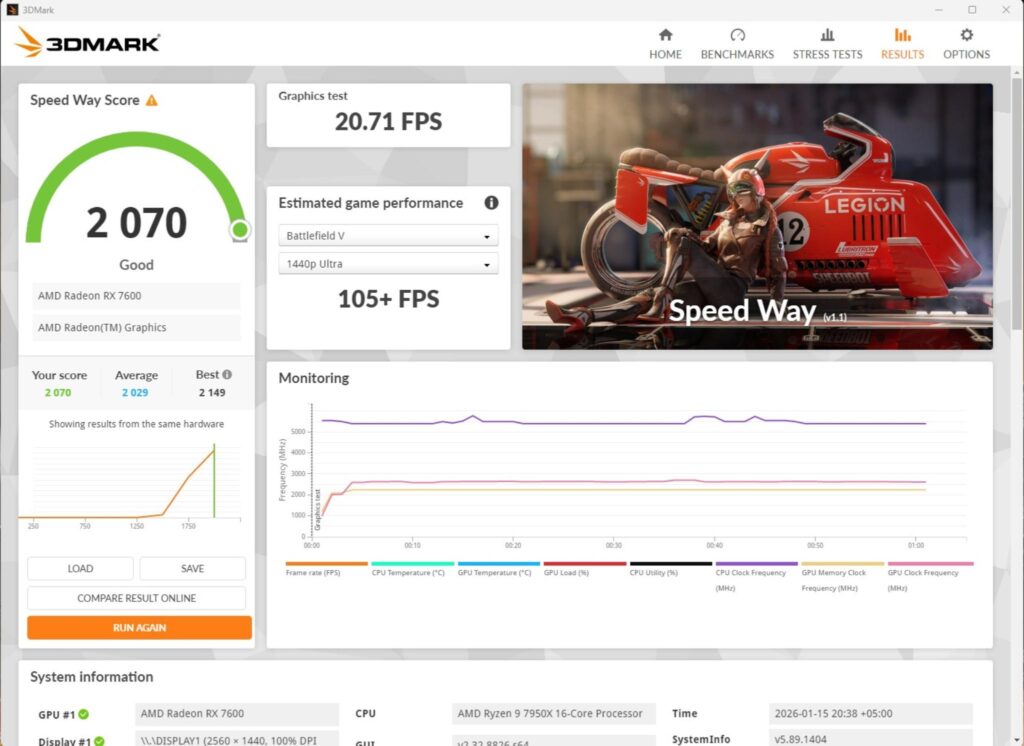
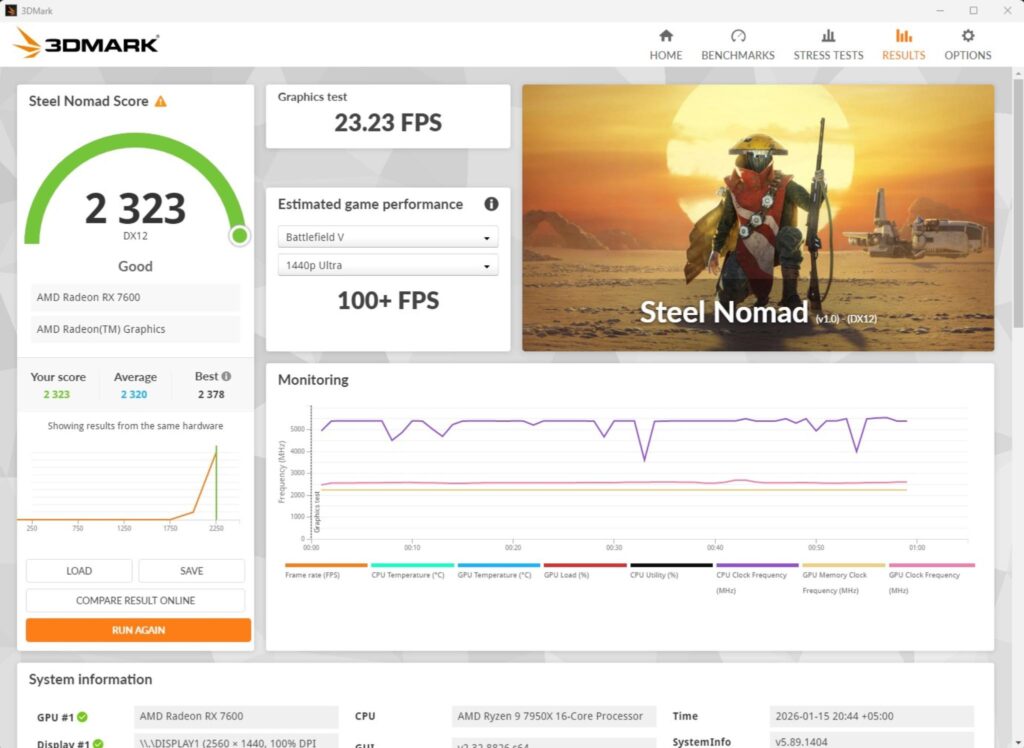
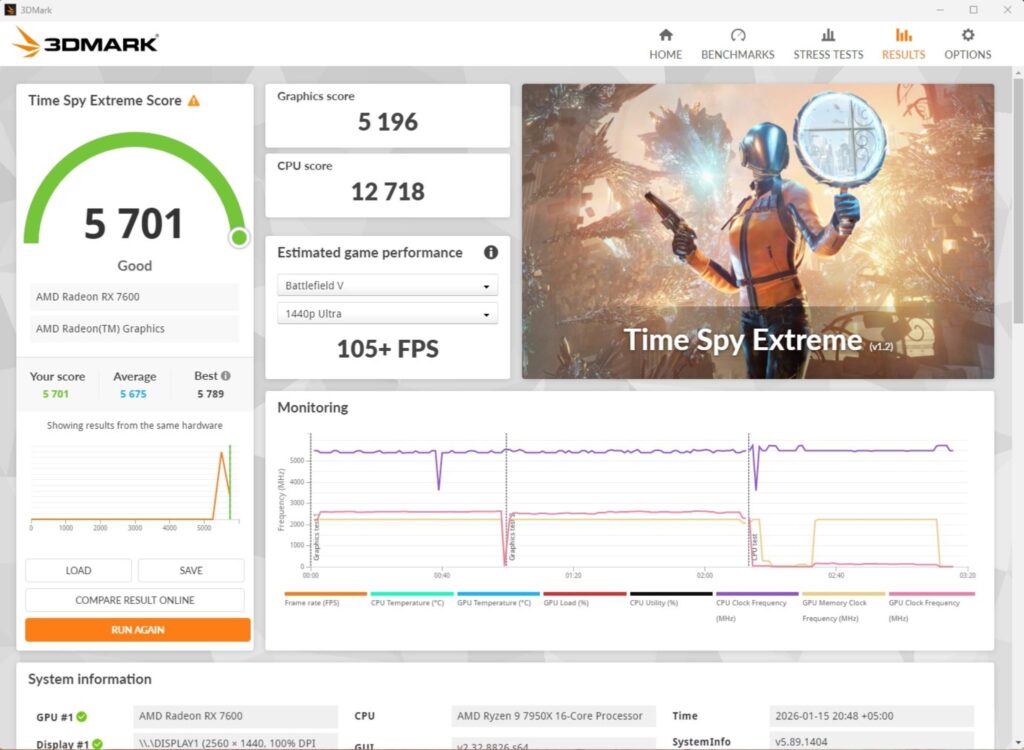
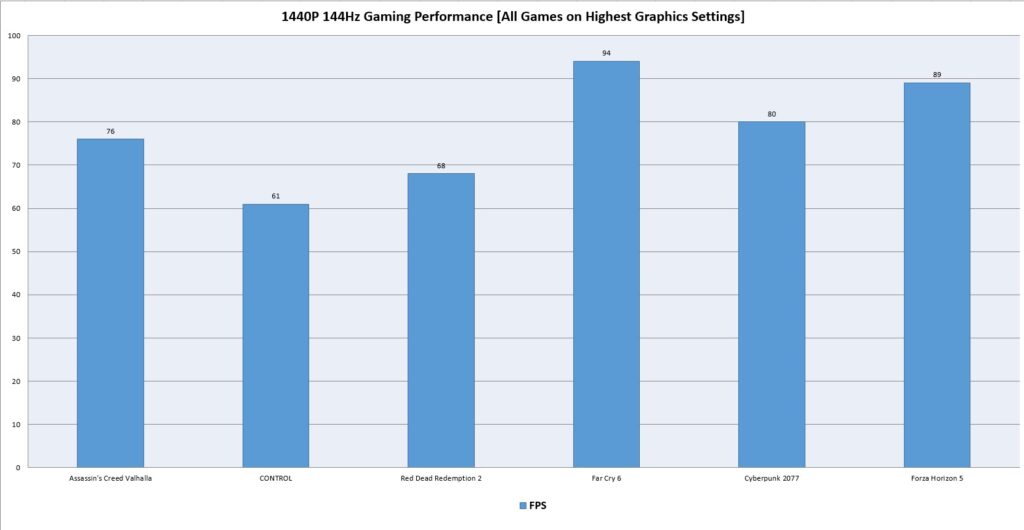
We have a good all-around performance in the gaming benchmarks. This shows that this motherboard can handle the gaming load easily.
System Performance Test
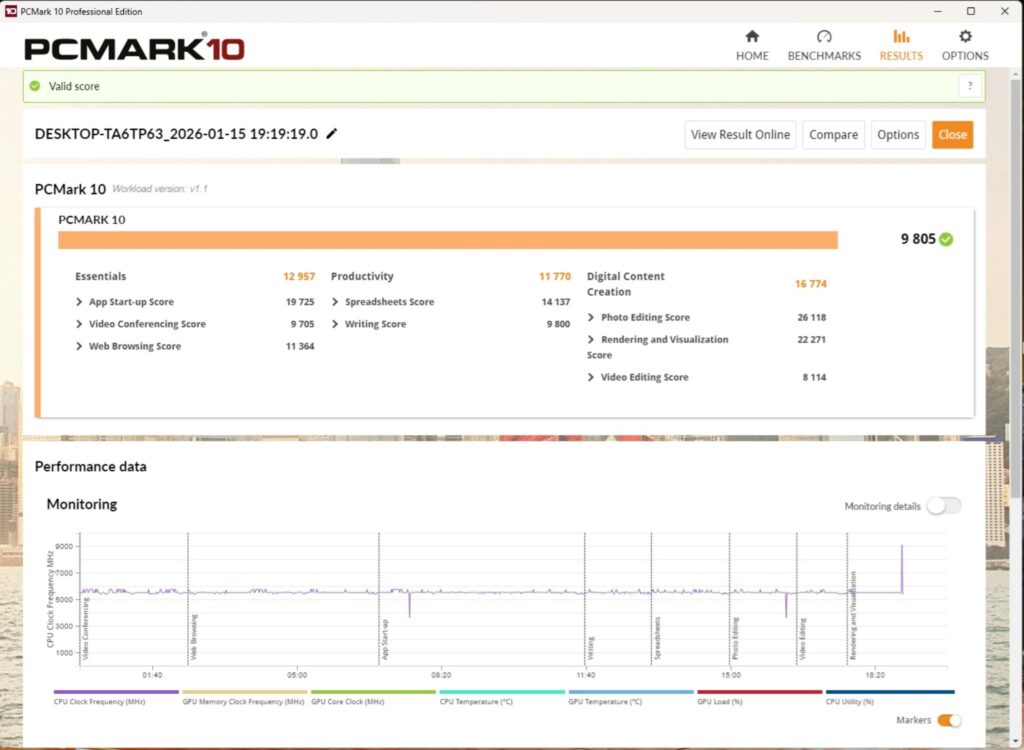
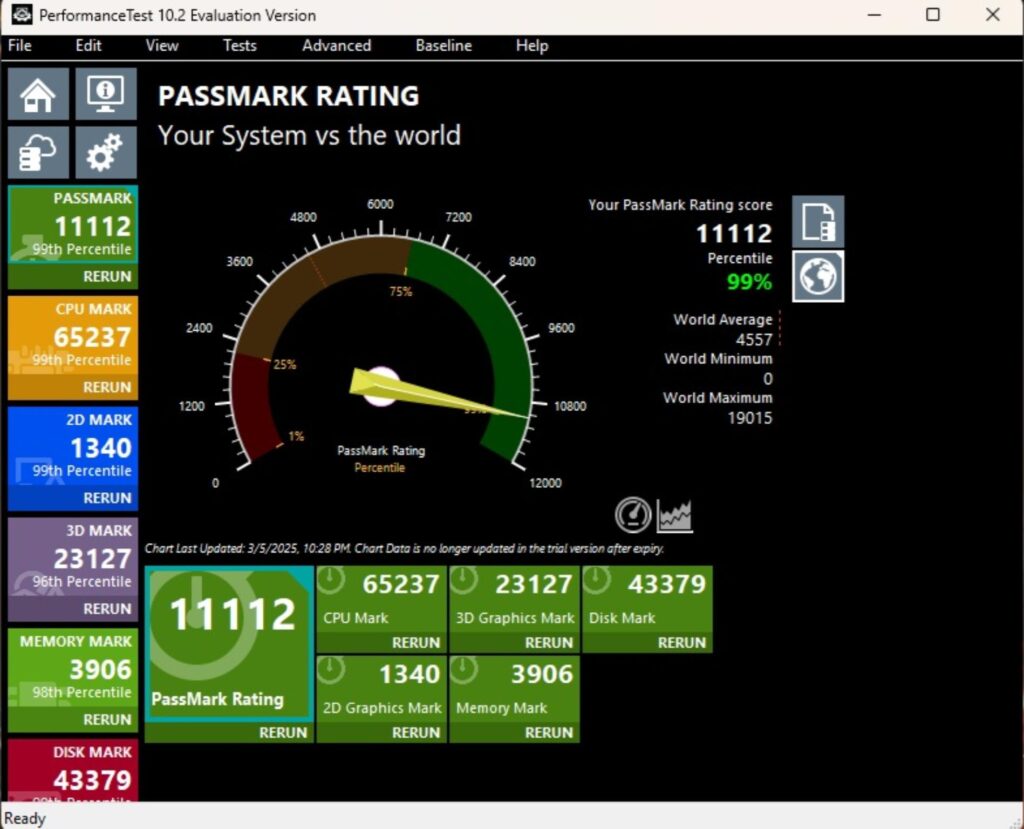
The PCMARK10 score came to 9805 which is an excellent score and the Performance Test overall score was 11112.
Core Clock Behavior
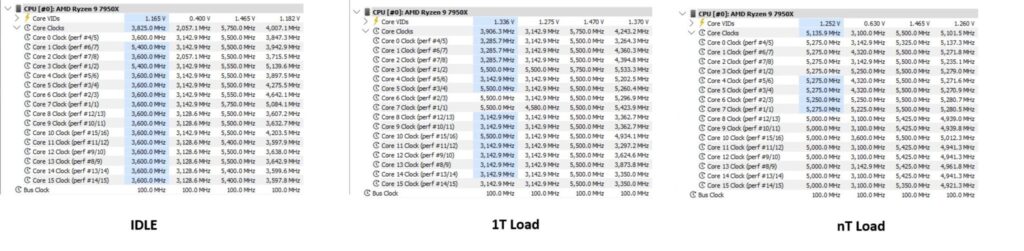
The Windows was set to operate in Balanced Power Profile. Idle temperature and power were recorded by putting the system on idle for 10 minutes. The idle clocks were around 2057MHz. The cores boosted to 5.750GHz under 1T load using R23.2, whereas these cores boosted to 5.5GHz under all cores load.
Thermals and Power
I have used a Watt Meter to monitor the system-wide power draw, excluding the display.
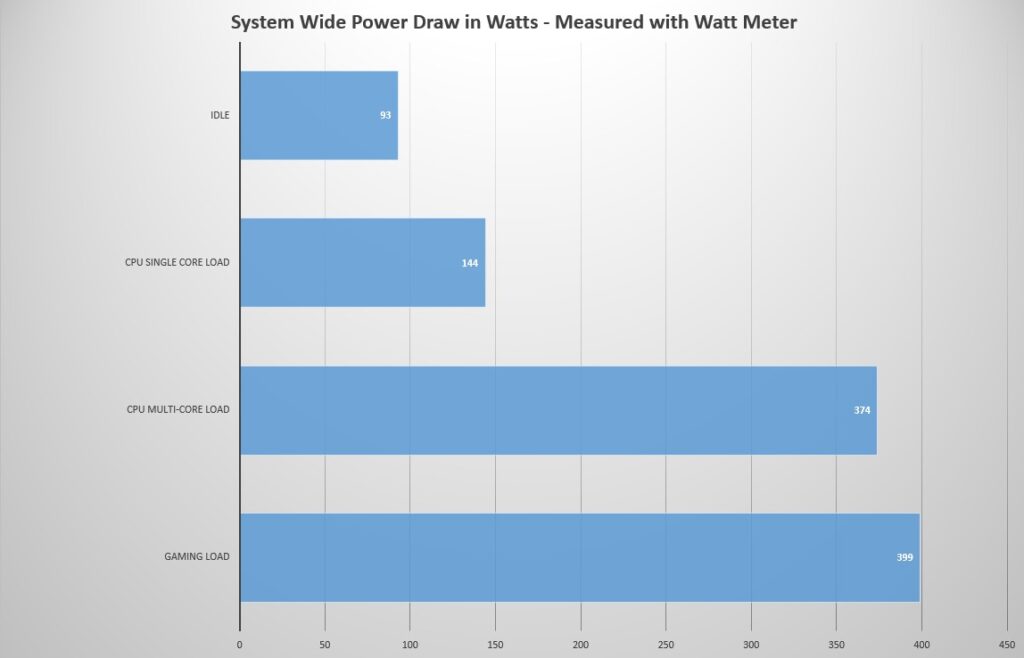
The system-wide power draw was 399W during gaming load. This would have been more if I had used a high-end graphics card. The CPU-only multi-core load took 374W of power. The idle power draw was 93W.
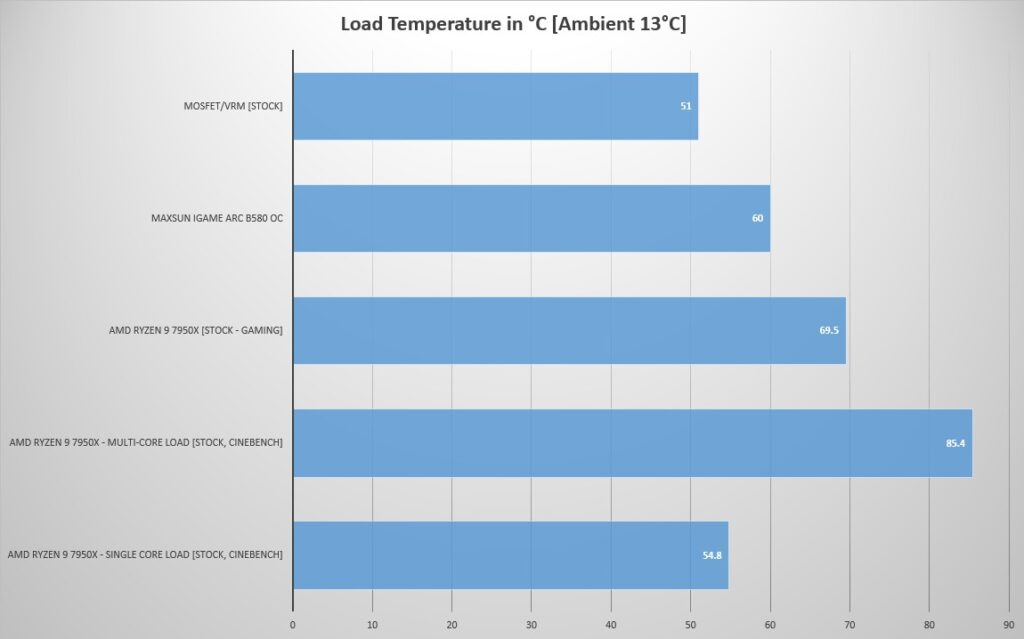
The VRM/MOSFET was doing 51ᵒC at an ambient of 13ᵒC on stock CPU settings, which is a high value considering the ambient temperature. The CPU reached a maximum of 85.4°C under all core stress tests.
Conclusion
MSI, like other AIB partners of AMD, has released X870E refresh motherboards with support for X3D2 CPUs and possibly the next generation of Ryzen desktop CPUs. I have tested the MEG X870E ACE MAX motherboard from MSI. This is a second highest offering from the manufacturer, following the GODLIKE edition.
MSI has jammed-pack the features on an ATX form factor motherboard, offering top-notch performance. The power delivery is handled via 18+2+1 power phases (DUETS) with enlarged heat sinks, direct touch cross heat pipes, and 9W/mK thermal pads; all working together to provide optimal power with excellent cooling. The motherboard comes equipped with handy safety features as well, including over-current and over-voltage protection. Two 8-pin EPS connectors provide up to 300W power to the CPU. Keep in mind that some power is also provided by the 24-pin ATX connector.
The motherboard comes equipped with 3x PCIe Gen5 slots, all of which are wired to the CPU socket. The socket also handled two Gen5 M.2 ports in addition to the 2x USB 4.0 ports, 4x DIMM slots, and an HDMI display. It is obvious that we are hardware-bound since only 24 PCIe lanes are available for this connectivity, so expect certain limitations mentioned above. The USB 4.0 controller is RTS5420.
This motherboard has three more M.2 ports, which are wired to the chipsets and these PCIe Gen4x4. One of the M.2 ports is located on the backside of the PCB. The storage department is quite strong on this board since it has 4x SATA ports. All front-mounted M.2 ports have dual-sided thermal pads and aluminum tool-less covers for heat transfer.
MSI has reinforced the top two PCIe slots with more anchor points. The top slot uses the EZ PCIe Release button for convenient locking/unlocking. M.2 port M2_1 shares bandwidth with PCI_E3 (X4) slot. M.2 Port M2_2 shares bandwidth with USB 4.0 ports. The manufacturer has tried to provide maximum functionality/features within the PCIe lanes limitation. Hence, I am not taking this as a Con.
The game is strong in the RAM department as well. This motherboard can house up to 256B memory with up to 8400+(OC) MHz frequency on Ryzen 9000 CPUs. MSI has provided Mem Try and Extension modes and provided support for AMD EXPO and Intel XMP profiles. This motherboard also supports the CKD Memory kits, but only in clock driver bypass mode.
This motherboard packs 22 total USB connections, including USB 3.2 G20 and USB 4.0 G40 ports. The motherboard supports PD with 60W charging, for which a supplemental power connector is also provided. A PCIe Auxiliary connector is also provided, offering compatibility with PCIe 5.1 protocol.
This motherboard comes equipped with 10GbE and 5GbE LAN ports for wired connectivity. It has Bluetooth 5.4 and WiFi 7 connectivity as well. A magnetic-based WiFi Antenna is also provided. The on-board audio solution is an ALC4082 codec combined with an ESS DAC. The Rear IO panel has Clear CMOS, Smart, and Flash BIOS buttons.
The overall performance of this motherboard is excellent. This motherboard retails at USD 699.99 and comes with a 3-year warranty. V-Check points would be handy for the enthusiasts’ overclockers, along with the OC Engine function.
Pros:
- Powerful 18+2+1 Power Phases
- Good VRM Cooling
- Limited CKD DDR5 Kit Support
- OC Engine
- 3x PCIe Gen5 Slots
- 2x Gen5 M.2 slots
- 3x Gen4 M.2 slots
- 4x SATA Ports
- 2x USB 4.0 Type-C Ports
- 10GbE and 5GbE LAN Ports
- WiFi 7E Module and Antennae
- Audio ALC4082 Codec with ESS DAC
- Clear CMOS Button
- Flash BIOS Button
- 64MB BIOS
- 60W PD
- PCIe Auxiliary Power
- Digi-Debug LED
- Power and Reset Buttons
- BIOS Switch
- EZ Debug LED
Cons:
- Price