











Cryorig CR6S Air Cooler Review
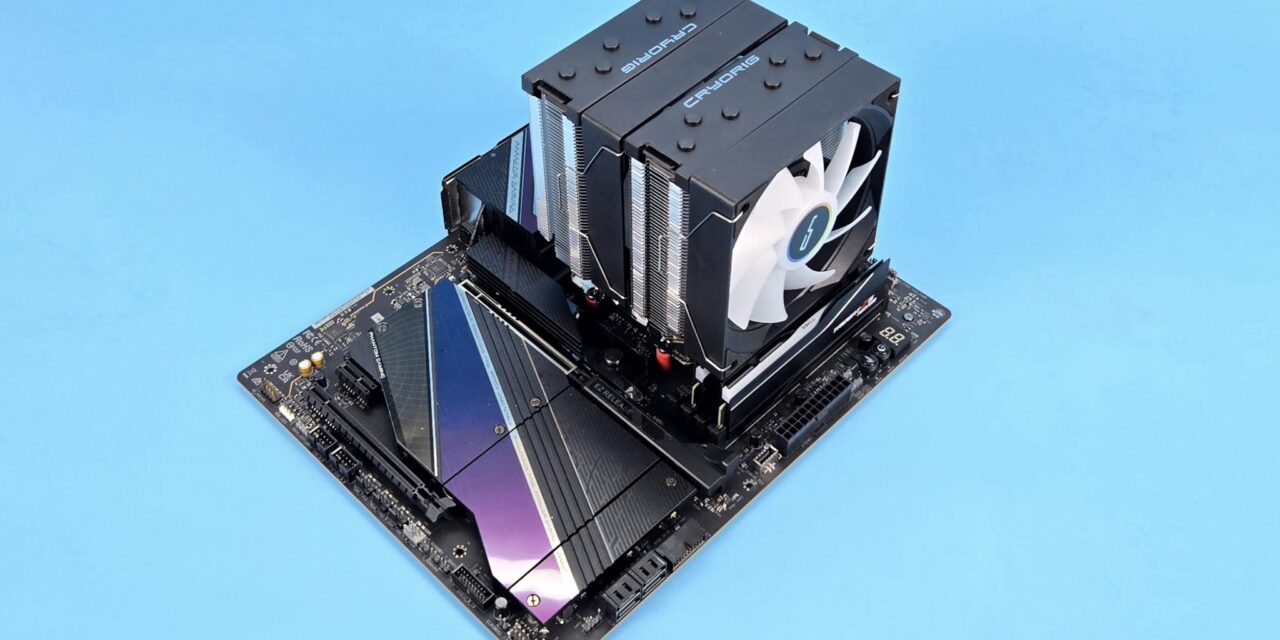
In my last take, I tested CRYO360 from Cryoig. This time, I am taking a look at the CR6S air cooler from Cryorig. This is a budget segment CPU air cooler featuring dual tower, dual-fan design. The top magnetic covers on the cooler remind us of the classic H7 cooler from the past.
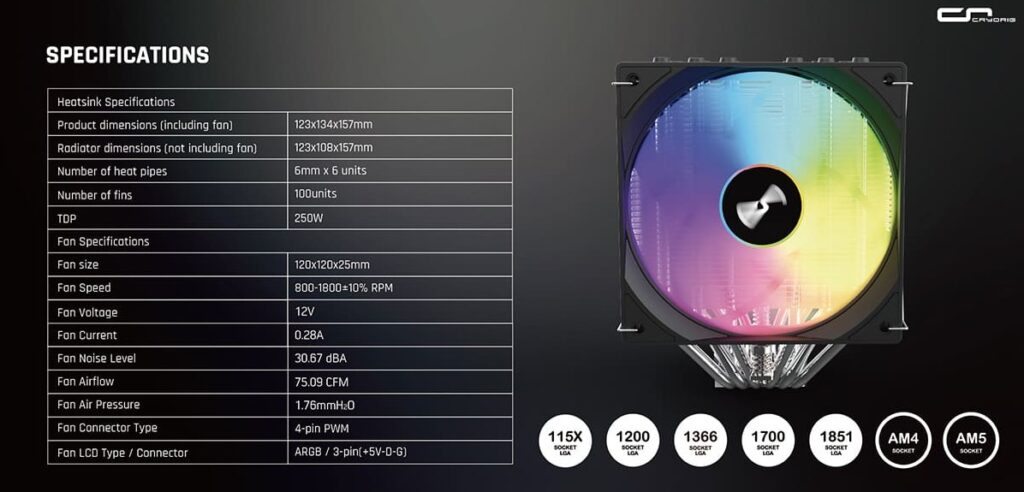
This cooler comprises two slim towers and two 120mm ARGB fans. This cooler is compatible with Intel LGA115x/1366/1200/1700/1851 and AMD AM4/AM5 sockets. It is rated at 250W TDP.
Cryorig offers a 3-year warranty on this cooler, which makes sense given its mainstream market segment. This cooler has an MSRP of USD 45. However, this cooler faces stiff competition from ID-Cooling, CPS, and Thermalright, etc.
Specifications
Packaging
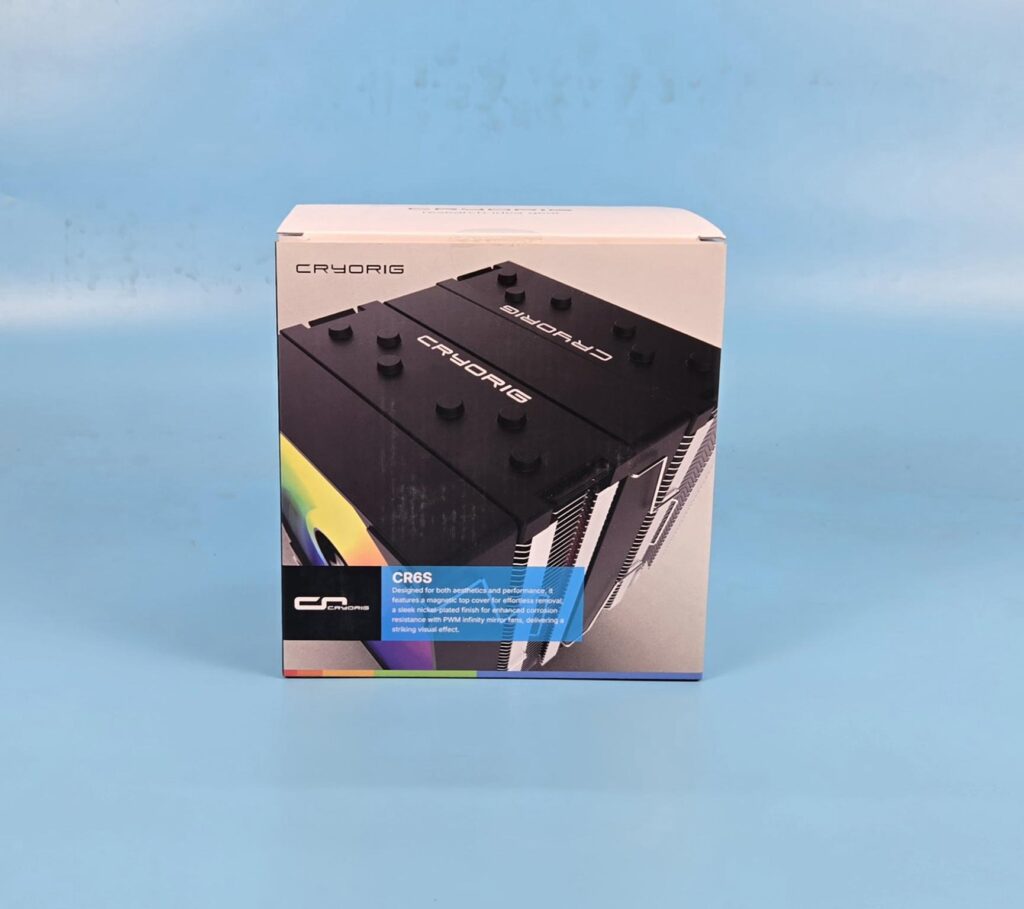
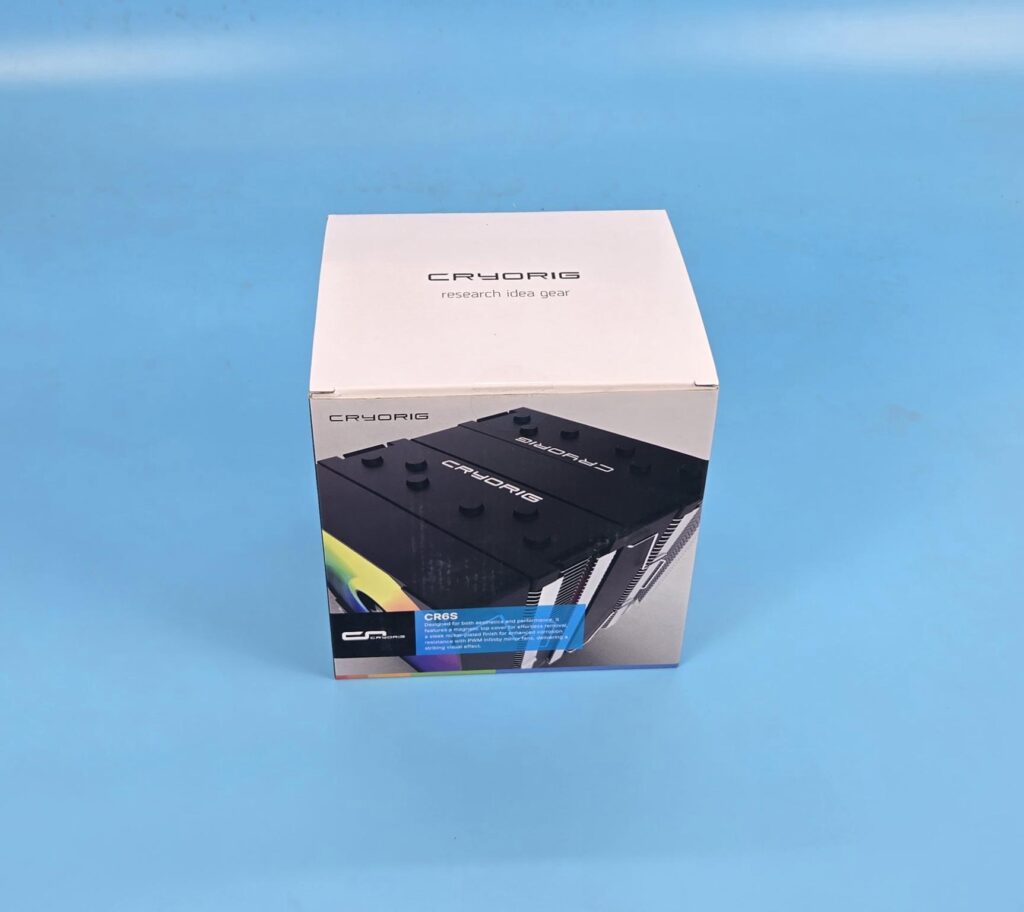
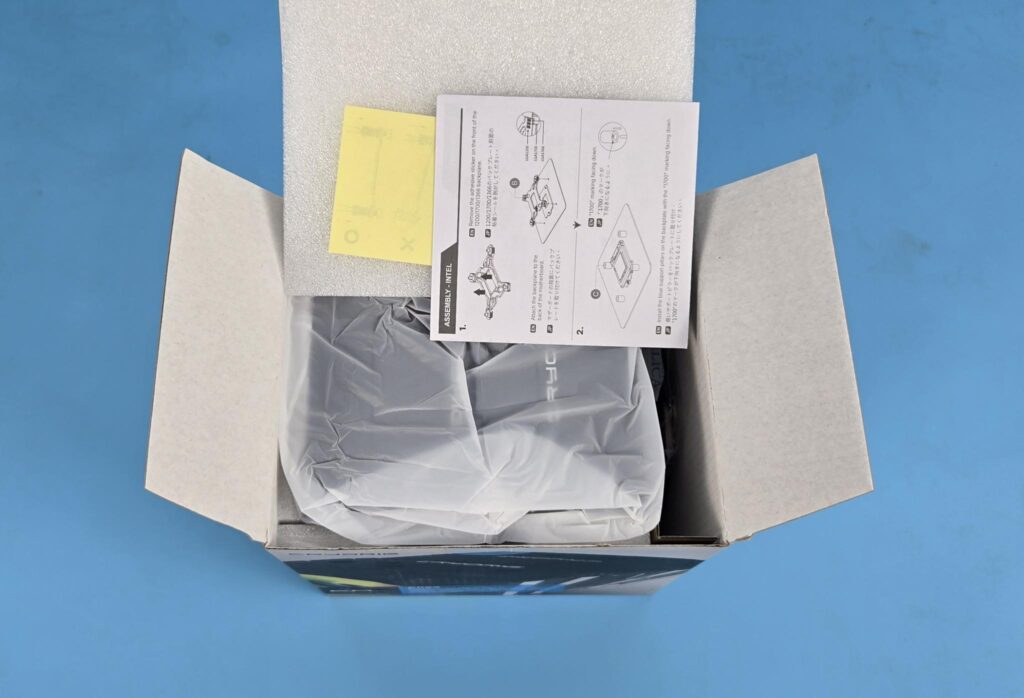
The white and black color shipping box reminds me of the Cryorig H7 cooler and other models from the past. The accessories container is placed on the side of the cooler. The cooler is placed inside a separate container/pouch.
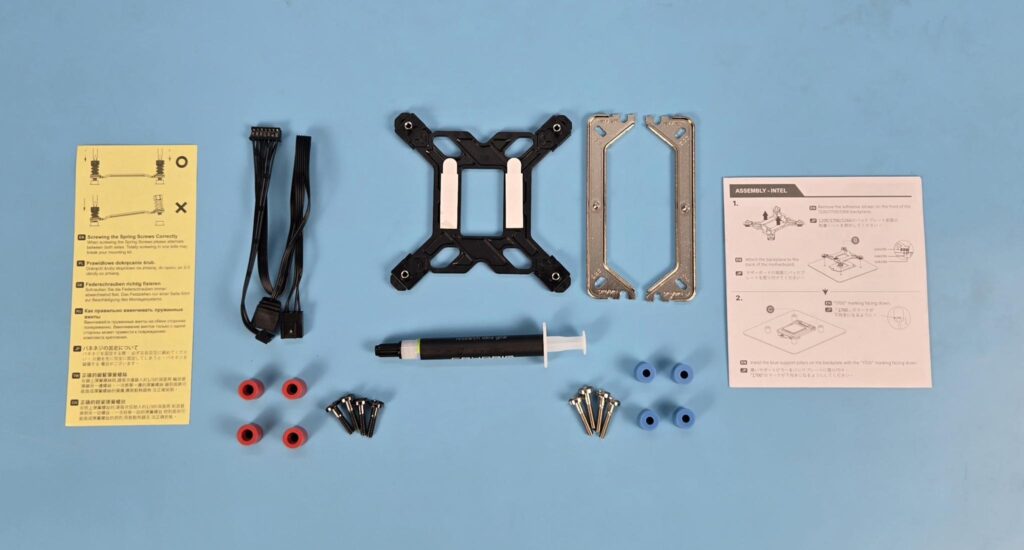
The following come inside the accessory box:
- 1x Intel Backplate
- 2x Universal Mounting Brackets
- 4x AMD Screws
- 4x AMD Spacers [Red]
- 4x Intel Screws
- 4x Intel Spacers [Blue]
- 1x Thermal Paste Tube
- 1x Cable
- 1x User Manual
- 1x Safety Paper
Design
Let’s take a look at the cooler.
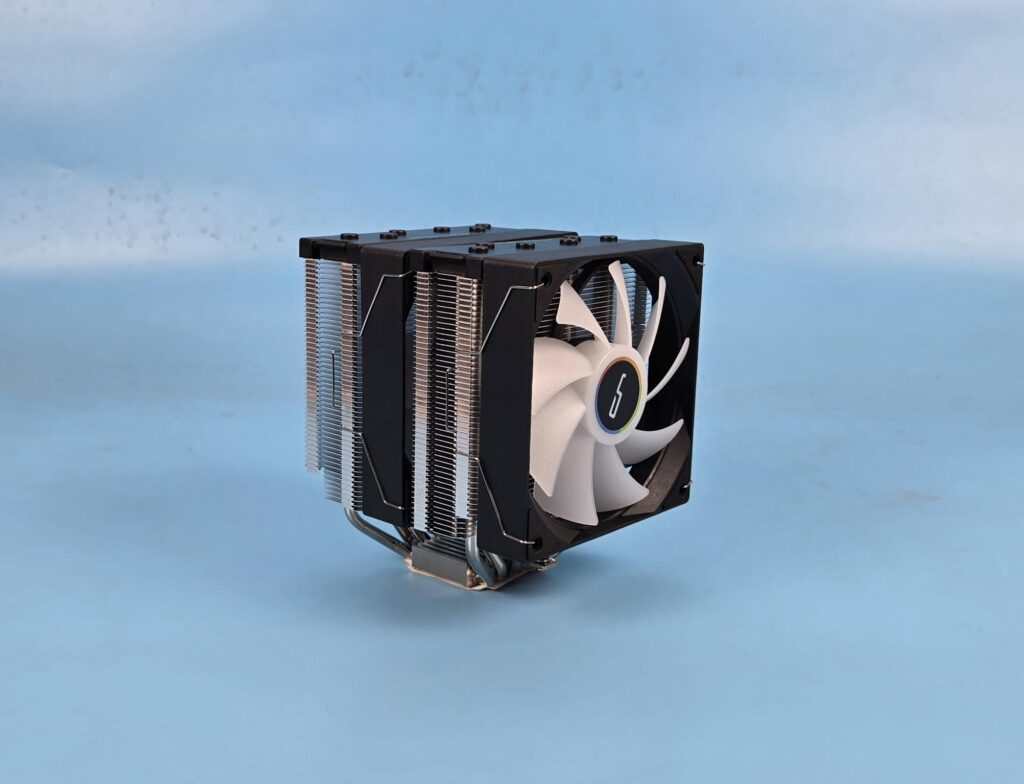
The overall dimension of the assembled cooler is 123x134x157mm (LxWxH). This dimension makes this cooler even slimmer than the DeepCool AK620 G2 Digital NYX. The heatsink itself has a dimension of 123x108x157mm. The net weight of the cooler is not mentioned.
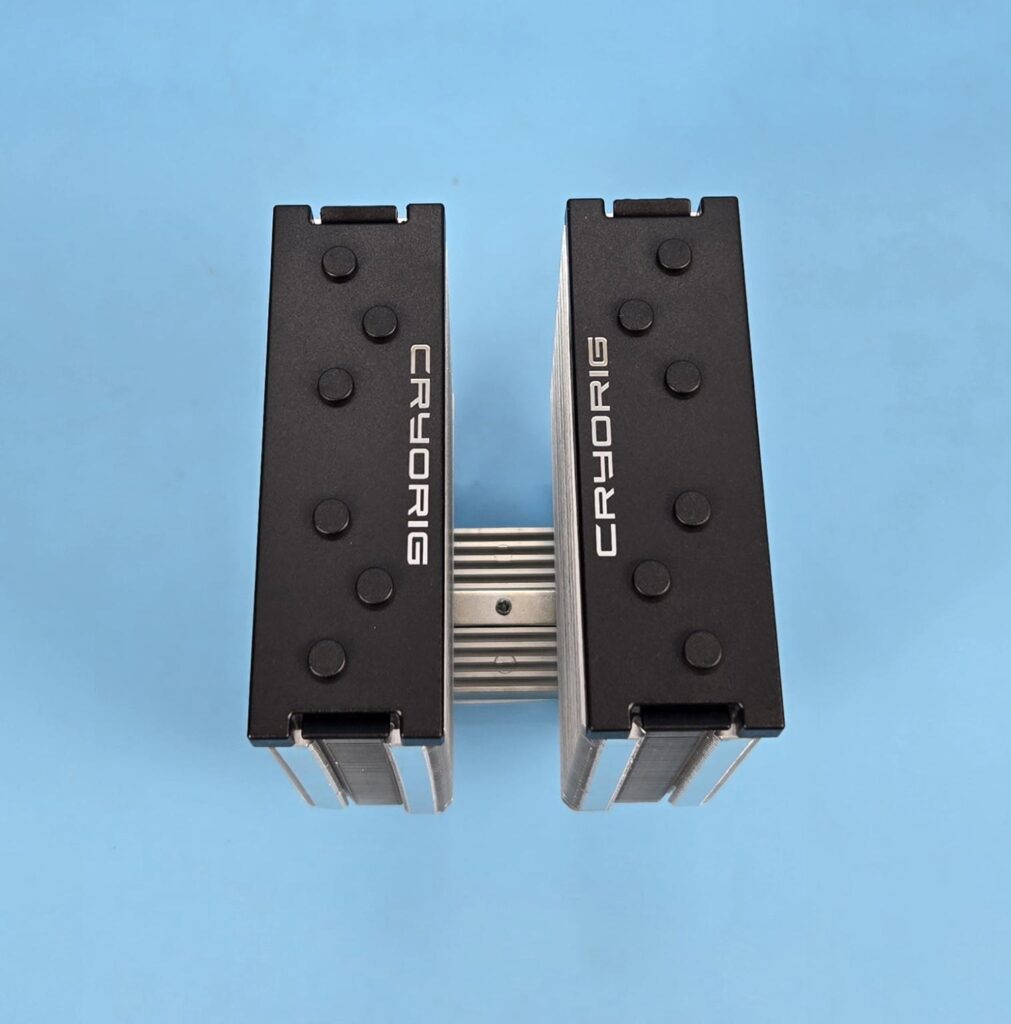
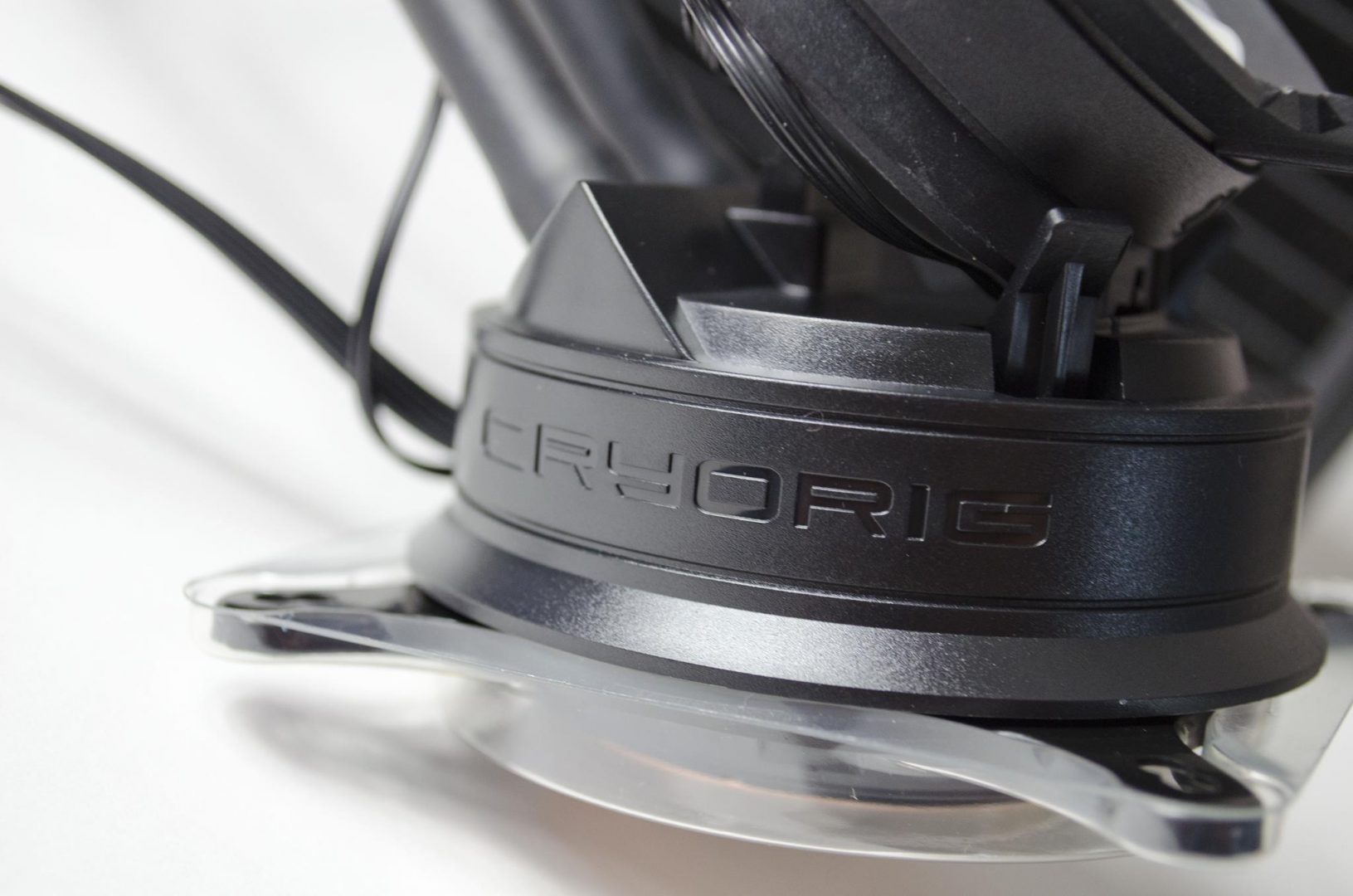
Looking at the top of the cooler, you can see a black cover on each tower. Each cover has CRYORIG branding. The rounded caps are covering the tips of the heat pipes. This was the same design on H7. Both covers have a magnetic attachment.
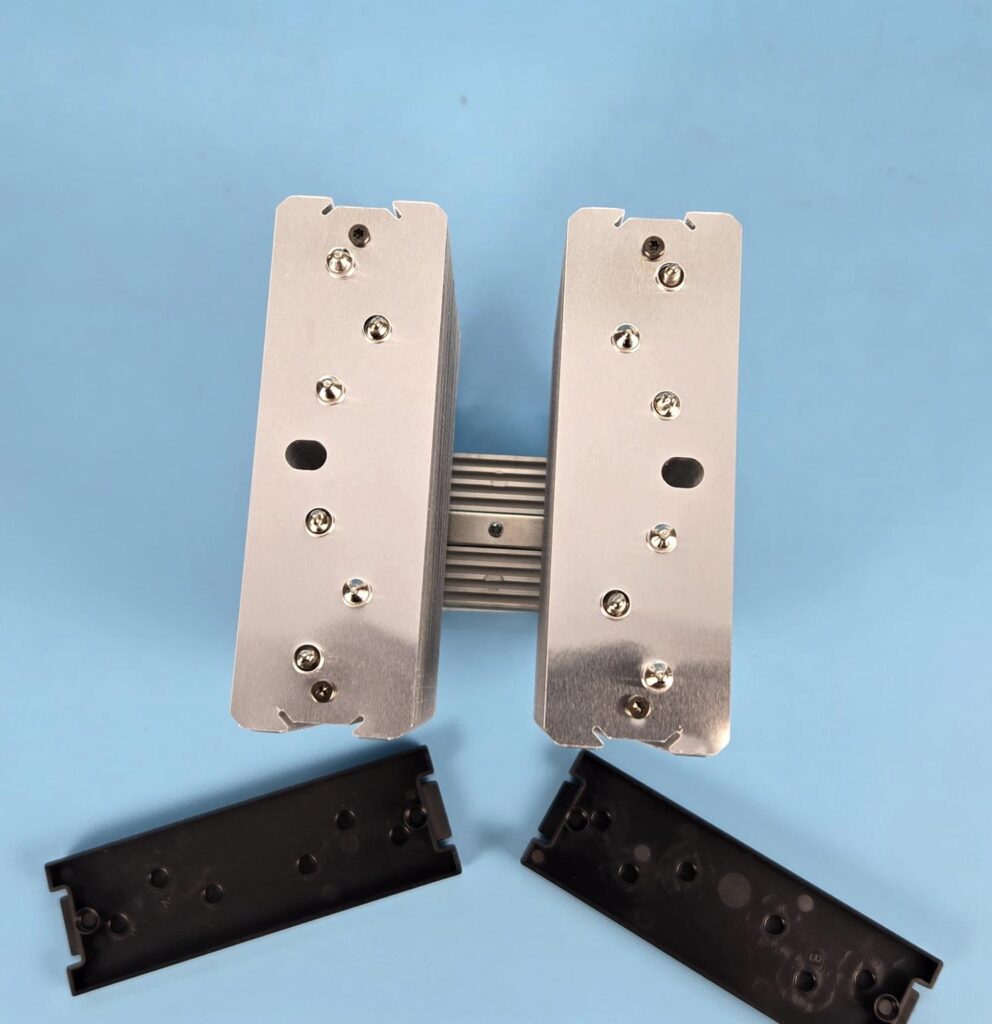
I have removed the top covers. You can see a shiny top fin on the heatsinks. The heat pipes’ terminating tips are also visible. Two holes are visible (one on each fin stack). These are important since you need to pass a screwdriver through these holes to install the heatsink on the CPU. This means you don’t need to remove the fans from the cooler while installing the cooler unless if the height of the front fan needs to be adjusted when using high-profile RAM.
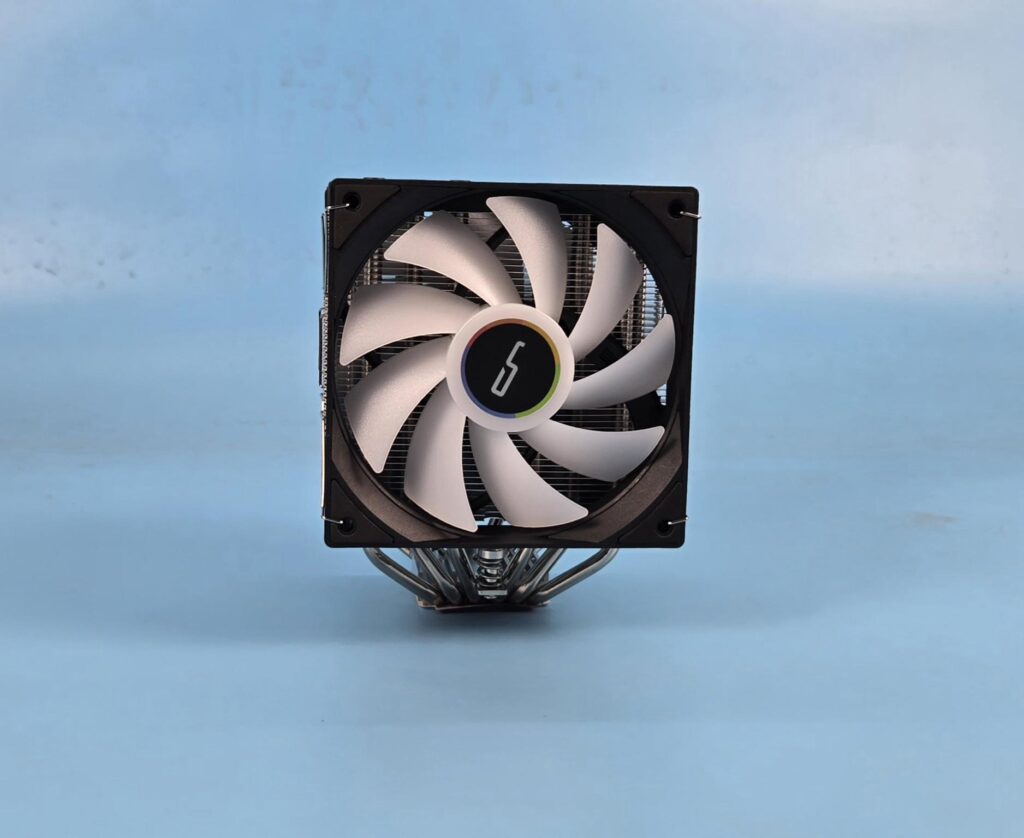
I am showing the front view of the front tower. A 120mm ARGB fan comes pre-installed on the front.
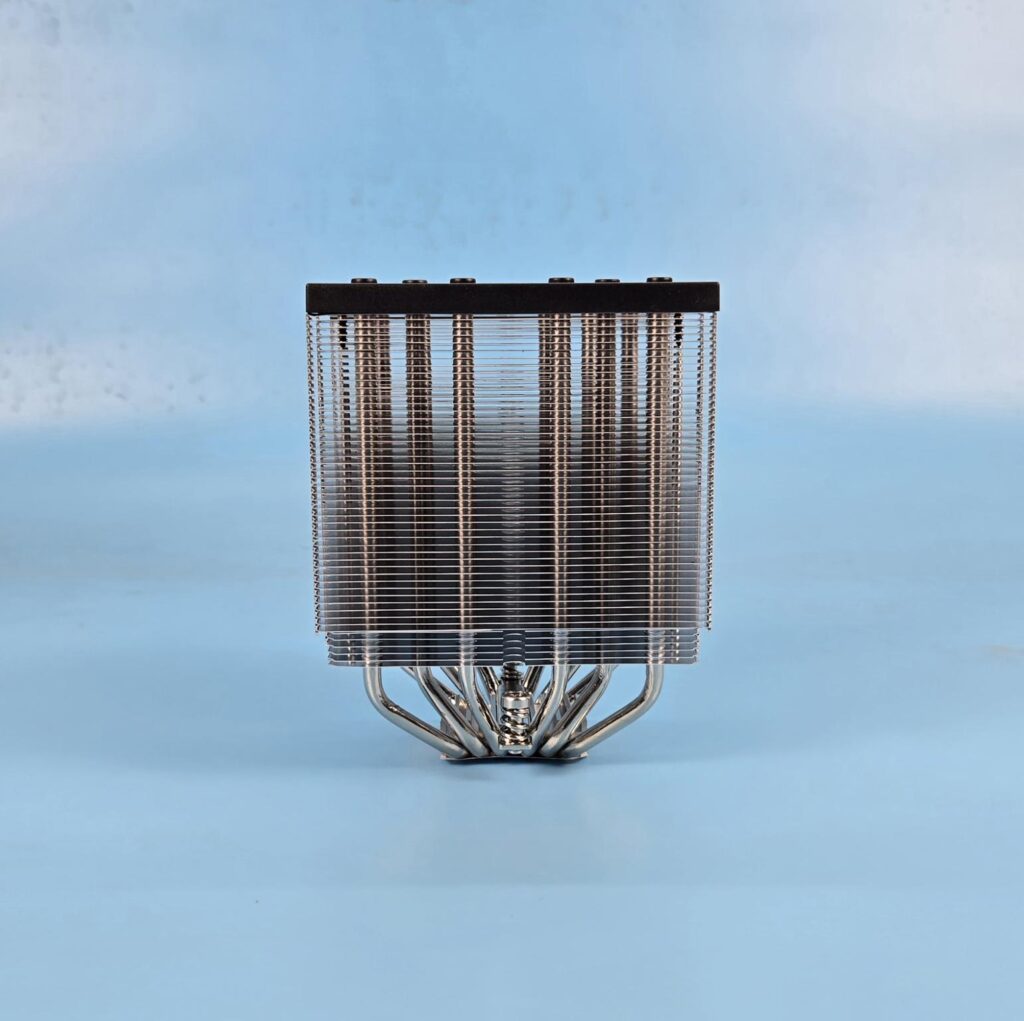
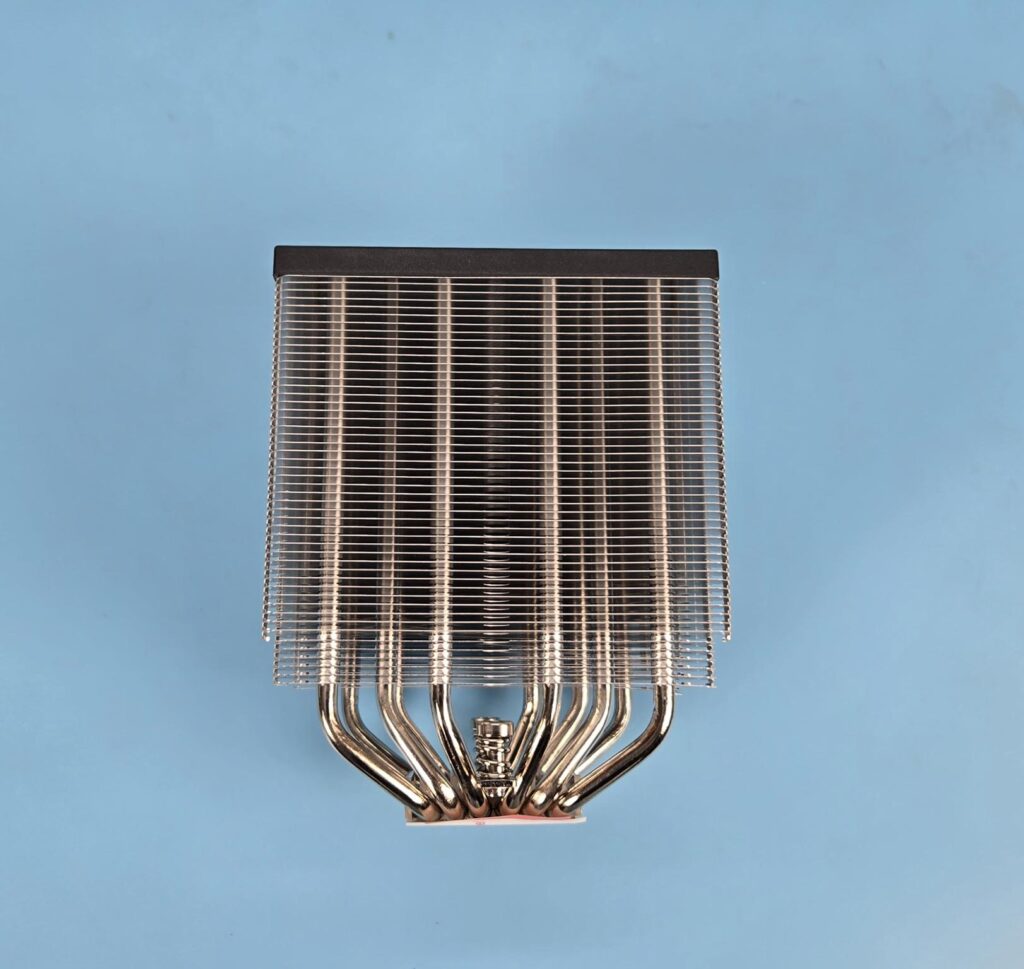
I have removed the fan and am showing the heatsink design view. The tower has 44+6 aluminum fins, making a total count of 100 fins. The 6 fins are offset, providing more clearance for the RAM from the heatsink itself. The gap between any two fin plates is wide, providing an unrestricted airflow channel.
The rear of the towers have same layout as on the front.
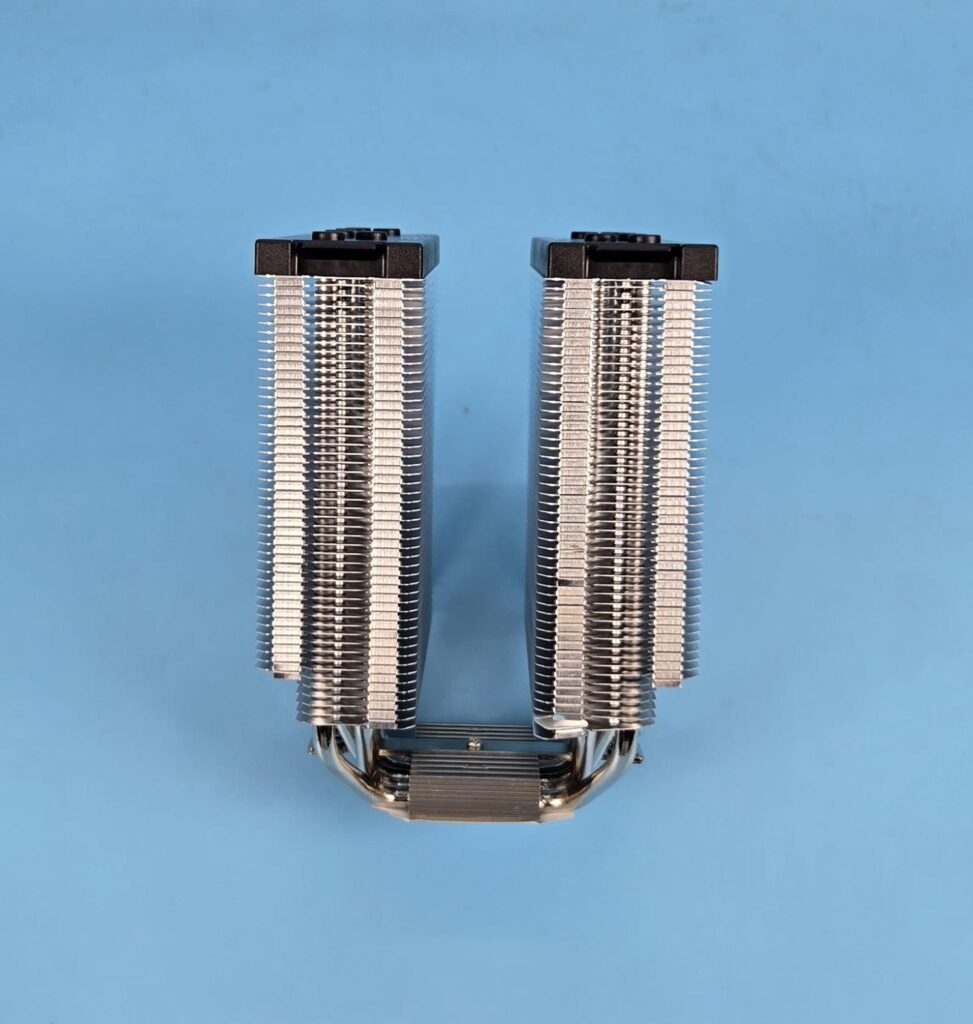
The left and right sides of the towers are identical in layout. The fins have an interlocking mechanism on the sides. The middle section has an inset, and the sides havea raised surface. This is where the heads of the fan clips are rested.
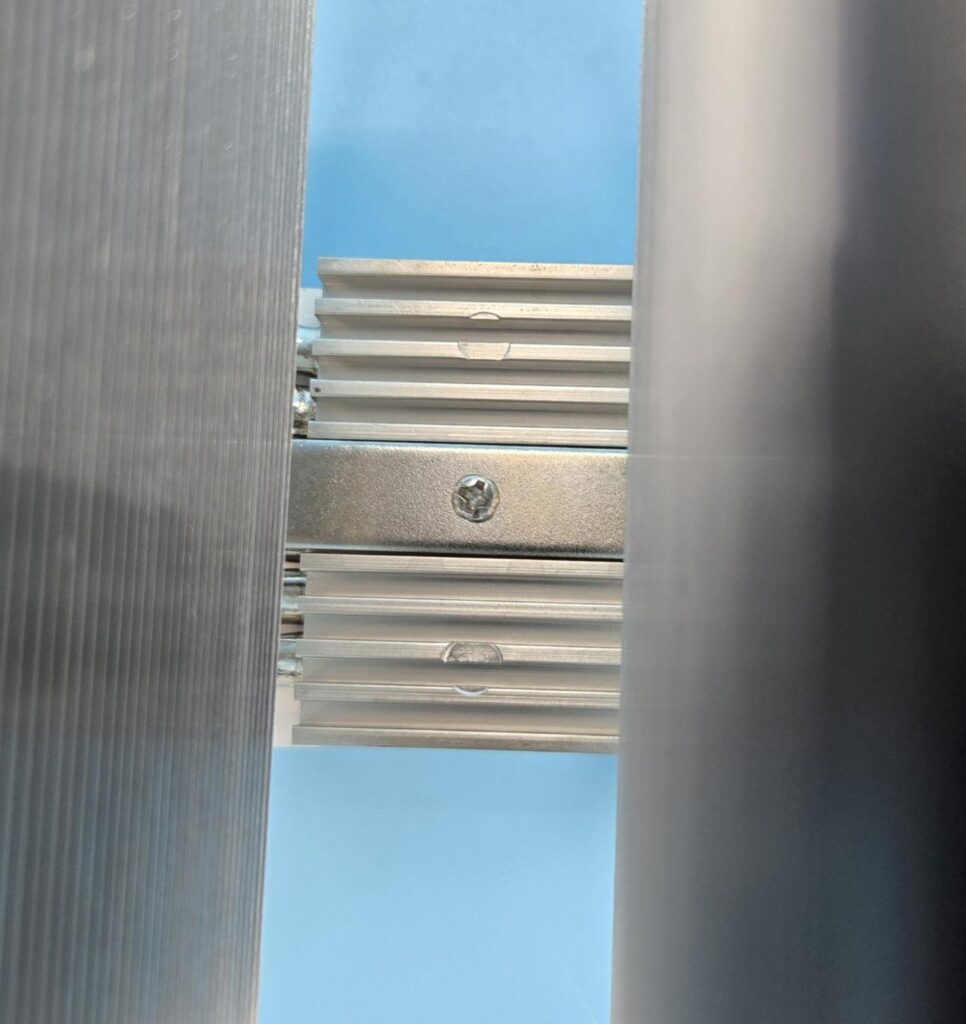
The aluminum cover on the base has a heatsink design. You can see spots over this area, which may indicate that this cooler is either tested before shipping or might be used. The crossbar is installed using a screw in the center over this area.
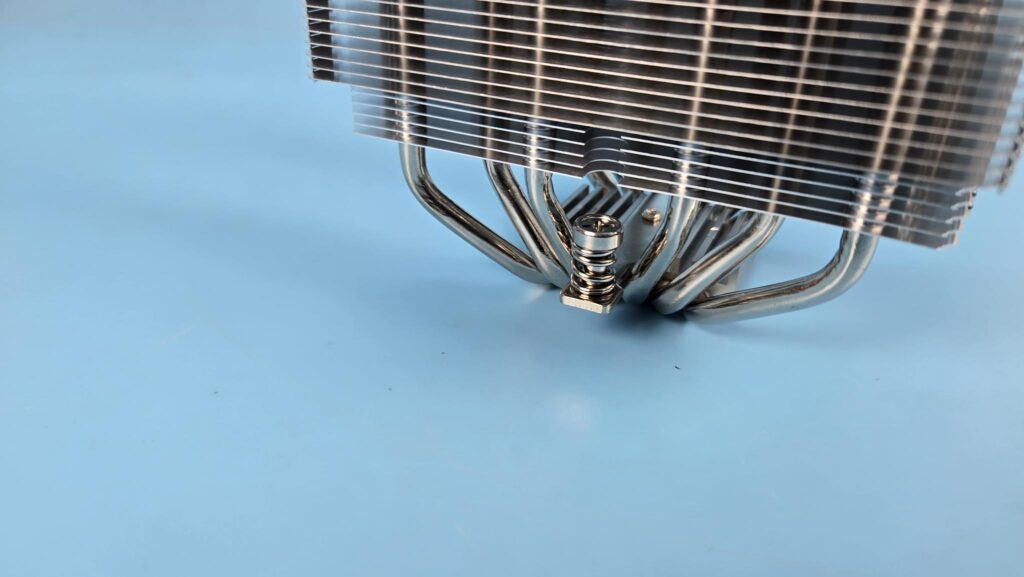
The mounting plate or the cross-bar has two spring-loaded screws.
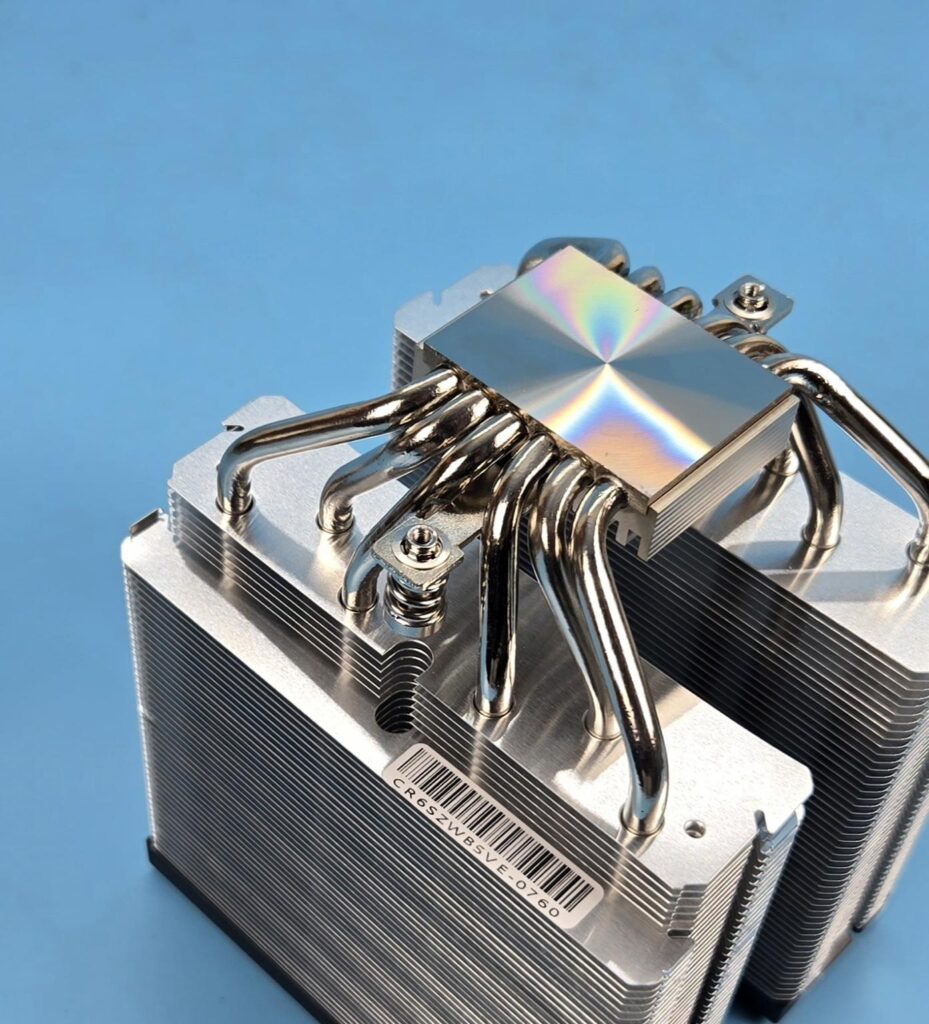
This cooler comes with 6x nickel plate copper heat pipes in a U shape. Each pipe has a 6mm thickness.
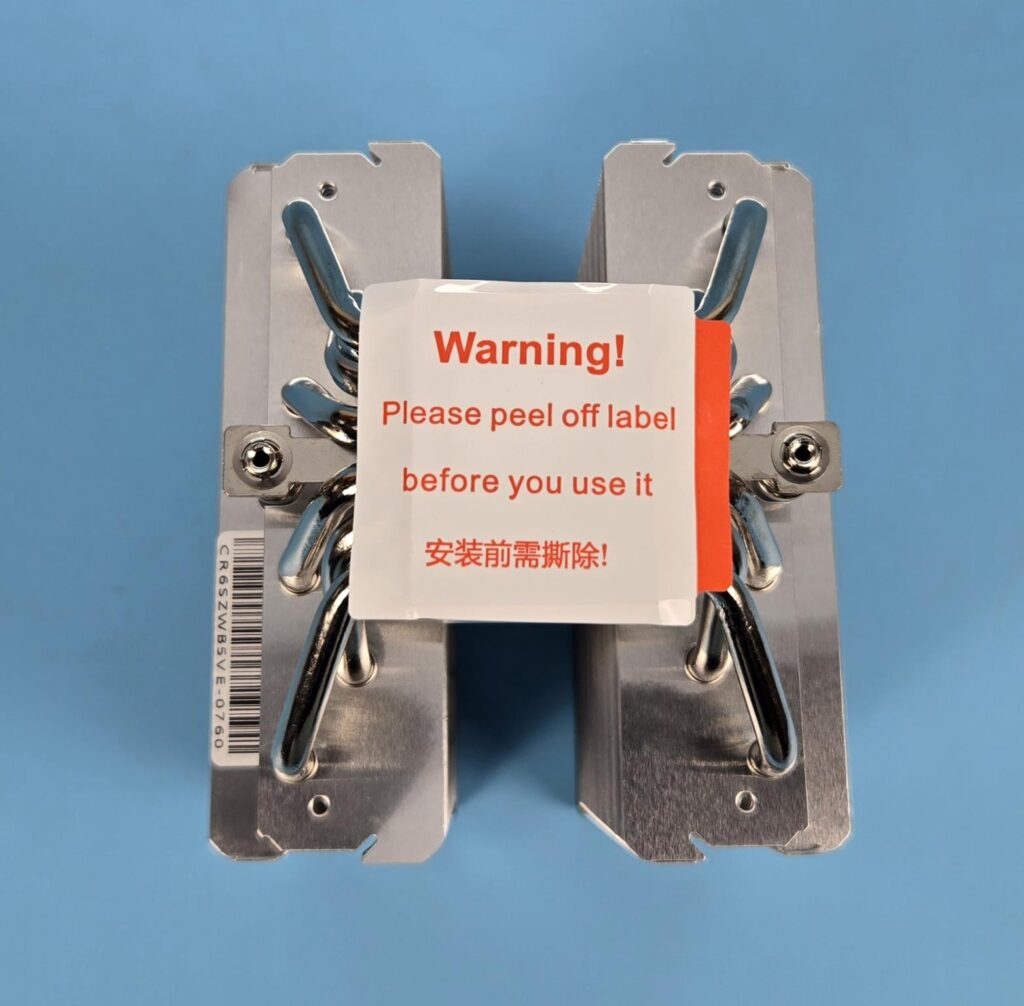
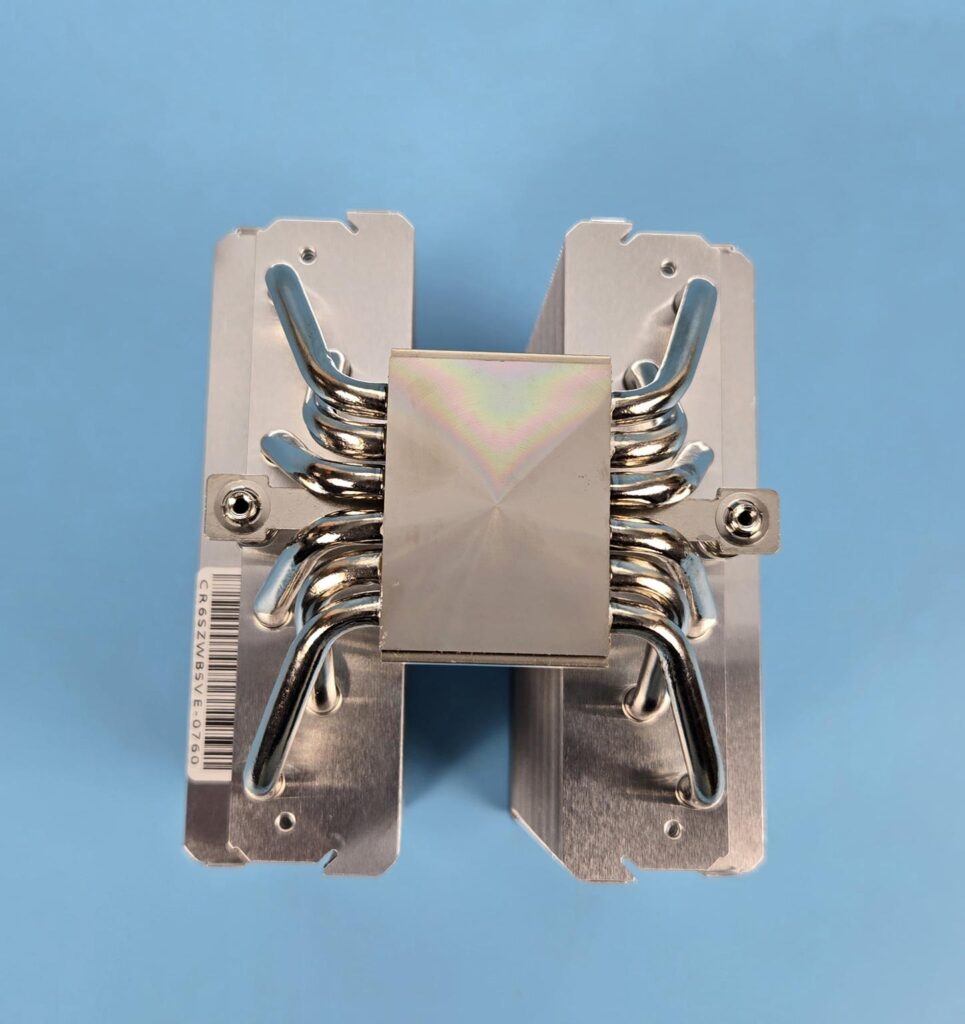
Nickel-plated copper base has a protective cover that needs to be removed during installation.
FANS
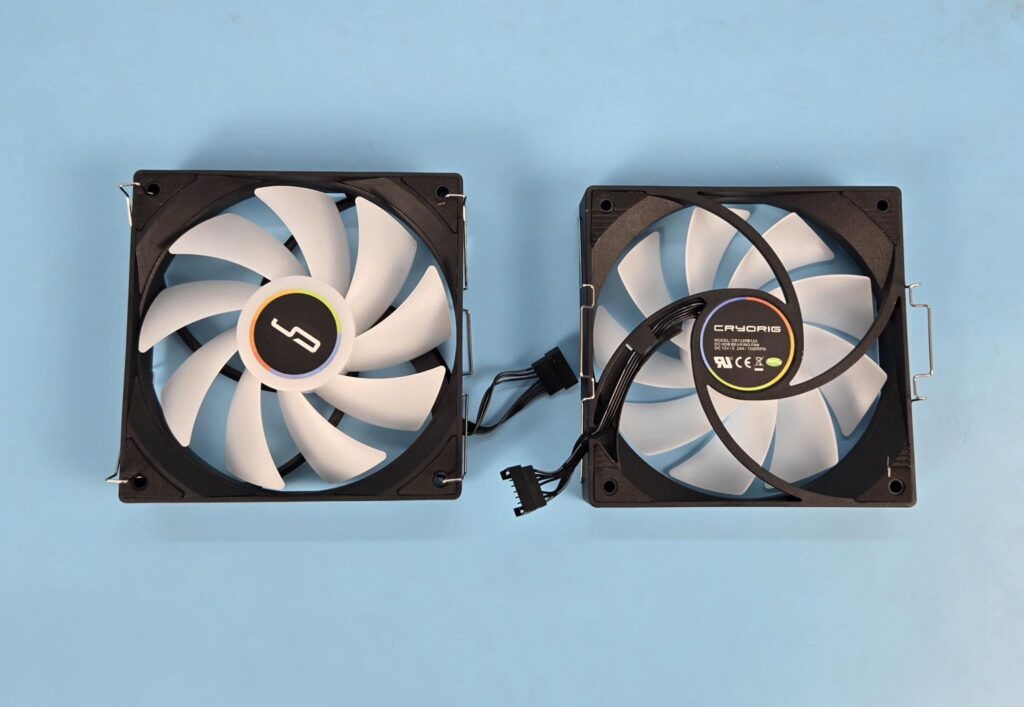
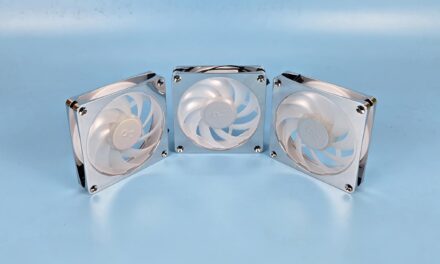
Two 120mm fans are ARGB. You can see a slope design on the frame near the mounting corners. Each fan has 9x frosted blades. Cryorig branding is visible on the center. Each mounting corner has an anti-vibration pad.
The backside has a spiral designed 4-arms assembly. Model and power rating of the fan are printed on the backside. The bearings of the fans are unknown.
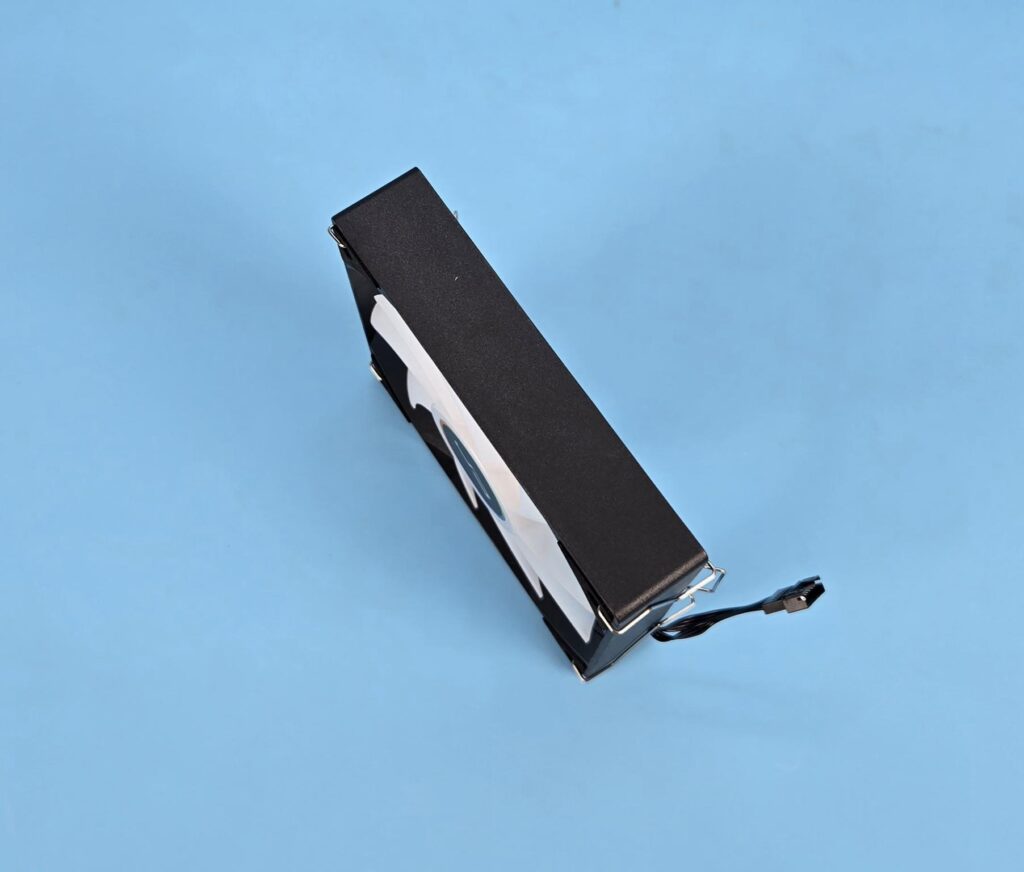
No arrow markers were seen on the side frame of the fans. The frame is quite sturdy and is in a square design.
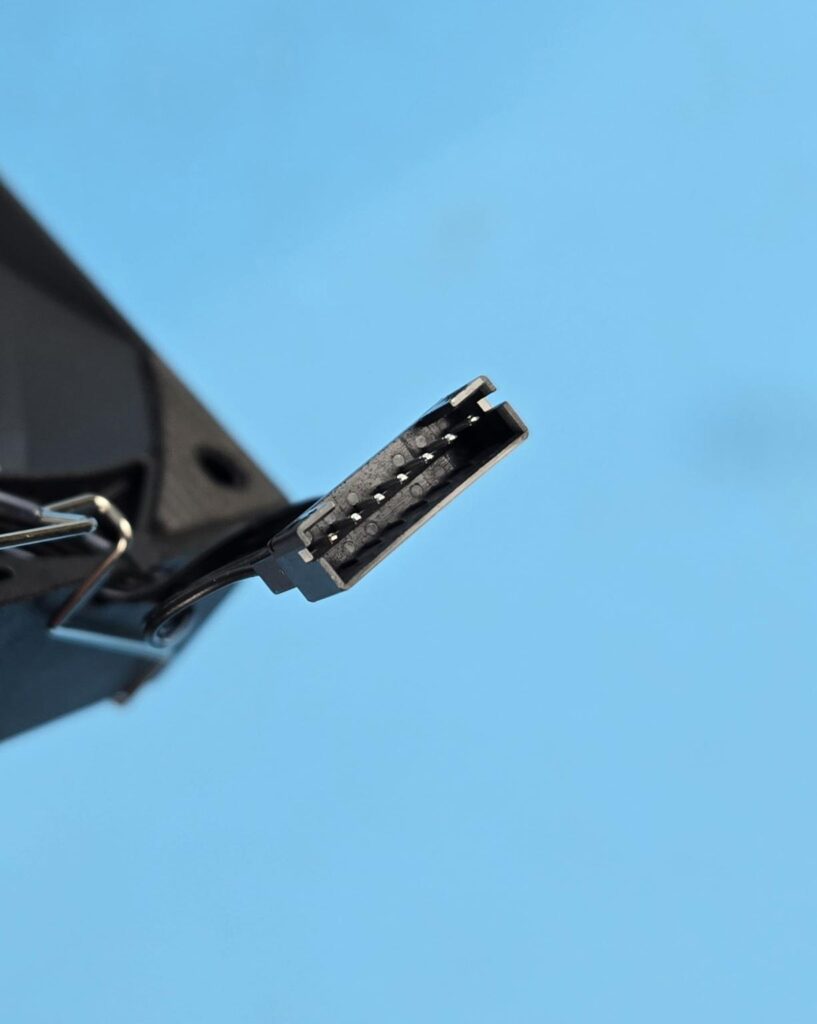
Each fan has a 7-pin proprietary connector controlling the fan’s motor and ARGB LEDs.
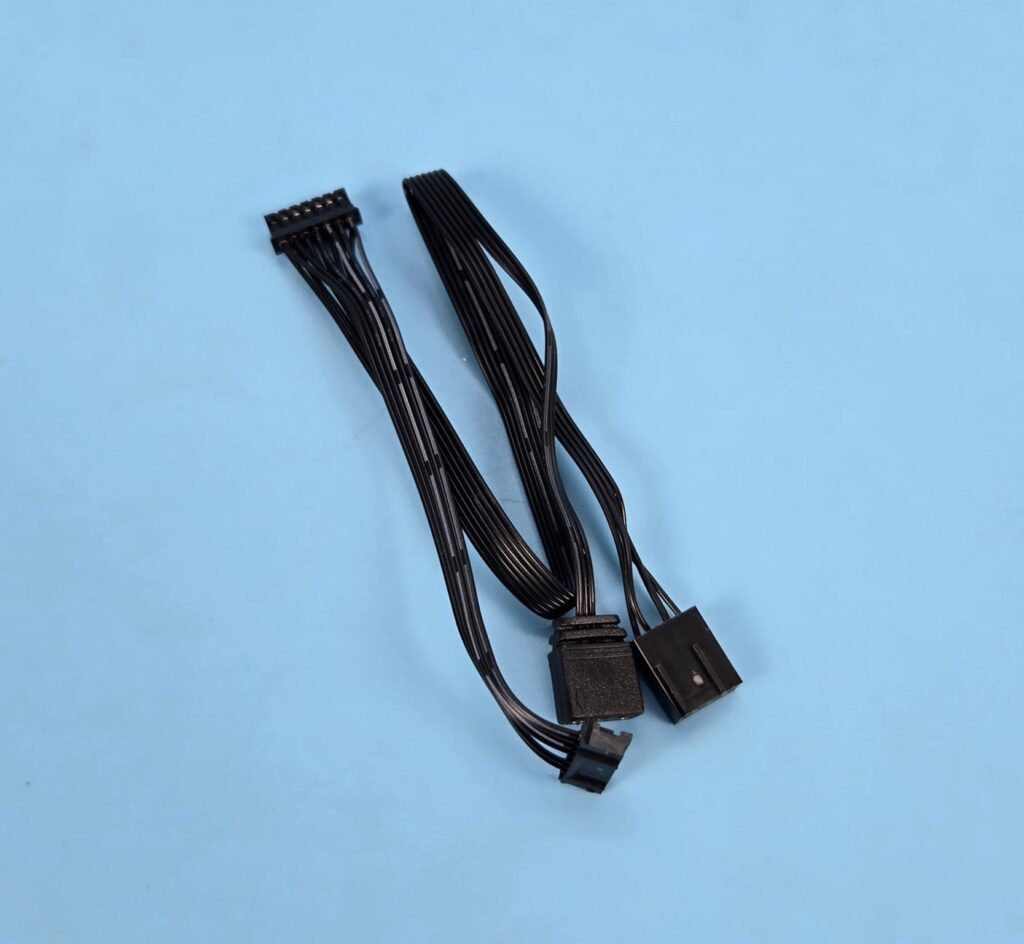
Cryorig has provided an adapter cable that daisy-chains both fans for a single source control.
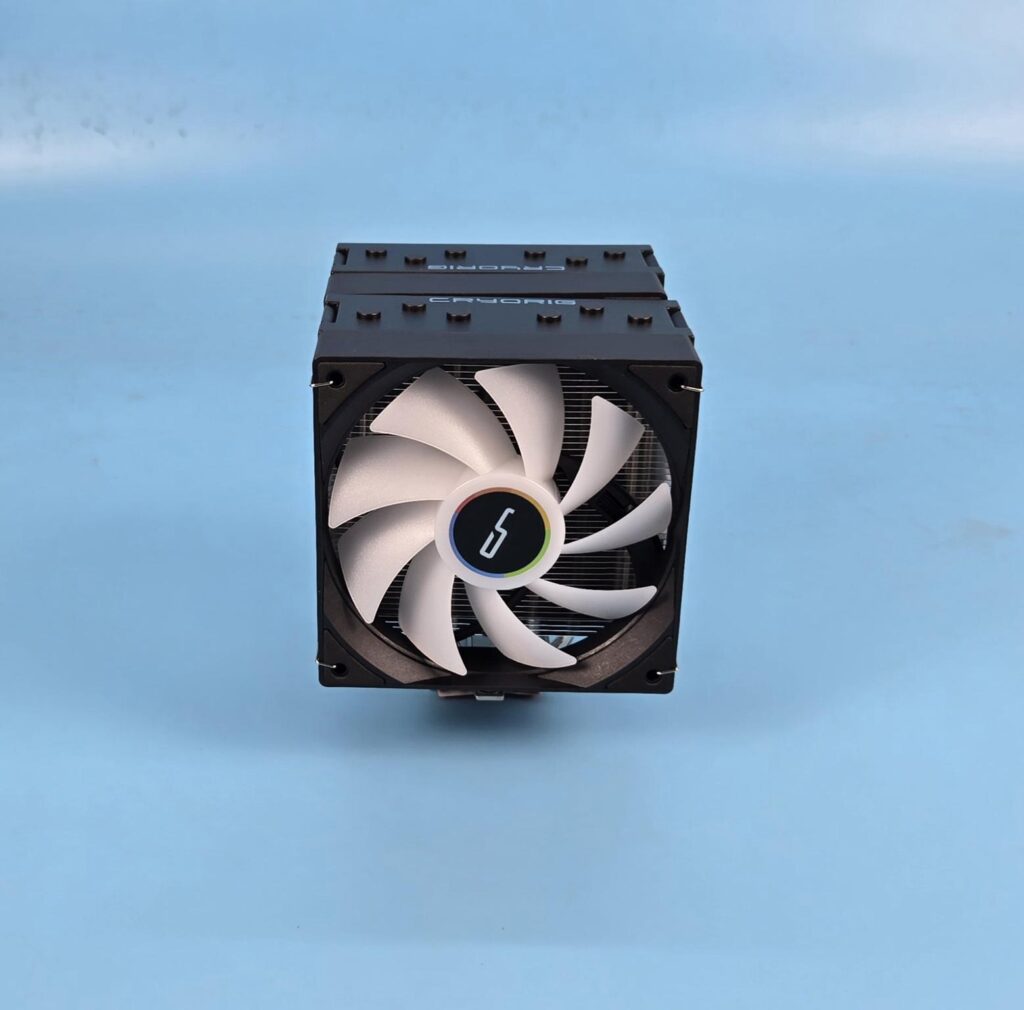
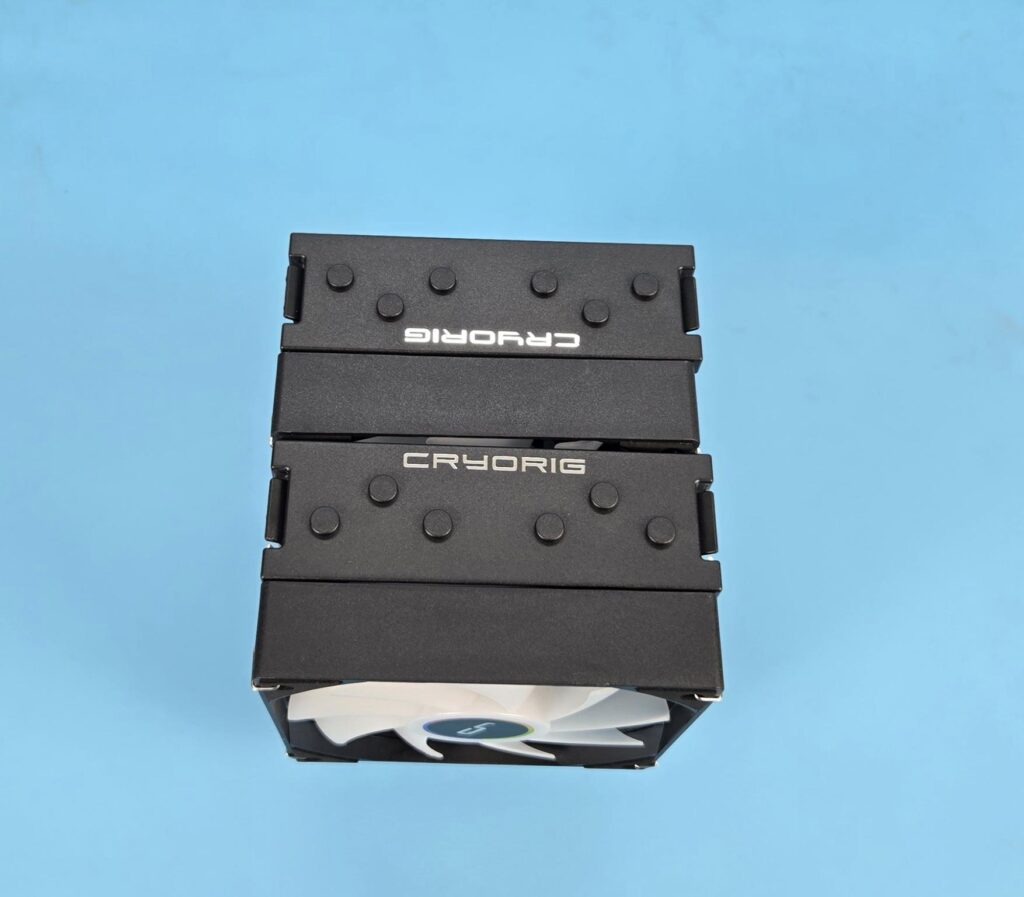
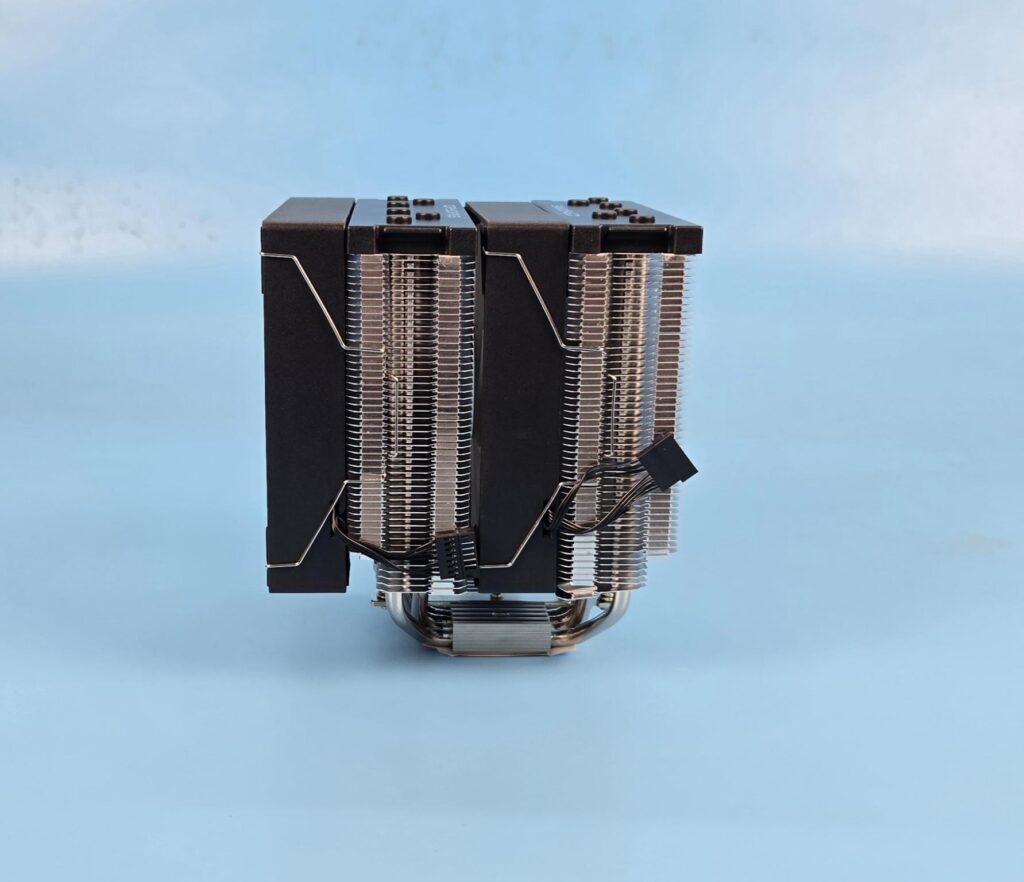
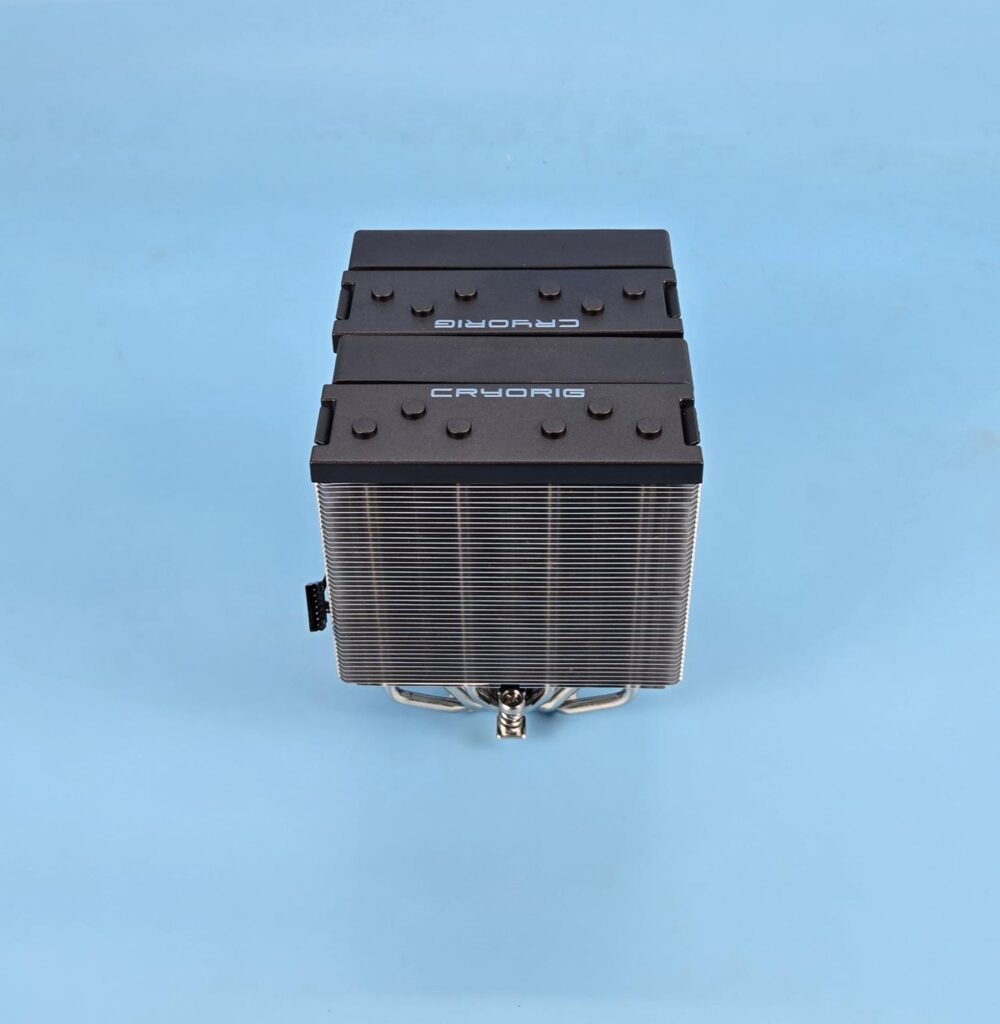
A few pictures of the assembled cooler.
Installation
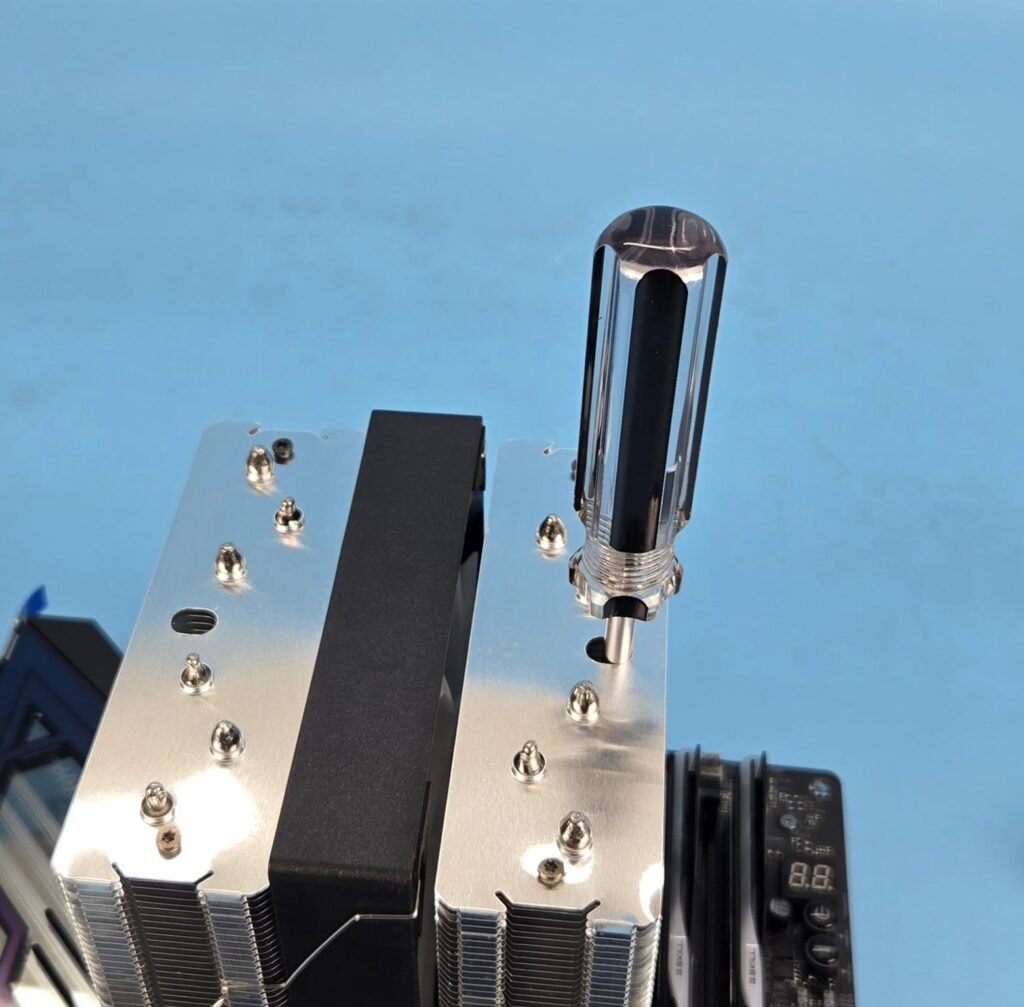
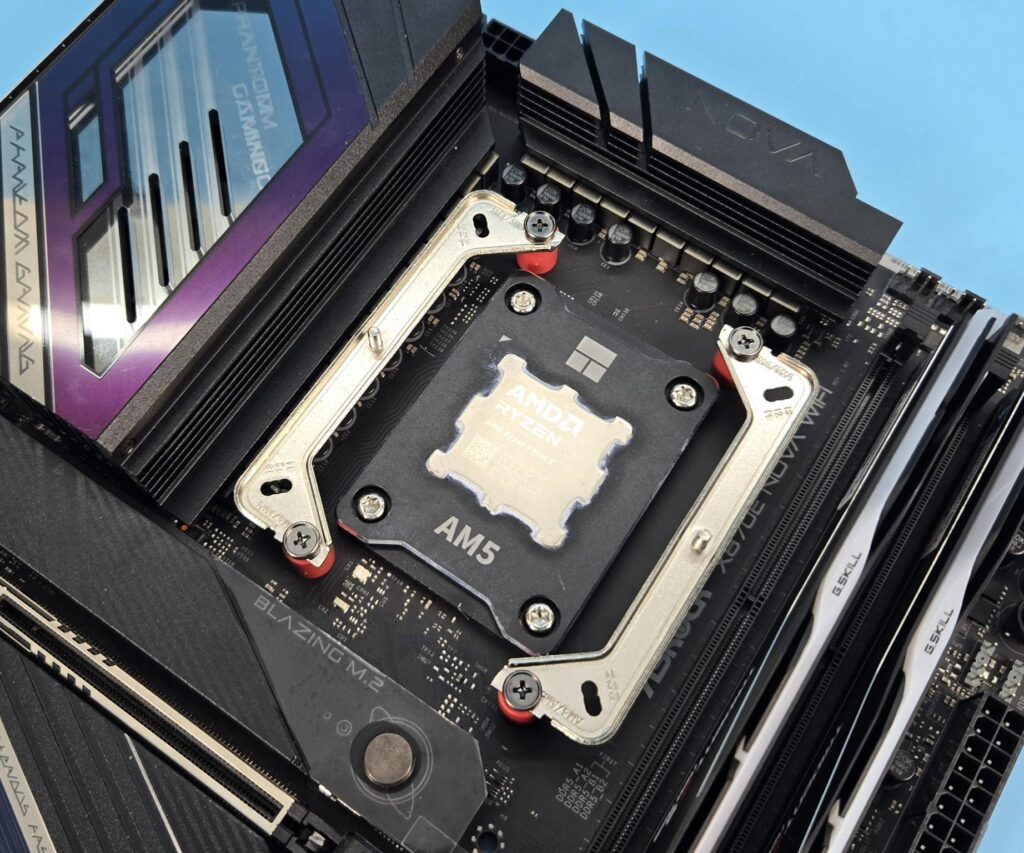
We are not covering the installation steps. You can use the user guide for that purpose. I only report my observations during the installation and removal of the cooler. The fan clips come off easily, and this can provide inconvenience if you have removed the fans, but the good news is that you don’t need to remove the fans, particularly the middle fan, since access to the spring-loaded screw is provided through the fin stack from the top. Other than that, the installation of this cooler on AM5 is a straightforward process.
Clearance
We need to look at the clearance from multiple angles. Let’s start with the RAM.
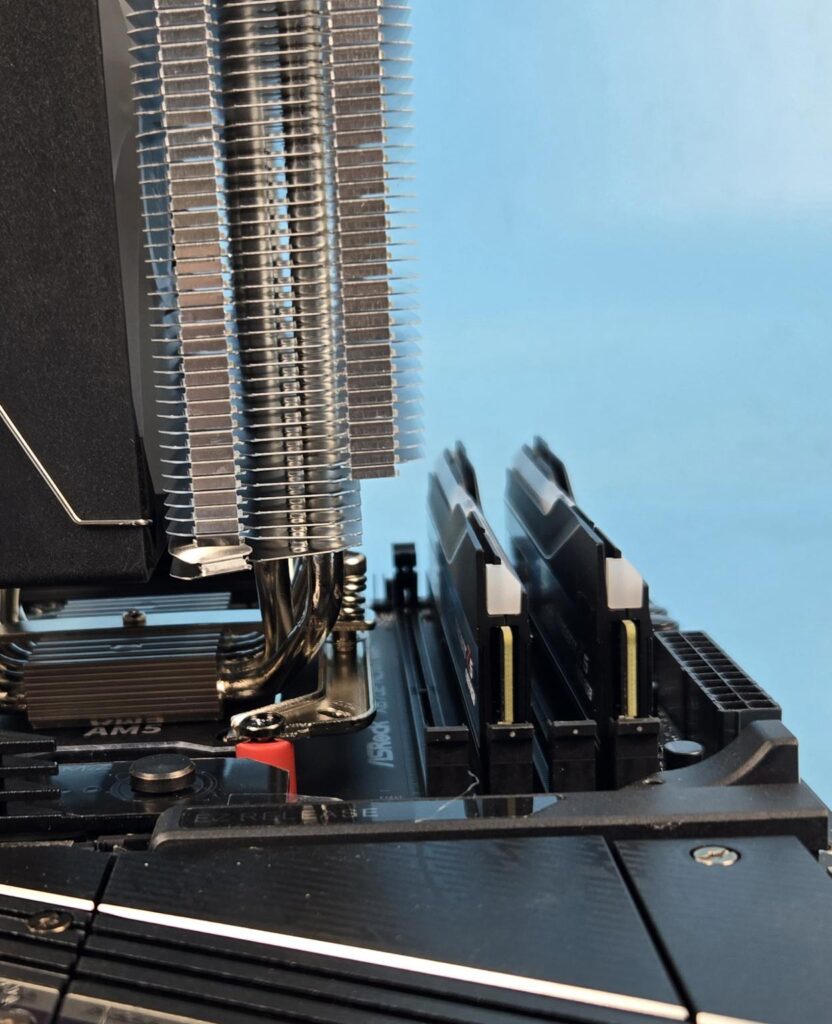
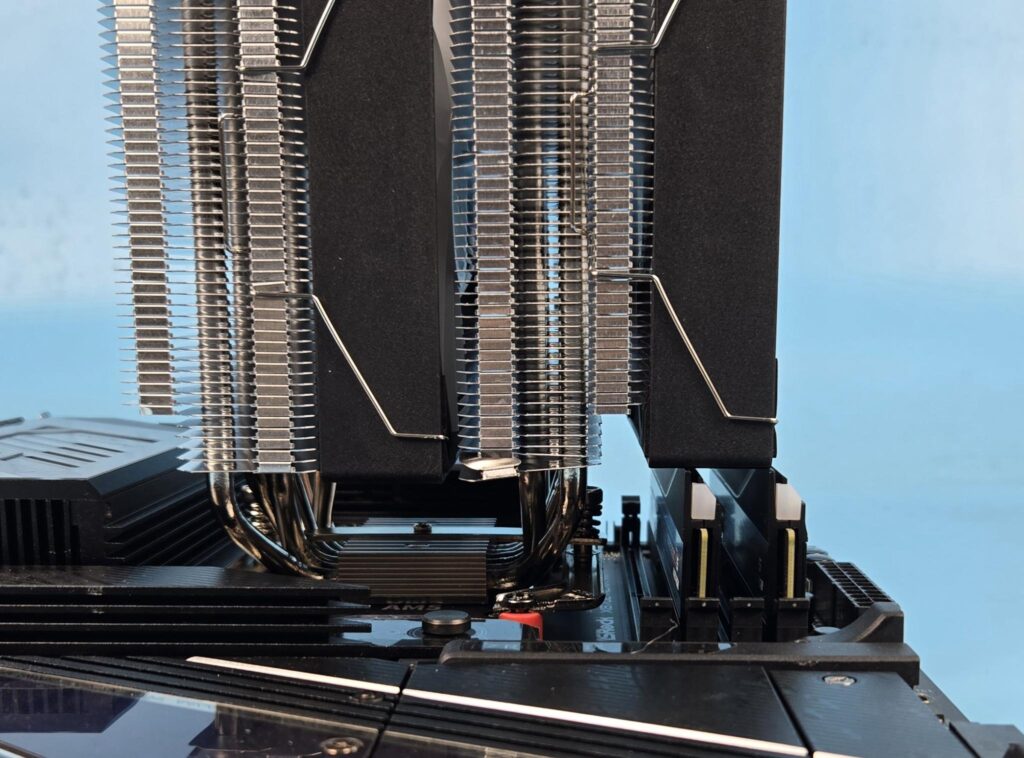
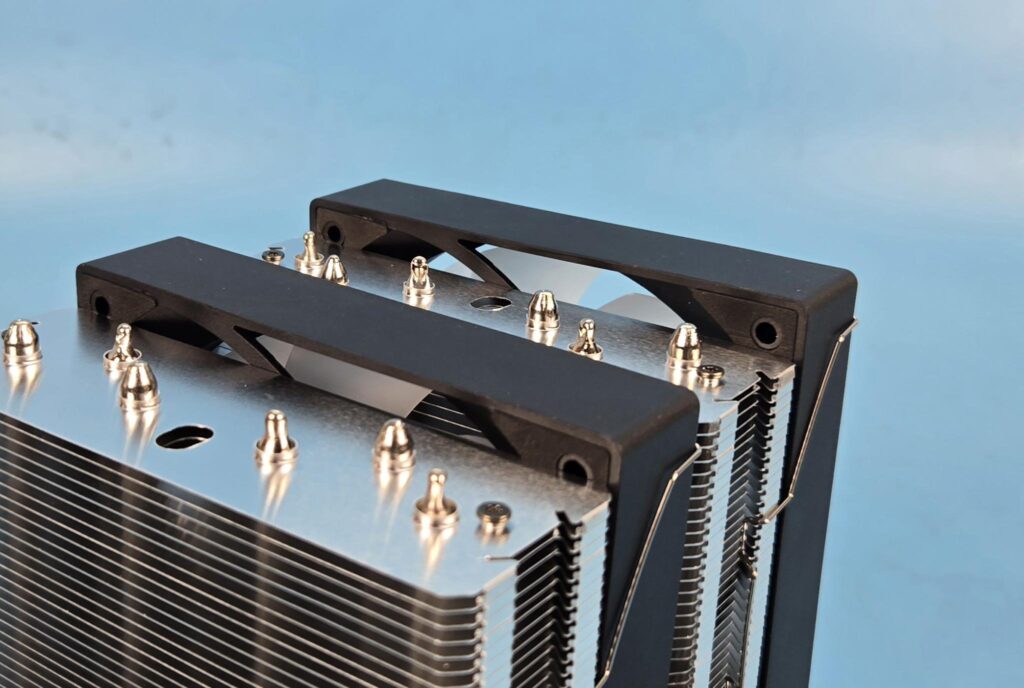
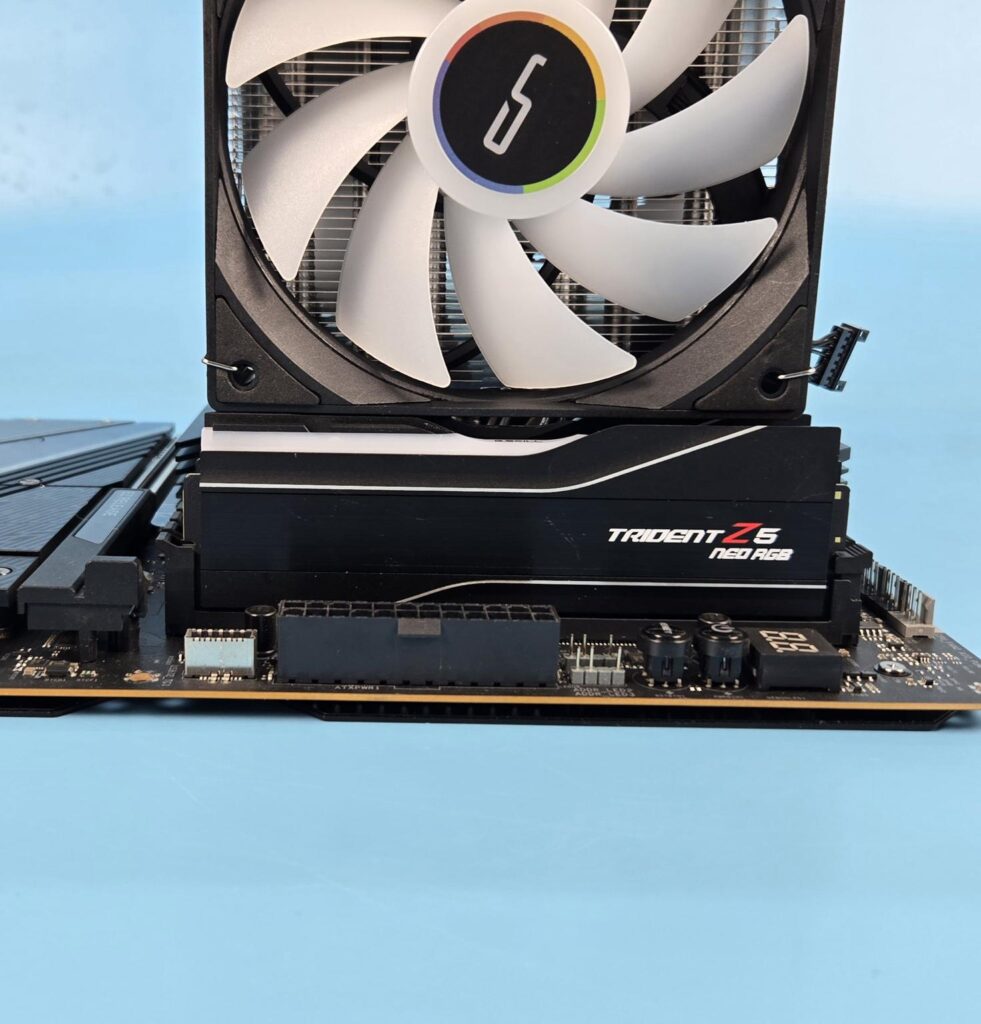
The heatsink provides a universal clearance for the RAM. The fan will sit on top of a 44mm tall kit without disturbing the overall height of the cooler. However, any taller kit would require the front fan to be slid upward, increasing the overall height of the cooler.
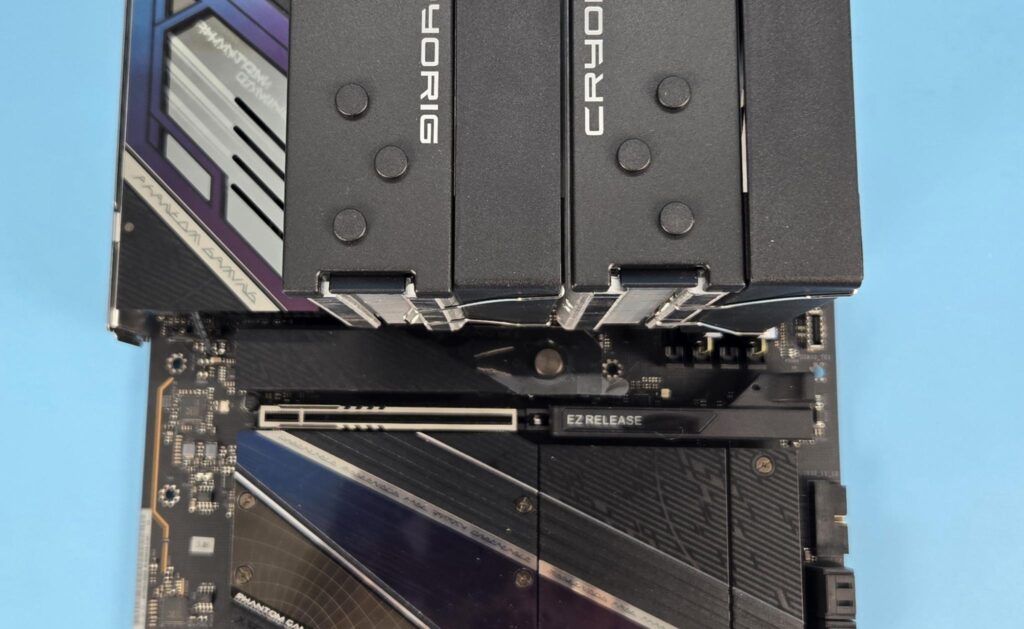
There is no issue with respect to the first PCIe x16 slot on the ASRock X870E NOVA WiFi motherboard.
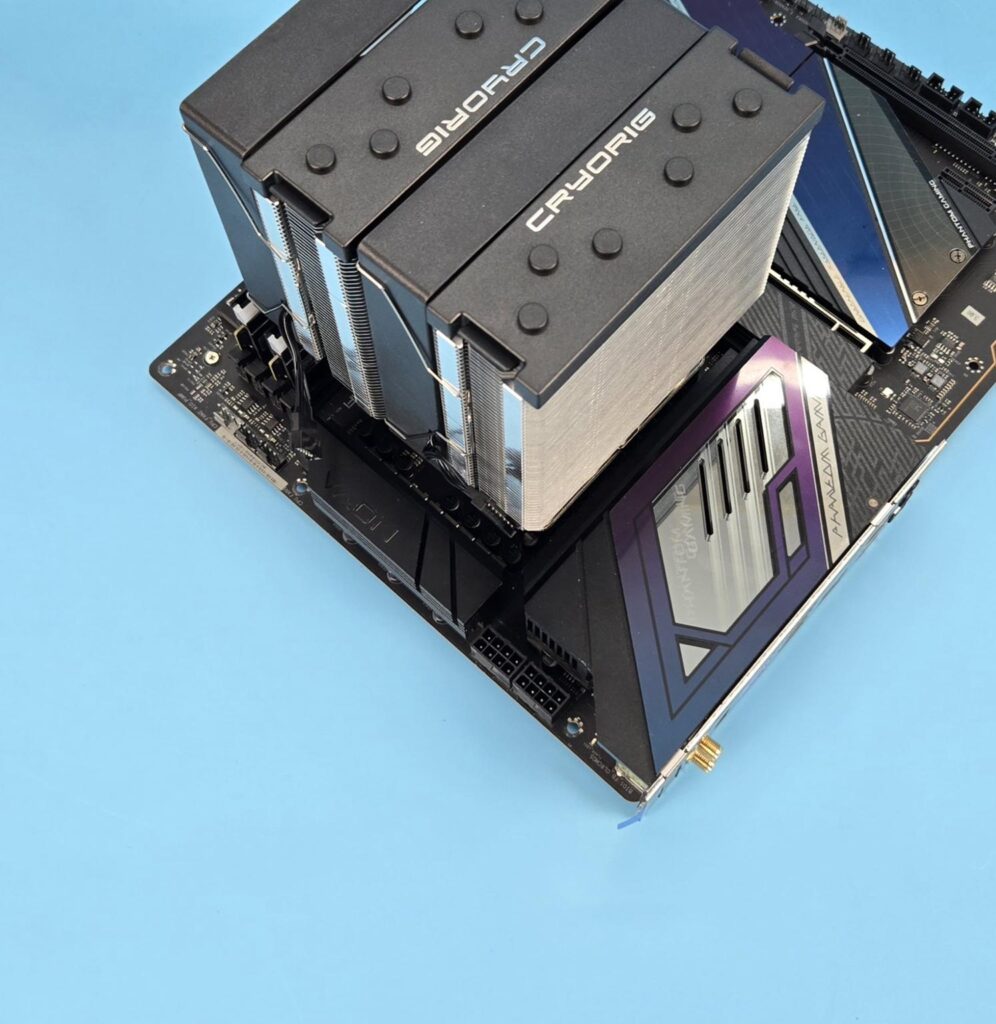
The cooler has no clearance issue with respect to the rear and top of the motherboard.
The height of the cooler is 157mm. Keep this in mind while planning your build with respect to the PC Chassis.
ARGB Lighting
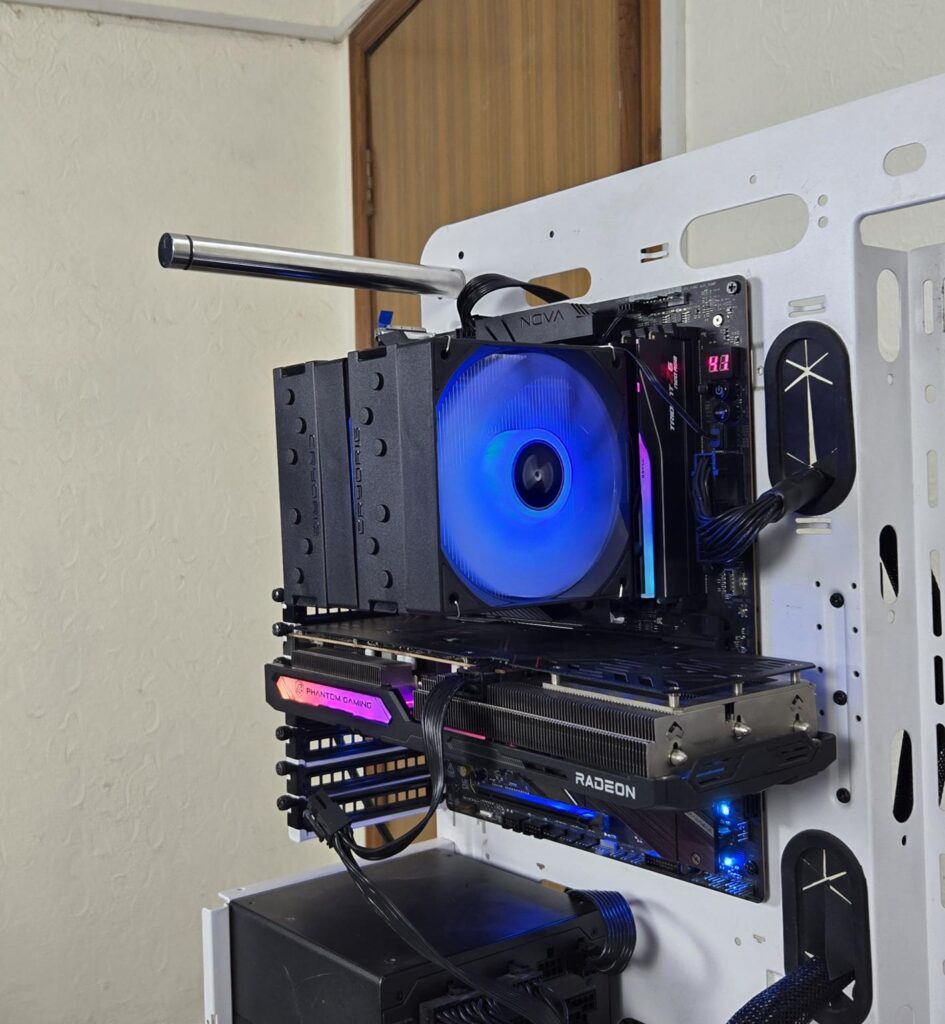
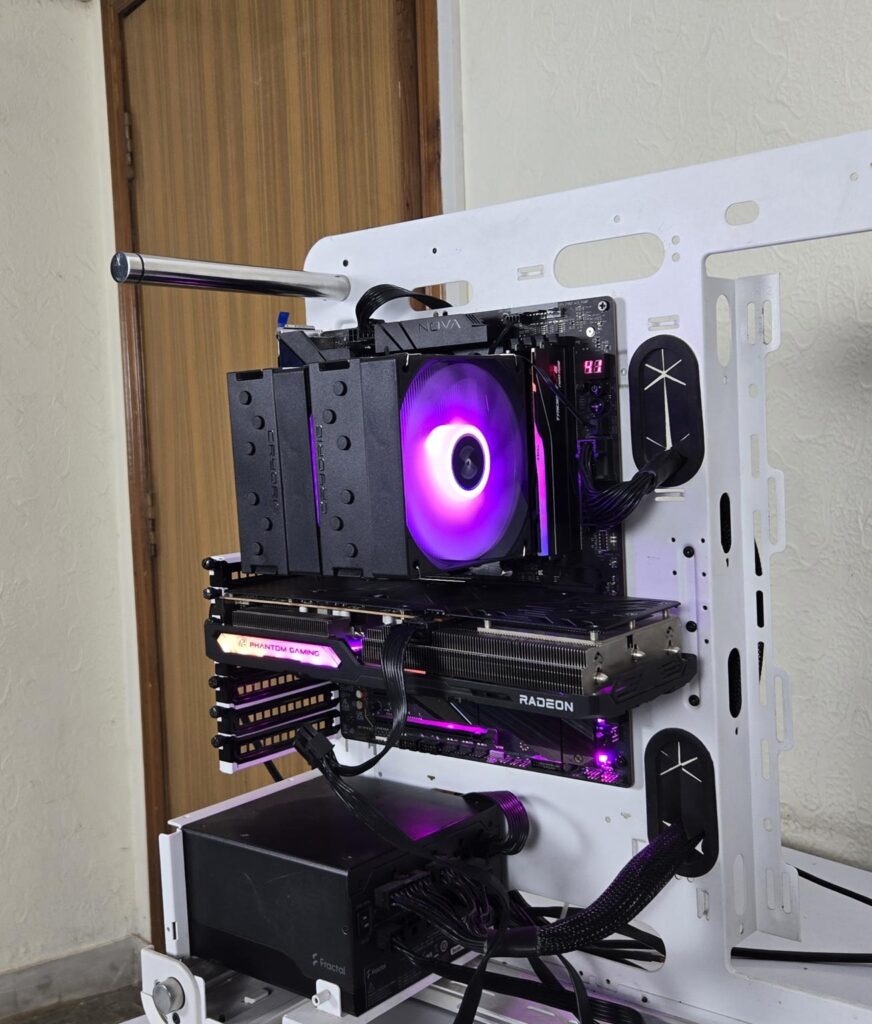
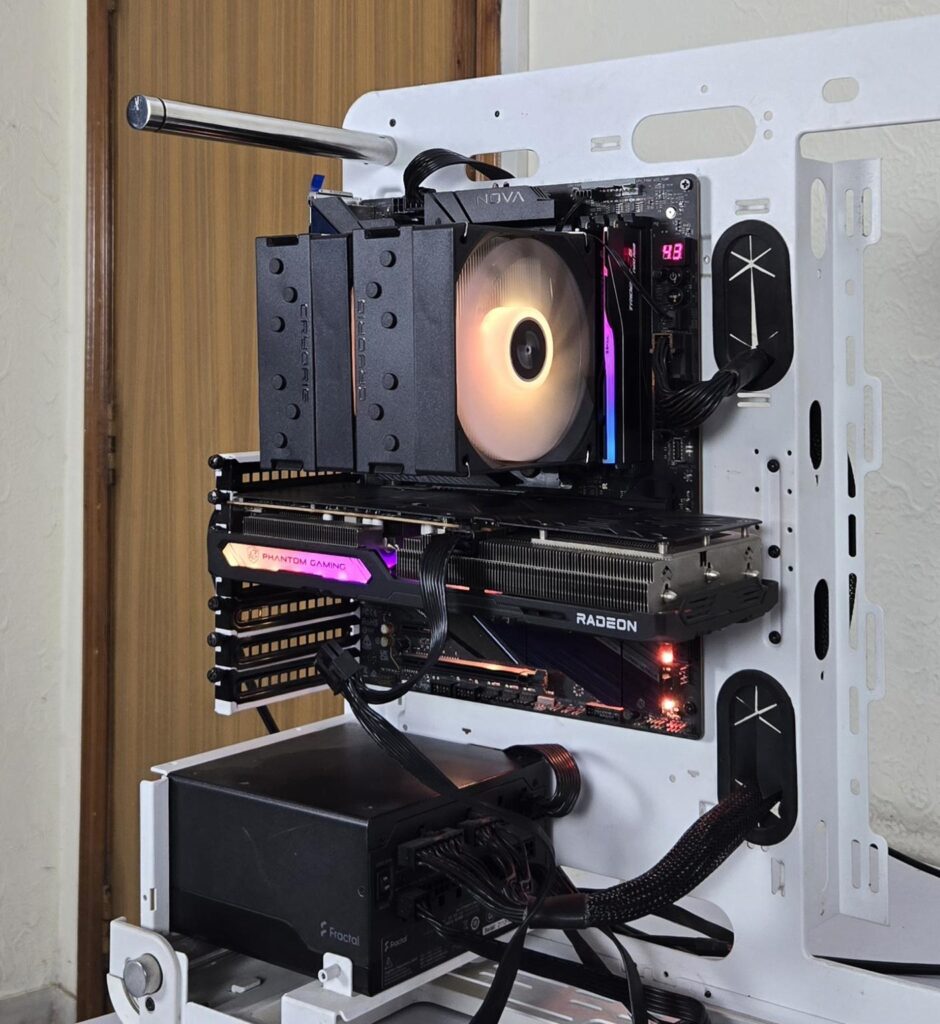
The cooler is tested on ASRock X870E NOVA WiFi. ARGB lighting was responding to the PolyChrome Sync app quite well.
Testing
The following configuration is used for thermal testing:
- AMD Ryzen 9 9900X [243W, 167W]
- ASRock X870E NOVA WiFi
- GSkill TridentZ NEO RGB 32GB 6400MHz CL30 DDR5 kit
- ASRock Phantom Gaming RX 7600 Graphics Card for Display
- Biwin X570 Pro 4TB PCIe Gen5 NVMe SSD
- Fractal Design ION+2 860W Platinum PSU
- Thermaltake Core P6 TG Snow Edition in an open frame layout
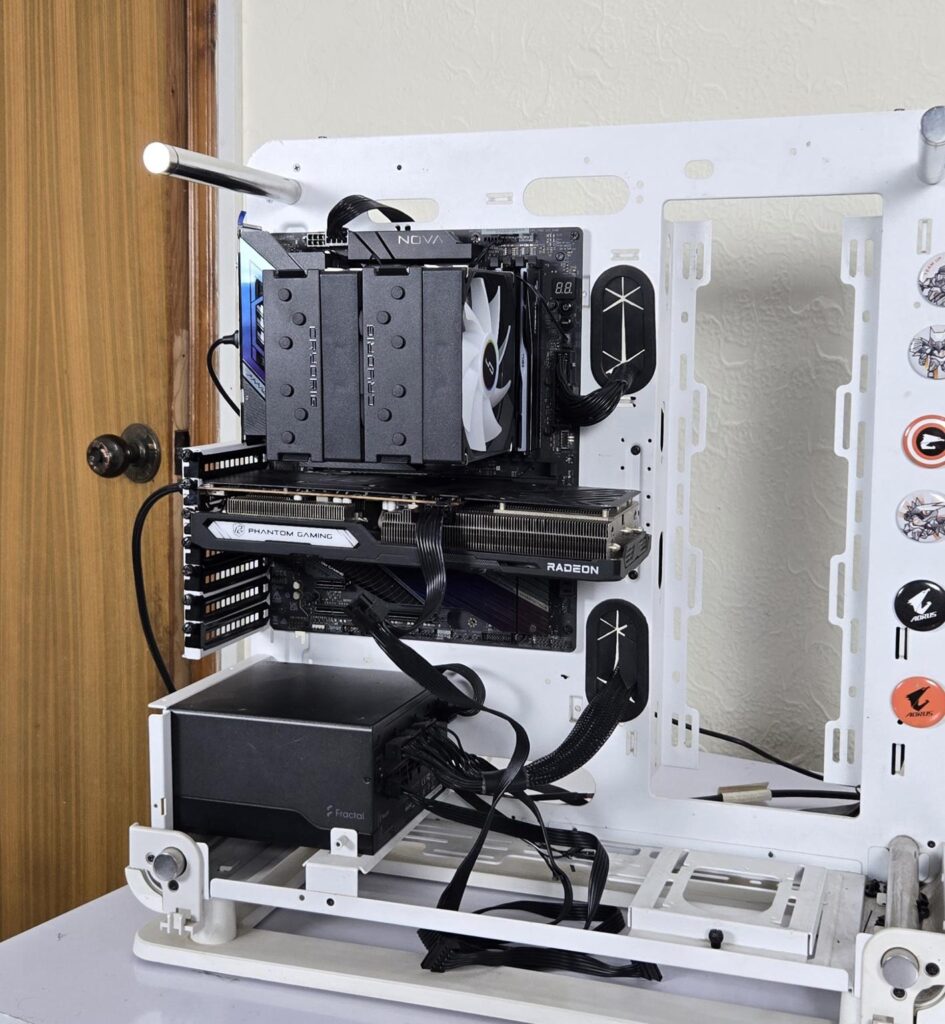
Here is the settings table for testing:
| Settings | PBO Enabled [243W] 200 for this cooler |
| Clock (MHz) | Auto |
| Voltage (V) | Auto |
| Thermal Paste | Noctua NT-H2 |
| Thermal Paste Application | Dots Method |
| Test Run Time | 30 minutes |
| Idling Time | 10 minutes |
| All Fans Speed | 100% PWM Duty Cycle |
| Pump Speed | |
| Stress Software | CINEBENCH R23.2 |
| Monitoring Software | HWINFO64 |
I am reporting absolute temperature in the graph because the room temperature was at 22°C throughout the day. The testing is done on an open-air bench system. Once inside the chassis, the temperatures are expected to rise and would largely depend upon the optimal airflow inside the chassis.
Result
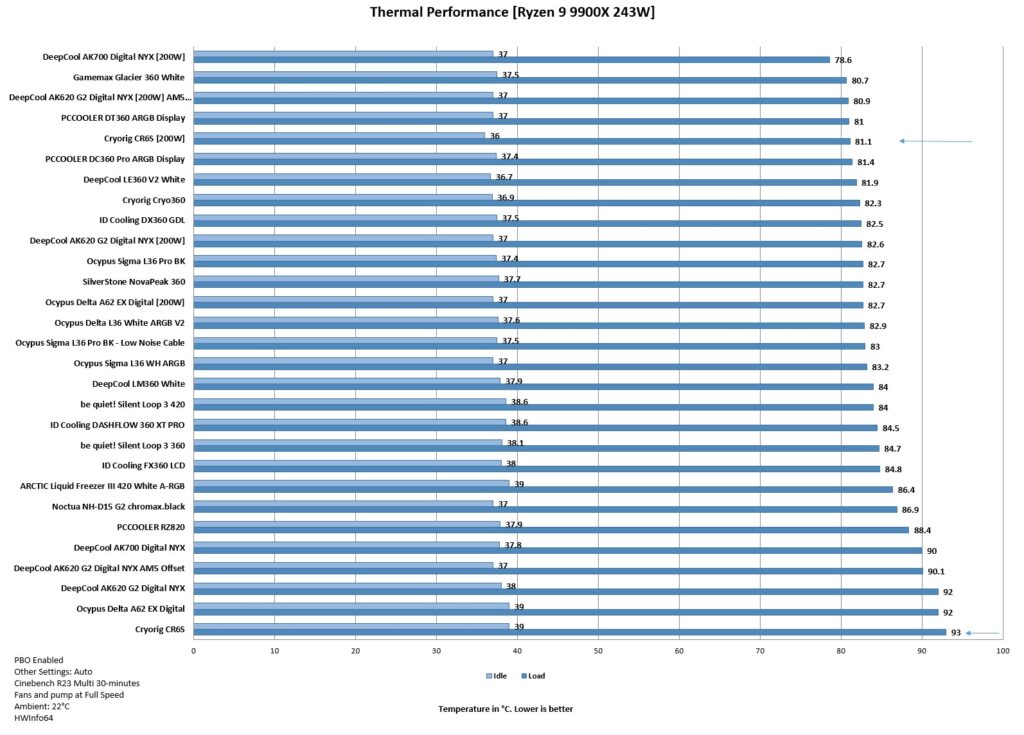
I am testing air coolers, particularly the budget ones, on AMD using 200W in addition to my regular 243W test load. This is because not all coolers would be able to handle the torturous 243W load test.
The CR6S did 92 degree celcius on a 243W load test, which is almost near the thermal junction. However, the cooler has a good performance on a 200W load test, where it did 81.1 degree celcius.
The fans of this cooler make a strange, shrill, high-pitched, loud sound that adds to the overall noise of the cooler, affecting its noise output.
Conclusion
After testing CRYO360 from Cryorig, I have tested the CR6S air cooler. It is a budget segment cooler that comes in a dual-tower, dual-fan design. The socket support is Intel LGA1851/1700/1200/115x/1366 and AMD AM4/AM5. The top of the cooler resembles the H7 from the past. The fin stack design also resembles.
This cooler has a dimension of 123x134x157mm (LxWxH) with fans. The heatsink itself has a dimension of 123x108x157mm (LxWxH). This clearly shows the relatively small footprint of this cooler.
A single tower has 44+6 fins. Combined, this cooler packs 100 fins. The 6 fins have ian nset to provide universal RAM clearance. Cryorig has used 6x 6mm thick nickel-plated heat pipes. The fins have interlocking mechanisms on the side of each tower. The copper base is also nickel-plated.
The two covers on top have a magnetic attachment. The two holes through the fin stack provide access to the spring-loaded screws on the mounting plate.
The cooler comes with two ARGB 120mm fans. They are rated for up to 800 to 1800±10% RPM speed. The airflow rating is 75.09 CFM at an air pressure rating of 1.76 mmH2O. The noise level is rated at 30.67 dB(A).
The overall installation of this cooler on AMD AM5 is simple and requires 10 items for the mounting kit. There is no clearance issue either on this cooler. The height is 157m, which is also compatible with the majority of PC Cases. RAM’s height of 44mm is ok, above that, you will need to adjust the height of the front fan.
This cooler has an MSRP of USD 45. It has a warranty period of 3 years. This cooler handles the 200W load test on 9900X comfortably, but struggles on the 243W load test. Also, the fans make a strange, shrill sound, affecting their noise output.
Pros
- Thermal Performance
- 6x 6mm Copper Heat Pipes
- Magnetic Top Covers
- Good all-round Clearance
- 157mm Height
- AMD AM5 Support
- Intel LGA1851 Support
- Price
- Warranty
Cons:
- Noise