











Ocypus Delta A40EX White Digital – Perfect Budget Cooler
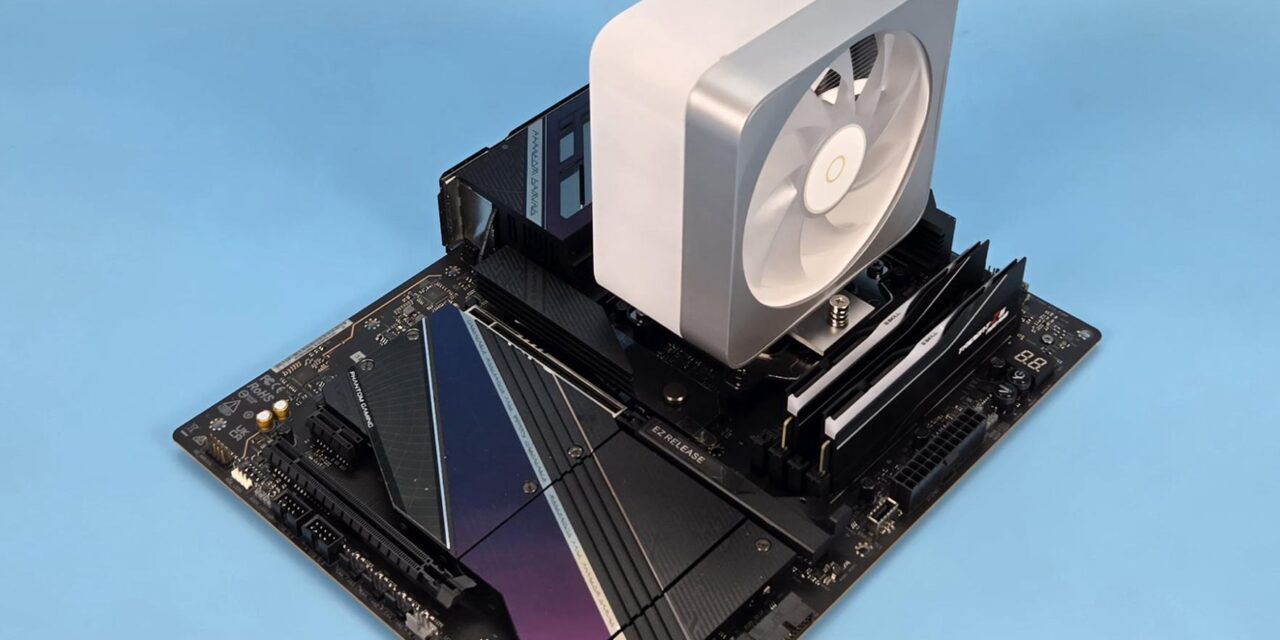
I am taking a look at the budget segment, stylish cooling from Ocypus in the form of Delta A40 EX. This cooler is available in two editions, and I am testing the A40 EX White Digital. It is also available in a non-digital version. This cooler is rated for 200W TDP, and it is a single tower with a 120mm fan design. The salient feature of this cooler is its unified housing or enclosure, providing a neat, clean, and sleek outlook that looks good in person. This single housing encapsulates the entire assembly, including the fan.
This cooler provides universal RAM clearance and is equipped with streamlined mounting hardware, making the overall installation process quite convenient. The solution comprises 42 fins with 4 heat pipes.
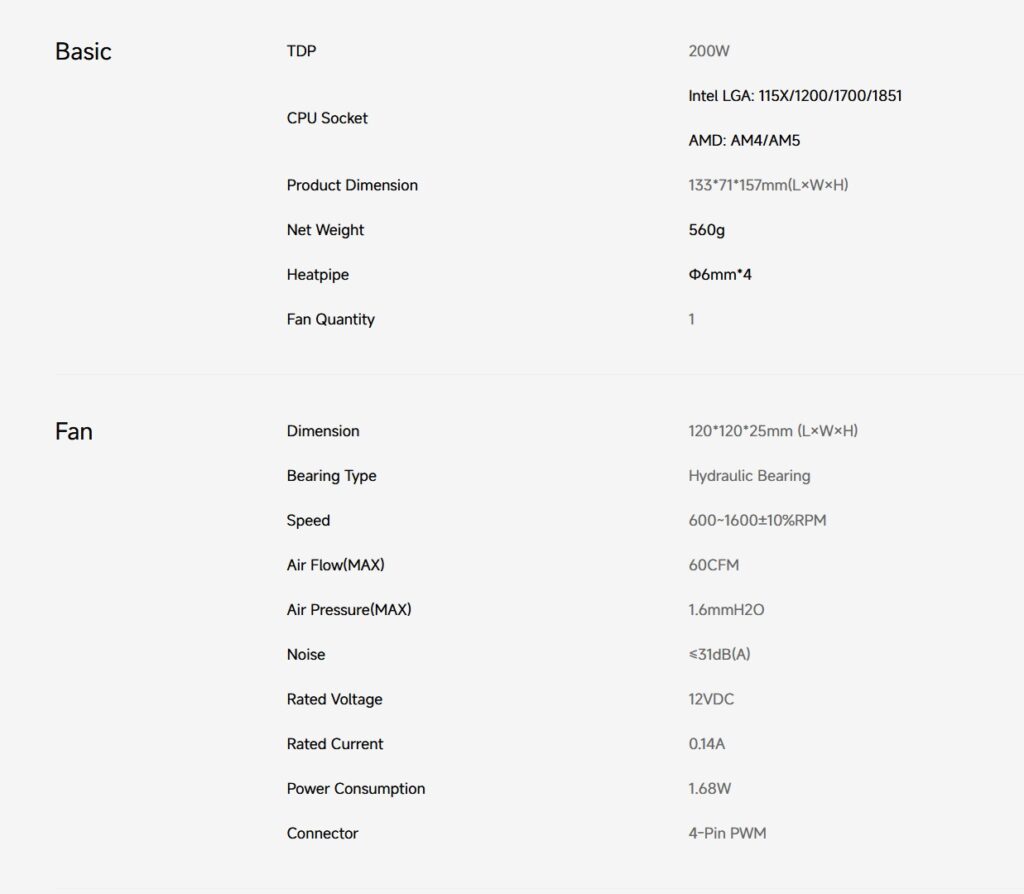
This cooler has an MSRP of USD 21.99. Ocypus offers a 1-year warranty on this cooler. The cooler is compatible with the Intel LGA1700/1200/115x and AMD AM4/AM5 sockets.
Specifications
Packaging
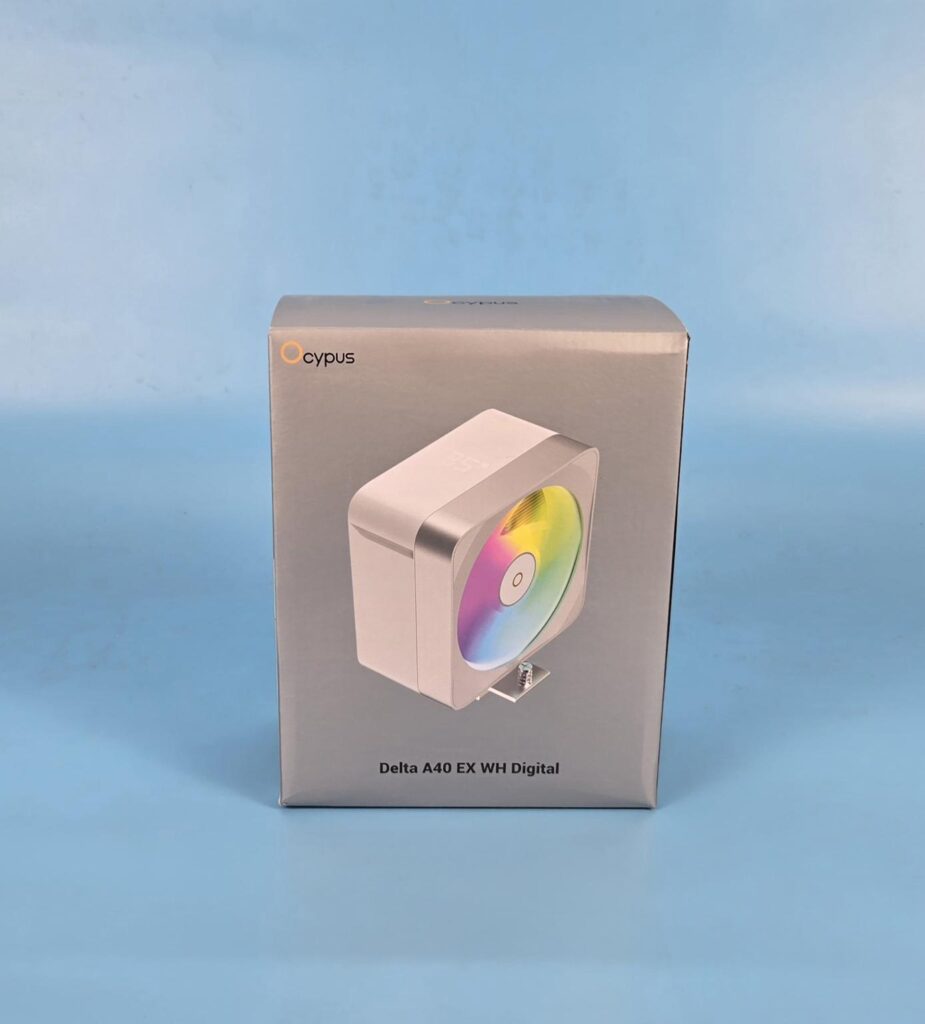
The shipping box has a standard Ocypus design theme on the packing box. Accessories are provided in a separate white box.
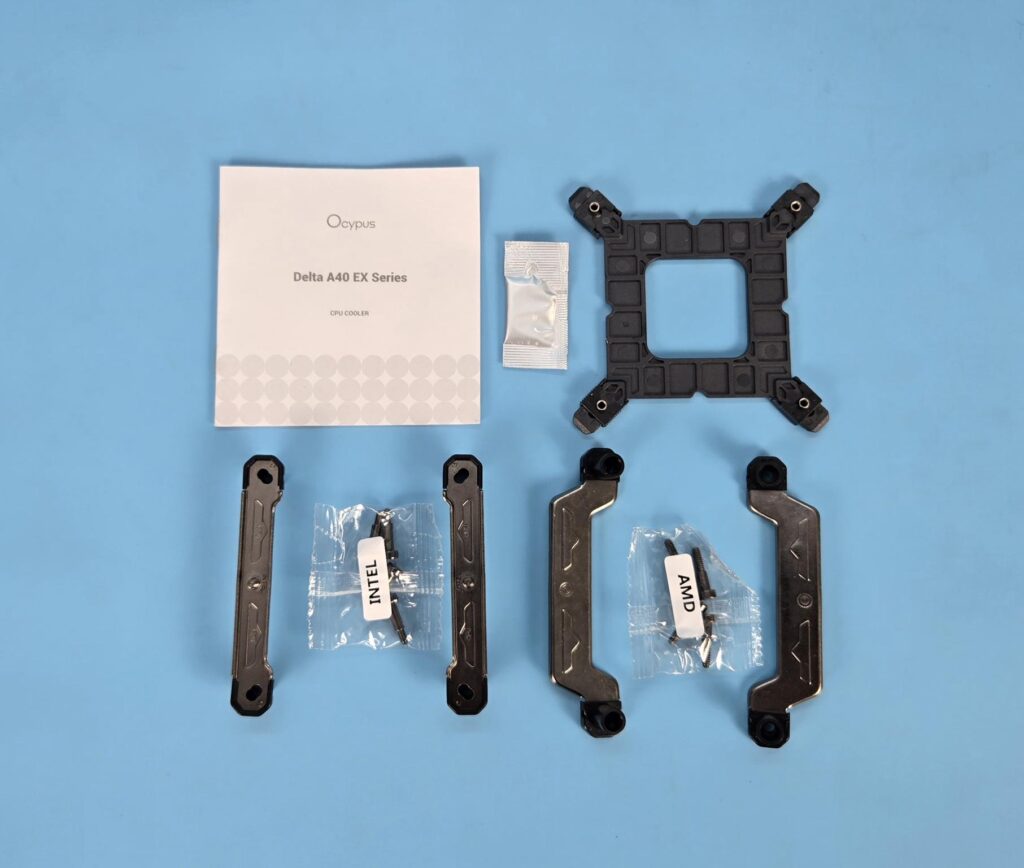
The following are provided:
- 1x Cooler
- 1x Intel Backplate
- 1x Set of Intel Mounting Brackets
- 1x Set of AMD Mounting Brackets
- 4x Intel Screws
- 4x AMD Screws
- 1x Thermal Paste Container
- 1x User Manual
Closer Look
Let’s take a look at the cooler.
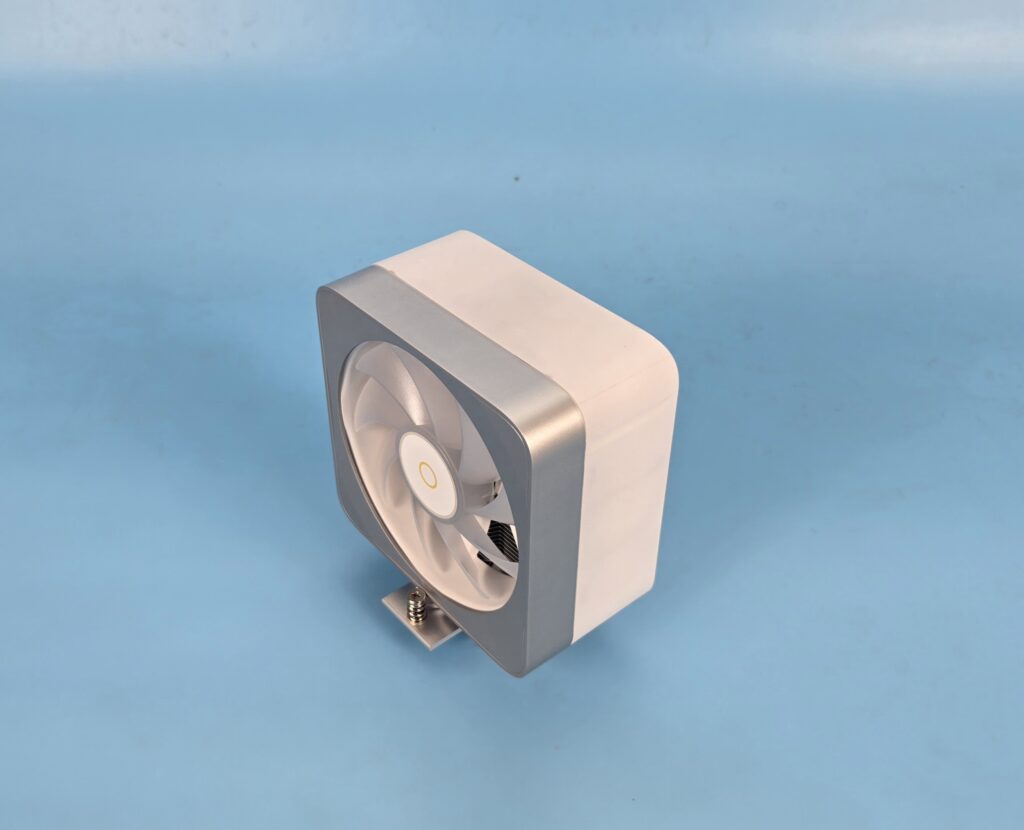
The overall dimension of the cooler is 133x71x157mm (LxWxH). This cooler has a height of 157mm, making it compatible with the majority of PC Cases on the market. This is a single tower design in 120mm size. The net weight of the cooler is 560 g.
A single housing covers the entire assembly, giving a neat, clean, and sleek look and feel to the cooler. This is further augmented with black and gray color contrast on the main housing. Although this is not a new design, as I have tested many such designs from DeepCool, ARCTIC, and PCCOOLER/CPS, Ocypus has clearly delivered the neatest design by far.
Heatsink
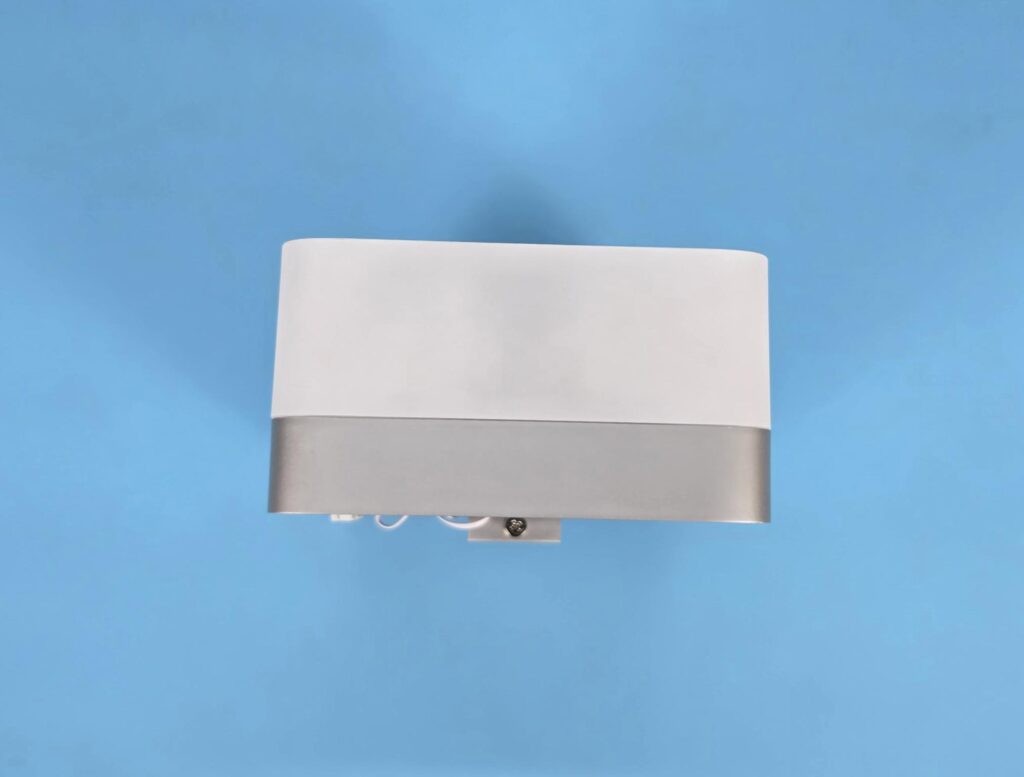
A gray and white accent on the main frame is spectacular and creates a good feel about the cooler. The white frame has a digital display showing the temperature of the CPU and GPU in ᵒC or ᵒF. You can’t customize it as such.
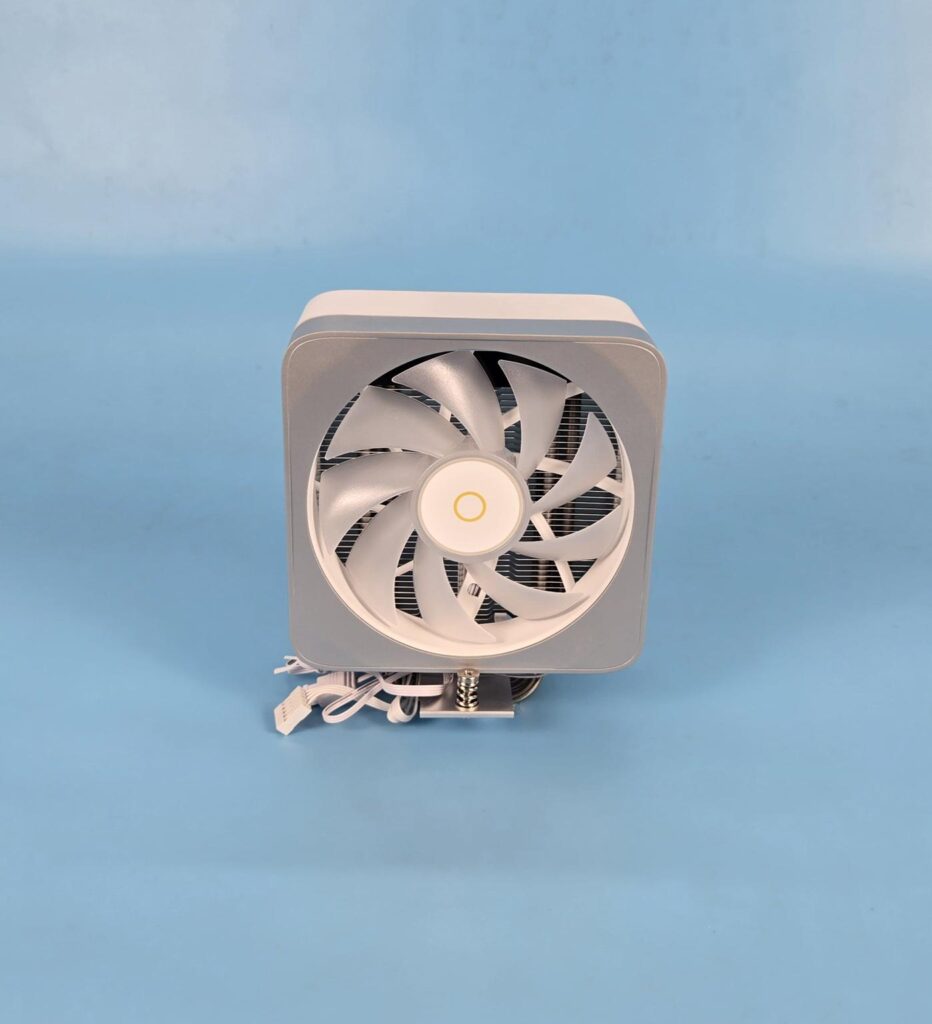
I am showing the front side of the heatsink. The gray color housing has a white color inner frame. The fan blades can be seen. That white inner circle is the fan’s frame. The fan has 9x translucent blades with Ocypus branding in the center. The white and gold scheme in the center is adding more to the overall gesture of the cooler.
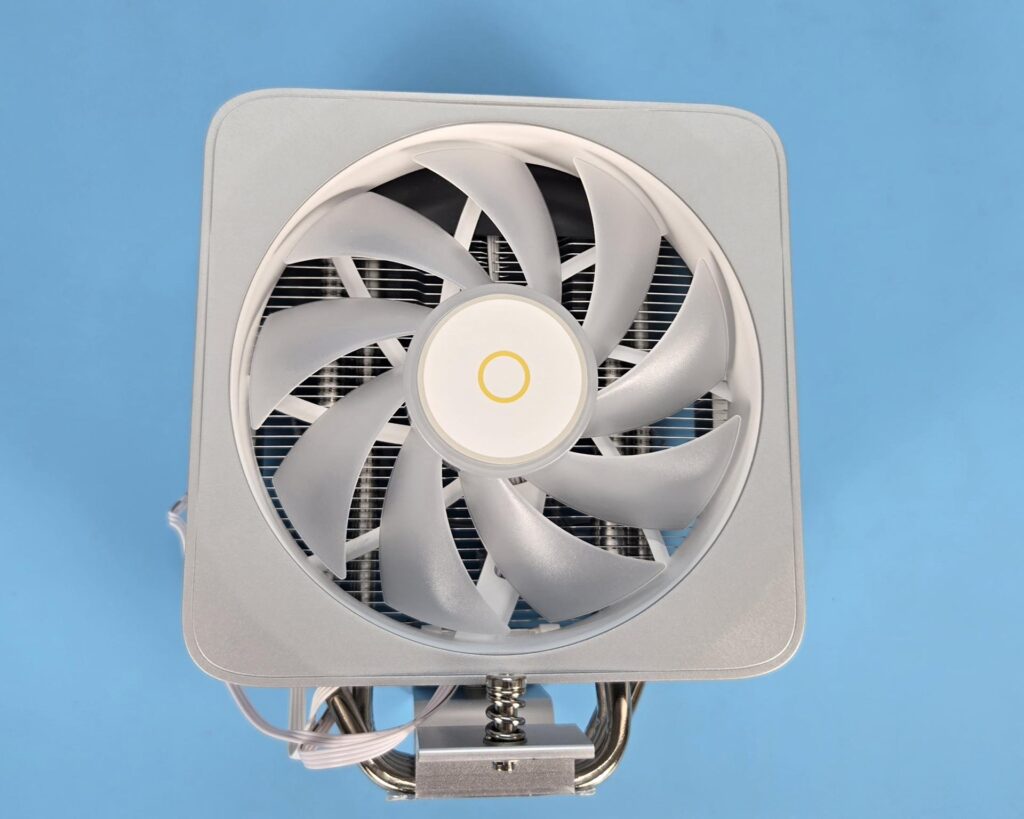
The fan is rated for 600 to 1600 ±10% RPM speed, generating 60 CFM airflow at 1.6mmH₂O pressure. The noise level rating is ≤31dB(A). I have found this fan to be quite even at full speed. Its power rating is 0.14A at 12VDC, taking 1.68Wof power. The fan uses a Hydraulic bearing.
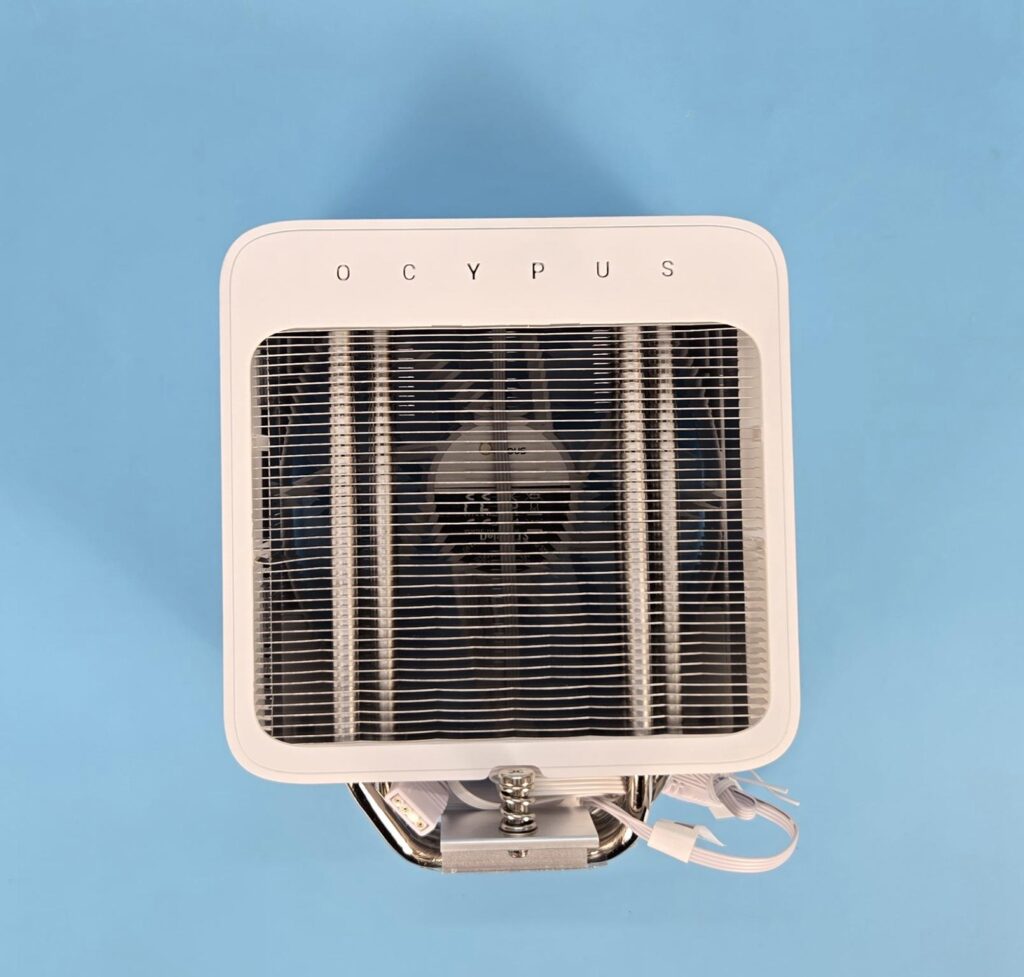
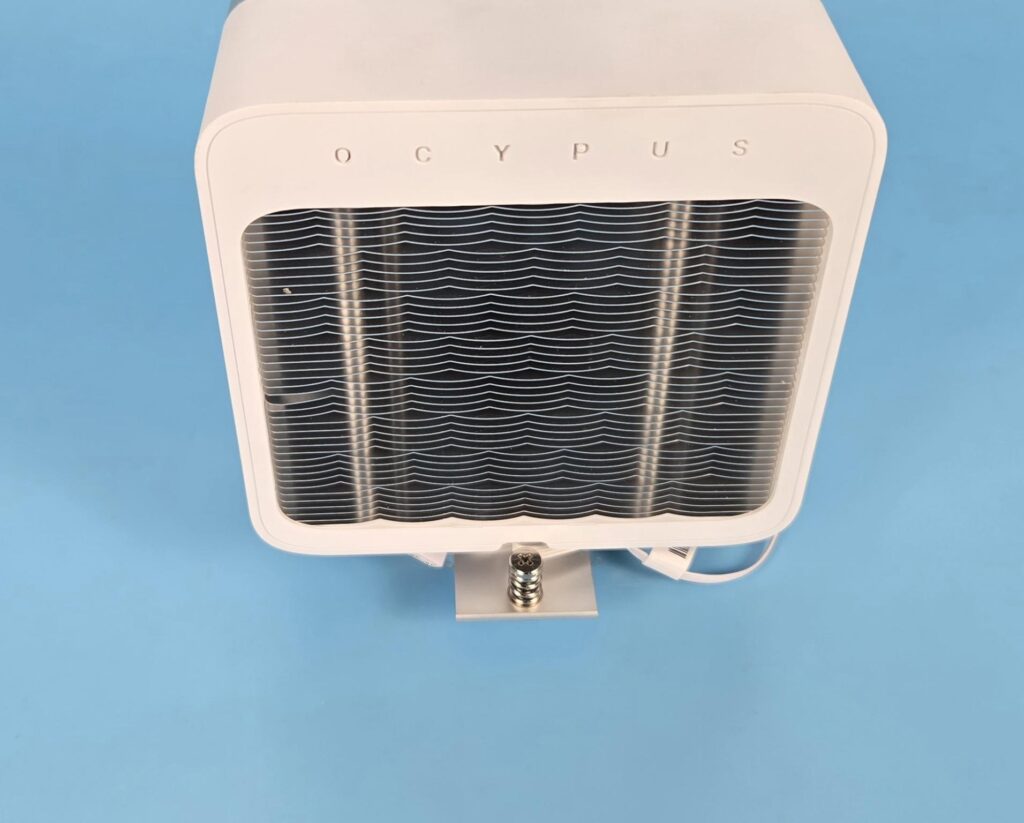
I am showing the backside view of the heatsink. The fin stack comprises 42 fins in a wave pattern. This generates maximum airflow while reducing the air drag. The complete assembly seems soldered. This is the area from which the hot air will be exhausted from the system. OCYPUS branding is embossed over the top of the main frame.
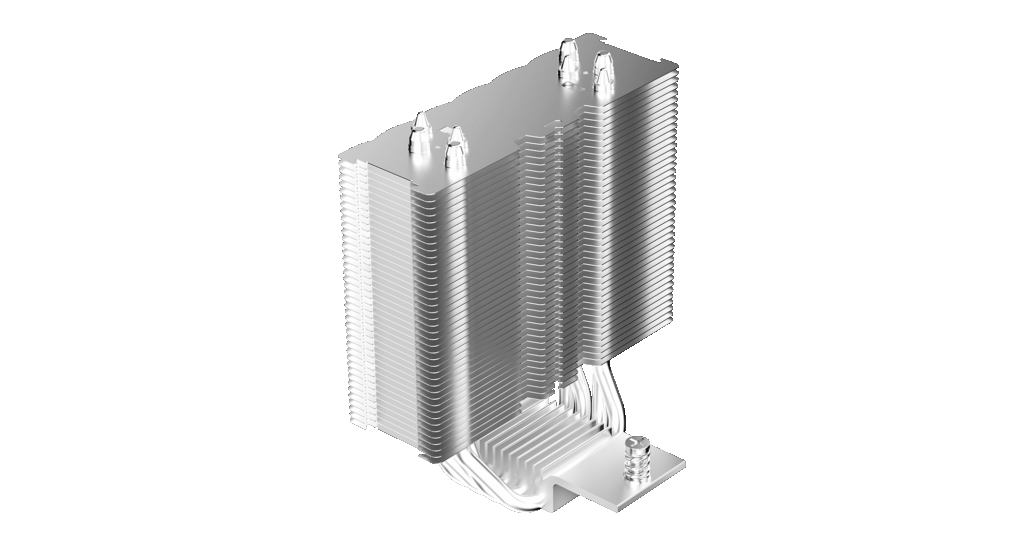
Since I did not open the cooler, I have taken a picture from the Ocypus website showing the main assembly without the outer cover. The front side has an inset in the center.
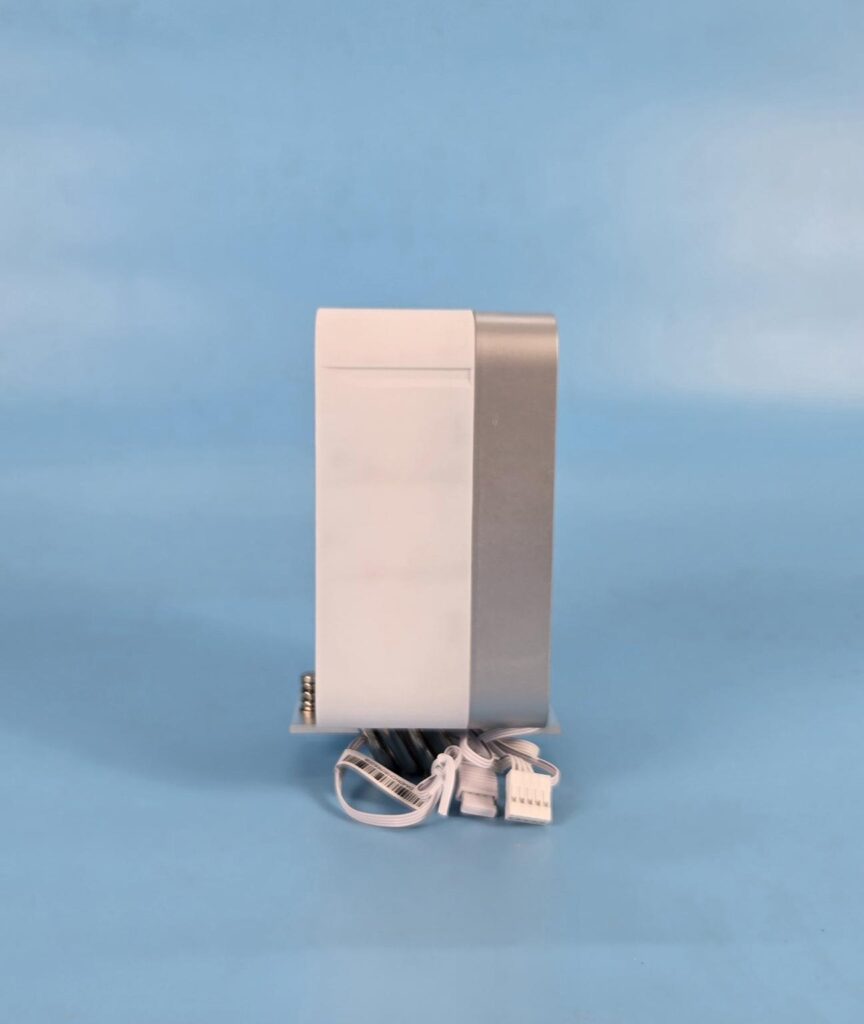
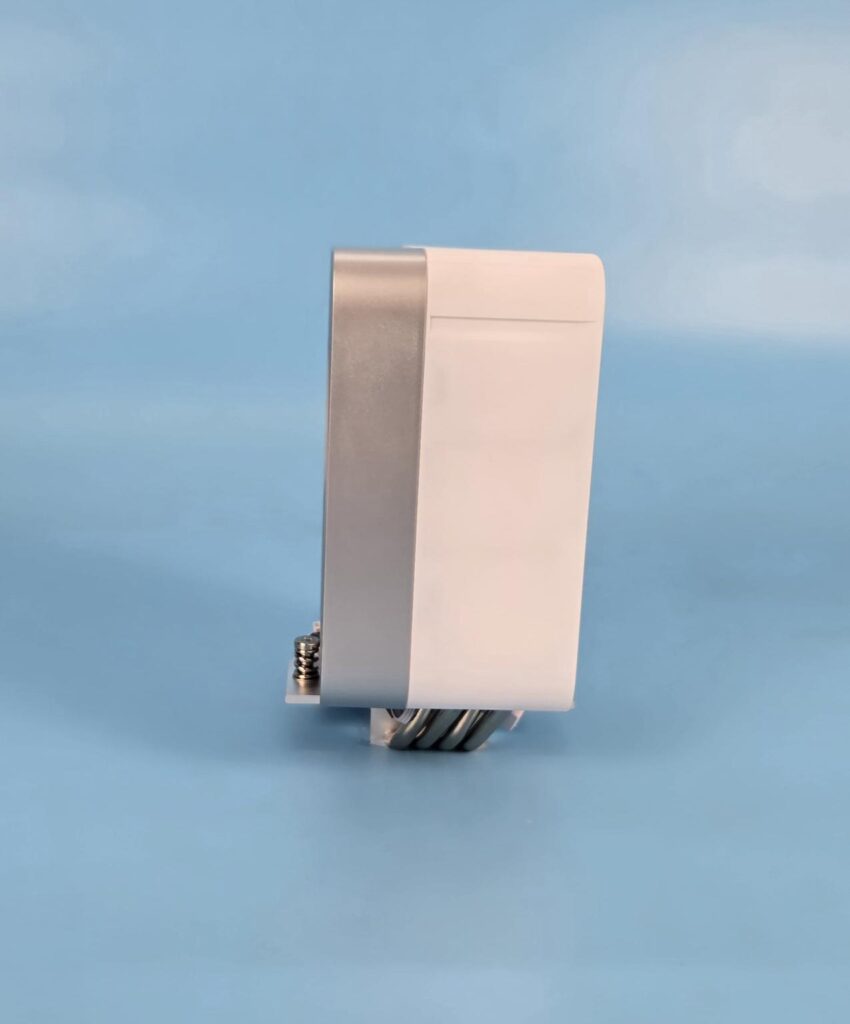
The left and right sides of the tower are identical in layout. No fin is visible on the sides since the main housing completely covers the heatsink. This also helps in focused air flow through the heatsink.
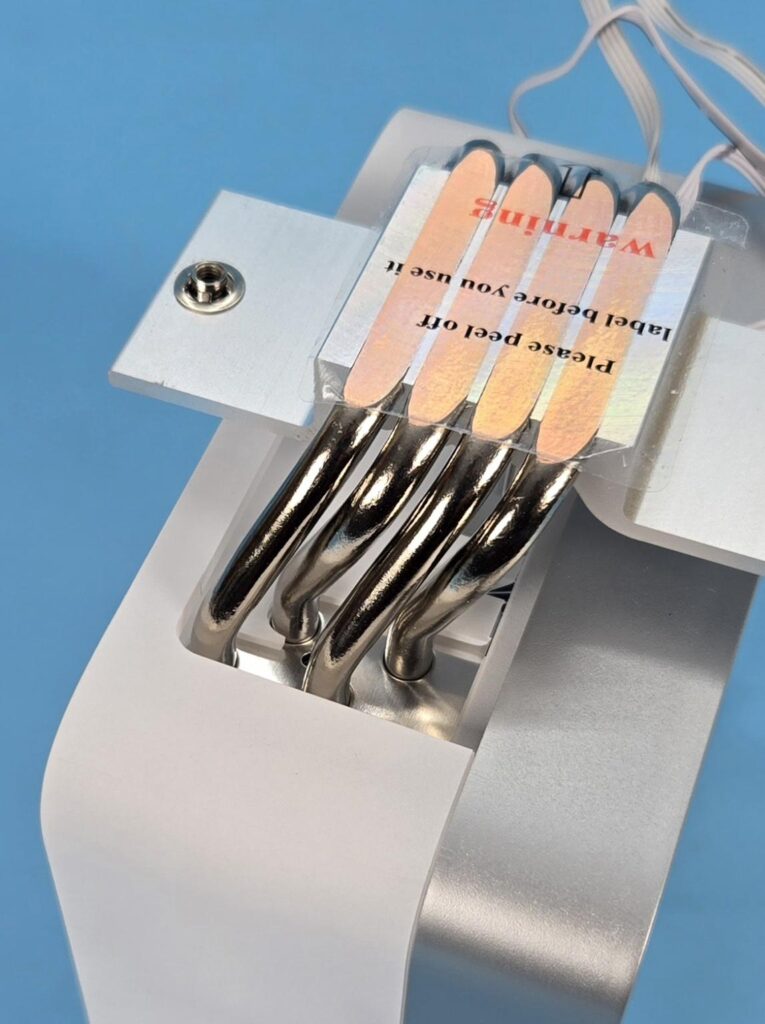
This cooler has 4x 6mm thick copper heat pipes, which are nickel-coated. They are placed inside the heatsink in groups of 2 and 2, respectively. Their placement provides maximum contact and coverage with the fins assembly.
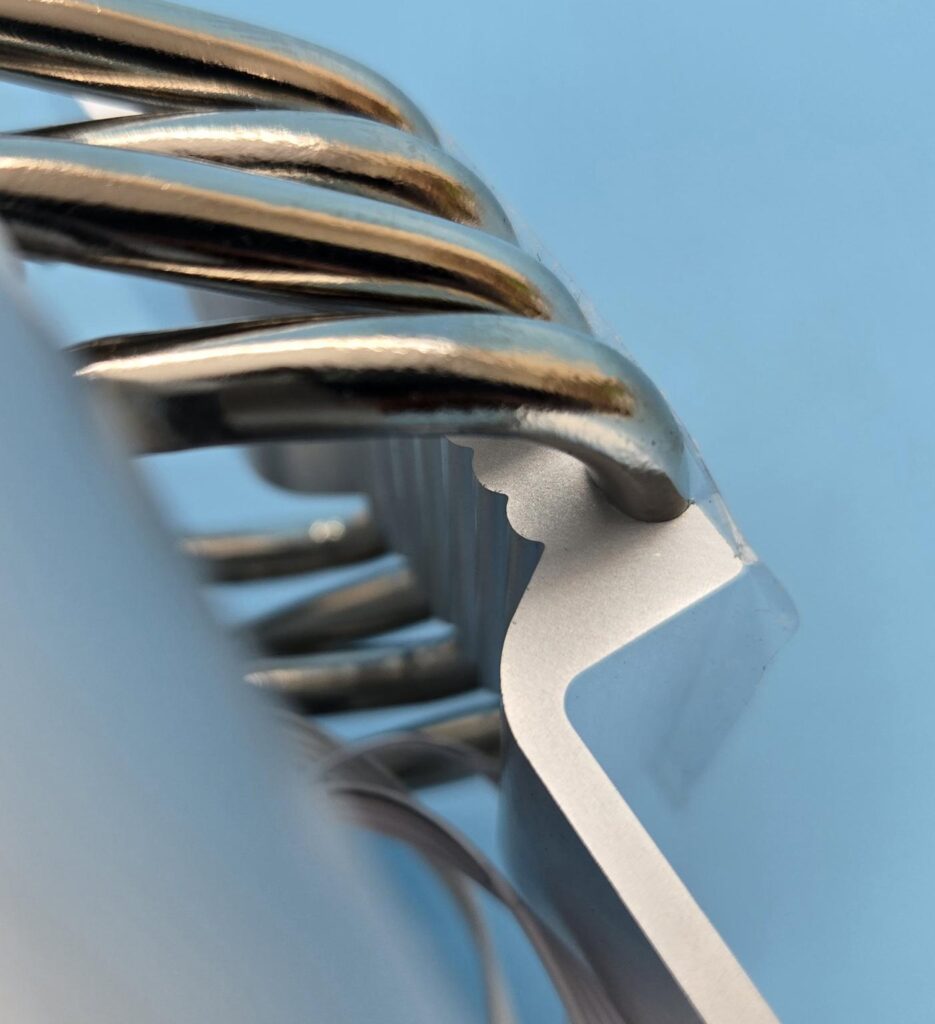
The mounting plate (though not clearly visible in the picture) has fins on the top acting as a heat diffuser.
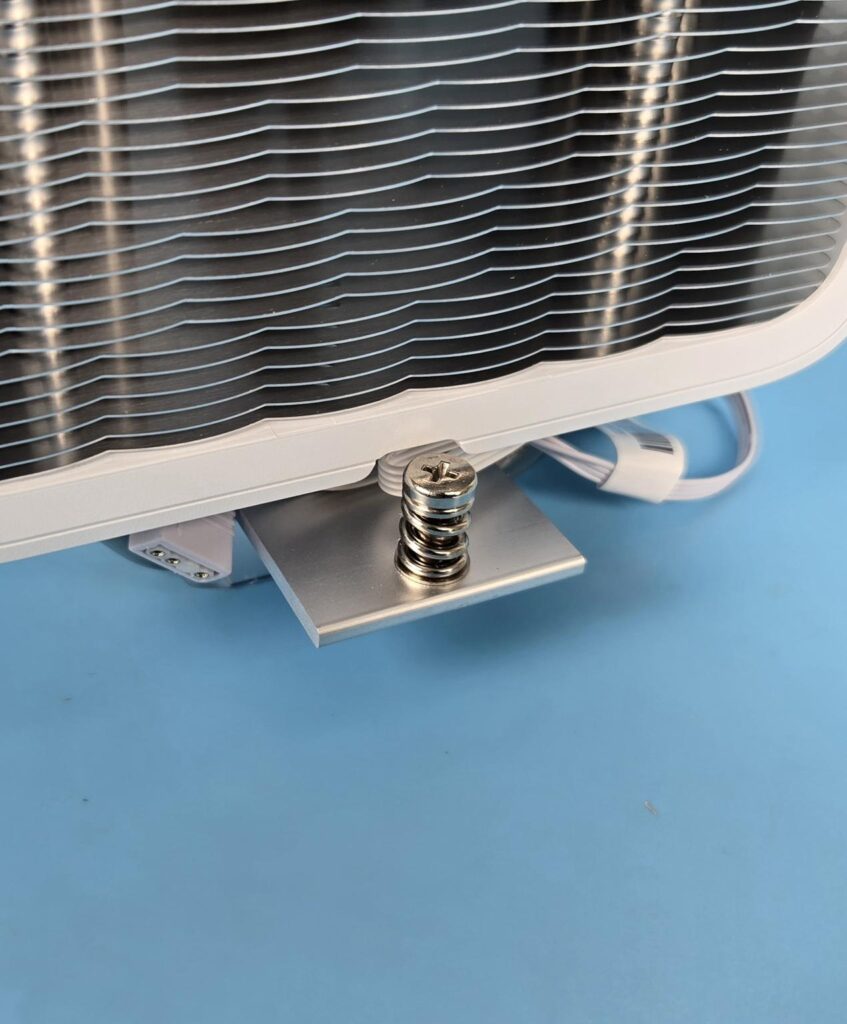
Two spring-loaded screws come pre-installed on the cross bar or mounting plate.
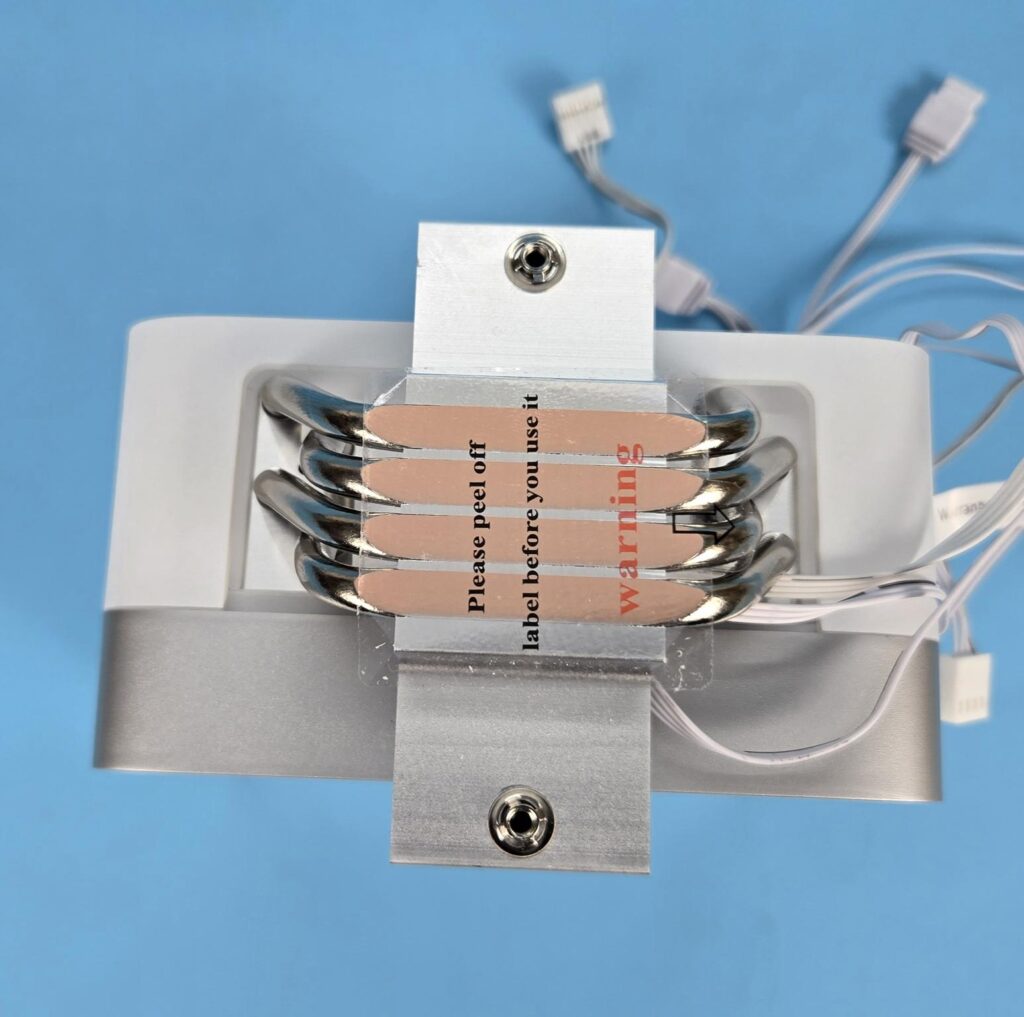
The exposed copper of the heat pipes makes direct contact with the CPU, ensuring direct and efficient heat transfer from the CPU to the pipes to the fin assembly. However, this is not a continuous direct contact design.
Installation
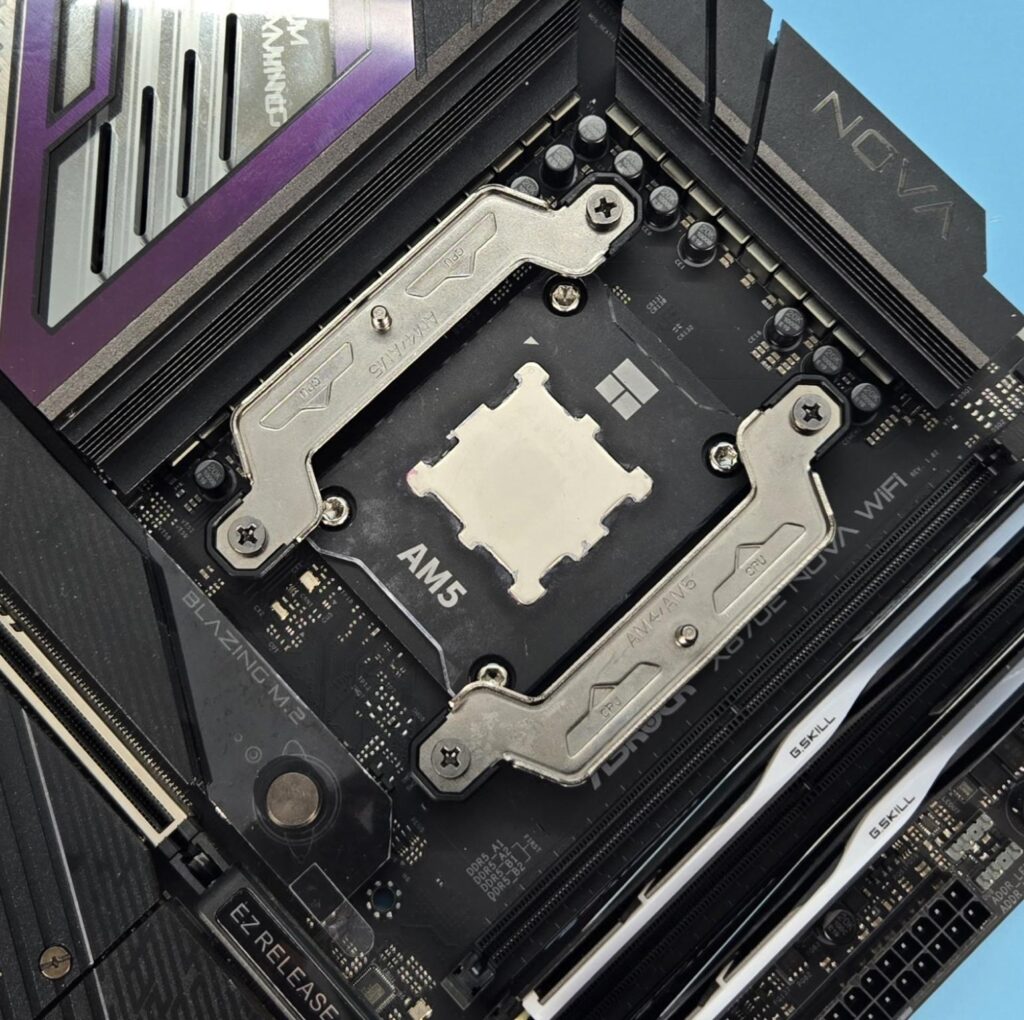
We are not covering installation steps anymore. Consult the user manual for that. We only provide observations noted during the installation process. Installing this cooler on the AMD AM5 socket is a straightforward task.
Clearance
We need to look at the clearance from multiple angles. Let’s start with the RAM.
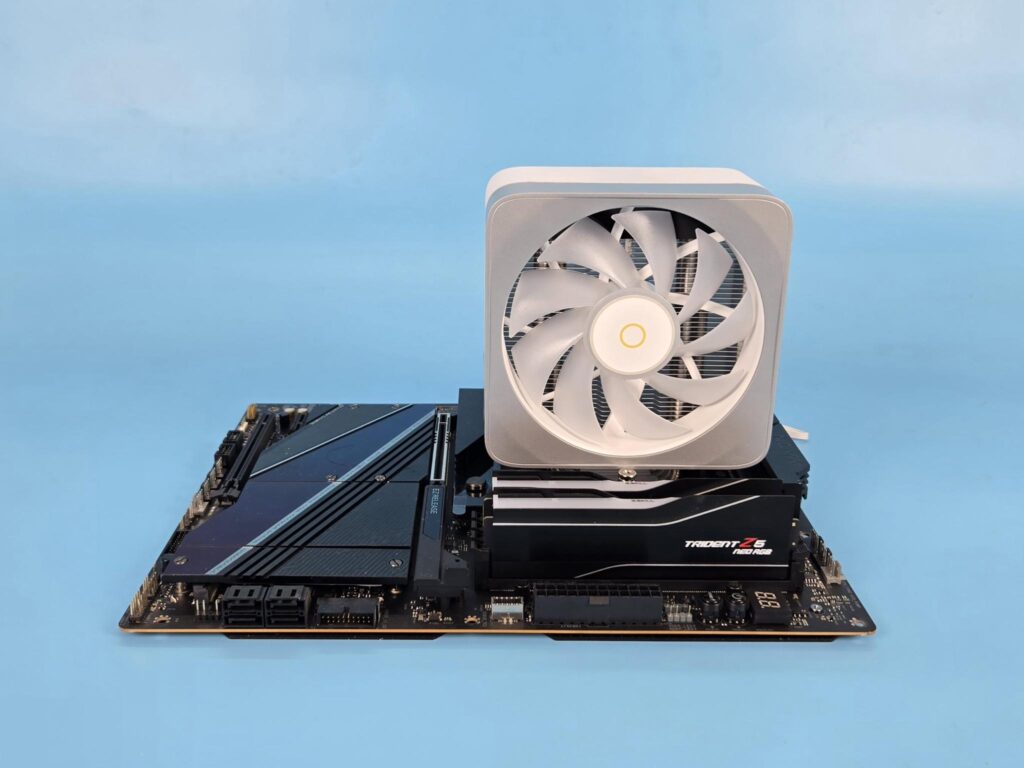
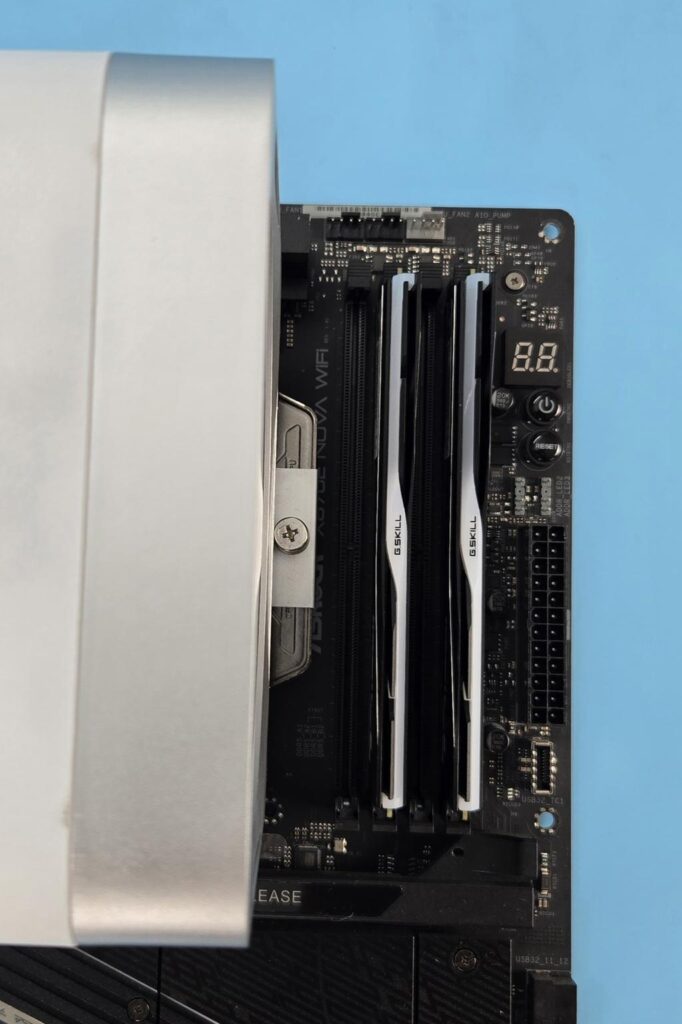
This cooler has a universal RAM clearance.
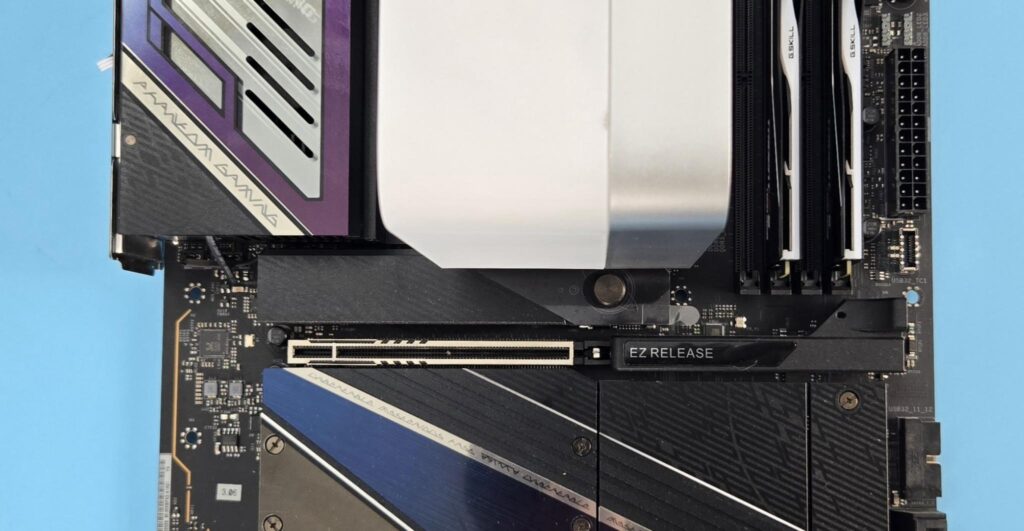
There is no issue with respect to the first PCIe x16 slot on ASRock X870E NOVA WiFi.
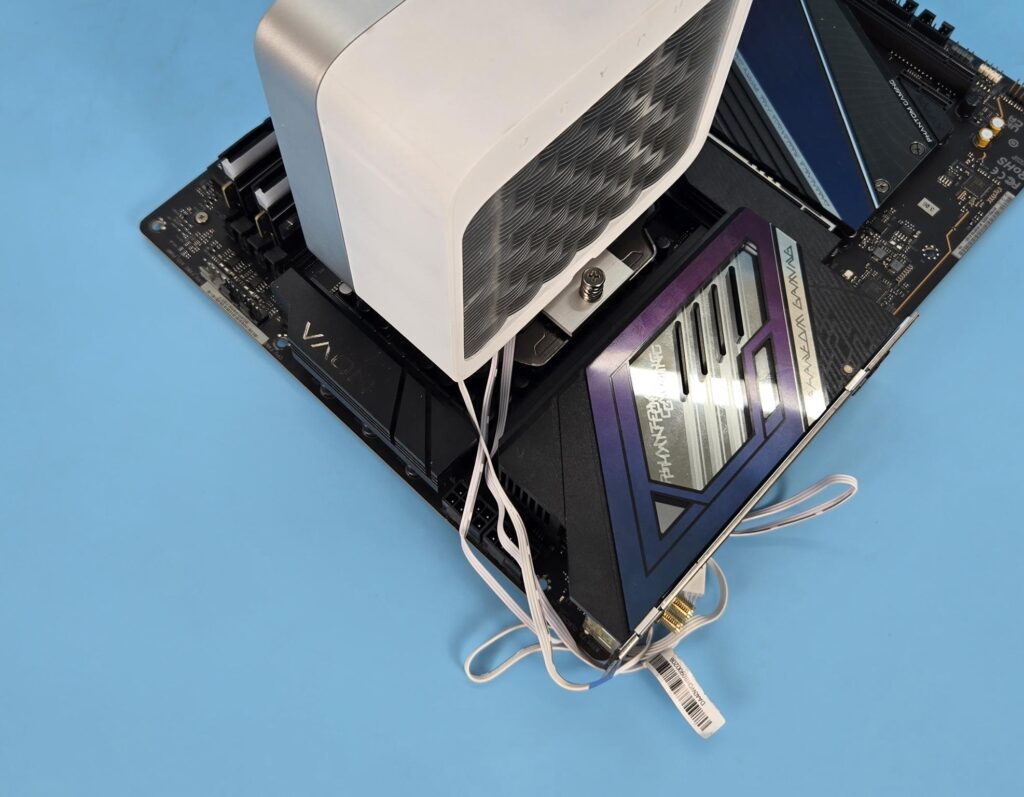
The heatsink is not obstructing the thicker rear IO cover on this motherboard. There is enough clearance with respect to the motherboard’s top.
The height of the cooler is 157mm. Keep this in mind while planning your build with respect to the PC Chassis.
ARGB Lighting
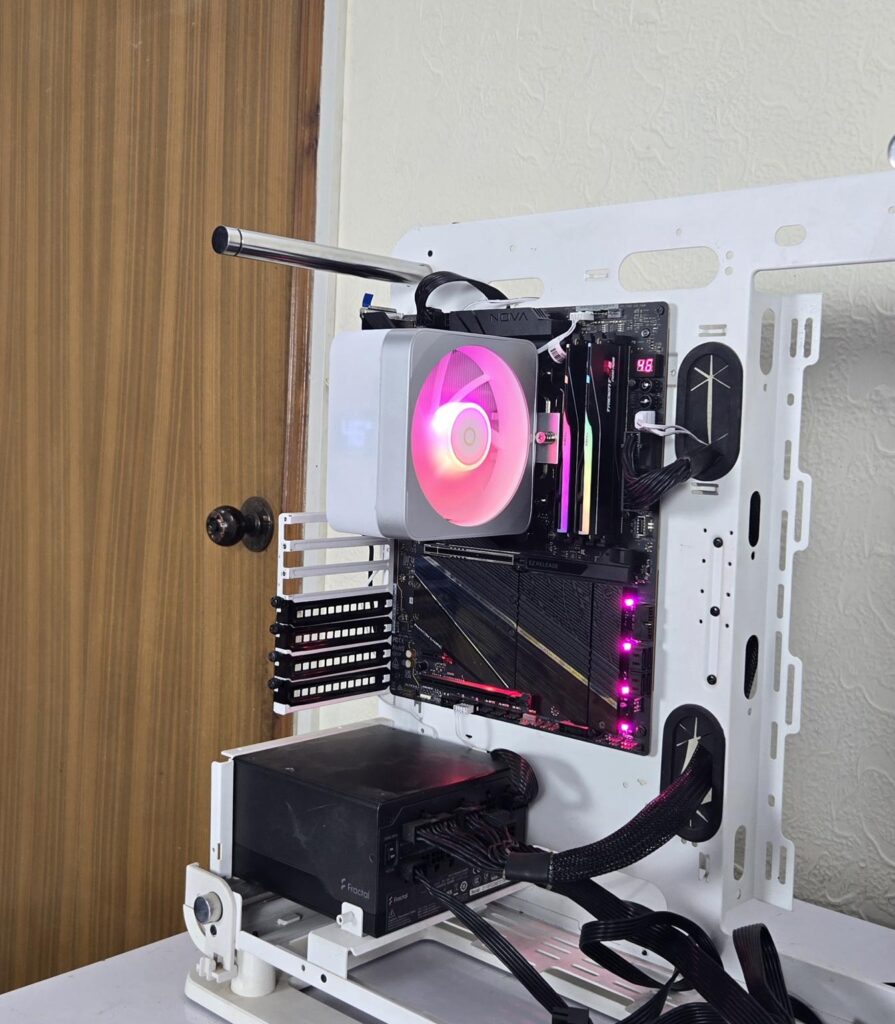
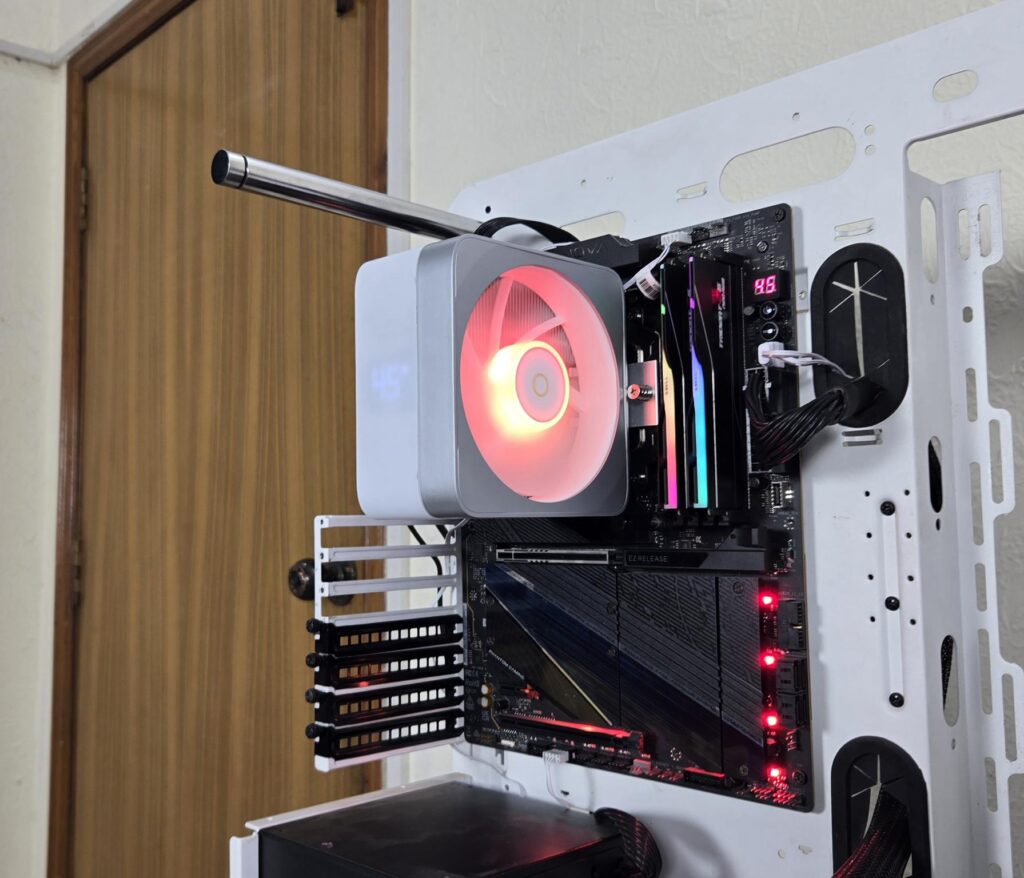
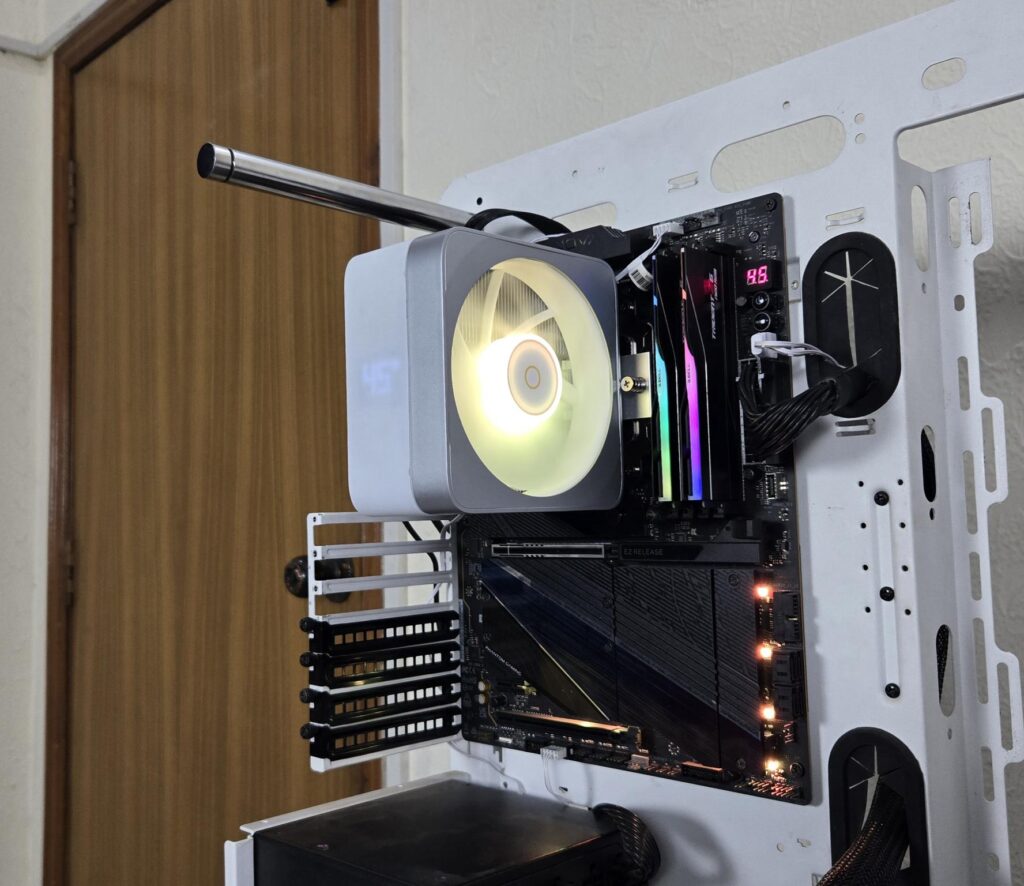
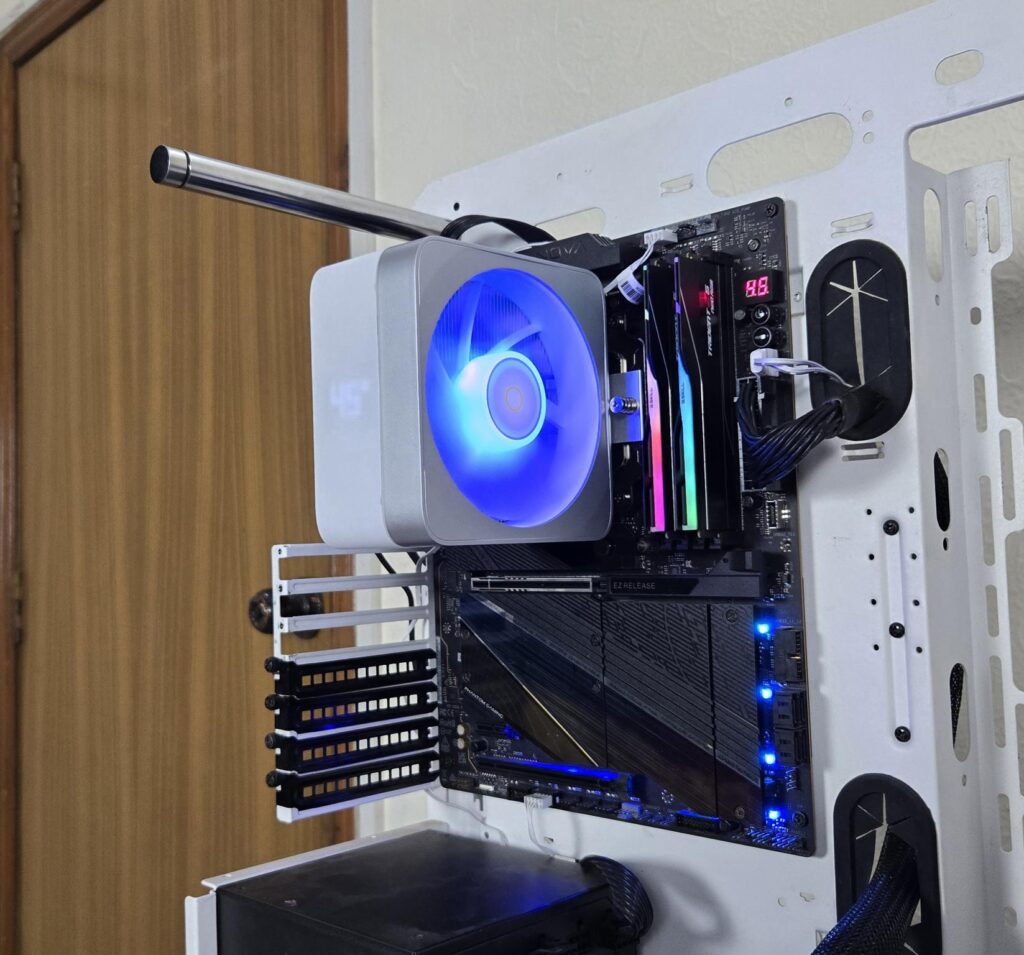
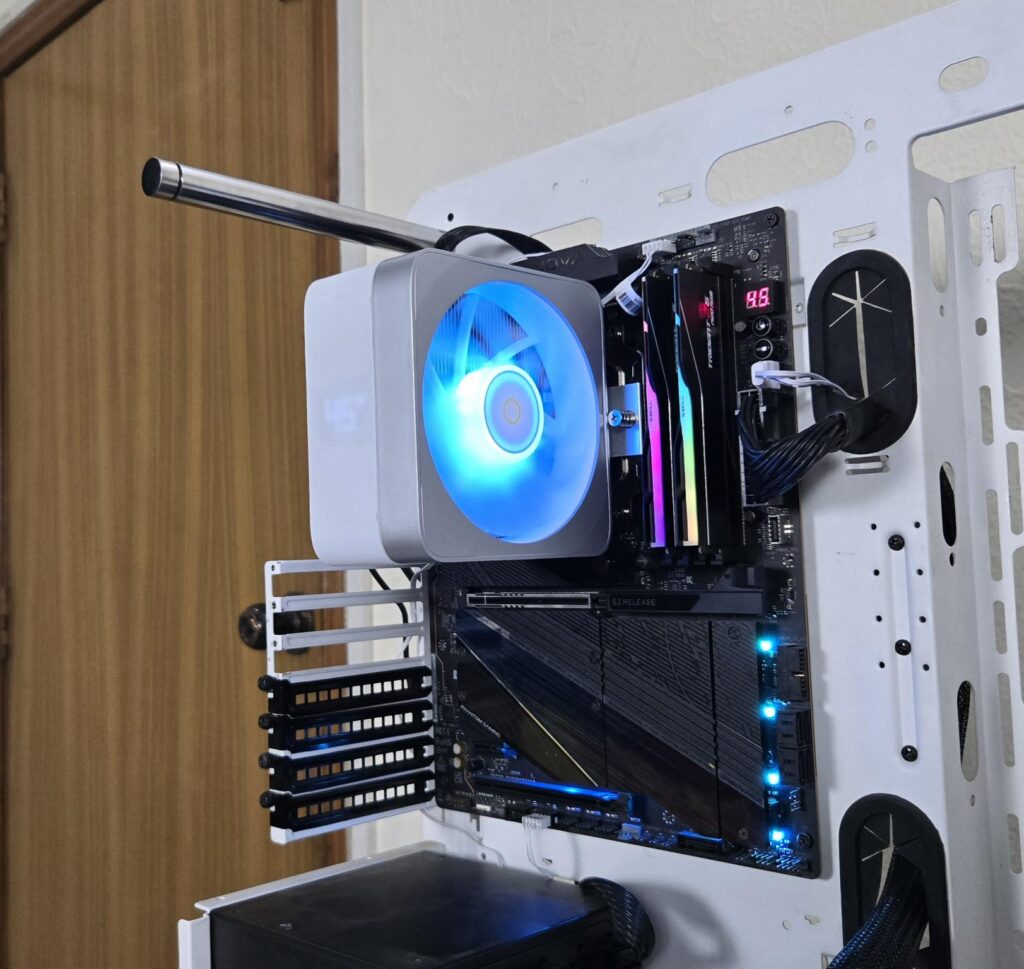
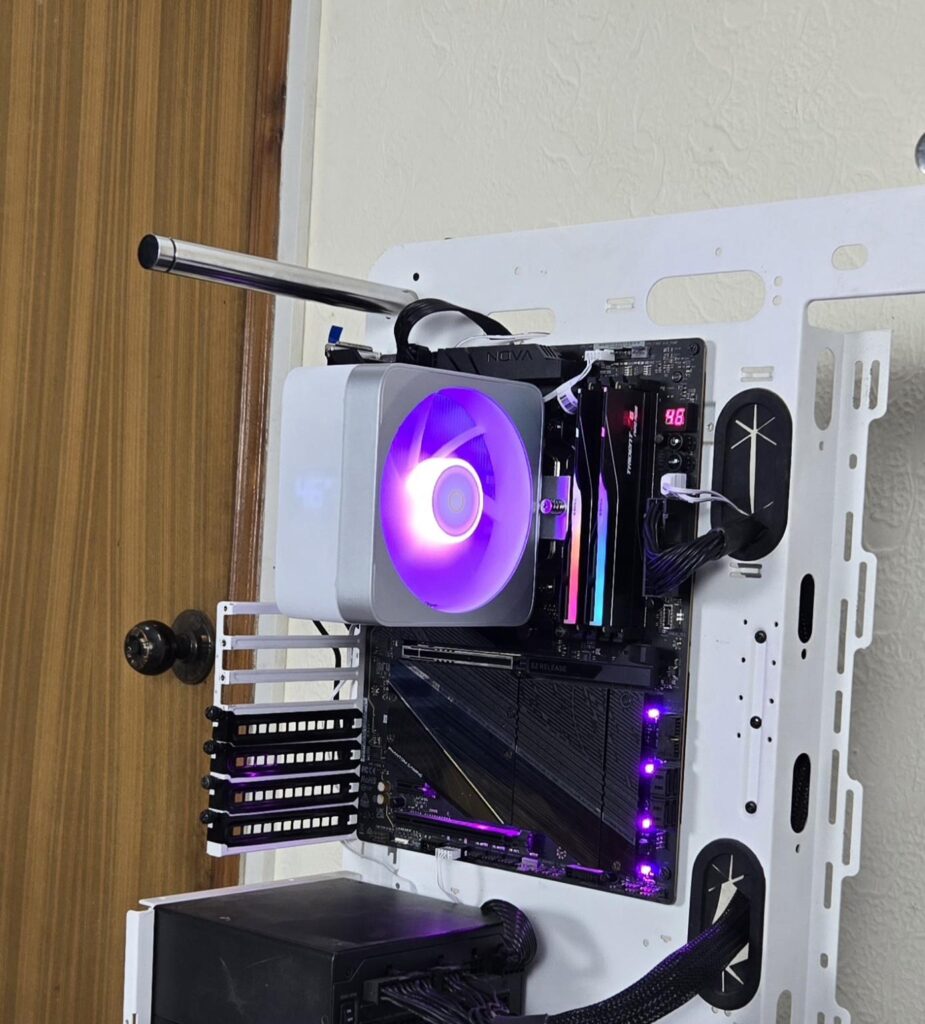
The cooler uses a standard 5V, 3-pin, ARGB connector, making it compatible with the RGB sync technology of various motherboard manufacturers.
Digital Display
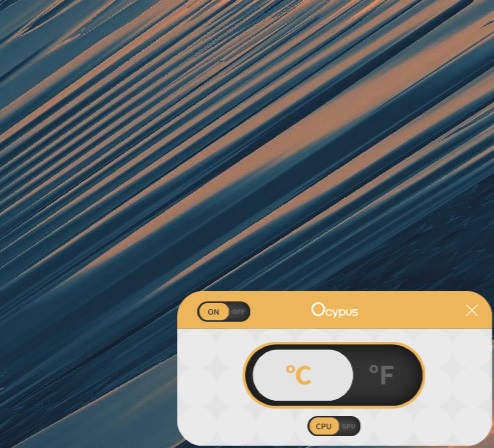
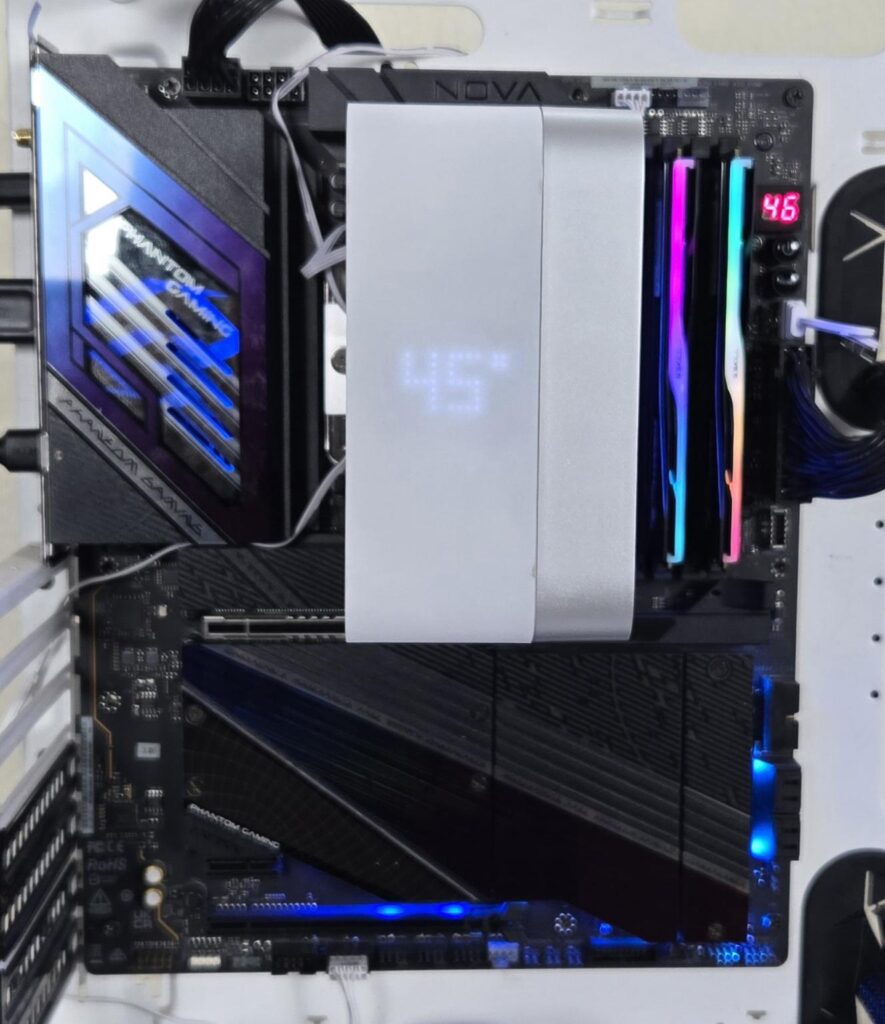
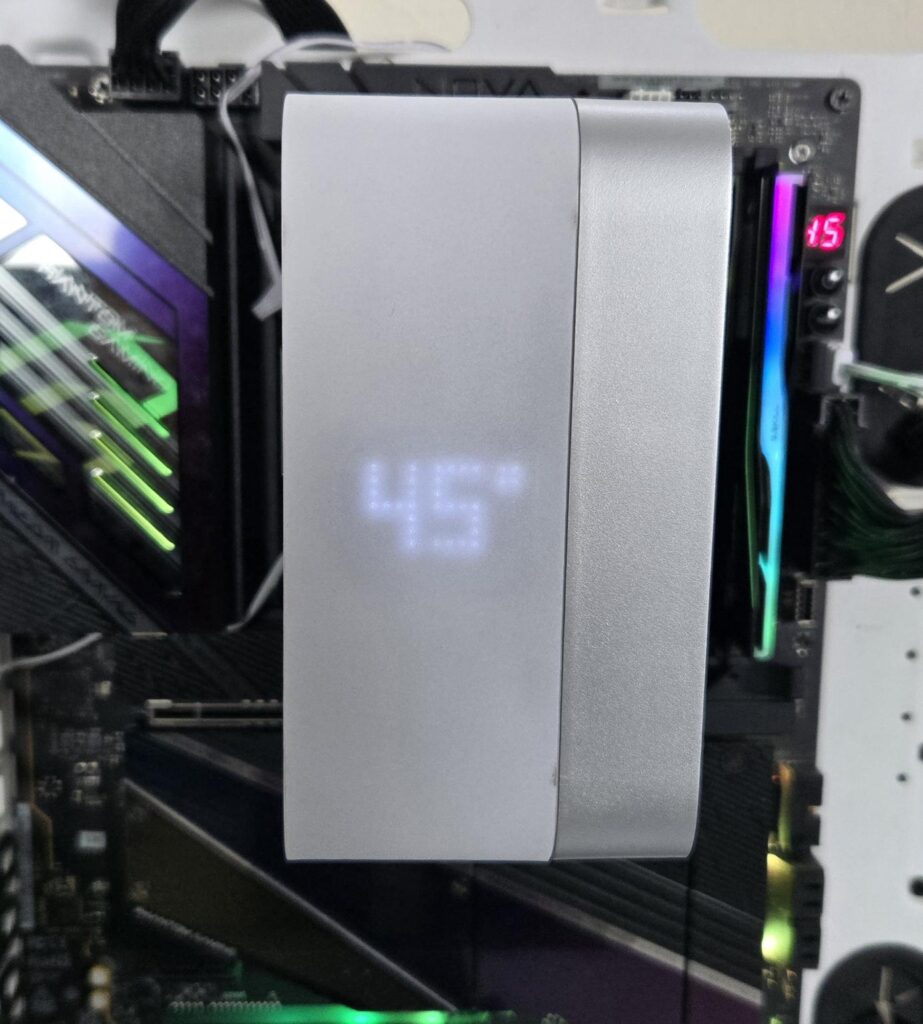
This cooler displays CPU or GPU temperature in ᵒC or ᵒF, for which you can download the software from the Ocypus website. The display is in white color. Ocypus has provided a 9-pin USB 2.0 connector cable. Somehow, the length of this cable is not enough to reach the USB 2.0 header on the base of the motherboard if routed from the backside of the case.
Testing
The following configuration is used for thermal testing:
- AMD Ryzen 9 9900X [243W, 167W]
- ASRock X870E NOVA WiFi
- GSkill TridentZ NEO RGB 32GB 6400MHz CL30 DDR5 kit
- ASRock Phantom Gaming RX 7600 Graphics Card for Display
- Biwin X570 Pro 4TB PCIe Gen5 NVMe SSD
- Fractal Design ION+2 860W Platinum PSU
- Thermaltake Core P6 TG Snow Edition in an open frame layout
Here is the settings table for testing:
| Settings | PBO Enabled [243W] 167W for this cooler |
| Clock (MHz) | Auto |
| Voltage (V) | Auto |
| Thermal Paste | Noctua NT-H2 |
| Thermal Paste Application | Dots Method |
| Test Run Time | 30 minutes |
| Idling Time | 10 minutes |
| All Fans Speed | 100% PWM Duty Cycle |
| Pump Speed | |
| Stress Software | CINEBENCH R23.2 |
| Monitoring Software | HWINFO64 |
I am reporting absolute temperature in the graph because the room temperature was at 22°C throughout the day. The testing is done on an open-air bench system. Once inside the chassis, the temperatures are expected to rise and would largely depend upon the optimal airflow inside the chassis.
Result
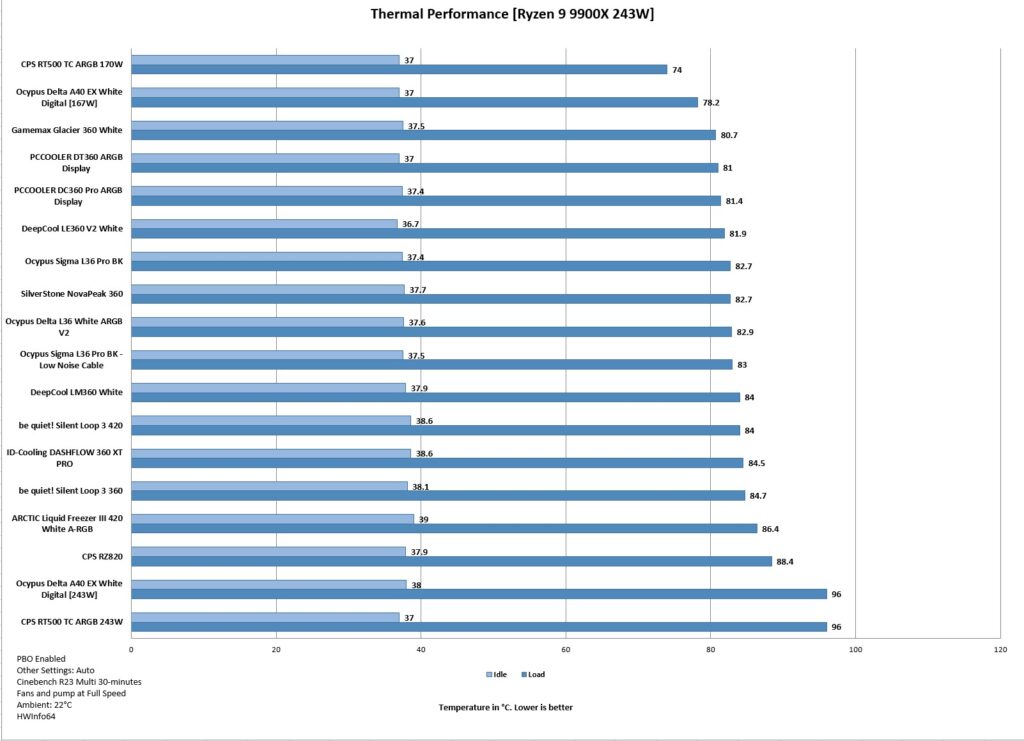
It was obvious that the 243W torturous task is too much for this cooler, but it has actually surprised me with a good performance on stock CPU settings with 167 to 170W package power under all cores stress load using Cinebench R23.2. This means this cooler can handle a gaming load easily.
Conclusion
Delta A40 EX White Digital is quite a long name for a pocket-friendly, entry-level CPU air cooler that packs quite some style and form. This cooler is available in two configurations. This is a single tower configuration in 120mm size. The main feature is a unified housing for the complete assembly, providing a clean, sleek, and neat outlook that anyone can admire.
This cooler is compatible with Intel LGA115x/1200/1700/1851 and AMD AM4/AM5 sockets. This cooler uses streamlined mounting hardware, making the installation process convenient. The fan comes pre-installed and is a part of the assembled unit from the factory. Ocypus has installed a display LED on the top that can show the CPU or GPU temperature in Celsius or Fahrenheit.
The fin stack comprises some 42 fins, as per my poor eyesight. Ocypus has used 4x heat pipes. These have a thickness of 6mm each. The base has a direct contact (non-continuous) method in which the exposed copper portion of the heat pipes makes a direct contact with the CPU, providing efficient heat transfer.
The 120mm ARGB fan is rated for up to 1600 ±10% RPM, generating airflow of 60 CFM at an air pressure of 1.6mmH₂O. The noise rating is ≤31 dB(A). The fan is PWM regulated, and OCYPUS has used standard connectors for the ARGB lighting.
The overall installation of this cooler on AMD AM5 is simple and requires 6 items for the mounting kit. There is no clearance issue either on this cooler. The height is 157mm, which is also compatible with the majority of PC Cases.
This cooler has an MSRP of USD 21.90. This cooler is not designed for Intel Core i9 or Ryzen 9 series SKUs. It is best suited for Intel Core i5 and Ryzen 5 series CPUs. However, this cooler is capable of handling gaming loads on power-efficient SKUs. The cooler could not handle 9900X operating at 243W. However, it handled the 167-170W load comfortably. If you are on a budget and looking for a formidable option providing adequate cooling and spectacular looks, the Delta A40 EX White Digital covers for you.
Pros
- Adequate Thermal Performance
- Slim Design
- Single Tower
- Unified Housing
- ARGB lighting
- Digital Temperature Display
- Wave Fins Layout
- Universal RAM Clearance
- 157mm Height
- Noise
- Price
Cons:
- The length of the USB 2.0 Connector Cable could be longer