













Cryorig C5/C5 Cu Coolers Review: A Performance Feast

I am taking a look at two low-profile blower-style coolers from Cryorig in this content. This cooler is the C5, available in black. Cryorig has also released a full copper version of this cooler, named C5 CU, which comes with a white fan.
Is there anything special about these coolers? Yes, they are based on Vapor Chamber design, hence we only have fins with no heat pipes. An interesting perspective for sure, and on top of that, this is a perfect opportunity to see the performance difference between the aluminum and copper materials since we know that Copper has a higher thermal conductivity rating than aluminum.
Both coolers come with a small-sized fan, which is roughly 96x31mm in size. This is a custom size. Both coolers have ARGB fans. The mounting kit is streamlined as well. Particularly, these have a better mounting compared to the Noctua NH-L9a-AM5 cooler.
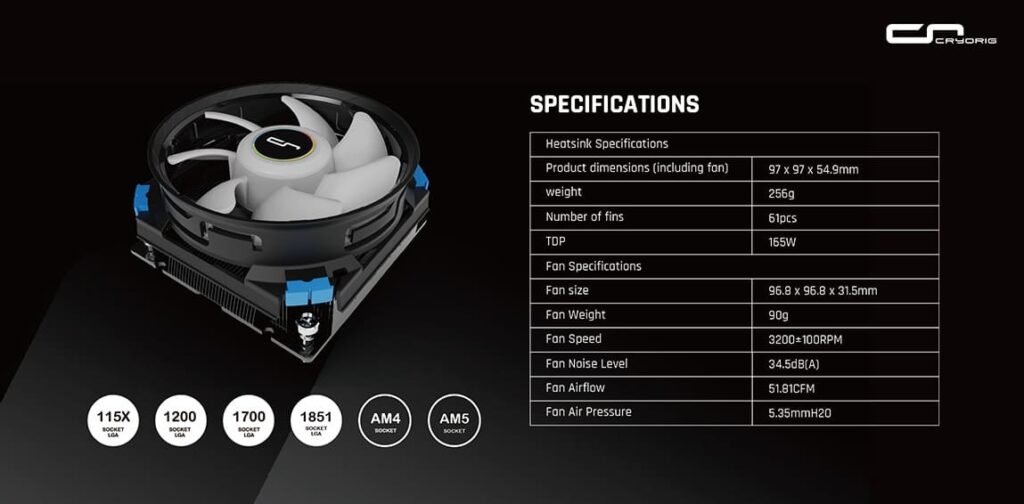
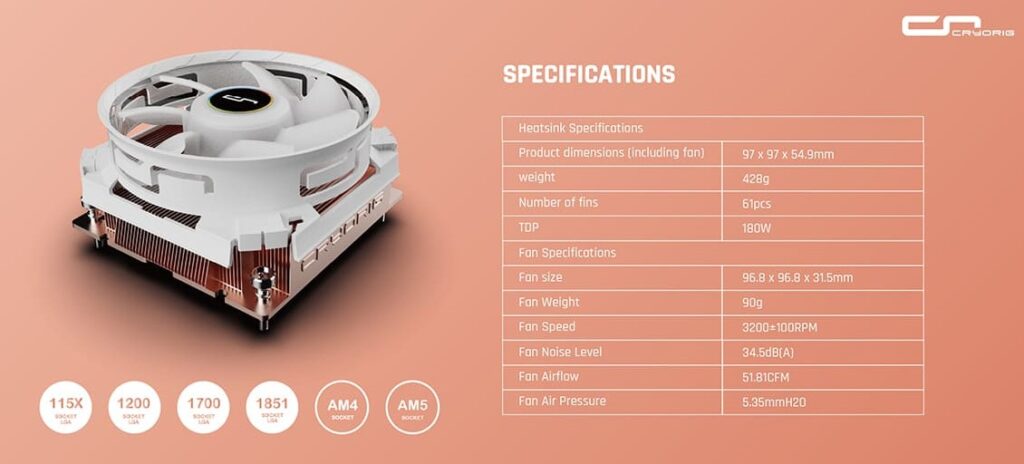
The C5 cooler is rated for 165W TDP, whereas the C5 Cu is rated for 180W TDP, and they are compatible with Intel LGA115x/1200/1700/1851 and AMD AM4/AM5 sockets.
Cryorig offers a 3-year warranty on these coolers. The regular C5 model has an MSRP of USD 54, whereas the C5 Cu has a price tag of USD 65. I have included Noctua NH-L9a-AM5 and NH-L9x65 coolers for comparison in this content. The selection is based on price bracket and what is available in my inventory. Please keep in mind that both Noctua coolers have a standard heatsink design comprising fins and heat pipes.
Purchase on Amazon.com
Cryorig C5 – $64 At the time of review
Cryorig C5 Cu – $74.99 At the time of review
C5 Specifications
C5 CU Specifications
Packaging
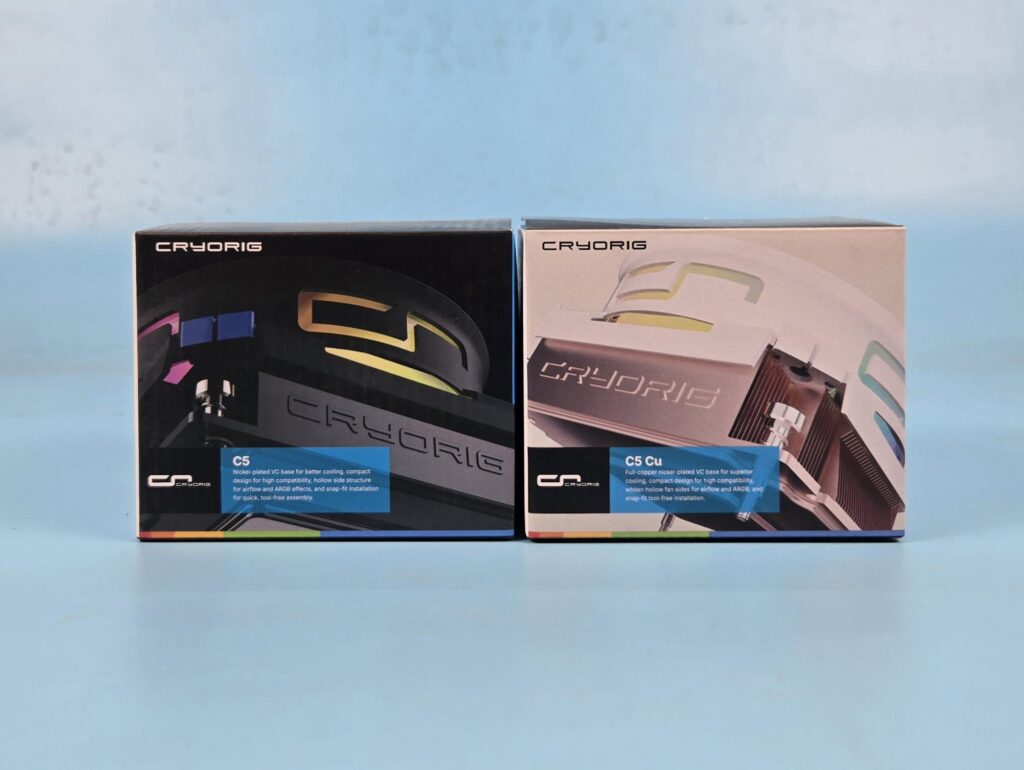
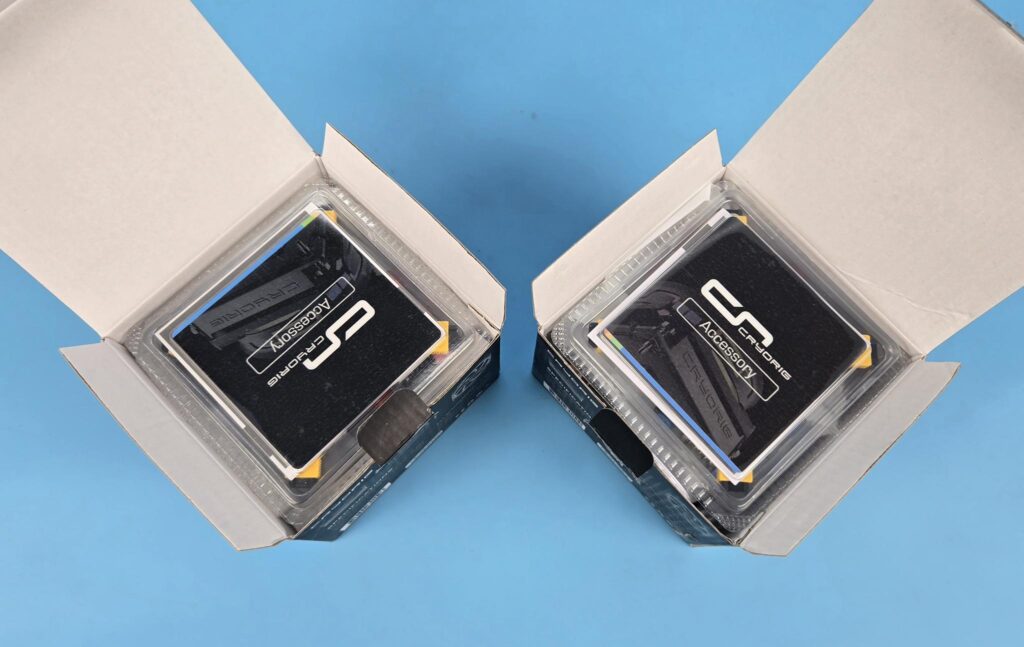
Both coolers are shipped in Cryorig-themed shipping boxes. These boxes are made of cardboard material. The accessories container is placed over the cooler.
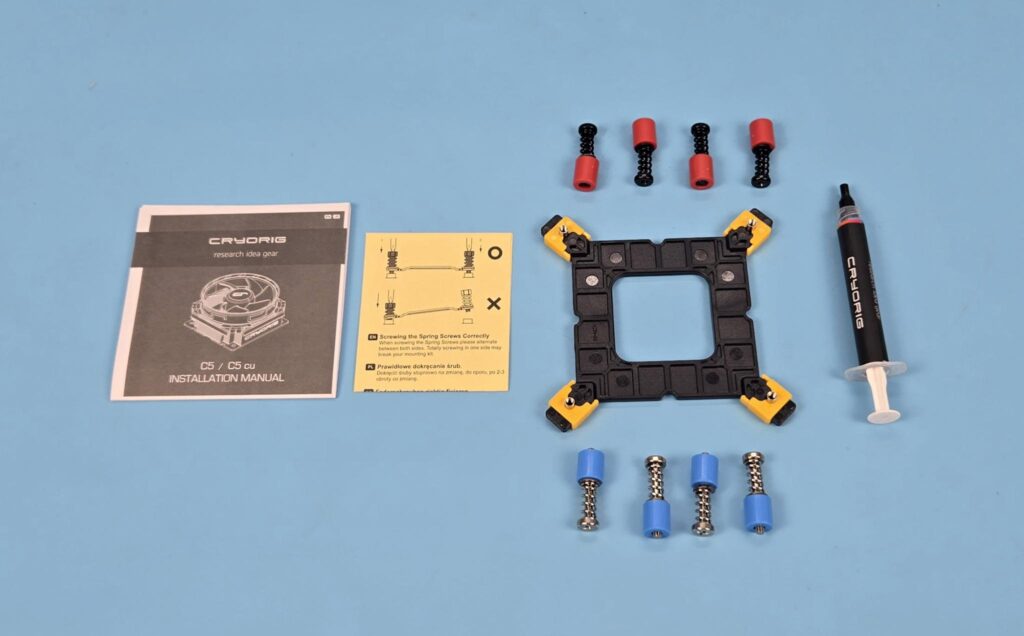
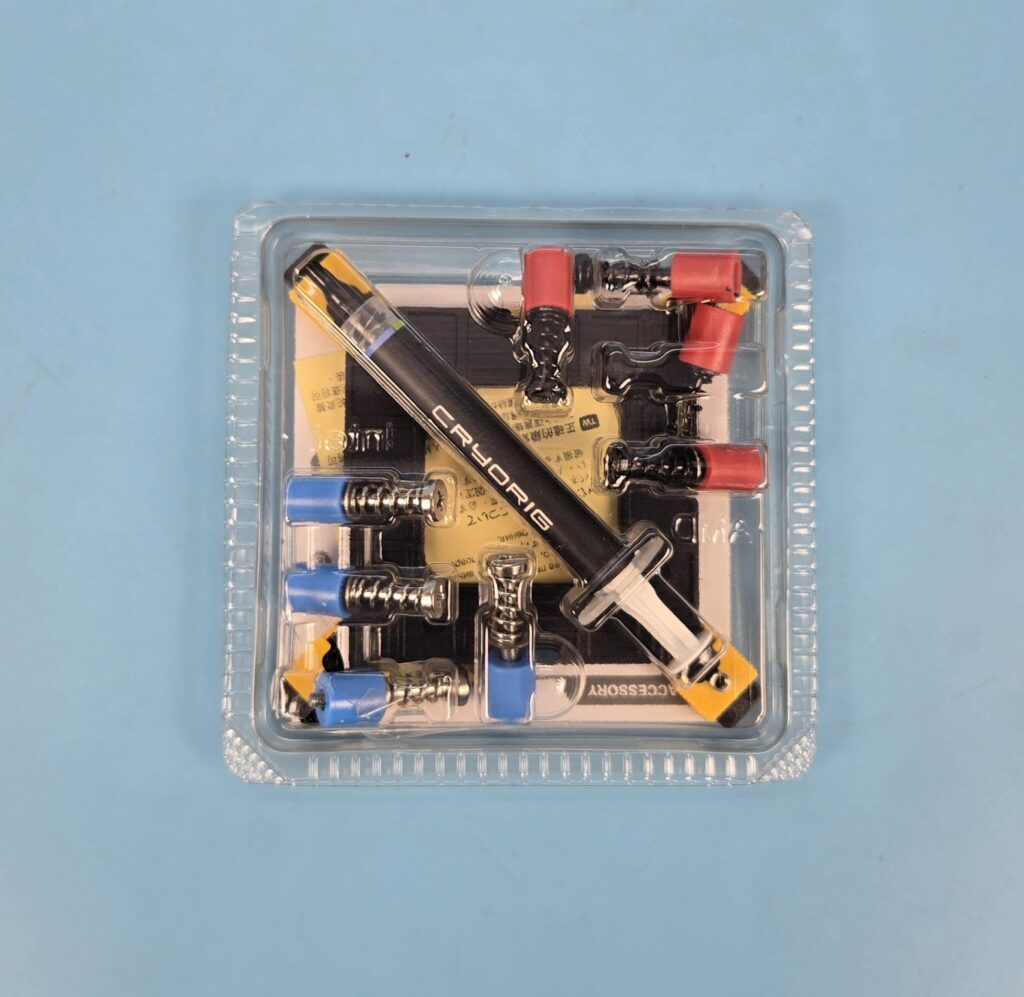
The following come inside the accessory box:
- 1x Intel Backplate
- 4x Intel Blue Color Spacers
- 4x Intel Screws
- 4x AMD Red Color Spacers
- 4x AMD Screws
- 1x Cryorig Thermal Paste Tube
- 1x User Manual
- 1x Mounting Pressure Guide Paper
Design
Since both coolers have the same design except for the material, I am covering both in a single content. Let’s start.
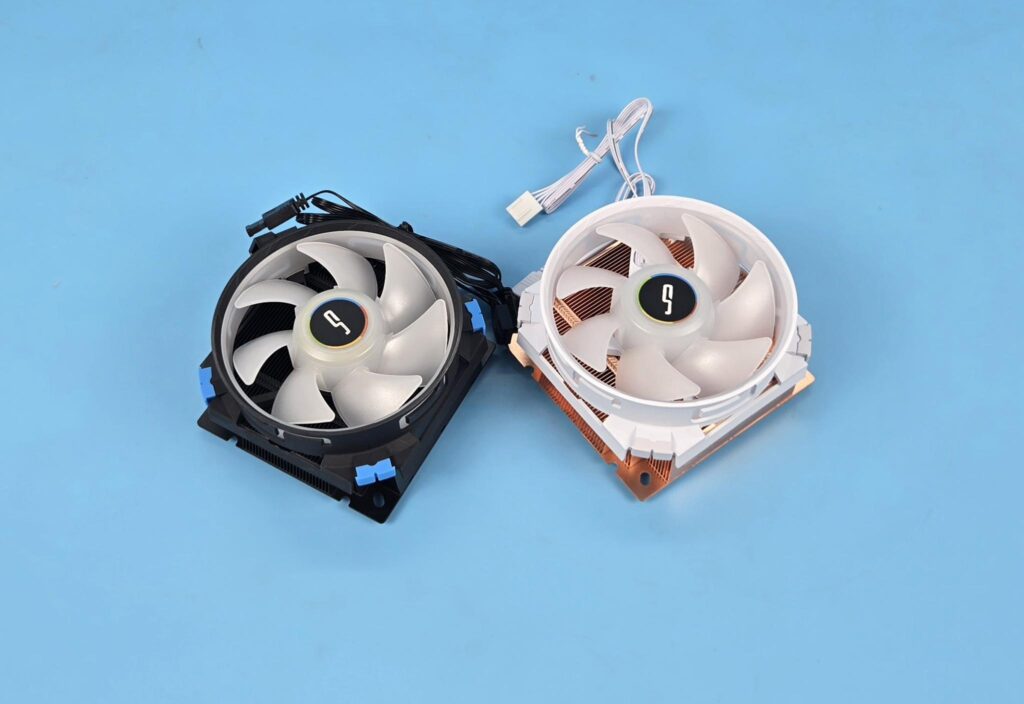
The overall dimension of the assembled cooler is 97x97x54.9mm (LxWxH). This is a slim profile. The weight of C5 is 265gm whereas the C5 Cu has 428 g which comes from the copper material. Both coolers have 61 fins each. Both coolers come with fans pre-installed on the heatsink.
Before going forward, let me describe a bit about the Vapor Chamber. Most of the users are aware of a standard or a regular design that comprises fins which are stacked and soldered or press fit with the copper heat pipes. The copper base transfers the heat into the heat pipes, which have liquid inside that turns into gas and then into liquid. The heat is spread over the fins, and air blows it out.
Vapor Chamber, on the other hand, uses a sealed chamber that is filled with a small amount of liquid. The heat source, like the CPU, heats up, and the liquid inside the chamber absorbs this heat and turns into vapor. This vapor travels toward the top of the chamber and condenses into liquid, releasing the heat into the attached cooler (in our case, fins). The fan then pushes the heat away from the cooler, and the cycle goes on.
Unlike the copper heat pipes that contain liquid which evaporates when heat is applied and then condenses back to liquid, and a continuous cycle goes on, the vapor chamber evenly distributes the liquid across the chamber. To achieve this, the design incorporates multiple layers of metal using a structure made of copper material or other materials. Although the process is almost the same, the Vapor Chamber uses 2D heat spreading compared to a single direction of heat pipes, hence the Vapor Chamber design is far more efficient.
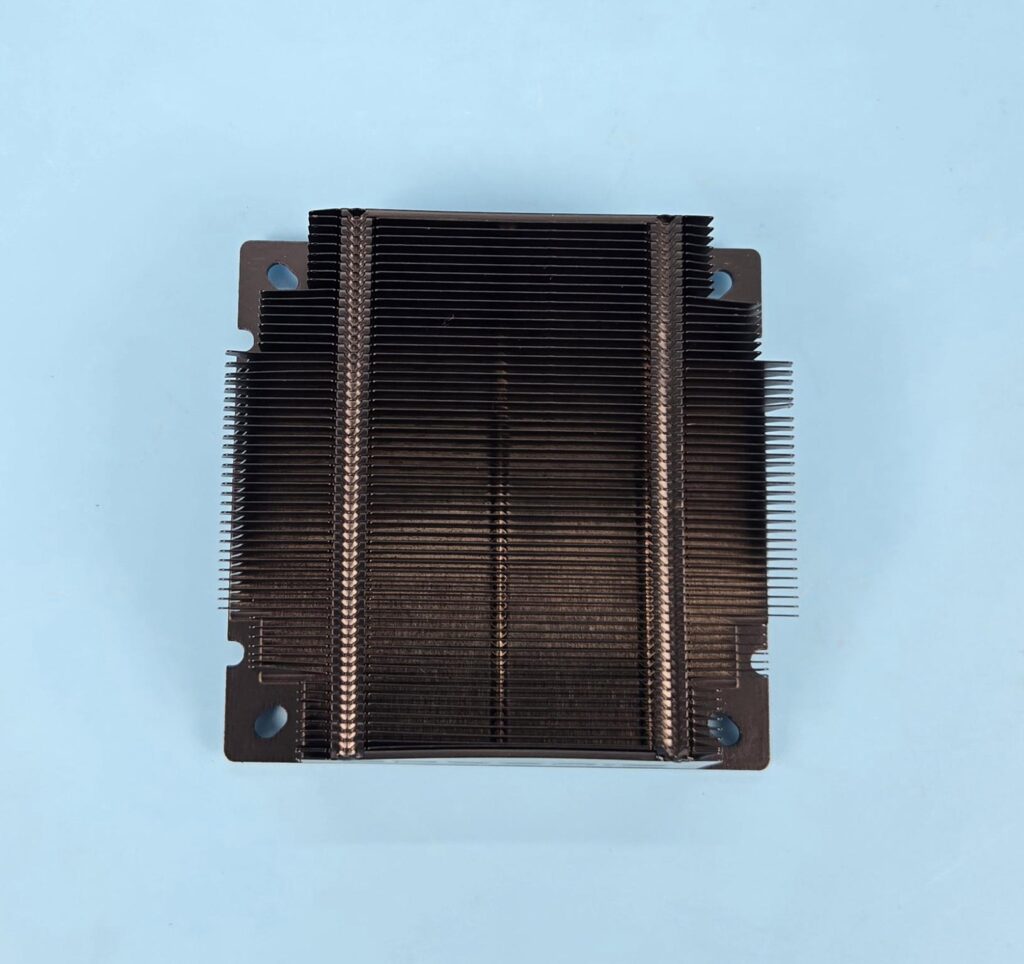
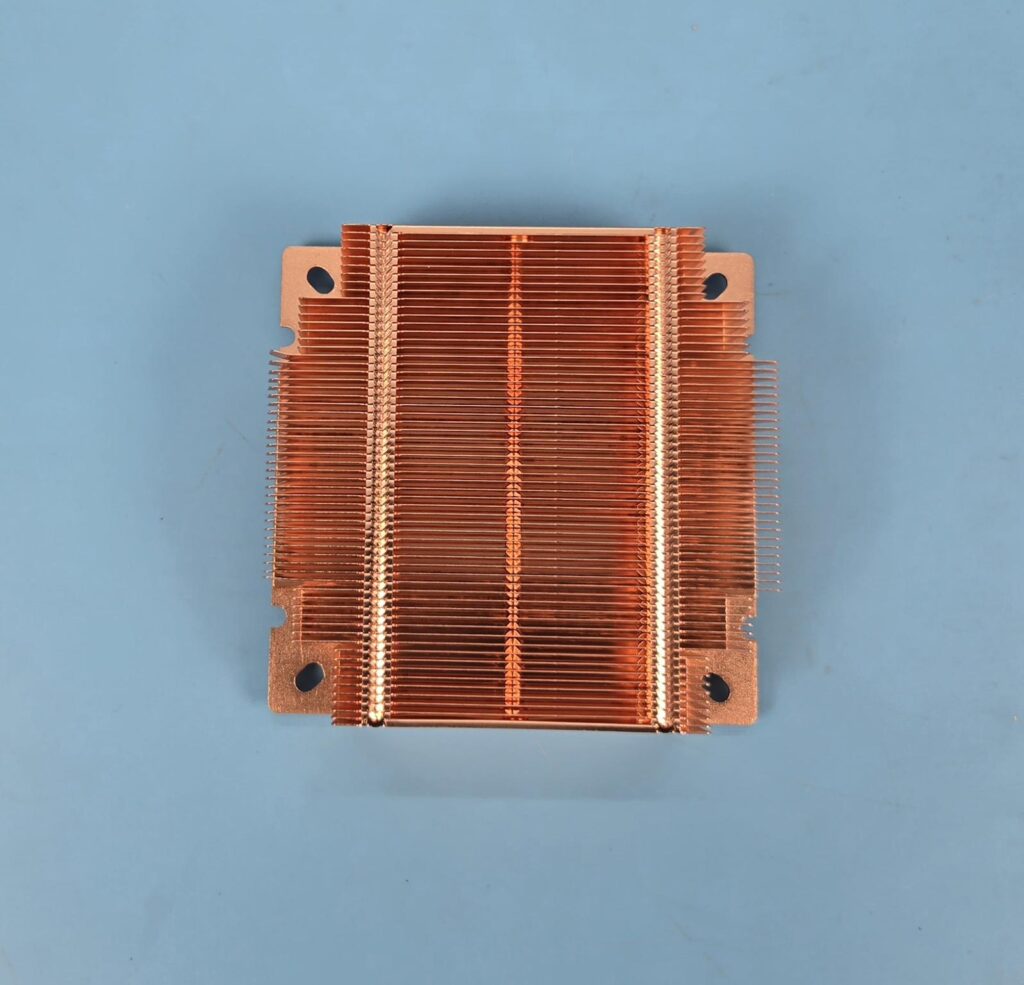
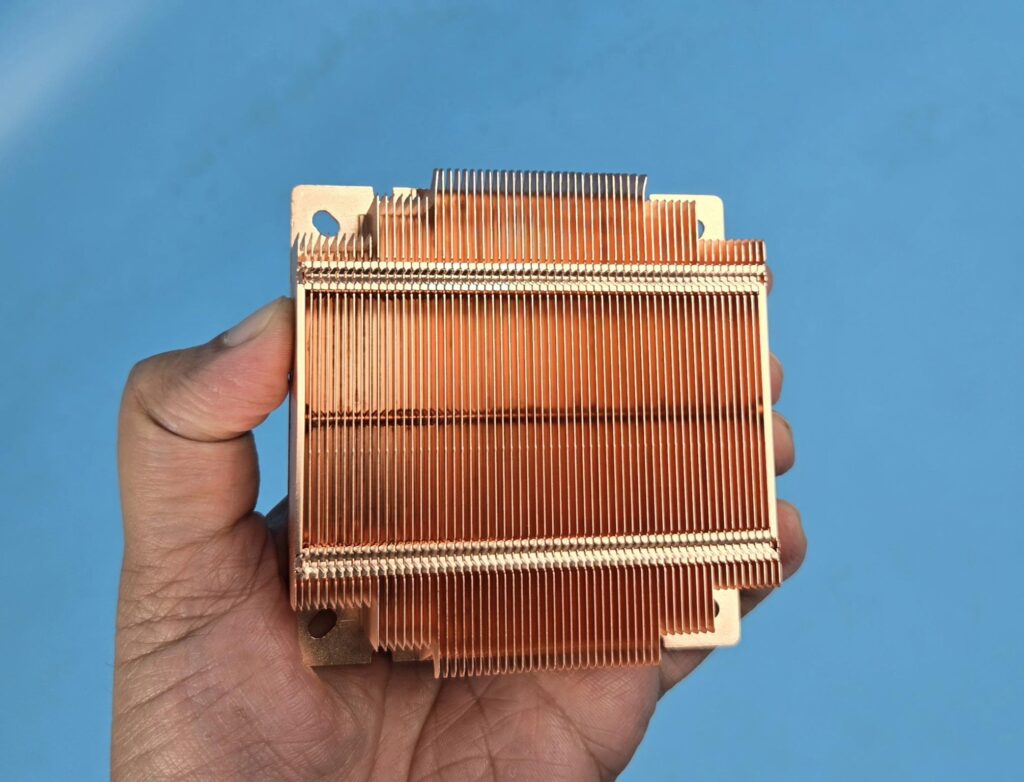
I am showing the top or main view of both coolers. The C5 has complete assembly in black, whereas the C5 Cu has a copper sheen visible. The fins are interlocked on the top. The fins are also in step design. The gap between the fins seems enough for airflow since these coolers rely heavily on fans to push the hot air out of the system. The fins are arranged in a simple line manner with no cone, hived, or wave design.
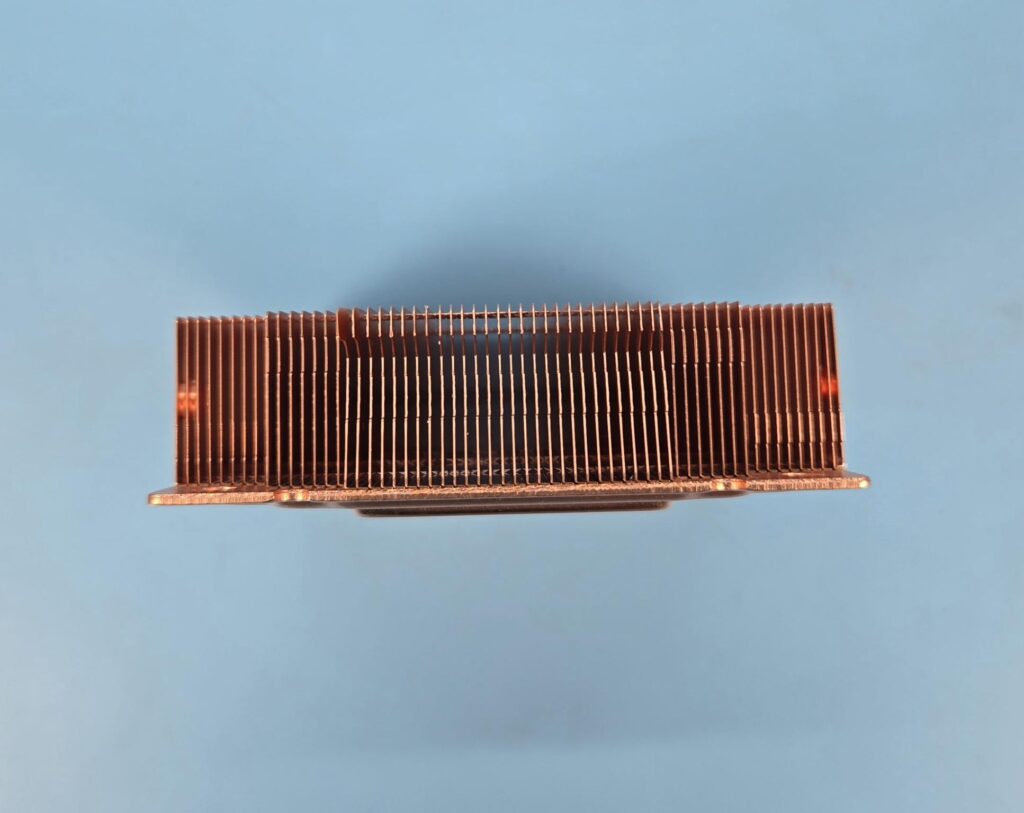
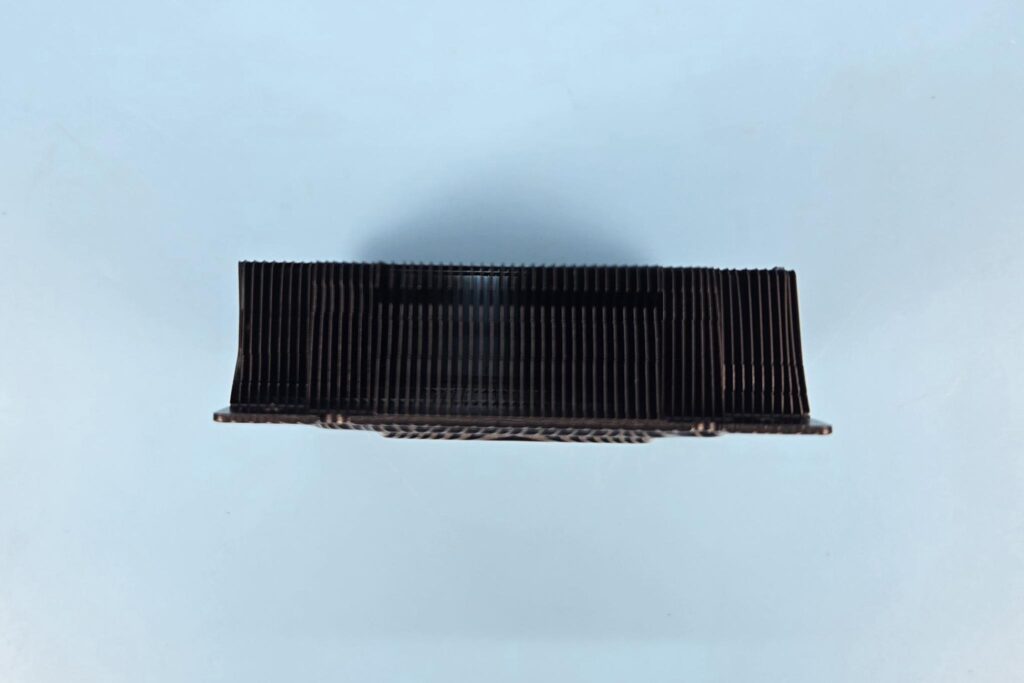
The heatsink has two sides showing the fins. The fan has a raised surface on two inner sides. Those inner sides sit on the shown sides of the heatsink during fan installation. Fan installation is quite simple. However, removing the fan is a bit of a hassle.
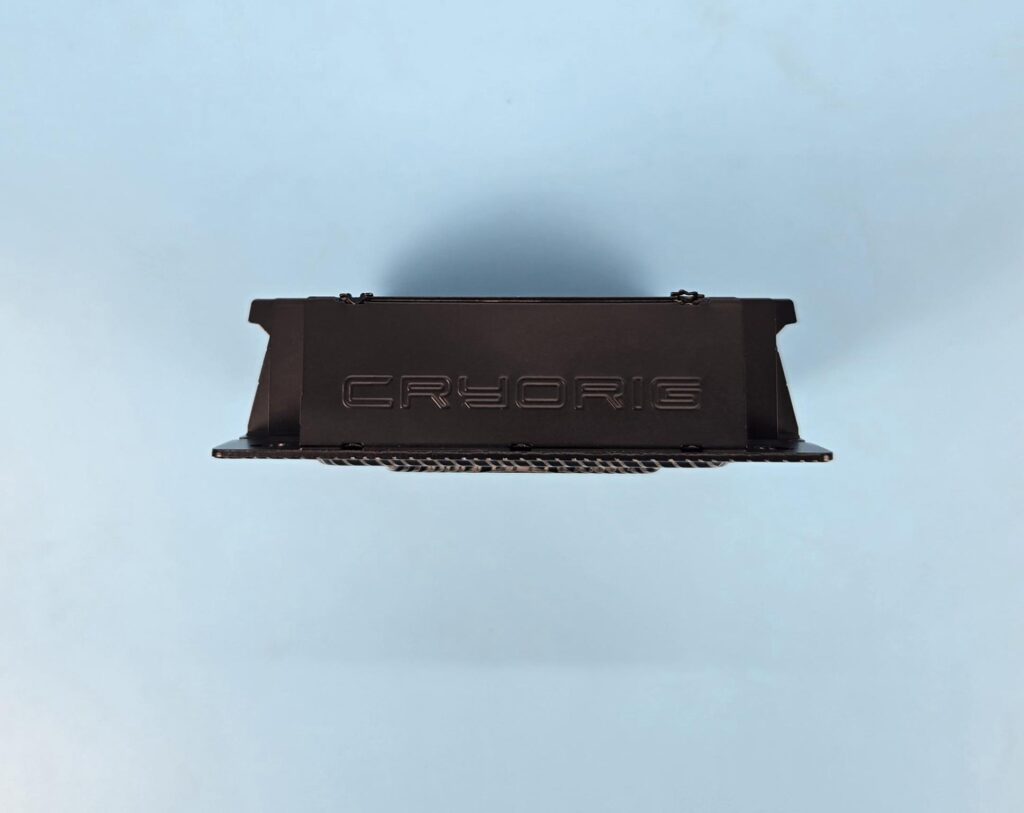
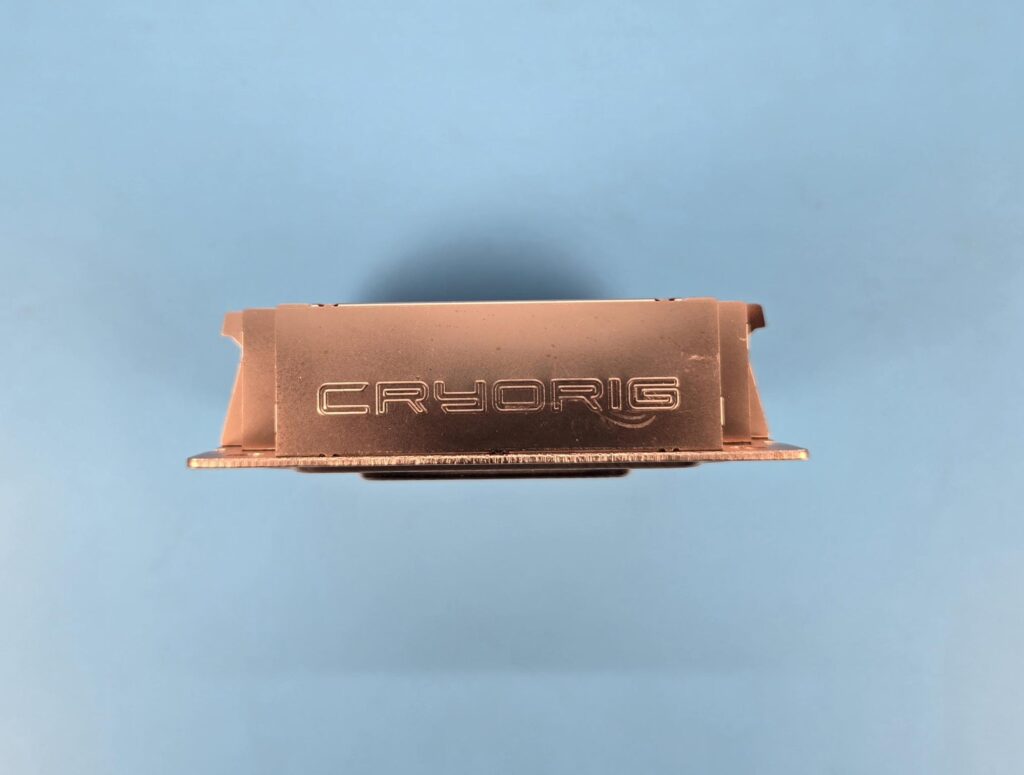
The two sides of the heatsink have a solid cover with Cryorig branding. This side faces the DIMM slot and the rear of the motherboard.
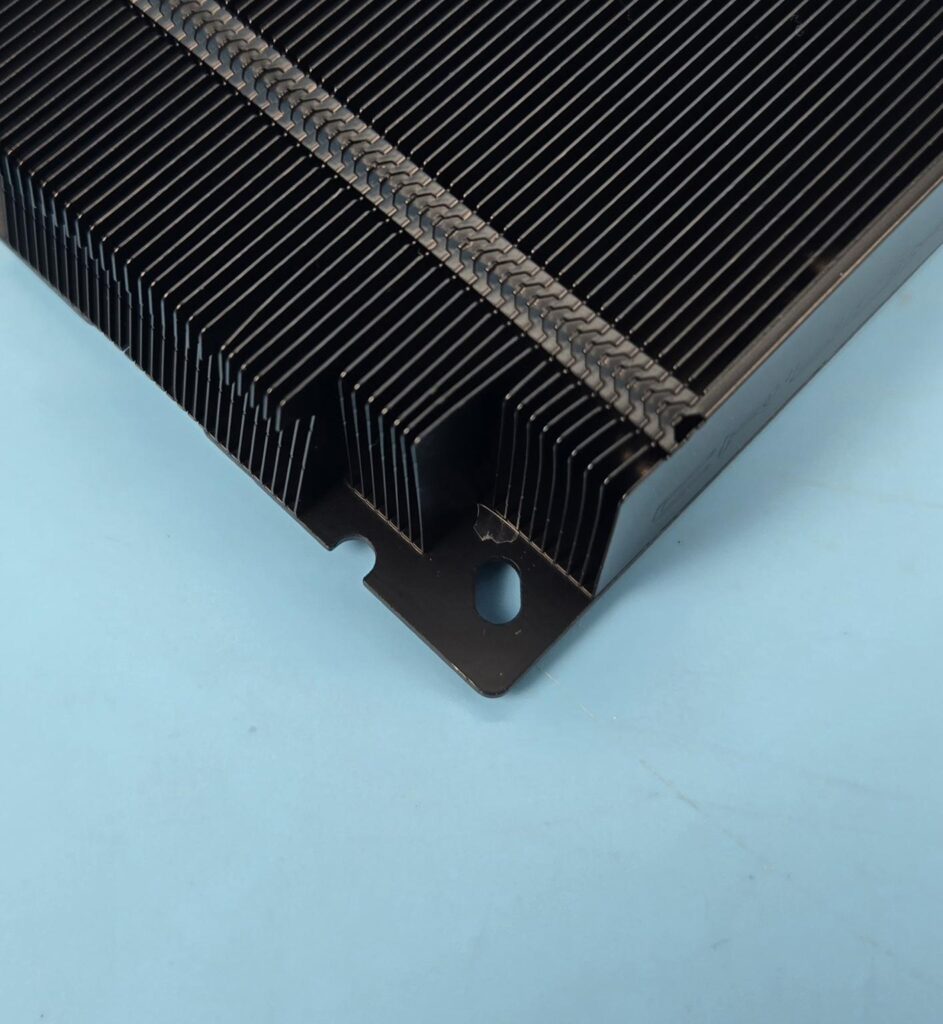
The base plate has two mounting corners. The outermost corner is for the Intel mounting ,whereas the half cut into the main body is for the AMD.
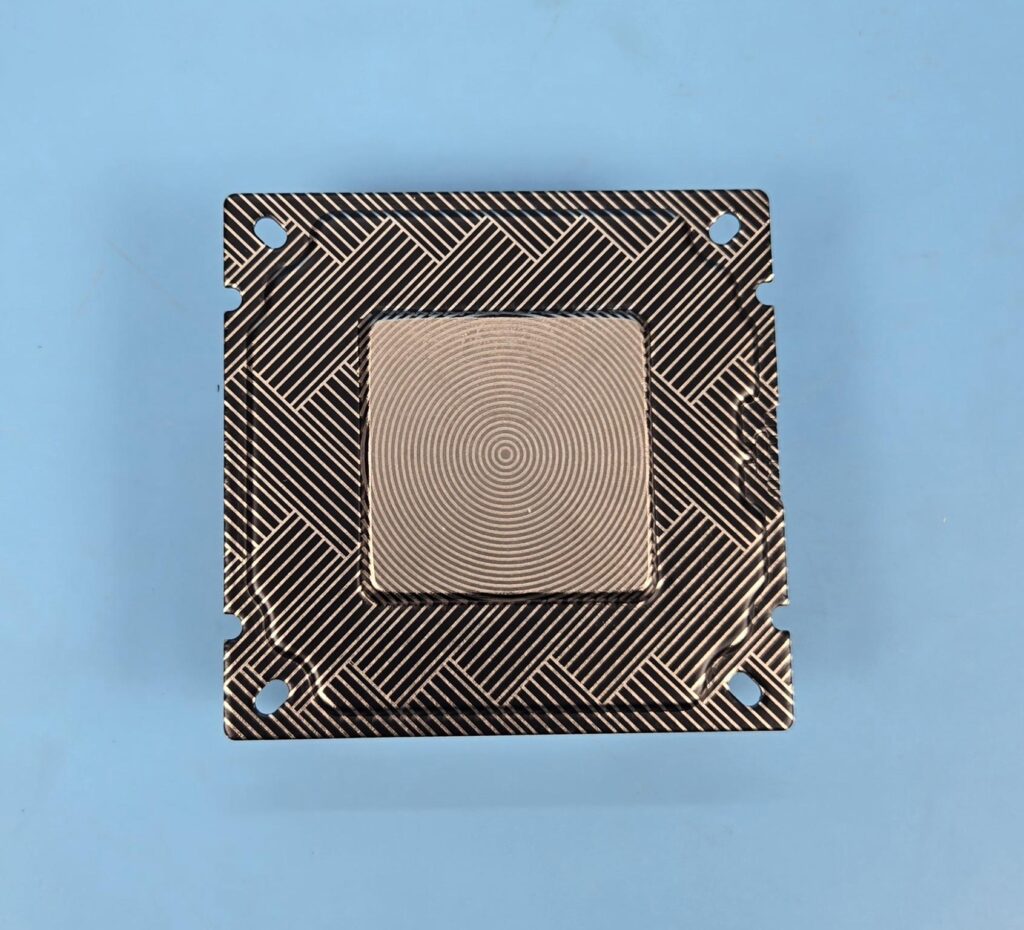
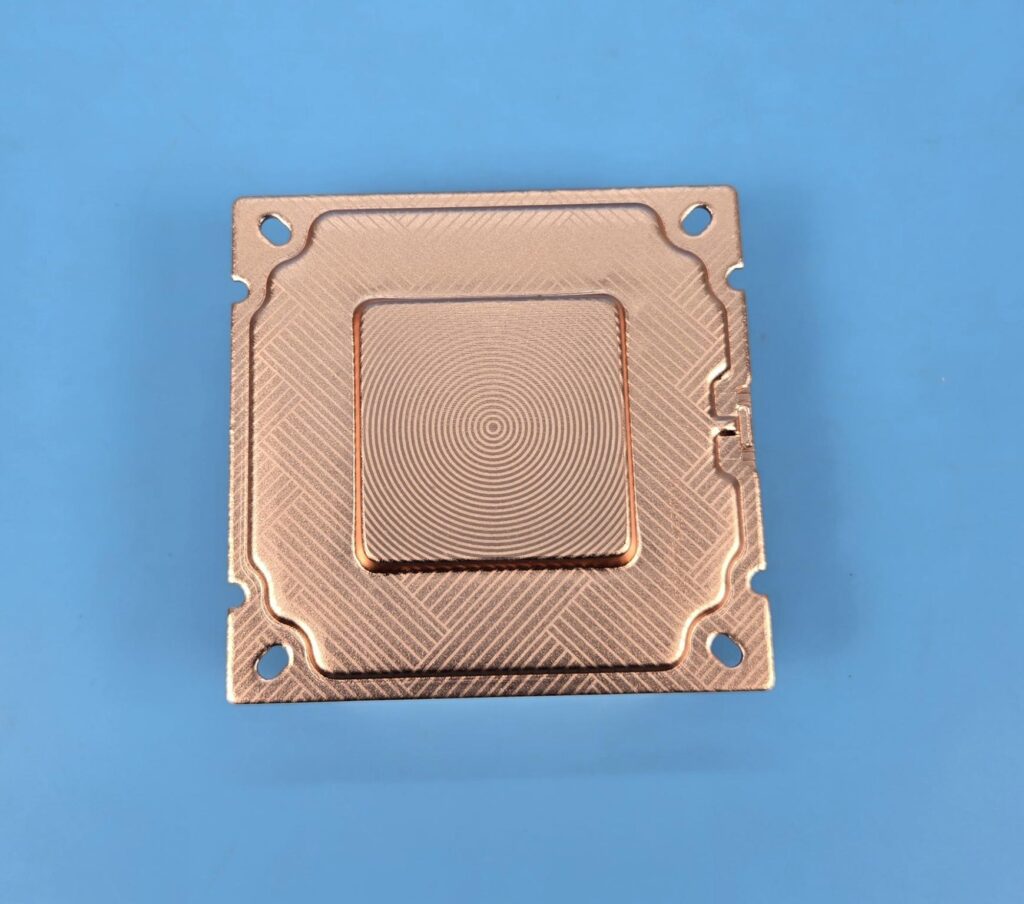
The base of these coolers is where the magic happens. The Vapor Chamber is done in this base area. Cryorig has done quite elegant stenciling over the base, and in case you are wondering, there is no protective cover over the base. Use it as it is.
FANS
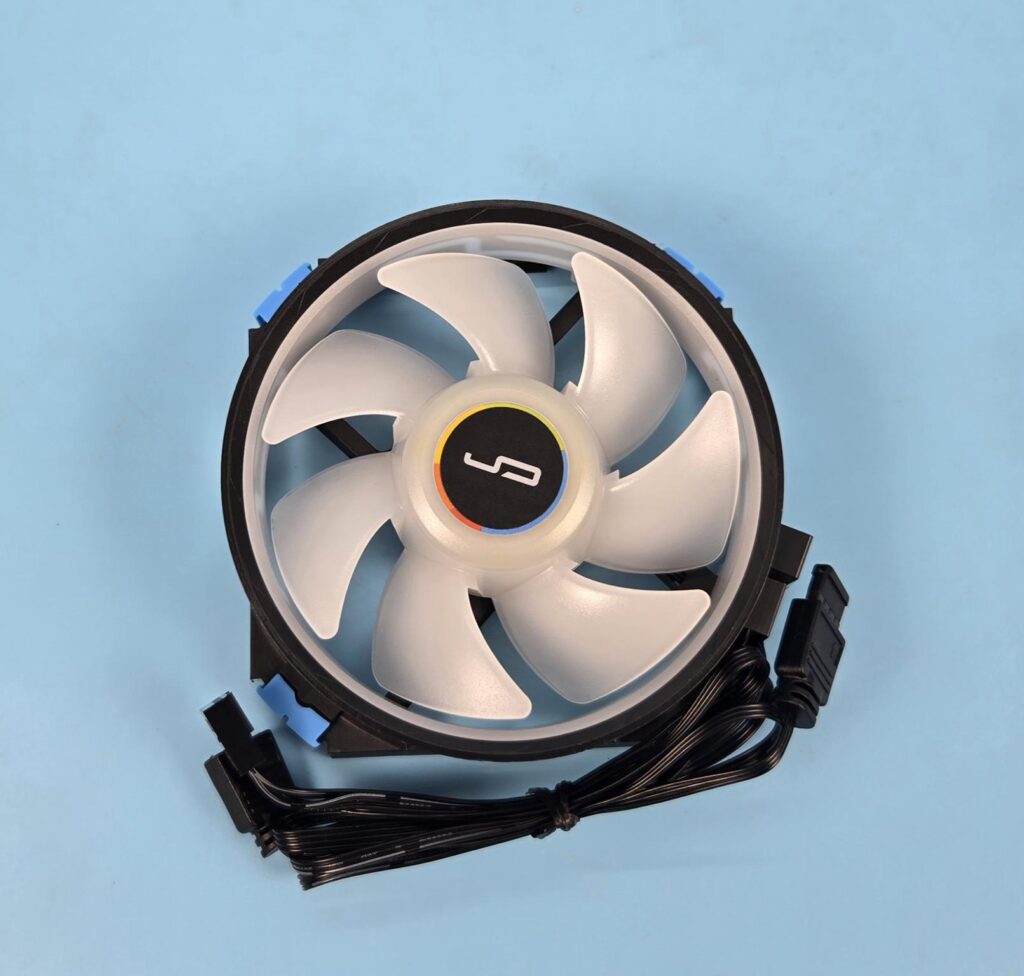
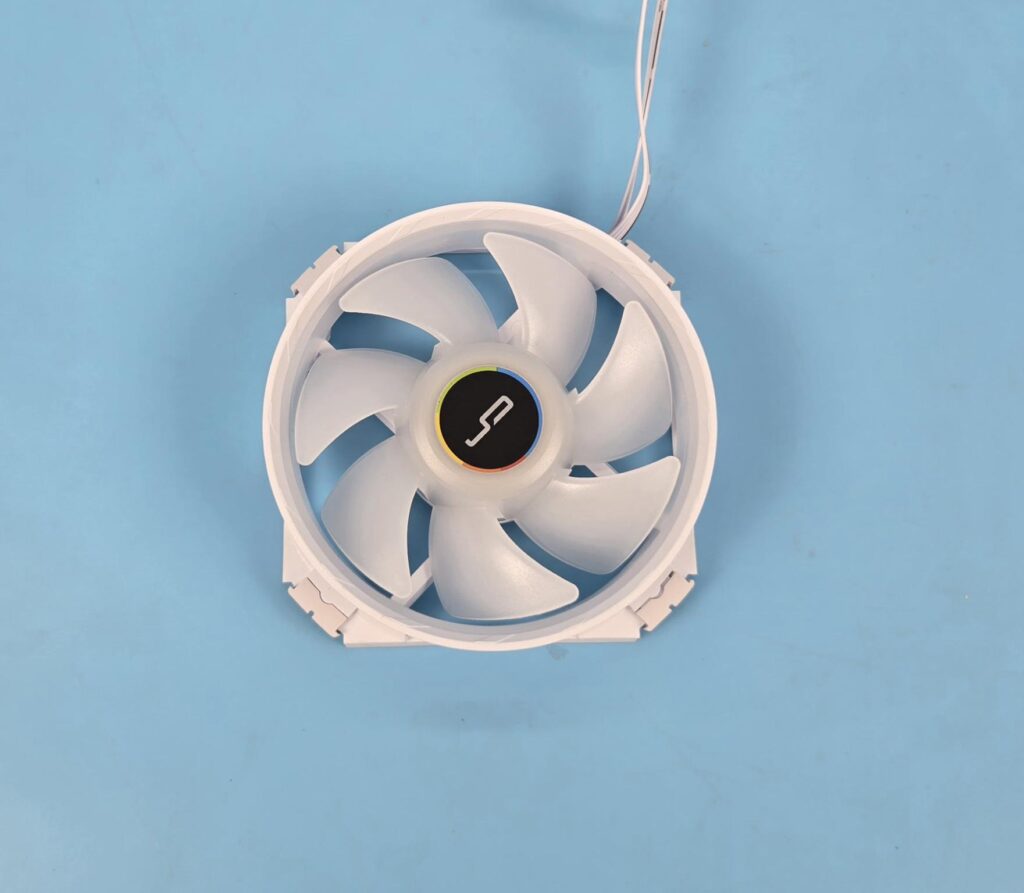
Cryorig has supplied customized fans with these coolers. Each has a dimension of 96.8×96.8×31.5mm, and each weighs 90 g. By now, you would realize that we need high static pressure fans for this application. This is exactly what Cryorig has done here. Each fan has 5.35mmH2O pressure rating.
Each fan has 7x blades. The fan with C5 has a ring that is not part of the blade or impellers. The Cryorig sticker is visible in the center. The C5 CU fan has a transparent ring inside the fan assembly.

The backside of the fan has 4-arms assembly with three arms in an angular manner, providing a focused flow, whereas the fourth arm has a flat design and it carries wires from the center to the frame. These fans have anti-vibration pads as well. These pads are removable.
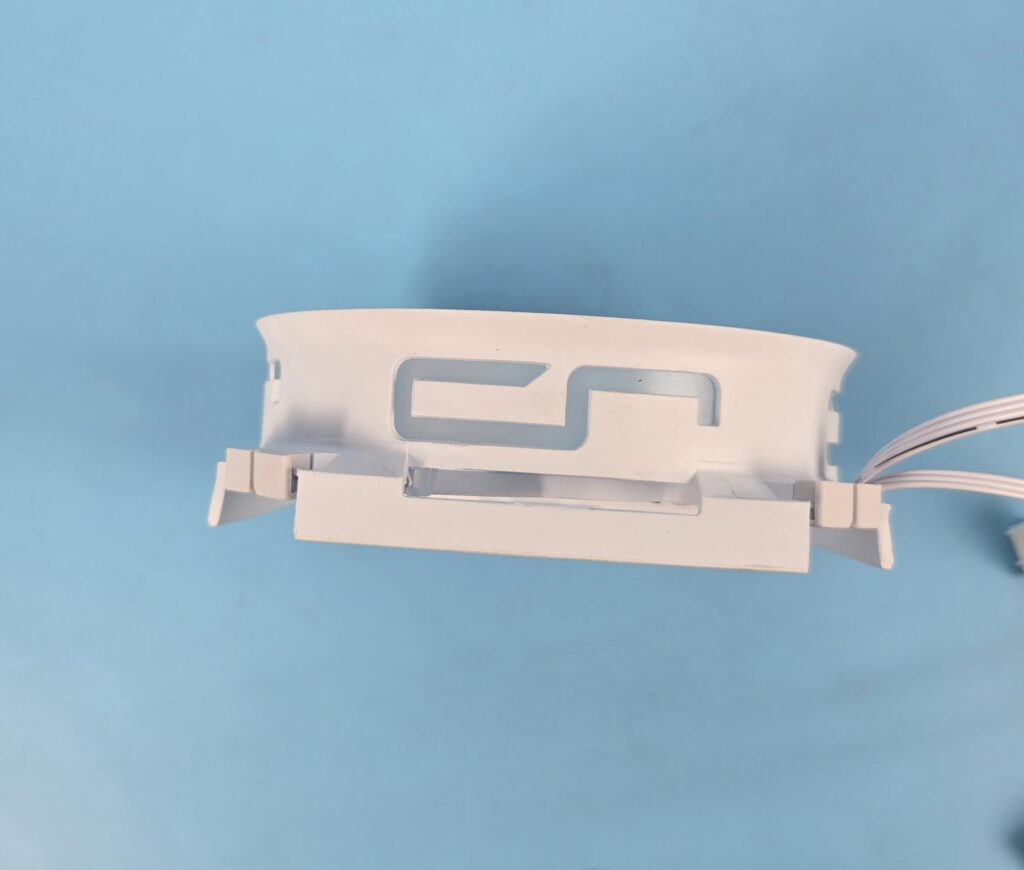
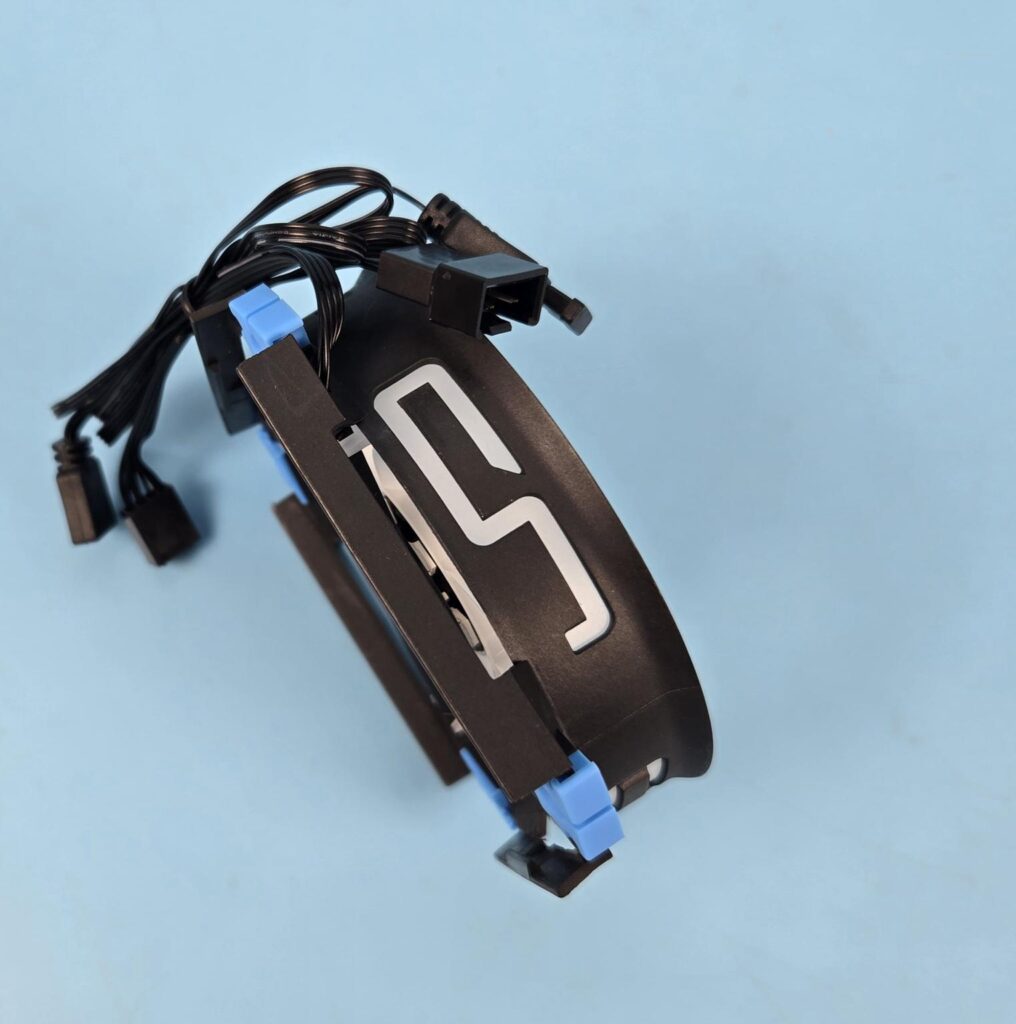
Cryorig has wisely provided cutouts throughout the fan’s frame, providing air exhaust or vents. The side frame has a Cryroig brand-themed cutout.
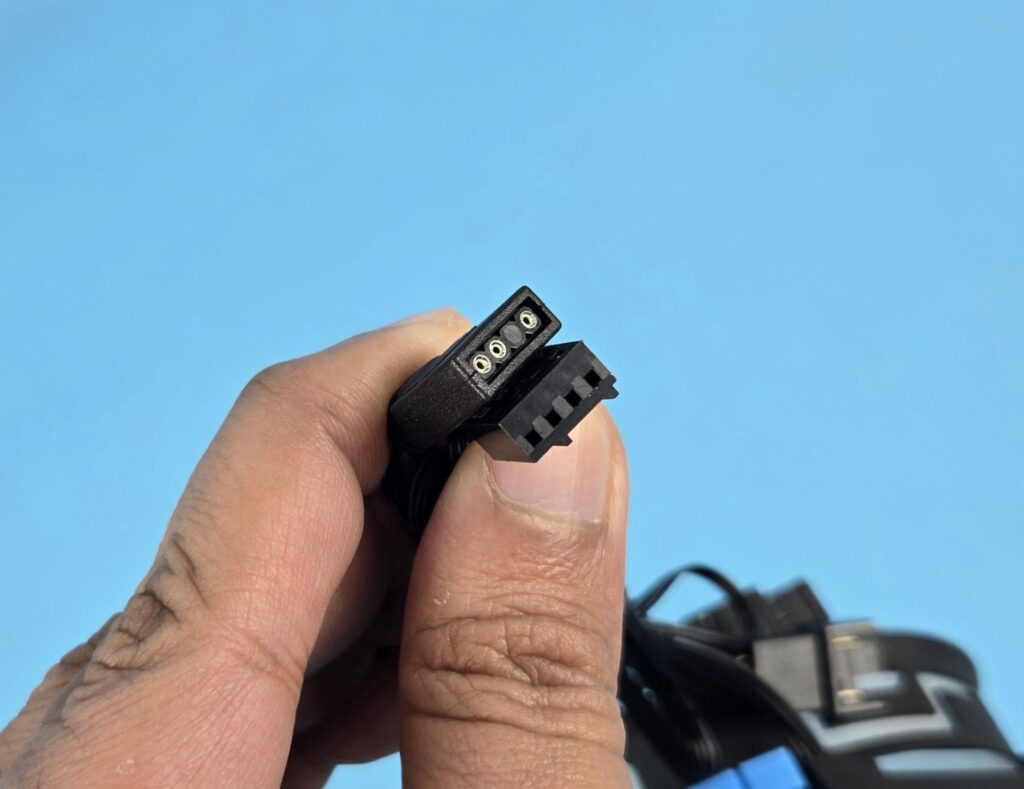
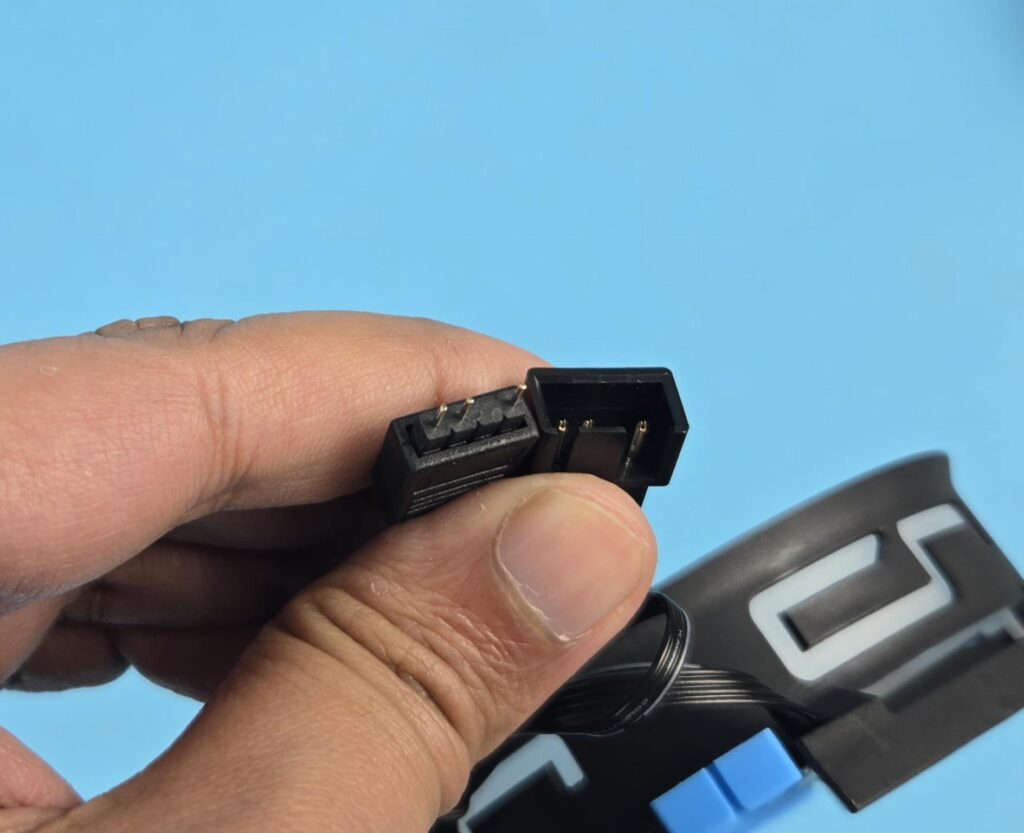
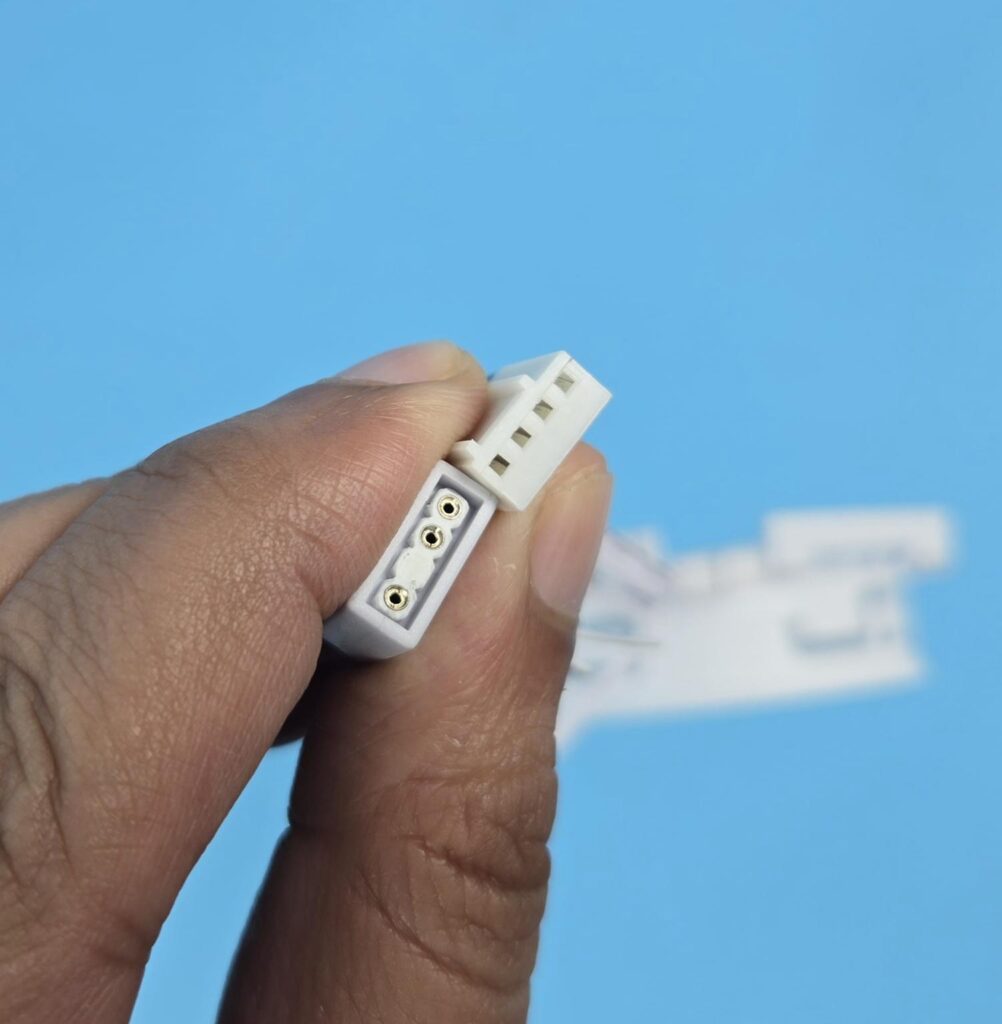
The fans come with a 4-pin PWM connector and a socket for daisy-chaining with other fans in the system. The standard 3-pin, 5V ARGB connectors are provided to regulate the ARGB lighting.
Installation
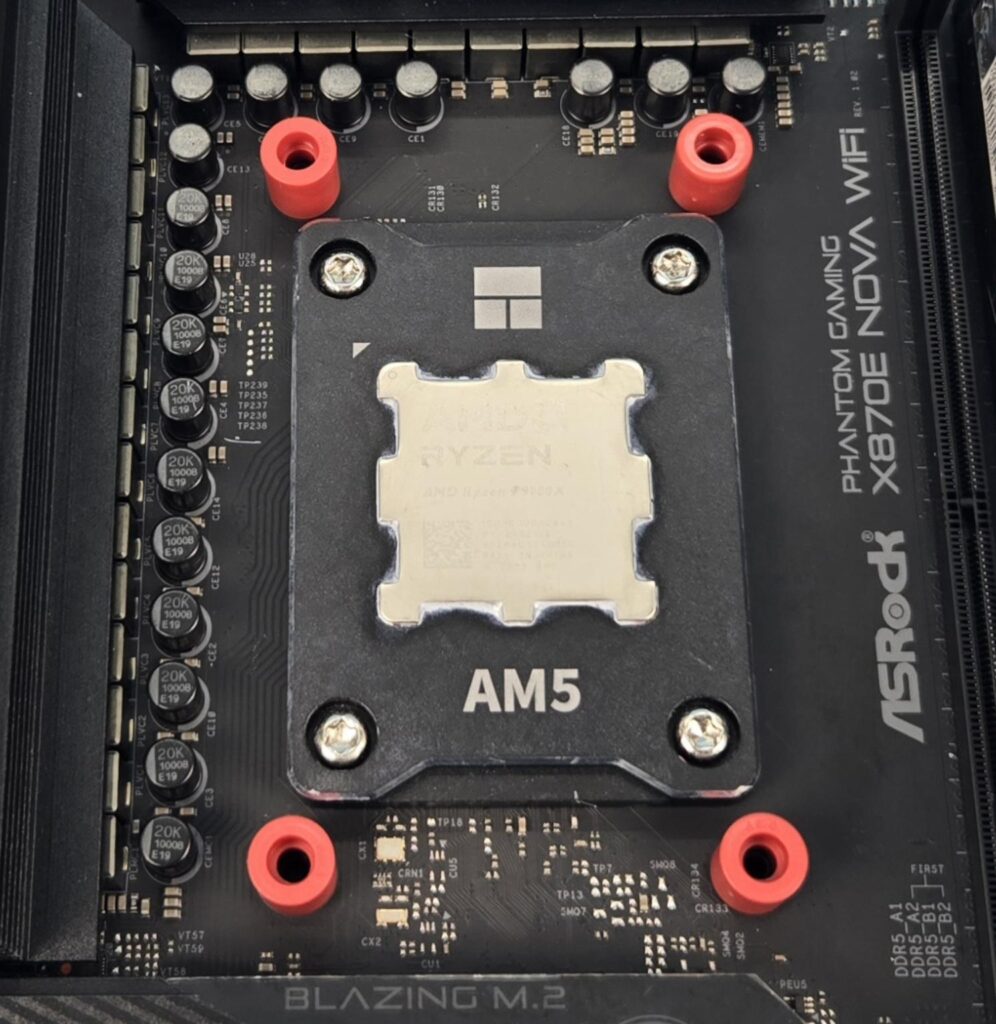
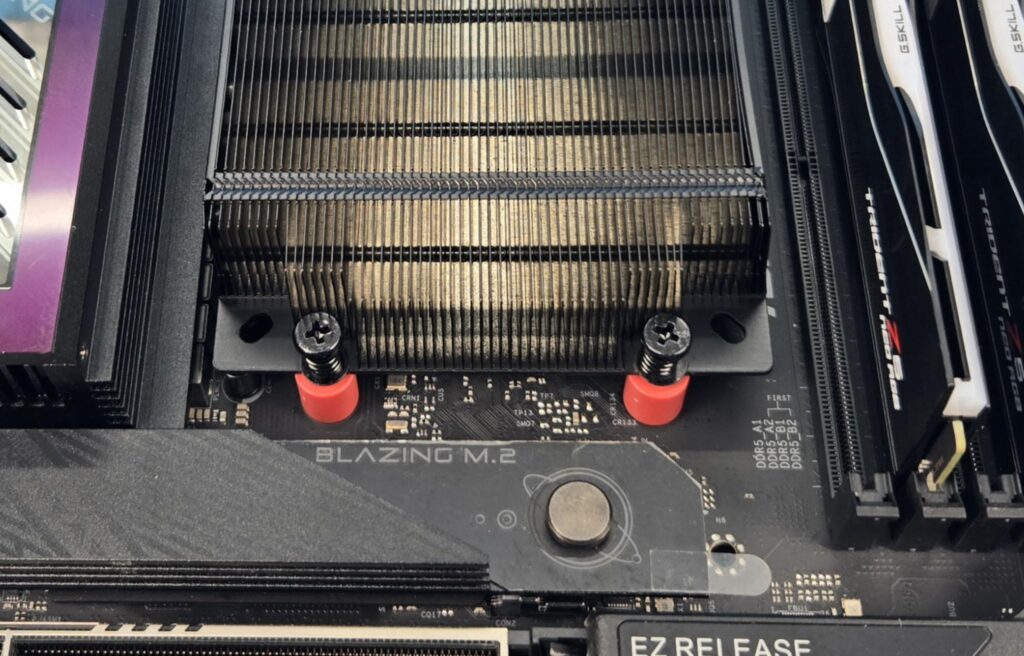
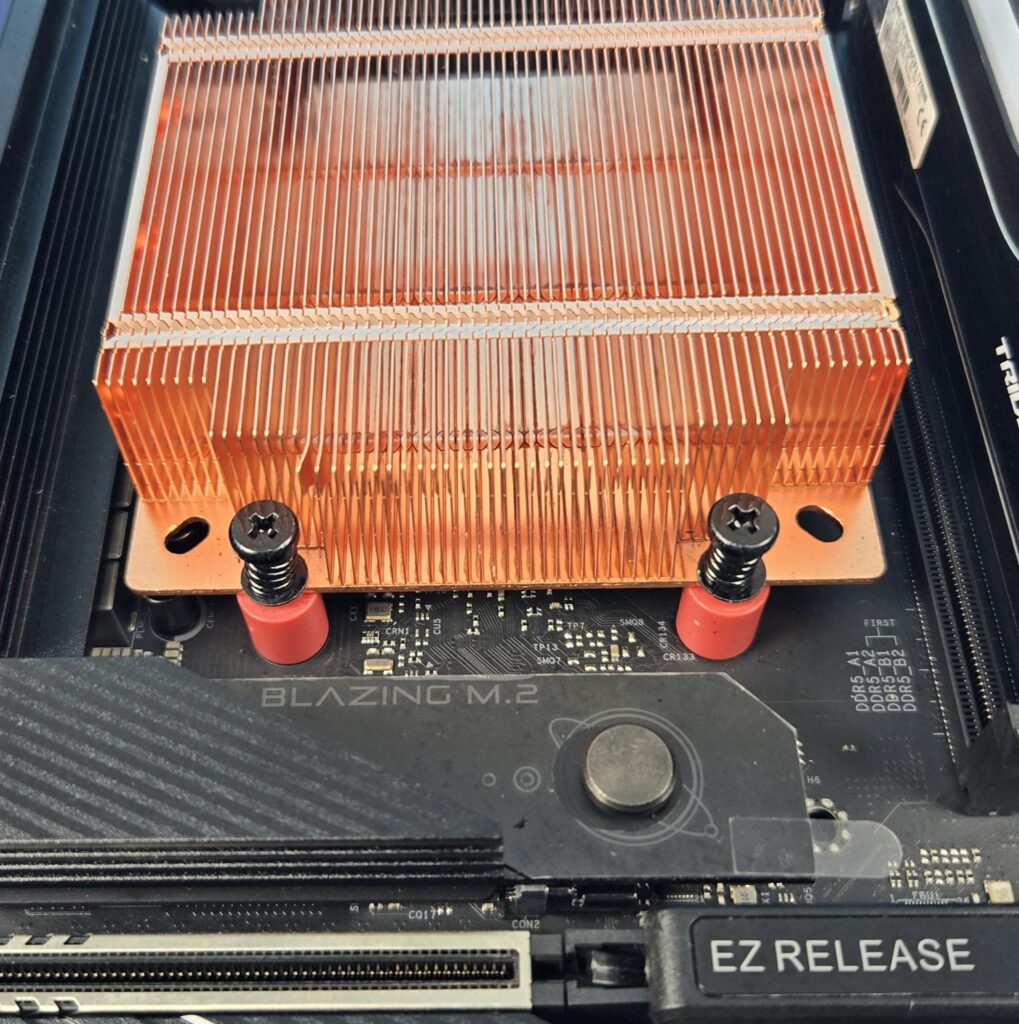
We are not covering the installation steps. Please refer to the user guide for that. I only report my observations during the installation and removal of the cooler. Fans need to be removed before installing the cooler over the CPU. The installation is simple and convenient, which is seldom found on low-profile coolers. The only thing that I want improve is the build quality of the fans. They are a bit fragile in my opinion.
Clearance
I don’t have an ITX motherboard, or I would have provided a better impression of the clearance aspect. Anyhow, these coolers pose no threat or clearance issue on a regular ATX motherboard.
ARGB Lighting
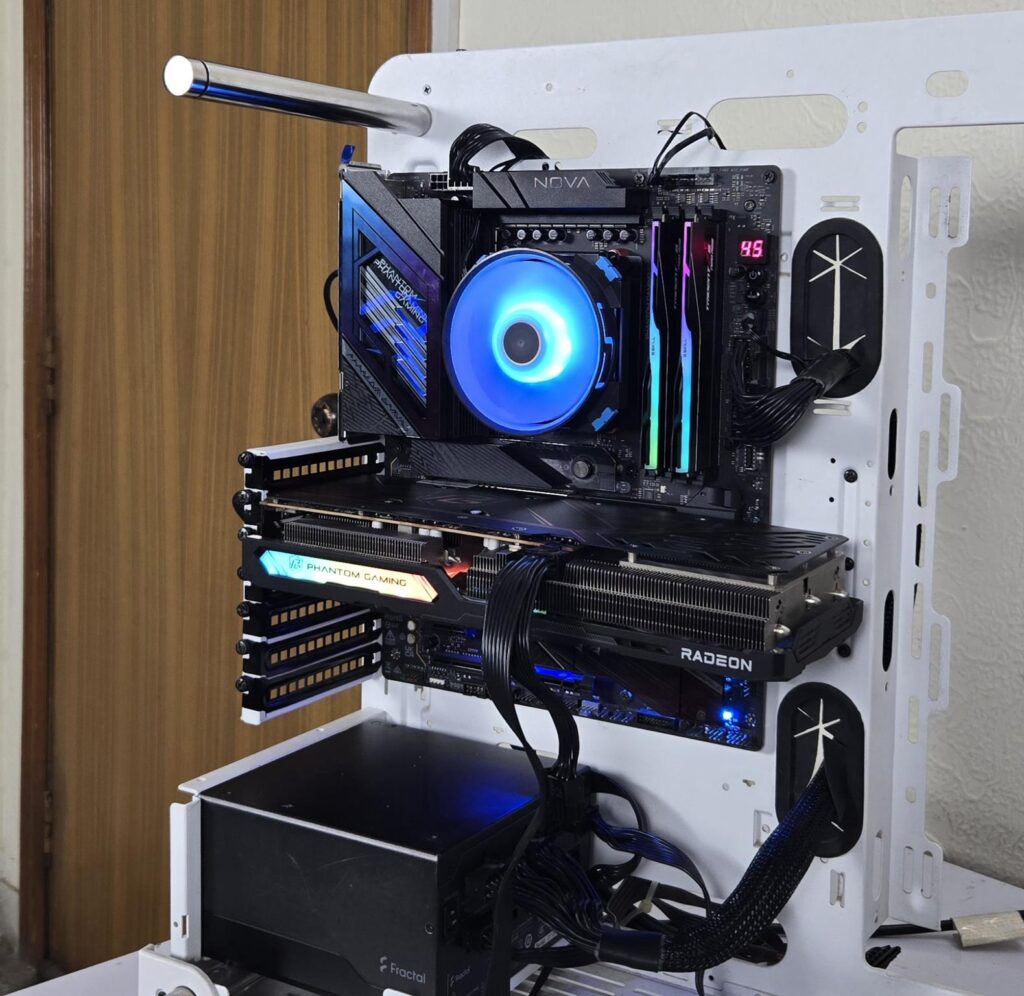
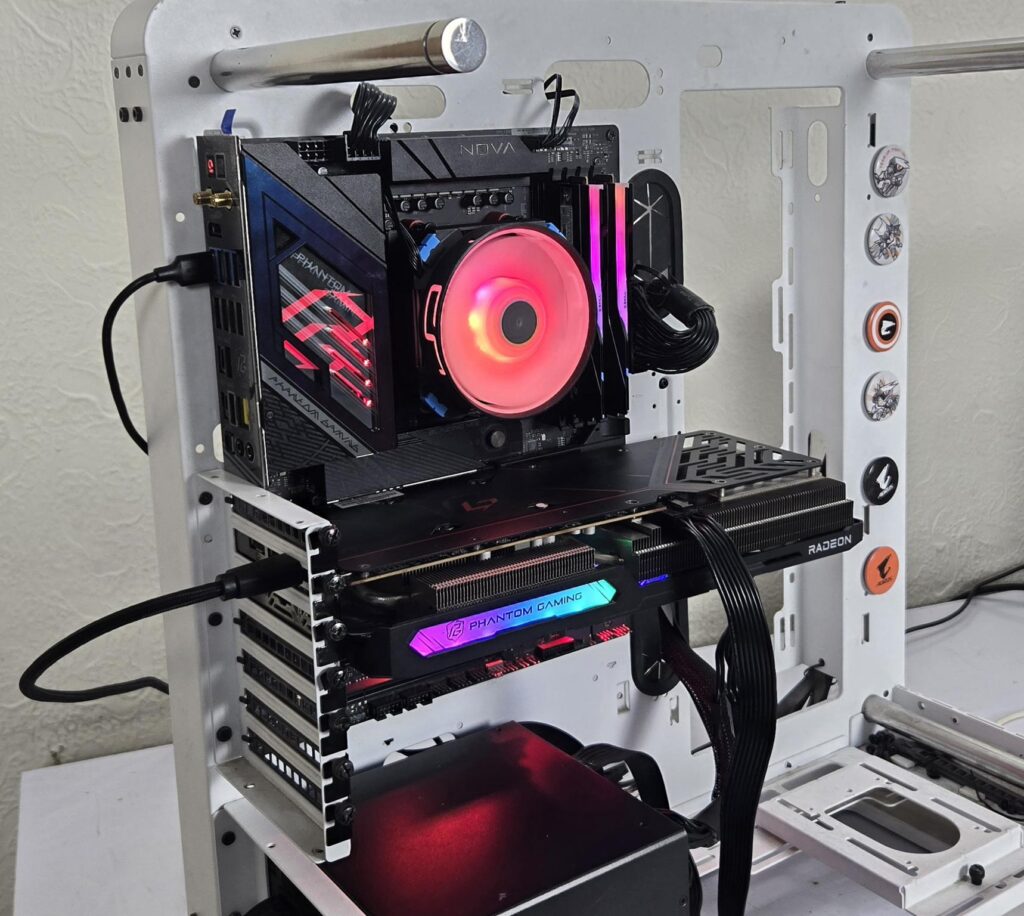
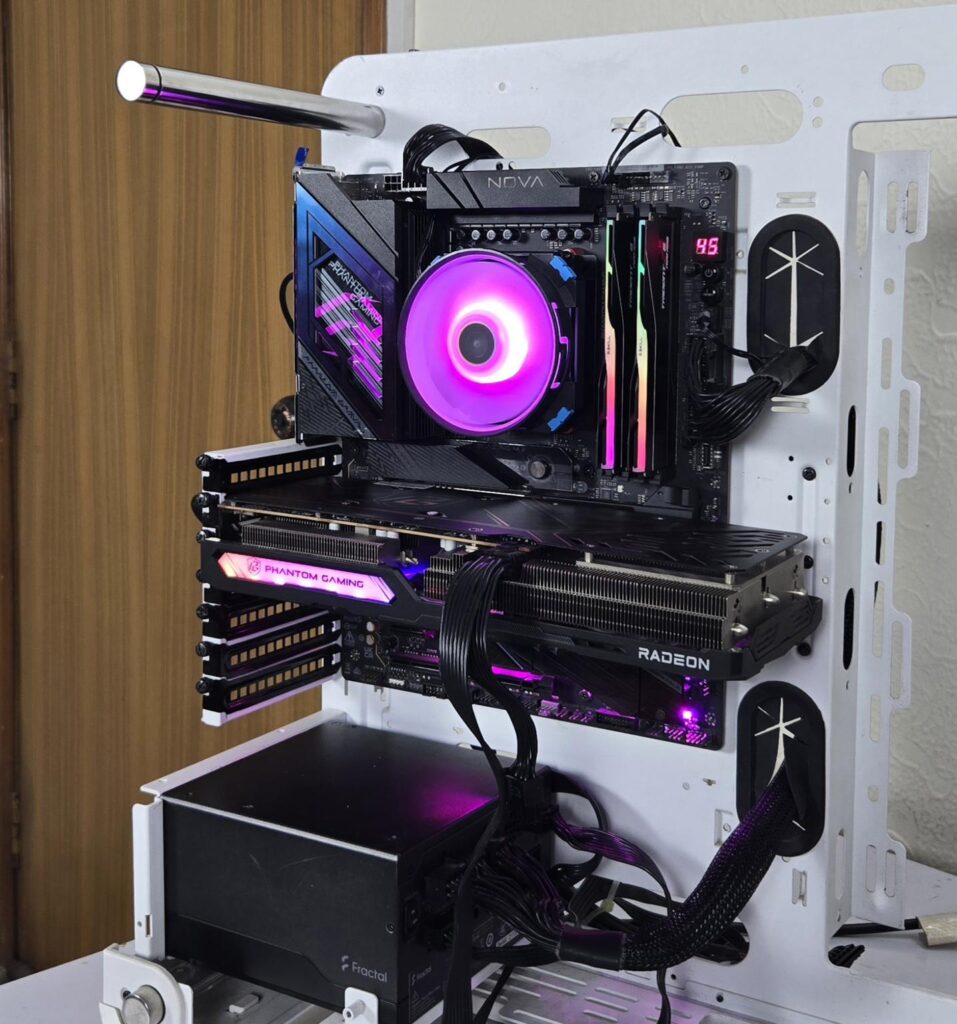
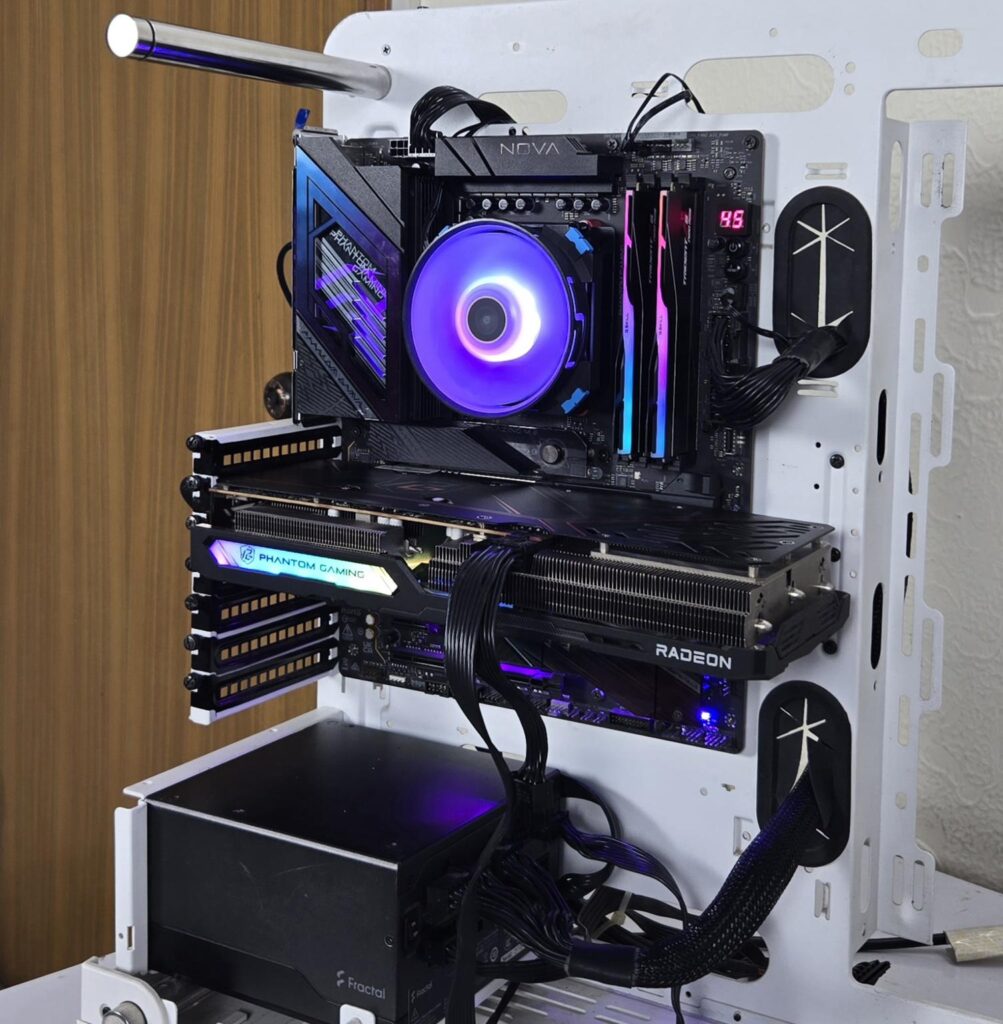
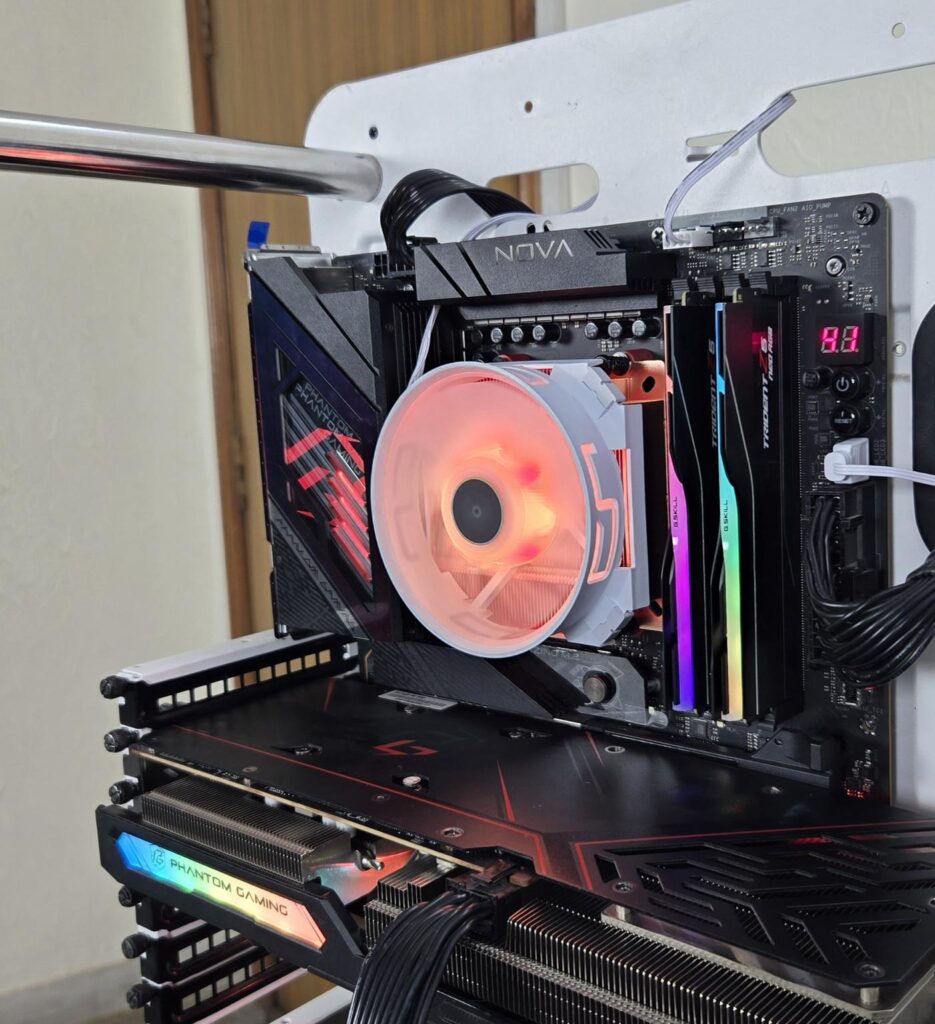
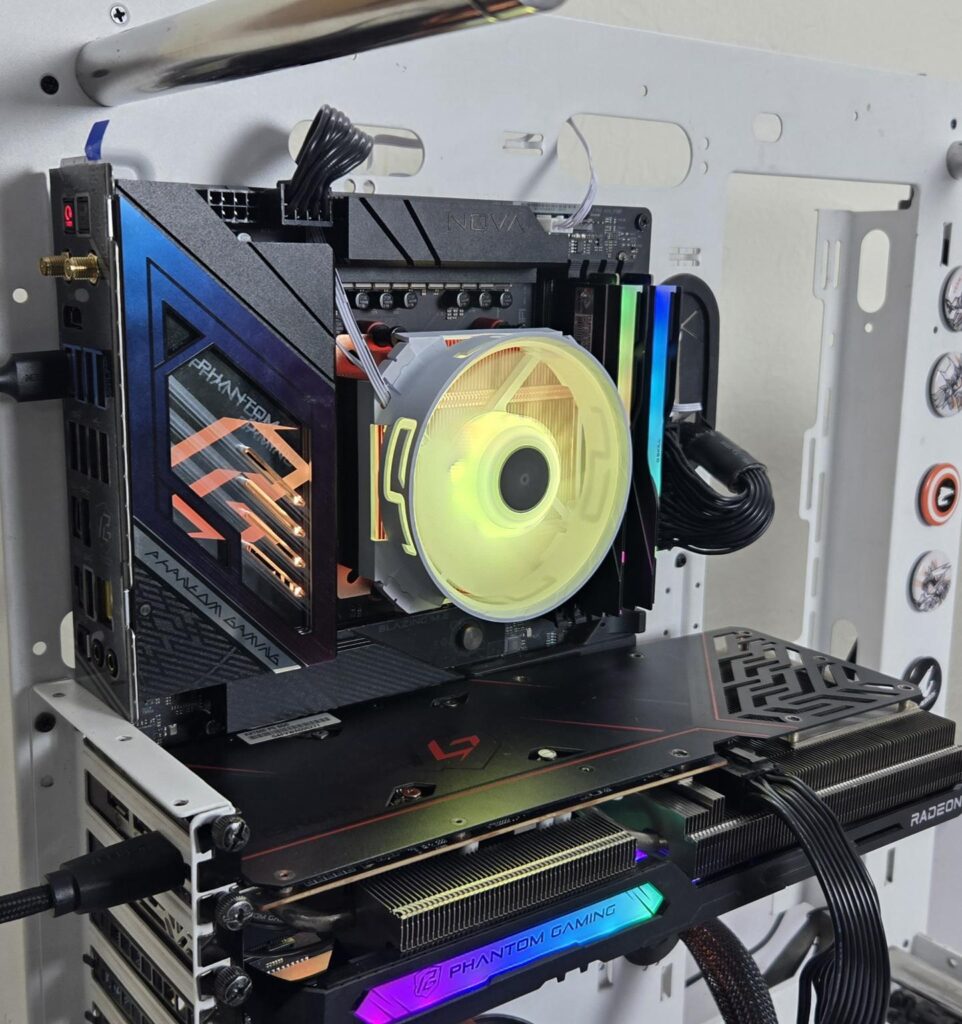
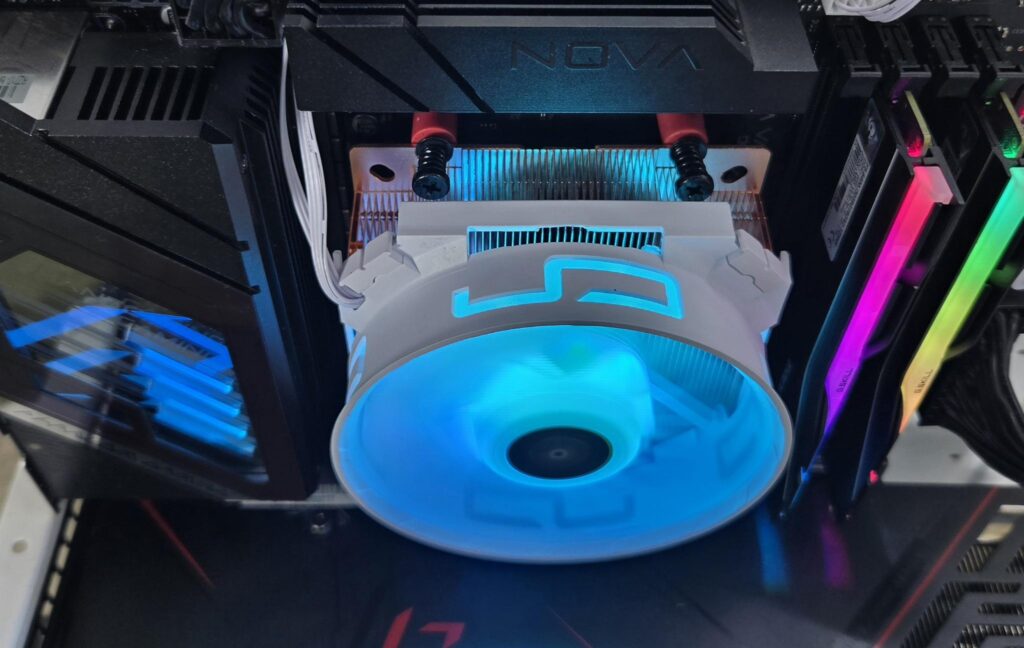
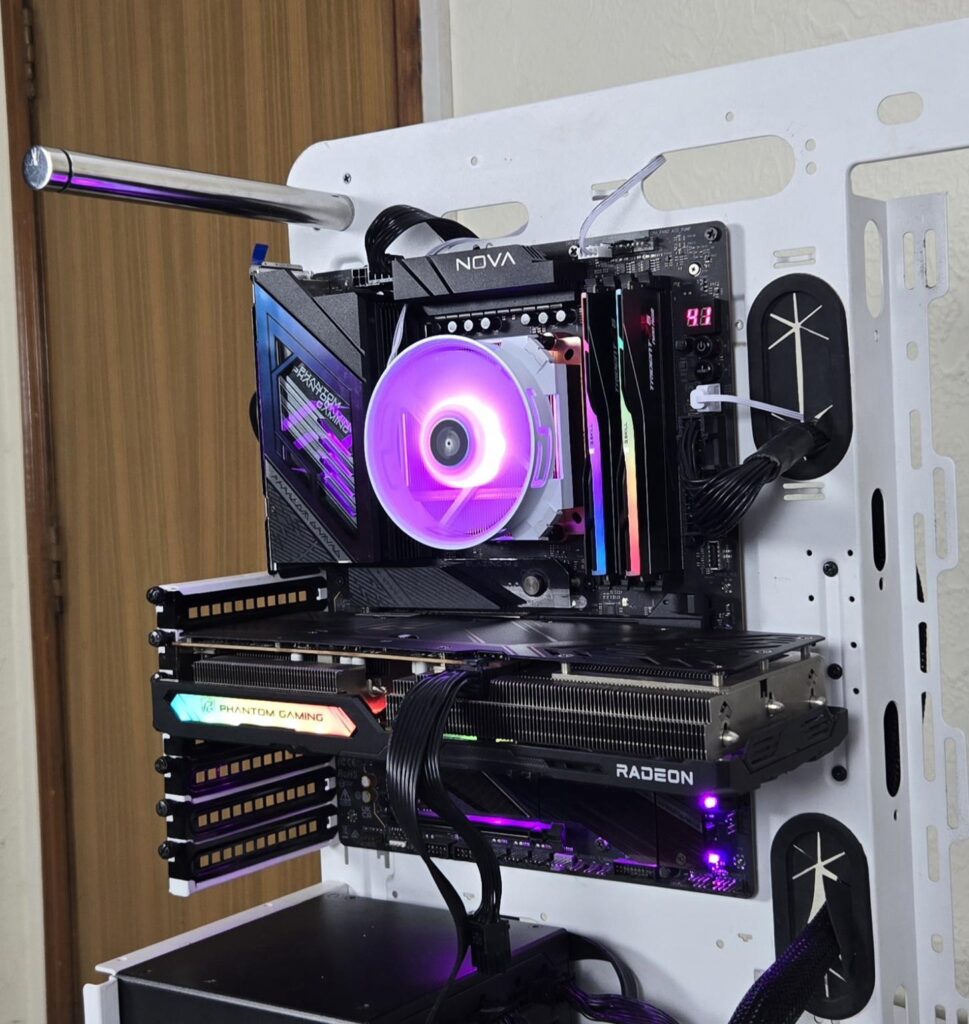
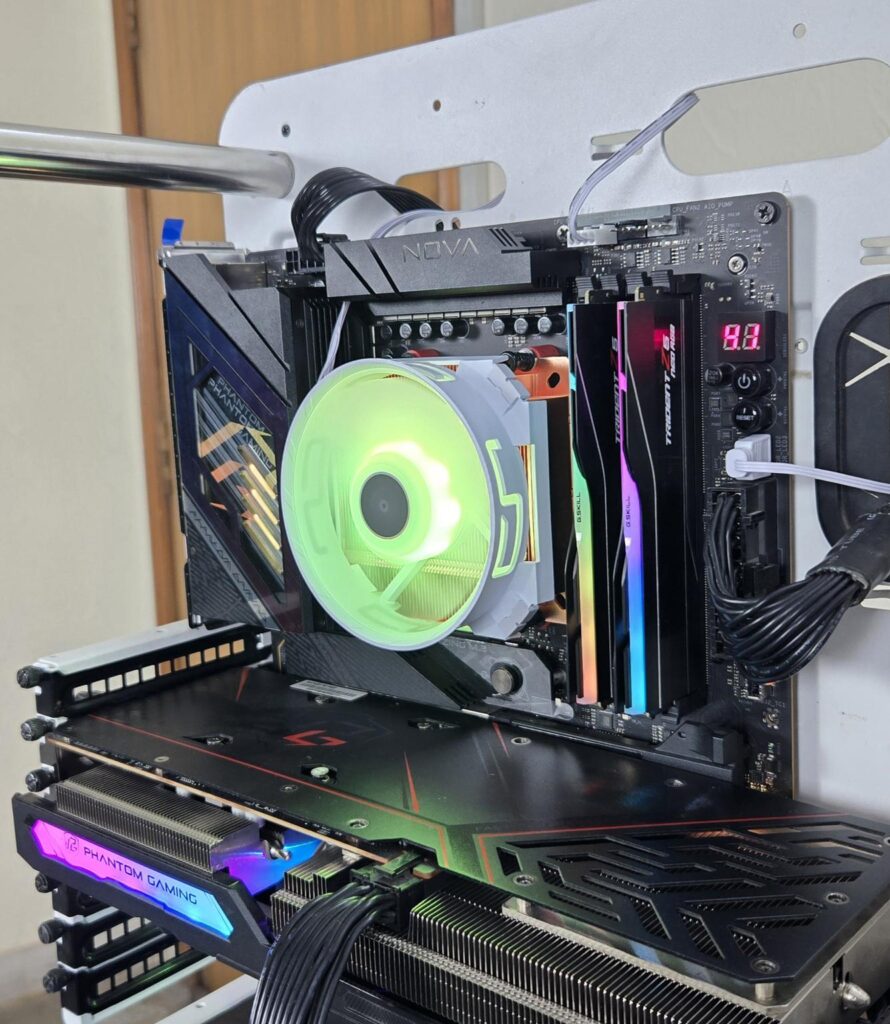
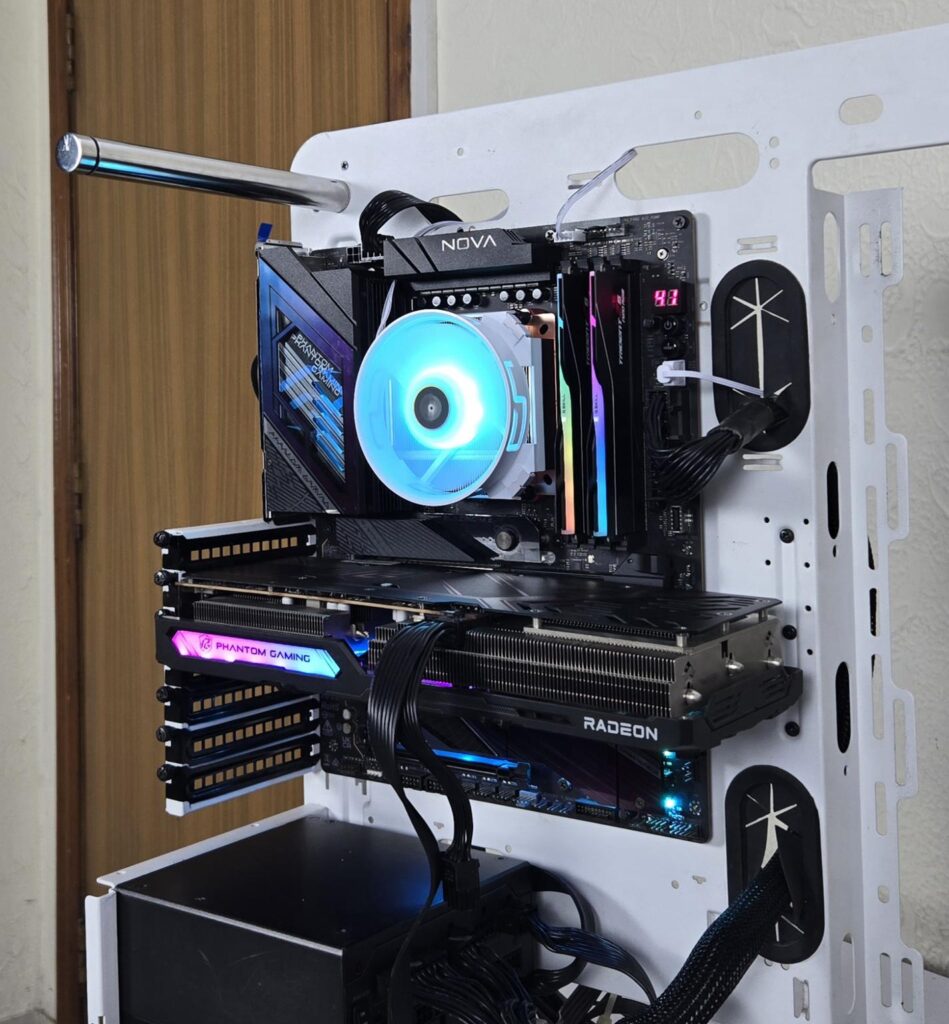
These fans use standard ARGB connectors, making them compatible with the RGB sync technology of motherboard manufacturers.
Testing
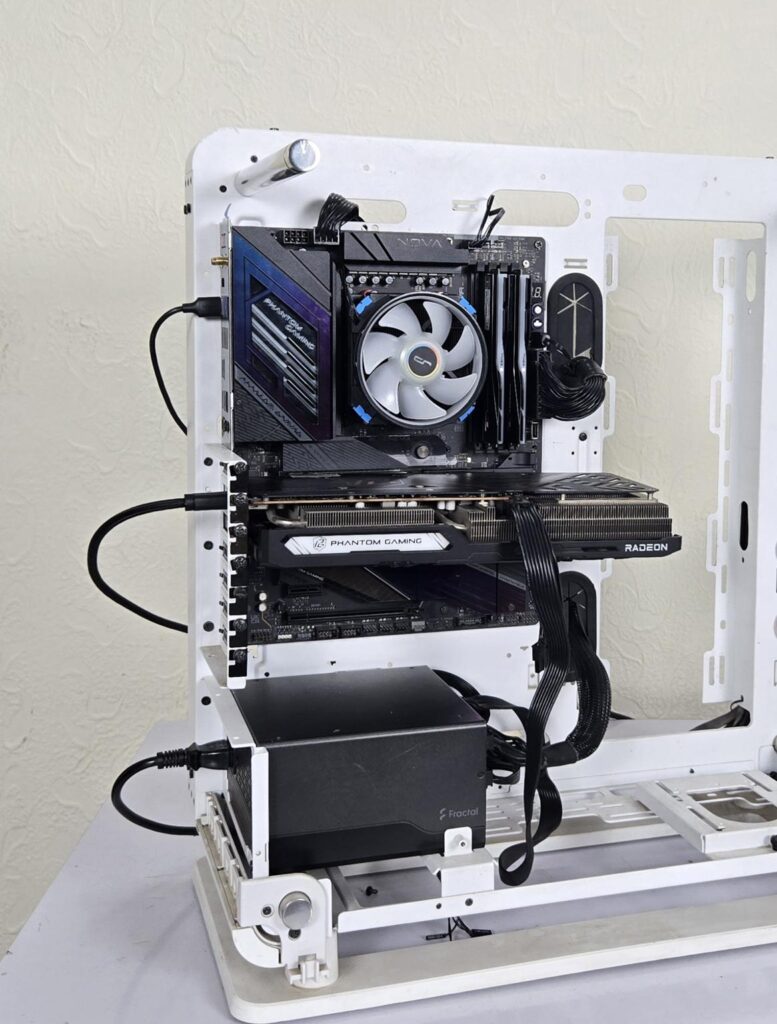
The following configuration is used for thermal testing:
- AMD Ryzen 9 9900X [155W]
- ASRock X870E NOVA WiFi
- GSkill TridentZ NEO RGB 32GB 6400MHz CL30 DDR5 kit
- ASRock Phantom Gaming RX 7600 Graphics Card for Display
- Biwin X570 Pro 4TB PCIe Gen5 NVMe SSD
- Fractal Design ION+2 860W Platinum PSU
- Thermaltake Core P6 TG Snow Edition in an open frame layout
Here is the settings table for testing:
| Settings | 155W PPT for this cooler |
| Clock (MHz) | Auto |
| Voltage (V) | Auto |
| Thermal Paste | Noctua NT-H2 |
| Thermal Paste Application | Dots Method |
| Test Run Time | 30 minutes |
| Idling Time | 10 minutes |
| Fan Speed | 100% PWM Duty Cycle |
| Stress Software | CINEBENCH R23.2 |
| Monitoring Software | HWINFO64 |
I am reporting the delta temperature in the graph because the room temperature varies from 17°C to 19°C throughout the testing time. The testing is done on an open-air bench system. Once inside the chassis, the temperatures are expected to rise and would largely depend upon the optimal airflow inside the chassis.
Result
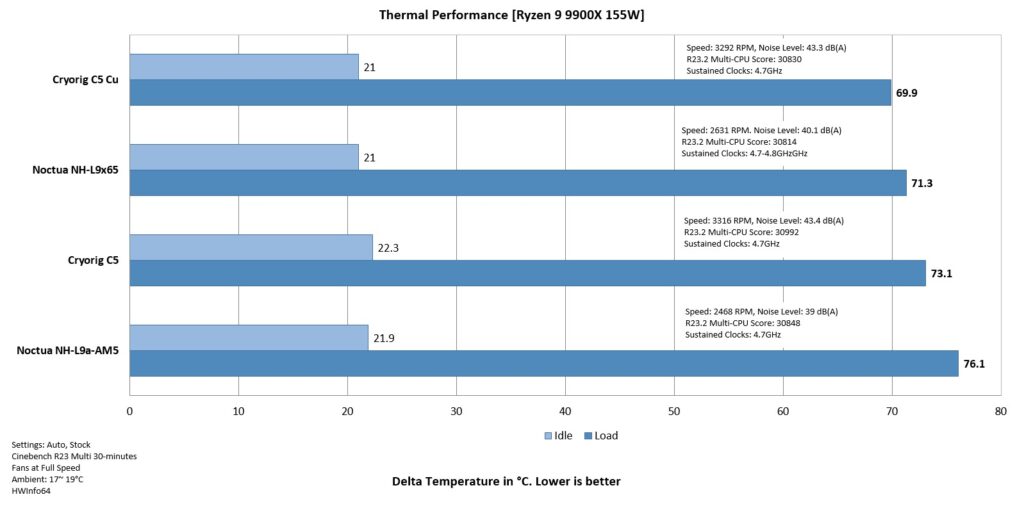
First things first, looking at the raw performance, both coolers are impressive, but C5 Cu is even better, showing the true potential of a full copper cooler with a thermal difference of whopping 3.2°C. Noctua NH-L9a-AM5 has struggled to tame the thermals at 155W load. Noctua NH-L9x65 comes in at second number lagging by 1.4°C.
However, the catch here is the sound profile and rotational speed of the fans. The superb performance from Cryorig coolers comes at the cost of high sound output compared to the impressive acoustics from Noctua coolers.
What is even more important is that Cryorig C5 Cu maintained 4.7 to 4.9GHz during the test runs, where the other coolers maintained at 4.7GHz and Noctua NH-L9a-AM5 lost it down the road.
Conclusion
So far, I have tested one liquid cooler and two tower design air coolers from Cryorig. This time, I have taken a spin on low profile design from Cyrorig. These are C5 and C5 Cu coolers. It was an opportunity for me to measure the thermal difference coming from aluminum and copper materials using the coolers with the same design element.
These coolers use a Vapor Chamber design, hence you would not see any heat pipe on these coolers. Each cooler comprises a vapor chamber base and 61 fins. The copper version has more weight and has a better TDP rating as well (180W compared to 165W on C5).
Both coolers have the same dimensions of 97x97x54.8mm with the fans. Each fan has a dimension of 96.8×96.xx31.5mm. The C5 cooler has a weight of 256gm whereas the C5 Cu has a weight of 428 g. I love the idea of putting a white fan over the copper cooler, giving one heck of an outlook. I wish they had done the screws in white or silver. These coolers are compatible with Intel LGA115x/1200/1700/1851 and AMD AM4/AM5 sockets.
The overall installation of this cooler on AMD AM5 is simple and requires 8 items for the mounting kit. There is no clearance issue either on this cooler, though I did not use the coolers onthe ITX motherboard, but given the dimensions, these coolers would not pose any issue, in my opinion.
The C5 cooler has an MSRP of USD 54, whereas the C5 CU has an MSRP of USD 64. Both coolers have a 3-year warranty from the manufacturer. Speaking of thermal performance, I tested these coolers on AMD Ryzen 9 9900X at 155W PPT. Cryorig coolers pack a solid performance, particularly the C5 C,u which shows the true potential of Copper against aluminum. However, I don’t have any other Vapor Chamber cooler in this form factor, hence I have tested these against the Noctua coolers in the same price bracket, more or less. The only caveat on Cryorig coolers is elevated sound output. The ARGB lighting is also to the point.
Pros
- Thermal Performance
- Vapor Chamber Design
- ARGB Lighting
- Clearance
- AMD AM5 Support
- Intel LGA1851 Support
- Price
- Warranty
- Installation
Cons:
- Noise
- Fan housing could be better