












GameMax IceBurg 360 Digital WH review – Brilliant design, powerful cooling
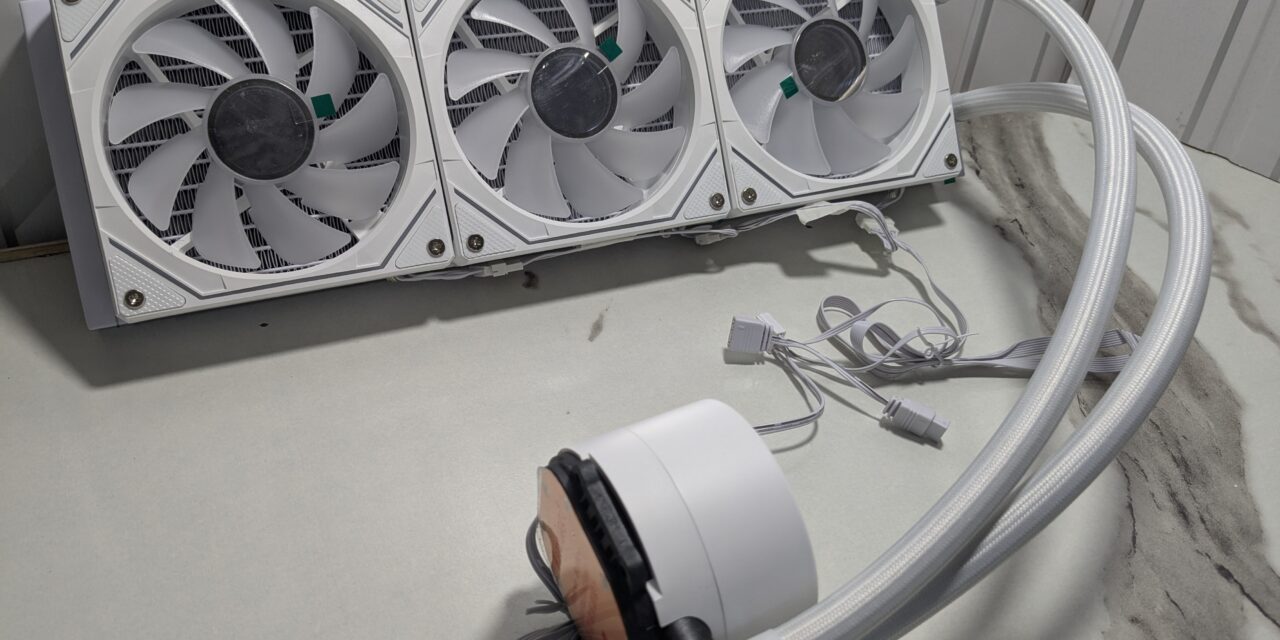
Cooling is a key part of any PC build. If your CPU gets too hot, your system won’t run at its best. But these days, coolers do more than just control heat—they also add to the look of your setup. The GameMax IceBurg 360 Digital WH does both. It keeps the CPU cool and looks great in any white-themed build.
I received this cooler along with one of GameMax’s newly launched PC case Leader 2. It was the perfect chance to test them together. For this review, I used the Intel Core i7-12700K, a powerful CPU that gets hot under load. Here’s my full experience with the cooler.
Unboxing
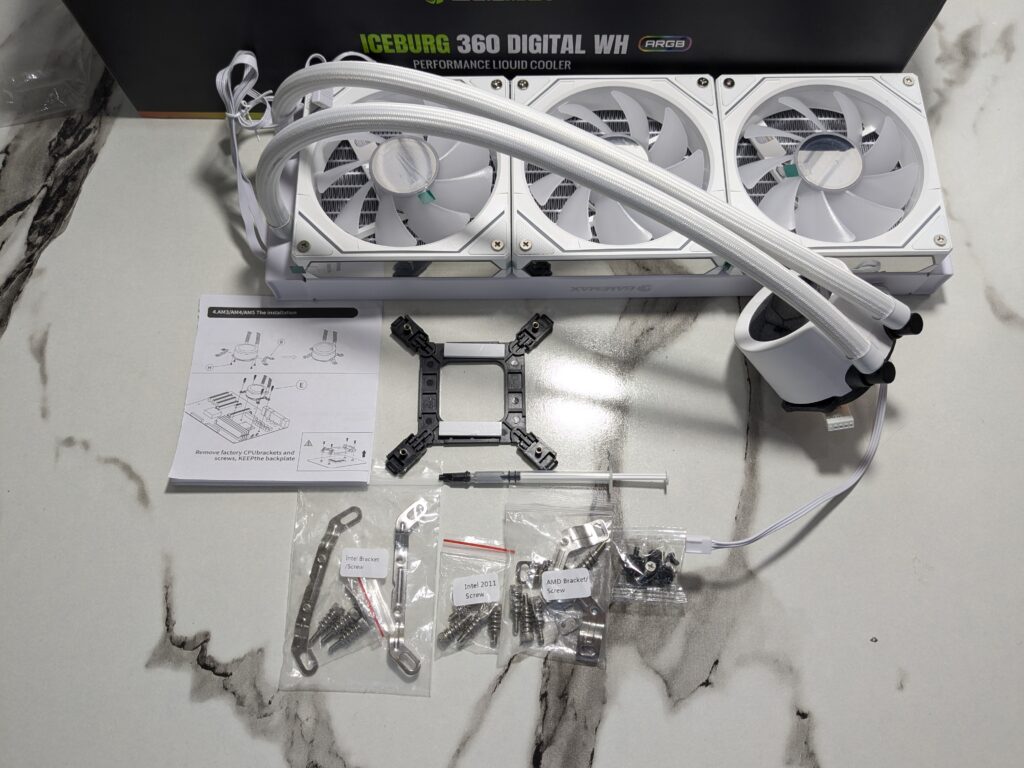
The GameMax IceBurg 360 Digital WH arrives in a black and green cardboard box. Inside, all the parts are packed safely in separate sections, making everything easy to find.
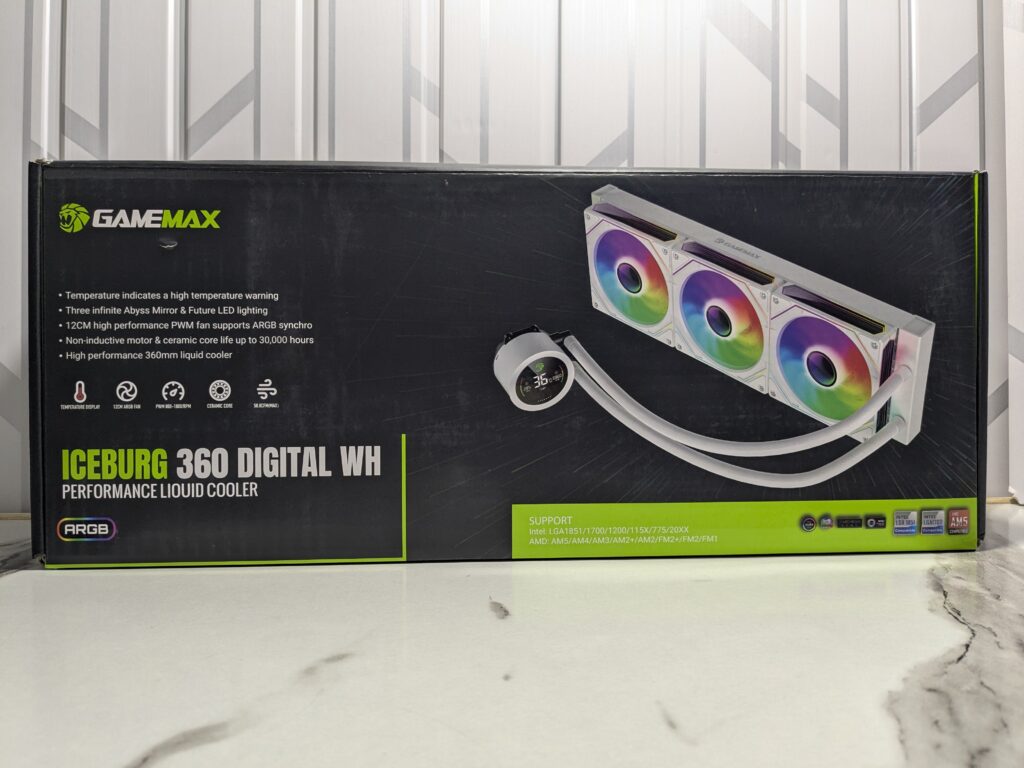
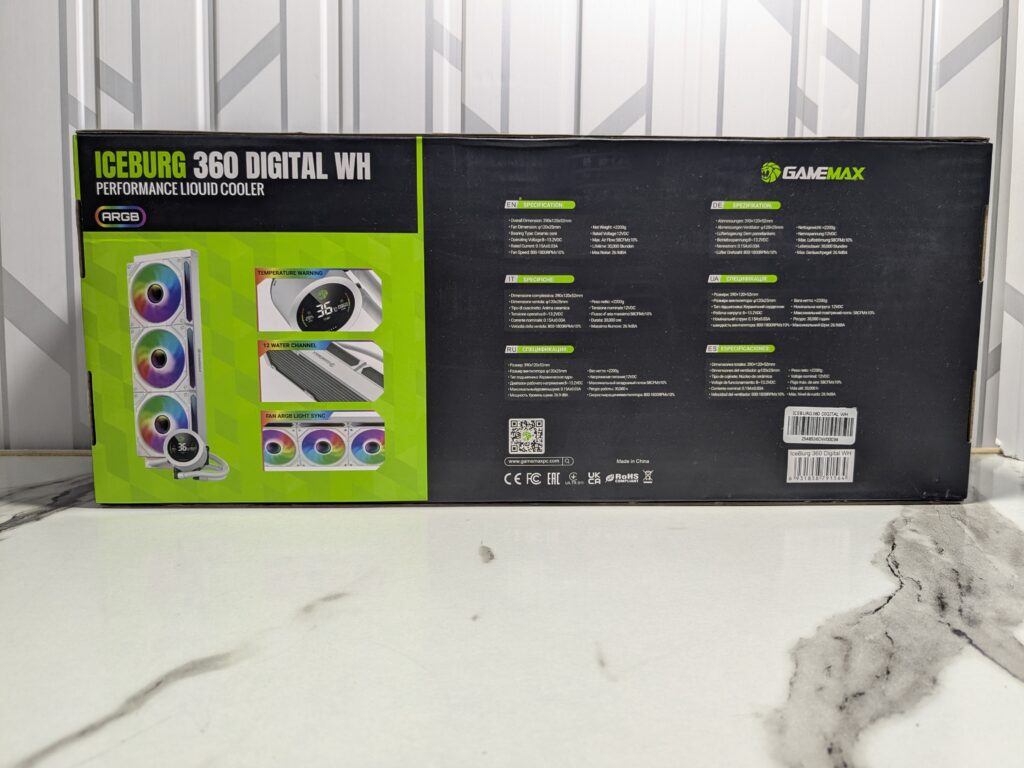
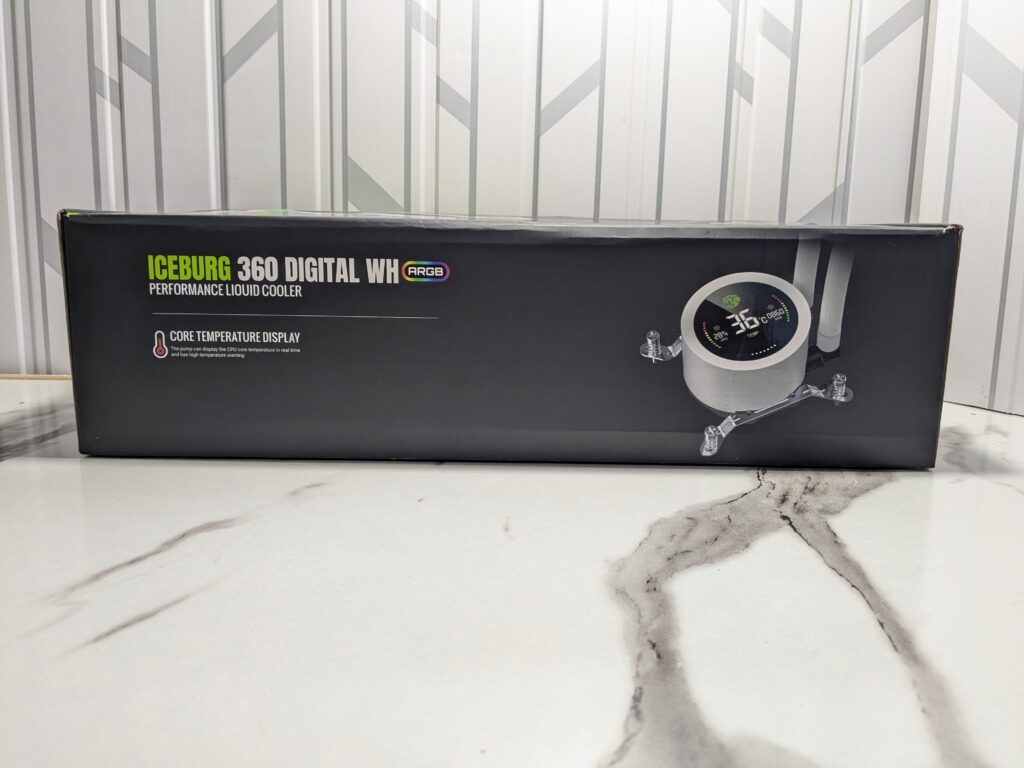
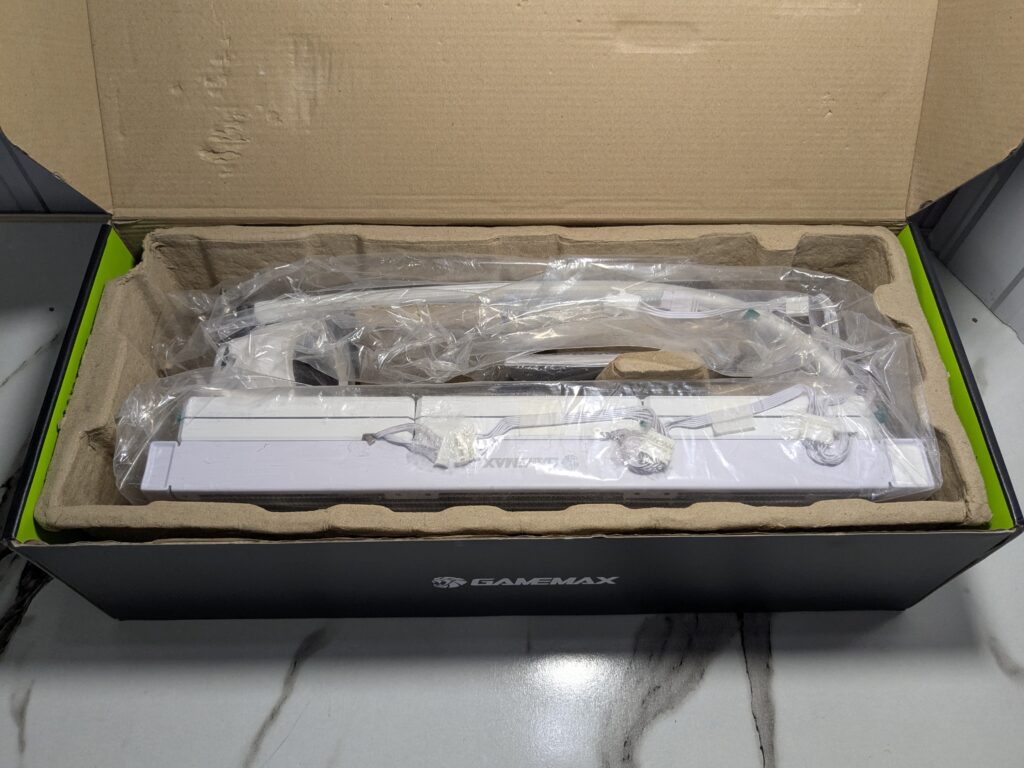
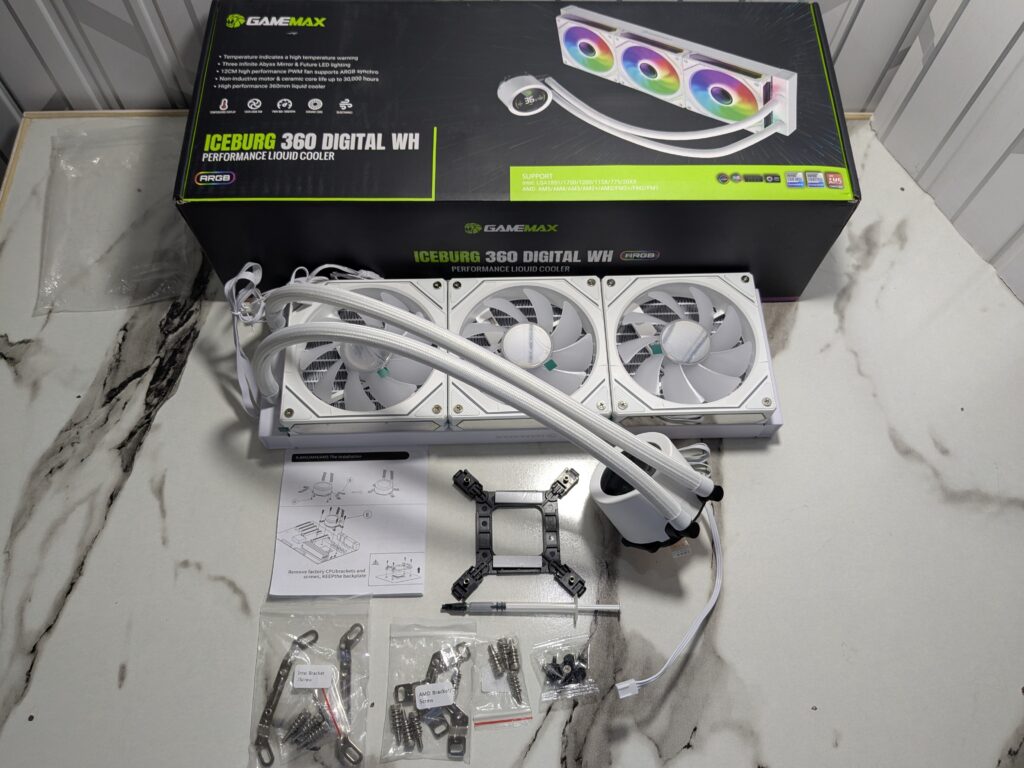
Here’s what you get inside:
- 1x 360mm AIO cooler with fans pre-installed
- 3x 120mm ARGB fans (already mounted)
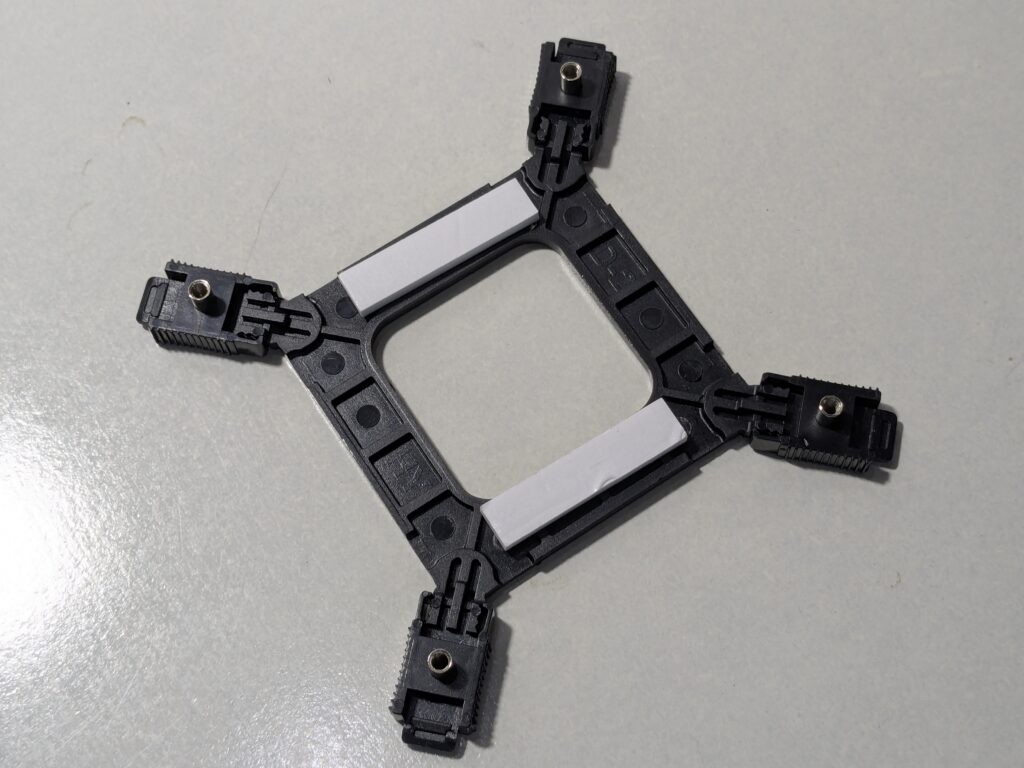
- 1x Intel backplate
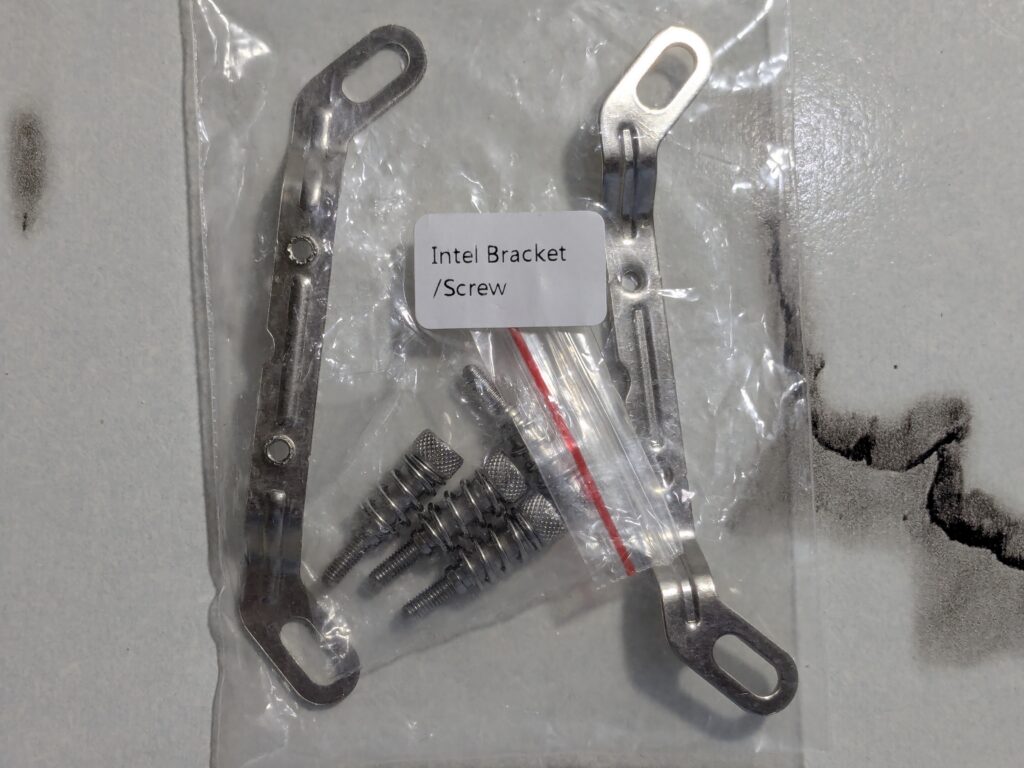
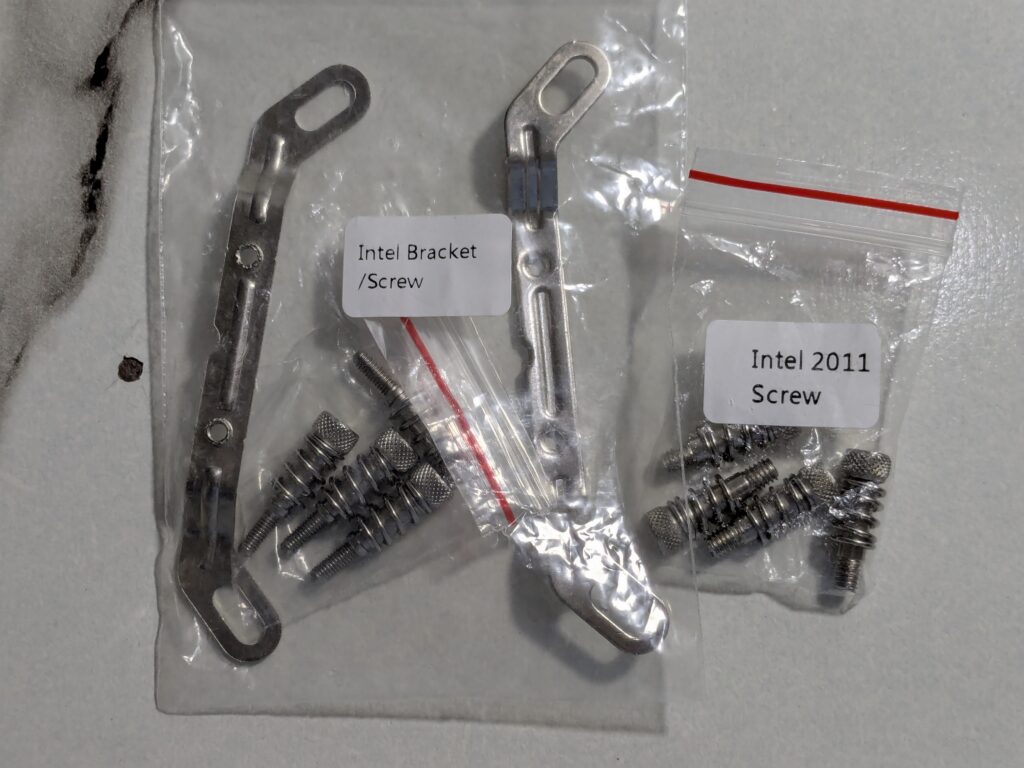
- 2x Intel brackets
- 2x AMD brackets
- 4x Screws for brackets
- 4x Spring-loaded screws for AMD
- 4x Spring-loaded screws for Intel LGA20xx
- 4x Spring-loaded screws for other Intel sockets
- 12x Screws for radiator
- 1x Thermal paste syringe
- 1x User manual
Everything is well-protected and clearly labelled.

Pricing
The GAMEMAX IceBurg 360 Digital WH comes in both white and black versions. On Newegg, the black version is listed at $97.99, while the sleek white version goes for $95.99. [Click here to buy]
GAMEMAX IceBurg 360 Digital WH Specifications
| Category | Details |
|---|---|
| Brand | GAMEMAX |
| Model | IceBurg 360 Digital BK |
| Type | Liquid Cooling System |
| Block Compatibility | AMD: AM2, AM2+, AM3, AM3+, AM4, AM5, FM1, FM2, FM2+ Intel: LGA 1150, 1151, 1155, 1156, 1700, 2011 |
| Block Material | 12 Radiator tubes (16mm width) |
| Pump Speed | 2400 RPM ±10% |
| Pump Dimensions | 66 x 45mm (Round) |
| Pump Bearing | Ceramic core |
| Pump Noise | 26.9 dBA |
| Radiator Size | 385 x 120 x 52 mm |
| Radiator Material | Aluminum |
| Fan Size | 3 x 120mm fans |
| Fan Dimensions | 120 x 120 x 25 mm |
| Fan RPM | 800–1800 RPM ±10% |
| Fan Airflow | 58.8 CFM ±10% |
| Fan Noise | Up to 36.9 dBA |
| Fan Connector | 3-Pin |
| Cooler Color | Black |
| LED Lighting | ARGB |
A closer look
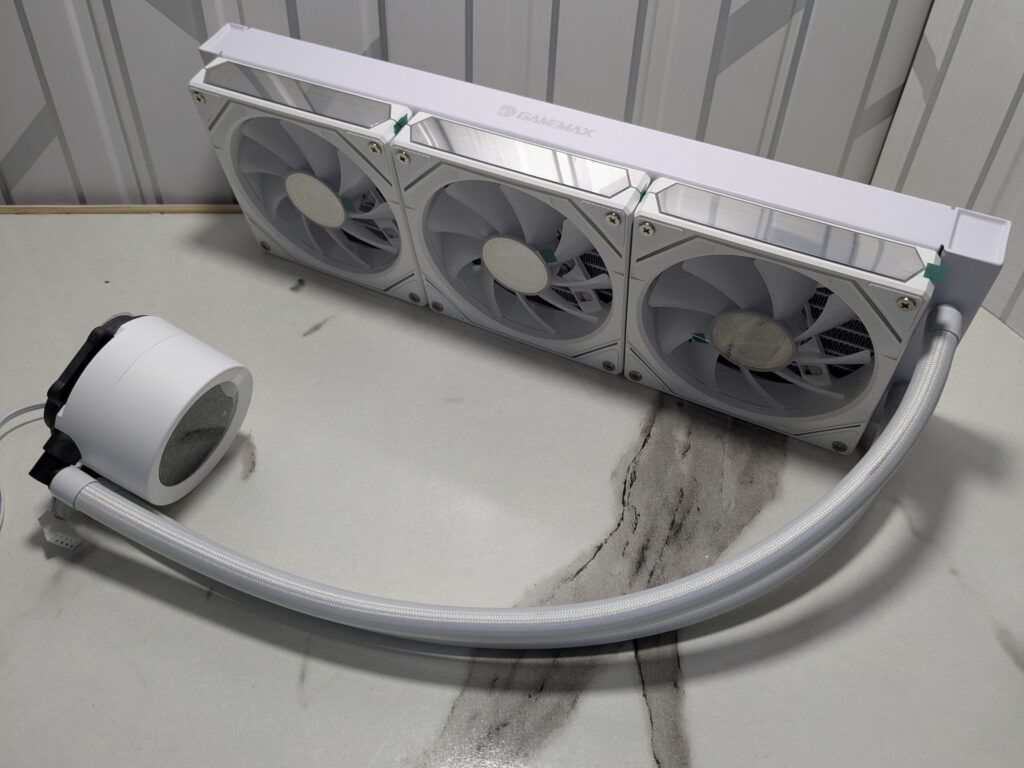
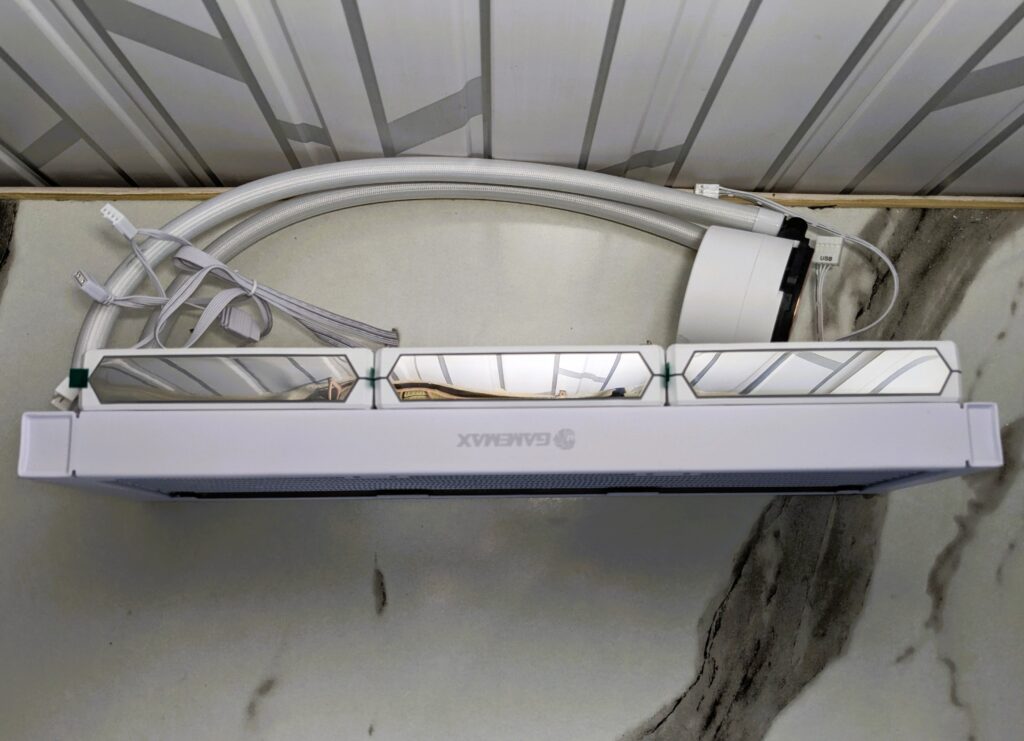
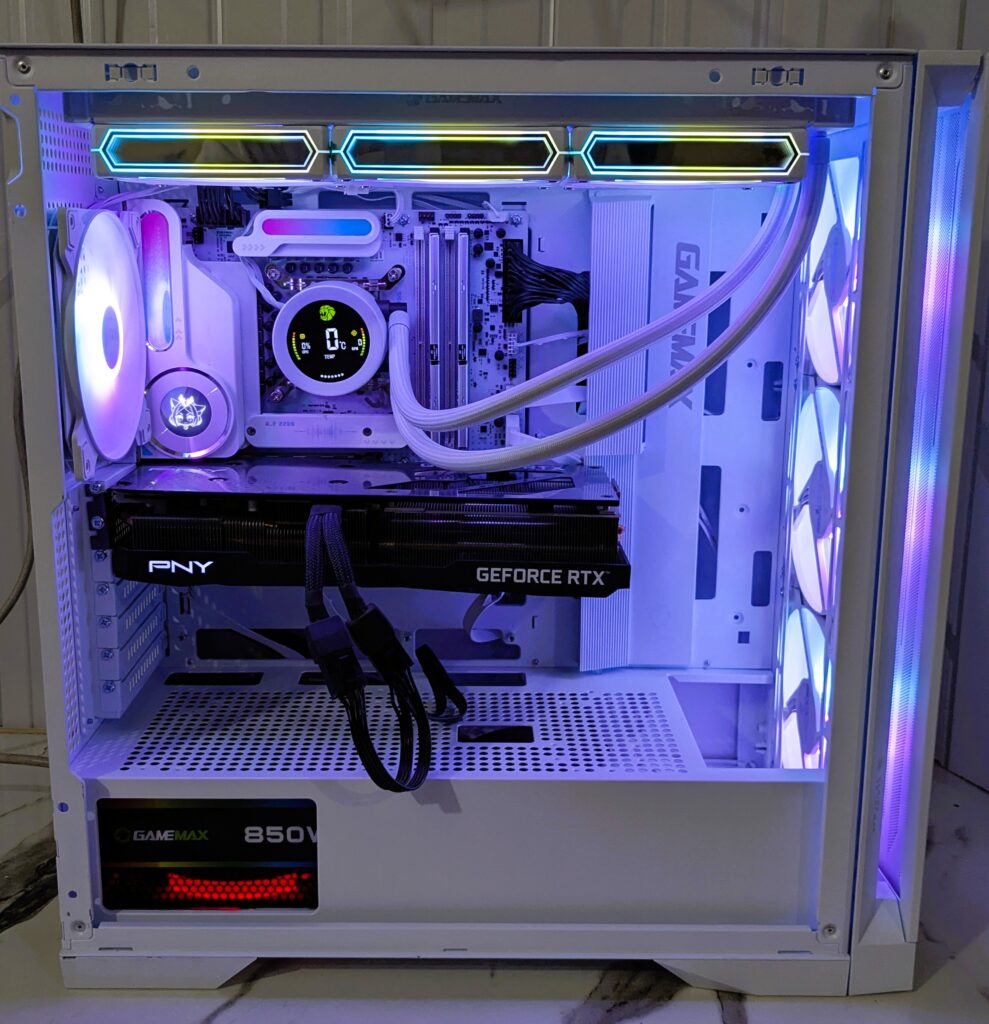
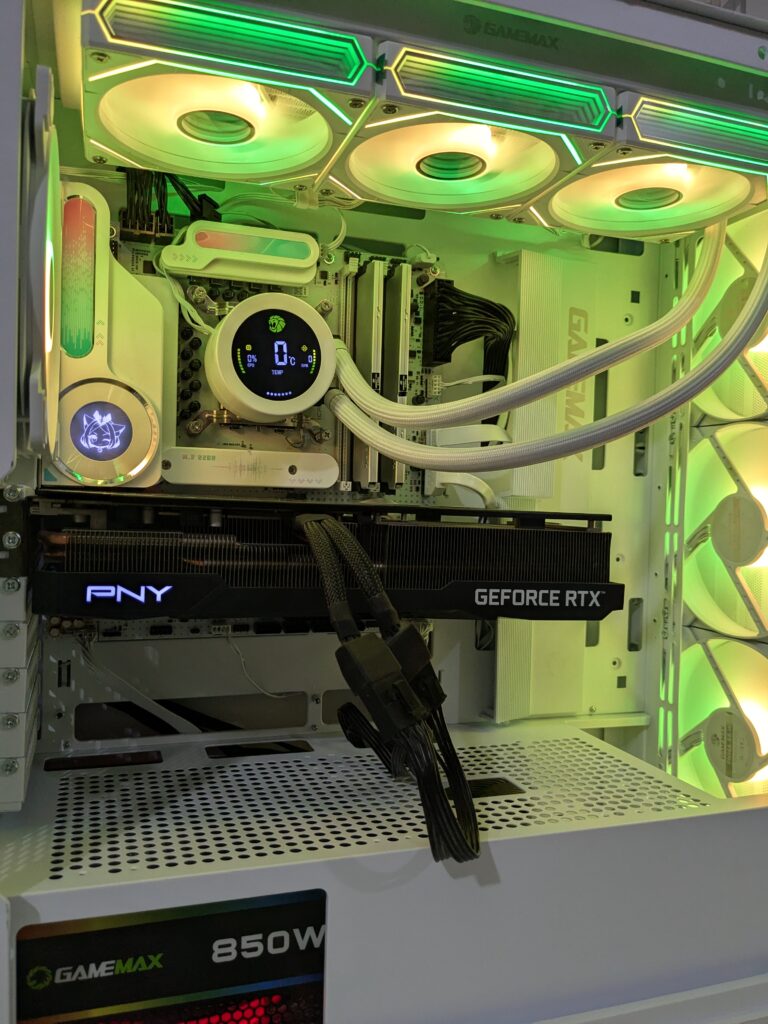
If you’re into white builds, this cooler is a great pick. The radiator, fans, tubing, pump, and even the wires are all matching in white. It really gives a premium, clean look once it’s inside your case.
Radiator
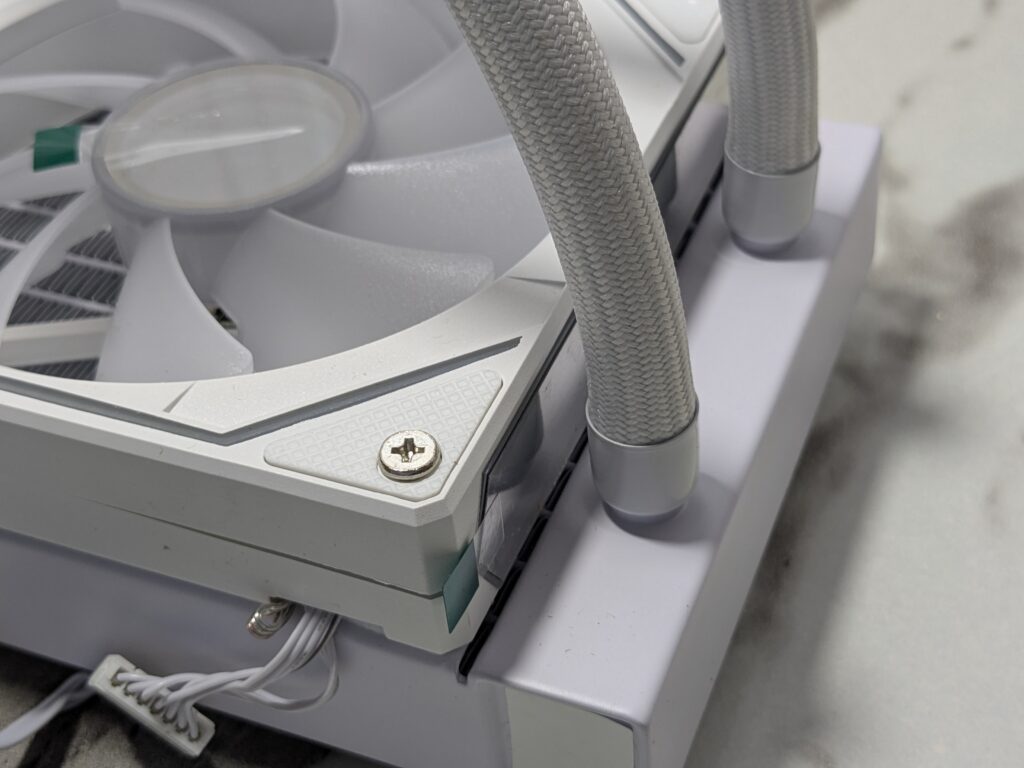
The radiator measures 385 x 120 x 52mm and is made from aluminium. It’s solid and has good weight. There’s GameMax branding on the side, which looks neat.
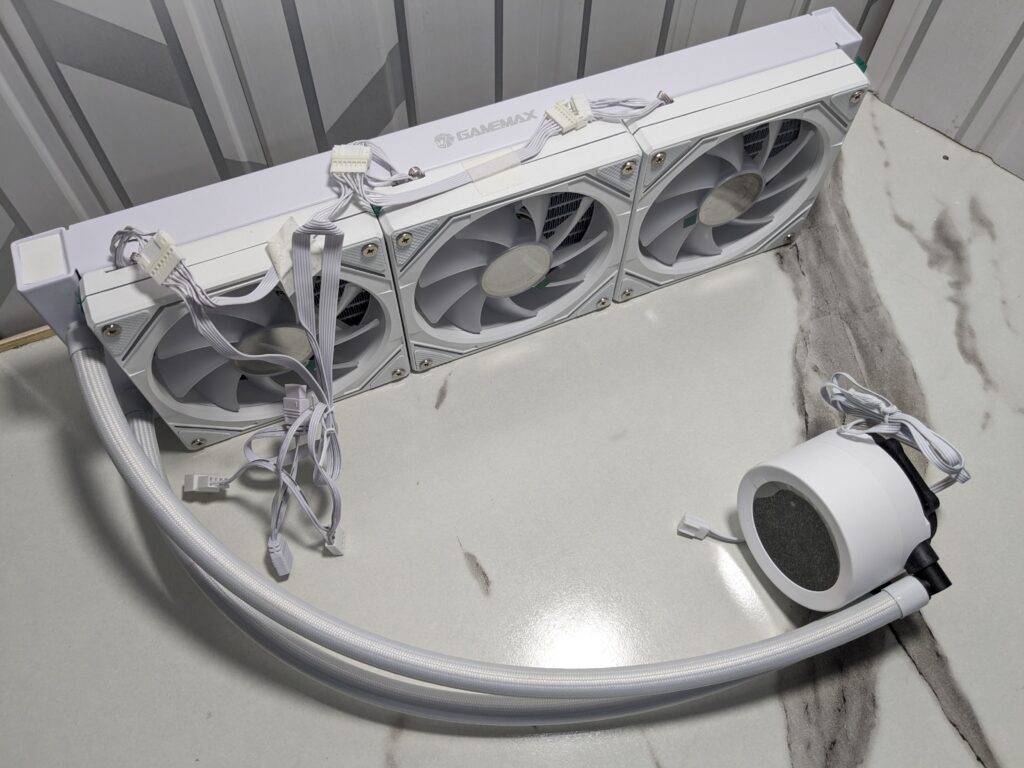
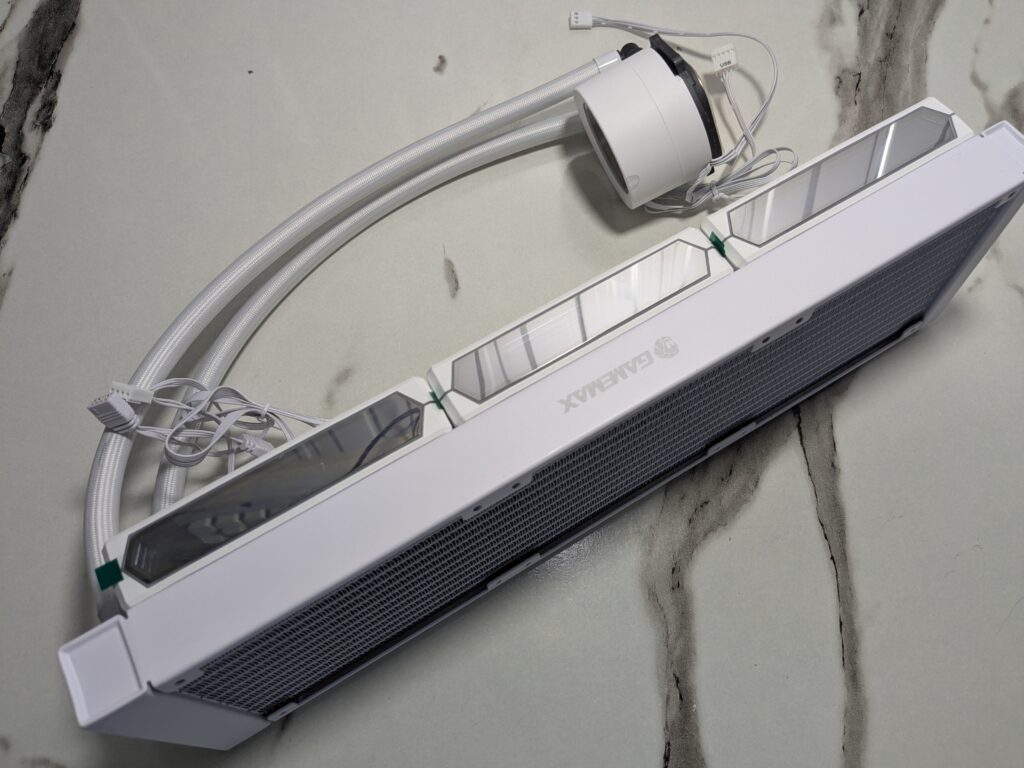
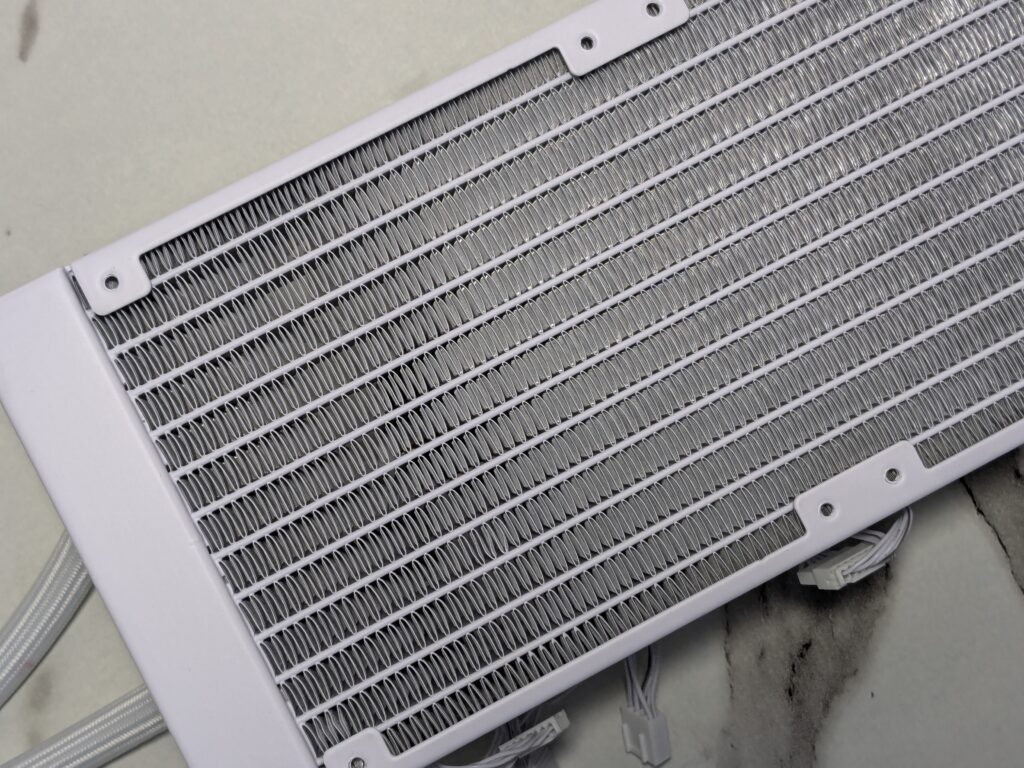
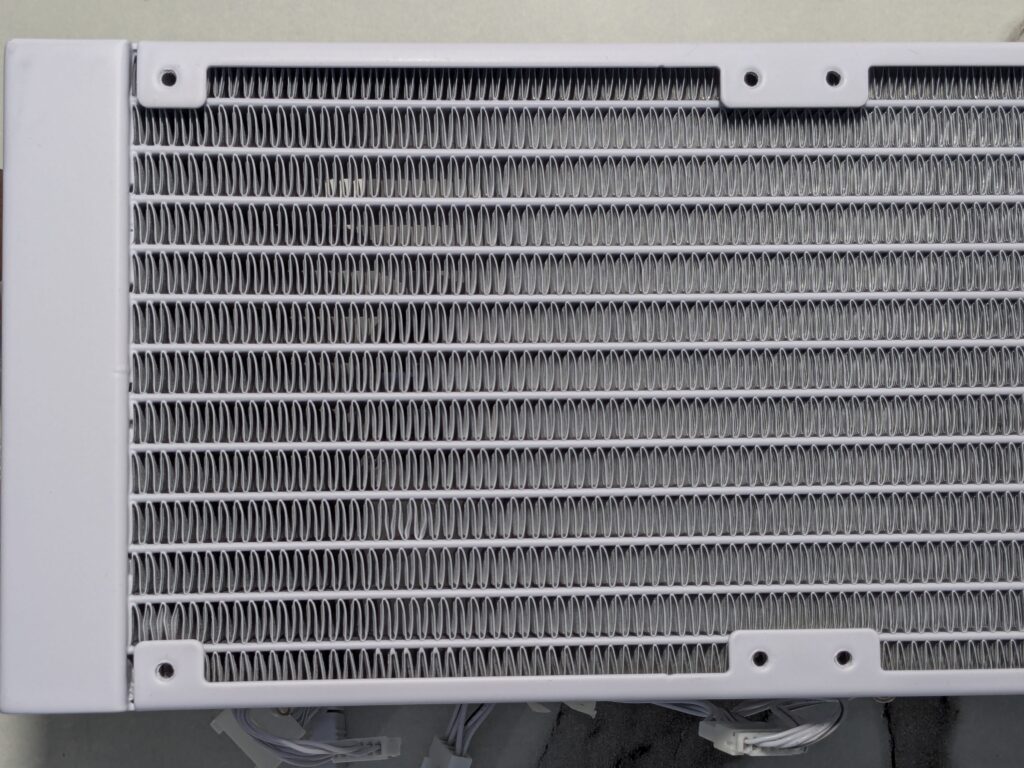
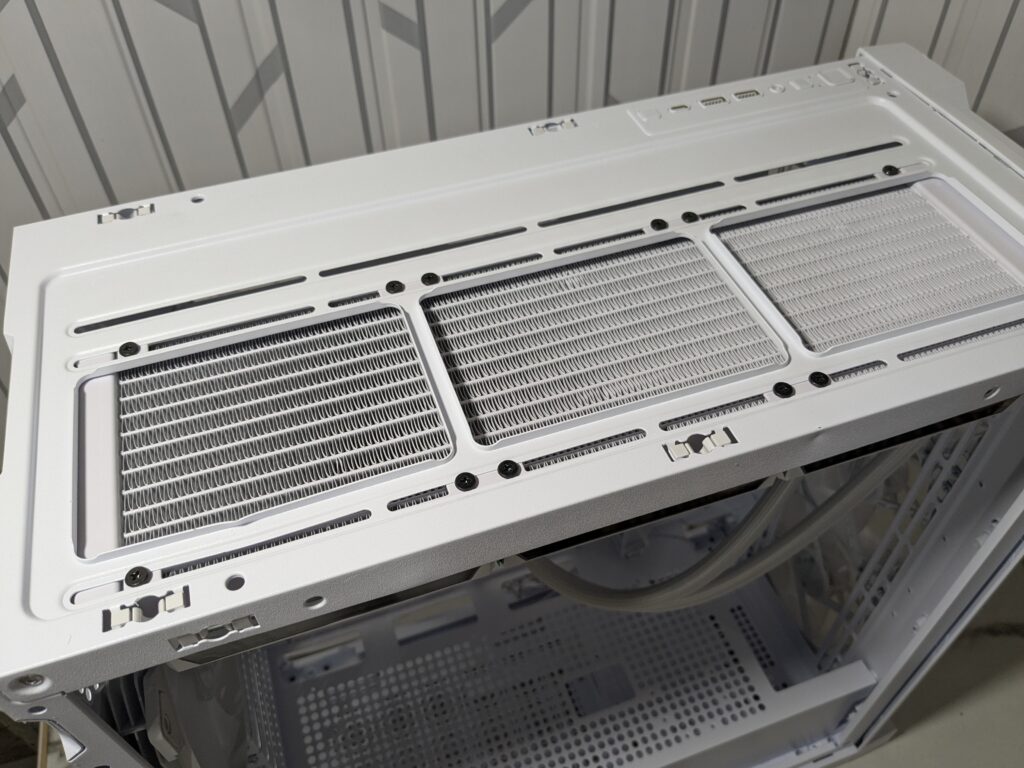
The radiator uses 12 coolant channels and has 20 FPI (fins per inch), which helps with better heat transfer. Its size is large, so you’ll need to make sure your case supports a 360mm radiator. Most modern mid-tower and full-tower cases do, including the Leader 2 from GAMEMAX, which I used for this build.
The tubing is 400mm long with white nylon braiding, offering both flexibility and a strong feel. The fittings at the end are tight and well-sealed, so no worries about leaks.
Pump and digital screen
The round pump block is made of ABS plastic, and on top, there’s a bright digital screen. This display shows real-time CPU temperature, fan speed (in RPM), and CPU usage. It also alerts you if temps go too high.
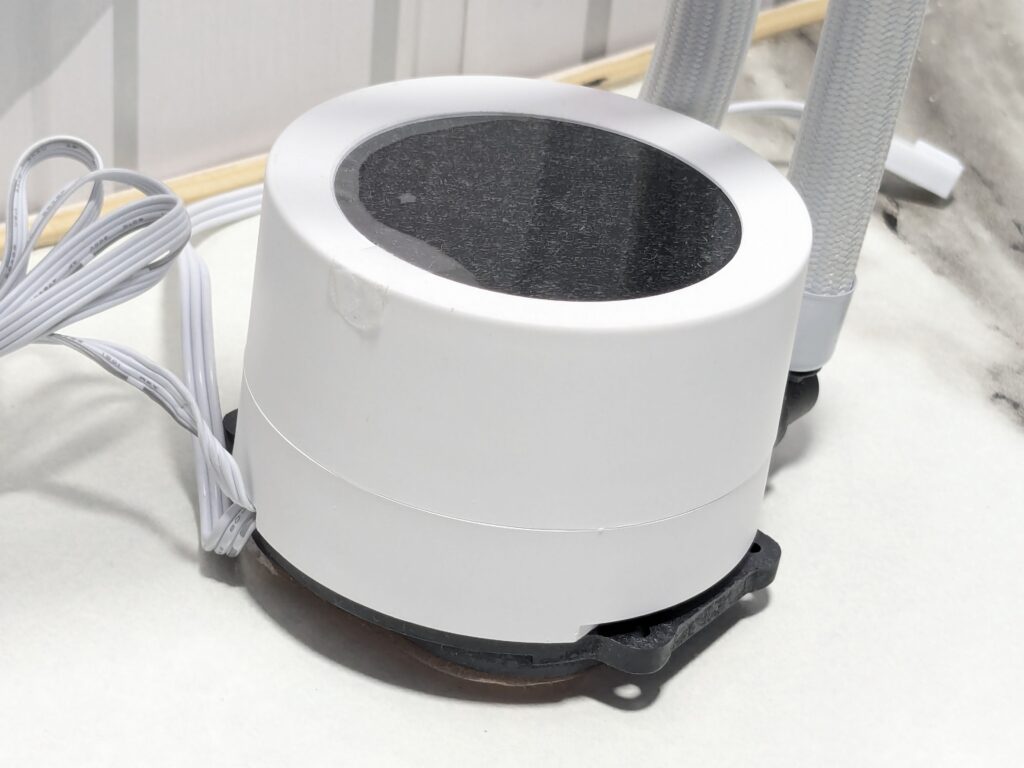
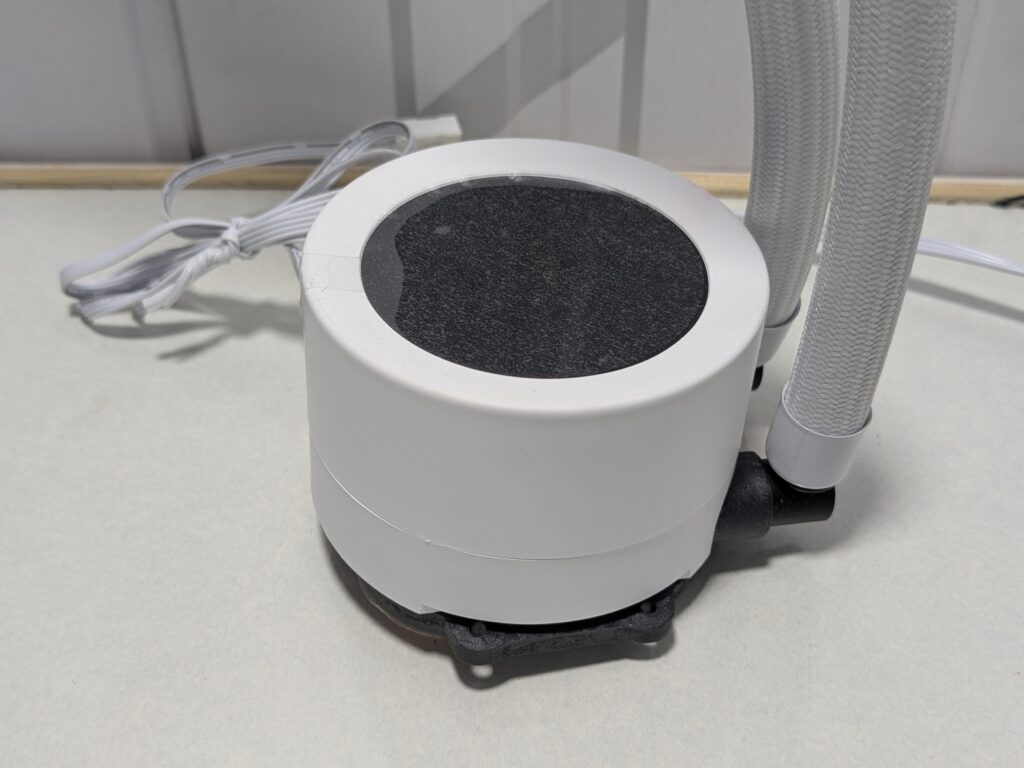
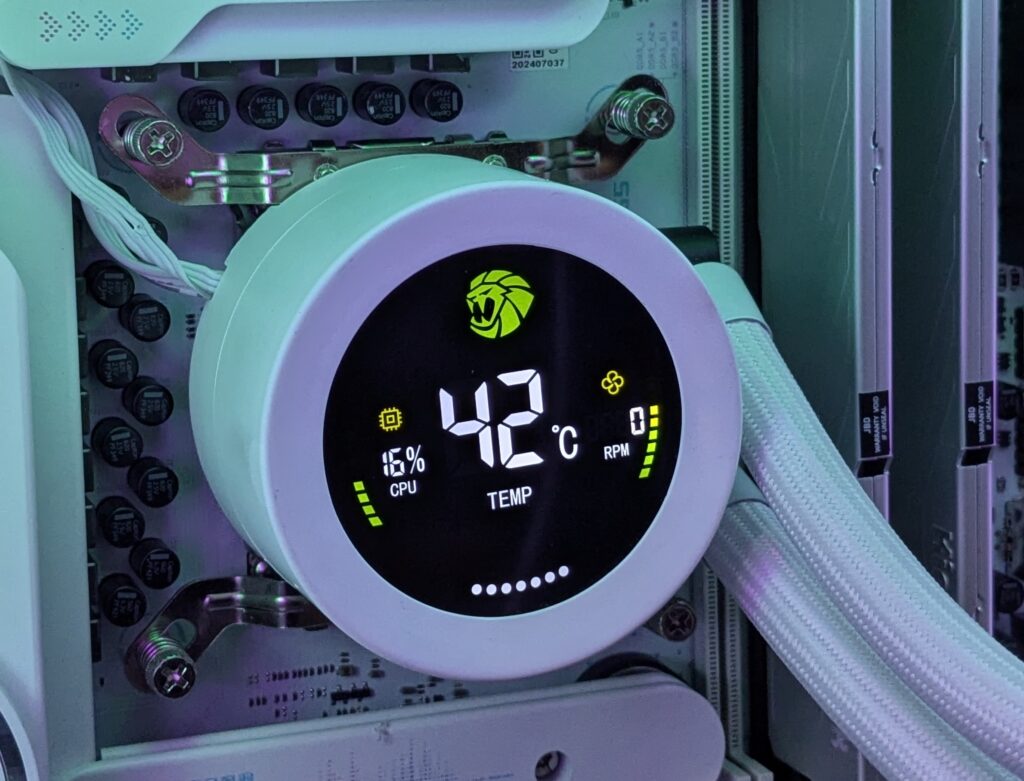
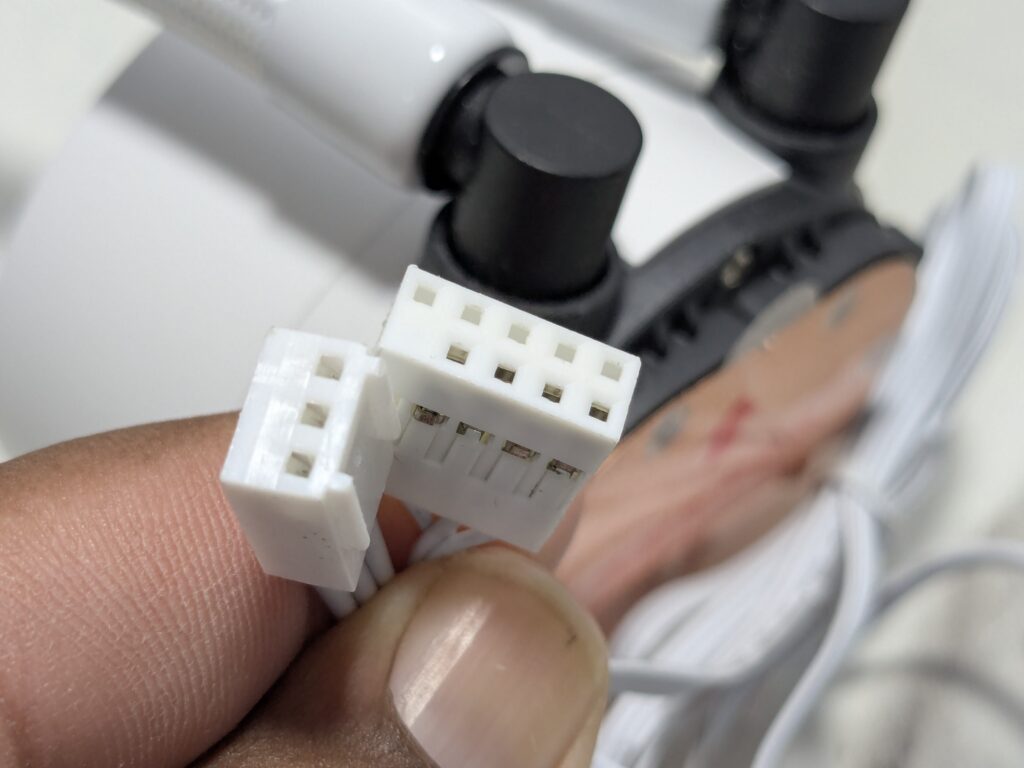
The pump runs at around 2400 RPM and stays fairly quiet, producing just under 27 dBA of noise. It uses a ceramic bearing and is rated to last up to 40,000 hours. It connects using a standard 3-pin cable and a USB header for screen functions.
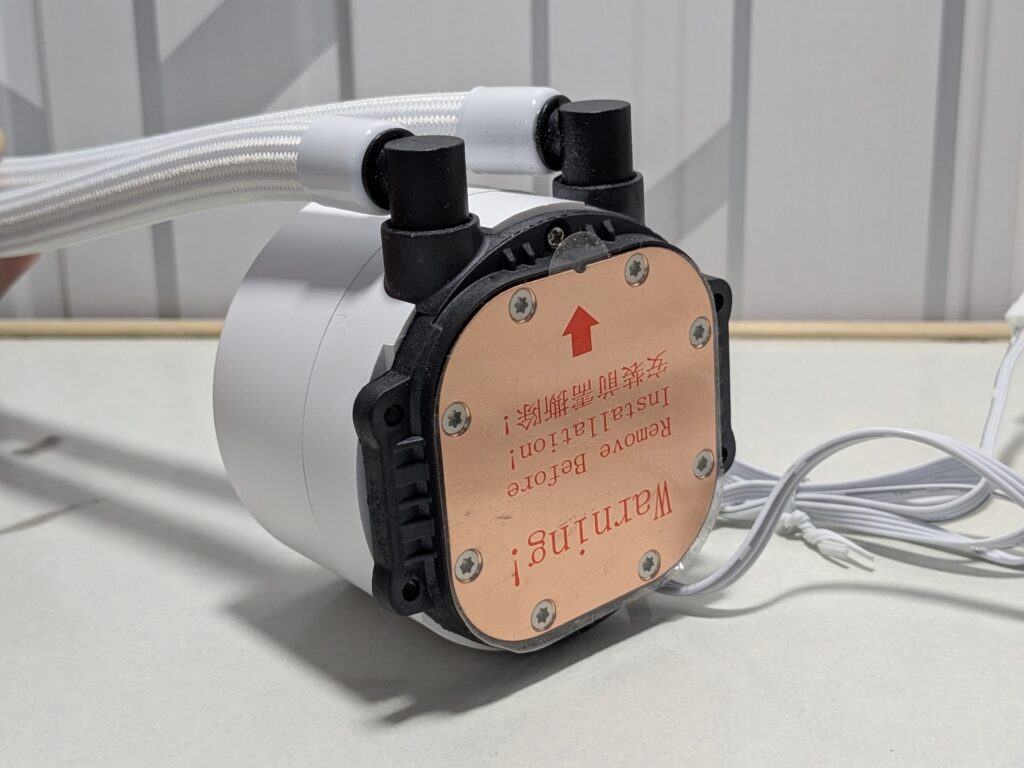
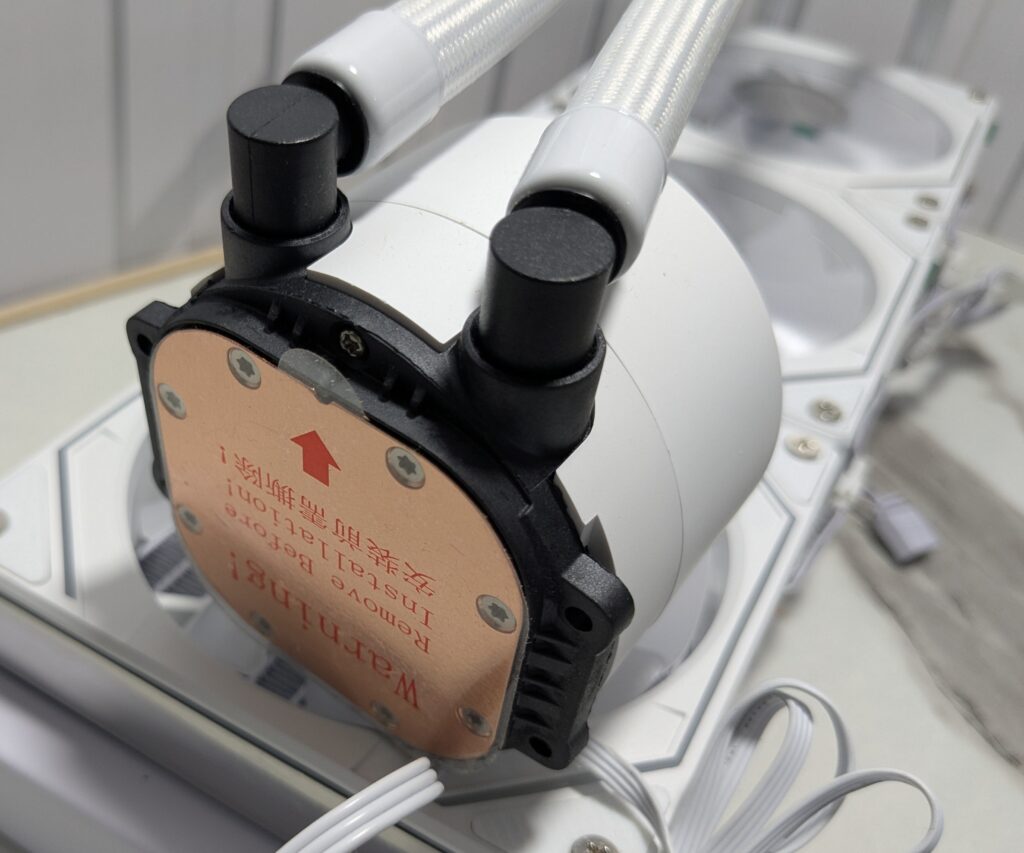
The copper base of the pump is big enough to cover large modern CPUs. It had good contact with the processor during testing. There’s a plastic film on the bottom that you need to remove before installation.
ARGB fans
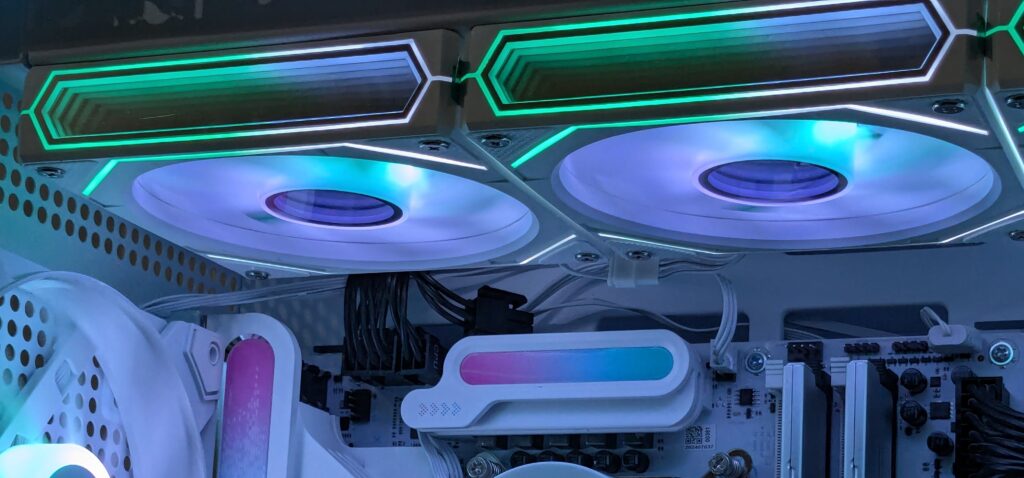
The cooler includes three 120mm ARGB fans with frosted blades. Each fan has nine blades and comes with anti-vibration rubber pads at the corners. These help reduce noise and stop the fans from shaking when spinning fast.
The fans spin at a maximum of 1800 RPM and can push 58.8 CFM of airflow. The static pressure is 1.82 mmH2O. At full speed, noise can go up to 36.9 dB(A), which is a bit loud, but still acceptable considering the airflow performance.
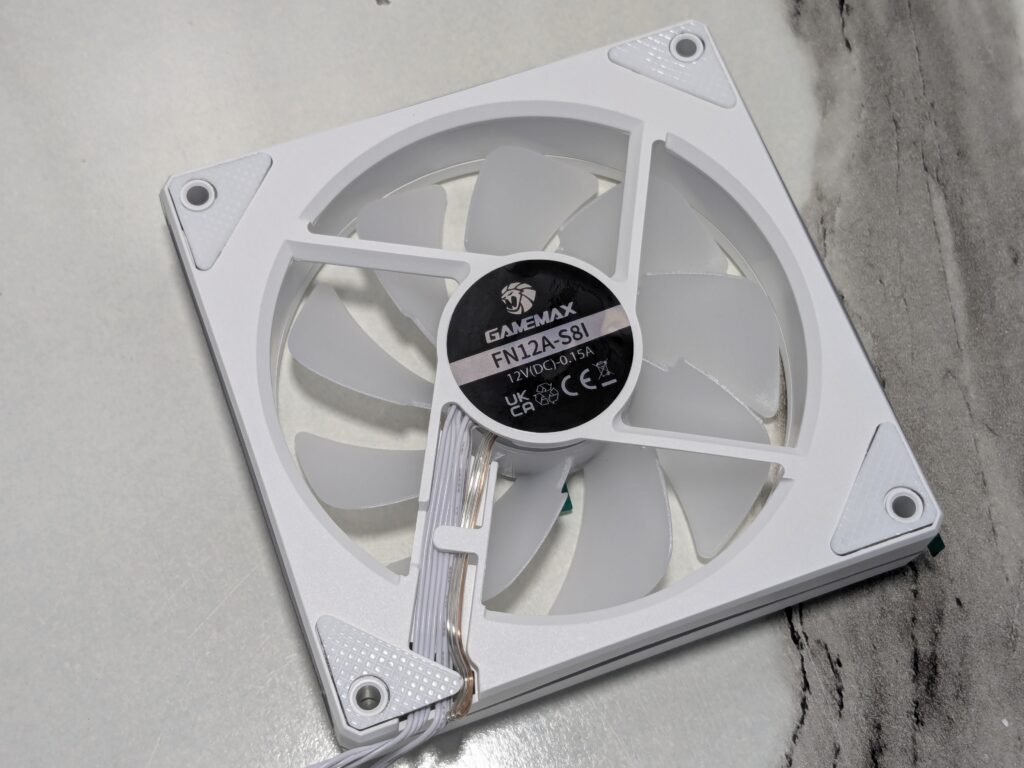
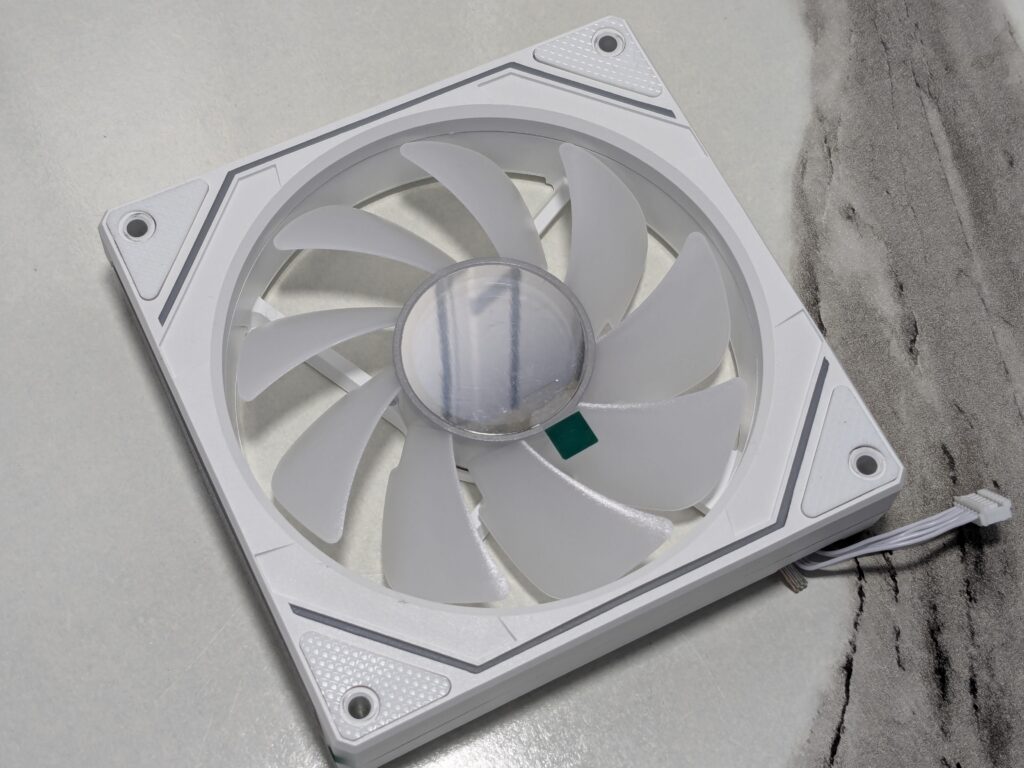
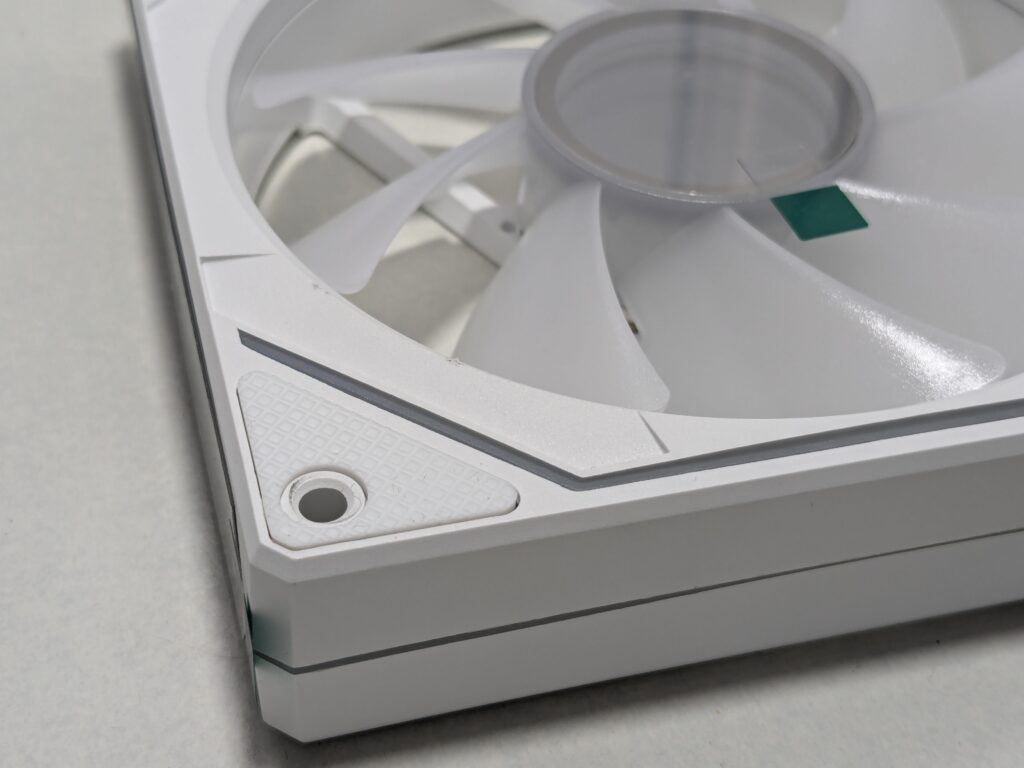
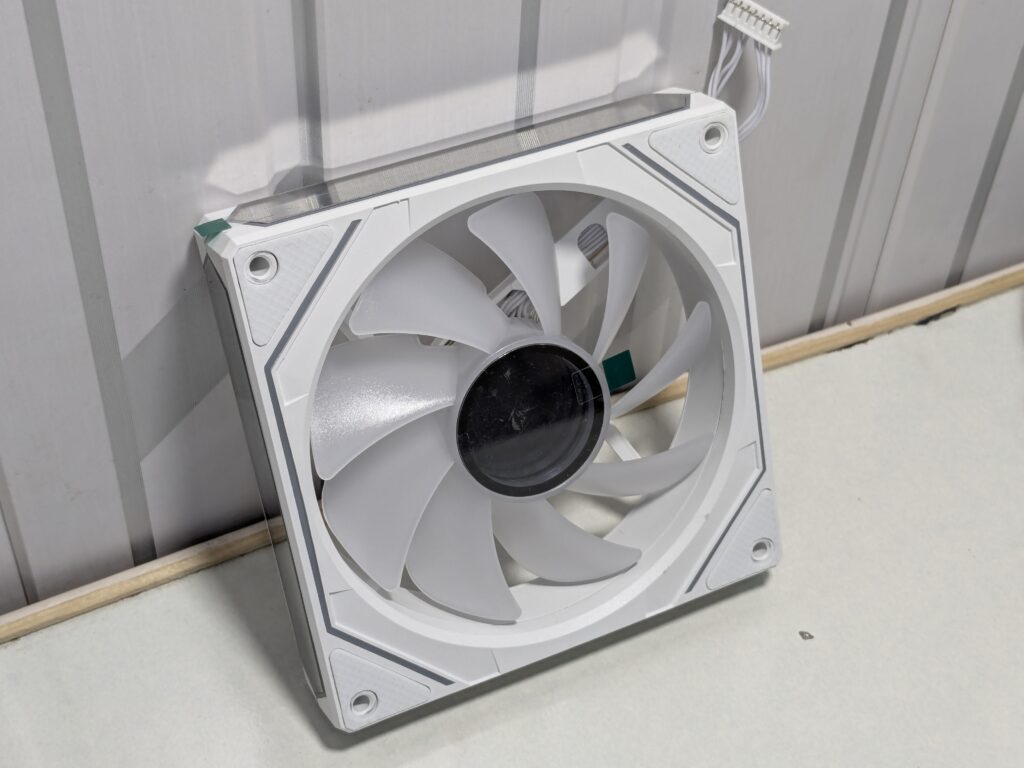
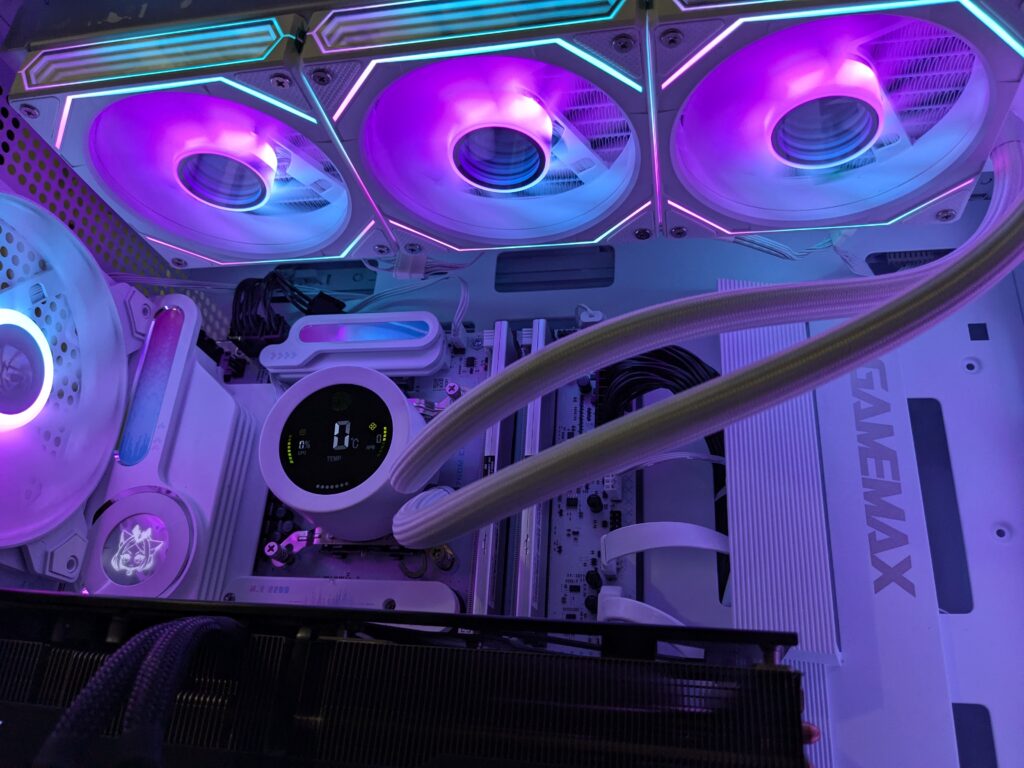
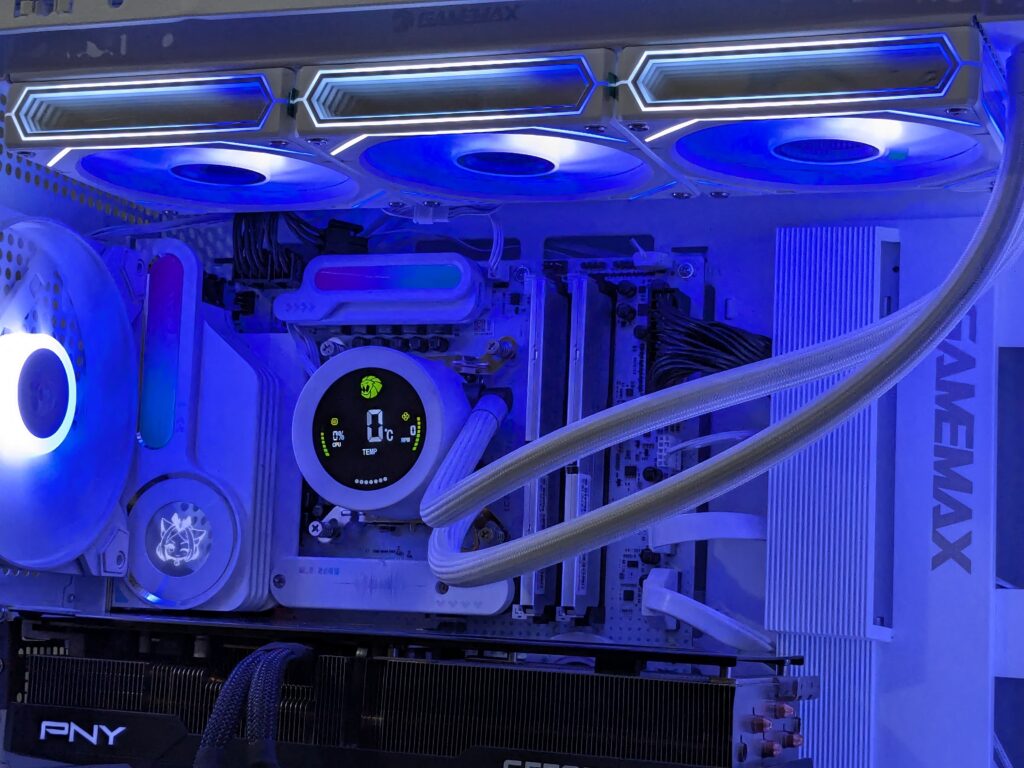
The fans have an infinity mirror design on three sides, giving a deep glow effect. The lighting is vibrant and easy to control. I used the GAMEMAX Leader 2 case’s built-in ARGB fan hub, and the ARGB synced without any issue. I also changed colours and lighting modes using the included remote, which worked smoothly.
Installation
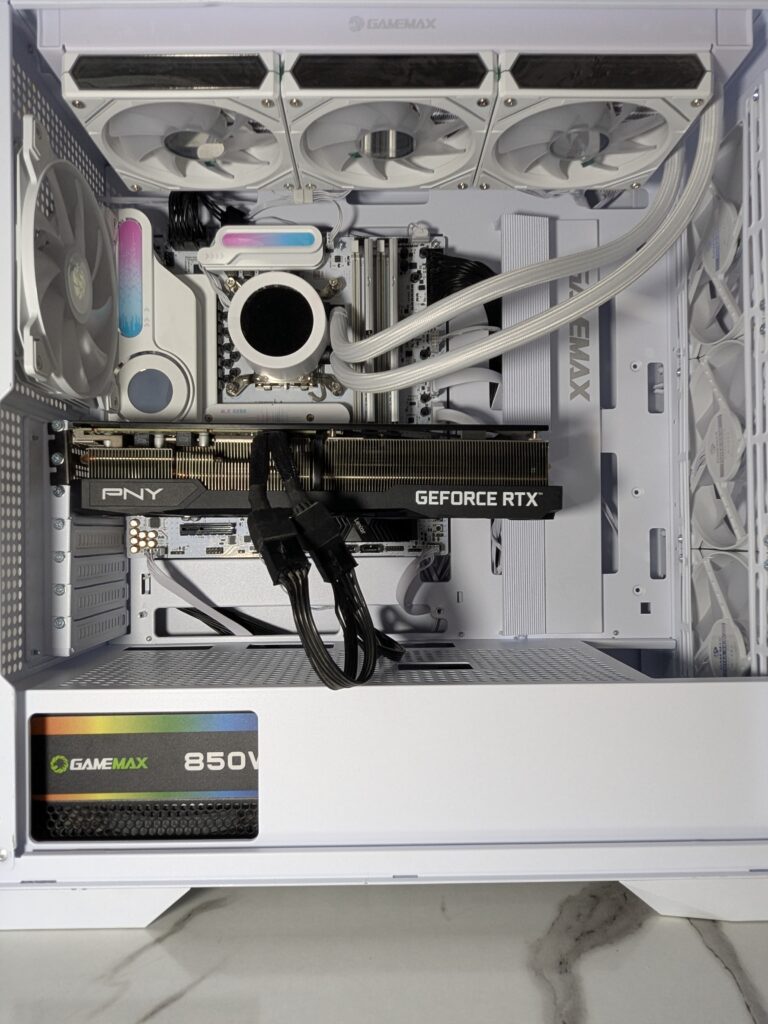
I installed this cooler in one of GameMax’s newly released white Leader 2 case. The case had support for top-mounted 360mm radiators, so installation was simple.
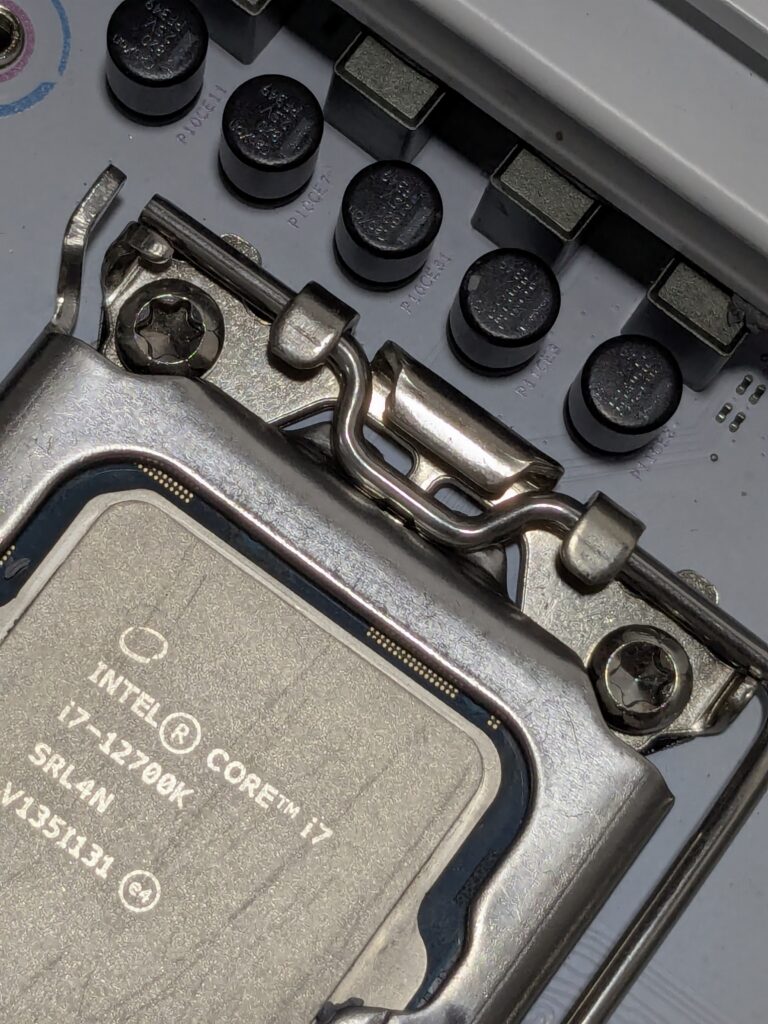
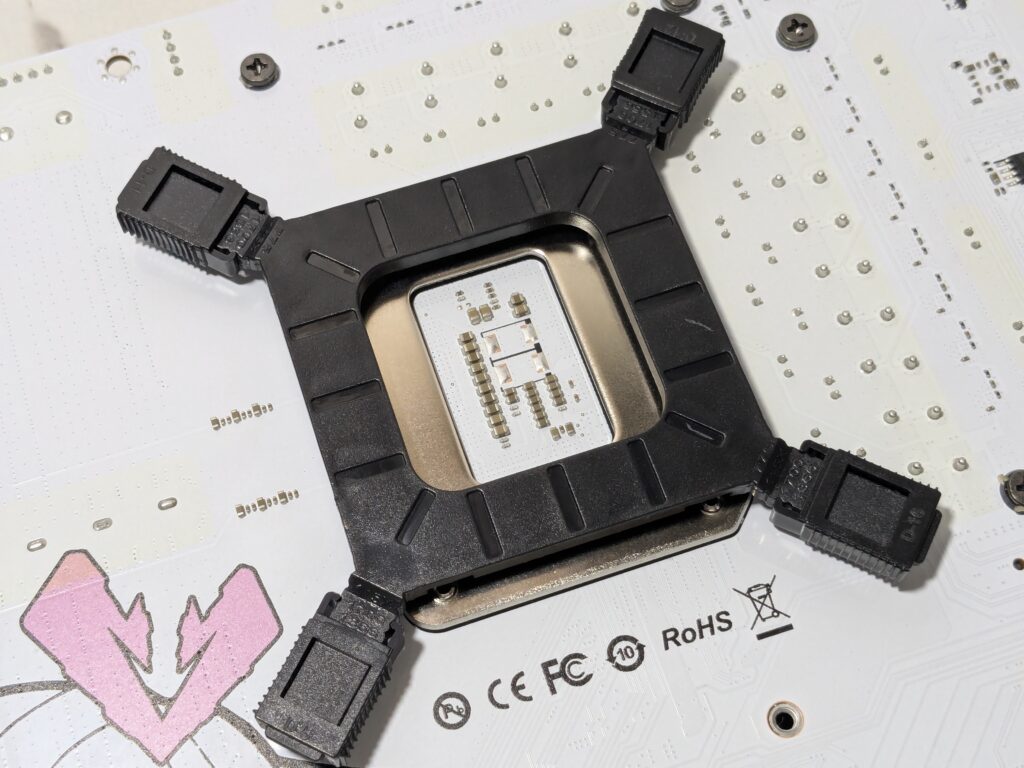
I used it with an Intel Core i7-12700K and an iCraft B760M Cross motherboard. Mounting the backplate and brackets for LGA1700 was straightforward. The block aligned well with the holes, and the spring-loaded screws made it easy to get a secure fit.
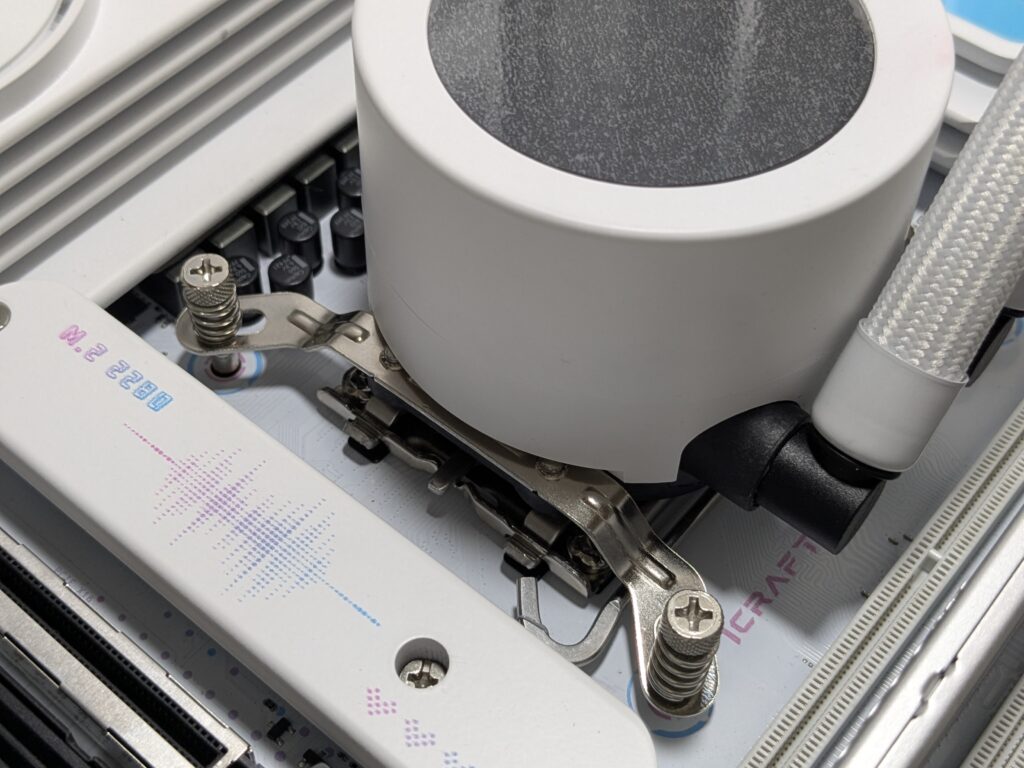
Since the fans were already attached to the radiator, most of the hard work was done. Cable connections were simple too. I had enough clearance around RAM and other motherboard parts.
Software
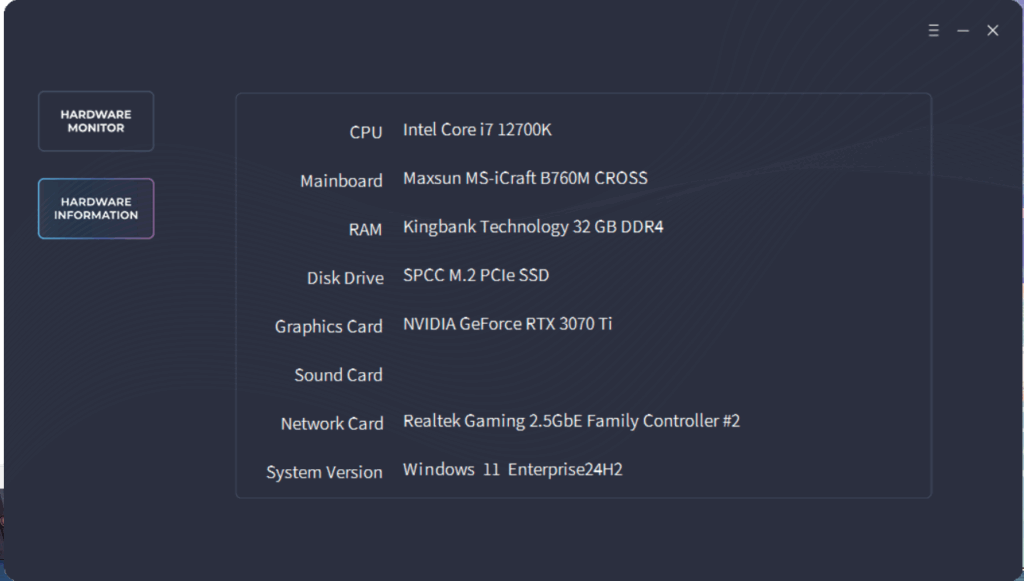
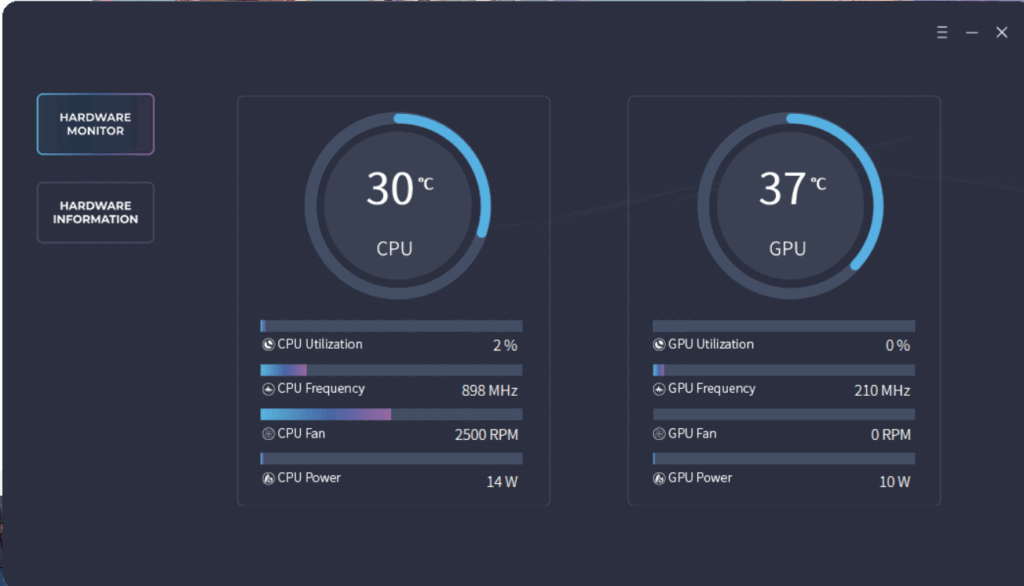
The software for controlling the screen can be downloaded from the GameMax website. It shows live stats such as temperature and fan speed, and you can toggle between °C and °F.
You can also turn the screen off or switch how the data is shown. The software is basic, but it works fine and doesn’t use too much system memory. It’s plug-and-play for the most part.
ARGB Lighting
The fan lights look bright and colourful. They add a cool look to the whole setup. You can change the colours to match your PC theme.
I used it with the GAMEMAX Leader 2 case and its ARGB hub. The lights synced without any problem. I changed colours easily using the remote.
In the dark, the infinity mirror gives a deep glowing effect. It looks modern and eye-catching. It makes the build stand out.
Testing
I tested the GAMEMAX Iceburg 360 Digital WH with the following configuration,
- Intel Core i7-12700K
- Maxsun iCraft B760M CROSS motherboard
- GAMEMAX IceBurg 360 Digital WH cooler
- KingBank 32GB DDR5 6000MHz CL36 (non-RGB)
- PNY RTX 3070 Ti GPU
- Silicon Power 2TB Gen 4 NVMe
- Lexar 512GB Gen 4 NVMe (for Windows)
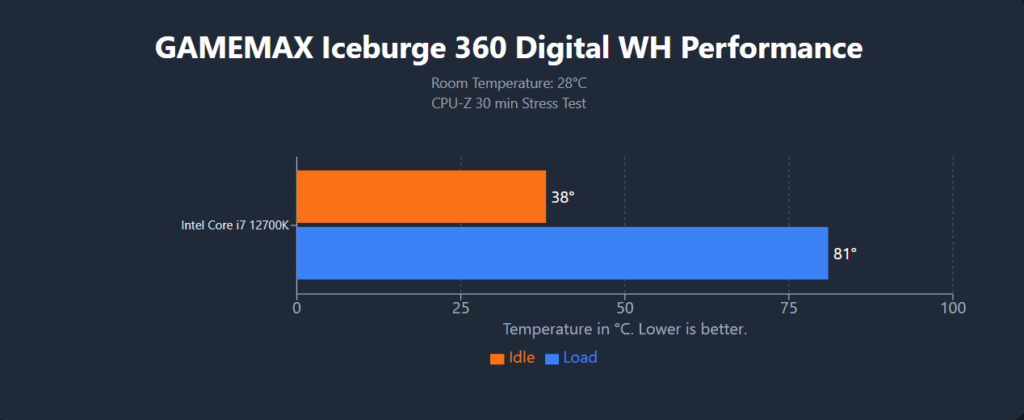
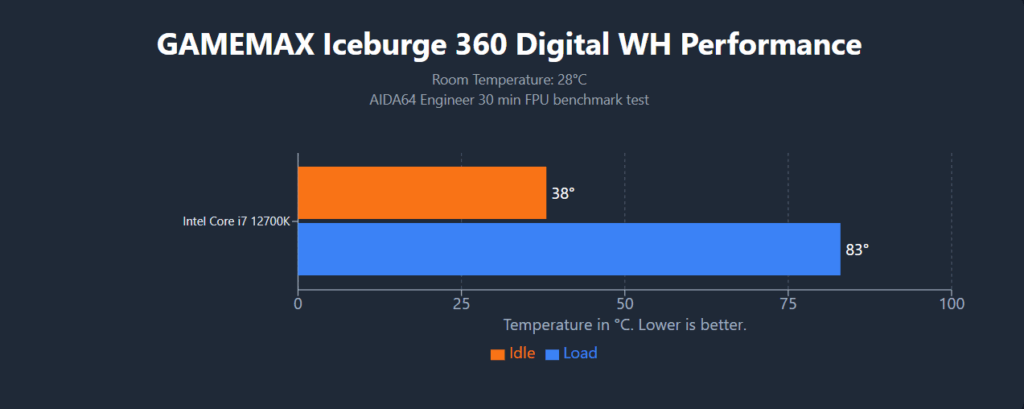
We tested the GameMax IceBurg 360 Digital WH with an Intel i7-12700K. Room temperature was 28°C, and the CPU stayed at 38°C when idle.
Next, we ran the CPU-Z stress test to check power and heat performance. The temps went up to 81°C. The cooler kept things under control, with no signs of overheating. It stayed in a safe range, showing that the system can handle heavy tasks without any trouble.
We also ran a tougher test using the FPU stress test. The CPU reached 83°C. Even under this heavy load, the cooler handled the heat well and kept the temperature in a safe range.
The Intel i7-12700K is known to get hot under load, but this cooler managed it easily. Temps stayed stable the whole time. This shows the GameMax IceBurg 360 Digital WH is strong enough for demanding tasks without any risk of thermal throttling.
Final Verdict
The GameMax IceBurg 360 Digital WH is a stylish and strong AIO cooler. It comes in black and white. I tested the white version.
The radiator is 385x120x52mm. It’s made of aluminium and has 12 coolant channels with 20 FPI. This helps with fast heat transfer. It comes with three 120mm ARGB fans pre-installed. These fans have an infinity mirror on three sides and in the centre.
The cooler has a digital screen on the block. It shows CPU temperature, load, and fan speed. The display is simple but looks clean and modern.
This cooler supports many sockets. It works with Intel LGA 775, 115x, 1200, 1700, 1851 and AMD AM2, AM3, FM1, FM2, AM4, and AM5.
In terms of performance, it did very well. The 12700K runs hot, but the cooler handled it easily. With a room temp of 28°C, the CPU stayed at 38°C on idle. In the CPU-Z stress test, CPU hit 80°C. In the FPU test, it reached 83°C. Even under high load, the cooler kept the temps safe. There was no thermal throttling.
The ARGB fans add a great look. I used the ARGB hub in the GAMEMAX Leader 2 case. The lighting synced perfectly. I also used the remote to change colours and effects without any issue.
Overall, the IceBurg 360 Digital WH is a clean and capable cooler. It keeps the CPU cool, looks nice, and shows useful info on screen. It works with many systems and fits most builds.
Only the mounting system and software need some work. Still, if you want good cooling and a stylish build, this cooler is a great choice. It stands out for its design, performance, and value.
Thank you GAMEMAX for sending IceBurg 360 Digital WH