













Cryorig CR4S Plus CPU Air Cooler Review
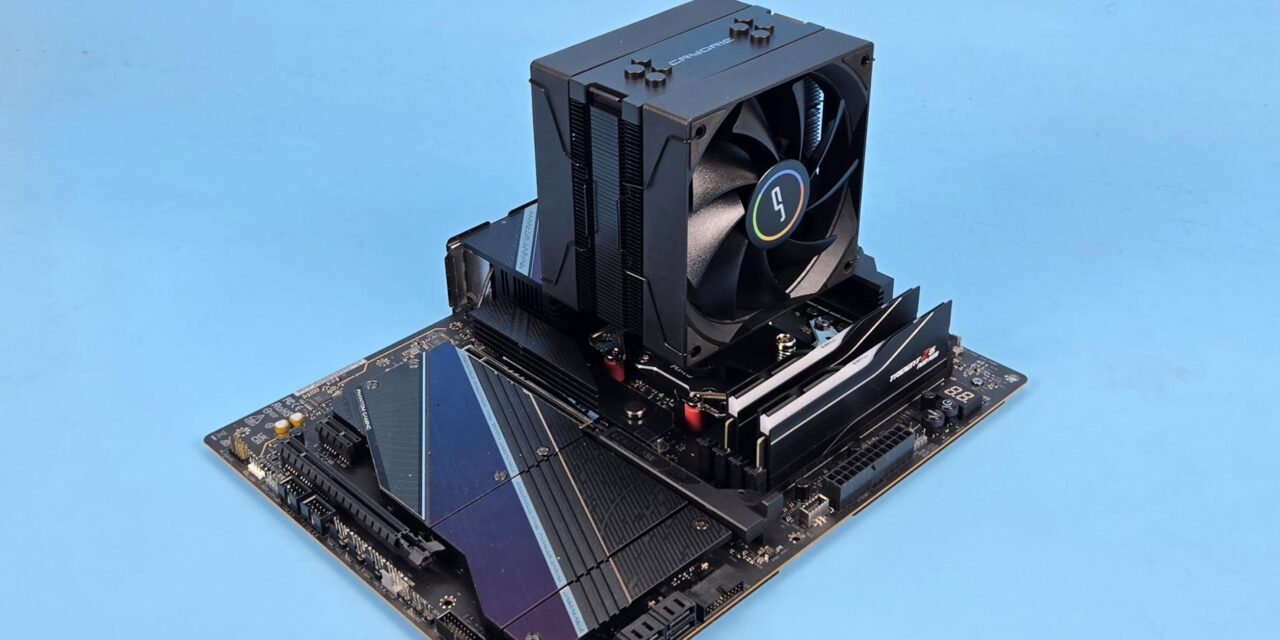
After testing CRYO360 and CR6S coolers from Cryorig, it is time to take a look at the CR4S Plus. It is a budget segment air cooling solution in a single-tower, dual-fan configuration. Like CR6S, this cooler also pays tribute to the iconic H7 from the past in the form of a cover over the top.
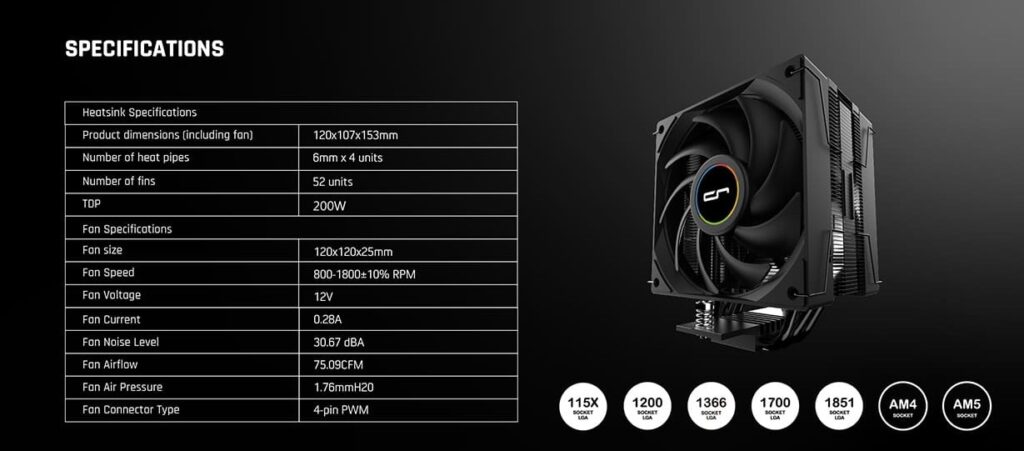
This cooler has a black finish, making it an ideal fit for a neutral or stealth build. The fans are not RGB on this cooler. This cooler is rated for 200W TDP, and it does deliver on it. This cooler is compatible with Intel LGA115x/1366/1200/1700/1851 and AMD AM4/AM5 sockets.
Cryorig offers a 3-year warranty on this cooler, which makes sense given its mainstream market segment. This cooler has an MSRP of USD 34. This price bracket also faces fierce competition from companies like ID-Cooling and Thermalright.
Specifications
Packaging
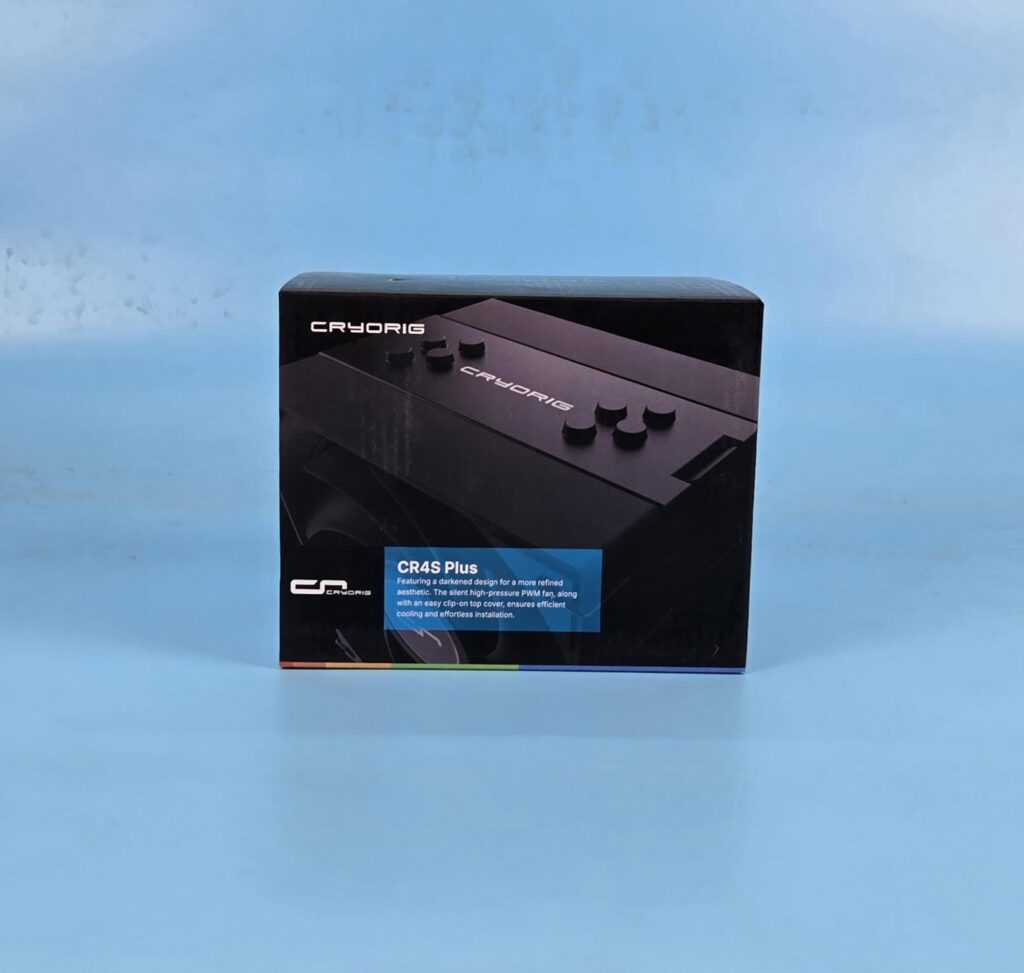
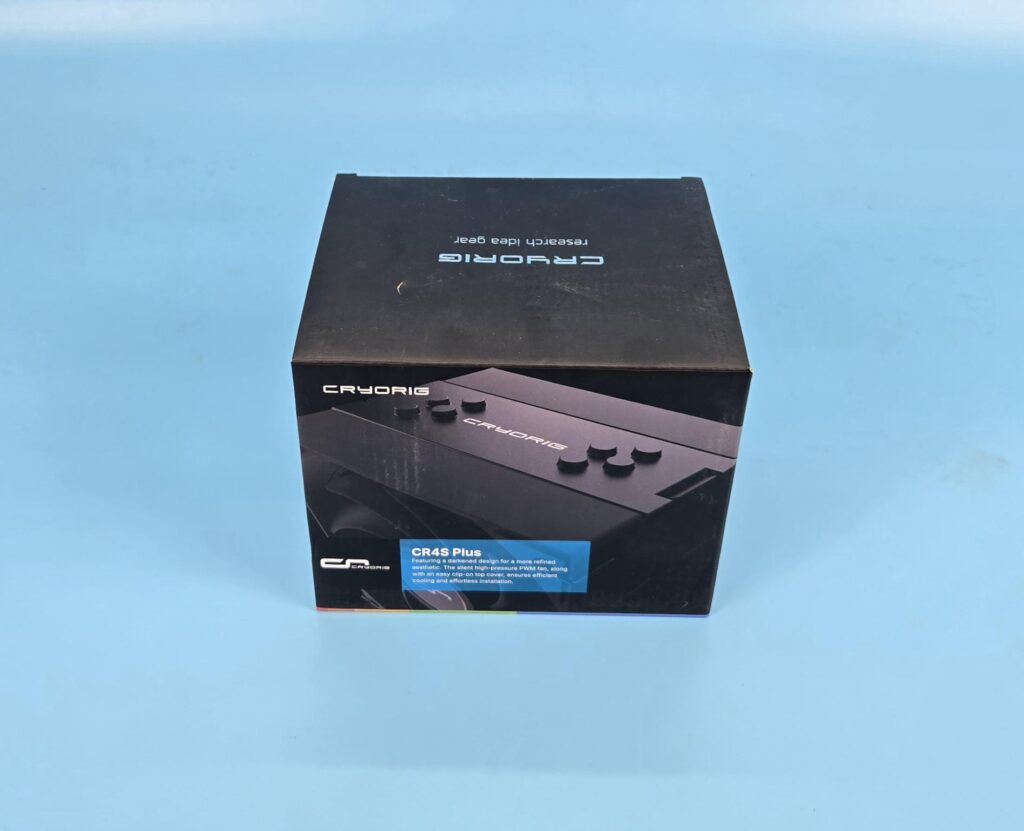
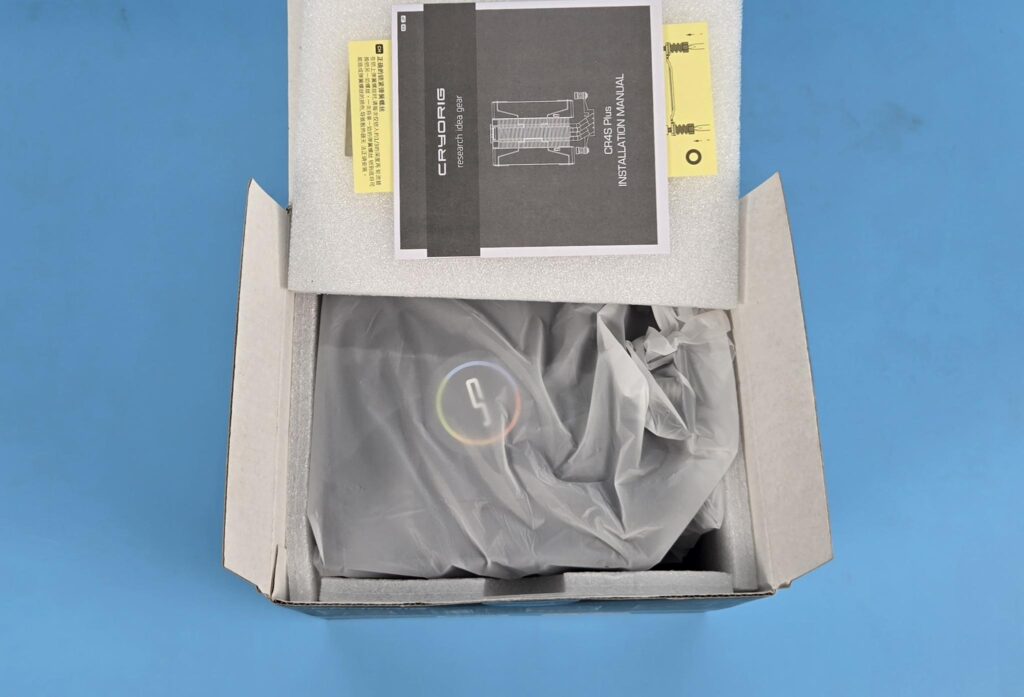
The shipping box is in a black color finish/theme. The accessories container is placed under the cooler. The cooler is placed inside a separate frosted white container/pouch.
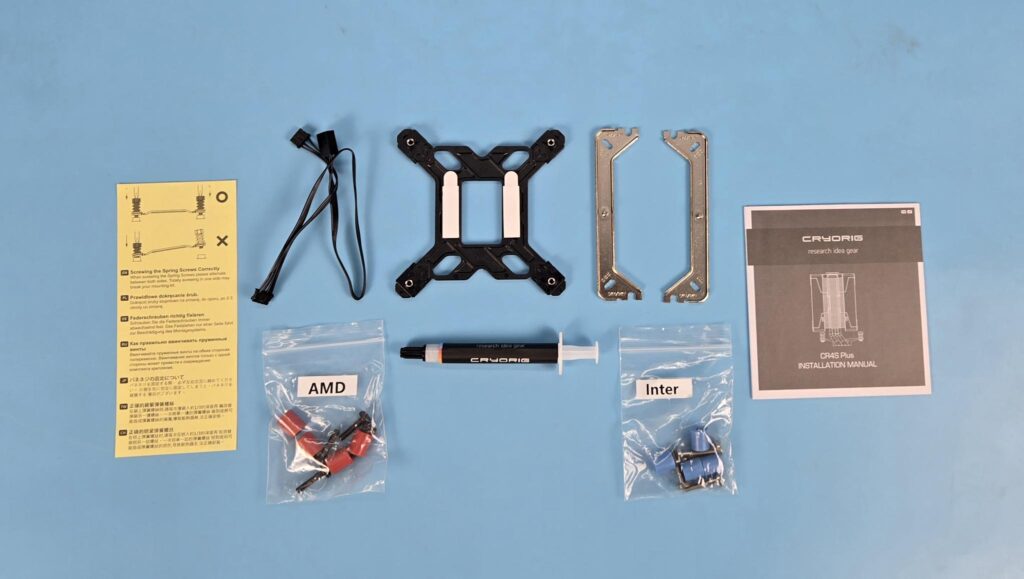
The following come inside the accessory box:
- 1x Intel Backplate
- 2x Universal Mounting Brackets
- 4x AMD Screws
- 4x AMD Spacers [Red]
- 4x Intel Screws
- 4x Intel Spacers [Blue]
- 1x Thermal Paste Tube
- 1x Cable
- 1x User Manual
- 1x Safety Paper
Design
Let’s take a look at the cooler.
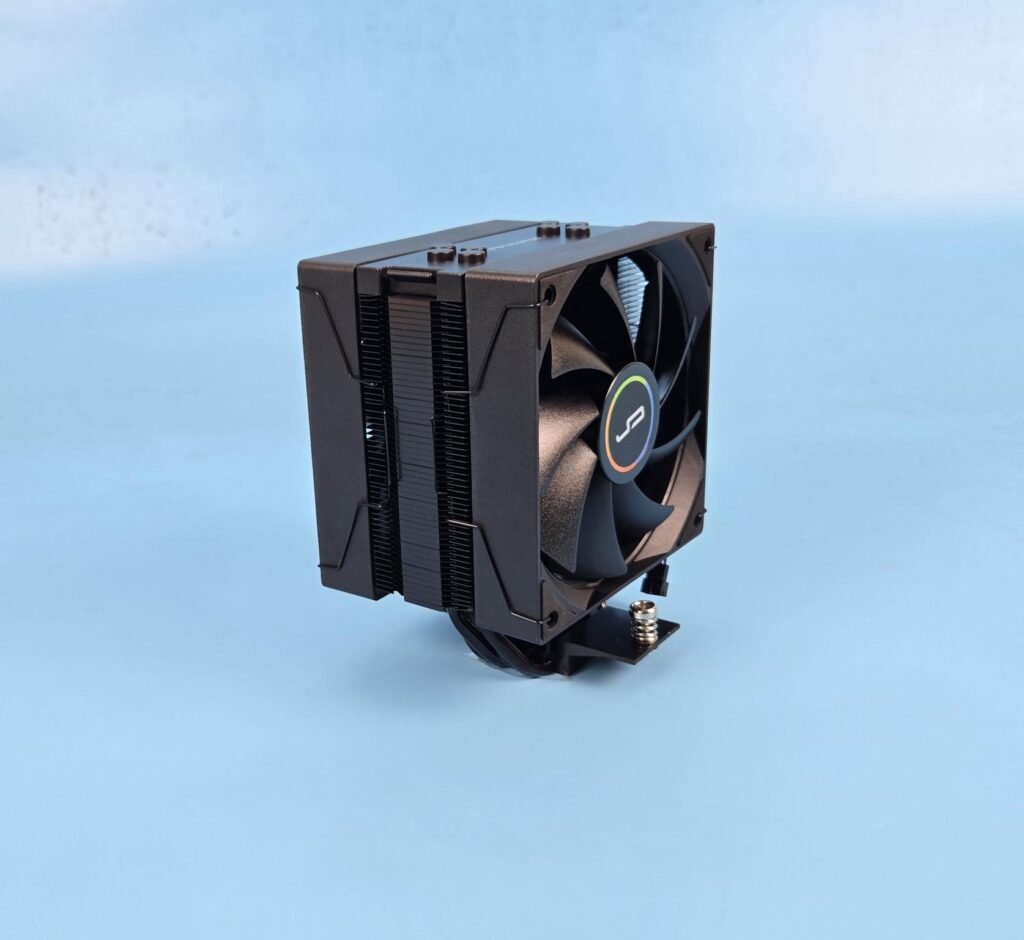
The overall dimension of the assembled cooler is 120x107x153mm (LxWxH). This is a slim profile compared to 123x134x157mm (LxWxH) on the CR6S cooler. The net weight of the cooler is not mentioned.
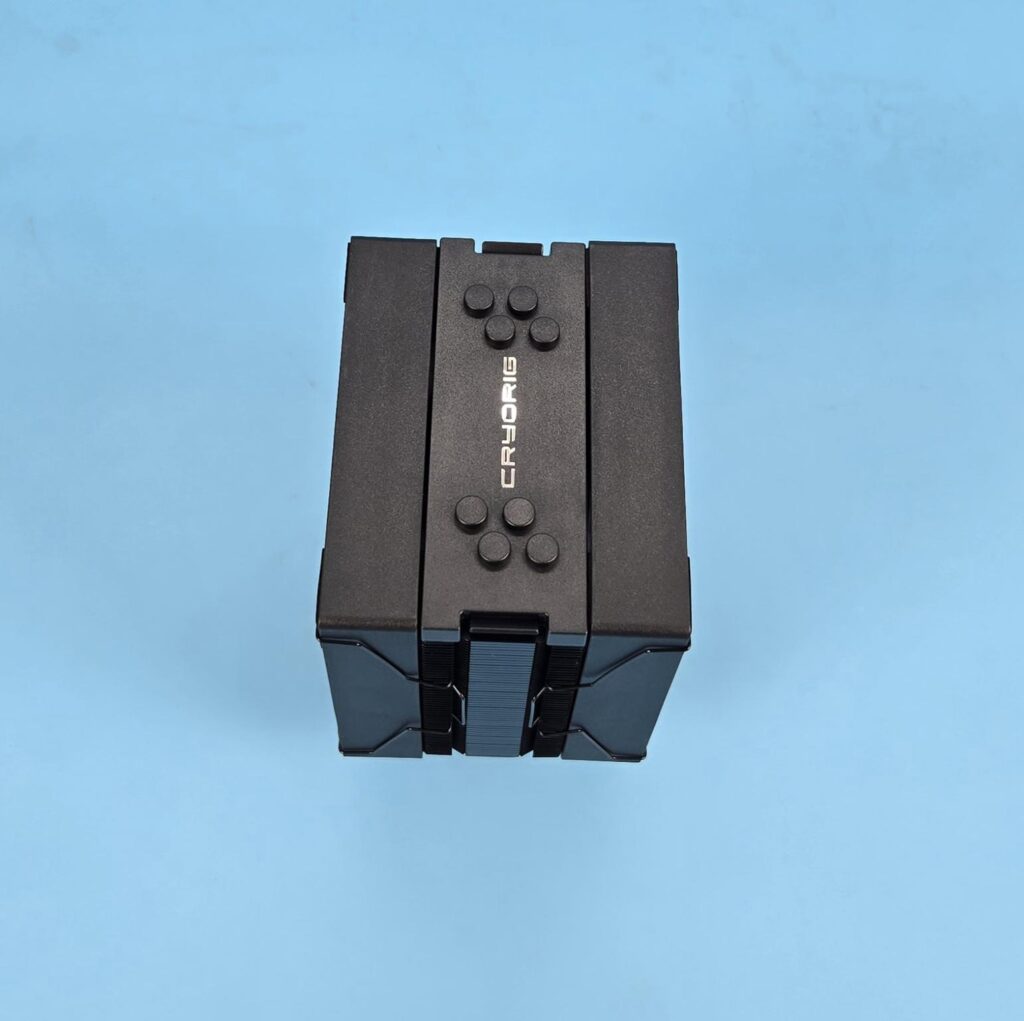
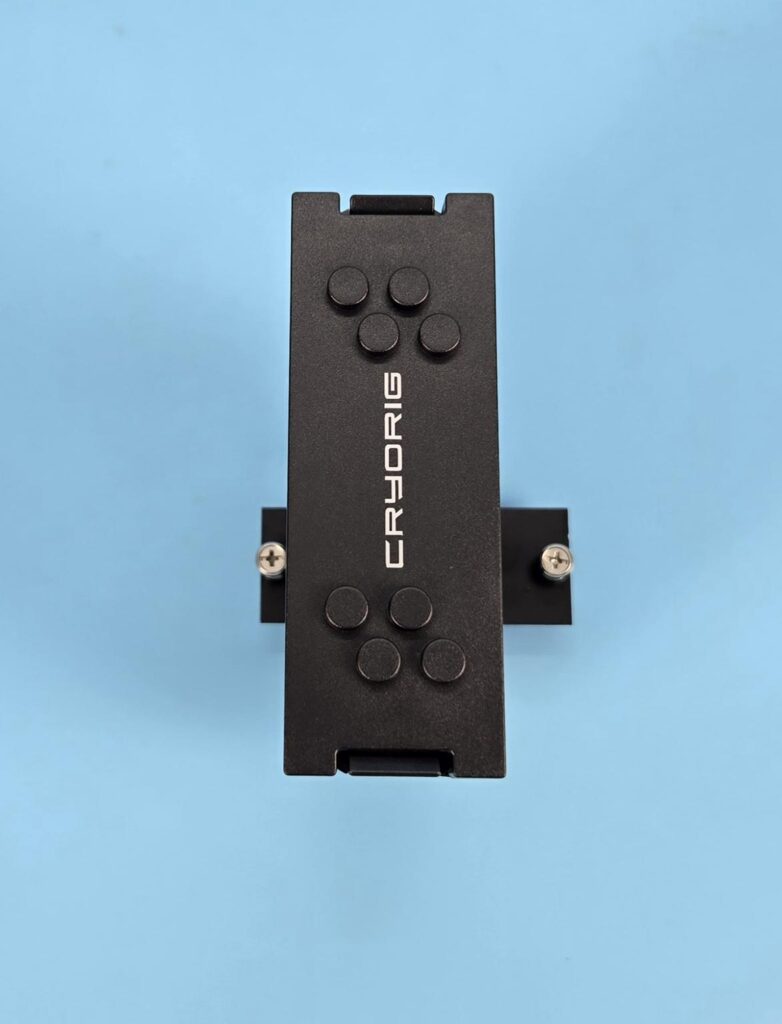
The top cover on this cooler is not magnetic, unlike the covers on CR6S. This is because the cover is fixed. It shows CRYORIG branding in the center. The rounded caps cover the terminating tips of the heat pipes.
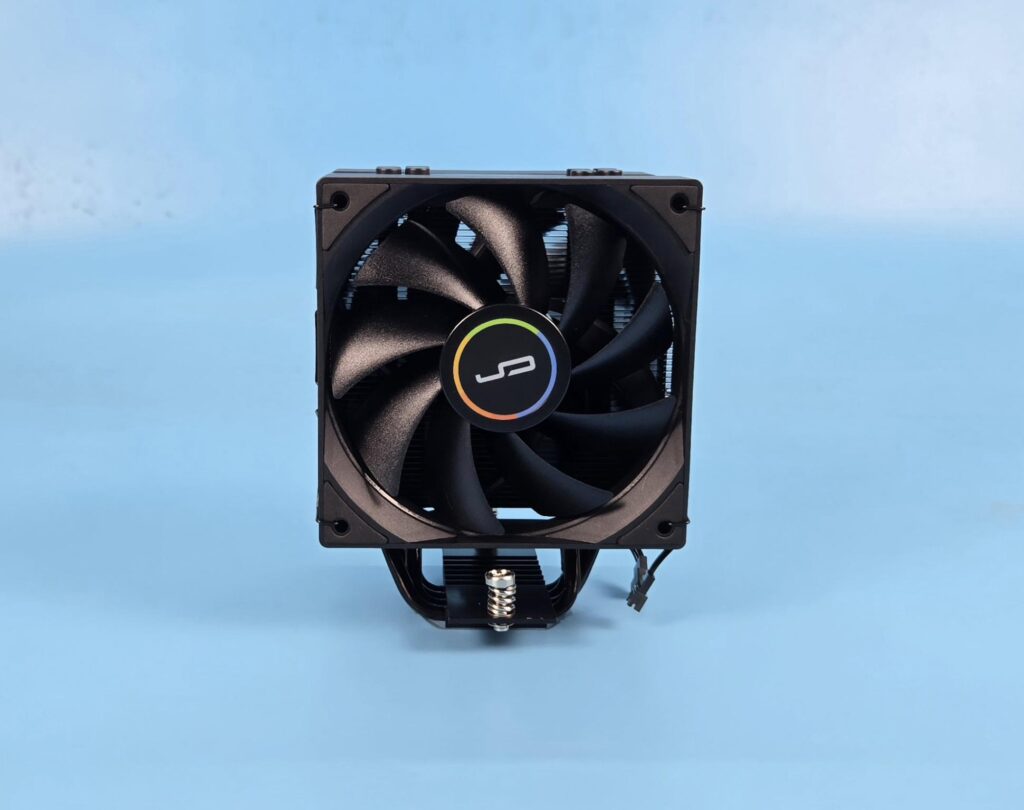
I am showing the front view of the front tower. A 120mm non-RGB fan comes pre-installed on the front.
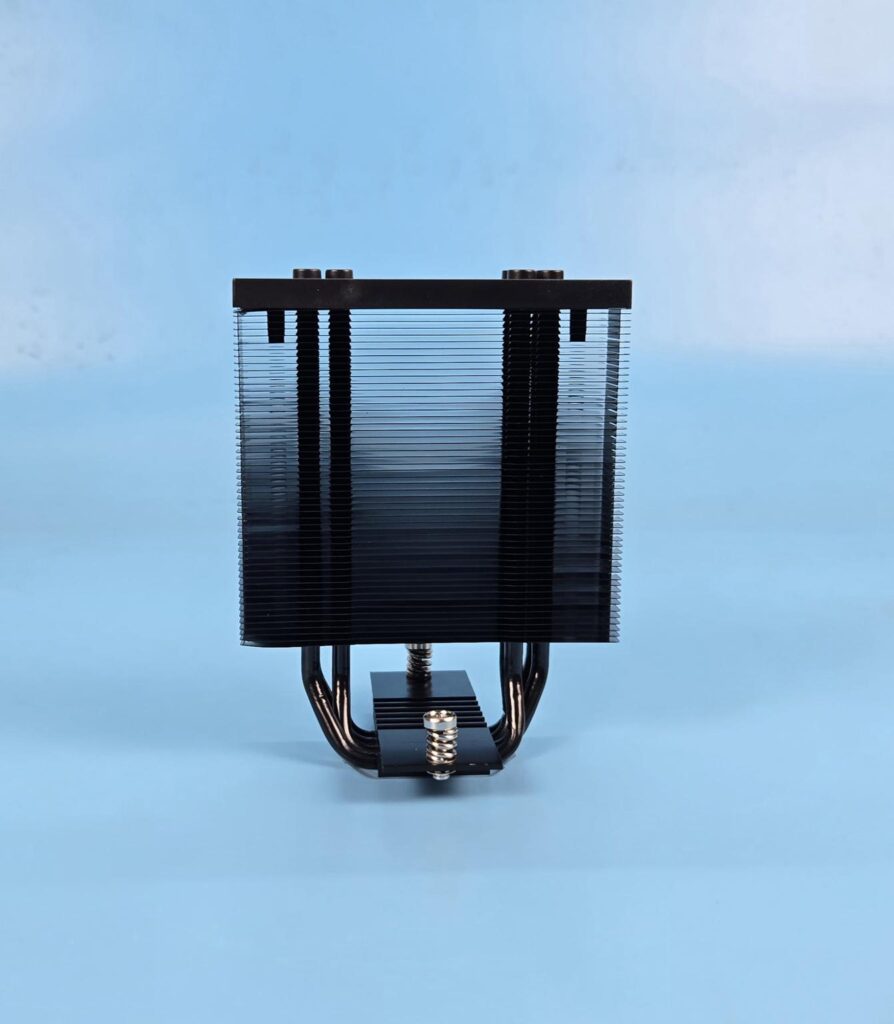
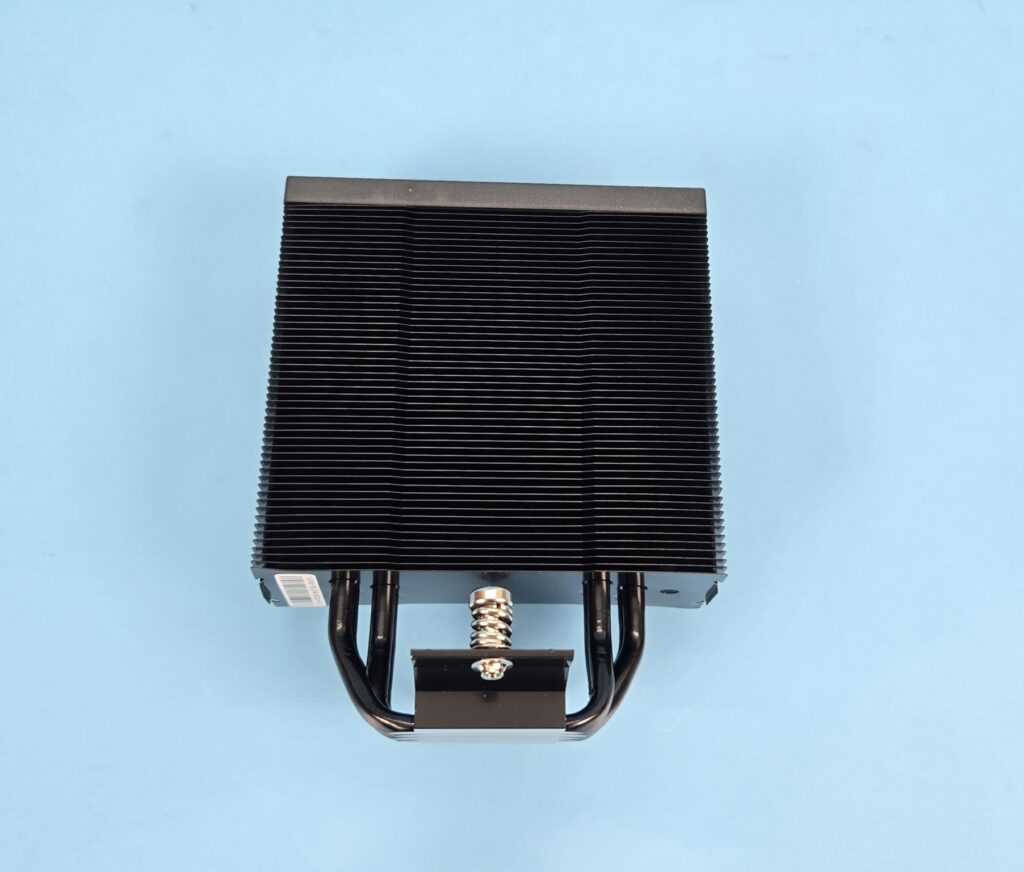
I have removed the fan and am showing the heatsink design view. The tower has 52 aluminum fins. The complete assembly is black in color. This cooler also has the same wide gap between any two fin plates, providing an unrestricted airflow channel.
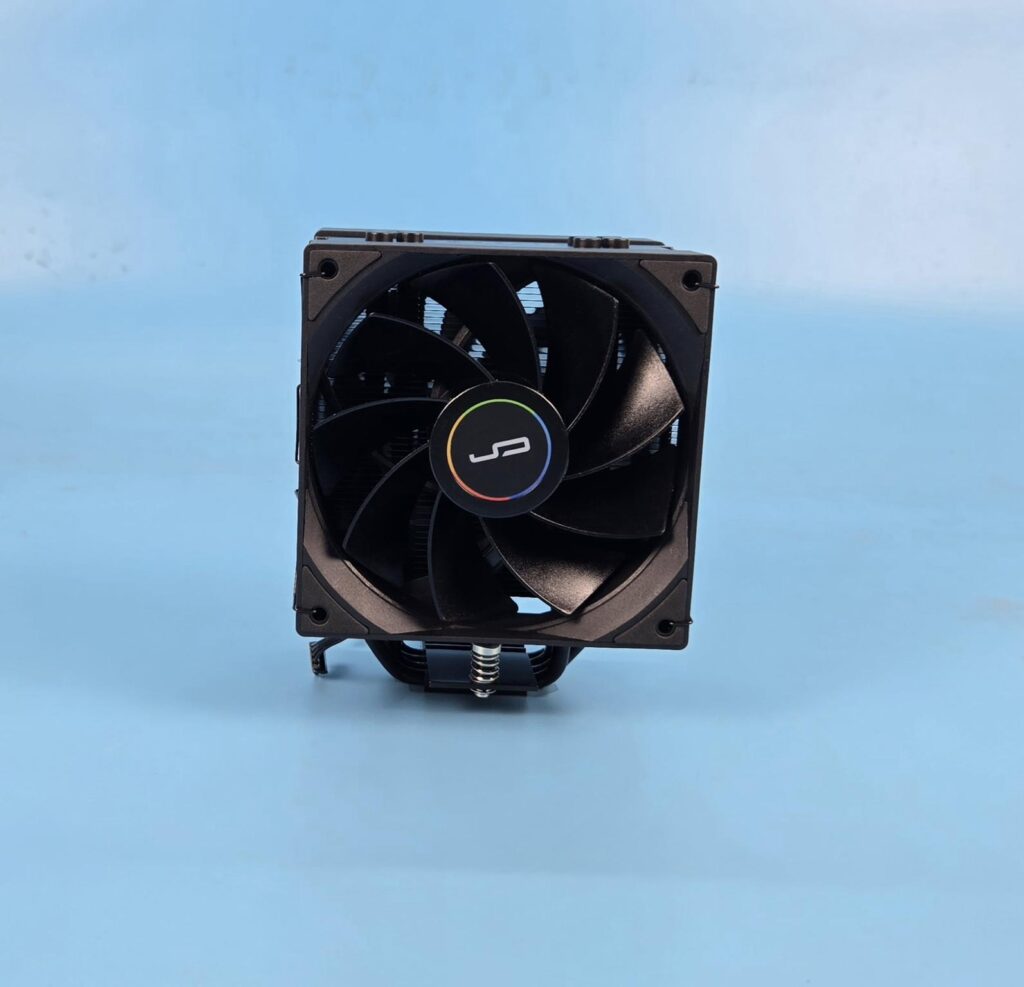
The rear of the cooler has another 120mm non-RGB but with a reverse blade design. The fins have the same layout on the rear as on the front.
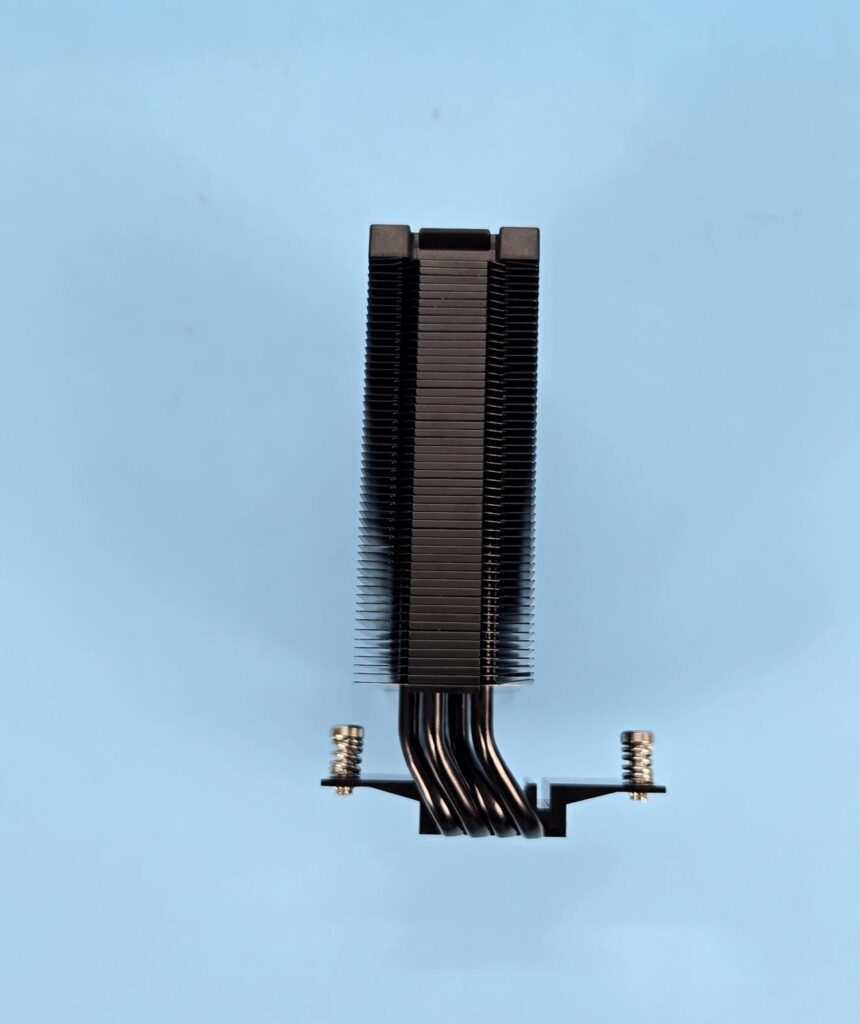
The left and right sides of the towers are identical in layout. The fins have an interlocking mechanism on the sides in the mid-section. The outer sides have a raised surface. This is where the heads of the fan clips are rested on.
Also, take note on mounting plate. It has an offset design where the heatsink provides more space on the front compared to the rear. This is to provide universal RAM clearance.
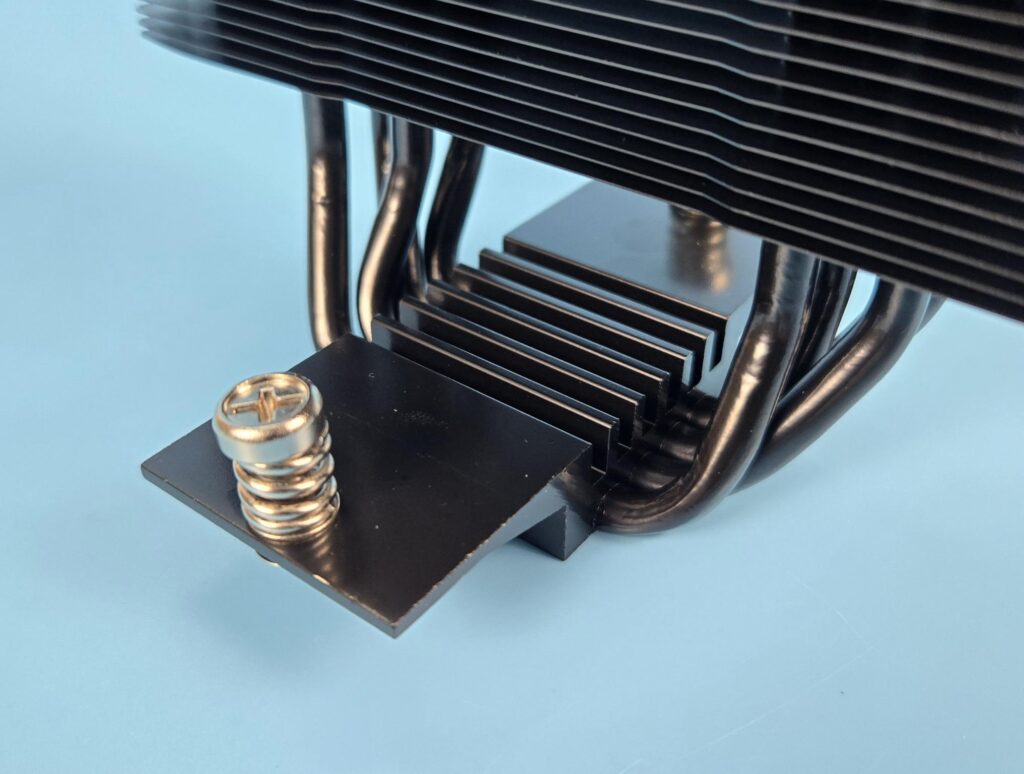
The mounting plate comes pre-installed over the base. It has a fin design layout and has two spring-loaded screws.
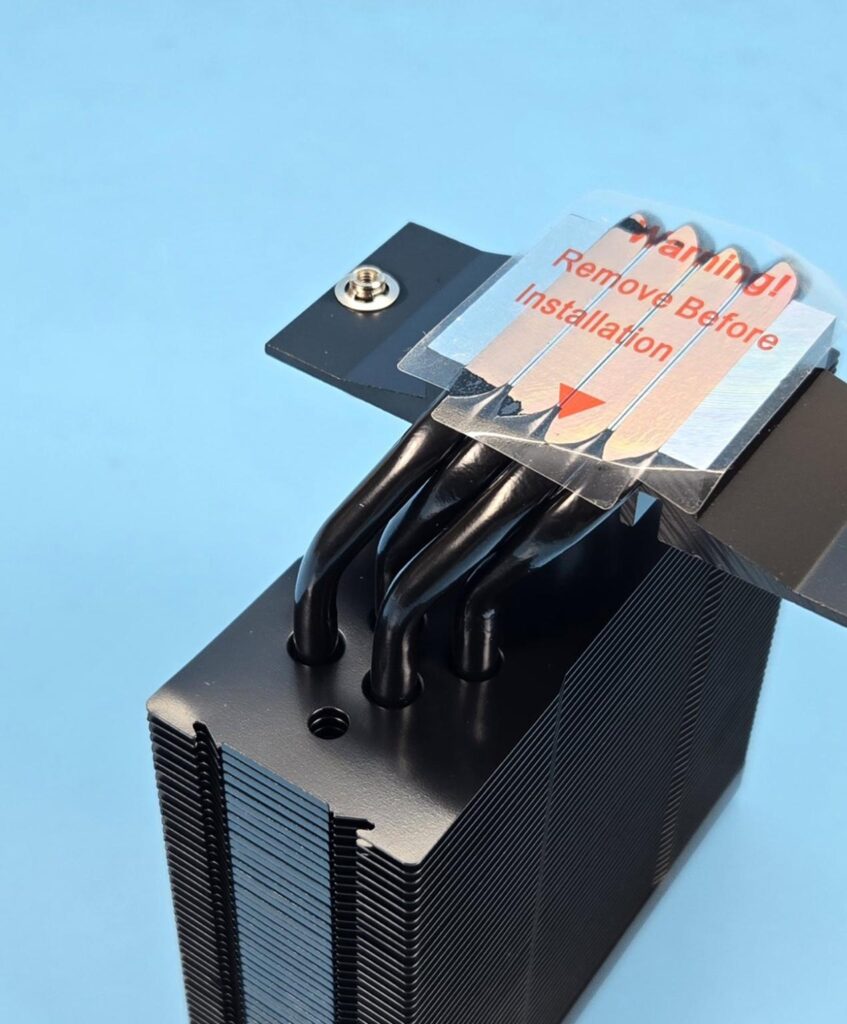
This cooler comes with 4x nickel plate copper heat pipes in a U shape. Each pipe has a 6mm thickness.
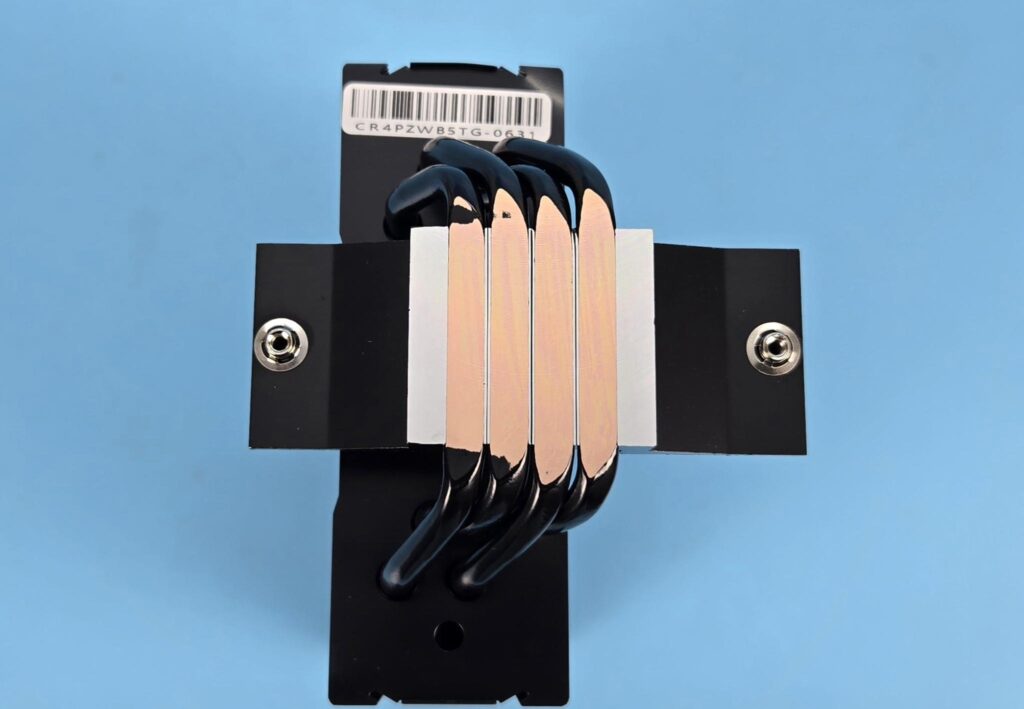
The exposed copper portion of the heat pipes makes direct contact with the CPU. However, this is not a continuous direct contact with the heat source since gaps are visible between any two heat pipes’ exposed surfaces.
FANS
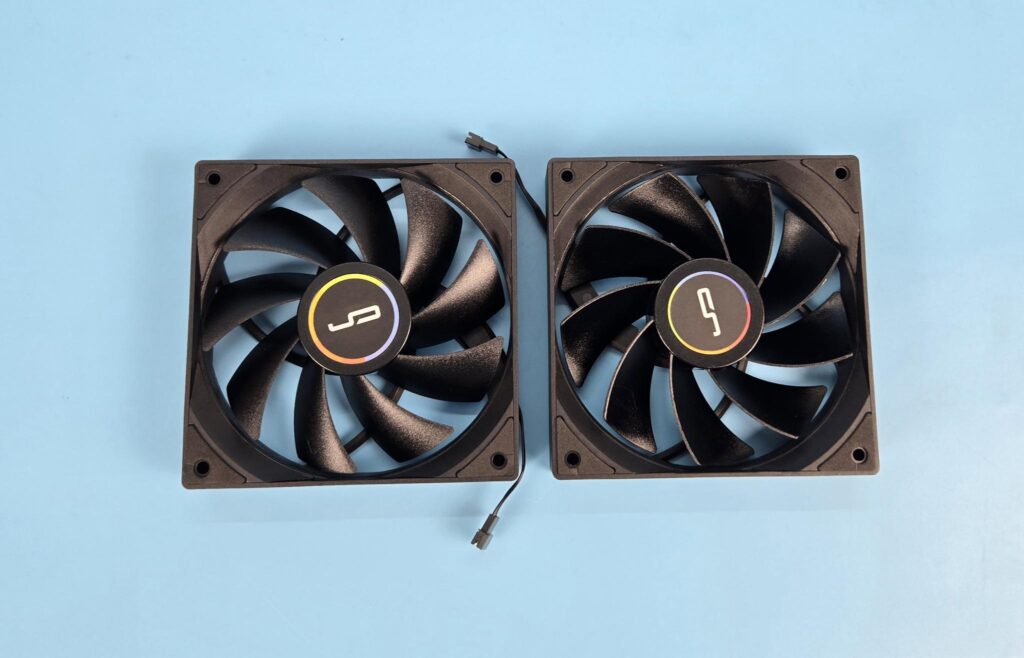
Two 120mm fans are not RGB. They have the same design as the fans from CR6S. The complete assembly is black from head to toe. You can see a slope design on the frame near the mounting corners. Each fan has 9x black blades. Cryorig branding is visible on the center. Each mounting corner has anti-vibration pad.
The second fan has reverse blade design, which is even better. Why show the ugly side of the fan when a reverse blade can present a pleasant outlook with similar performance?
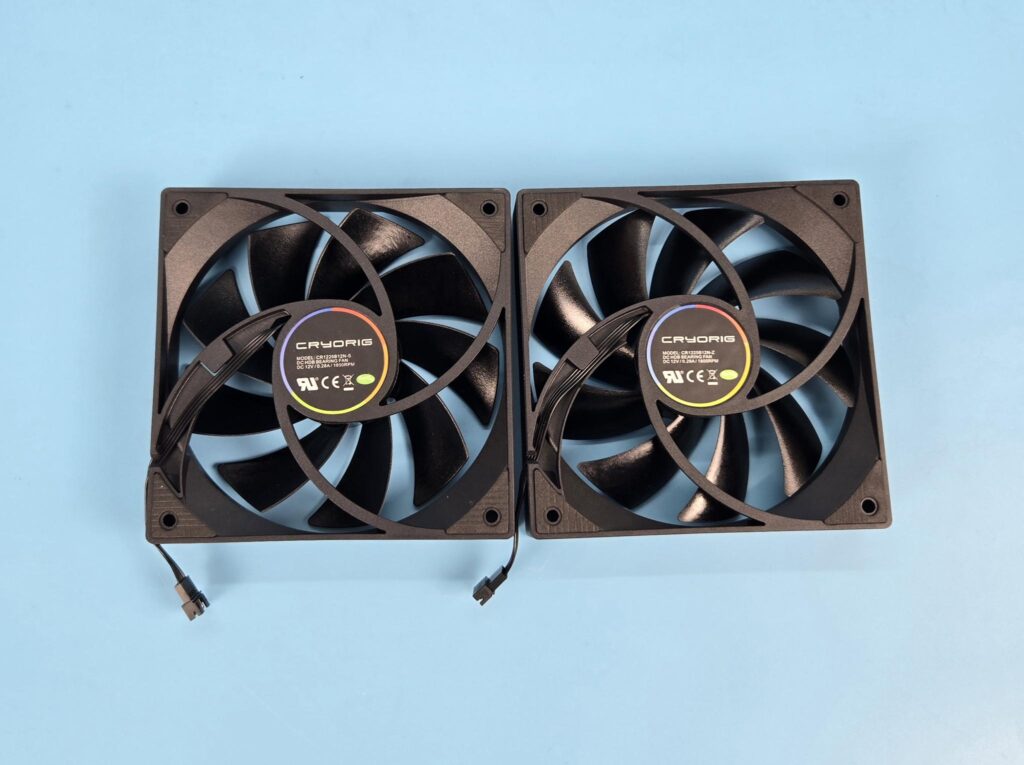
The backside has a spiral designed 4-arms assembly. Model and power rating of the fan are printed on the backside. The bearings of the fans are unknown.
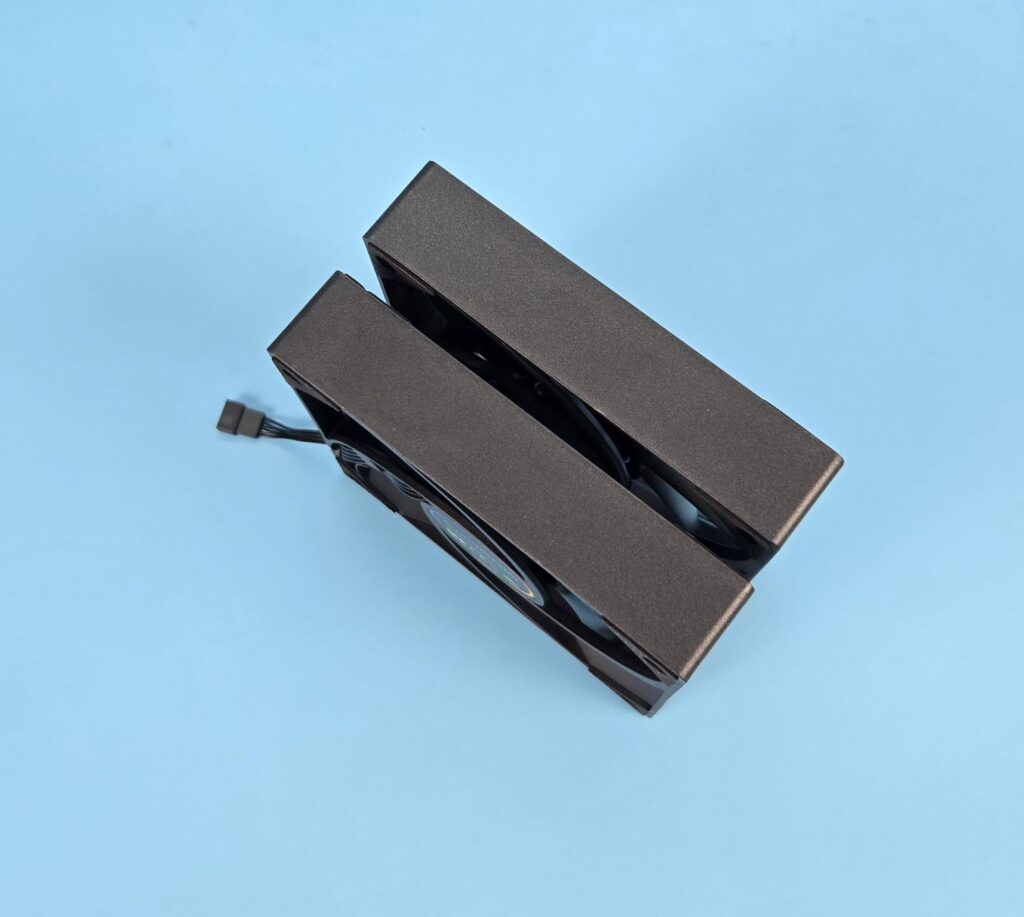
No arrow markers were seen on the side frame of the fans. The frame is quite sturdy and is in a square design.
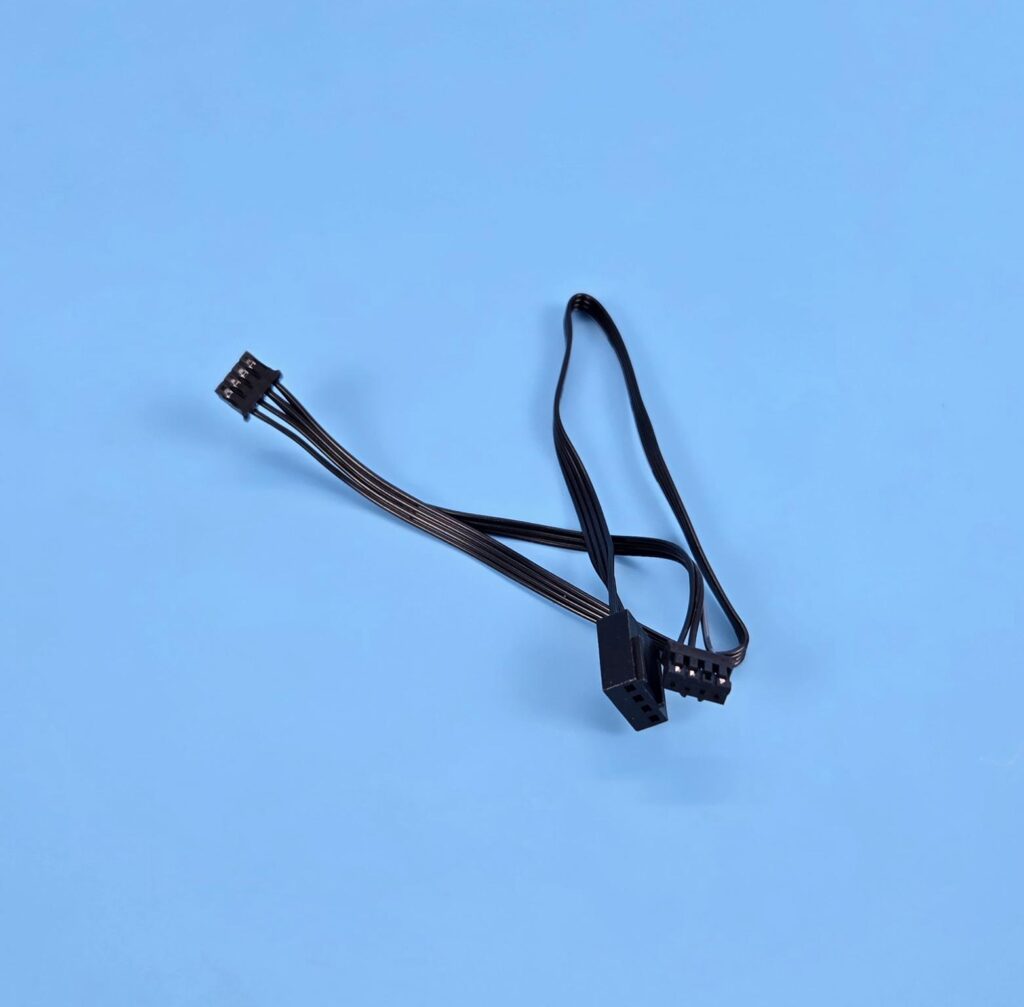
Each fan has a 4-pin proprietary connector controlling the fan’s motor. The CR6S uses a 7-pin connector because it covers the fan motor and the ARGB LEDs on the fans.
Installation
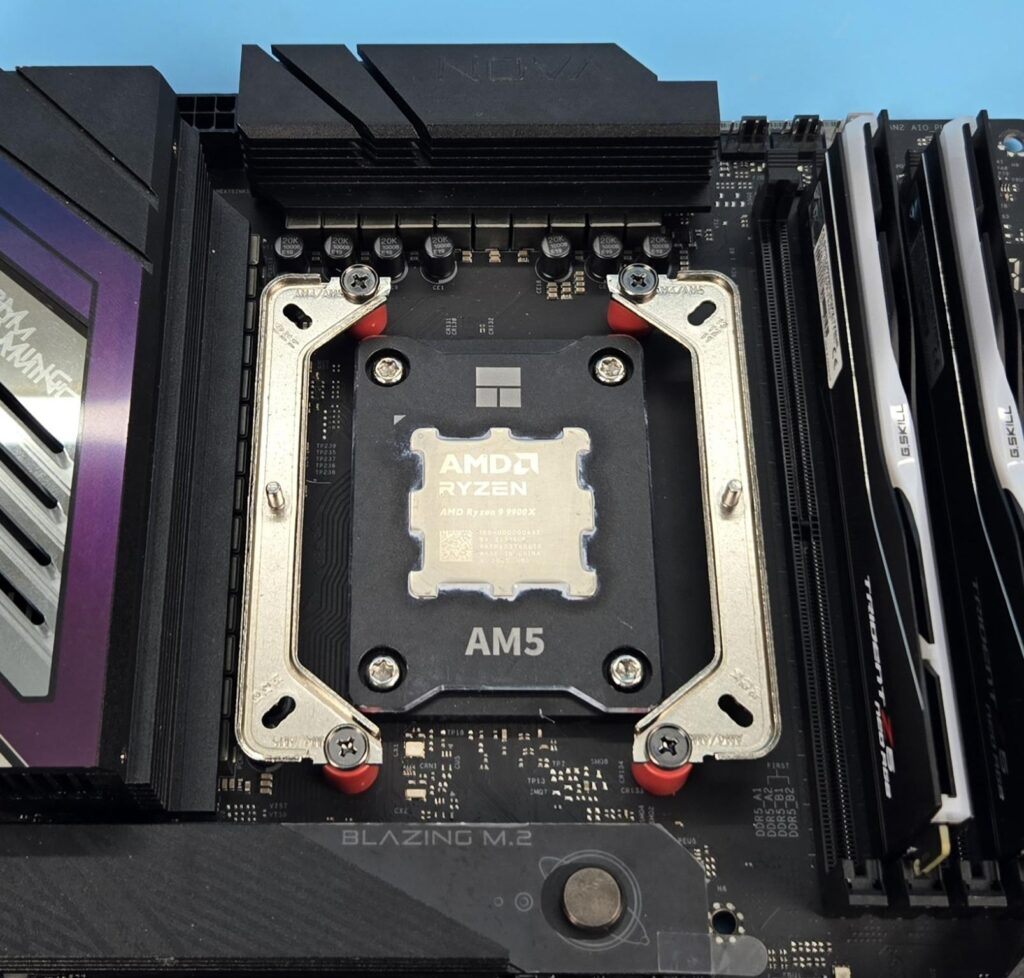
We are not covering the installation steps. You can use the user guide for that purpose. I only report my observations during the installation and removal of the cooler. Both fans need to be removed to install the heatsink. I have the same observation regarding the fan clips that I noted on the CR6S cooler. Other than that, the installation of this cooler on AM5 is a straightforward process.
Clearance
We need to look at the clearance from multiple angles. Let’s start with the RAM.
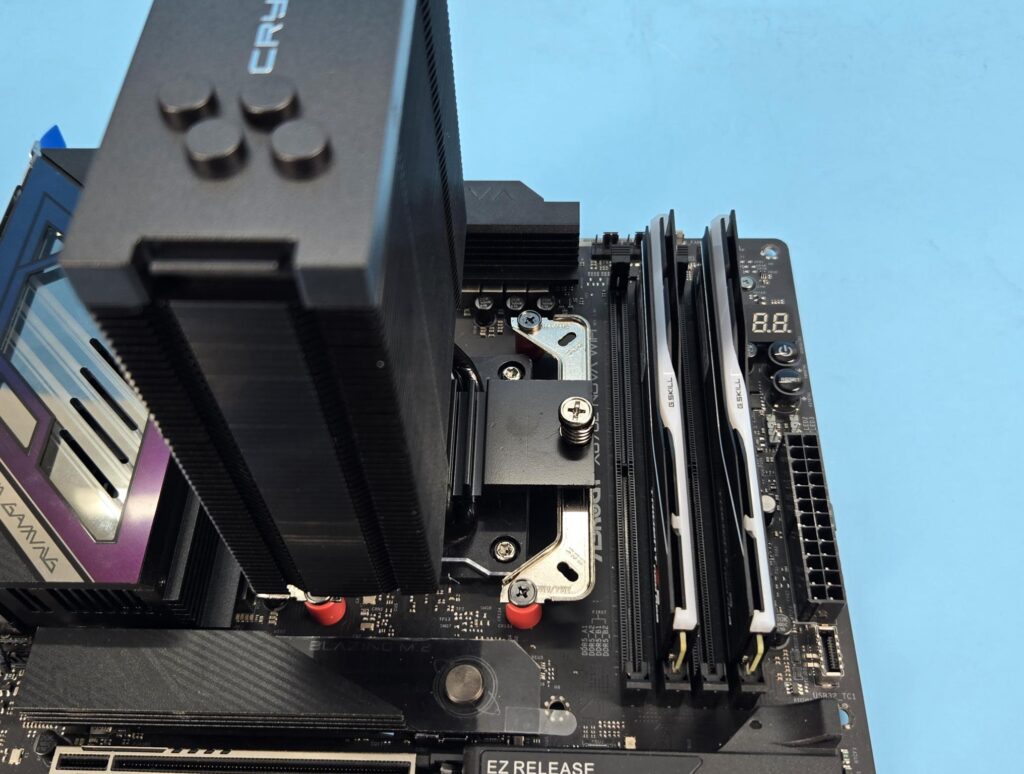
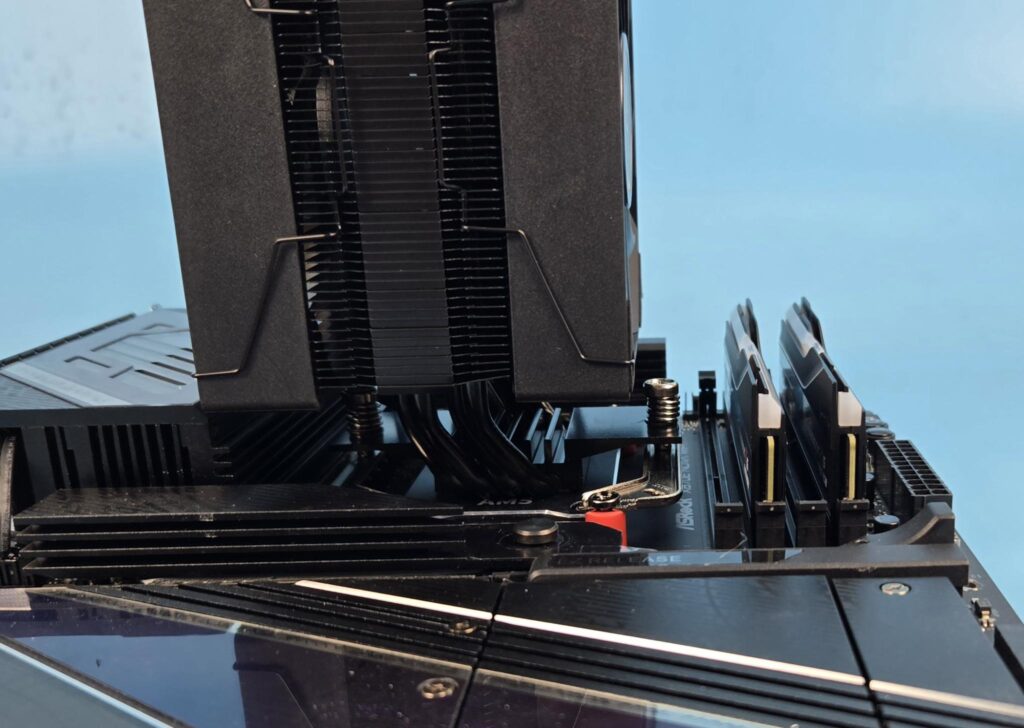
The cooler provides a universal clearance for the RAM.
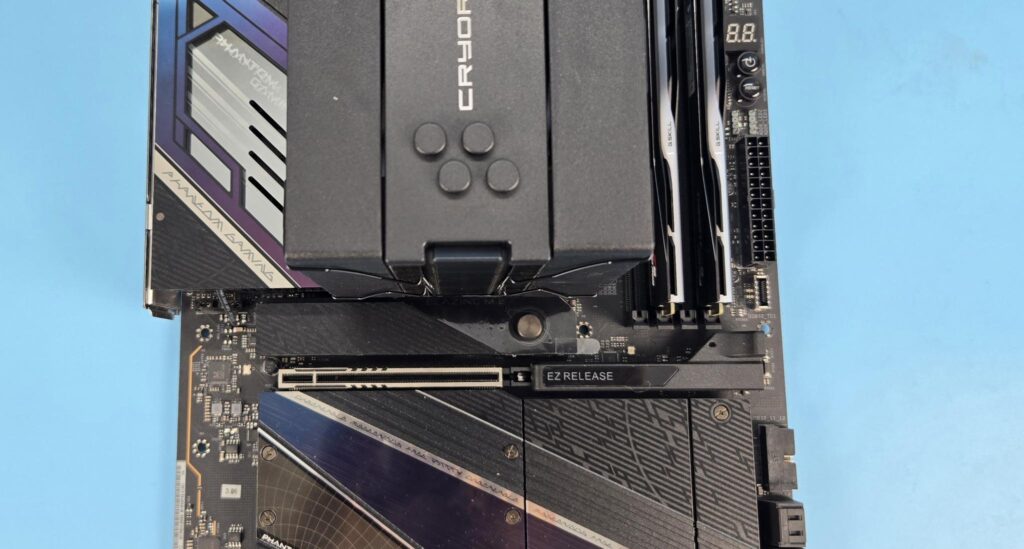
There is no issue with respect to the first PCIe x16 slot on the ASRock X870E NOVA WiFi motherboard.
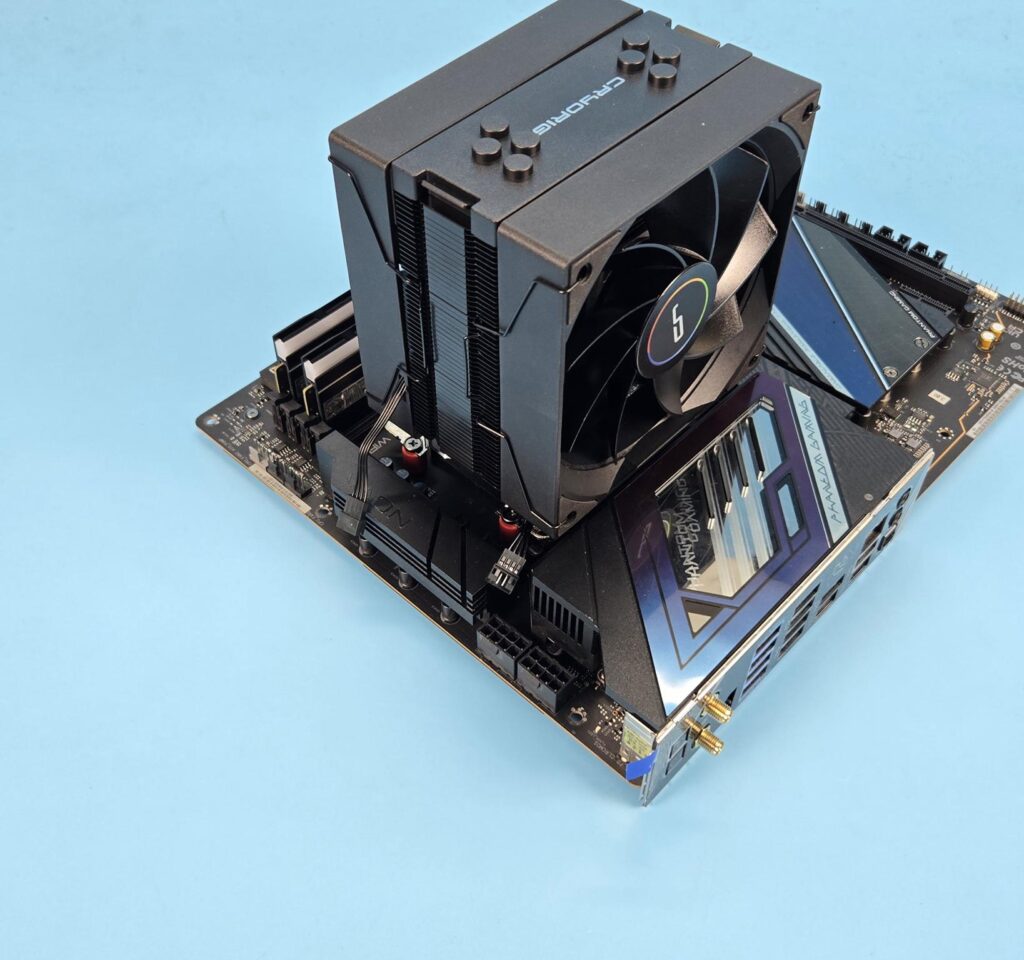
The cooler has no clearance issue with respect to the rear and top of the motherboard.
The height of the cooler is 153mm. Keep this in mind while planning your build with respect to the PC Chassis.
Testing
The following configuration is used for thermal testing:
- AMD Ryzen 9 9900X [243W, 167W]
- ASRock X870E NOVA WiFi
- GSkill TridentZ NEO RGB 32GB 6400MHz CL30 DDR5 kit
- ASRock Phantom Gaming RX 7600 Graphics Card for Display
- Biwin X570 Pro 4TB PCIe Gen5 NVMe SSD
- Fractal Design ION+2 860W Platinum PSU
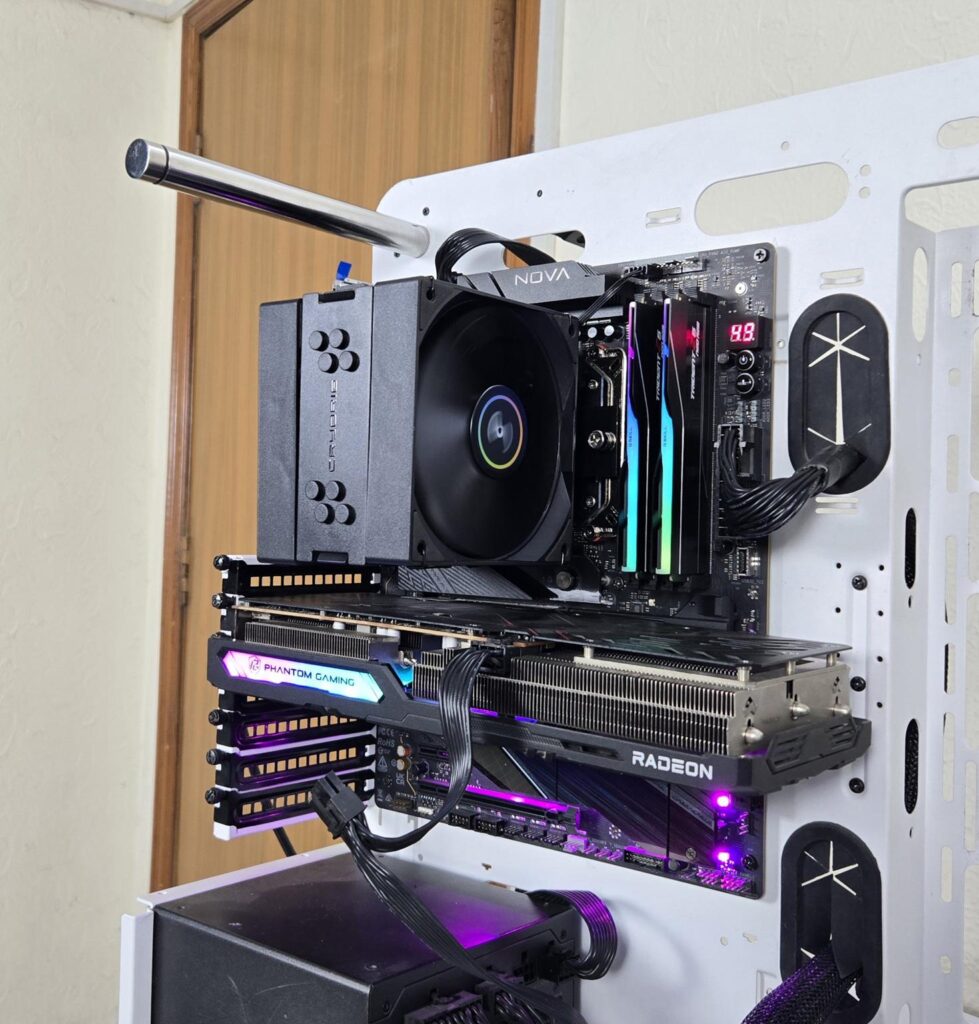
- Thermaltake Core P6 TG Snow Edition in an open frame layout
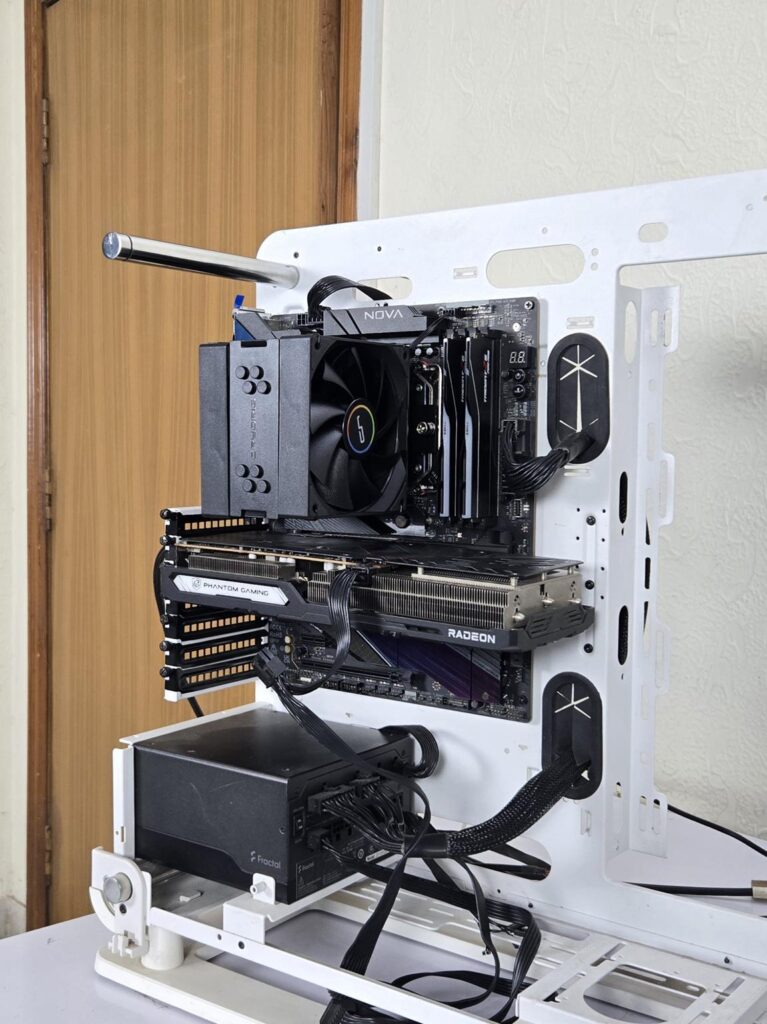
Here is the settings table for testing:
| Settings | PBO Enabled [243W] 200 for this cooler |
| Clock (MHz) | Auto |
| Voltage (V) | Auto |
| Thermal Paste | Noctua NT-H2 |
| Thermal Paste Application | Dots Method |
| Test Run Time | 30 minutes |
| Idling Time | 10 minutes |
| All Fans Speed | 100% PWM Duty Cycle |
| Pump Speed | |
| Stress Software | CINEBENCH R23.2 |
| Monitoring Software | HWINFO64 |
I am reporting absolute temperature in the graph because the room temperature was at 22°C throughout the day. The testing is done on an open-air bench system. Once inside the chassis, the temperatures are expected to rise and would largely depend upon the optimal airflow inside the chassis.
Result
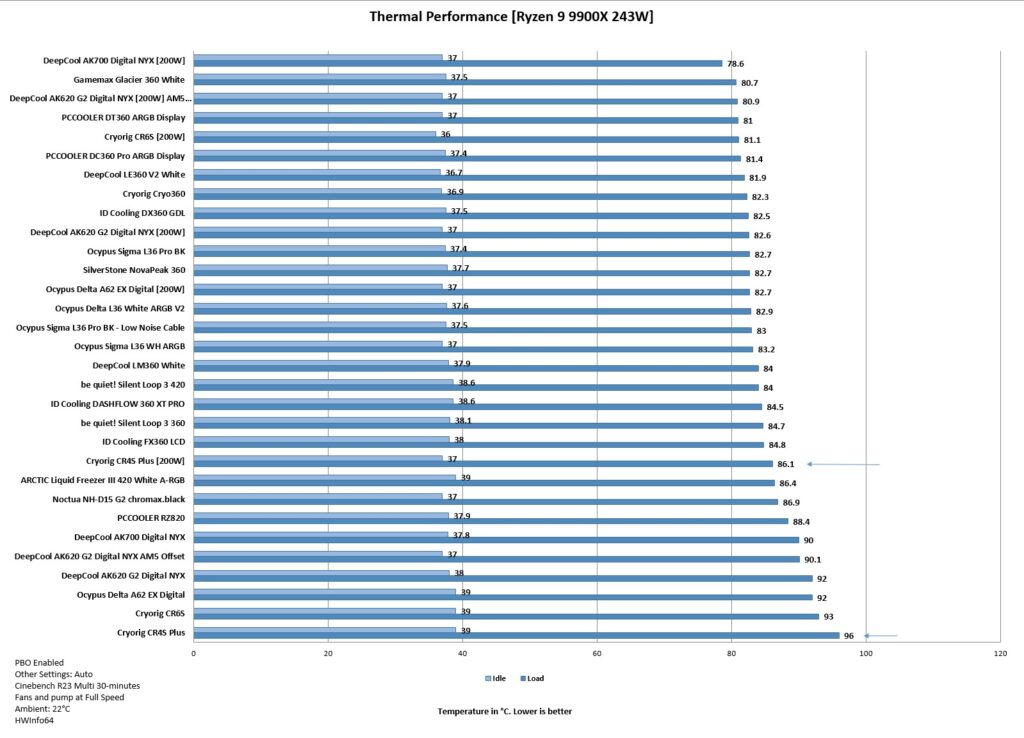
I am testing air coolers, particularly the budget ones, on AMD using 200W in addition to my regular 243W test load. This is because not all coolers would be able to handle the torturous 243W load test.
The CR6S reached 96 degrees Celsius on the 243W load test. In other words, the cooler could not handle this load, and the CPU was operating on thermal junction. However, the cooler has a better performance on a 200W load test, where it reached 86.1 degrees Celsius.
The fans are not loud, even at full speed, which is another plus for this cooler.
Conclusion
This is my third cooler from Cryorig after testing CRYO360 and CR6S. I have tested the CR4S Plus air cooler. It is a budget segment cooler that comes in a single-tower, dual-fan design. The socket support is Intel LGA1851/1700/1200/115x/1366 and AMD AM4/AM5. The top of the cooler resembles the H7 from the past; however, the top cover is fixed.
This cooler has a dimension of 120x107x153mm (LxWxH) with fans. The cooler has a small footprint compared to CR6S. The heatsink comprises 52 fins combined with 4x 6mm heat pipes. The complete assembly is black-coated. The overall build quality is good. The fins have an interlocking mechanism on the side of each tower. The copper base is also nickel-plated.
The cooler comes with two non-RGB 120mm fans. They are rated for up to 800 to 1800±10% RPM speed. The airflow rating is 75.09 CFM at an air pressure rating of 1.76 mmH2O. The noise level is rated at 30.67 dB(A). These are the same ratings as on the CR6S cooler’s fans.
The overall installation of this cooler on AMD AM5 is simple and requires 10 items for the mounting kit. There is no clearance issue either on this cooler. The height is 153m, which makes it more compatible with the majority of PC Cases.
This cooler has an MSRP of USD 34. It has a warranty period of 3 years. This cooler handles the 200W load test on 9900X comfortably. The fans run silently at full speed, and I did not notice any abnormal sound from the fans.
Pros
- Thermal Performance
- 4x 6mm Copper Heat Pipes
- Dual-Fan Design
- Universal Clearance
- 153mm Height
- AMD AM5 Support
- Intel LGA1851 Support
- Price
- Warranty
- Noise
Cons:
- None