













Ocypus Sigma L36 WH ARGB Cooler Review: Another Stellar Cooling Solution
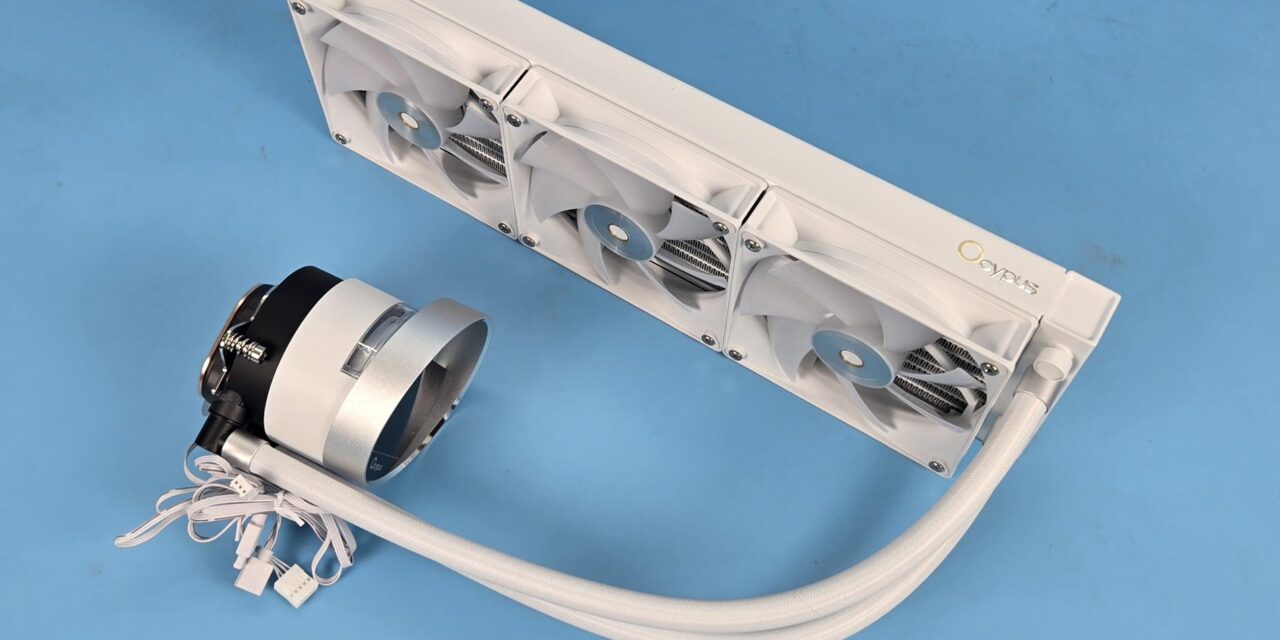
Earlier, I testedthe Sigma L36 Pro from Ocypus. That cooler packs spectacular performance with a brilliant display screen. This time, I am taking a look at the Ocypus Sigma L36 WH ARGB liquid cooler. This cooler also comes with a 2.4” display screen and 3x ARGB white performance fans. This cooler, from its ratings, is slightly behind the flagship L36 Pro cooler, but has all the bits required to deliver the demanded performance (from my testing).
The circular interface on the display screen, combined with orbital lighting and a 2.4” IPS screen, makes it a futuristic design, and the provision of 3x ARGB fans adds the missing touch. The fans come pre-installed on the radiator.
This cooler is compatible with Intel LGA115x/1200/1700/1851 and AMD AM4/AM5 sockets. The cooler is rated for 300W TDP, which isa tad less compared to 310W on the Pro edition.
Specifications

Packaging and Unboxing
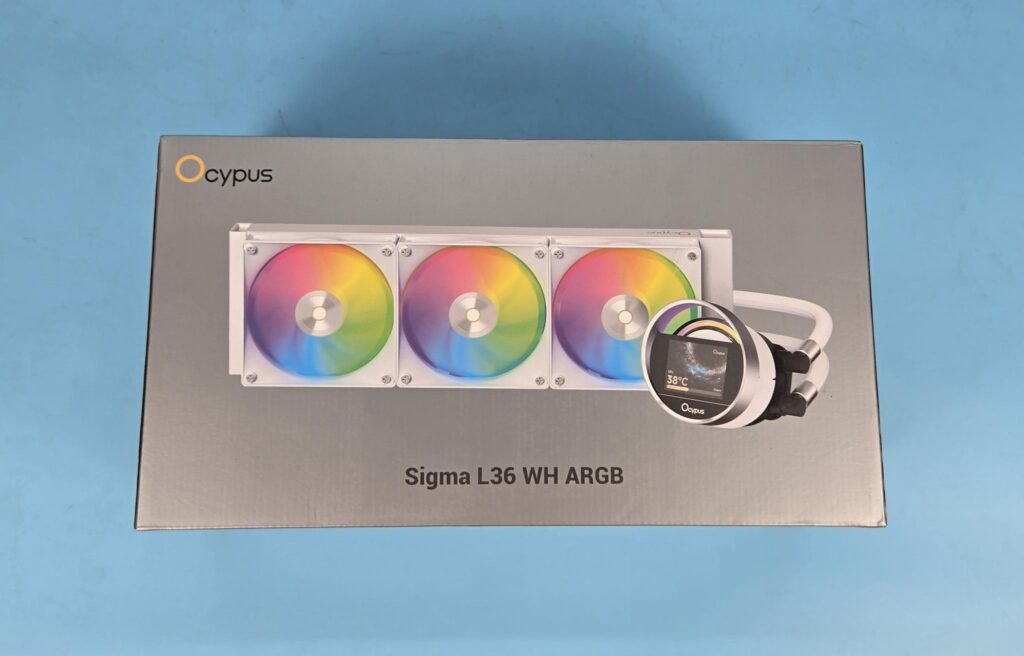
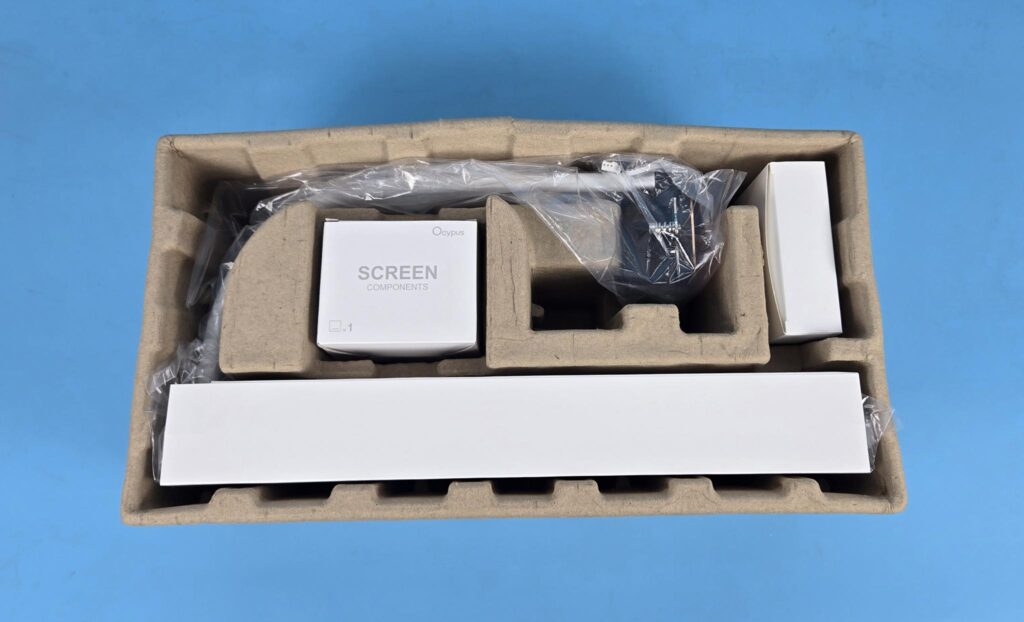
The main packing box has a silver color theme. You can see a picture of the cooler. Salient features and specifications are also printed. The Egged carton inside the main box has the cooler and accessories for safe shipping.
Let’s see what is provided in the box.
- 1x Intel Backplate
- 1x AMD Mounting Bracket
- 1x Intel Mounting Bracket
- 4x Intel/AMD Standoffs Screws
- 4x Nuts
- 1x Thermal Paste Tube
- 12x Radiator Screws
- 1x 3-way PWM Extension Cable
- 2x Velcro Strips
- 1x User Manual
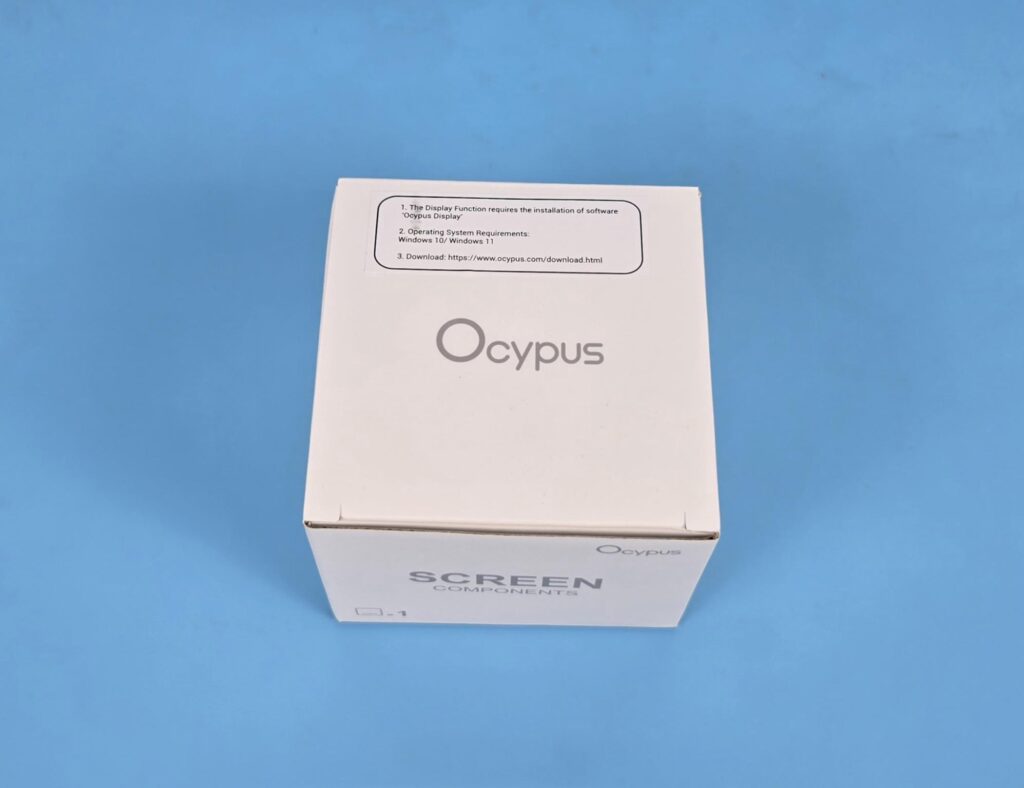
The screen is provided in a separate box.
Closer Look
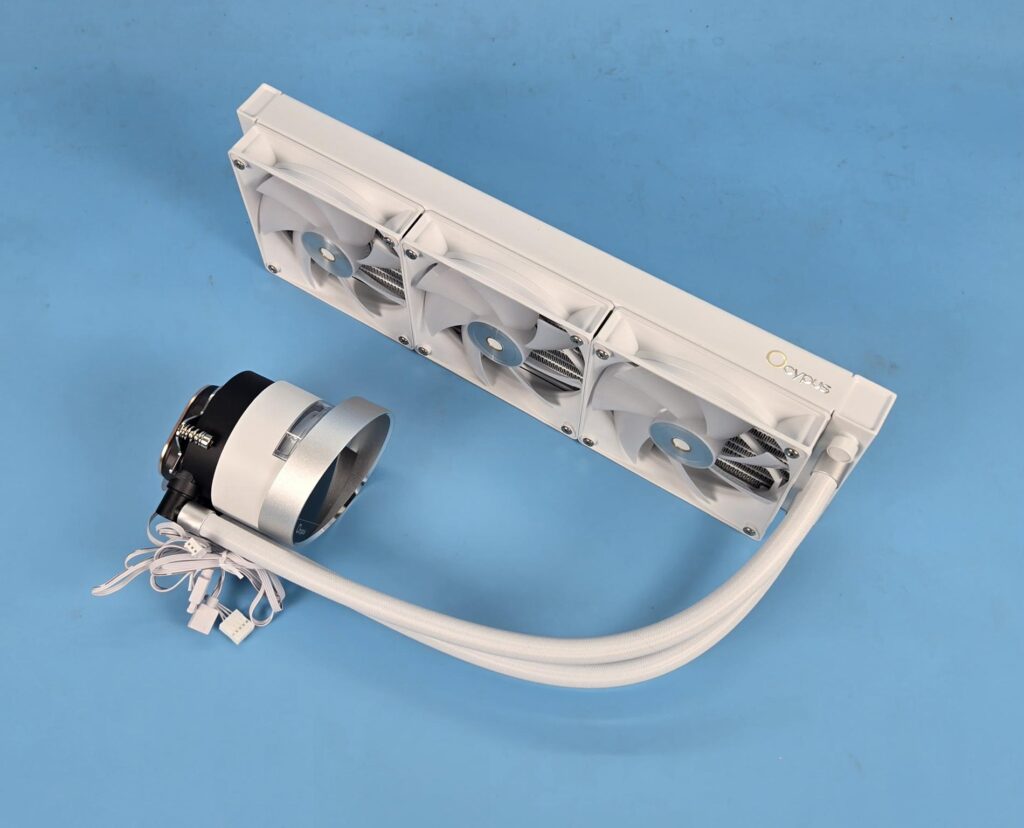
It is time to take a look at the unit itself.
Radiator
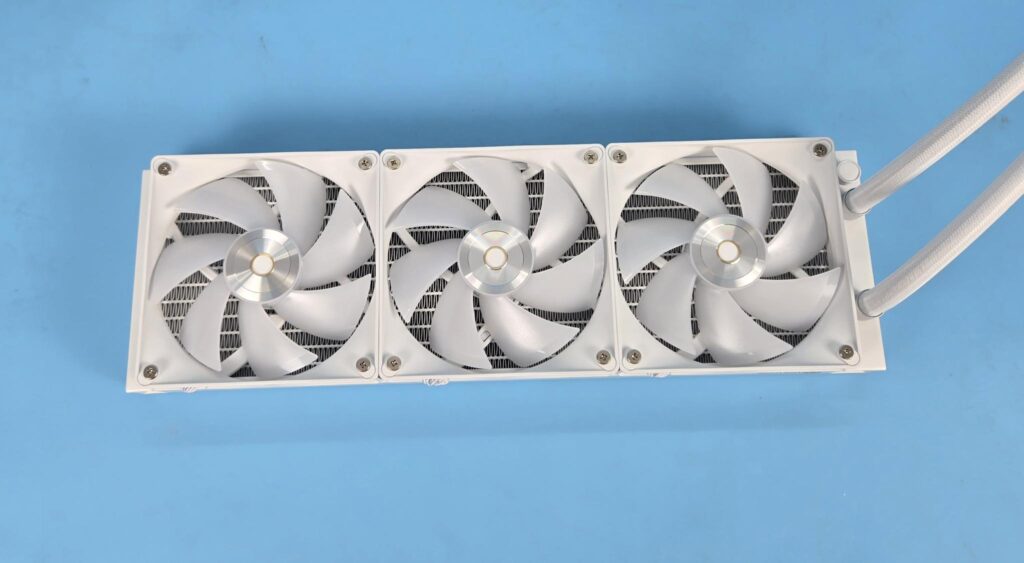
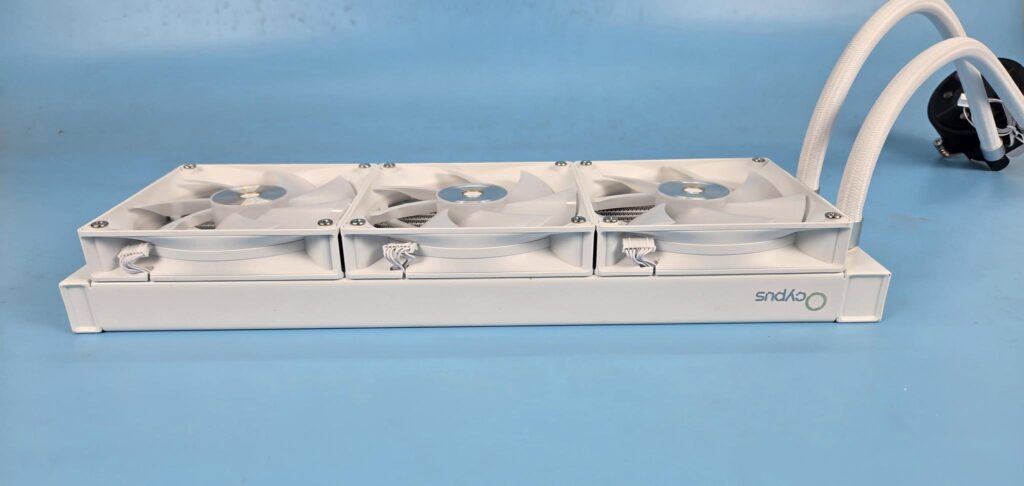
The three ARGB fans come pre-installed on the radiator. The fans have the Ocypus brand theme in the center, represented by a golden ring. Each fan has a short length cable with a proprietary connector per cable.
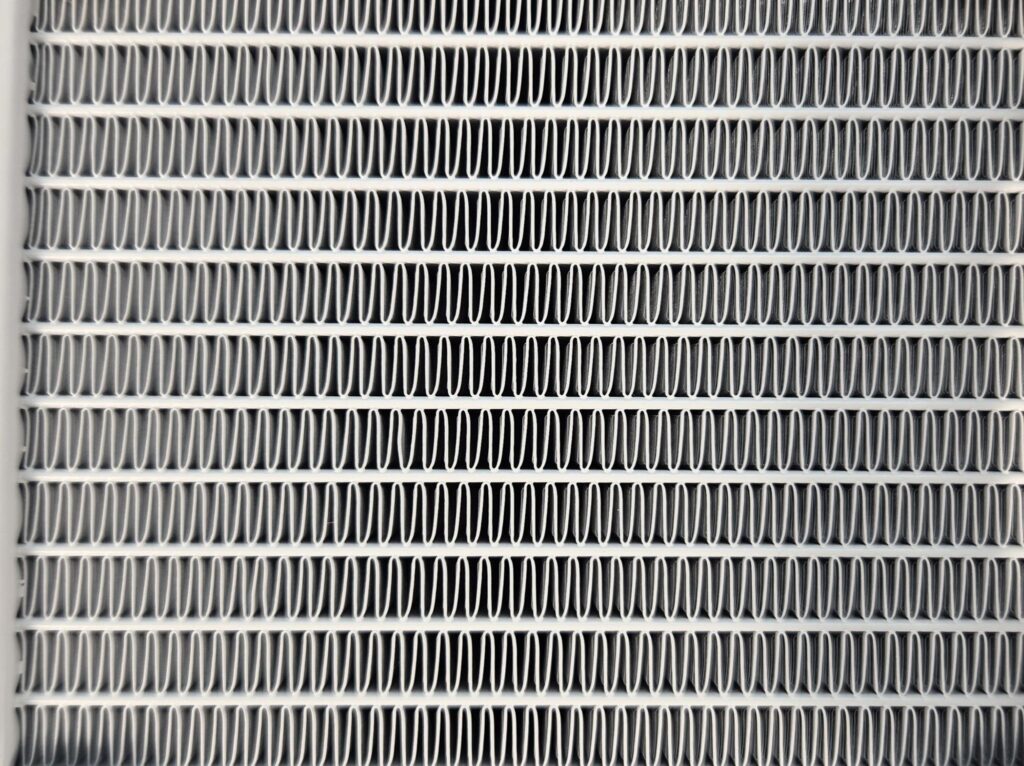
The aluminum radiator has a dimension of 397x120x27mm (LxWxH). Here, 27mm refers to the height of the unit. The overall height with 120x25mm fans is 52mm approximately. The radiator has 20 FPI count and has 12 channels for the coolant flow inside the radiator. There is a gap of 105mm between the two mounting holes on opposite ends.
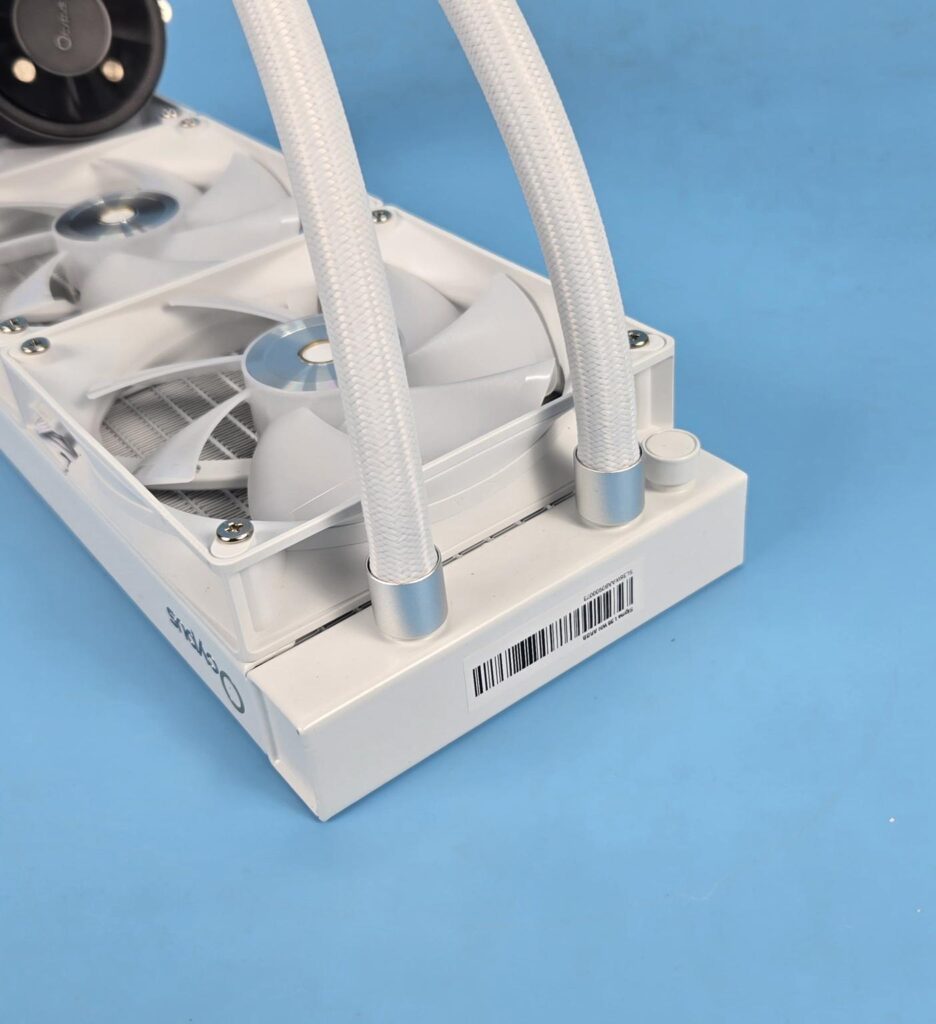
Ocypus uses silver metallic clamps to conceal the connection between tubes and barb fittings. The silver color bodes quite well with the white color. A sticker label shows the serial number of the unit. A port cover can be seen. This port may be reserved for factory use only.
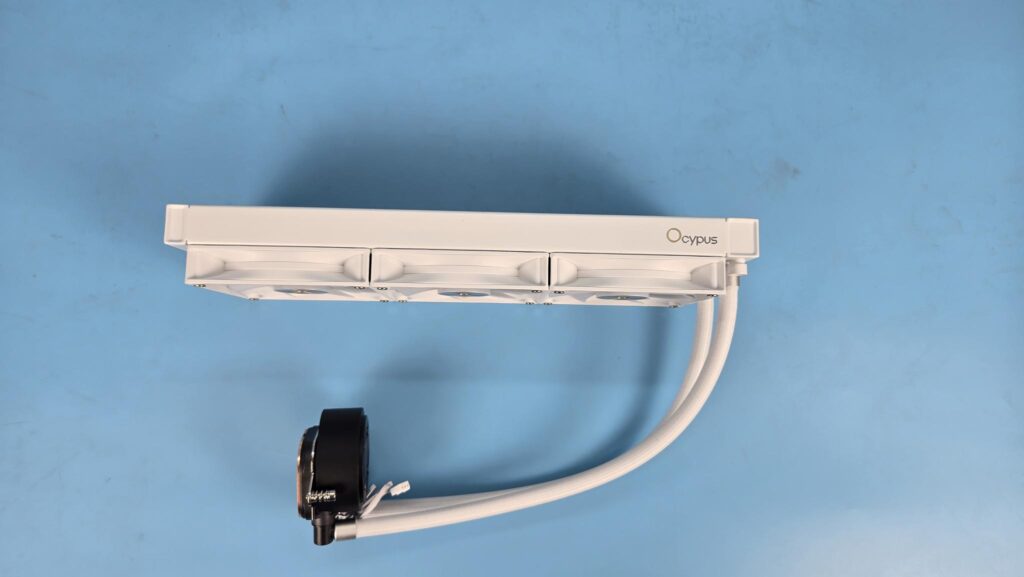
I am showing the side view of the unit. There is an Ocypus branding towards the right of the radiator frame. Ocypus uses rubber tubes with a nylon braided sleeve. The tube length is 400mm. The tube has an ID of 6.5mm and an OD of 12.5mm.
Screen Module
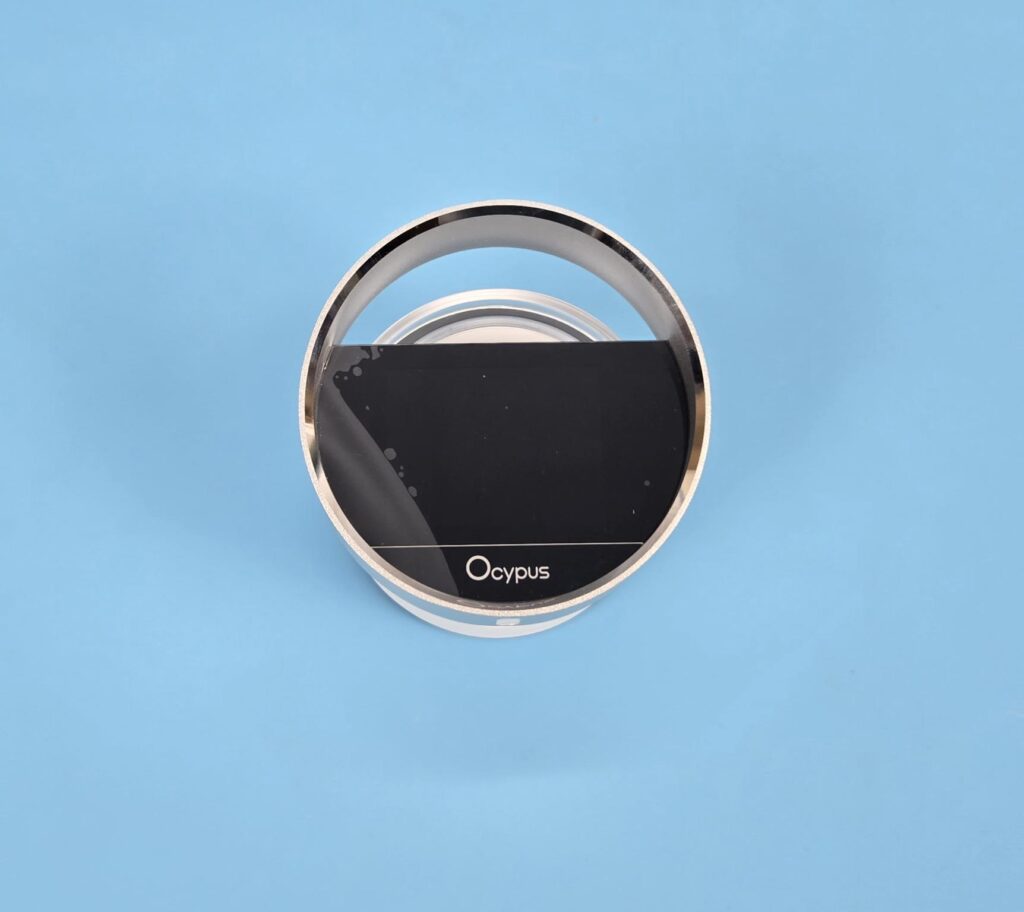
The screen module consists of a futuristic design. The top is surrounded by an aluminum circular cover. You can see a gap above the screen to showcase the orbital lighting. The top has a 2.4” IPS screen with a crisp display over 340×240 resolution. In my opinion, the large screen on the L36 Pro speaks for itself compared to the small screen on Lthe 36.
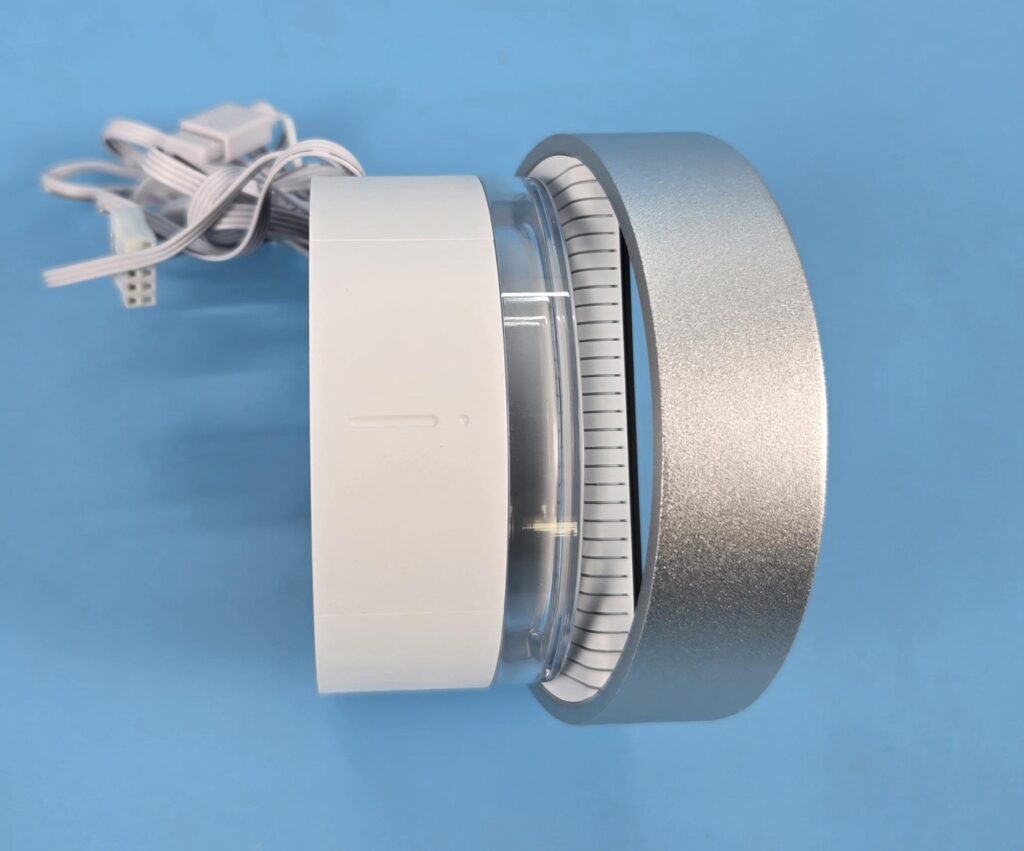
The side view of the housing is quite a show. A transparent container surrounds the diffuser and ARGB LEDs. These LEDs are rated for 0.3A at 5VDC, drawing 1.5W. The stripes on a white background of the screen are a quite stylish design.
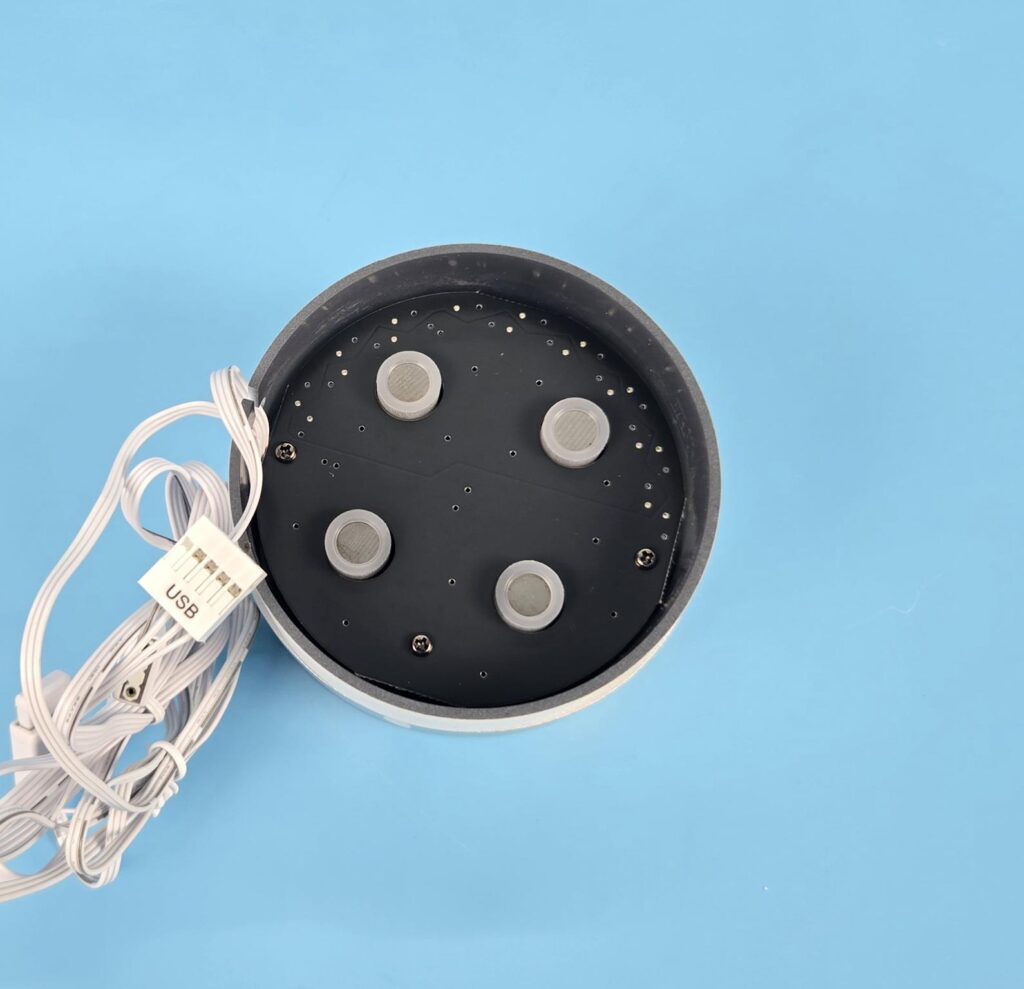
The screen uses magnetic attachment, for which 4x magnets are used.
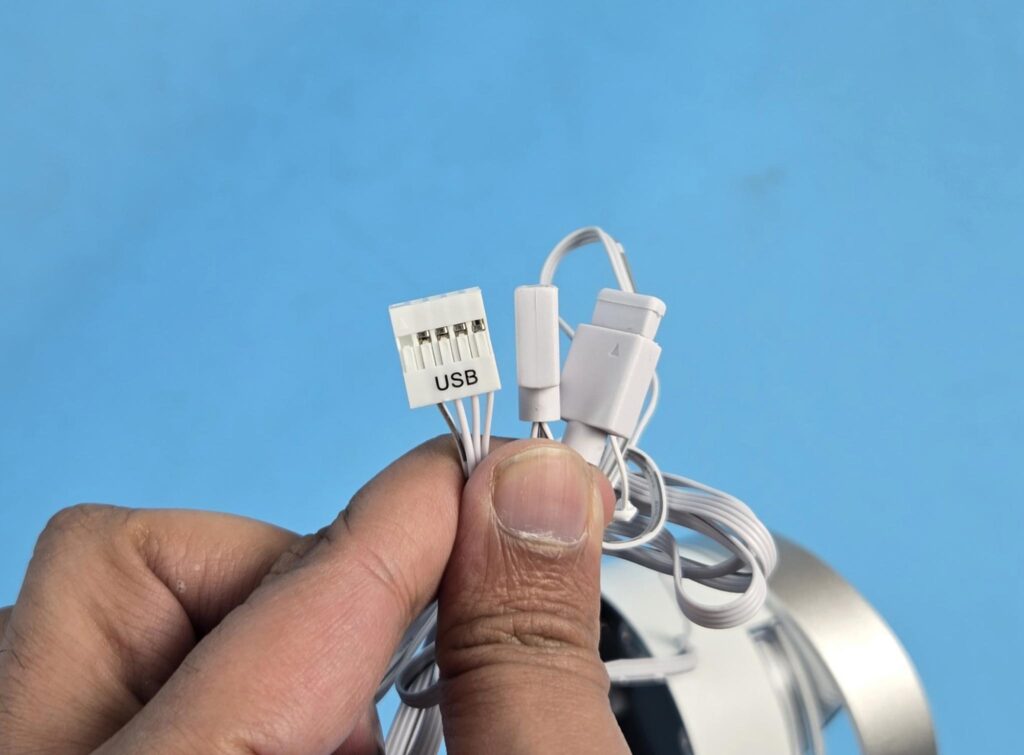
The screen module has standard 3-pin 5V, ARGB connectors, and a 9-pin USB 2.0 connector. The USB connector is needed for software-based customization on the display screen.
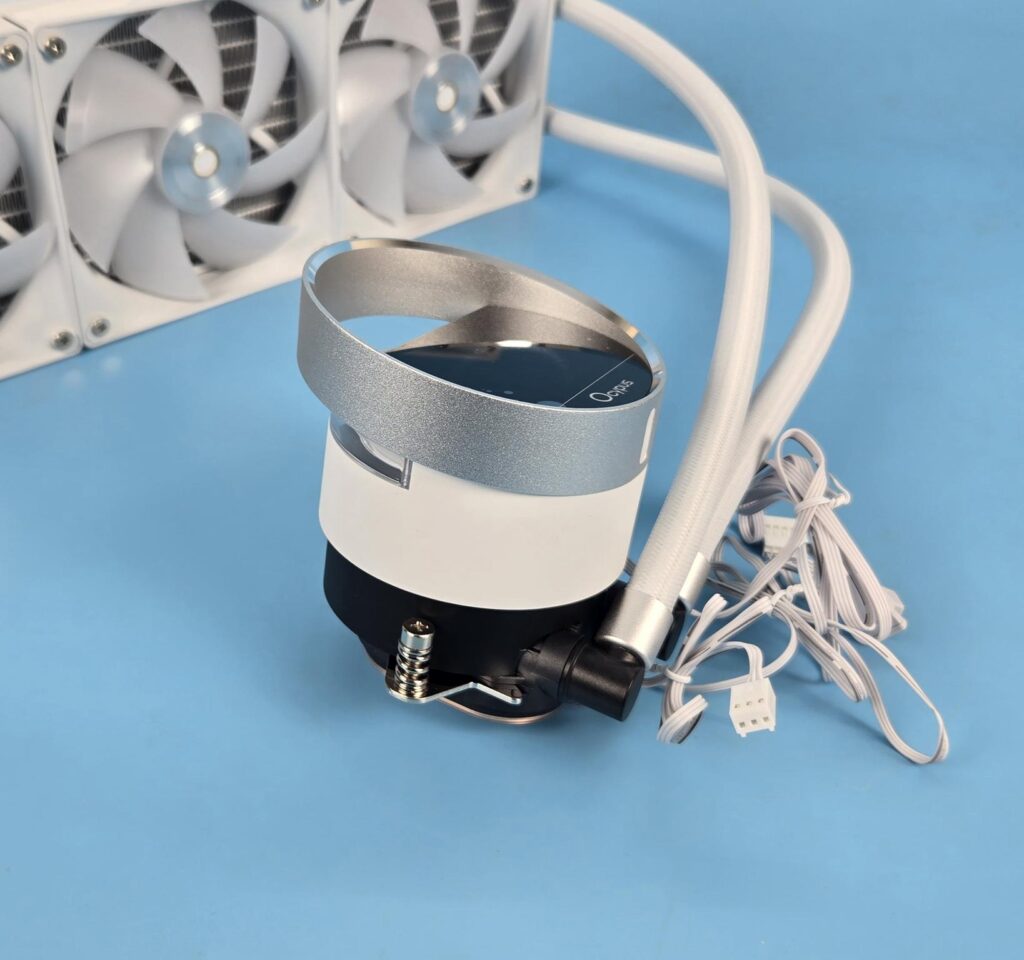
The sloped-down silver ring on top of the housing creates a spectacular view. The combination of silver, white, and black colors looks fine.
Pump Top
Let’s take a look at the design of the pump block.
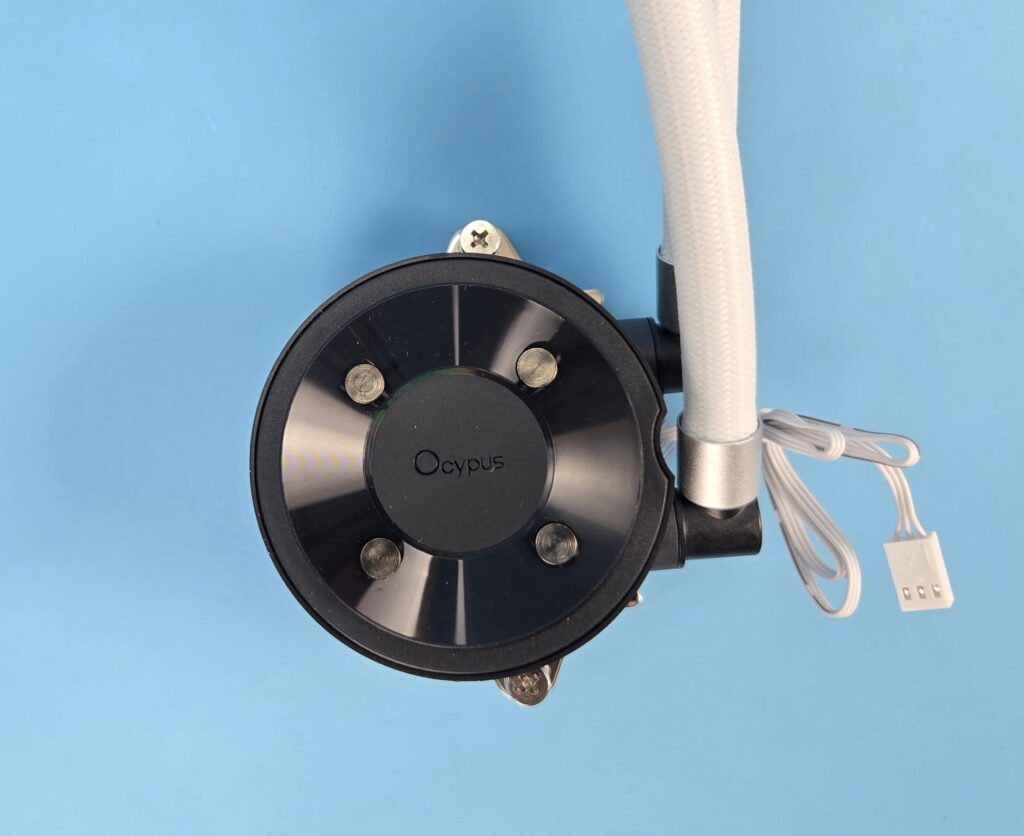
The pump head is a two-fold design. The pump housing itself is a slim design, but the overall dimension is Φ90x99mm with the screen module attached. This is quite a size! The pump head is a circular design. The housing is made of ABS material. You can see four magnets for magnetic attachment of the screen. Ocypus text is embossed in the center.
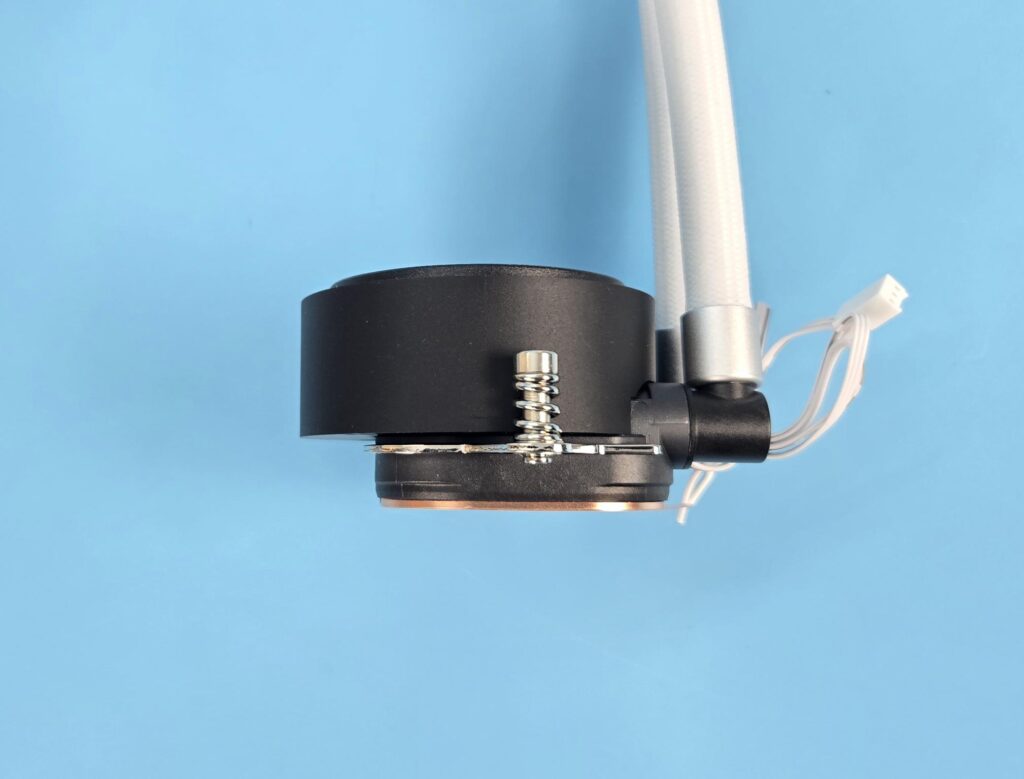
The pump housing has an offset design compared to the base. Ocypus has used 2x spring-loaded screws to install the block on the CPU.
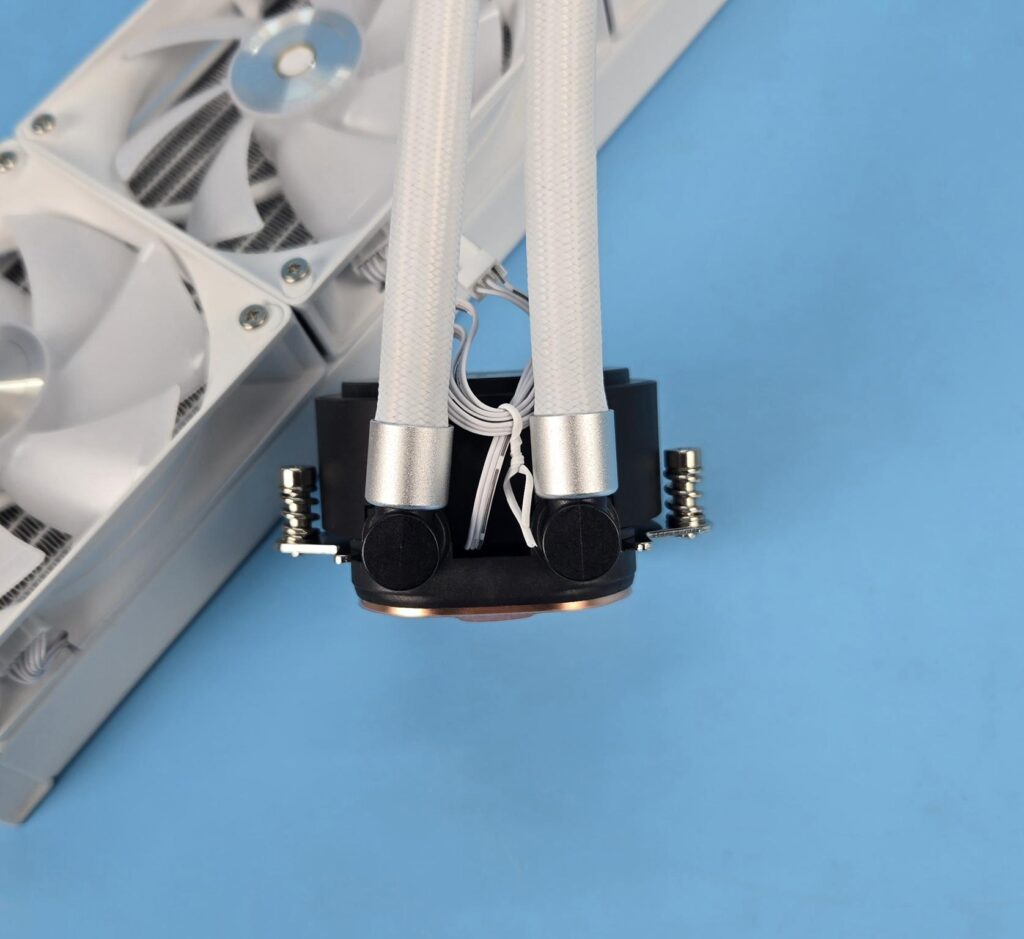
Looking at the backside of the housing, you can see the 90ᵒ fittings with tube connection. The tube connections can be rotated to adjust for any user requirement. Ocypus has also used silver clamps here.
The pump is powered by a 3-pin DC cable. The pump is rated for 3100 RPM ±10%. It is rated for 3.6W using 0.3A at 12VDC with a noise level of ≤ 27 dB(A). The pump uses ceramic bearings and comes equipped with a three-phase, six-pole motor.
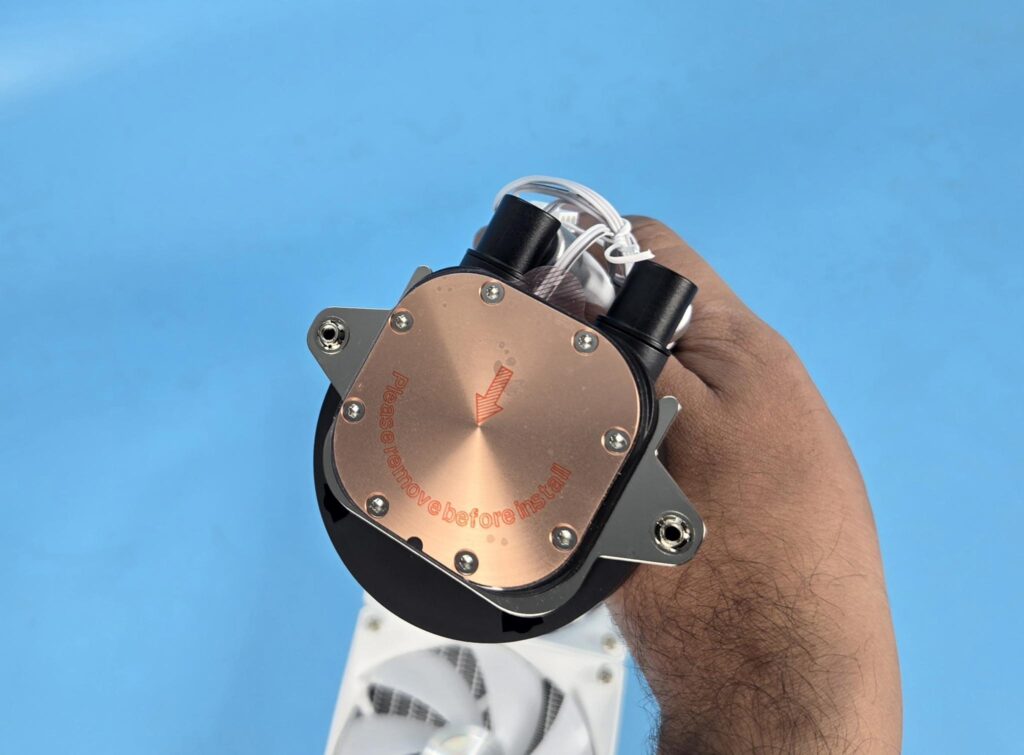
The copper base has a protective cover over it. Don’t forget to peel the cover before installing the block.
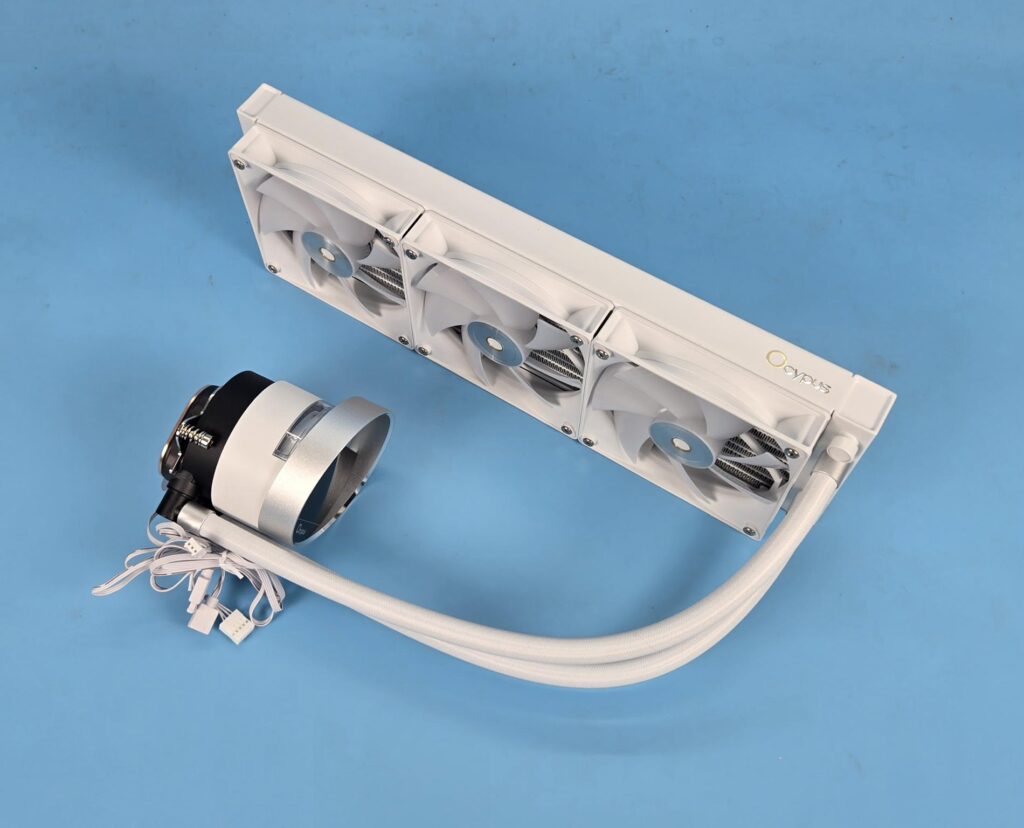
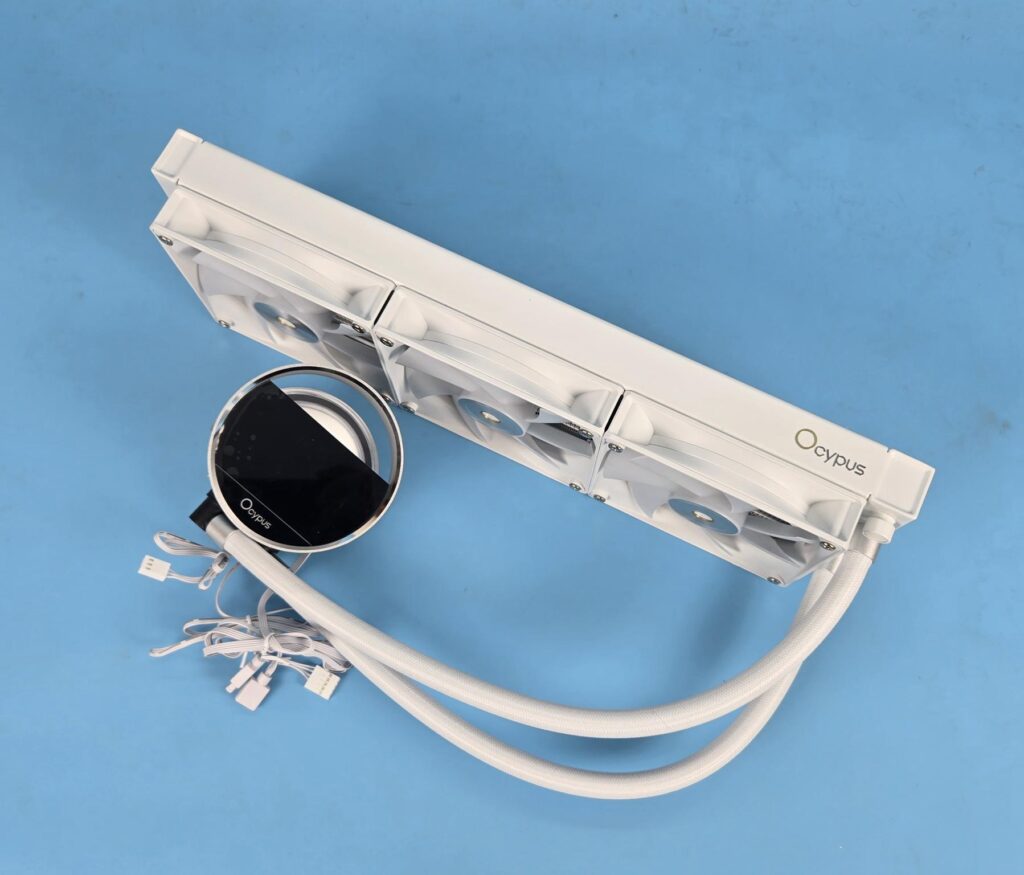
The above pictures show the screen module attached to the pump head/top.
Fans
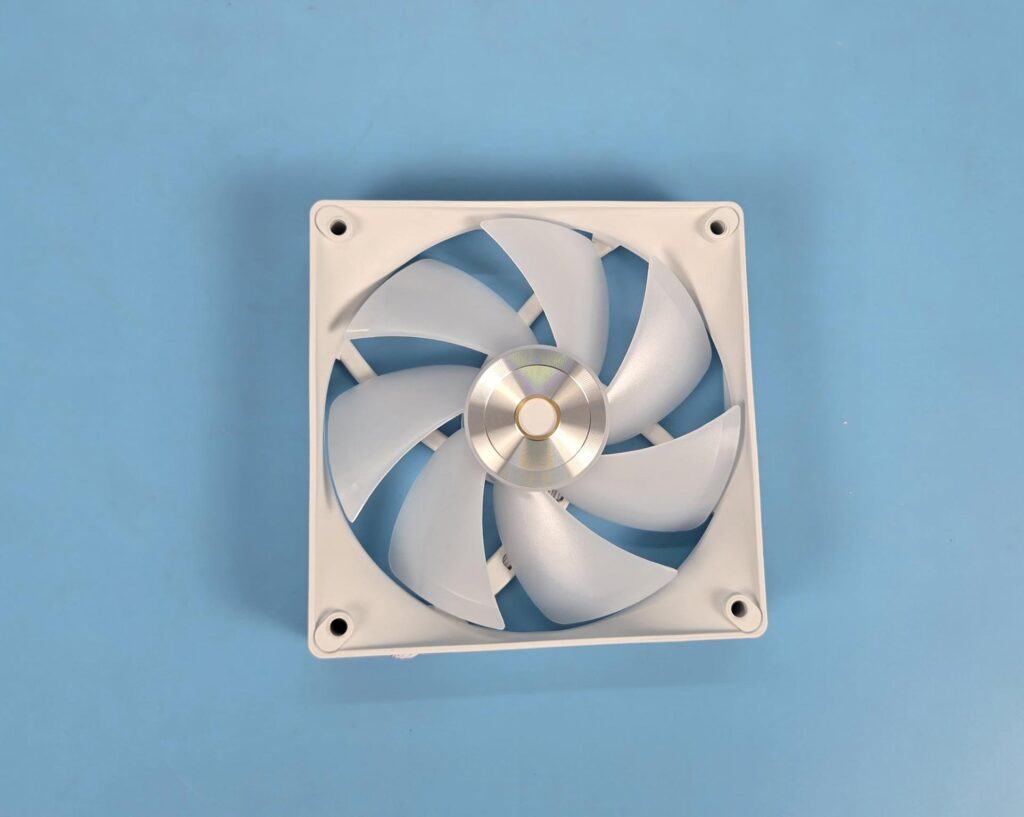
This unit comes with three ARGB fans. Each fan has 7x blades. The tips of each blade seem glazed and coated. The slope-down design on the corners is visible. The holes have cut-to-size anti-vibration pads.
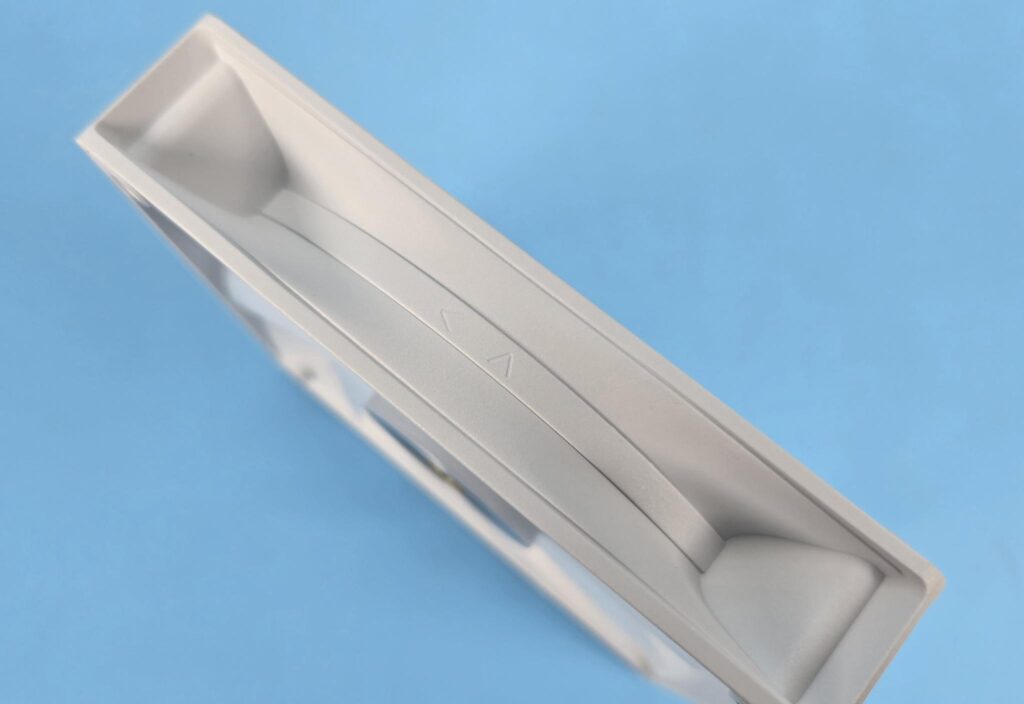
The frame features an inset design. Two arrows are visible on one side, indicating the direction of airflow and the direction in which the blades spin.
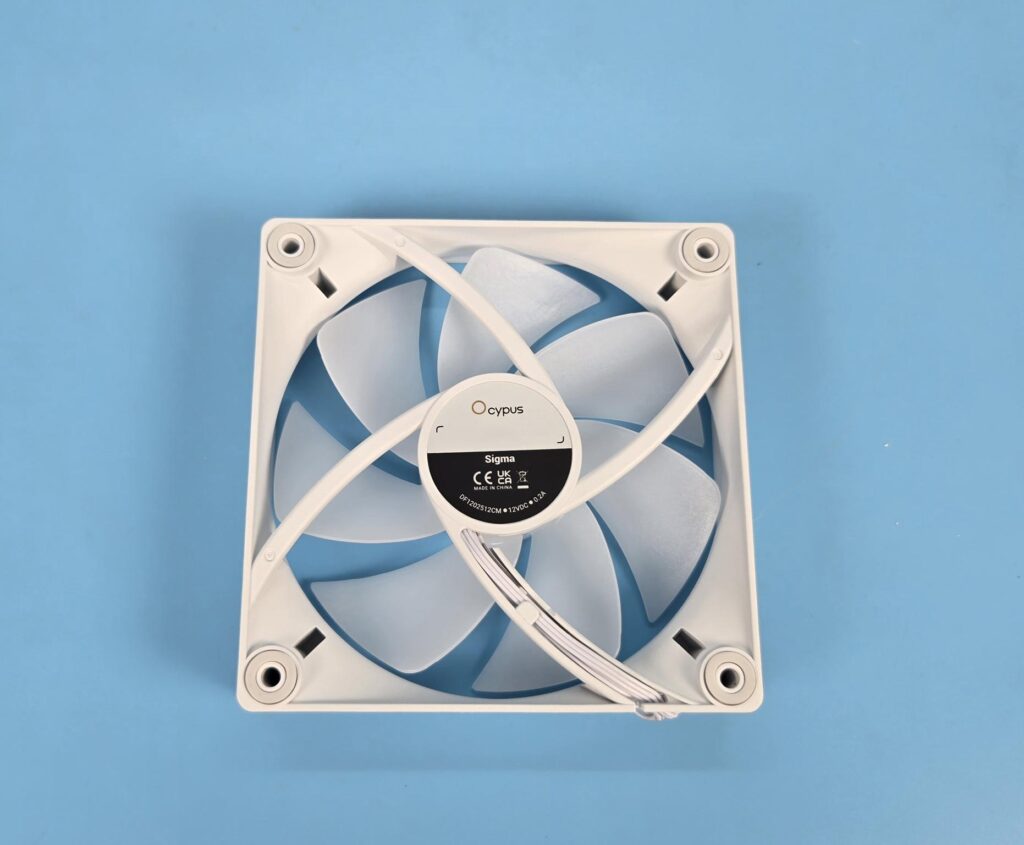
A 4-armed assembly on the backside is ina spiral shape to direct the airflow coming out of the blade assembly. The fans are made in China and they use Hydraulic. They are rated for 0.20A at 12VDC each.
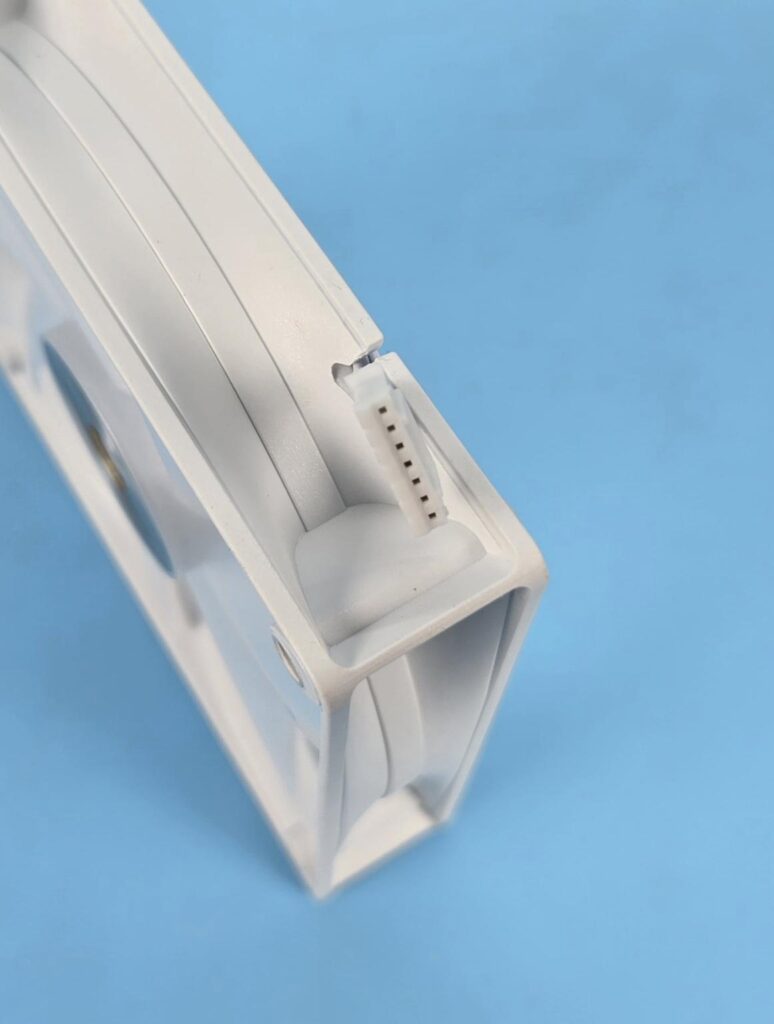
Each fan uses a proprietary 7-pin connector.
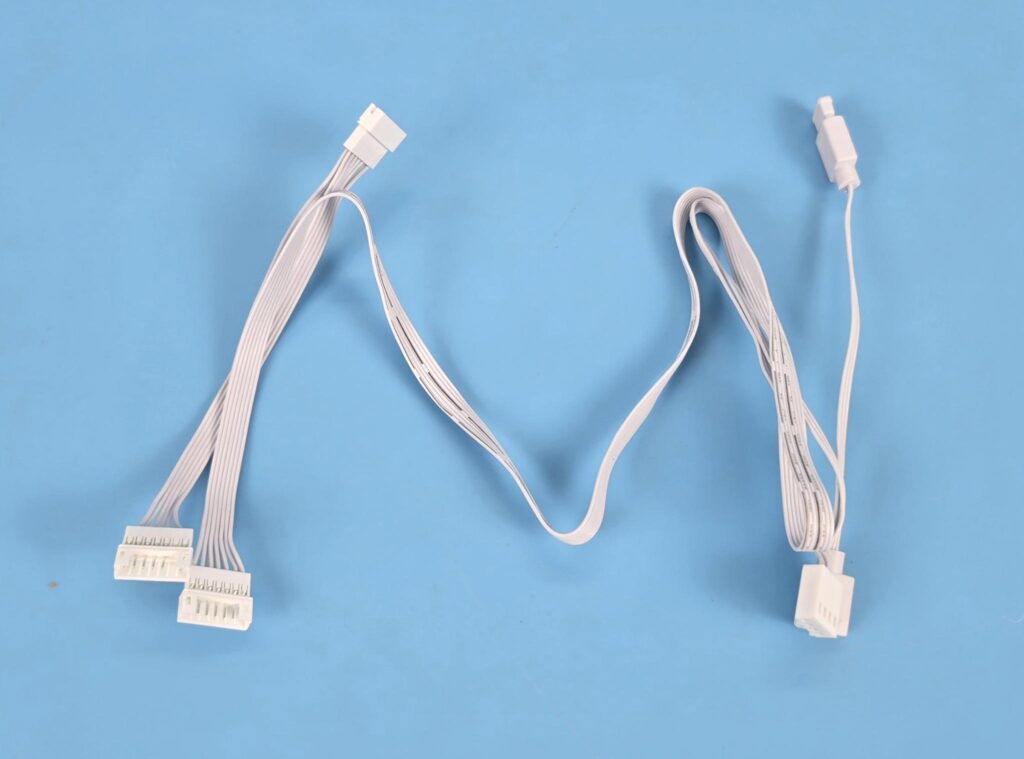
A 3-way PWM extension cable is also provided that combines the fans and connects to the motherboard for a single control.
Software
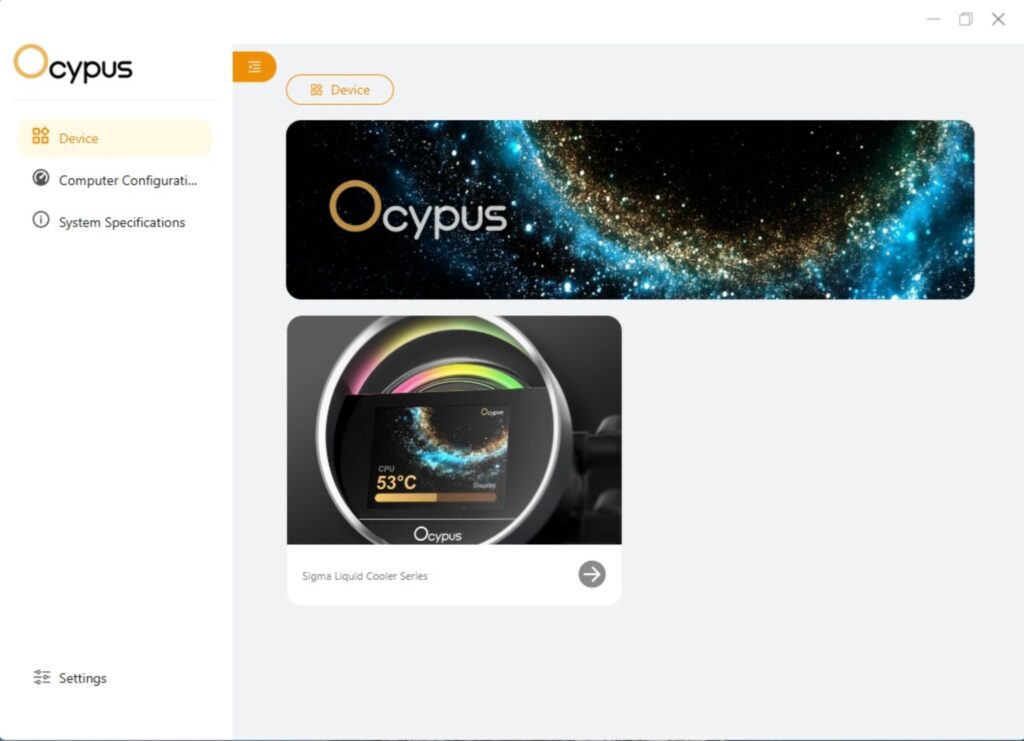
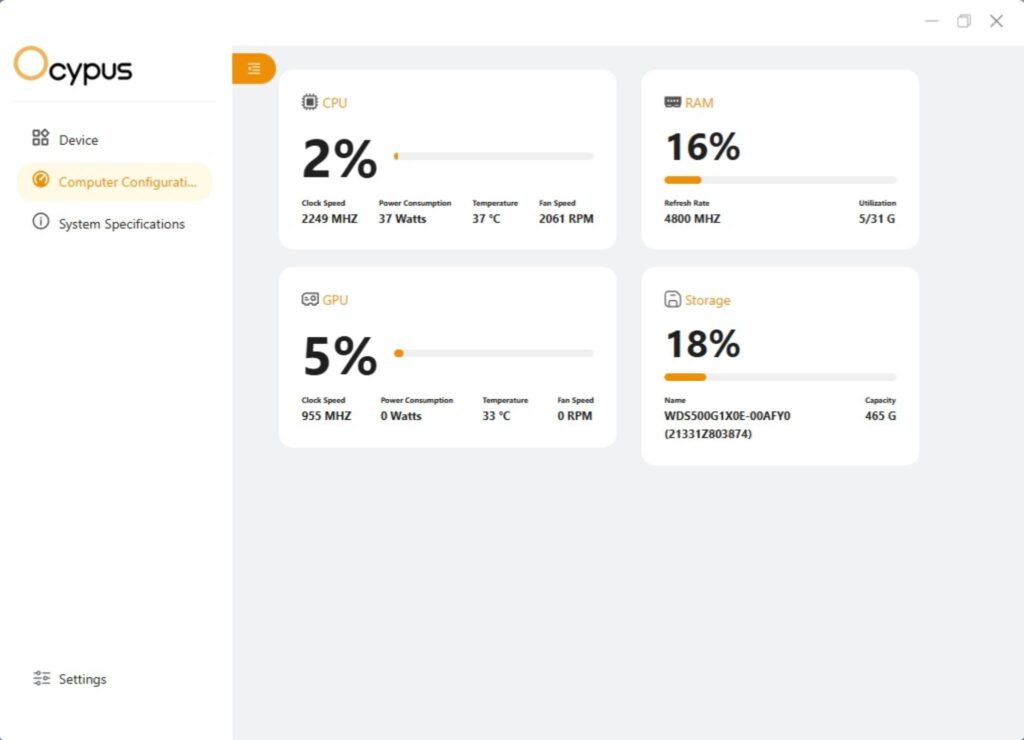
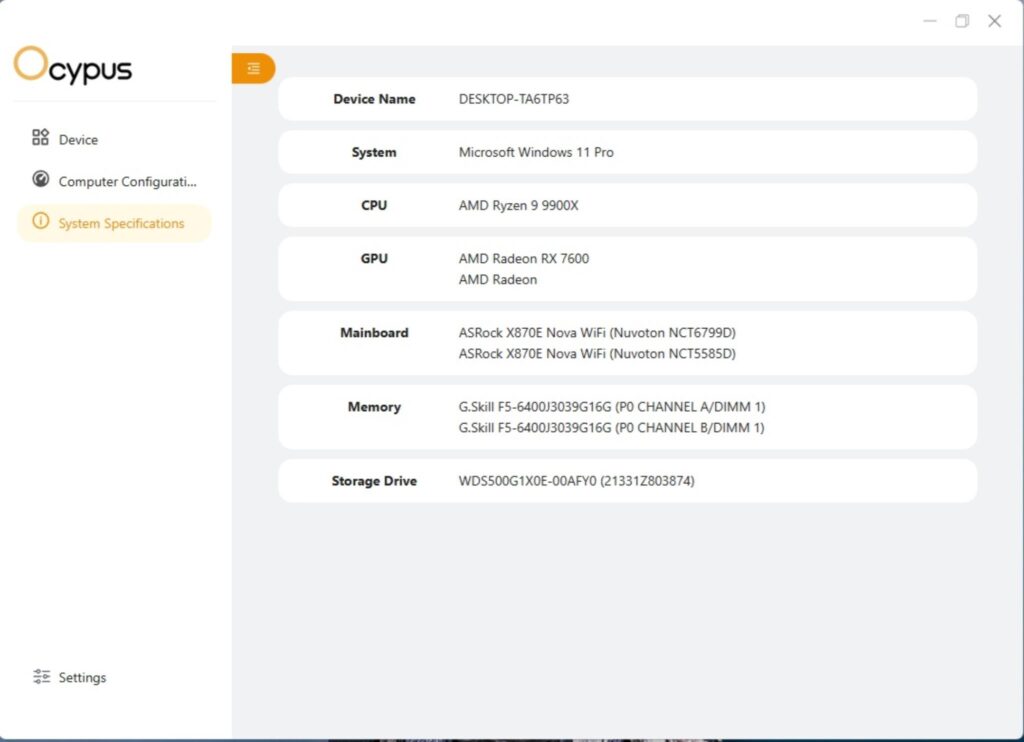
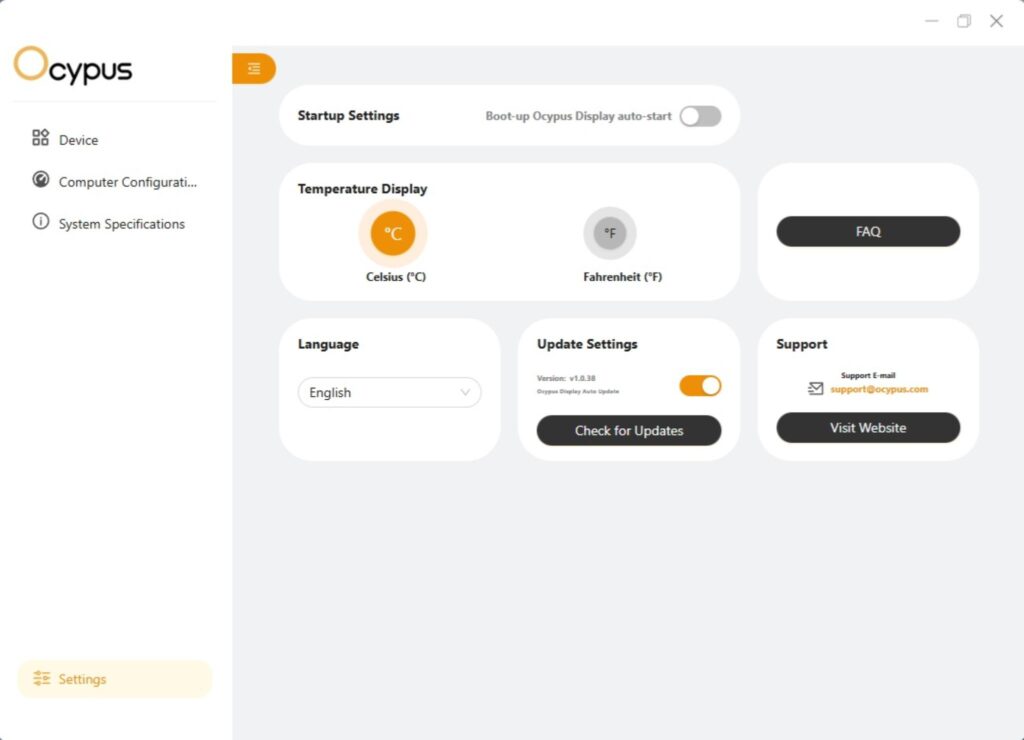
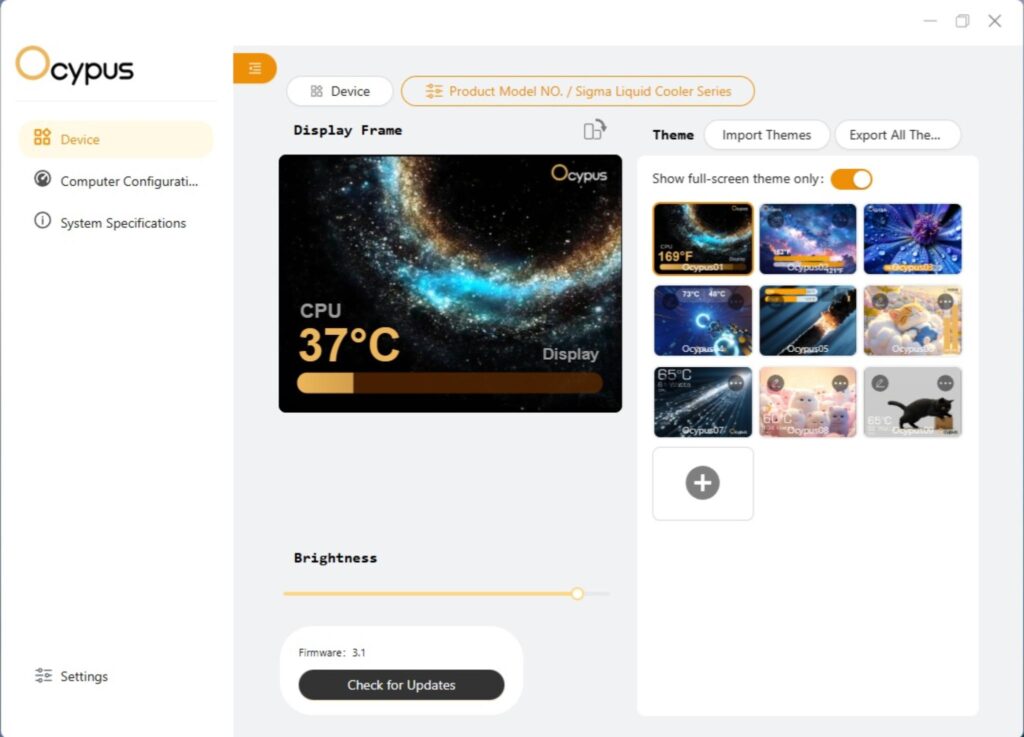
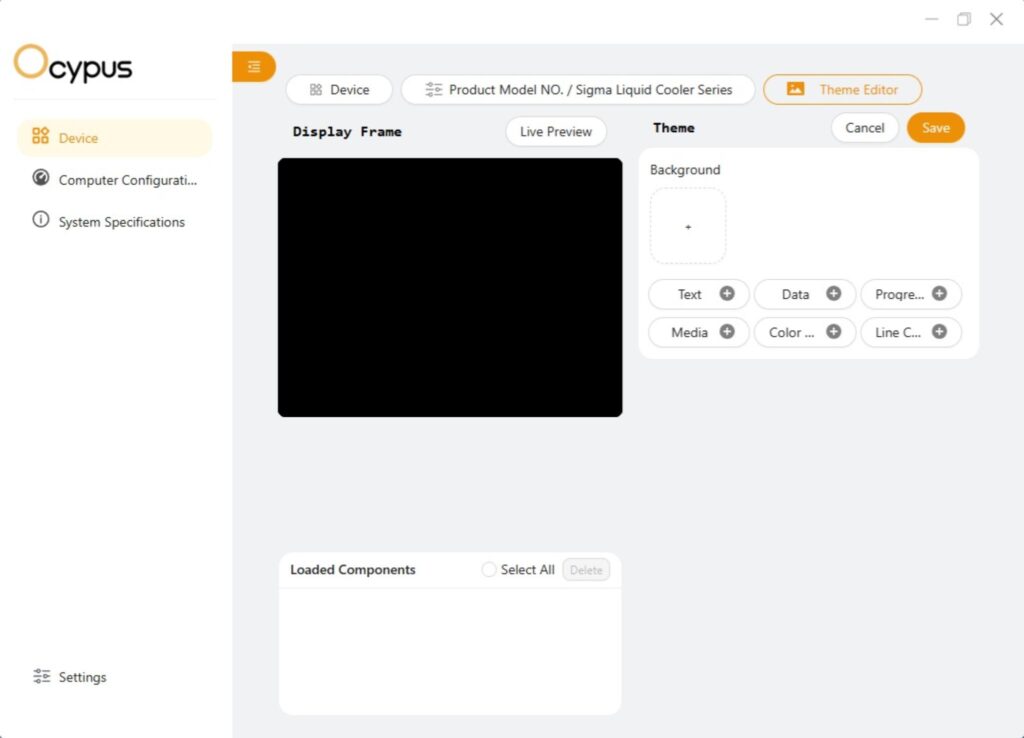
You can download Ocypus digital software from their website. The software has 6x pre-defined themes that you can use and customize as well. You can create your own theme as per the requirement. You can play mp4, mpg etc videos on the screen and the animations.
In addition, you can customize the sensor metrics to display critical sensors like CPU temperature on the screen for live monitoring. You can also rotate the screen display in any of four angles or orientations.
The software also shows the hardware information of your PC build, along withthe values of various parameters of the components.
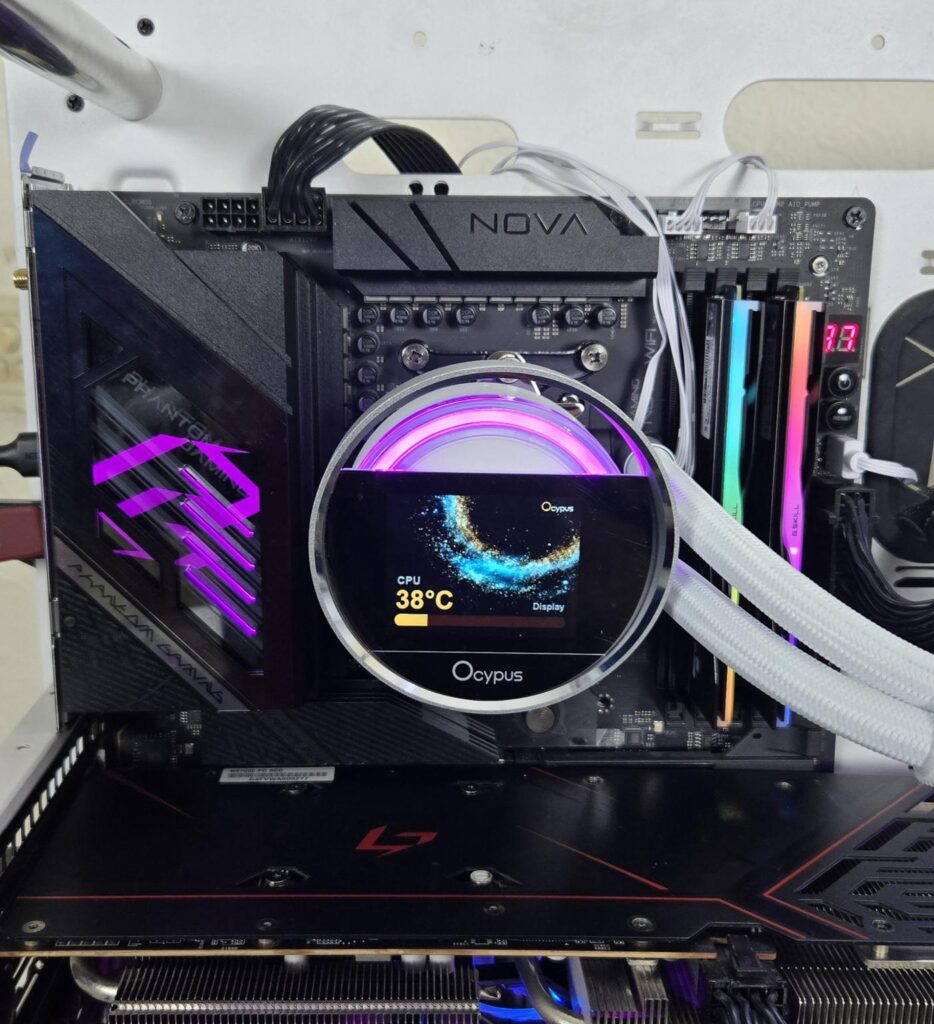
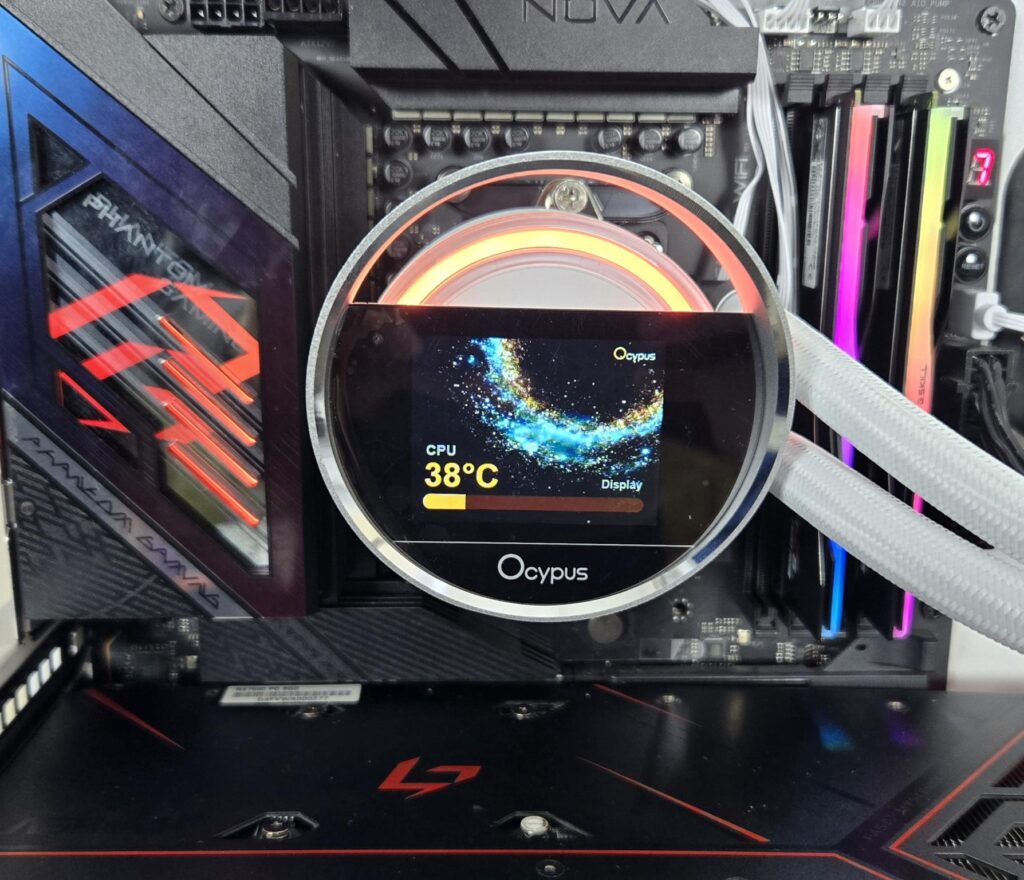
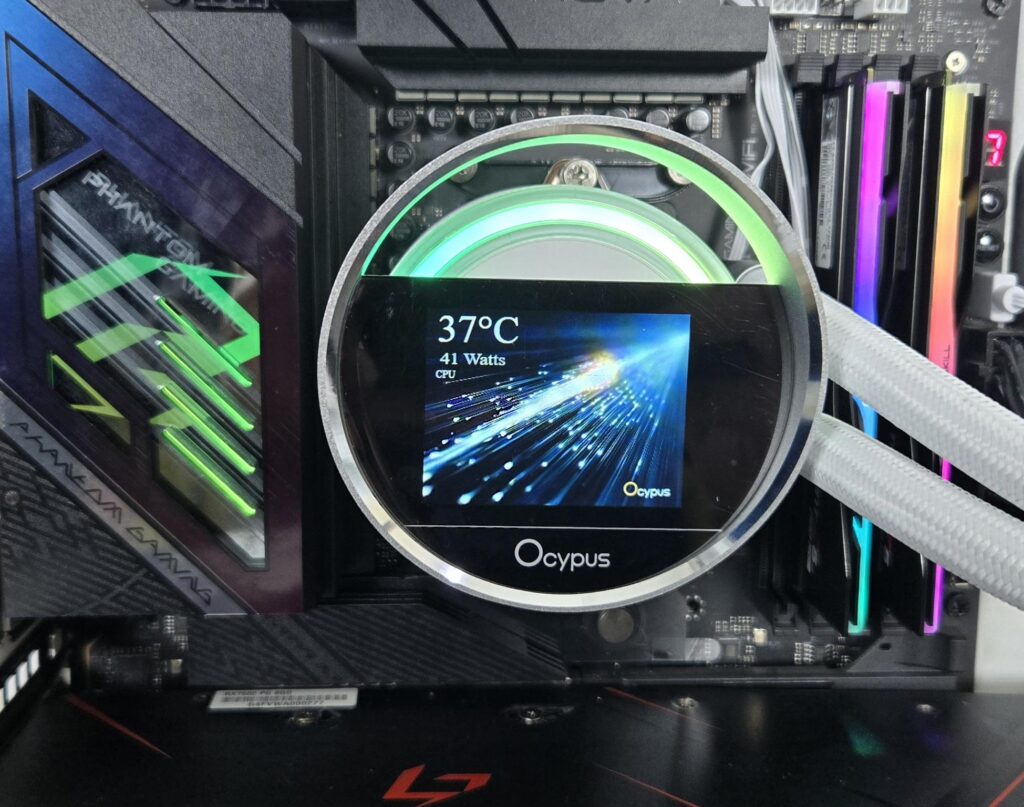
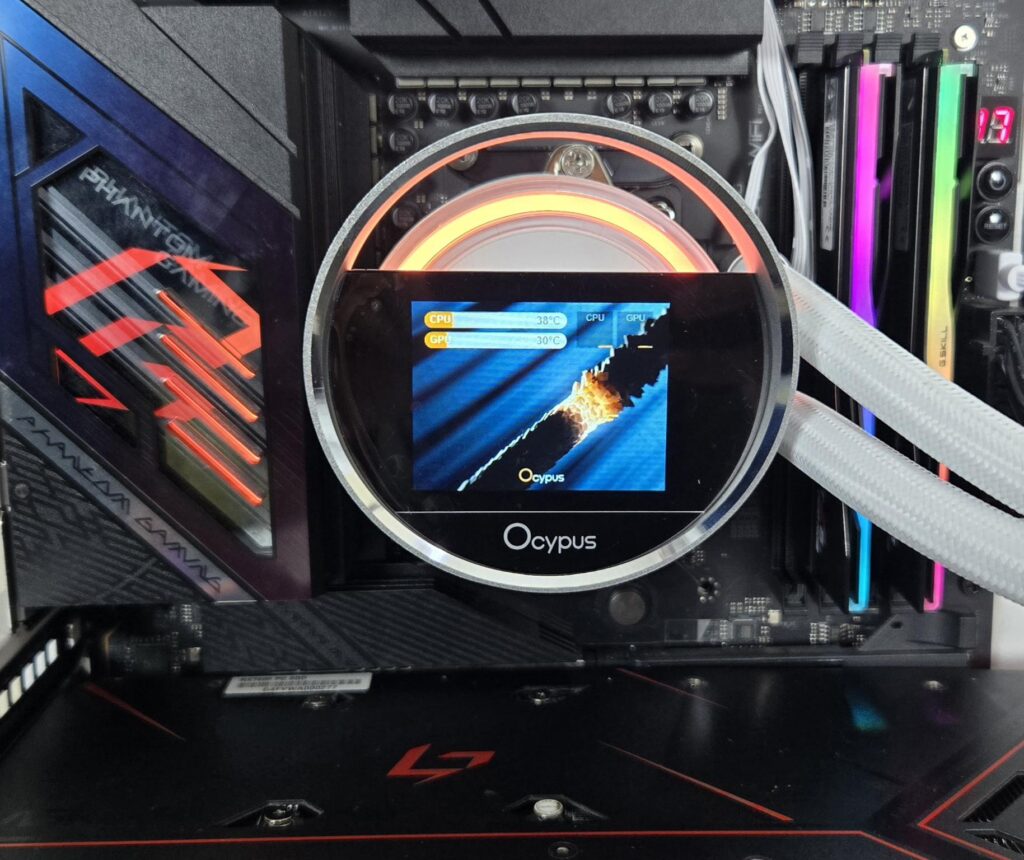
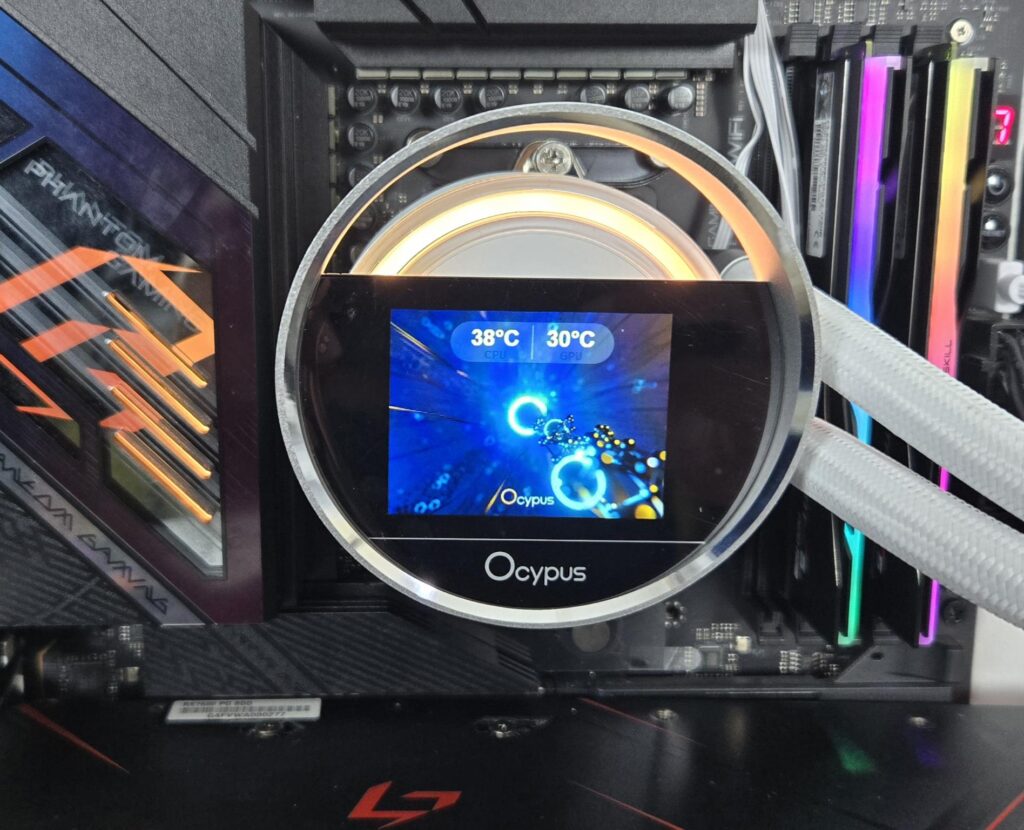
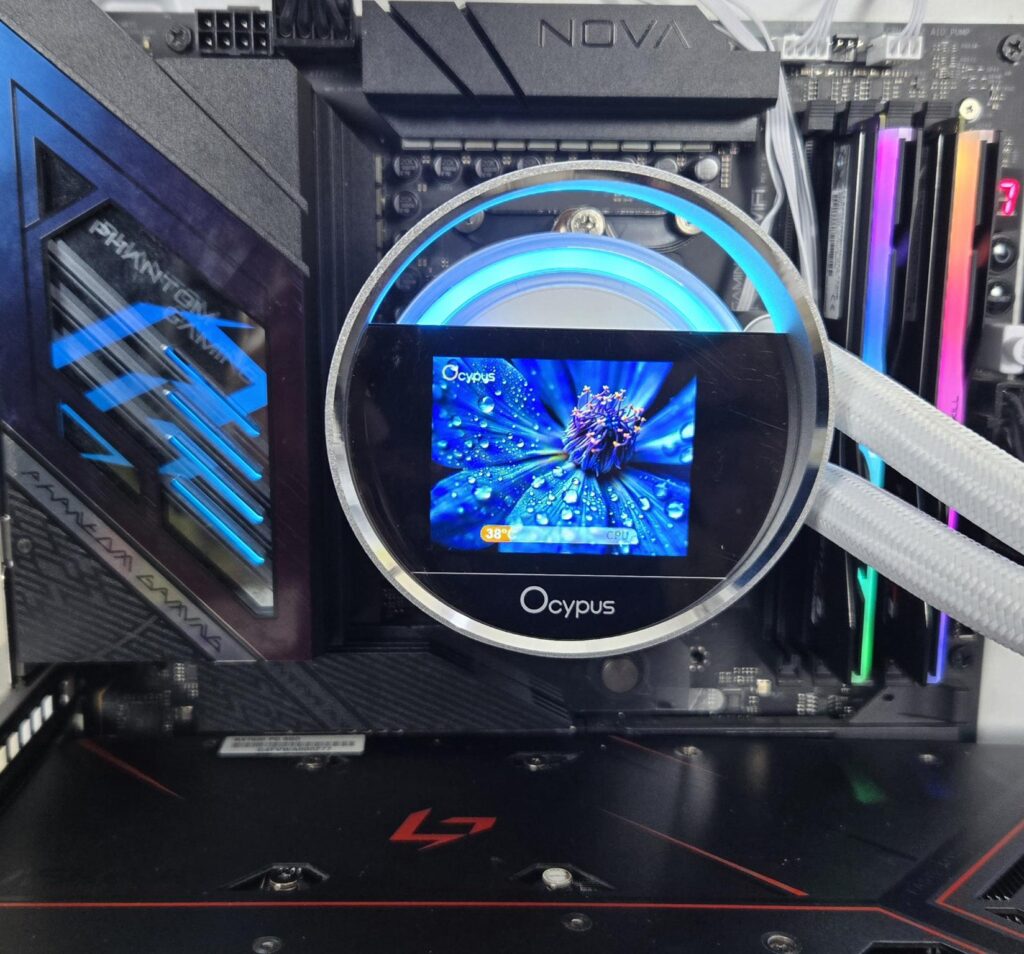
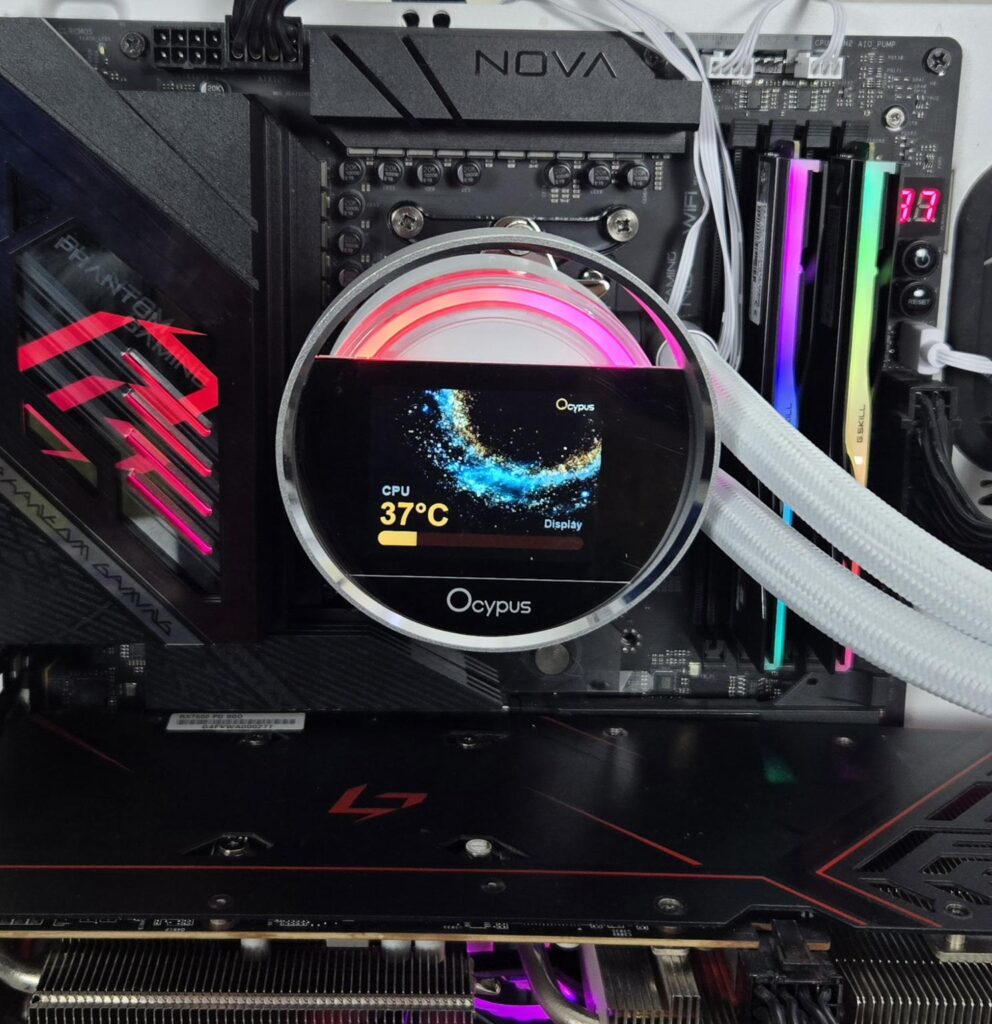
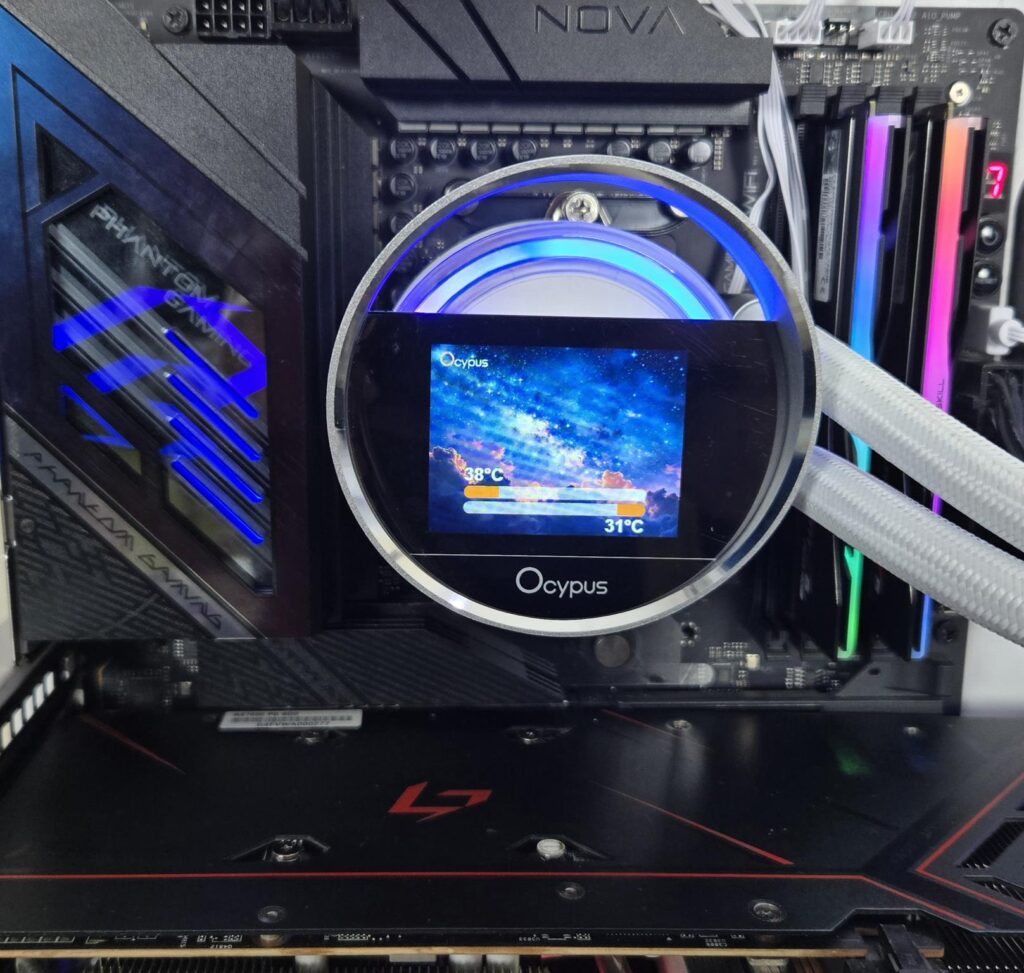
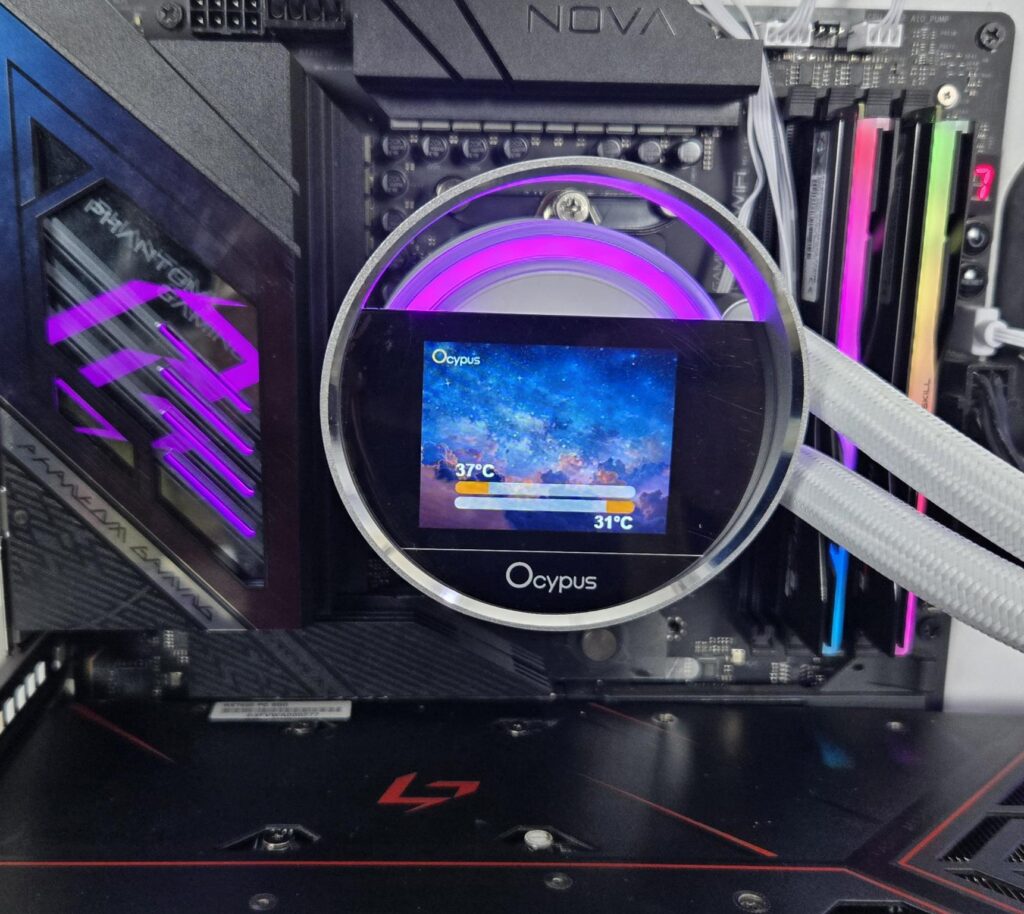
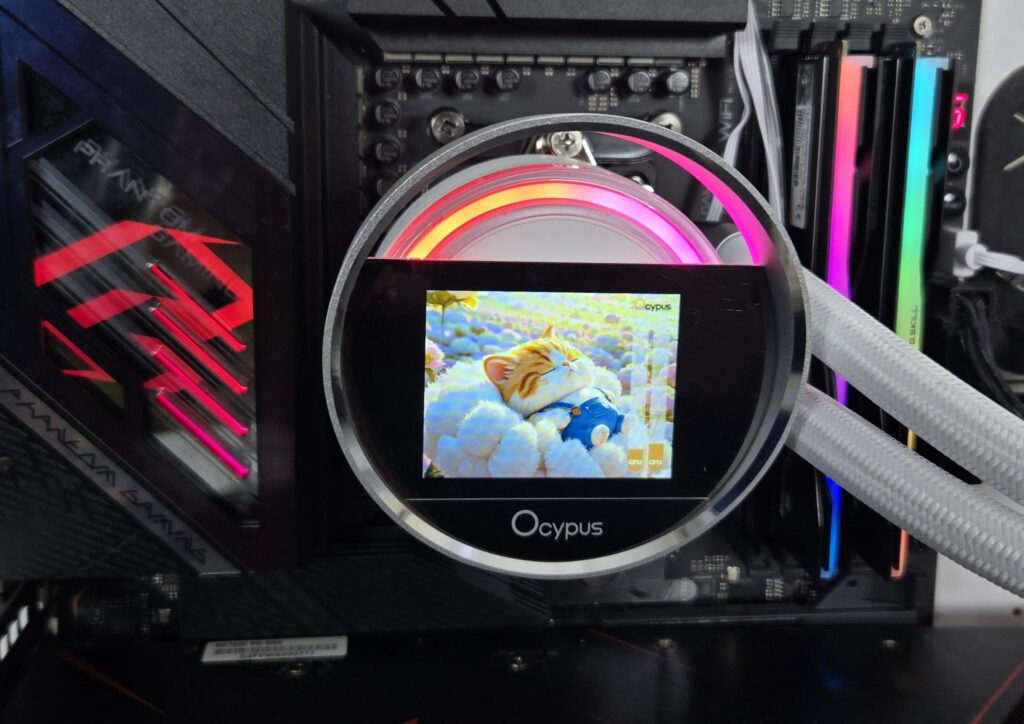
The above are some pictures of the screen in action.
Installation
We are not covering the details of installation. We only report any issues or observations recorded during installation. The installation on the AMD AM5 socket is a simple and convenient task. I have no observation to mention here.
Clearance
You need to ensure that your PC Case supports a 360mm AIO in a 397x120x52mm size.
A-RGB Lighting
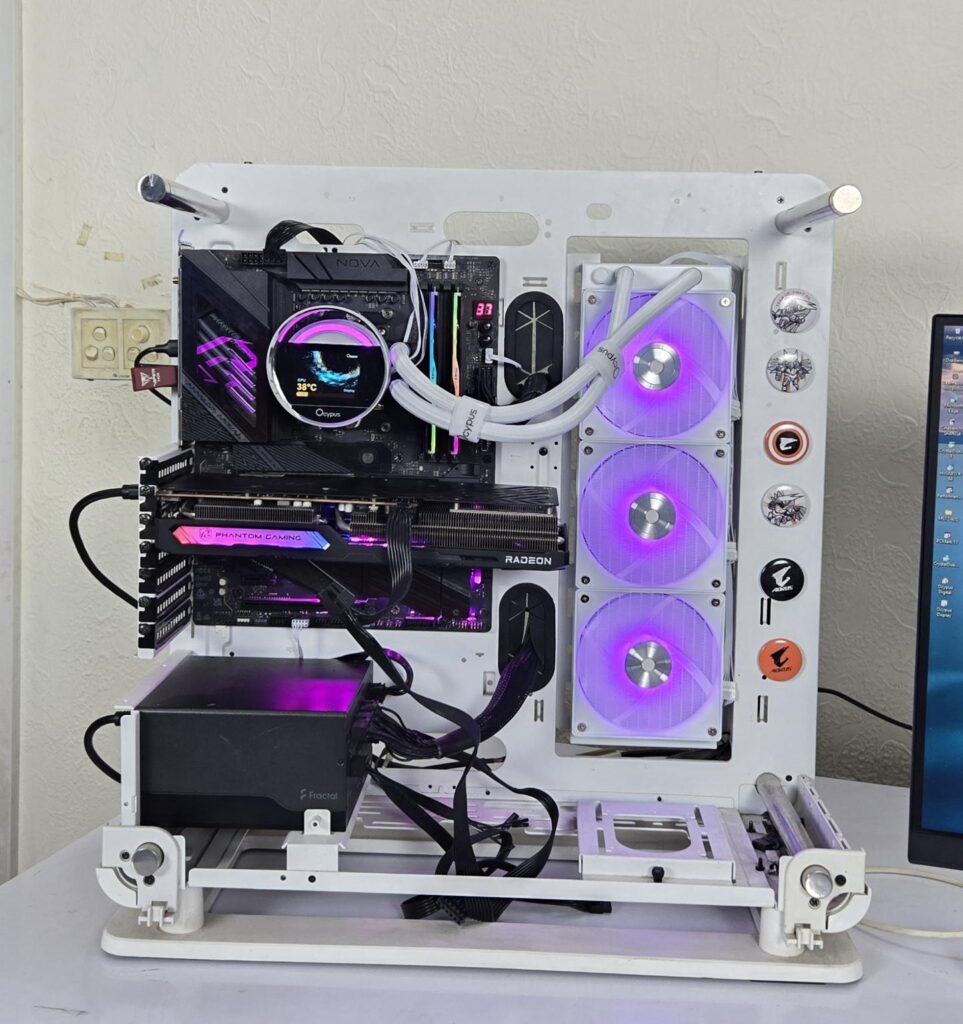
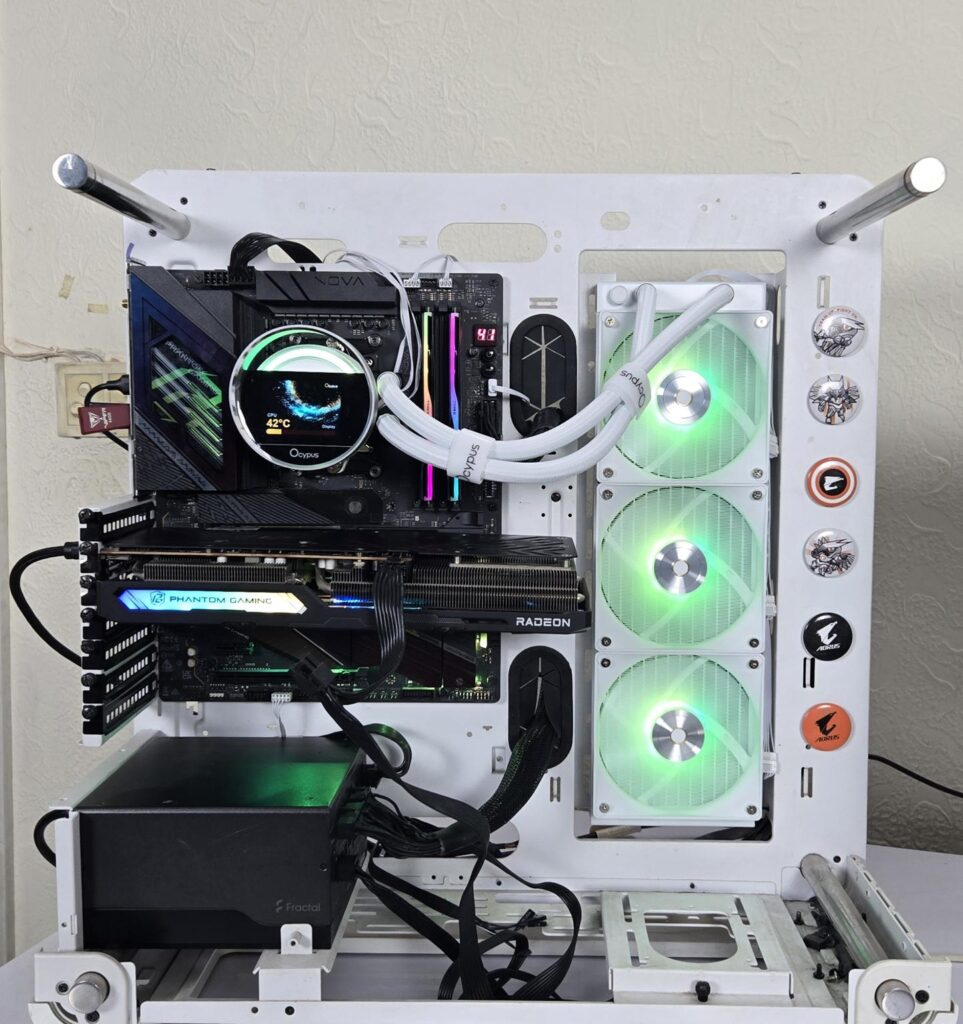
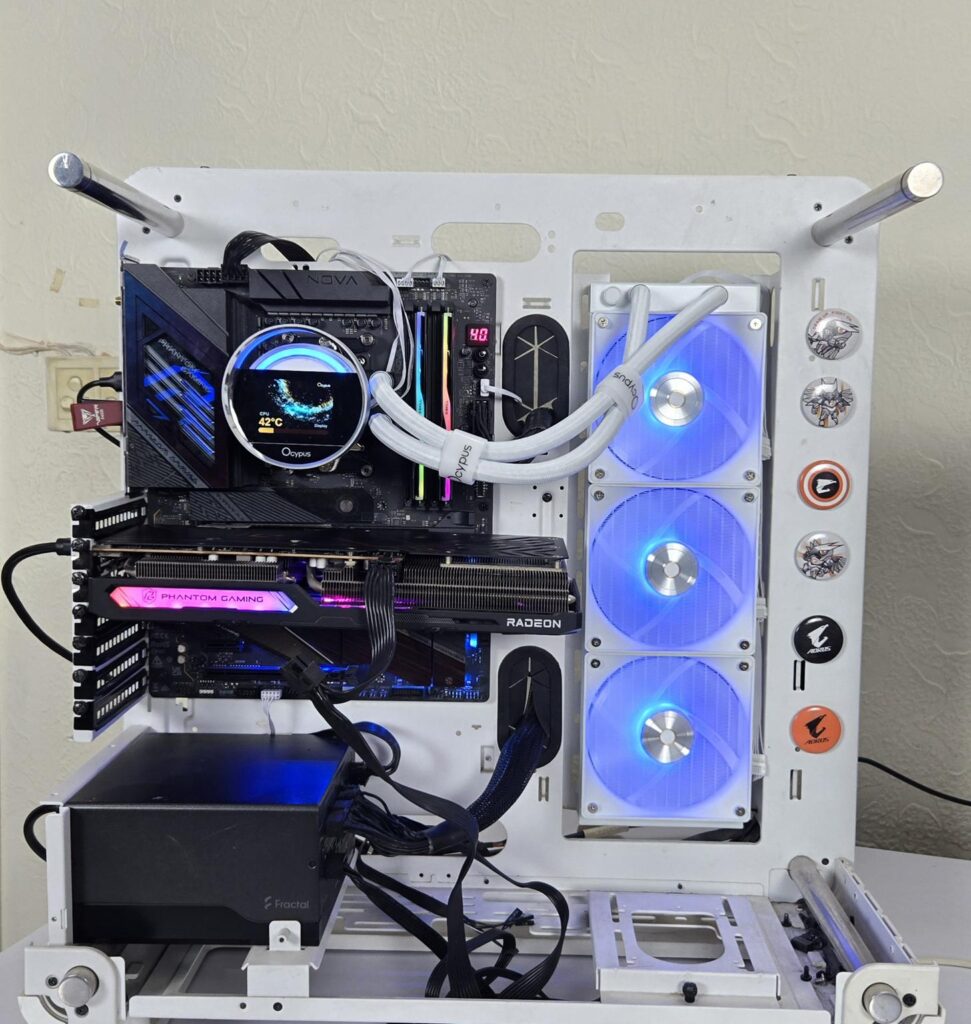
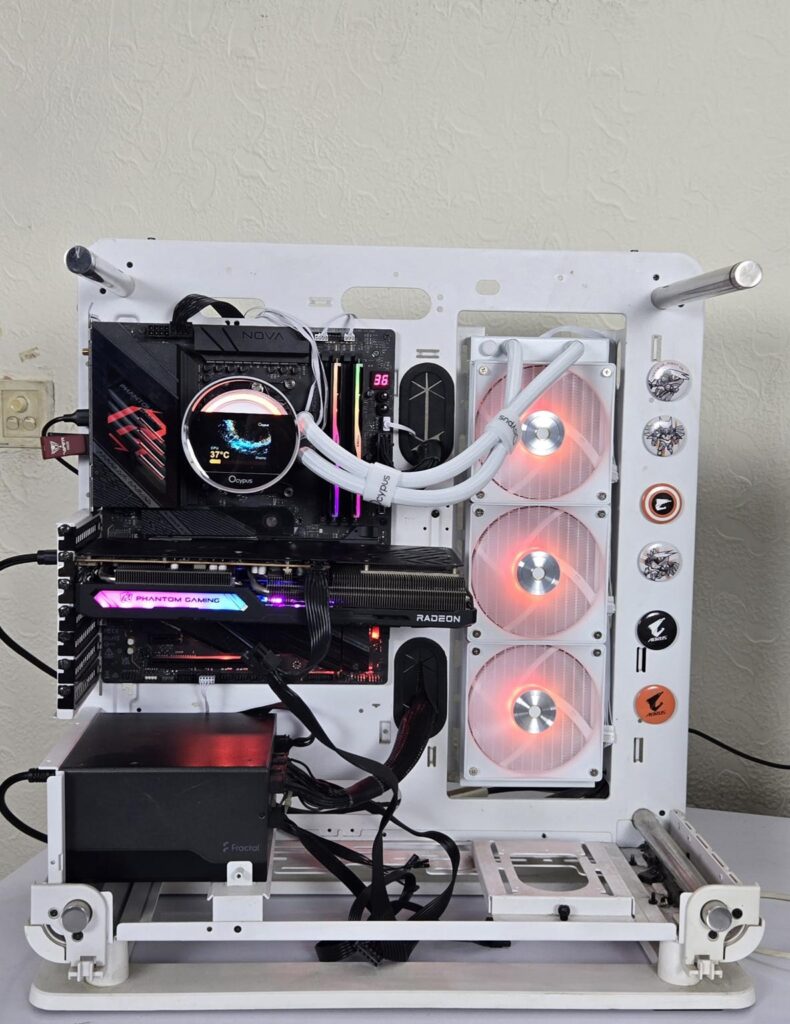
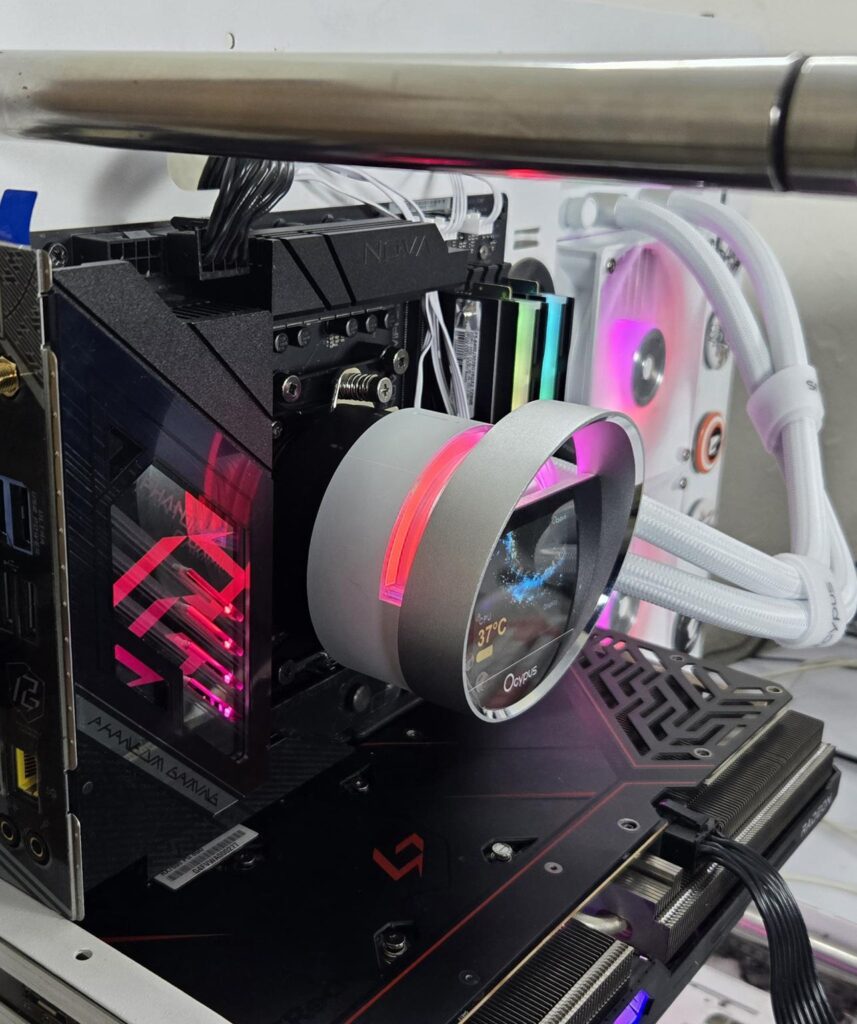
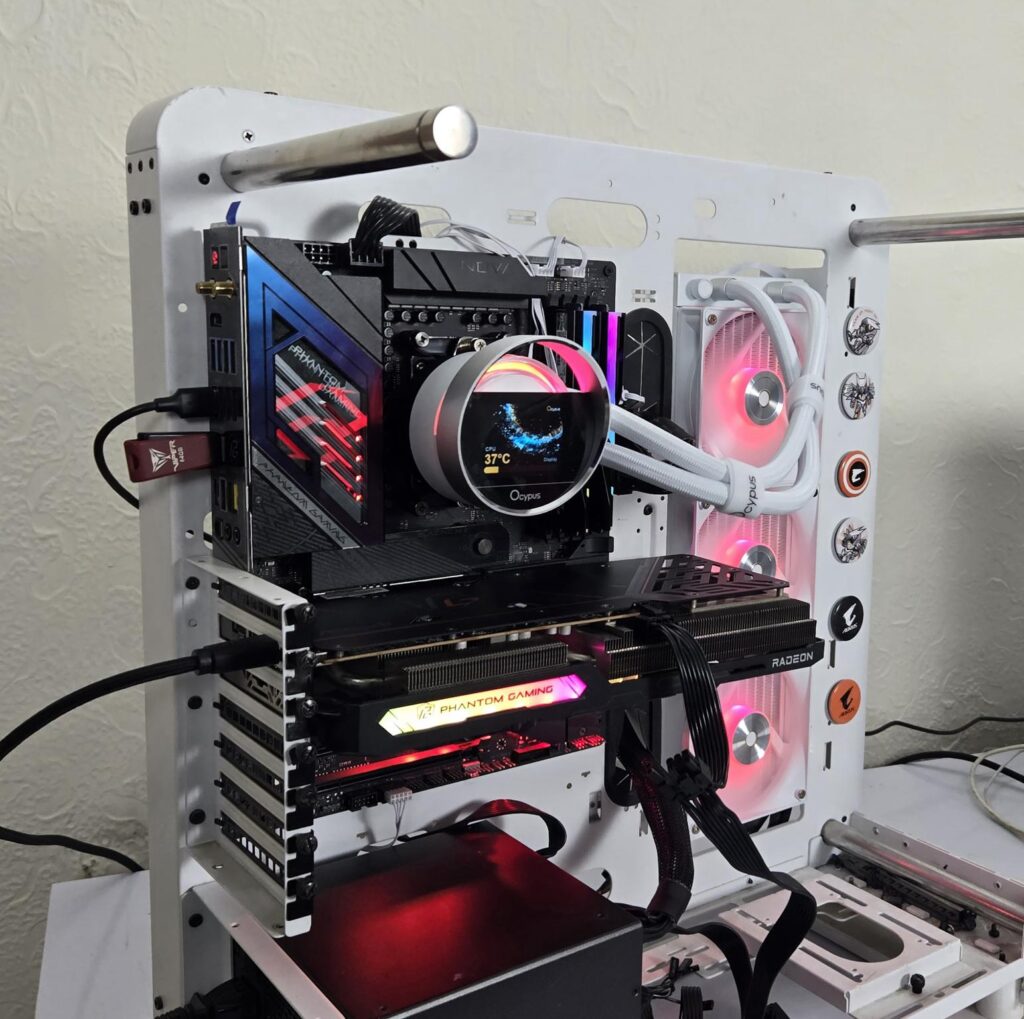
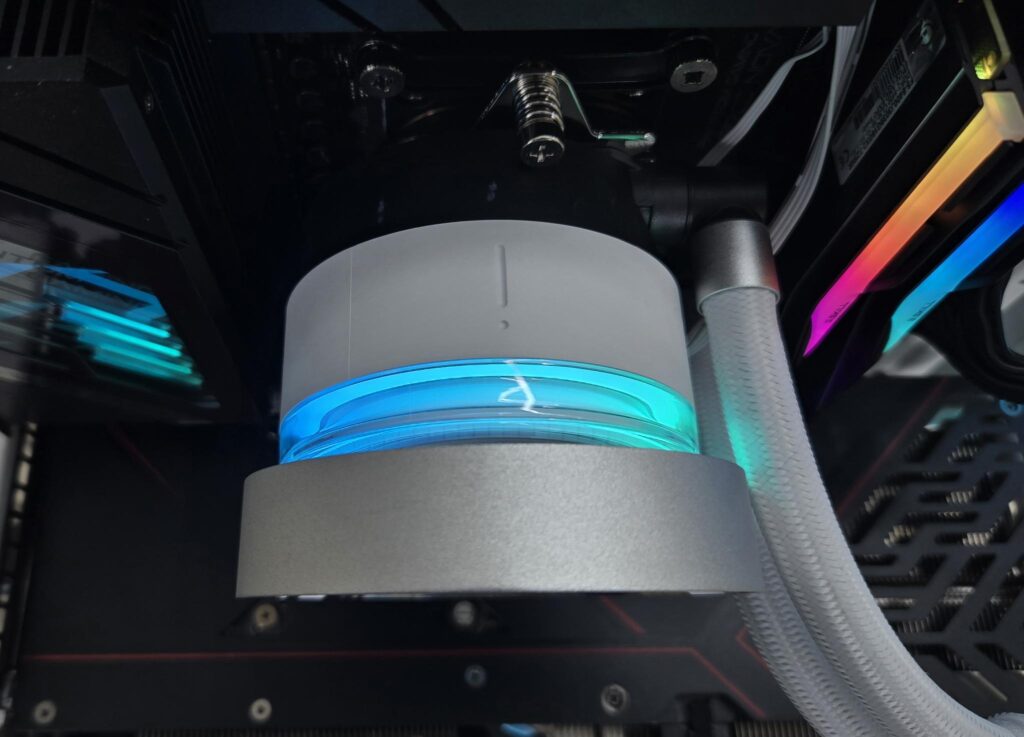
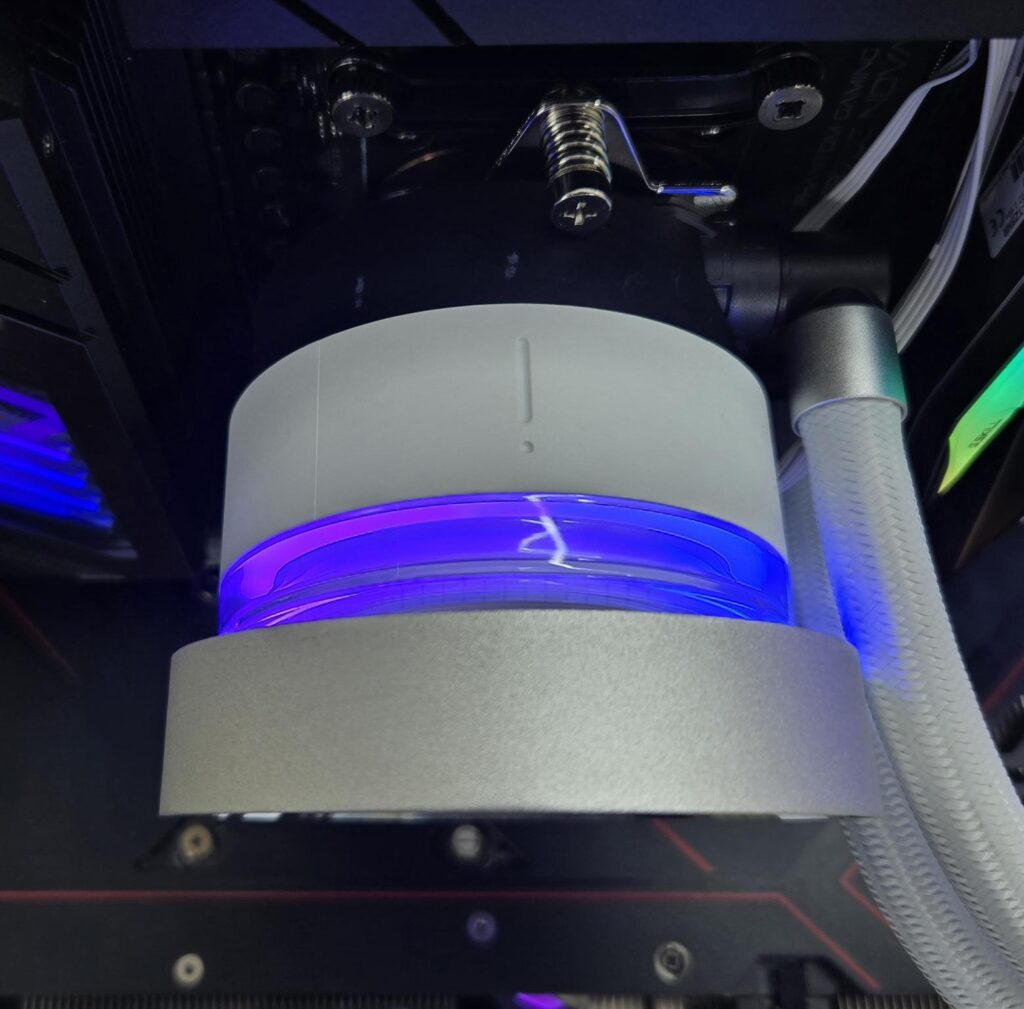
This cooler uses standard connectors, which makes the A-RGB lighting compatible with the RGB sync technology of the motherboard manufacturers. I have tested the cooler onthe ASRock X870E NOVA WiFi motherboard and controlled the lighting using the PolyChrome Sync app. It was working flawlessly.
Testing
The following configuration is used for thermal testing:
- AMD Ryzen 9 9900X
- ASRock X870E NOVA WiFi
- GSkill TridentZ NEO RGB 32GB 6400MHz CL30 DDR5 kit
- Maxsun B580 Graphics Card for Display
- Biwin X570 Pro 4TB Gen5 NVMe SSD
- Fractal Design ION+ 2P 860W Platinum PSU
- Thermaltake Core P6 TG Snow Edition in an open frame layout
Here is the settings table for testing:
| Settings | PBO Enabled for 243W |
| Clock (MHz) | Auto |
| Voltage (V) | Auto |
| Thermal Paste | Noctua NT-H2 |
| Thermal Paste Application | Dots Method |
| Test Run Time | 30 minutes |
| Idling Time | 10 minutes |
| All Fans Speed | 100% PWM Duty Cycle |
| Pump Speed | |
| Stress Software | CINEBENCH R23.2 |
| Monitoring Software | HWINFO64 |
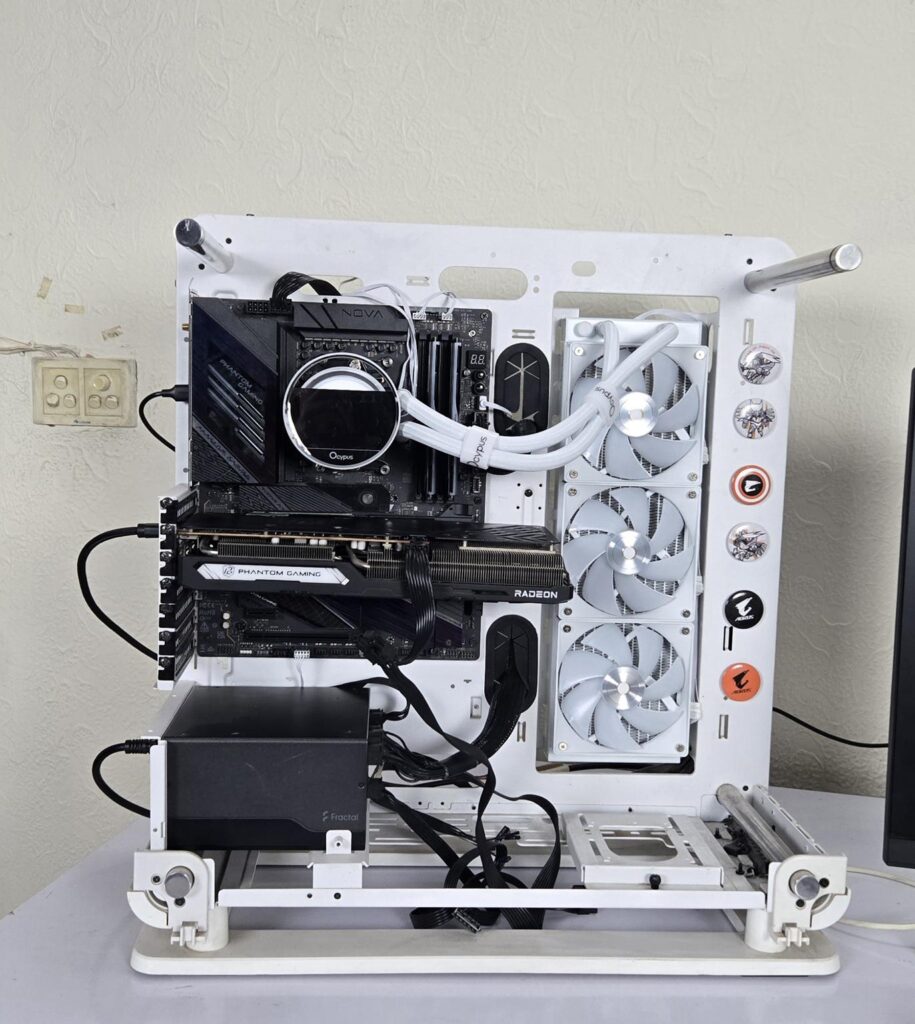
I am reporting absolute temperature in the graph because the room temperature was at 22°C throughout the day. The testing is done on an open-air bench system. Once inside the chassis, the temperatures are expected to rise and would largely depend upon the optimal airflow inside the chassis.
Result
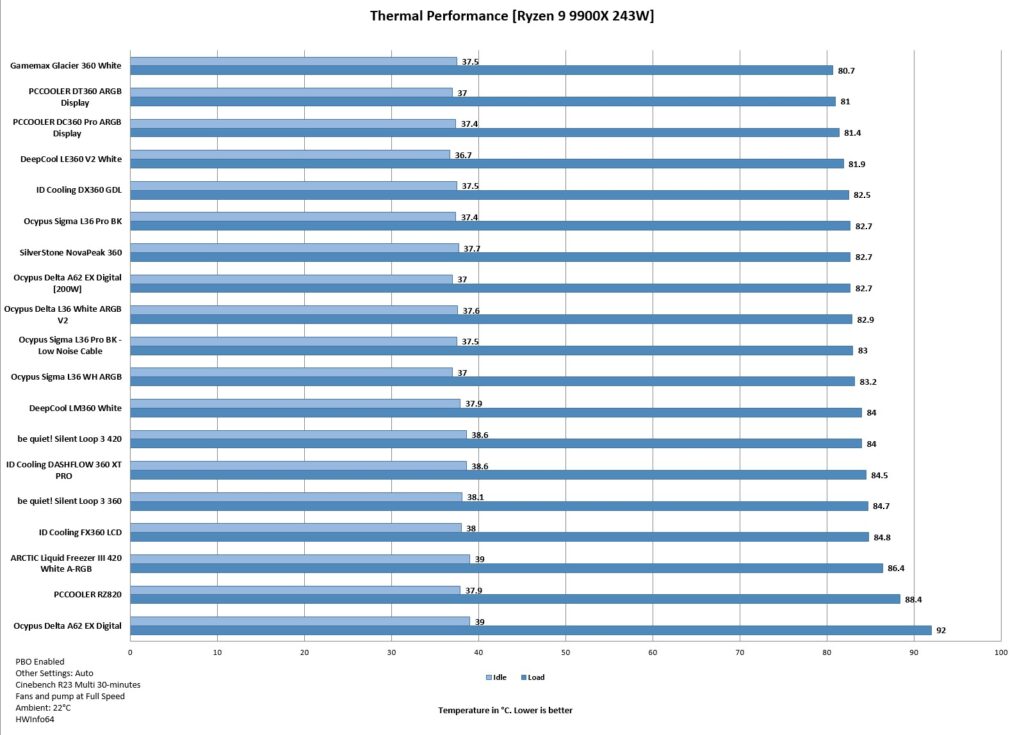
This cooler also packs impressive performance, and it only has 0.3⁰C compared to the Sigma L36 Pro, which tells you a lot. The sound output is fine as well.
Conclusion
Sigma L36 WH ARGB is another option from Ocypus following the L36 Pro. These coolers are available in 240/360mm sizes in black and white. They are compatible with Intel LGA115x/1200/1700/1851 and AMD AM4/AM5 sockets. They are rated for 300W TDP. I have tested a Sigma L36 White edition in this article.
The radiator is made of aluminum, measuring 397x120x52mm with installed fans. It has a 20 FPI count and 12 channels for coolant flow. Ocypus uses rubber tubes with nylon braided sleeves having a length of 400mm. The pump is not PWM regulated and has a speed of 3100 RPM ±10%. It uses ceramic bearings and has a three-phase, six-pole motor.
The pump top itself is a slim design with ABS material. The screen module is the main feature of the unit. The magnetic attachment of the screen module makes its handling convenient. It has a 2.4” IPS panel operating at 320x240px resolution. The module has an aluminum circular frame and orbital lighting. The Ocypus Software requires a USB 2.0 connection from a 9-pin connector.
Ocypus has provided 3x ARGB fans with this cooler. Each fan has 7x blades. These fans are rated for a maximum of 500 to 2000 RPM ± 10% speed, generating 73 CFM airflow while maintaining 4.3mmH₂O static pressure. Their noise rating is ≤29 dBA. These fans have a short length cables that are to be connected to a 3-way PWM splitter cable. These fans use Hydraulic bearings.
The installation of this cooler on the AMD AM5 socket requires 6 items in 3 steps. The installation is simple and convenient. Motherboard connectivity is provided using standard connectors, making it compatible with the RGB Sync technology of the motherboard manufacturers.
This cooler has an MSRP of USD 149.99 and Euro 159.99 and comes with a 5-year warranty from the manufacturer. I have found this cooler highly competitive while offering good looks and a display screen.
Pros:
- Thermal Performance
- IPS Display Screen
- A-RGB lighting
- Stylish Display Screen Design
- Magnetic Attachment
- ARGB Fans
- Easy Cable Management
- Intel LGA1700/1851 Compatible
- AMD AM4/AM5 Compatible
- Easy Installation
- Price
- Warranty
Cons:
- Small Screen Size










![Deal – FIREBAT FD2 Mini PC [2026]](https://www.enostech.com/wp-content/uploads/2026/06/image-63-150x150.png)
