










DeepCool LM360 WH Liquid Cooler Review: A True Value King

Introduction
Last time, I tested LE360 V2 from DeepCool, and despite being an entry-level cooler, the cooler got my praise for its performance and features. This time around, I am taking a look at value-oriented, or what you can say, first cooler featuring the new Gen-6 pump. DeepCool has also used a 2.4” display screen on this cooler, making it a damn good value for your bucks. This cooler is available in 240mm and 360mm sizes in black and white colors.
Unlike a fully frosted pump top design on the LE360 V2, the LM360 features a 2.4” IPS screen with software customization. Despite a small screen size, it is fully digital and customizable. This cooler is compatible with Intel LGA115x/1200/1700/1851 and AMD AM4/AM5 sockets. It has MSRP of USD 79.99. It comes with a 3-year warranty.
Specifications
Packaging and Unboxing
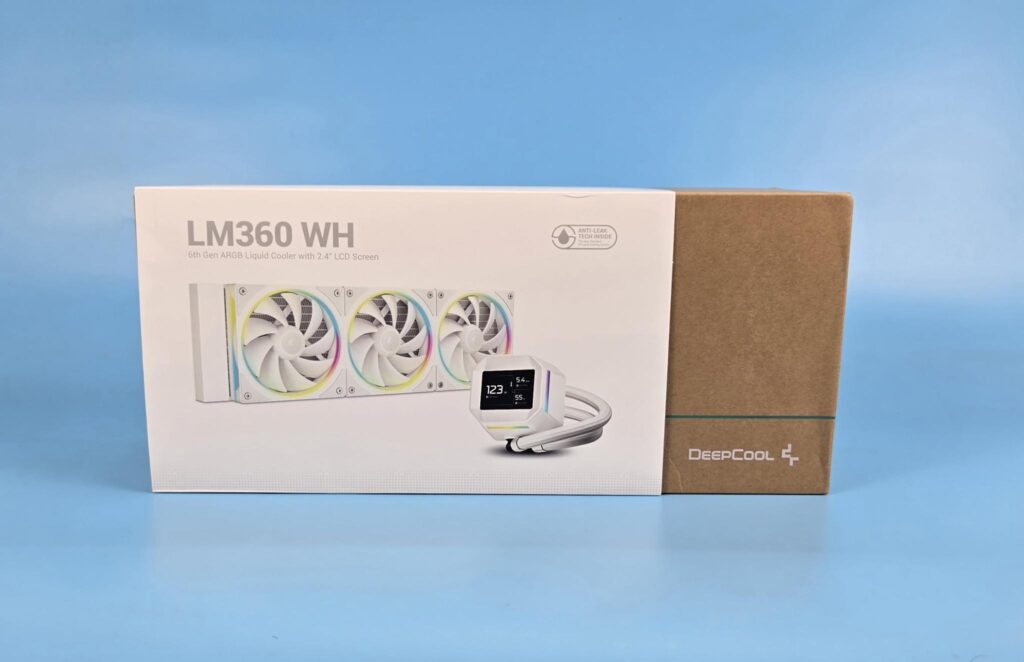
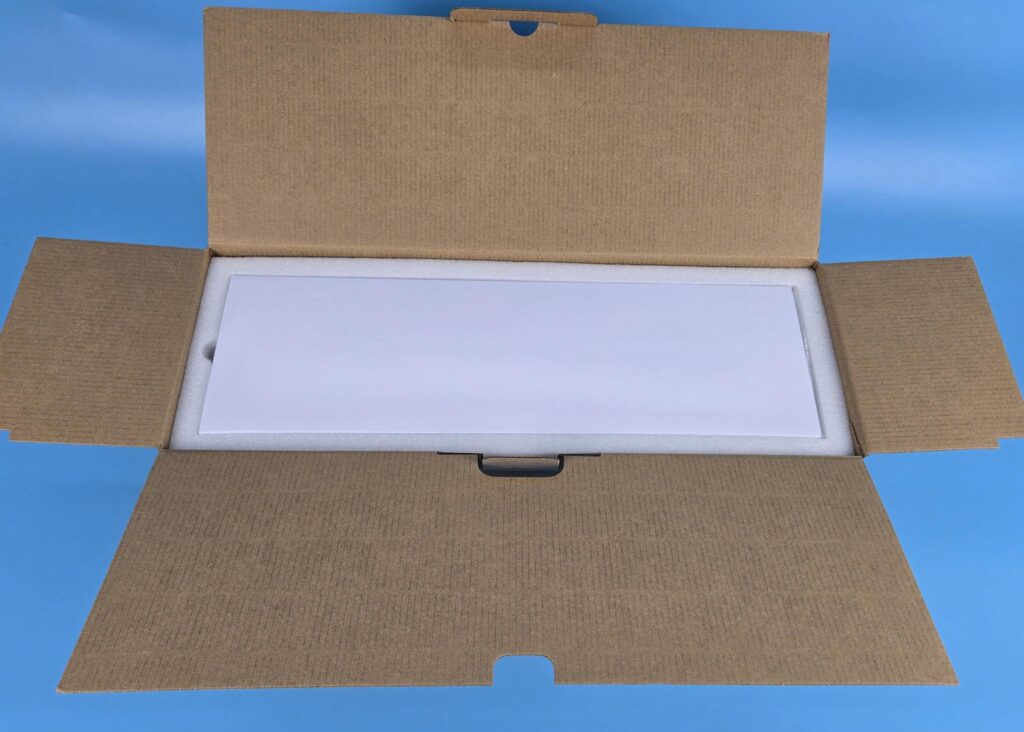
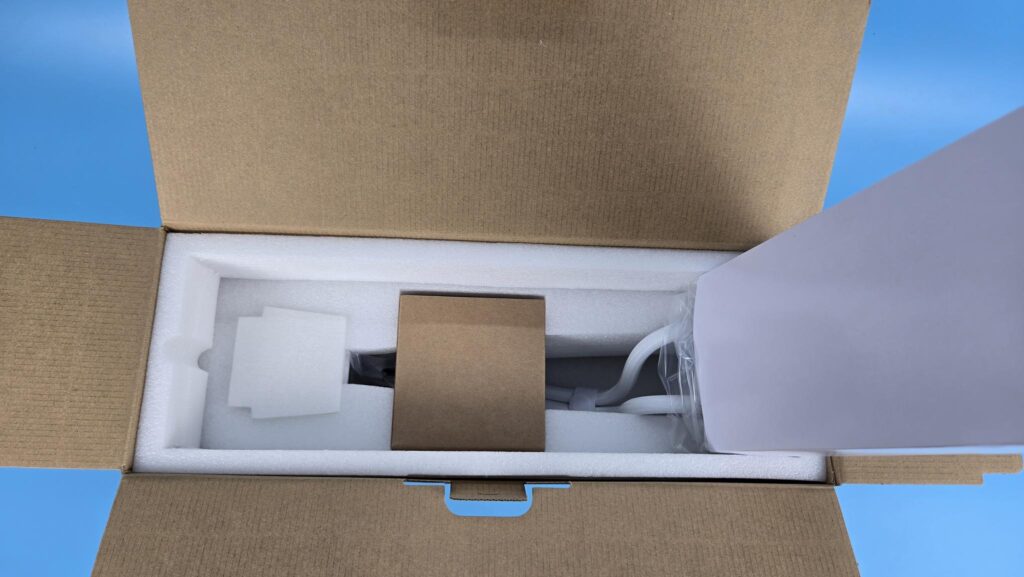
The cooler is shipped inside a cardboard box with a leaflet or cover around the box. This is the standard DeepCool design or theme. The packaging has a small footprint compared to the competition. The cooler comes placed inside the box like how it is typically installed in the case. The radiator and fan assembly is placed over the accessory box and pump block inside a thick white Styrofoam pad.
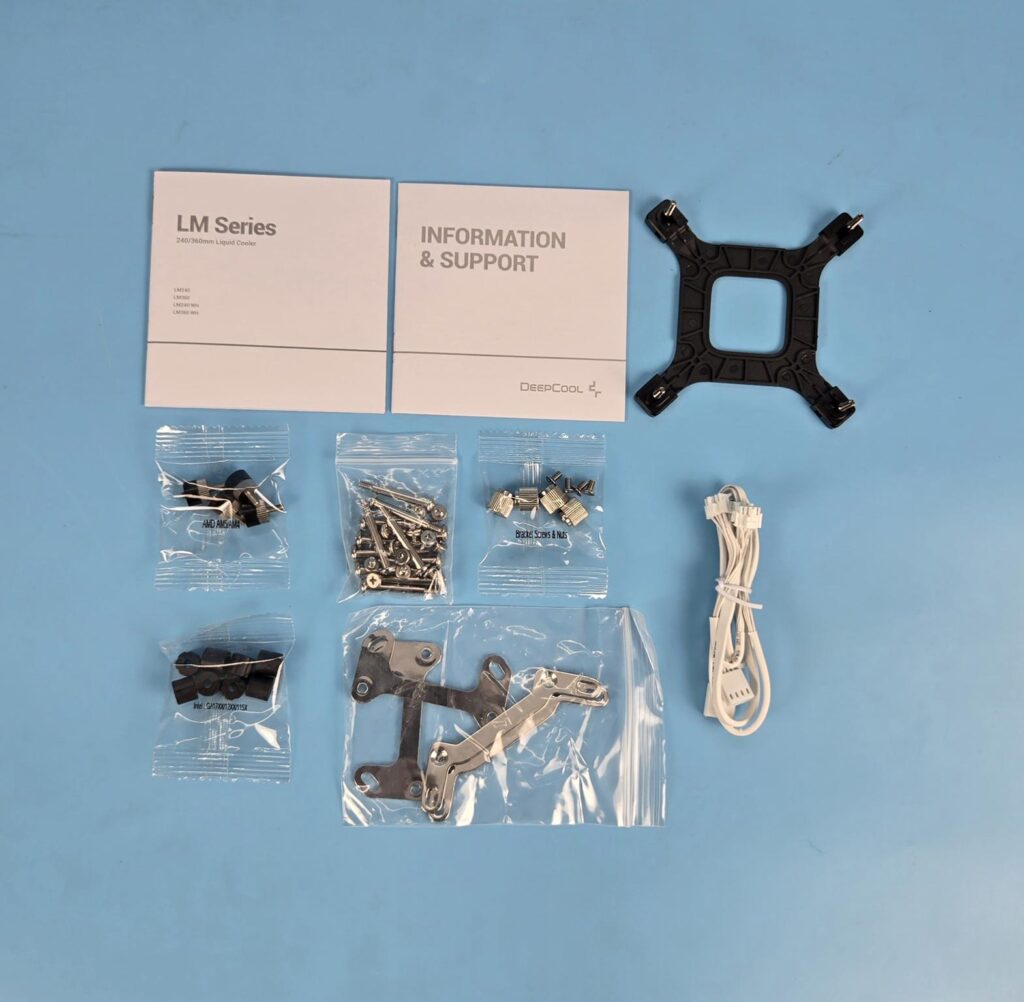
The following are provided:
- 1x Cooler
- 1x Intel Backplate
- 1x Set of Intel Mounting Brackets
- 4x Intel Spacers for LGA1700/1851
- 4x Intel Spacers for LGA115x/1200
- 1x Set of AMD Mounting Bracket
- 4x AMD Standoff Screws
- 4x Nuts
- 4x Screws for Mounting Brackets
- 12x Fan Screws
- 12x Radiator Screws
- 1x 3-way Fan Daisy-Chain Cable
- 1x User Guide
- 1x Information and Support Guide
Closer Look
It is time to take a closer look at each component of the main unit, starting with the radiator.
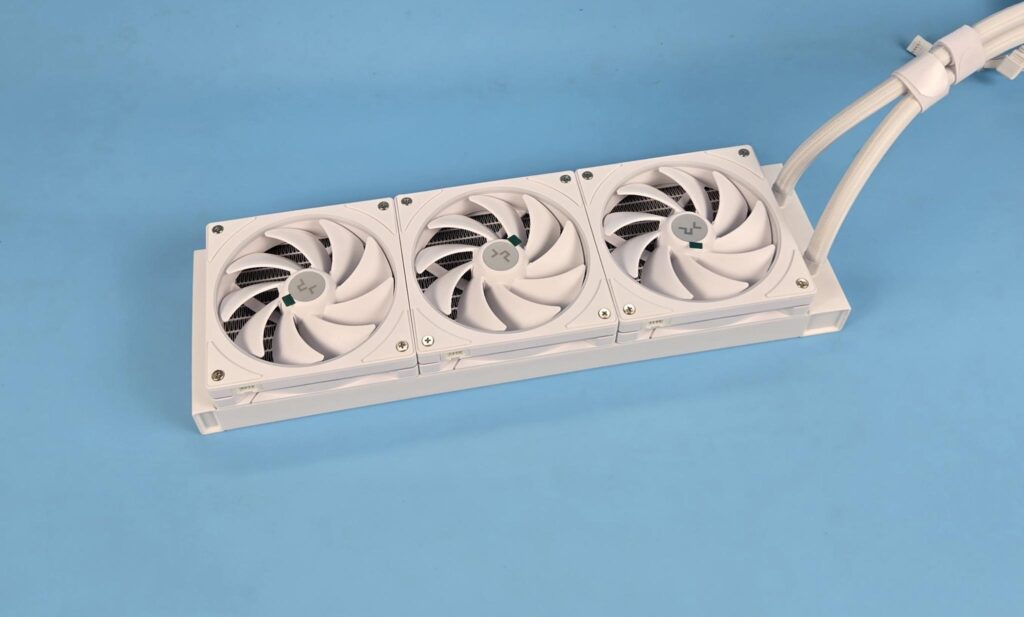
DeepCool has used FL12 SE fans in this cooler, and they come pre-installed over the radiator. Unlike the LE360 V2, where we have cable clutter, these fans use proprietary connectors and use a single cable connection, making cable management easy.
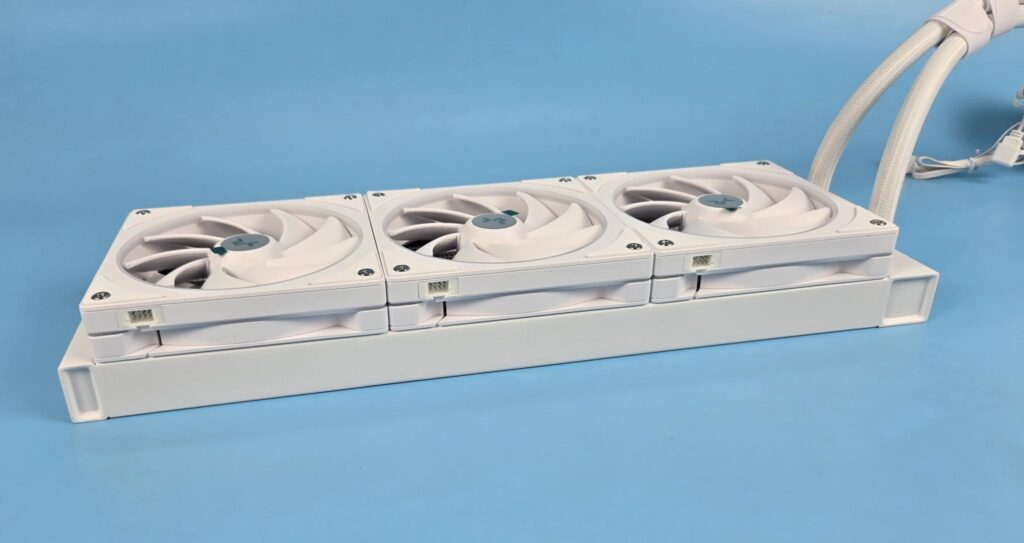
You can see the proprietary connectors on the fans. The cable does not come pre-installed.
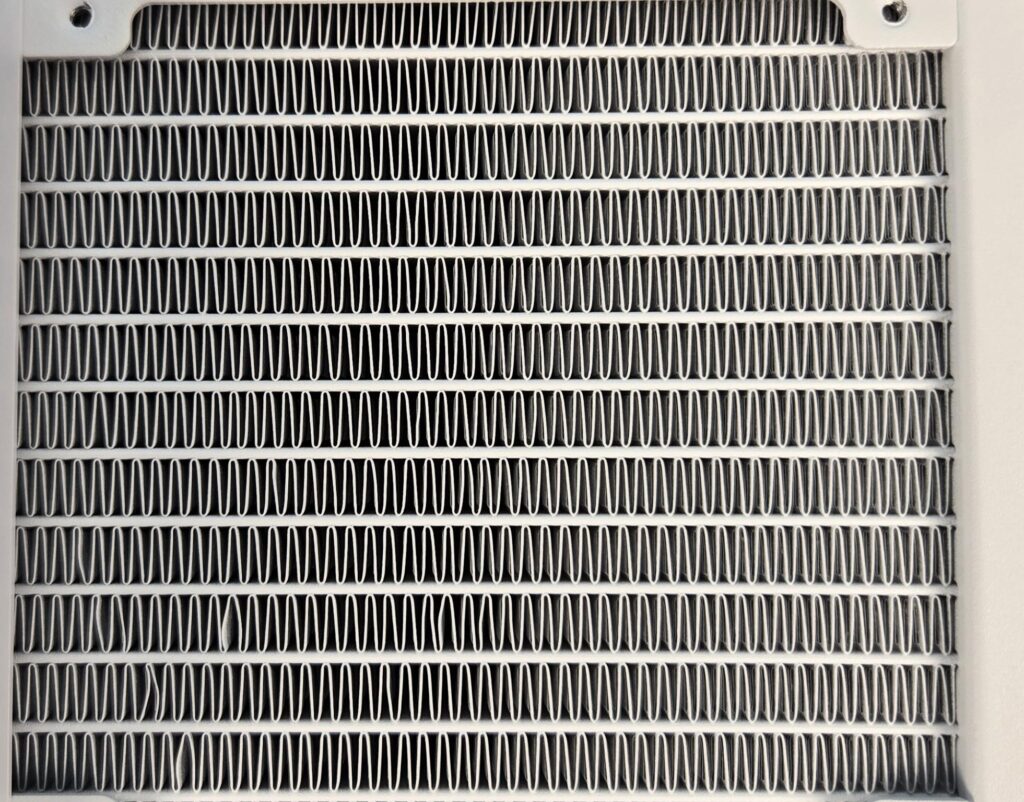
The cooler has an aluminum radiator measuring 402x120x27mm (LxWxH). The cooler has a total height of 52mm with the fans. The fin stack has a 20 FPI count and comprises 12 channels for the coolant flow. There is a 105mm standard gap between any two opposite end mounting holes. I did not see any bent or broken fin.
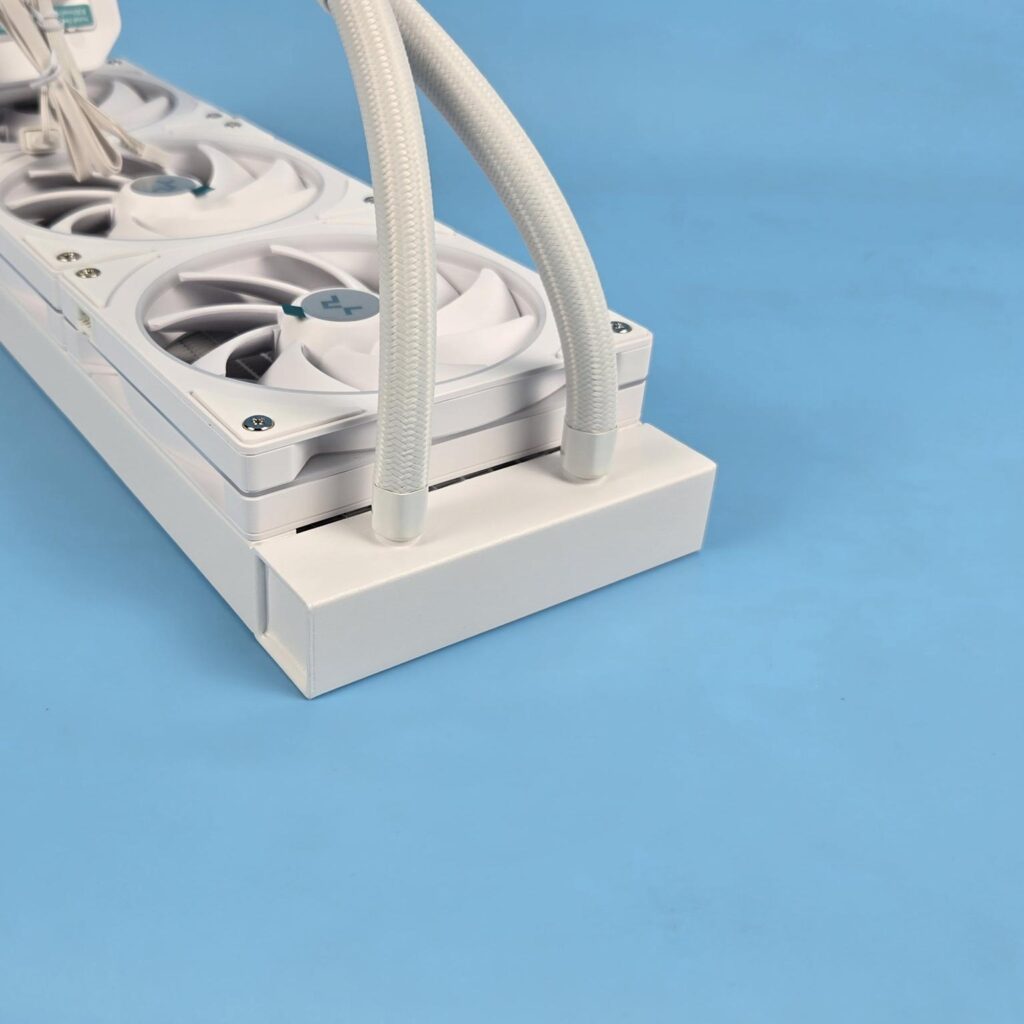
The tube connection on the radiator housing is well concealed using white clamps. There is a considerable gap between the tube connections. I did not see a serial number sticker on this end. This sticker is on the other end of the radiator.
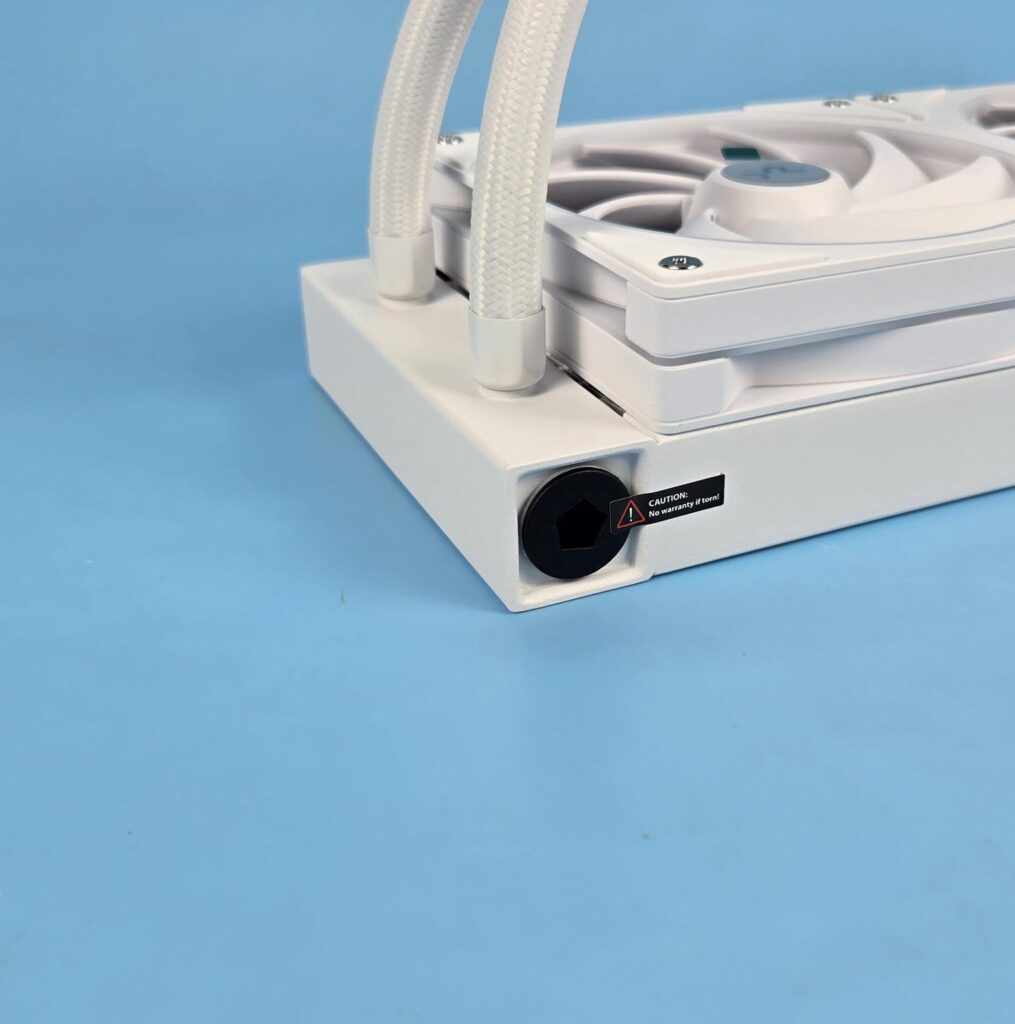
The cooler also features Anti-Leak technology. I have been covering the Anti-Leak technology since its inception. The idea is to provide a mechanism that could effectively release the increased vacuum pressure inside the loop if the case be. Otherwise, this increased pressure is likely to result in breakage and leakage.
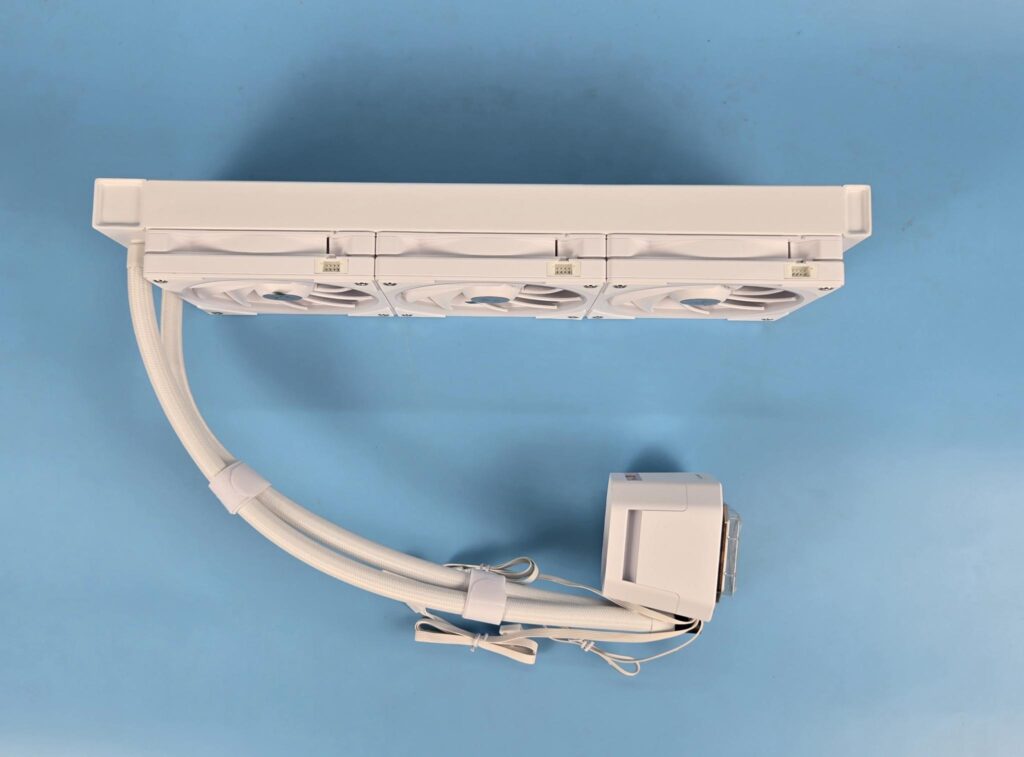
The radiator housing has no branding on the side frame. The rubber tubes are covered under the nylon braided white sleeves. These tubes run to approximately to 410mm in length. The tubes come equipped with Velcro strips for a clean look.
Block/Pump Head
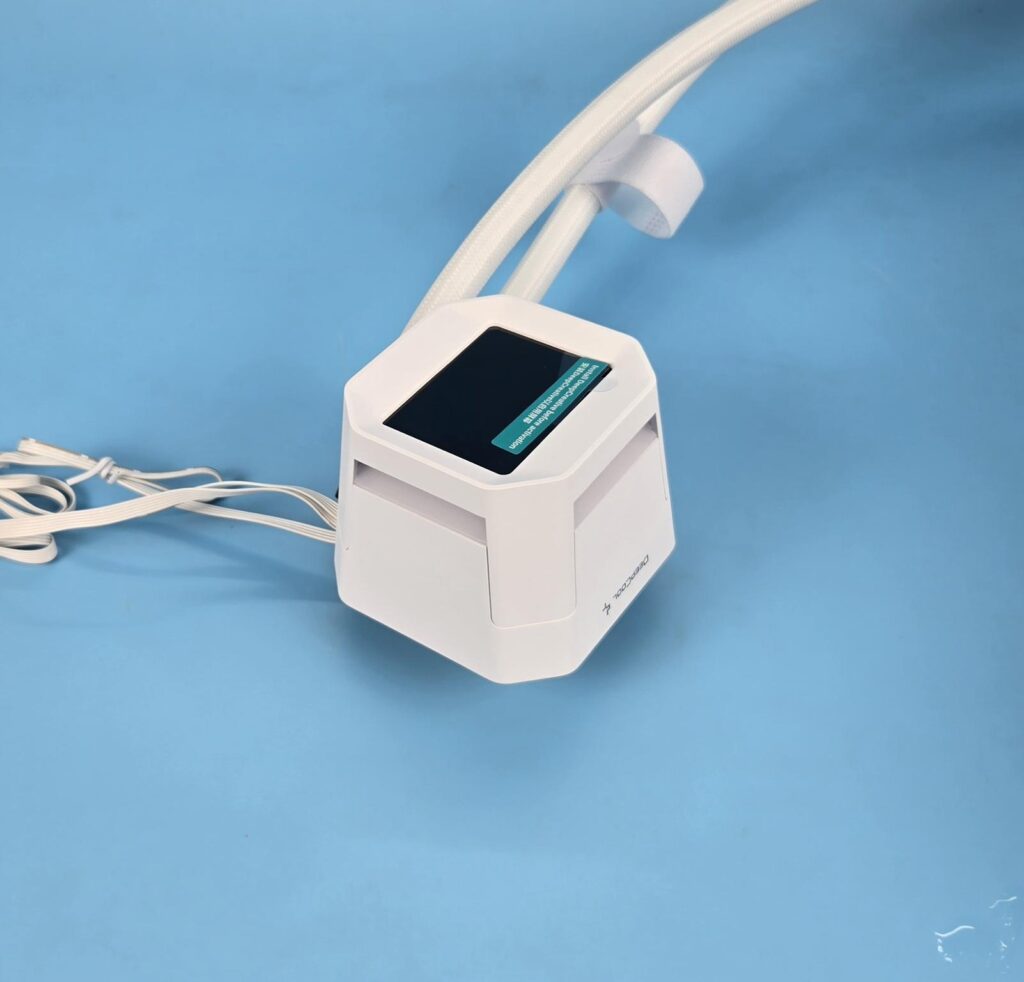
This cooler has a different design on the pump top. We have an IPS display screen on the top which is non-removable. The main housing has a dimension of 90x83x63mm, which is smarter than 91x78x65mm (LxWxH) on LE360 V2. DeepCool has provided a pillar sort of design, giving the impression ofthe top part connecting with the lower section using these pillars. However, it is a unified design, but looks fantastic in person.
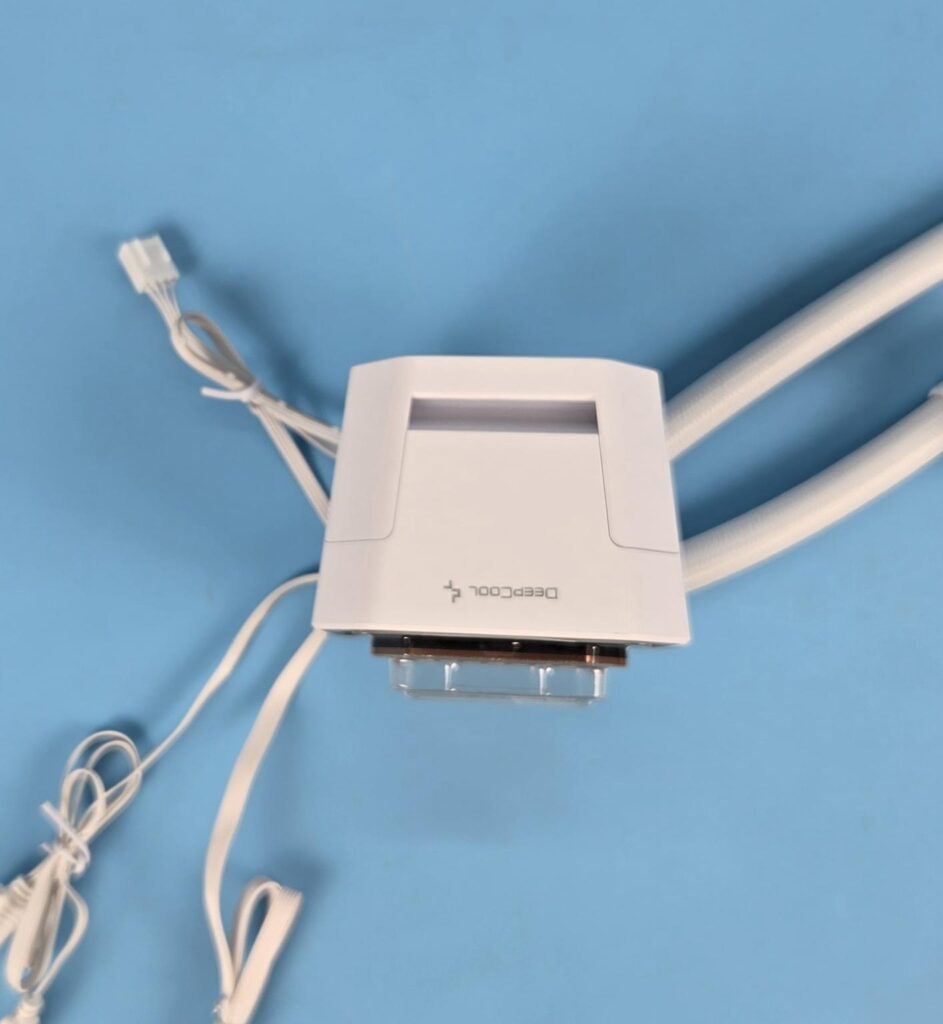
The front side of the block has DeepCool branding. Rest of the sides have no branding or design element. Also, there are insets on each side that have Gen-2 ARGB LEDs covered bya diffuser. This provides a subtle ARGB backlighting.
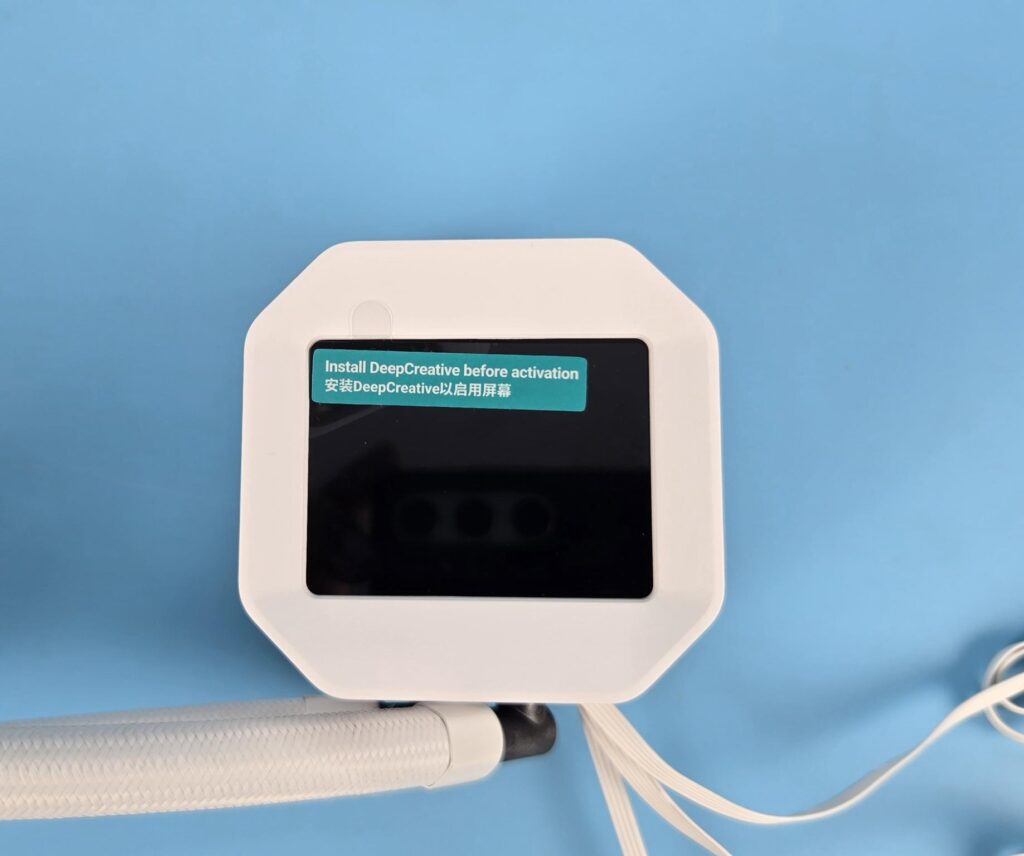
The 2.4” IPS screen has a resolution of 340×240 px with 60Hz refresh rate. A USB 2.0 connector is provided so that DeepCreative software can be utilized for display customization.
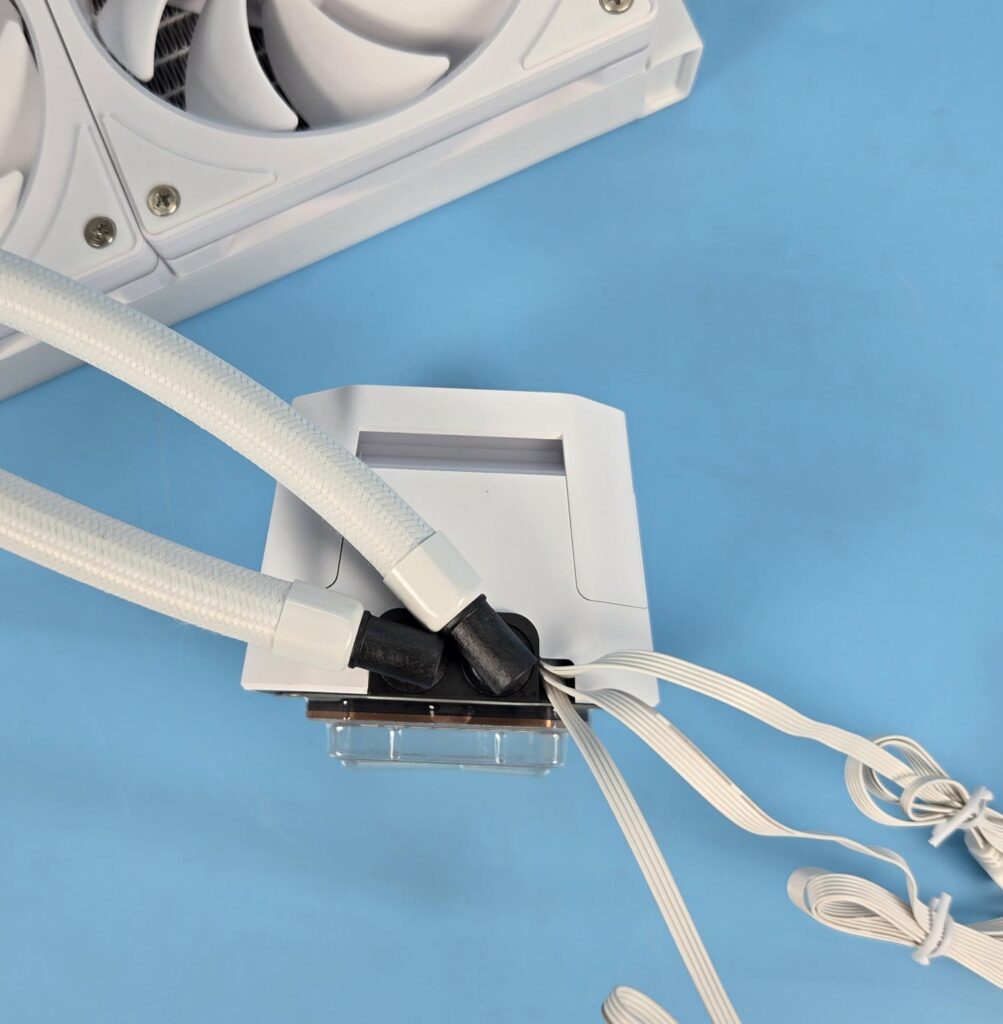
Looking at the rear of the unit, you can see 90° adapters on which the tubes are installed. They can be rotated for necessary adjustment during installation. We can see flat cables coming out from the upper section of the base.
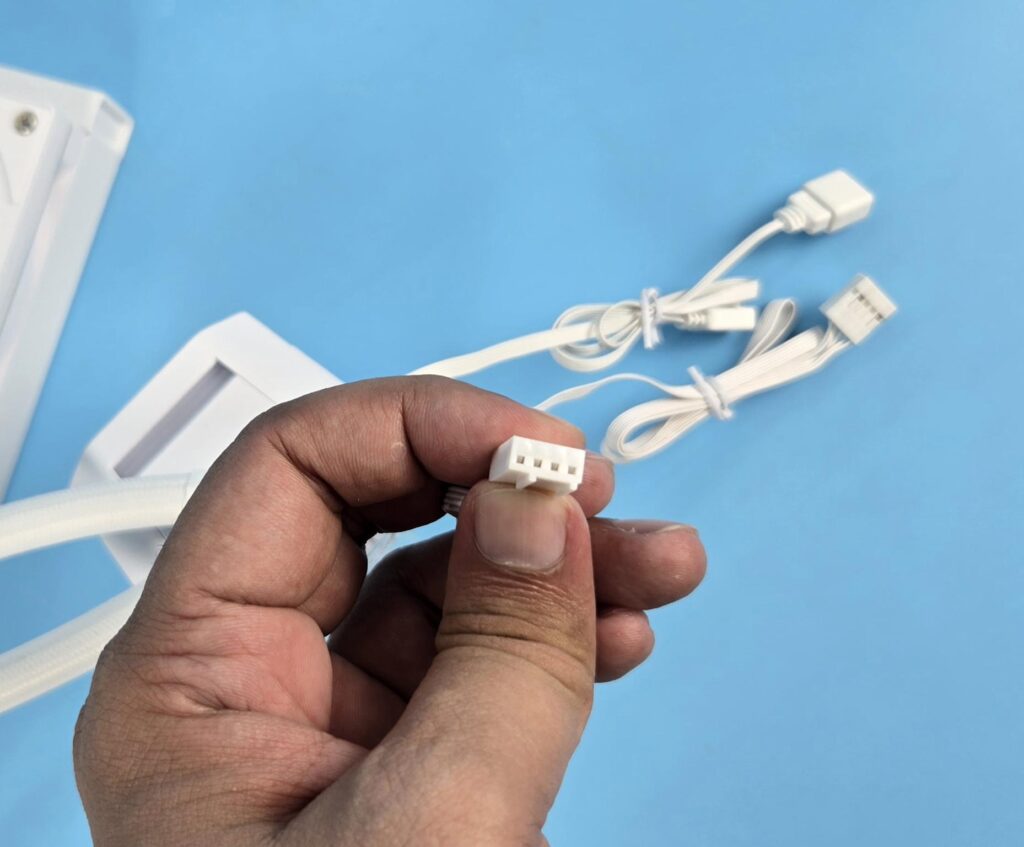
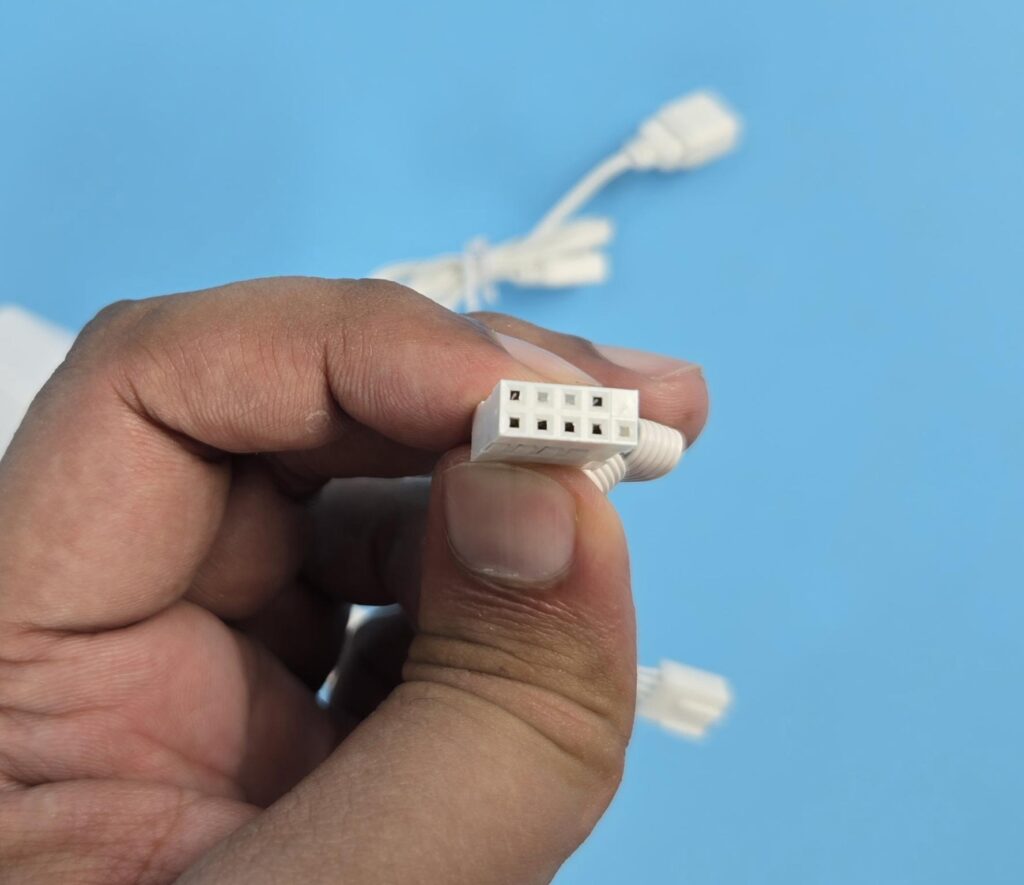
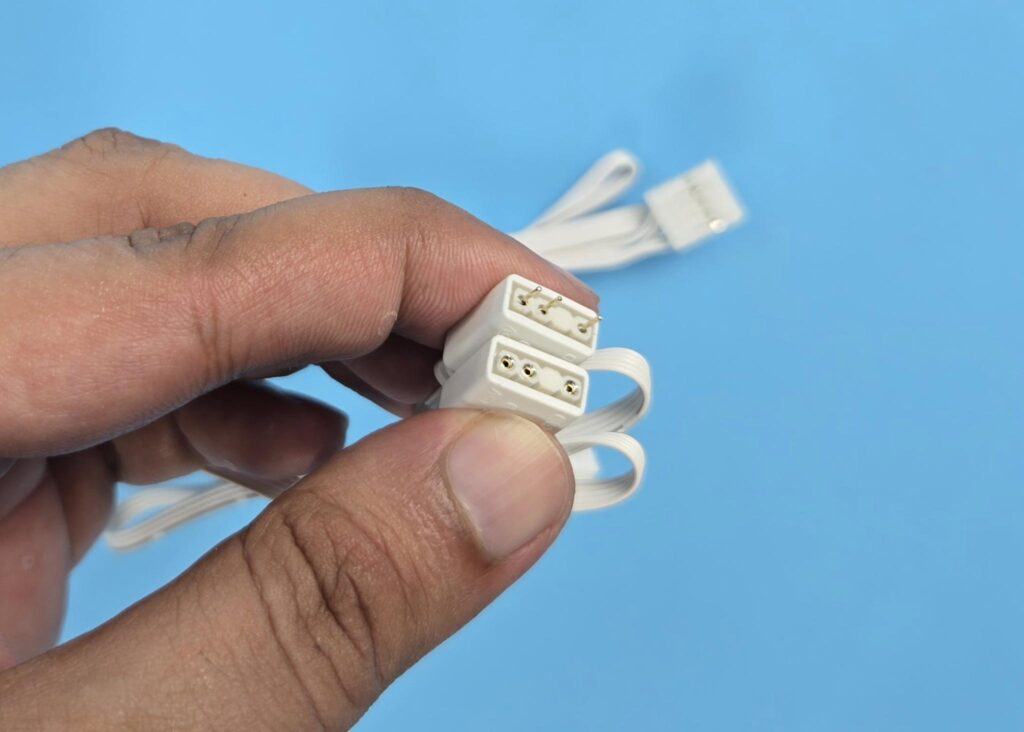
The pump is powered by a 4-pin PWM connector. DeepCool has provided 5V, 3-pin, A-RGB connectors for the lighting. This is a new 6th-generation pump from DeepCool that uses ceramic bearings and is powered by a 3-phase, 6-slot, 4-pole motor with FPC control that rotates up to 3400 RPM. However, one of DeepCool’s resource persons mentions that this motor spins up to 3600 RPM. However, the official data on the website shows it to be 3400 RPM.
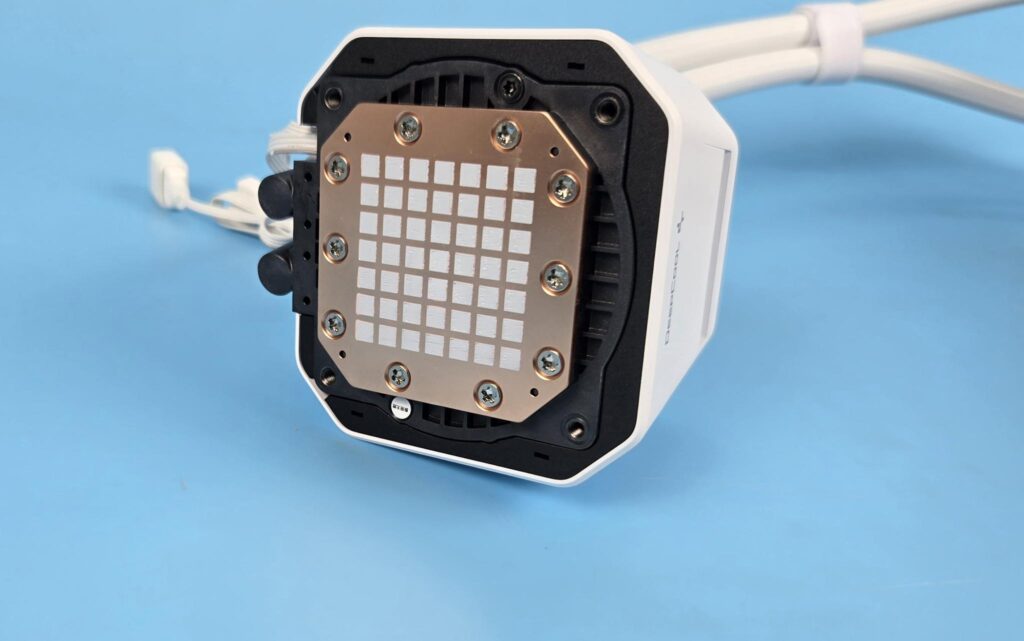
The unit base comes with pre-applied thermal paste. DeepCool has enlarged the cold plate by 16% and the contact area has been increased by 22% for improved thermal efficiency.
FANS
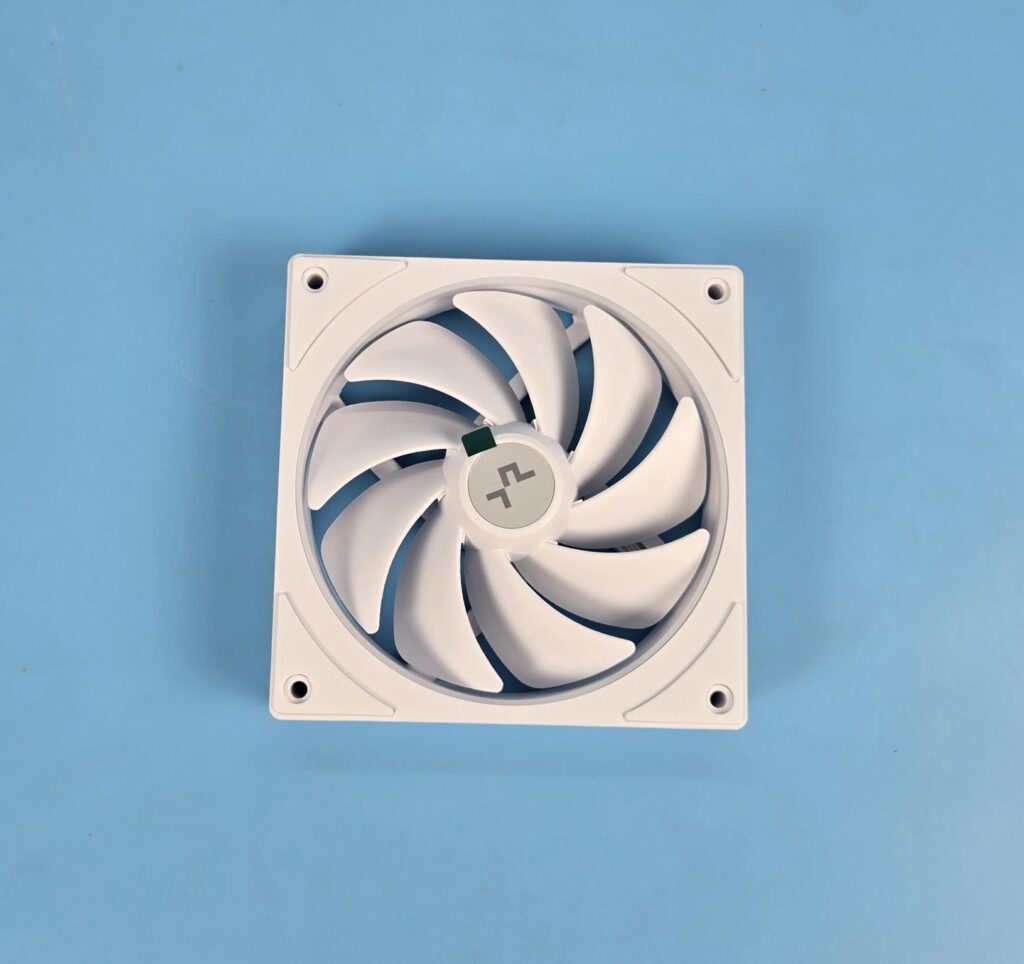
DeepCool has supplied 3x FL12L SE ARGB white fans with this cooler. Each fan has 9x blades with curve design. The center has DeepCool branding and it also features the Gen-2 A-RGB LEDs. The inner frame is circular, whereas the overall housing is in square design. Each fan has a large size anti-vibration pad in white.
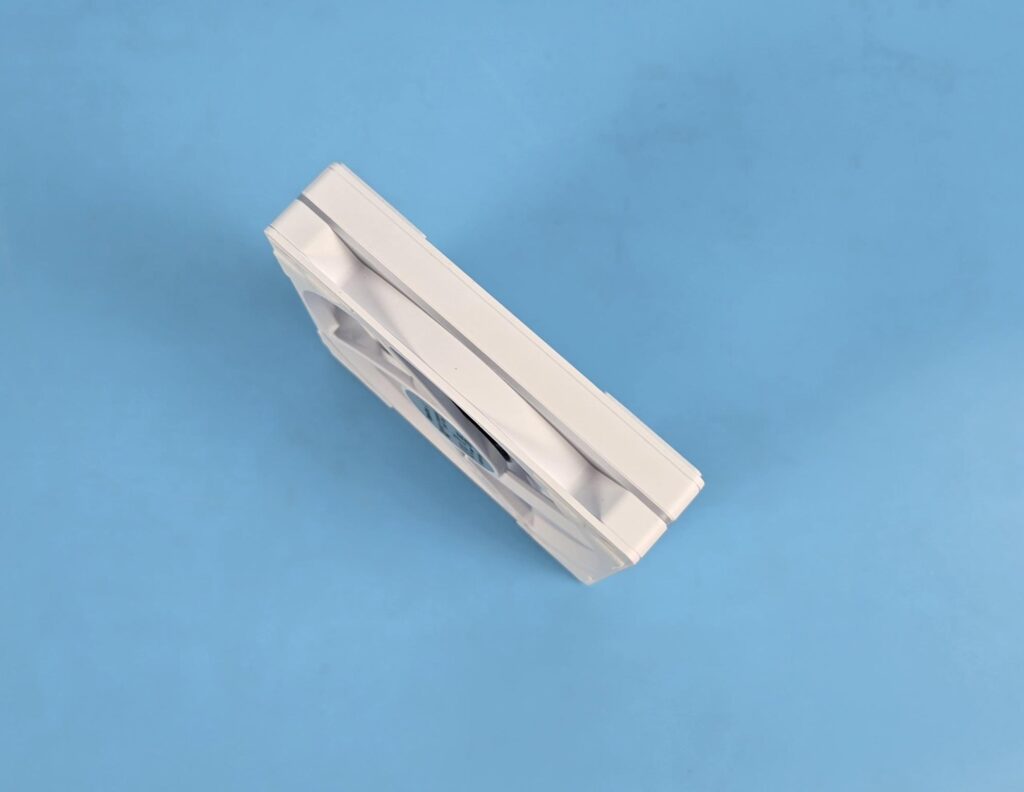
The side frame of the fan shows a circular and square design. The front portion has an inset in an angular manner, whereas the backside hasa flat surface. I did not see the arrow markers on the frame.

Looking at the backside of the fan, you can 4-arms with one arm having a wide body to catch the wires coming from the center towards the frame. Model of the fan is printed in the center along with the power rating. The arms are angular, which helps in directed airflow. You can also see a sloping design on the border.
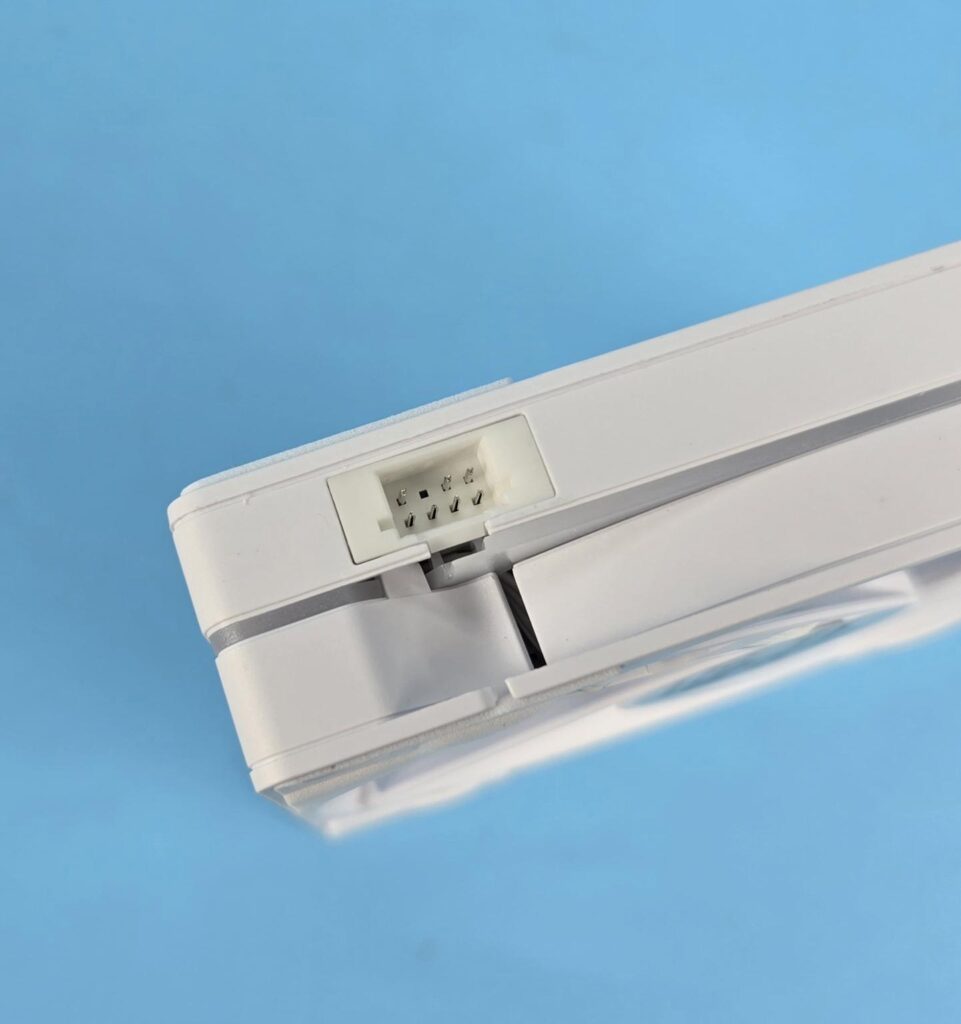
Each fan has an 8-pin proprietary connector. Only 7-pins are active.
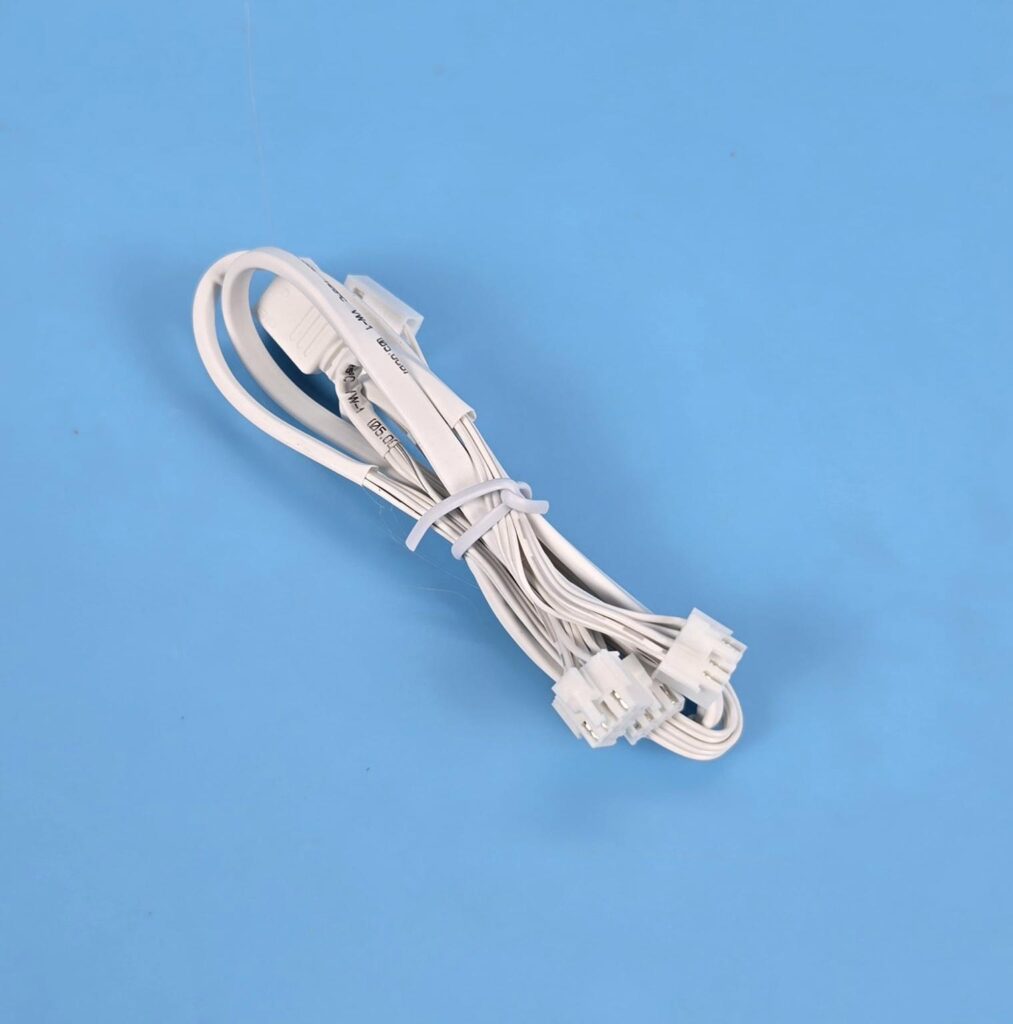
DeepCool has provided a single cable that has three 8-pin proprietary connectors on one end.
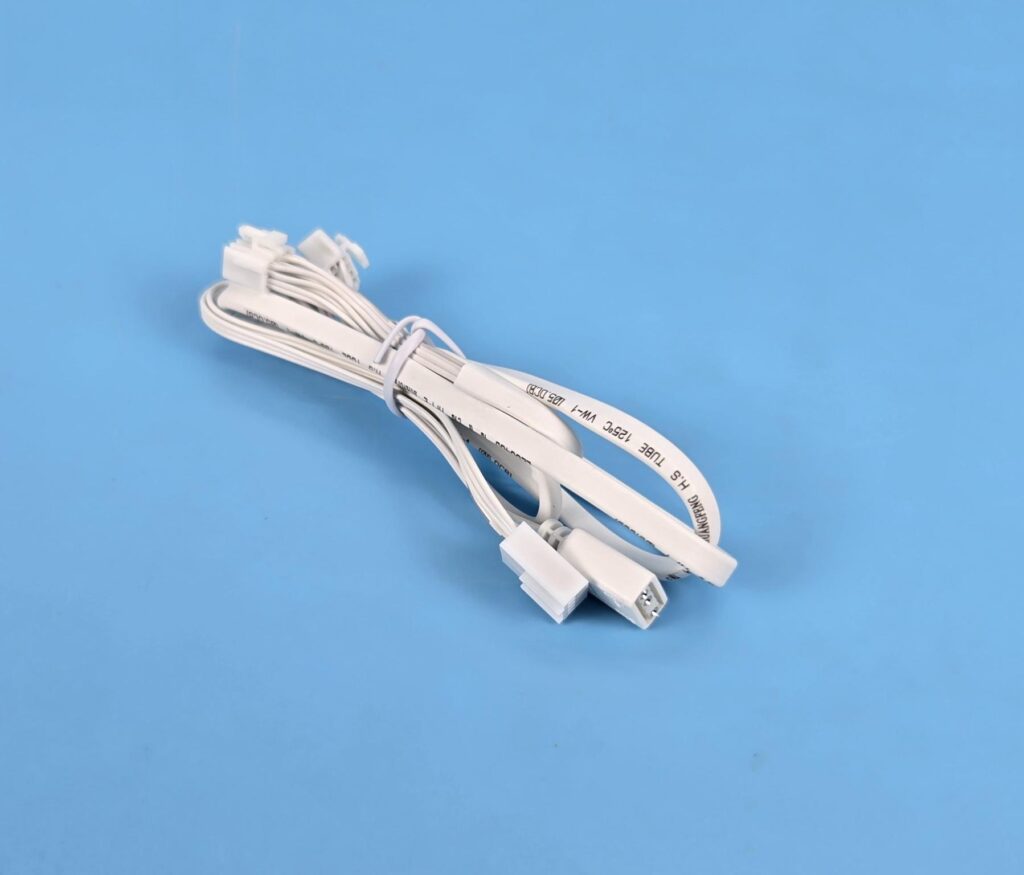
The other end of the same cable has a 4-pin PWM and a 3-pin, 5V, ARGB connectors for connection with the motherboard.
Installation
We don’t cover the installation steps. Please use the installation guide for that. We only mention observations recorded during installation. I did not observe any issues in the installation of this cooler on the AM5 platform. DeepCool is still providing only 4x screws to install mounting brackets on the base of the cooler. Having an extra screw will give peace of mind.
Clearance
Make sure your PC Case has clearance for a 360mm AIO measuring 402x120x52mm.
Software
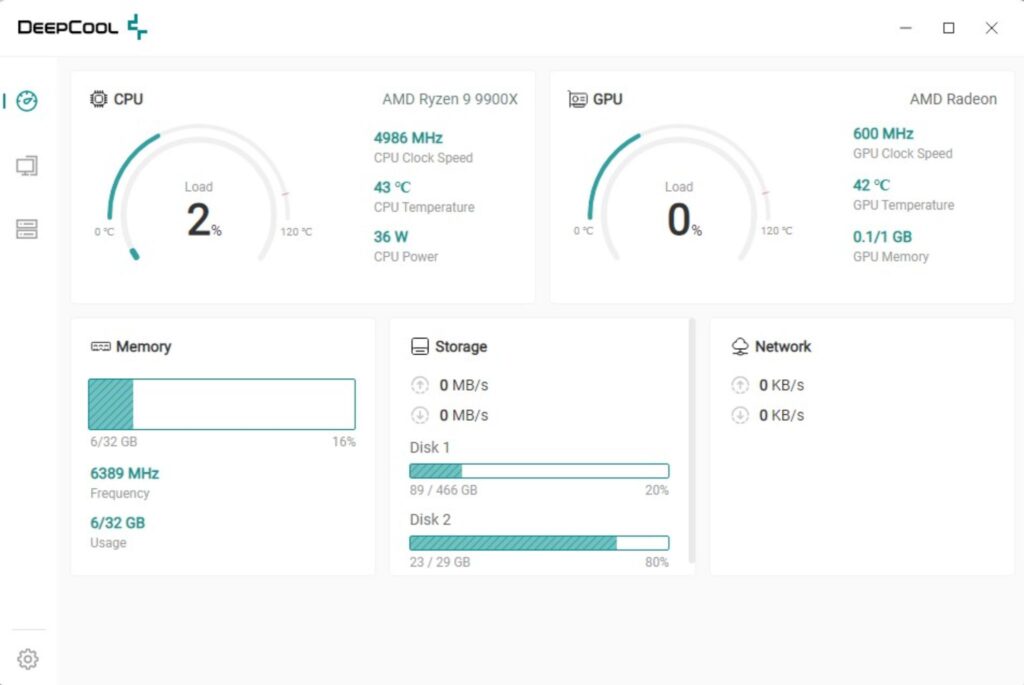
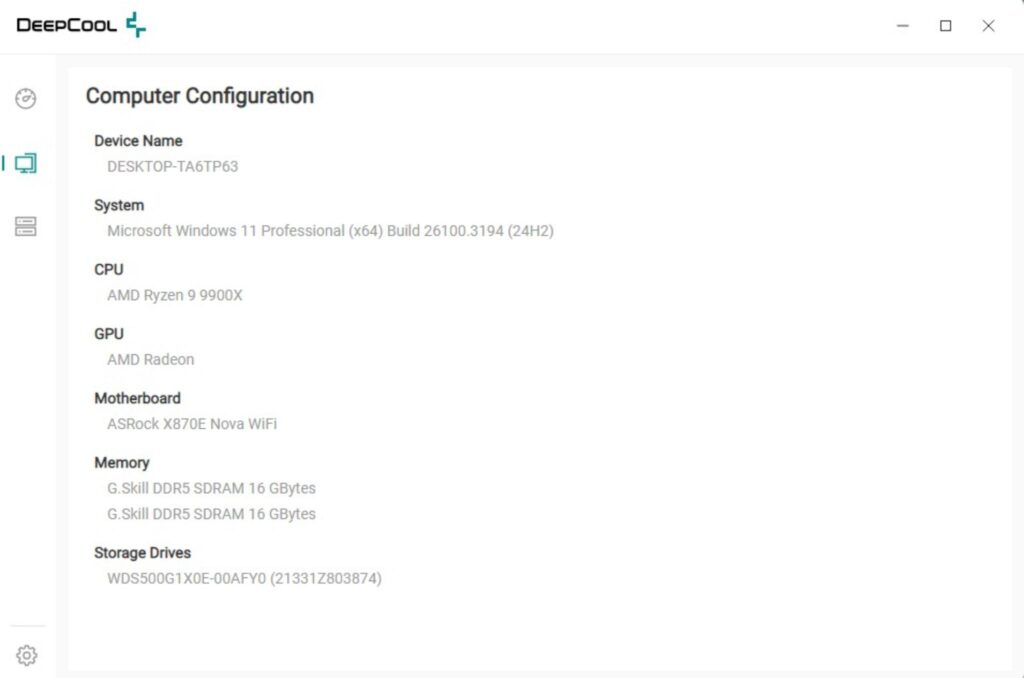
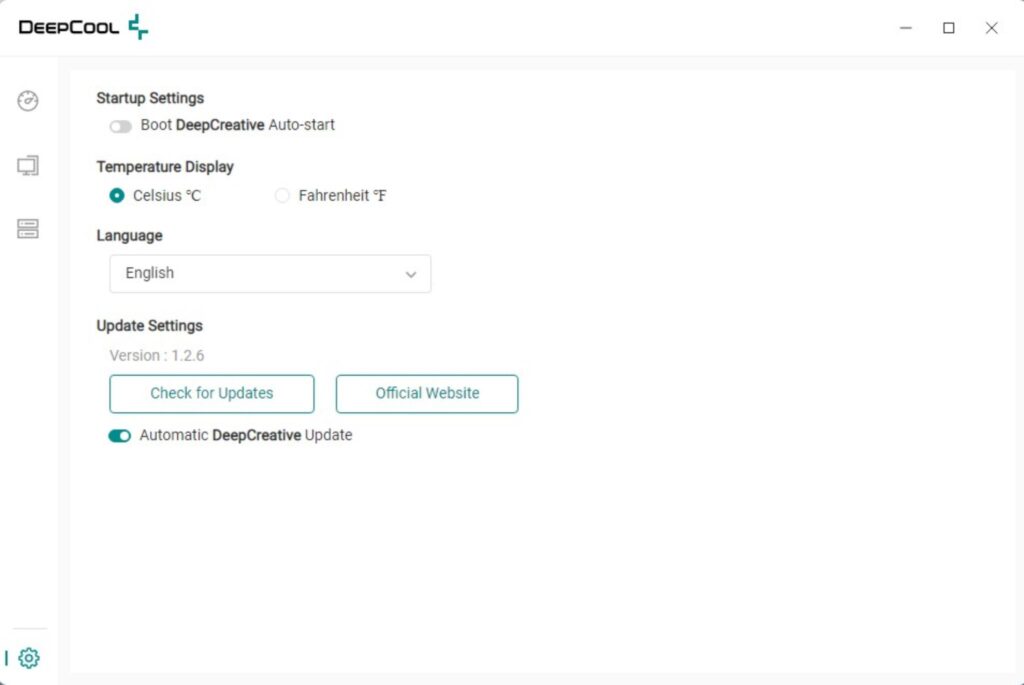
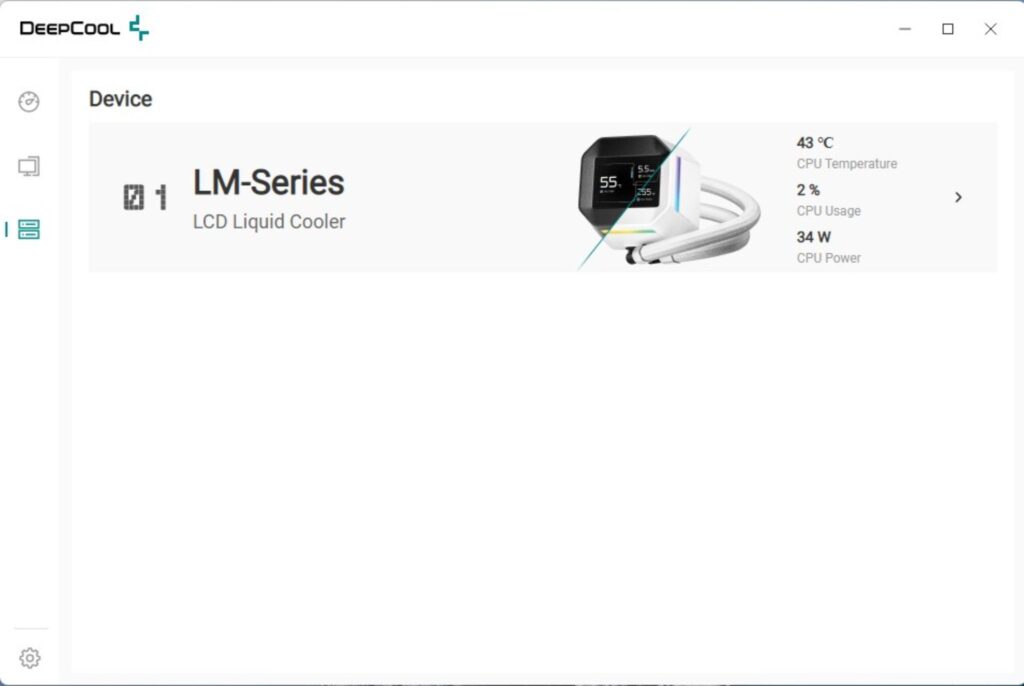
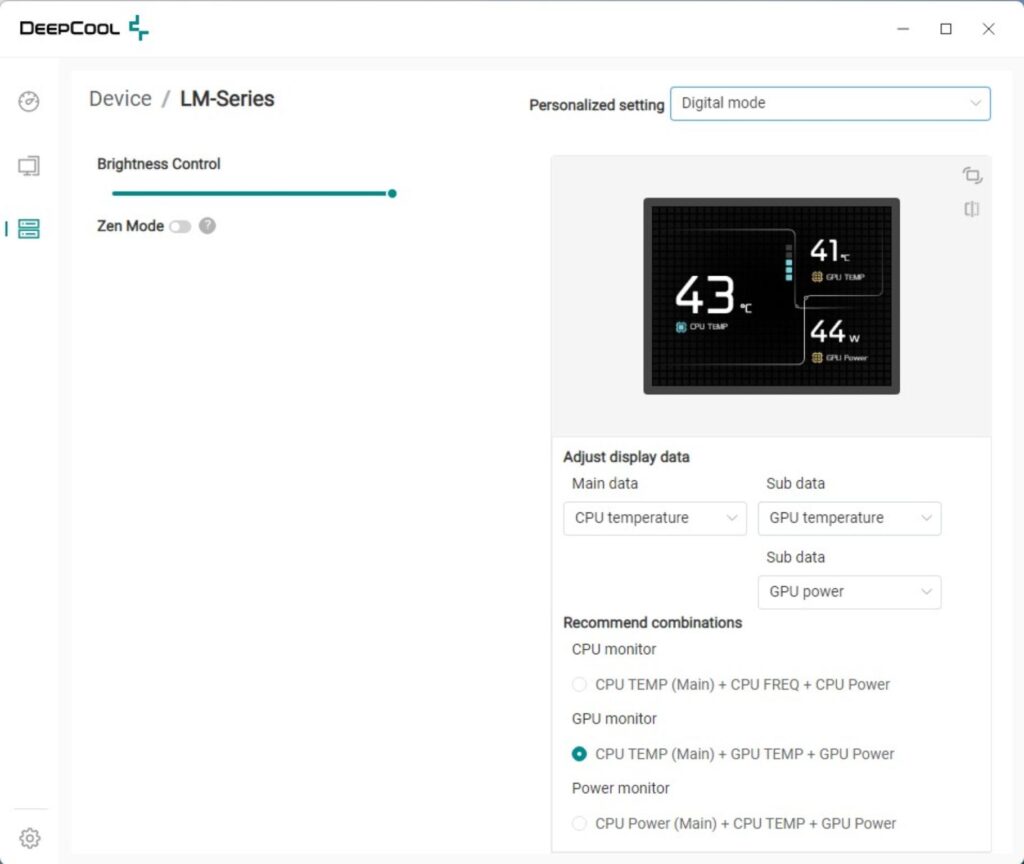
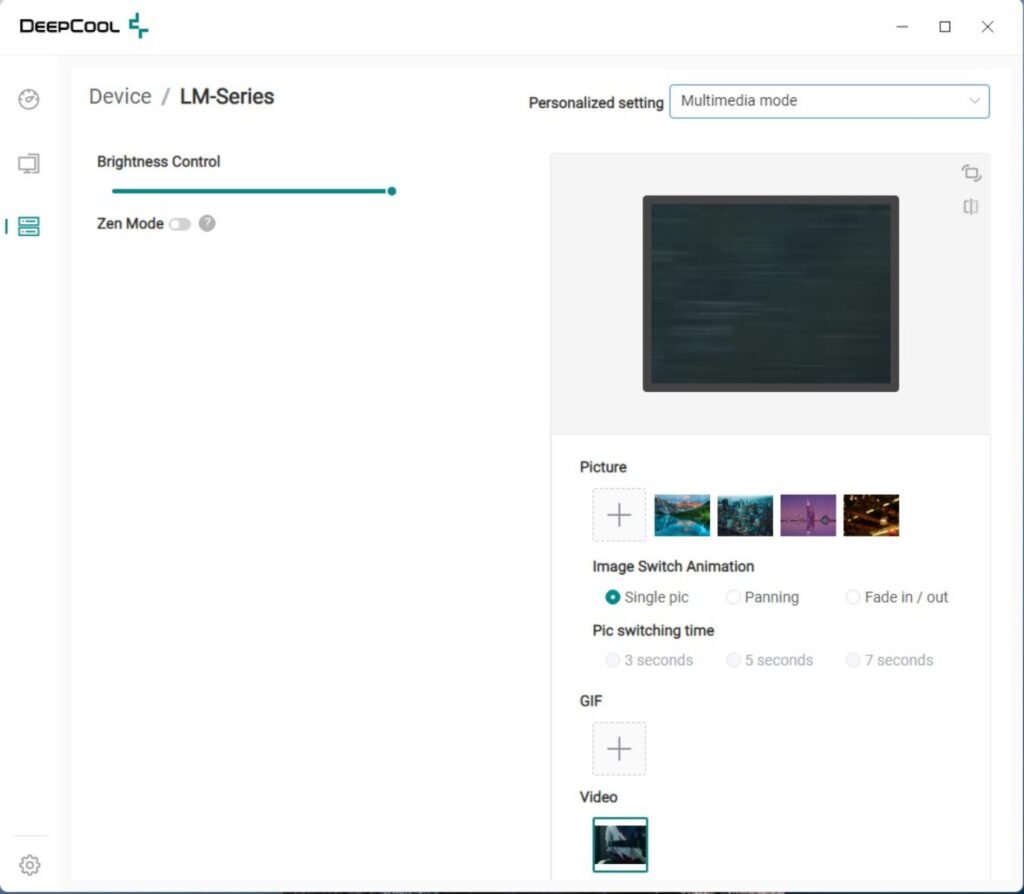
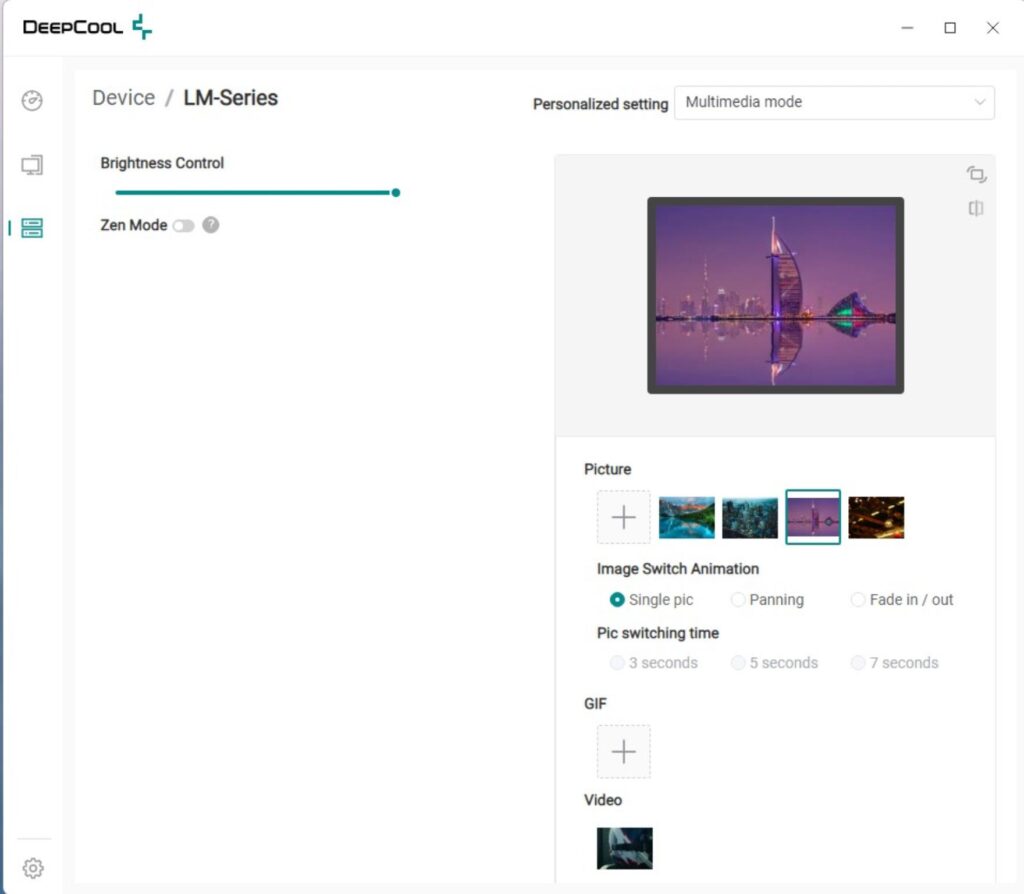
DeepCreative is a software that you need to download from the DeepCool website. So far, out of all the software that I have used from other brands, excluding the Corsair, DeepCool’s software is accurate, simplified, and user-friendly.
The first page shows the sensor data from PC components. The second page lists the components. You can change the temperature unit under the settings. Firmware update is also provided in this section. Under the Devices, all the compatible or enabled devices will be shown. Click on the device you want to customize.
DeepCool has provided Digital Mode and Multimedia Mode to categorize the types of displays on the screen. In addition, there is a Zen control that will control and adjust various elements like brightness automatically.
I recorded a simple video showing the animation on the screen.
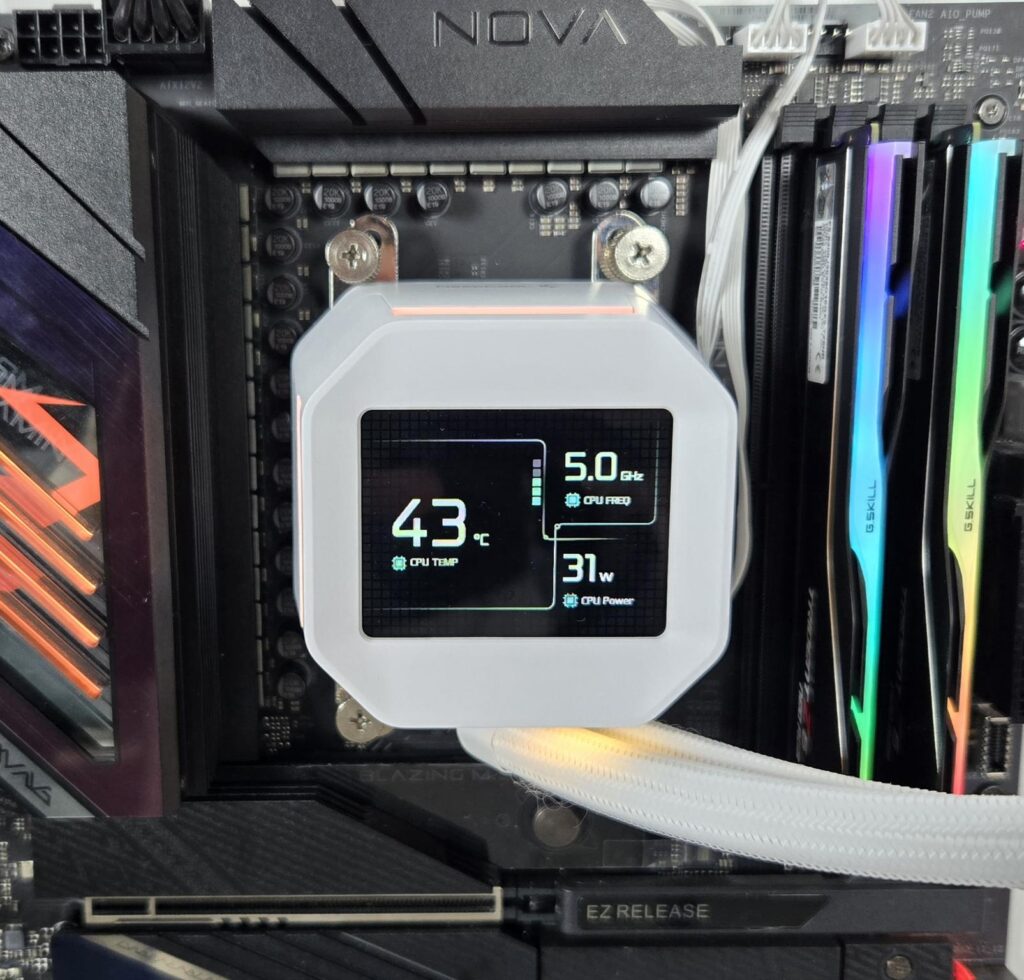
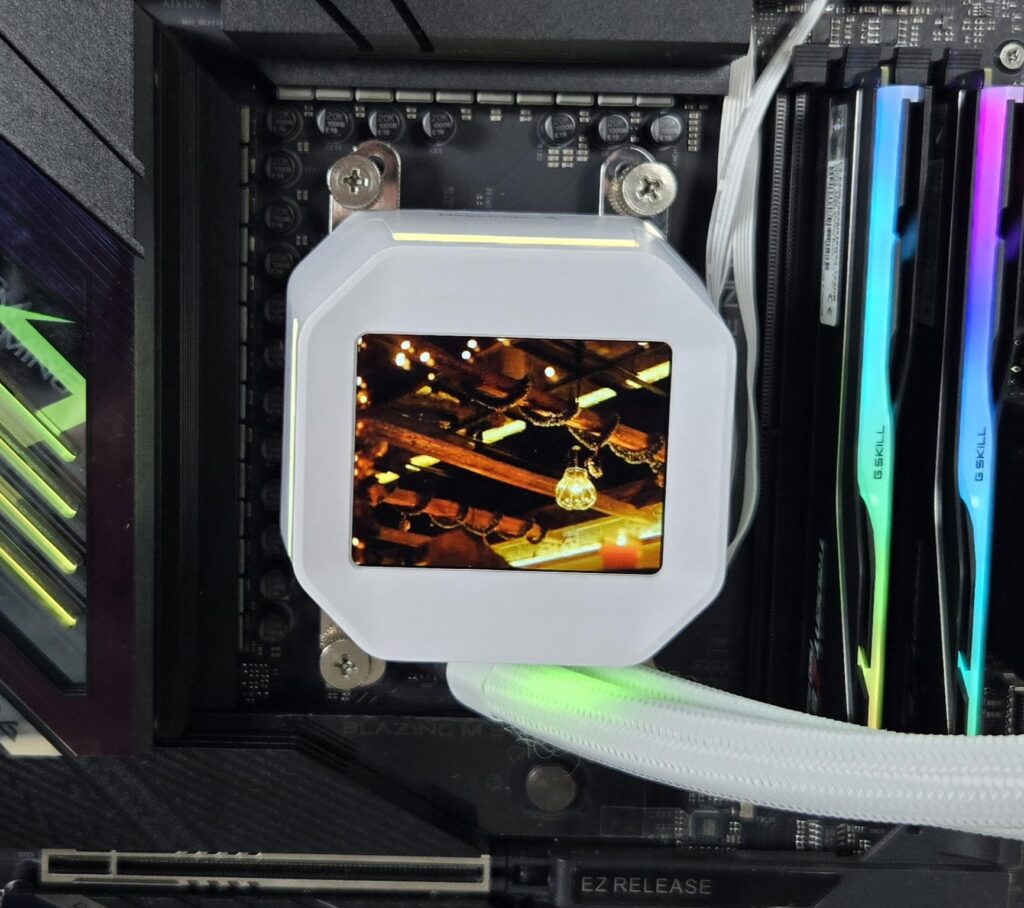
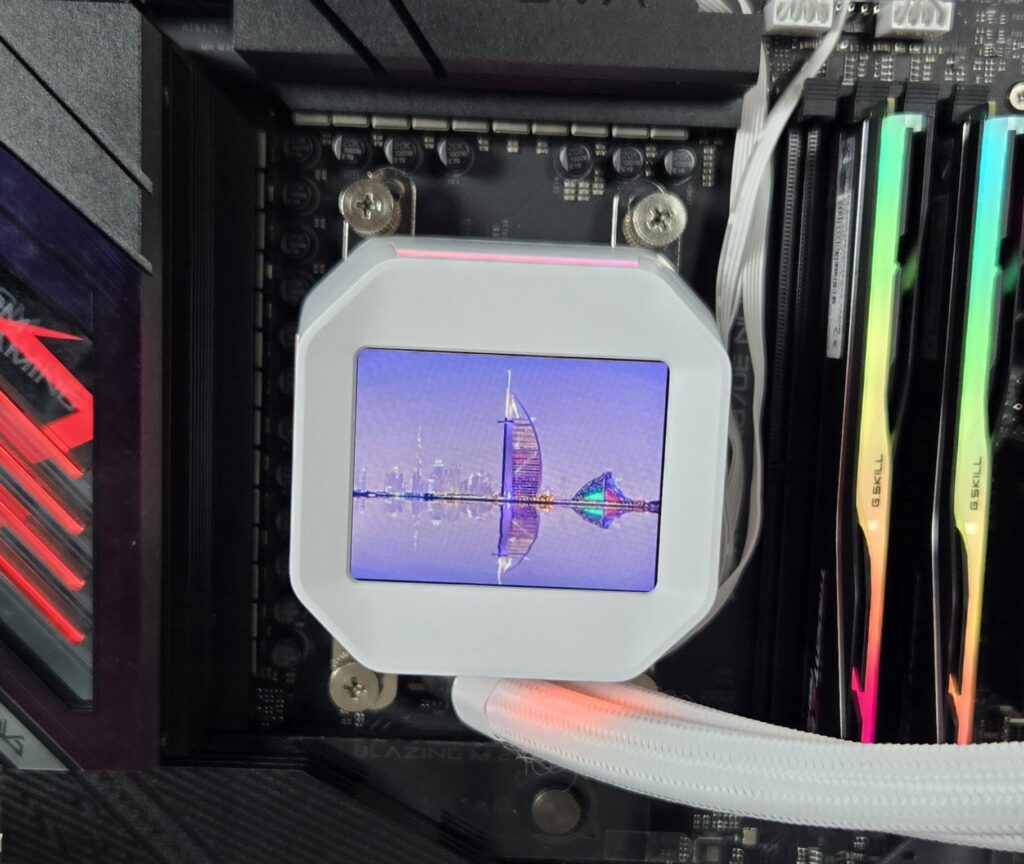
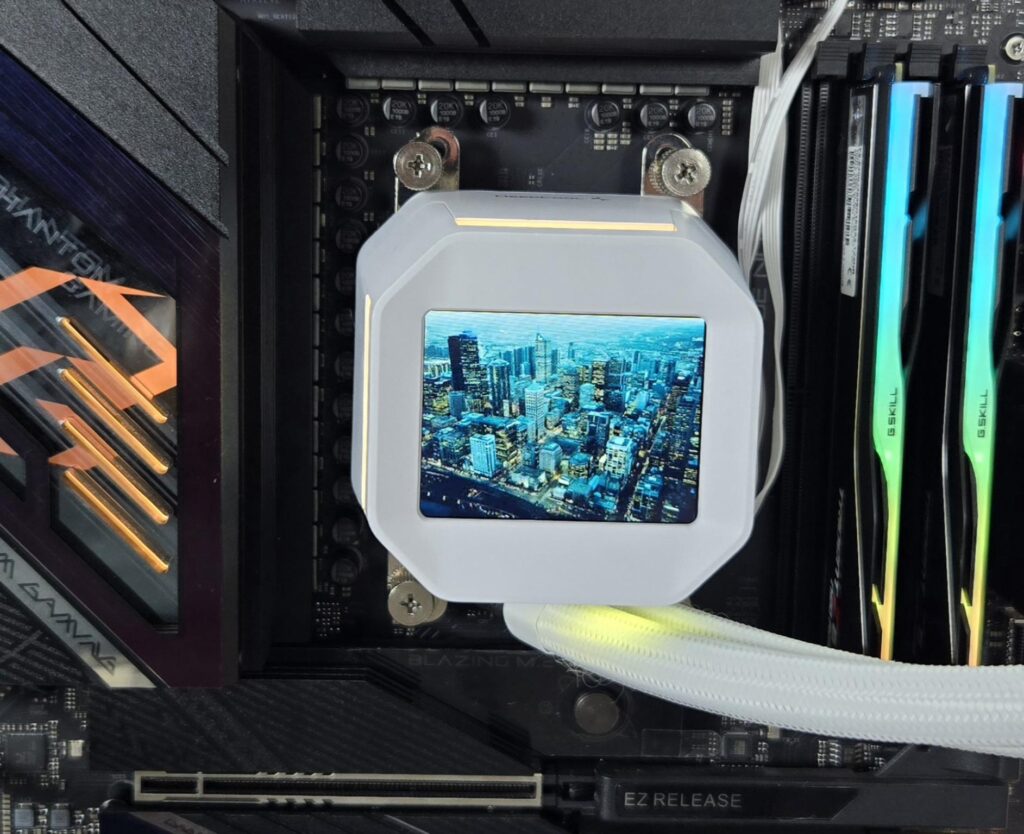
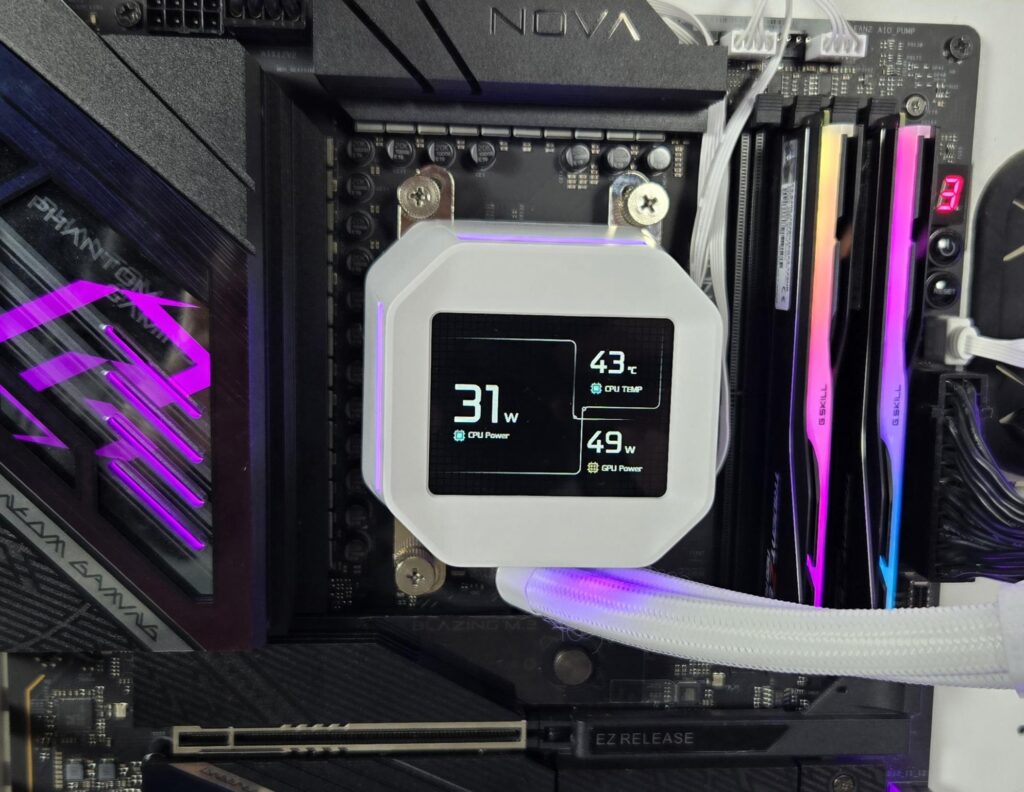
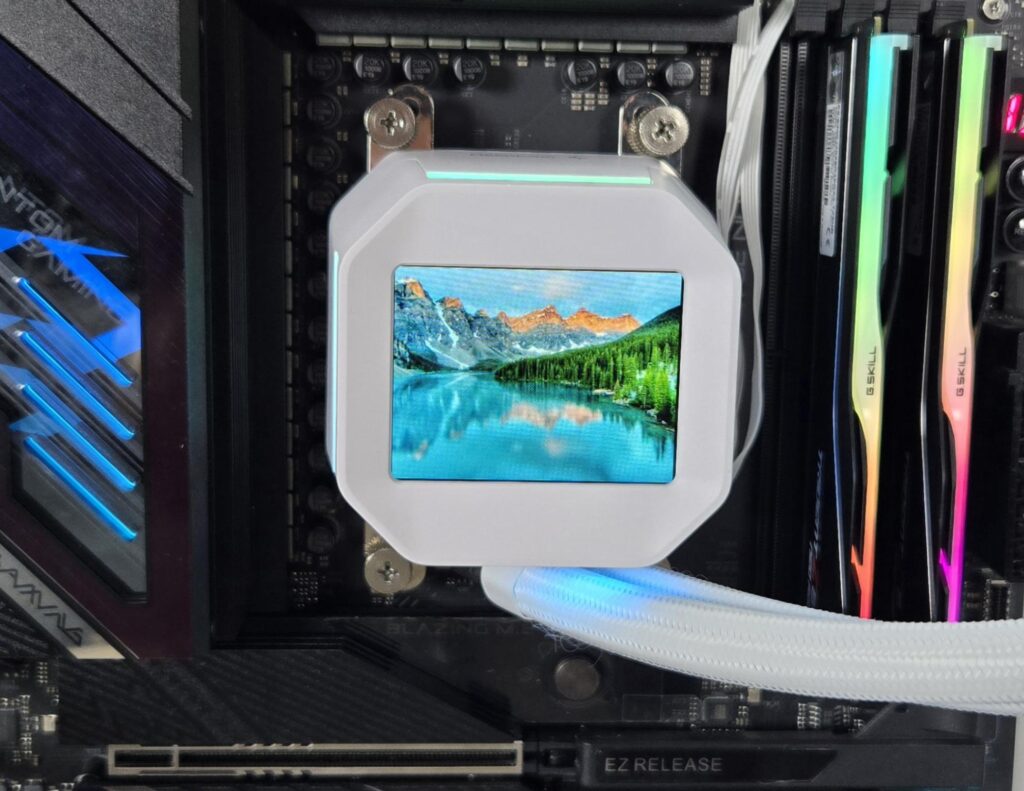

The above pictures show the display in action.
RGB Lighting
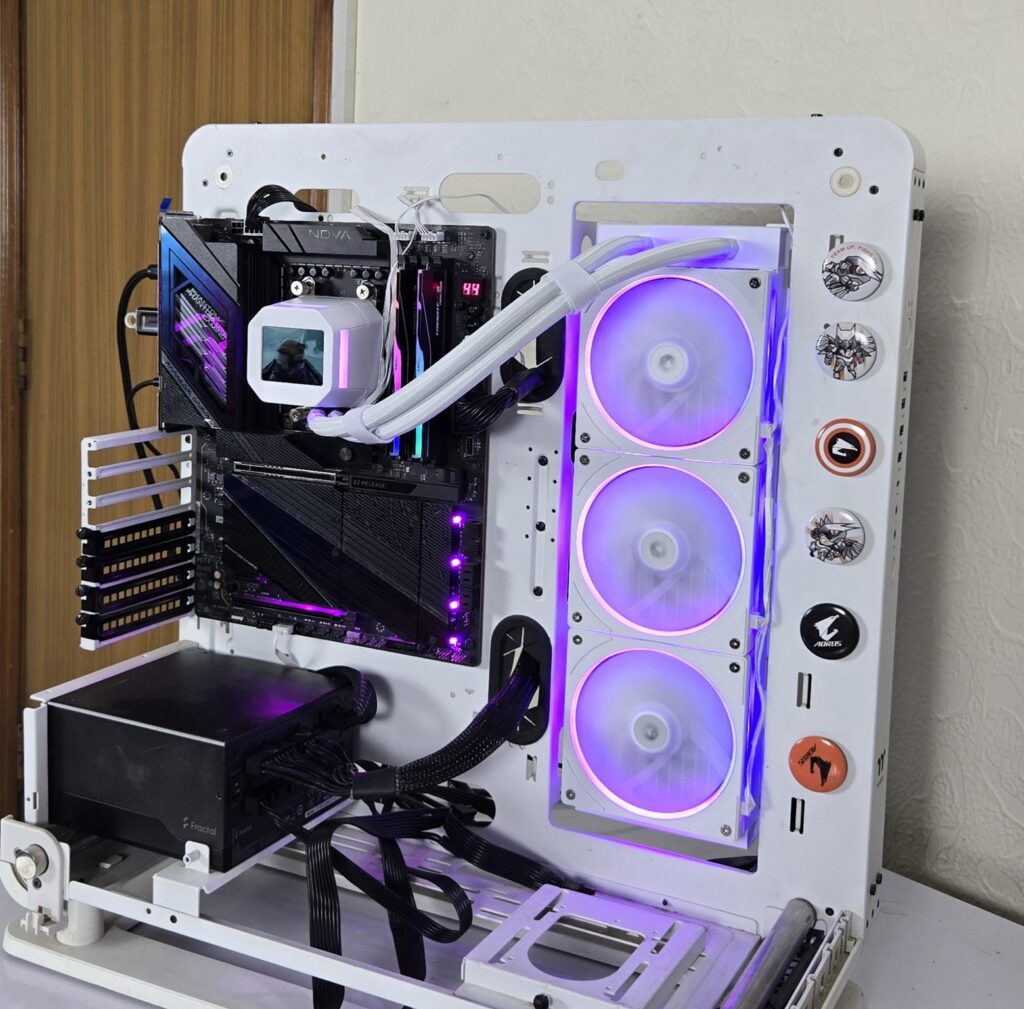


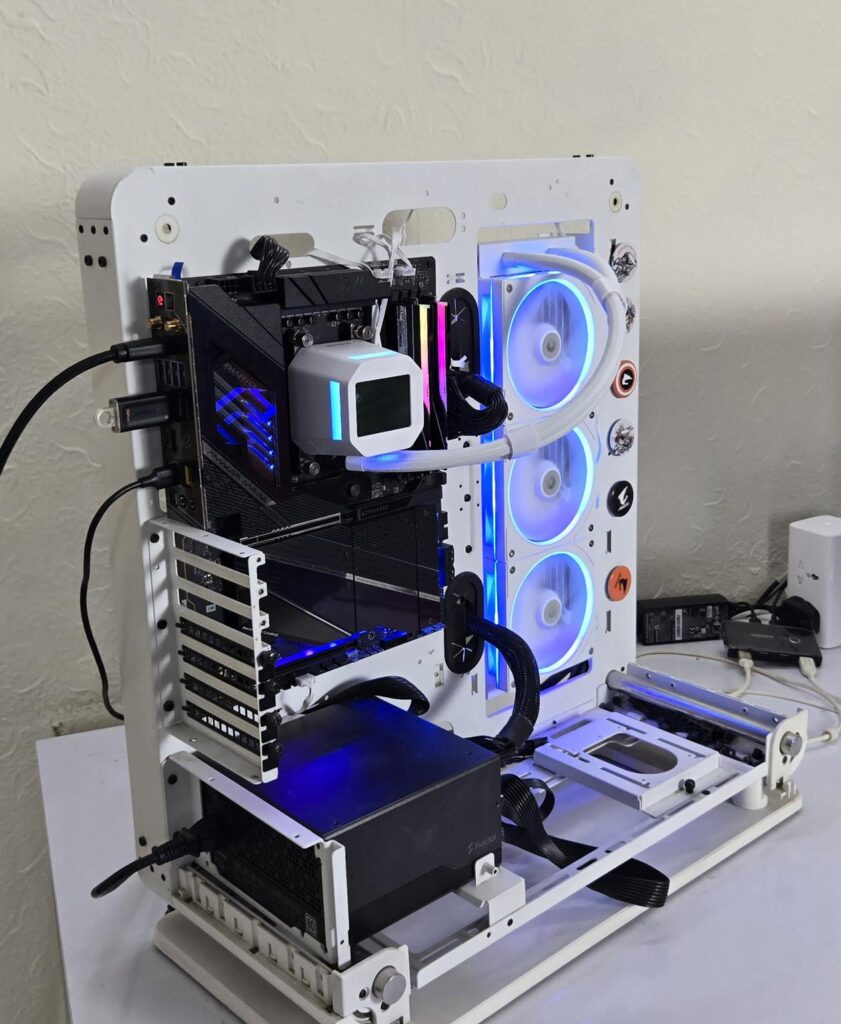

DeepCool uses a standard connector that would work with the RGB sync technology of motherboard manufacturers. Pictures are from the ASRock X870E NOVA WIFI setup using the PolyChrome Sync app.
Testing
The following configuration is used for thermal testing:
- AMD Ryzen 9 9900X
- ASRock X870E NOVA WiFi
- GSkill TridentZ NEO RGB 32GB 6400MHz CL30 DDR5 kit
- ASRock Phantom Gaming RX 7600 Graphics Card for Display
- Biwin Black Opal X570 Pro 4TB NVMe SSD
- Fractal Design ION+ 2P 860W Platinum PSU
- Thermaltake Core P6 TG Snow Edition in an open frame layout
Here is the settings table for testing:
| Settings | PBO Enabled [243W] |
| Clock (MHz) | Auto |
| Voltage (V) | Auto |
| Thermal Paste | Noctua NT-H2 |
| Thermal Paste Application | Dots Method |
| Test Run Time | 30 minutes |
| Idling Time | 10 minutes |
| All Fans Speed | 100% PWM Duty Cycle |
| Pump Speed | |
| Stress Software | CINEBENCH R23.2 |
| Monitoring Software | HWINFO64 |
I am reporting absolute temperature in the graph because the room temperature was at 22°C throughout the day. The testing is done on an open-air bench system. Once inside the chassis, the temperatures are expected to rise and would largely depend upon the optimal airflow inside the chassis.
Result
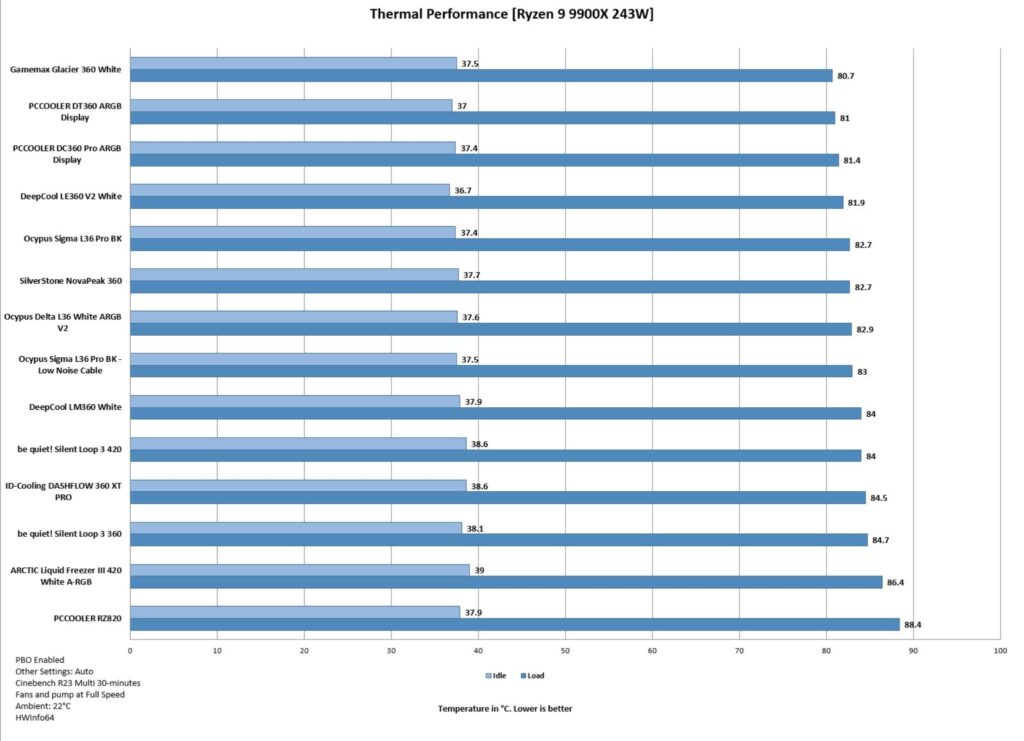
In terms of thermal performance, this cooler has a good performance, albeit I was expecting performance better than the LE360 V2. The fans at full speed are loud, almost reaching 46 dB(A). This is slightly above my comfort zone. I would suggest using the Auto PWM function or a custom fan curve.
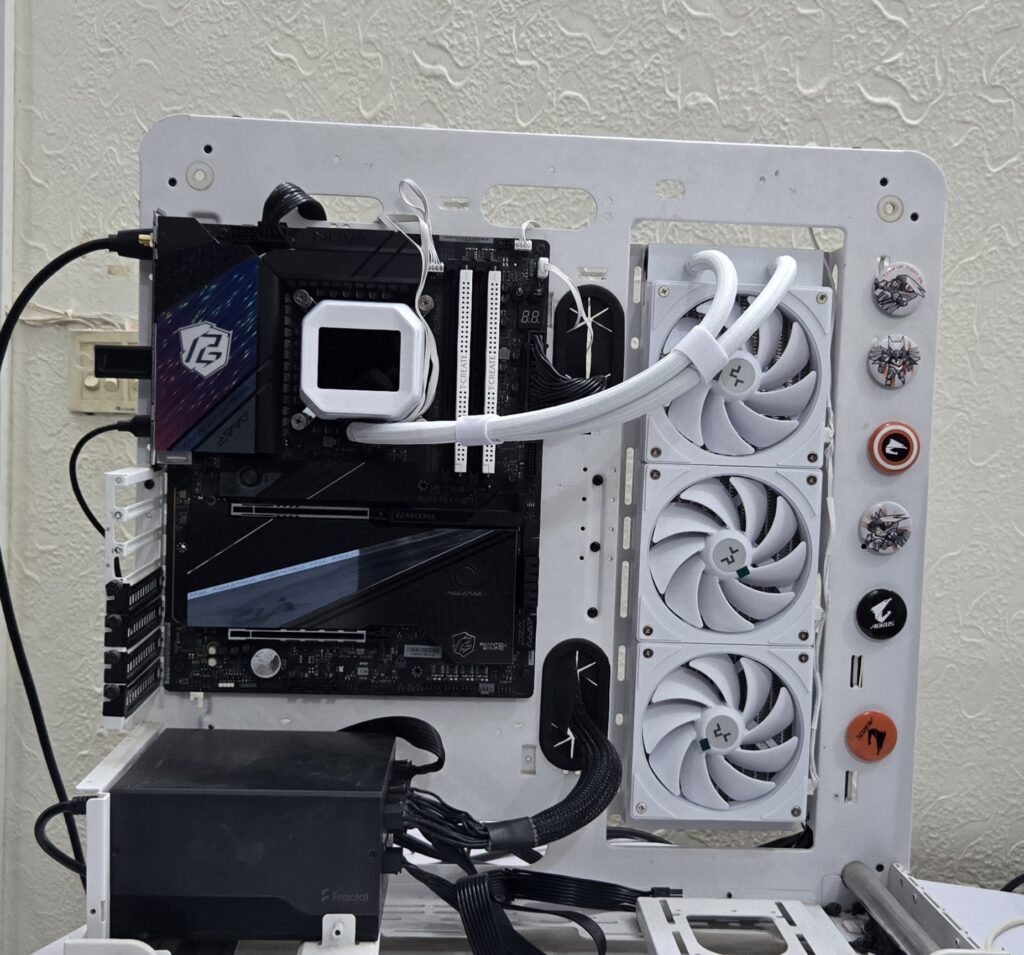
This gave me an idea, and I put the cooler onthe Intel test bench using this configuration:
- Intel Core Ultra 265k
- ASRock Z890 NOVA WiFi
- Teamgroup T-Create Expert 32GB DDR5 kit at 6400MHz CL32
- Sabrent Rocket 4 Plus 2TB NVMe SSD
- Fractal Design ION+2 860W Platinum PSU
- Thermaltake Core P6 TG Snow Edition in an open frame layout
The maximum temperature on the CPU was 79⁰C at an ambient of 25.2⁰C. This is an excellent performance from this cooler.
Conclusion
The DeepCool LM360 is available in white and black and in 240mm and 360mm sizes. This is an entry-level, value-oriented cooler from the manufacturer featuring a new 6th-generation pump. I am expecting more powerful coolers using this new pump coming down the line soon. This cooler is compatible with Intel LGA1851/1700/1200/115x and AMD AM4/AM5 sockets.
The aluminum radiator has an overall dimension of 402x120x52mm with a fan assembly. It has 12 channels for coolant flow with a fin density of 20 FPI. The manufacturer uses rubber tubing which runs to 410mm in length and has a white nylon braided sleeve mesh. DeepCool has used Velcro Straps on the tubes. The radiator features DeepCool’s patented Anti-Leak technology.
The pump top or pump head, however you may call it – personally, I call it a block – is different than the all frosted design of the LE360 V2. Despite being an entry-level cooler, it comes equipped with a 2.4” IPS display screen that is fully customizable. It has a resolution of 340×240 px using a 60Hz refresh rate. DeepCreative software is provided for customization.
The pump uses a ceramic axis and has a 3-phase, 6-slot, 4-pole motor with FPC control that rotates up to 3400 RPM. However, one source told me that this pump is rated for up to 3600 RPM. I have seen the pump operating in 3458 speed more or less. The other change comes in the cold plate and the contact surface, which are increased by 16% and 22% respectively.
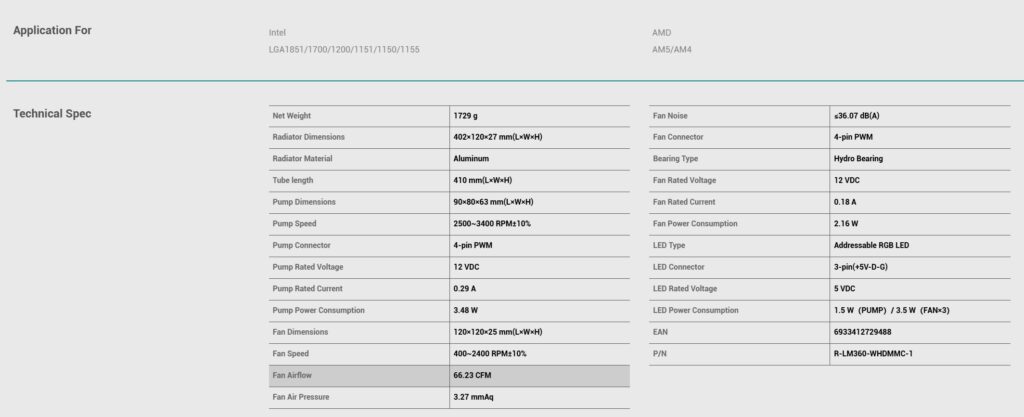
The FL12L SE fans use Hydro bearings and have a speed range of 400 to 2400 RPM ±10%. The maximum airflow rating is 66.23 CFM (lower than the 75 CFM on LE360 V2), and the maximum air pressure rating is 3.27mmAq (slightly higher than 2.53mmAq on LE360 V2). The maximum noise level is ≤36.07 (higher than 31.6 dB(A) on LE360 V2). The fan draws 0.18A for 2.16W (slightly higher than the power on LE360 V2 which is 2.04W).
The installation of this cooler on the AMD AM5 socket is a straightforward task but requires 14 items. In fact, installation is the same as on the LE360 V2.
This cooler has an MSRP of USD 89, and it comes with a 3-year warranty. The black edition has an MSRP of USD 79. The performance of this cooler is said to be better than the LE360 V2. However, this cooler, despite offering a competitive performance on the AMD AM5 platform, is behind the LE360 V2. But my testing on Intel Core Ultra 265k shows an excellent performance from this cooler. Anyhow, this cooler in this price range gives one hard to ignore value for your buck,s particularly when you get to have a display screen in addition to simplified cable management and ARGB lighting.
Pros:
- Thermal Performance
- 2.4” IPS Display Screen
- Vivid A-RGB lighting
- New 6th Gen Pump
- PWM-regulated pump
- FL12L SE Fans
- Simplified Cable Management
- Compatible with Intel LGA1700/1851 sockets
- Compatible with AMD AM4/AM5 sockets
- Price
- Warranty
Cons:
- Performance on AMD could be better