











Ocypus Sigma F36 ARGB White Review
Integrated fan assembly is not a new concept. Back in time, Cooler Master (as per my limited information) released integrated fan assemblies in 240mm and 360mm sizes. While the concept is brilliant, providing a seamless daisy-chained fan system with hidden internal cables and a single fan/set to control all connected fans in the assembly, the loss or malfunction of one fan would mean the complete set needs to be replaced.
This concept is still in play, though not all manufacturers are doing it. Sigma F36 ARGB is an Ocypus solution based on this idea. Their description of Sigma F36 is “360mm Integrated ARGB Suspended Illuminated Fan Hub”. These are high-performance fans suitable for radiator and case ventilation. The airflow rating is at 82.5 CFM with a static pressure rating of 3.1 mmH2O.
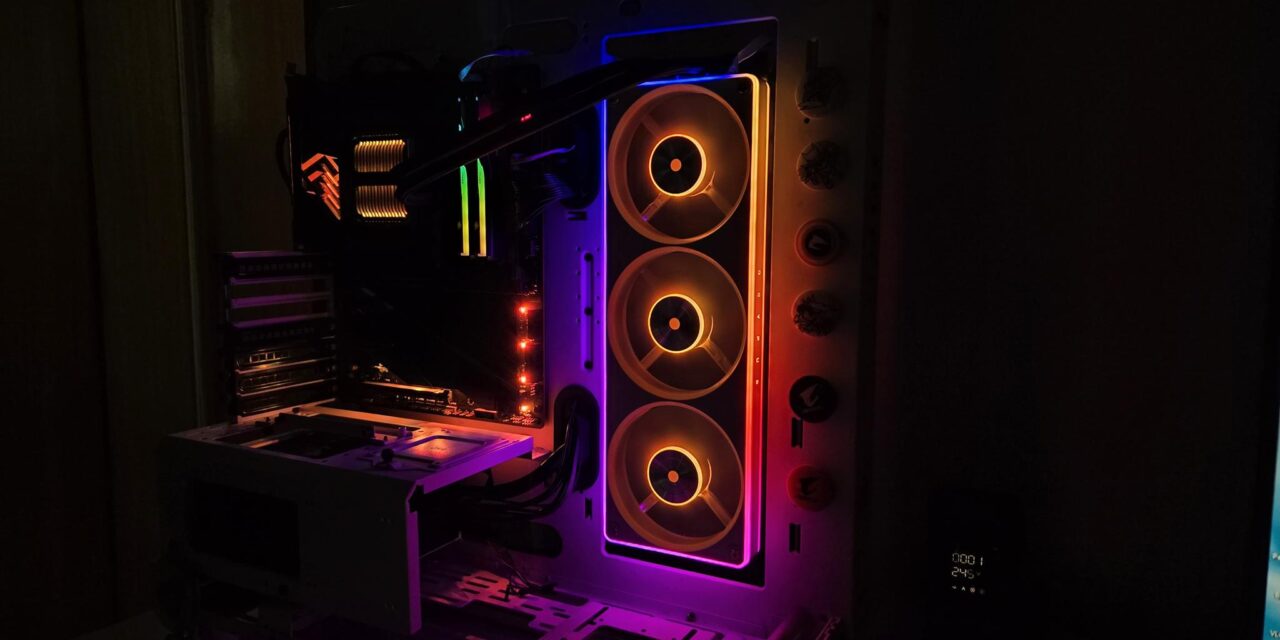
Another salient feature is the ARGB lighting system featuring a radiant floating fan hub and a full-perimeter frame light bar. The overall lighting effect on these fans is quite impressive based on my user experience.
The pricing of these fans is not yet known, and we will update the price once confirmed by the manufacturer. These are available in black and white colors and carry a three-year warranty. For now, they are available in a regular blade design. I am hoping Ocypus may release the reverse blade design in the near future!
Specifications

Packaging
It is time to take a look at the fans.
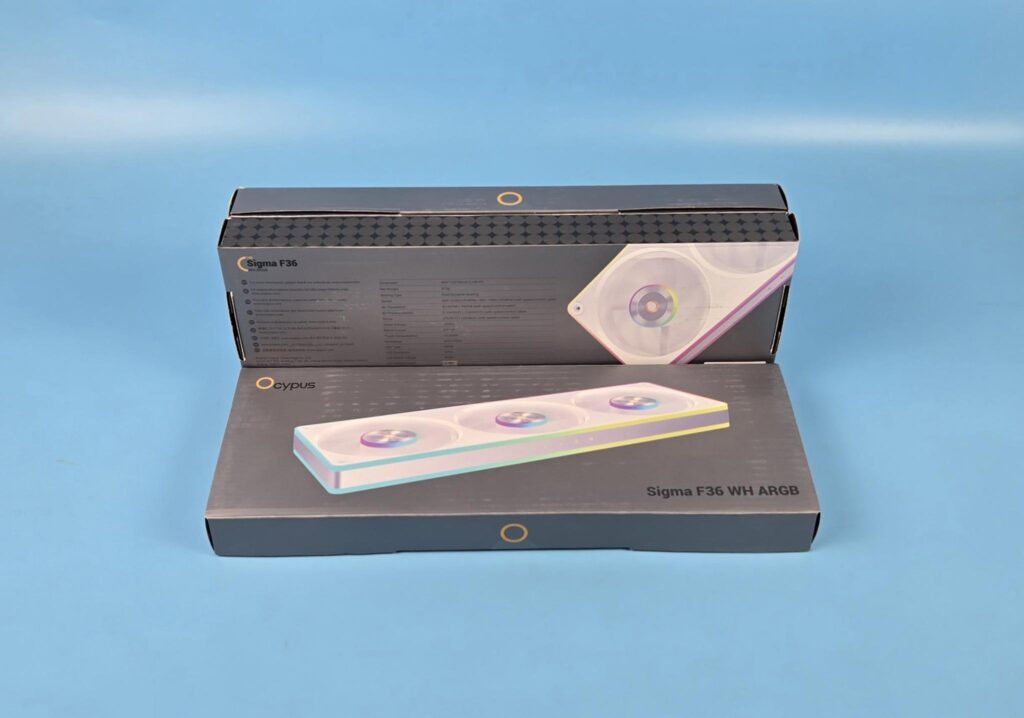
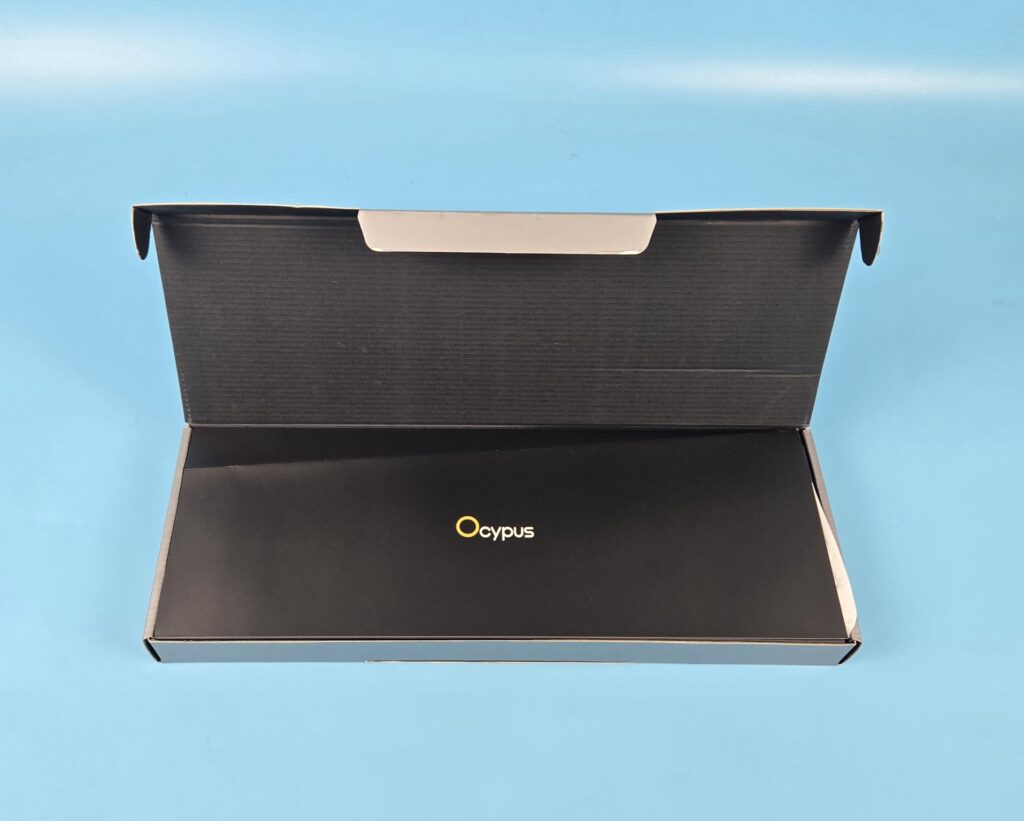
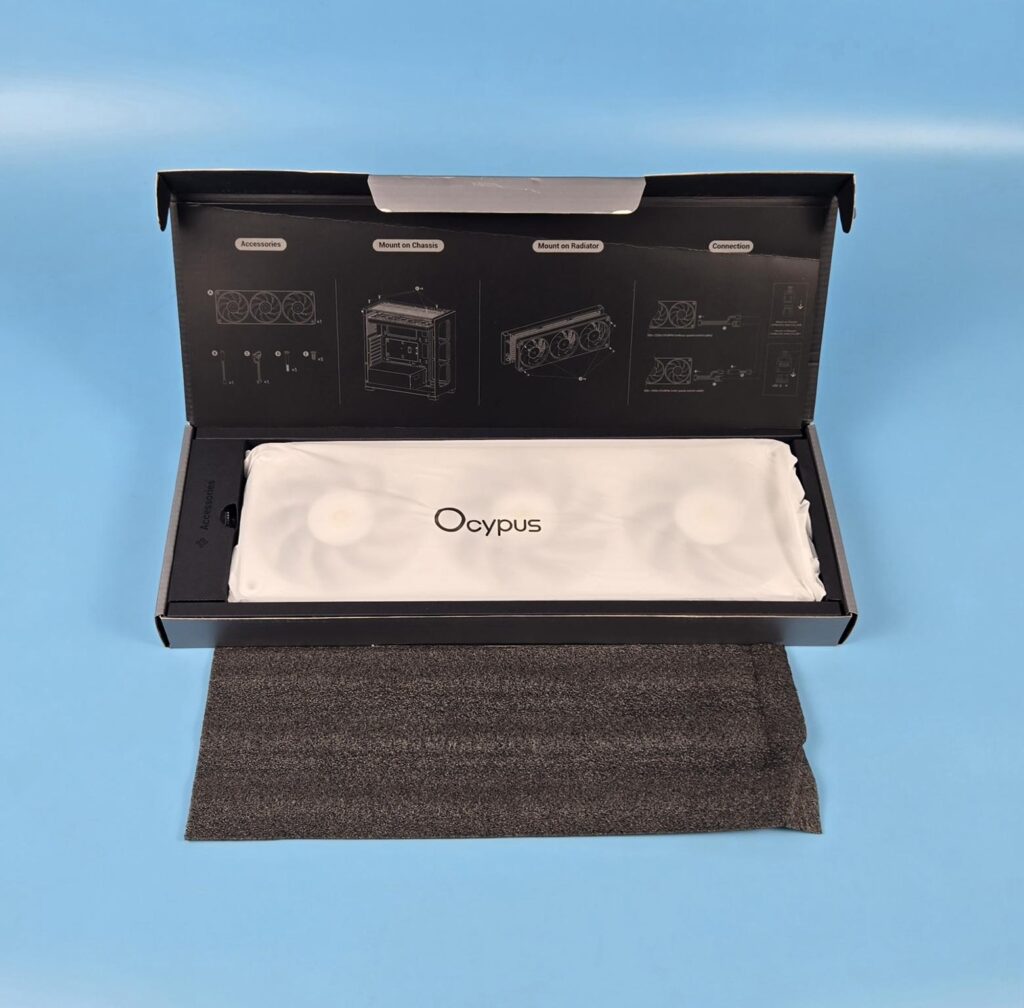
The fan set is shipped inside a cardboard box in Ocypus standard packaging. Ocypus has given due consideration to the presentation of these fans. An inner top cover shows the possible use scenario along with an illustration for installation.
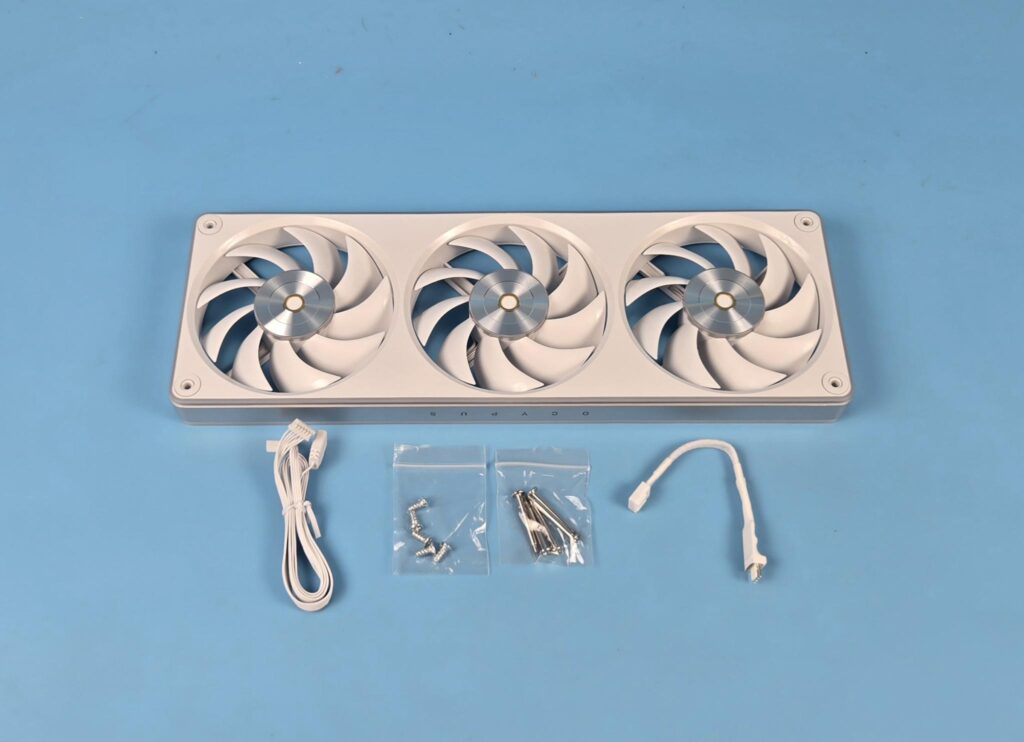
The following is provided in a box:
- A 360mm integrated fan assembly
- 1x Cable for ARGB and PWM Control
- 1x Low Noise Adapter Cable
- 5x Self-Tapping Screws for Case Mount
- 5x Long Screws for Radiator Mount
Design
Let’s take a look at the fans.
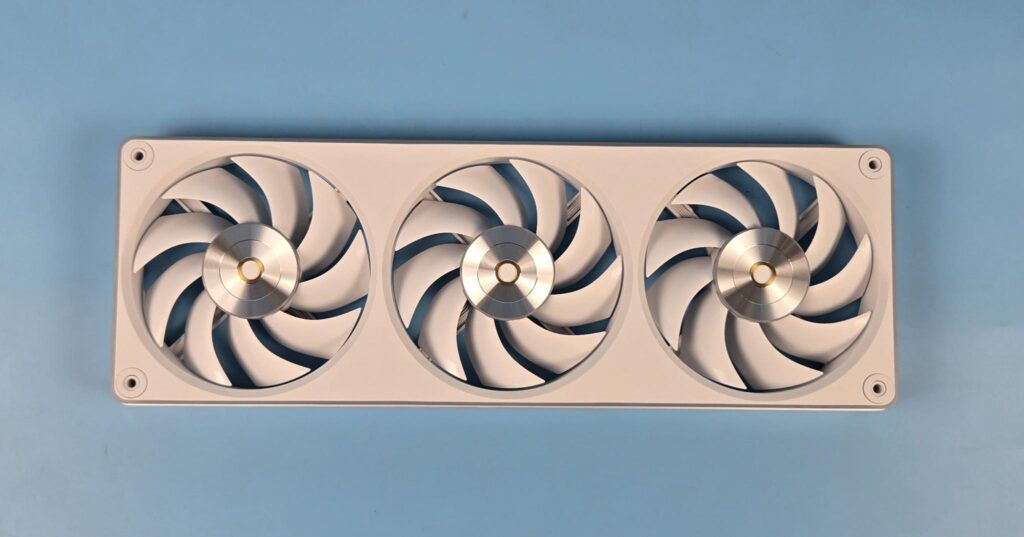
The dimension of the integrated fan assembly is 365x125x28mm (LxWxH), where the overall height of the assembly is 28mm. The width is 125mm, which is 5mm above the standard 120mm width of the fans. This is due to the housing of the frame. The complete assembly uses four mounting holes on the corners for the mounting, which is a wise decision. Ring-shaped anti-vibration pads are visible on these mounts. The air intake side of each fan as an inset design. The gap between the tip of the blades and the inner frame is quite visible.
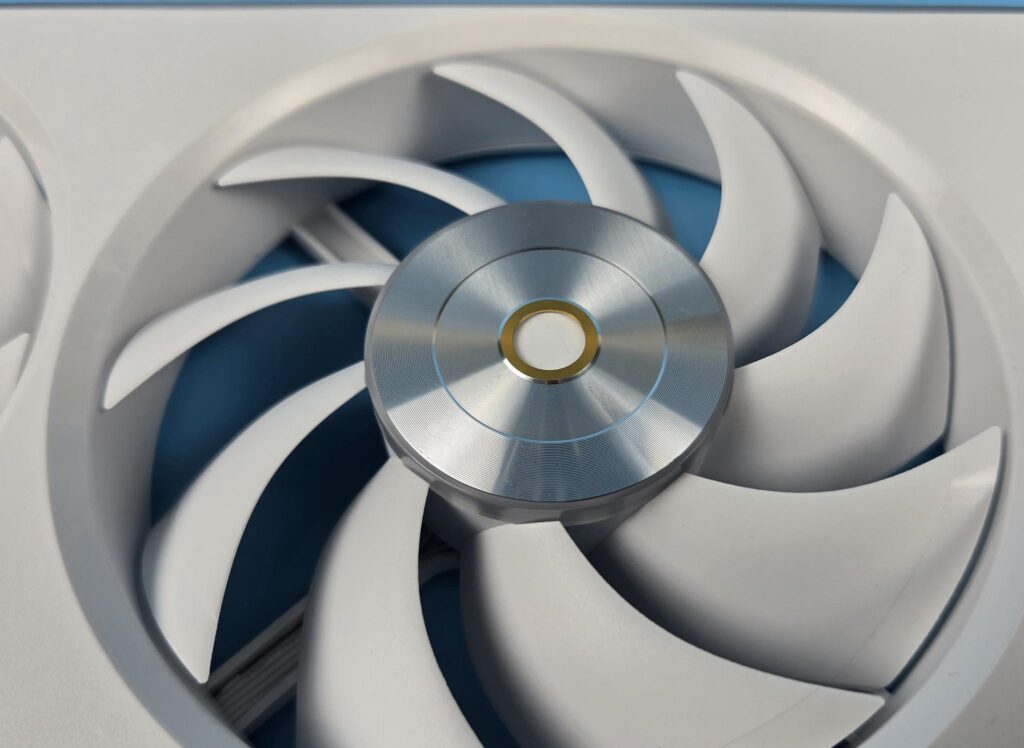
Each fan has 9x blades. The center has a silver finish with a copper ring in the middle. Ocypus has defined this with metallic CD-brushed hub nomenclature. It is paired with a distinctive secondary anodized O-logo. This is all symbolic as it represents brand identity and craftsmanship.
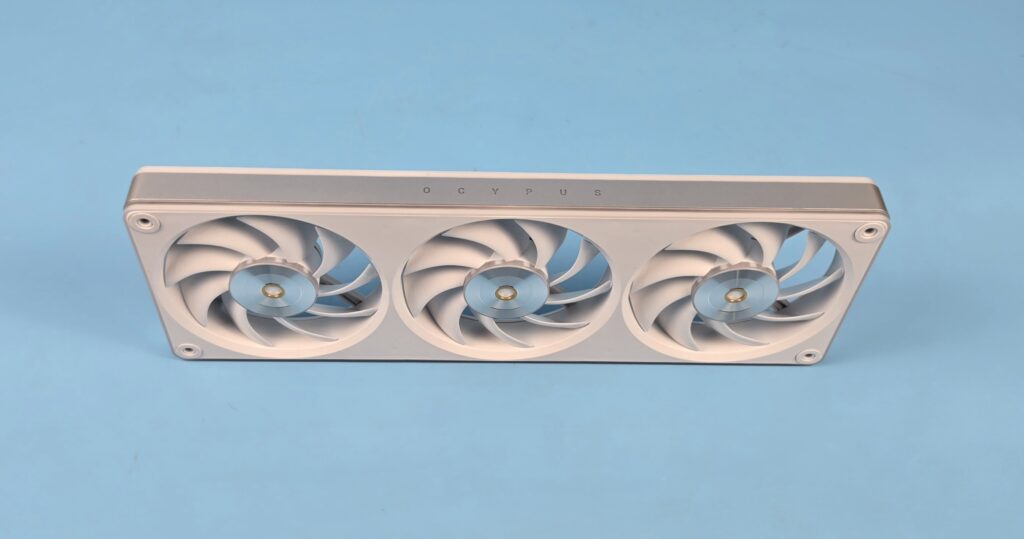
Take a closer look at the side of the center area. This is a radiant floating fan hub design coming from an innovative ARGB ring on the fan hub, which appears to float independently.
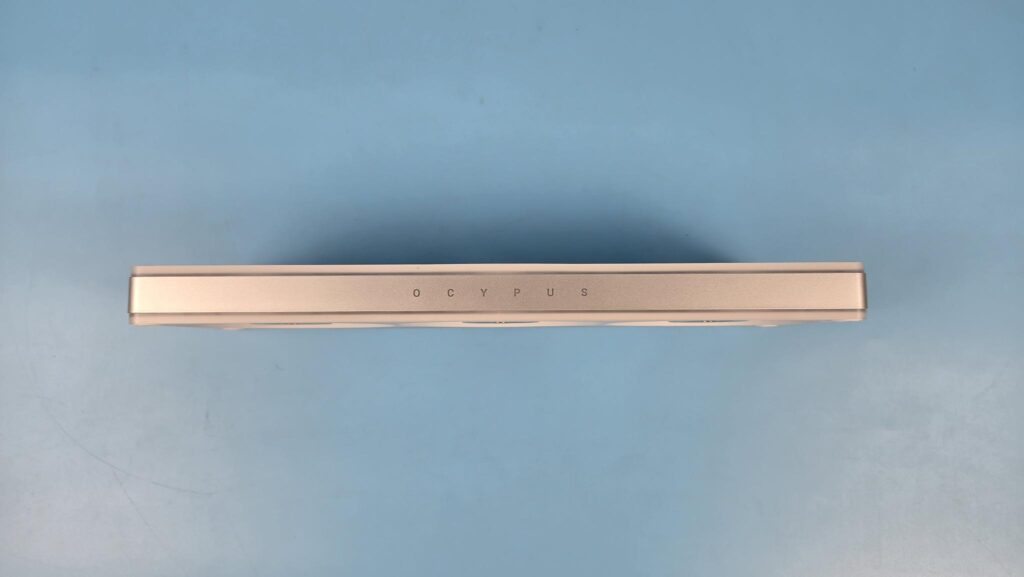
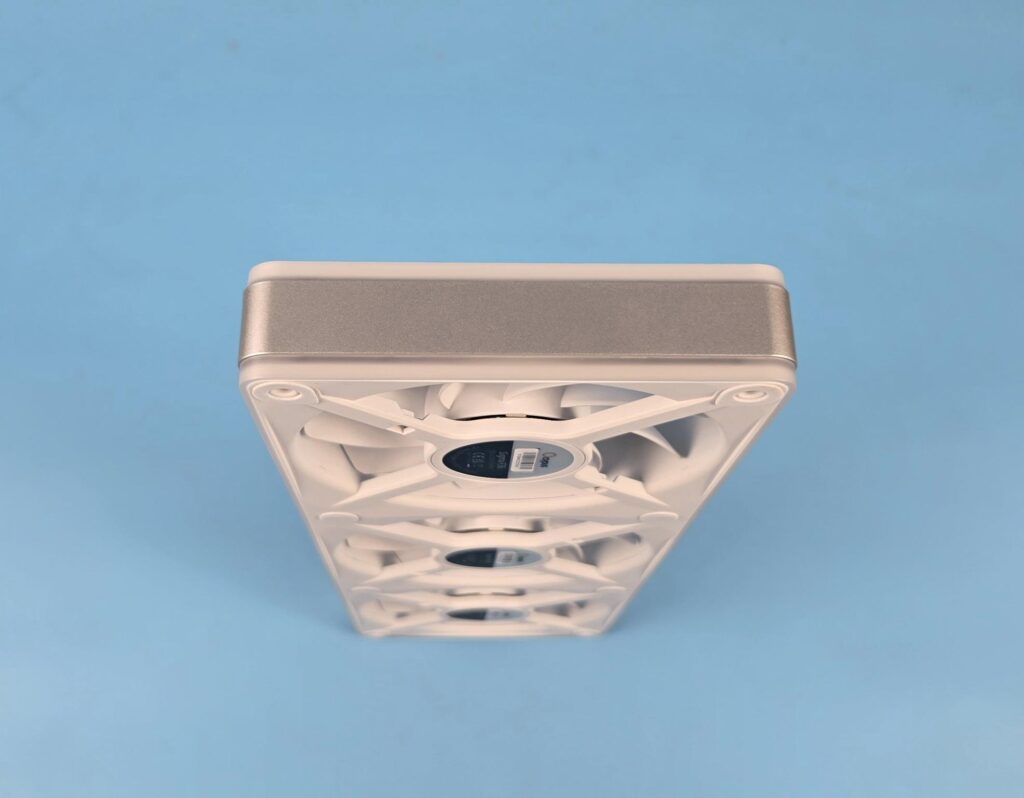
All sides of the frame have a silver-colored line frame with Ocypus branding in the middle. Both sides have Ocypus text inverted to each other so that it remains upright regardless of which direction you install the fans in.
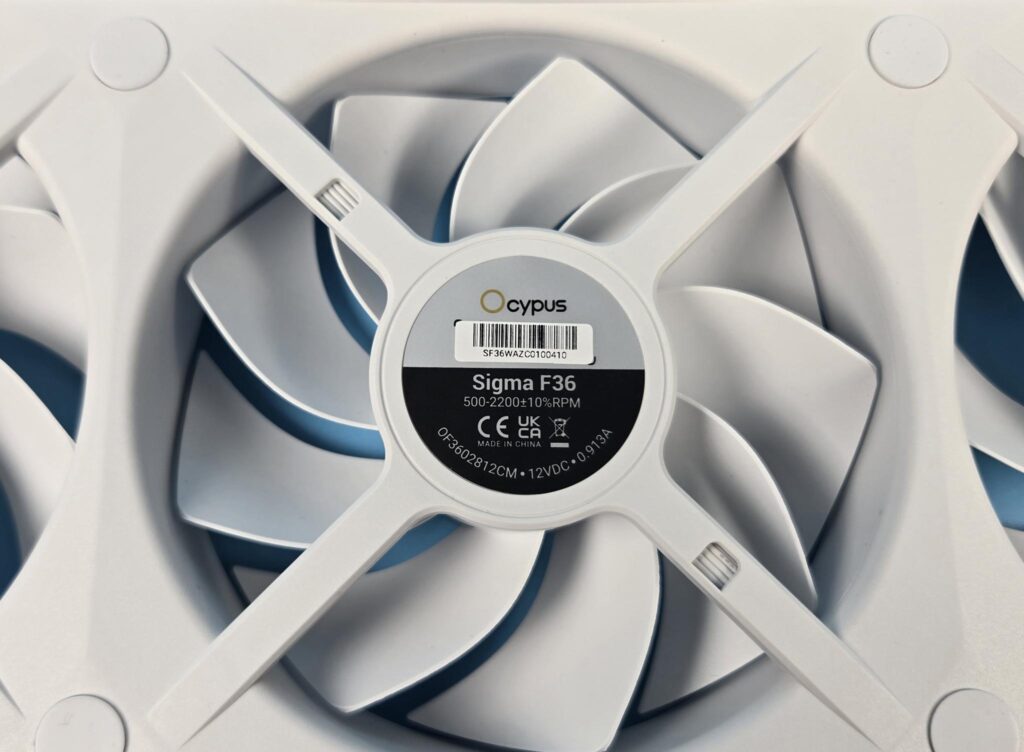
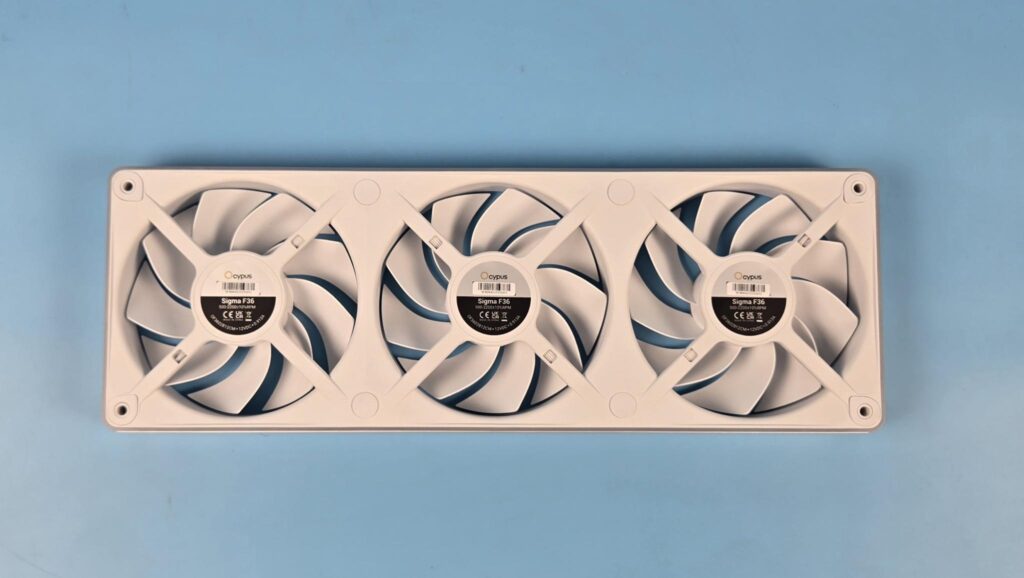
Looking at the backside of the assembly, you can see an X-shaped arm design on each fan. Looking closer, you can also spot the wires going under these arms. Since the connection of these fans is interlocked and it is all hidden under the housing or frame. The mounting holes also have anti-vibration pads here.
A label on the center of each fan shows a serial number along with the power rating of the fan. The fans are made in China. These fans use Fluid Dynamic Bearing. The power consumption of the fans with less ARGB is 10.956W. This means you can connect a single fan assembly to one fan header of your motherboard. However, connecting two F36 to a single fan header needs to be checked beforehand by the user. If the fan header is rated for 12W in total, don’t connect more than one F36 to that header. But if that header is rated for 24W, then you can connect two sets combined. Combined power draw of ARGB elements is 12W. You need to check the power rating of a single 3-pin, 5V ARGB header on your motherboard as well.
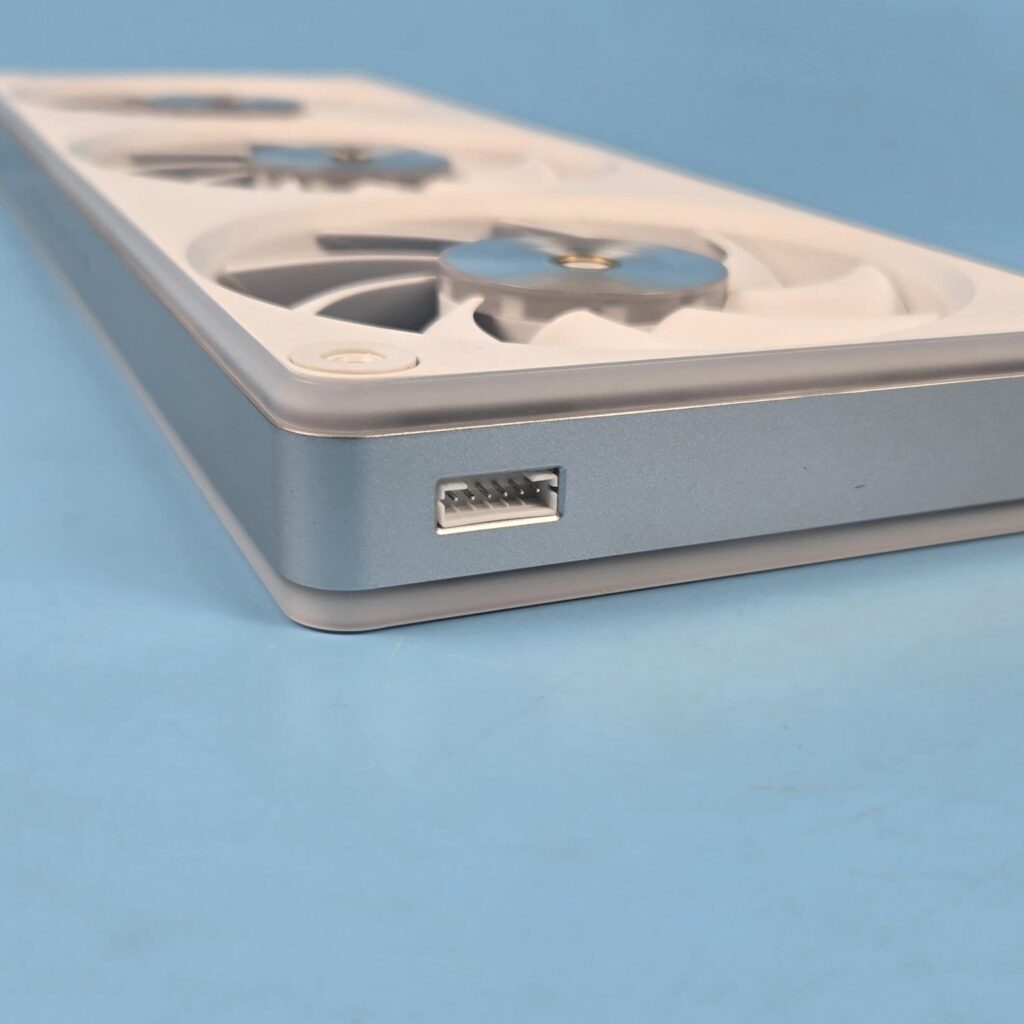
One side of the assembly has a 6-pin proprietary header to which the bundled power cable is attached. Since each set has a single header, this means that you can’t inter-connect two F36 for a single fan control.
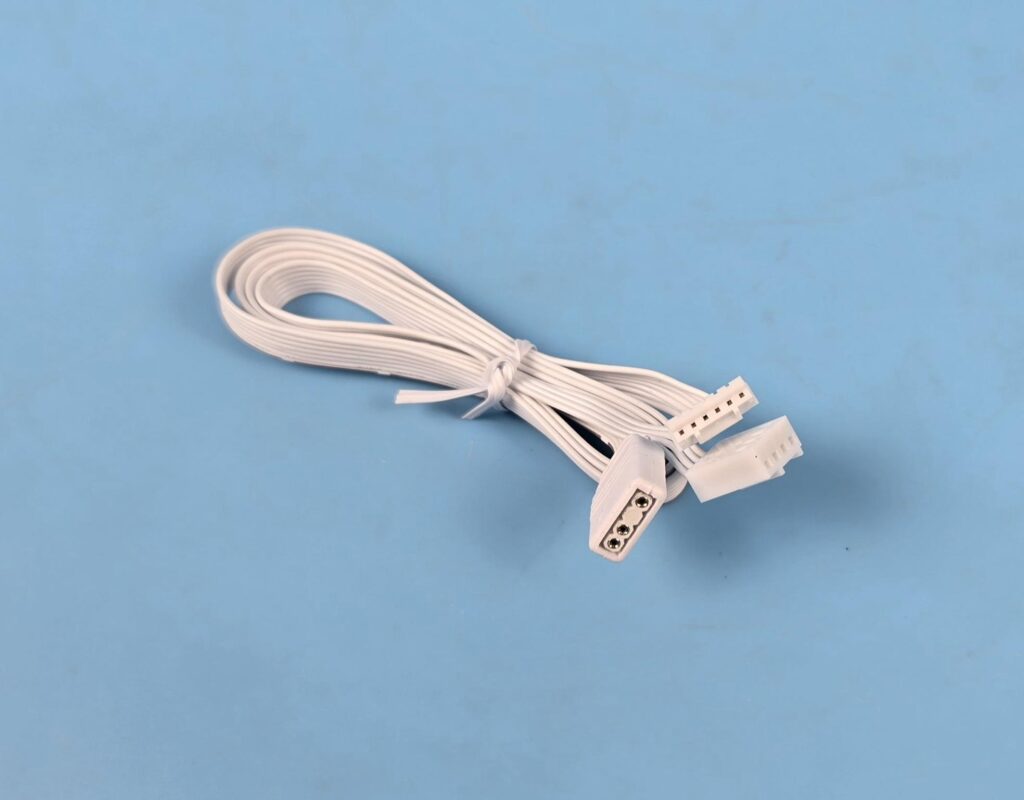
The power cable has a standard 4-pin PWM and 3-pin ARGB connectors. A 6-pin proprietary connector is to be connected to the fan assembly.

Ocypus has also provided a low-noise adapter cable. This reduces the speed resulting in a reduction of the overall airflow, static pressure, and, more importantly, the overall noise. I will come back to it in the test section.
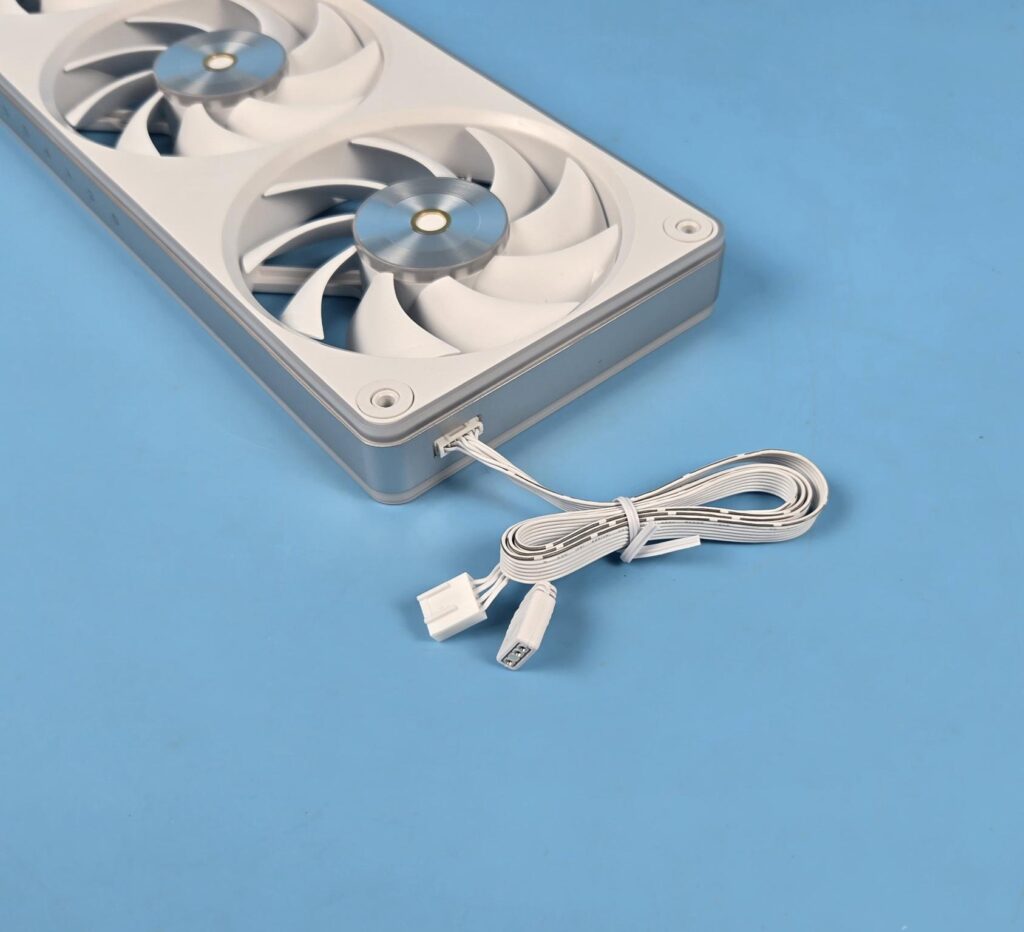
Setting up a unit is as simple as connecting a single cable and calling it a day.
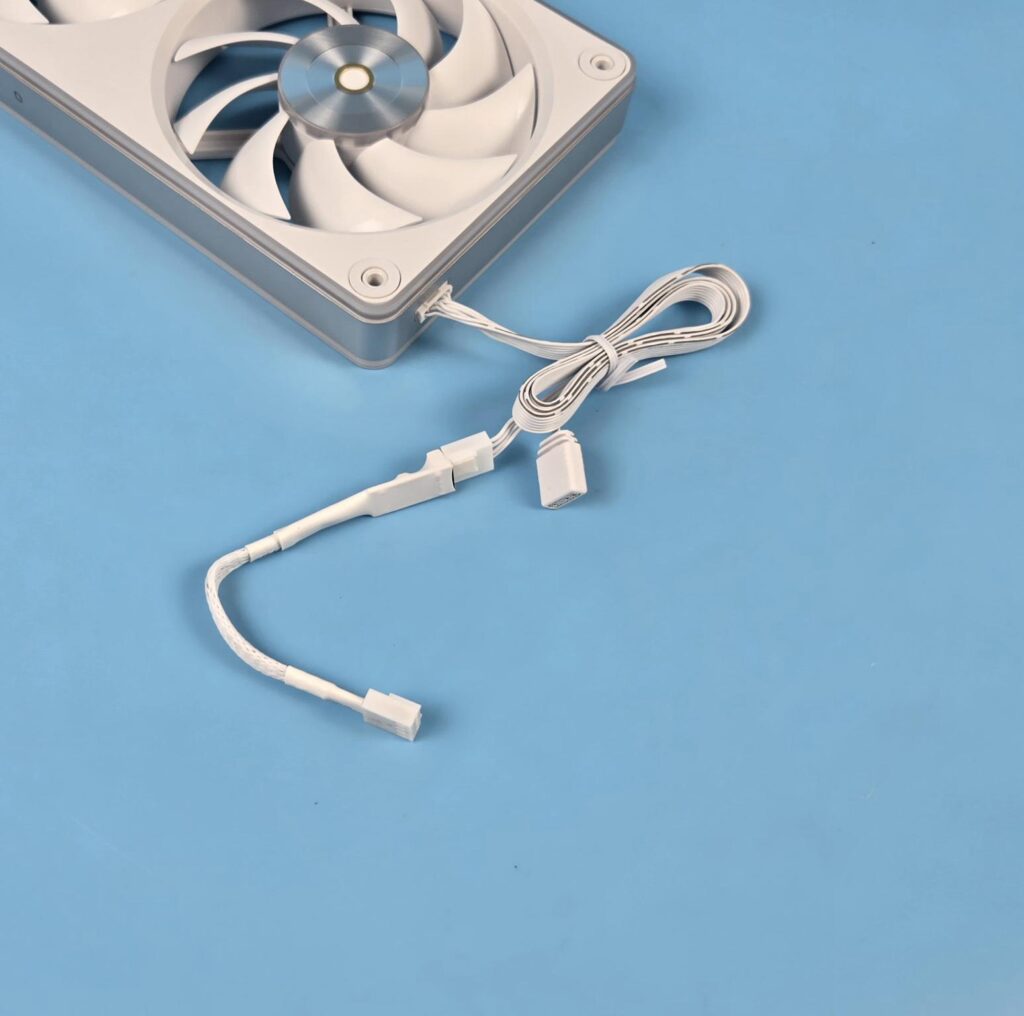
I am showing the low-noise adapter cable connection. This is optional.
A-RGB Lighting
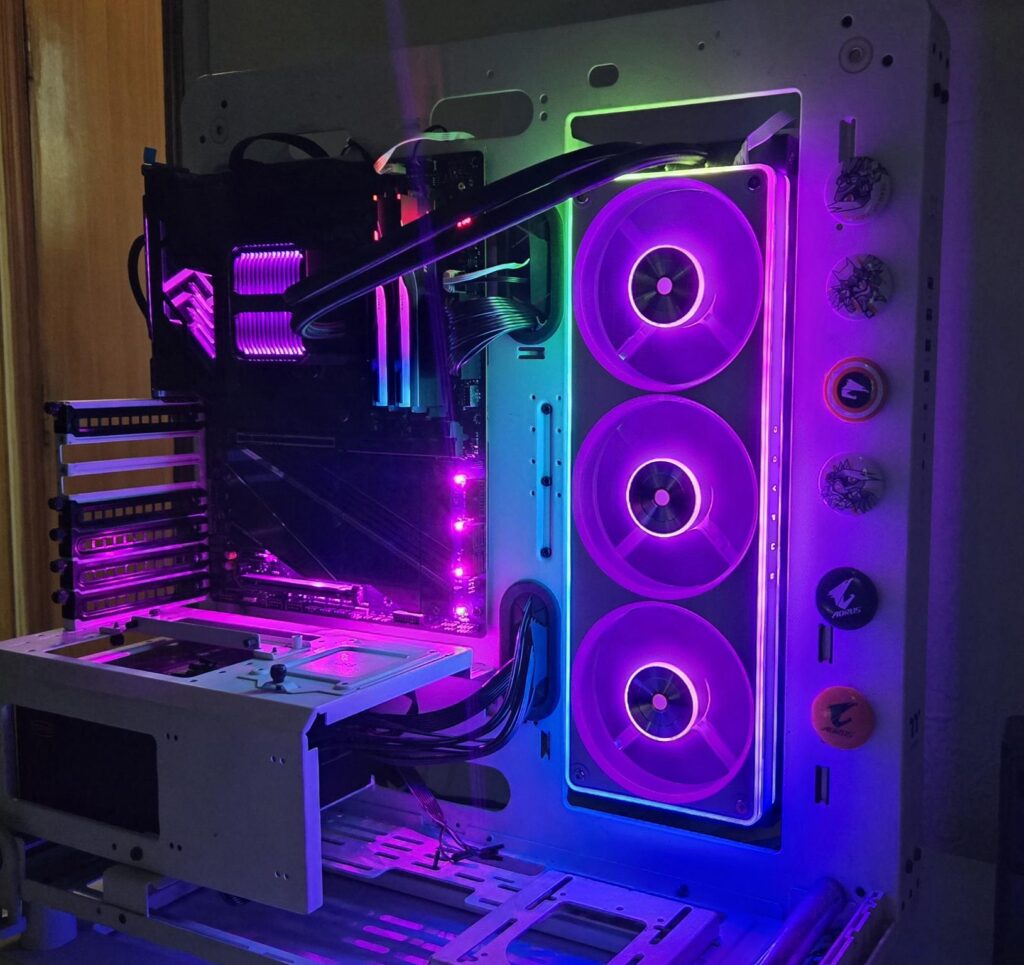
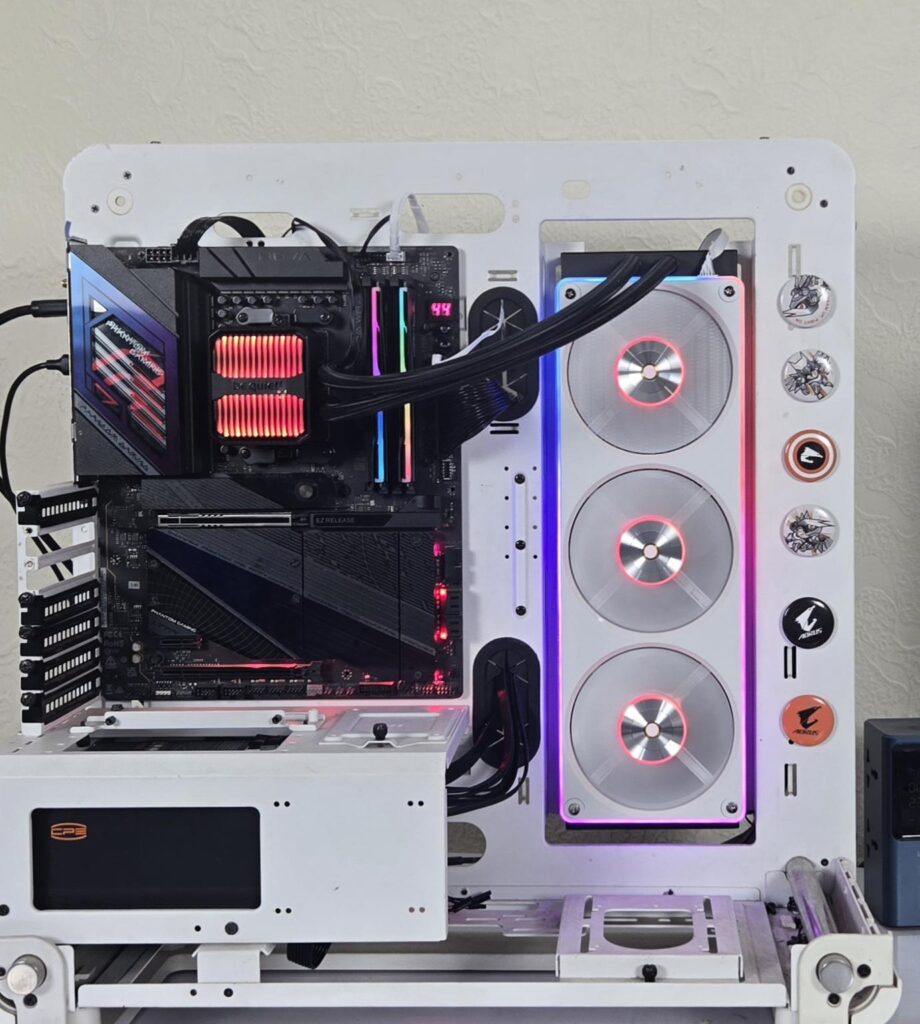
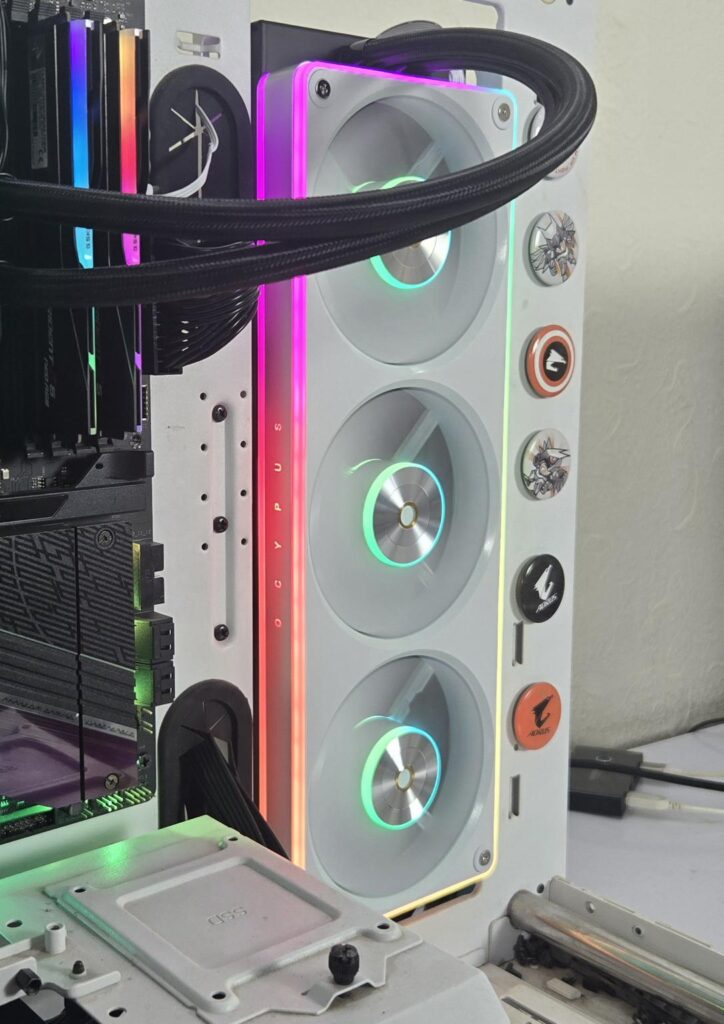
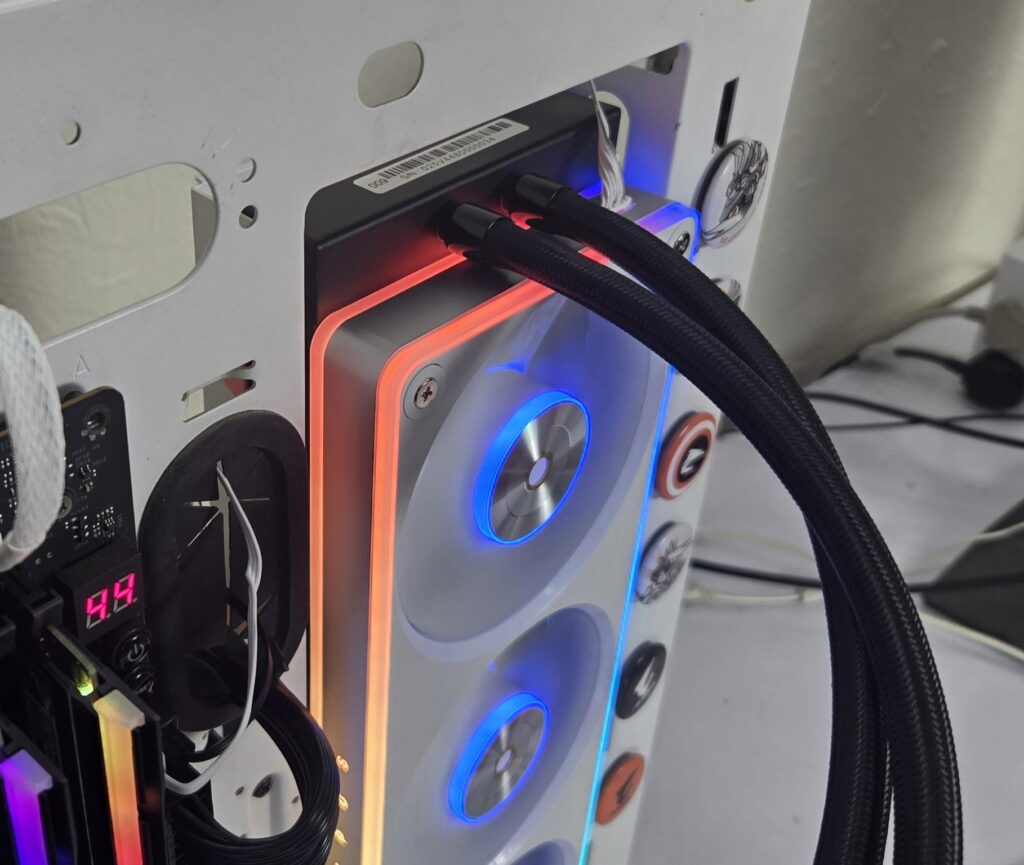
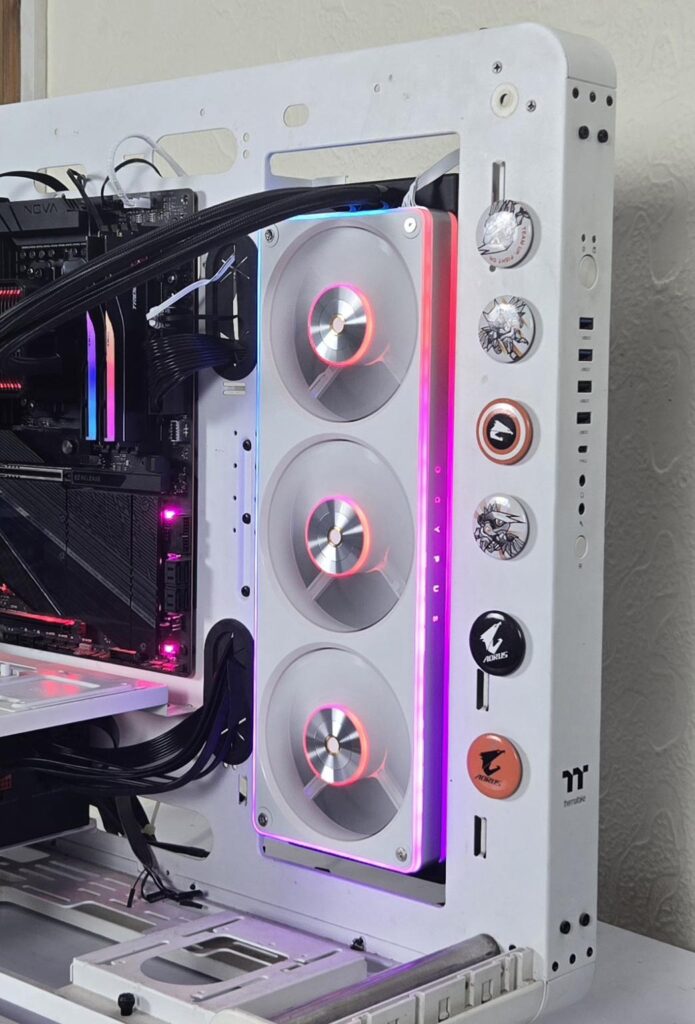
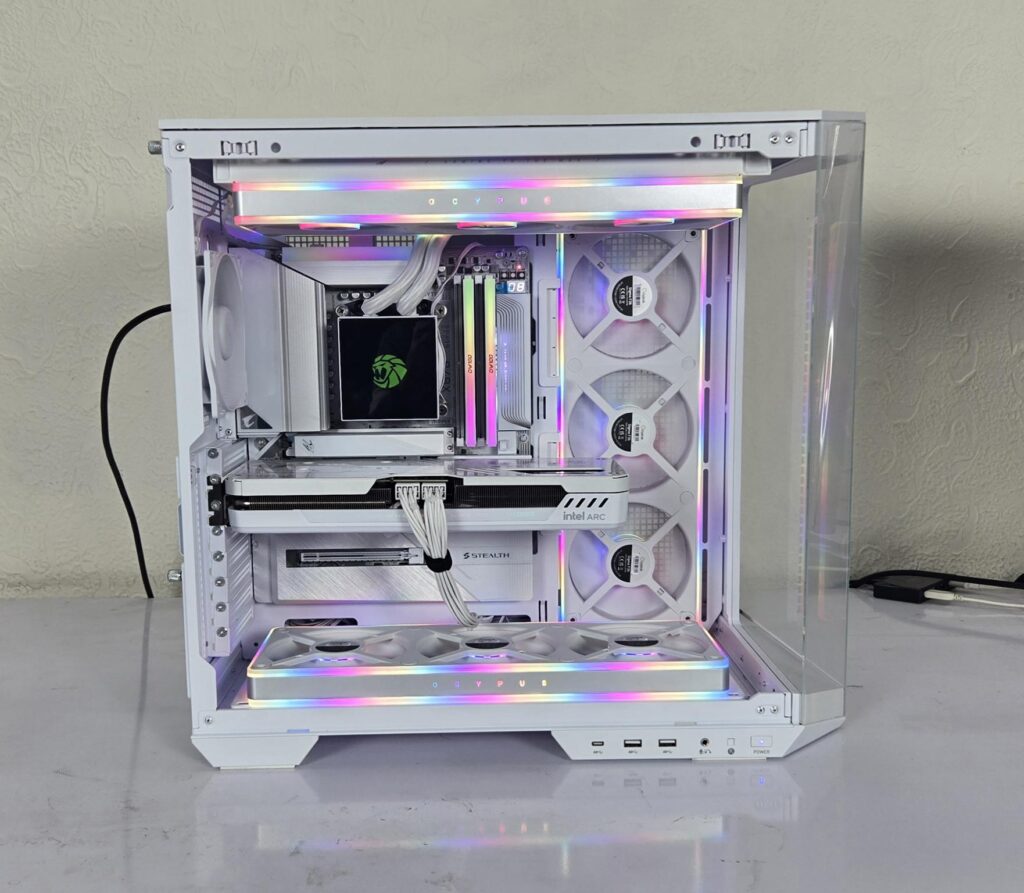
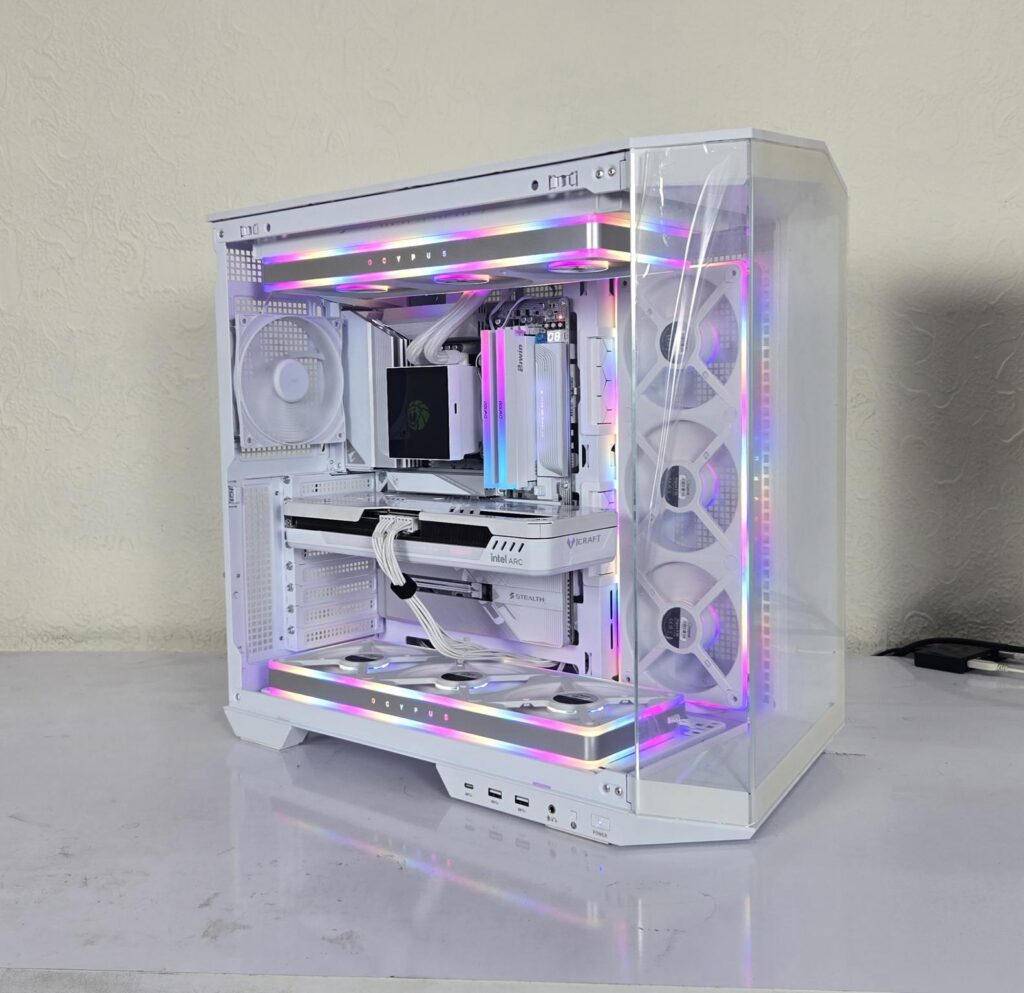
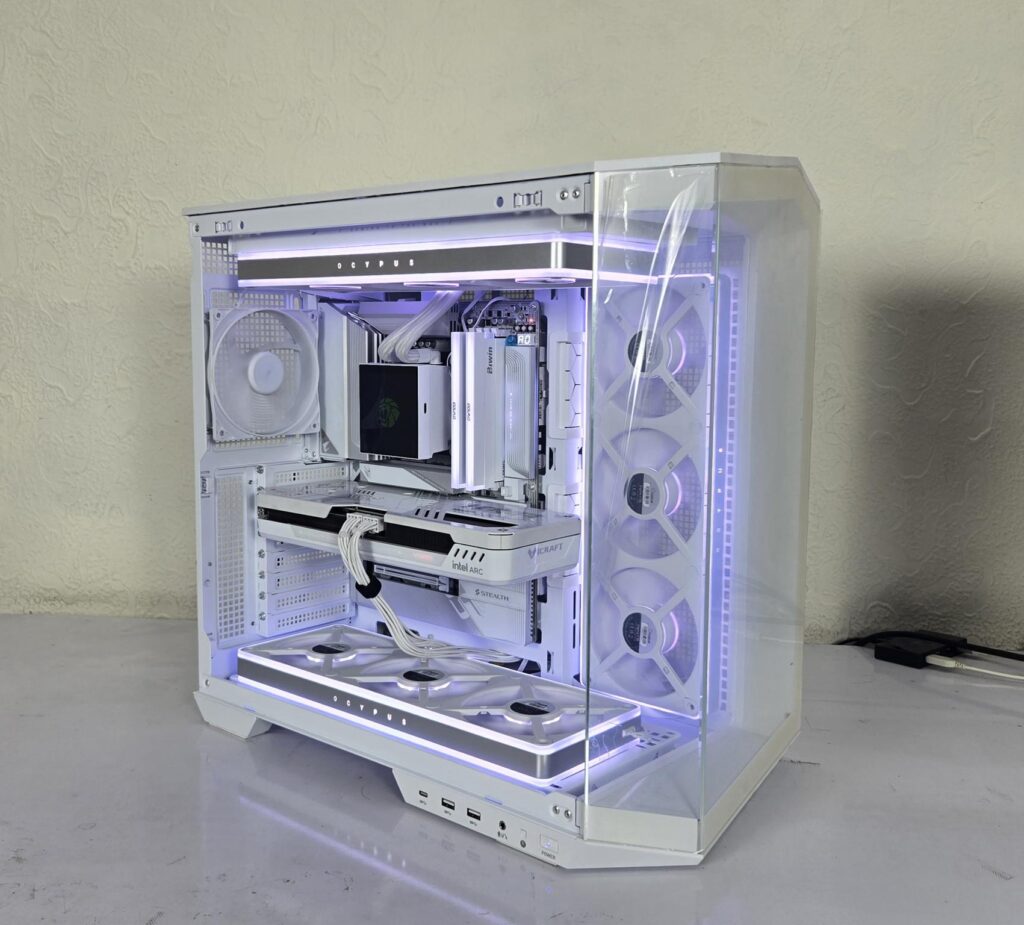
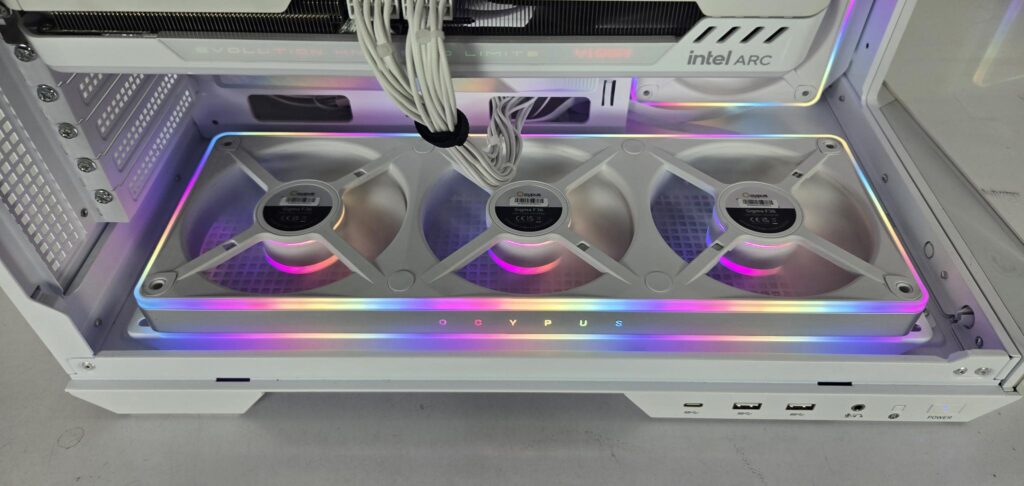
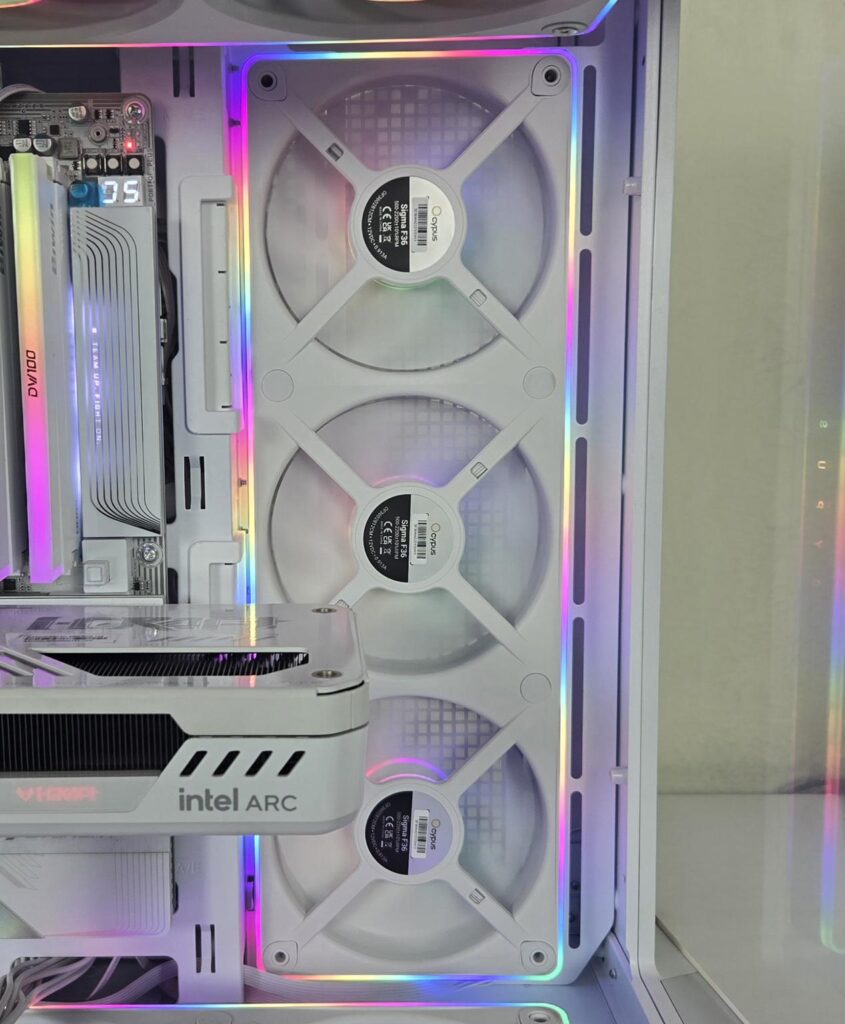
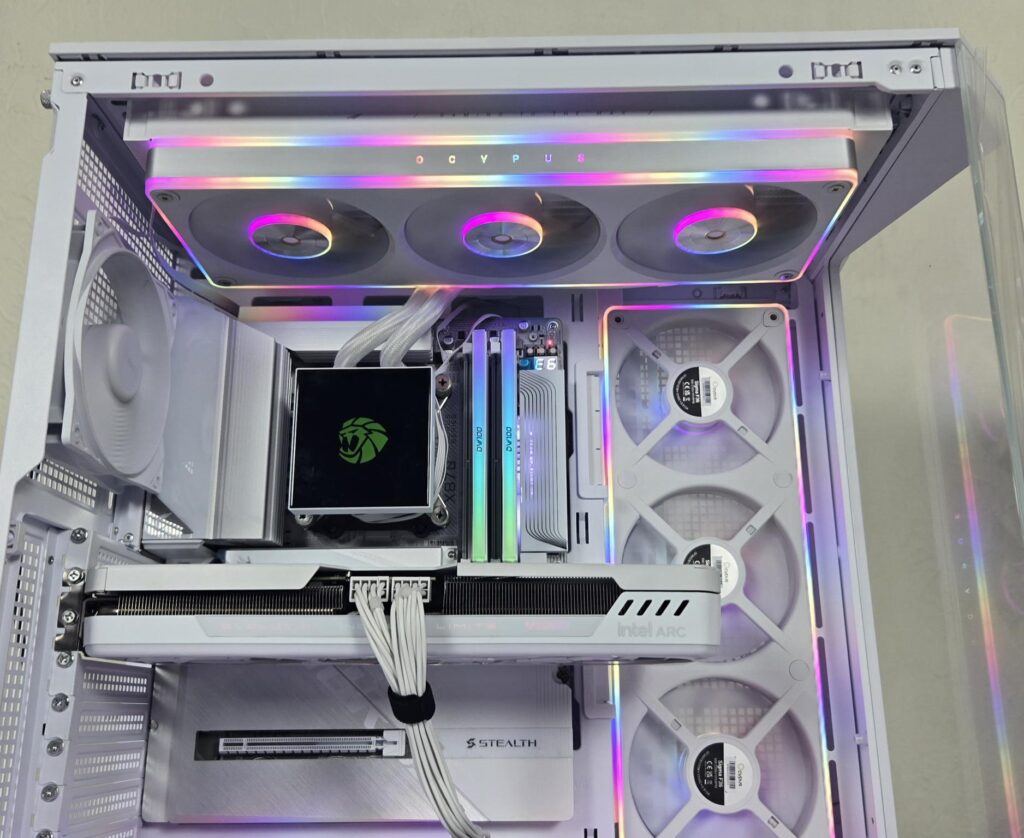
Since these fans use a standard 3-pin, 5V aRGB connector, they are compatible with the RGB Sync technology of motherboard manufacturers. I have used these on the GIGABYTE X870 AORUS Stealth ICE motherboard using the RGB Fusion 2 app. The fans were responding flawlessly to the changes in the lighting effects via the app.
Performance Testing
I have used two different systems for tests:
- Thermal Performance Evaluation on Liquid Cooler
- Thermal Performance as a Case Fan
The fans were operating at a rated fan speed of 2200 RPM without a low noise adapter cable, and they were operating above 1900RPM with the low noise adapter cable.
Noise
These fans are quite loud at their full speed. I recorded 46.9 dB(A) at their full speed, which is quite high. Using the low noise adapter cable, the noise level was near 43.1 dB(A). I would suggest using a custom fan curve or Auto PWM function so that they only ramp up under defined load to provide better acoustic.
Testing on Liquid Cooler
The following configuration is used for CPU Cooler thermal testing:
- AMD Ryzen 9 9900X [243W]
- ASRock X870E NOVA WiFi
- Be Quiet! Silent Loop 3 360
- Be Quiet! Silent Loop 3 420 for P14 Pro Reverse ARGB White
- GSkill TridentZ NEO RGB 32GB 6400MHz CL30 DDR5 kit
- ASRock Phantom Gaming RX 7600 Graphics Card for Display
- Biwin X570 Pro 4TB PCIe Gen5 NVMe SSD
- Fractal Design ION+2 860W Platinum PSU
- Thermaltake Core P6 TG Snow Edition in an open frame layout
Here is the settings table for testing:
| Settings | PBO Enabled [243W] |
| Clock (MHz) | Auto |
| Voltage (V) | Auto |
| Thermal Paste | Noctua NT-H2 |
| Thermal Paste Application | Dots Method |
| Test Run Time | 30 minutes |
| Idling Time | 10 minutes |
| All Fans Speed | 100% PWM Duty Cycle |
| Pump Speed | |
| Stress Software | CINEBENCH R23.2 |
| Monitoring Software | HWINFO64 |
I am reporting delta temperature in the graph because room temperature varies from 23.9°C to 25.2°C during the testing. The testing is done on an open air bench system. Once inside the chassis, the temperatures are expected to rise and would largely depend upon the optimal airflow inside the chassis.
Result
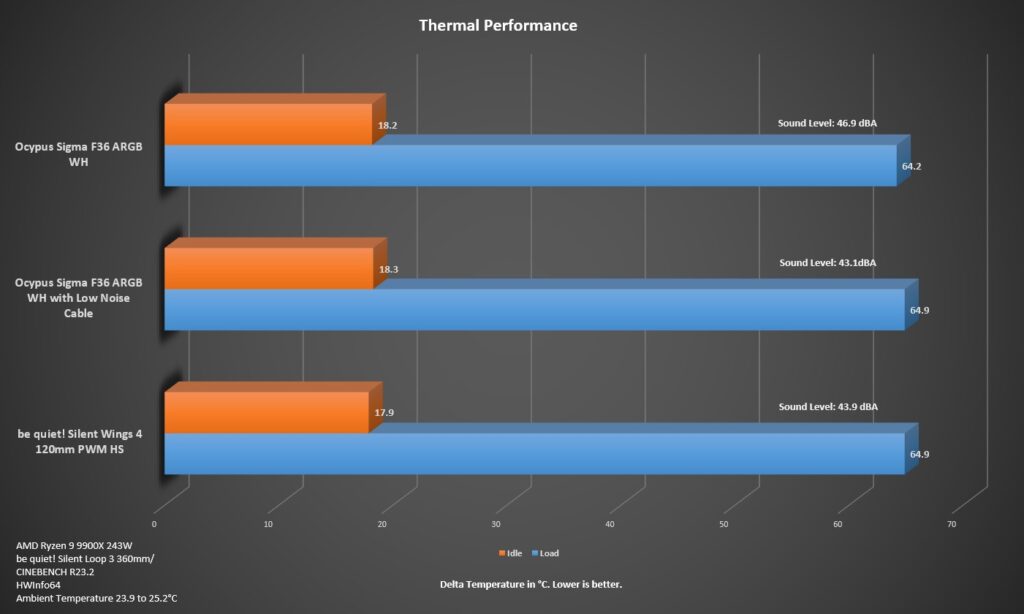
As you can see, there is not much of a difference between the OCYPUS Sigma F36 and the be quiet! Silent Wings 4 120mm PWM High-Speed fans, except for the noise, which favors the be quiet! fans out of the box. However, Sigma F36 fans have a very marginal gain in thermals.
Case Fan Testing
I have also tested these fans as air intake using the following configuration:
- AMD Ryzen 9 9900X
- Gigabyte X870 AORUS Stealth Ice
- Gamemax Glacier 360 White
- BiWin DW100 2x24GB 8000MHz CL38 White DDR5 kit
- Maxsun Arc B580 White Graphics Card
- Sabrent 1TB Rocket 4 Plus PCIe Gen4 NVMe SSD
- DeepCool PN1000M White PSU
- MSI MAG PANO 100L PZ
This case comes with no fan. My configuration is:
- CPU Liquid Cooler installed on top with fans throwing air out
- 1x Sigma F36 ARGB WH on side as intake
- 1x Sigma F36 ARGB WH on the bottom as intake
- 1x be quiet! non-RGB fan on the rear
I have tested the case without intake fans first and then repeated the tests with Sigma F36 ARGB WH fans installed.
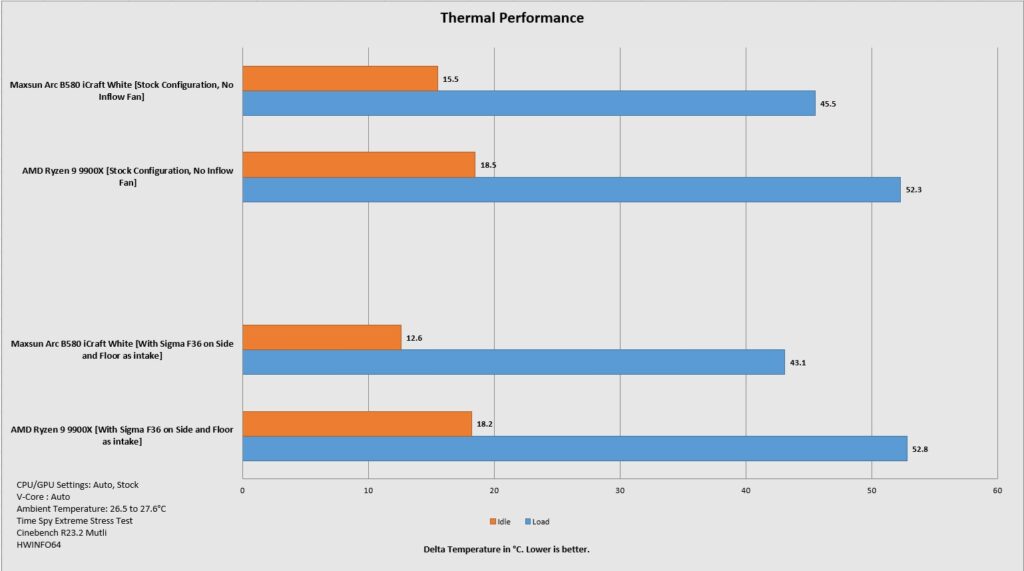
It is apparent that with the given airflow schematic using Sigma F36 ARGB WH fans, it favors the graphics card thermals only. We hardly saw any improvement in the CPU temps.
Conclusion
I have tested Sigma F36 ARGB WH fans from Ocypus. These are new fans set to be released soon in the market, which is why we don’t have the pricing data. The idea behind these fans is to provide a seamless integrated fan in a single assembly in 240mm and 360mm sizes and in white and black colors.
The Sigma F36 ARGB WH has a dimension of 365x125x28mm (LxWxH). These have more width compared to the standard 120mm width on the majority of 120mm fans. The height of the assembly is 28mm as well. These fans are suitable for radiator use and case ventilation.
They feature an All-in-one fan design for a cleaner look and easier installation. Speaking of installation, each assembly requires only four screws for the installation. Ocypus has provided radiator and fan screws. The radiator screws are adjusted to 28mm height of the fan assembly.
Another key feature is a brilliant ARGB lighting effect on the assembly, which comes from a radiator floating fan hub and full-perimeter frame light bar. The looks on these fans are quite spectacular and one of a kind.
The three fans have a combined power draw of 10.956W, less the ARGB LEDs. These LEDs are rated at 12W. You may want to check the power rating of your motherboard’s fan and 3-pin, 5V ARGB headers. These fans are rated for up to 2200±10% RPM speed, generating 82.5 CFM airflow at 3.1 mmH₂O static pressure. The sound level is rated at ≤36 dB(A). Using the low noise adapter, the speed is up to 1900±10% RPM, generating airflow of 70 CFM with a static pressure of 2.4 mmH2O and noise level of ≤32 dB(A).
Each fan features 9x blades or impellers. These fans use an FDB bearing, ensuring quiet operation and extended lifespan. I have tested these fans on a liquid cooler (be quiet! Silent Loop 3 360) and made a direct comparison with the be quiet! Silent Wings 4 120/140mm High-Speed PWM fans. The Sigma F36 ARGB WH performs similarly to Silent Wings 4 120mm HS PWM fans, but at the cost of high noise output. Using the low-noise adapter cable helps reduce the overall noise level but without compromising the performance level as such.
Then these fans were put to the test in the case ventilation inside the MSI MAG PANO 100L PZ WH, where they were installed on the side and base of the case as air intake. They were also used on the liquid cooler. They resulted in a good temperature drop for the graphics card.
These fans carry a 3-year warranty and offer form and function at a time, albeit a high noise output, which may kill the purpose of these fans, but luckily, the low noise adapter cable comes to the aid and provides adequate noise output without affecting the overall thermal performance.
Pros
- Thermal Performance
- Seamless Integrated Design
- Inter-locked fans under the main frame
- Fluid Dynamic Bearings
- 3-Year Warranty
- ARGB Lighting
- Standard Connectors
- Low Noise Adapter
- Radiator Cooling
- Case Ventilation
Cons
- Fans are loud at full speed